
Surreal Cinematic Digital Illustration Prompt
A complex prompt for transforming an uploaded image into a high-impact, surreal digital illustration of an Eastern European man.
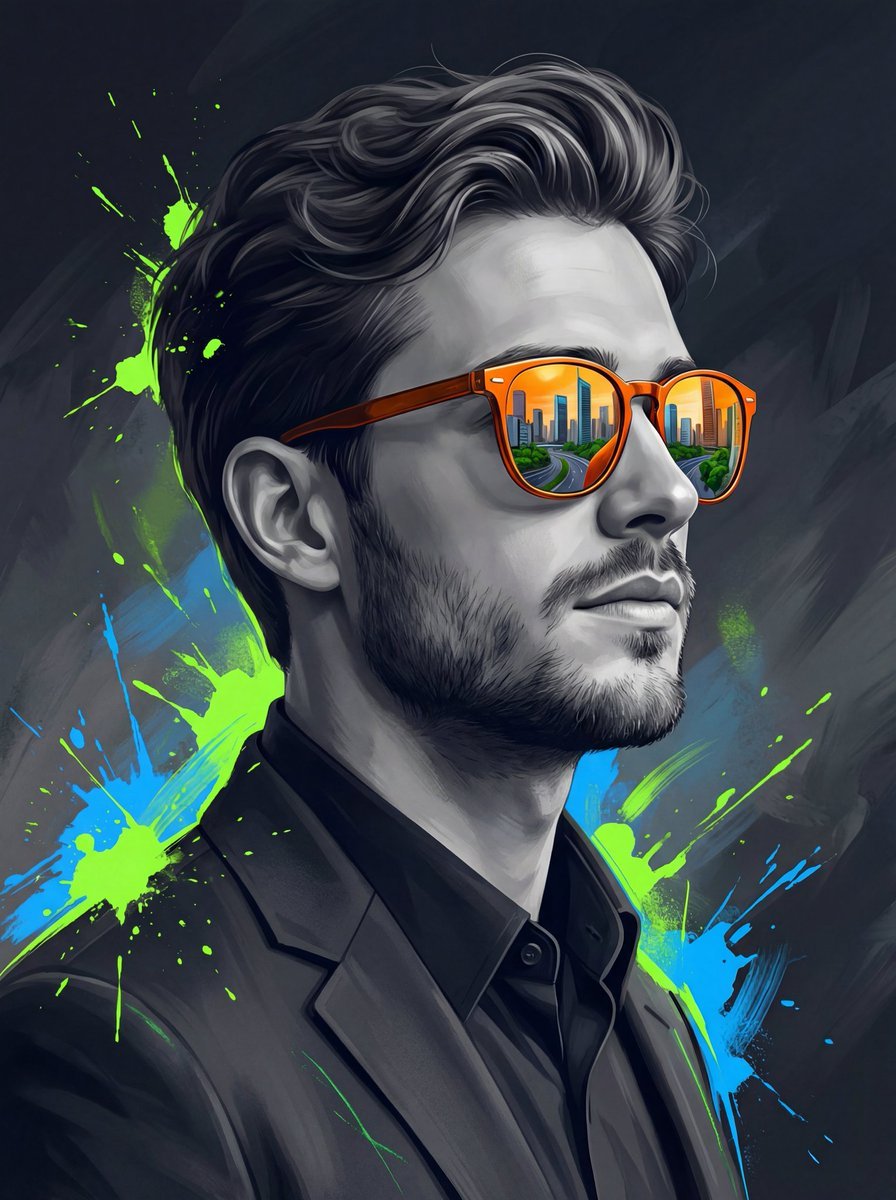
- Prompt included
- Model and format preset
- Free template
The prompt behind this image
Copy the exact prompt behind Surreal Cinematic Digital Illustration Prompt, or open it in the studio and make it yours.
Transform the uploaded image into a high-impact digital illustration using the image as a strict facial reference. Face Match (Strict): Face match must remain 100% exact — identical facial structure, proportions, jawline, cheekbones, nose shape, lips, beard density(if available in reference image) and trim, skin texture, hairline, hairstyle, and overall identity. Do not beautify, stylize, or alter facial features. Subject & Pose: A young Eastern European man is shown in a clean side-profile pose (not extreme profile), facing toward the right side of the frame. His head is slightly raised, chin gently lifted, conveying confidence, ambition, and forward vision. Expression is calm and self-assured. Clothing & Styling: The subject wears formal, modern clothing — a tailored dark blazer over a crisp shirt, minimal and elegant, reinforcing a professional and ambitious persona. No distracting accessories. Key Visual Element: He wears bold orange reflective sunglasses as the focal point. The lenses reflect a detailed modern cityscape with skyscrapers, urban roads, and green trees, symbolizing vision, ambition, and future goals. Color & Illustration Style: The face and clothing are rendered in muted grayscale tones, with realistic texture translated into a refined digital illustration style. Surrounding the subject are expressive abstract paint strokes and splashes in neon green and electric blue, adding energy and contrast without covering facial details. Background & Lighting: The background is dark and dramatic, layered with deep grey tones, subtle texture, and painterly motion. Cinematic lighting creates strong subject separation, clean highlights, and controlled shadows. Overall Aesthetic: Modern, cinematic, surreal digital illustration with a 2/3 photoreal-illustration balance and 1/3 abstract expression, poster-quality, high contrast, premium look. Aspect Ratio: 4:5
How to use Surreal Cinematic Digital Illustration Prompt in 3 steps
- 1Upload ImagePNG, JPG or paste
Add your photo
Upload the photo the template builds on. The prompt, model and format are already set.
- 2…a portrait of your subject in softgolden-hour light, 85mm…
Personalize
Edit the subject and creative details for your destination.
- 3Generate
Generate
Press Generate — your image is created in PicX Studio, so you can compare it with the original and refine one variable at a time.
More like this
Templates with the same subject, style or setup. Open one to see its prompt.

Surreal Cat Astronaut — Humanoid Face Freefall

Bold Red Contrast Fashion Editorial Newspaper Room

Stylized Fashion Portrait Bold Color Contrast Editorial

Quiet Minimalist Anime Style Guide

Real Illustration Split Portrait Transition
Quiet Minimalist Anime Style Guide

Watercolor Café Cheesecake Editorial Illustration
Real Illustration Split Portrait Transition

Bold Side Profile Superhero Poster

Hero Portrait Comic Multi-Panel Poster

Spider-Verse Painterly Portrait Poster

Captain Tsubasa Anime World Cup Poster
Make it yours
Surreal Cinematic Digital Illustration Prompt works as-is. These are the safest ways to change it without losing the look.
Change one field
Copy a single group, rewrite it, and generate again so you can see what that field is doing.
Keep the frame, change the subject
Hold the composition and light of Surreal Cinematic Digital Illustration Prompt, then swap wardrobe, props or the person for a new take.
| If the result… | Why | Fix |
|---|---|---|
| The result drifts from the preview | Too many fields changed at once. | Reuse Surreal Cinematic Digital Illustration Prompt as-is first, then change one group — subject, light, or setting. |
| The model over-stylizes the scene | The prose prompt leaves finish and camera underspecified. | Add one camera or lighting sentence and stay on Nano Banana 2. |
More Nano Banana 2 templates
Other prompts made for Nano Banana 2.

Photorealistic Leaf Shaped Like a Dragon

K-Pop Idol Portrait Grid for Rapid Selection

Poetic Rain Forest Portrait During Golden Hour

Urban Street Portrait with Cartoon Inner Self Duo

Candid Nighttime Photo with Cat Prompt

High-Concept 3D Diorama Generation Prompt

Cinematic Futuristic Studio Portrait Template

Skincare Editorial Photography Collage Prompt

Hyper-Realistic Commercial Product Photography (Splash Effect)

Hyper-Realistic Nightclub Portrait Prompt
More image prompts
Fresh picks from across the catalog.

Minimalist Equestrian Luxury Wallpaper
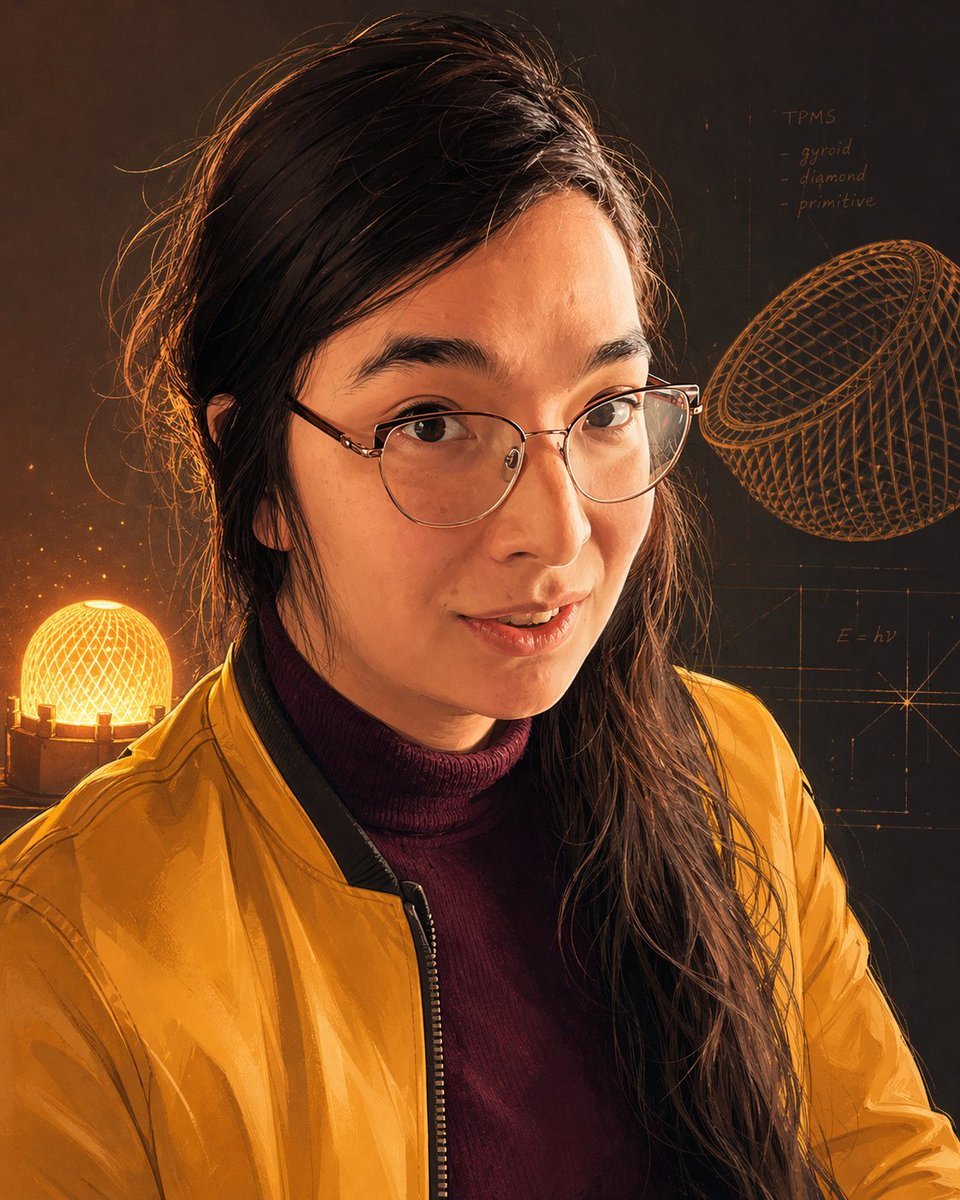
Inventor Portrait Memory Map
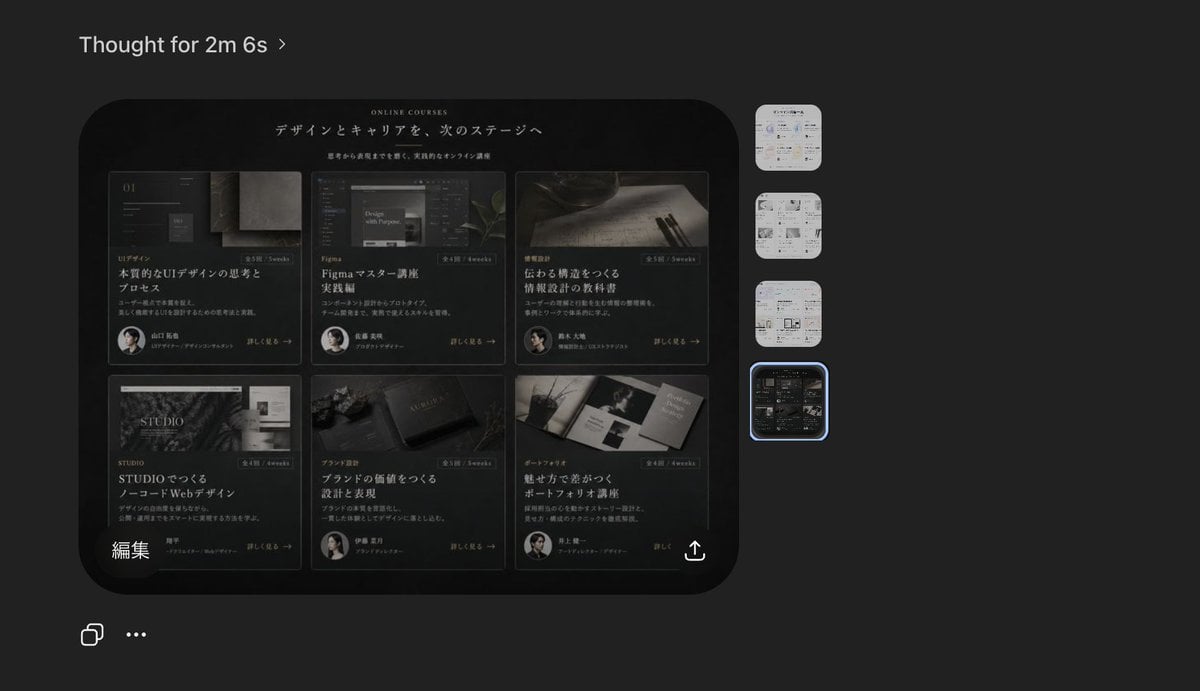
Dark AI Viewer with Course Website Preview
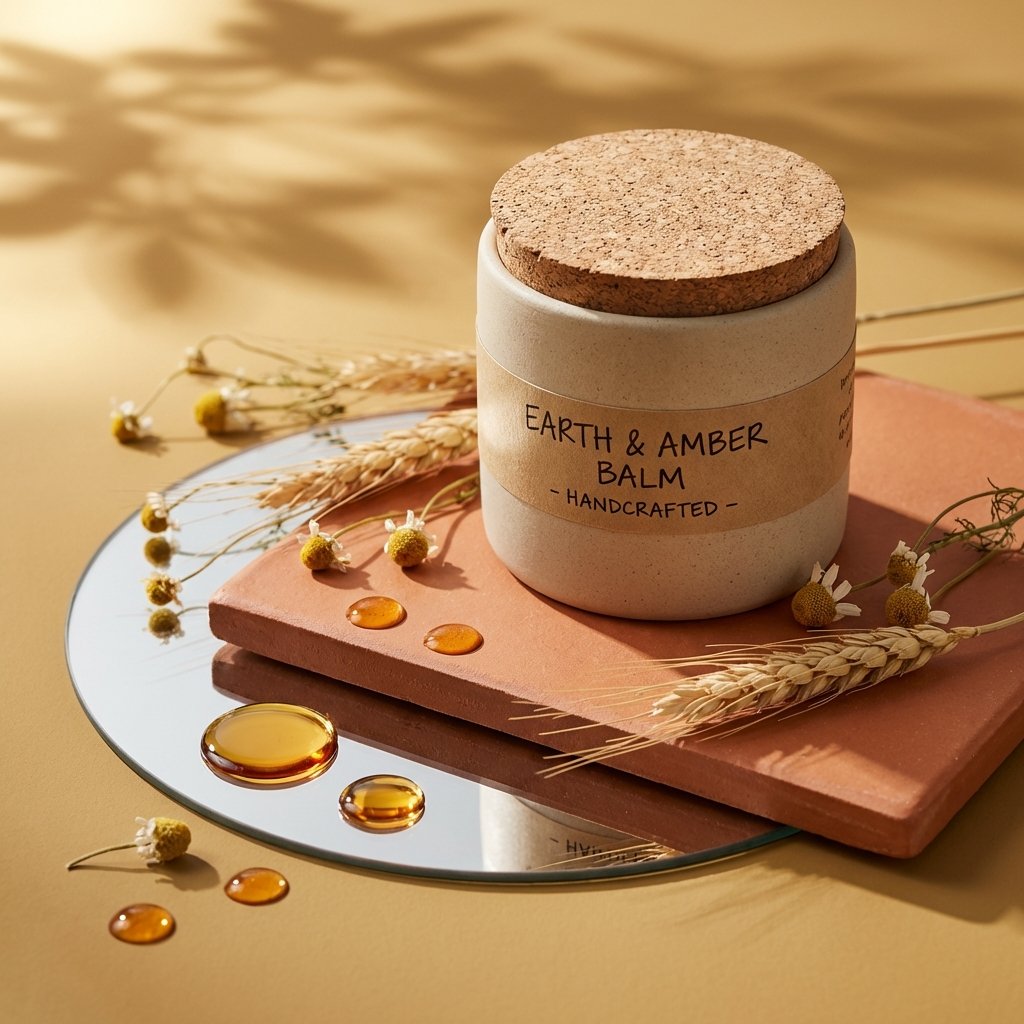
Luxury Skincare Product Photography
Image Upload Prompt Placeholder
Sunny Friend Manga Page
Fantasy Japanese Kakigori Design
Heatblast Ben 10 Streetwear Portrait
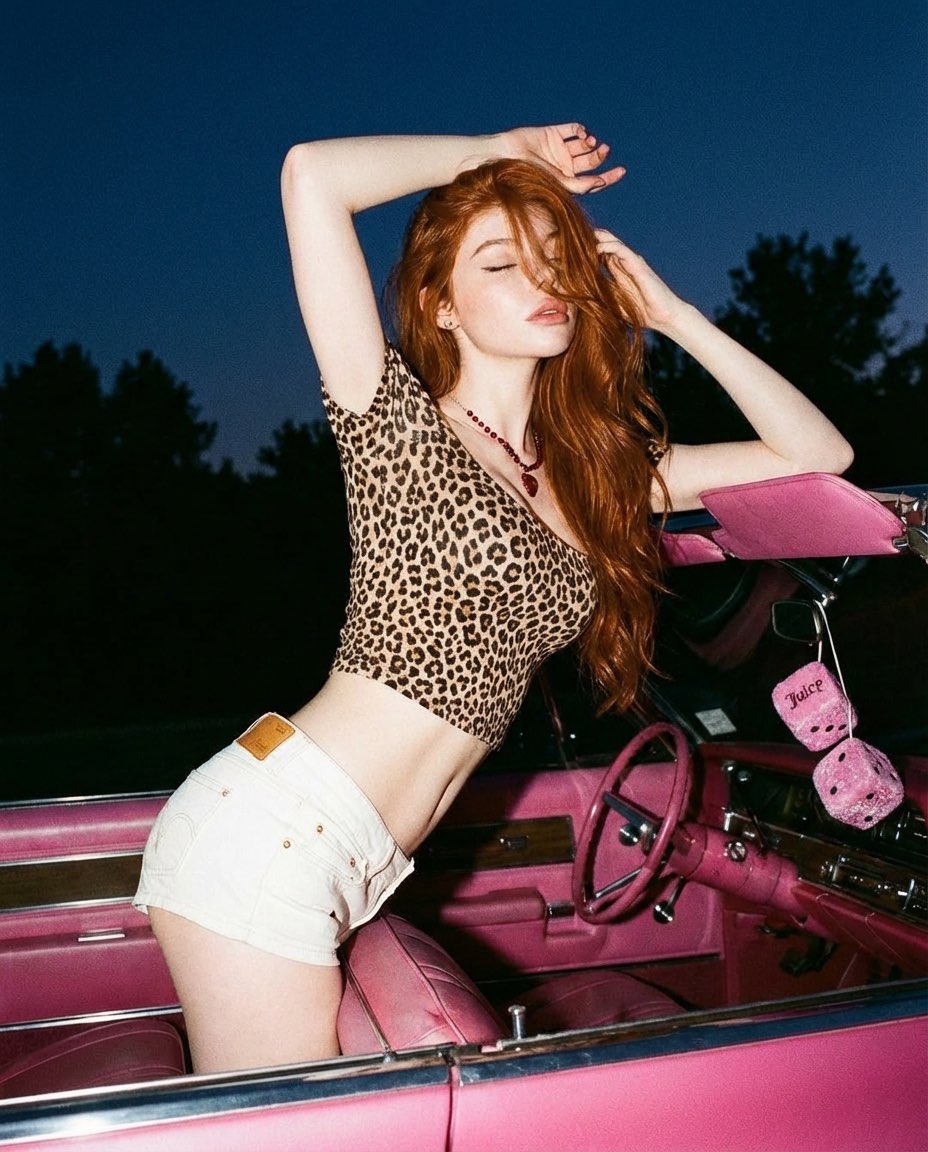
Y2K Retro Glamour Photoshoot
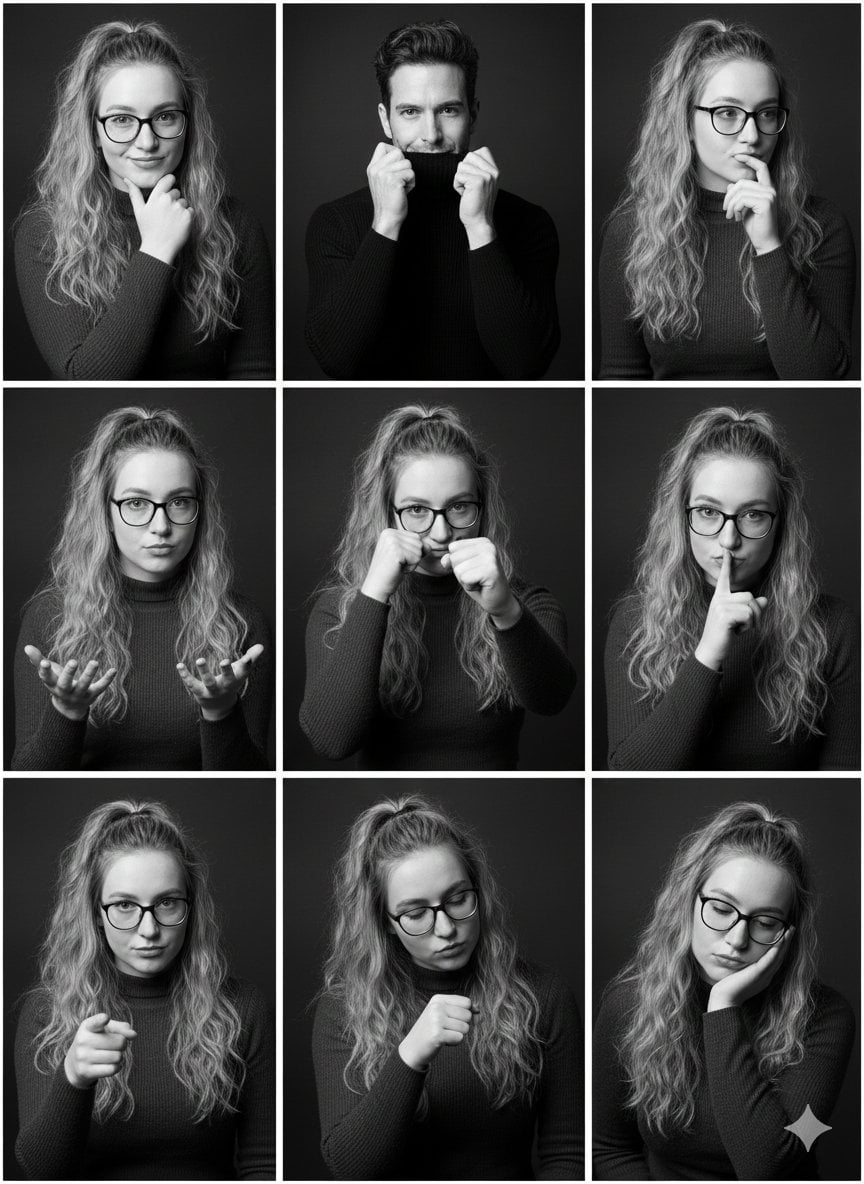
Black and White Studio Portrait Collage (3x3 Grid)
Browse template categories
Surreal Cinematic Digital Illustration Prompt questions
How do I use the Surreal Cinematic Digital Illustration Prompt template?
Add your photo if the template asks for one, edit the prompt if you like — the template's model and format are already selected — and press Generate. Your version opens in PicX Studio.
Can I customize the Surreal Cinematic Digital Illustration Prompt template?
Yes. You can change the subject, setting, lighting, mood, format, and available model controls before creating your image.
Is the Surreal Cinematic Digital Illustration Prompt template free?
Opening and editing this template is free. Generating uses credits, shown on the Generate button when you are signed in.
Which AI model should I use?
Start with Nano Banana 2, which is the model associated with this template. You can compare another compatible model for a different finish.
Looking for something else? Browse all templates.

Your photo, any look
Thousands of ready templates for every top image and video model, from one credit balance.