
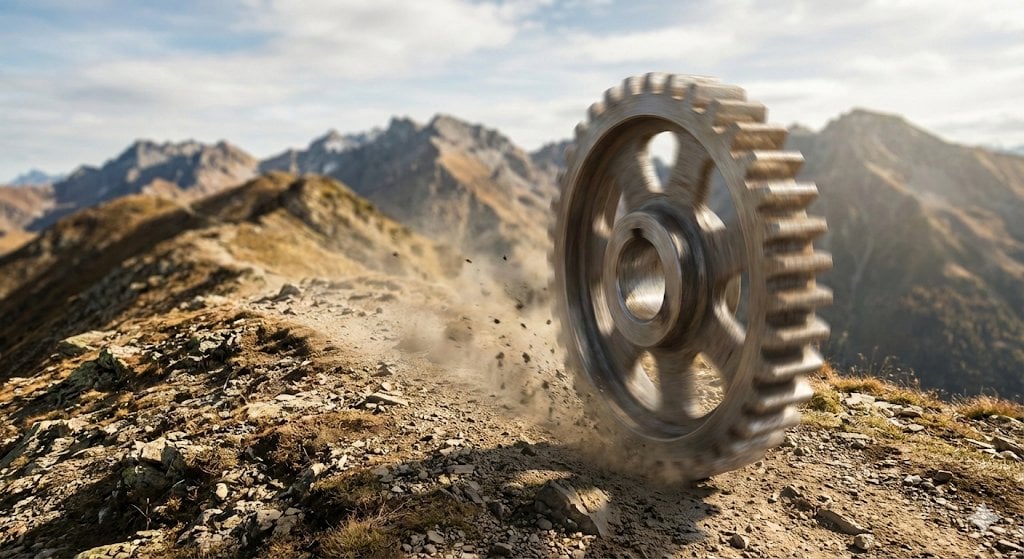
Rolling Steel Gear on Mountain Ridge
This prompt generates a cinematic photoreal image of a giant industrial gear speeding across a rugged alpine trail, ideal for surreal concept art or dramatic visual metaphors.
- Prompt included
- Model and format preset
- Free template
The prompt behind this image
Copy the exact prompt behind Rolling Steel Gear on Mountain Ridge, or open it in the studio and make it yours.
A cinematic photorealistic action shot of a single large steel gear rolling fast along a narrow rocky mountain ridge, captured at ground level with the gear dominating the right side of the frame. The gear is industrial, metallic, weathered, and heavy, with thick teeth, a circular hub, and visible inner spokes, rendered with realistic brushed steel reflections and slight wear. Show strong motion blur on the spinning gear while the terrain remains mostly sharp, with dust, pebbles, and debris exploding outward from the contact point as it bounces over the dirt trail. The landscape is a dramatic alpine range with jagged peaks stretching across the background, dry grass patches, loose stones, and uneven earth in the foreground. Use warm late-afternoon sunlight, natural earthy colors, shallow atmospheric haze over the mountains, and a wide cinematic aspect ratio. Emphasize speed, weight, impact, and absurd realism, as if a giant machine part were racing through a remote wilderness. No people, no vehicles, no buildings, no text.
How to use Rolling Steel Gear on Mountain Ridge in 3 steps
- 1Upload ImagePNG, JPG or paste
Add your photo
Upload the photo the template builds on. The prompt, model and format are already set.
- 2…a portrait of your subject in softgolden-hour light, 85mm…
Personalize
Edit the subject and creative details for your destination.
- 3Generate
Generate
Press Generate — your image is created in PicX Studio, so you can compare it with the original and refine one variable at a time.
More like this
Templates with the same subject, style or setup. Open one to see its prompt.

Teen Girl Alpine Lake Mountain View

Mountain Lake Sunset Landscape

Premium Vintage Travel Poster Landscape
Misty Mountain Ridge Portrait
Moody Cinematic Portrait on Snowy Mountain Ridge
Giant Steel Zipper Sky Ad
Airport Ready Cooling Gear Critic

Anime Steel Dream Cover
Cat-Eared Adventurer Gear Maintenance
Planetary Gear Unit Blueprint
Anime Rock Guitarist on Railway Bridge
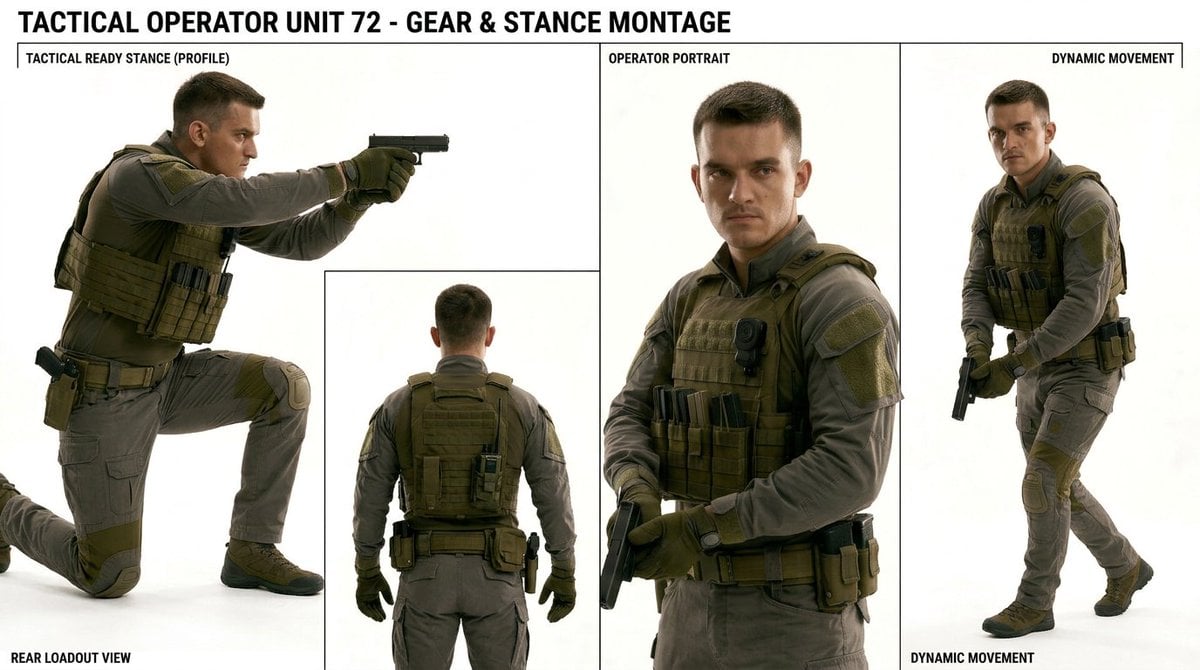
Tactical Operator Gear Montage
Make it yours
Rolling Steel Gear on Mountain Ridge works as-is. These are the safest ways to change it without losing the look.
Change one field
Copy a single group, rewrite it, and generate again so you can see what that field is doing.
Keep the frame, change the subject
Hold the composition and light of Rolling Steel Gear on Mountain Ridge, then swap wardrobe, props or the person for a new take.
| If the result… | Why | Fix |
|---|---|---|
| The result drifts from the preview | Too many fields changed at once. | Reuse Rolling Steel Gear on Mountain Ridge as-is first, then change one group — subject, light, or setting. |
| The model over-stylizes the scene | The prose prompt leaves finish and camera underspecified. | Add one camera or lighting sentence and stay on GPT Image 2. |
More GPT Image 2 templates
Other prompts made for GPT Image 2.

Six VTuber Japanese Logo Sheet

Realistic Portrait of Woman and Deer

The Vista Modular Condo Poster

AI Model Routing Comparison Infographic

2.5D Anime Art Board

Isometric Productivity Desk Scene

New York Double Exposure Poster

Four-Panel AI Landscape Comparison

Japanese Tatami Lifestyle Magazine Cover

NESCAFÉ Coffee Map Poster
More image prompts
Fresh picks from across the catalog.

Kimono Figure with Blue Umbrella
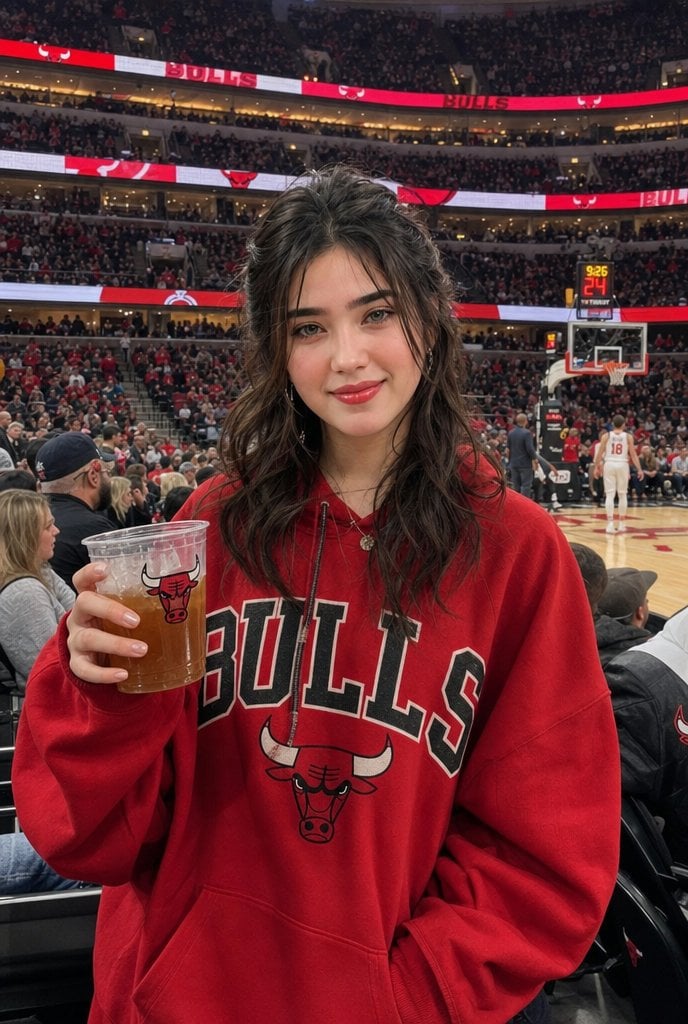
Realistic Bulls Courtside Fan Portrait

Ultra-Realistic Product Advertisement Prompt
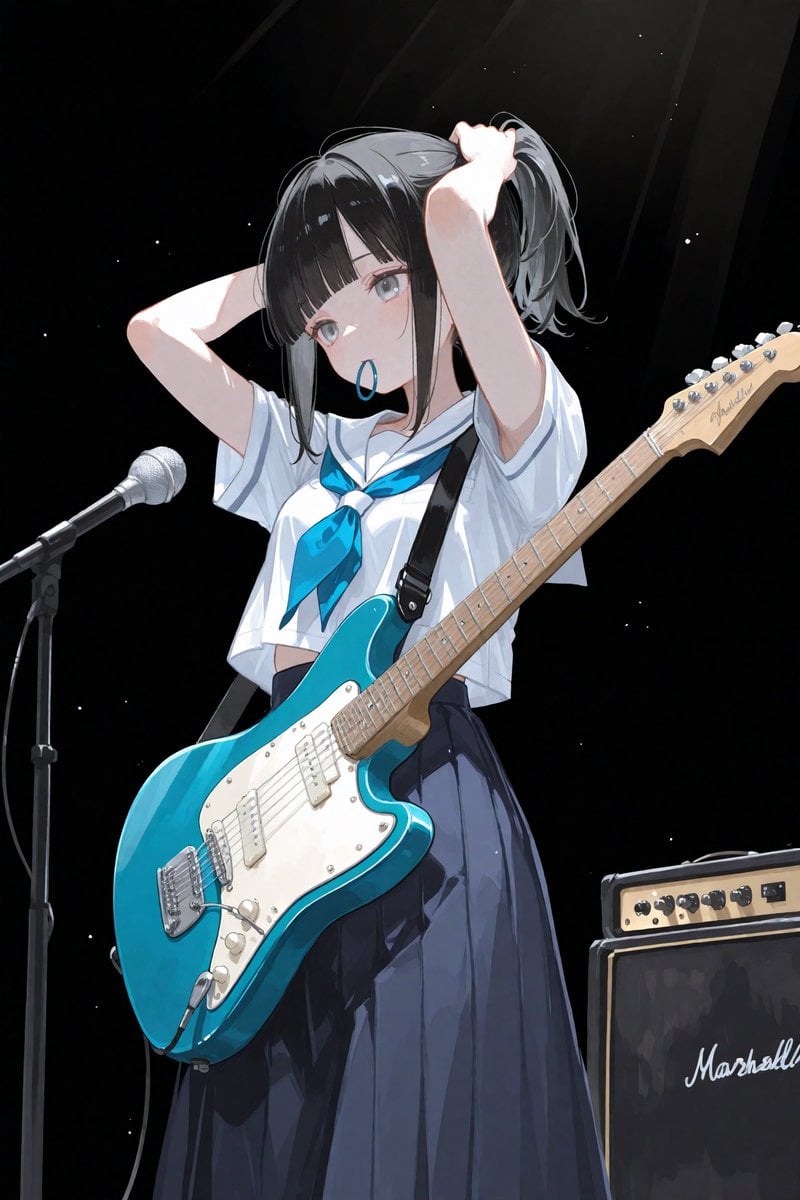
Anime Schoolgirl Guitarist on Stage
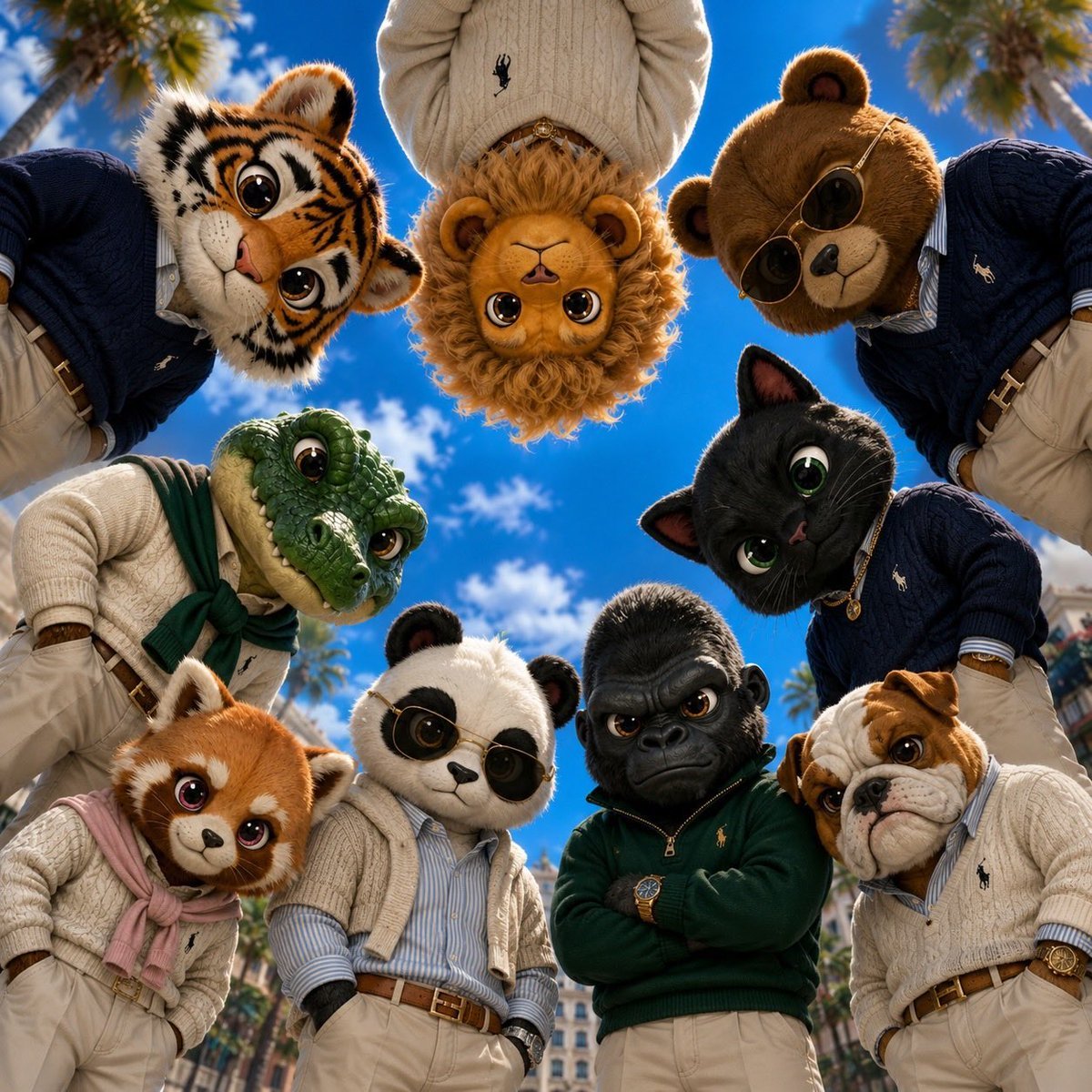
Old Money & Gangster Style Animal Squads

Dark Alien Megastructure Cavern

Stacked Smartphone Flash Selfie
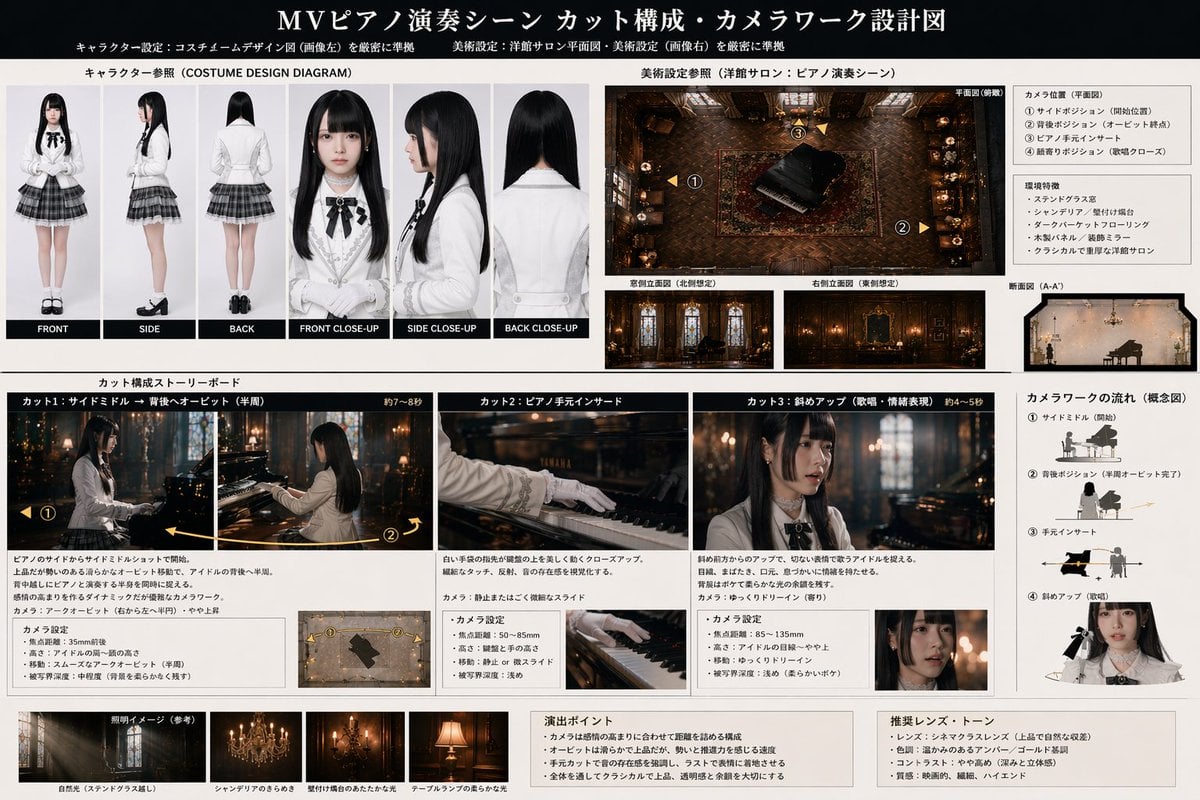
Music Video Production Storyboard Blueprint
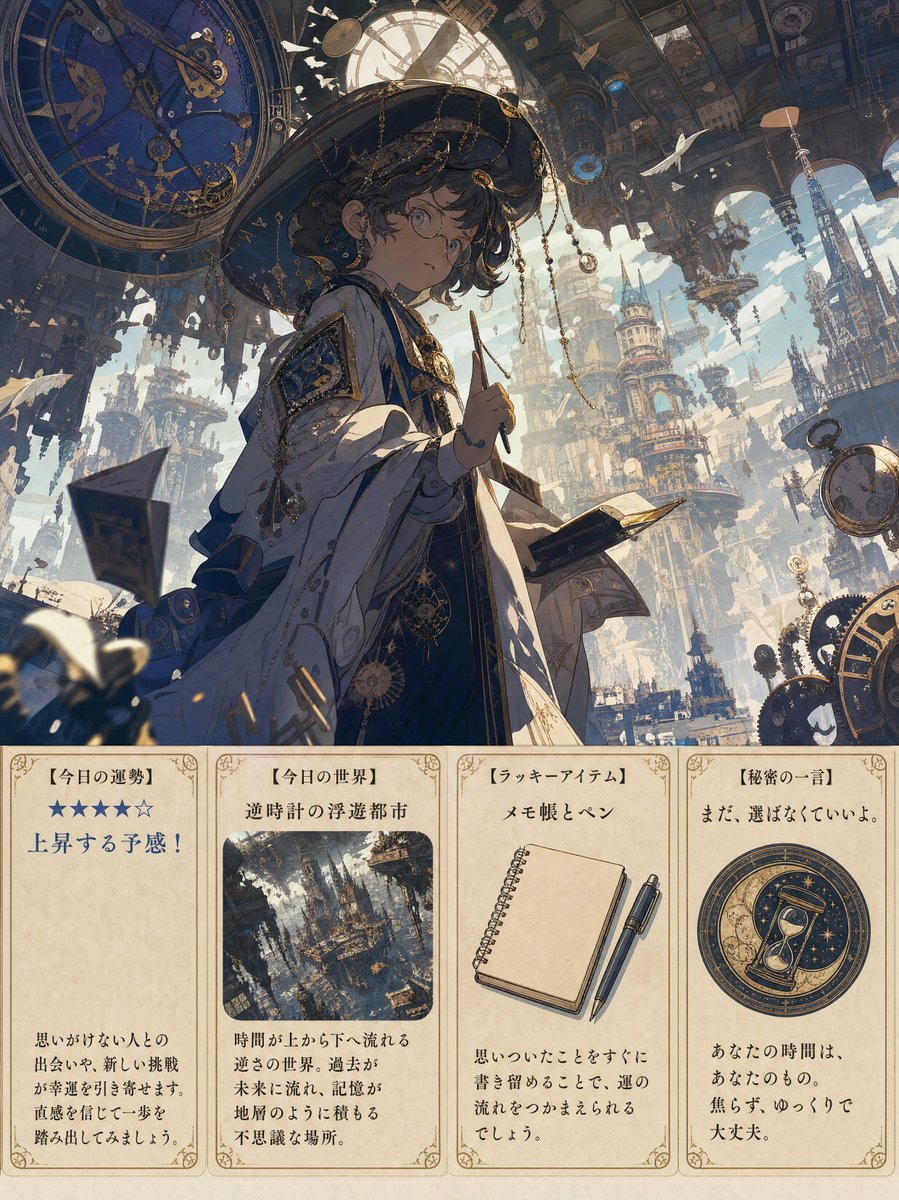
Steampunk Daily Fortune Cards
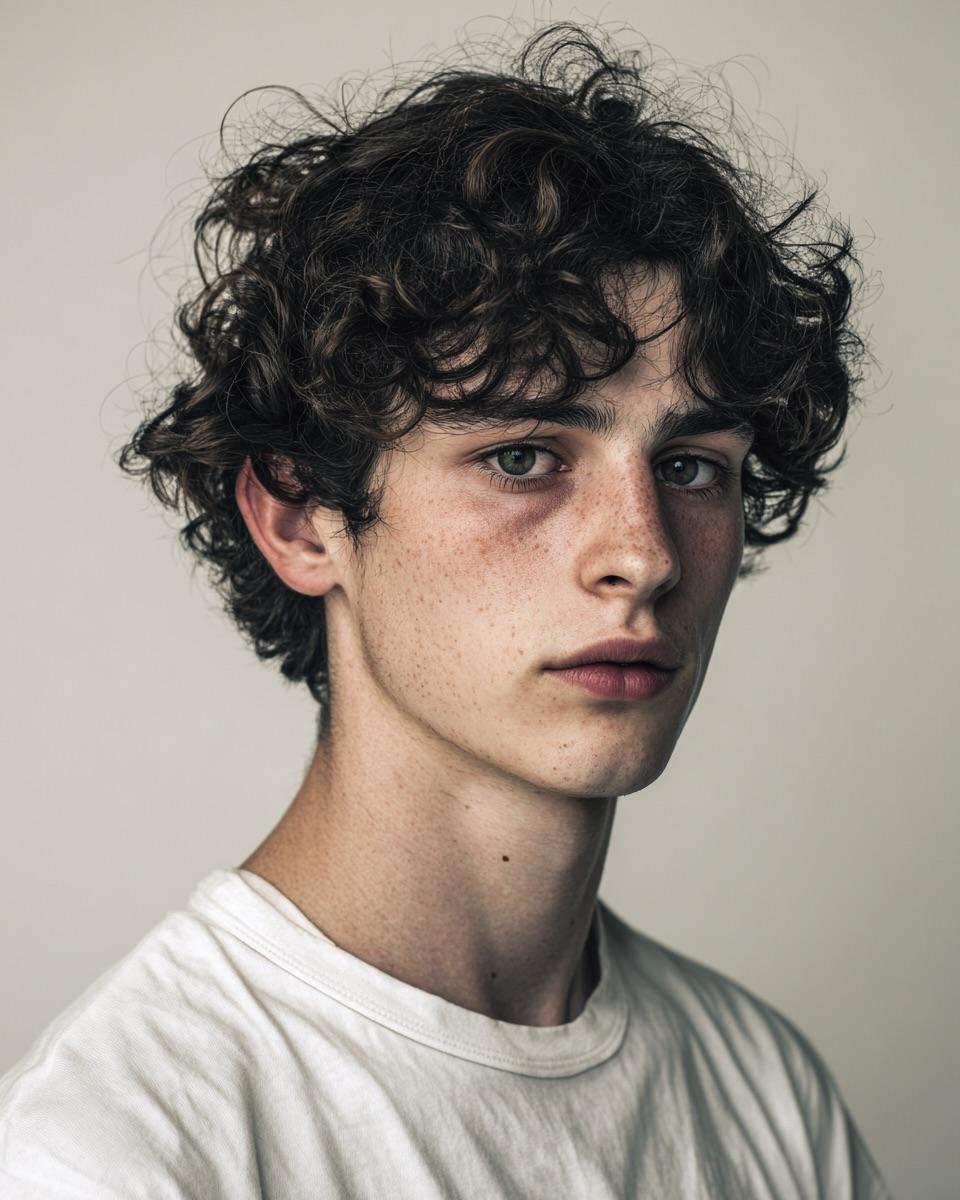
Minimalist Editorial Portrait Prompt
Browse template categories
Rolling Steel Gear on Mountain Ridge questions
How do I use the Rolling Steel Gear on Mountain Ridge template?
Add your photo if the template asks for one, edit the prompt if you like — the template's model and format are already selected — and press Generate. Your version opens in PicX Studio.
Can I customize the Rolling Steel Gear on Mountain Ridge template?
Yes. You can change the subject, setting, lighting, mood, format, and available model controls before creating your image.
Is the Rolling Steel Gear on Mountain Ridge template free?
Opening and editing this template is free. Generating uses credits, shown on the Generate button when you are signed in.
Which AI model should I use?
Start with GPT Image 2, which is the model associated with this template. You can compare another compatible model for a different finish.
Looking for something else? Browse all templates.

Your photo, any look
Thousands of ready templates for every top image and video model, from one credit balance.