
Cat-Eared Adventurer Gear Maintenance
Generates a square anime fantasy illustration of a cat-eared explorer maintaining weapons and supplies in a sunlit ruined corridor.
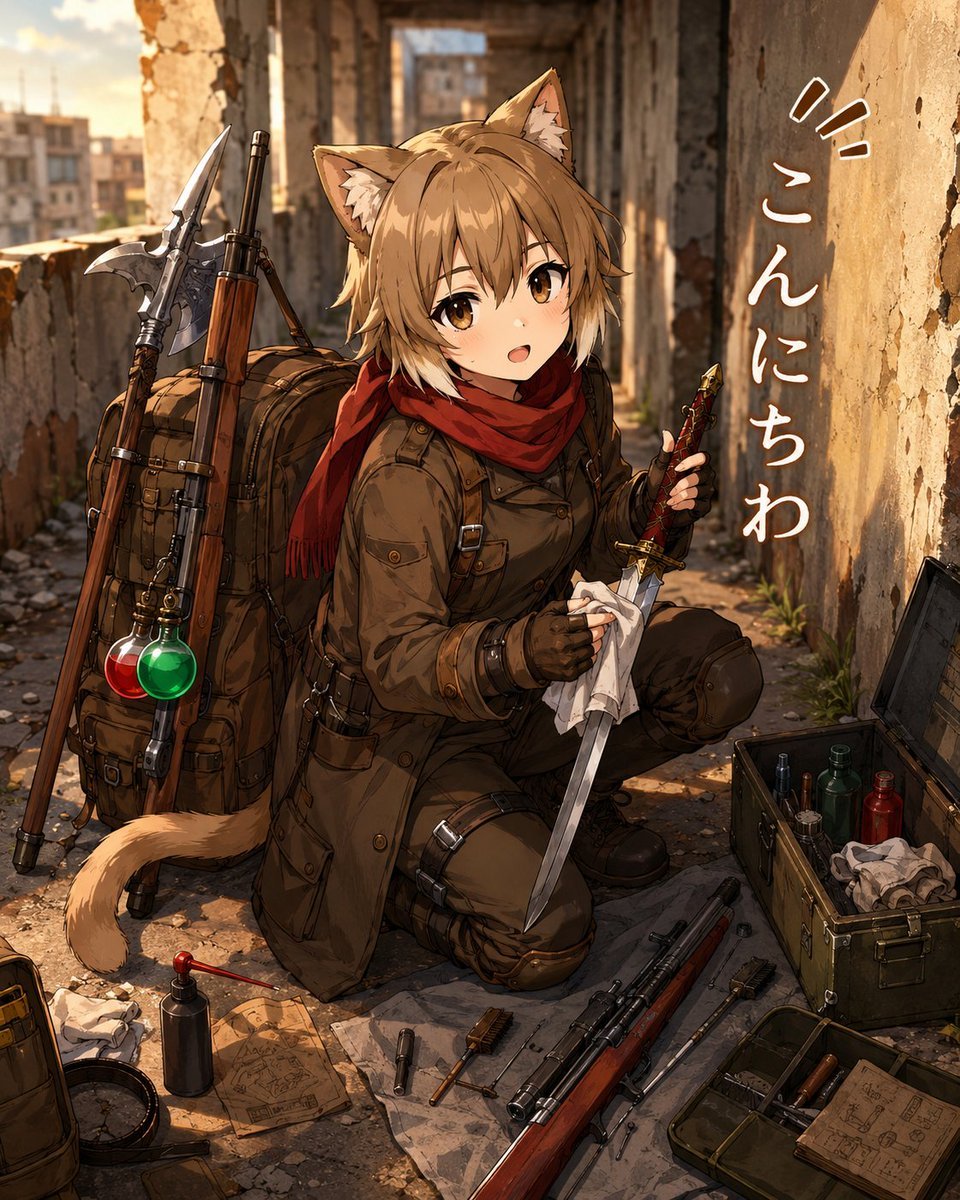
- Prompt included
- Model and format preset
- Premium template
The prompt behind this image
Copy the exact prompt behind Cat-Eared Adventurer Gear Maintenance, or open it in the studio and make it yours.
Create a detailed anime-style illustration of a cute cat-eared adventurer girl named {argument name="character name" default="Pleiades"} kneeling in a ruined urban corridor at golden hour. She has short tousled {argument name="hair color" default="warm light brown"} hair, amber eyes, fluffy cat ears, and a matching cat tail, with a gentle open-mouthed greeting expression. She wears a rugged brown military-style explorer outfit: long belted coat, dark pants with knee pads and straps, fingerless gloves, boots, and a deep red scarf wrapped around her neck. She is cleaning or inspecting a short sword/dagger, holding the blade with a white cloth in one hand and the decorated hilt in the other. Beside and behind her is a large brown expedition backpack loaded with gear; count exactly 4 prominent attached items: a long wooden rifle, a polearm/axe-like weapon, a rolled pack/bedroll, and two round glass potion bottles hanging together, one red and one green. Around her on the cracked stone floor, show an organized adventurer maintenance scene with exactly 8 visible loose equipment groups: an open metal supply box with small bottles and cloths, an open tray with tools and papers, a long rifle laid diagonally in the foreground, a pistol-like tool or firearm part, brushes, folded map papers with sketchy diagrams, a small oil bottle with a red cap, and a compass near a bag edge. The background is a weathered abandoned building passage with broken plaster, exposed brick, crumbling columns, weeds in the cracks, and a blurred city skyline outside on the left, lit by warm sunlight and long shadows. Add vertical handwritten Japanese greeting text on the right wall reading {argument name="wall text" default="こんにちは"}, with small emphasis marks above it, white lettering that follows the wall perspective. Use highly polished anime rendering, intricate linework, painterly realistic lighting, warm sepia and amber color palette, cinematic depth of field, rich texture on stone, leather, metal, and cloth. Keep the composition square, character centered slightly left, backpack on her left, open supply box on her right, no extra characters, no watermark, no modern UI elements.
How to use Cat-Eared Adventurer Gear Maintenance in 3 steps
- 1Upload ImagePNG, JPG or paste
Add your photo
Upload the photo the template builds on. The prompt, model and format are already set.
- 2…a portrait of your subject in softgolden-hour light, 85mm…
Personalize
Edit the subject and creative details for your destination.
- 3Generate
Generate
Press Generate — your image is created in PicX Studio, so you can compare it with the original and refine one variable at a time.
More like this
Templates with the same subject, style or setup. Open one to see its prompt.

Cat Photobomb Selfie — 0.5x Wide Angle Café Chaos

Surreal Cat Astronaut — Humanoid Face Freefall

Low Angle Floor Selfie With Upside Down Cat
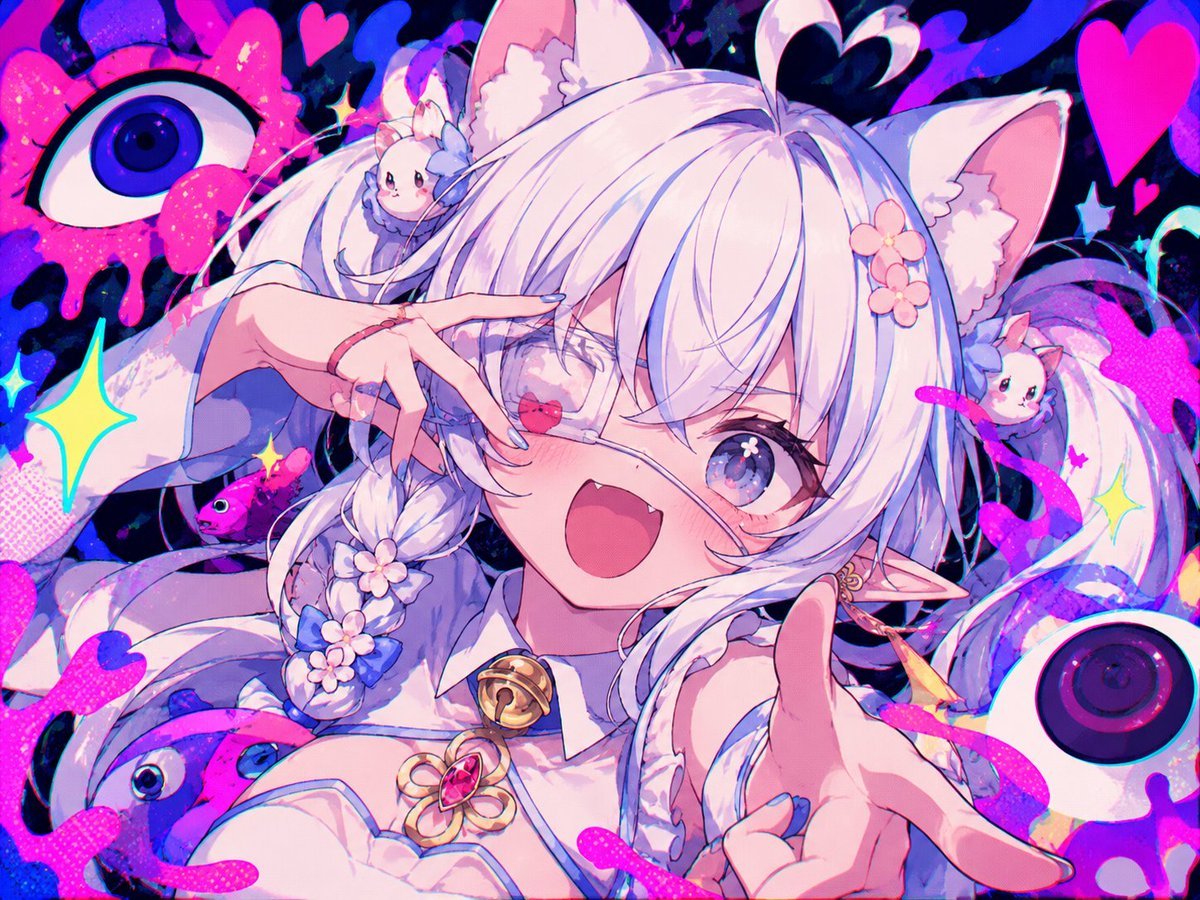
Neon Cat-Eared Idol Close-Up
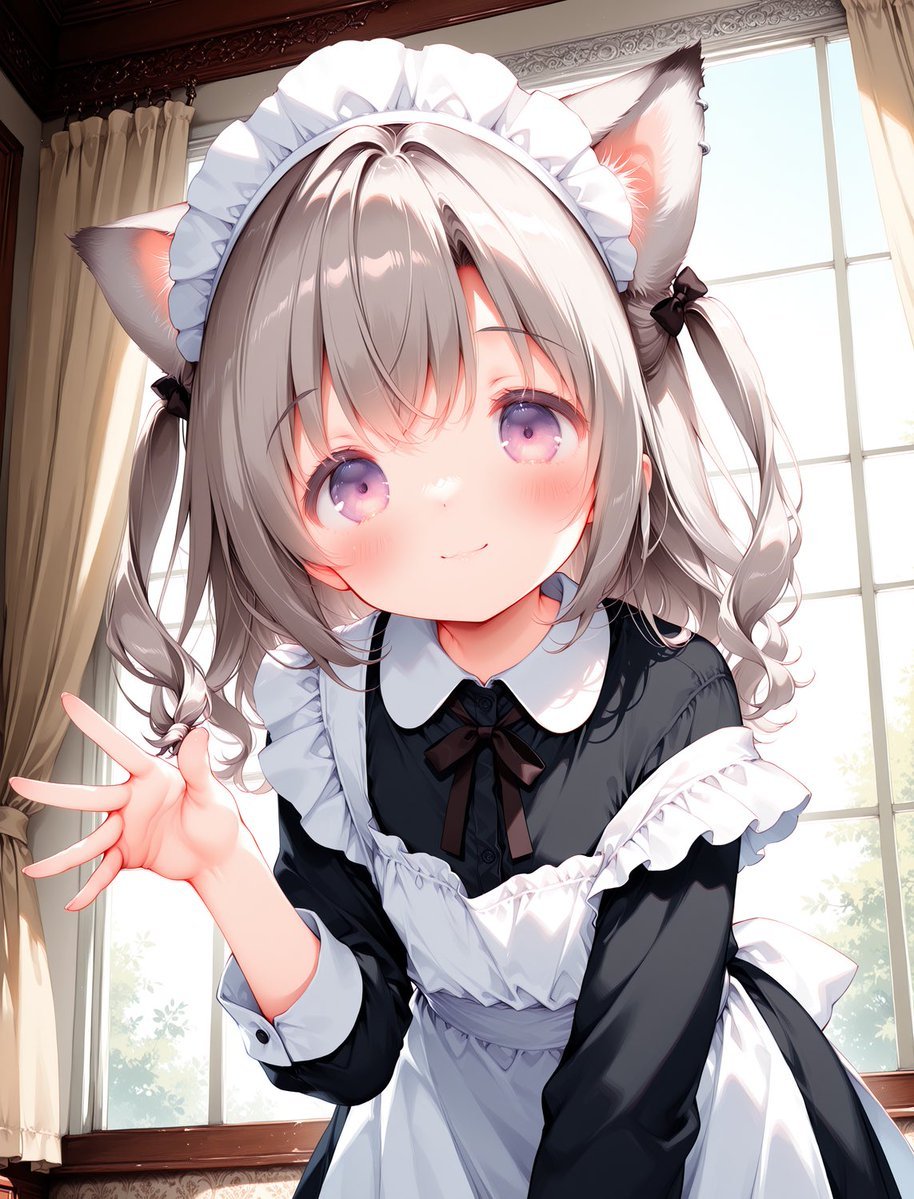
Cat-Eared Maid Portrait
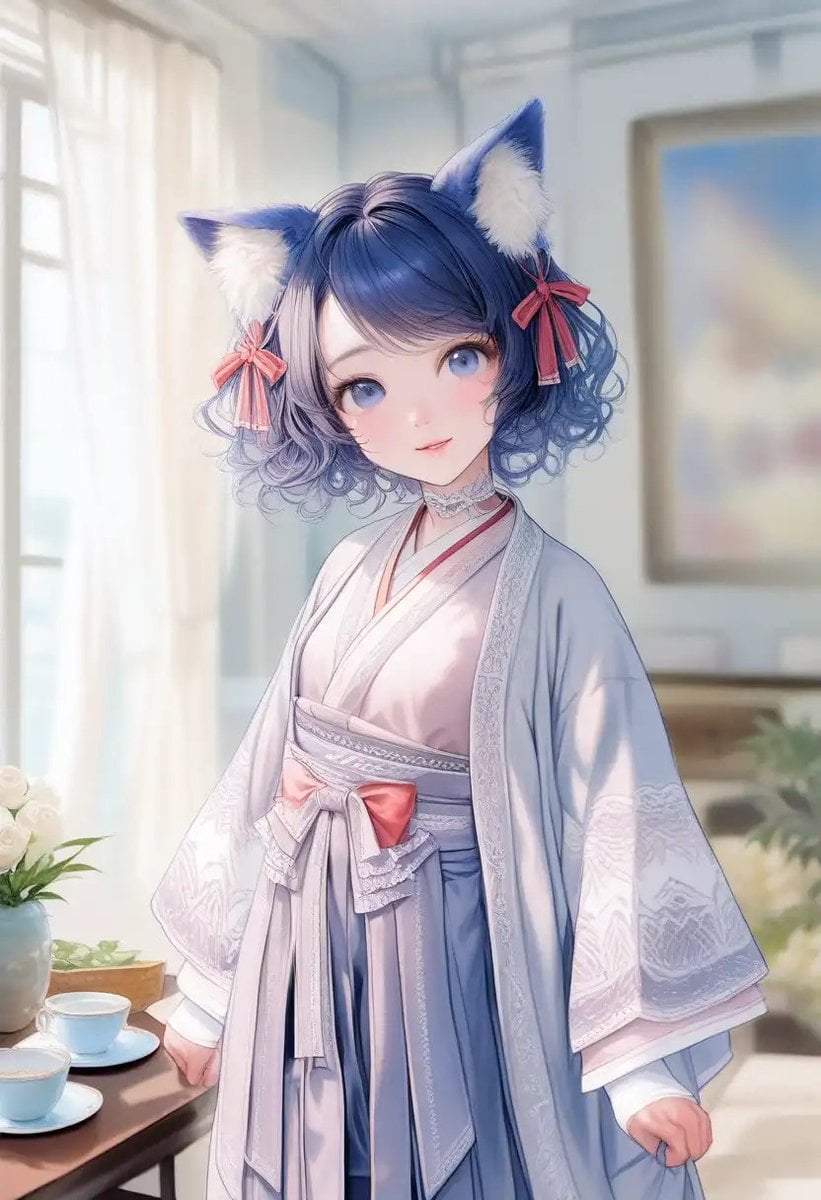
Cat-Eared Kimono Girl Portrait
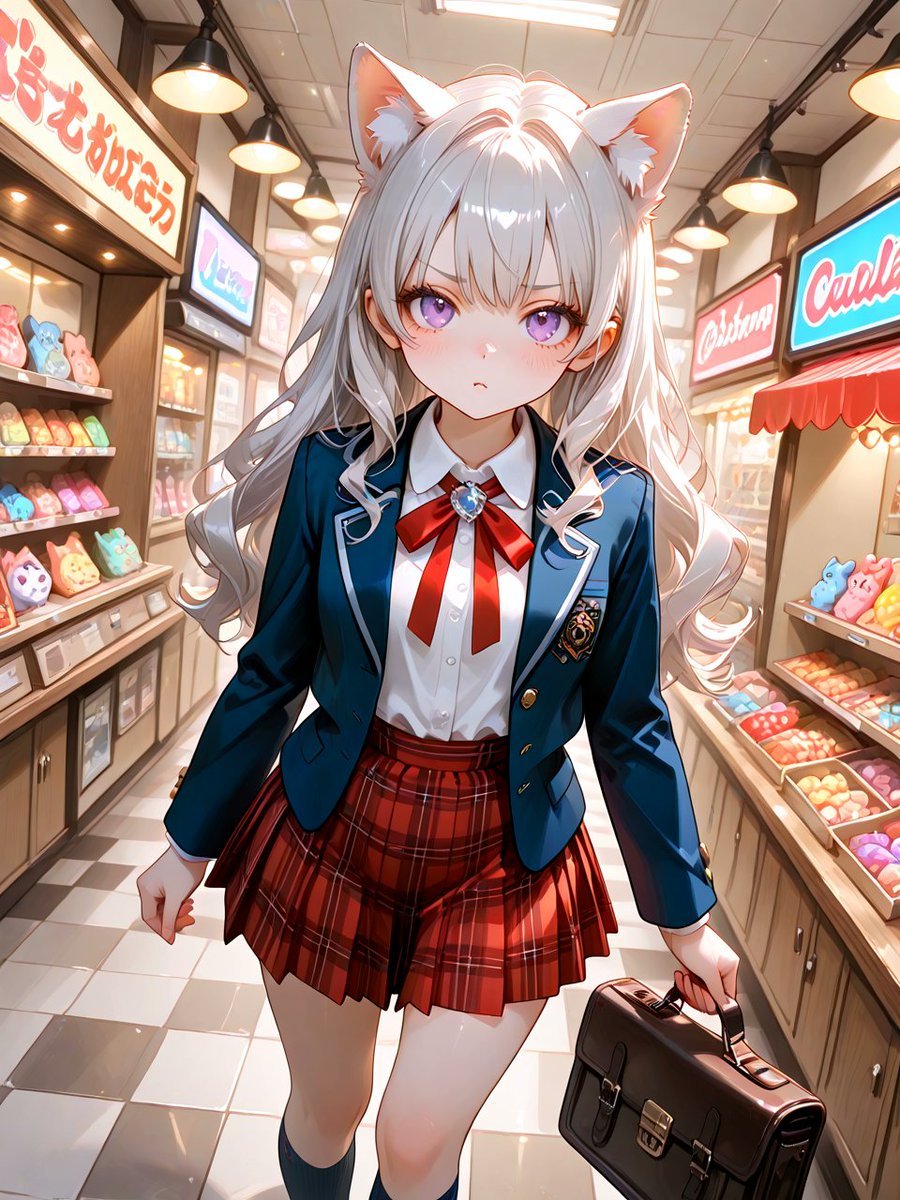
Cat-Eared Schoolgirl in Sweets Arcade
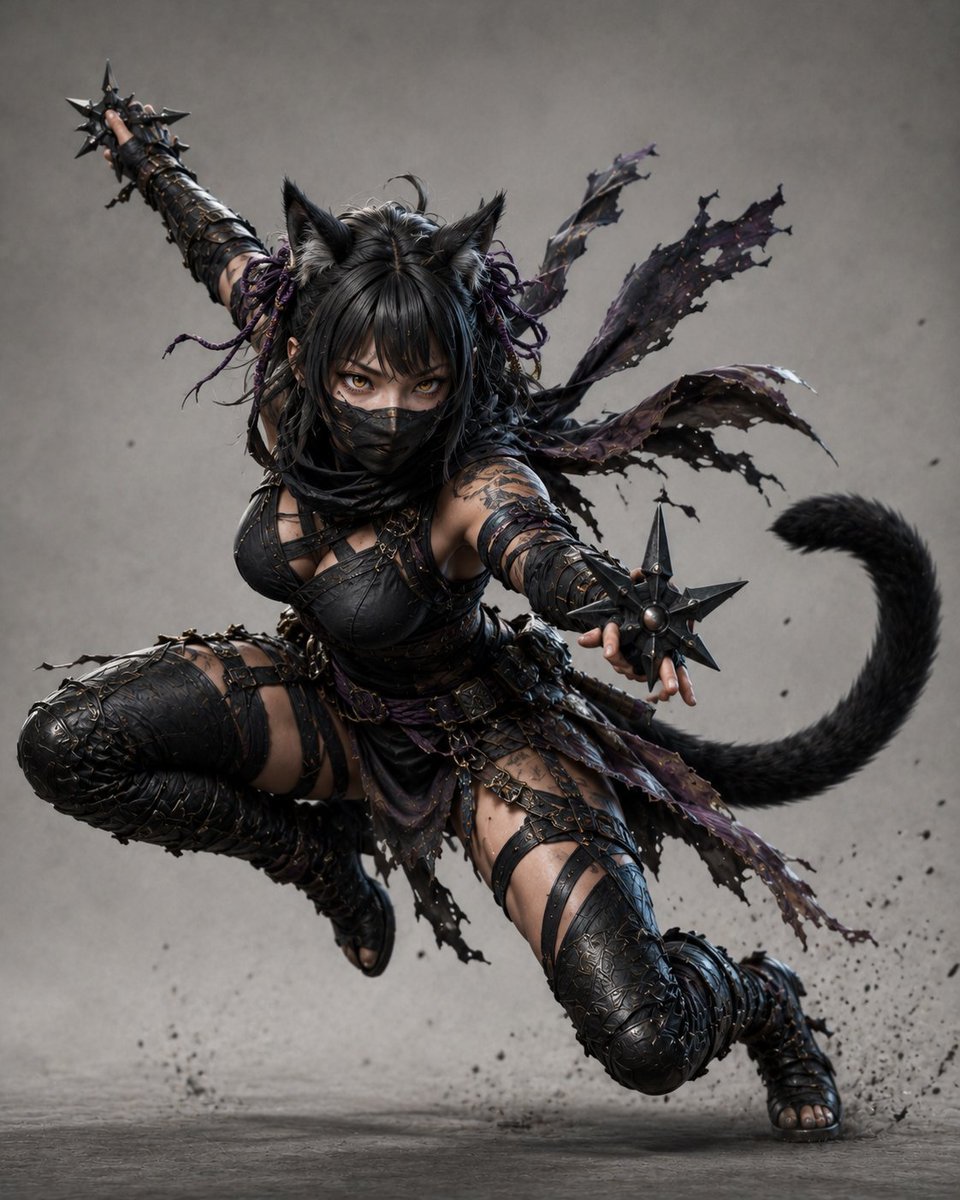
Kunoichi Black Cat Adventurer
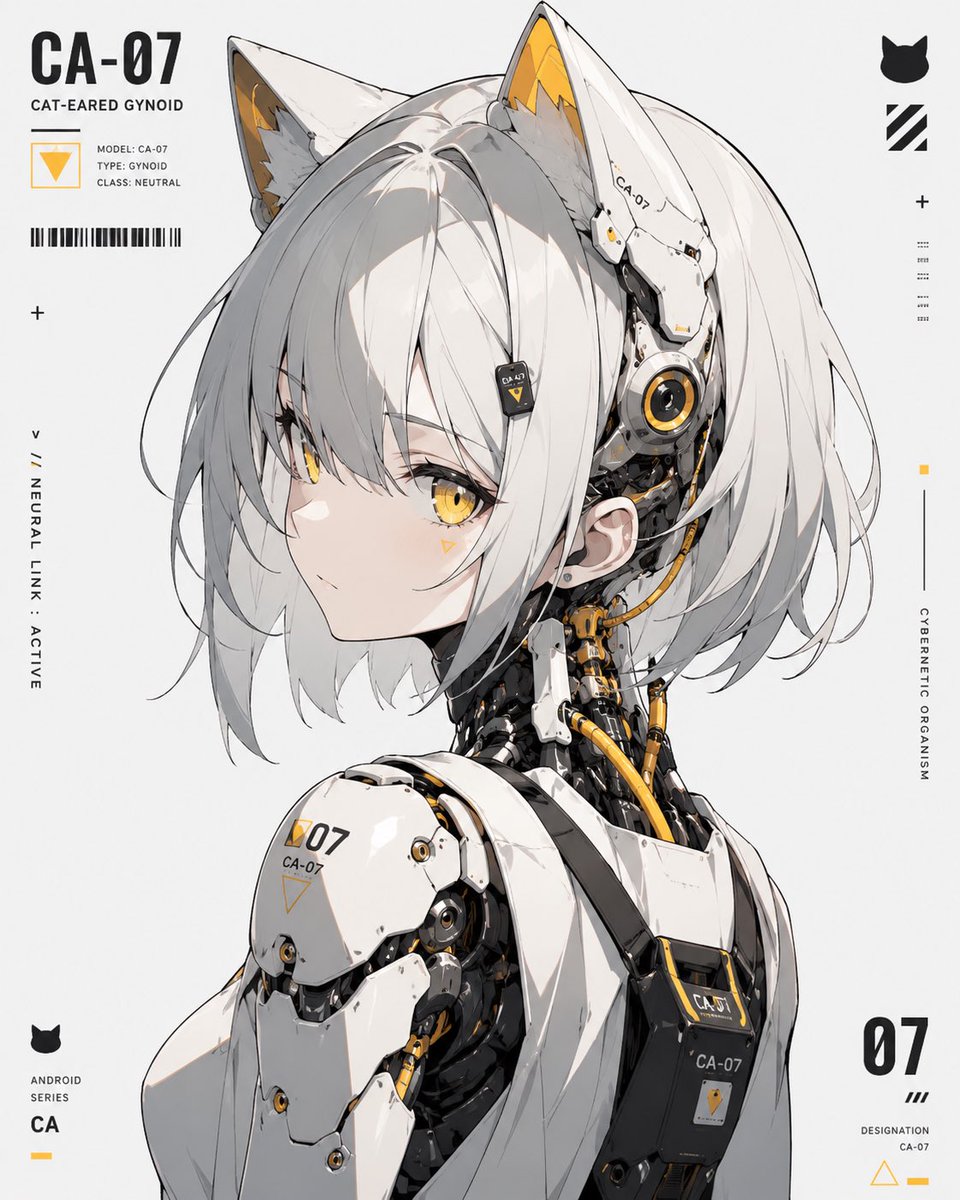
Cat-Eared Gynoid Digital Illustration
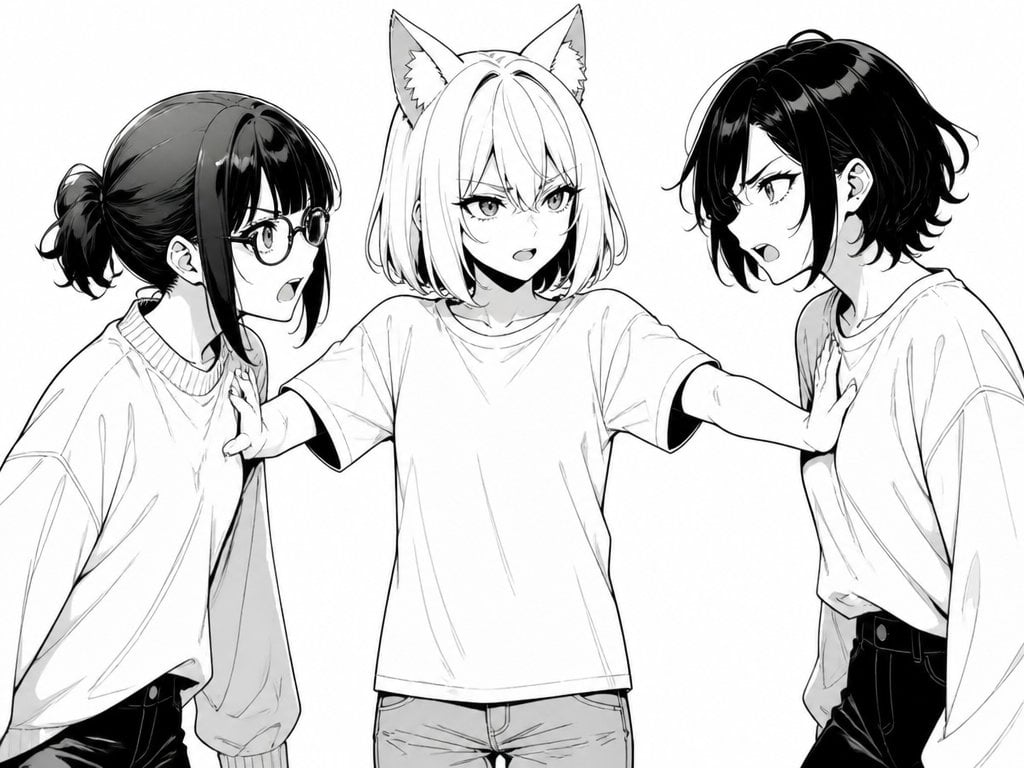
Manga Cat-Eared Girl Breaking Up Fight
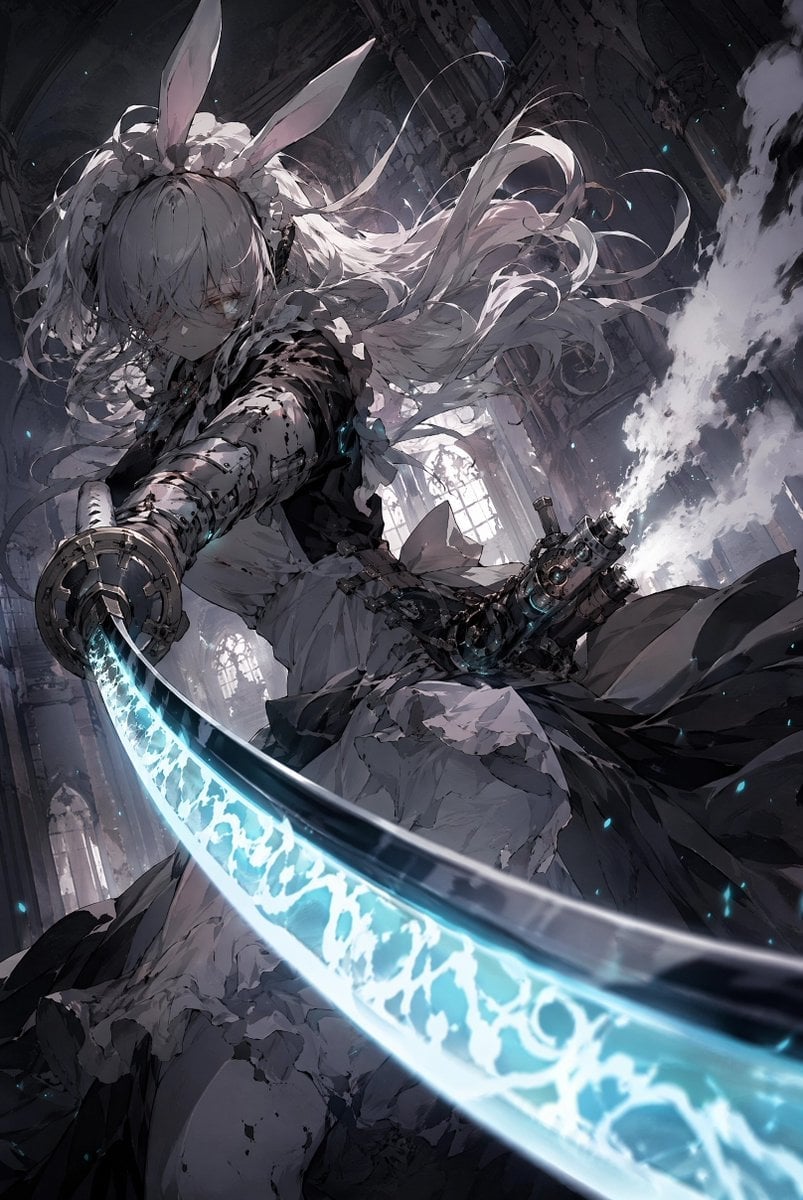
Rabbit-Eared Swordswoman in Ruined Cathedral
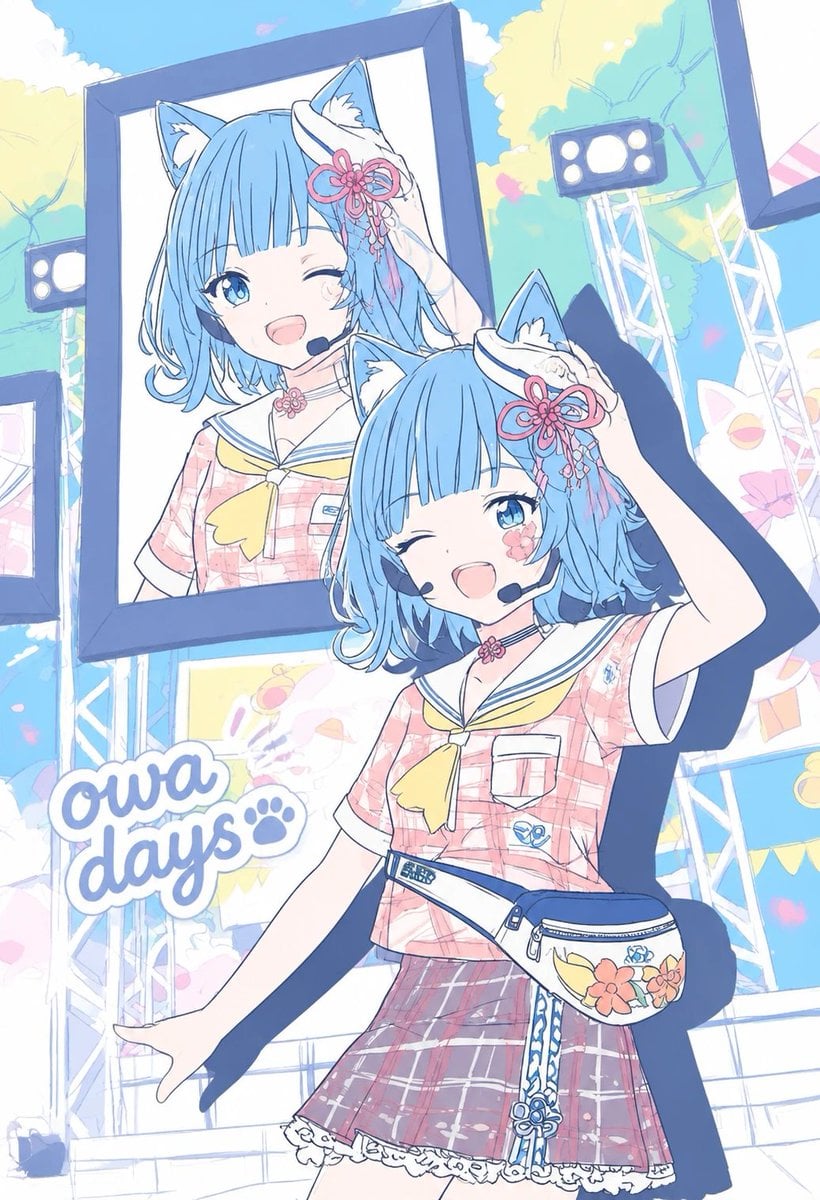
Pastel Cat-Eared Summer Idol Stage
Make it yours
Cat-Eared Adventurer Gear Maintenance works as-is. These are the safest ways to change it without losing the look.
Change one field
Copy a single group, rewrite it, and generate again so you can see what that field is doing.
Keep the frame, change the subject
Hold the composition and light of Cat-Eared Adventurer Gear Maintenance, then swap wardrobe, props or the person for a new take.
| If the result… | Why | Fix |
|---|---|---|
| The result drifts from the preview | Too many fields changed at once. | Reuse Cat-Eared Adventurer Gear Maintenance as-is first, then change one group — subject, light, or setting. |
| The model over-stylizes the scene | The prose prompt leaves finish and camera underspecified. | Add one camera or lighting sentence and stay on GPT Image 2. |
More GPT Image 2 templates
Other prompts made for GPT Image 2.

Six VTuber Japanese Logo Sheet

Realistic Portrait of Woman and Deer

The Vista Modular Condo Poster

AI Model Routing Comparison Infographic

2.5D Anime Art Board

Isometric Productivity Desk Scene

New York Double Exposure Poster

Four-Panel AI Landscape Comparison

Japanese Tatami Lifestyle Magazine Cover

NESCAFÉ Coffee Map Poster
More image prompts
Fresh picks from across the catalog.

Anonymized Schoolgirl by Classroom Window
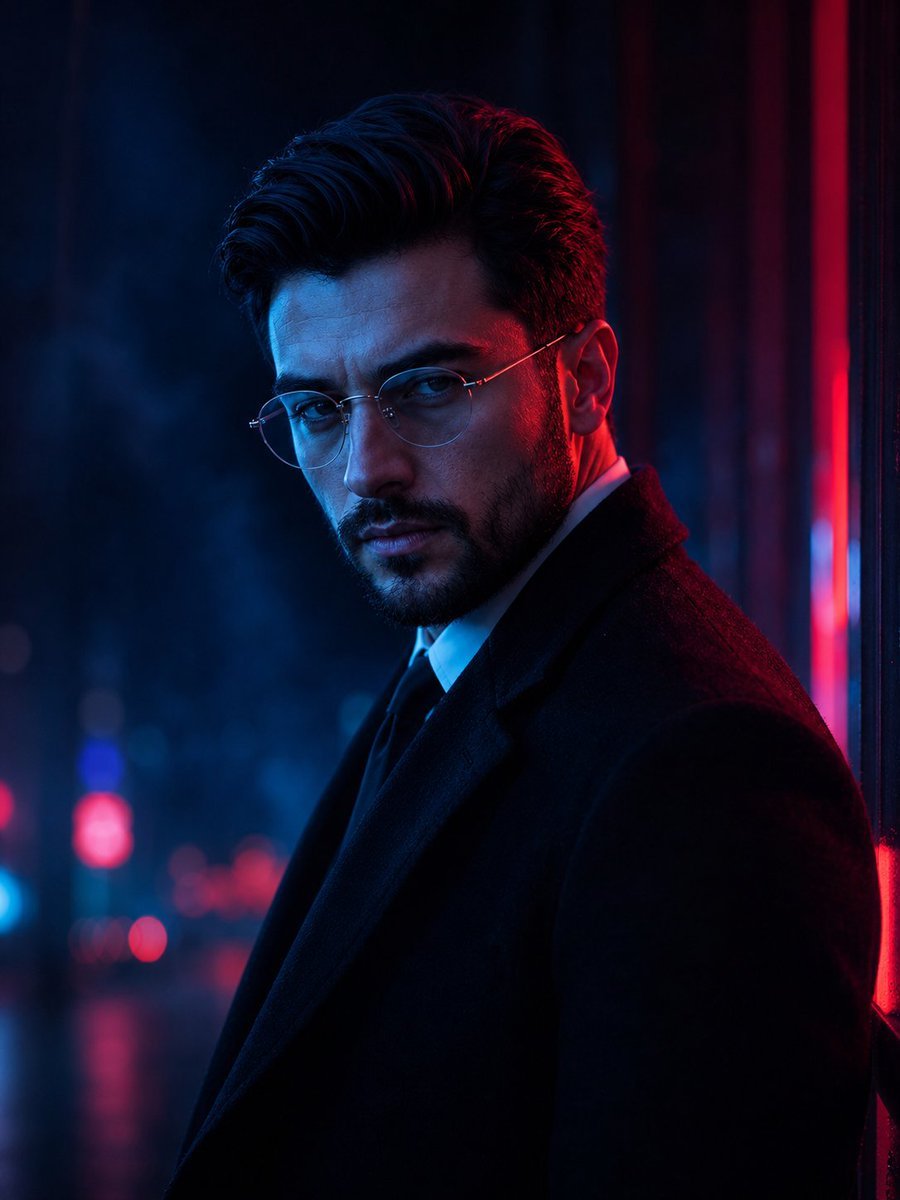
Elite Masculine Fashion Portrait
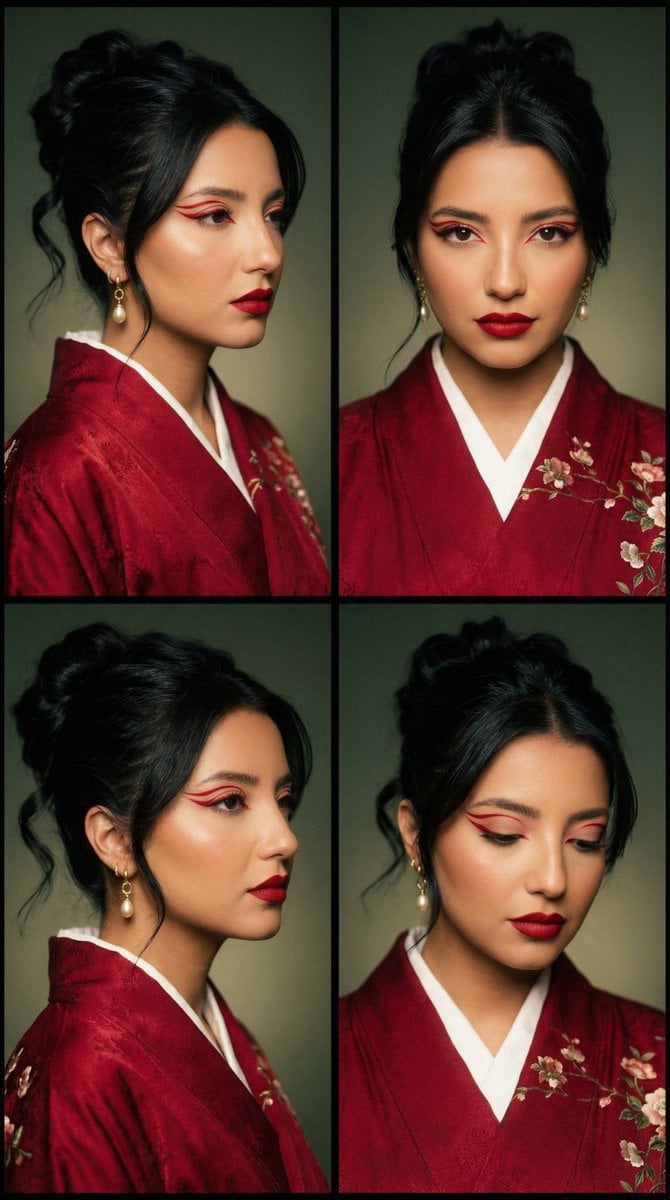
Cinematic Fashion Editorial Grid: Red Kimono & Graphic Liner
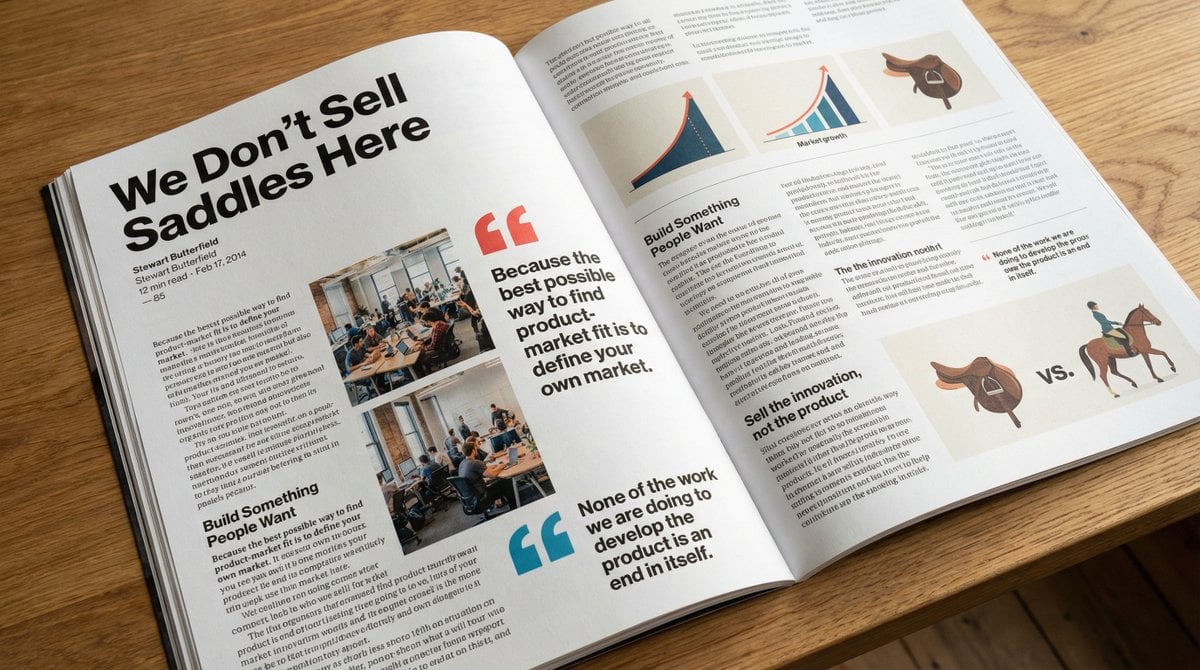
Glossy magazine article layout from text
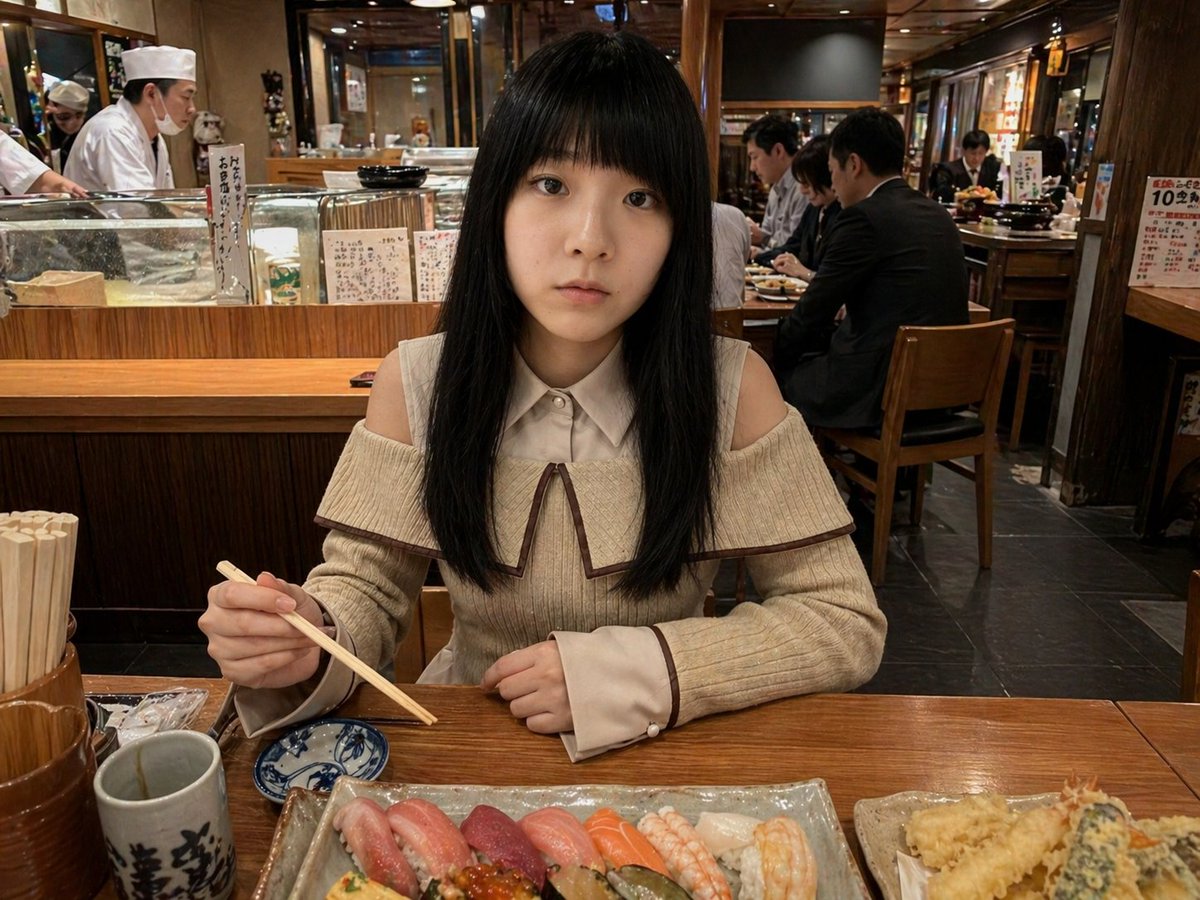
Photorealistic Sushi Counter Dinner Portrait

Augmented Reality Spotify Player Visual Prompt
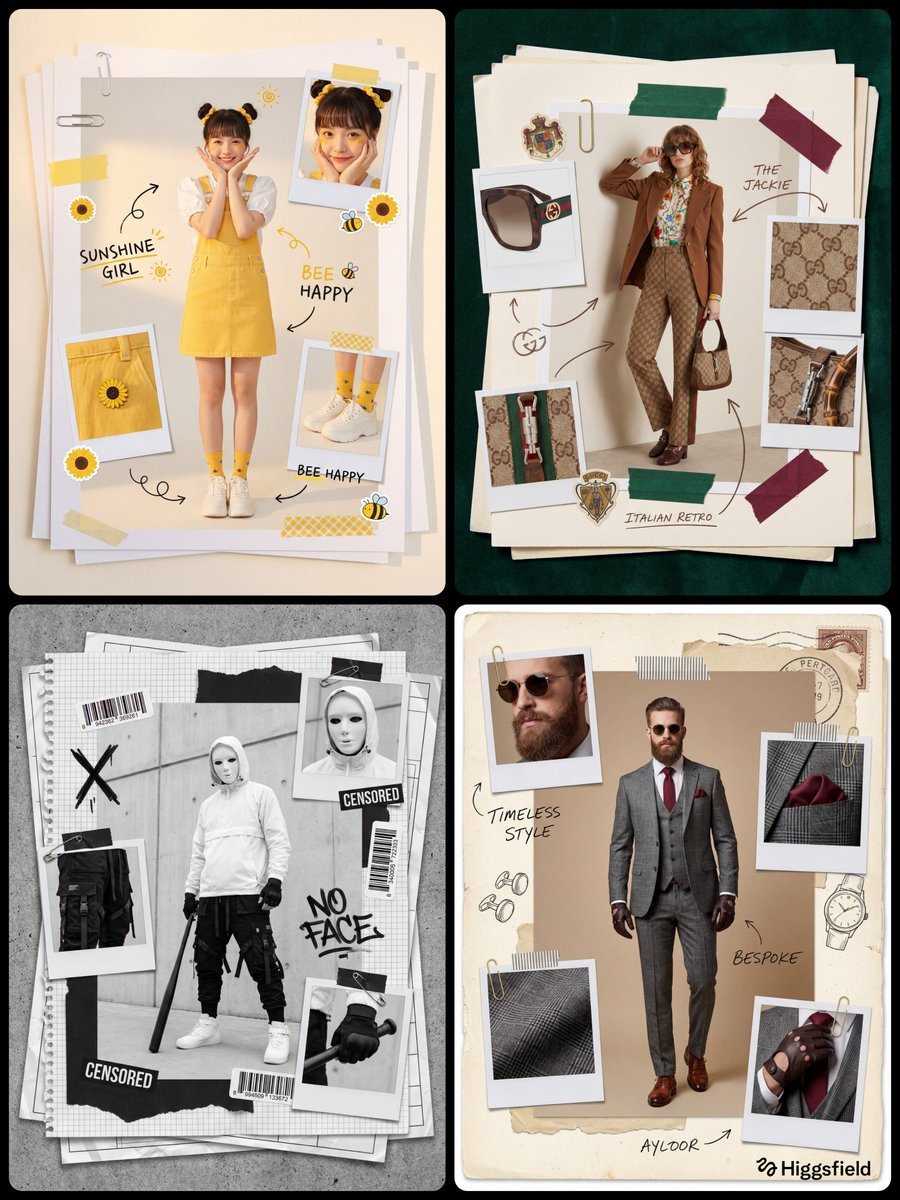
Fashion Scrapbook Page Layout Prompt Template

Ultra-Realistic Winter Portrait with Face Lock Prompt
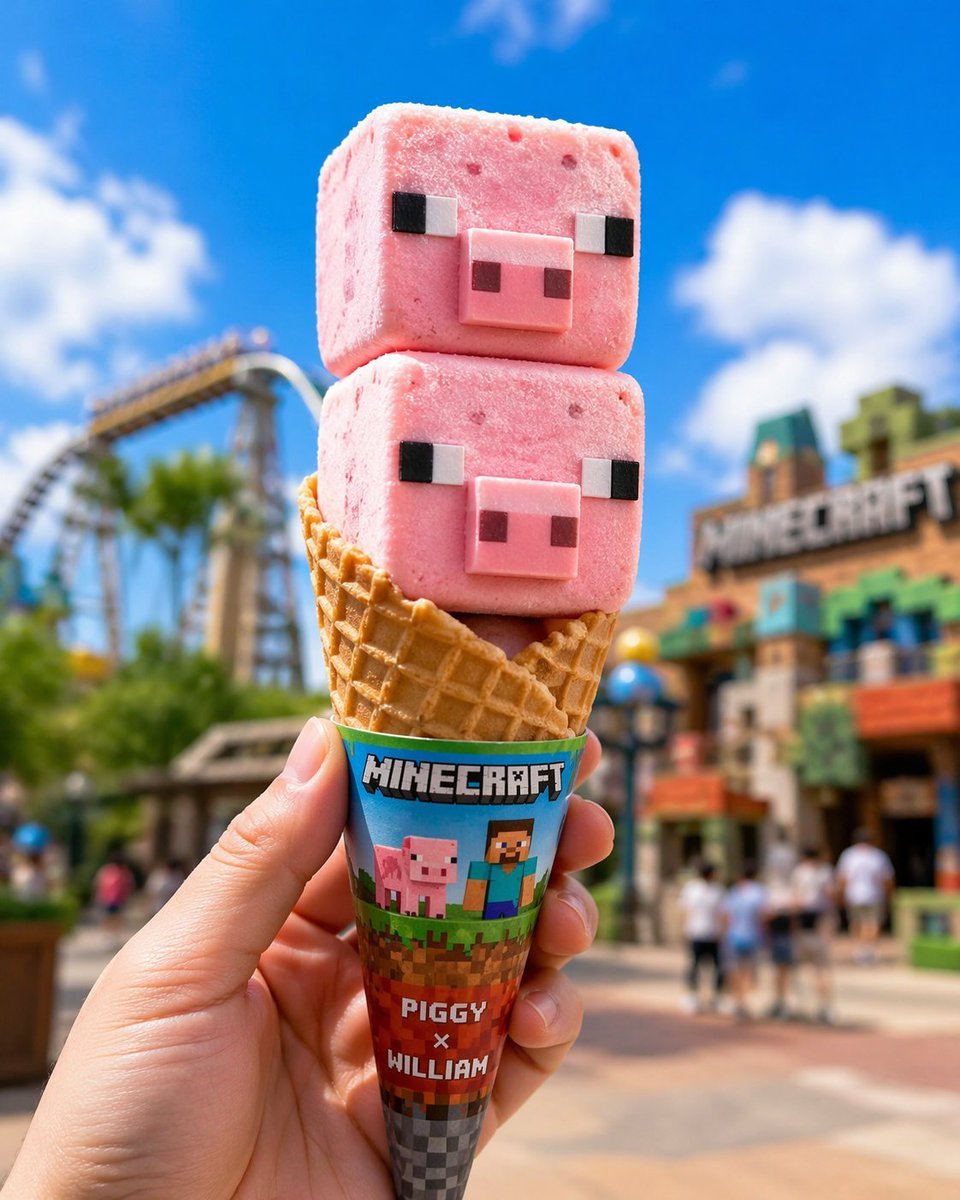
Co-branded IP Ice Cream Design
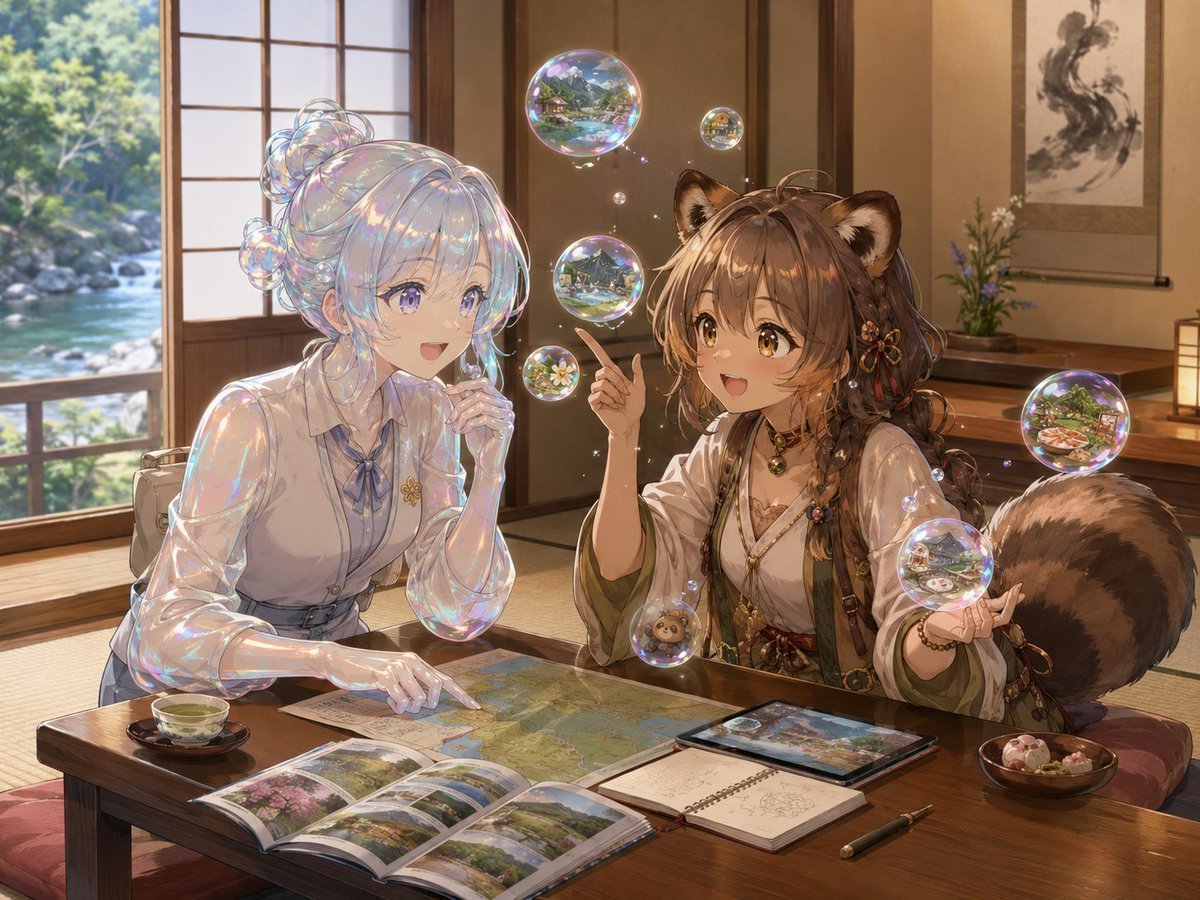
Bubble Tanuki Travel Planning
Browse template categories
Cat-Eared Adventurer Gear Maintenance questions
How do I use the Cat-Eared Adventurer Gear Maintenance template?
Add your photo if the template asks for one, edit the prompt if you like — the template's model and format are already selected — and press Generate. Your version opens in PicX Studio.
Can I customize the Cat-Eared Adventurer Gear Maintenance template?
Yes. You can change the subject, setting, lighting, mood, format, and available model controls before creating your image.
Is the Cat-Eared Adventurer Gear Maintenance template free?
Opening and editing this template is free. Generating uses credits, shown on the Generate button when you are signed in.
Which AI model should I use?
Start with GPT Image 2, which is the model associated with this template. You can compare another compatible model for a different finish.
Looking for something else? Browse all templates.

Your photo, any look
Thousands of ready templates for every top image and video model, from one credit balance.