
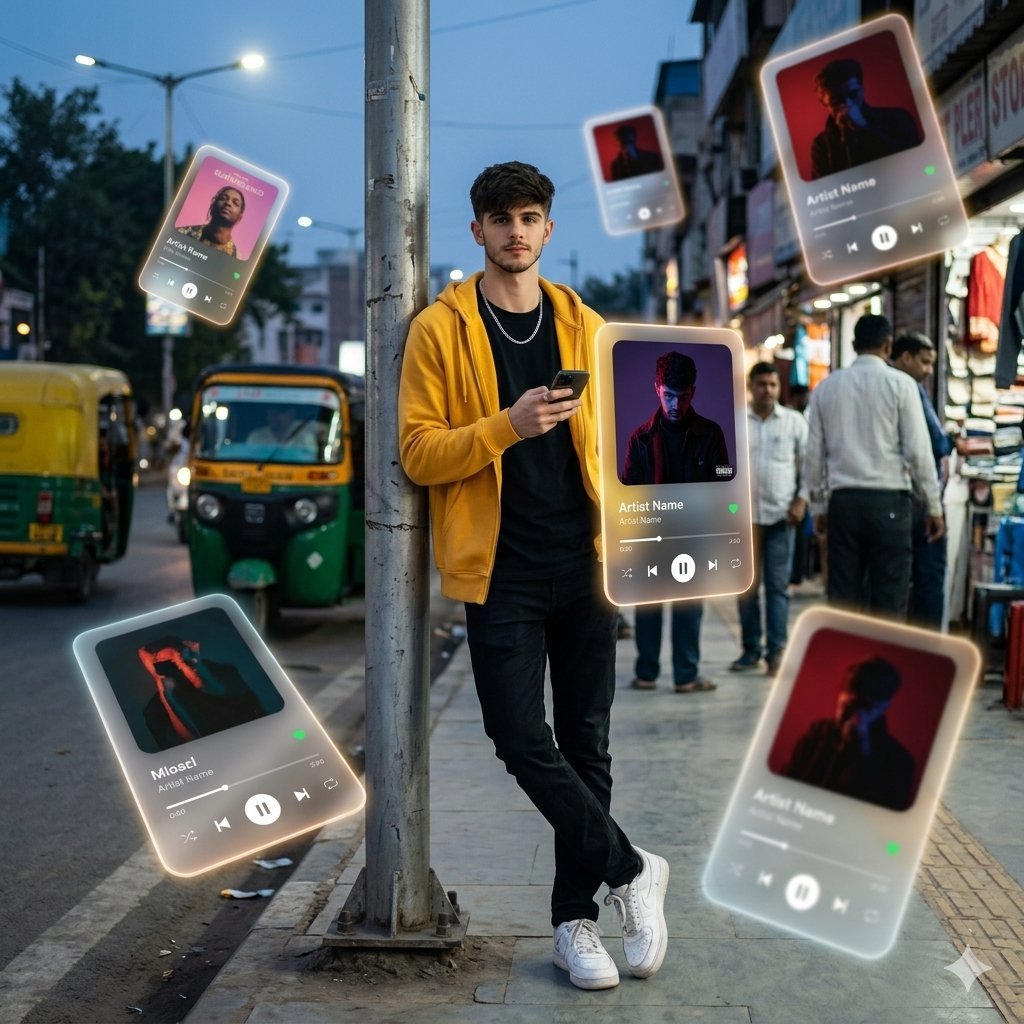
Augmented Reality Spotify Player Visual Prompt
A complex, detailed prompt for generating a dreamlike, movie-quality augmented reality visual.
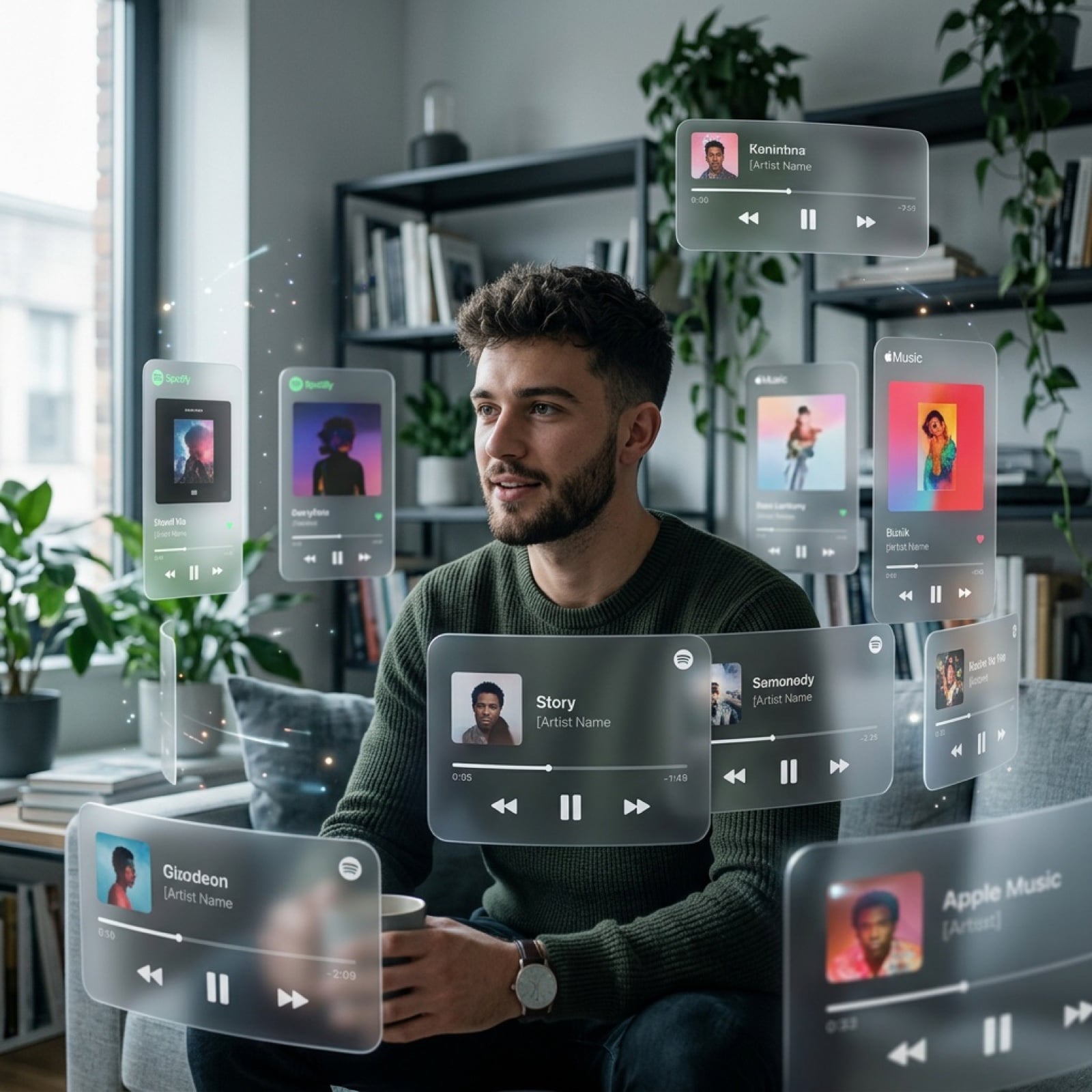
- Prompt included
- Model and format preset
- Free template
The prompt behind this image
Copy the exact prompt behind Augmented Reality Spotify Player Visual Prompt, or open it in the studio and make it yours.
A dreamlike, movie-quality augmented reality visual where numerous hovering Spotify player interface cards orbit the central figure (the person shown) in a complete 3D spatial composition, with each music player card strategically placed at varying distances, some prominently positioned in front and partially covering the subject, while others float behind and alongside them, utilizing the authentic Apple Music UI/Spotify UI elements playback progress indicators and featuring songs by [{argument name="artist name" default="Artist Name"}]; all cards display smooth rounded edges with subtle angular perspective shifts, presenting a translucent, frosted-glass aesthetic that radiates a gentle diffused border luminescence with measured cinematic light bloom interacting organically with the ambient lighting of the scene; the composition showcases a cool-to-neutral color palette with rich yet preserved shadow detail, strategic bursts of color from album artwork, medium-high contrast levels with gradual highlight transitions, delicate focal depth variation where nearer cards maintain crisp detail while farther ones receive gentle blur treatment, and understated motion-enhancing accents, all while keeping the subject photorealistic, centrally positioned, and authentically integrated into their physical surroundings.
How to use Augmented Reality Spotify Player Visual Prompt in 3 steps
- 1
Open
The prompt is already in the box next to the preview, with the template's model and format selected.
- 2…a portrait of your subject in softgolden-hour light, 85mm…
Personalize
Edit the subject and creative details for your destination.
- 3Generate
Generate
Press Generate — your image is created in PicX Studio, so you can compare it with the original and refine one variable at a time.
More like this
Templates with the same subject, style or setup. Open one to see its prompt.
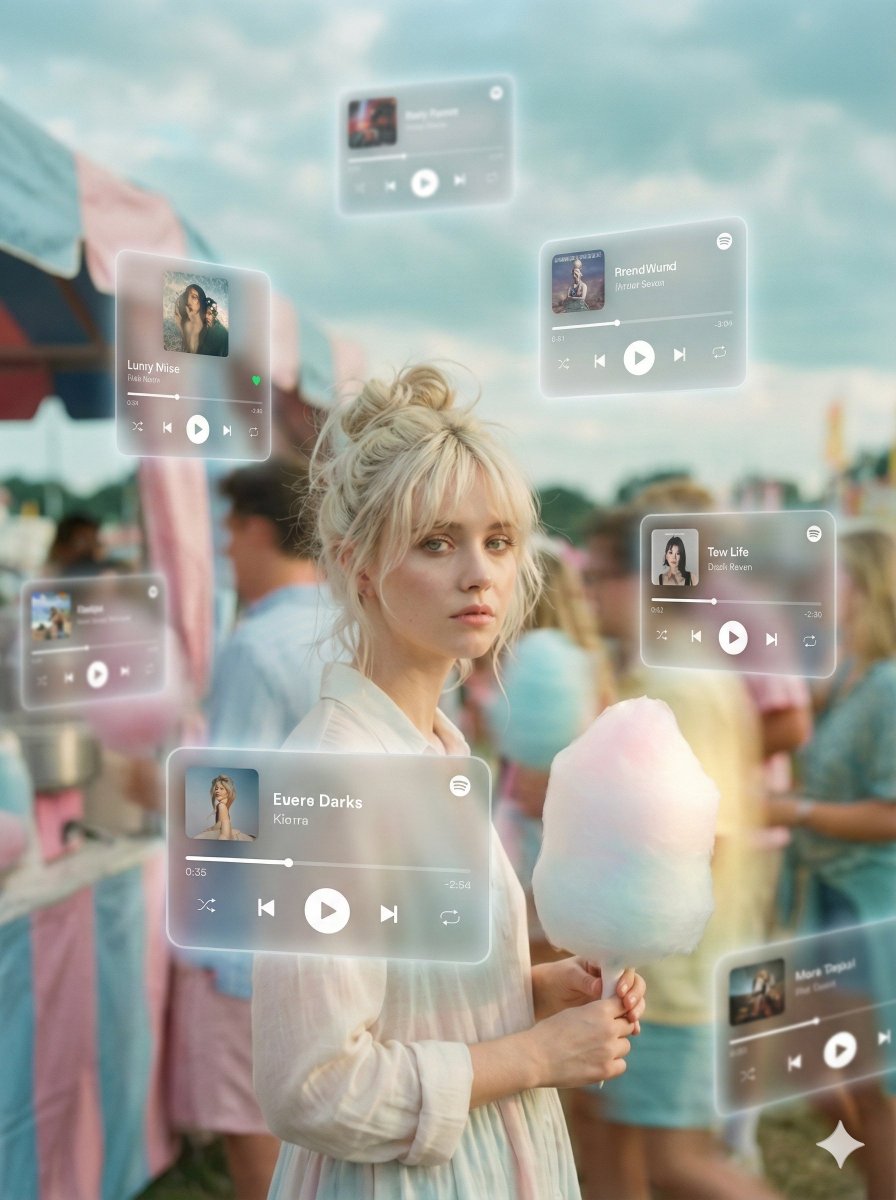
Augmented Reality Music Player Portrait
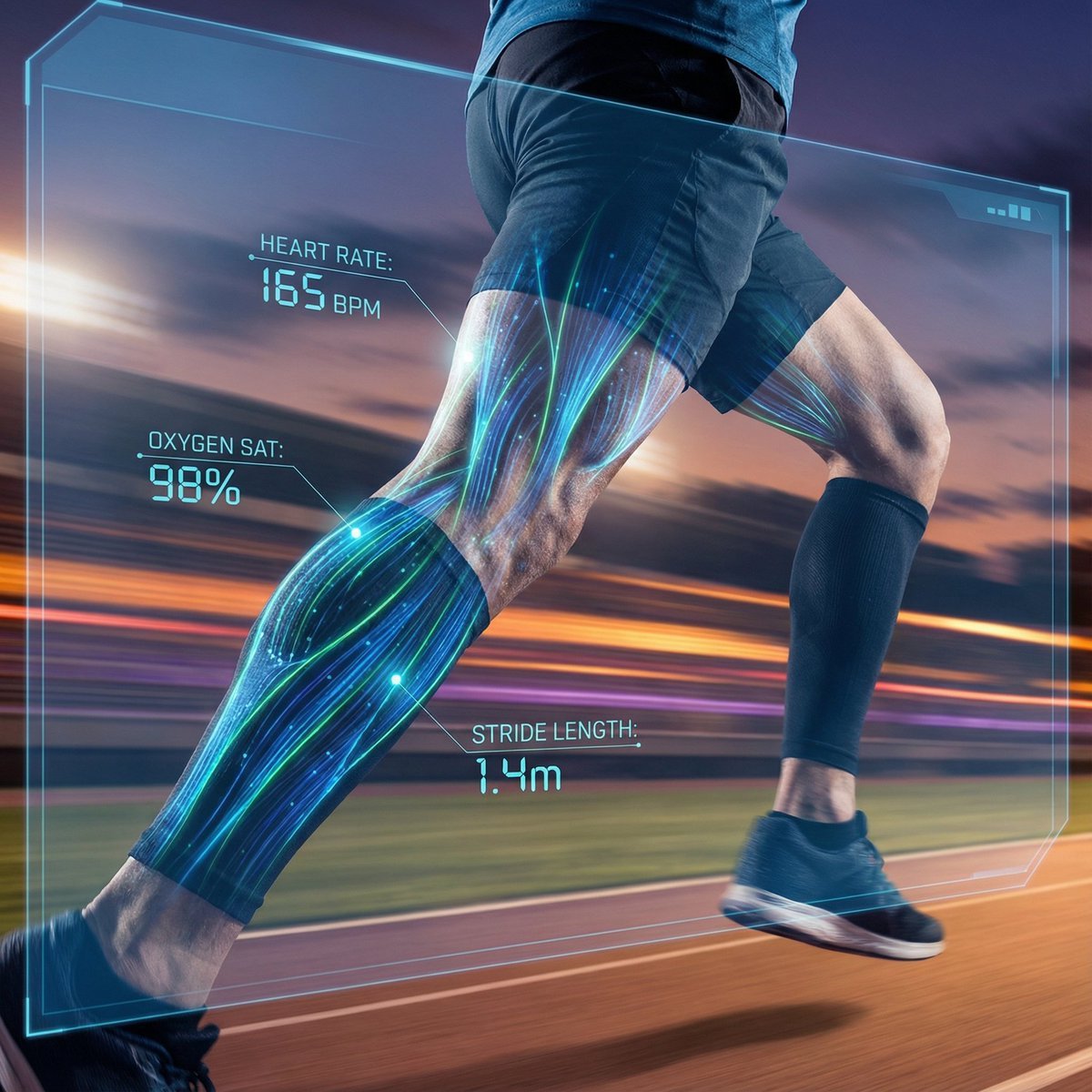
AI Vision Augmented Reality Overlay Concept
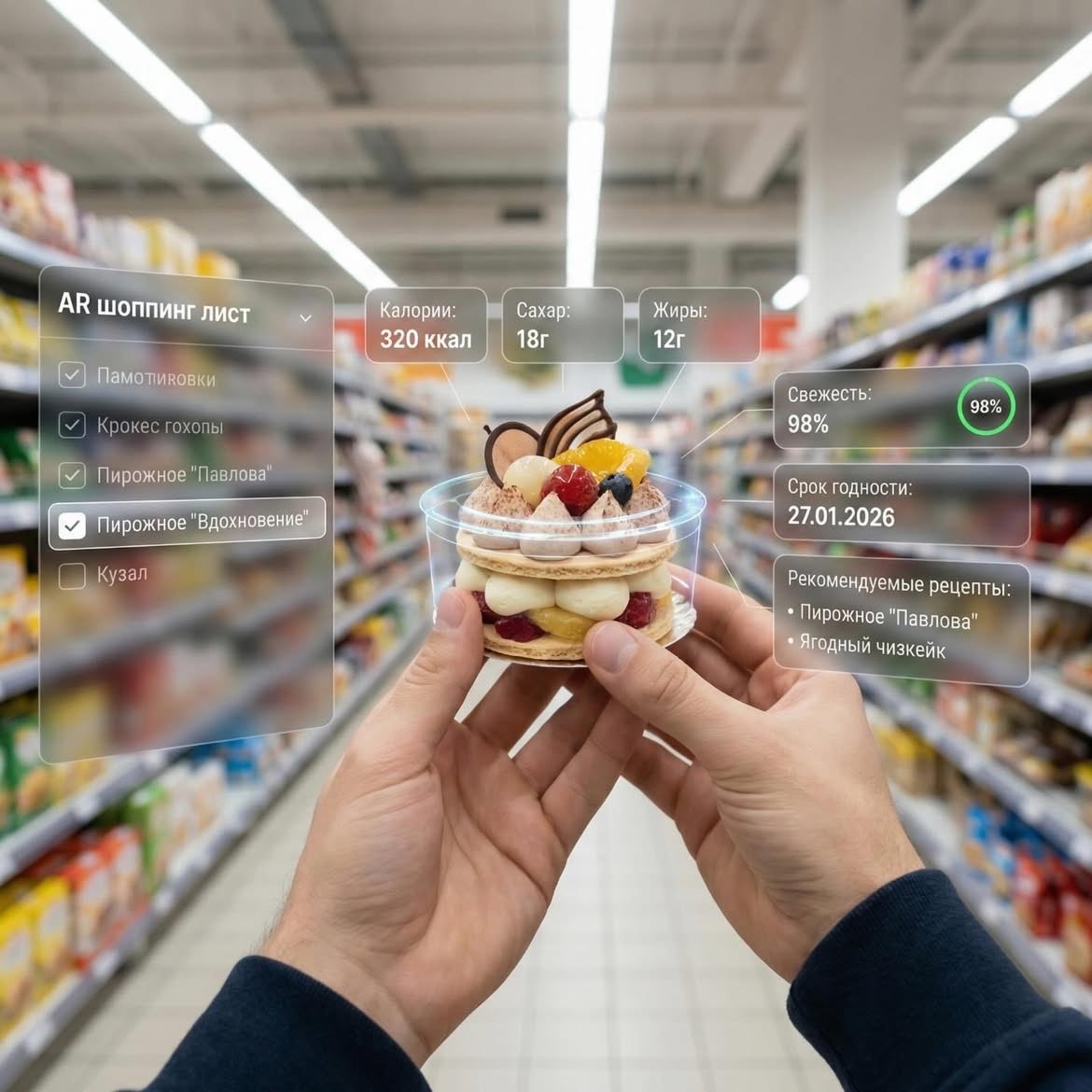
Augmented Reality UI Overlays on Food Items
AR Augmented Reality Street Scene

Identical Baseball Players Lineup

Anime Classroom Losing Heroines Key Visual

Anime Losing Heroines Classroom Key Visual

Anime School Rom-Com Key Visual

Act as a 3D Product Visualization Artist
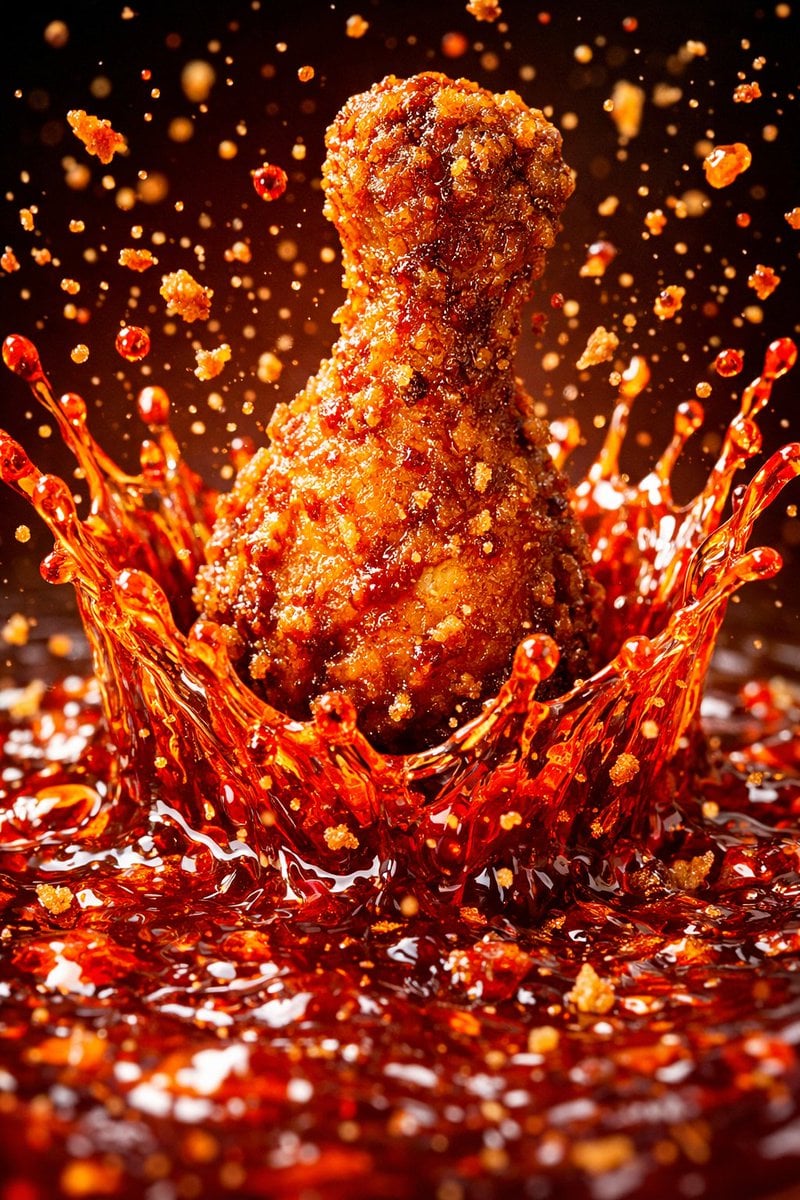
Each module shares structure but maintains unique visual dynamics
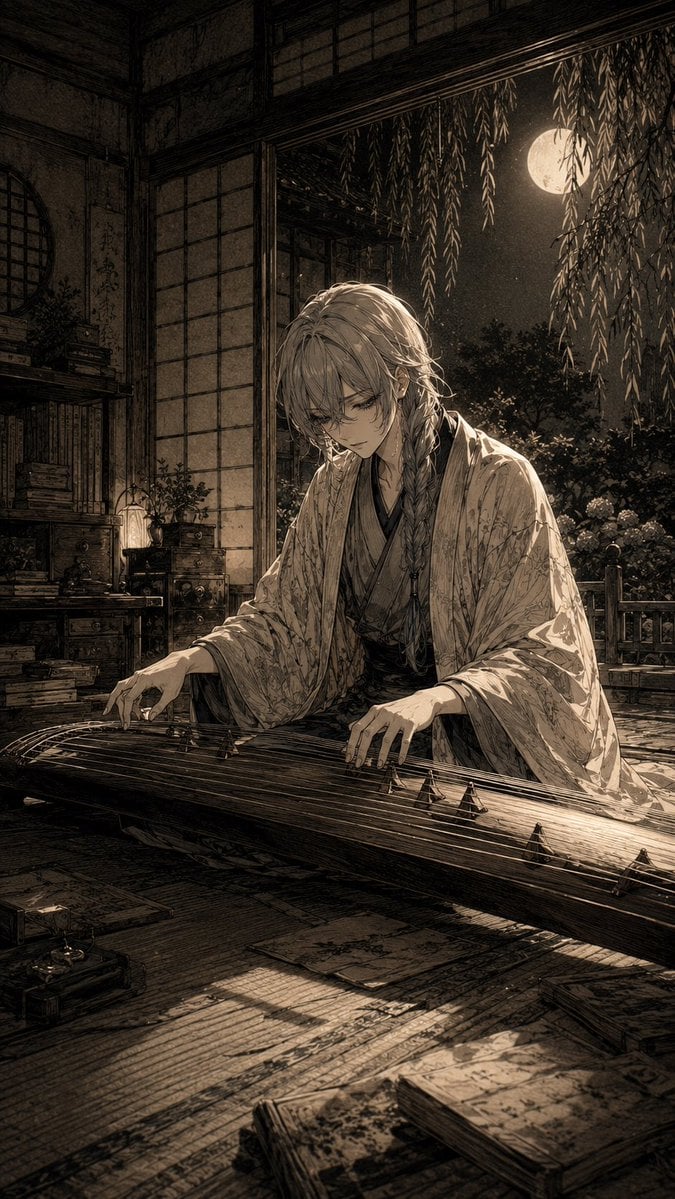
Moonlit Koto Player
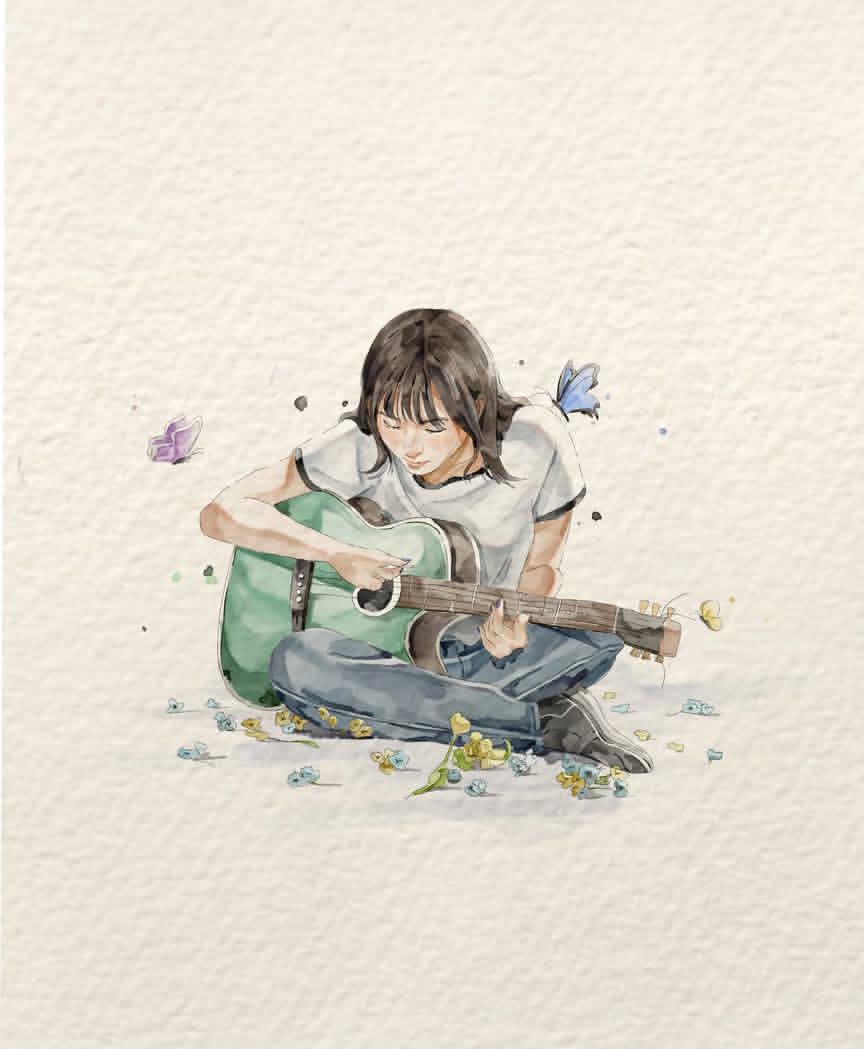
Watercolor Illustration of Guitar Player
Make it yours
Augmented Reality Spotify Player Visual Prompt works as-is. These are the safest ways to change it without losing the look.
Change one field
Copy a single group, rewrite it, and generate again so you can see what that field is doing.
Keep the frame, change the subject
Hold the composition and light of Augmented Reality Spotify Player Visual Prompt, then swap wardrobe, props or the person for a new take.
| If the result… | Why | Fix |
|---|---|---|
| The result drifts from the preview | Too many fields changed at once. | Reuse Augmented Reality Spotify Player Visual Prompt as-is first, then change one group — subject, light, or setting. |
| The model over-stylizes the scene | The prose prompt leaves finish and camera underspecified. | Add one camera or lighting sentence and stay on Nano Banana 2. |
More Nano Banana 2 templates
Other prompts made for Nano Banana 2.

Photorealistic Leaf Shaped Like a Dragon

K-Pop Idol Portrait Grid for Rapid Selection

Poetic Rain Forest Portrait During Golden Hour

Urban Street Portrait with Cartoon Inner Self Duo

Candid Nighttime Photo with Cat Prompt

High-Concept 3D Diorama Generation Prompt

Cinematic Futuristic Studio Portrait Template

Skincare Editorial Photography Collage Prompt

Hyper-Realistic Commercial Product Photography (Splash Effect)

Hyper-Realistic Nightclub Portrait Prompt
More image prompts
Fresh picks from across the catalog.
Nostalgic Disposable Camera Style
Widebody Volvo 240 Spec Board
Anime Scene Reconstruction and Expansion
Modern Paper Sculpture Style Transformation
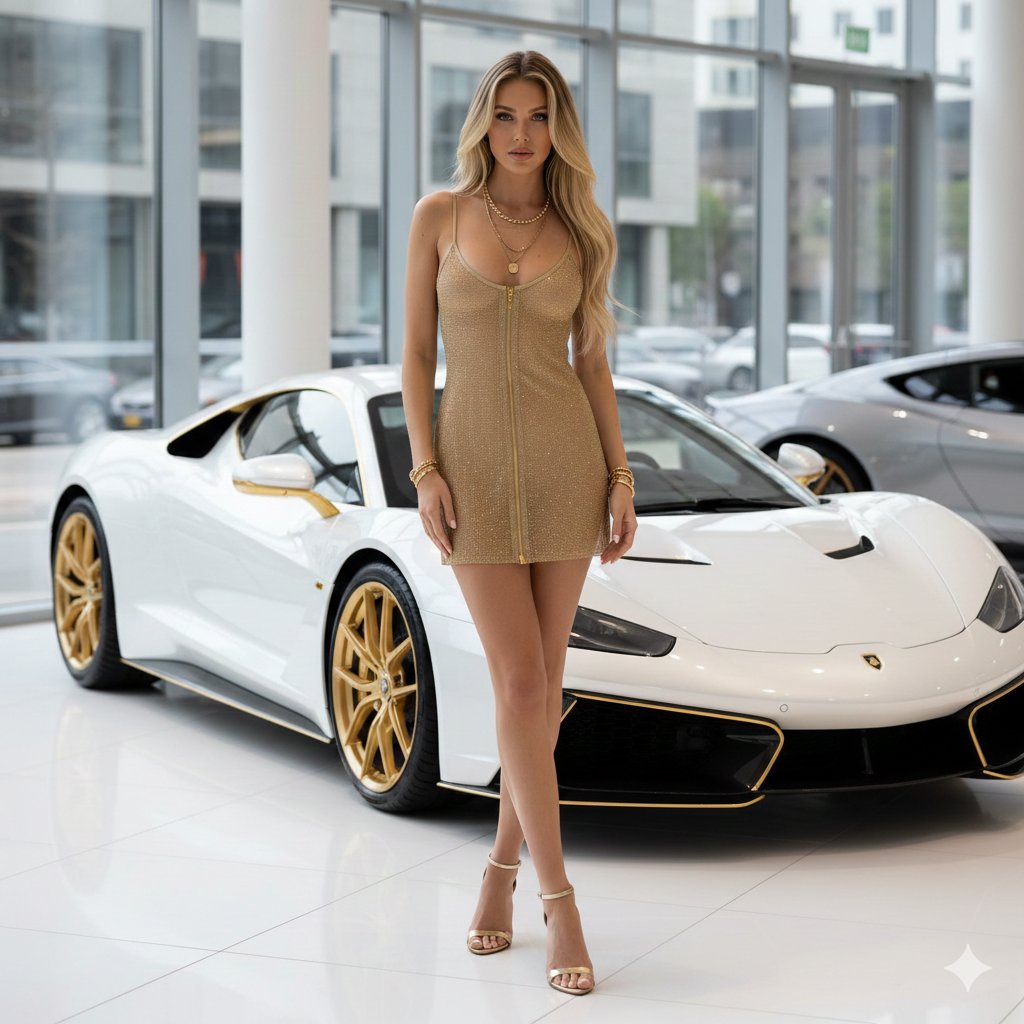
High-Fashion Supercar Showroom Portrait
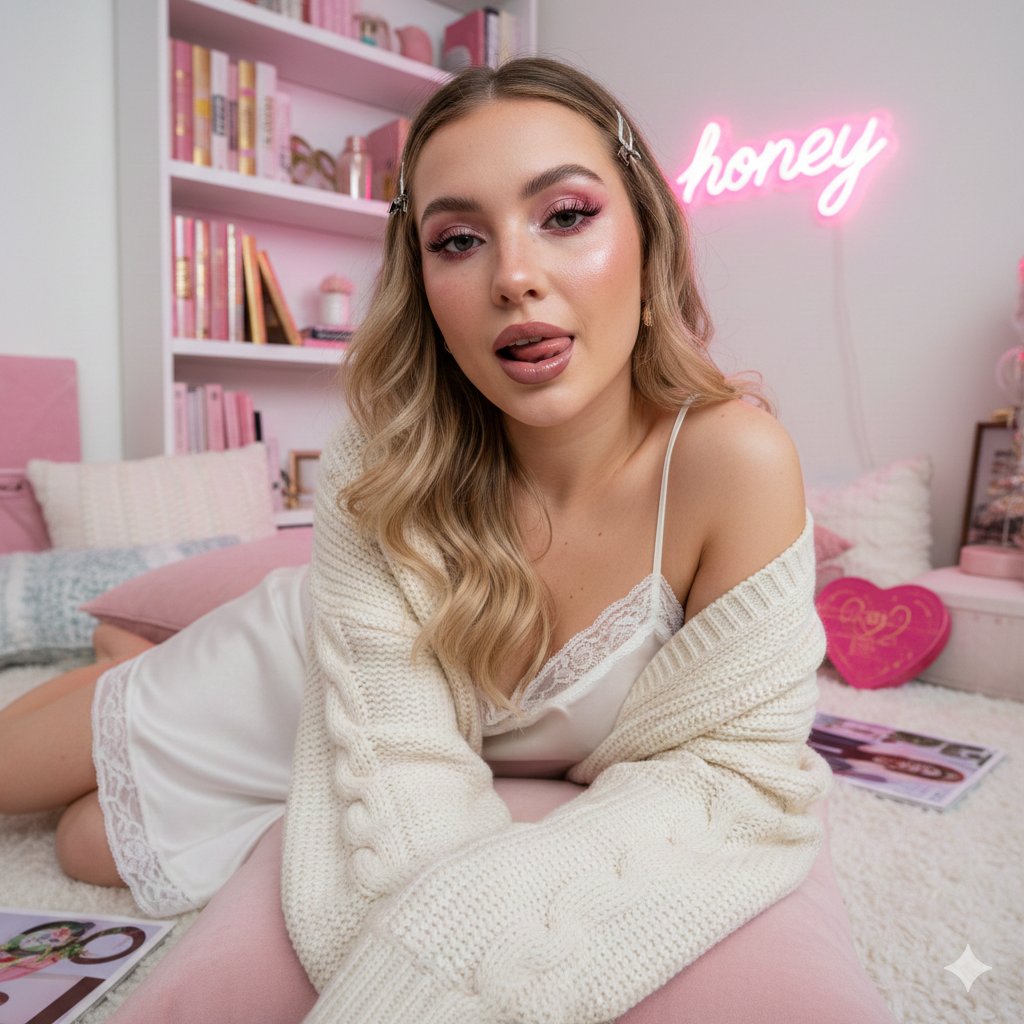
Maximalist 'Clean Girl' Aesthetic Portrait with Blep Expression
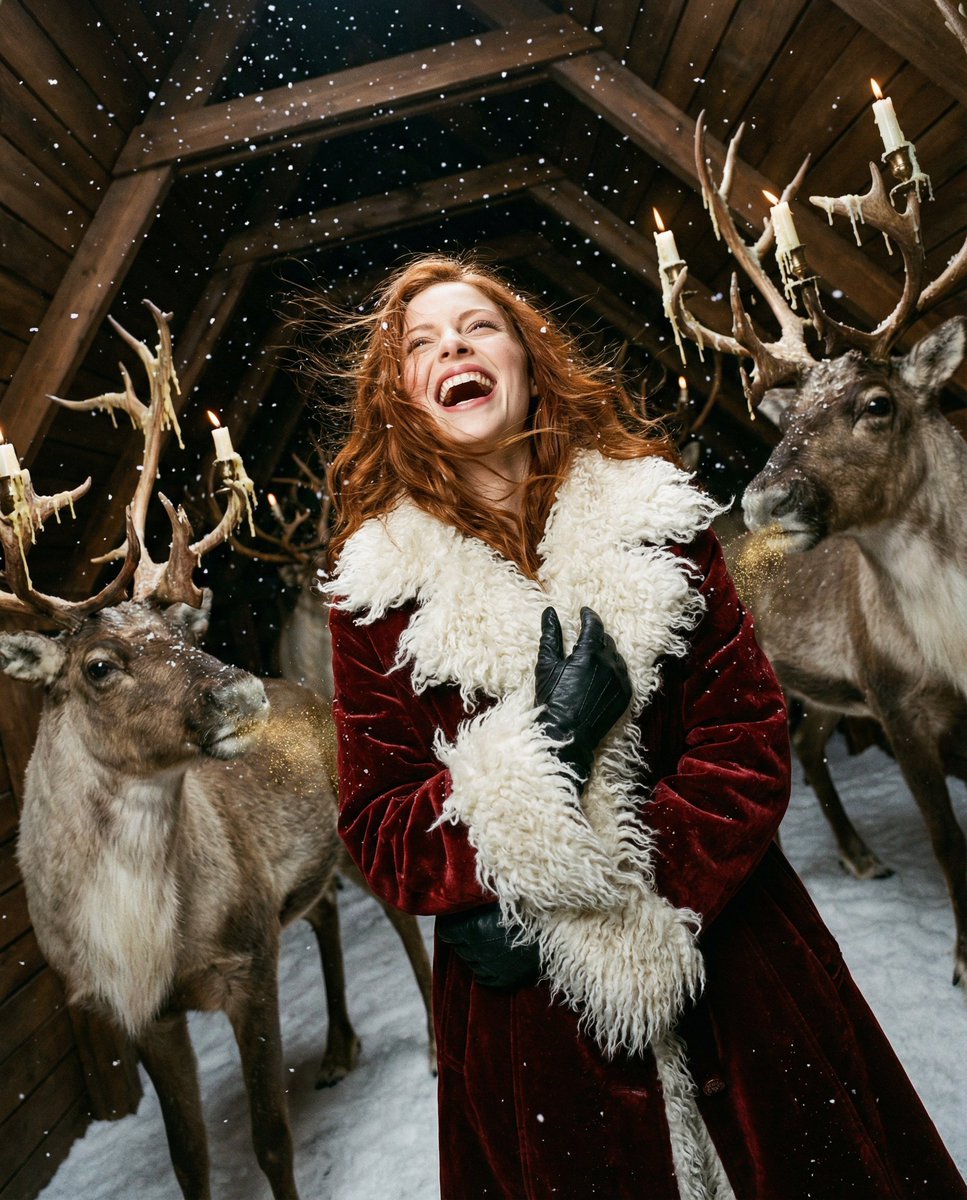
Christmas Vertigo: Surreal Avant-Garde Mrs. Claus
Awkward Blurry Nightclub Rainbow Hair Shot
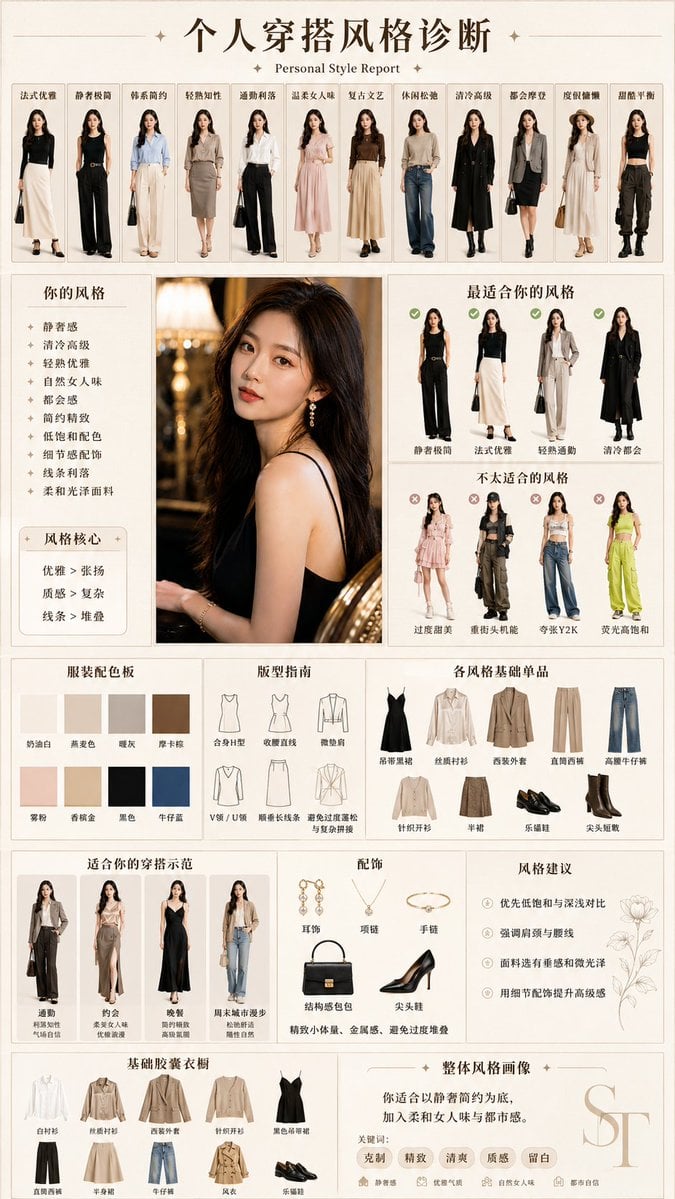
Personal Style Diagnosis Report
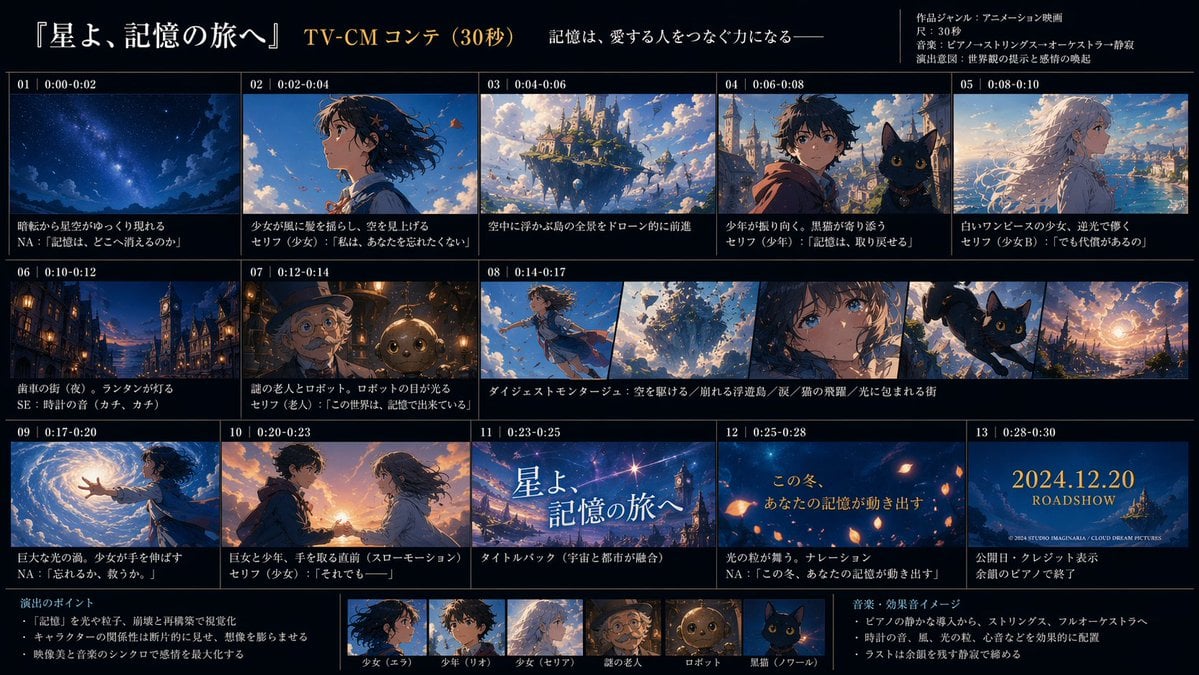
Anime TV CM Storyboard Sheet
Browse template categories
Augmented Reality Spotify Player Visual Prompt questions
How do I use the Augmented Reality Spotify Player Visual Prompt template?
Add your photo if the template asks for one, edit the prompt if you like — the template's model and format are already selected — and press Generate. Your version opens in PicX Studio.
Can I customize the Augmented Reality Spotify Player Visual Prompt template?
Yes. You can change the subject, setting, lighting, mood, format, and available model controls before creating your image.
Is the Augmented Reality Spotify Player Visual Prompt template free?
Opening and editing this template is free. Generating uses credits, shown on the Generate button when you are signed in.
Which AI model should I use?
Start with Nano Banana 2, which is the model associated with this template. You can compare another compatible model for a different finish.
Looking for something else? Browse all templates.

Your photo, any look
Thousands of ready templates for every top image and video model, from one credit balance.