How do I use the Widebody Volvo 240 Spec Board template?
Edit the prompt in the box under the preview — the template's model and format are already selected — and press Generate. Your version appears right on this page.
This prompt generates a clean automotive concept presentation board showing a modified Volvo 240 from six angles with labeled spec-sheet sections, ideal for car design showcases and tuning brand mockups.

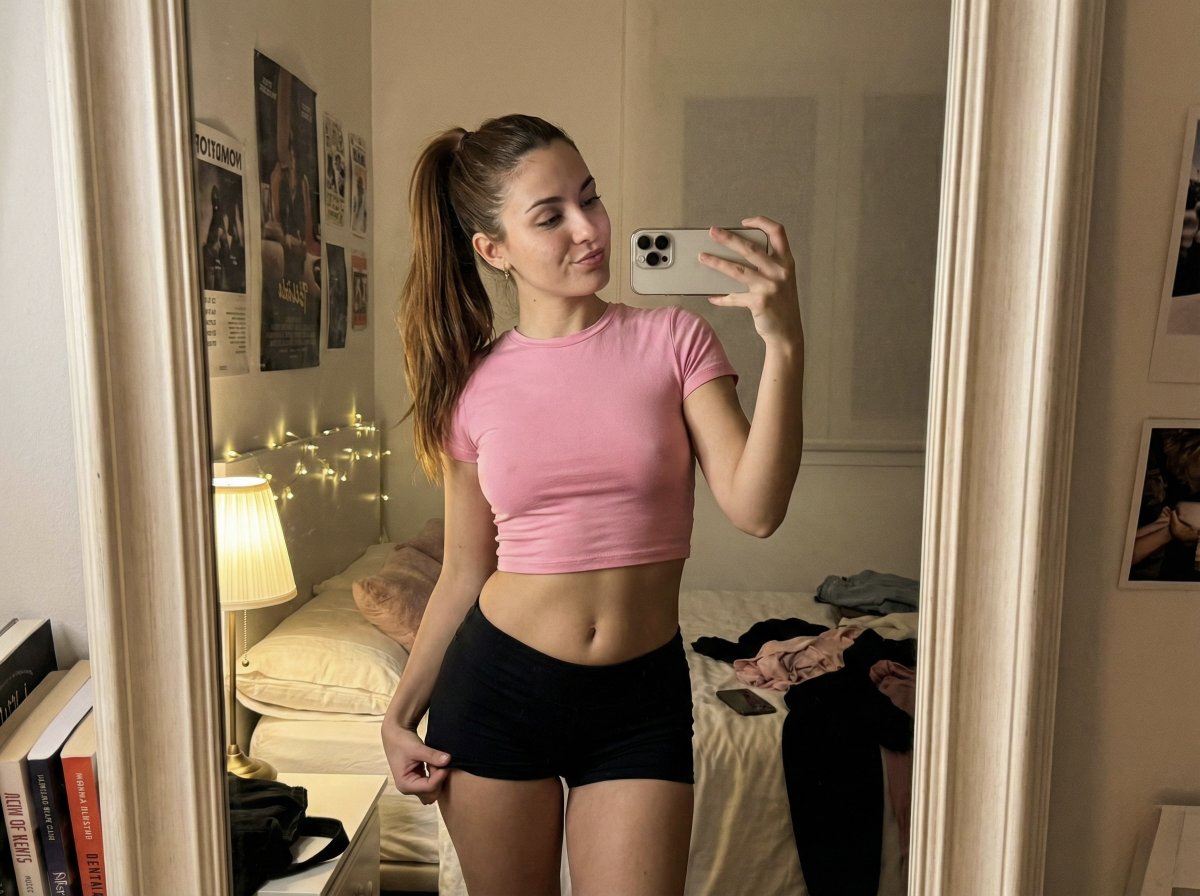
This template uses your photo — add one with the + button.
{"type":"automotive design specification board","subject":{"vehicle":"{argument name=\"car model\" default=\"Volvo 240\"}","edition":"{argument name=\"edition name\" default=\"JUMDOO EDITION\"}","body_style":"22-door sedan widebody show car render","era":"1980s","location":"Make","stance":"extremely low air-suspension stance, aggressive track width","paint":{"primary":"{argument name=\"primary color\" default=\"warm beige\"}","secondary":"{argument name=\"secondary color\" default=\"satin black\"}","finish":"satin/wate look"},"design_features":["boxy 1980s Volvo 240 silhouette","wide riveted fender flares","deep black front splitter with very low ground clearance","black side skirts","black lower body cladding","black multi-spoke deep-dish wheels","stretched low-profile tires","asymmetric front headlight treatment with one grille-side lamp covered by an X-pattern insert","black grille with diagonal Volvo slash","clean shaved body with minimal trim","dual center-mounted exhaust tips","visible racing bucket seats inside","small jumdoo branding on front plate area, side skirt, and rear panel"]},"layout":{"background":"clean light gray studio poster background","overall_style":"minimal Swiss-style automotive spec sheet, crisp 3D product render presentation, black sans-serif typography, thin gray divider lines","title_block":{"headline":"{argument name=\"headline text\" default=\"VOLVO 240 WIDEBODY\"}","subheadline":"JUMDOO EDITION","position":"top left"},"info_panel":{"position":"top right","items":[{"label":"LOC:","value":"Make"},{"label":"MODEL:","value":"240"},{"label":"BODYS:","value":"22-door sedan"},{"label":"ERA:","value":"1980s"},{"label":"BEILD:","value":"1980s"},{"label":"CUSTOM","value":"widebody stance"}]},"sections":[{"title":"vehicle views","position":"left and center","count":6,"labels":["Front 3/4 Driver","Front","Side Profile","Rear","Rear","Rear 3/4 Driver"],"content":"six separate studio renders of the same car arranged in a 3x2 grid, each with a bold section title and 2 short bullet notes beneath or beside it"},{"title":"material swatches","position":"upper right center","count":3,"labels":["PRIMARY","BEING","SATINWATE"],"content":"three rectangular color/material blocks in beige, beige, and black"},{"title":"Colorway","position":"right column","count":2,"labels":["PRIMARY","SECONDARY"],"content":"primary listed as beige-toned color, secondary listed as black"},{"title":"Side Profile","position":"upper right","count":4,"labels":["Front Lip","Volvo diagonal treatments","Track-inspiredness","OEM + retro styling"],"content":"short bullet list describing side and front styling cues"},{"title":"Branding","position":"mid right","count":4,"labels":["Front Lip","Side skirts","Wheel Arches","Rear Trunk"],"content":"bullet list of logo placement areas"},{"title":"Wheels & Fitment","position":"lower mid-right","count":5,"labels":["Aero Disc","Twoelegain am head bine","Wheel side skirts","Fitted side fitment","Stance cix sumbler"],"content":"bullet list describing wheel style, fitment, and stance"},{"title":"Notable Details","position":"lower right","count":4,"labels":["Asymmetric front headlight treatment","Integrated red light in Front splitter","Dual center-mounted exhaust","Visible racing bucket seats"],"content":"bullet list of key modifications"}]},"rendering":{"camera":"orthographic-like studio product shots with slight perspective, consistent lighting and soft shadows","quality":"high-end industrial design board, ultra-clean realistic 3D render","aspect_ratio":"16:9 landscape"}}
Edit the prompt in the box under the preview — the template's model and format are already selected — and press Generate. Your version appears right on this page.
Yes. You can change the subject, setting, lighting, mood, format, and available model controls before creating your image.
Opening and editing this template is free. Generating uses credits, shown on the Generate button when you are signed in.
Start with GPT Image 2, which is the model associated with this template. You can compare another compatible model for a different finish.
Follow a topic to a crawlable collection of related PicX Studio templates.