
Sci-Fi VTOL Aircraft Technical Spec Sheet
Generates a highly detailed, multi-panel technical reference sheet for a sci-fi aircraft, complete with orthographic views, annotations, and specifications.
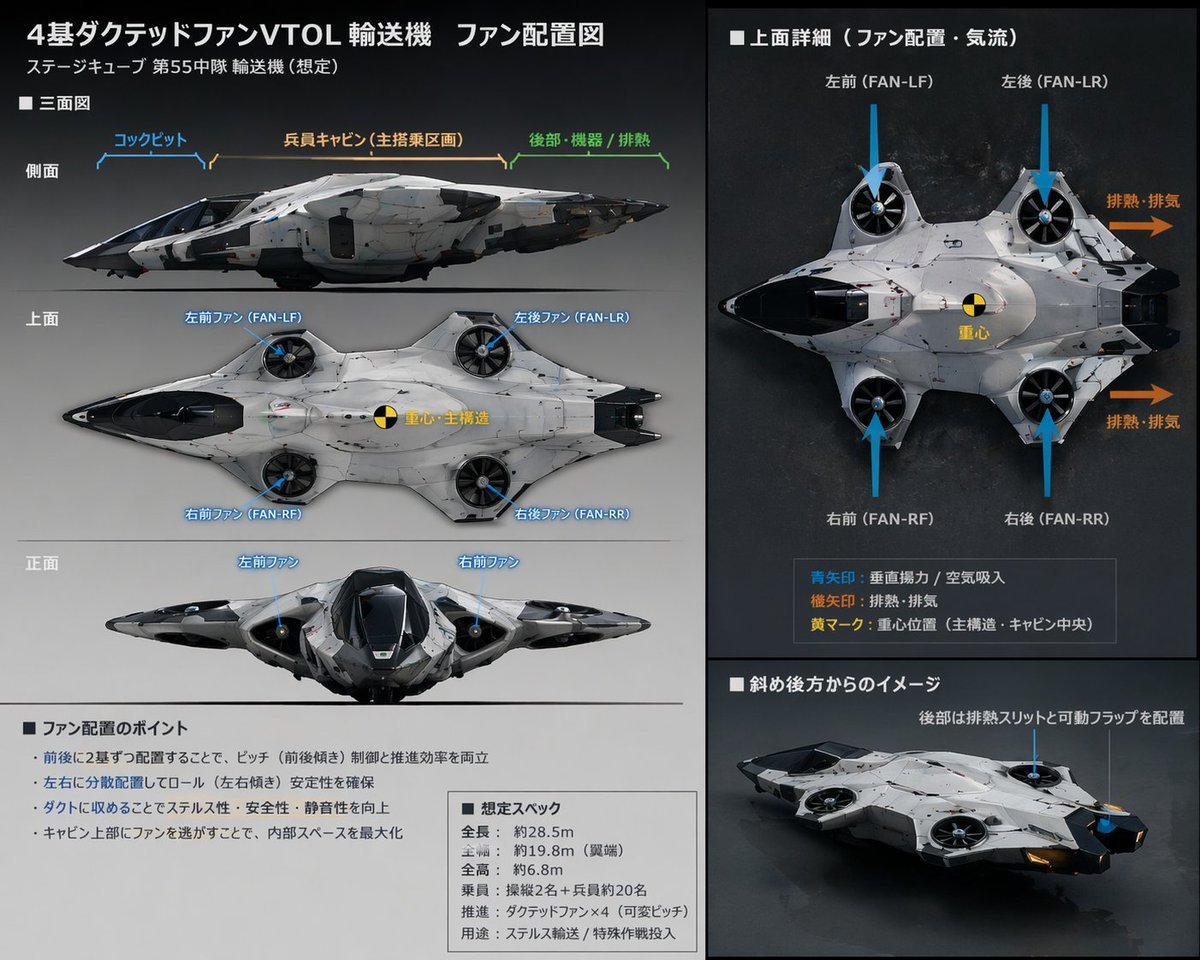
- Prompt included
- Model and format preset
- Free template
The prompt behind this image
Copy the exact prompt behind Sci-Fi VTOL Aircraft Technical Spec Sheet, or open it in the studio and make it yours.
- Type
- technical reference sheet
- Subject › Design
- {argument name="aircraft type" default="futuristic VTOL transport aircraft"}
- Subject › Features
- 4 ducted fans integrated into a blended wing body
- Subject › Colors
- {argument name="primary color" default="white"}, {argument name="secondary color" default="black"}
- Style
- sci-fi concept art, schematic layout, detailed annotations
- Layout › Background
- {argument name="background color" default="dark grey"}
- Layout › Header › Title
- {argument name="main title" default="4基ダクテッドファンVTOL輸送機 ファン配置図"}
- Layout › Header › Subtitle
- ステージキューブ 第55中隊 輸送機 (想定)
- Layout › Columns › 0 › Position
- left
- Layout › Columns › 0 › Sections › 0 › Title
- ■ 三面図
- Layout › Columns › 0 › Sections › 0 › Description
- Orthographic projections
- Layout › Columns › 0 › Sections › 0 › View Count
- 3
- Layout › Columns › 0 › Sections › 0 › View Labels
- 側面, 上面, 正面
- Layout › Columns › 0 › Sections › 0 › Annotations
- Blue lines pointing to cockpit, cabin, and fans
- Layout › Columns › 0 › Sections › 1 › Title
- ■ ファン配置のポイント
- Layout › Columns › 0 › Sections › 1 › Description
- Text box with bullet points
- Layout › Columns › 0 › Sections › 1 › Bullet Count
- 4
- Layout › Columns › 0 › Sections › 2 › Title
- ■ 想定スペック
- Layout › Columns › 0 › Sections › 2 › Description
- Text box with specifications
- Layout › Columns › 0 › Sections › 2 › Line Count
- 6
- Layout › Columns › 1 › Position
- right
- Layout › Columns › 1 › Sections › 0 › Title
- ■ 上面詳細(ファン配置・気流)
- Layout › Columns › 1 › Sections › 0 › Description
- Large top-down view
- Layout › Columns › 1 › Sections › 0 › Visual Elements › Blue Arrows
- 4
Raw JSON
{
  "type": "technical reference sheet",
  "subject": {
    "design": "{argument name=\"aircraft type\" default=\"futuristic VTOL transport aircraft\"}",
    "features": "4 ducted fans integrated into a blended wing body",
    "colors": ["{argument name=\"primary color\" default=\"white\"}", "{argument name=\"secondary color\" default=\"black\"}"]
  },
  "style": "sci-fi concept art, schematic layout, detailed annotations",
  "layout": {
    "background": "{argument name=\"background color\" default=\"dark grey\"}",
    "header": {
      "title": "{argument name=\"main title\" default=\"4基ダクテッドファンVTOL輸送機 ファン配置図\"}",
      "subtitle": "ステージキューブ 第55中隊 輸送機 (想定)"
    },
    "columns": [
      {
        "position": "left",
        "sections": [
          {
            "title": "■ 三面図",
            "description": "Orthographic projections",
            "view_count": 3,
            "view_labels": ["側面", "上面", "正面"],
            "annotations": "Blue lines pointing to cockpit, cabin, and fans"
          },
          {
            "title": "■ ファン配置のポイント",
            "description": "Text box with bullet points",
            "bullet_count": 4
          },
          {
            "title": "■ 想定スペック",
            "description": "Text box with specifications",
            "line_count": 6
          }
        ]
      },
      {
        "position": "right",
        "sections": [
          {
            "title": "■ 上面詳細(ファン配置・気流)",
            "description": "Large top-down view",
            "visual_elements": {
              "blue_arrows": 4,
              "orange_arrows": 2,
              "center_of_gravity_marker": 1
            },
            "legend": {
              "item_count": 3,
              "description": "Explains arrow colors and markers"
            }
          },
          {
            "title": "■ 斜め後方からのイメージ",
            "description": "3/4 rear perspective view of the aircraft"
          }
        ]
      }
    ]
  }
}How to use Sci-Fi VTOL Aircraft Technical Spec Sheet in 3 steps
- 1Upload ImagePNG, JPG or paste
Add your photo
Upload the photo the template builds on. The prompt, model and format are already set.
- 2…a portrait of your subject in softgolden-hour light, 85mm…
Personalize
Edit the subject and creative details for your destination.
- 3Generate
Generate
Press Generate — your image is created in PicX Studio, so you can compare it with the original and refine one variable at a time.
More like this
Templates with the same subject, style or setup. Open one to see its prompt.
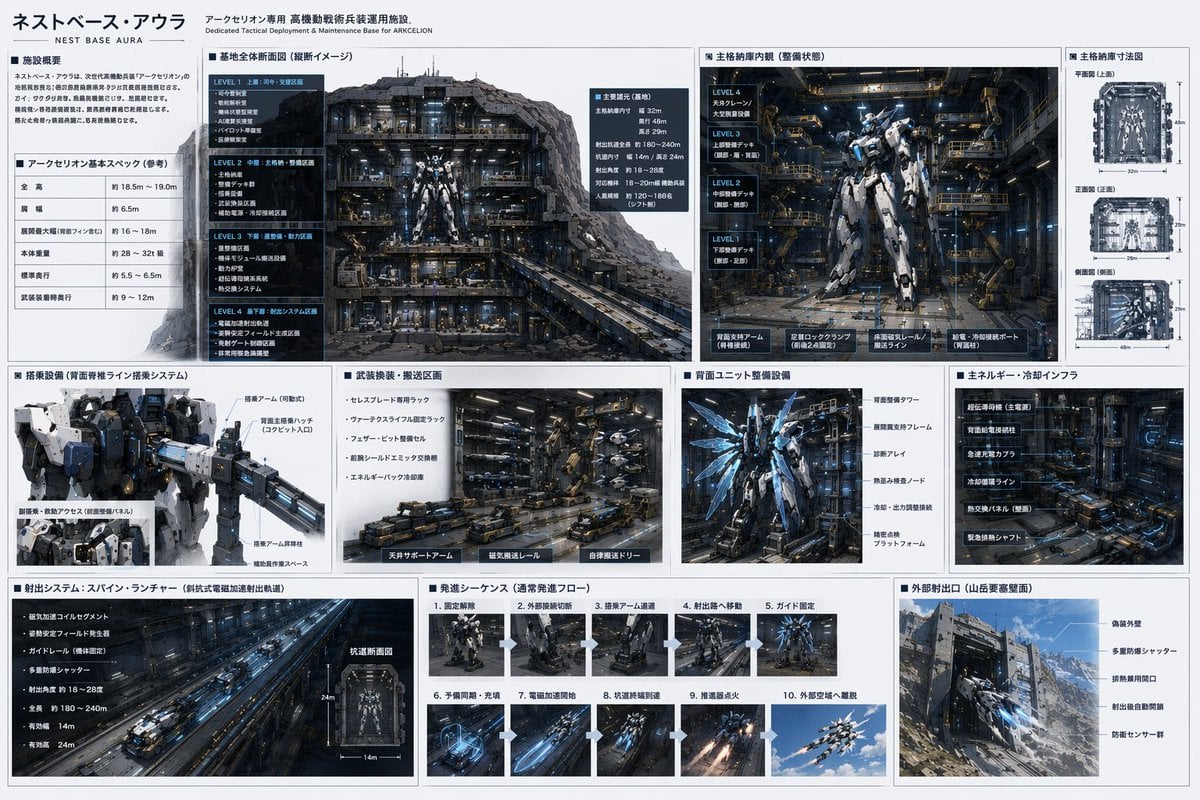
Mecha Base Technical Spec Sheet
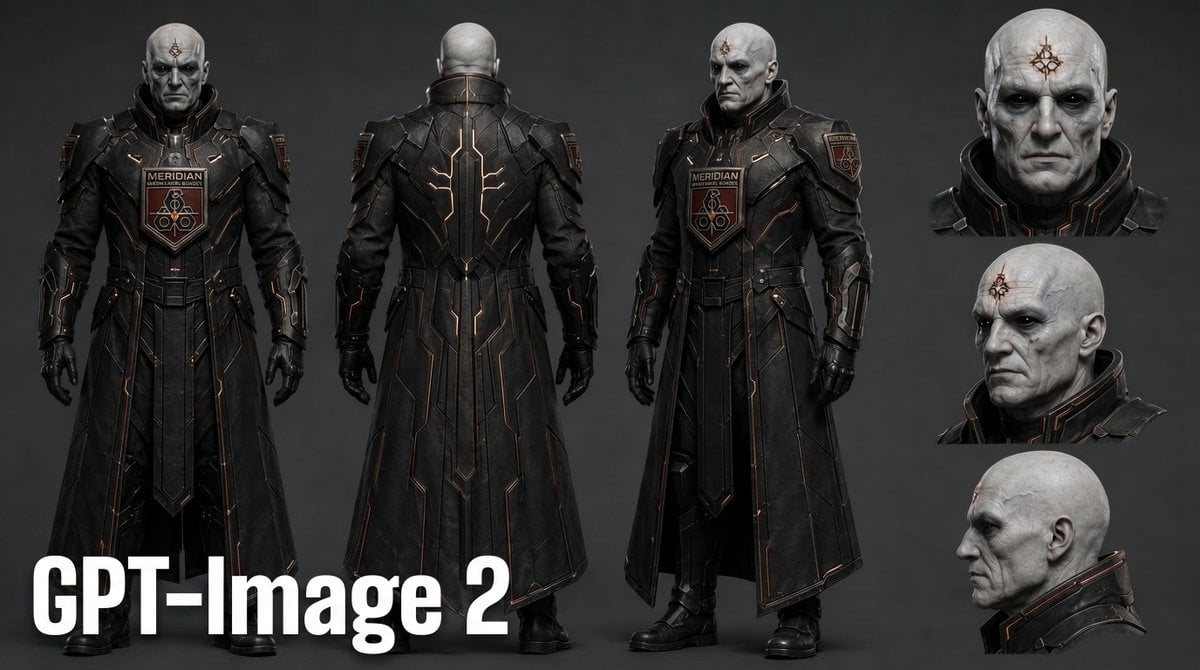
Dark Sci-Fi Commander Character Sheet
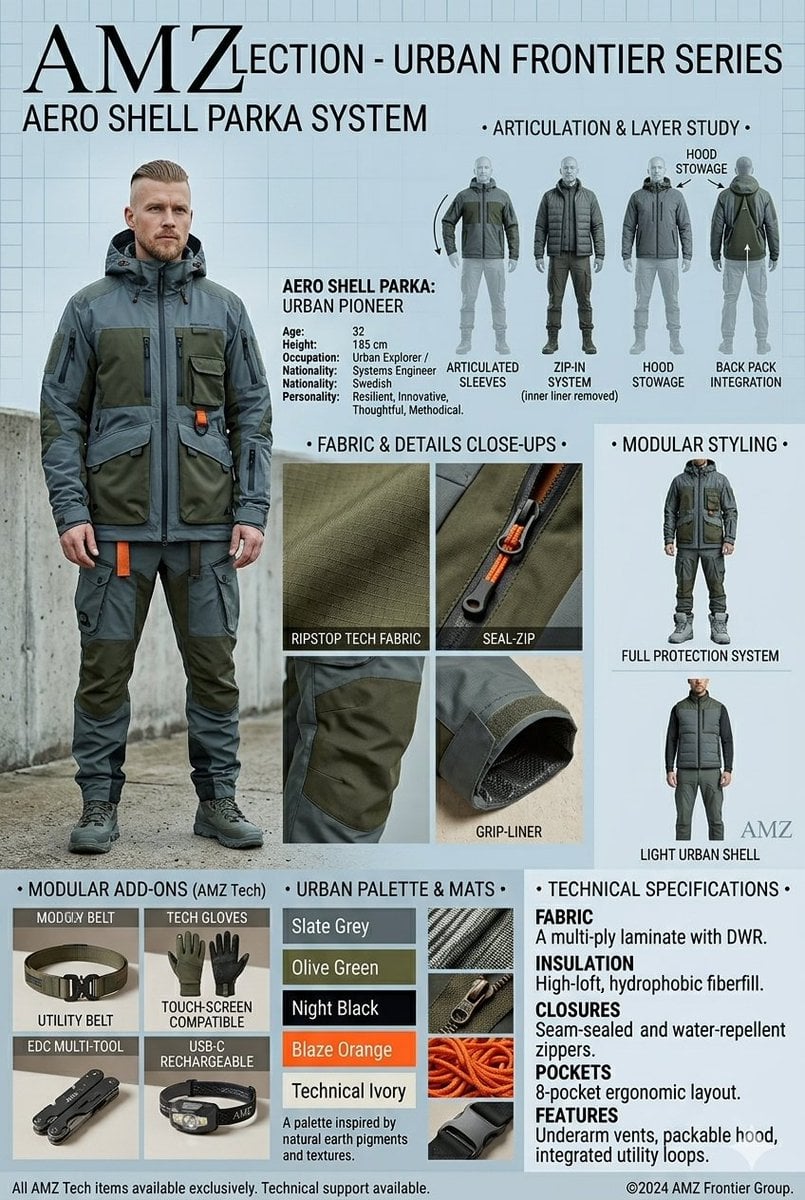
Technical Outerwear Design Sheet

Isometric Vehicle Teardown Infographic Template
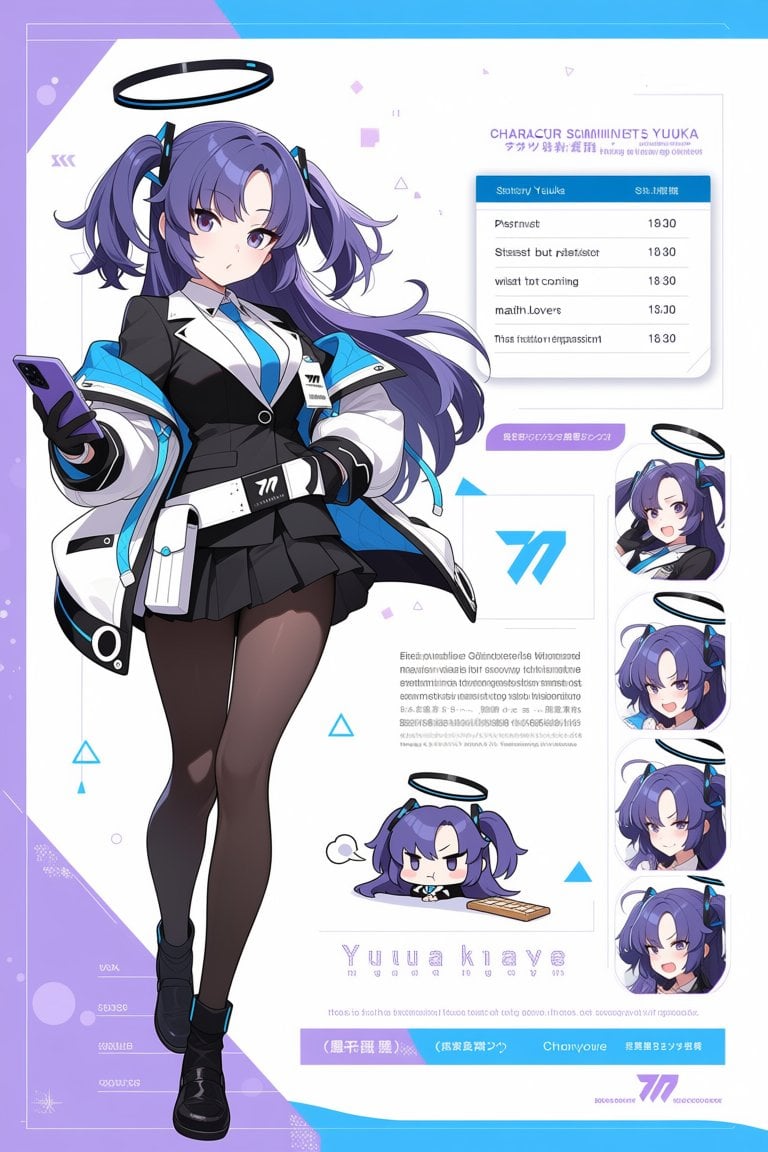
Anime Sci-Fi Character Sheet
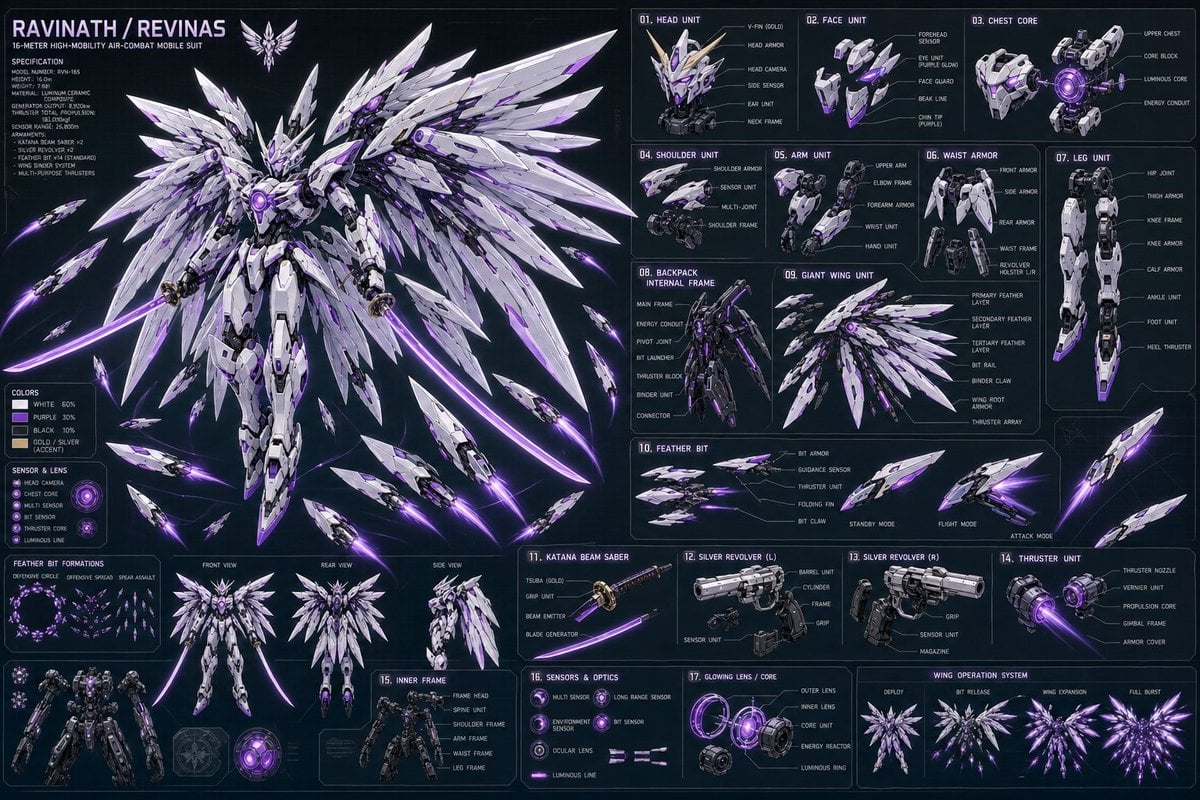
Ravinath Revinas Mecha Spec Sheet
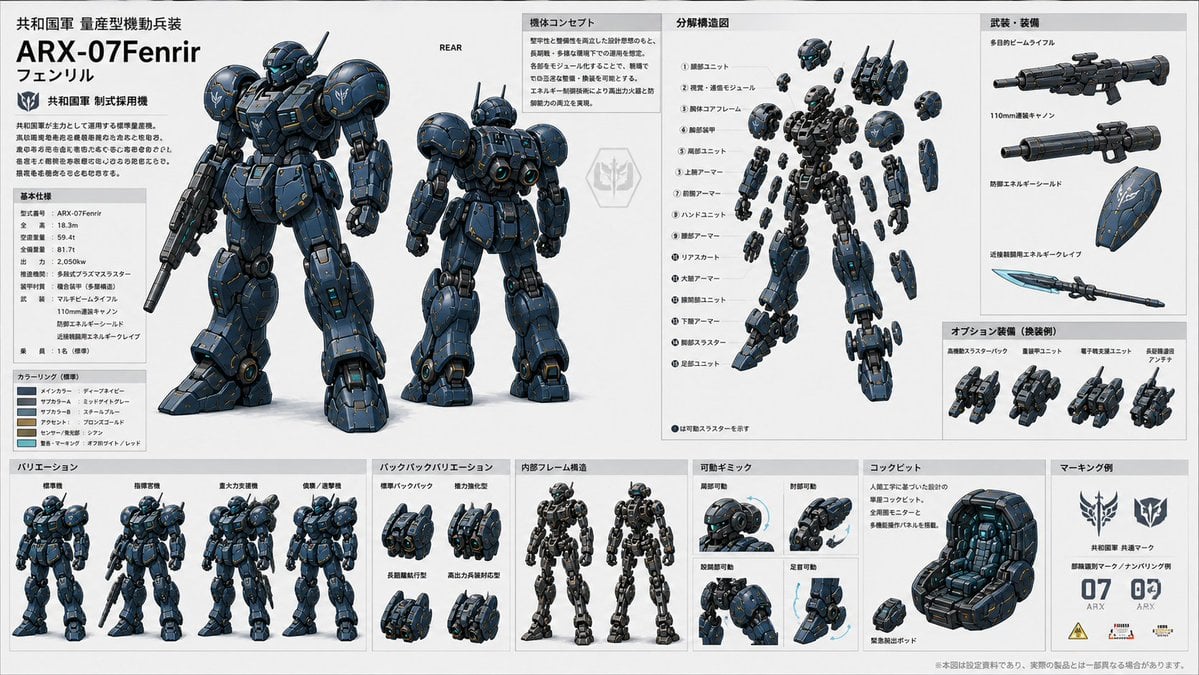
ARX-07 Fenrir Mecha Spec Sheet
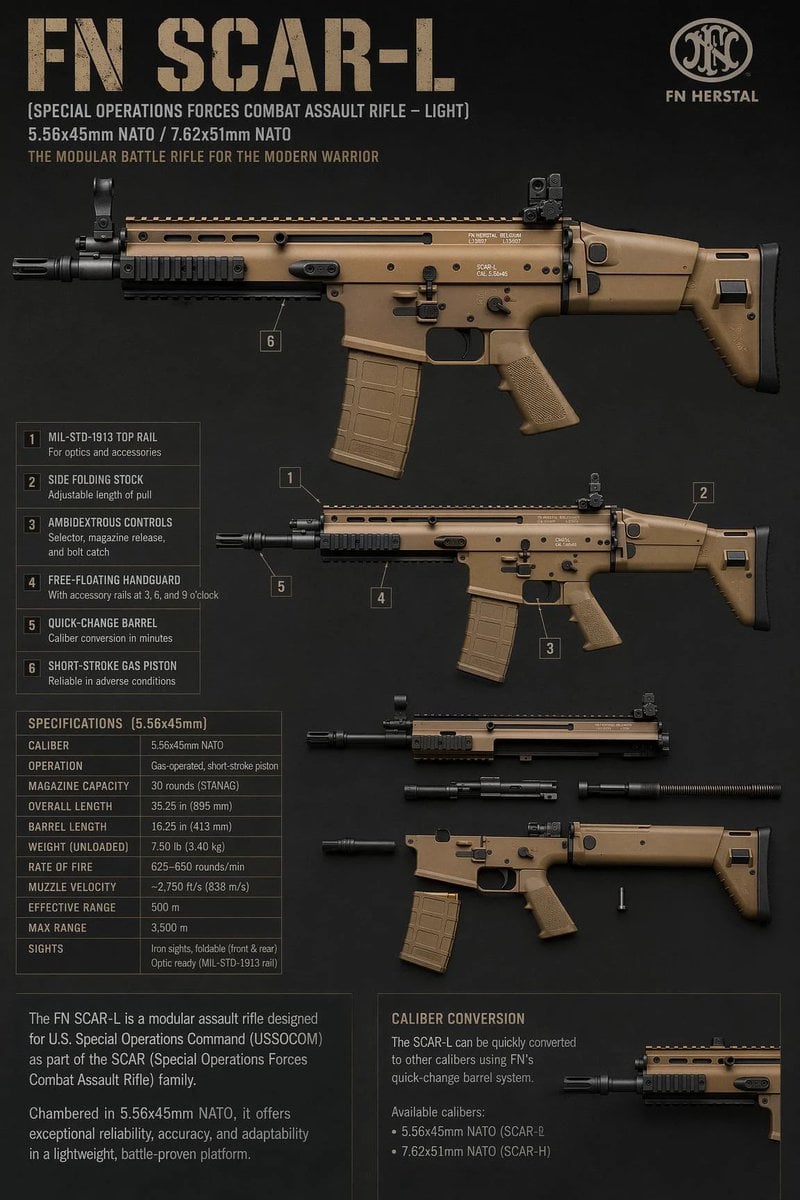
FN SCAR-L Tactical Spec Sheet
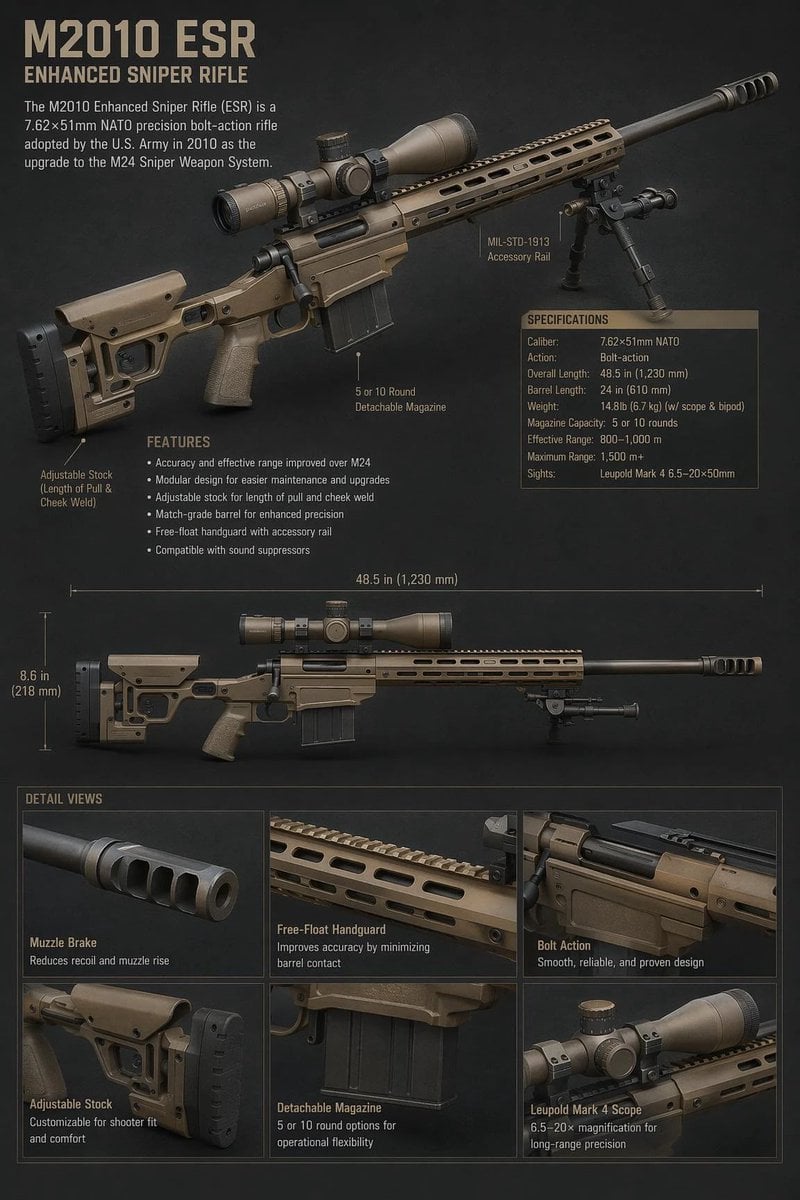
M2010 ESR Tactical Spec Sheet
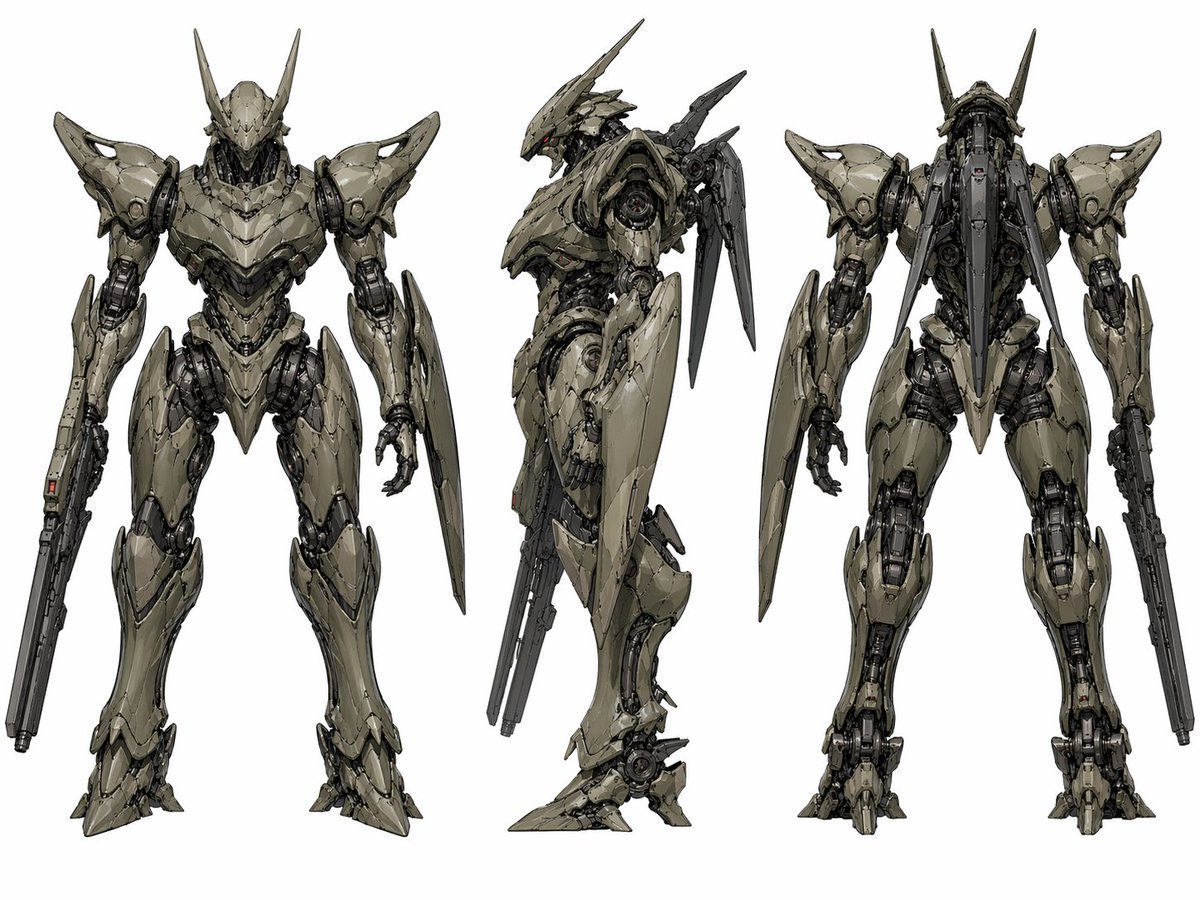
Sci-Fi Mecha Turnaround Sheet
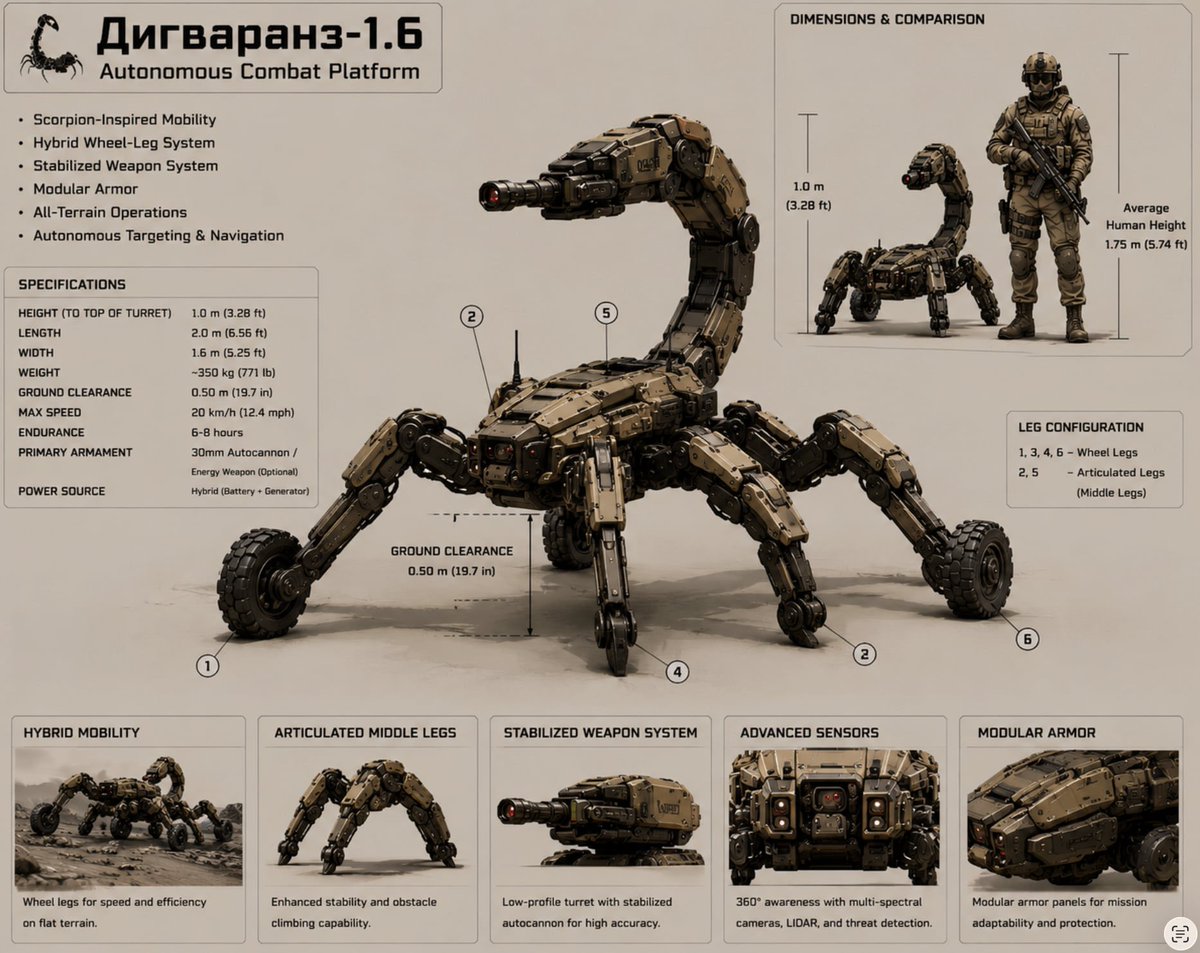
Scorpion Combat Robot Spec Sheet

Anime Sci-Fi SoC Factory Inspection
Make it yours
Sci-Fi VTOL Aircraft Technical Spec Sheet works as-is. These are the safest ways to change it without losing the look.
Swap the setting
Keep the rest of the prompt and replace the location block. The current setting is “{argument name="background color" default="dark grey"}”.
Change one field
Copy a single group, rewrite it, and generate again so you can see what that field is doing.
Keep the frame, change the subject
Hold the composition and light of Sci-Fi VTOL Aircraft Technical Spec Sheet, then swap wardrobe, props or the person for a new take.
| If the result… | Why | Fix |
|---|---|---|
| The result drifts from the preview | Too many fields changed at once. | Reuse Sci-Fi VTOL Aircraft Technical Spec Sheet as-is first, then change one group — subject, light, or setting. |
| GPT Image 2 ignores part of the JSON | Some models flatten or skip nested keys. | Keep the same values and paste them as a short paragraph instead. |
More GPT Image 2 templates
Other prompts made for GPT Image 2.

Realistic Portrait of Woman and Deer

The Vista Modular Condo Poster

AI Model Routing Comparison Infographic

2.5D Anime Art Board

Isometric Productivity Desk Scene

New York Double Exposure Poster

Four-Panel AI Landscape Comparison

Japanese Tatami Lifestyle Magazine Cover

NESCAFÉ Coffee Map Poster

Brutalist Cogito Chinese Typography Poster
More image prompts
Fresh picks from across the catalog.
Reference Image Naming Convention Prompt
Hockey Game Cinematic Storyboard
Night Street Portrait with Flash Prompt
Cinematic Macro Shot of Sizzling Cheeseburger

Champions League Highlight Card Generator
Retro 1960s Barbiecore Cinematic Portrait

Cinematic Double Exposure Traveler
Editorial Winter Collage with Face Preservation

Futuristic AI Creator Poster
Luxury food advertising hero frame prompt
Browse template categories
Sci-Fi VTOL Aircraft Technical Spec Sheet questions
How do I use the Sci-Fi VTOL Aircraft Technical Spec Sheet template?
Add your photo if the template asks for one, edit the prompt if you like — the template's model and format are already selected — and press Generate. Your version opens in PicX Studio.
Can I customize the Sci-Fi VTOL Aircraft Technical Spec Sheet template?
Yes. You can change the subject, setting, lighting, mood, format, and available model controls before creating your image.
Is the Sci-Fi VTOL Aircraft Technical Spec Sheet template free?
Opening and editing this template is free. Generating uses credits, shown on the Generate button when you are signed in.
Which AI model should I use?
Start with GPT Image 2, which is the model associated with this template. You can compare another compatible model for a different finish.
Looking for something else? Browse all templates.

Your photo, any look
Thousands of ready templates for every top image and video model, from one credit balance.