
Anime Sci-Fi SoC Factory Inspection
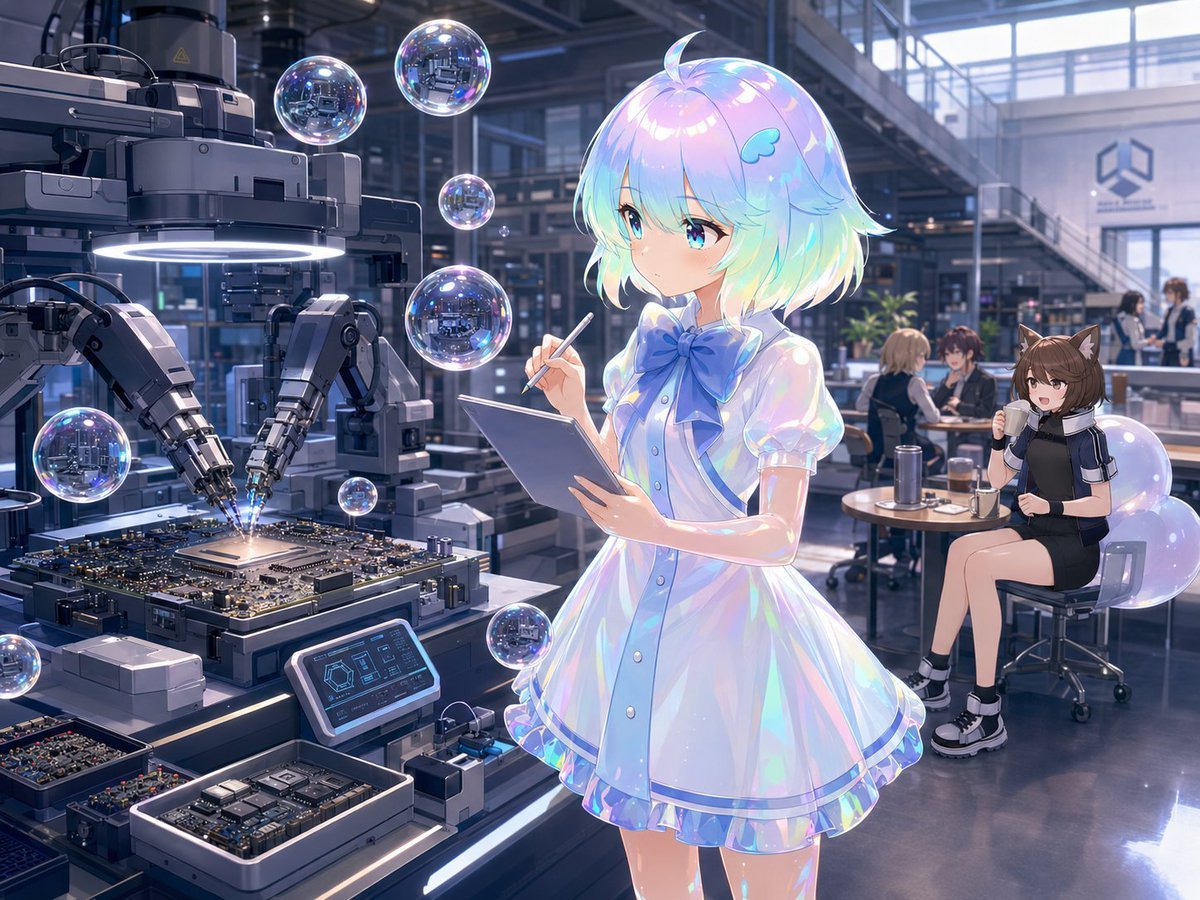
A detailed anime factory illustration showing a holographic inspector monitoring robotic SoC circuit-board manufacturing in a futuristic lab.
- Prompt included
- Model and format preset
- Free template
The prompt behind this image
Copy the exact prompt behind Anime Sci-Fi SoC Factory Inspection, or open it in the studio and make it yours.
Create a polished anime-style sci‑fi factory scene inside a spacious high-tech electronics manufacturing lab operated by {argument name="company name" default="Union Grotti"}. The main subject is {argument name="character name" default="Angelica"}, a cute iridescent holographic girl standing in the foreground slightly right of center, carefully inspecting a manufacturing process with a clipboard in one hand and a stylus pen in the other. Her face is intentionally obscured by a vertical beige censor rectangle, but her short bob hair remains visible: shimmering pastel rainbow hair with glossy highlights, a small blue wing hair clip, and a little ahoge curl on top. She wears a translucent pearlescent white-and-blue short-sleeve dress with a large blue bow at the collar, buttons down the front, puff sleeves, blue trim, and a layered frilly skirt that refracts cyan, pink, and violet light. Show a large automated robotic assembly machine on the left producing {argument name="manufactured item" default="generic controller SoC circuit boards"}: two articulated robotic arms with precision soldering or welding tips point down at a complex circuit board, creating a small bright spark at the center chip. Include a heavy industrial machine head above the board with a glowing white ring light, black and gunmetal mechanical housings, cables, rails, and clean modular equipment. In the lower foreground, include trays and open containers holding multiple populated circuit boards and chip modules, plus one small angled touchscreen control panel displaying blue technical UI graphics. Set the scene in a modern glass-and-steel corporate factory interior with high ceilings, mezzanine walkways, large windows, polished reflective floors, workbenches, shelves, and cool daylight. In the background on the right, include a casual staff break area with exactly four visible seated or standing people: one brown-haired cat-ear anime girl sitting on a stool drinking from a cup, one blonde person seated at a table, one dark-haired person seated beside them, and one additional staff member farther back near the counter. Add a minimalist geometric company logo on the far wall. Populate the image with exactly nine floating translucent soap bubbles or holographic spheres of different sizes, reflecting the factory lights and machinery; distribute them around the robot, the main character, and the lower foreground. Visual style: high-detail anime illustration, glossy futuristic industrial design, cinematic lighting, soft bloom, pastel iridescence, cool blue-gray factory palette contrasted with rainbow highlights, crisp mechanical detail, depth of field, 4:3 composition, no text captions, no watermark. The mood should feel like a calm production inspection of an export-spec {argument name="machine product name" default="Blueprint composite construction device"} in operation.
How to use Anime Sci-Fi SoC Factory Inspection in 3 steps
- 1Upload ImagePNG, JPG or paste
Add your photo
Upload the photo the template builds on. The prompt, model and format are already set.
- 2…a portrait of your subject in softgolden-hour light, 85mm…
Personalize
Edit the subject and creative details for your destination.
- 3Generate
Generate
Press Generate — your image is created in PicX Studio, so you can compare it with the original and refine one variable at a time.
More like this
Templates with the same subject, style or setup. Open one to see its prompt.












Make it yours
Anime Sci-Fi SoC Factory Inspection works as-is. These are the safest ways to change it without losing the look.
Change one field
Copy a single group, rewrite it, and generate again so you can see what that field is doing.
Keep the frame, change the subject
Hold the composition and light of Anime Sci-Fi SoC Factory Inspection, then swap wardrobe, props or the person for a new take.
| If the result… | Why | Fix |
|---|---|---|
| The result drifts from the preview | Too many fields changed at once. | Reuse Anime Sci-Fi SoC Factory Inspection as-is first, then change one group — subject, light, or setting. |
| The model over-stylizes the scene | The prose prompt leaves finish and camera underspecified. | Add one camera or lighting sentence and stay on GPT Image 2. |
More GPT Image 2 templates
Other prompts made for GPT Image 2.

Six VTuber Japanese Logo Sheet

Realistic Portrait of Woman and Deer

The Vista Modular Condo Poster

AI Model Routing Comparison Infographic

2.5D Anime Art Board

Isometric Productivity Desk Scene

New York Double Exposure Poster

Four-Panel AI Landscape Comparison

Japanese Tatami Lifestyle Magazine Cover

NESCAFÉ Coffee Map Poster
More image prompts
Fresh picks from across the catalog.
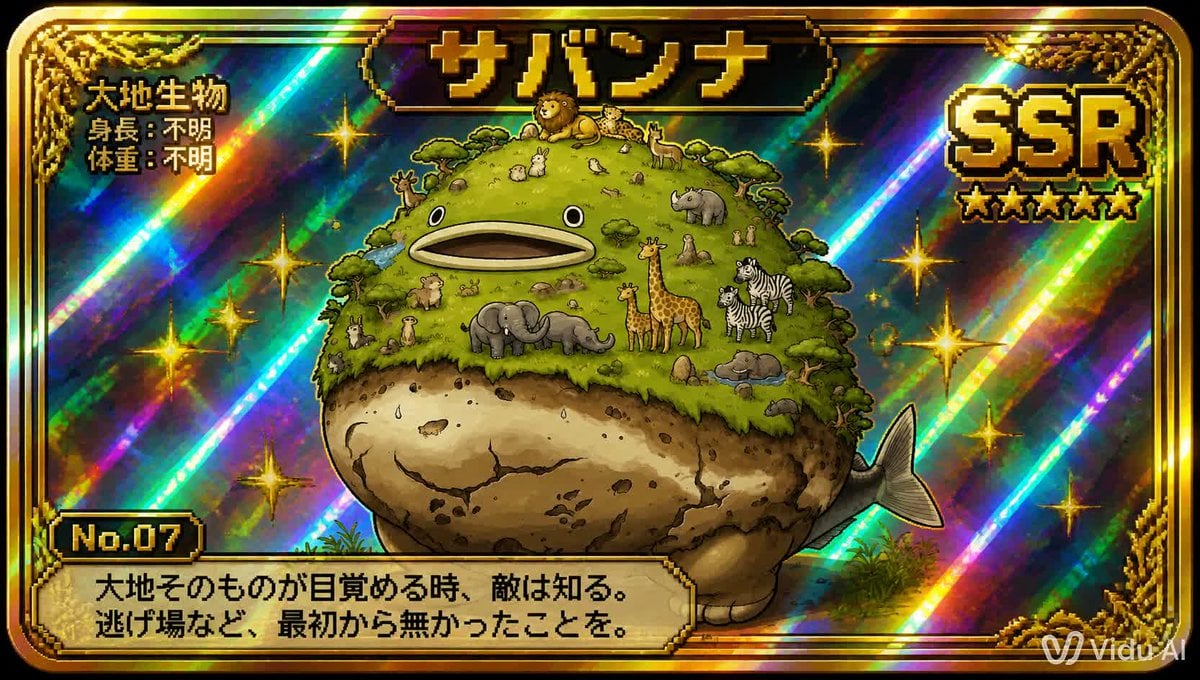
SSR Savanna Creature Card
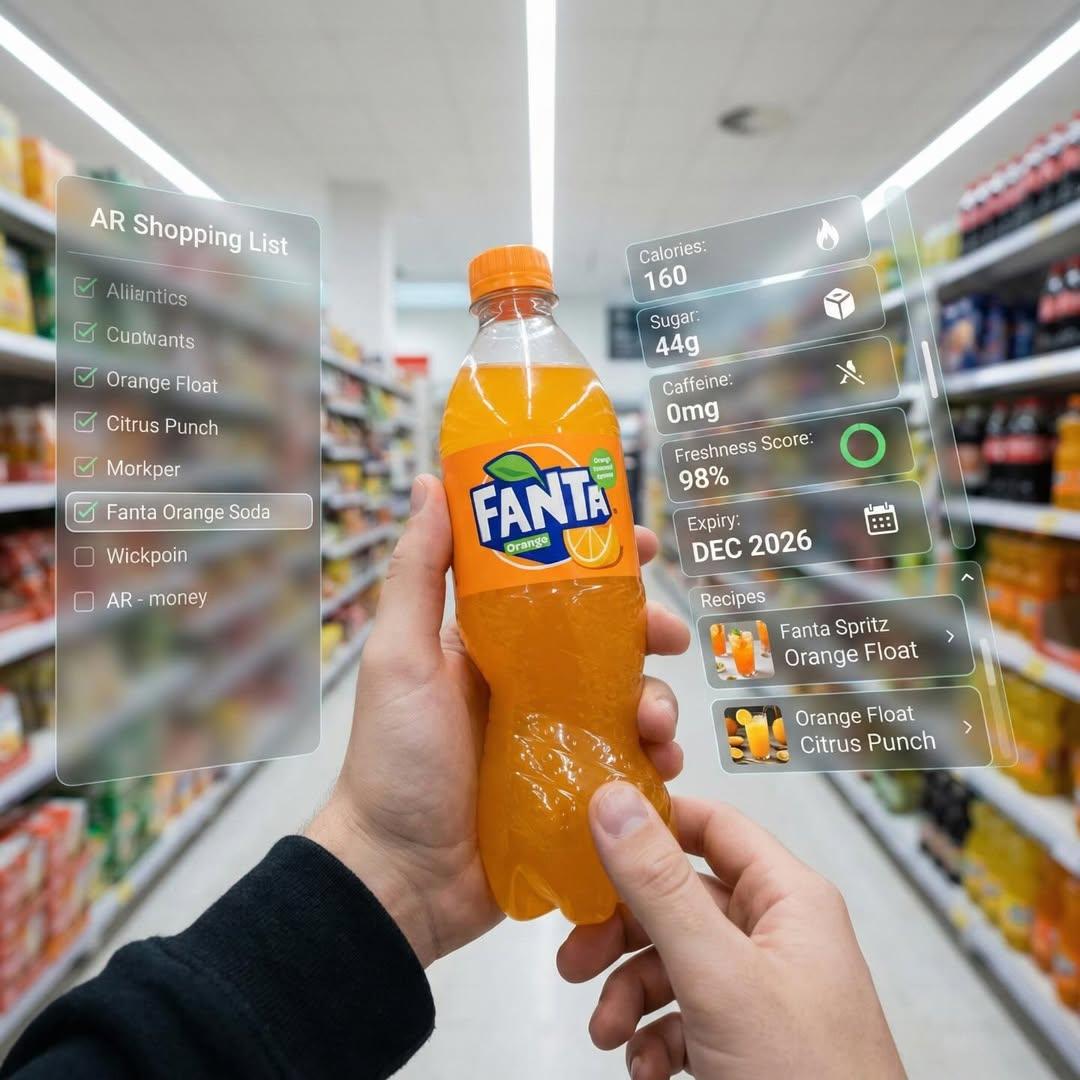
Hyper-Realistic Mixed Reality Fanta Bottle Interface
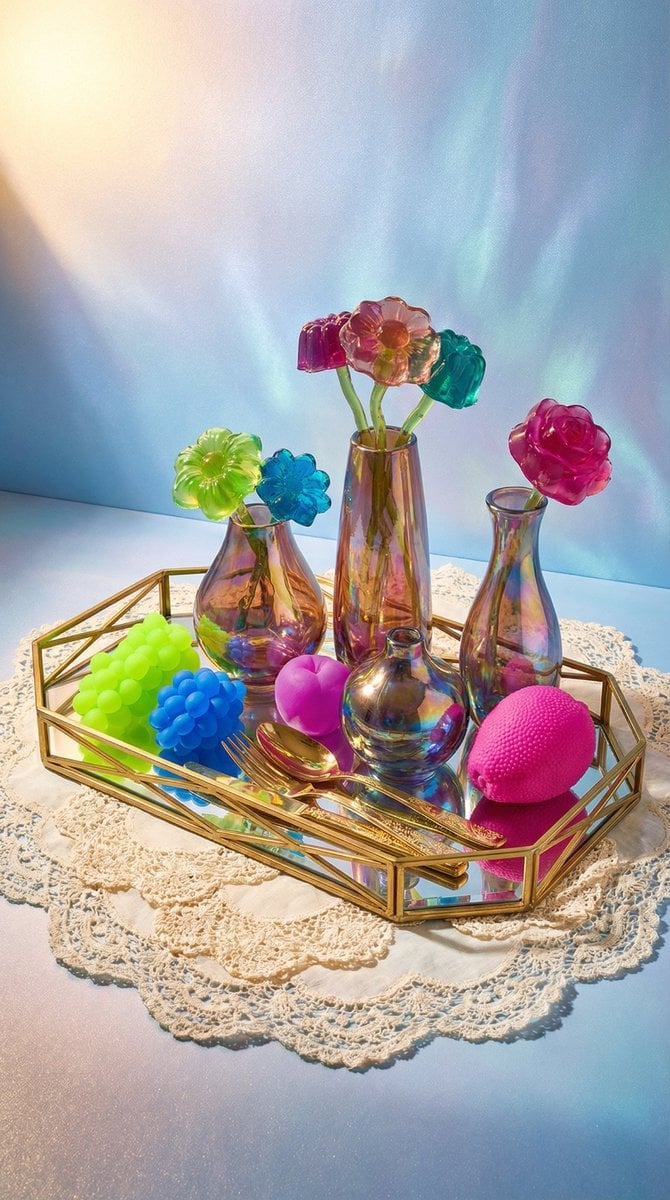
Maximalist Tabletop Arrangement Product Photography
Surrealist Luxury Vogue Cover
High-Contrast Beach Snapshot with Strict Identity and Sharp Focus
SmartStep Back to School Poster
8K Beauty Product Shot with Balloons
Misty Sunrise Heron Lake
Fashion Editorial with Giant Teddy Bear Prompt
Cinematic Rainy Night Café Scene Prompt
Browse template categories
Anime Sci-Fi SoC Factory Inspection questions
How do I use the Anime Sci-Fi SoC Factory Inspection template?
Add your photo if the template asks for one, edit the prompt if you like — the template's model and format are already selected — and press Generate. Your version opens in PicX Studio.
Can I customize the Anime Sci-Fi SoC Factory Inspection template?
Yes. You can change the subject, setting, lighting, mood, format, and available model controls before creating your image.
Is the Anime Sci-Fi SoC Factory Inspection template free?
Opening and editing this template is free. Generating uses credits, shown on the Generate button when you are signed in.
Which AI model should I use?
Start with GPT Image 2, which is the model associated with this template. You can compare another compatible model for a different finish.
Looking for something else? Browse all templates.

Your photo, any look
Thousands of ready templates for every top image and video model, from one credit balance.