
Hyper-Realistic Mixed Reality Fanta Bottle Interface
A detailed prompt for generating a hyper-realistic mixed reality scene from a first-person perspective, focusing on a Fanta bottle surrounded by a multi-layered holographic AR interface displaying nutritional data and…
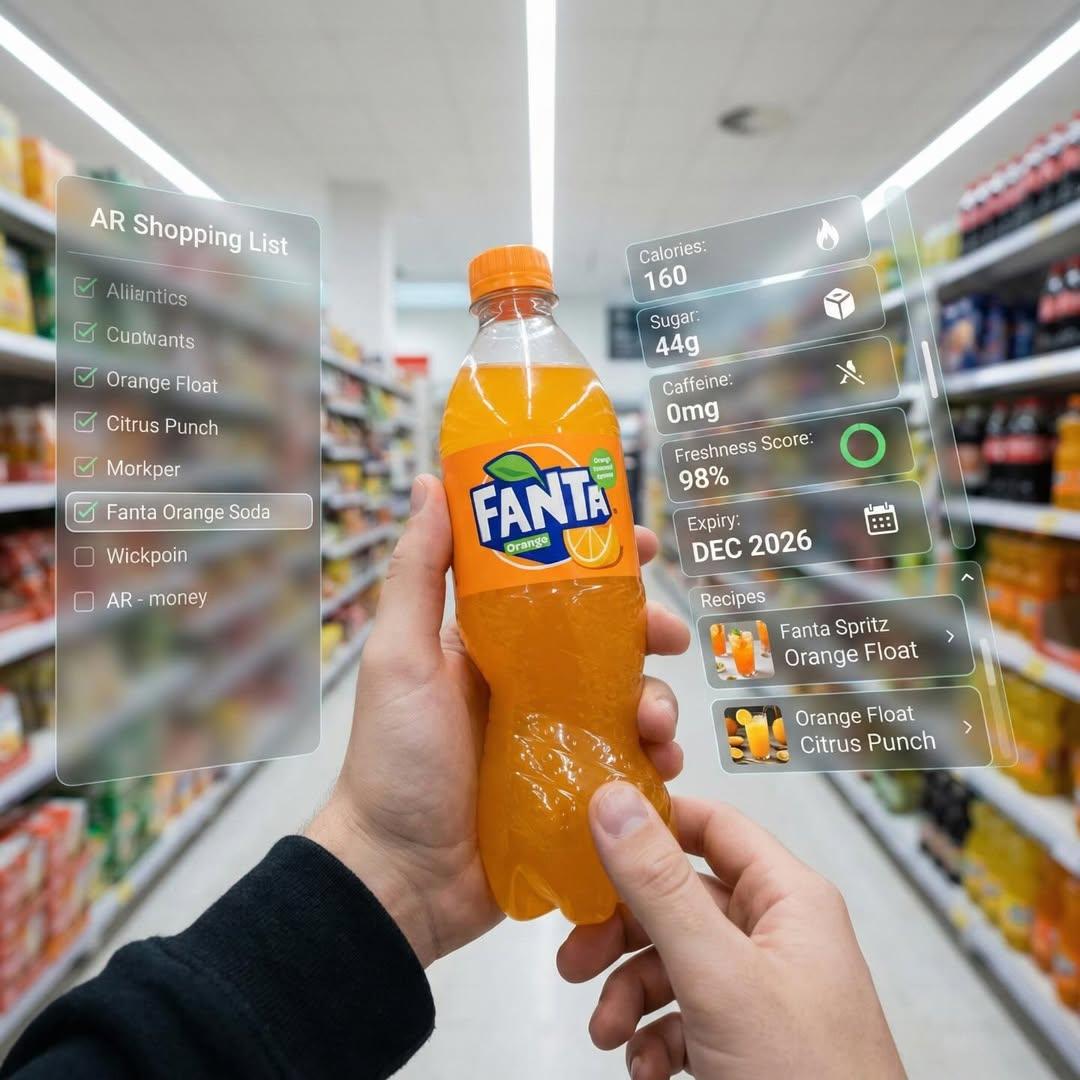
- Prompt included
- Model and format preset
- Premium template
The prompt behind this image
Copy the exact prompt behind Hyper-Realistic Mixed Reality Fanta Bottle Interface, or open it in the studio and make it yours.
在明亮的超市走道内的第一人称视角。真实的人类双手将一瓶芬达汽水瓶靠近摄像头。鲜艳的橙色饮料在其标志性品牌瓶中,被多层全息增强现实界面环绕,显示营养数据,包括卡路里、含糖量、咖啡因水平、新鲜度指示器、过期日期和推荐饮用方式及鸡尾酒配方。 用户界面元素根据观看者的注视方向平稳移动和重新组织,仿佛动态响应用户焦点。在左侧周边视野中,可见一份竖直半透明购物清单,其中已勾选的商品列表里,芬达被突出显示为当前活跃选项。 超逼真混合现实,洁净未来感AR设计,玻璃质感UI面板,柔和环境光,逼真光影,自然景深,沉浸式第一人称界面,展示下一代零售技术。
How to use Hyper-Realistic Mixed Reality Fanta Bottle Interface in 3 steps
- 1
Open
The prompt is already in the box next to the preview, with the template's model and format selected.
- 2…a portrait of your subject in softgolden-hour light, 85mm…
Personalize
Edit the subject and creative details for your destination.
- 3Generate
Generate
Press Generate — your image is created in PicX Studio, so you can compare it with the original and refine one variable at a time.
More like this
Templates with the same subject, style or setup. Open one to see its prompt.
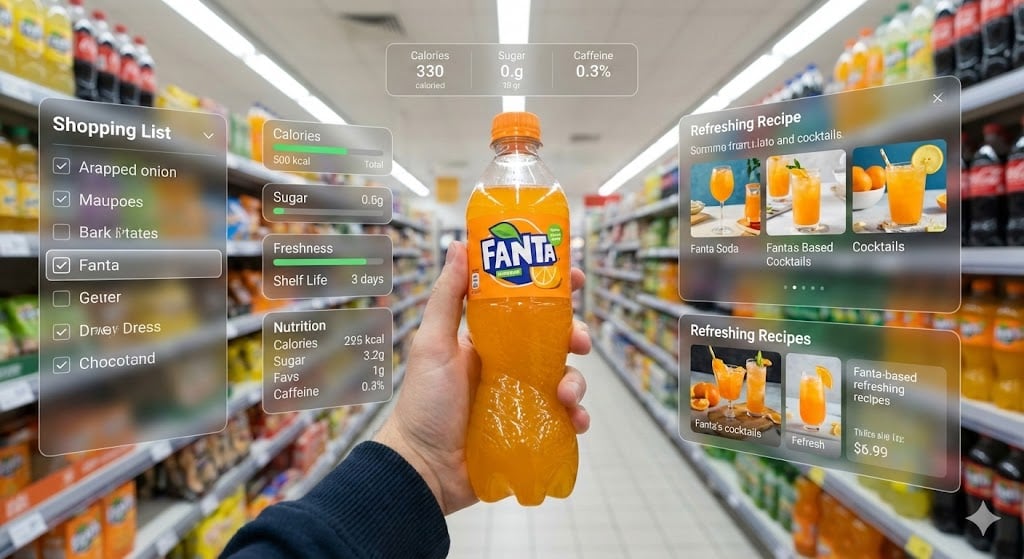
Hyper-Realistic Mixed Reality Fanta Ad Concept
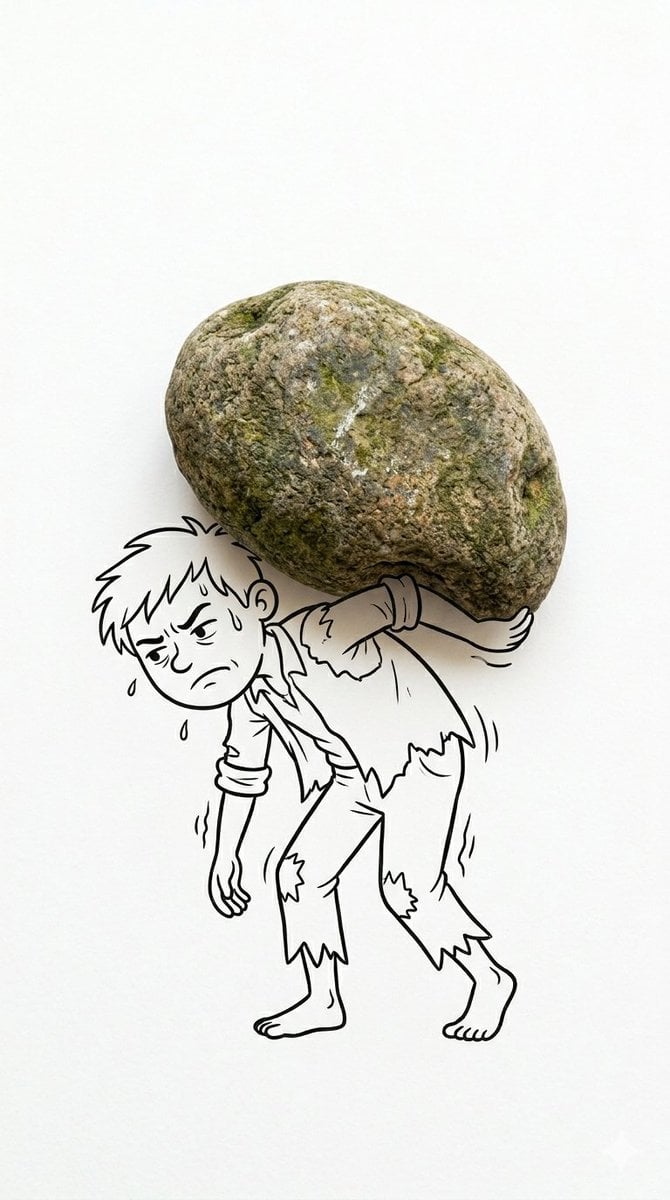
Mixed Reality Cartoon Composite
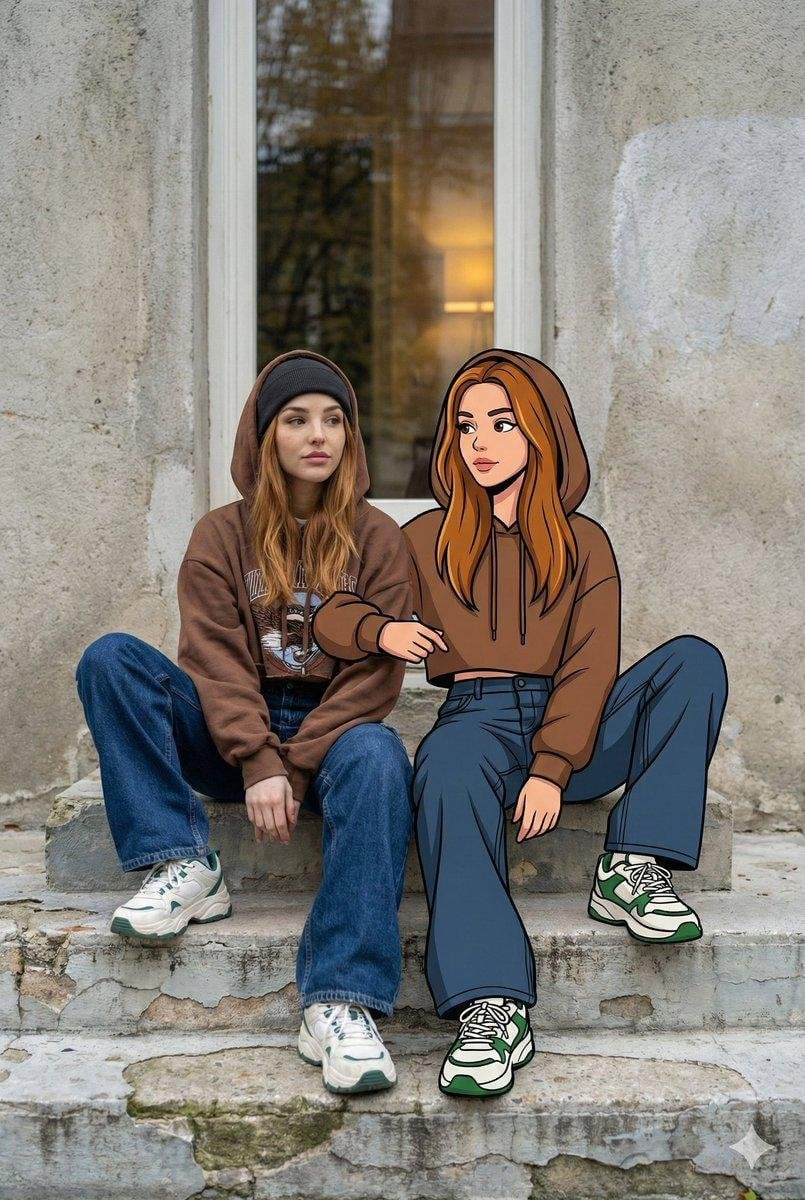
Mixed Reality Street Portrait
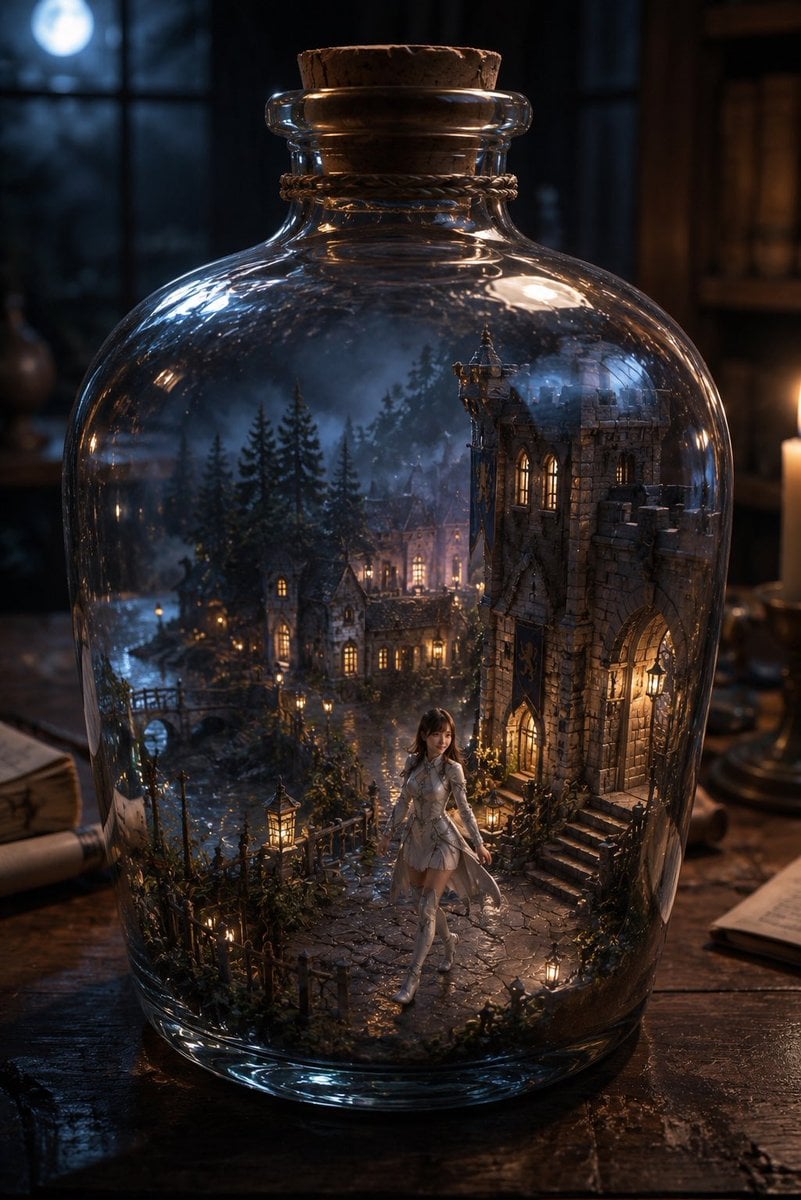
Miniature Fantasy Village in a Glass Bottle
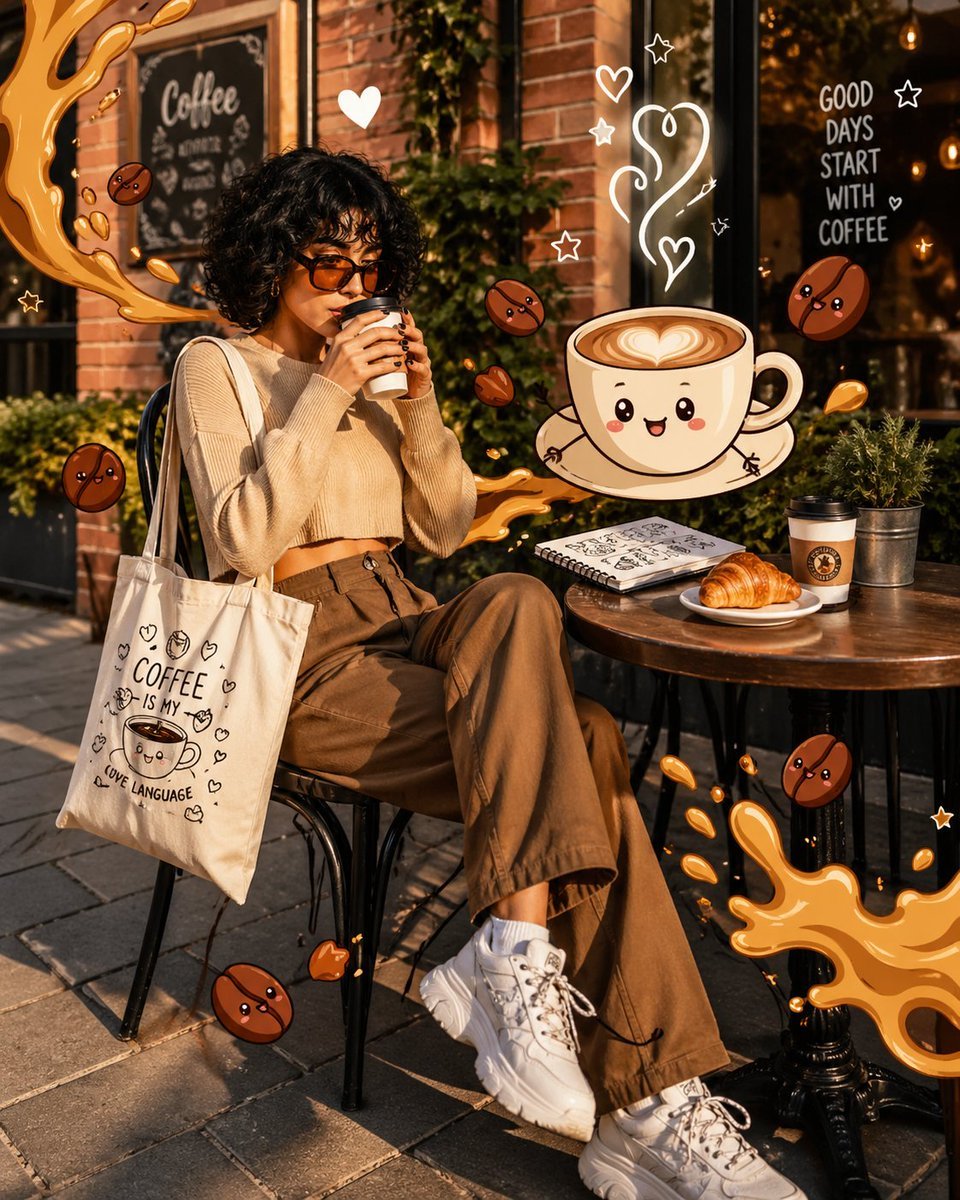
Mixed Reality Café Illustration
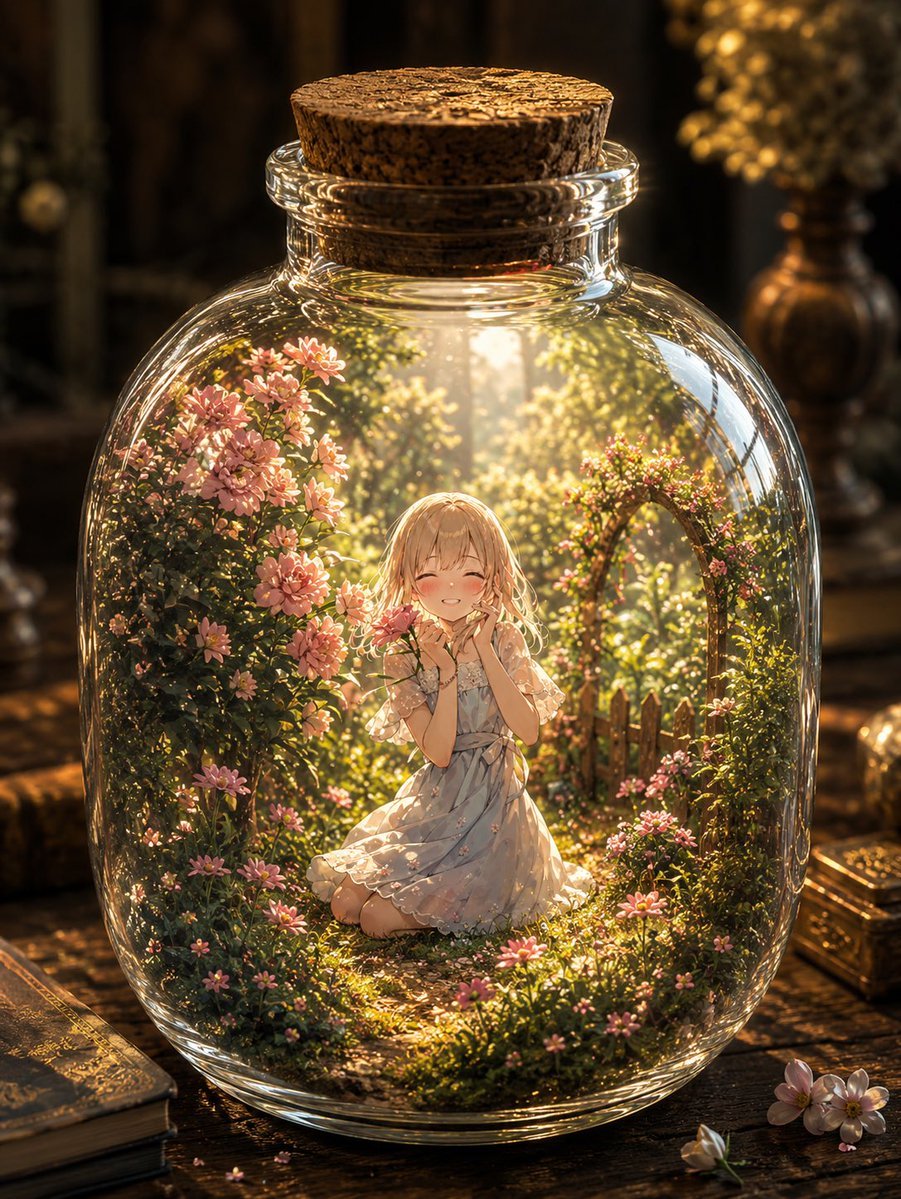
Fantasy Garden in a Glass Bottle
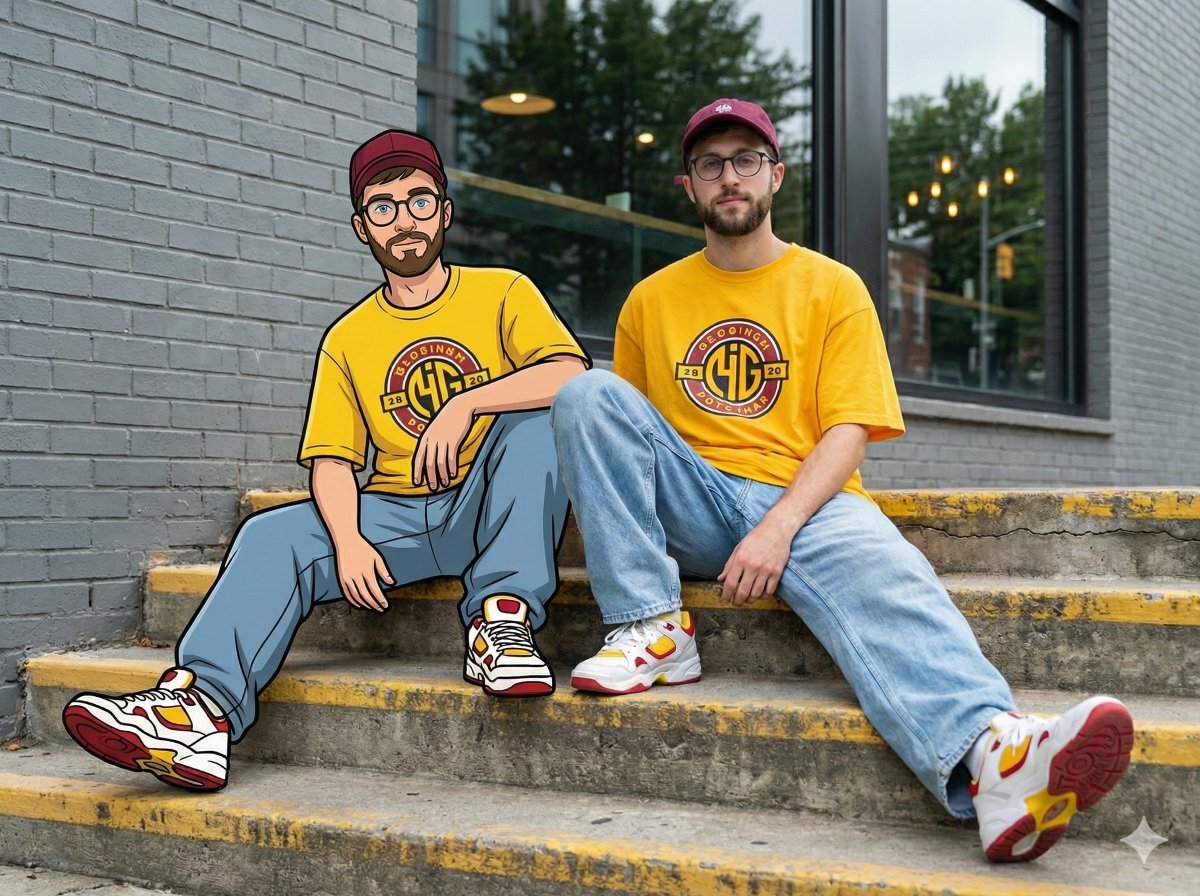
Mixed-Reality Street Portrait (Real Person with Cartoon Twin)
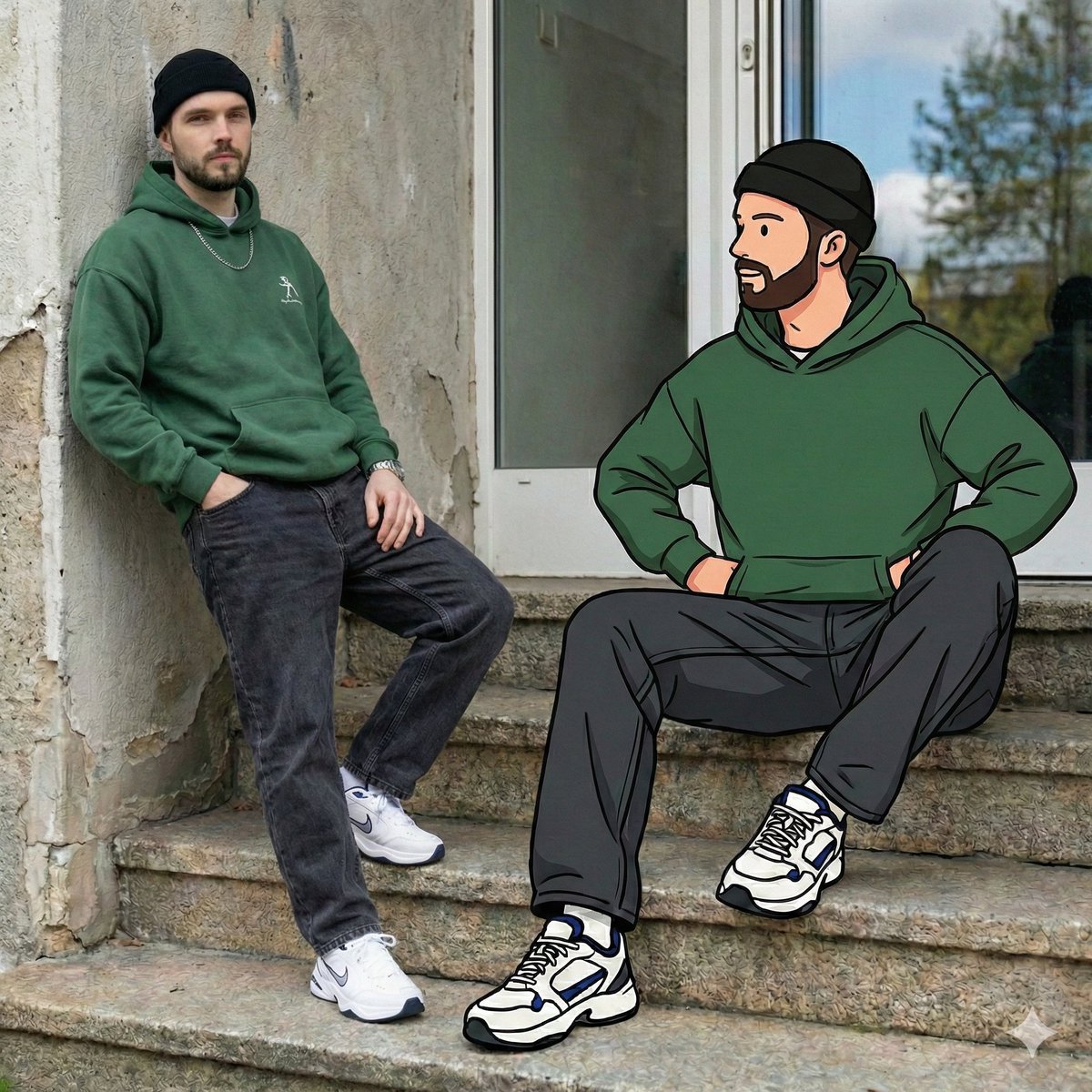
Mixed Reality Street Portrait with Cartoon Twin
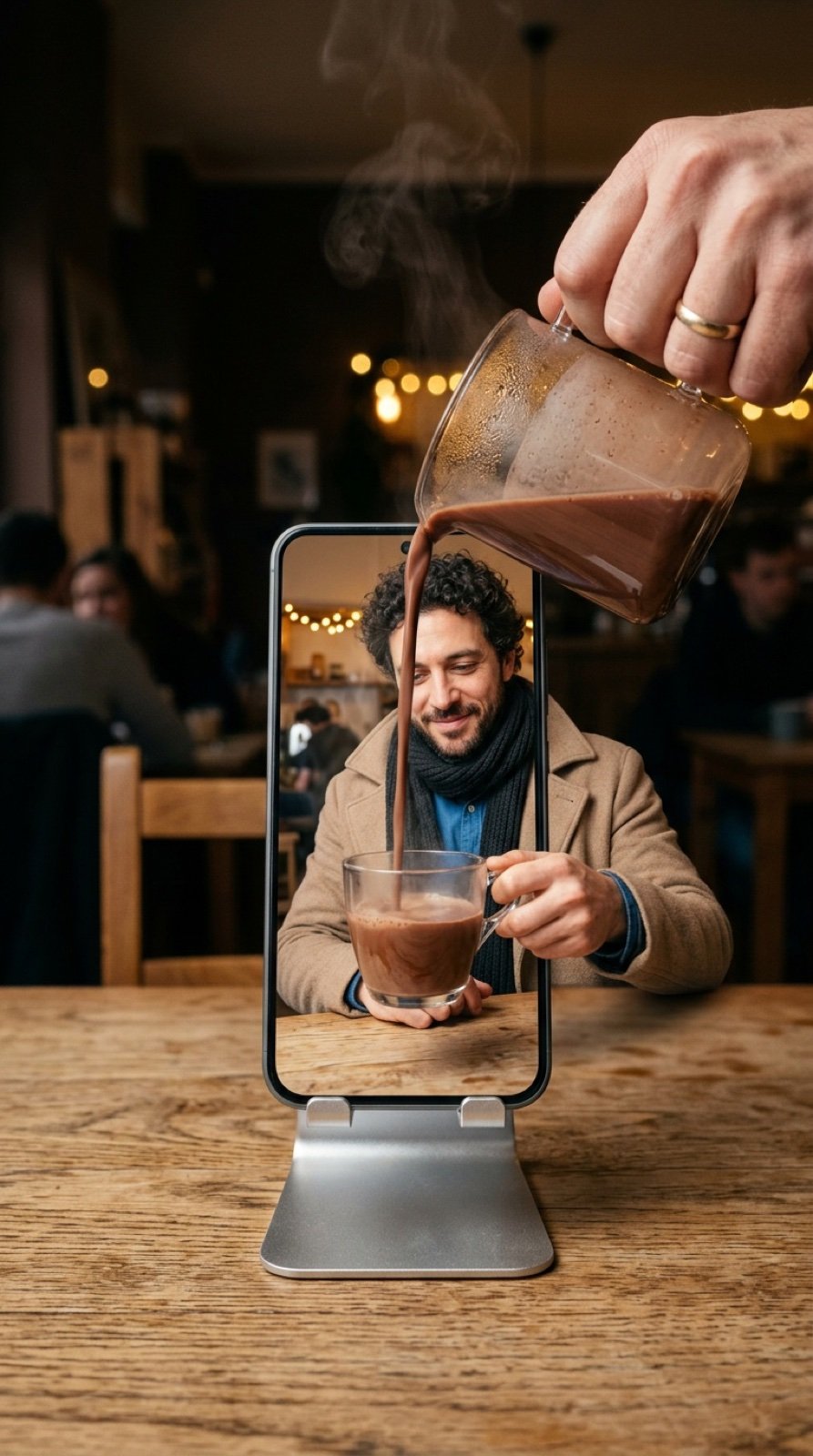
Mixed-Reality Hot Chocolate Pour Prompt (Image-to-Image)
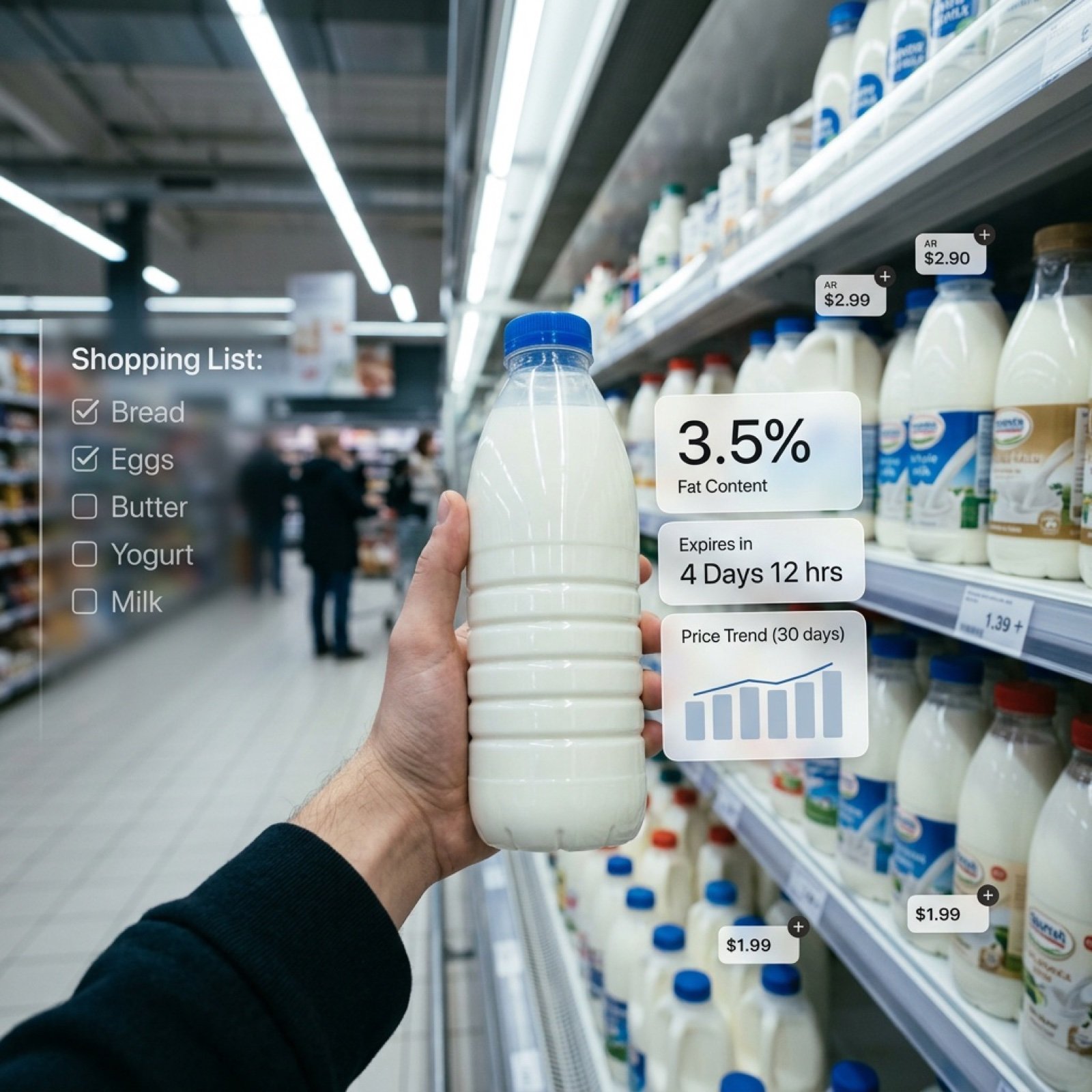
Cinematic Mixed Reality POV Supermarket Prompt
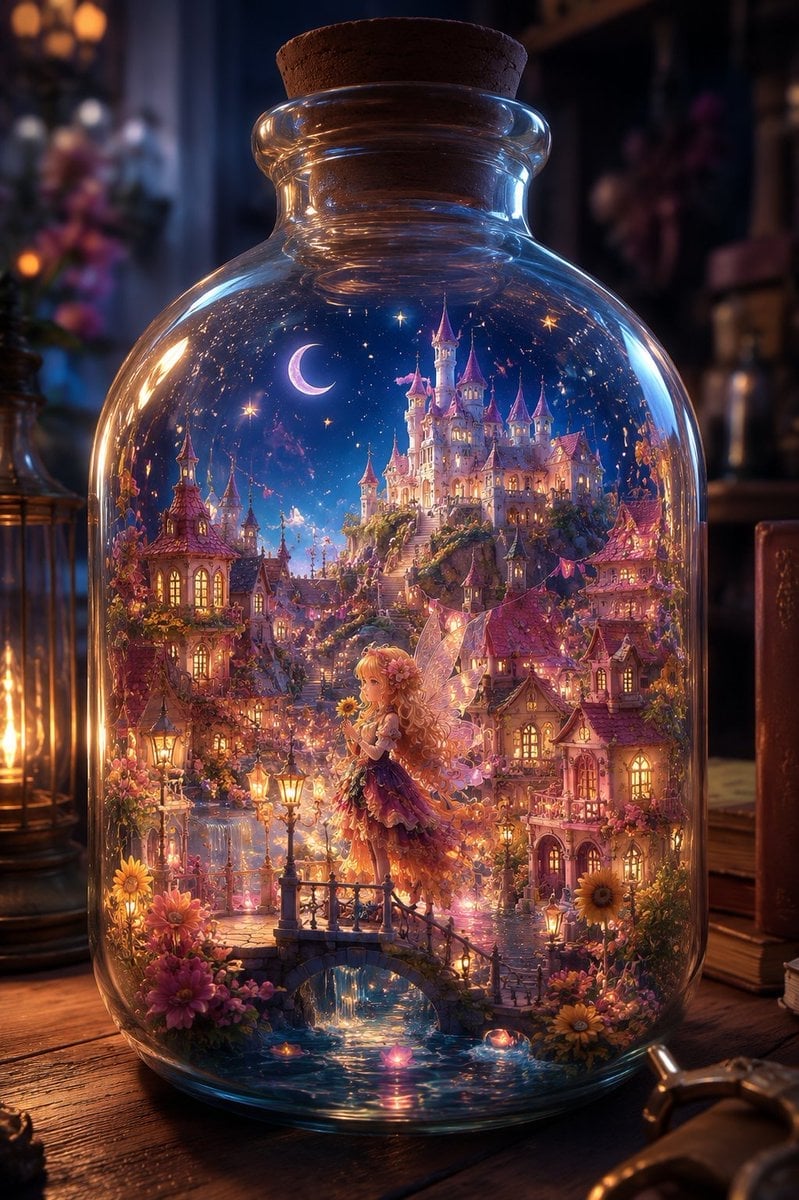
Sunflower Fairy World in a Bottle
Mixed-Media Editorial Illustration
Make it yours
Hyper-Realistic Mixed Reality Fanta Bottle Interface works as-is. These are the safest ways to change it without losing the look.
Change one field
Copy a single group, rewrite it, and generate again so you can see what that field is doing.
Keep the frame, change the subject
Hold the composition and light of Hyper-Realistic Mixed Reality Fanta Bottle Interface, then swap wardrobe, props or the person for a new take.
| If the result… | Why | Fix |
|---|---|---|
| The result drifts from the preview | Too many fields changed at once. | Reuse Hyper-Realistic Mixed Reality Fanta Bottle Interface as-is first, then change one group — subject, light, or setting. |
| The model over-stylizes the scene | The prose prompt leaves finish and camera underspecified. | Add one camera or lighting sentence and stay on Nano Banana 2. |
More Nano Banana 2 templates
Other prompts made for Nano Banana 2.

Photorealistic Leaf Shaped Like a Dragon

K-Pop Idol Portrait Grid for Rapid Selection

Poetic Rain Forest Portrait During Golden Hour

Urban Street Portrait with Cartoon Inner Self Duo

Candid Nighttime Photo with Cat Prompt

High-Concept 3D Diorama Generation Prompt

Cinematic Futuristic Studio Portrait Template

Skincare Editorial Photography Collage Prompt

Hyper-Realistic Commercial Product Photography (Splash Effect)

Hyper-Realistic Nightclub Portrait Prompt
More image prompts
Fresh picks from across the catalog.
Dark Fantasy Anime Girl at Shrine
Portugal Football Campaign Poster
3D Render of Couple on Giant Heart
Seedance 2 0 Bullet Time Selfie Modular
Cinematic Moody Photograph of Man in Flower Field
Stylized 3D Footballer Avatar
Generating an Isometric Room Illustration Based on a Character Concept
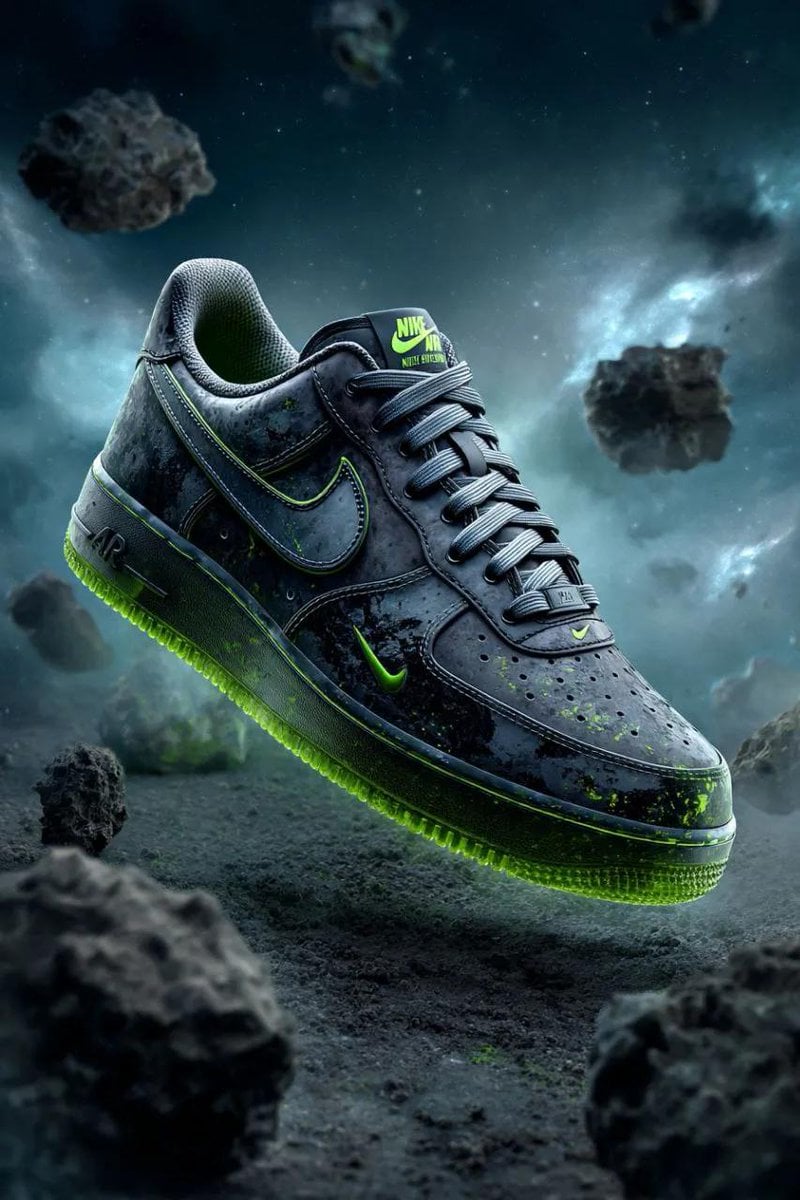
Cosmic Nike Air Force Shoe Carved from Meteorite
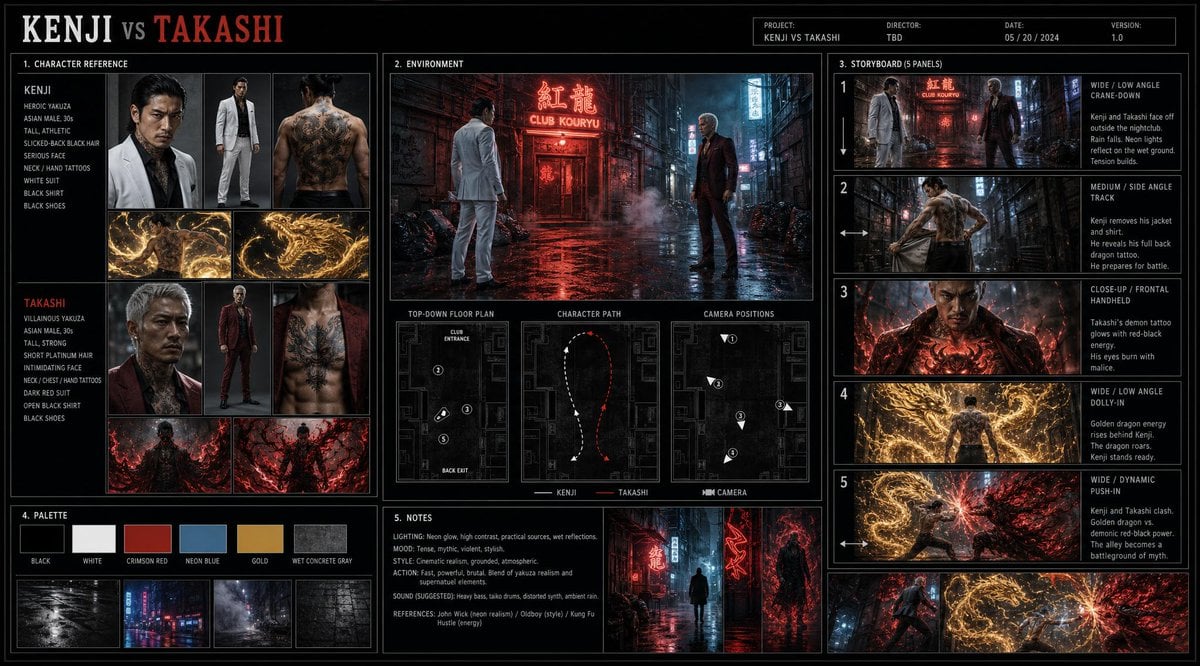
Cinematic Film Pre-Production Sheet
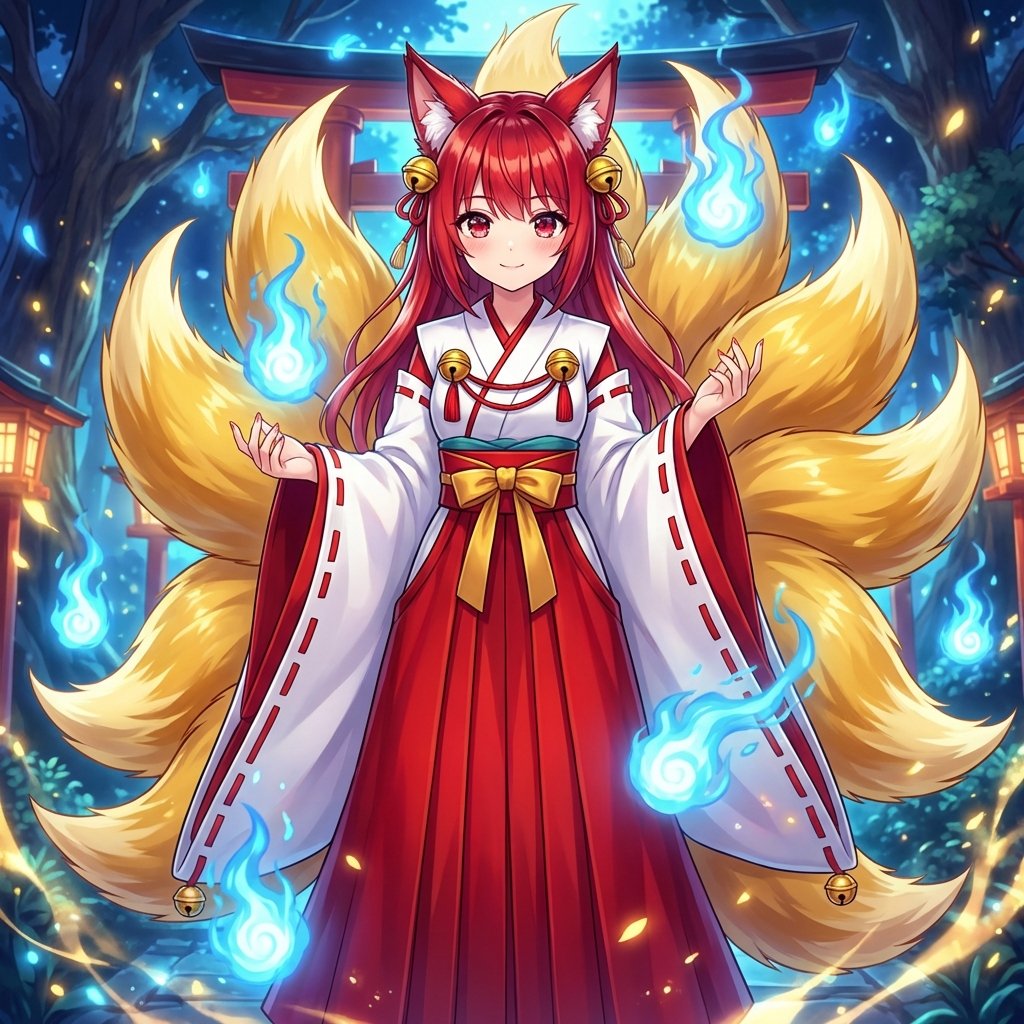
Transforming into a Nine-Tailed Fox (Kitsune)
Browse template categories
Hyper-Realistic Mixed Reality Fanta Bottle Interface questions
How do I use the Hyper-Realistic Mixed Reality Fanta Bottle Interface template?
Add your photo if the template asks for one, edit the prompt if you like — the template's model and format are already selected — and press Generate. Your version opens in PicX Studio.
Can I customize the Hyper-Realistic Mixed Reality Fanta Bottle Interface template?
Yes. You can change the subject, setting, lighting, mood, format, and available model controls before creating your image.
Is the Hyper-Realistic Mixed Reality Fanta Bottle Interface template free?
Opening and editing this template is free. Generating uses credits, shown on the Generate button when you are signed in.
Which AI model should I use?
Start with Nano Banana 2, which is the model associated with this template. You can compare another compatible model for a different finish.
Looking for something else? Browse all templates.

Your photo, any look
Thousands of ready templates for every top image and video model, from one credit balance.