
Cinematic Film Pre-Production Sheet
A comprehensive prompt to generate a professional film production board including character references, storyboards, and color palettes.
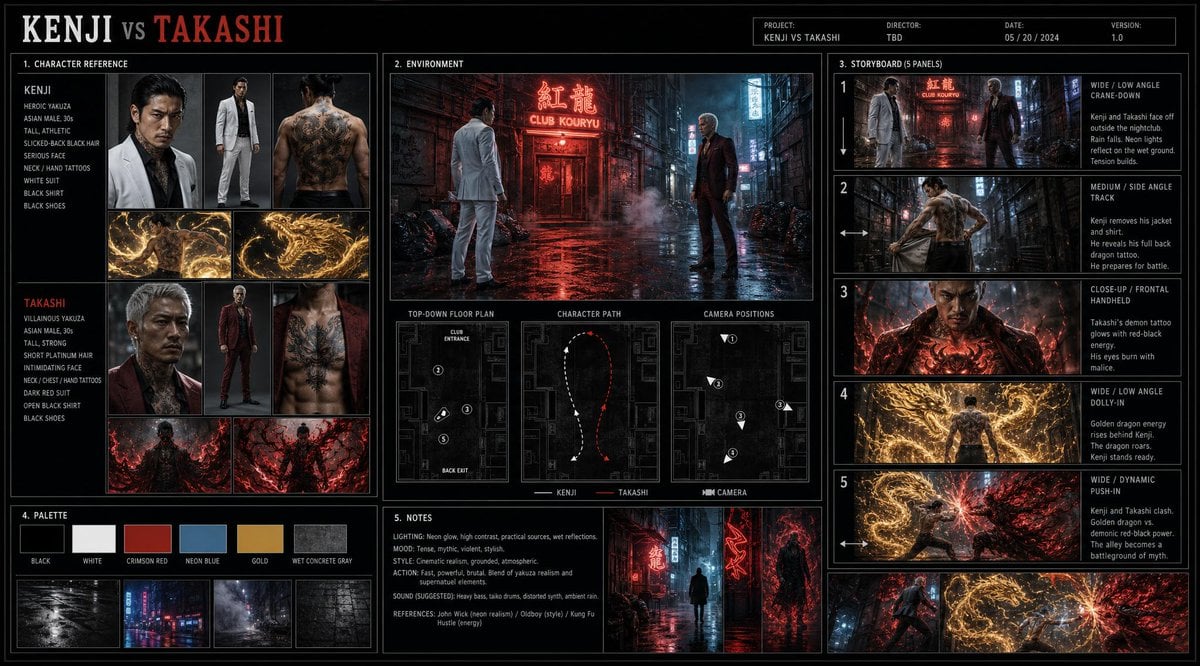
- Prompt included
- Model and format preset
- Free template
The prompt behind this image
Copy the exact prompt behind Cinematic Film Pre-Production Sheet, or open it in the studio and make it yours.
Create a cinematic production plan sheet titled ‐‐KENJI VS TAKASHI‐‐, styled like a professional film pre-production board, clean layout, thin borders, realistic detail.\n\n1. Character Reference:\nKenji: heroic yakuza, Asian male, 30s, tall, athletic, slicked-back black hair, serious face, neck/hand tattoos, white suit, black shirt, black shoes. In combat he removes jacket and shirt, revealing a full back dragon tattoo. Uses a golden energy dragon.\nTakashi: villainous yakuza, Asian male, 30s, tall, strong, short platinum hair, intimidating face, neck/chest/hand tattoos, dark red suit, open black shirt, black shoes. Demon tattoo on chest. Uses demonic red-black energy and shadow flames.\n\n2. Environment:\nWet alley outside a nightclub at night, neon red/blue lights, puddles, steam, trash bags, dirty walls, smoke. Include main scene, top-down floor plan, character path, arrows, numbered camera positions.\n\n3. Storyboard, 5 panels:\n1. Wide, low angle, crane-down: Kenji and Takashi face off.\n2. Medium, side angle, track: Kenji removes jacket and shirt.\n3. Close-up, frontal, handheld: Takashi’s demon tattoo glows.\n4. Wide, low angle, dolly-in: golden dragon energy rises behind Kenji.\n5. Wide, dynamic, push-in: both clash, dragon vs demonic power.\n\n4. Palette:\nBlack, white, crimson red, neon blue, gold, wet concrete gray.\n\n5. Notes:\nLighting: neon glow, cinematic contrast, wet reflections.\nMood: tense, mythic, violent, stylish.\nStyle: cinematic realism, premium storyboard sheet
How to use Cinematic Film Pre-Production Sheet in 3 steps
- 1Upload ImagePNG, JPG or paste
Add your photo
Upload the photo the template builds on. The prompt, model and format are already set.
- 2…a portrait of your subject in softgolden-hour light, 85mm…
Personalize
Edit the subject and creative details for your destination.
- 3Generate
Generate
Press Generate — your image is created in PicX Studio, so you can compare it with the original and refine one variable at a time.
More like this
Templates with the same subject, style or setup. Open one to see its prompt.
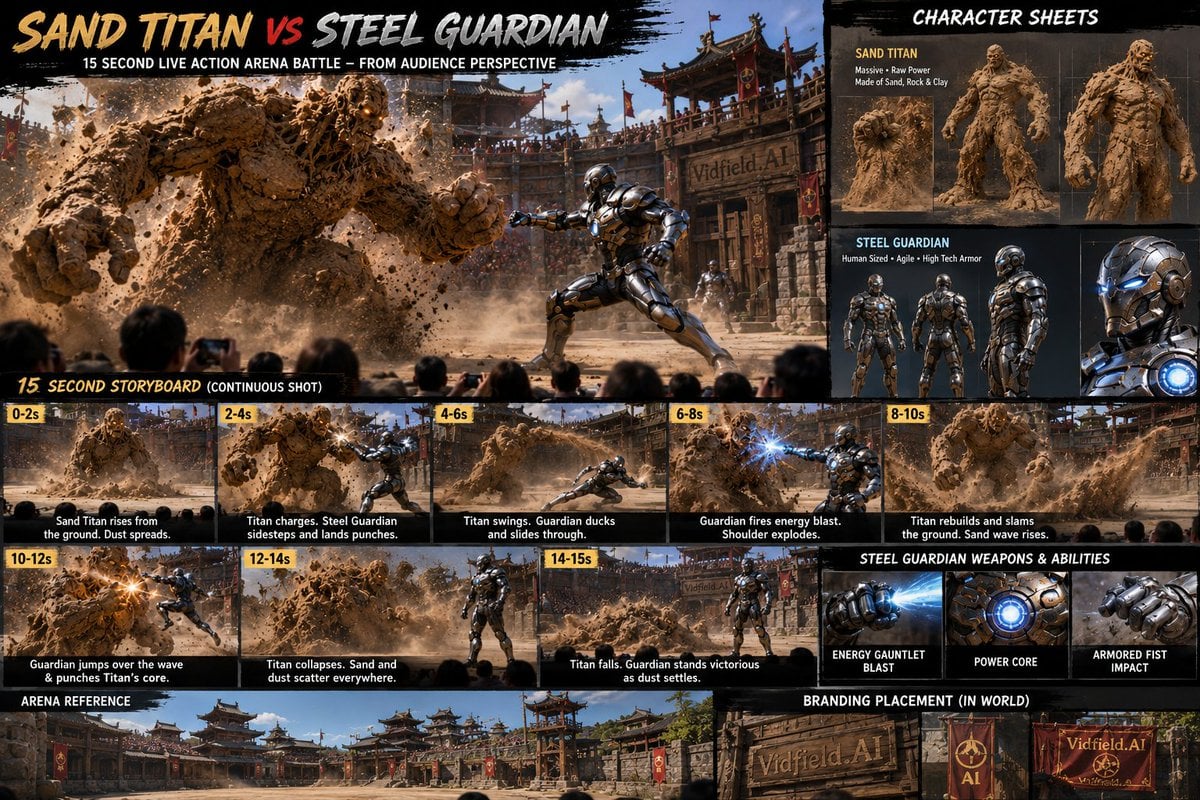
Pre-production Storyboard and Character Sheet

Luxury Black-and-White Fashion Contact Sheet
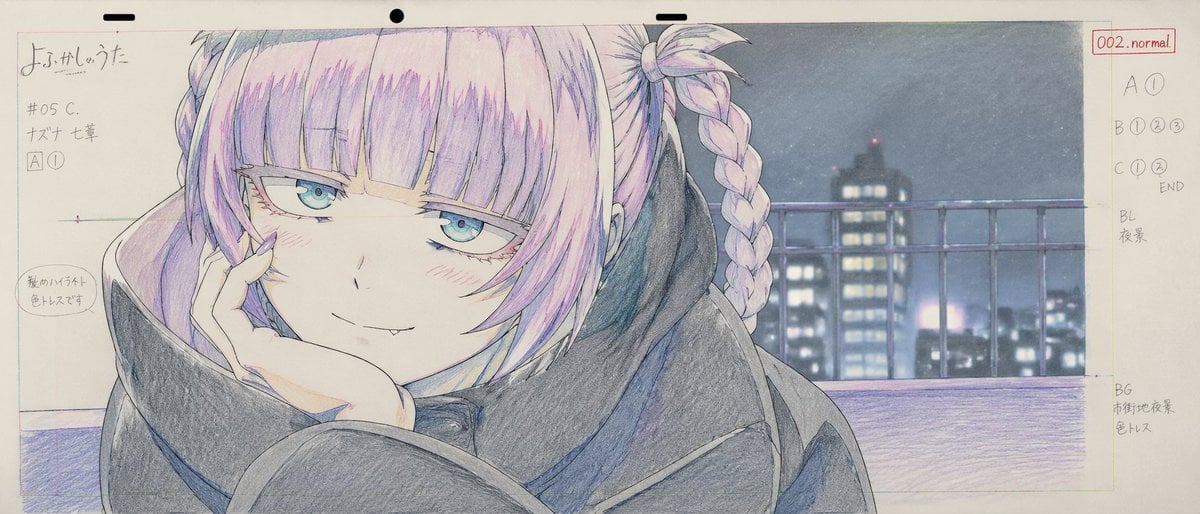
Anime Production Layout Sheet
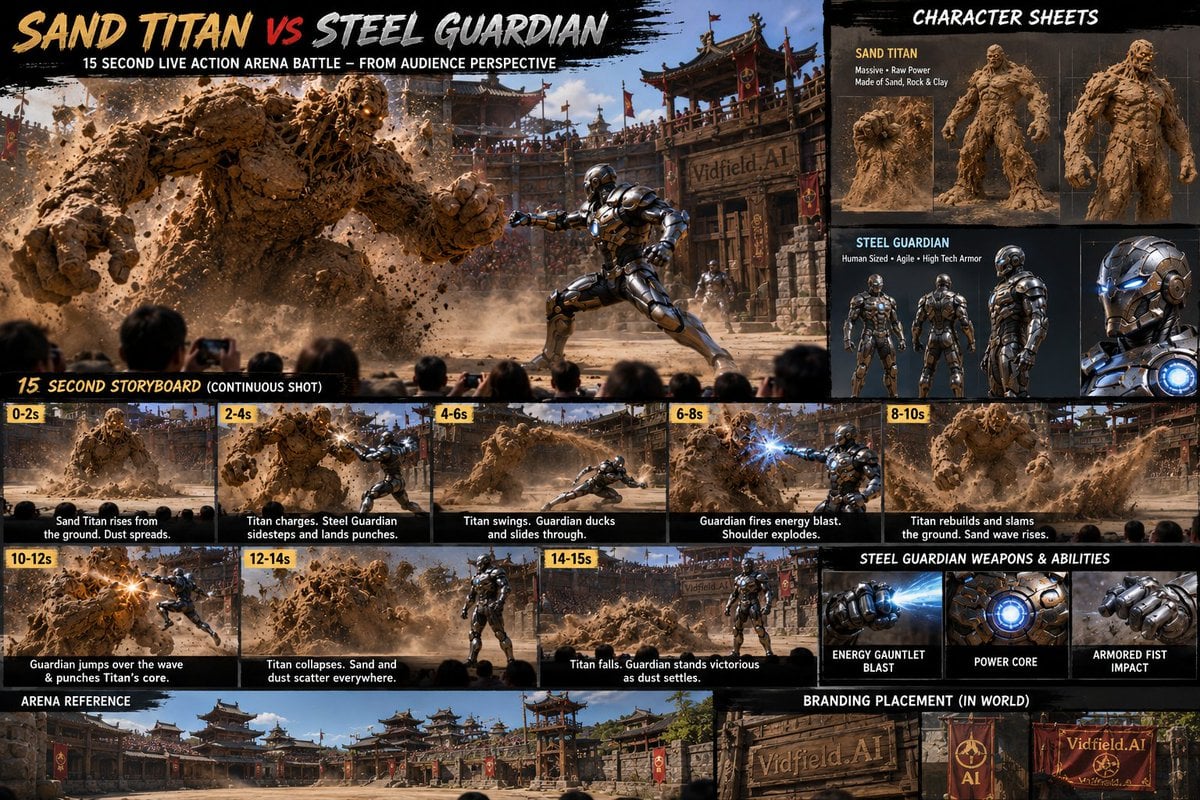
Pre-production Cinematic Storyboard

Cinematic Character Production Sheet

Sepia Family Portrait Studio

Monogram Luggage Cart

Statue Garden Twilight

Opera Glasses Velvet Seat

Fountain Pen Ink Splash

Manor Garden Topiary Path

Black And White Piano Keys
Make it yours
Cinematic Film Pre-Production Sheet works as-is. These are the safest ways to change it without losing the look.
Change one field
Copy a single group, rewrite it, and generate again so you can see what that field is doing.
Keep the frame, change the subject
Hold the composition and light of Cinematic Film Pre-Production Sheet, then swap wardrobe, props or the person for a new take.
| If the result… | Why | Fix |
|---|---|---|
| The result drifts from the preview | Too many fields changed at once. | Reuse Cinematic Film Pre-Production Sheet as-is first, then change one group — subject, light, or setting. |
| The model over-stylizes the scene | The prose prompt leaves finish and camera underspecified. | Add one camera or lighting sentence and stay on GPT Image 2. |
More GPT Image 2 templates
Other prompts made for GPT Image 2.

Six VTuber Japanese Logo Sheet

Realistic Portrait of Woman and Deer

The Vista Modular Condo Poster

AI Model Routing Comparison Infographic

2.5D Anime Art Board

Isometric Productivity Desk Scene

New York Double Exposure Poster

Four-Panel AI Landscape Comparison

Japanese Tatami Lifestyle Magazine Cover

NESCAFÉ Coffee Map Poster
More image prompts
Fresh picks from across the catalog.
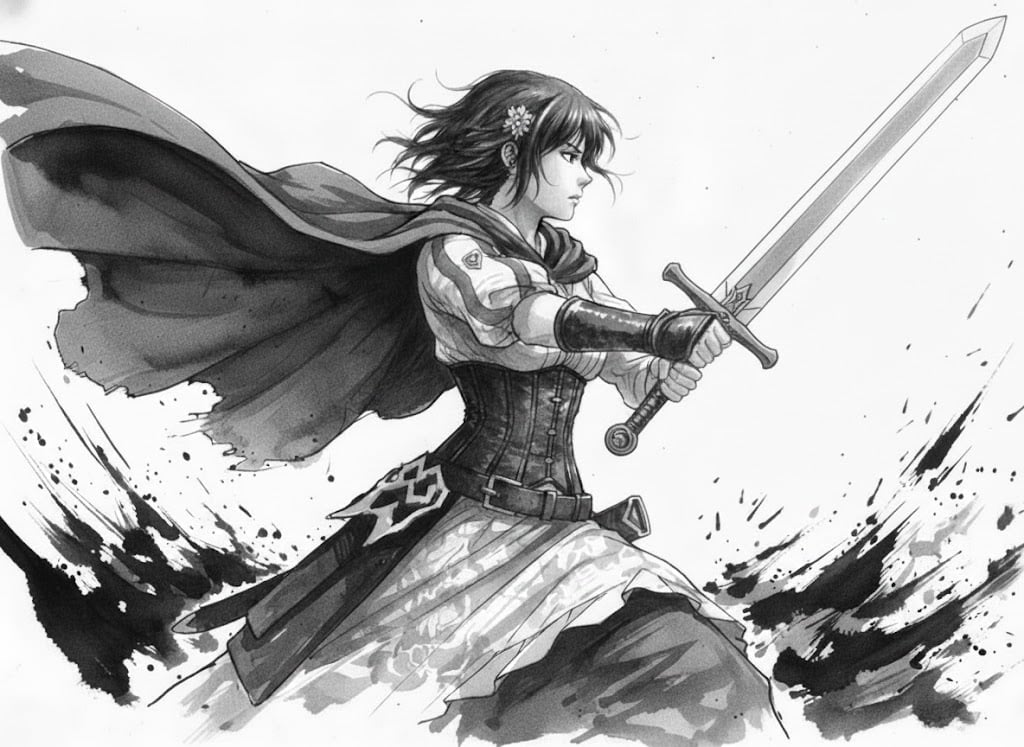
Ink painting style Abé-chan with a sword
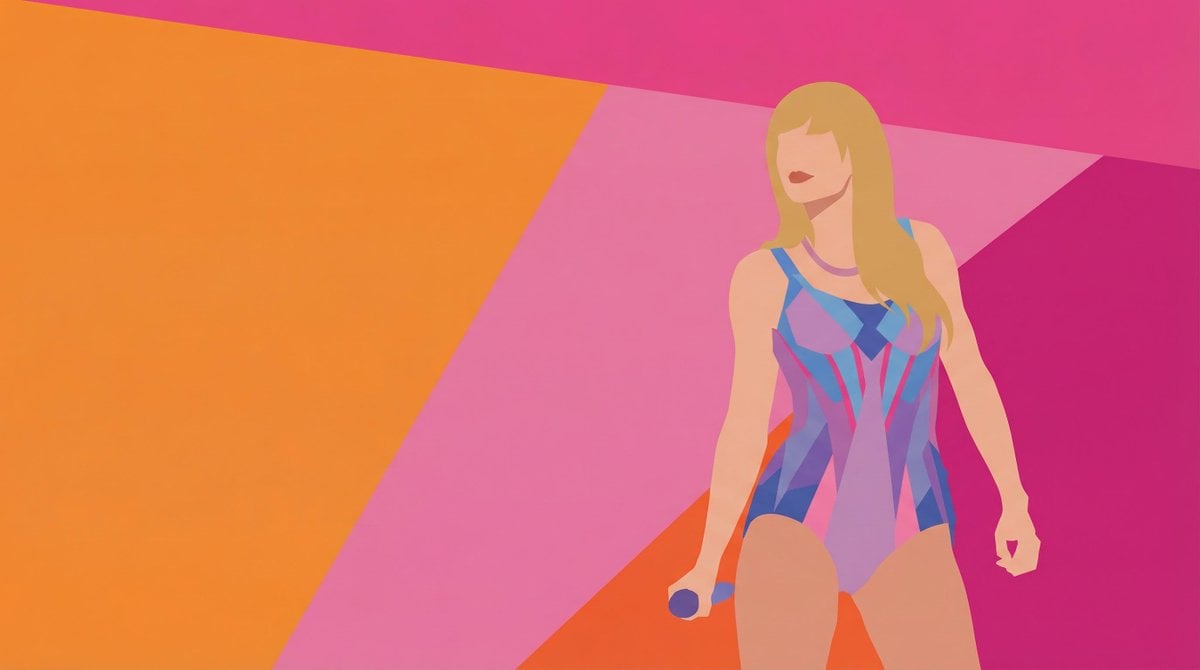
Colorful Minimalist Vector Art Style Transfer Prompt
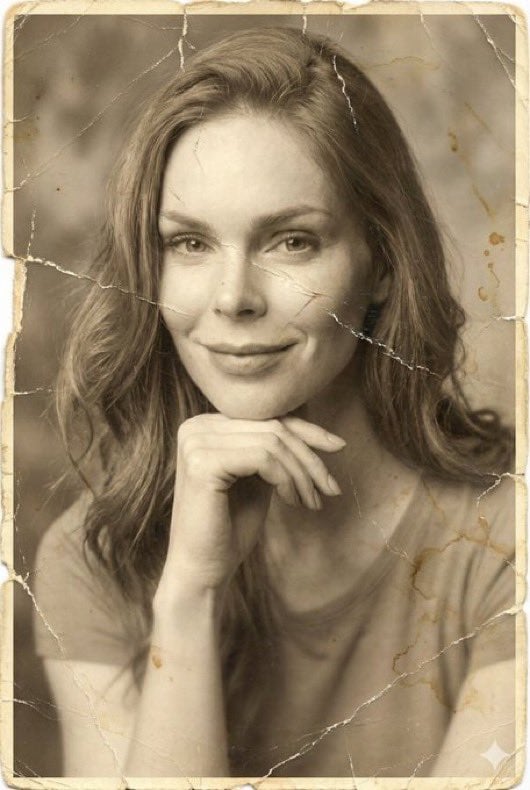
Image-to-Image Restoration of Vintage Photos
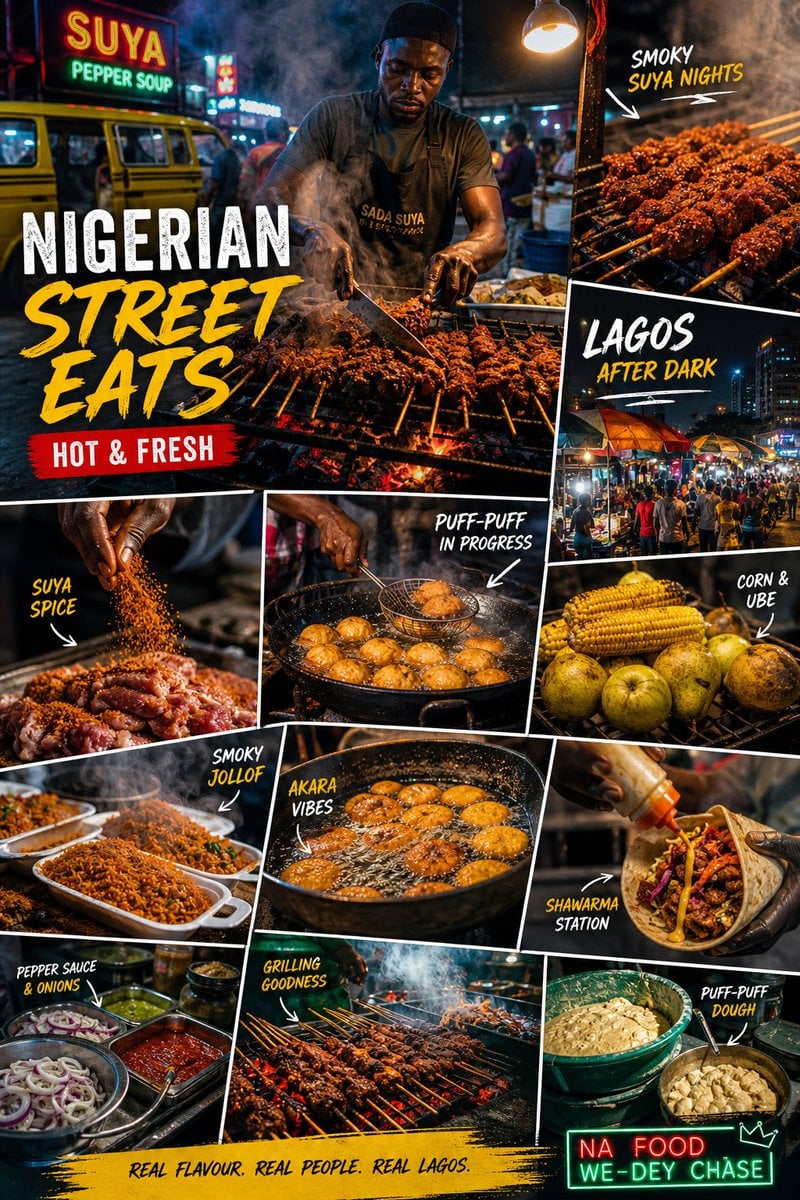
Nigerian Street Eats Collage
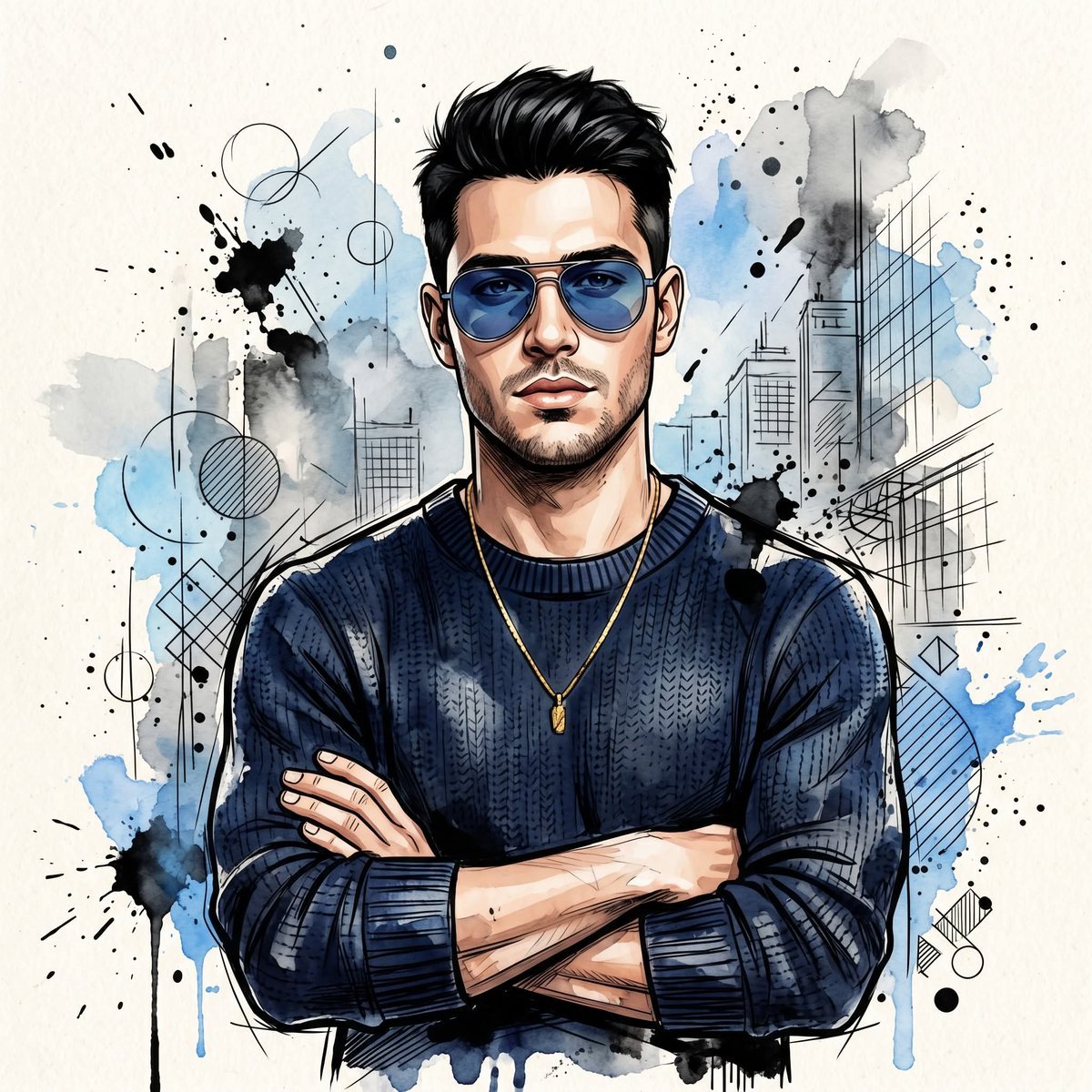
Watercolor Man Portrait with City Skyline
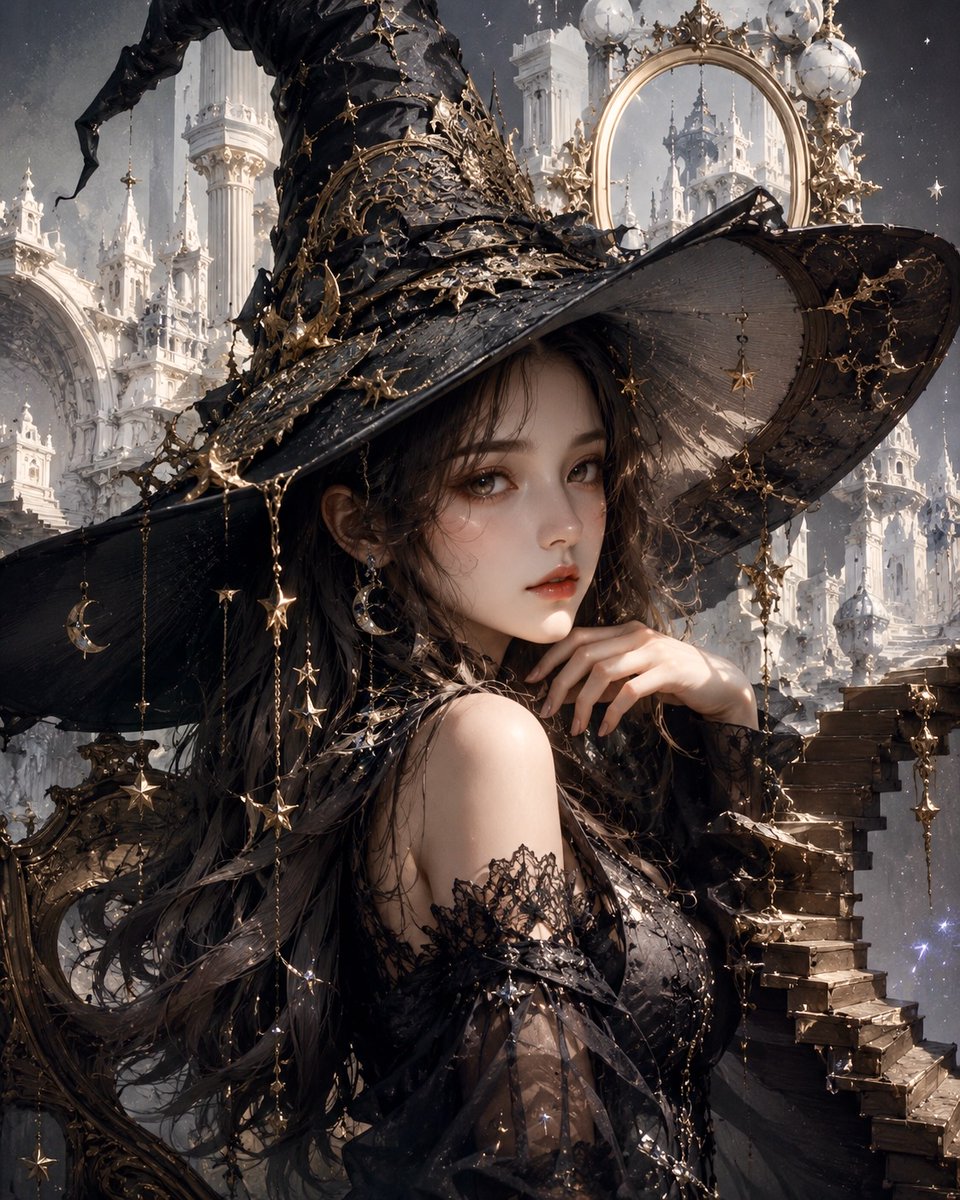
Celestial Gothic Witch Portrait
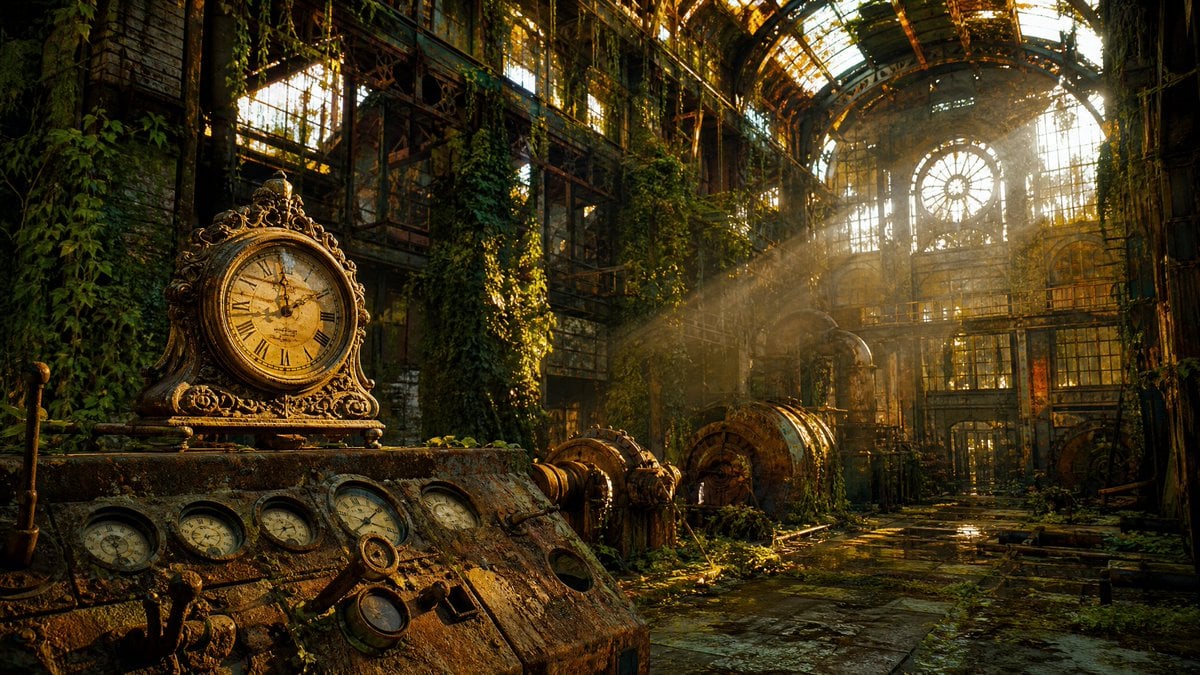
Rusted Decadent Clockwork Ruin
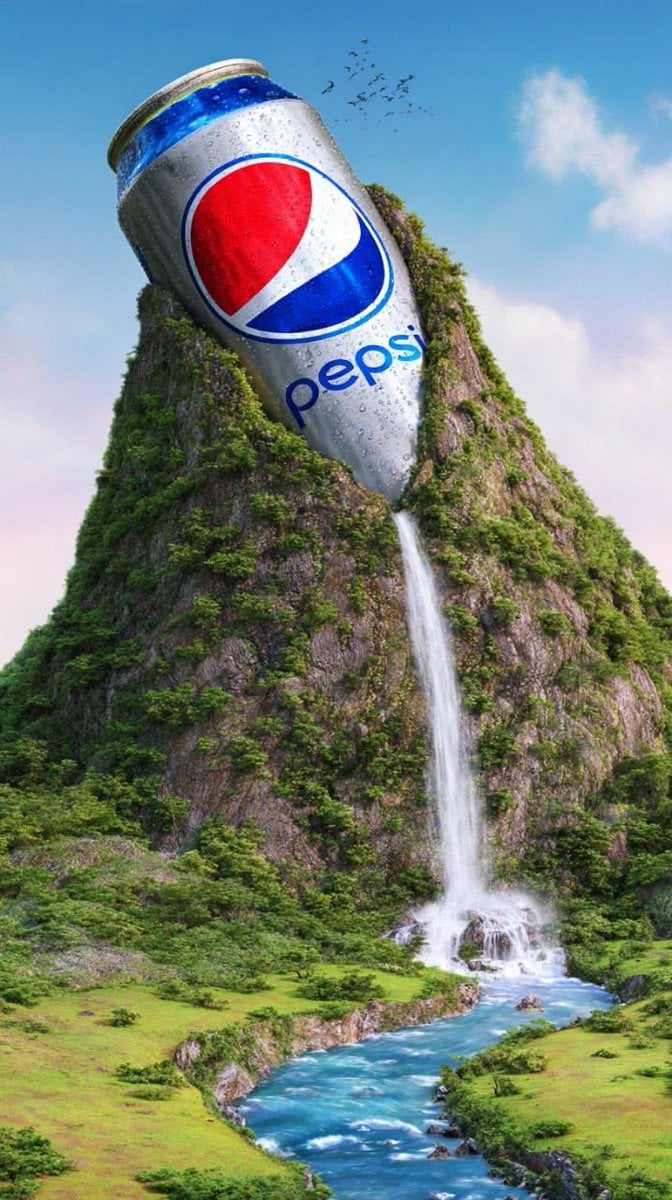
Surreal Giant Aluminum Can Waterfall Prompt for Nano Banana 2
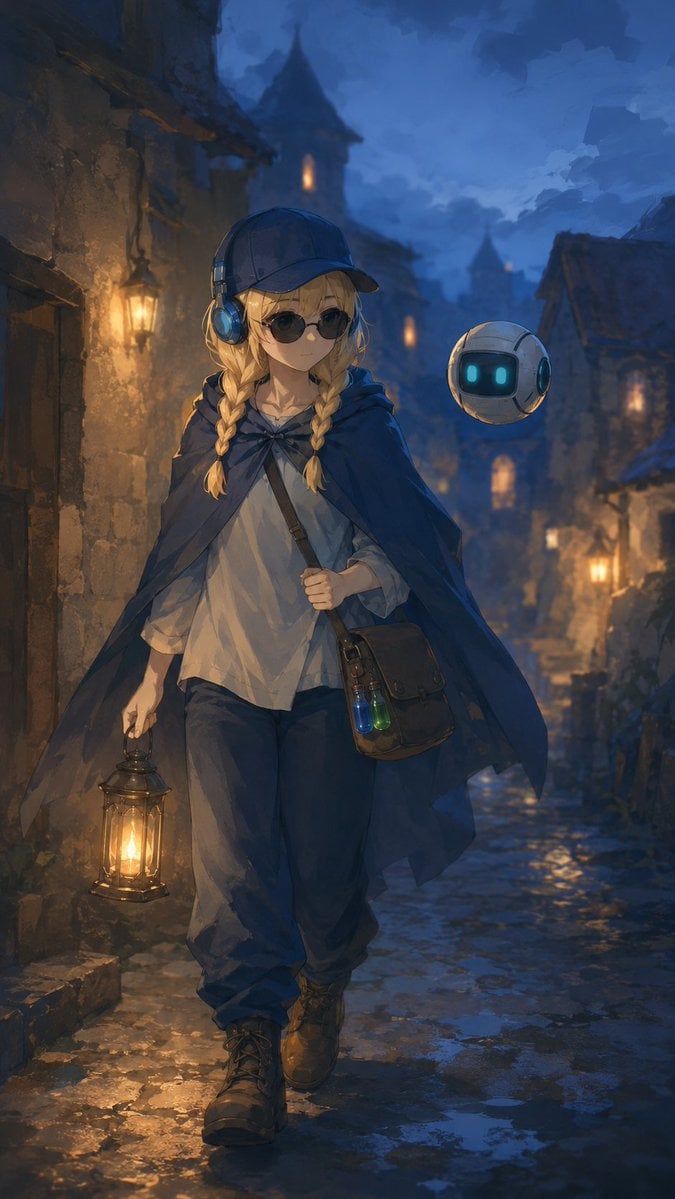
Traveling Alchemist in Rainy Fantasy Alley
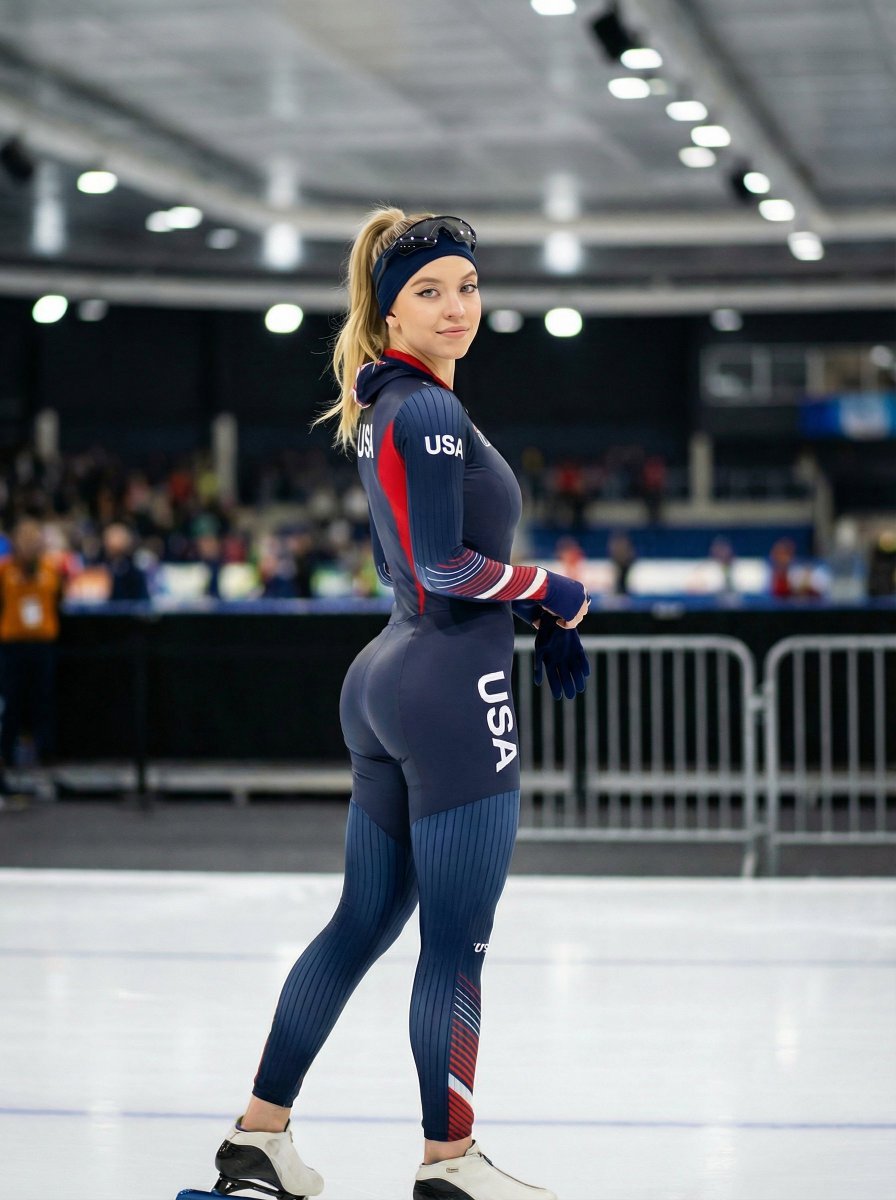
Ultra-Realistic Speed Skating Portrait Prompt
Browse template categories
Cinematic Film Pre-Production Sheet questions
How do I use the Cinematic Film Pre-Production Sheet template?
Add your photo if the template asks for one, edit the prompt if you like — the template's model and format are already selected — and press Generate. Your version opens in PicX Studio.
Can I customize the Cinematic Film Pre-Production Sheet template?
Yes. You can change the subject, setting, lighting, mood, format, and available model controls before creating your image.
Is the Cinematic Film Pre-Production Sheet template free?
Opening and editing this template is free. Generating uses credits, shown on the Generate button when you are signed in.
Which AI model should I use?
Start with GPT Image 2, which is the model associated with this template. You can compare another compatible model for a different finish.
Looking for something else? Browse all templates.

Your photo, any look
Thousands of ready templates for every top image and video model, from one credit balance.