
Traveling Alchemist in Rainy Fantasy Alley
Generates a cinematic anime-style fantasy key visual of a young traveling alchemist with a lantern and floating robot companion in a rainy medieval street.
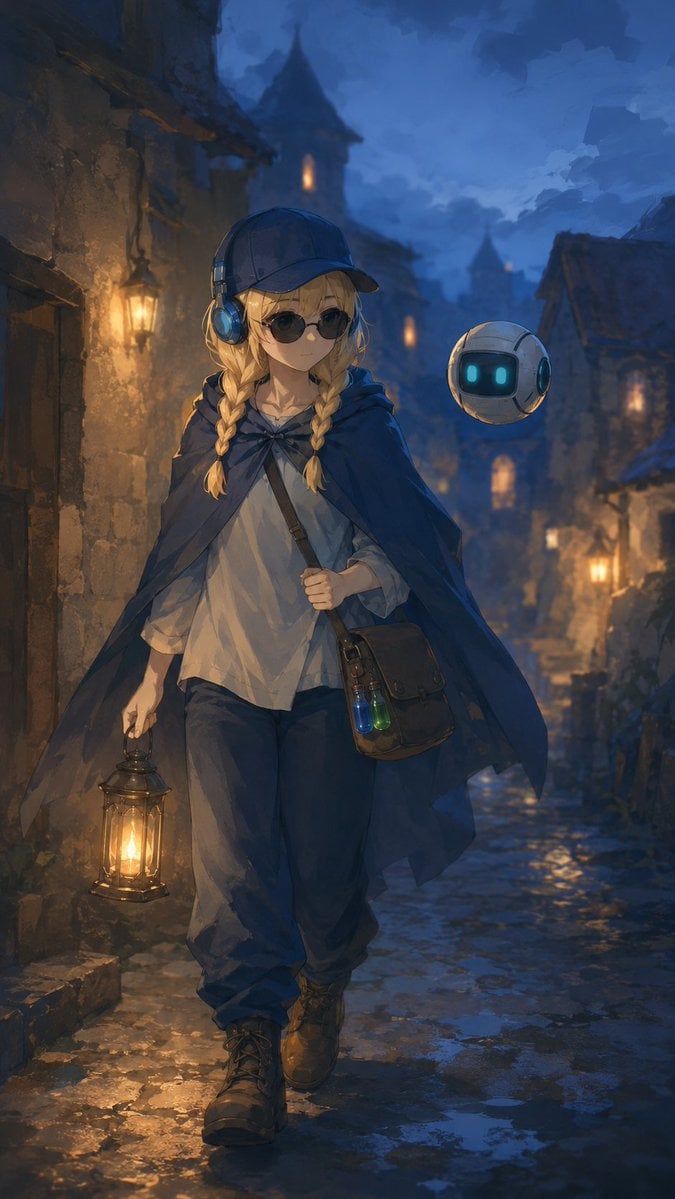
- Prompt included
- Model and format preset
- Free template
The prompt behind this image
Copy the exact prompt behind Traveling Alchemist in Rainy Fantasy Alley, or open it in the studio and make it yours.
Create a vertical fantasy anime illustration of {argument name="character name" default="Kanon"}, a traveling young alchemist walking toward the viewer through a narrow medieval stone alley at dusk after rain. She has {argument name="hair color" default="blonde"} hair in two long braids, wears a dark navy cap with large blue headphones over it, a loose off-white tunic shirt, baggy dark trousers, rugged brown lace-up boots, and a flowing deep blue traveler’s cloak fastened at the neck. Her face is hidden by a flat opaque square censor block in a muted brown tone. In her left hand she carries a warm glowing brass lantern, and across her body is a leather satchel containing exactly two visible potion vials, one blue and one green. Beside her floats exactly one small round companion robot, white and gray with a glossy black face panel and two cyan glowing eyes. The setting is an old European fantasy town with rough stone walls, timber roofs, distant towers, wet cobblestones, puddle reflections, misty blue evening atmosphere, and several warm wall lanterns receding into the background. Use cinematic lighting with strong contrast between cool blue twilight and golden lantern glow, painterly detailed brushwork, soft depth of field, moody adventurous atmosphere, full-body composition, centered character, no text.
How to use Traveling Alchemist in Rainy Fantasy Alley in 3 steps
- 1Upload ImagePNG, JPG or paste
Add your photo
Upload the photo the template builds on. The prompt, model and format are already set.
- 2…a portrait of your subject in softgolden-hour light, 85mm…
Personalize
Edit the subject and creative details for your destination.
- 3Generate
Generate
Press Generate — your image is created in PicX Studio, so you can compare it with the original and refine one variable at a time.
More like this
Templates with the same subject, style or setup. Open one to see its prompt.
Anime Girl in Rainy Tokyo Alley

Anime Fantasy Celestial Movie Poster
Anime Fantasy Celestial Movie Poster

Minecraft Fantasy Kingdom Voxel Landscape

Unfinished Sketch Comes Alive Portrait

Open Travel Journal Overhead Still Life

Tiny Woman Miniature Fantasy Macro Scene
Rainy Manga Alley Woman Portrait
Rainy Neon Anime Alley Woman
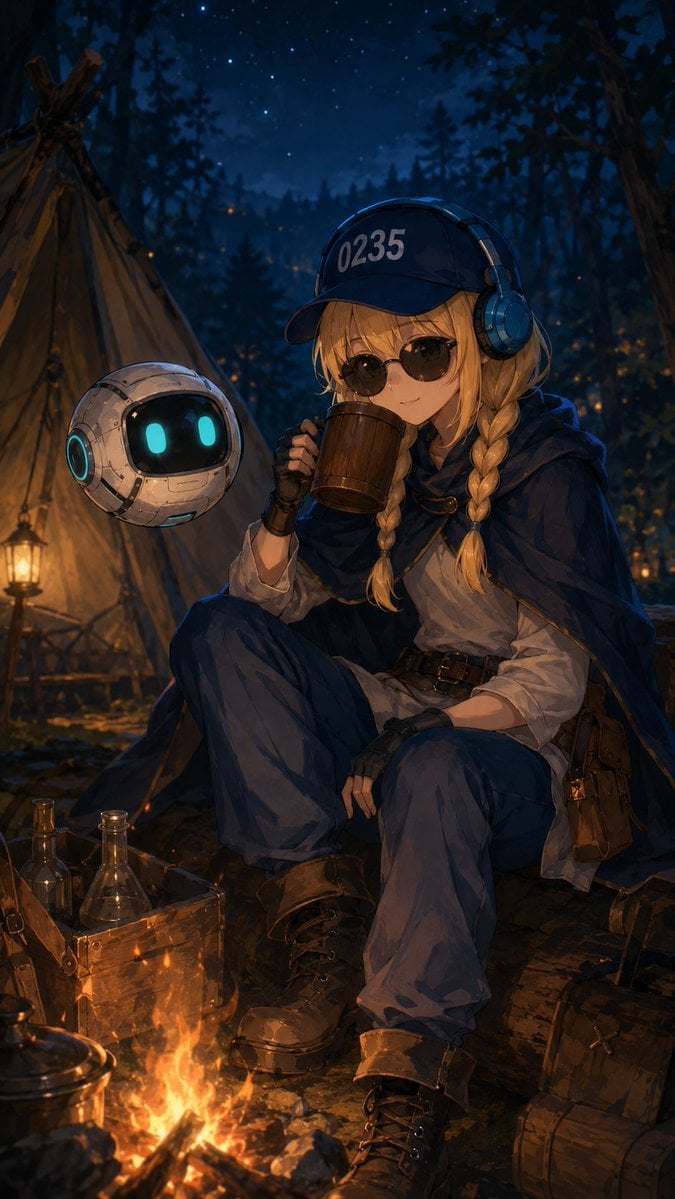
Traveling Alchemist Campsite
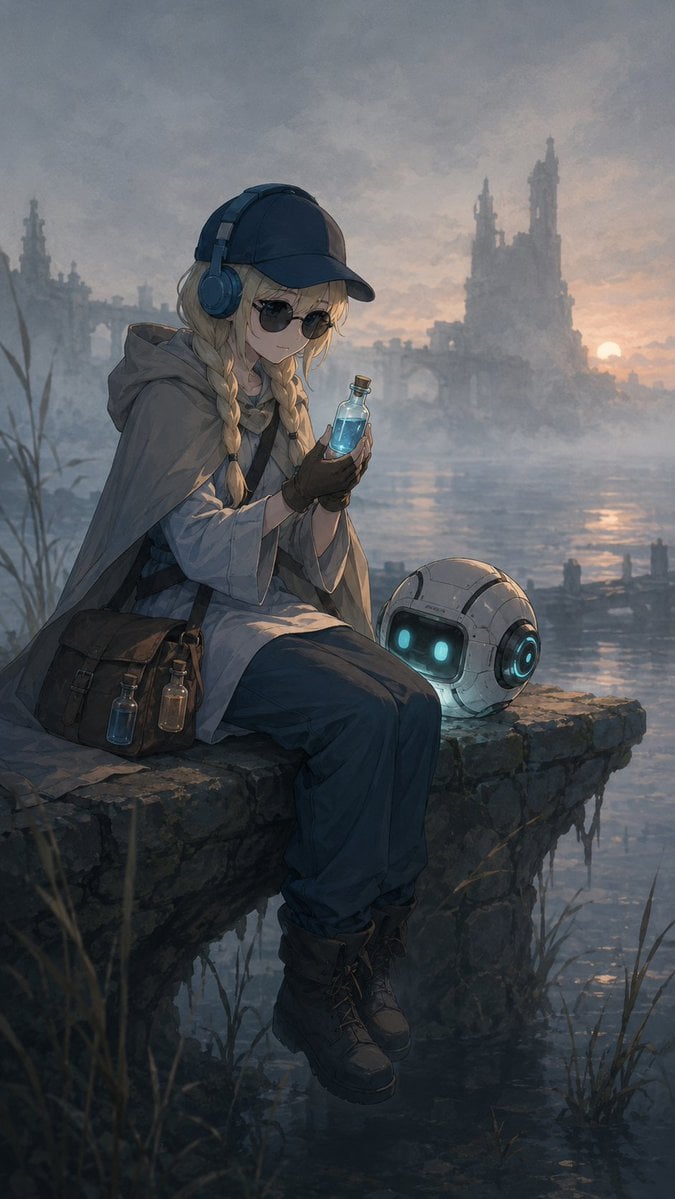
Traveling Alchemist at Misty Ruins
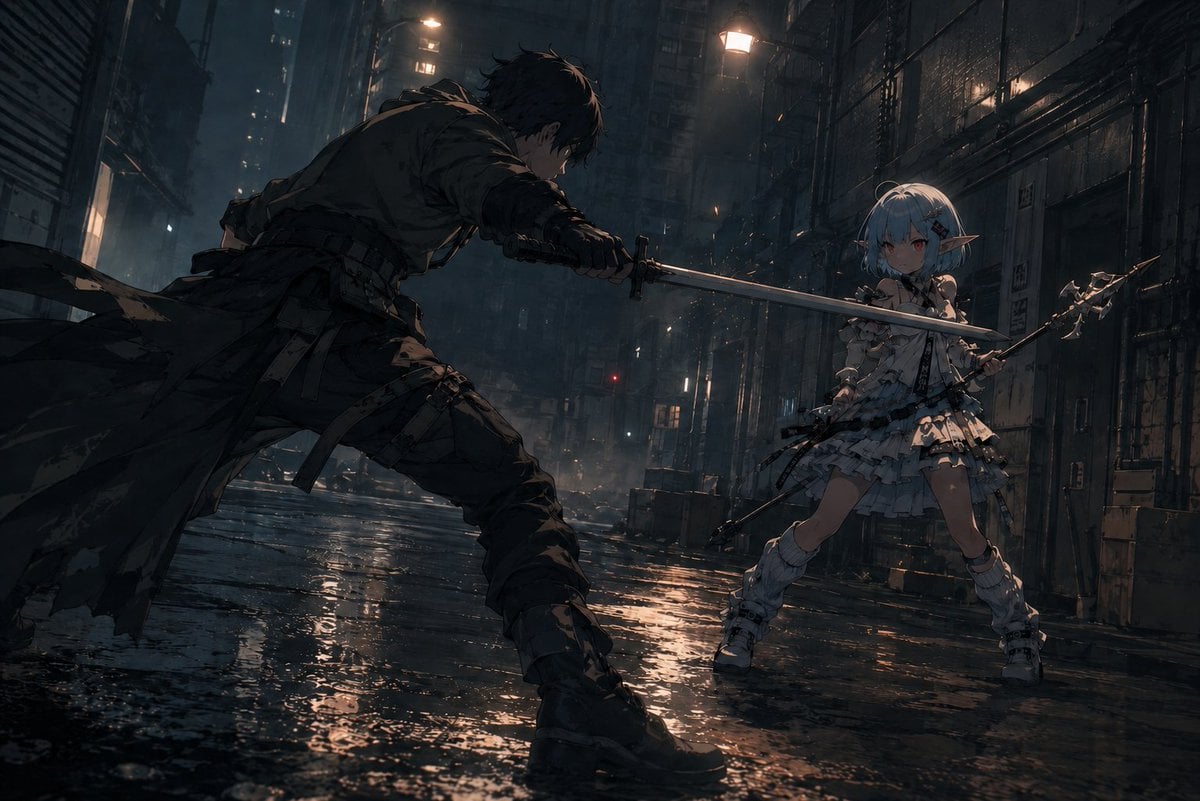
Rainy Cyberpunk Alley Sword Duel
Make it yours
Traveling Alchemist in Rainy Fantasy Alley works as-is. These are the safest ways to change it without losing the look.
Change one field
Copy a single group, rewrite it, and generate again so you can see what that field is doing.
Keep the frame, change the subject
Hold the composition and light of Traveling Alchemist in Rainy Fantasy Alley, then swap wardrobe, props or the person for a new take.
| If the result… | Why | Fix |
|---|---|---|
| The result drifts from the preview | Too many fields changed at once. | Reuse Traveling Alchemist in Rainy Fantasy Alley as-is first, then change one group — subject, light, or setting. |
| The model over-stylizes the scene | The prose prompt leaves finish and camera underspecified. | Add one camera or lighting sentence and stay on GPT Image 2. |
More GPT Image 2 templates
Other prompts made for GPT Image 2.

Six VTuber Japanese Logo Sheet

Realistic Portrait of Woman and Deer

The Vista Modular Condo Poster

AI Model Routing Comparison Infographic

2.5D Anime Art Board

Isometric Productivity Desk Scene

New York Double Exposure Poster

Four-Panel AI Landscape Comparison

Japanese Tatami Lifestyle Magazine Cover

NESCAFÉ Coffee Map Poster
More image prompts
Fresh picks from across the catalog.
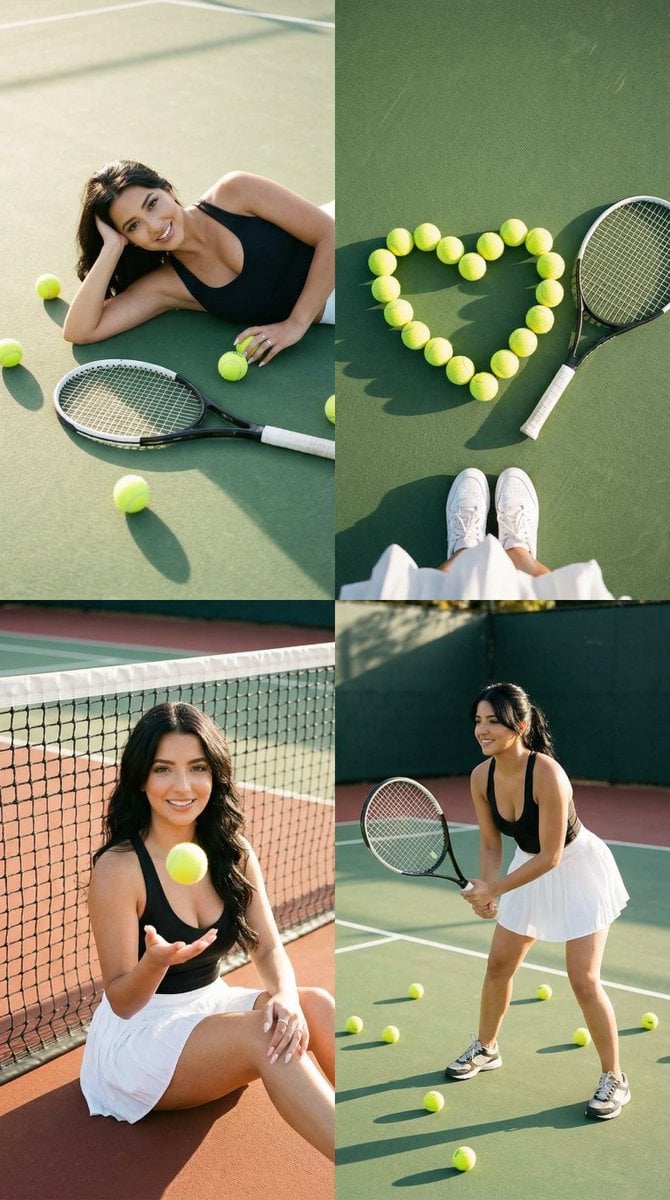
2x2 Tennis Editorial Grid Collage
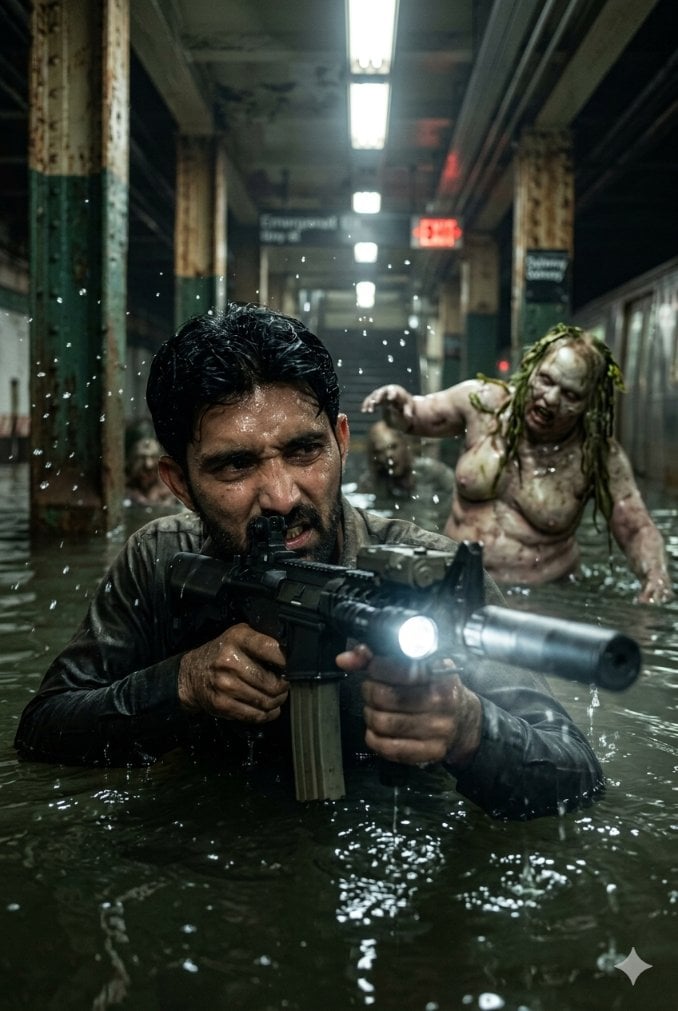
Flooded Subway Horror Chase
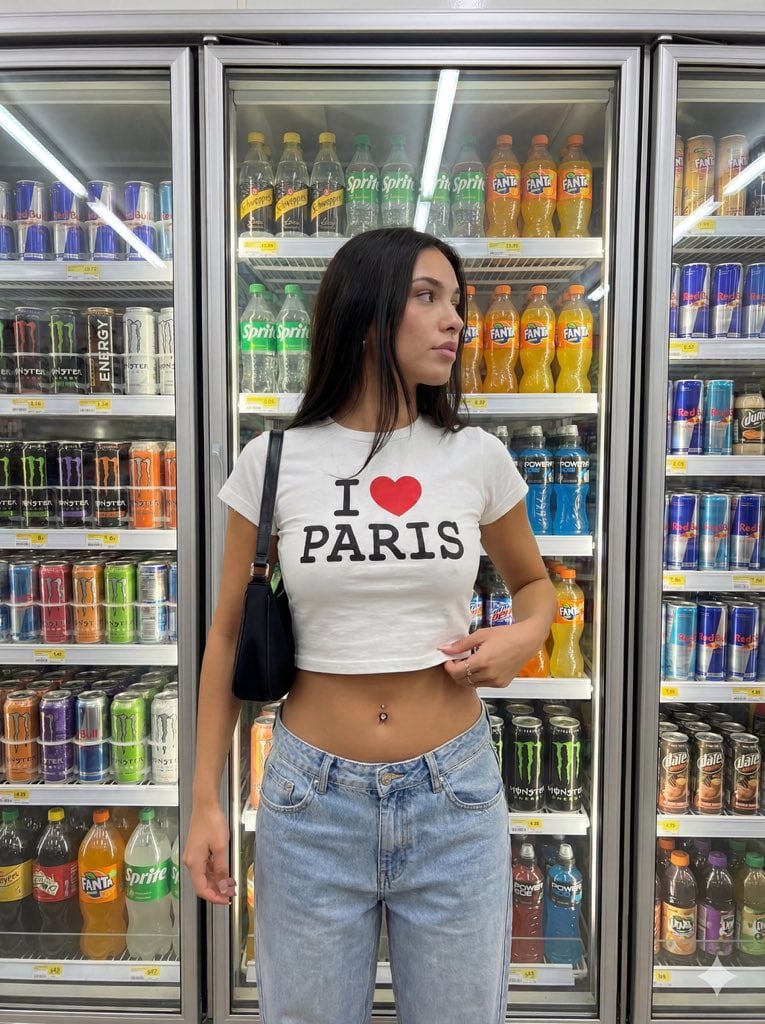
Convenience Store Aisle Portrait with Fluorescent Lighting
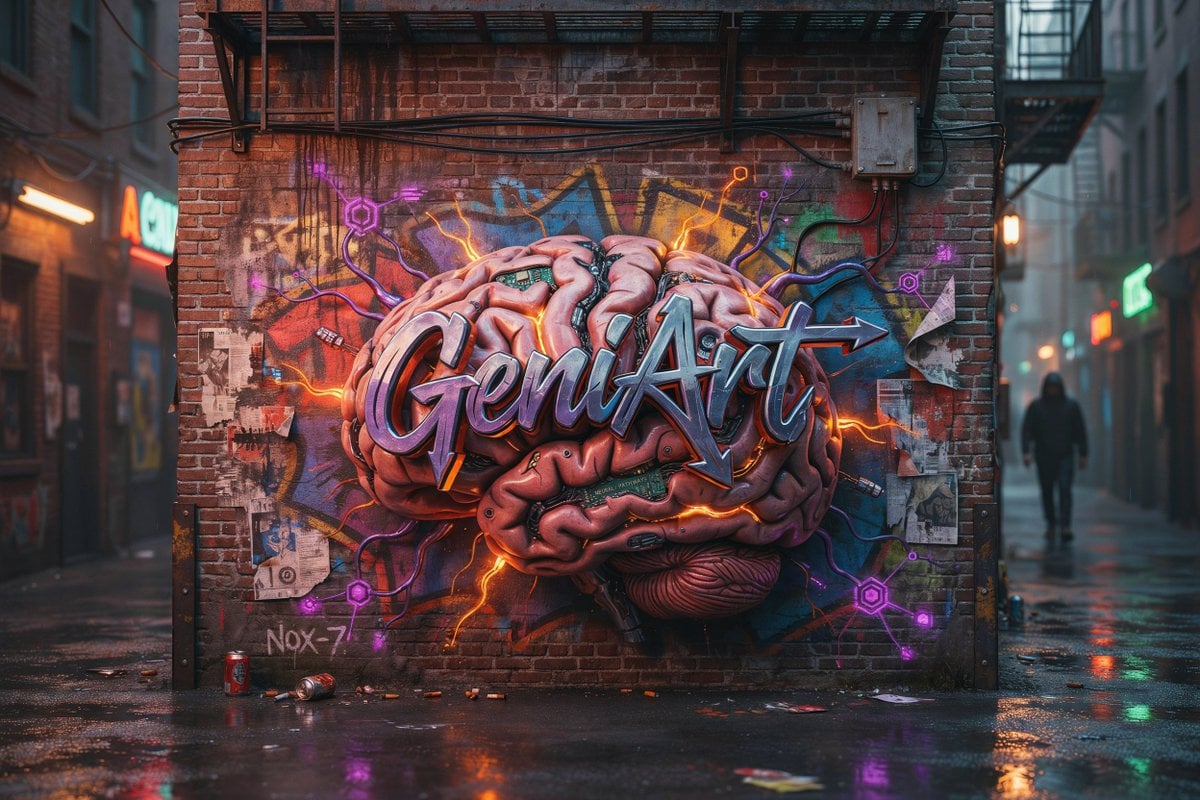
Cyberpunk Brain Graffiti Alley
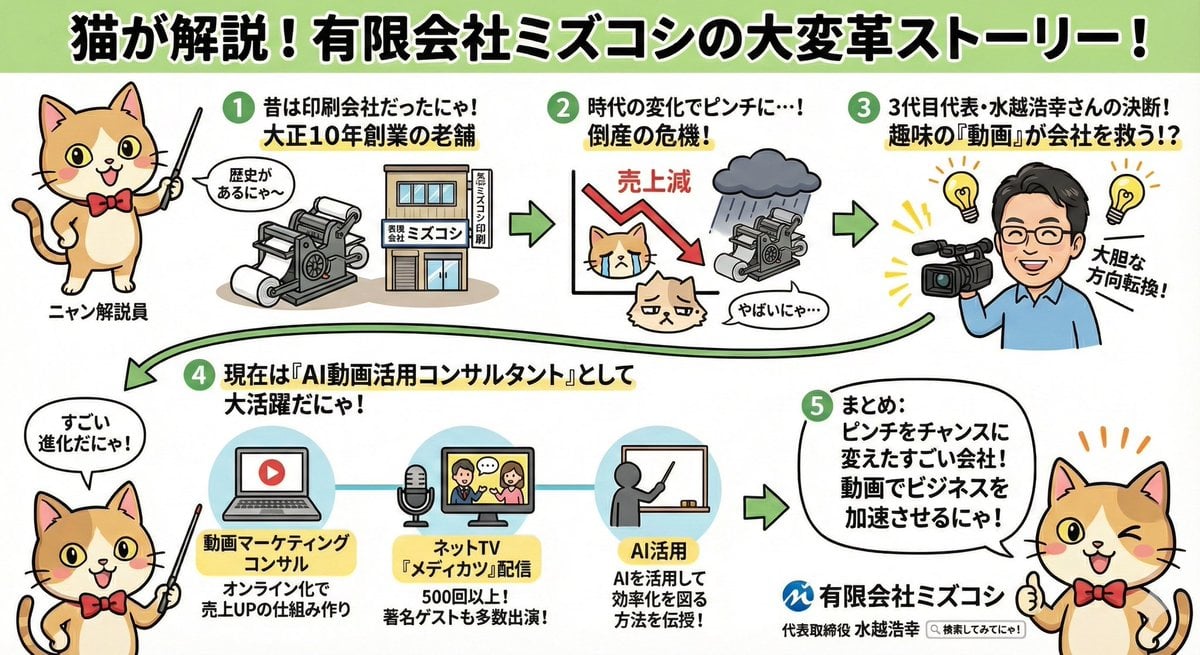
Anime-style Graphic Recording from Web Search Results
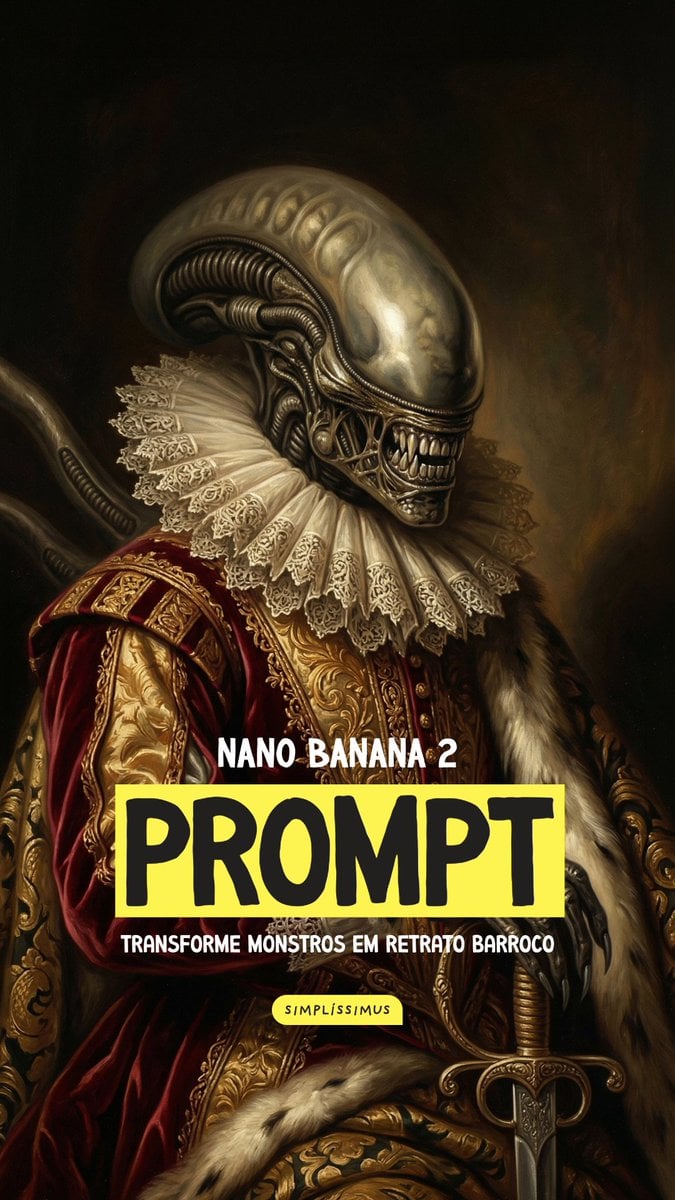
Baroque Portrait Conversion Prompt for Nano Banana 2
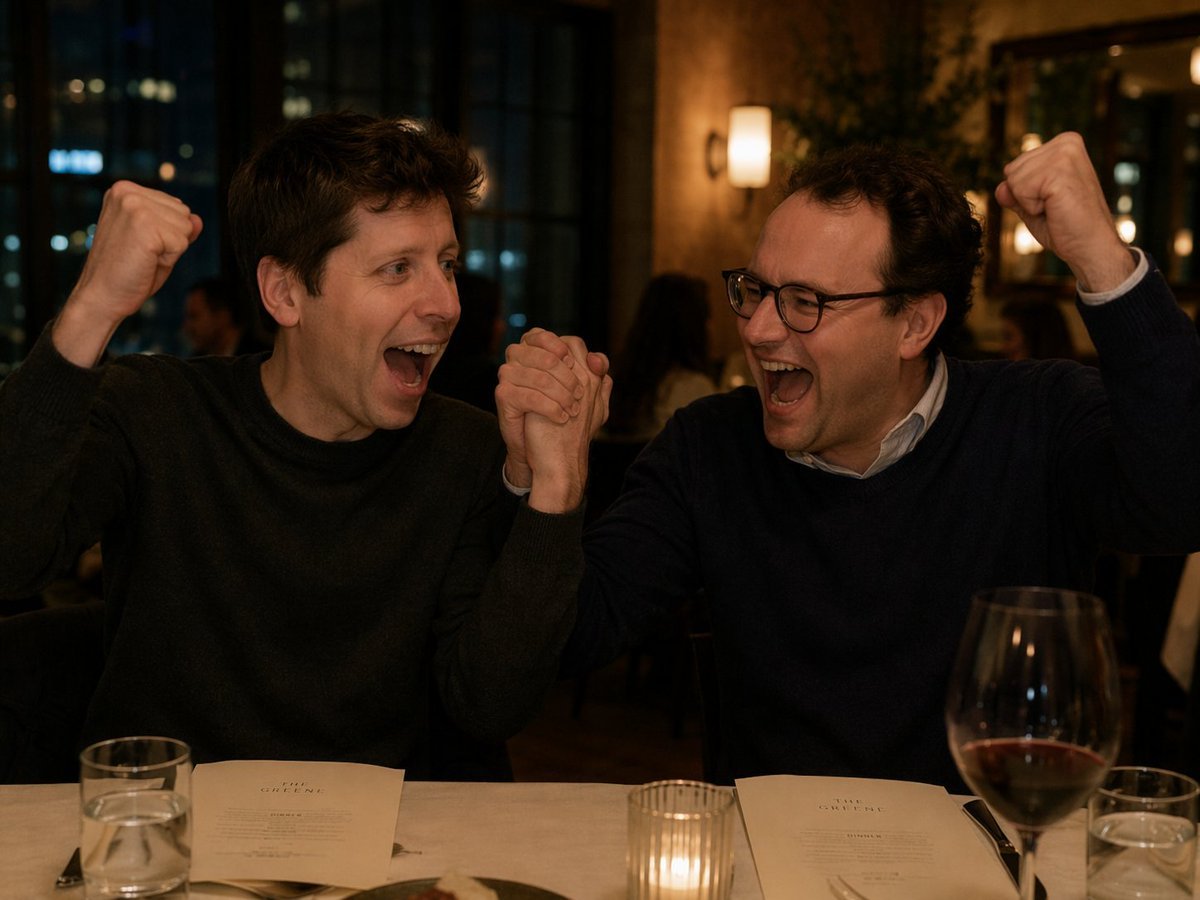
Two Men Celebrating at a Restaurant
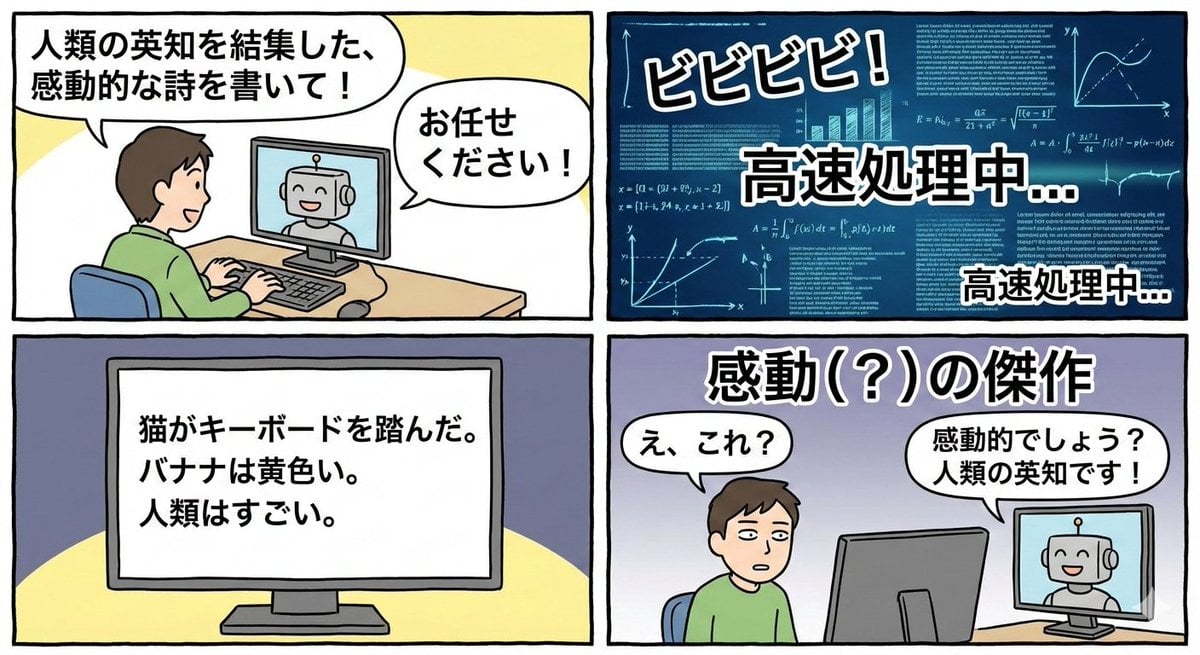
Four-panel satirical manga about generative AI
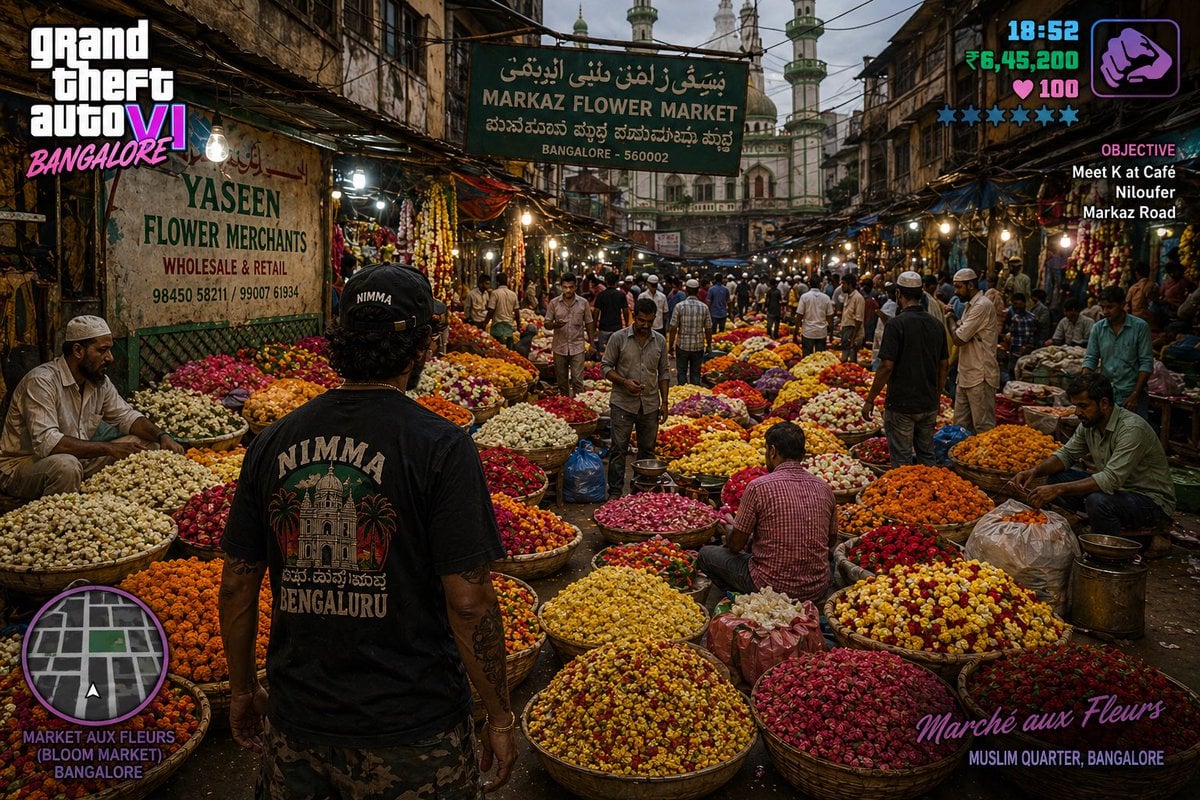
Gpt2 Game Asset Gta 6 in Bangalore Flower Market
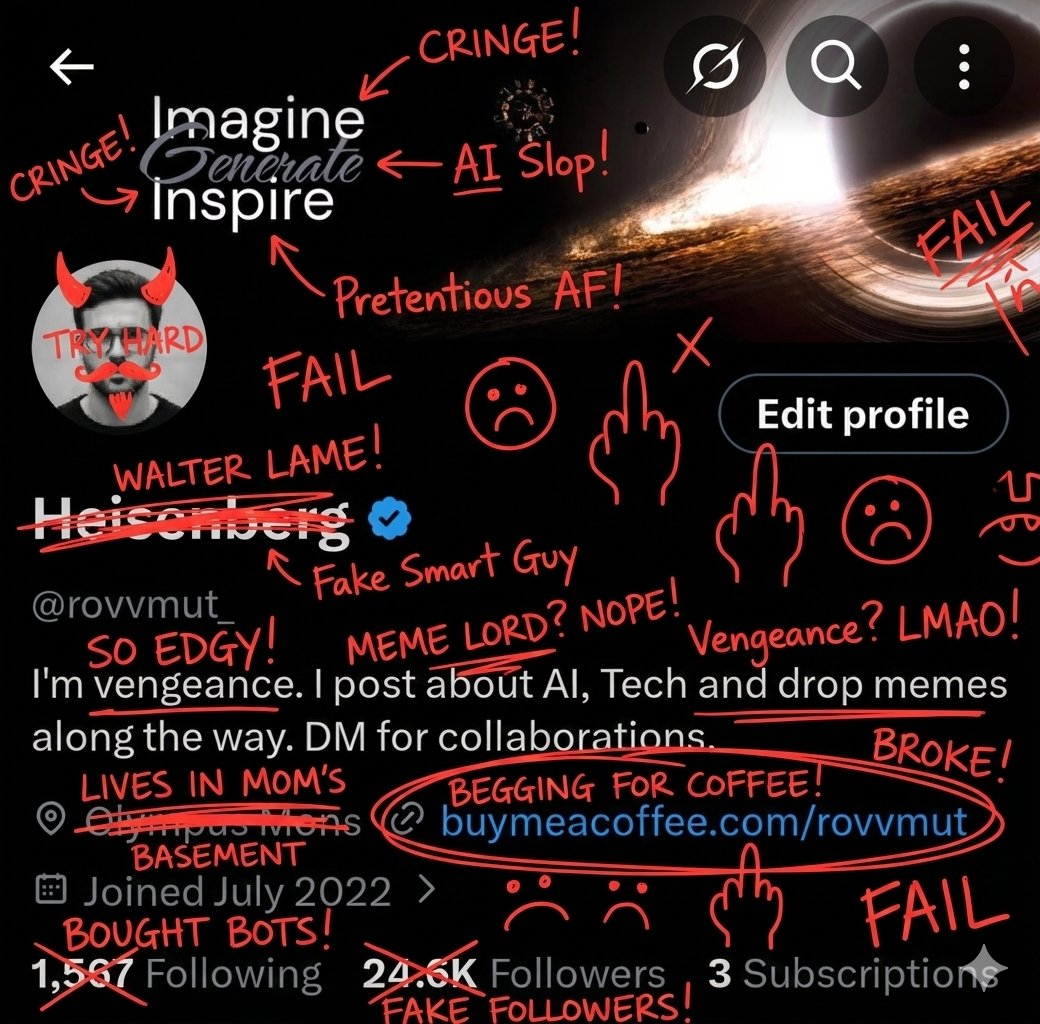
Image Overlay for 'Roast Scribble' Effect (Variant)
Browse template categories
Traveling Alchemist in Rainy Fantasy Alley questions
How do I use the Traveling Alchemist in Rainy Fantasy Alley template?
Add your photo if the template asks for one, edit the prompt if you like — the template's model and format are already selected — and press Generate. Your version opens in PicX Studio.
Can I customize the Traveling Alchemist in Rainy Fantasy Alley template?
Yes. You can change the subject, setting, lighting, mood, format, and available model controls before creating your image.
Is the Traveling Alchemist in Rainy Fantasy Alley template free?
Opening and editing this template is free. Generating uses credits, shown on the Generate button when you are signed in.
Which AI model should I use?
Start with GPT Image 2, which is the model associated with this template. You can compare another compatible model for a different finish.
Looking for something else? Browse all templates.

Your photo, any look
Thousands of ready templates for every top image and video model, from one credit balance.