
Rainy Cyberpunk Alley Sword Duel
Generates a cinematic anime-style night battle between two fighters in a wet cyberpunk alley for dramatic action illustration use.
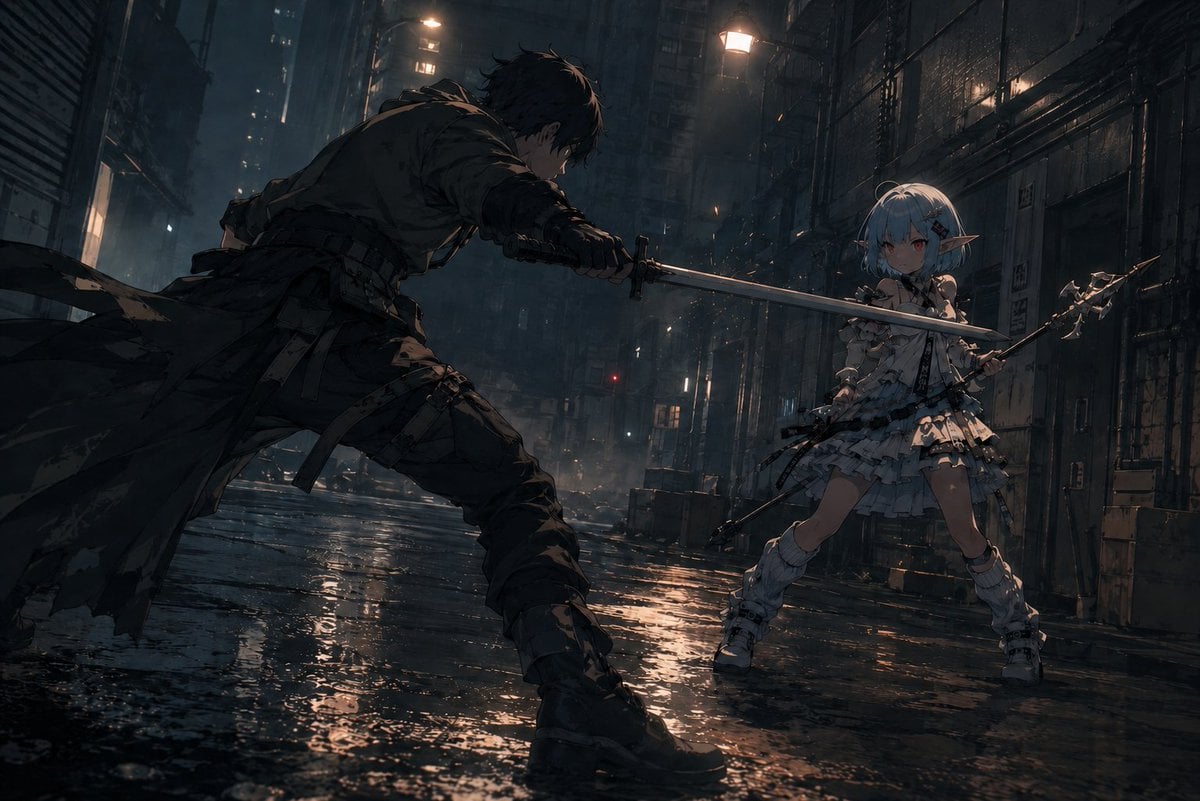
- Prompt included
- Model and format preset
- Free template
The prompt behind this image
Copy the exact prompt behind Rainy Cyberpunk Alley Sword Duel, or open it in the studio and make it yours.
Create a cinematic dark anime battle scene in a rain-soaked cyberpunk alley at night, wide horizontal 16:9 composition, low camera angle near the wet pavement with dramatic perspective. On the left foreground, show {argument name="male fighter" default="a rugged dark-haired swordsman in torn black tactical clothing and a long ragged coat"} lunging forward in a wide aggressive stance, body mostly in shadow, holding a katana with both hands and thrusting the blade horizontally toward his opponent. On the right midground, show {argument name="female fighter" default="a petite pale-blue-haired elf girl with pointed ears"} in an ornate layered white frilly combat dress with armor-like details, thigh straps, white boots, and a small fantasy spear or halberd held defensively; she faces the swordsman with a tense ready posture. The two visible weapons should form a strong diagonal crossing line through the center of the frame, emphasizing imminent impact without showing contact. The setting is a narrow dystopian city alley with tall dark buildings, metal shutters, pipes, cables, fire escapes, vents, scattered crates, distant windows, mist, smoke, and glowing streetlamps; the ground is covered in puddles reflecting orange and blue lights. Use moody cinematic lighting, heavy shadows, rim light on both fighters, rain haze, water splashes, subtle sparks or glowing particles, detailed anime illustration style, high contrast, gritty texture, dynamic action composition, no text, no watermark, avoid extra limbs or malformed hands, keep exactly two fighters and exactly two primary weapons.
How to use Rainy Cyberpunk Alley Sword Duel in 3 steps
- 1Upload ImagePNG, JPG or paste
Add your photo
Upload the photo the template builds on. The prompt, model and format are already set.
- 2…a portrait of your subject in softgolden-hour light, 85mm…
Personalize
Edit the subject and creative details for your destination.
- 3Generate
Generate
Press Generate — your image is created in PicX Studio, so you can compare it with the original and refine one variable at a time.
More like this
Templates with the same subject, style or setup. Open one to see its prompt.

Rainy Night Android Cyberpunk Portrait
Rainy Night Android Cyberpunk Portrait
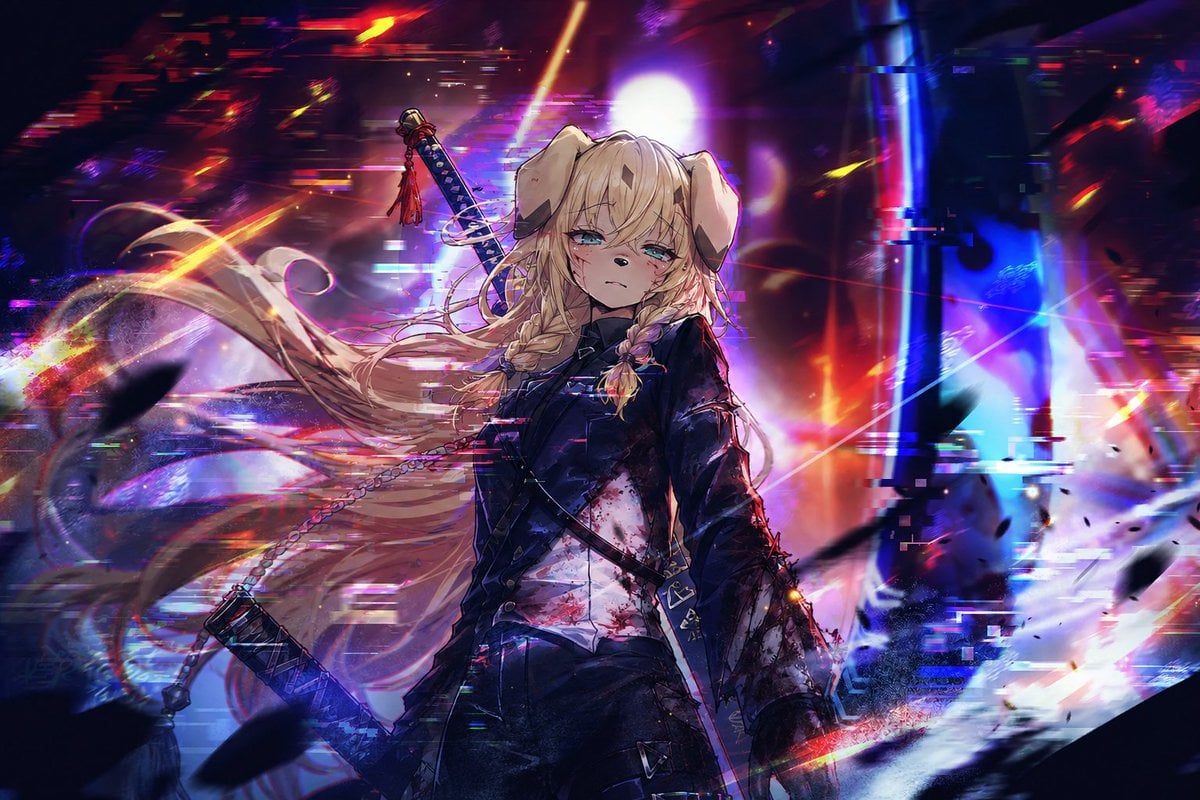
Cyberpunk Dog-Eared Swordswoman
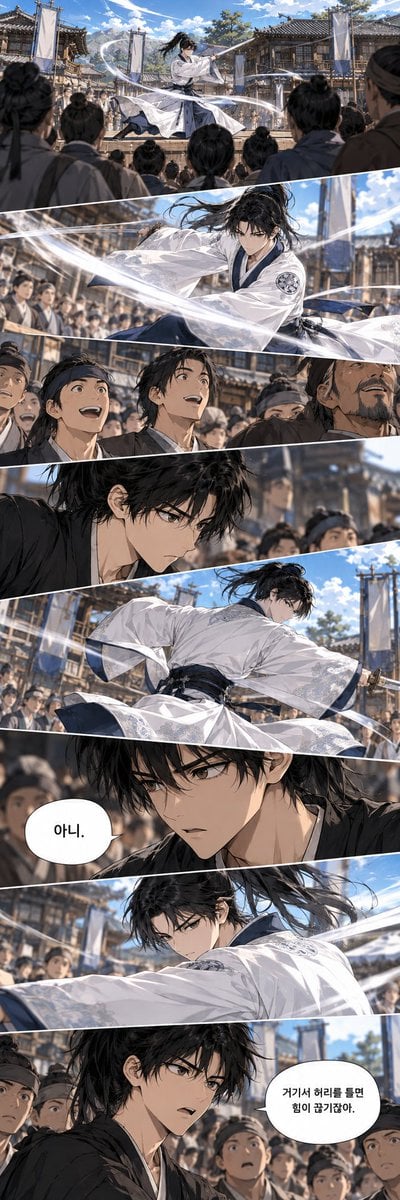
Historical Manhwa Sword Duel Page
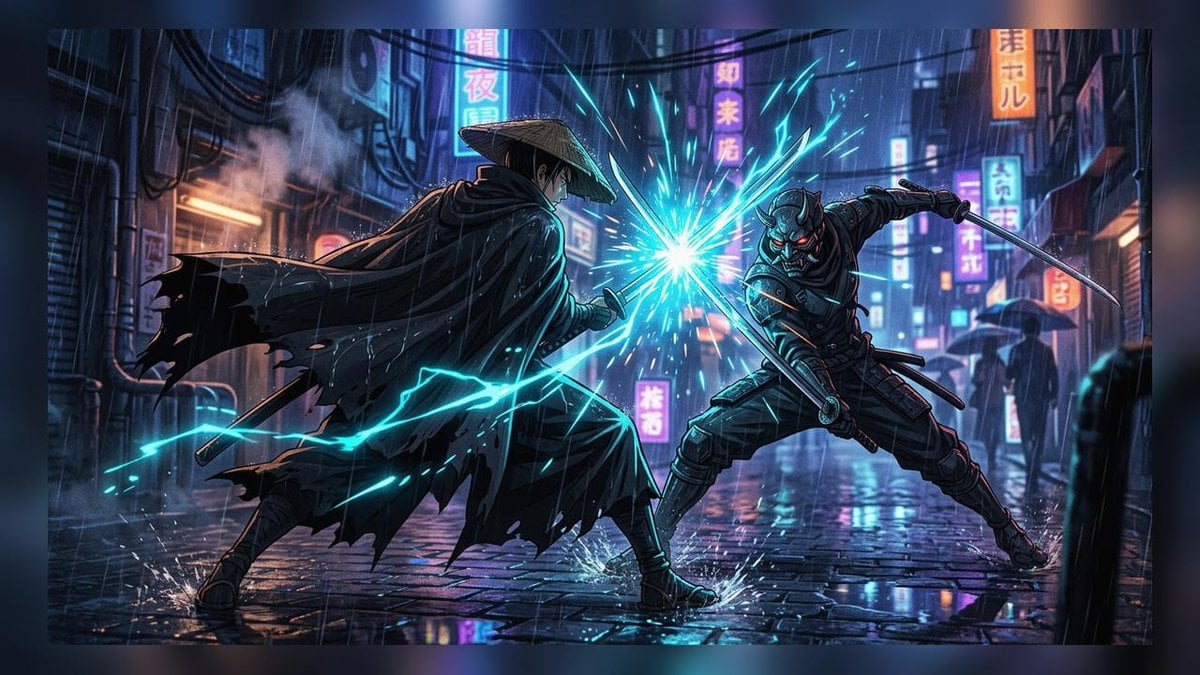
Cyberpunk Ronin Duel
Anime Girl in Rainy Tokyo Alley
Cyberpunk Sword Fight Storyboard
Rainy Cyberpunk Superhero Comic Page
Rainy Samurai Duel Storyboard

Seven-Panel Cyberpunk Manga Alley

Korean Idol Partial Shadow Editorial Portrait

Cinematic Sci-Fi Interface Side Profile
Make it yours
Rainy Cyberpunk Alley Sword Duel works as-is. These are the safest ways to change it without losing the look.
Change one field
Copy a single group, rewrite it, and generate again so you can see what that field is doing.
Keep the frame, change the subject
Hold the composition and light of Rainy Cyberpunk Alley Sword Duel, then swap wardrobe, props or the person for a new take.
| If the result… | Why | Fix |
|---|---|---|
| The result drifts from the preview | Too many fields changed at once. | Reuse Rainy Cyberpunk Alley Sword Duel as-is first, then change one group — subject, light, or setting. |
| The model over-stylizes the scene | The prose prompt leaves finish and camera underspecified. | Add one camera or lighting sentence and stay on GPT Image 2. |
More GPT Image 2 templates
Other prompts made for GPT Image 2.

Six VTuber Japanese Logo Sheet

Realistic Portrait of Woman and Deer

The Vista Modular Condo Poster

AI Model Routing Comparison Infographic

2.5D Anime Art Board

Isometric Productivity Desk Scene

New York Double Exposure Poster

Four-Panel AI Landscape Comparison

Japanese Tatami Lifestyle Magazine Cover

NESCAFÉ Coffee Map Poster
More image prompts
Fresh picks from across the catalog.
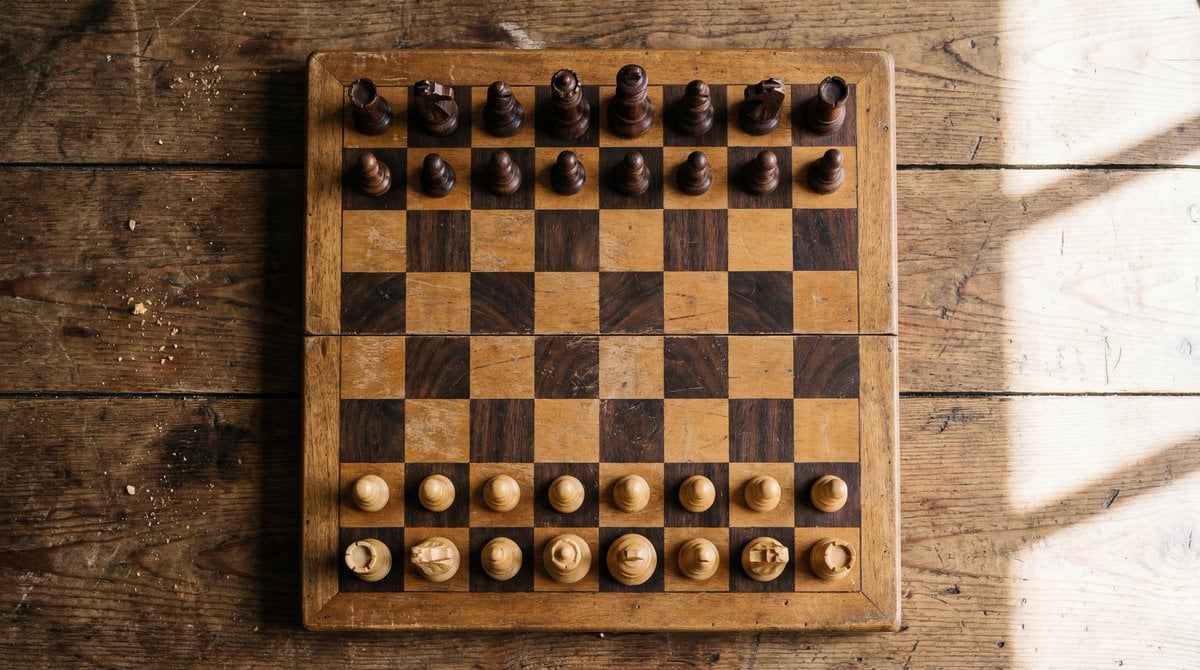
Top View of Chess Board in Starting Position
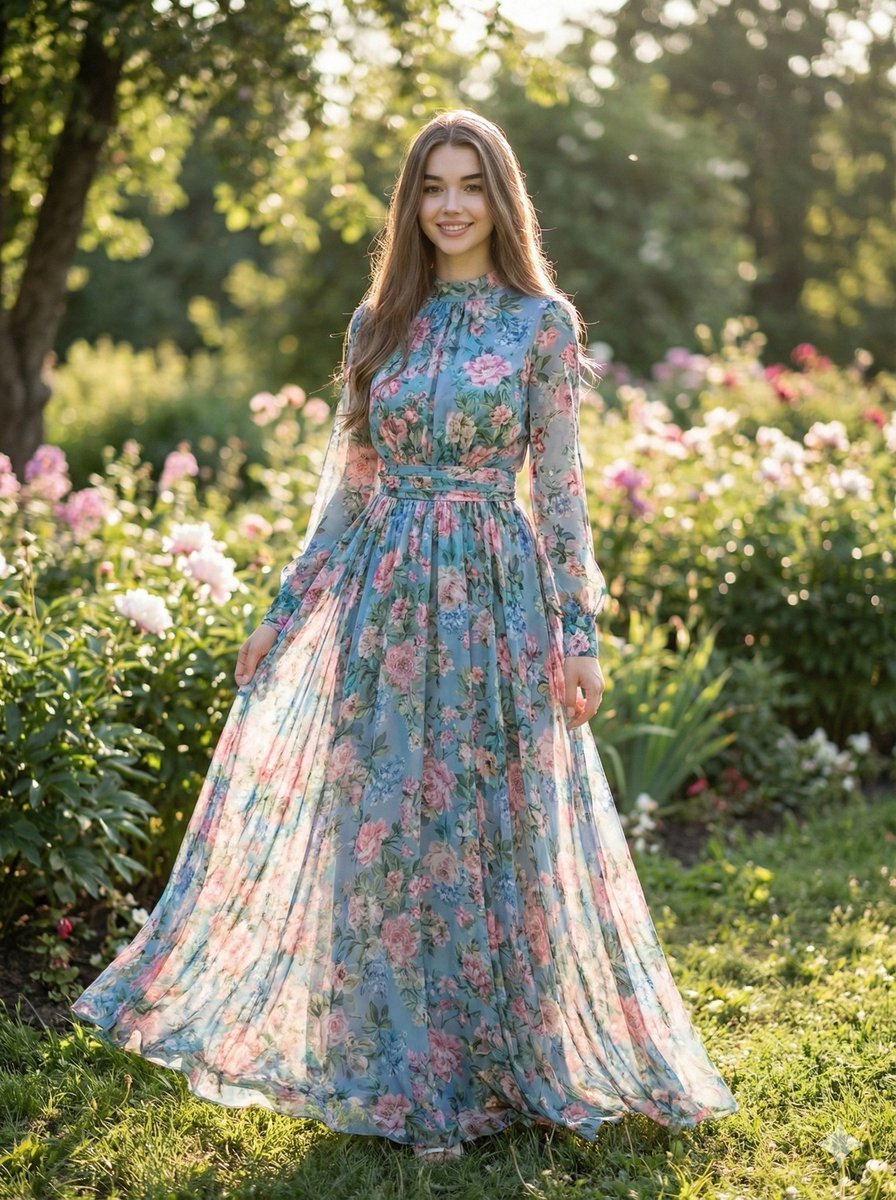
High-Fashion Street Style Portrait Prompt
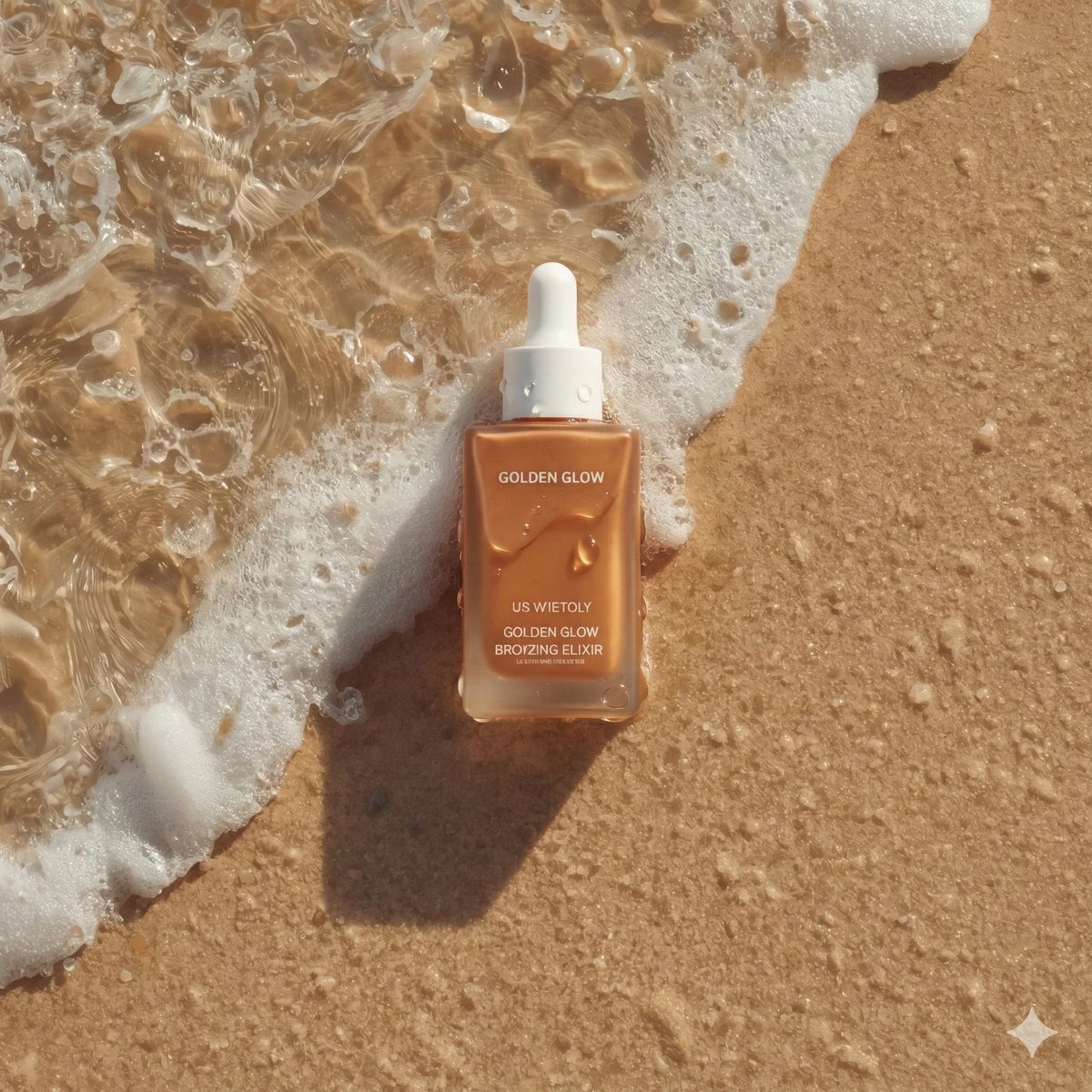
Ultra-Realistic Skincare Product Photography on Wet Beach Sand
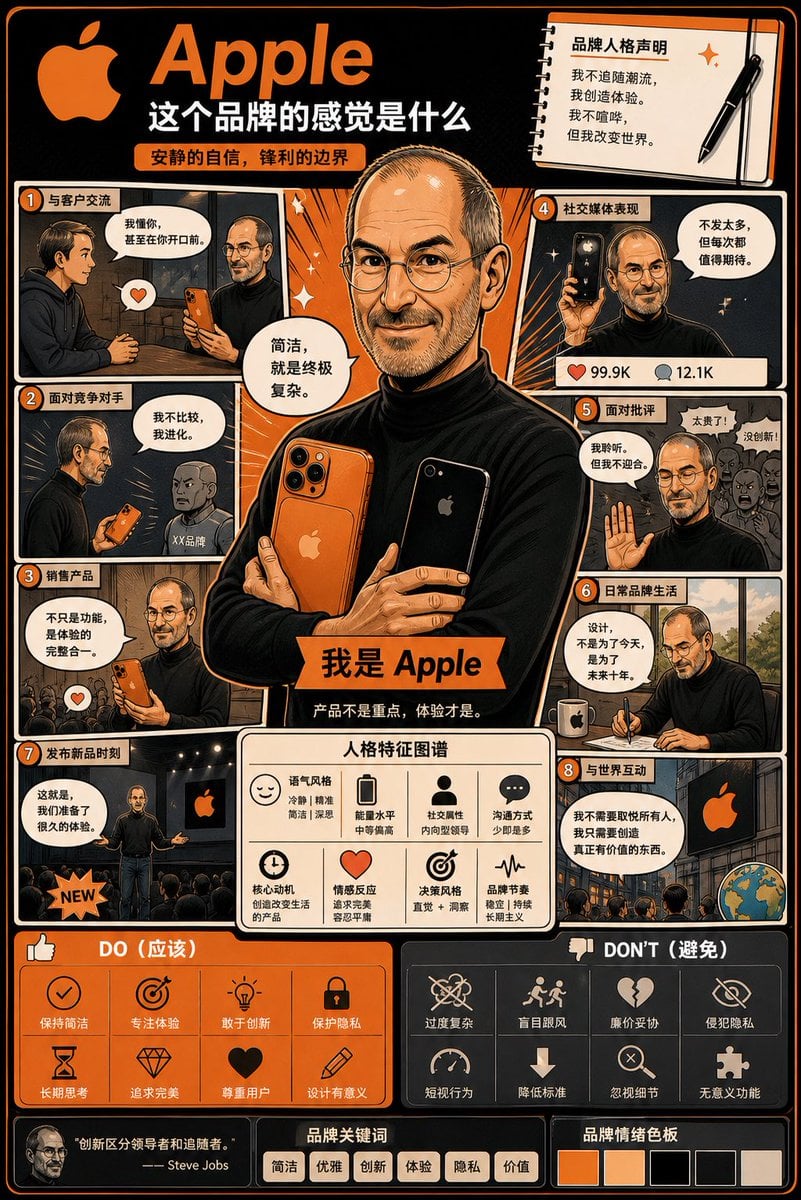
Manga Style Brand Identity Infographic
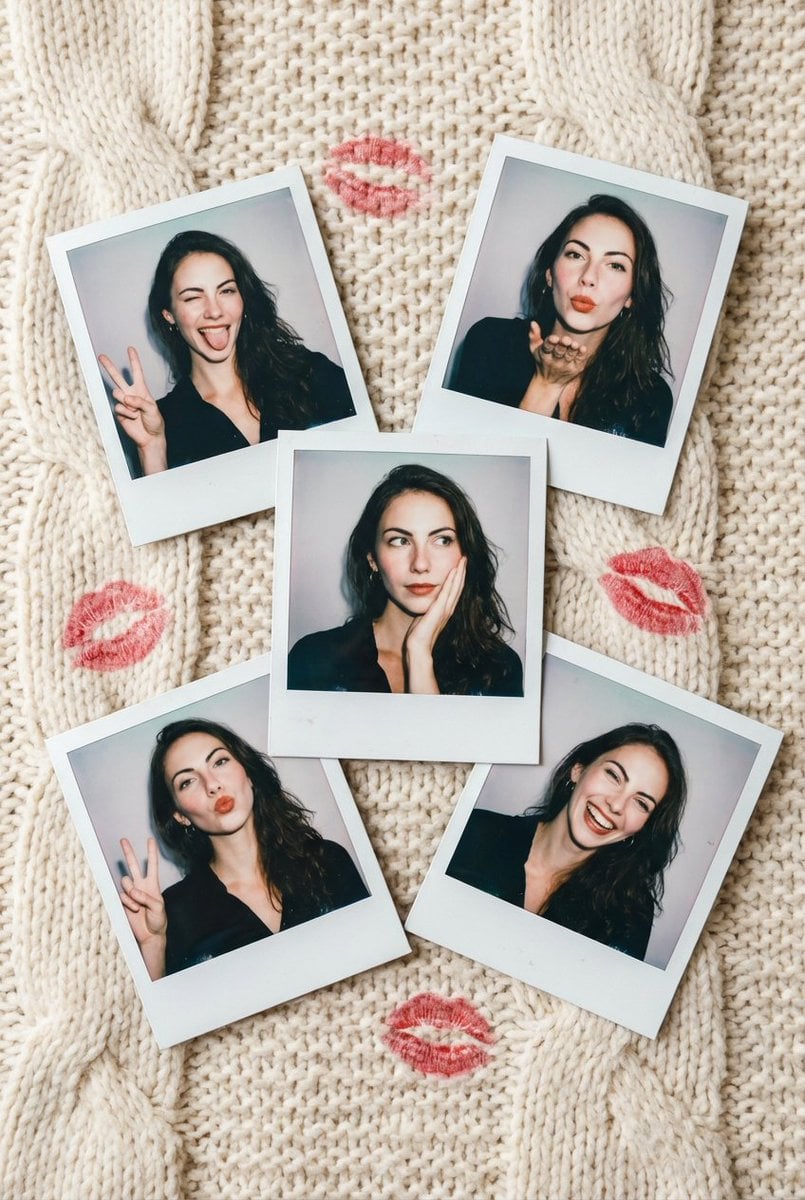
Vintage Polaroid Photo Collection Prompt

Cute Chinese Tokenization Infographic
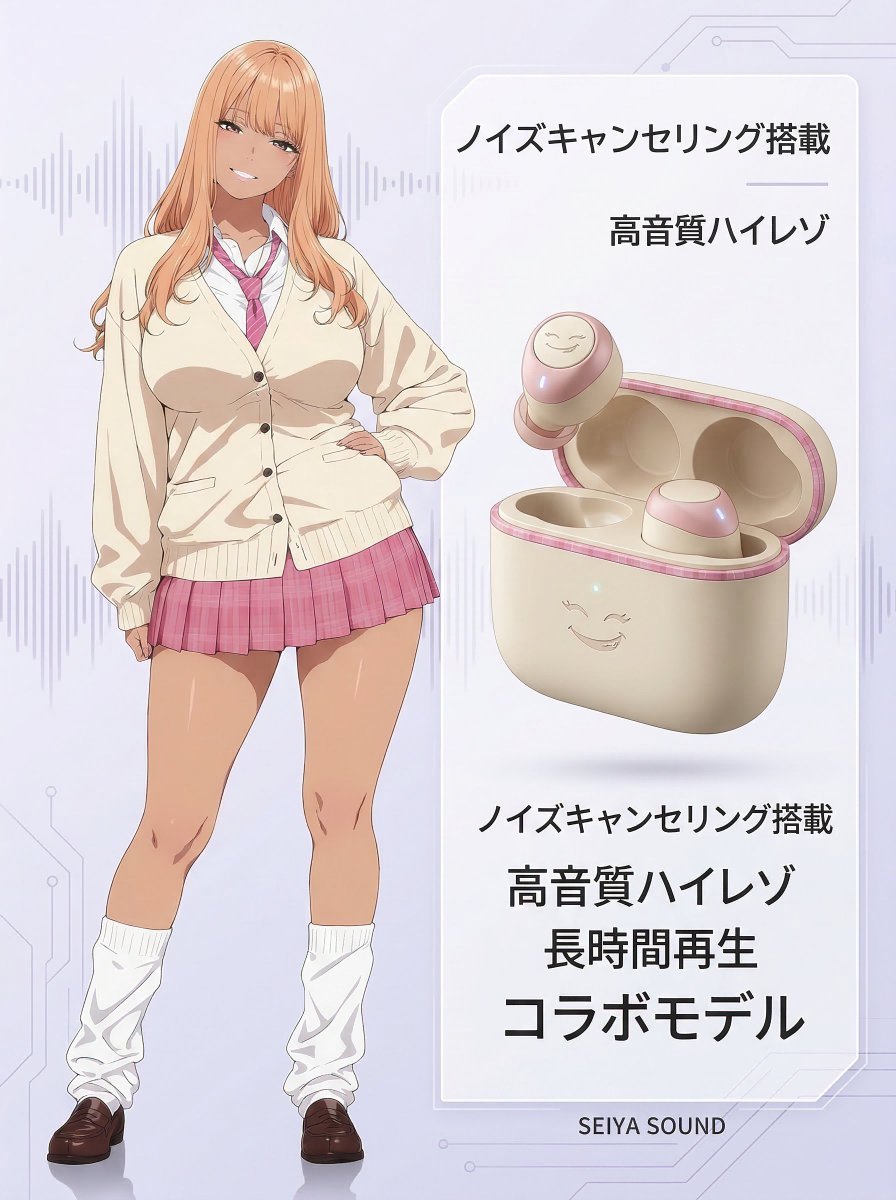
Character-Themed Wireless Earbuds Product Shot
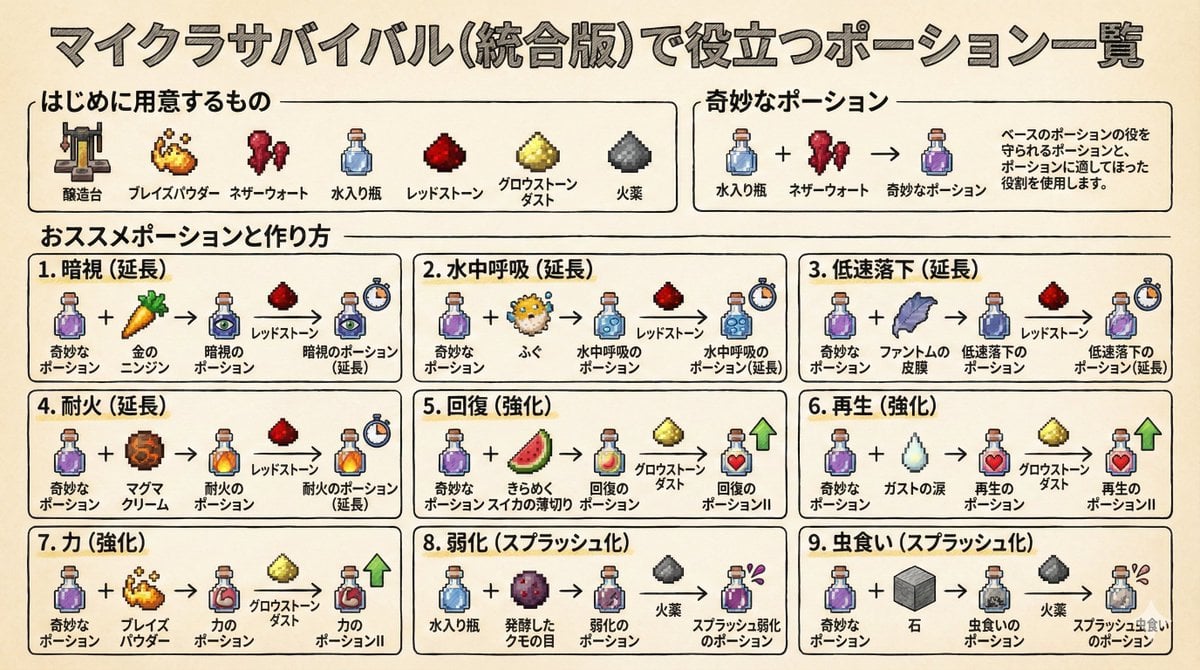
Minecraft Potion Crafting Image Generation Prompt
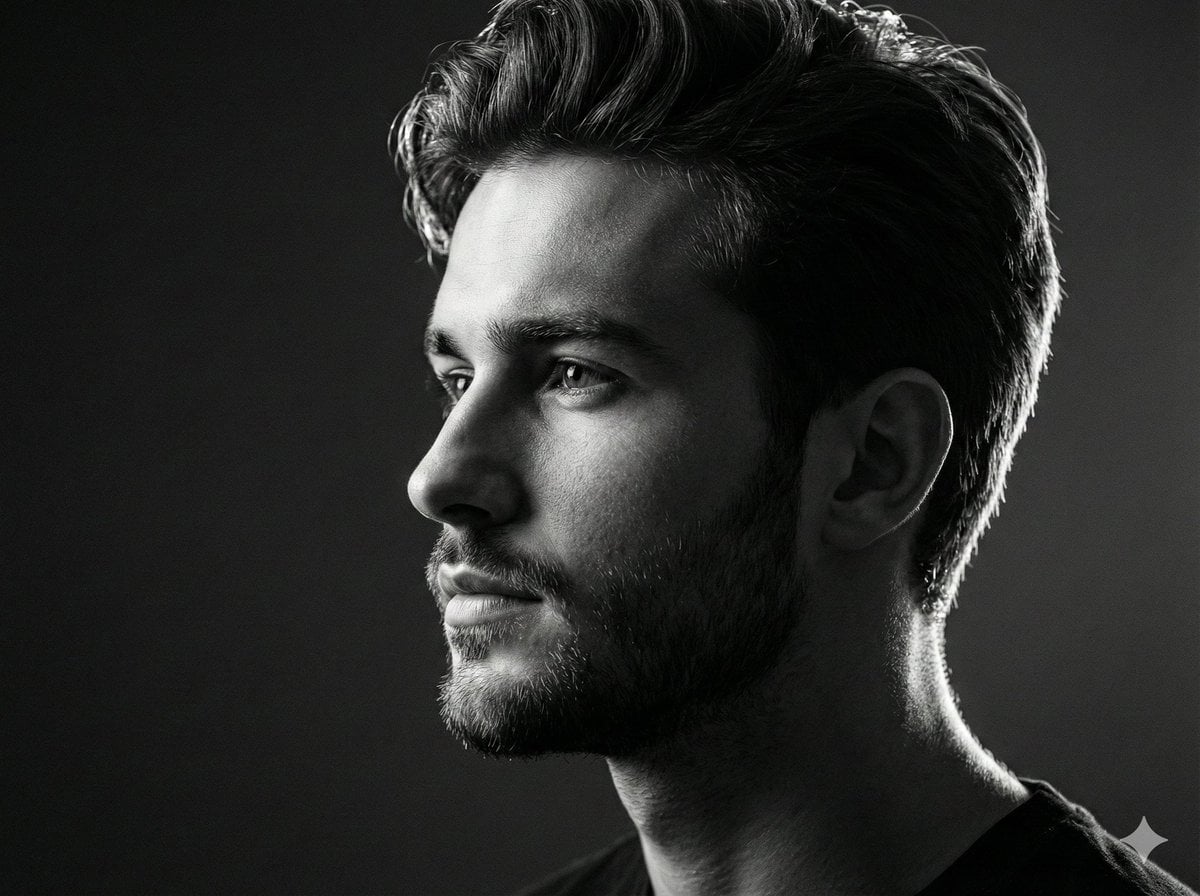
Black and white studio side-profile portrait prompt
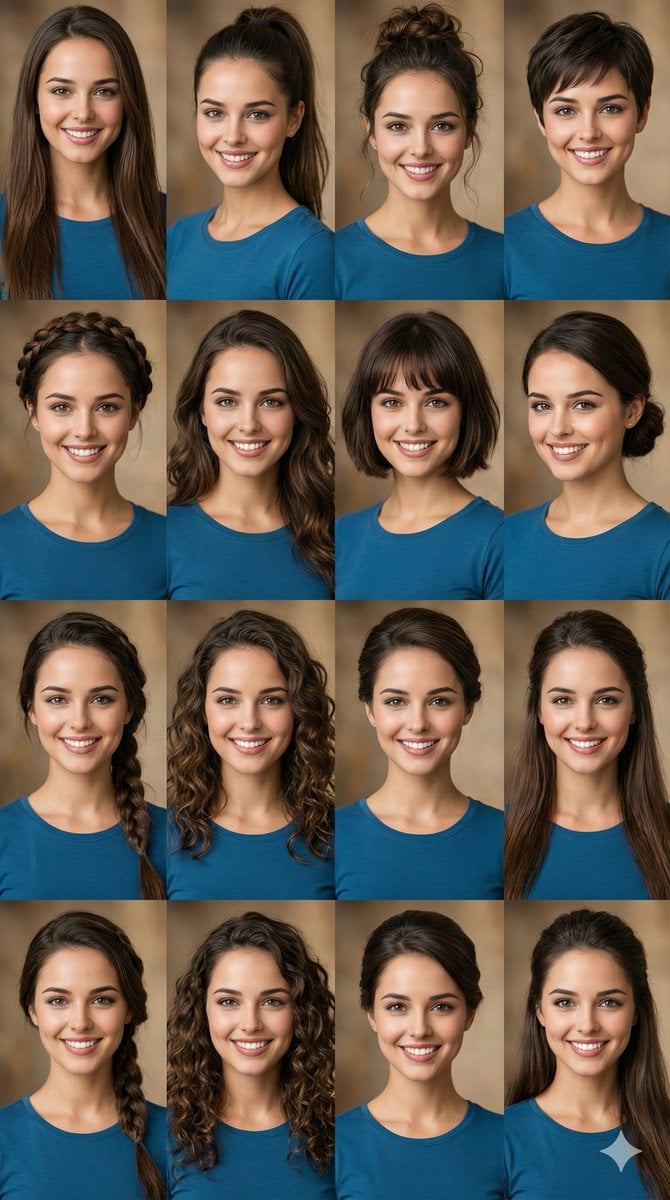
Hairstyle Photo Collage Prompt
Browse template categories
Rainy Cyberpunk Alley Sword Duel questions
How do I use the Rainy Cyberpunk Alley Sword Duel template?
Add your photo if the template asks for one, edit the prompt if you like — the template's model and format are already selected — and press Generate. Your version opens in PicX Studio.
Can I customize the Rainy Cyberpunk Alley Sword Duel template?
Yes. You can change the subject, setting, lighting, mood, format, and available model controls before creating your image.
Is the Rainy Cyberpunk Alley Sword Duel template free?
Opening and editing this template is free. Generating uses credits, shown on the Generate button when you are signed in.
Which AI model should I use?
Start with GPT Image 2, which is the model associated with this template. You can compare another compatible model for a different finish.
Looking for something else? Browse all templates.

Your photo, any look
Thousands of ready templates for every top image and video model, from one credit balance.