
Cyberpunk Ronin Duel
A cinematic anime prompt for generating a rainy neon cyberpunk samurai duel with dramatic sword-clash energy.
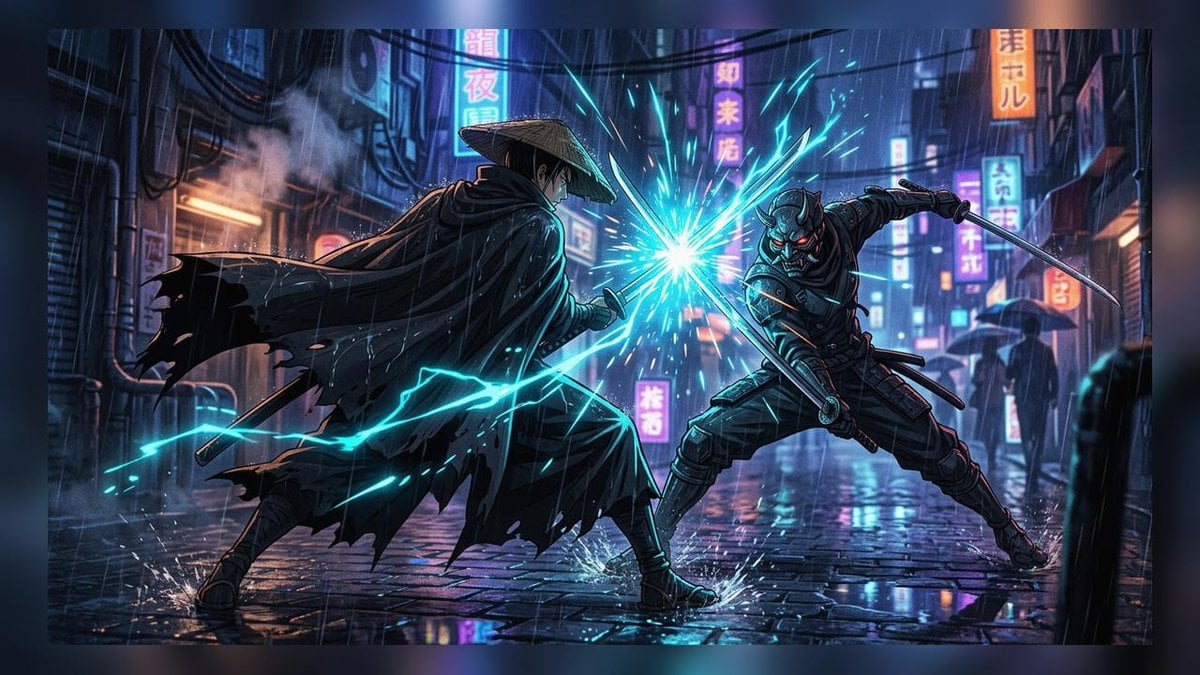
- Prompt included
- Model and format preset
- Free template
The prompt behind this image
Copy the exact prompt behind Cyberpunk Ronin Duel, or open it in the studio and make it yours.
Create a cinematic cyberpunk anime action scene in a rainy neon-lit alley at night. Two main fighters face off in the center: on the left, a mysterious ronin wearing a wide straw kasa hat and a long torn black cloak, seen mostly from behind in a low battle stance, holding a katana; on the right, an armored ninja-samurai with a demonic oni-style mask and glowing red eyes lunges forward with two blades, one extended outward and one crossing the clash. Their swords meet at the center in a brilliant cyan-white energy burst, throwing sharp electric sparks and turquoise lightning arcs across the wet street. The setting is a dense futuristic Japanese city alley with reflective cobblestone pavement, heavy rain, puddles, mist, exposed pipes, hanging cables, umbrellas in the background, and many vertical neon signs with Japanese/Chinese-style characters in pink, cyan, blue, orange, and purple. Use a dynamic wide 16:9 composition, dramatic perspective, high contrast rim lighting, motion streaks, rain splashes around the fighters’ feet, detailed armor and cloth folds, glowing reflections on the ground, dark blue atmospheric shadows, and polished high-end anime concept art quality. Keep exactly two combatants, no readable English text, no logos, no watermark.
How to use Cyberpunk Ronin Duel in 3 steps
- 1Upload ImagePNG, JPG or paste
Add your photo
Upload the photo the template builds on. The prompt, model and format are already set.
- 2…a portrait of your subject in softgolden-hour light, 85mm…
Personalize
Edit the subject and creative details for your destination.
- 3Generate
Generate
Press Generate — your image is created in PicX Studio, so you can compare it with the original and refine one variable at a time.
More like this
Templates with the same subject, style or setup. Open one to see its prompt.

Rainy Night Android Cyberpunk Portrait

Korean Idol Partial Shadow Editorial Portrait

Cinematic Sci-Fi Interface Side Profile

Cyberpunk Neon Profile Fashion Portrait

Cinematic Neon Light Strip Studio Portrait

Futuristic Studio Neon Ring Minimalist Portrait

Neon Violet Streetwear Fashion Portrait

Neon Night Crosswalk Candid Portrait

Red Futuristic Sport Motorcycle POV
Rainy Night Android Cyberpunk Portrait
Cinematic Sci-Fi Commander Side Profile Portrait
Low-Angle Cyberpunk Neon Profile Portrait
Make it yours
Cyberpunk Ronin Duel works as-is. These are the safest ways to change it without losing the look.
Change one field
Copy a single group, rewrite it, and generate again so you can see what that field is doing.
Keep the frame, change the subject
Hold the composition and light of Cyberpunk Ronin Duel, then swap wardrobe, props or the person for a new take.
| If the result… | Why | Fix |
|---|---|---|
| The result drifts from the preview | Too many fields changed at once. | Reuse Cyberpunk Ronin Duel as-is first, then change one group — subject, light, or setting. |
| The model over-stylizes the scene | The prose prompt leaves finish and camera underspecified. | Add one camera or lighting sentence and stay on GPT Image 2. |
More GPT Image 2 templates
Other prompts made for GPT Image 2.

Six VTuber Japanese Logo Sheet

Realistic Portrait of Woman and Deer

The Vista Modular Condo Poster

AI Model Routing Comparison Infographic

2.5D Anime Art Board

Isometric Productivity Desk Scene

New York Double Exposure Poster

Four-Panel AI Landscape Comparison

Japanese Tatami Lifestyle Magazine Cover

NESCAFÉ Coffee Map Poster
More image prompts
Fresh picks from across the catalog.
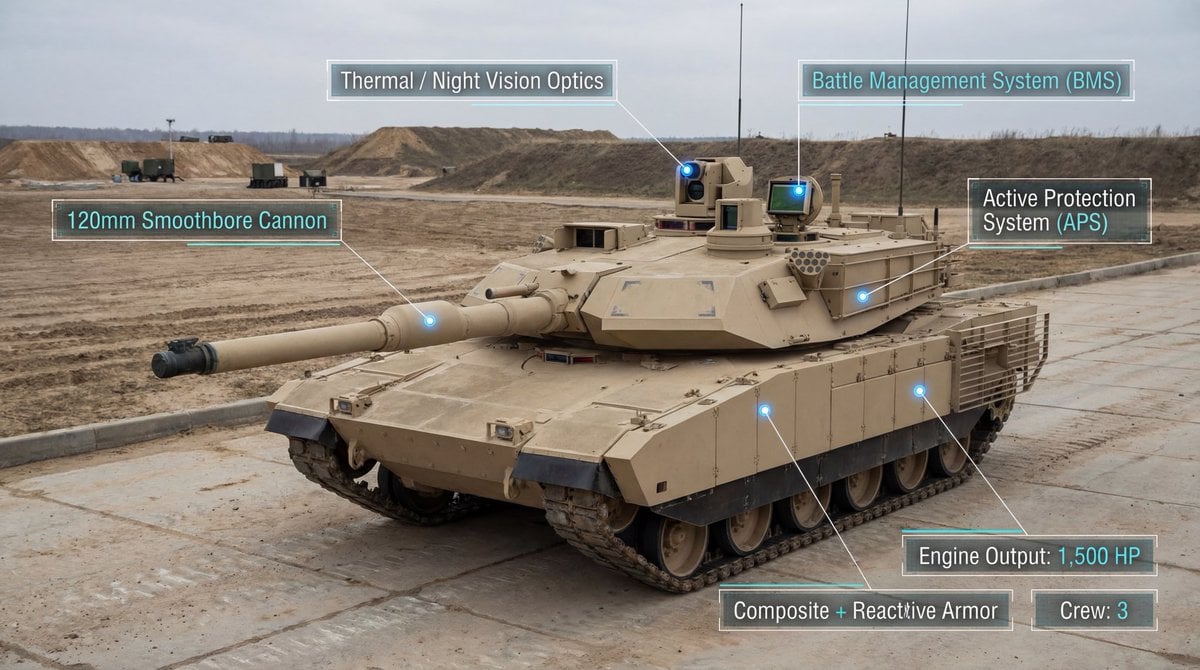
Modern Combat Tank Infographic Prompt
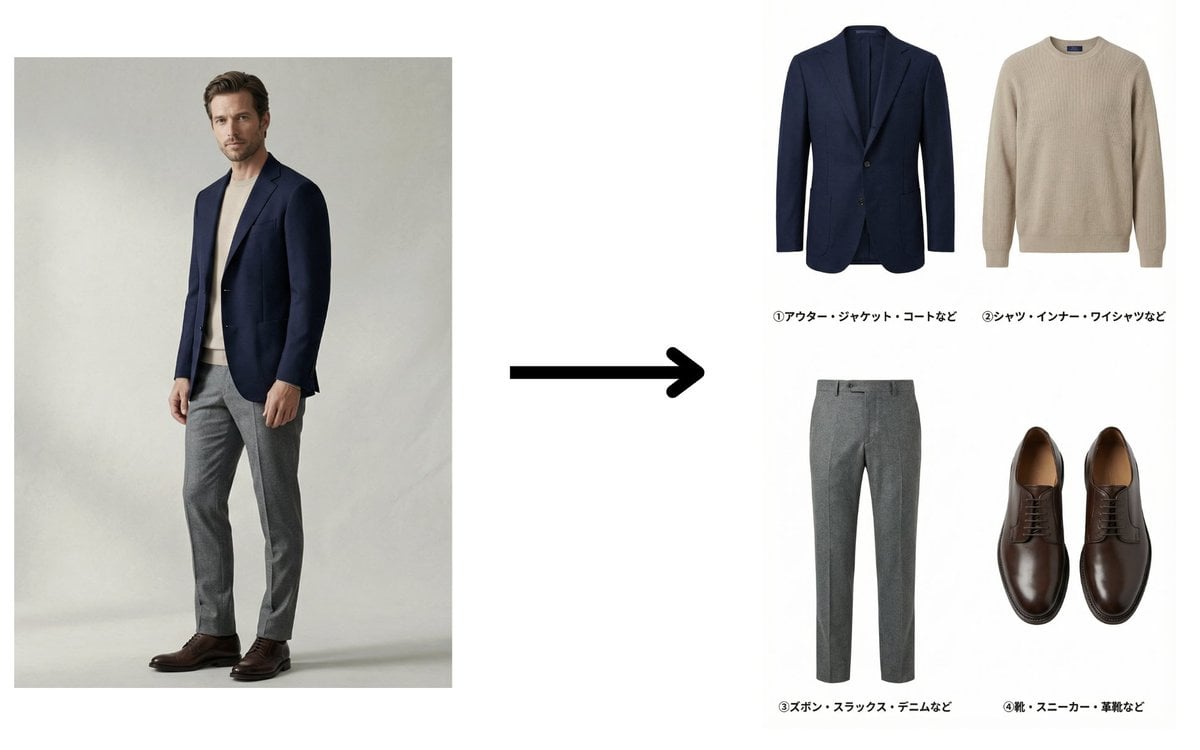
Fashion Catalog Item Extraction from Reference Image

Gpt2 Infographic Edu Visual Japanese Sci Fi Suit Up Process Board
Hypothetical News Homepage
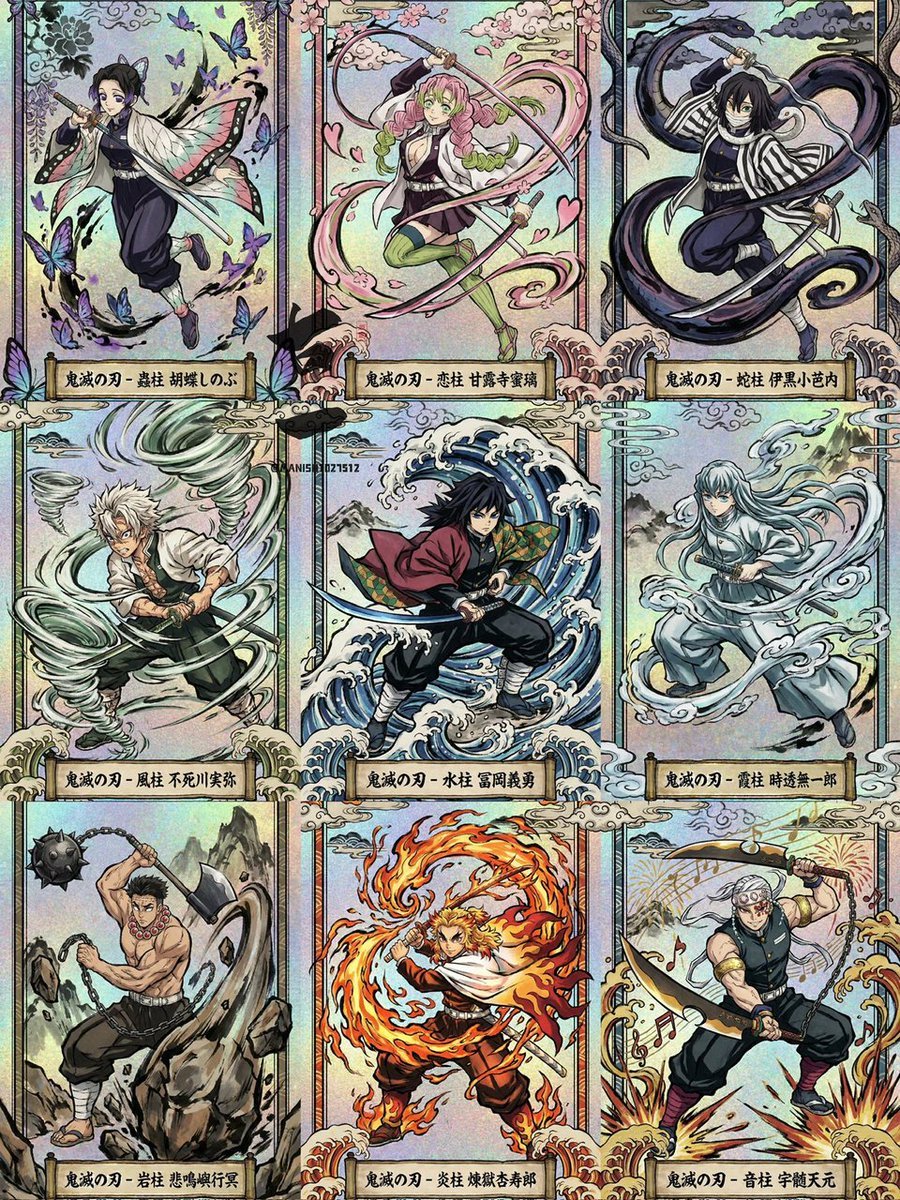
Ukiyo-e Demon Slayer Card Grid
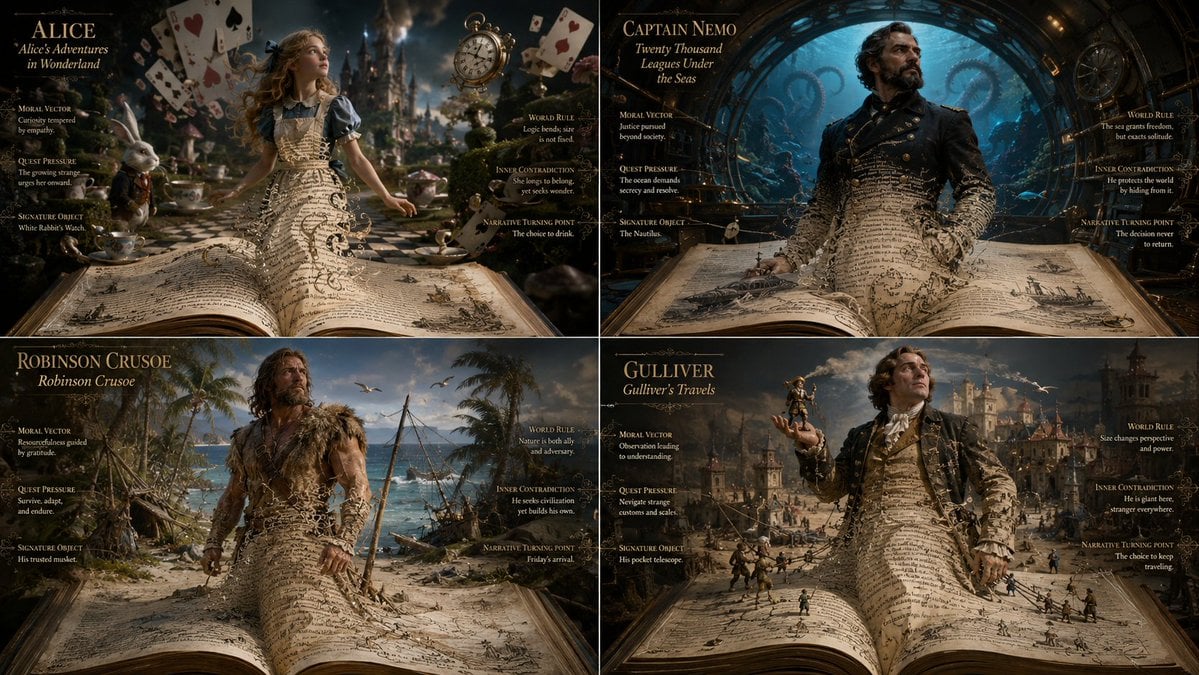
Living Manuscript Book Hero Grid
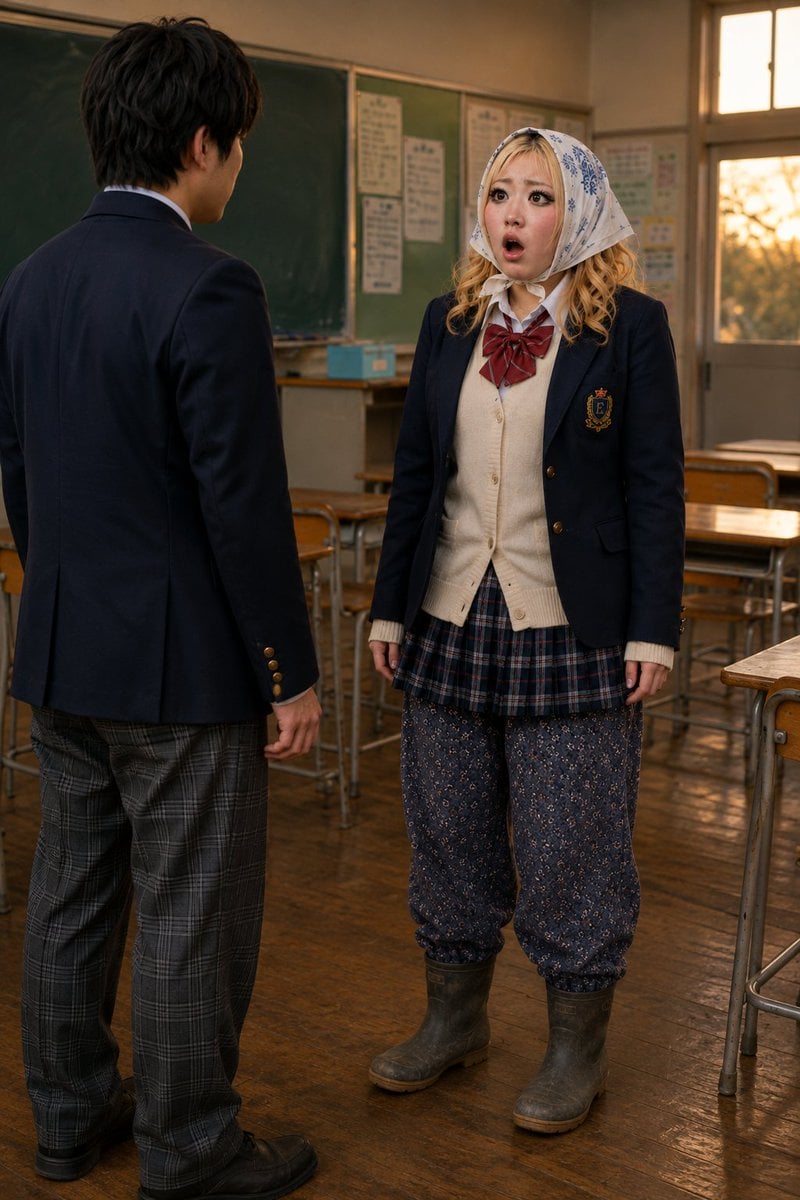
Schoolgirl Turned Rural Farmer Classroom Scene
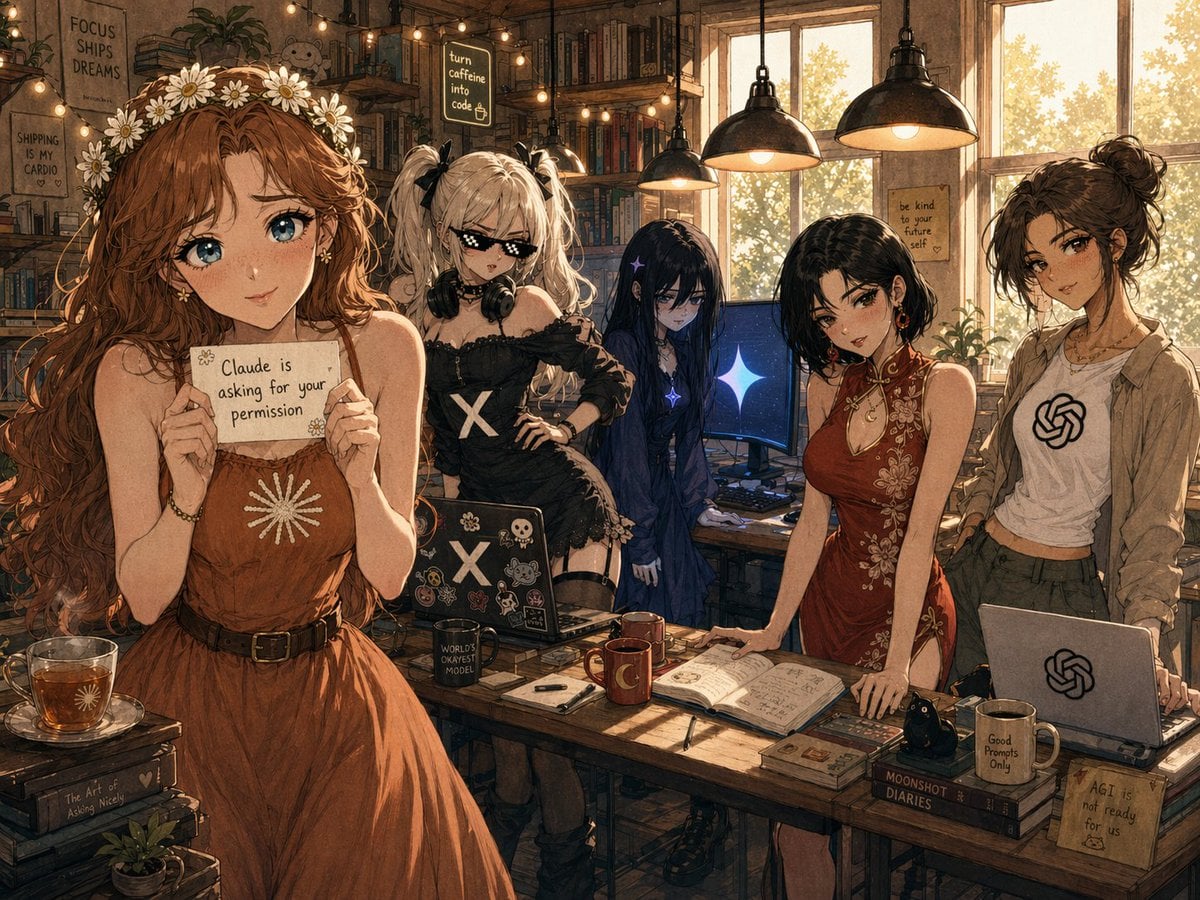
Cozy AI Agents Studio Group Portrait

Nano Banana - Paris Night Party Dancing
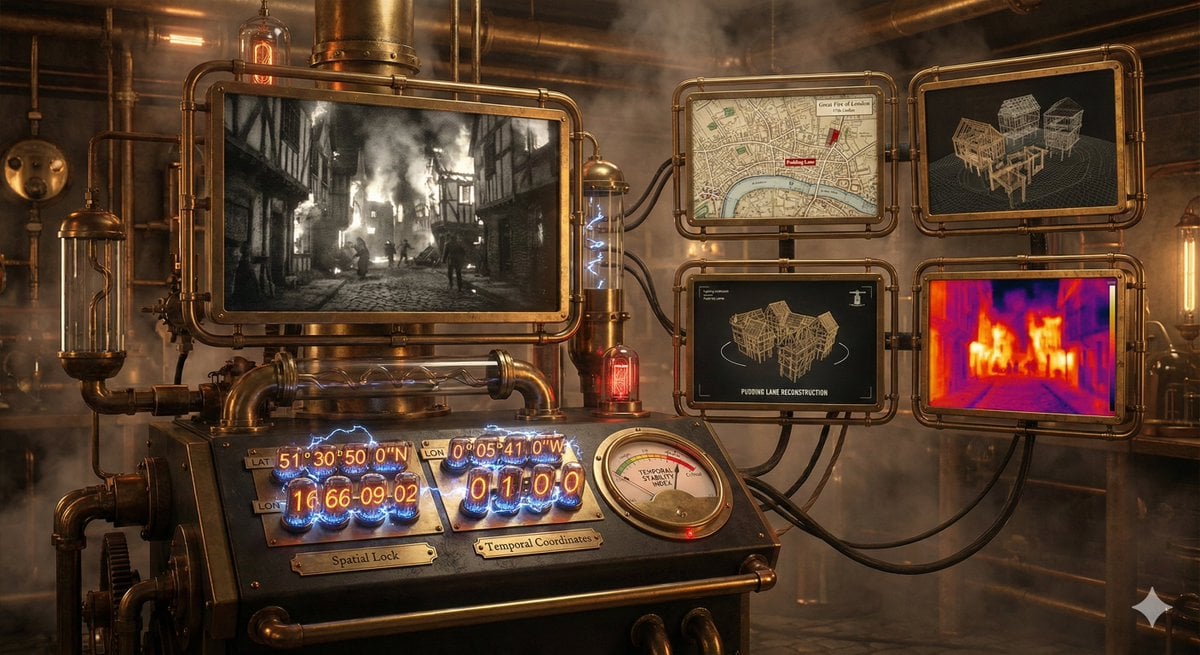
Time-Observing Machine Prompt (Conceptual)
Browse template categories
Cyberpunk Ronin Duel questions
How do I use the Cyberpunk Ronin Duel template?
Add your photo if the template asks for one, edit the prompt if you like — the template's model and format are already selected — and press Generate. Your version opens in PicX Studio.
Can I customize the Cyberpunk Ronin Duel template?
Yes. You can change the subject, setting, lighting, mood, format, and available model controls before creating your image.
Is the Cyberpunk Ronin Duel template free?
Opening and editing this template is free. Generating uses credits, shown on the Generate button when you are signed in.
Which AI model should I use?
Start with GPT Image 2, which is the model associated with this template. You can compare another compatible model for a different finish.
Looking for something else? Browse all templates.

Your photo, any look
Thousands of ready templates for every top image and video model, from one credit balance.