90-stunning-indian-fashion-editorial-portra
{
"prompt": {
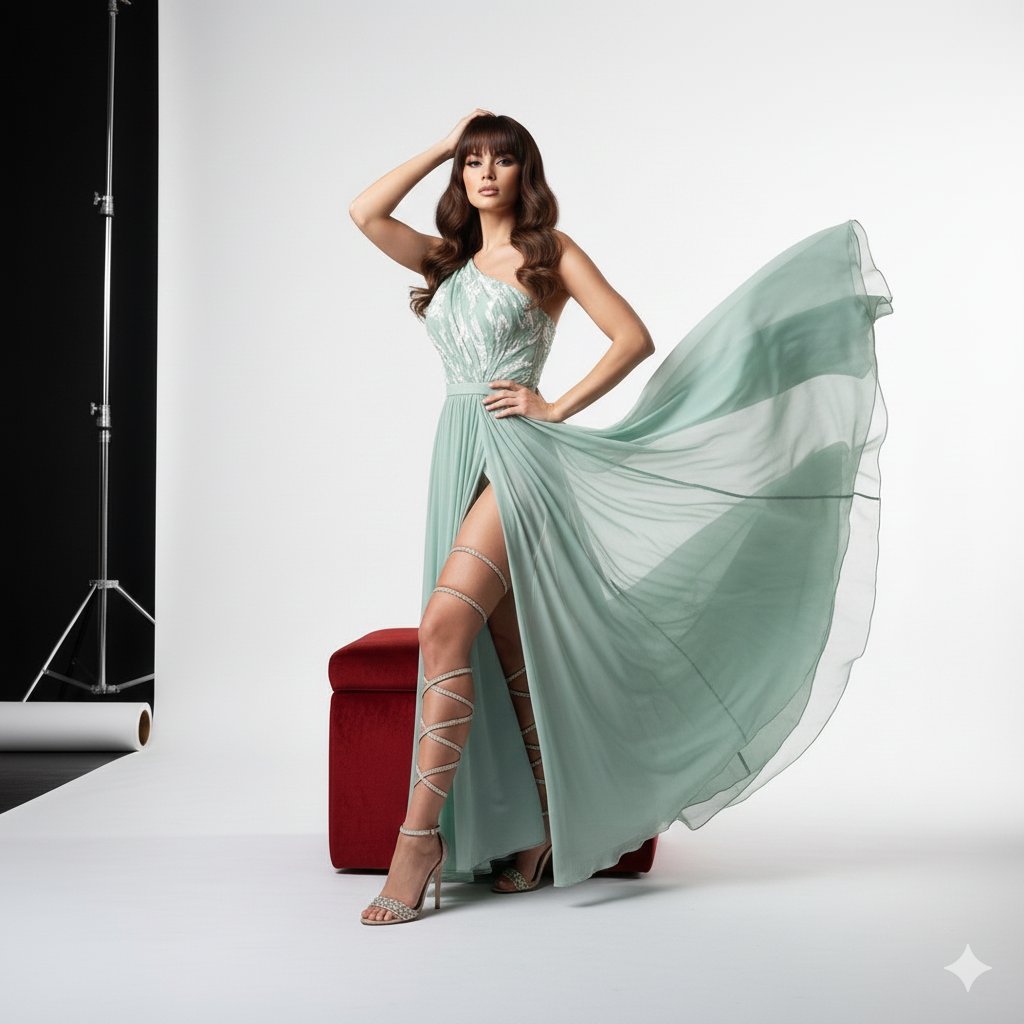
"subject": {
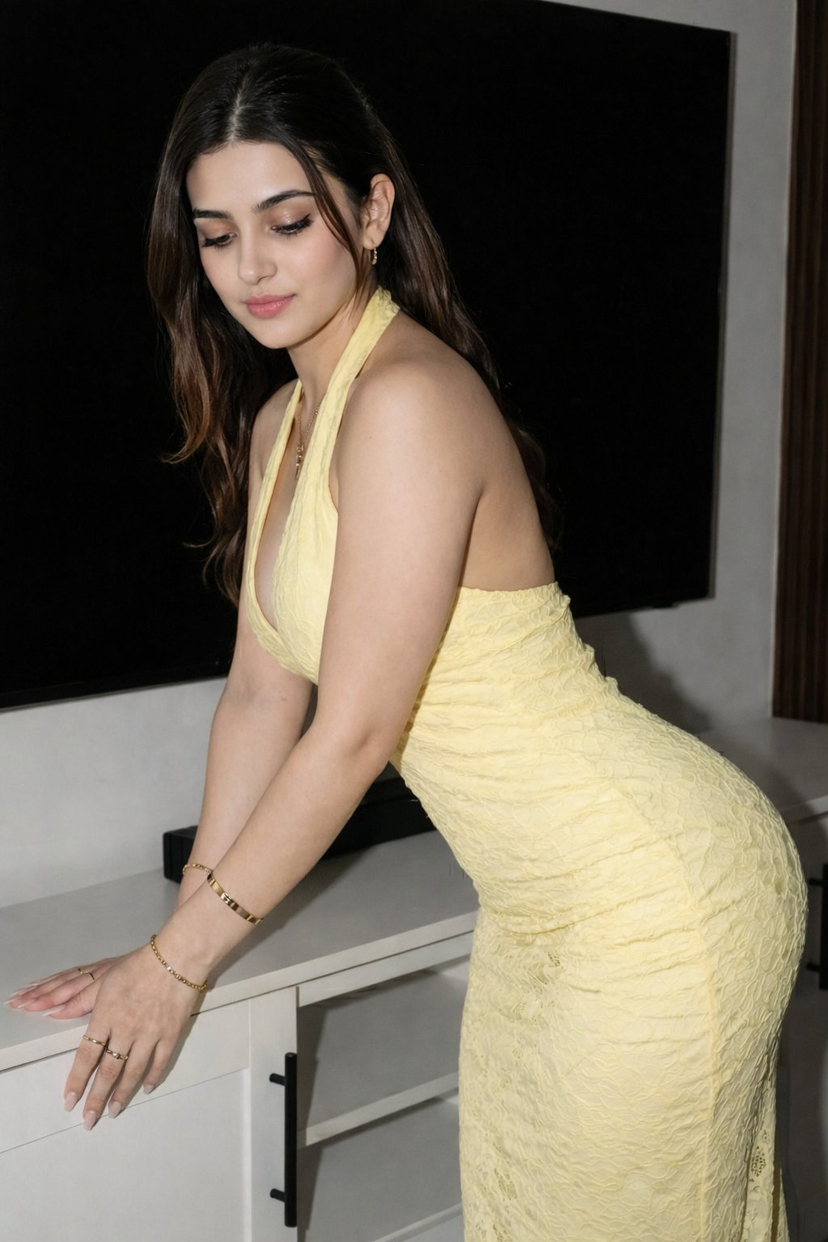
"description": "Stunning young Indian woman, early 20s, beautiful symmetrical face, sharp delicate features, large expressive almond-shaped dark brown eyes with long lashes, perfectly shaped thick eyebrows, small straight nose, full natural lips with soft pink-nude lipstick, flawless glowing warm medium skin tone, subtle natural makeup, innocent yet seductive expression, slight confident smile",
"hair": "Long dark brown hair tied in a high sleek ponytail, smooth and shiny, few loose strands framing the face, ponytail falling over one shoulder",
"body_type": "Hourglass figure, slim toned waist, full voluptuous bust, curvaceous hips, athletic yet feminine build, standing in confident pose",
"pose": "Standing three-quarter view, weight shifted to one leg, right hand raised touching her hair elegantly, left hand resting on hip, elbow bent, shoulders relaxed but poised, looking directly at camera with engaging gaze",
"expression": "Confident, alluring, soft seductive smile, eyes locked on viewer, charismatic and magnetic"
},
"clothing": {
"main_outfit": "Tight form-fitting bodycon midi dress, bright cheerful yellow color, textured crinkled/embossed fabric with subtle lace-like pattern throughout, halter neck style with deep plunging V-neckline revealing ample cleavage, open back partially visible, sleeveless, figure-hugging silhouette that accentuates curves, floor-length skirt portion ending above ankles, elegant evening cocktail party dress",
"accessories": [
"Delicate gold necklace with small pendant resting in cleavage",
"Multiple thin gold bracelets on both wrists",
"Gold bangle on upper right arm",
"Small gold hoop or stud earrings",
"Simple gold ring on left ring finger",
"Minimal manicure with natural nude polish"
]
},
"setting": {
"environment": "Modern luxurious indoor living room, neutral light gray walls, large flat-screen TV mounted on wall in background (turned off, black screen), wooden cabinet/shelf below TV, soft ambient warm lighting, cozy upscale apartment vibe",
"lighting": "Soft cinematic studio lighting, gentle key light from front-left creating subtle highlights on skin and dress texture, soft fill light reducing harsh shadows, slight rim light outlining figure, warm color temperature ~3200K-4000K, flattering beauty portrait lighting",
"composition": "Medium close-up to mid-shot, upper thigh to head, centered subject filling most of frame, shallow depth of field, background softly blurred (bokeh effect)"
},
"style": {
"photography_style": "High-end fashion editorial photography, professional model photoshoot, Vogue / Harper's Bazaar aesthetic, hyper-realistic, ultra-detailed, sharp focus",
"quality_tags": "8k resolution, ultra HD, photorealistic, RAW photo, shot on Canon EOS R5, 85mm prime lens, f/1.4 aperture, cinematic color grading, intricate fabric texture details, realistic skin pores and subtle imperfections, dramatic yet natural look",
"mood": "Elegant, glamorous, sensual, confident, luxurious,









![Naive doodle-style subject illustration — A doodle-style {argument name="subject" default="[subject]"}, naive lines, humorous shape exaggeration](https://pbs.twimg.com/media/G6Wl2YxbsAARB2b.jpg)














![Urban Street Portrait with Cartoon Inner Self Duo — Transform this image [Upload Your Image] into a 64K DSLR shot resolution of A creative urban street portrait](https://pbs.twimg.com/media/G-MH5fIbMAAmHyw.jpg)