
Neon Rooftop Character Portrait
A detailed character-focused prompt that places a specific subject on a futuristic skyscraper rooftop with glowing eyes matching the moon.
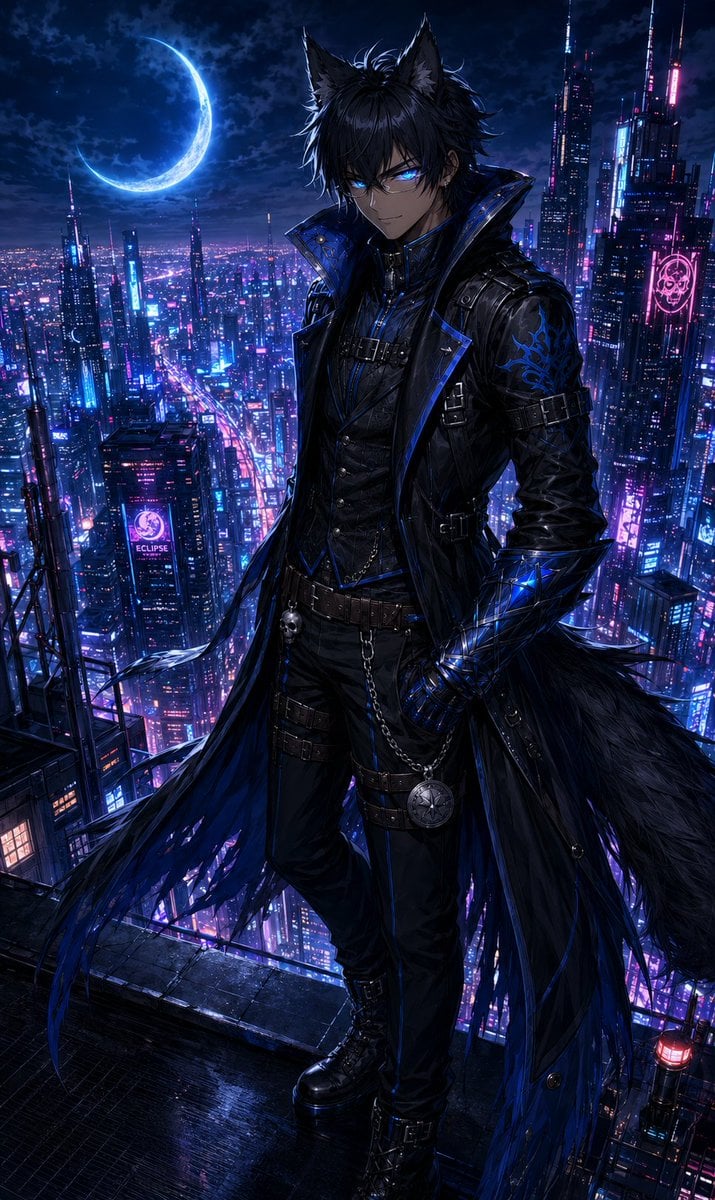
- Prompt included
- Model and format preset
- Free template
The prompt behind this image
Copy the exact prompt behind Neon Rooftop Character Portrait, or open it in the studio and make it yours.
@image1 = Character Reference Image Perform a deep visual analysis of @image1 before rendering. Treat @image1 as the absolute source of truth for the character's identity. Preserve the character from @image1 with maximum fidelity, including facial structure, eye shape, eye color, hairstyle, hair color, body proportions, skin tone, distinctive markings, accessories, and all defining visual traits. The final render must be immediately recognizable as the exact same character from @image1 placed into a new environment. Depict the character from @image1 standing alone on the rooftop of an impossibly tall skyscraper overlooking a vast futuristic neon metropolis at night. Endless towers of glass and steel stretch toward the horizon below, illuminated by vibrant neon signage, holographic advertisements, and rivers of flowing traffic. The city should feel alive, immense, and breathtakingly detailed, extending far into the distance beneath the rooftop. The character from @image1 stands near the rooftop edge with complete confidence and effortless authority. Their posture is relaxed yet commanding, as though they own the city beneath them. Every aspect of their body language should suggest absolute control. One hand may rest naturally at their side, in a pocket, or against a nearby structure, while maintaining an elegant silhouette. The character from @image1 is looking directly at the viewer. Their expression is calm, knowing, and faintly amused. A subtle smile should rest on their face—not warm, not cruel, but impossible to fully interpret. The expression should create the unsettling feeling that the character from @image1 already knew the viewer would arrive. Above the city hangs a brilliant crescent moon. The crescent moon glows with the exact same color as the eyes of the character in @image1. This visual connection should feel deliberate and symbolic, as though the moon itself answers to them. The moonlight casts a soft supernatural glow across the rooftop and surrounding skyline. The eyes of the character from @image1 should emit a faint glow matching their natural eye color. The glow must remain subtle and elegant rather than overpowering, suggesting immense hidden power beneath their composed exterior. The eyes should serve as a focal point of the image, drawing the viewer's attention immediately. The atmosphere should balance allure and danger. The viewer should be unable to determine whether the character from @image1 intends to offer companionship, temptation, protection, or destruction. The image should evoke the feeling that leaving would be the wise choice, yet staying feels impossible to resist. Wind gently moves the hair, clothing, and accessories of the character from @image1. Neon reflections dance across surfaces. Atmospheric haze drifts between distant skyscrapers. Rooftop details such as antennas, maintenance structures, steel framework, glass barriers, rooftop lighting, and subtle weathering should add realism and scale to the scene. Color palette: deep midnight blues, rich blacks, vibrant neon magentas, electric violets, and luminous gold accents. The moon glow and eye glow should perfectly match the eye color of the character from @image1, creating a cohesive visual motif throughout the composition. Cinematic night photography composition. Dramatic rim lighting. Volumetric moonlight. Extraordinary depth and scale. Beautiful neon reflections. Intricate environmental storytelling. Hyper-detailed anime rendering. Ultra-fine texture work. Exceptional material rendering. Masterpiece composition. AAA anime film quality. Breathtaking atmosphere. Professional promotional artwork quality. The emotional response should be: "They are beautiful." "They are powerful." "They are dangerous." "And they already knew I would come." The character from @image1 should feel less like a person and more like a force of nature that has learned perfect manners. NEGATIVE PROMPT: low quality, worst quality, normal quality, low resolution, blurry, soft focus, compression artifacts, jpeg artifacts, pixelated, oversaturated, undersaturated, washed out colors, poor lighting, flat lighting, bad composition, amateur composition, cropped subject, out of frame, duplicate elements, cloned objects, extra characters, background errors, floating objects, inconsistent perspective, unrealistic shadows, unrealistic reflections bad anatomy, incorrect anatomy, broken anatomy, malformed anatomy, dislocated joints, twisted limbs, impossible pose, unnatural posture, broken spine, uneven shoulders, asymmetrical limbs, disconnected limbs, detached body parts, floating hands, floating arms, floating feet, missing limbs, extra limbs, extra arms, extra legs, duplicate limbs bad hands, malformed hands, mutated hands, fused fingers, extra fingers, missing fingers, uneven fingers, broken fingers, distorted hands, poorly drawn hands, incorrect hand anatomy, disconnected hands, oversized hands, undersized hands bad face, malformed face, distorted face, asymmetrical eyes, crossed eyes, lazy eye, extra eyes, missing eyes, uneven pupils, distorted pupils, misplaced facial features, warped jaw, malformed mouth, duplicate facial features bad proportions, incorrect proportions, giant head, tiny head, elongated neck, short neck, oversized body parts, undersized body parts, distorted torso, warped anatomy poor character consistency, identity drift, face mismatch, altered facial structure, inaccurate eye shape, inaccurate hairstyle, inaccurate hair color, inaccurate facial markings, inaccurate accessories, loss of defining features from @image1 text, watermark, signature, logo, username, artist name, copyright mark, frame, border, caption, speech bubble 3d render artifacts, plastic skin, wax skin, uncanny face, lifeless eyes, dead expression, mannequin appearance, low-detail textures, unfinished rendering, sketch, rough draft, poorly rendered background
How to use Neon Rooftop Character Portrait in 3 steps
- 1Upload ImagePNG, JPG or paste
Add your photo
Upload the photo the template builds on. The prompt, model and format are already set.
- 2…a portrait of your subject in softgolden-hour light, 85mm…
Personalize
Edit the subject and creative details for your destination.
- 3Generate
Generate
Press Generate — your image is created in PicX Studio, so you can compare it with the original and refine one variable at a time.
More like this
Templates with the same subject, style or setup. Open one to see its prompt.

Rooftop Fisheye — Cat-Ear Balaclava at Golden Hour

If We Met in 1985

Found Photograph: Us, 1970

80s Couple Studio Portrait

80s Neon Disco Night

80s Bollywood Star

80s Golden Hour Cinema

Me in 1985

1985 Studio Portrait

Hyper-Realistic Minecraft POV Portrait

Cartoon TV Show Poster Pack

Rainy Café Window Moody Portrait
Make it yours
Neon Rooftop Character Portrait works as-is. These are the safest ways to change it without losing the look.
Change one field
Copy a single group, rewrite it, and generate again so you can see what that field is doing.
Keep the frame, change the subject
Hold the composition and light of Neon Rooftop Character Portrait, then swap wardrobe, props or the person for a new take.
| If the result… | Why | Fix |
|---|---|---|
| The result drifts from the preview | Too many fields changed at once. | Reuse Neon Rooftop Character Portrait as-is first, then change one group — subject, light, or setting. |
| The model over-stylizes the scene | The prose prompt leaves finish and camera underspecified. | Add one camera or lighting sentence and stay on GPT Image 2. |
More GPT Image 2 templates
Other prompts made for GPT Image 2.

Six VTuber Japanese Logo Sheet

Realistic Portrait of Woman and Deer

The Vista Modular Condo Poster

AI Model Routing Comparison Infographic

2.5D Anime Art Board

Isometric Productivity Desk Scene

New York Double Exposure Poster

Four-Panel AI Landscape Comparison

Japanese Tatami Lifestyle Magazine Cover

NESCAFÉ Coffee Map Poster
More image prompts
Fresh picks from across the catalog.
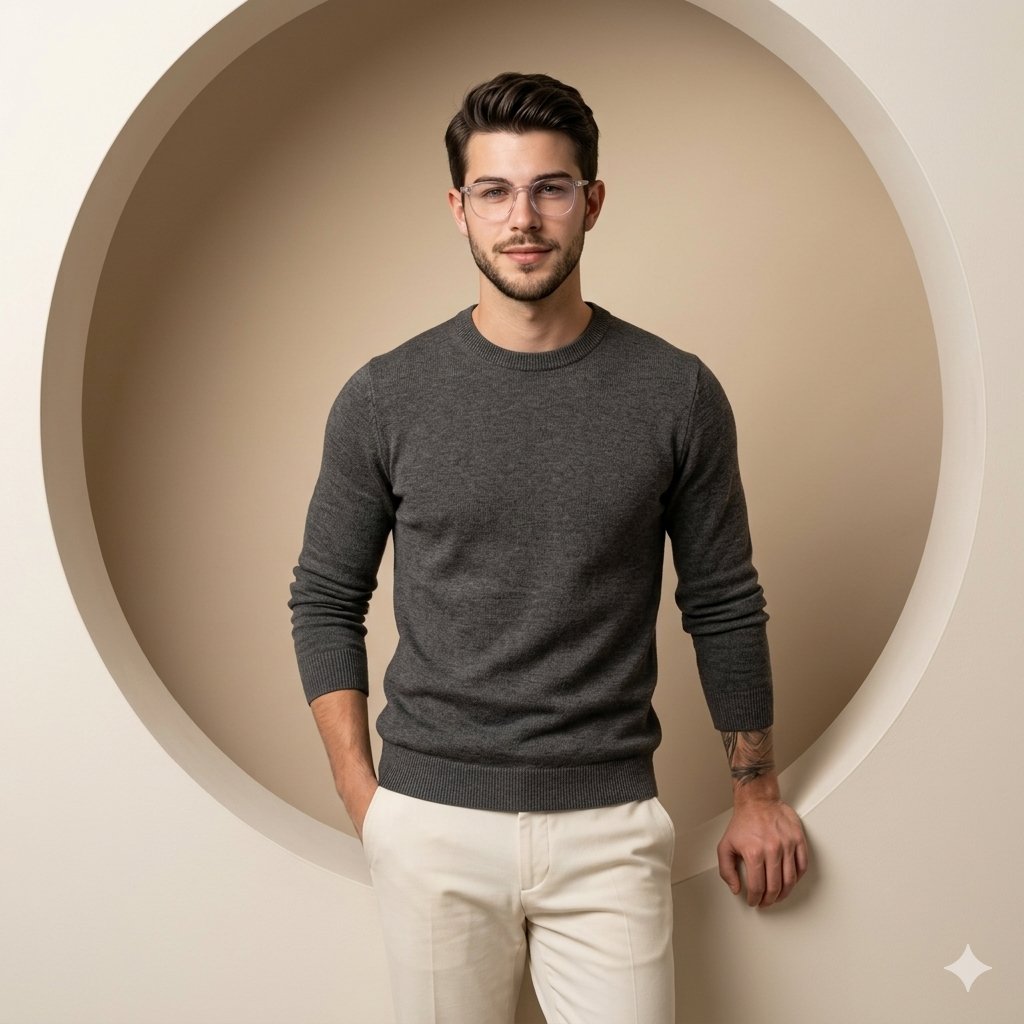
Nano Banana Pro on Gemini
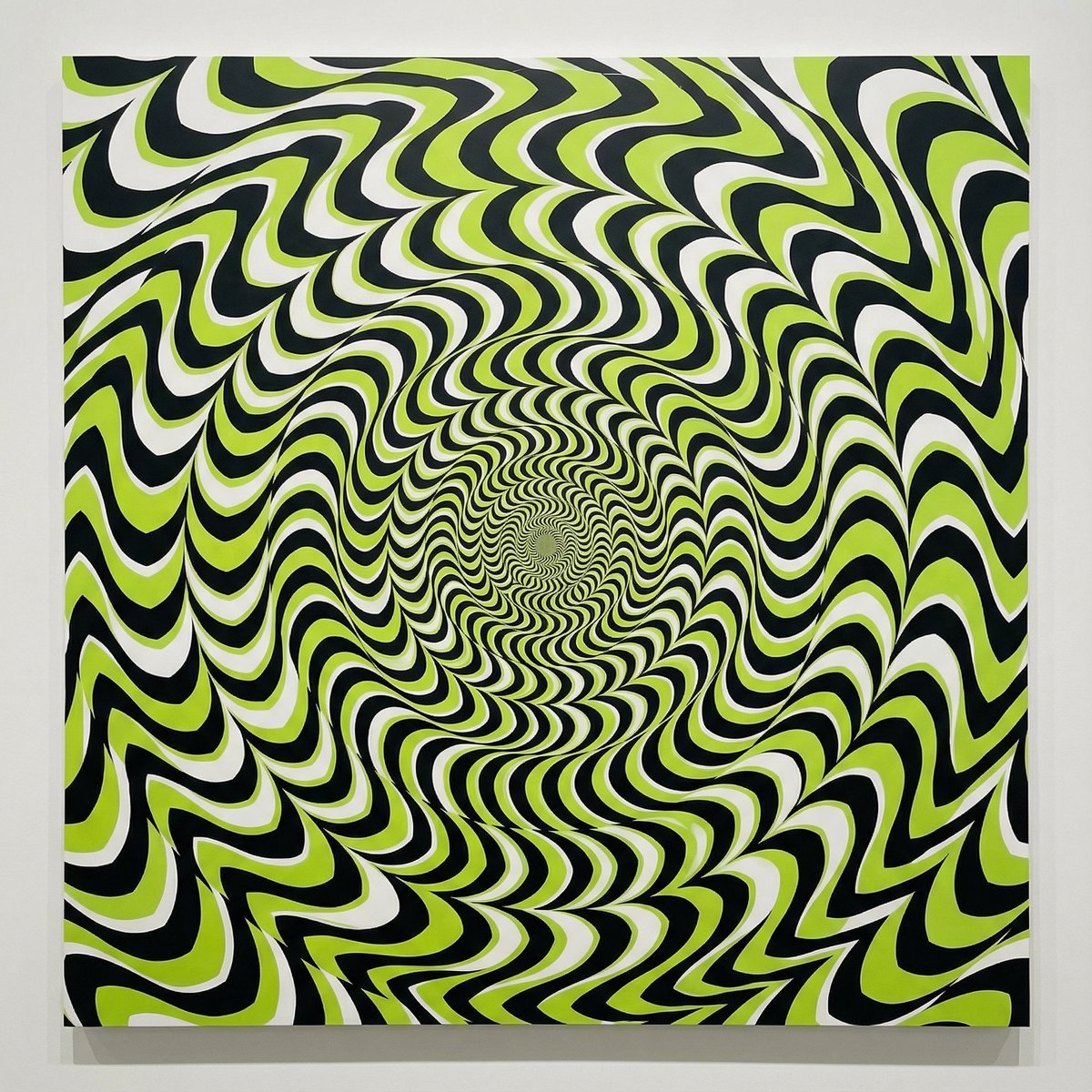
Optical Illusion of Illusory Motion
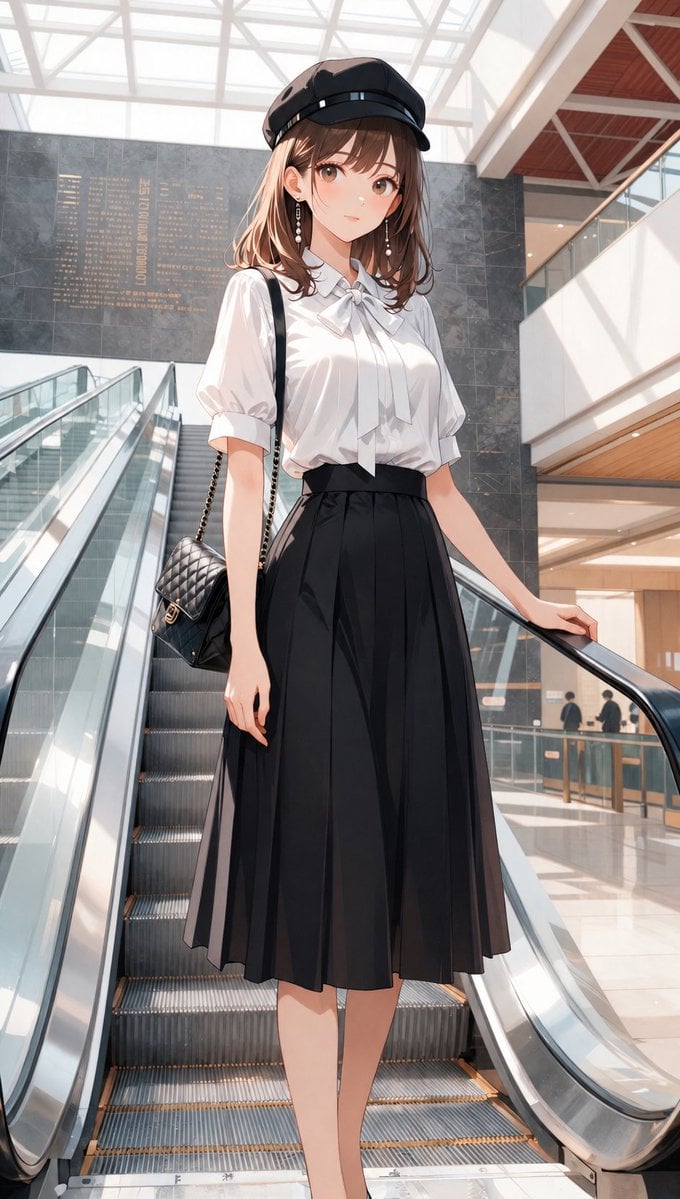
Anime Mall Escalator Fashion Portrait
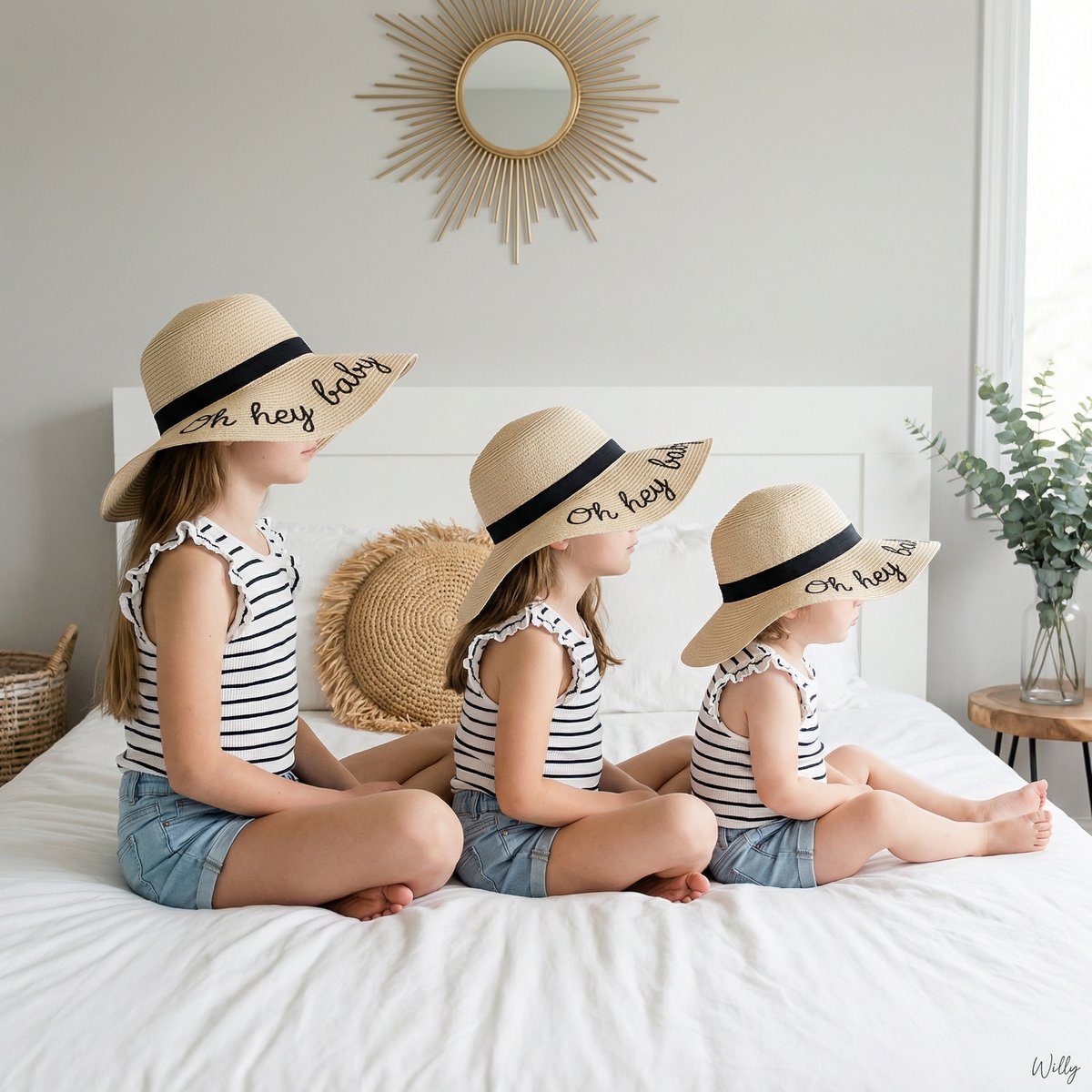
Bohemian Sisters Portrait with Floppy Hats and Signature
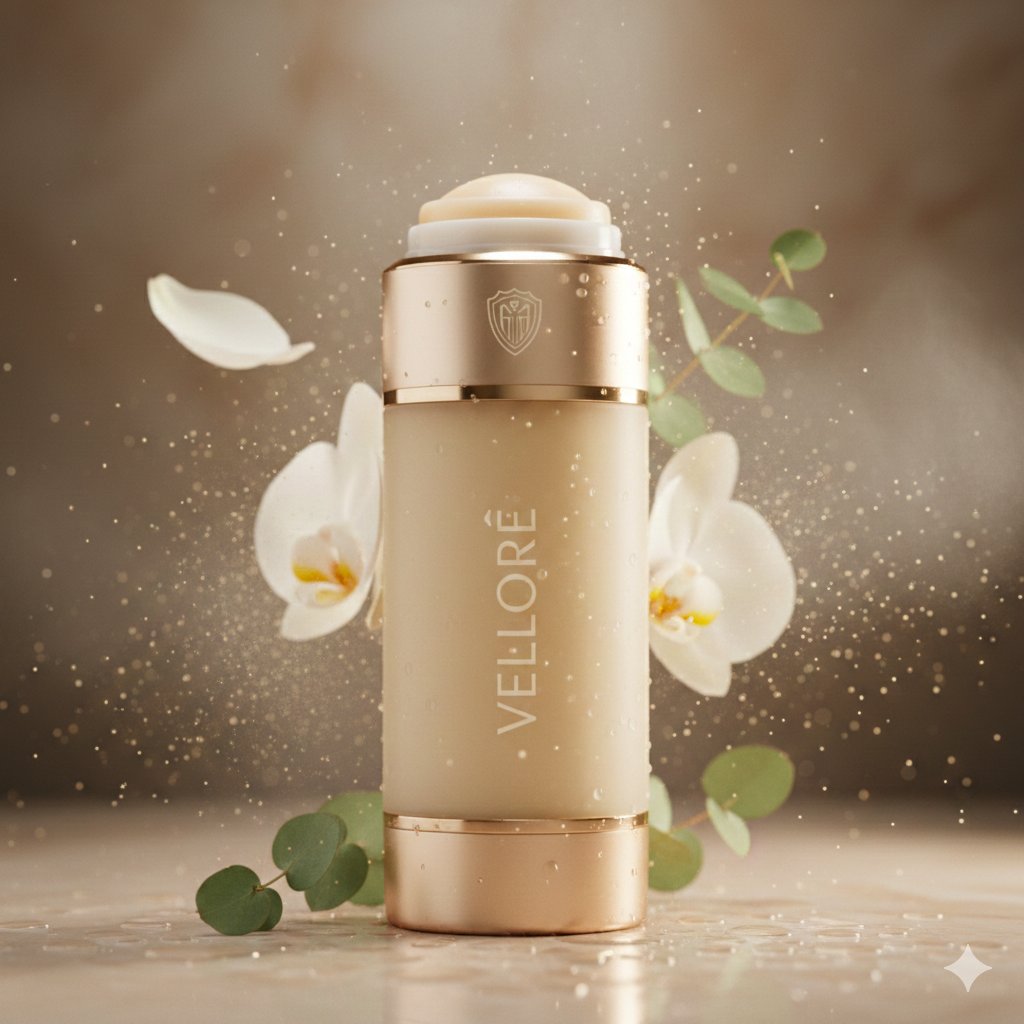
Luxury Deodorant Product Ad Prompt (VELORÉ)
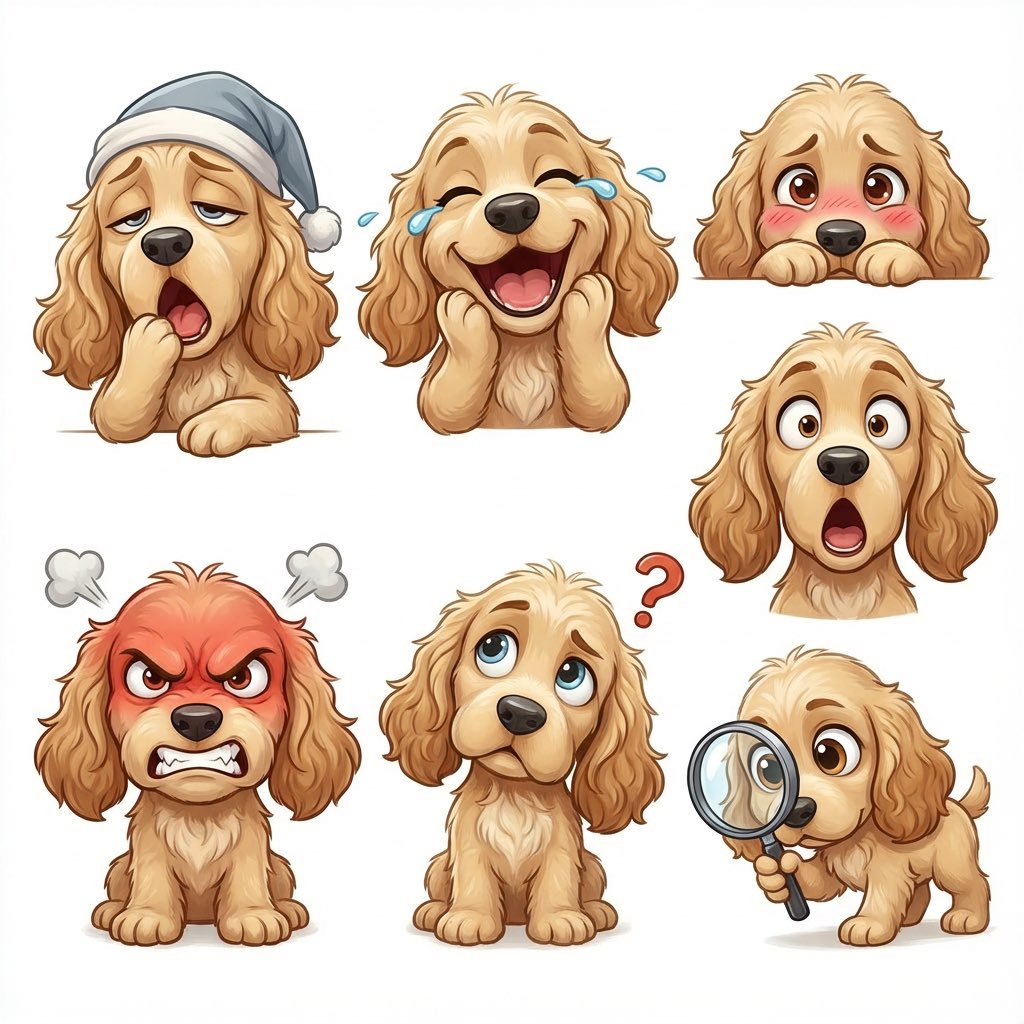
Kid-Friendly Emotion Illustrations (Cartoon Dog)
Chibi Godzilla Snowboarding
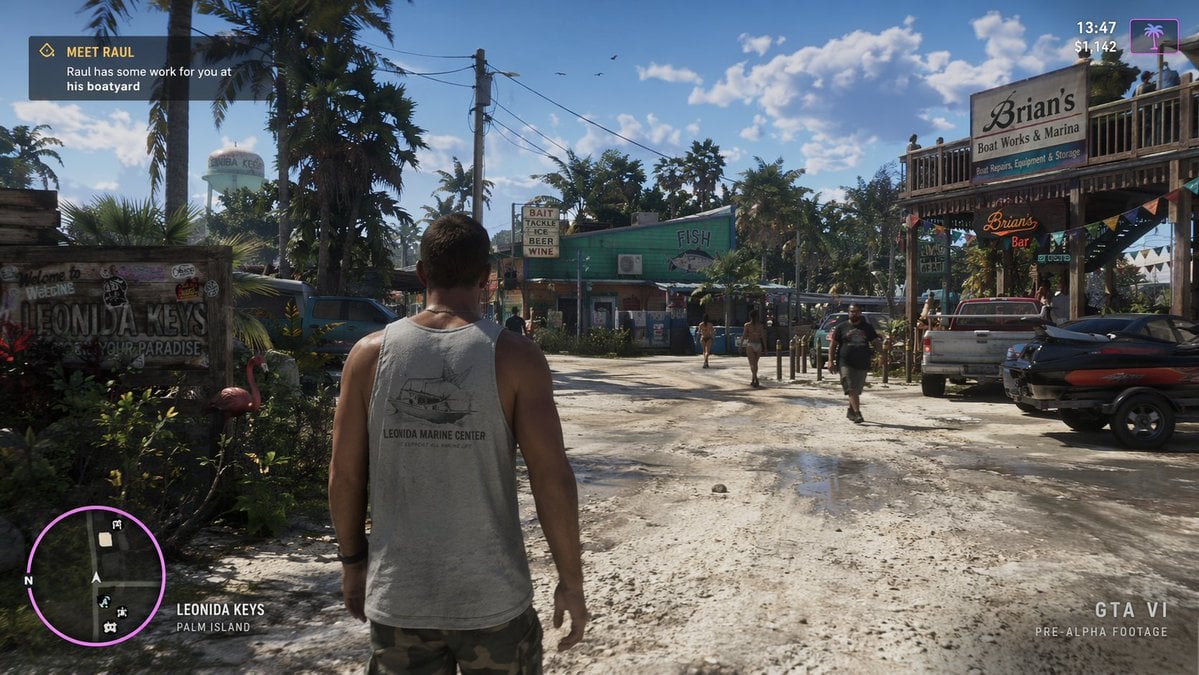
Open-World Game Screenshot Mockup
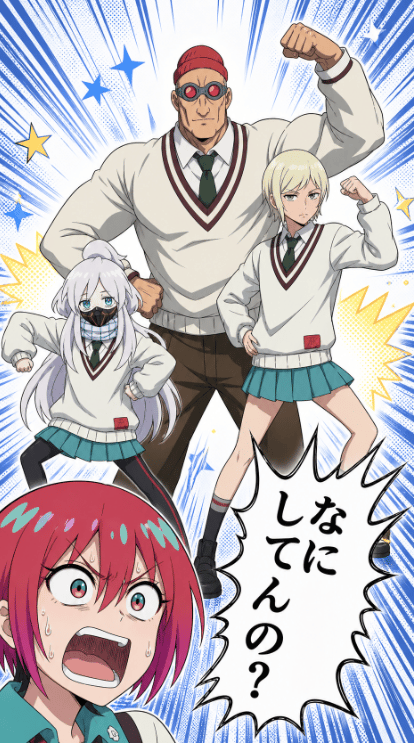
Colored Anime Manga Splash Panel
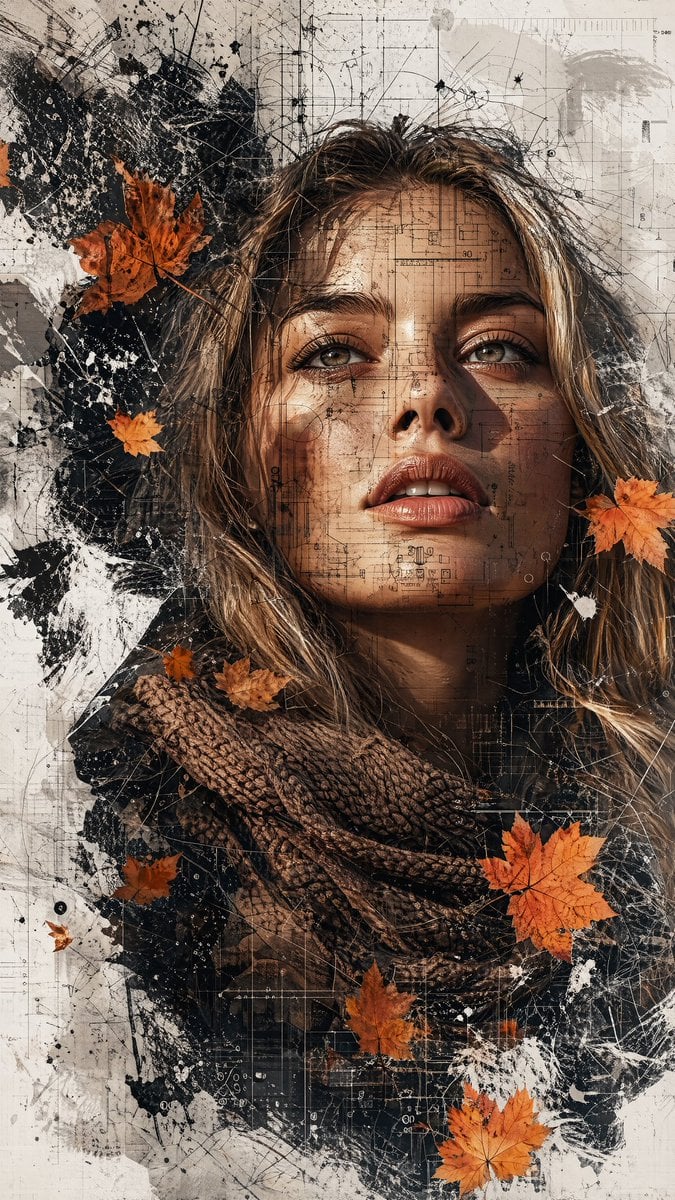
Deconstructed High-Fashion Collage Portrait
Browse template categories
Neon Rooftop Character Portrait questions
How do I use the Neon Rooftop Character Portrait template?
Add your photo if the template asks for one, edit the prompt if you like — the template's model and format are already selected — and press Generate. Your version opens in PicX Studio.
Can I customize the Neon Rooftop Character Portrait template?
Yes. You can change the subject, setting, lighting, mood, format, and available model controls before creating your image.
Is the Neon Rooftop Character Portrait template free?
Opening and editing this template is free. Generating uses credits, shown on the Generate button when you are signed in.
Which AI model should I use?
Start with GPT Image 2, which is the model associated with this template. You can compare another compatible model for a different finish.
Looking for something else? Browse all templates.

Your photo, any look
Thousands of ready templates for every top image and video model, from one credit balance.