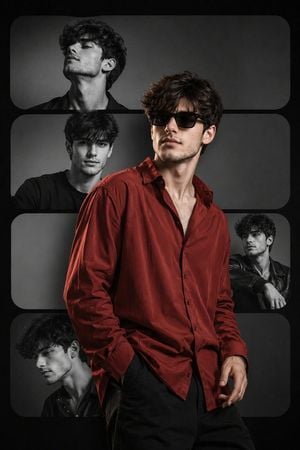
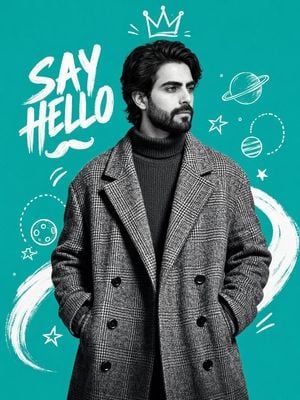
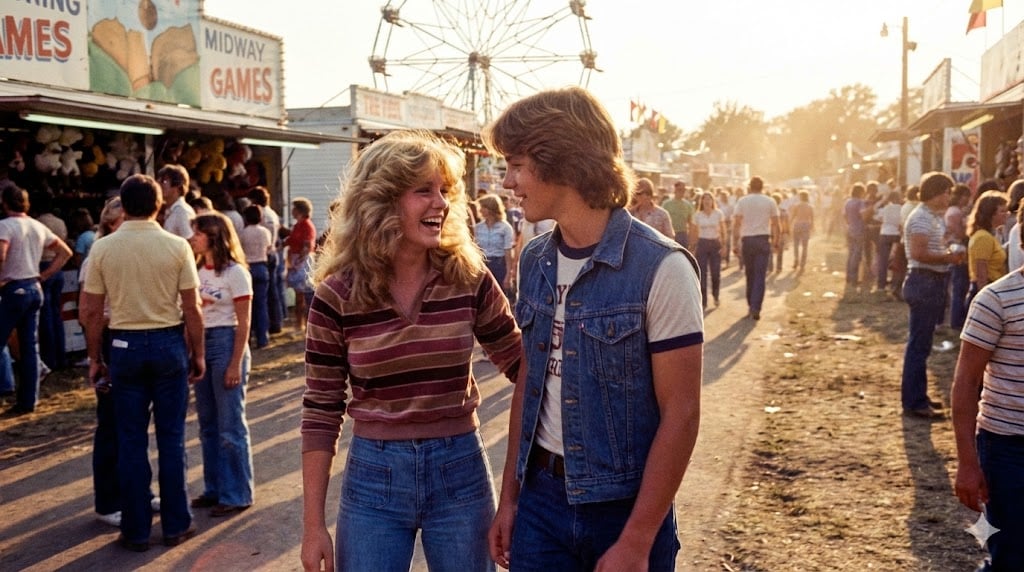
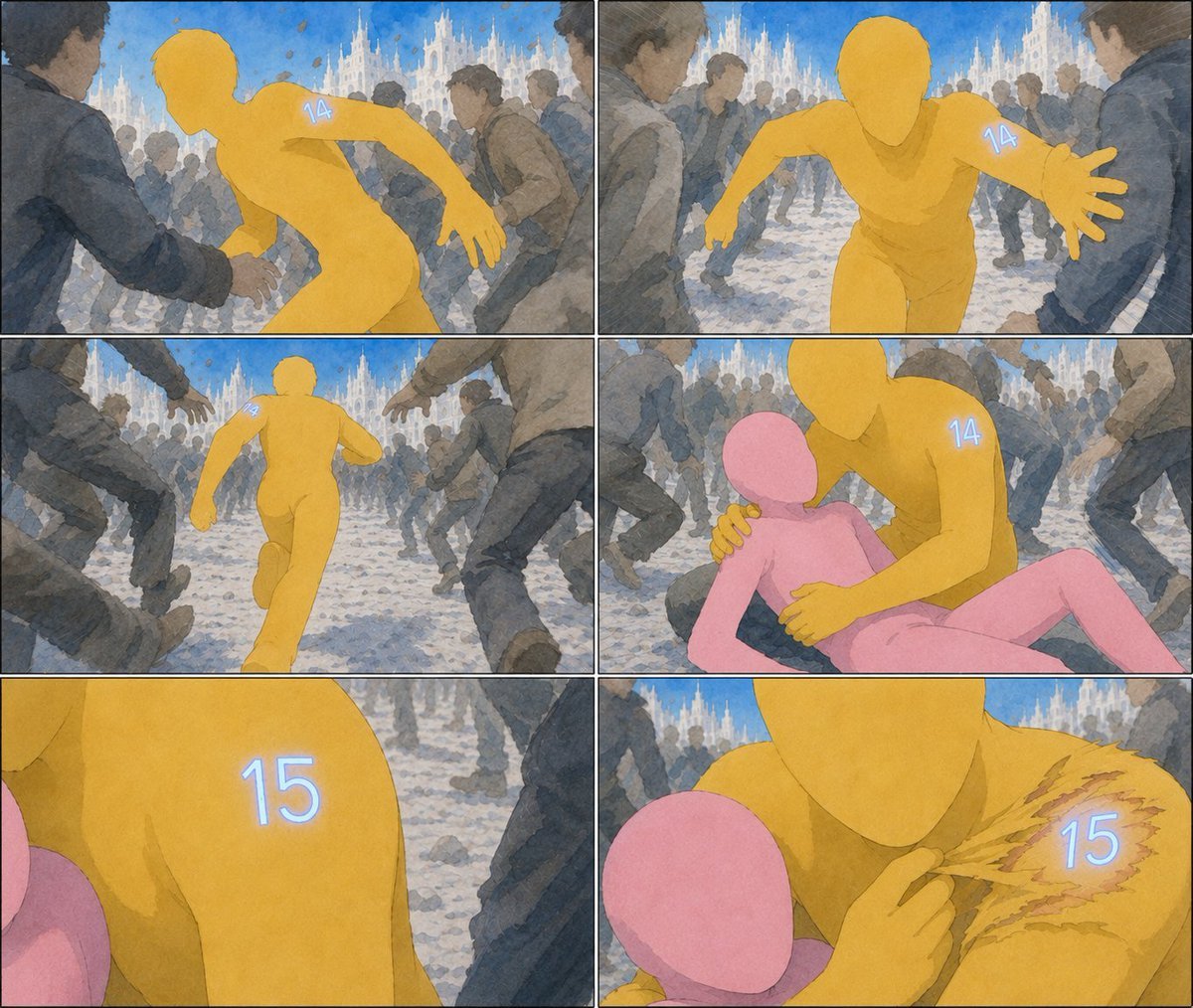
How do I use the Deconstructed High-Fashion Collage Portrait template?
Edit the prompt in the box under the preview — the template's model and format are already selected — and press Generate. Your version appears right on this page.
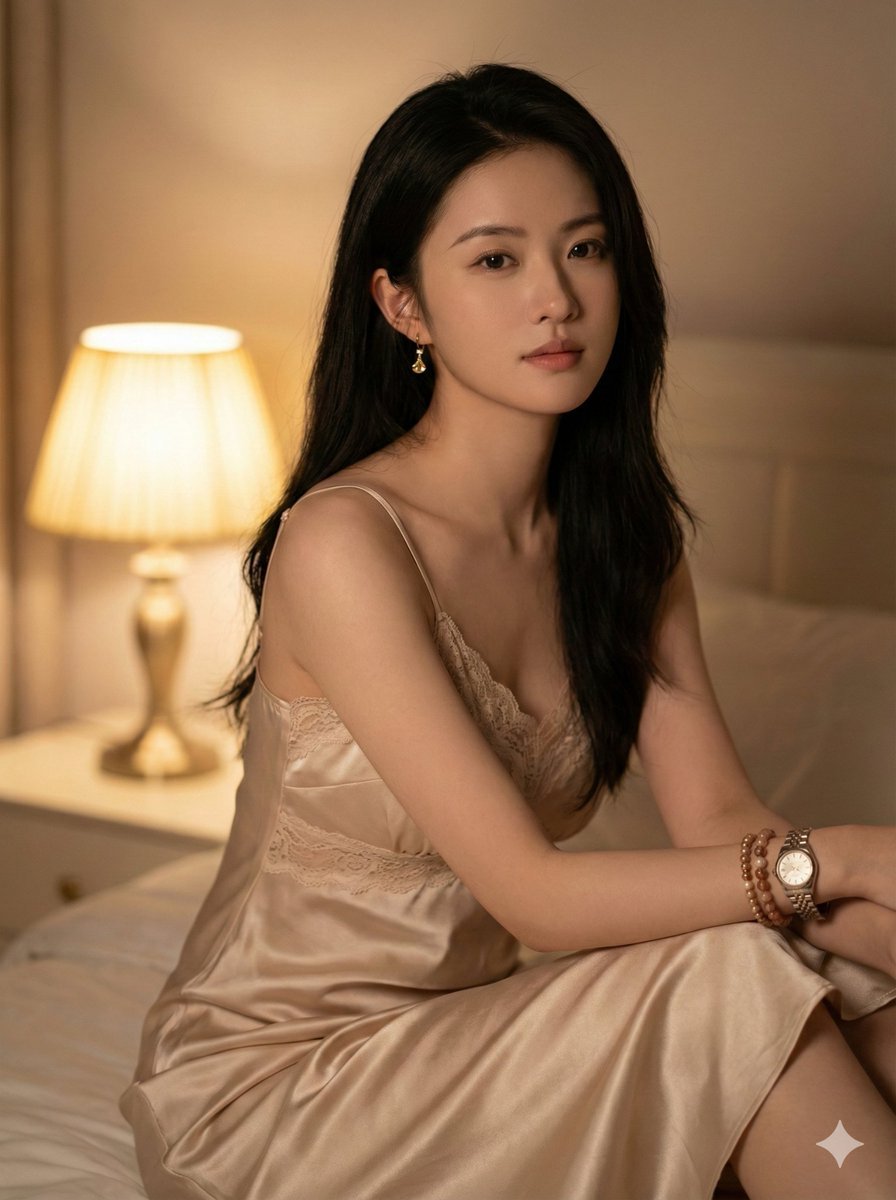
A detailed prompt for a high-fashion portrait that integrates architectural blueprints and multimedia collage elements, featuring dramatic lighting and autumn accents.

A cinematic, high-fashion portrait of a {argument name="subject" default="young woman"} gazing slightly upward with a contemplative expression. The composition blends fine art and multimedia collage—her face subtly layered with delicate architectural blueprints, geometric grids, and technical schematics. The edges dissolve into an expressive burst of charcoal and white paint splashes, creating a deconstructed, artistic frame. Hyper-realistic {argument name="foliage" default="orange autumn maple leaves"} float gently around her hair and neck, adding motion and contrast. She wears a {argument name="clothing" default="thick, textured brown knit scarf"}. Lighting is dramatic and high-contrast, with ultra-sharp focus on the eyes and finely detailed, lifelike skin textures. The color palette leans toward muted earth tones, accented by vibrant orange highlights. Shot in an editorial photography style, 8K resolution, crisp and highly detailed.
A cinematic, high-fashion portrait of a {argument name="subject" default="young woman"} gazing slightly upward with a contemplative expression. The composition blends fine art and multimedia collage—her face subtly layered with delicate architectural blueprints, geometric grids, and technical schematics. The edges dissolve into an expressive burst of charcoal and white paint splashes, creating a deconstructed, artistic frame. Hyper-realistic {argument name="foliage" default="orange autumn maple leaves"} float gently around her hair and neck, adding motion and contrast. She wears a {argument name="clothing" default="thick, textured brown knit scarf"}. Lighting is dramatic and high-contrast, with ultra-sharp focus on the eyes and finely detailed, lifelike skin textures. The color palette leans toward muted earth tones, accented by vibrant orange highlights. Shot in an editorial photography style, 8K resolution, crisp and highly detailed.
Edit the prompt in the box under the preview — the template's model and format are already selected — and press Generate. Your version appears right on this page.
Yes. You can change the subject, setting, lighting, mood, format, and available model controls before creating your image.
Opening and editing this template is free. Generating uses credits, shown on the Generate button when you are signed in.
Start with GPT Image 2, which is the model associated with this template. You can compare another compatible model for a different finish.
Follow a topic to a crawlable collection of related PicX Studio templates.