
UGC Skincare Review - Seedance 2.0
UGC Skincare Review - Seedance 2.0 is a ready photo look.
- Prompt included
- Model and format preset
- Free template
The prompt behind this image
Copy the exact prompt behind UGC Skincare Review - Seedance 2.0, or open it in the studio and make it yours.
15 seconds UGC style skincare review video, filmed on smartphone, natural bedroom window lighting, casual handheld selfie angle. A young woman with brown hair pulled back, natural skin with visible texture, wearing a casual grey t-shirt, in her cozy bedroom — books on shelves, plants on the windowsill, clothes on a chair, lived-in and real. She holds the LUNA Aurora Serum bottle up to the camera. The video opens with her looking into the camera, excited expression: Okay, so I've been using this for two weeks, and I need to talk about it. Quick jump cut — she's now showing the bottle closer to the lens, tilting it so the holographic text catches the light from the window: The texture is insane, it's like water but silky? Jump cut — extreme close-up of her pressing the dropper, the serum dropping onto her fingertips, she rubs it between her fingers, showing the consistency. Jump cut — she's applying it to her cheek in the mirror, phone propped up, you can see her reflection: It absorbs in like two seconds, no stickiness. Jump cut — she leans into the camera, pointing at her cheek with a genuine smile: Look, I actually have a glow right now, and I'm literally wearing nothing. Jump cut — she holds the bottle up one final time, gives it a little shake: This is my new holy grail, I'm not even being dramatic. She laughs, the video cuts. Throughout the video, the tone is genuine, unscripted-feeling, warm — she talks fast, uses natural pauses, laughs at herself. Each jump cut is slightly closer or at a different angle, as if she filmed multiple takes and edited the best bits together. The lighting is soft natural daylight, no ring light, no filters. The image is slightly imperfect — natural phone quality, not color graded, authentic. The sound is direct from the phone mic — room ambience, her natural voice, no music underneath. The overall feel is trustworthy, relatable, real — a friend telling you about something she genuinely likes.
How to use UGC Skincare Review - Seedance 2.0 in 3 steps
- 1
Open
The prompt is already in the box next to the preview, with the template's model and format selected.
- 2…a portrait of your subject in softgolden-hour light, 85mm…
Personalize
Edit the subject and creative details for your destination.
- 3Generate
Generate
Press Generate — your image is created in PicX Studio, so you can compare it with the original and refine one variable at a time.
More like this
Templates with the same subject, style or setup. Open one to see its prompt.
Seedance - Dragon vs Python Battle
Seedance - Arrow Microscopic Battle
Seedance - Street Bull Incident
Seedance - 83 Year Old Rave (maxescu)
Seedance - Character Transition
Seedance - Brand Commercial
Seedance - Epic Fight Scene
JSON Seedance - Fairy Macro Flight
Commercial Headphone Campaign - Seedance 2.0
Motion Design Minimal - Seedance 2.0
Mixed Media Fashion Film - Seedance 2.0
2D Cel Animation - Seedance 2.0
Make it yours
UGC Skincare Review - Seedance 2.0 works as-is. These are the safest ways to change it without losing the look.
Change one field
Copy a single group, rewrite it, and generate again so you can see what that field is doing.
Keep the frame, change the subject
Hold the composition and light of UGC Skincare Review - Seedance 2.0, then swap wardrobe, props or the person for a new take.
| If the result… | Why | Fix |
|---|---|---|
| The result drifts from the preview | Too many fields changed at once. | Reuse UGC Skincare Review - Seedance 2.0 as-is first, then change one group — subject, light, or setting. |
| The model over-stylizes the scene | The prose prompt leaves finish and camera underspecified. | Add one camera or lighting sentence and stay on PicX Studio. |
More image prompts
Fresh picks from across the catalog.
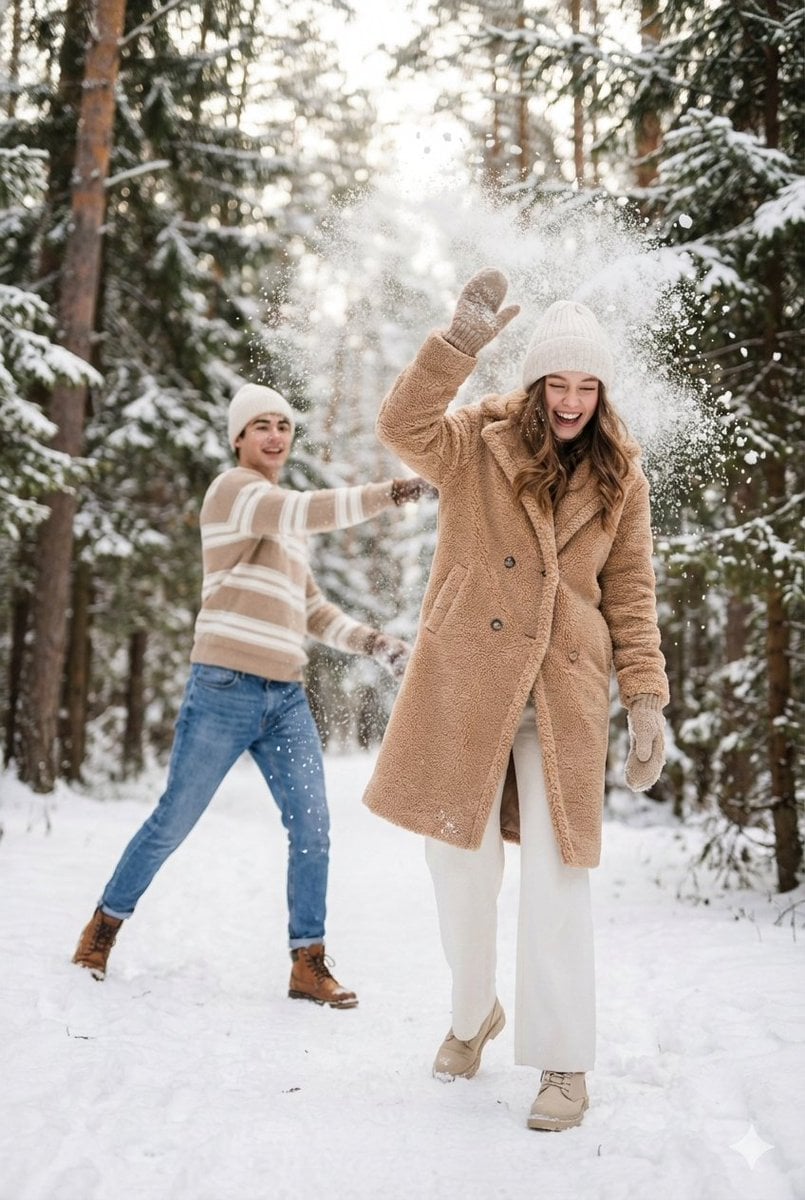
Cinematic Winter Scene Prompt of Couple Throwing Snow

Anime Schoolgirl on Pink Slime

Vintage D-Day Normandy Poster

Dark Fantasy Kirie Knight and Demon

Michael Jordan Sports Graphic Wallpaper
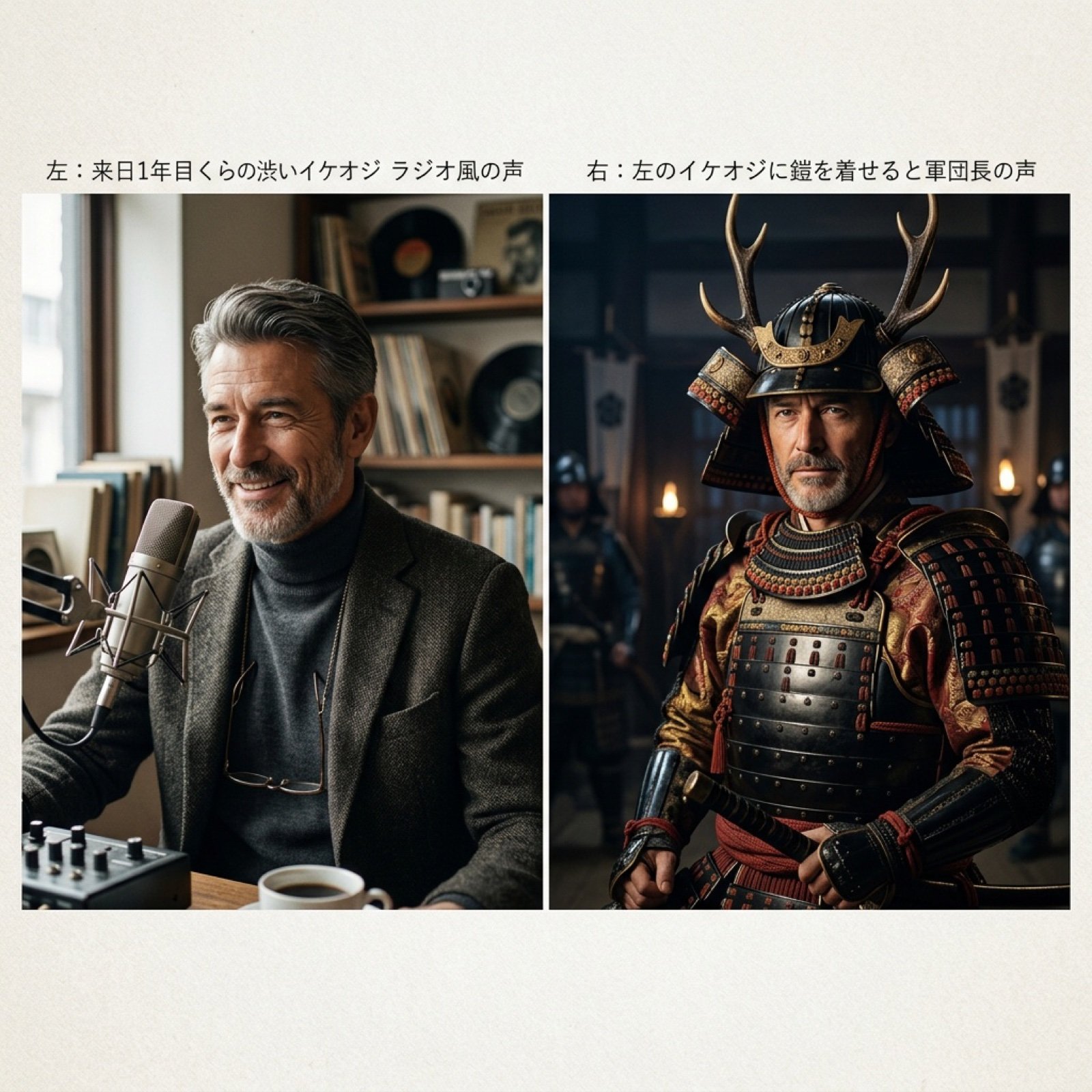
Grok Voice Generation Prompt Examples

Photorealistic Ultra-Wide Desert Scene with Inverted Pyramid
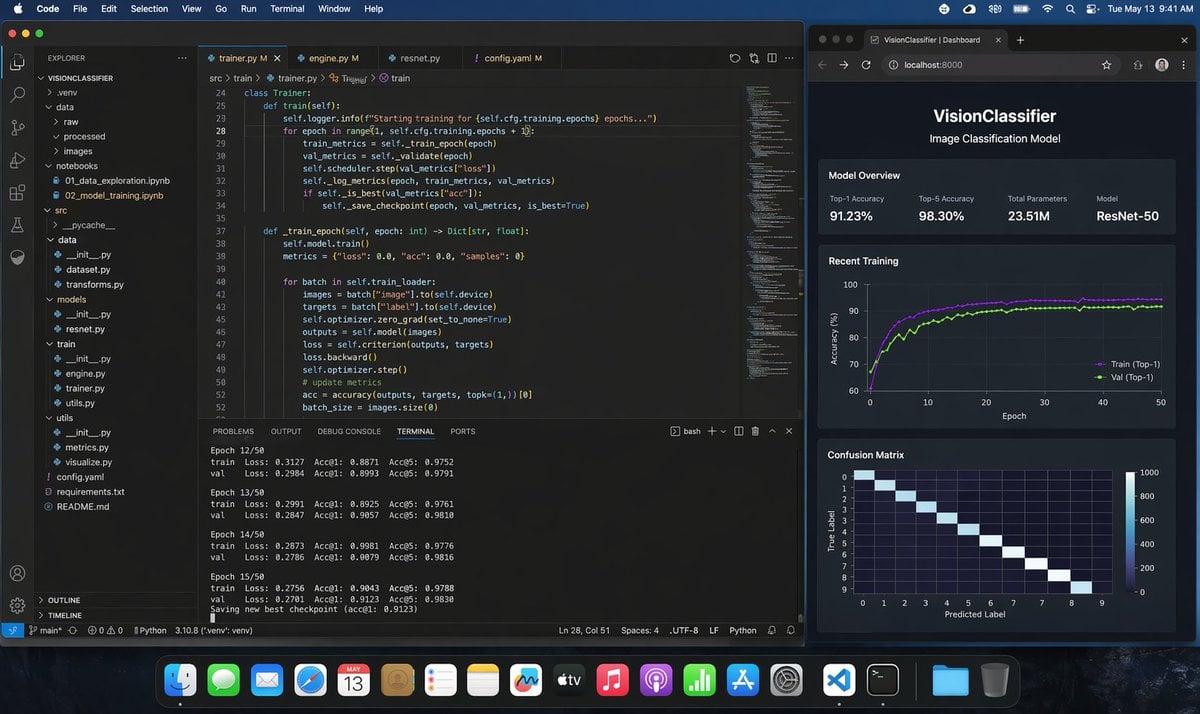
Photoreal ML Developer Desktop
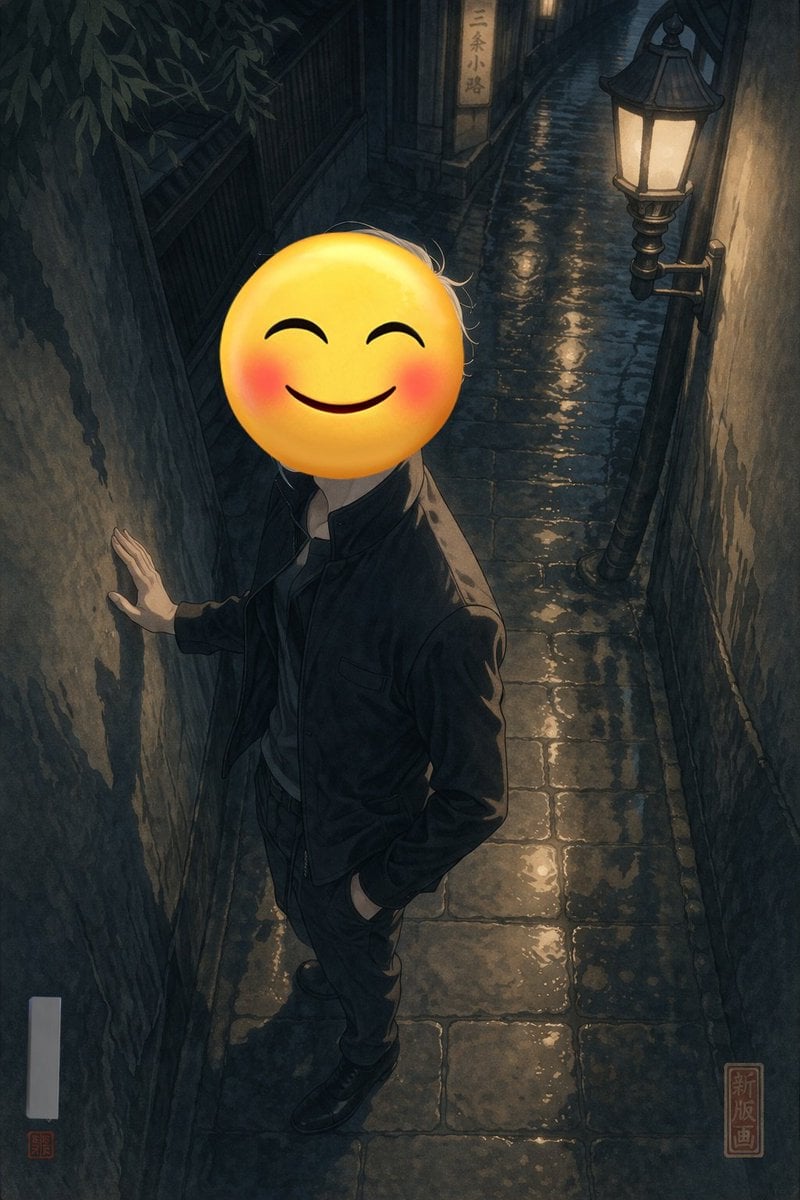
Emoji-Faced Figure in Wet Night Alley
Origami-style step-by-step folding instructions
Browse template categories
UGC Skincare Review - Seedance 2.0 questions
How do I use the UGC Skincare Review - Seedance 2.0 template?
Add your photo if the template asks for one, edit the prompt if you like — the template's model and format are already selected — and press Generate. Your version opens in PicX Studio.
Can I customize the UGC Skincare Review - Seedance 2.0 template?
Yes. You can change the subject, setting, lighting, mood, format, and available model controls before creating your image.
Is the UGC Skincare Review - Seedance 2.0 template free?
Opening and editing this template is free. Generating uses credits, shown on the Generate button when you are signed in.
Which AI model should I use?
Choose a compatible model in PicX Studio based on the style, speed, and output controls your project needs.
Looking for something else? Browse all templates.

Your photo, any look
Thousands of ready templates for every top image and video model, from one credit balance.