
Emoji-Faced Figure in Wet Night Alley
Generates a moody, high-contrast illustration of a person with an emoji for a face standing in a wet, lamp-lit alleyway.
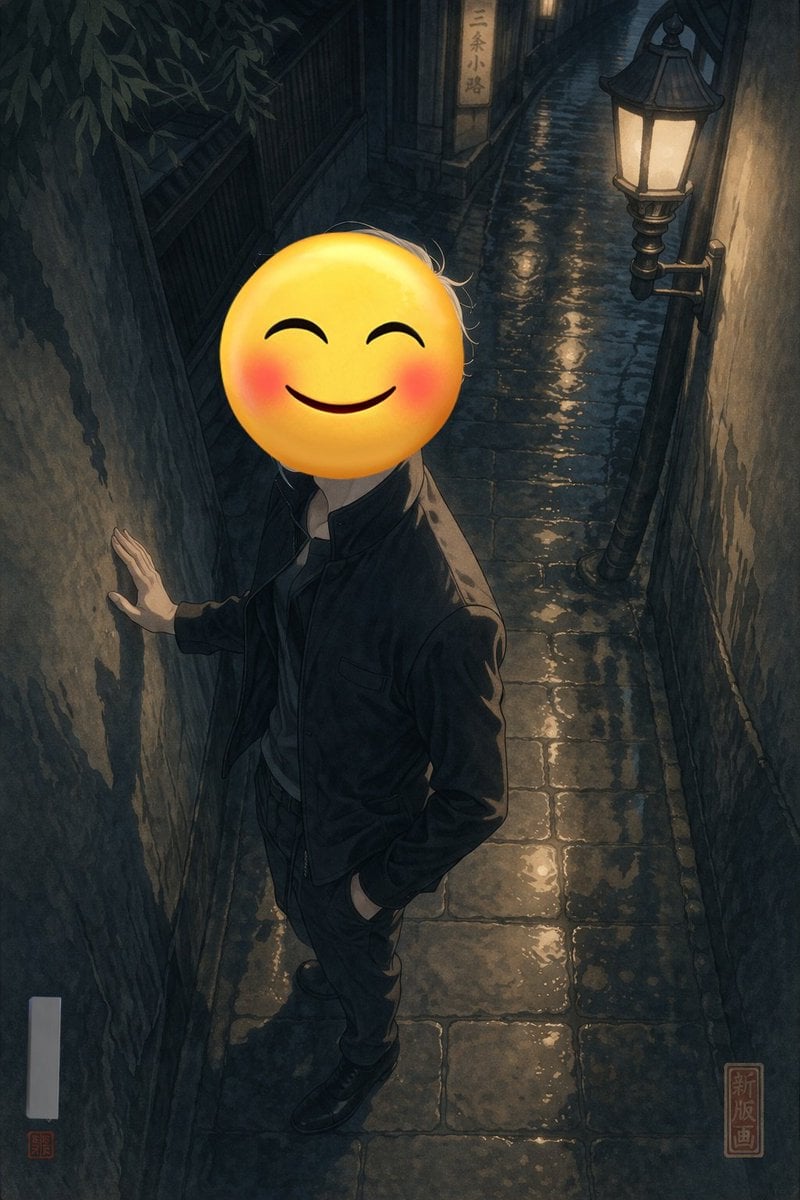
- Prompt included
- Model and format preset
- Premium template
The prompt behind this image
Copy the exact prompt behind Emoji-Faced Figure in Wet Night Alley, or open it in the studio and make it yours.
A full-body portrait of a person standing in a {argument name="setting" default="narrow wet cobblestone alleyway at night"}. The person is wearing a {argument name="clothing" default="dark jacket and dark trousers"}, with one hand resting against the rough, textured wall on the left and the other hand casually tucked into their pocket. Their face is completely obscured by a {argument name="face replacement" default="large yellow smiling emoji with blushing cheeks"}. The scene is illuminated by a single vintage street lamp mounted on the right wall, casting warm yellow light that reflects beautifully off the wet paving stones, creating deep, moody shadows. In the background, a small illuminated sign reads "{argument name="background sign text" default="三条小路"}". The artwork is a {argument name="art style" default="modern digital illustration with high contrast lighting and subtle shin-hanga influences"}, featuring a red square seal in the bottom right corner with the text "新版画" and a blank white vertical signature box with a tiny red seal in the bottom left.
How to use Emoji-Faced Figure in Wet Night Alley in 3 steps
- 1Upload ImagePNG, JPG or paste
Add your photo
Upload the photo the template builds on. The prompt, model and format are already set.
- 2…a portrait of your subject in softgolden-hour light, 85mm…
Personalize
Edit the subject and creative details for your destination.
- 3Generate
Generate
Press Generate — your image is created in PicX Studio, so you can compare it with the original and refine one variable at a time.
More like this
Templates with the same subject, style or setup. Open one to see its prompt.
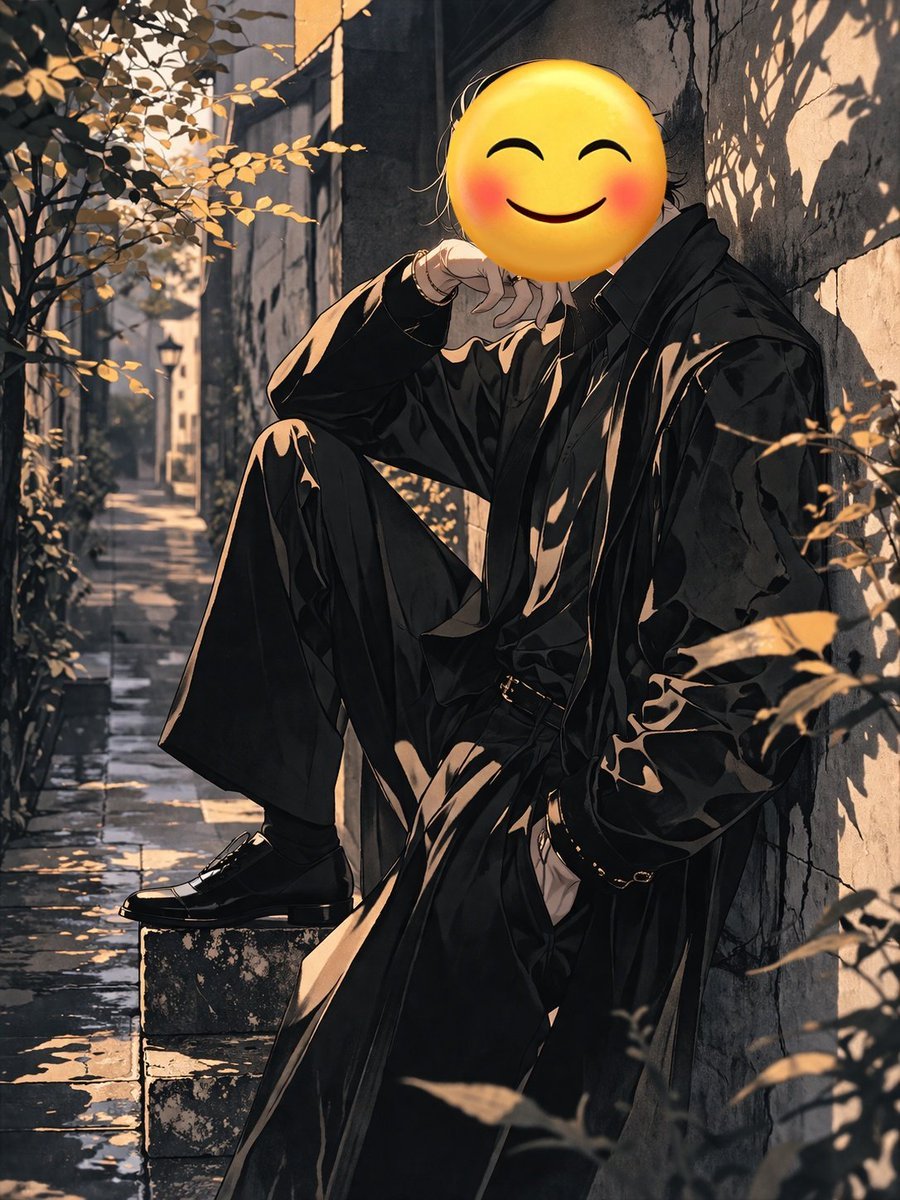
Figure with Emoji Head in Sunlit Alley
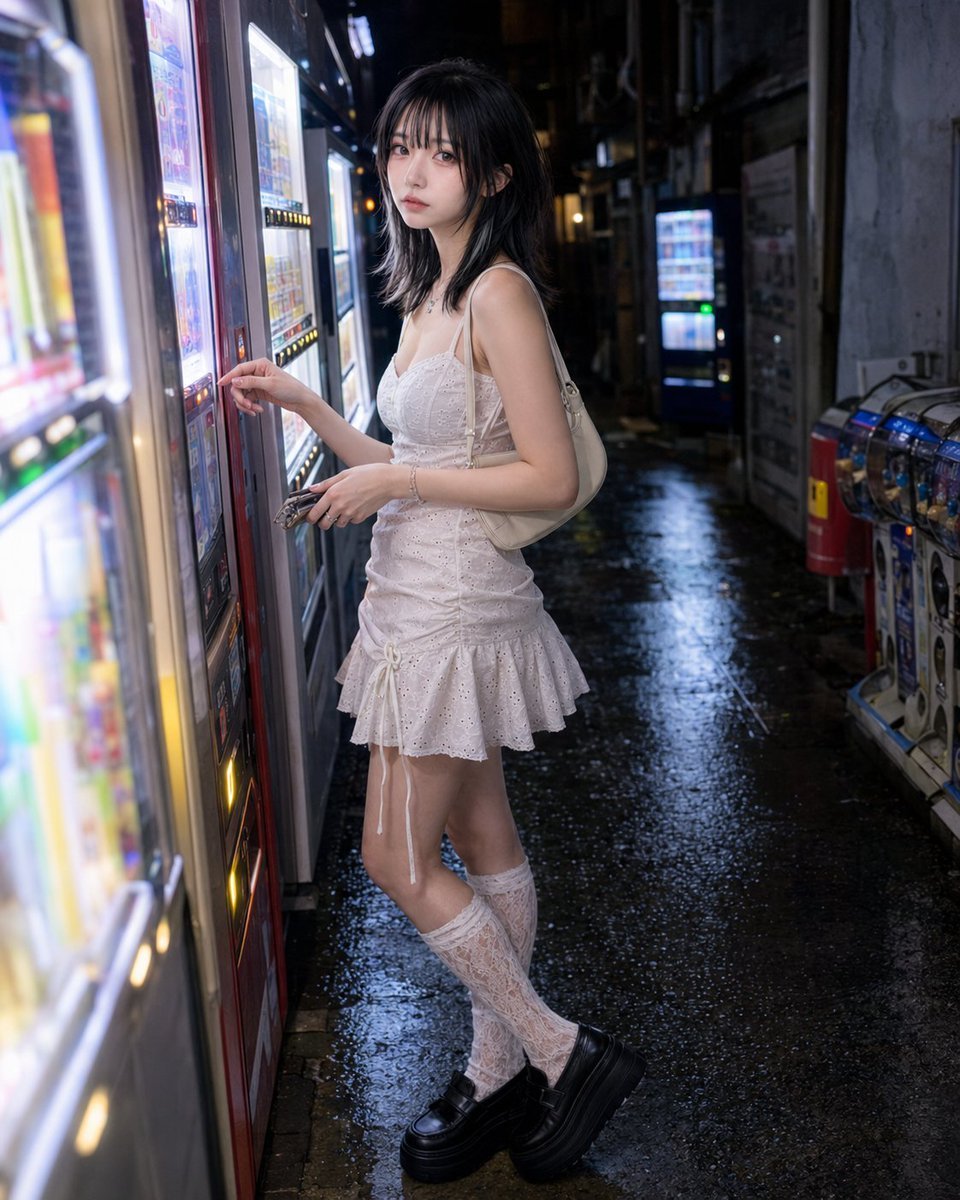
Vending Machine Alley at Night

Subway Platform Quiet Introspective Portrait
Subway Platform Quiet Introspective Portrait

Spider-Man Night Swing New York Cinematic
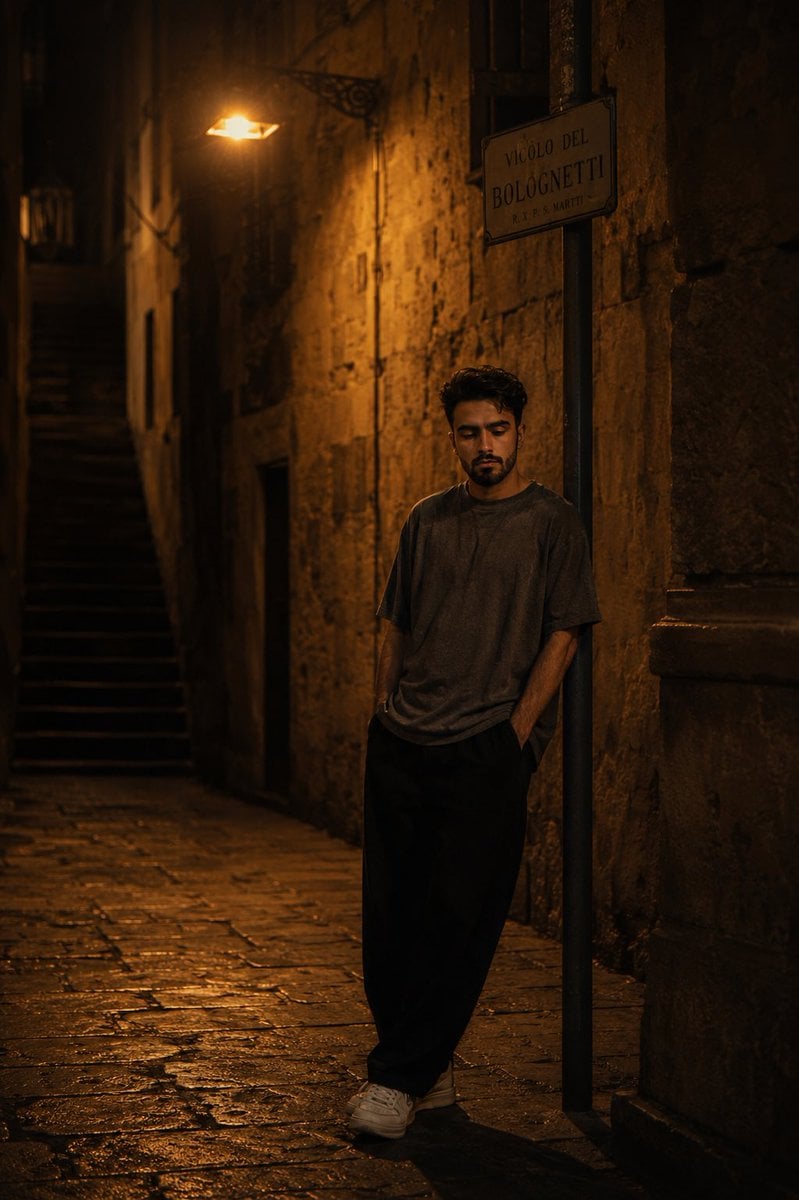
European Stone Alley Night Portrait
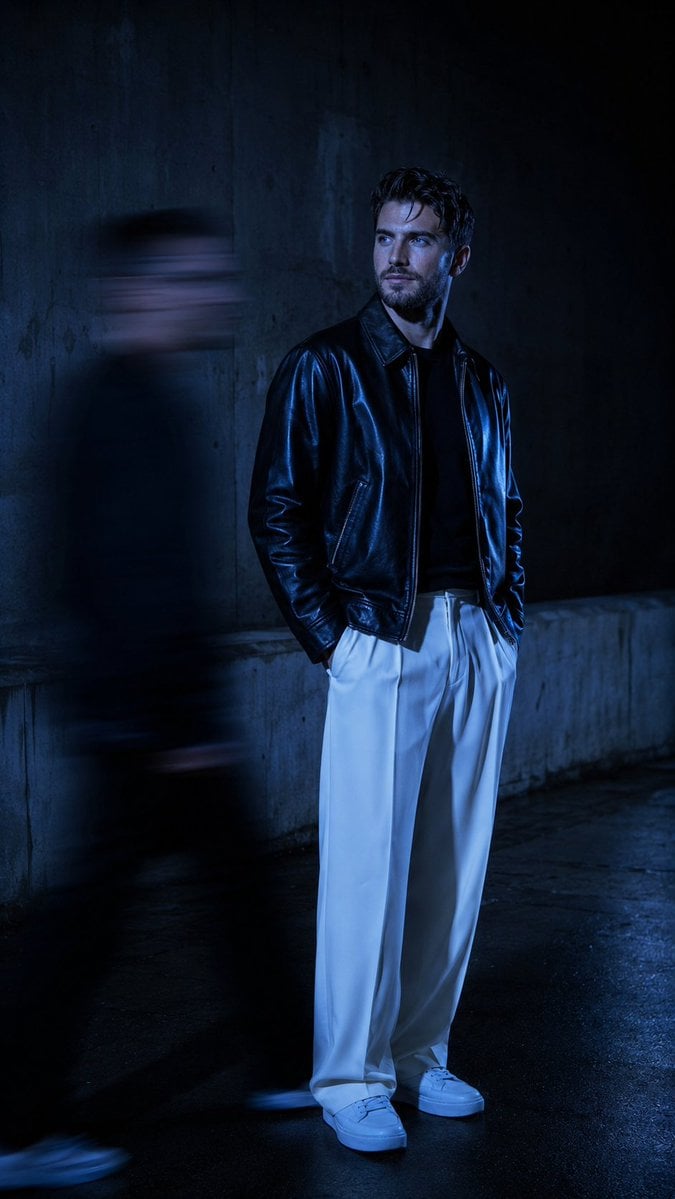
Urban Alley Night Portrait with Motion Blur

Floating Woman Above Cityscape with Notifications

Night Sports Car Portrait — Cinematic Moody

Nano Banana - Cozy Cafe Night
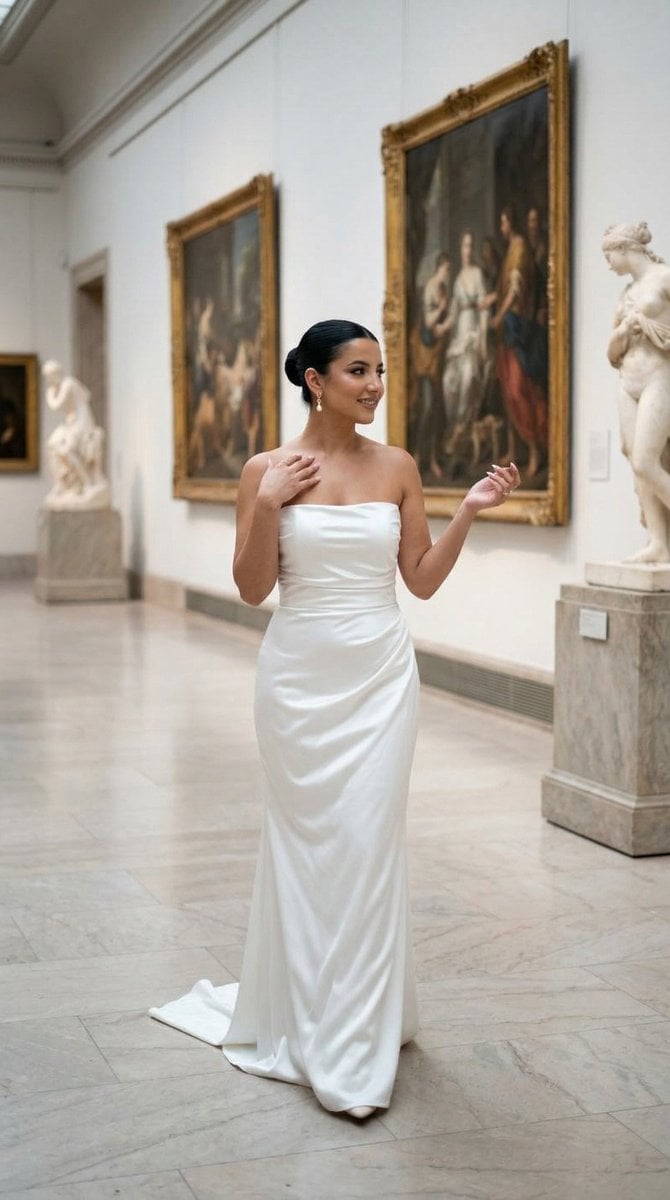
Nano Banana - Dancing Carefree Paris

Nano Banana - Paris Night Party Dancing
Make it yours
Emoji-Faced Figure in Wet Night Alley works as-is. These are the safest ways to change it without losing the look.
Change one field
Copy a single group, rewrite it, and generate again so you can see what that field is doing.
Keep the frame, change the subject
Hold the composition and light of Emoji-Faced Figure in Wet Night Alley, then swap wardrobe, props or the person for a new take.
| If the result… | Why | Fix |
|---|---|---|
| The result drifts from the preview | Too many fields changed at once. | Reuse Emoji-Faced Figure in Wet Night Alley as-is first, then change one group — subject, light, or setting. |
| The model over-stylizes the scene | The prose prompt leaves finish and camera underspecified. | Add one camera or lighting sentence and stay on GPT Image 2. |
More GPT Image 2 templates
Other prompts made for GPT Image 2.

Six VTuber Japanese Logo Sheet

Realistic Portrait of Woman and Deer

The Vista Modular Condo Poster

AI Model Routing Comparison Infographic

2.5D Anime Art Board

Isometric Productivity Desk Scene

New York Double Exposure Poster

Four-Panel AI Landscape Comparison

Japanese Tatami Lifestyle Magazine Cover

NESCAFÉ Coffee Map Poster
More image prompts
Fresh picks from across the catalog.
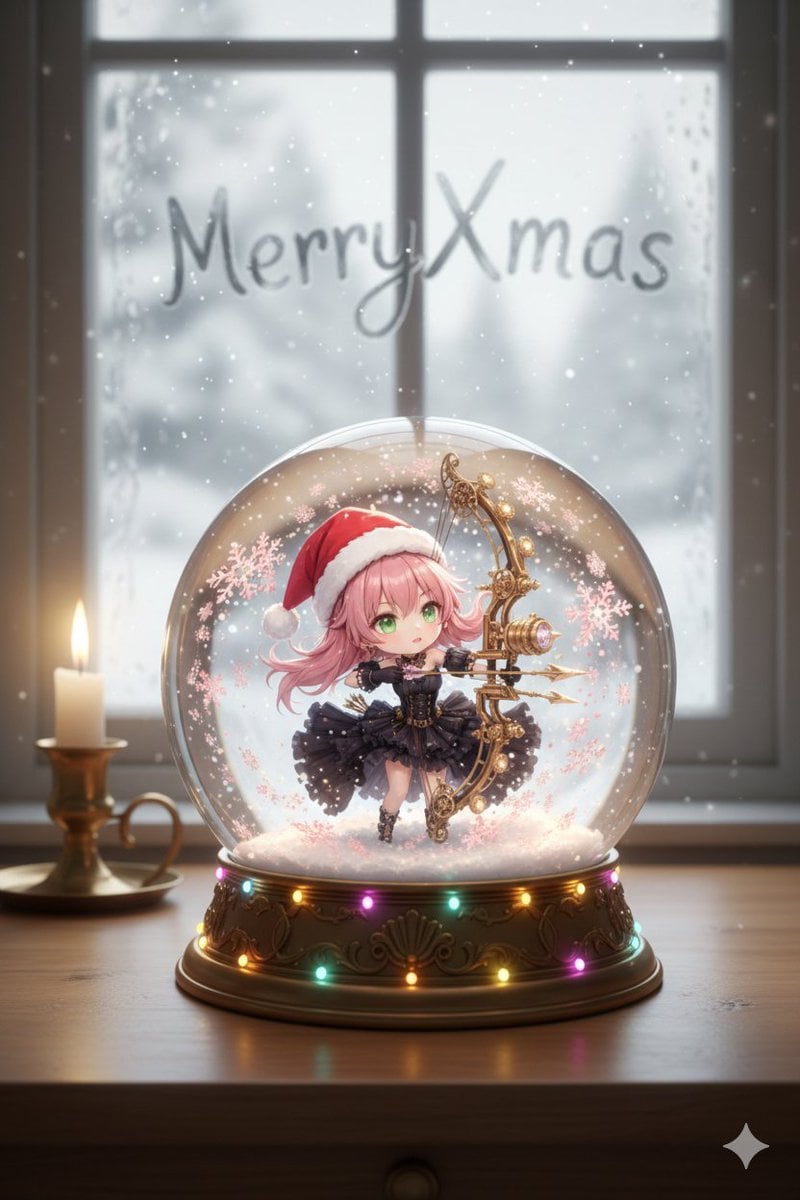
Anime Chibi Character in a Photorealistic Christmas Snow Globe
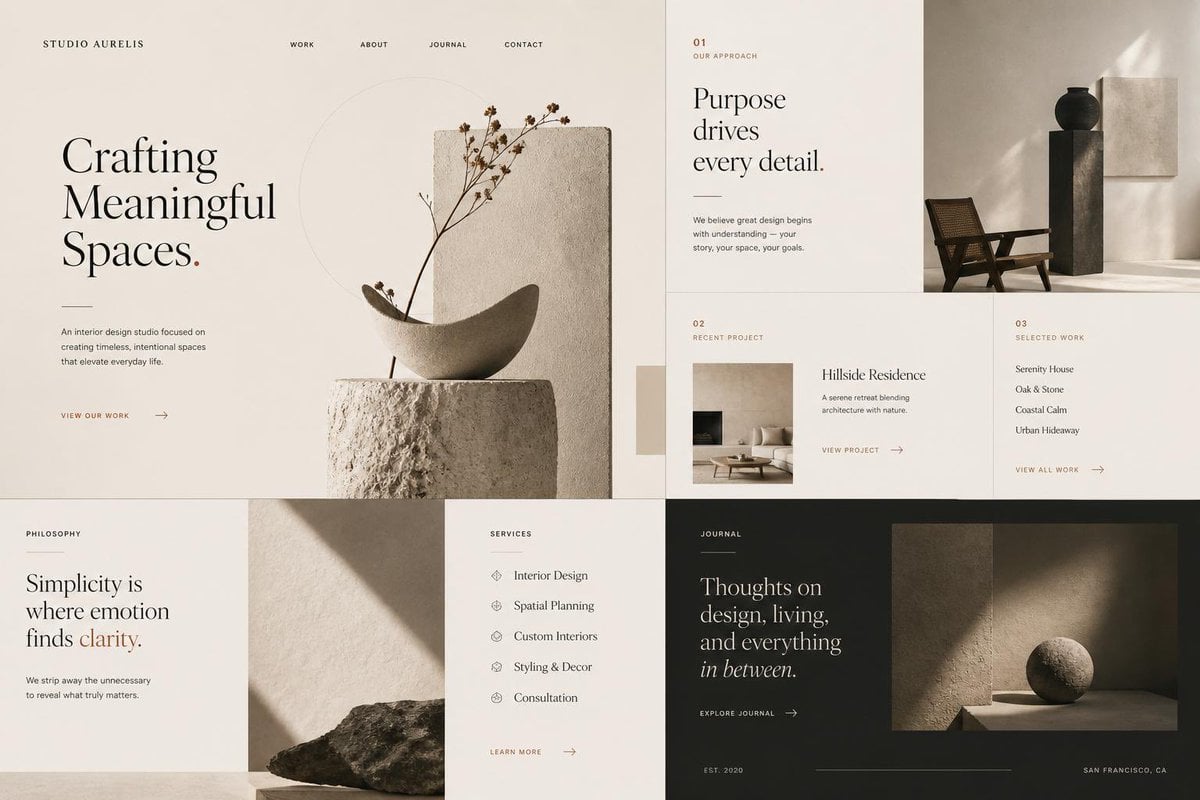
Minimal Interior Studio Website
Image Overlay for 'Roast Scribble' Effect (Variant)
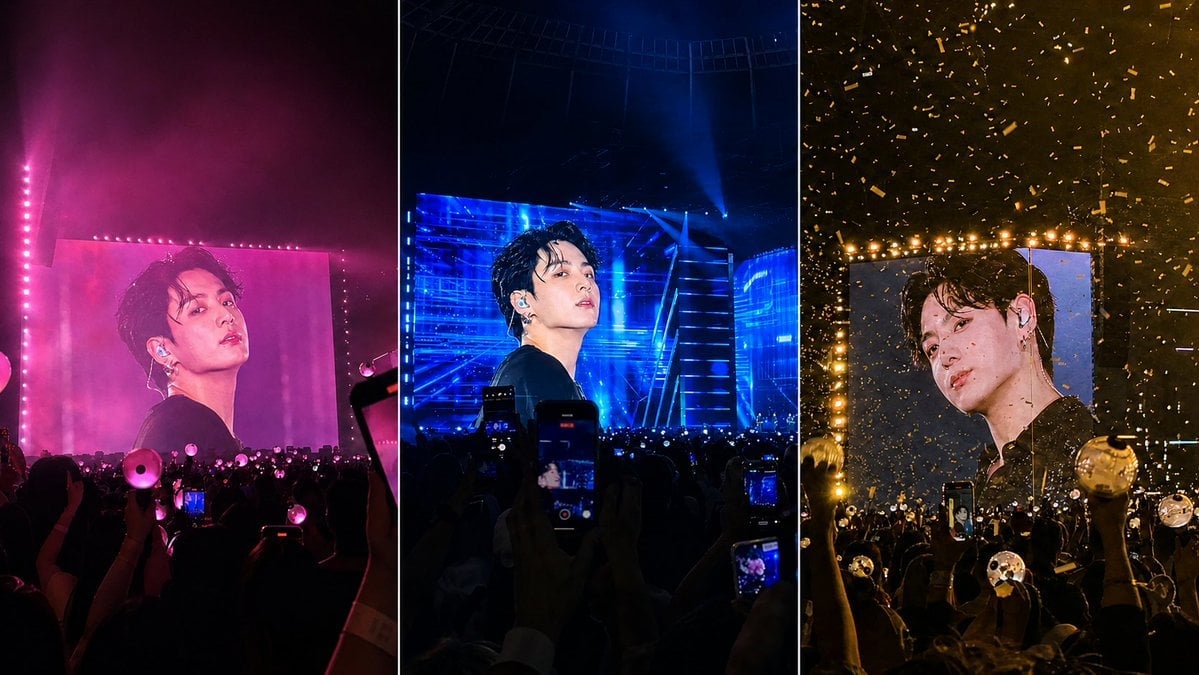
K-Pop Jumbotron Concert Collage
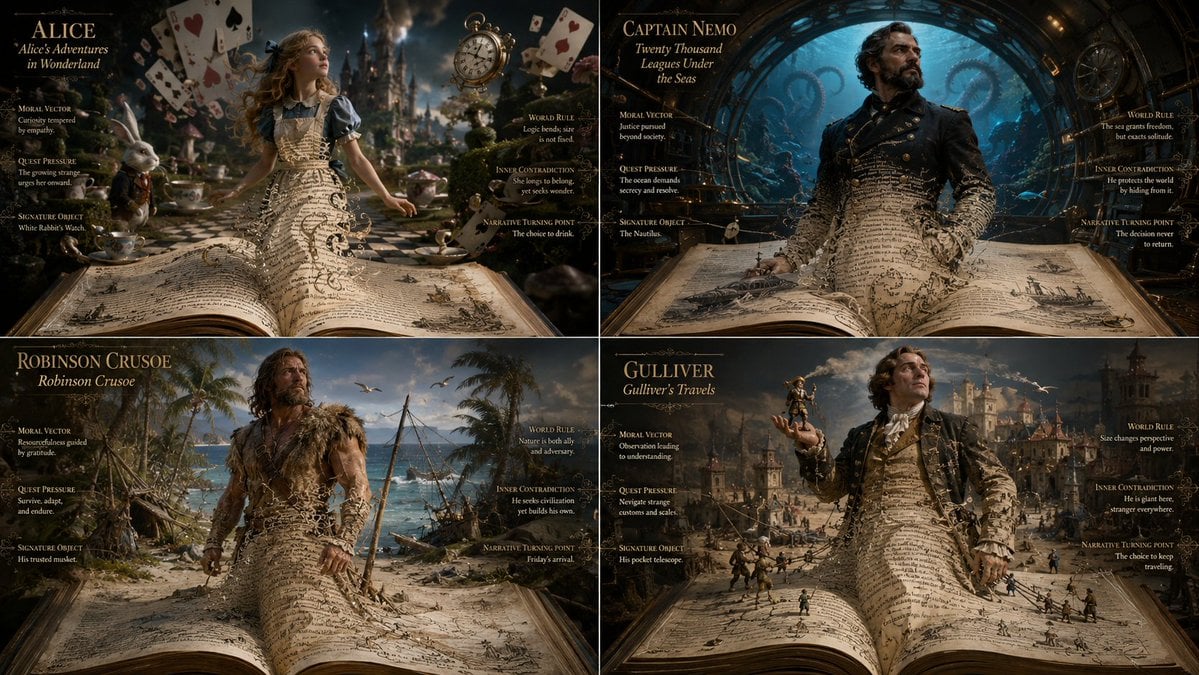
Living Manuscript Book Hero Grid
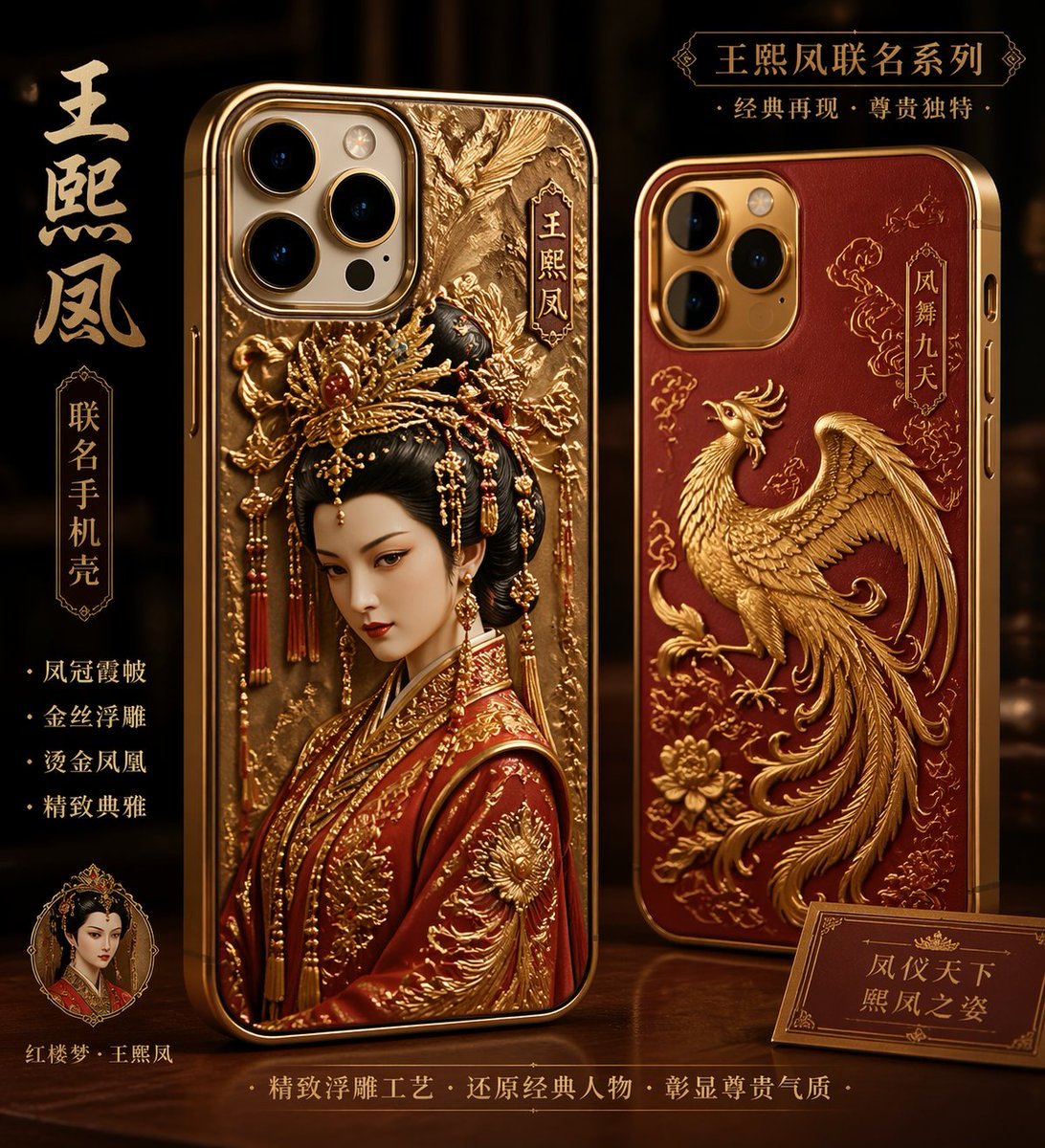
Classical Chinese Phone Case Design
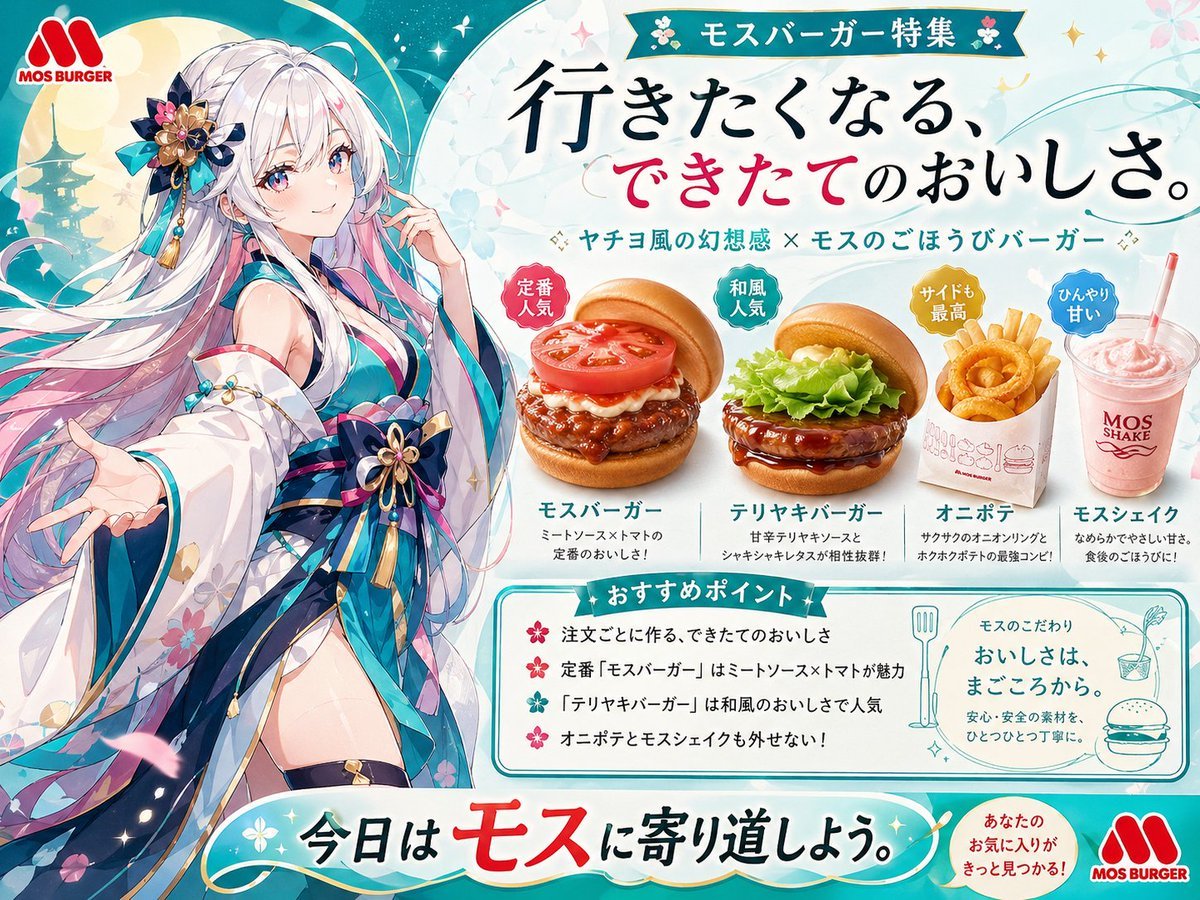
Anime MOS Burger Promo Poster
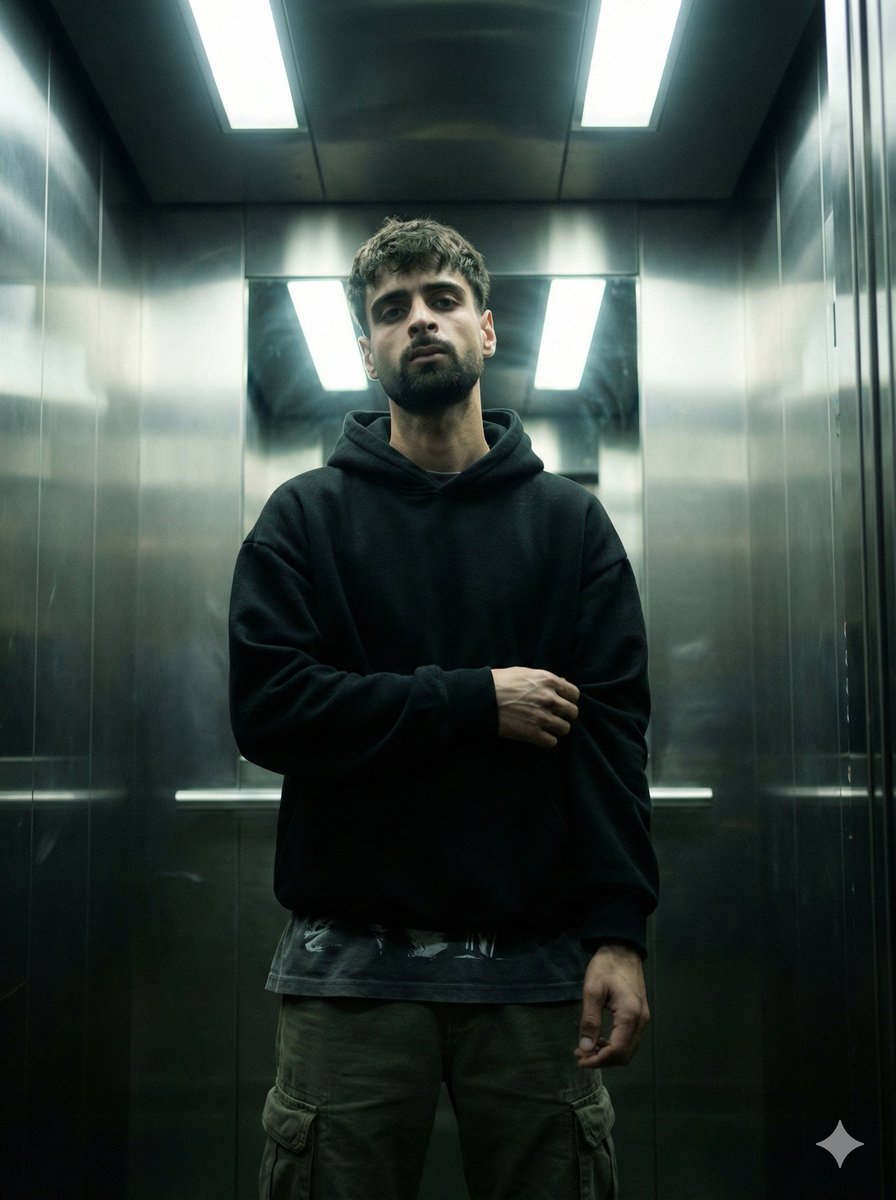
Cinematic Urban Realism in an Elevator
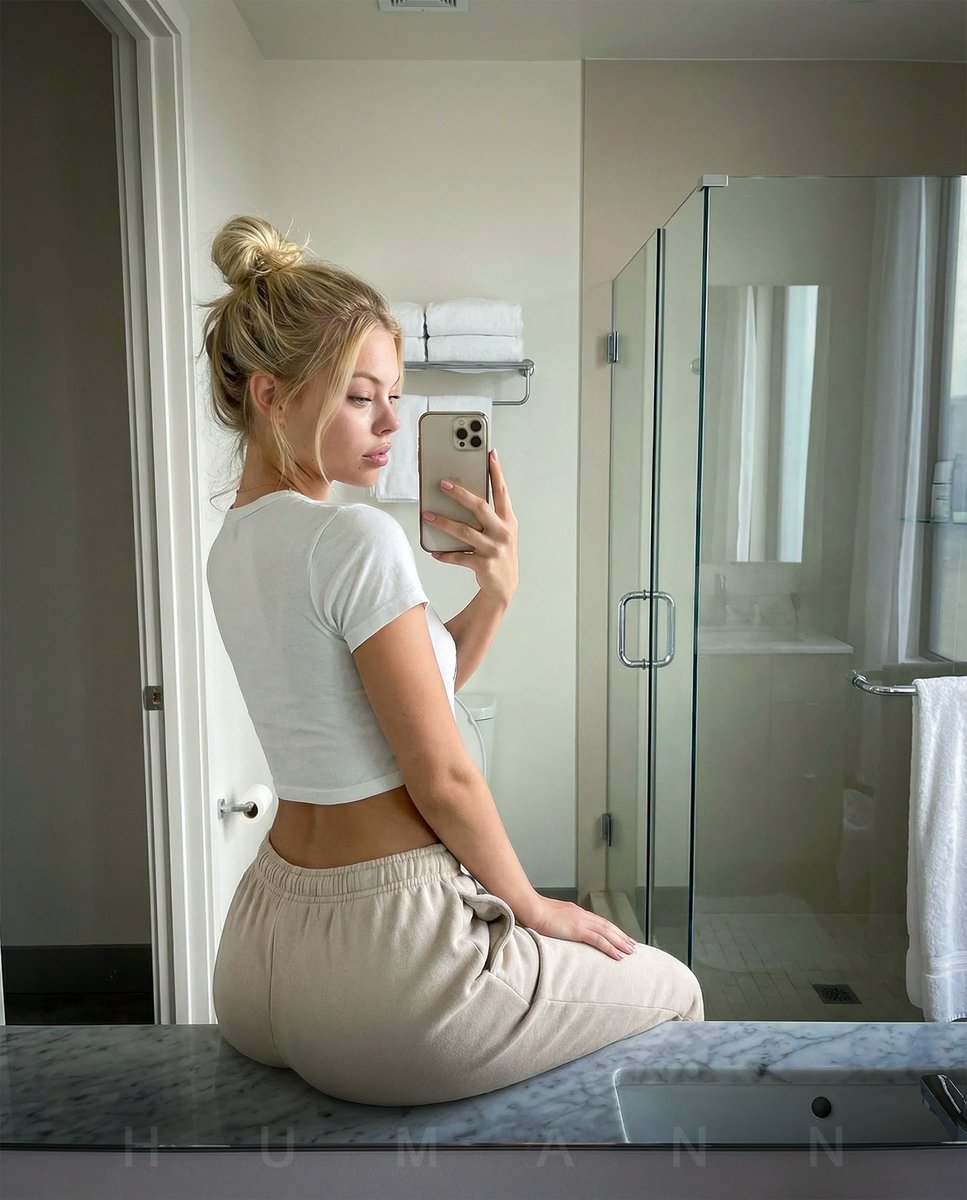
Photorealistic mirror selfie with identity lock
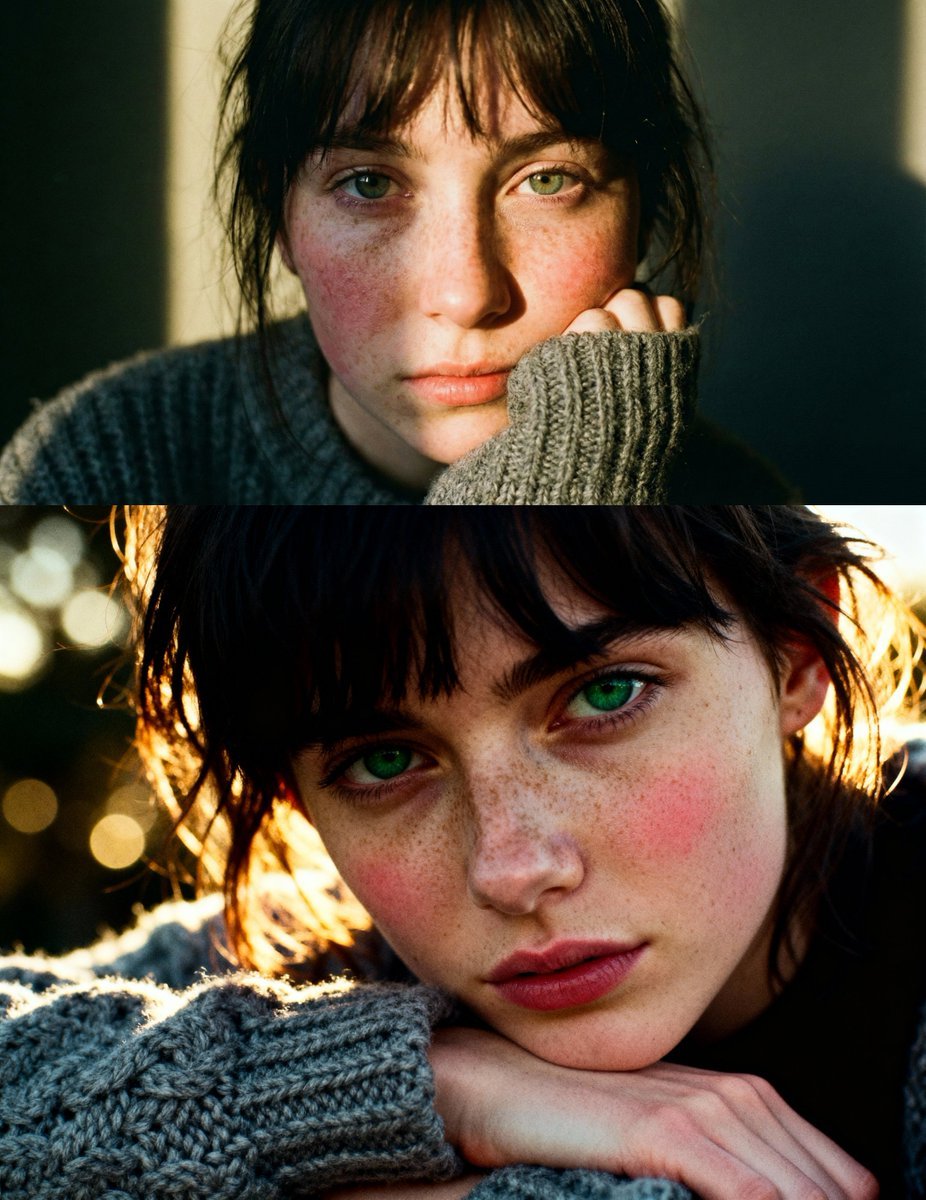
Cinematic close-up portrait with green eyes and knit sweater
Browse template categories
Emoji-Faced Figure in Wet Night Alley questions
How do I use the Emoji-Faced Figure in Wet Night Alley template?
Add your photo if the template asks for one, edit the prompt if you like — the template's model and format are already selected — and press Generate. Your version opens in PicX Studio.
Can I customize the Emoji-Faced Figure in Wet Night Alley template?
Yes. You can change the subject, setting, lighting, mood, format, and available model controls before creating your image.
Is the Emoji-Faced Figure in Wet Night Alley template free?
Opening and editing this template is free. Generating uses credits, shown on the Generate button when you are signed in.
Which AI model should I use?
Start with GPT Image 2, which is the model associated with this template. You can compare another compatible model for a different finish.
Looking for something else? Browse all templates.

Your photo, any look
Thousands of ready templates for every top image and video model, from one credit balance.