
Anime MOS Burger Promo Poster
A vibrant Japanese-style promotional poster blending an elegant fantasy anime heroine with four featured MOS Burger menu items for a branded ad or social media campaign.
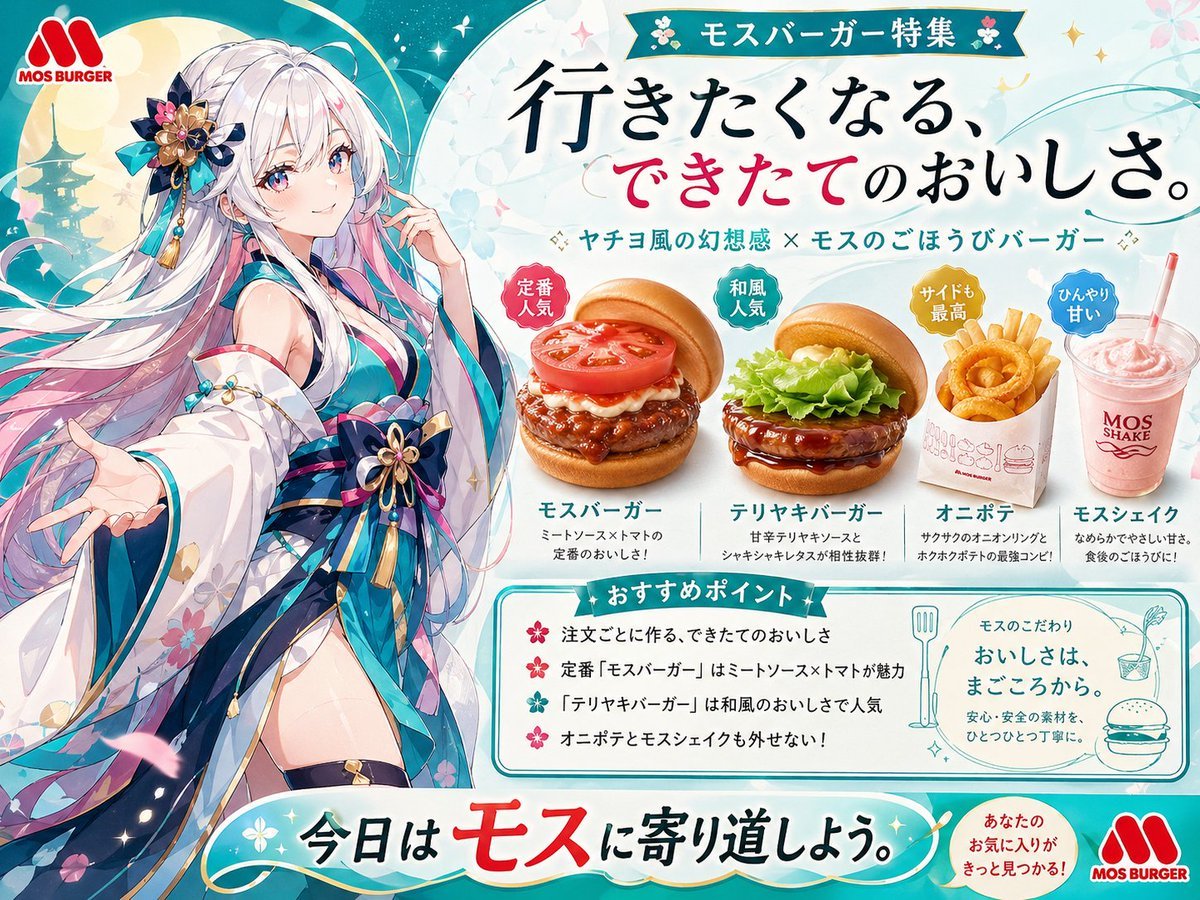
- Prompt included
- Model and format preset
- Free template
The prompt behind this image
Copy the exact prompt behind Anime MOS Burger Promo Poster, or open it in the studio and make it yours.
A polished Japanese fast-food promotional poster in a bright anime-advertisement style, combining a fantasy princess character with clean product photography and cheerful branding. The composition is landscape and split visually: on the left, a full-body anime girl inspired by a moon-princess or bamboo-princess aesthetic stands in a welcoming pose with one hand extended toward the viewer and the other hand near her face. She has very long flowing {argument name="hair color" default="silver-white with pastel pink and lavender gradients"} hair, large expressive eyes, and an elegant floral-and-ribbon hair ornament in dark blue, gold, pink, and turquoise. Her outfit is a luxurious modernized kimono dress in white, teal, navy, and pink with translucent sleeves, floral patterns, layered obi bows, tassels, and gold ornaments, with a magical sparkling atmosphere around her. Behind her is a dreamy teal-and-cream background with soft circles, starry sparkles, faint floral motifs, sweeping decorative lines, and a subtle silhouette of a Japanese pagoda. On the right is a neat food-ad layout for {argument name="brand name" default="MOS BURGER"}, with the red MOS BURGER logo at the top left corner and again at the bottom right. At the top center-right, place a green ribbon banner with the Japanese text "モスバーガー特集". Below it, add a large elegant handwritten-style Japanese headline: "行きたくなる、できたてのおいしさ。" with the middle phrase "できたて" emphasized in vivid pink-red while the rest is black. Under that, add a smaller subheadline in Japanese: "ヤチヨ風の幻想感 × モスのごほうびバーガー". Feature exactly 4 food items arranged horizontally across the middle-right, each rendered as appetizing semi-photorealistic product shots with soft shadows and crisp detail. Item 1: a classic burger with bun, thick meat patty, sauce, mayonnaise, and a large tomato slice, with a red circular badge reading "定番人気" and the label "モスバーガー" plus small Japanese descriptive text beneath. Item 2: a teriyaki burger with lettuce and glossy sauce, with a green circular badge reading "和風人気" and the label "テリヤキバーガー" plus small Japanese descriptive text beneath. Item 3: a white paper carton of onion rings with a yellow circular badge reading "サイドも最高" and the label "オニポテ" plus small Japanese descriptive text beneath. Item 4: a pink milkshake in a clear cup with straw, with a blue circular badge reading "ひんやり甘い" and the label "モスシェイク" plus small Japanese descriptive text beneath. Below the products, add a rounded rectangular recommendation box with a teal border and a teal ribbon title reading "おすすめポイント". Inside, include exactly 4 bullet points in Japanese with pink flower-like bullets, describing made-to-order freshness, the appeal of the classic meat sauce and tomato burger, the Japanese-style popularity of teriyaki burger, and that onion rings and shake are also must-try items. To the right inside the same lower area, include a smaller rounded box with line-art icons of cutlery, a drink, and a burger, plus Japanese copy that reads "モスのこだわり" and "おいしさは、まごころから。" followed by smaller explanatory Japanese text. Across the bottom, place a large curved banner with a teal gradient and white center glow containing the Japanese slogan "今日はモスに寄り道しよう。" with "モス" highlighted in bold red. Near the lower right, add a small orange-red circular callout with Japanese text similar to "あなたのお気に入りがきっと見つかる!". Use a crisp commercial poster layout, vivid teal, aqua, white, pink, and gold accents, glossy food rendering, decorative sparkles, and a premium collaboration feel between anime fantasy illustration and modern restaurant advertising.
How to use Anime MOS Burger Promo Poster in 3 steps
- 1Upload ImagePNG, JPG or paste
Add your photo
Upload the photo the template builds on. The prompt, model and format are already set.
- 2…a portrait of your subject in softgolden-hour light, 85mm…
Personalize
Edit the subject and creative details for your destination.
- 3Generate
Generate
Press Generate — your image is created in PicX Studio, so you can compare it with the original and refine one variable at a time.
More like this
Templates with the same subject, style or setup. Open one to see its prompt.

Captain Tsubasa Anime World Cup Poster

Gpt2 Youtube Thumbnail Anime Music Bootcamp Promo Poster
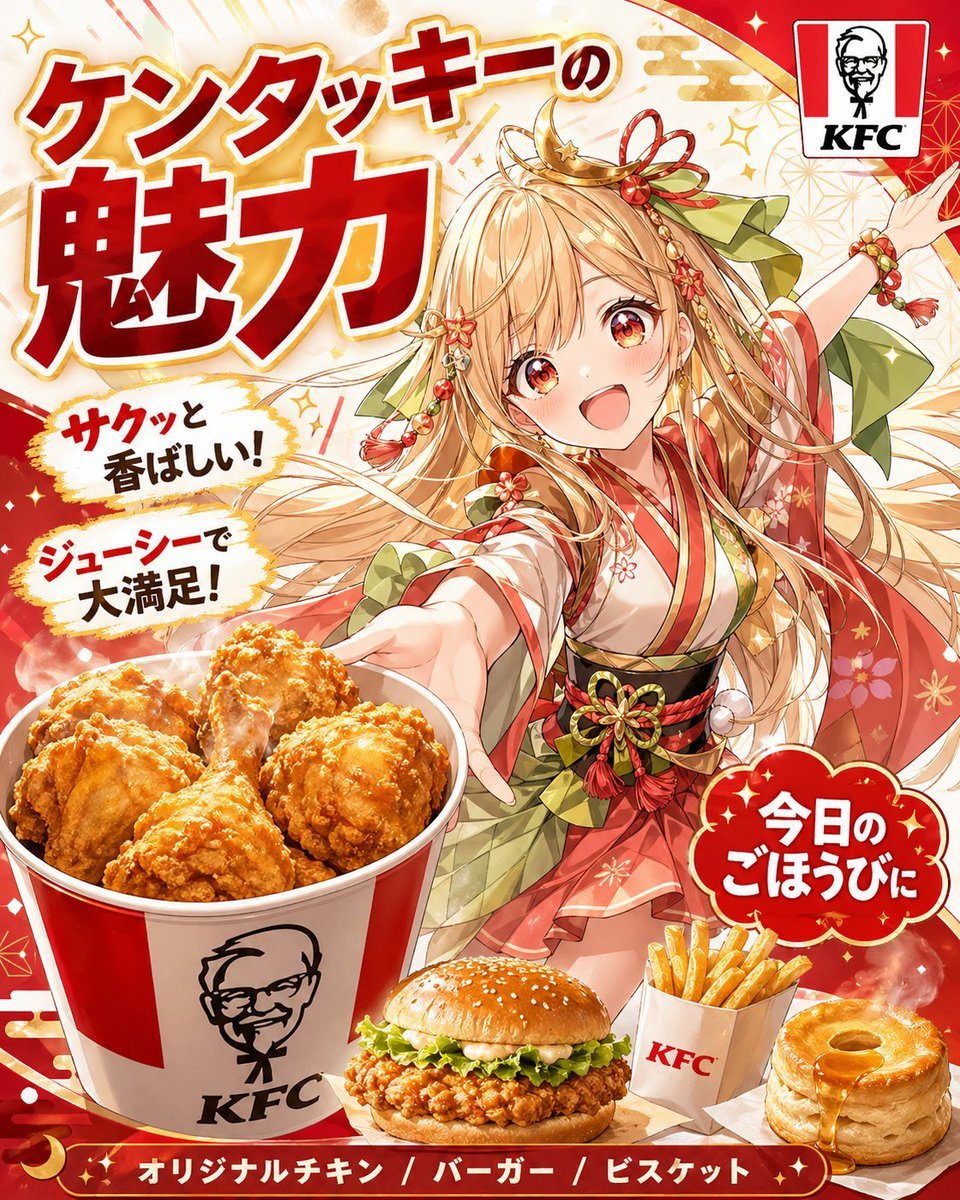
Anime KFC Princess Promo Poster
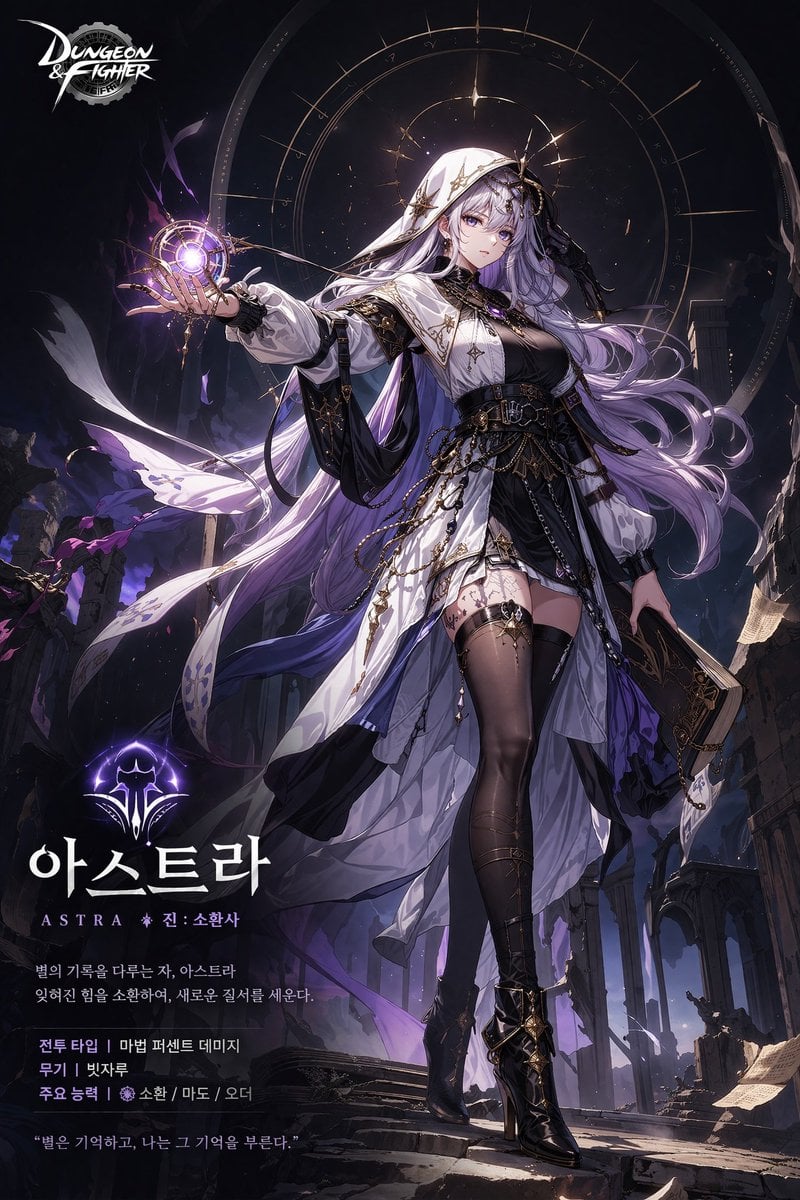
Anime Game Character Promo Poster
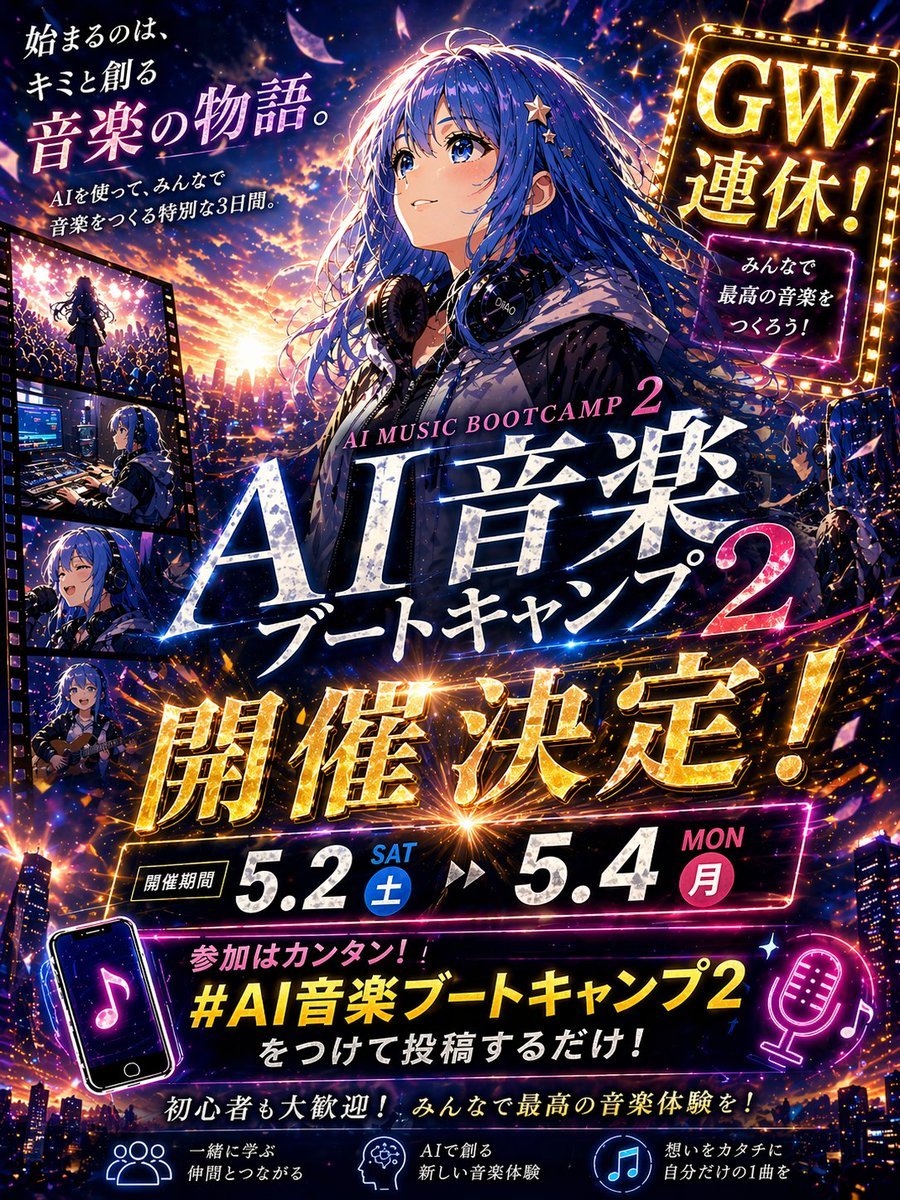
Anime Music Bootcamp Promo Poster

Gpt2 Social Media Post Cinematic Chicken Momos Ad Poster

Japan Travel Brochure Poster

Nice Day Anime Poster

Cel 2D Finale Fireworks

Cel 2D Garden Maze

Cel 2D Rooftop Concert

Cel 2D Bicycle Coast
Make it yours
Anime MOS Burger Promo Poster works as-is. These are the safest ways to change it without losing the look.
Change one field
Copy a single group, rewrite it, and generate again so you can see what that field is doing.
Keep the frame, change the subject
Hold the composition and light of Anime MOS Burger Promo Poster, then swap wardrobe, props or the person for a new take.
| If the result… | Why | Fix |
|---|---|---|
| The result drifts from the preview | Too many fields changed at once. | Reuse Anime MOS Burger Promo Poster as-is first, then change one group — subject, light, or setting. |
| The model over-stylizes the scene | The prose prompt leaves finish and camera underspecified. | Add one camera or lighting sentence and stay on GPT Image 2. |
More GPT Image 2 templates
Other prompts made for GPT Image 2.

Six VTuber Japanese Logo Sheet

Realistic Portrait of Woman and Deer

The Vista Modular Condo Poster

AI Model Routing Comparison Infographic

2.5D Anime Art Board

Isometric Productivity Desk Scene

New York Double Exposure Poster

Four-Panel AI Landscape Comparison

Japanese Tatami Lifestyle Magazine Cover

NESCAFÉ Coffee Map Poster
More image prompts
Fresh picks from across the catalog.
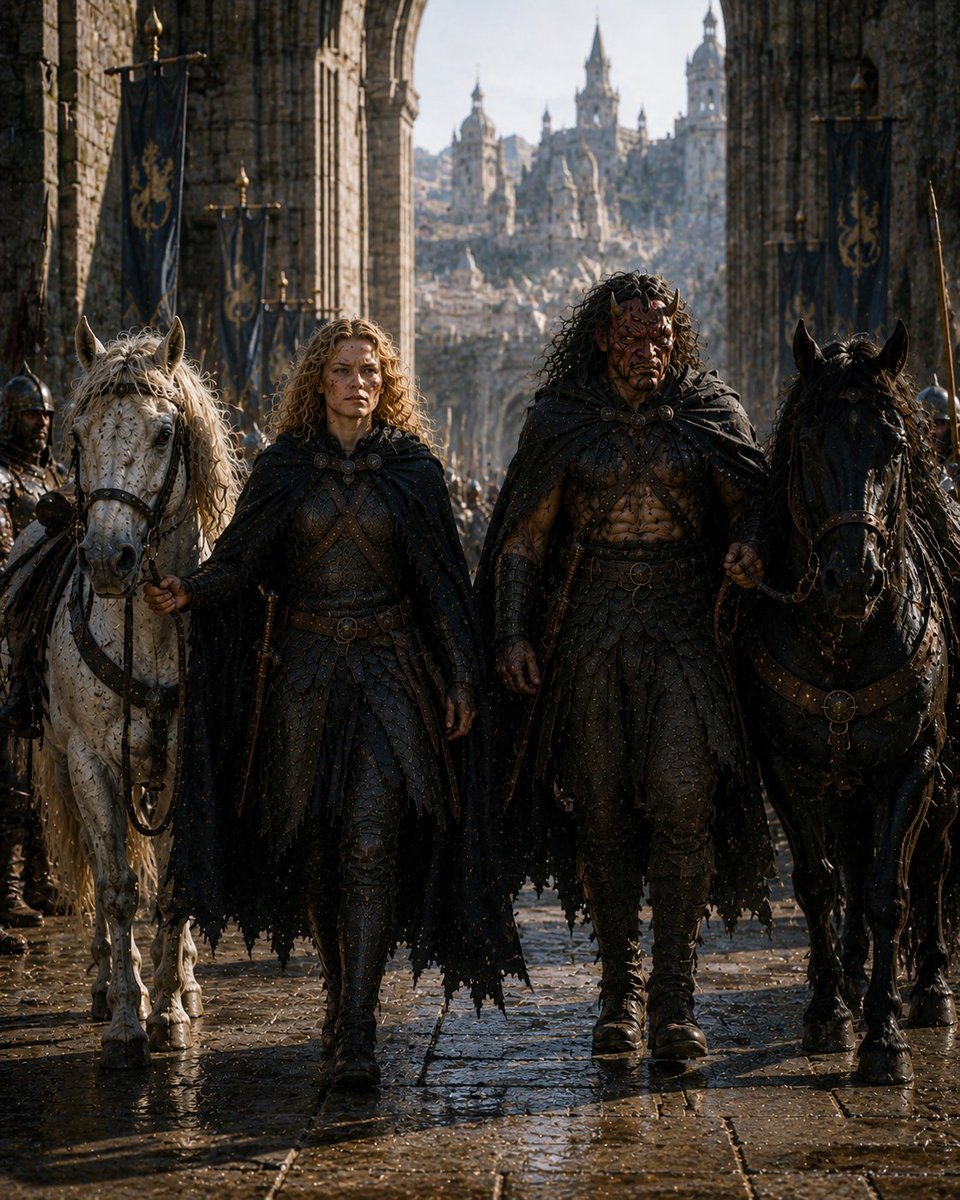
Barbarian Fantasy City Gate Procession
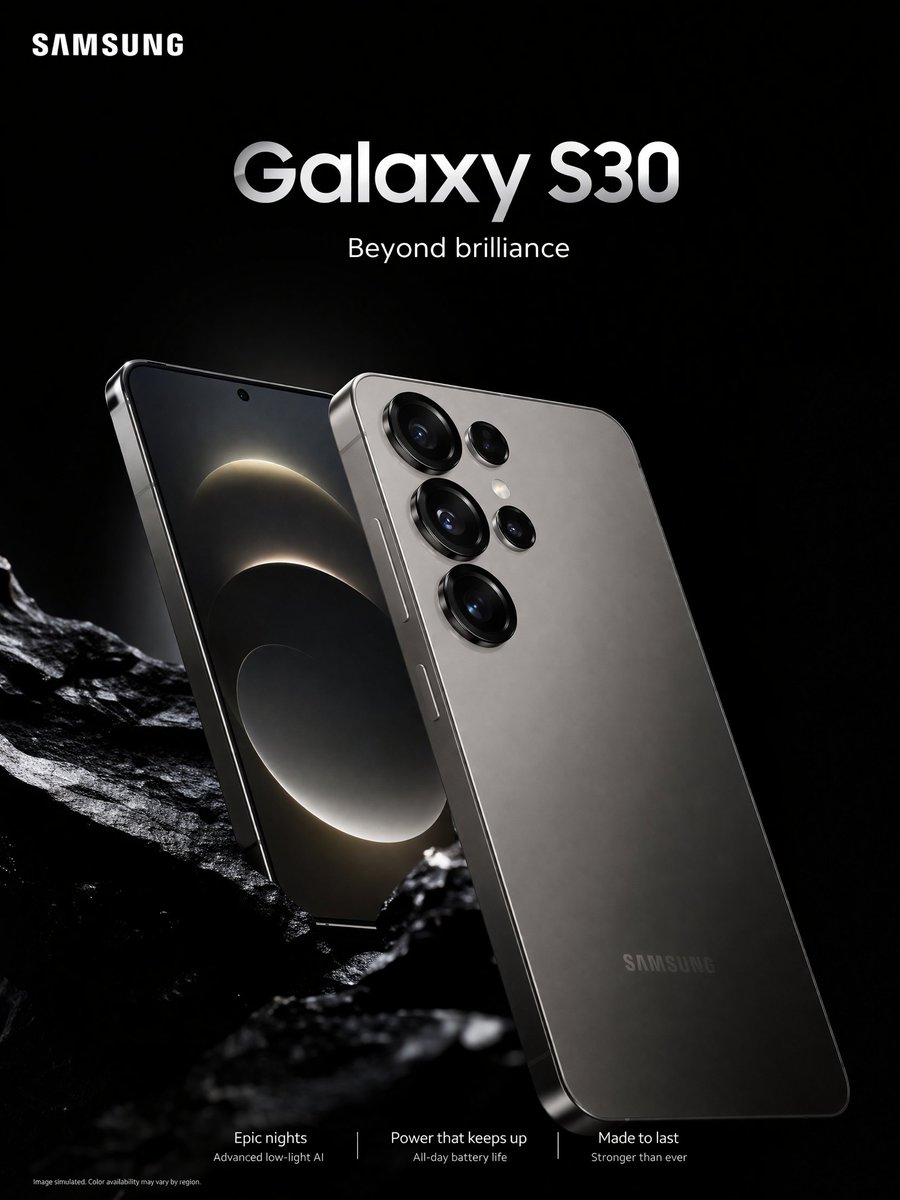
Smartphone Ad Poster
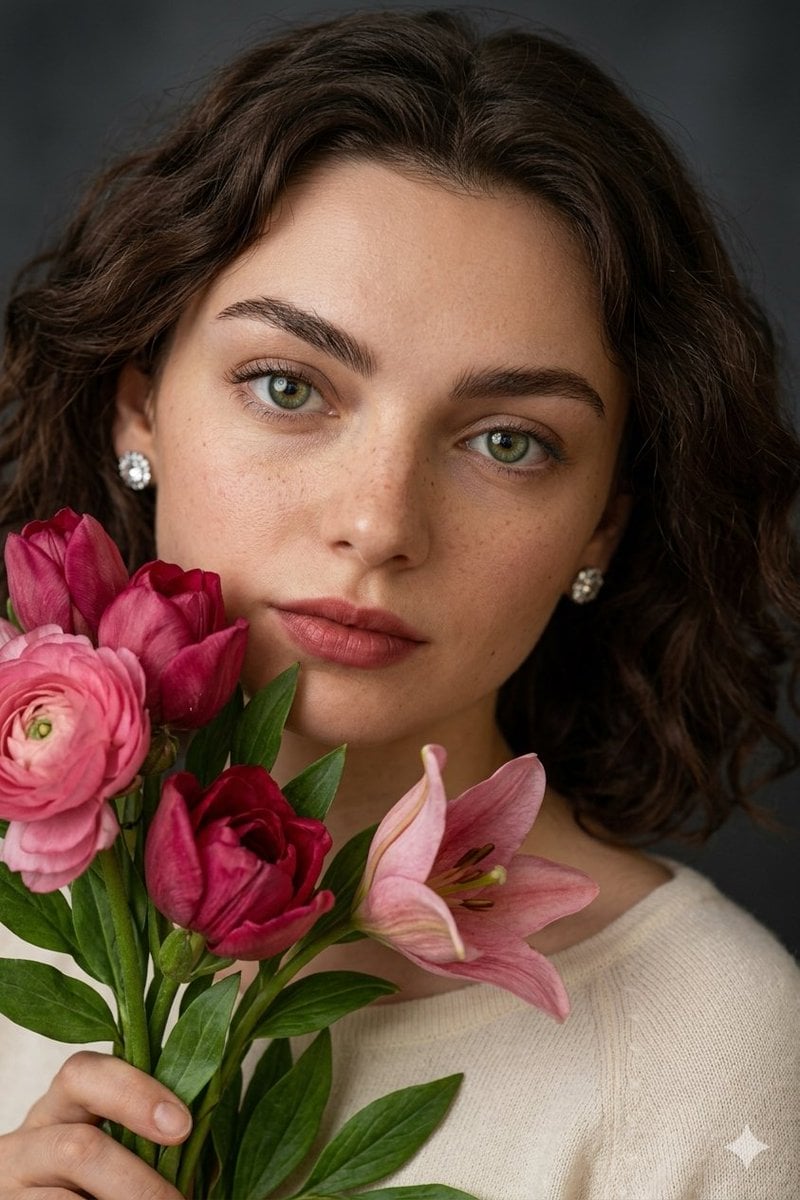
Hyper-Realistic Crochet Doll Transformation
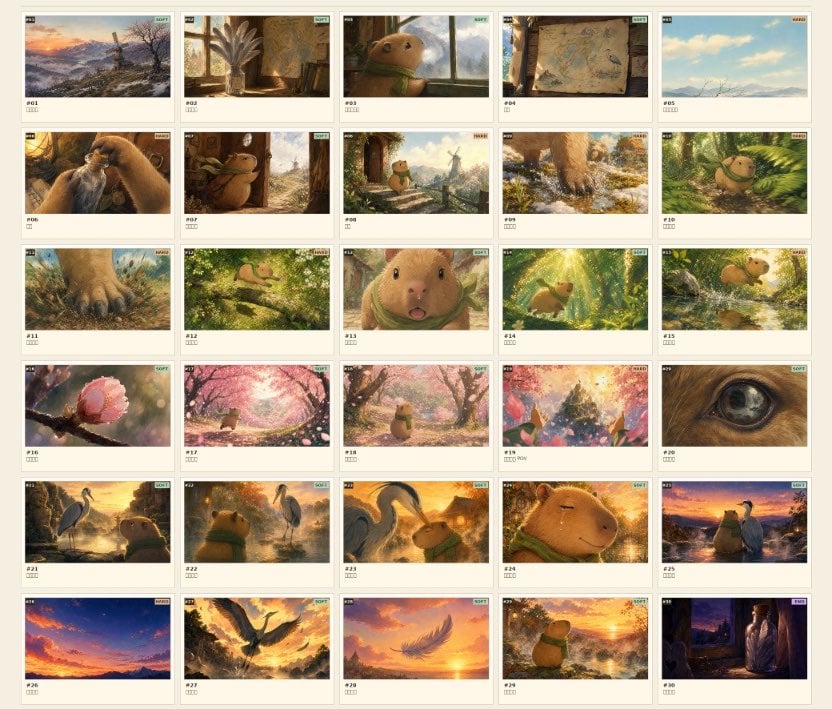
Frame Ghibli-Style Storyboard Sheet
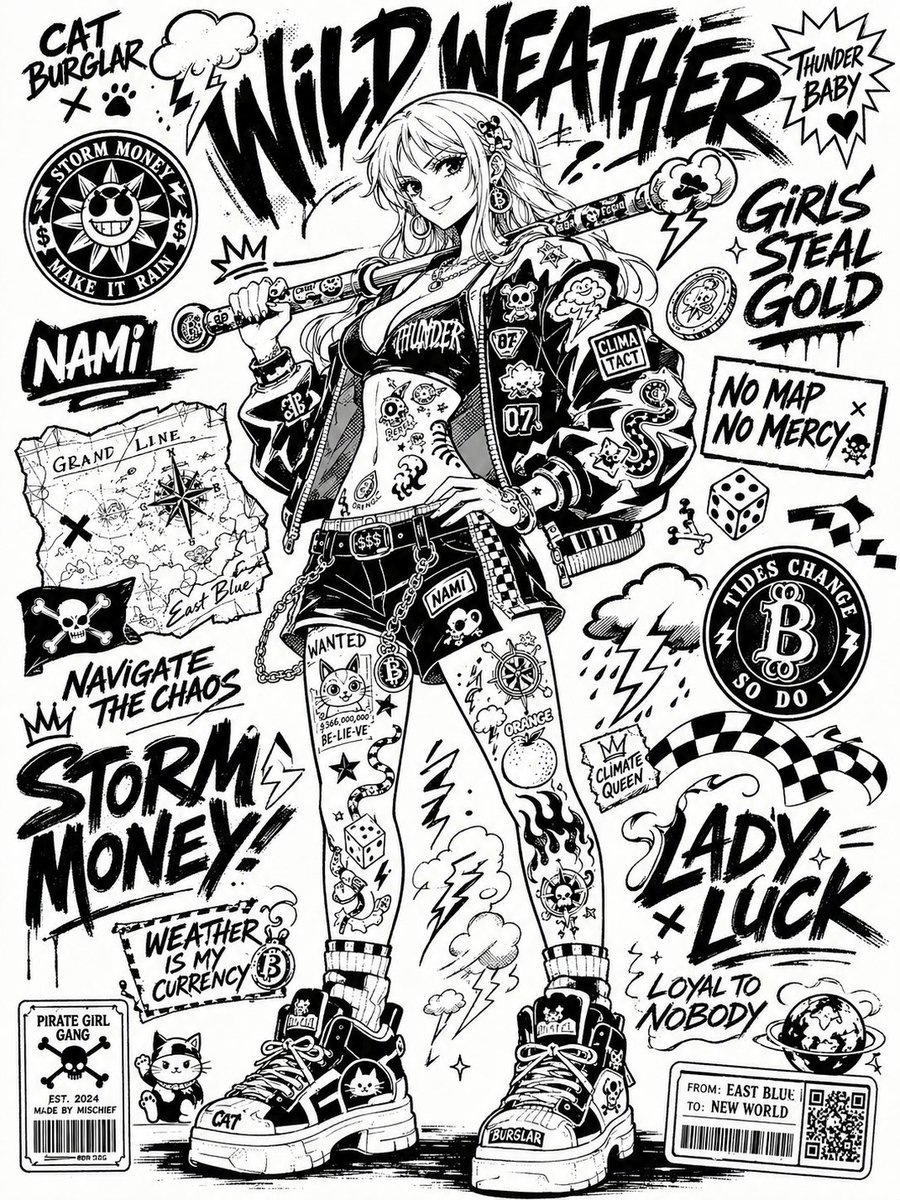
Black and White Sticker Bomb Street Poster
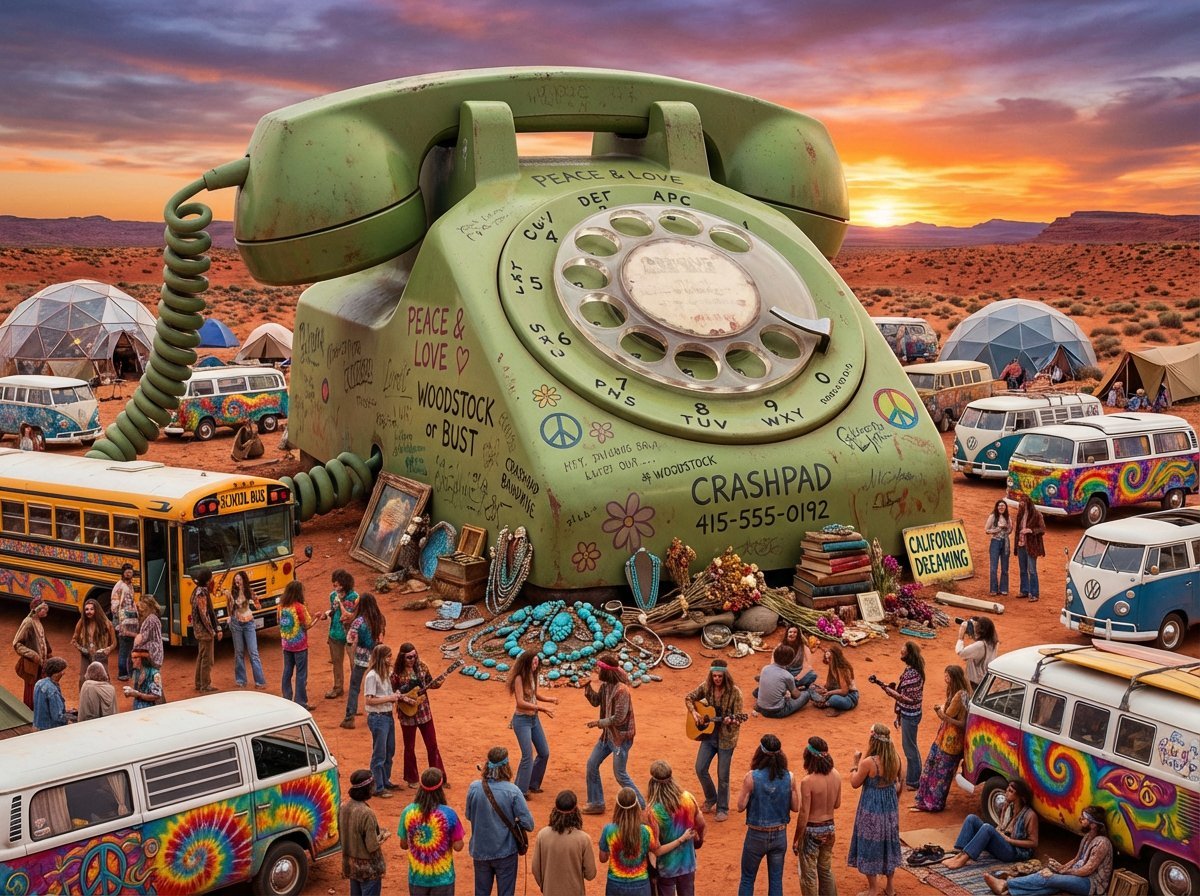
Migration Monument Concept Prompt
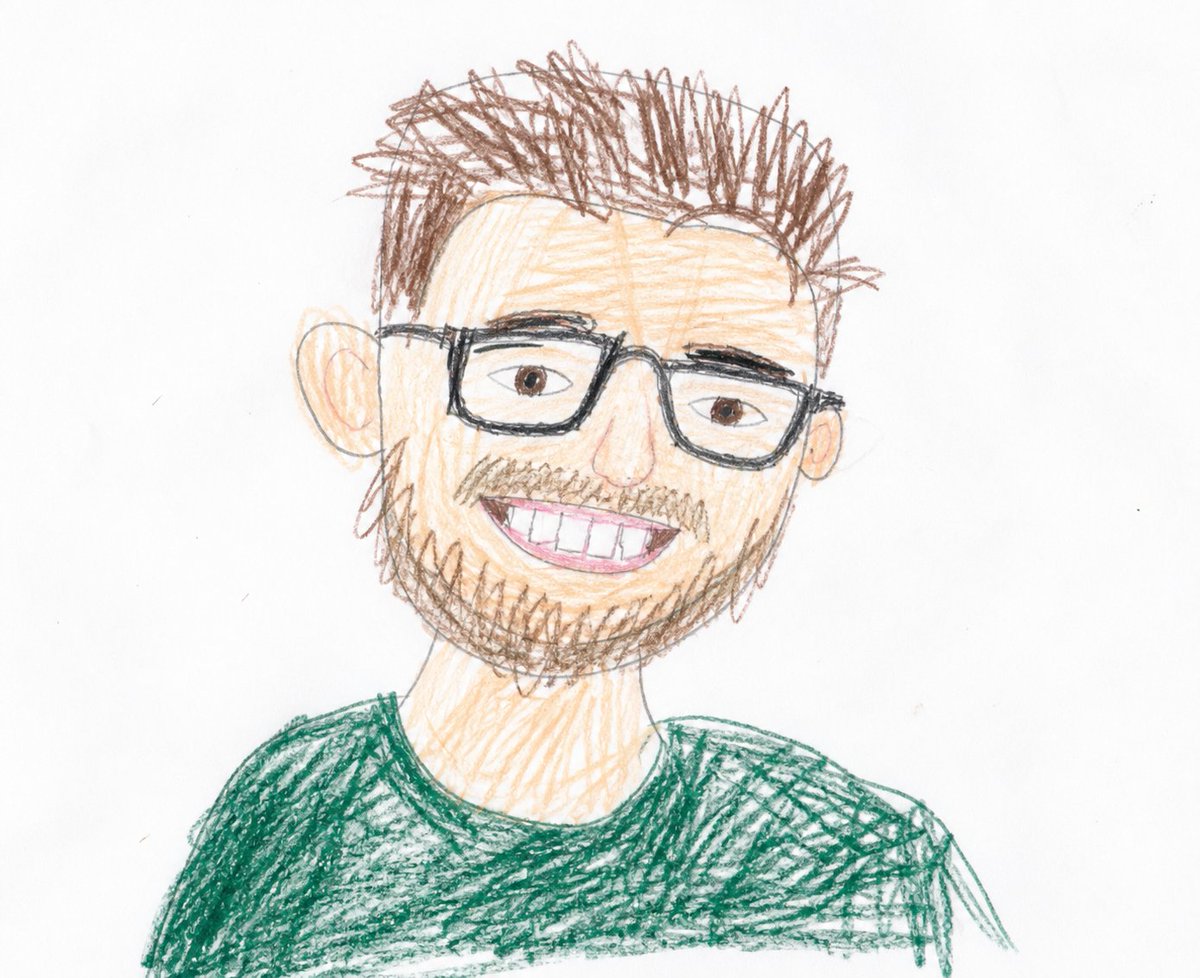
Childlike Colored Pencil Drawing
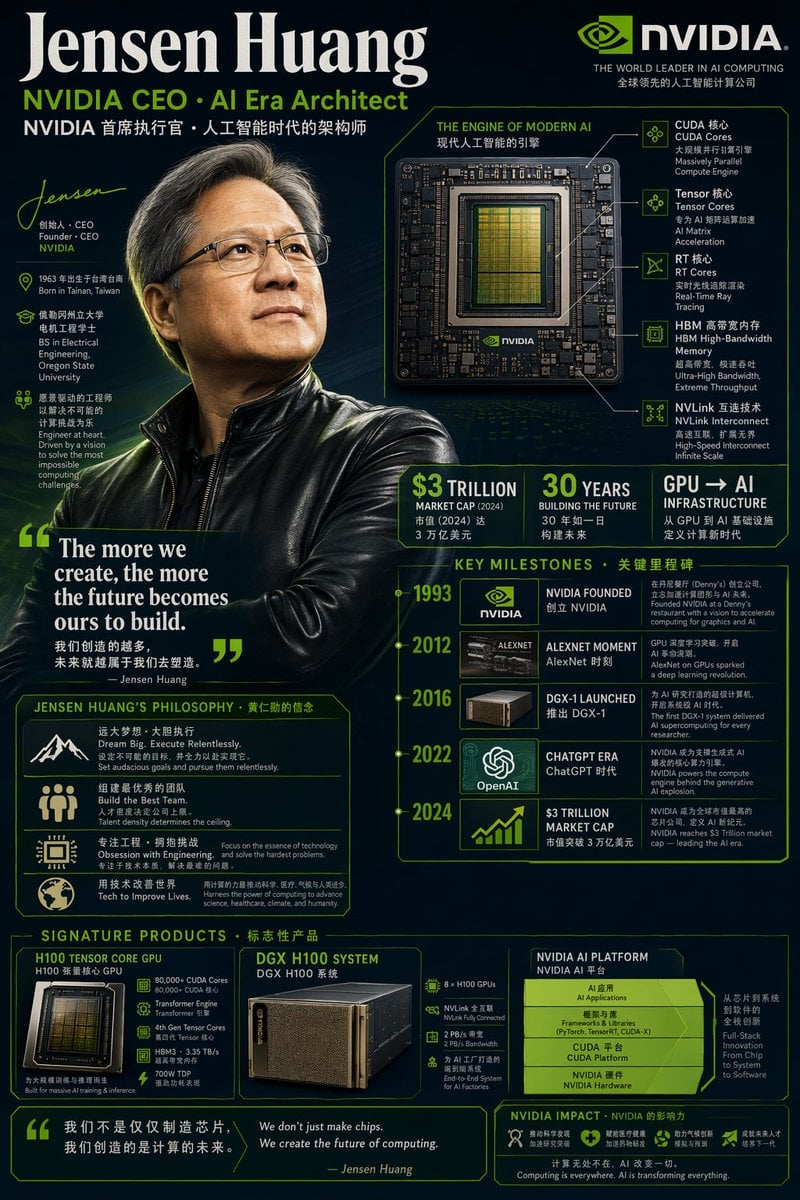
Bilingual Career Infographic Portrait
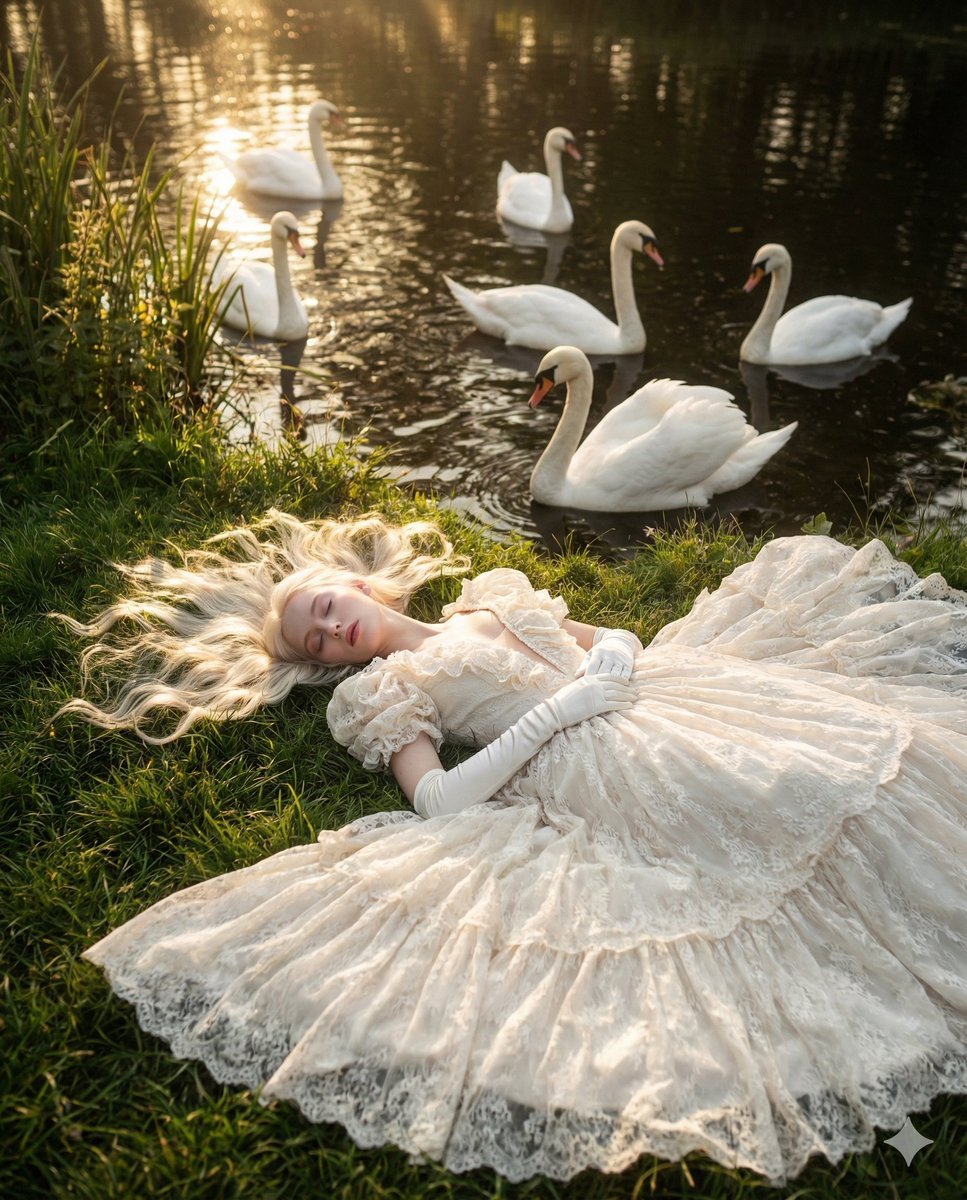
Ethereal Fantasy Portrait with Swans and Golden Hour Light
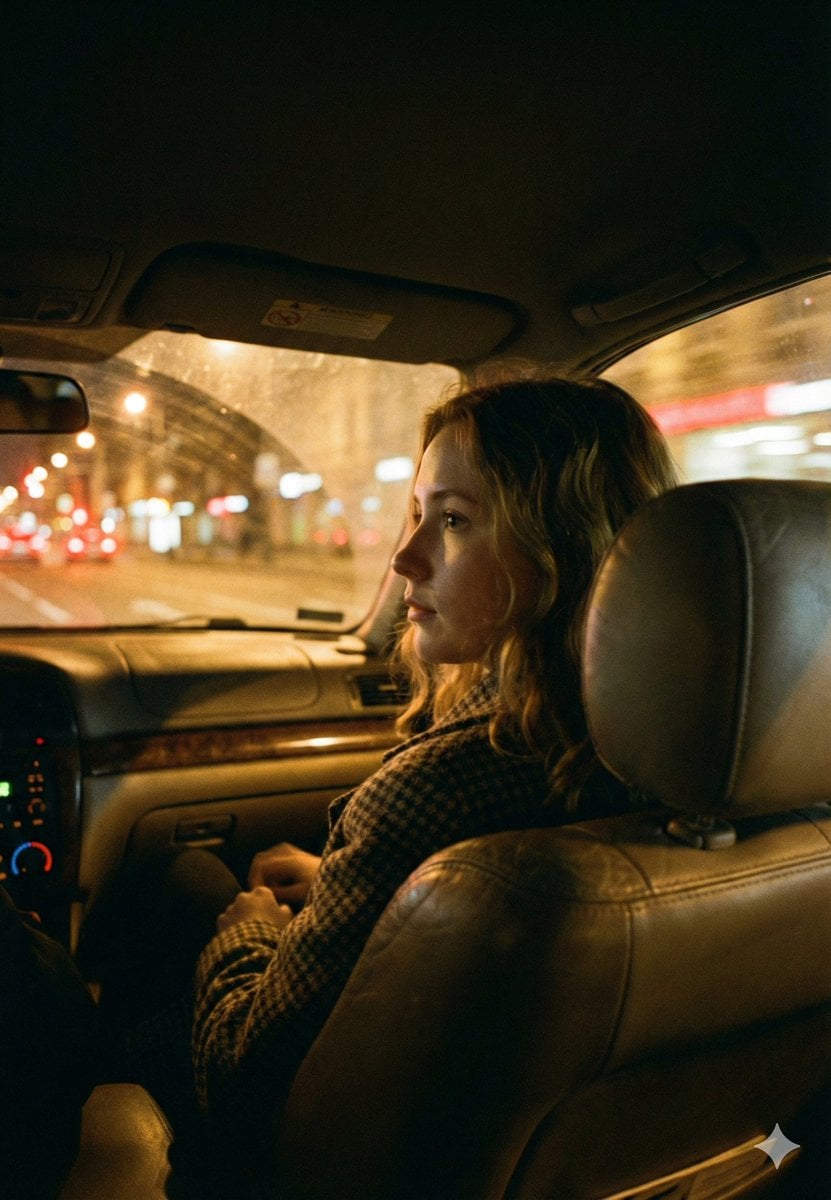
Cinematic Night Car Interior Portrait
Browse template categories
Anime MOS Burger Promo Poster questions
How do I use the Anime MOS Burger Promo Poster template?
Add your photo if the template asks for one, edit the prompt if you like — the template's model and format are already selected — and press Generate. Your version opens in PicX Studio.
Can I customize the Anime MOS Burger Promo Poster template?
Yes. You can change the subject, setting, lighting, mood, format, and available model controls before creating your image.
Is the Anime MOS Burger Promo Poster template free?
Opening and editing this template is free. Generating uses credits, shown on the Generate button when you are signed in.
Which AI model should I use?
Start with GPT Image 2, which is the model associated with this template. You can compare another compatible model for a different finish.
Looking for something else? Browse all templates.

Your photo, any look
Thousands of ready templates for every top image and video model, from one credit balance.