
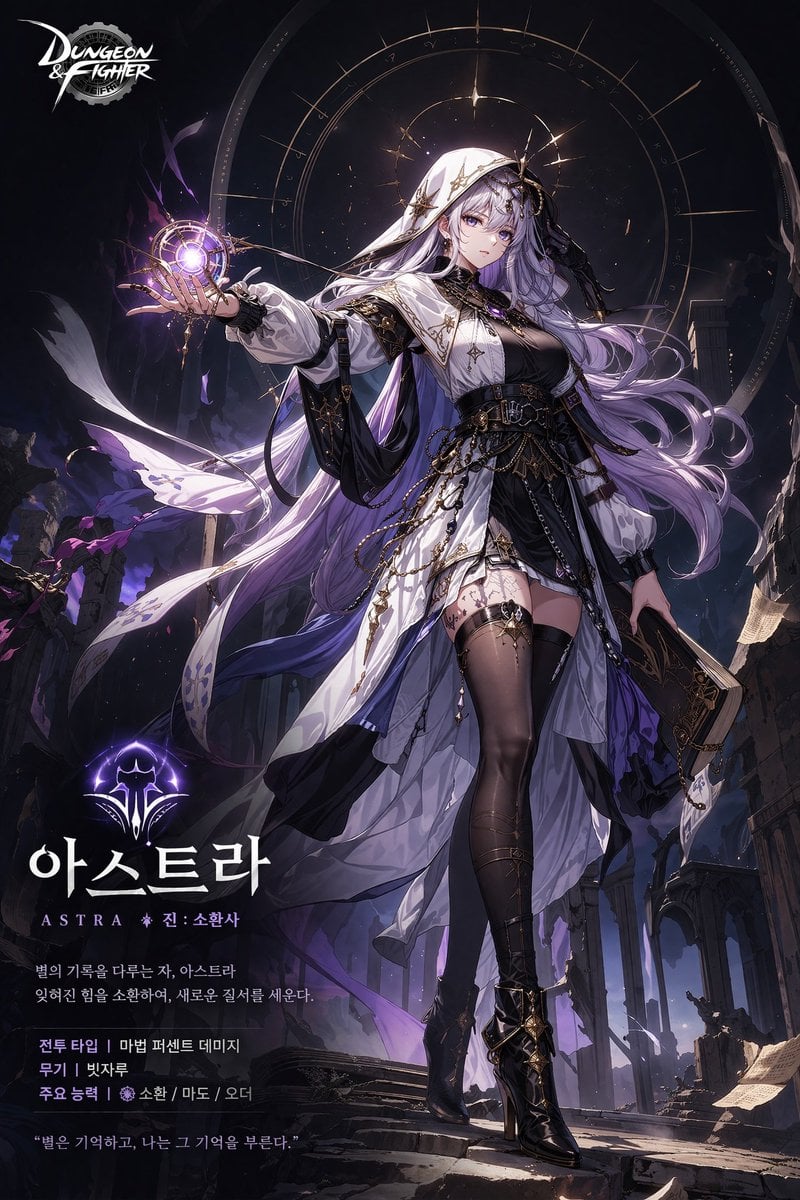
Anime Game Character Promo Poster
Generates a promotional poster for an anime-style game character featuring a full-body illustration, background elements, and overlaid typography for stats and lore.
- Prompt included
- Model and format preset
- Free template
The prompt behind this image
Copy the exact prompt behind Anime Game Character Promo Poster, or open it in the studio and make it yours.
- Type
- game character promotional poster
- Character › Appearance
- anime style female mage, {argument name="hair color" default="long flowing silver-purple"} hair, purple eyes, white hooded cloak with gold starry accents over a black dress, sheer black thigh-high stockings, black high heels
- Character › Pose
- standing, right hand holding a glowing purple magical astrolabe orb, left hand holding a dark grimoire
- Character › Background
- dark ruined gothic temple, stone pillars, floating parchment, glowing celestial astrological circle behind head
- Layout › Top Left
- Dungeon & Fighter logo
- Layout › Bottom Left Text Block › Icon
- glowing purple magical crest
- Layout › Bottom Left Text Block › Main Title
- {argument name="character name" default="아스트라"}
- Layout › Bottom Left Text Block › Subtitle
- {argument name="class name" default="ASTRA 진: 소환사"}
- Layout › Bottom Left Text Block › Lore Description
- {argument name="lore text" default="별의 기록을 다루는 자, 아스트라 잊혀진 힘을 소환하여, 새로운 질서를 세운다."}
- Layout › Bottom Left Text Block › Stats Block › Count
- 3
- Layout › Bottom Left Text Block › Stats Block › Lines
- 전투 타입 | 마법 퍼센트 데미지, 무기 | 빗자루, 주요 능력 | 소환 / 마도 / 오더
- Layout › Bottom Left Text Block › Quote
- {argument name="character quote" default="별은 기억하고, 나는 그 기억을 부른다."}
Raw JSON
{
  "type": "game character promotional poster",
  "character": {
    "appearance": "anime style female mage, {argument name=\"hair color\" default=\"long flowing silver-purple\"} hair, purple eyes, white hooded cloak with gold starry accents over a black dress, sheer black thigh-high stockings, black high heels",
    "pose": "standing, right hand holding a glowing purple magical astrolabe orb, left hand holding a dark grimoire",
    "background": "dark ruined gothic temple, stone pillars, floating parchment, glowing celestial astrological circle behind head"
  },
  "layout": {
    "top_left": "Dungeon & Fighter logo",
    "bottom_left_text_block": {
      "icon": "glowing purple magical crest",
      "main_title": "{argument name=\"character name\" default=\"아스트라\"}",
      "subtitle": "{argument name=\"class name\" default=\"ASTRA 진: 소환사\"}",
      "lore_description": "{argument name=\"lore text\" default=\"별의 기록을 다루는 자, 아스트라 잊혀진 힘을 소환하여, 새로운 질서를 세운다.\"}",
      "stats_block": {
        "count": 3,
        "lines": [
          "전투 타입 | 마법 퍼센트 데미지",
          "무기 | 빗자루",
          "주요 능력 | 소환 / 마도 / 오더"
        ]
      },
      "quote": "{argument name=\"character quote\" default=\"별은 기억하고, 나는 그 기억을 부른다.\"}"
    }
  }
}How to use Anime Game Character Promo Poster in 3 steps
- 1Upload ImagePNG, JPG or paste
Add your photo
Upload the photo the template builds on. The prompt, model and format are already set.
- 2…a portrait of your subject in softgolden-hour light, 85mm…
Personalize
Edit the subject and creative details for your destination.
- 3Generate
Generate
Press Generate — your image is created in PicX Studio, so you can compare it with the original and refine one variable at a time.
More like this
Templates with the same subject, style or setup. Open one to see its prompt.

Captain Tsubasa Anime World Cup Poster

Gpt2 Youtube Thumbnail Anime Music Bootcamp Promo Poster
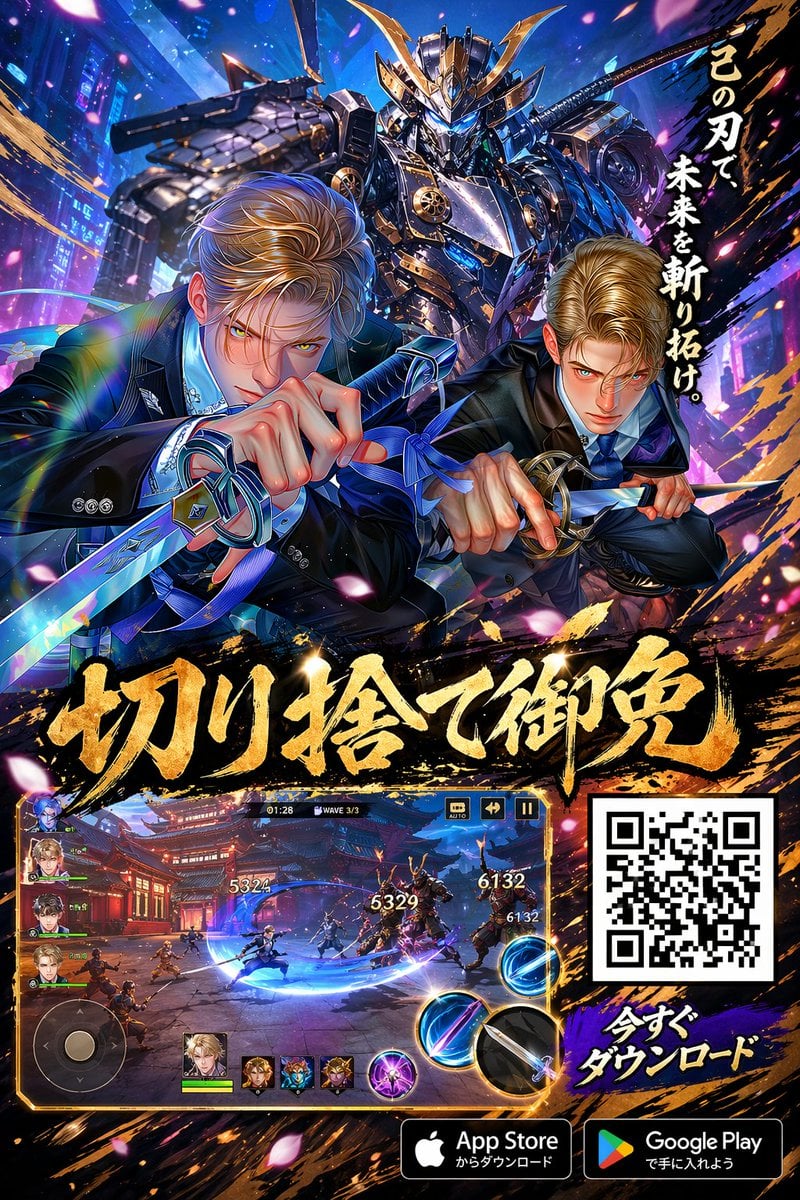
Anime Samurai Game Ad Poster
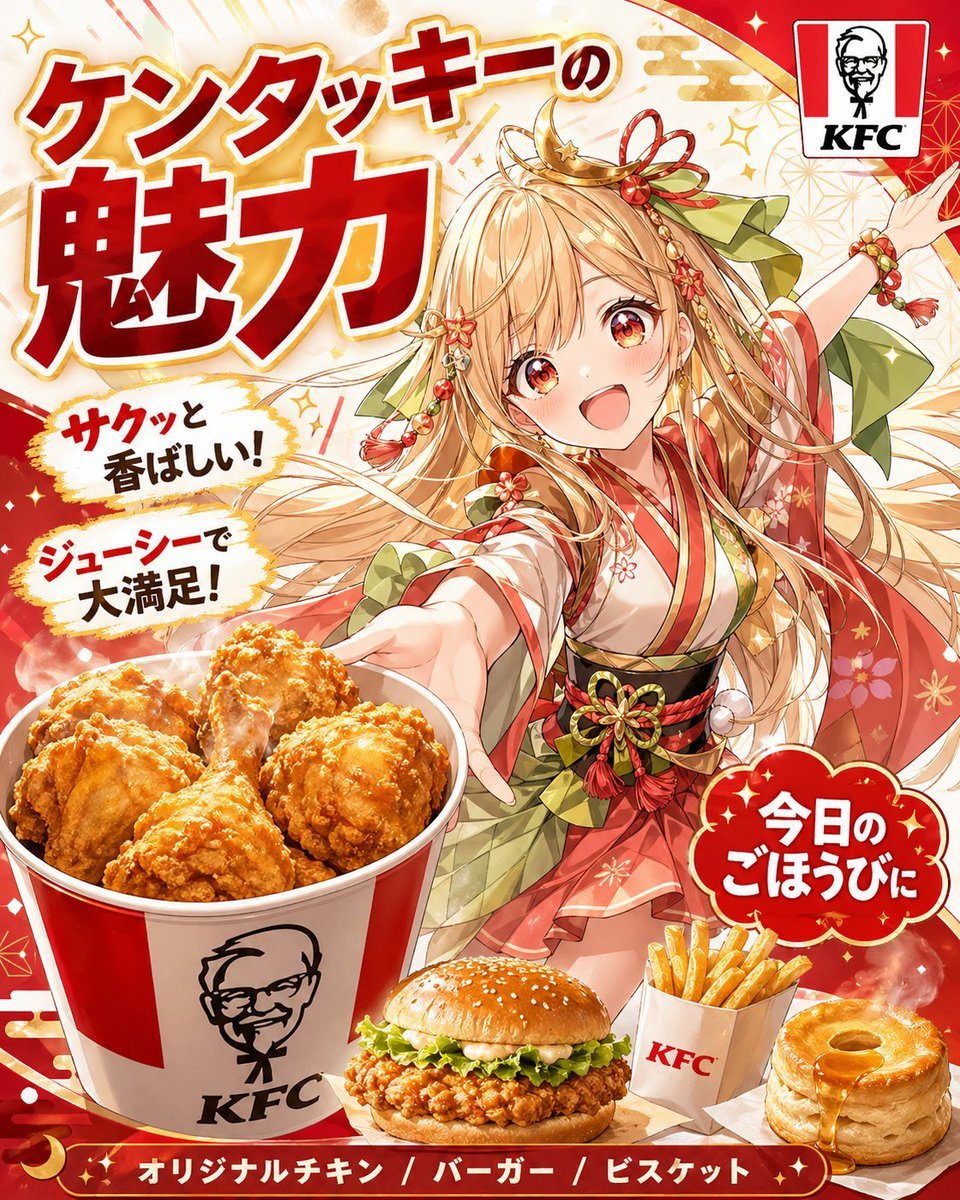
Anime KFC Princess Promo Poster
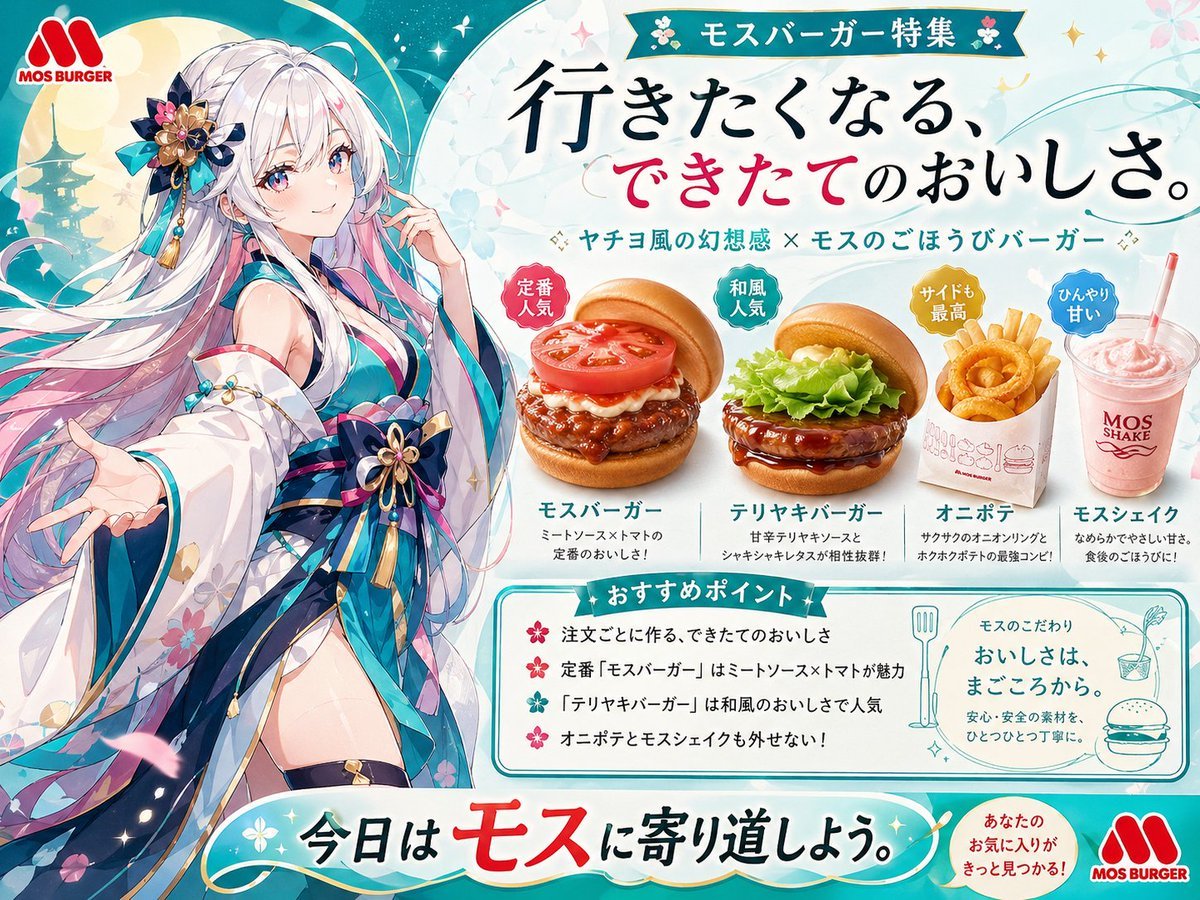
Anime MOS Burger Promo Poster
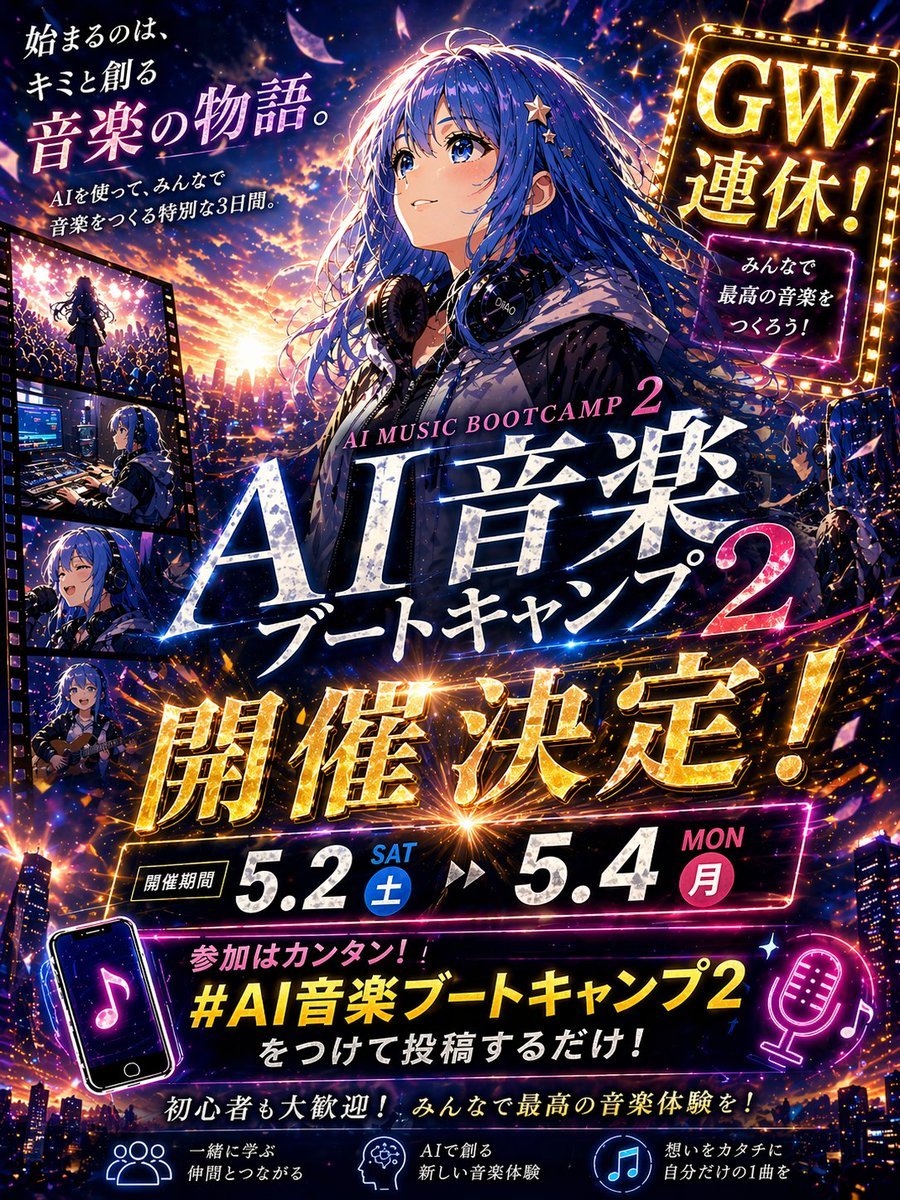
Anime Music Bootcamp Promo Poster

Japan Travel Brochure Poster

Nice Day Anime Poster
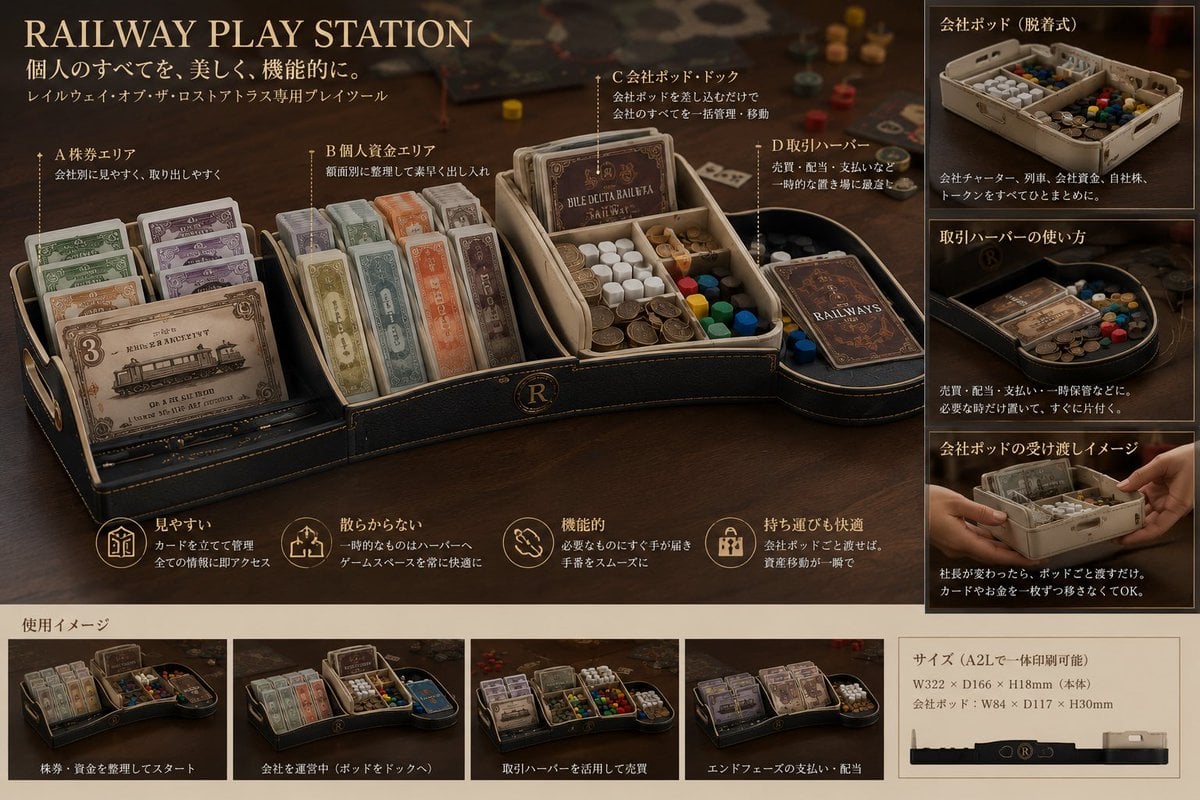
Luxury Railway Board Game Organizer Poster

Cel 2D Finale Fireworks

Cel 2D Garden Maze

Cel 2D Rooftop Concert
Make it yours
Anime Game Character Promo Poster works as-is. These are the safest ways to change it without losing the look.
Swap the setting
Keep the rest of the prompt and replace the location block. The current setting is “dark ruined gothic temple, stone pillars, floating parchment, glowing celestial ”.
Change one field
Copy a single group, rewrite it, and generate again so you can see what that field is doing.
Keep the frame, change the subject
Hold the composition and light of Anime Game Character Promo Poster, then swap wardrobe, props or the person for a new take.
| If the result… | Why | Fix |
|---|---|---|
| The result drifts from the preview | Too many fields changed at once. | Reuse Anime Game Character Promo Poster as-is first, then change one group — subject, light, or setting. |
| GPT Image 2 ignores part of the JSON | Some models flatten or skip nested keys. | Keep the same values and paste them as a short paragraph instead. |
More GPT Image 2 templates
Other prompts made for GPT Image 2.

Six VTuber Japanese Logo Sheet

Realistic Portrait of Woman and Deer

The Vista Modular Condo Poster

AI Model Routing Comparison Infographic

2.5D Anime Art Board

Isometric Productivity Desk Scene

New York Double Exposure Poster

Four-Panel AI Landscape Comparison

Japanese Tatami Lifestyle Magazine Cover

NESCAFÉ Coffee Map Poster
More image prompts
Fresh picks from across the catalog.
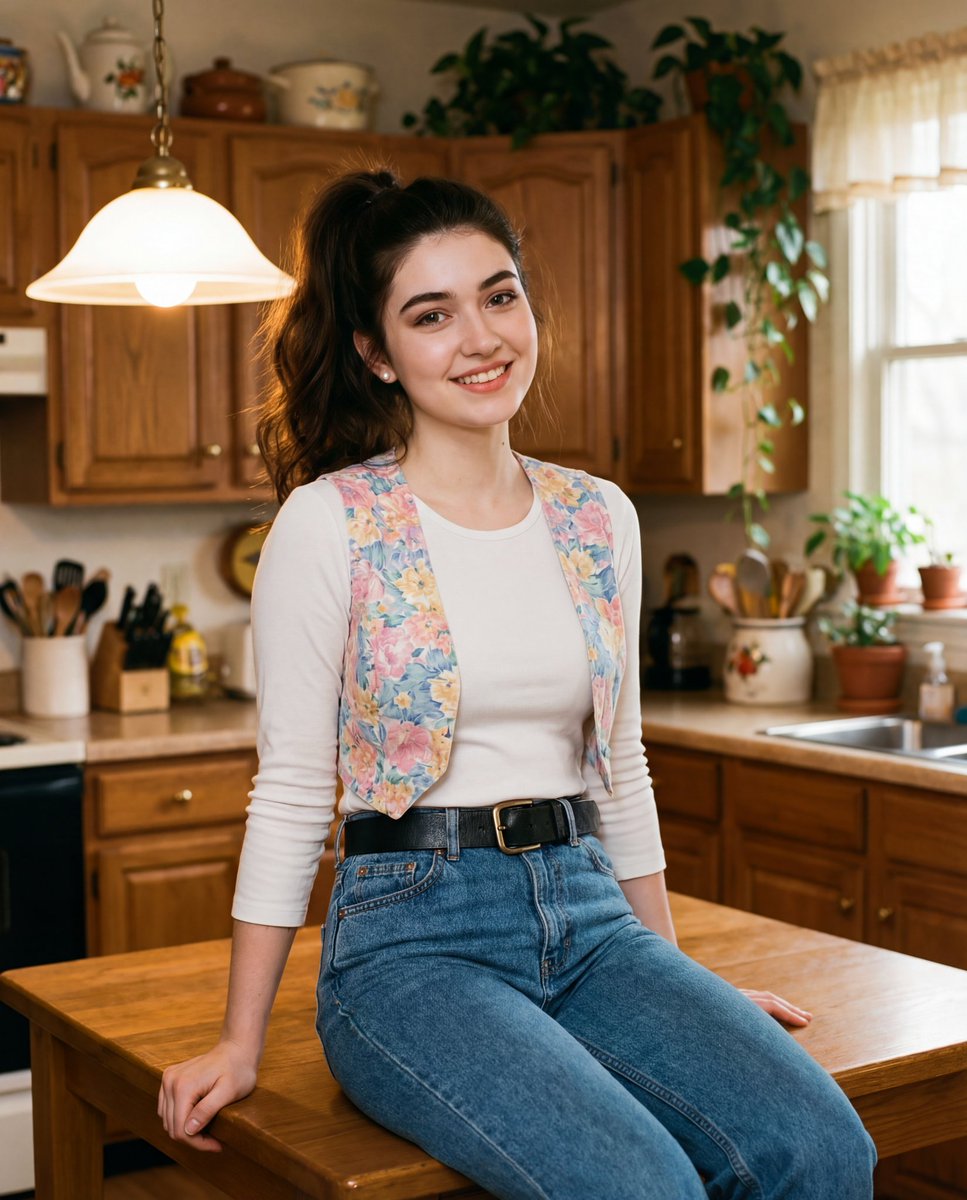
Ultra-realistic cinematic early-1990s indoor film still generation prompt

Metal ball splashing into water (slow-motion feel)

Split-Screen Cinematic Time Travel Prompt

Gritty Cinematic Hero Movie Poster
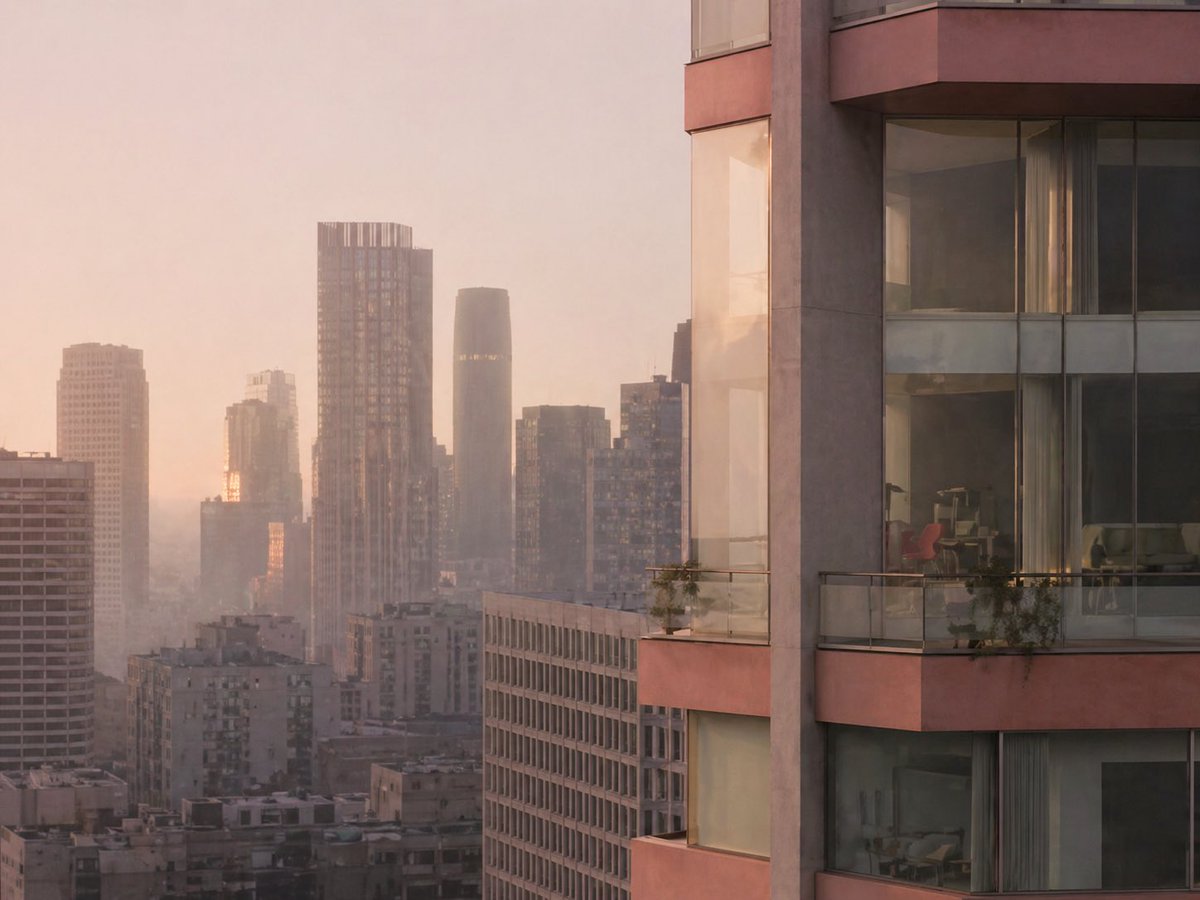
Luxury High-Rise at Hazy Sunrise
Neon Instagram Fashion Poster

Conceptual Trapped Reflection Art
Retro 8-Bit Game Aesthetic Prompt
Faceless Rider Volcanic Keyframe
Japanese Hair Salon Catalog Poster
Browse template categories
Anime Game Character Promo Poster questions
How do I use the Anime Game Character Promo Poster template?
Add your photo if the template asks for one, edit the prompt if you like — the template's model and format are already selected — and press Generate. Your version opens in PicX Studio.
Can I customize the Anime Game Character Promo Poster template?
Yes. You can change the subject, setting, lighting, mood, format, and available model controls before creating your image.
Is the Anime Game Character Promo Poster template free?
Opening and editing this template is free. Generating uses credits, shown on the Generate button when you are signed in.
Which AI model should I use?
Start with GPT Image 2, which is the model associated with this template. You can compare another compatible model for a different finish.
Looking for something else? Browse all templates.

Your photo, any look
Thousands of ready templates for every top image and video model, from one credit balance.