
Anime Samurai Game Ad Poster
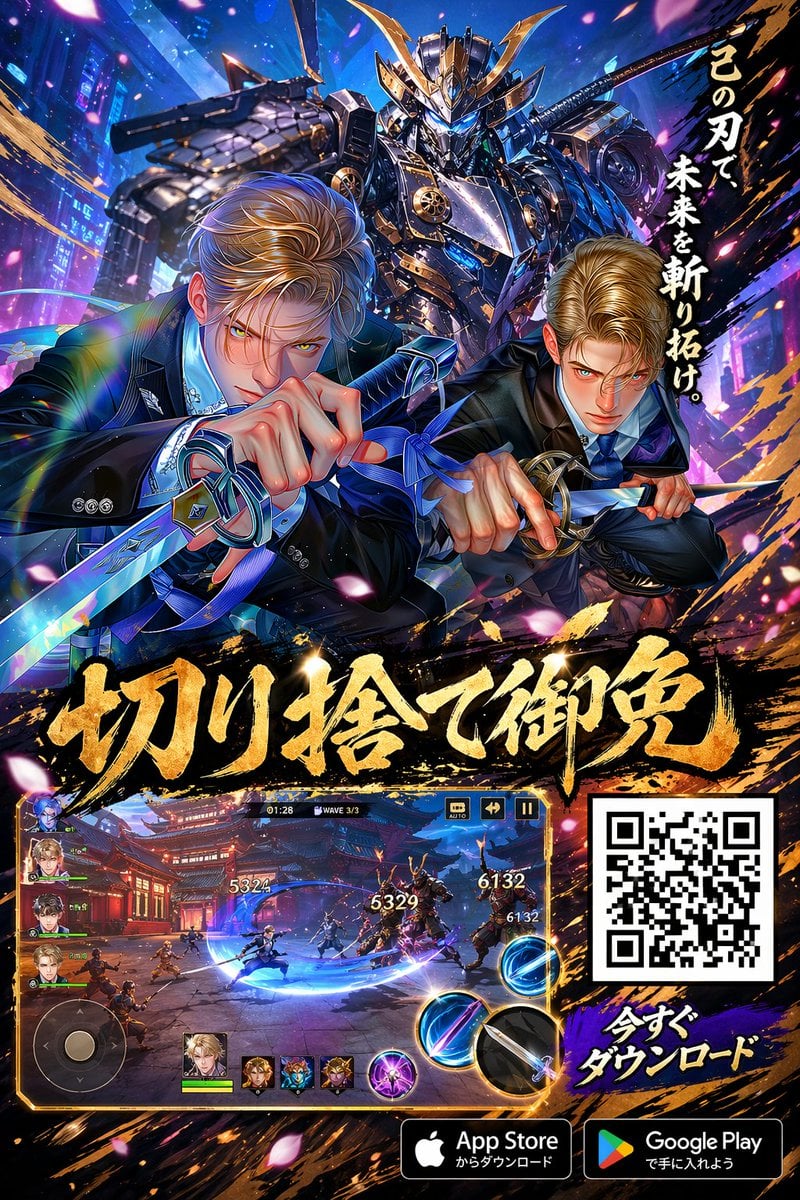
A flashy vertical mobile game advertisement featuring two suited swordsmen, a giant samurai mecha, gameplay UI, QR code, and app store download prompts for app promotion use.
- Prompt included
- Model and format preset
- Free template
The prompt behind this image
Copy the exact prompt behind Anime Samurai Game Ad Poster, or open it in the studio and make it yours.
Create a high-impact vertical mobile game advertisement poster in glossy anime action style, with a dramatic cyber-samurai fantasy aesthetic and dense, premium gacha-RPG promotional composition. The main scene shows 2 young adult male fighters in modern black business suits crouching aggressively in the foreground, each drawing a katana toward the viewer. Both have styled blond hair, sharp handsome features, white dress shirts, blue neckties, and intense action poses, with foreshortened hands and swords dominating the lower foreground. One sword has a blue ribbon tied near the hilt. Behind them, centered and towering, place 1 massive armored mecha samurai with ornate gold horns, layered metallic blue-black armor, glowing blue eyes, and a sheathed sword across its back, framed like a guardian deity. Use a vivid neon city and energy-burst backdrop in electric blue, violet, magenta, and gold, with light streaks, sparks, petals, slash effects, and ink-brush explosion textures. Add 1 vertical black brushstroke banner on the upper right with bold white Japanese text reading 「この刃で、未来を斬り拓け。」. Across the middle-lower area, place 1 huge gold Japanese calligraphy headline with thick brush texture and black shadow reading 「切り捨て御免」, spanning nearly the full width. In the lower left, embed 1 framed gameplay screenshot panel with a gold border, showing a night battle in front of a red Japanese temple courtyard, 1 playable swordsman in combat, multiple enemies, floating damage numbers including 5324, 5329, and 6132, a left-side virtual joystick, 5 character portraits total arranged vertically and along the bottom, 3 circular skill buttons on the right, and a top HUD showing a timer around 01:28 and WAVE 3/3. In the lower right, place 1 large black-and-white QR code inside a white square frame. Beneath and beside it, add bold Japanese text in white with blue outline reading 「今すぐダウンロード」. At the very bottom, include 2 official-style store badges: App Store on the left and Google Play on the right. Overall look: ultra-detailed, polished key art, dynamic perspective, metallic highlights, sharp cel-shaded anime rendering, premium mobile game marketing poster, intense action energy, cinematic lighting, and layered UI-heavy promotional layout.
How to use Anime Samurai Game Ad Poster in 3 steps
- 1Upload ImagePNG, JPG or paste
Add your photo
Upload the photo the template builds on. The prompt, model and format are already set.
- 2…a portrait of your subject in softgolden-hour light, 85mm…
Personalize
Edit the subject and creative details for your destination.
- 3Generate
Generate
Press Generate — your image is created in PicX Studio, so you can compare it with the original and refine one variable at a time.
More like this
Templates with the same subject, style or setup. Open one to see its prompt.

Captain Tsubasa Anime World Cup Poster
Anime Samurai Character Poster

Gpt2 Youtube Thumbnail Anime Music Bootcamp Promo Poster

Japan Travel Brochure Poster
Anime Bubble Samurai in Bar Lounge

Nice Day Anime Poster
Luxury Railway Board Game Organizer Poster

Cel 2D Finale Fireworks

Cel 2D Garden Maze

Cel 2D Rooftop Concert

Cel 2D Bicycle Coast

Cel 2D Castle Gate
Make it yours
Anime Samurai Game Ad Poster works as-is. These are the safest ways to change it without losing the look.
Change one field
Copy a single group, rewrite it, and generate again so you can see what that field is doing.
Keep the frame, change the subject
Hold the composition and light of Anime Samurai Game Ad Poster, then swap wardrobe, props or the person for a new take.
| If the result… | Why | Fix |
|---|---|---|
| The result drifts from the preview | Too many fields changed at once. | Reuse Anime Samurai Game Ad Poster as-is first, then change one group — subject, light, or setting. |
| The model over-stylizes the scene | The prose prompt leaves finish and camera underspecified. | Add one camera or lighting sentence and stay on GPT Image 2. |
More GPT Image 2 templates
Other prompts made for GPT Image 2.

Six VTuber Japanese Logo Sheet

Realistic Portrait of Woman and Deer

The Vista Modular Condo Poster

AI Model Routing Comparison Infographic

2.5D Anime Art Board

Isometric Productivity Desk Scene

New York Double Exposure Poster

Four-Panel AI Landscape Comparison

Japanese Tatami Lifestyle Magazine Cover

NESCAFÉ Coffee Map Poster
More image prompts
Fresh picks from across the catalog.
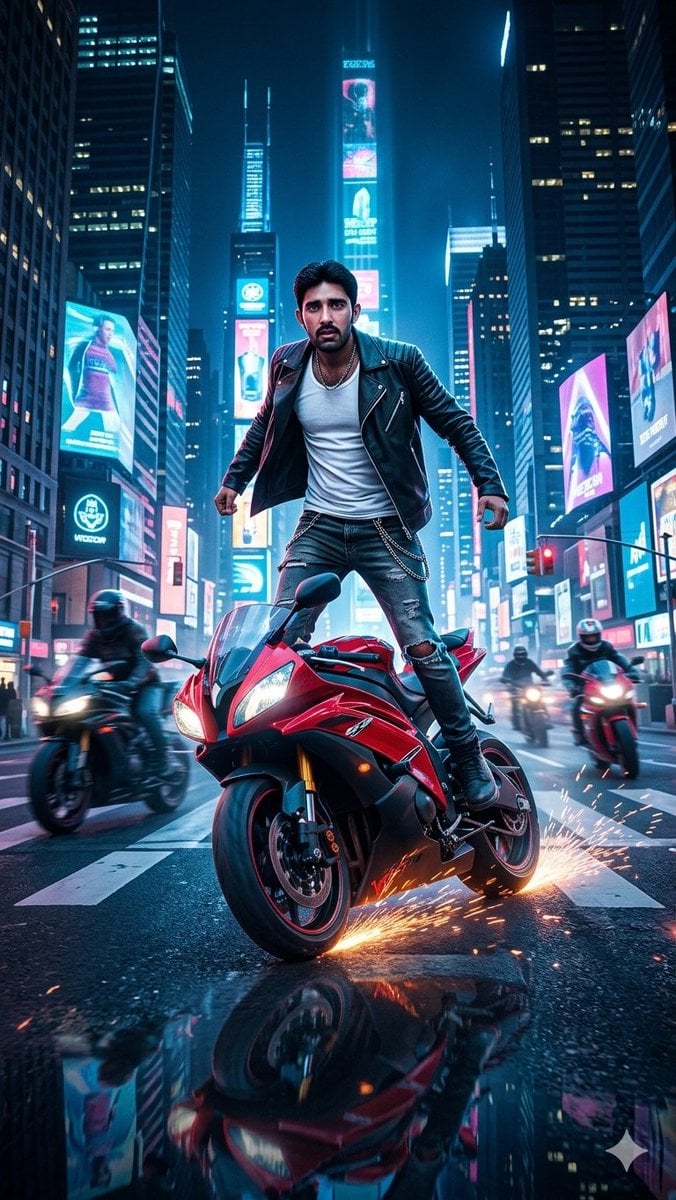
Neon City Superbike Stunt
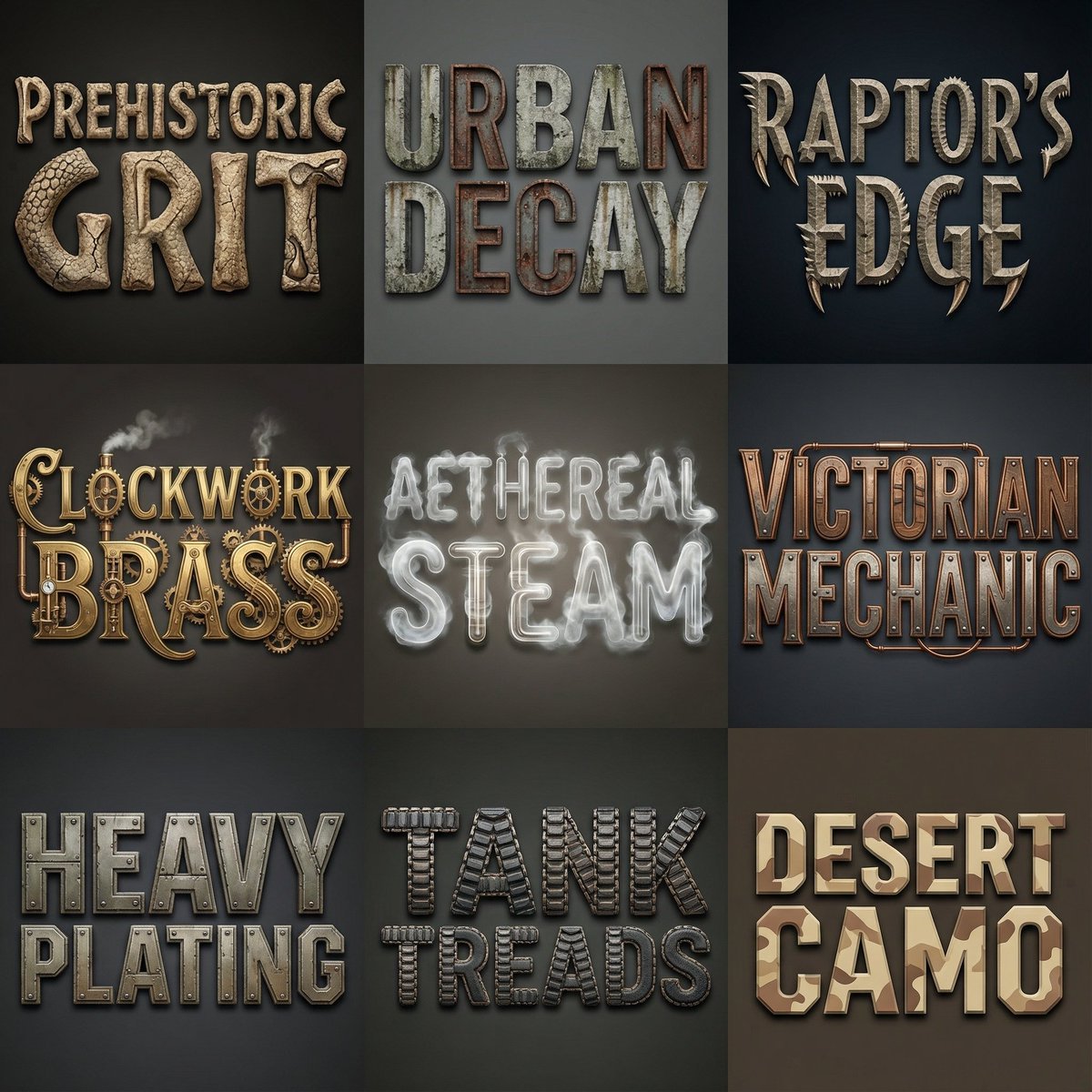
Font Generation Inspired by Uploaded Images
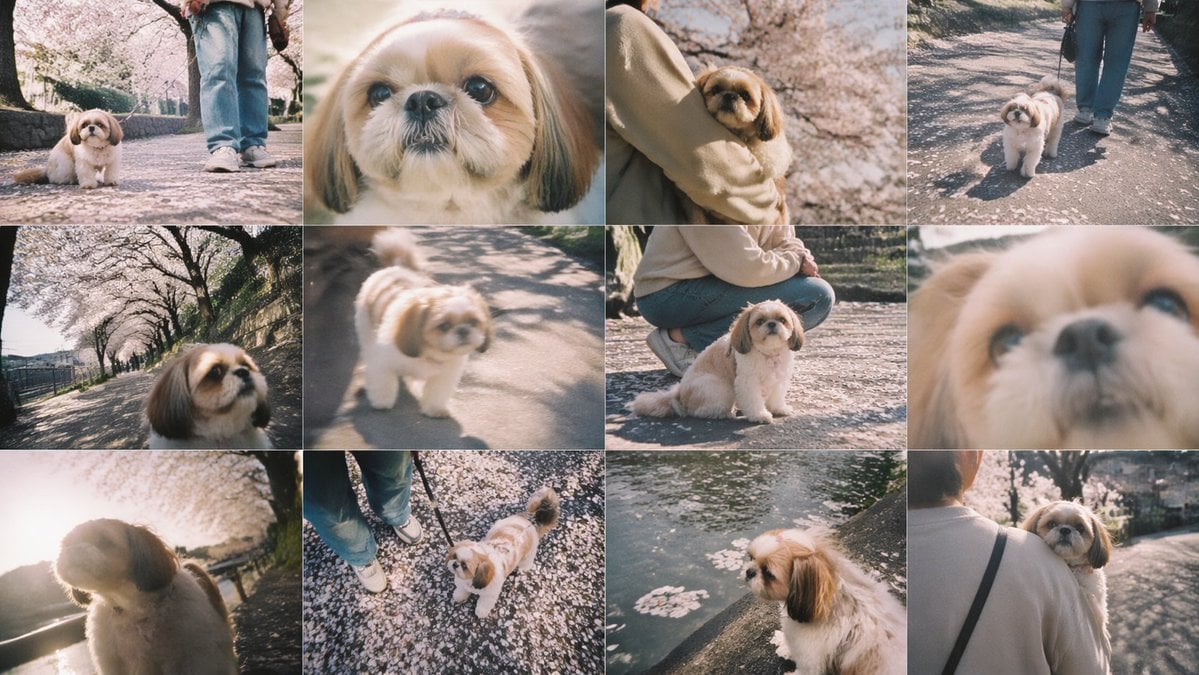
Cherry Blossom Shih Tzu Photo Collage
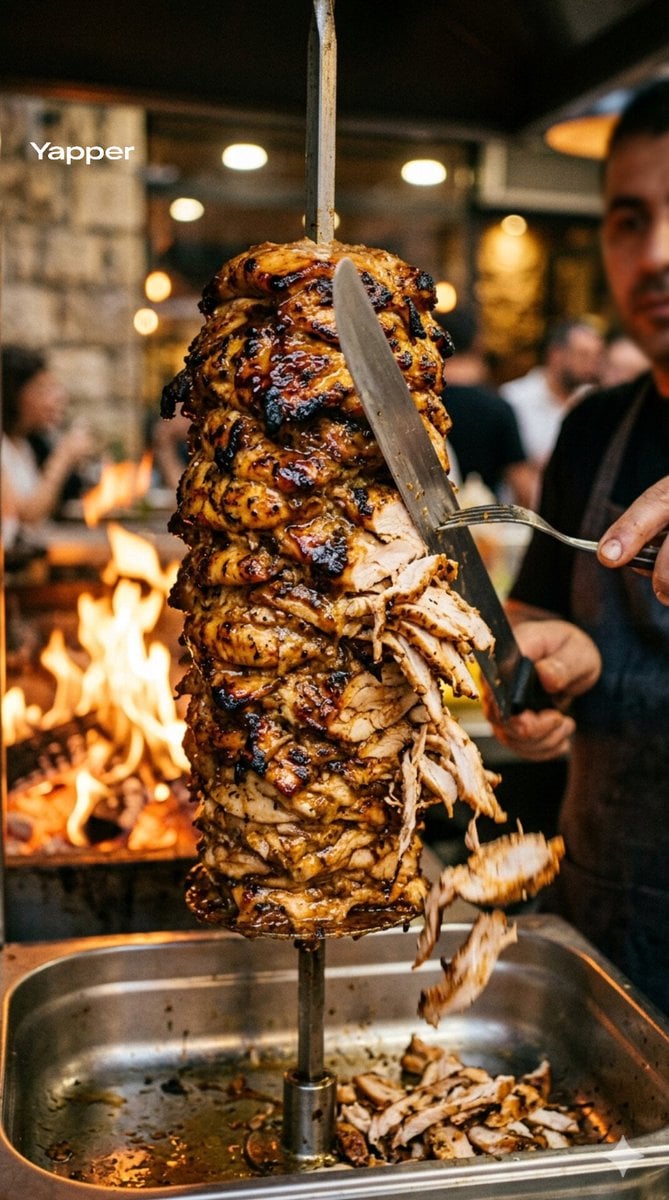
Cinematic Shawarma Rotisserie Shot
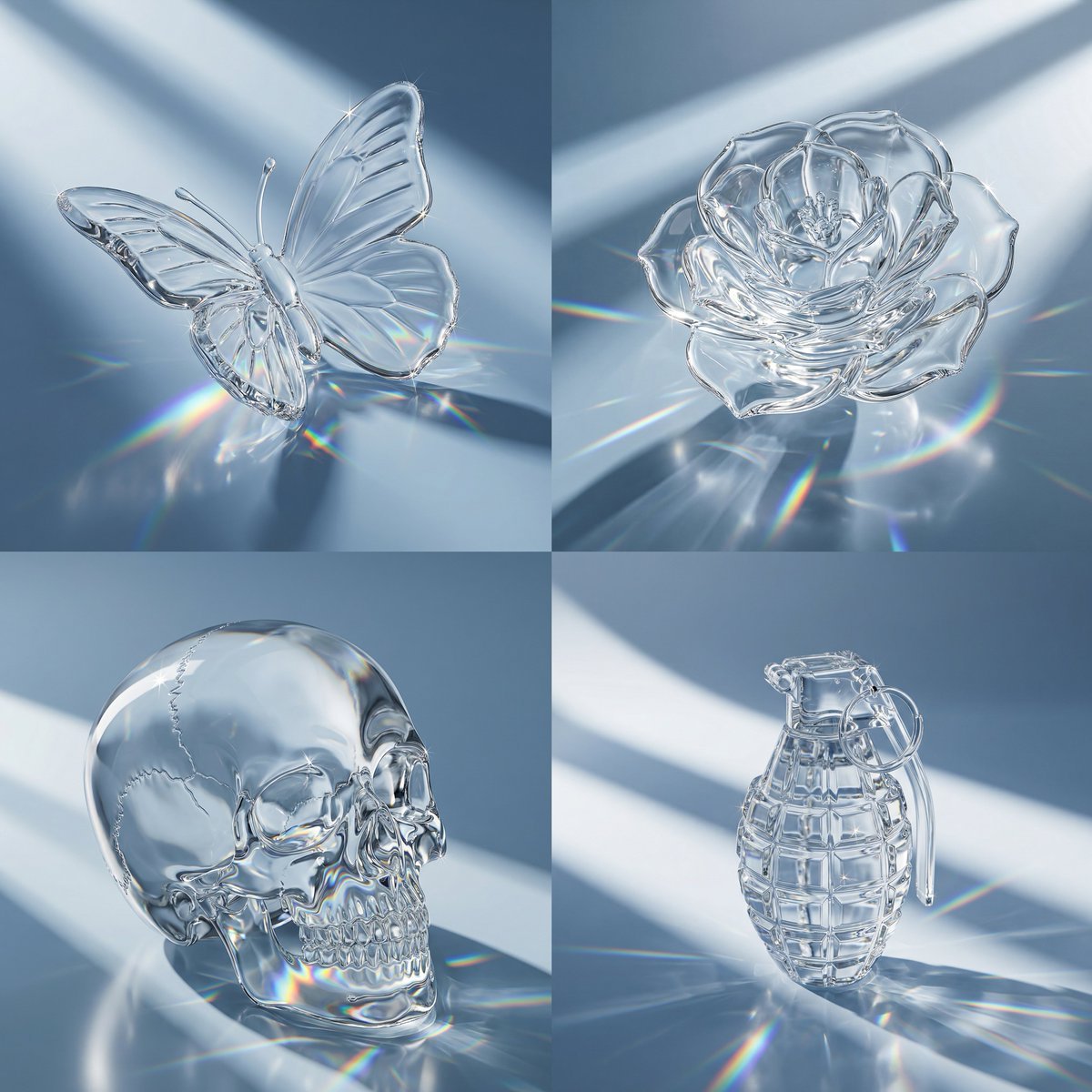
Macro Hero Shot of Optical Cast Glass Object with Caustics
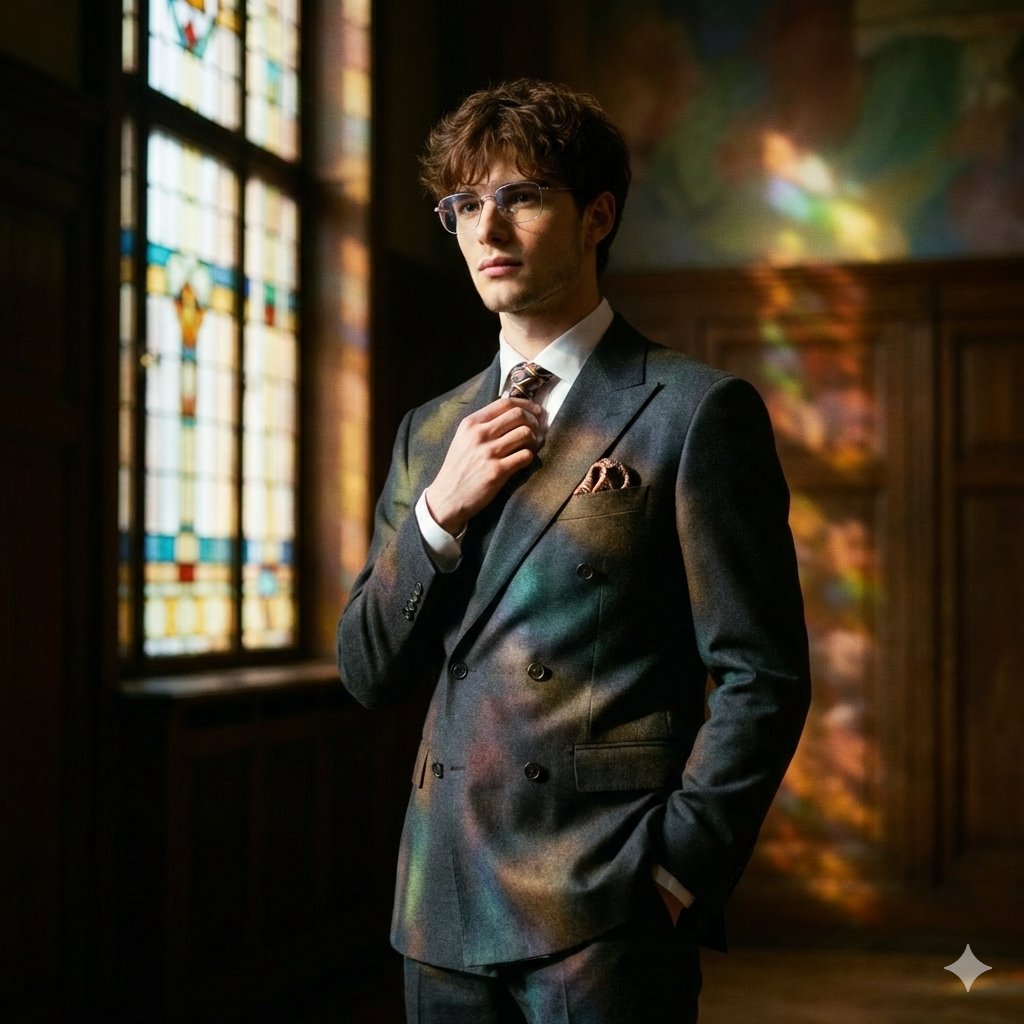
Retro Art Deco Suit Editorial
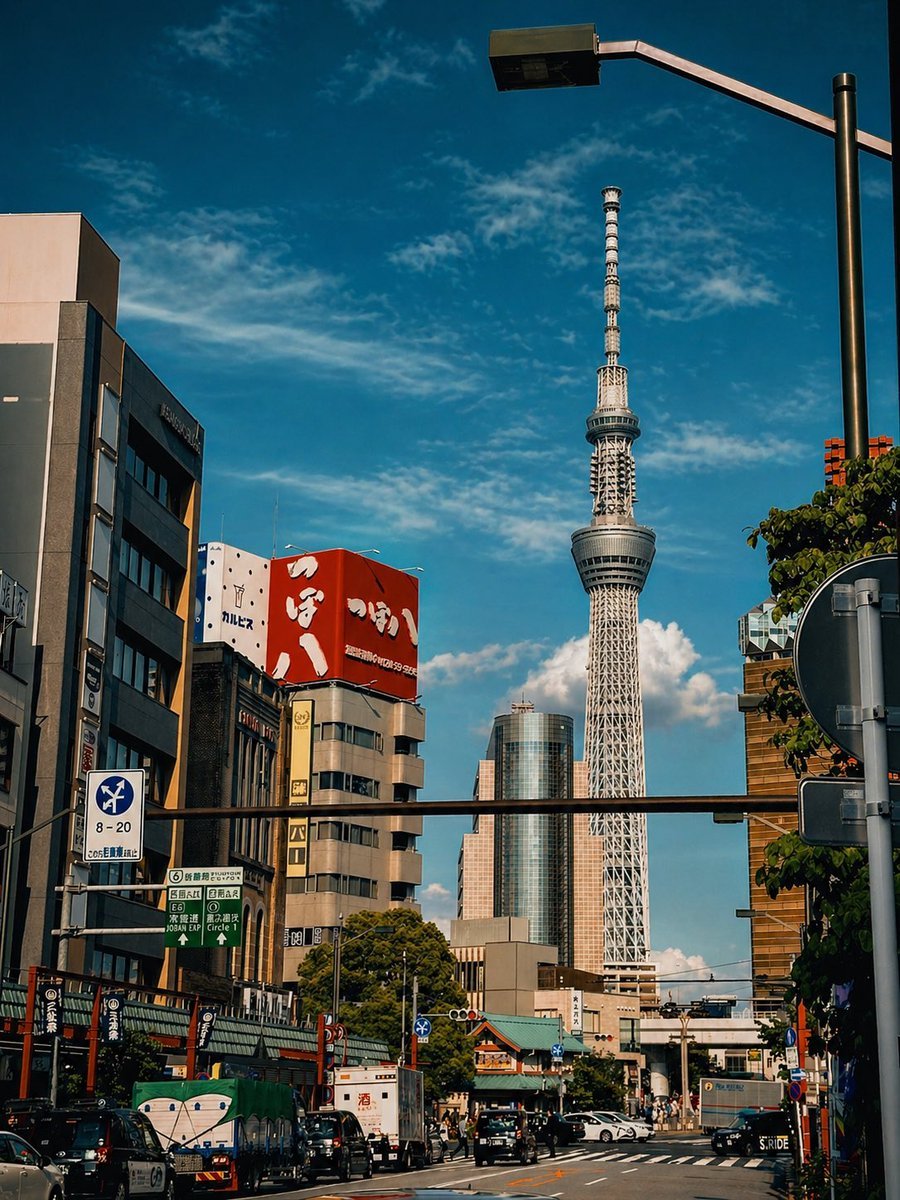
Cinematic Tokyo Street Color Grade
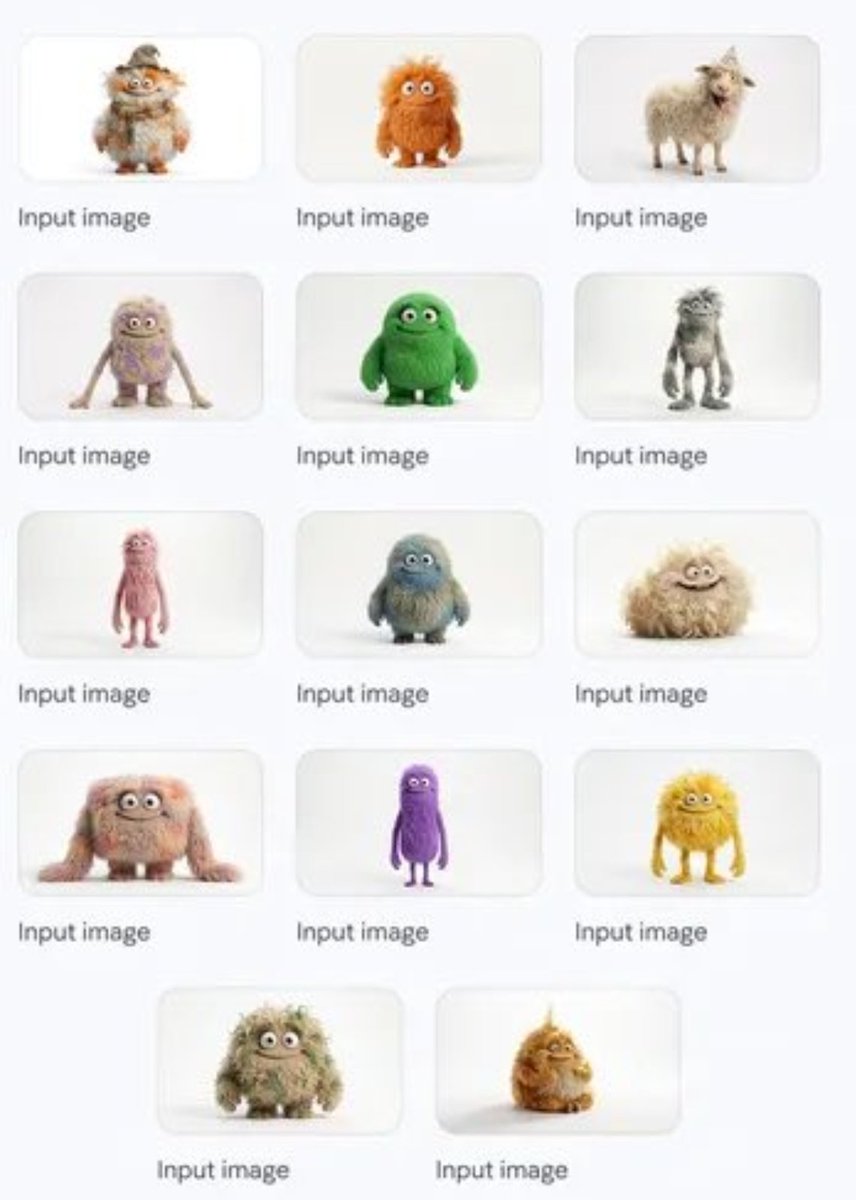
Group image from multiple character references
Melancholic Sad Boy in the Rain (Reference Face)
Amateur Smartphone Selfie Black Cat
Browse template categories
Anime Samurai Game Ad Poster questions
How do I use the Anime Samurai Game Ad Poster template?
Add your photo if the template asks for one, edit the prompt if you like — the template's model and format are already selected — and press Generate. Your version opens in PicX Studio.
Can I customize the Anime Samurai Game Ad Poster template?
Yes. You can change the subject, setting, lighting, mood, format, and available model controls before creating your image.
Is the Anime Samurai Game Ad Poster template free?
Opening and editing this template is free. Generating uses credits, shown on the Generate button when you are signed in.
Which AI model should I use?
Start with GPT Image 2, which is the model associated with this template. You can compare another compatible model for a different finish.
Looking for something else? Browse all templates.

Your photo, any look
Thousands of ready templates for every top image and video model, from one credit balance.