
Retro Art Deco Suit Editorial
A highly technical prompt for generating a retro Art Deco-style editorial portrait of a man in a structured double-breasted wool blazer, emphasizing cinematic contrast and the effect of colored light from a…
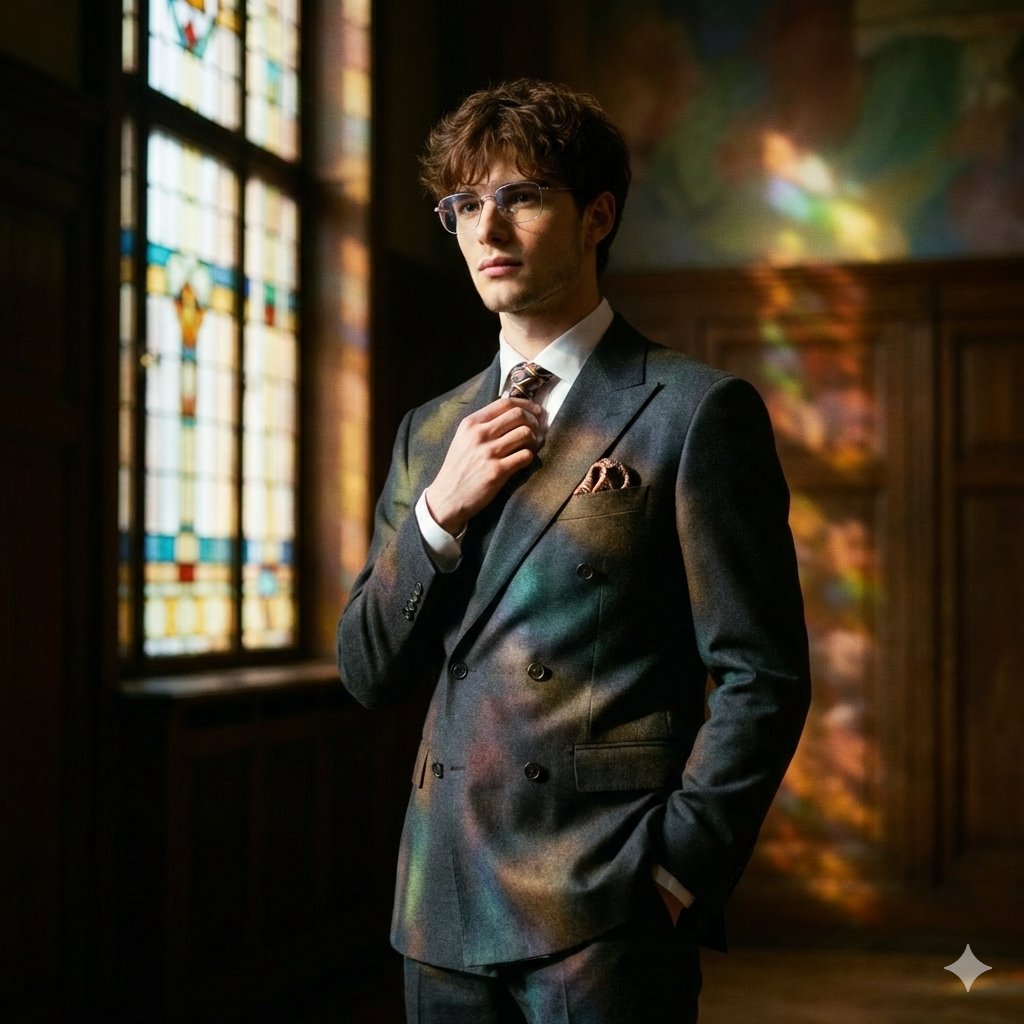
- Prompt included
- Model and format preset
- Free template
The prompt behind this image
Copy the exact prompt behind Retro Art Deco Suit Editorial, or open it in the studio and make it yours.
Shot on a Hasselblad 907X 50C with an XCD 90mm f/2.5 lens, aperture f/2.8 shallow depth of field emphasizes the precision fit of the suit while the background dissolves into painterly color patches; captured in 16-bit RAW with high dynamic range and soft film grain to preserve wool texture and the glow of colored light without "harsh" digital sharpness. Frame a tight portrait cropped to mid-chest, at eye level, with a slight three-quarter turn; the model is offset from center so the stained-glass pattern reads in the negative space. The pose is calm and composed: shoulders open, posture confident but without tension; one hand neatly adjusts the tie knot or collar line, the other is in the trouser pocket, slightly opening the jacket and revealing the layered styling. Expression restrained and thoughtful; the gaze passes just past the lens, as if distant music is playing. Outfit a man in a suit with a retro accent: a structured double-breasted wool blazer with sharp lapels, high-waisted pleated trousers, a white shirt and narrow tie, polished Oxfords, and a minimal pocket square. Location a retro Art Deco hall with dark wood, brass, and a tall stained-glass window projecting jewel-like geometry onto the suit and background. Light warm practical fill from one side and colored stained-glass light from the other, cinematic contrast, "stained-glass" shadows. Result -retro editorial: graphic, refined, expensive, and timeless
How to use Retro Art Deco Suit Editorial in 3 steps
- 1
Open
The prompt is already in the box next to the preview, with the template's model and format selected.
- 2…a portrait of your subject in softgolden-hour light, 85mm…
Personalize
Edit the subject and creative details for your destination.
- 3Generate
Generate
Press Generate — your image is created in PicX Studio, so you can compare it with the original and refine one variable at a time.
More like this
Templates with the same subject, style or setup. Open one to see its prompt.










Make it yours
Retro Art Deco Suit Editorial works as-is. These are the safest ways to change it without losing the look.
Change one field
Copy a single group, rewrite it, and generate again so you can see what that field is doing.
Keep the frame, change the subject
Hold the composition and light of Retro Art Deco Suit Editorial, then swap wardrobe, props or the person for a new take.
| If the result… | Why | Fix |
|---|---|---|
| The result drifts from the preview | Too many fields changed at once. | Reuse Retro Art Deco Suit Editorial as-is first, then change one group — subject, light, or setting. |
| The model over-stylizes the scene | The prose prompt leaves finish and camera underspecified. | Add one camera or lighting sentence and stay on Nano Banana 2. |
More Nano Banana 2 templates
Other prompts made for Nano Banana 2.

Photorealistic Leaf Shaped Like a Dragon

K-Pop Idol Portrait Grid for Rapid Selection

Poetic Rain Forest Portrait During Golden Hour

Urban Street Portrait with Cartoon Inner Self Duo

Candid Nighttime Photo with Cat Prompt

High-Concept 3D Diorama Generation Prompt

Cinematic Futuristic Studio Portrait Template

Skincare Editorial Photography Collage Prompt

Hyper-Realistic Commercial Product Photography (Splash Effect)

Hyper-Realistic Nightclub Portrait Prompt
More image prompts
Fresh picks from across the catalog.

Pixelated Cartoon Animal Image
Kia Sportage Triptych Ad
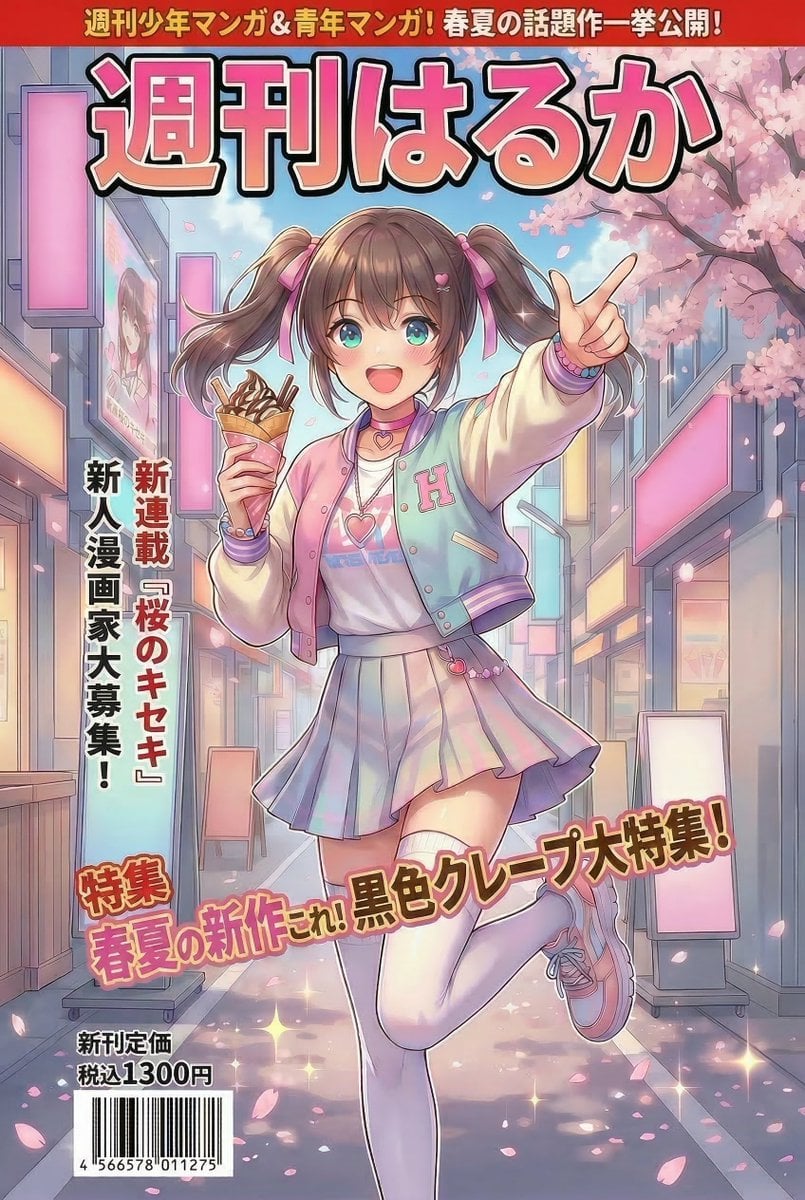
Manga Magazine Cover Prompt for Nano Banana Pro
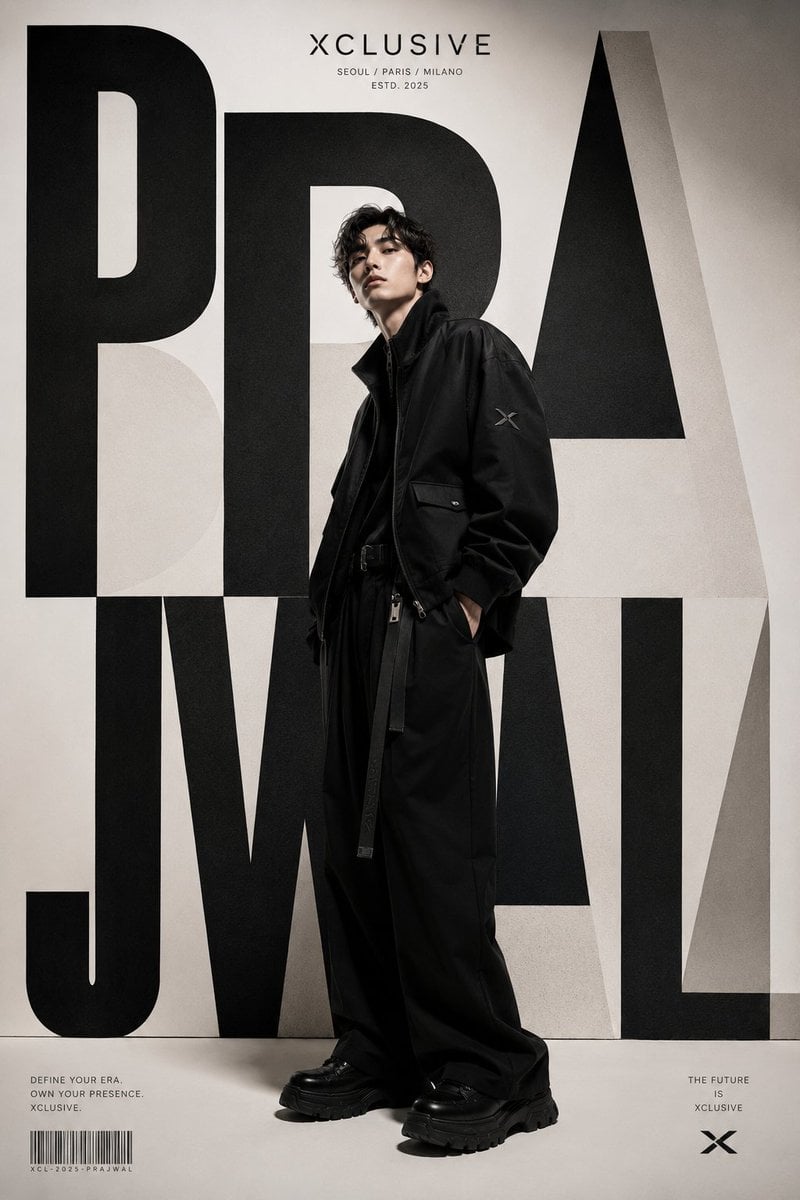
Korean Luxury Streetwear Poster
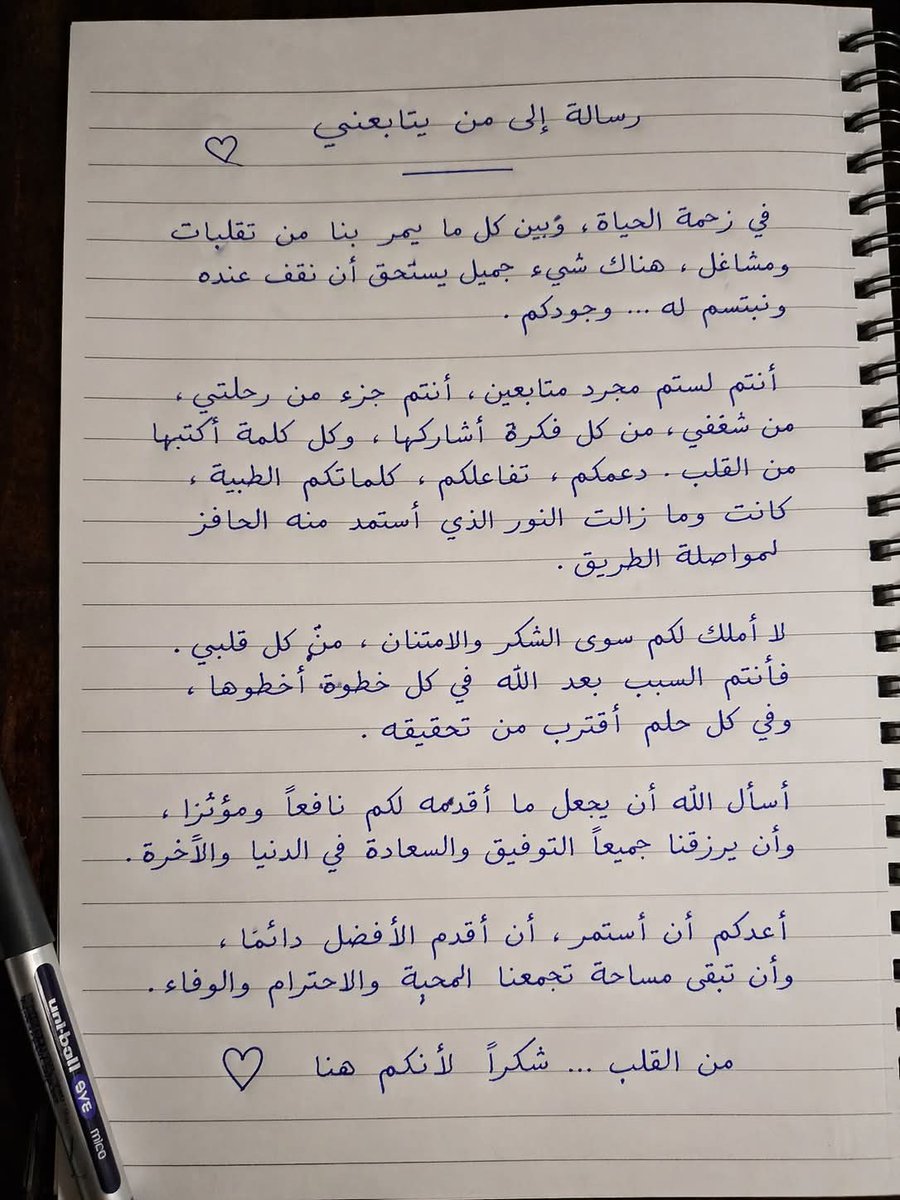
Gpt2 Social Media Post Handwritten Realistic Letter
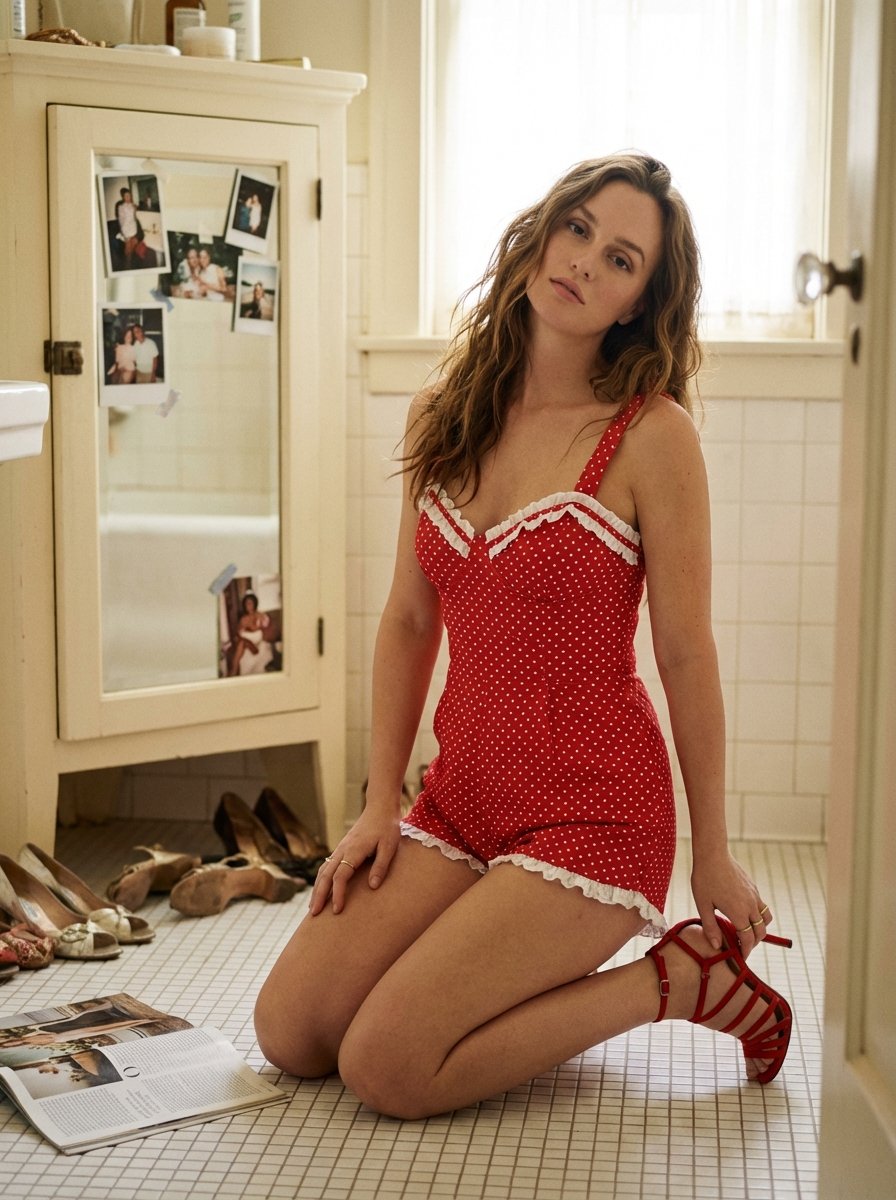
Ultra Photorealistic Retro Vintage Bathroom Scene Prompt (Leighton Meester resemblance)
Cartoon Cat Group T-Shirt Mockup
Romantic Beastman Anniversary Screenshot
1980s Analog New Year's Eve Portrait Prompt
Photorealistic Portrait of a Young Woman on a Bed with a Teddy Bear
Browse template categories
Retro Art Deco Suit Editorial questions
How do I use the Retro Art Deco Suit Editorial template?
Add your photo if the template asks for one, edit the prompt if you like — the template's model and format are already selected — and press Generate. Your version opens in PicX Studio.
Can I customize the Retro Art Deco Suit Editorial template?
Yes. You can change the subject, setting, lighting, mood, format, and available model controls before creating your image.
Is the Retro Art Deco Suit Editorial template free?
Opening and editing this template is free. Generating uses credits, shown on the Generate button when you are signed in.
Which AI model should I use?
Start with Nano Banana 2, which is the model associated with this template. You can compare another compatible model for a different finish.
Looking for something else? Browse all templates.

Your photo, any look
Thousands of ready templates for every top image and video model, from one credit balance.