
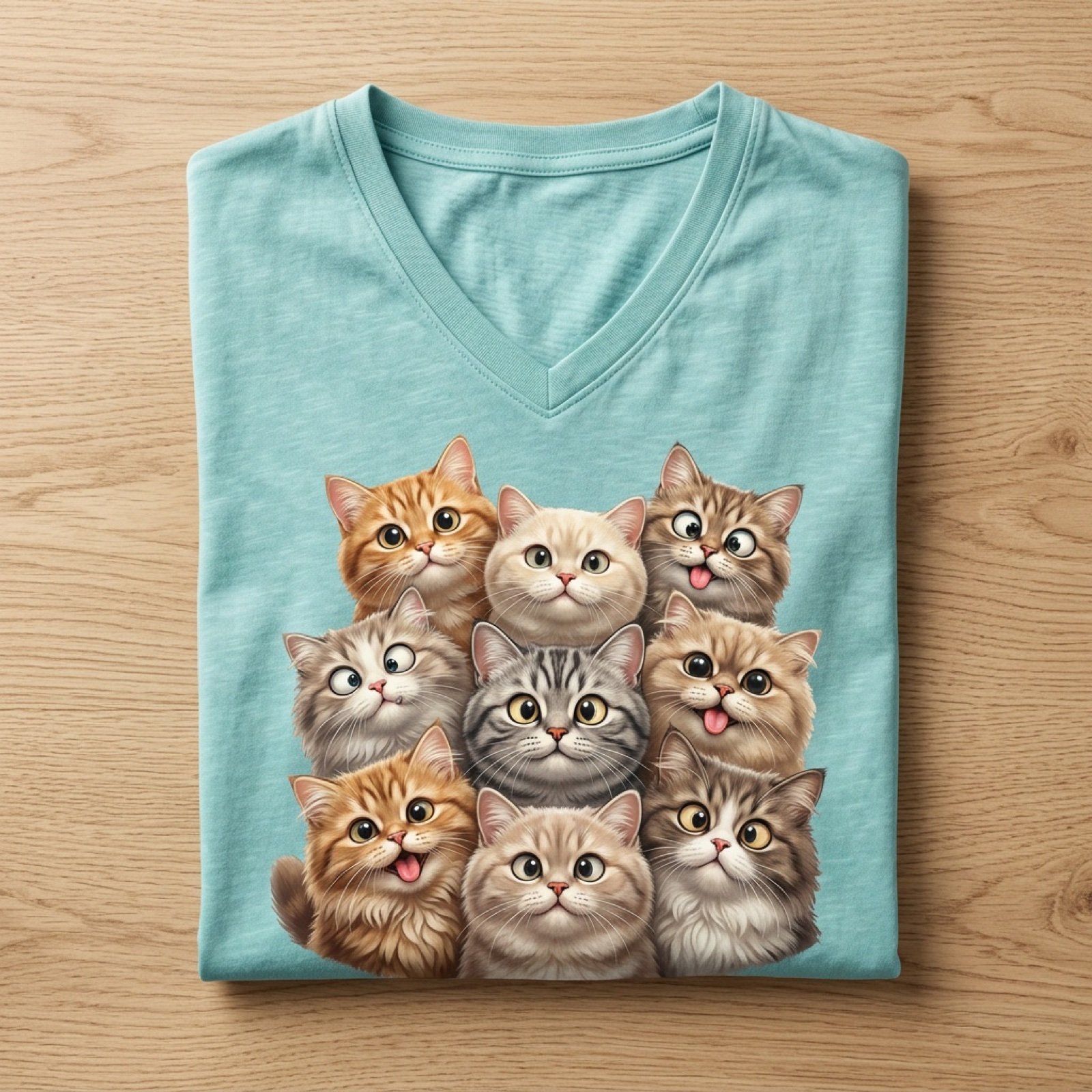
Cartoon Cat Group T-Shirt Mockup
A professional product photography prompt for a teal t-shirt featuring a cluster of expressive cartoon cats.
- Prompt included
- Model and format preset
- Free template
The prompt behind this image
Copy the exact prompt behind Cartoon Cat Group T-Shirt Mockup, or open it in the studio and make it yours.
Ultra-realistic top-down product photography of a neatly folded V-neck t-shirt placed on a light wooden surface. The t-shirt is pastel teal/washed aqua color with a soft fabric texture and subtle faded shading. On the front print: a group of 8 highly detailed, stylized cartoon-realistic cats arranged closely together, facing forward. Each cat has exaggerated, expressive facial features — big glossy eyes, wide pupils, quirky crossed eyes, and playful goofy expressions. Several cats have their tongues sticking out in different directions, creating a humorous and chaotic vibe. Cat details: Mixed fur colors: ginger/orange tabby, cream, beige, light brown, and grey tones Soft, fluffy fur with hyper-detailed strands Rounded faces, small noses, and slightly chubby cheeks Variety of expressions: surprised, confused, silly, excited One or two cats looking slightly cross-eyed High emotional exaggeration, almost Pixar-style but more detailed Composition: Cats tightly grouped in a triangular cluster filling the chest print area Bottom row slightly cropped by shirt fold for realism Balanced spacing with layered depth (front and back rows) Lighting: Soft diffused studio lighting Gentle shadows under the folds and around the print Even illumination, no harsh contrast Style: Hyper-realistic + stylized 3D illustration blend High resolution, crisp details, professional product mockup Clean background, minimalistic aesthetic Camera: Top-down flat lay shot Slight perspective depth but mostly symmetrical Quality tags: 8K, ultra-detailed, sharp focus, photorealistic fabric texture, professional e-commerce product shot.
How to use Cartoon Cat Group T-Shirt Mockup in 3 steps
- 1
Open
The prompt is already in the box next to the preview, with the template's model and format selected.
- 2…a portrait of your subject in softgolden-hour light, 85mm…
Personalize
Edit the subject and creative details for your destination.
- 3Generate
Generate
Press Generate — your image is created in PicX Studio, so you can compare it with the original and refine one variable at a time.
More like this
Templates with the same subject, style or setup. Open one to see its prompt.

Product Shot - T-Shirt Mockup
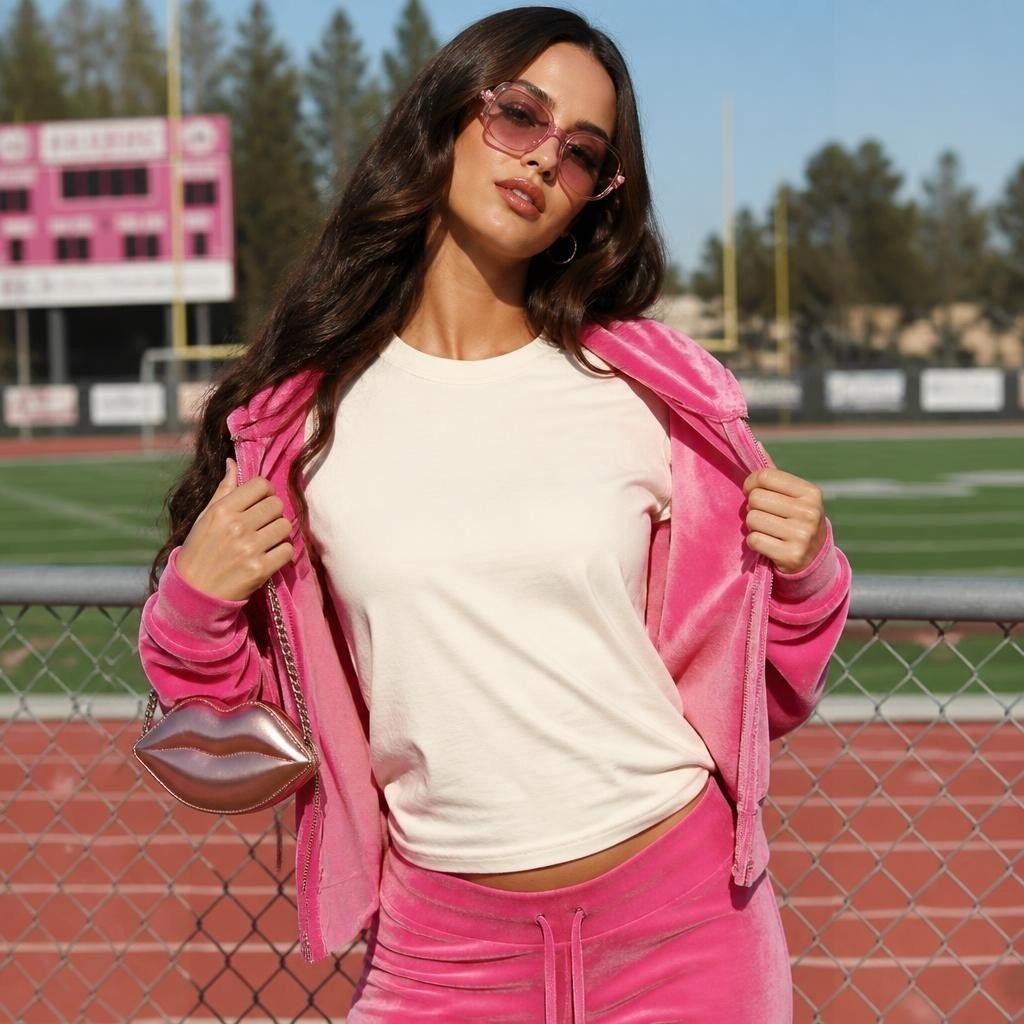
Pink Tracksuit T-Shirt Mockup

Cat Photobomb Selfie — 0.5x Wide Angle Café Chaos

Surreal Cat Astronaut — Humanoid Face Freefall

Minimalist T-Shirt Mockup

Toon Cartoon Finale Fireworks

Toon Cartoon Garden Maze

Toon Cartoon Rooftop Concert

Toon Cartoon Kitchen Chaos

Toon Cartoon Carnival Ride
Toon Cartoon Rainy Bus Stop

Toon Cartoon Space Dock
Make it yours
Cartoon Cat Group T-Shirt Mockup works as-is. These are the safest ways to change it without losing the look.
Change one field
Copy a single group, rewrite it, and generate again so you can see what that field is doing.
Keep the frame, change the subject
Hold the composition and light of Cartoon Cat Group T-Shirt Mockup, then swap wardrobe, props or the person for a new take.
| If the result… | Why | Fix |
|---|---|---|
| The result drifts from the preview | Too many fields changed at once. | Reuse Cartoon Cat Group T-Shirt Mockup as-is first, then change one group — subject, light, or setting. |
| The model over-stylizes the scene | The prose prompt leaves finish and camera underspecified. | Add one camera or lighting sentence and stay on Nano Banana 2. |
More Nano Banana 2 templates
Other prompts made for Nano Banana 2.

Photorealistic Leaf Shaped Like a Dragon

K-Pop Idol Portrait Grid for Rapid Selection

Poetic Rain Forest Portrait During Golden Hour

Urban Street Portrait with Cartoon Inner Self Duo

Candid Nighttime Photo with Cat Prompt

High-Concept 3D Diorama Generation Prompt

Cinematic Futuristic Studio Portrait Template

Skincare Editorial Photography Collage Prompt

Hyper-Realistic Commercial Product Photography (Splash Effect)

Hyper-Realistic Nightclub Portrait Prompt
More image prompts
Fresh picks from across the catalog.
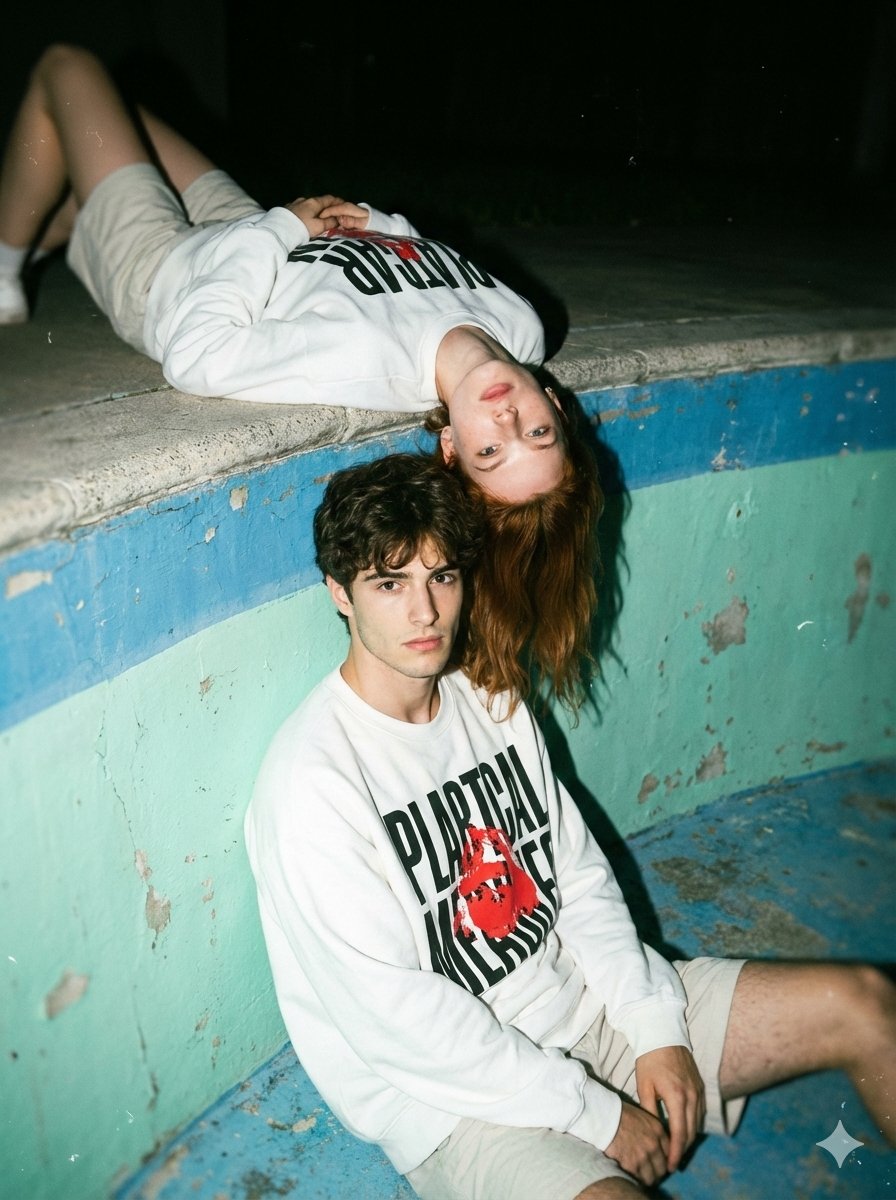
Streetwear Couple Film Shoot Prompt (Empty Pool)
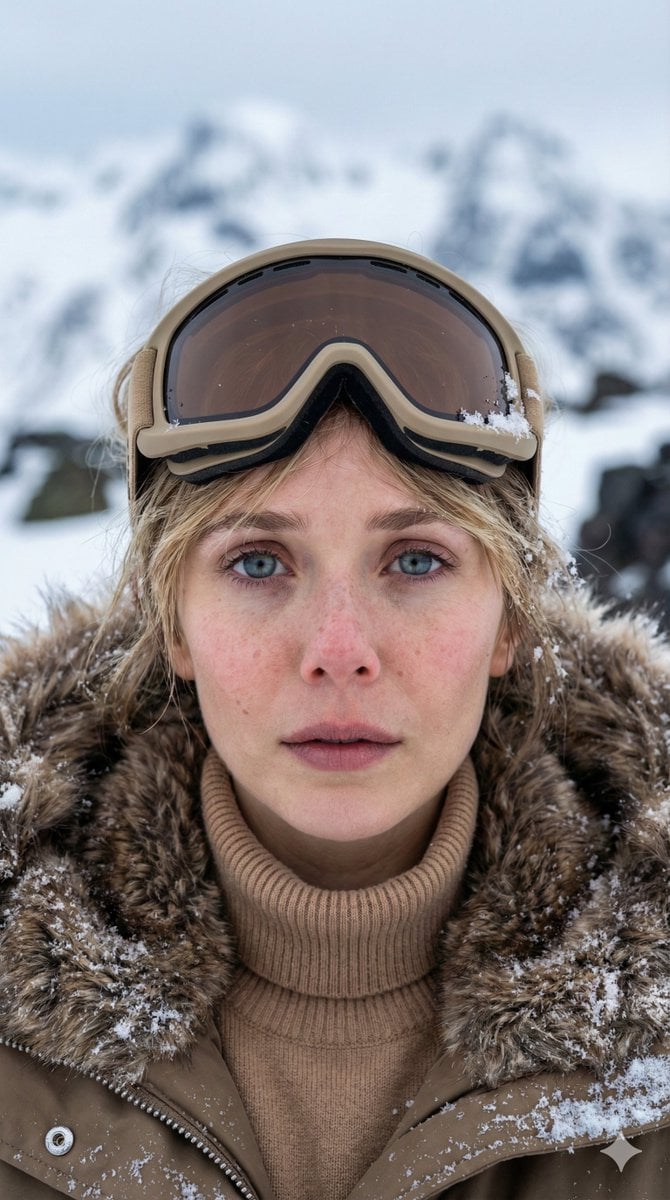
Vertical Cinematic Arctic Portrait (Tan/Brown Palette)
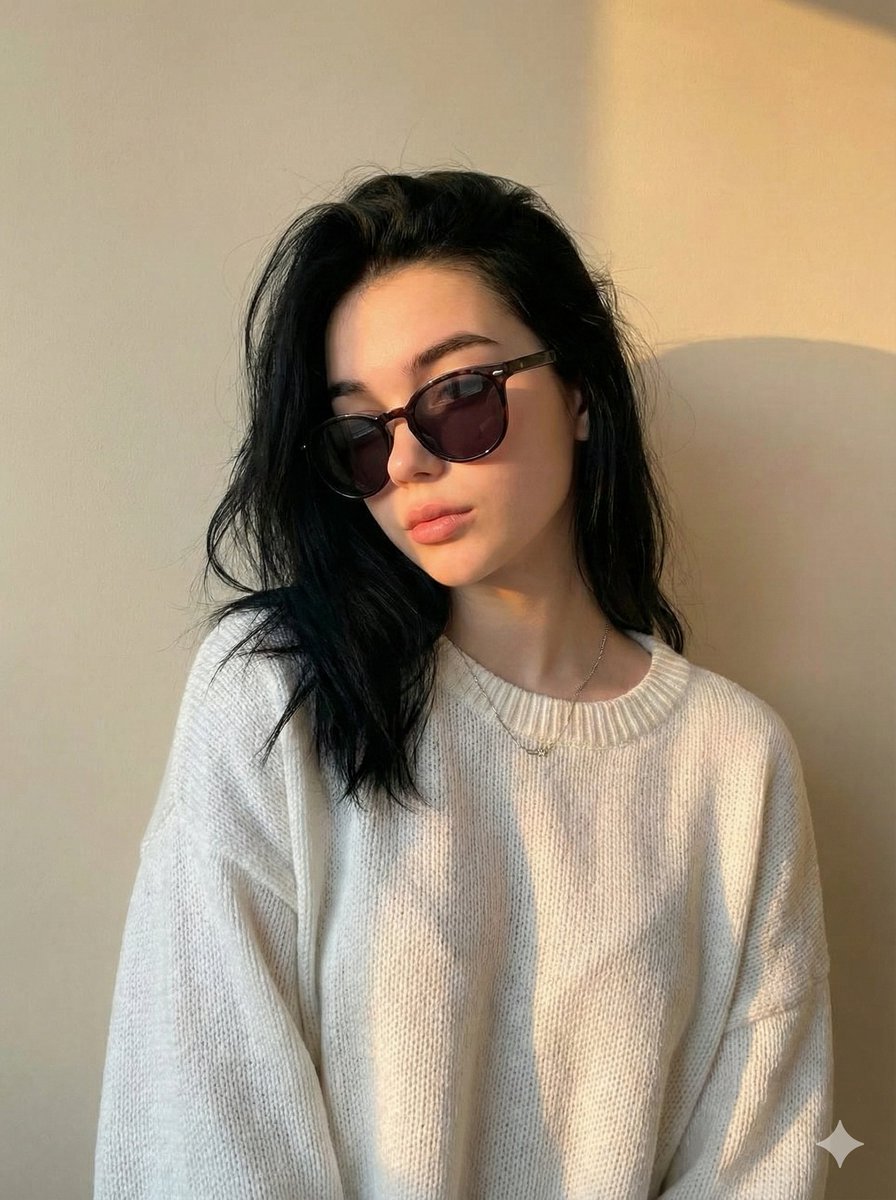
Cinematic Portrait with Strict Identity Preservation
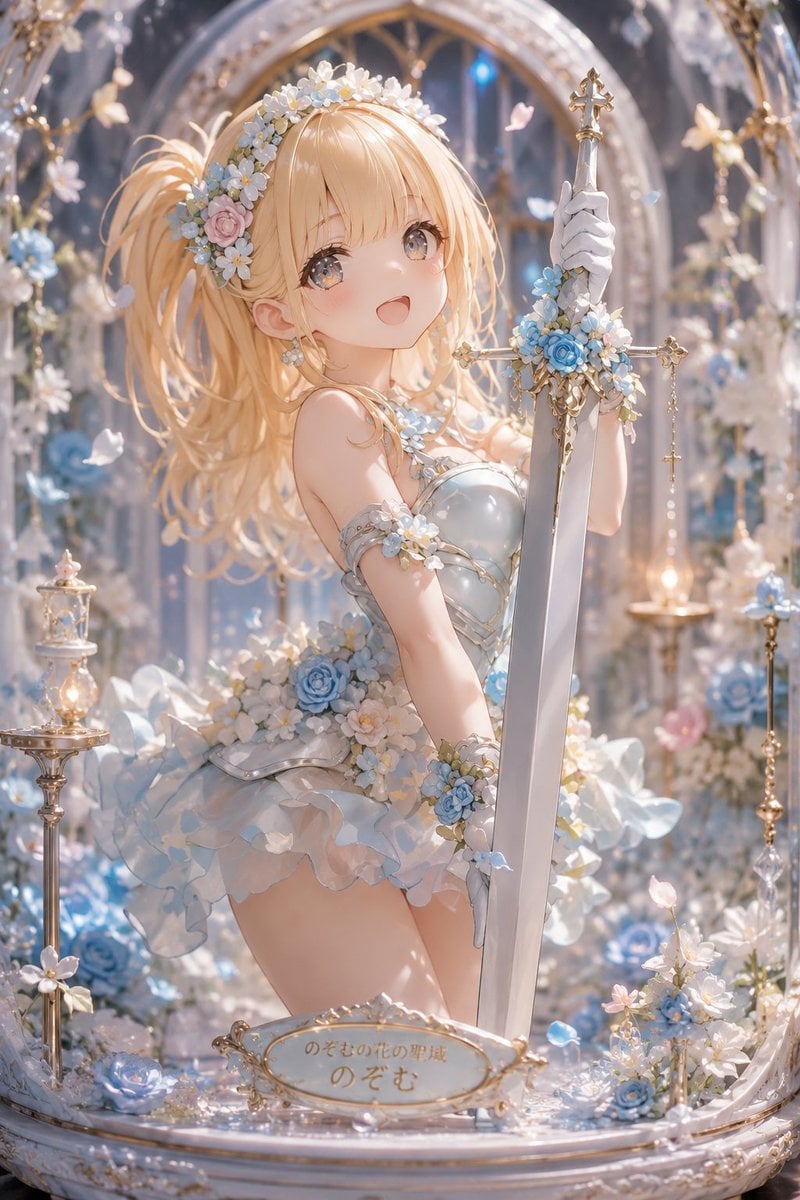
Floral Aqua Dome Anime Knight
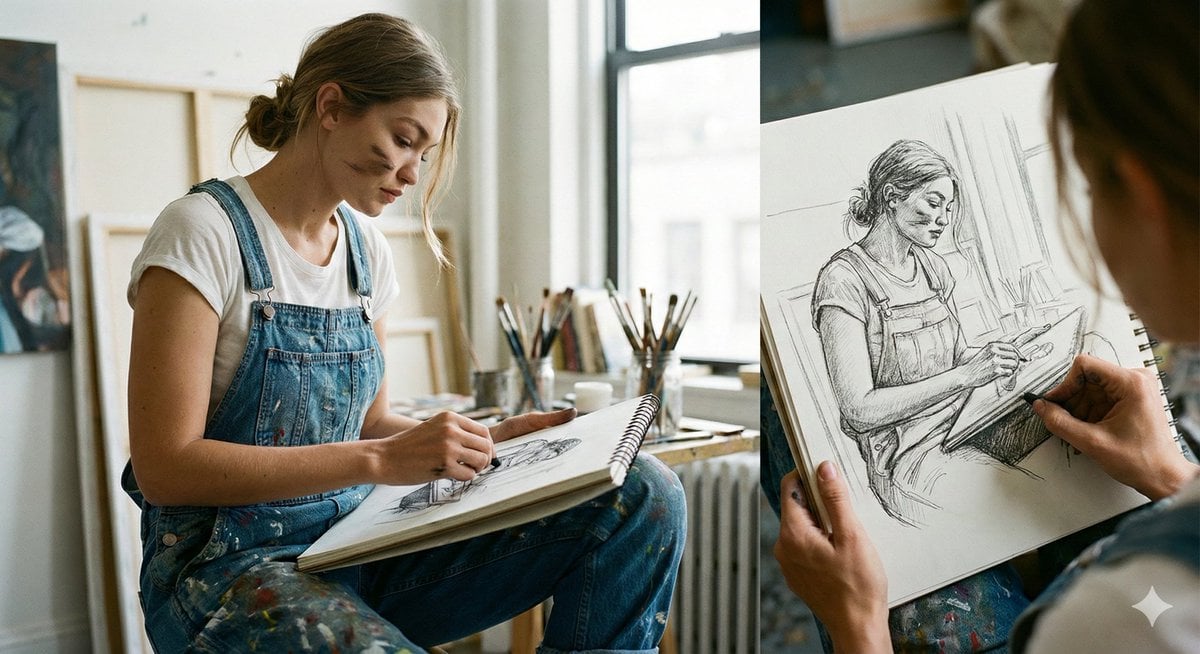
Cinematic Realism: Dual Scene Self-Portrait Concept
Nano Banana Pro Master Prompt Template (JSON)
Curvy Athletic Stretching Selfie Prompt
Abstract Eastern Zen Landscape with Time-Slice Lighting
Surreal Smartphone Portal with Frozen Liquid Splash
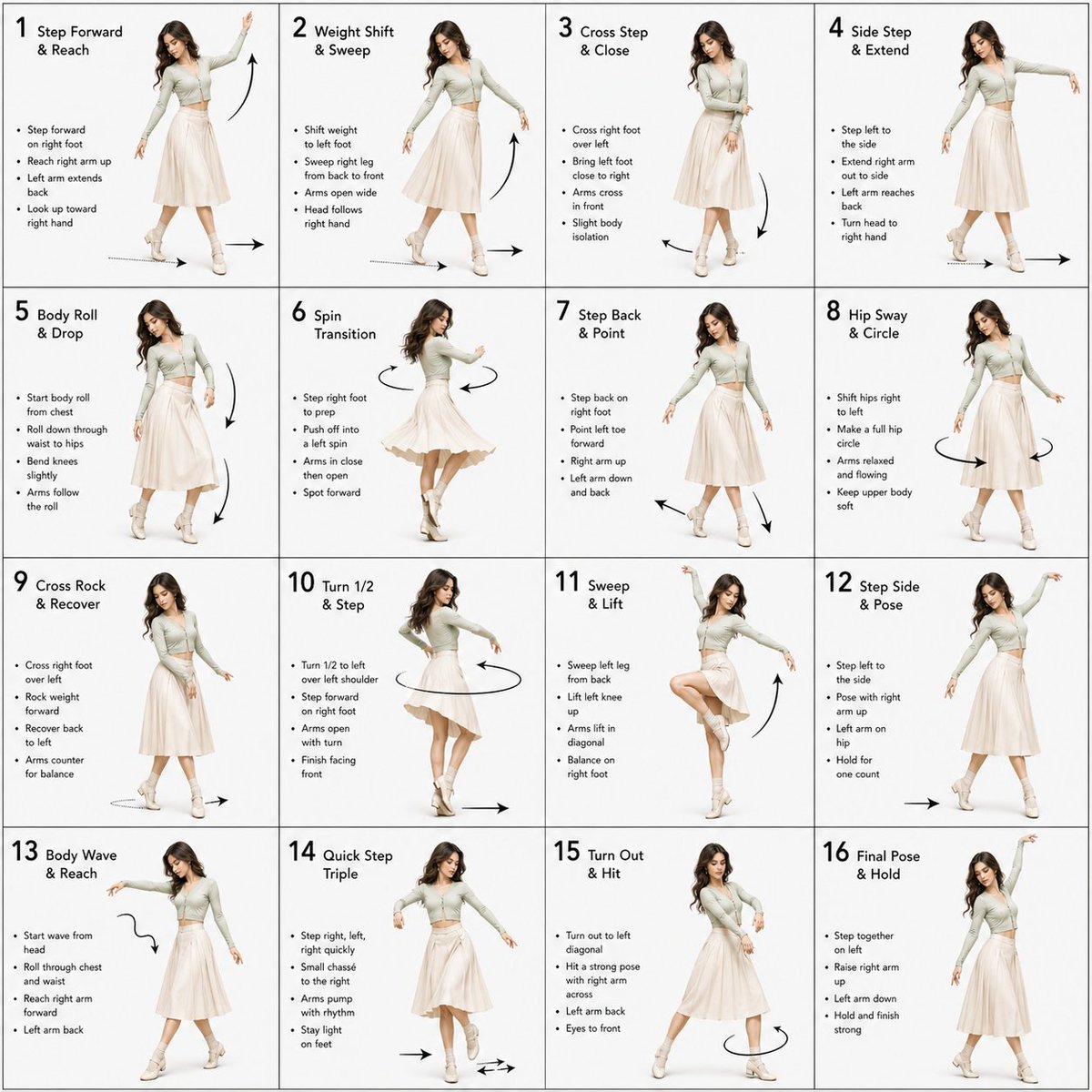
Dance Choreography Instruction Sheet Prompt
Featured in prompt roundups
Hand-picked collections that include this template.
Browse template categories
Cartoon Cat Group T-Shirt Mockup questions
How do I use the Cartoon Cat Group T-Shirt Mockup template?
Add your photo if the template asks for one, edit the prompt if you like — the template's model and format are already selected — and press Generate. Your version opens in PicX Studio.
Can I customize the Cartoon Cat Group T-Shirt Mockup template?
Yes. You can change the subject, setting, lighting, mood, format, and available model controls before creating your image.
Is the Cartoon Cat Group T-Shirt Mockup template free?
Opening and editing this template is free. Generating uses credits, shown on the Generate button when you are signed in.
Which AI model should I use?
Start with Nano Banana 2, which is the model associated with this template. You can compare another compatible model for a different finish.
Looking for something else? Browse all templates.

Your photo, any look
Thousands of ready templates for every top image and video model, from one credit balance.