
Cherry Blossom Shih Tzu Photo Collage
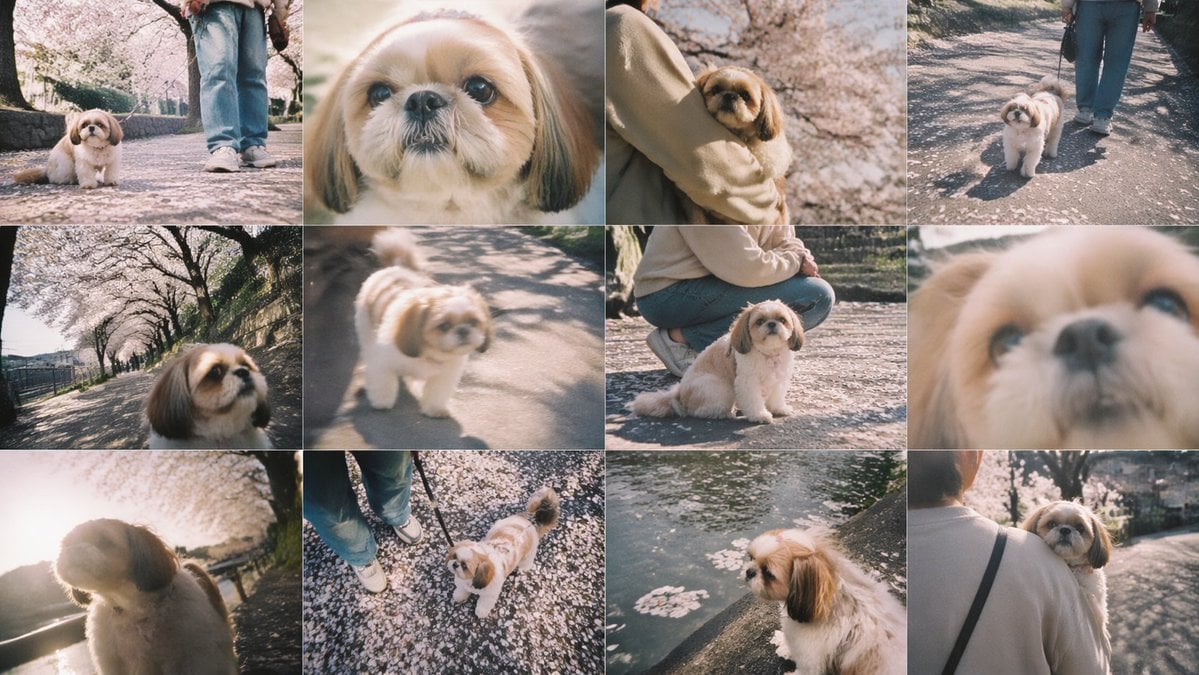
A dreamy 12-panel spring pet photo collage showing a small dog and owner walking under cherry blossoms, suitable for nostalgic social posts or lifestyle montage generation.
- Prompt included
- Model and format preset
- Premium template
The prompt behind this image
Copy the exact prompt behind Cherry Blossom Shih Tzu Photo Collage, or open it in the studio and make it yours.
- Type
- photo collage
- Style
- soft vintage smartphone photography, dreamy spring atmosphere, slightly faded colors, warm pastel tones, shallow depth of field, natural sunlight, gentle film-like bloom, candid pet snapshots
- Subject › Primary
- a small Shih Tzu dog
- Subject › Dog › Breed
- Shih Tzu
- Subject › Dog › Fur
- fluffy cream and white coat with tan-brown ears and face markings
- Subject › Dog › Expression
- calm, curious, gentle
- Subject › Owner › Presence
- partially visible in several frames
- Subject › Owner › Clothing
- light beige sweatshirt or jacket, blue jeans, white sneakers, black shoulder strap bag
- Setting › Location
- a cherry blossom-lined riverside walking path
- Setting › Season
- spring
- Setting › Details
- fallen pink petals scattered across the pavement, rows of blooming sakura trees, stone embankment and canal water, dappled tree shadows on the ground
- Layout › Grid › Rows
- 3
- Layout › Grid › Columns
- 4
- Layout › Grid › Count
- 12
- Layout › Sections › 0 › Position
- row 1, column 1
- Layout › Sections › 0 › Description
- low-angle full-body shot of the dog sitting on a petal-covered path, owner's legs visible behind
- Layout › Sections › 1 › Position
- row 1, column 2
- Layout › Sections › 1 › Description
- extreme close-up portrait of the dog's face, partially obscured by a centered beige rectangle censor block
- Layout › Sections › 2 › Position
- row 1, column 3
- Layout › Sections › 2 › Description
- the owner holding the dog in their arms under blooming cherry trees, medium close shot
- Layout › Sections › 3 › Position
- row 1, column 4
- Layout › Sections › 3 › Description
- the dog walking on a leash beside the owner along the sunlit path
- Layout › Sections › 4 › Position
- row 2, column 1
- Layout › Sections › 4 › Description
- wide-angle, slightly tilted close-up of the dog's face with the cherry blossom path receding behind
Raw JSON
{"type":"photo collage","style":"soft vintage smartphone photography, dreamy spring atmosphere, slightly faded colors, warm pastel tones, shallow depth of field, natural sunlight, gentle film-like bloom, candid pet snapshots","subject":{"primary":"a small Shih Tzu dog","dog":{"breed":"Shih Tzu","fur":"fluffy cream and white coat with tan-brown ears and face markings","expression":"calm, curious, gentle"},"owner":{"presence":"partially visible in several frames","clothing":"light beige sweatshirt or jacket, blue jeans, white sneakers, black shoulder strap bag"}},"setting":{"location":"a cherry blossom-lined riverside walking path","season":"spring","details":["fallen pink petals scattered across the pavement","rows of blooming sakura trees","stone embankment and canal water","dappled tree shadows on the ground"]},"layout":{"grid":{"rows":3,"columns":4,"count":12},"sections":[{"position":"row 1, column 1","description":"low-angle full-body shot of the dog sitting on a petal-covered path, owner's legs visible behind"},{"position":"row 1, column 2","description":"extreme close-up portrait of the dog's face, partially obscured by a centered beige rectangle censor block"},{"position":"row 1, column 3","description":"the owner holding the dog in their arms under blooming cherry trees, medium close shot"},{"position":"row 1, column 4","description":"the dog walking on a leash beside the owner along the sunlit path"},{"position":"row 2, column 1","description":"wide-angle, slightly tilted close-up of the dog's face with the cherry blossom path receding behind"},{"position":"row 2, column 2","description":"soft-focus candid shot of the dog standing on the path in sunlight"},{"position":"row 2, column 3","description":"the owner crouching beside the seated dog on the petal-covered ground"},{"position":"row 2, column 4","description":"very soft, blurred extreme close-up of the dog's face filling the frame"},{"position":"row 3, column 1","description":"backlit side portrait of the dog with bright sun flare and glowing fur"},{"position":"row 3, column 2","description":"top-down view of the dog looking up at the camera near the owner's shoes on a ground covered with petals"},{"position":"row 3, column 3","description":"side profile of the dog perched beside canal water with floating cherry blossom petals"},{"position":"row 3, column 4","description":"rear view of the owner carrying the dog while walking away along the blossom-lined path"}]},"image_direction":"Create a 12-panel collage of candid pet photos featuring {argument name=\"dog breed\" default=\"a small Shih Tzu\"} during a spring walk under cherry blossoms. Keep the same dog and owner across all panels. Use a nostalgic Japanese snapshot aesthetic with soft blur in some frames, low and wide angles, intimate close-ups, and warm afternoon light. The dog should have {argument name=\"dog appearance\" default=\"fluffy cream and white fur with tan-brown ears\"}. The owner wears {argument name=\"owner outfit\" default=\"a beige top, blue jeans, and white sneakers\"}. The setting is {argument name=\"location\" default=\"a sakura-lined riverside path covered in fallen petals\"}. Include one panel with {argument name=\"censored element\" default=\"a centered beige censor block covering part of an extreme close-up\"}."}How to use Cherry Blossom Shih Tzu Photo Collage in 3 steps
- 1Upload ImagePNG, JPG or paste
Add your photo
Upload the photo the template builds on. The prompt, model and format are already set.
- 2…a portrait of your subject in softgolden-hour light, 85mm…
Personalize
Edit the subject and creative details for your destination.
- 3Generate
Generate
Press Generate — your image is created in PicX Studio, so you can compare it with the original and refine one variable at a time.
More like this
Templates with the same subject, style or setup. Open one to see its prompt.
Cherry Blossom Cosplay Romance

Angel Shih Tzu Over Ink Pond

Steampunk Shih Tzu Moonlit City
3D Guoman Cherry Blossom Schoolgirl Portrait
Shih Tzu Ruby Treasure Sunset
Cherry Blossom Yukata Idol Portrait
Top-Down Maid and Cherry Blossoms
Woman with Rabbit in Cherry Blossom Garden
Cherry Blossom Beauty Campaign

Ninja in Cherry Blossom Garden

Paper Cut Finale Fireworks

Paper Cut Garden Maze
Make it yours
Cherry Blossom Shih Tzu Photo Collage works as-is. These are the safest ways to change it without losing the look.
Swap the setting
Keep the rest of the prompt and replace the location block. The current setting is “a cherry blossom-lined riverside walking path”.
Change one field
Copy a single group, rewrite it, and generate again so you can see what that field is doing.
Keep the frame, change the subject
Hold the composition and light of Cherry Blossom Shih Tzu Photo Collage, then swap wardrobe, props or the person for a new take.
| If the result… | Why | Fix |
|---|---|---|
| The result drifts from the preview | Too many fields changed at once. | Reuse Cherry Blossom Shih Tzu Photo Collage as-is first, then change one group — subject, light, or setting. |
| GPT Image 2 ignores part of the JSON | Some models flatten or skip nested keys. | Keep the same values and paste them as a short paragraph instead. |
More GPT Image 2 templates
Other prompts made for GPT Image 2.

Six VTuber Japanese Logo Sheet

Realistic Portrait of Woman and Deer

The Vista Modular Condo Poster

AI Model Routing Comparison Infographic

2.5D Anime Art Board

Isometric Productivity Desk Scene

New York Double Exposure Poster

Four-Panel AI Landscape Comparison

Japanese Tatami Lifestyle Magazine Cover

NESCAFÉ Coffee Map Poster
More image prompts
Fresh picks from across the catalog.

Cinematic Winter Portrait with Snowfall
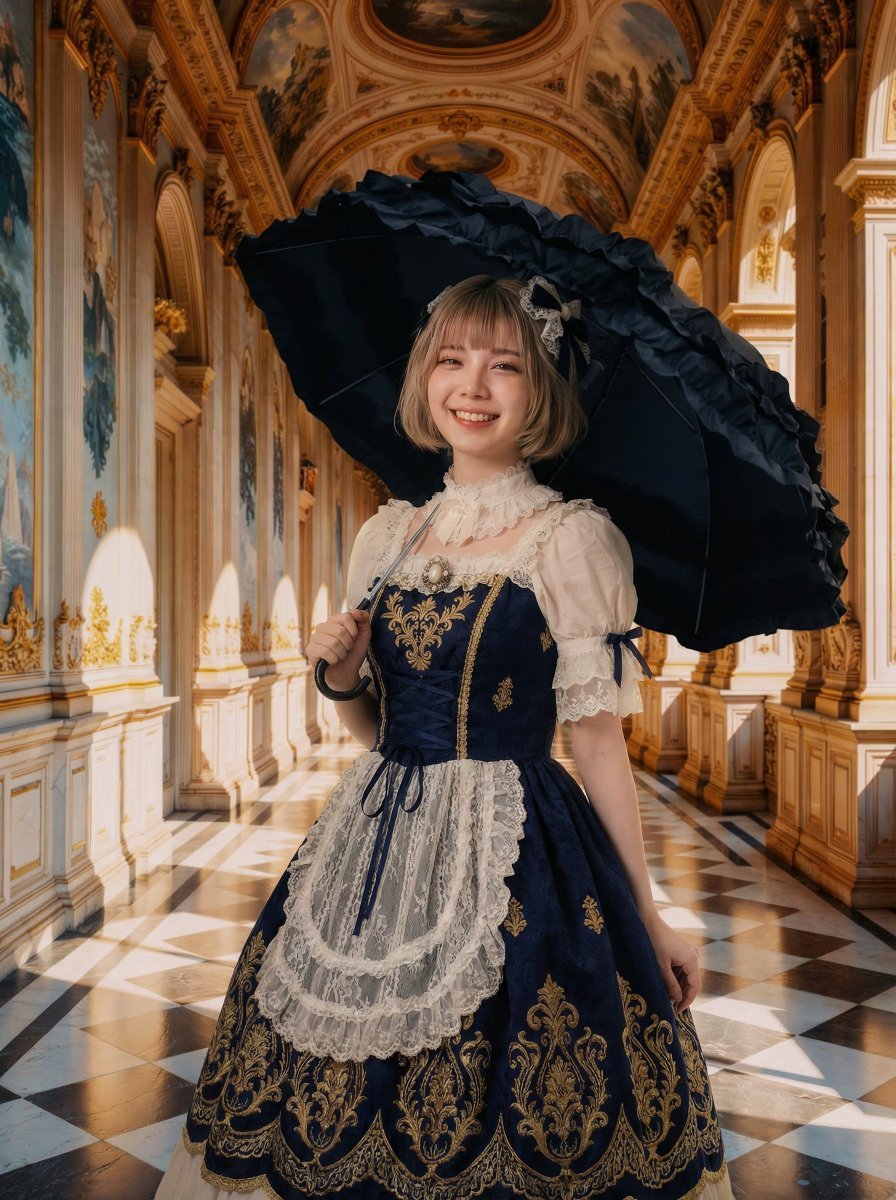
Professional Portrait Photo Shoot with Props and Palace Background
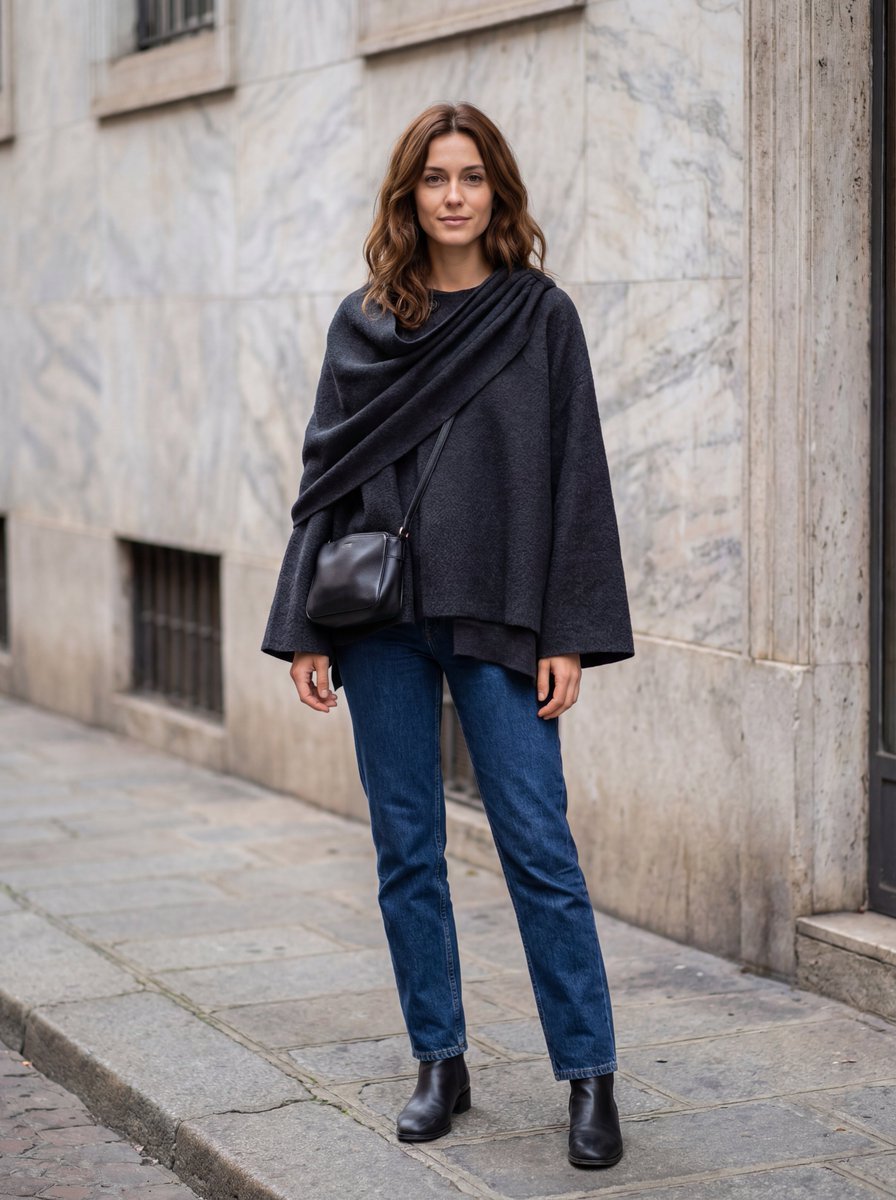
Hyper-Realistic Lifestyle Fashion Photo (Wool Poncho)
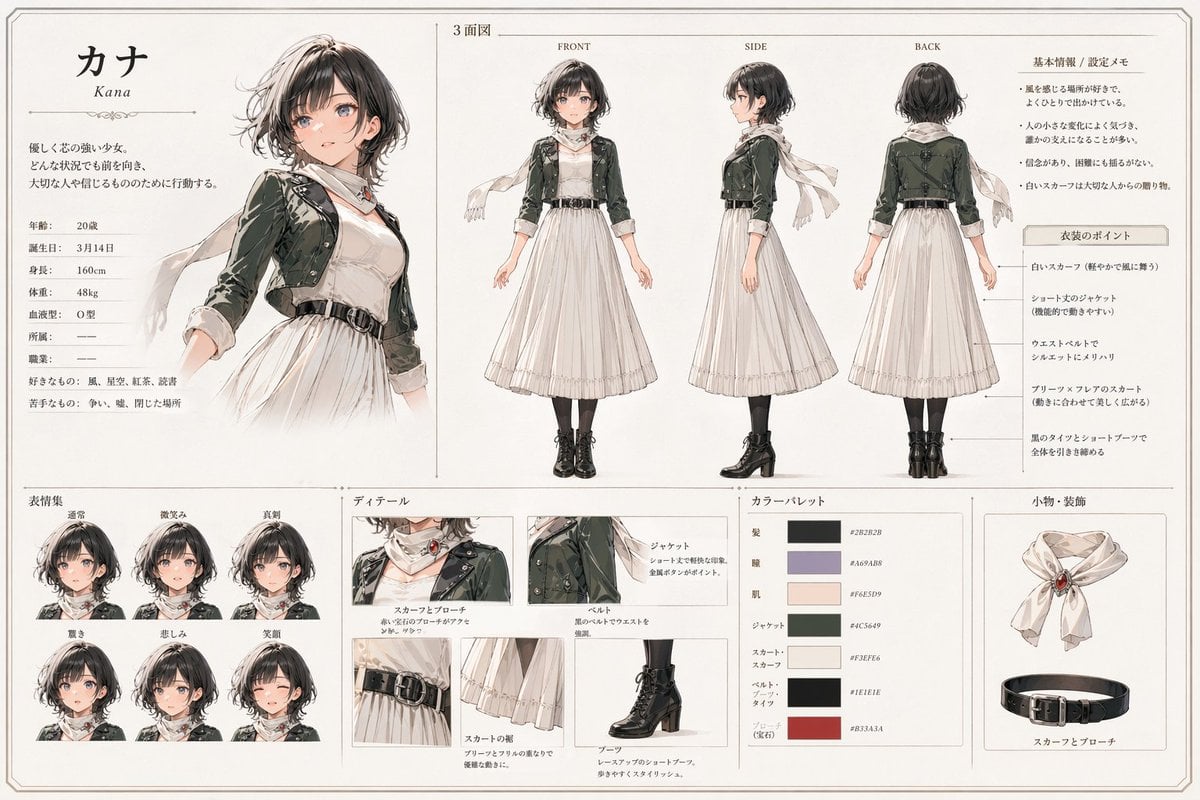
Kana Anime Character Reference Sheet
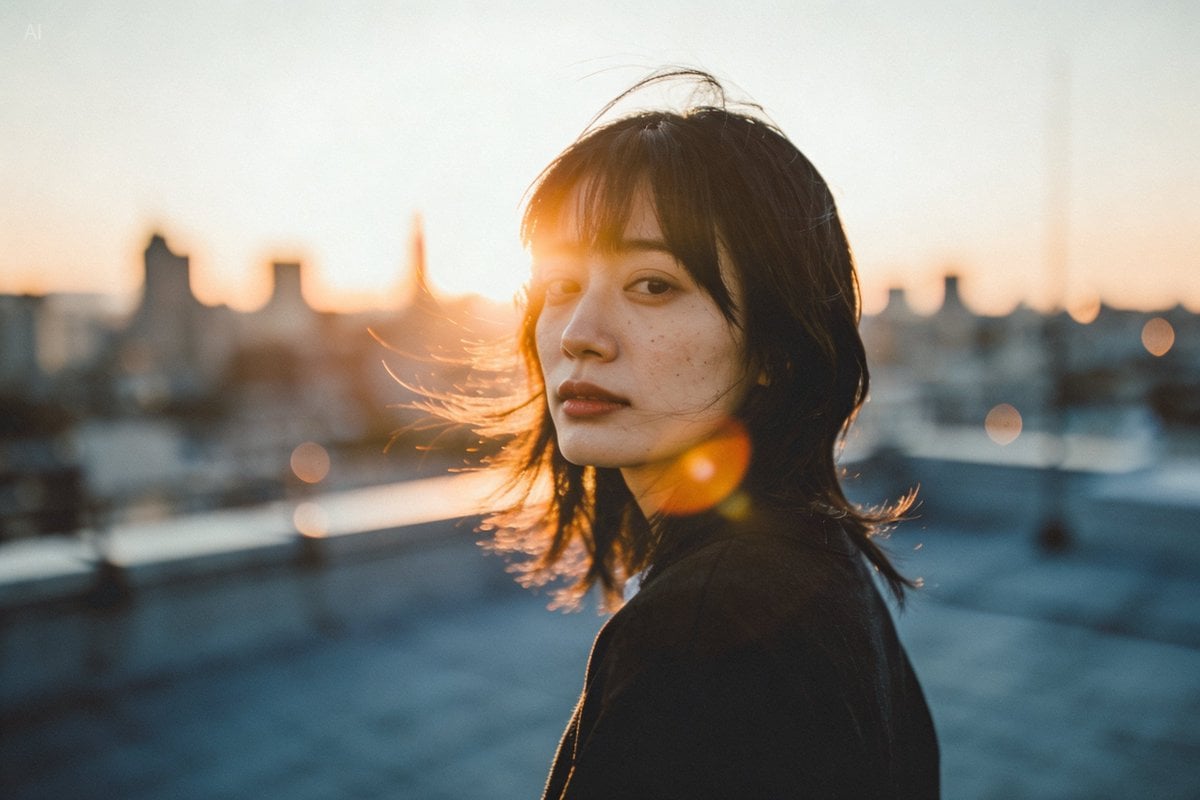
Golden hour rooftop portrait photography prompt

One Piece Straw Hat Crew at Sunset

Demon AI Intern Office Poster
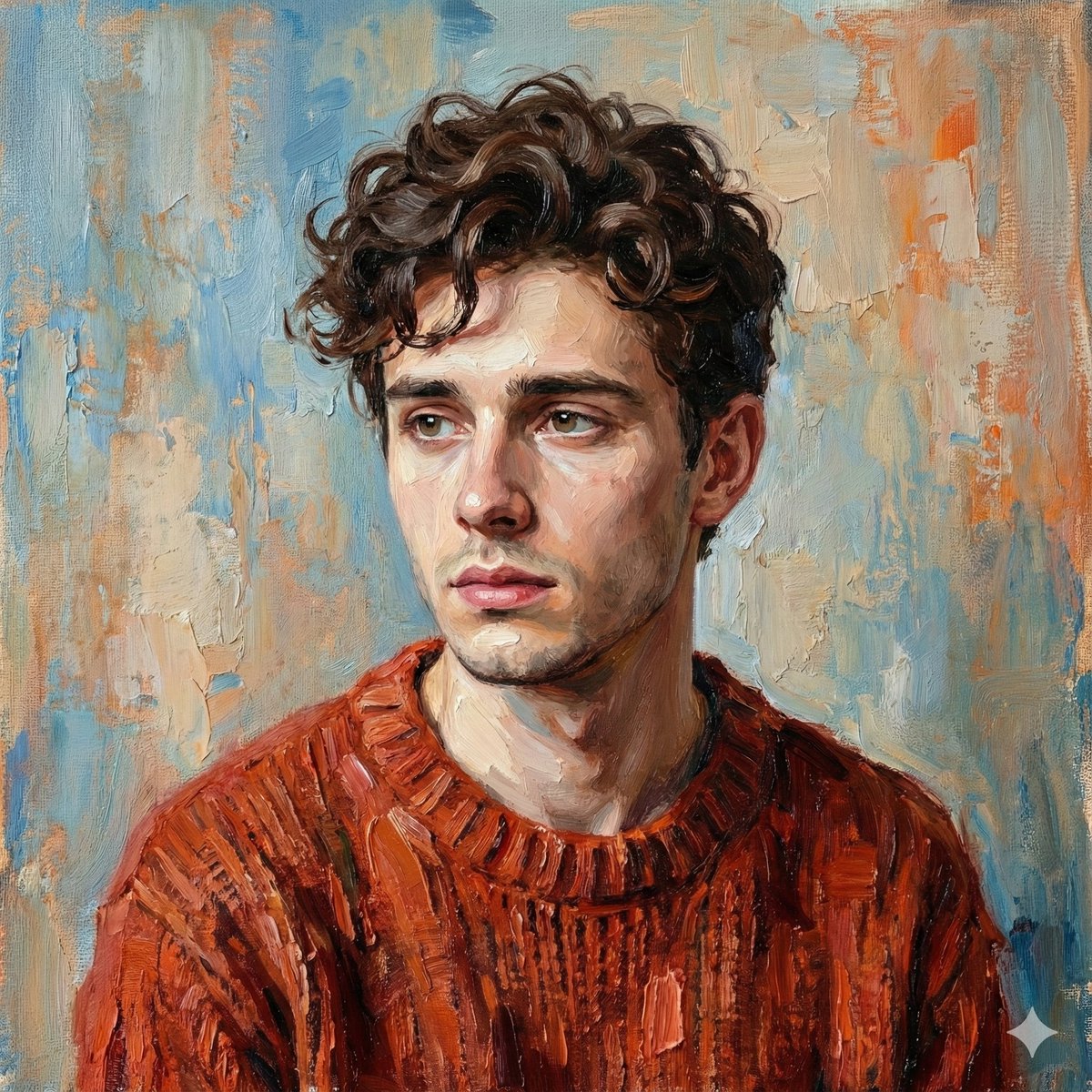
Digital Oil-Painted Bust Portrait
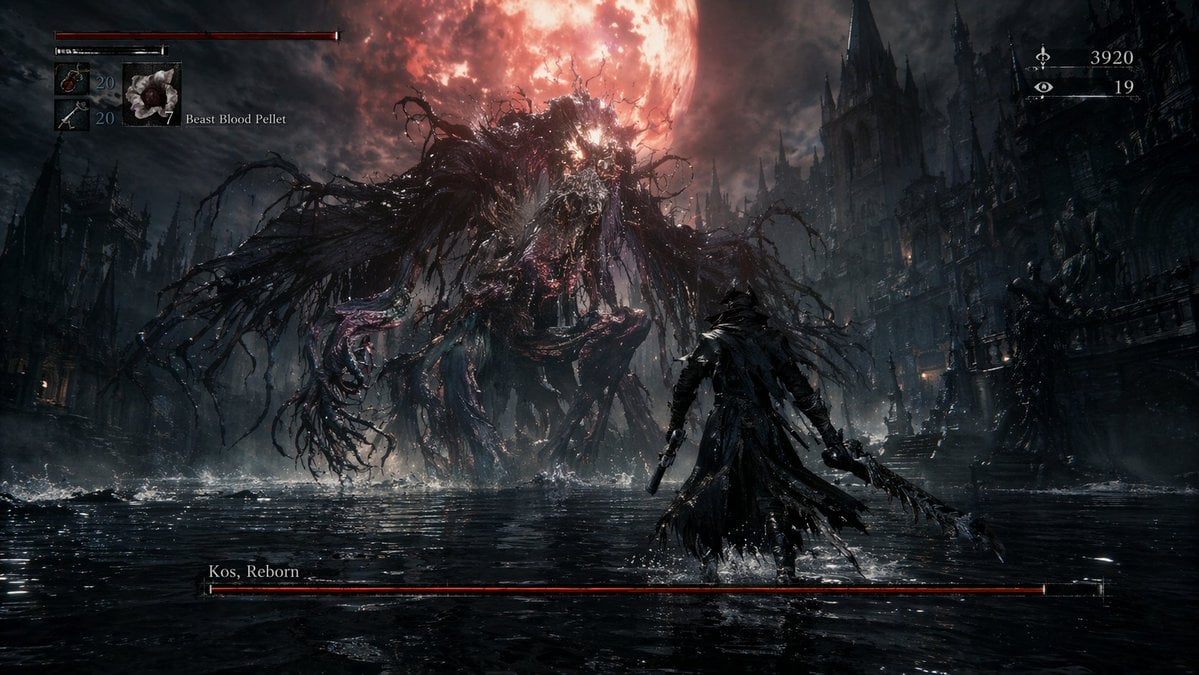
Dark Fantasy RPG Boss Fight Screenshot

Americana Dive Bar Editorial Scene
Browse template categories
Cherry Blossom Shih Tzu Photo Collage questions
How do I use the Cherry Blossom Shih Tzu Photo Collage template?
Add your photo if the template asks for one, edit the prompt if you like — the template's model and format are already selected — and press Generate. Your version opens in PicX Studio.
Can I customize the Cherry Blossom Shih Tzu Photo Collage template?
Yes. You can change the subject, setting, lighting, mood, format, and available model controls before creating your image.
Is the Cherry Blossom Shih Tzu Photo Collage template free?
Opening and editing this template is free. Generating uses credits, shown on the Generate button when you are signed in.
Which AI model should I use?
Start with GPT Image 2, which is the model associated with this template. You can compare another compatible model for a different finish.
Looking for something else? Browse all templates.

Your photo, any look
Thousands of ready templates for every top image and video model, from one credit balance.