
Cherry Blossom Yukata Idol Portrait
Generates a full-body Japanese idol portrait in a pink cherry blossom lantern studio, ideal for cosplay, idol, or seasonal festival visuals.
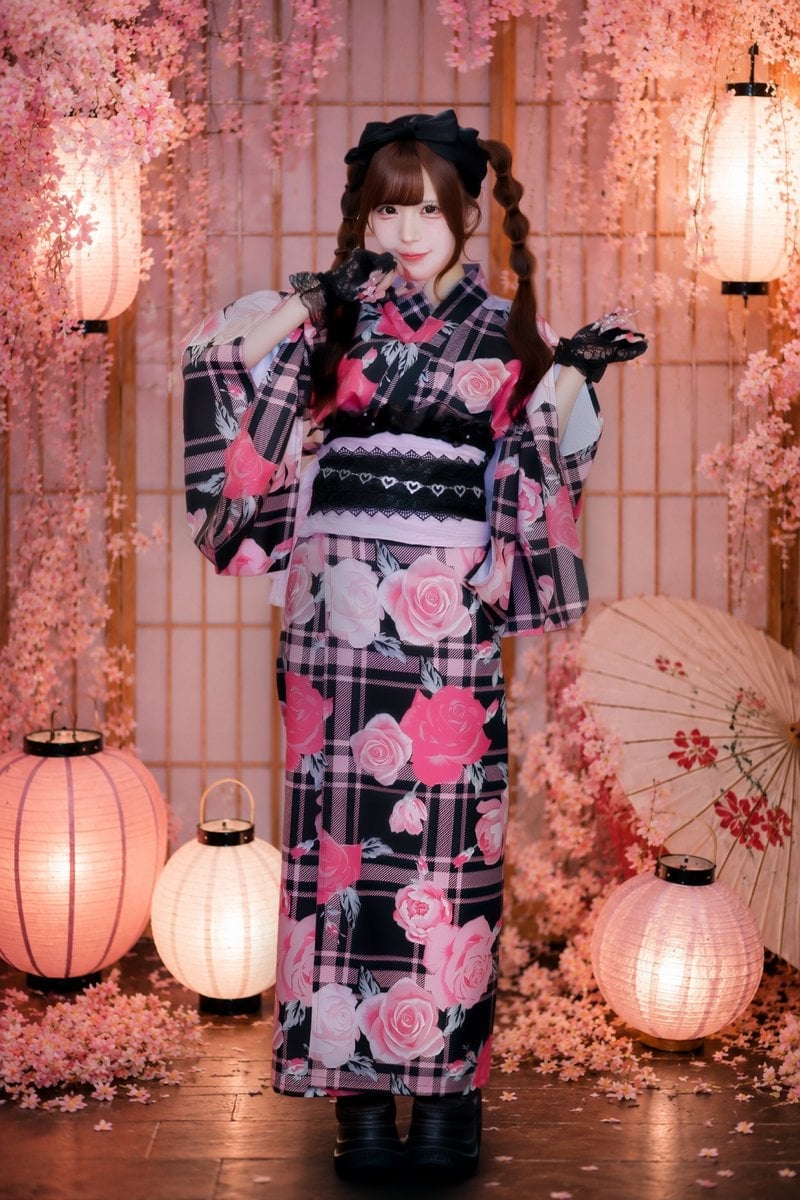
- Prompt included
- Model and format preset
- Premium template
The prompt behind this image
Copy the exact prompt behind Cherry Blossom Yukata Idol Portrait, or open it in the studio and make it yours.
Create a full-body, vertical studio portrait of a cute young Japanese idol woman in a romantic festival yukata scene. She stands centered, facing the camera with a soft smile, fair porcelain skin, large gentle eyes, straight brown bangs, and long brown twin-tails tied high; add a large black bow headband. Dress her in a black yukata with pink plaid lines and large pink rose prints, wide sleeves, a pale pink obi with layered black lace bands and small heart details, black lace fingerless gloves, and black platform boots. Her pose is playful and symmetrical, with both hands raised near her cheeks like cat paws. The background is an indoor Japanese spring-festival photo set with wooden shoji screen panels, dense hanging cherry blossom branches and pink petals framing the top and sides, warm glowing paper lanterns, and a decorative paper parasol leaning on the right with red floral accents. Include exactly 5 visible lanterns: 1 tall hanging oval lantern on the upper left, 1 tall hanging oval lantern on the upper right, 1 large round floor lantern at bottom left, 1 small round floor lantern near the lower center-left, and 1 medium round floor lantern at bottom right. Use warm peach-pink lighting, soft bokeh-like glow, polished dark wooden floor with scattered cherry petals, high-detail fashion photography, clean idol portrait retouching, realistic fabric texture, no text, no watermark. Customizable details: {argument name="character name" default="Sayaka"}, {argument name="yukata pattern" default="black plaid yukata with large pink roses"}, {argument name="hair style" default="brown twin-tails with straight bangs and a black bow"}, {argument name="background theme" default="pink cherry blossom Japanese lantern studio"}, {argument name="pose" default="both lace-gloved hands raised near cheeks like cat paws"}.
How to use Cherry Blossom Yukata Idol Portrait in 3 steps
- 1Upload ImagePNG, JPG or paste
Add your photo
Upload the photo the template builds on. The prompt, model and format are already set.
- 2…a portrait of your subject in softgolden-hour light, 85mm…
Personalize
Edit the subject and creative details for your destination.
- 3Generate
Generate
Press Generate — your image is created in PicX Studio, so you can compare it with the original and refine one variable at a time.
More like this
Templates with the same subject, style or setup. Open one to see its prompt.
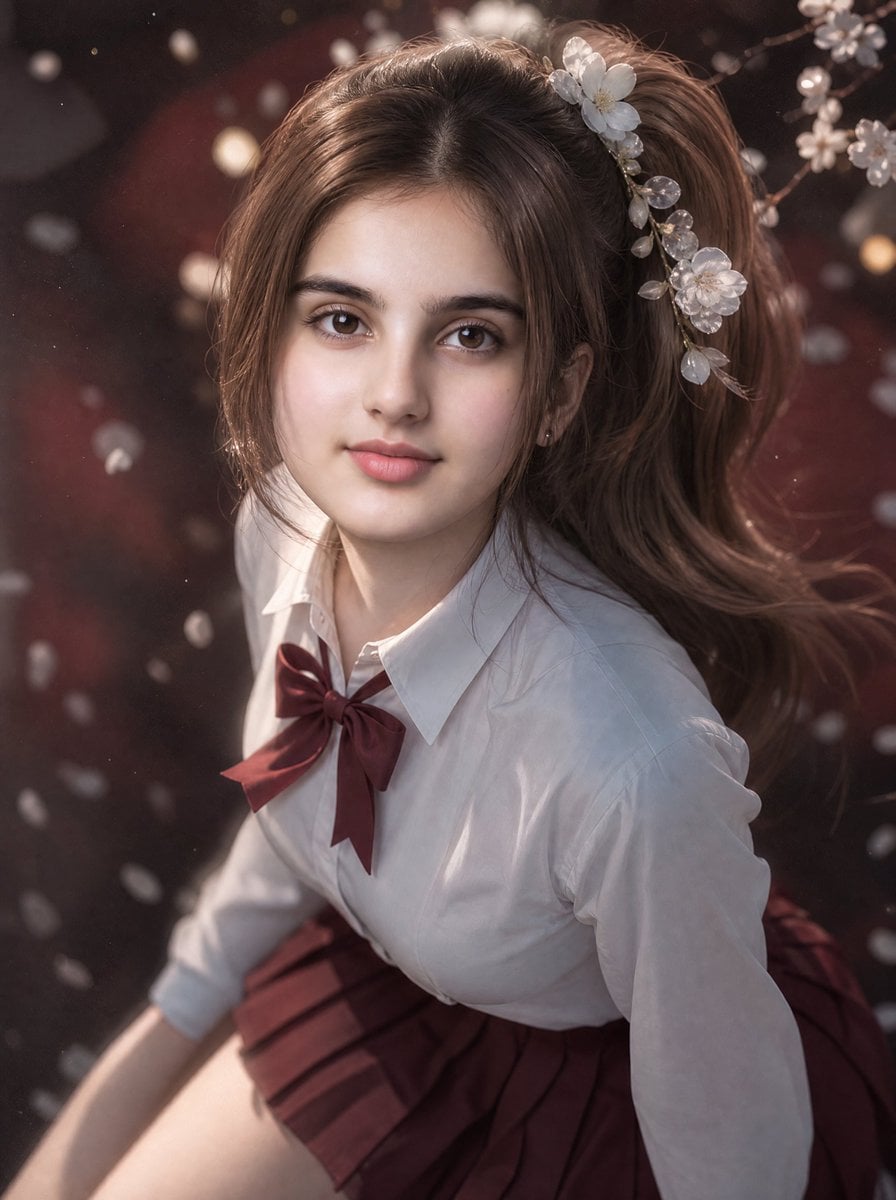
3D Guoman Cherry Blossom Schoolgirl Portrait
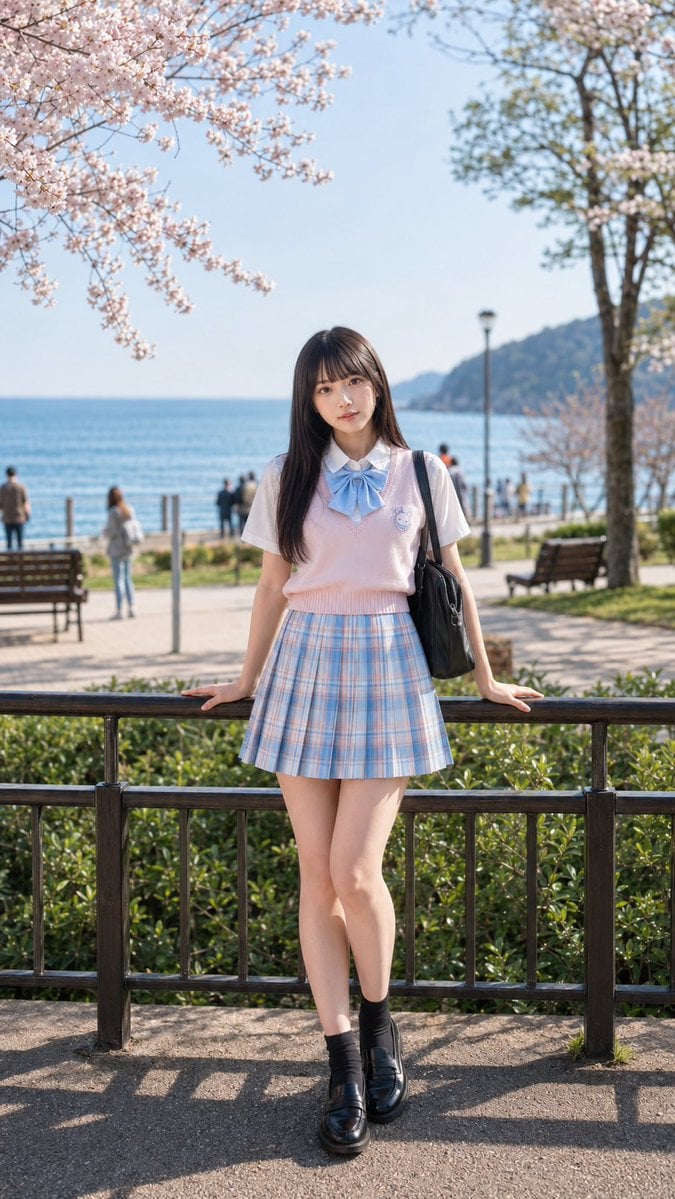
Spring Seaside Cherry Blossom Portrait
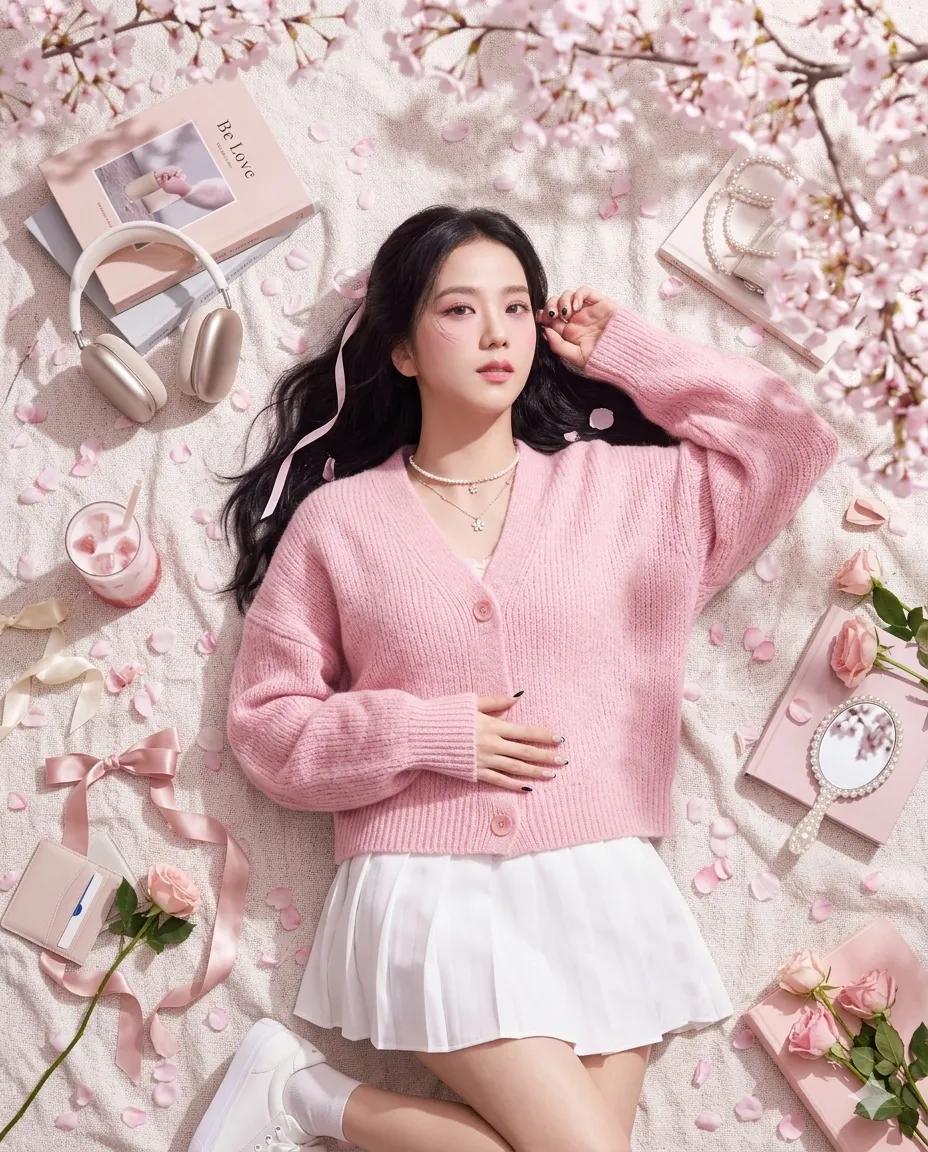
Dreamy Cherry Blossom Portrait
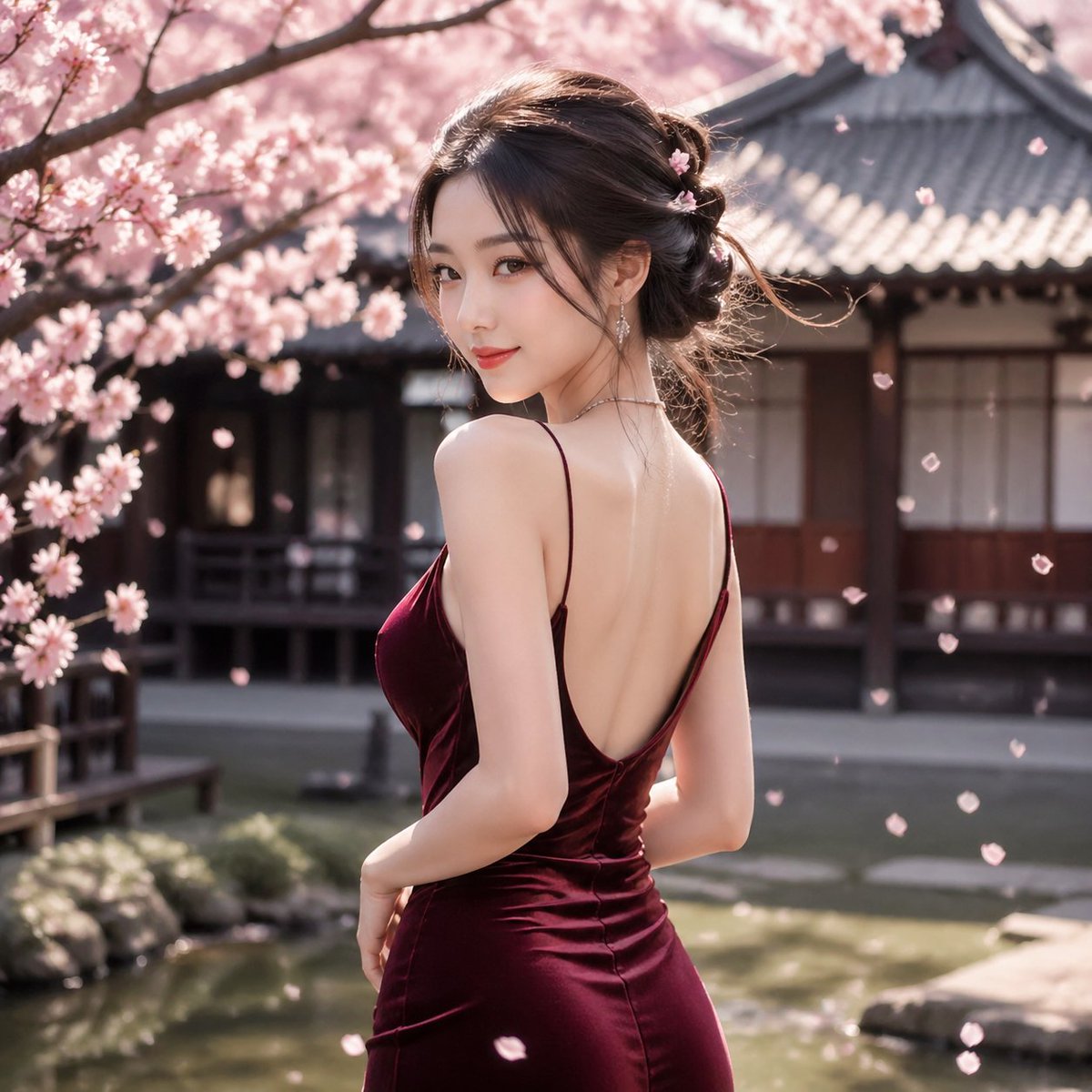
Cherry Blossom Garden Evening Portrait
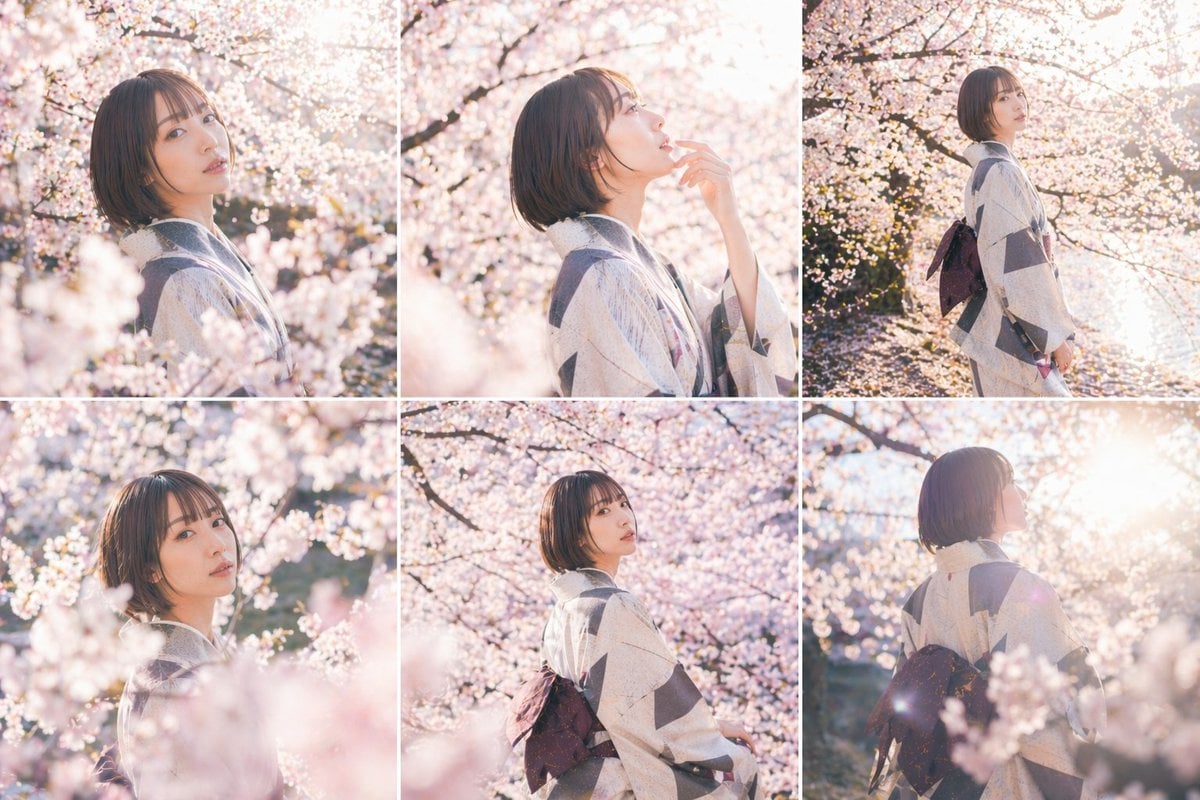
Cherry Blossom Kimono Portrait Grid
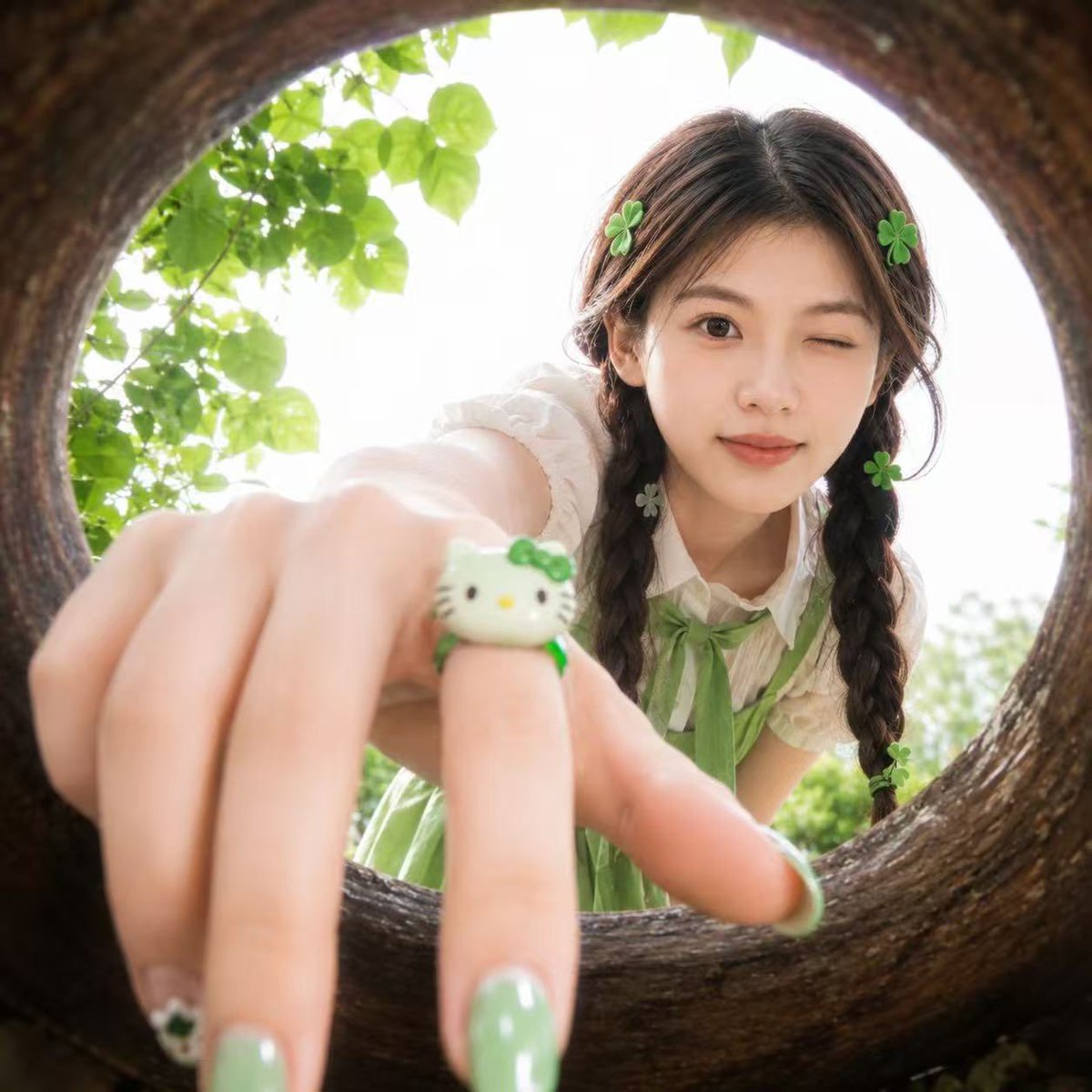
Soft Spring Cherry Blossom POV Portrait
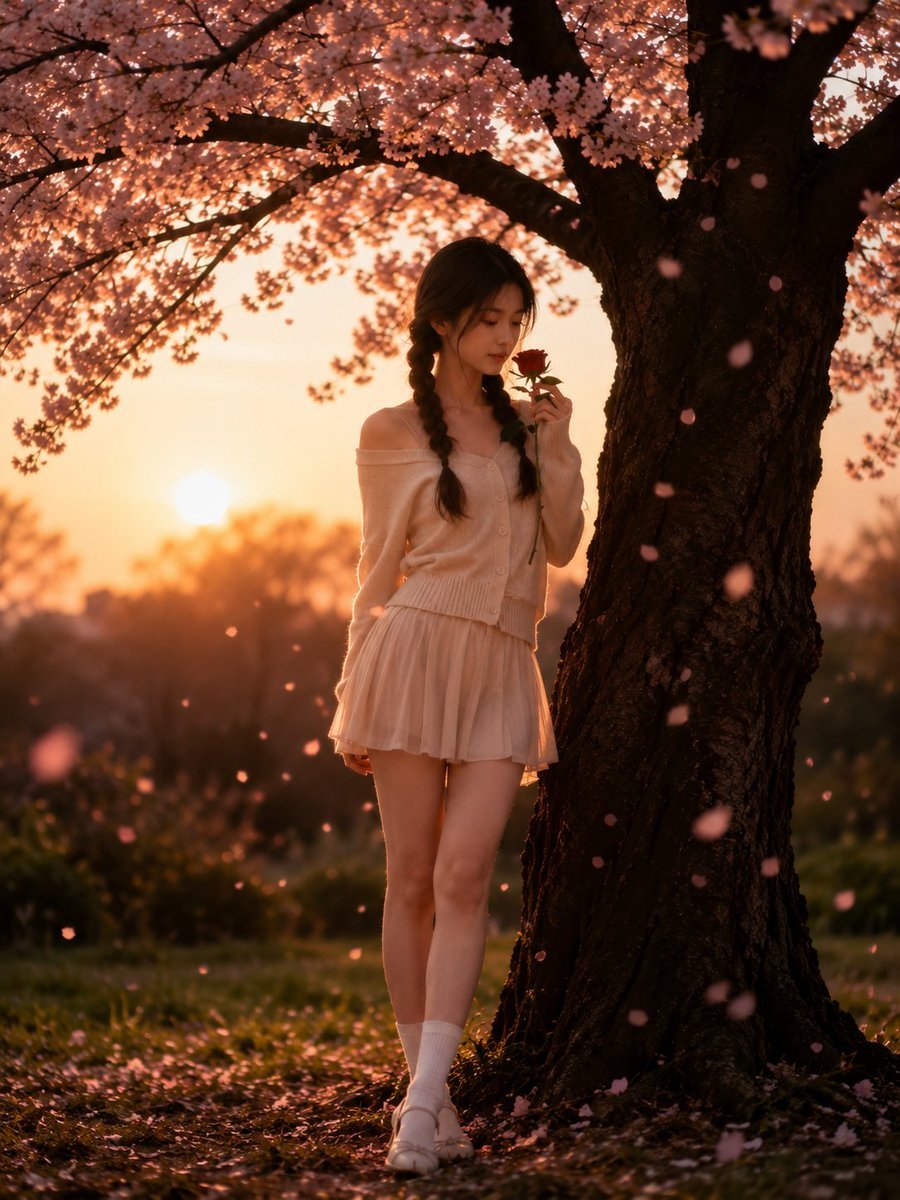
Cinematic Cherry Blossom Portrait
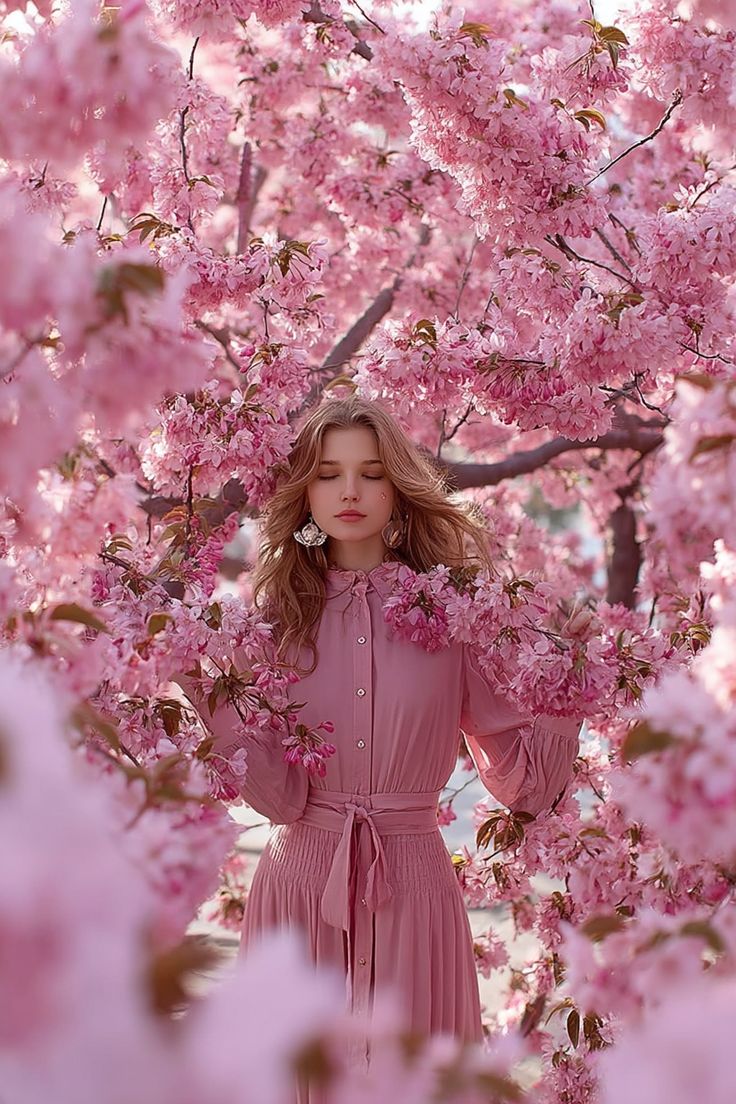
Dreamy Cinematic Portrait under Cherry Blossoms
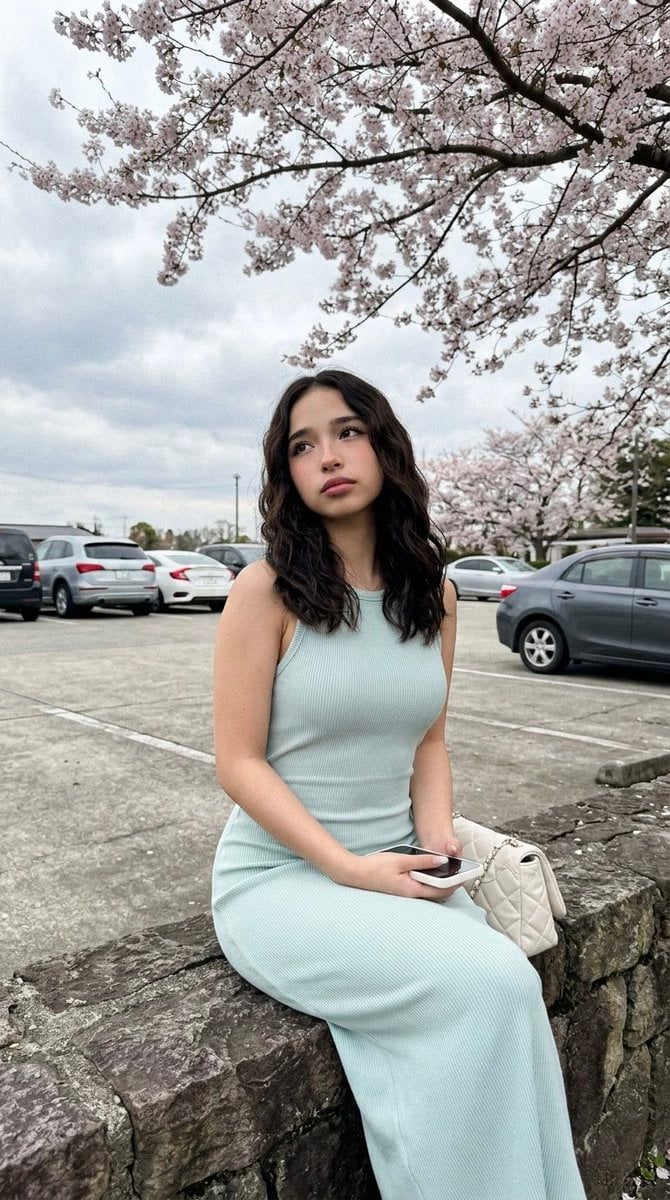
Cherry Blossom Parking Lot Portrait Prompt
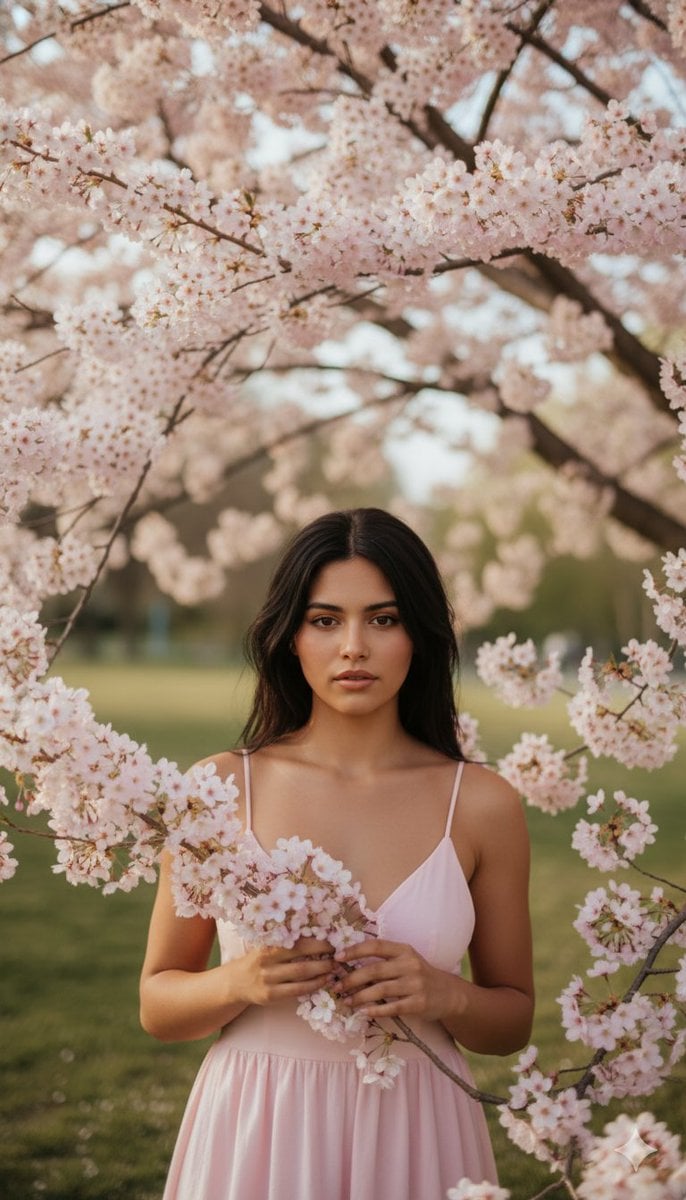
Springtime Cherry Blossom Portrait Recreation Prompt

Found Photograph: Us, 1970

80s Couple Studio Portrait
Make it yours
Cherry Blossom Yukata Idol Portrait works as-is. These are the safest ways to change it without losing the look.
Change one field
Copy a single group, rewrite it, and generate again so you can see what that field is doing.
Keep the frame, change the subject
Hold the composition and light of Cherry Blossom Yukata Idol Portrait, then swap wardrobe, props or the person for a new take.
| If the result… | Why | Fix |
|---|---|---|
| The result drifts from the preview | Too many fields changed at once. | Reuse Cherry Blossom Yukata Idol Portrait as-is first, then change one group — subject, light, or setting. |
| The model over-stylizes the scene | The prose prompt leaves finish and camera underspecified. | Add one camera or lighting sentence and stay on GPT Image 2. |
More GPT Image 2 templates
Other prompts made for GPT Image 2.

Six VTuber Japanese Logo Sheet

Realistic Portrait of Woman and Deer

The Vista Modular Condo Poster

AI Model Routing Comparison Infographic

2.5D Anime Art Board

Isometric Productivity Desk Scene

New York Double Exposure Poster

Four-Panel AI Landscape Comparison

Japanese Tatami Lifestyle Magazine Cover

NESCAFÉ Coffee Map Poster
More image prompts
Fresh picks from across the catalog.
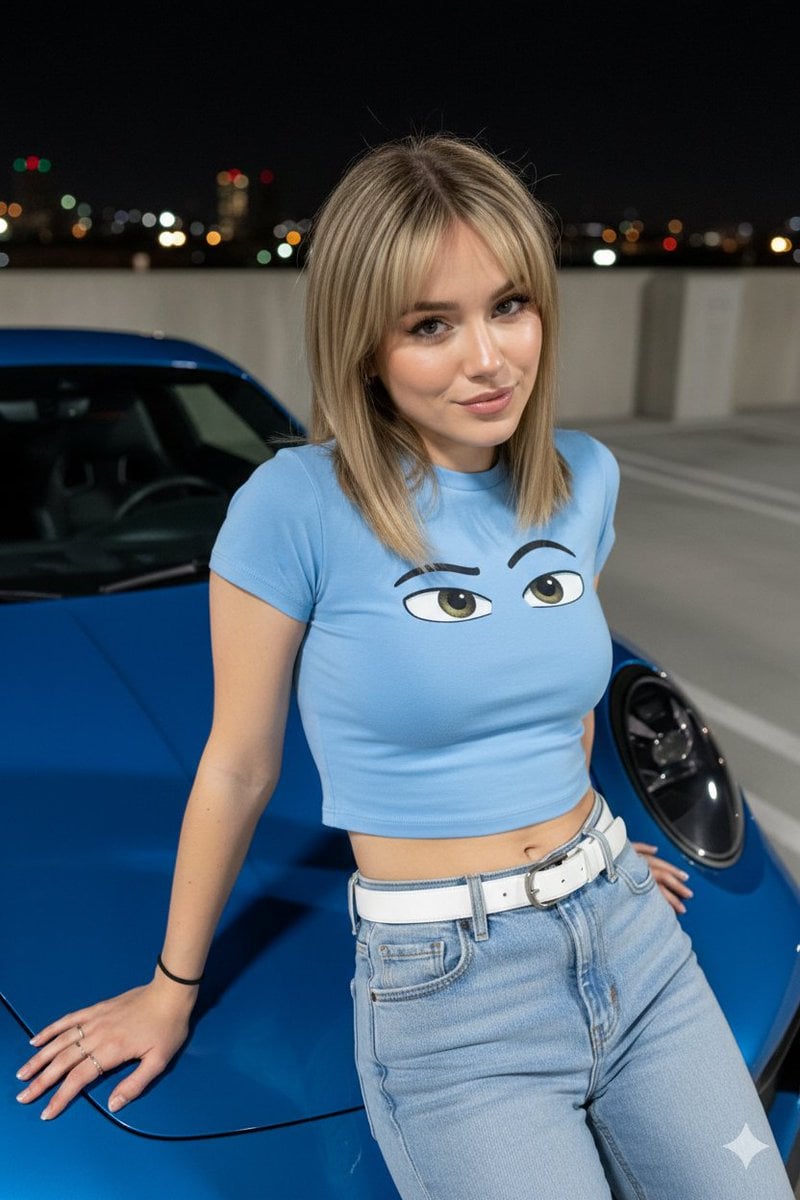
Nighttime Automotive Portrait Prompt

Racing Car Poster with Specs
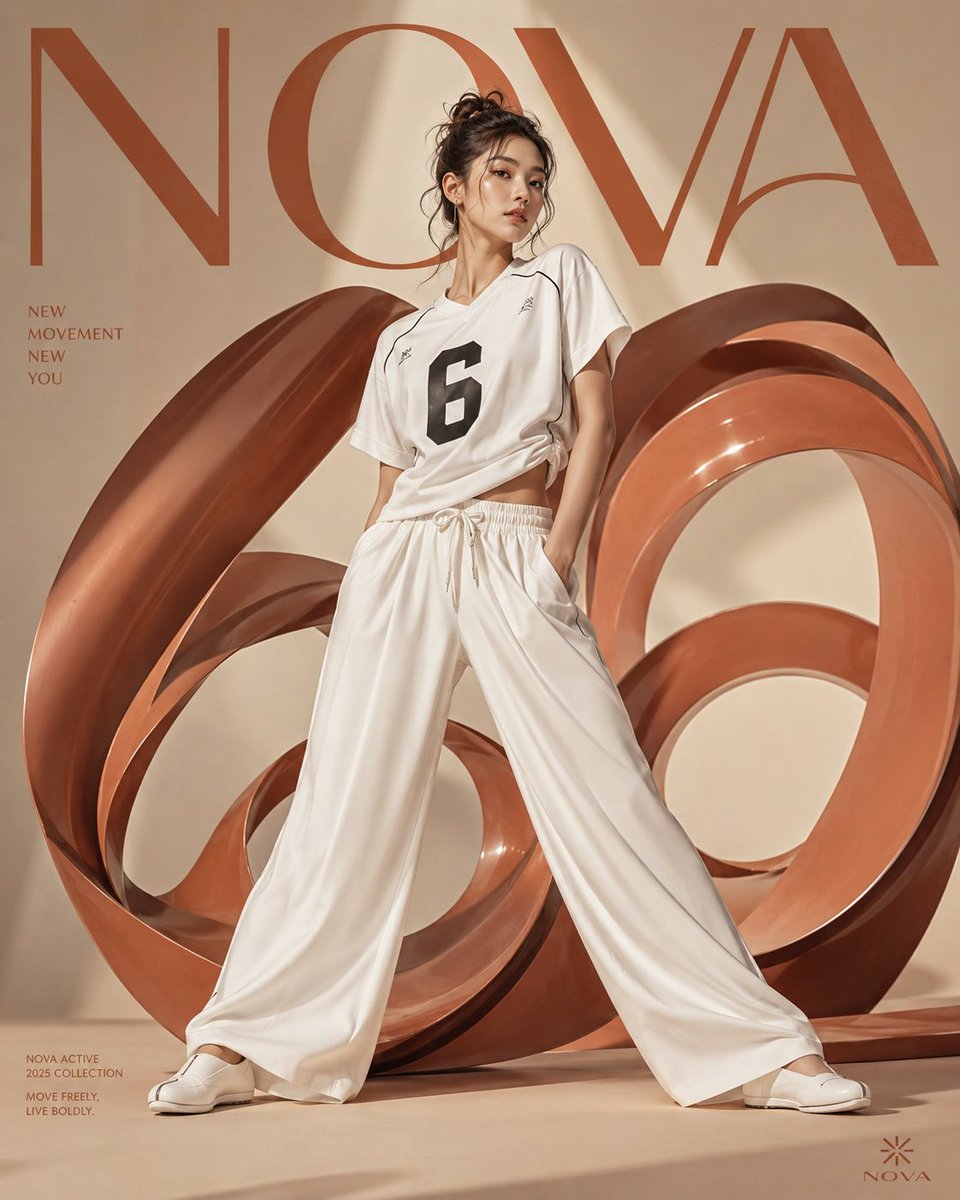
Korean Fashion Anime Editorial
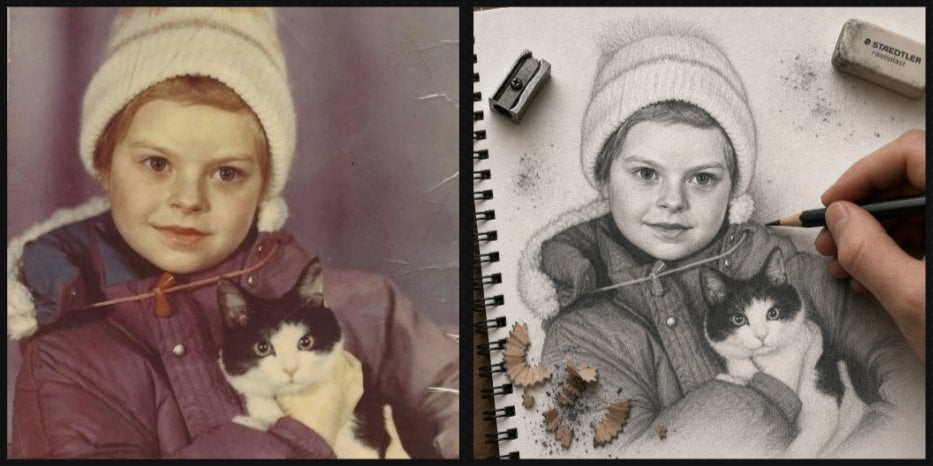
Vintage Photo to Graphite Sketch
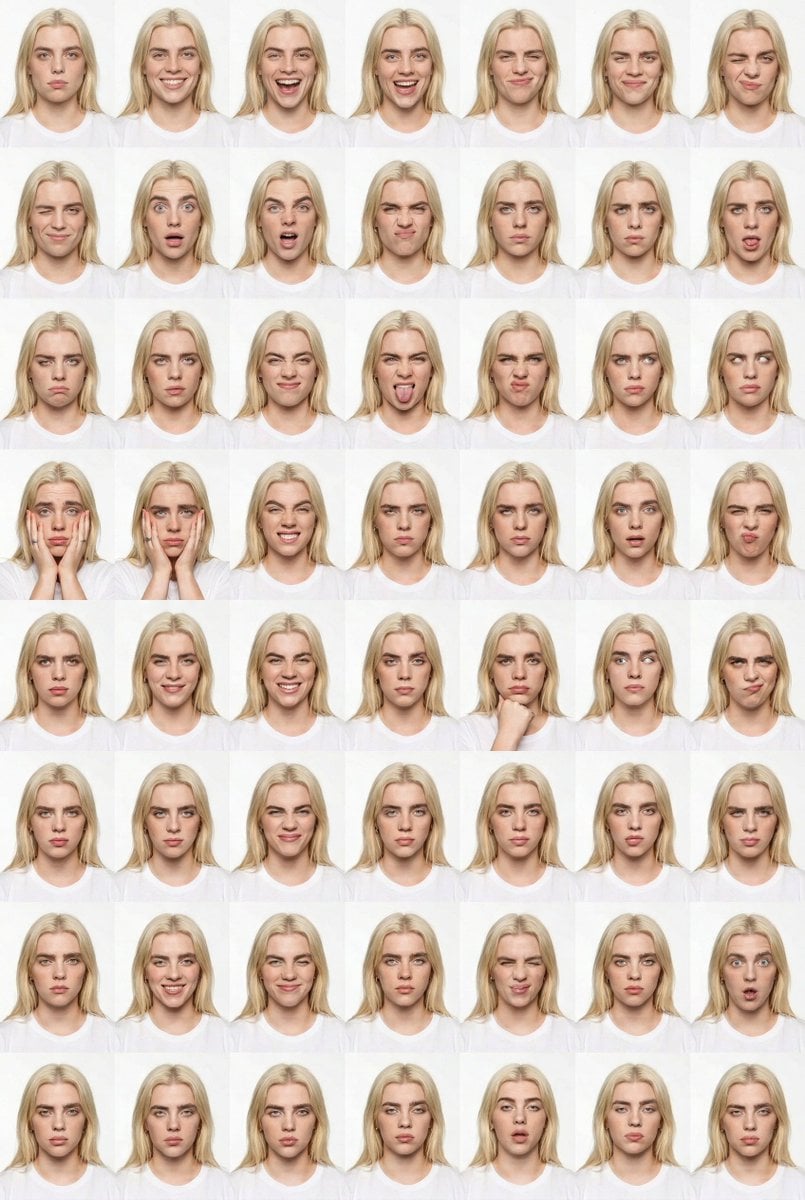
Panel Studio Expression Contact Sheet Prompt
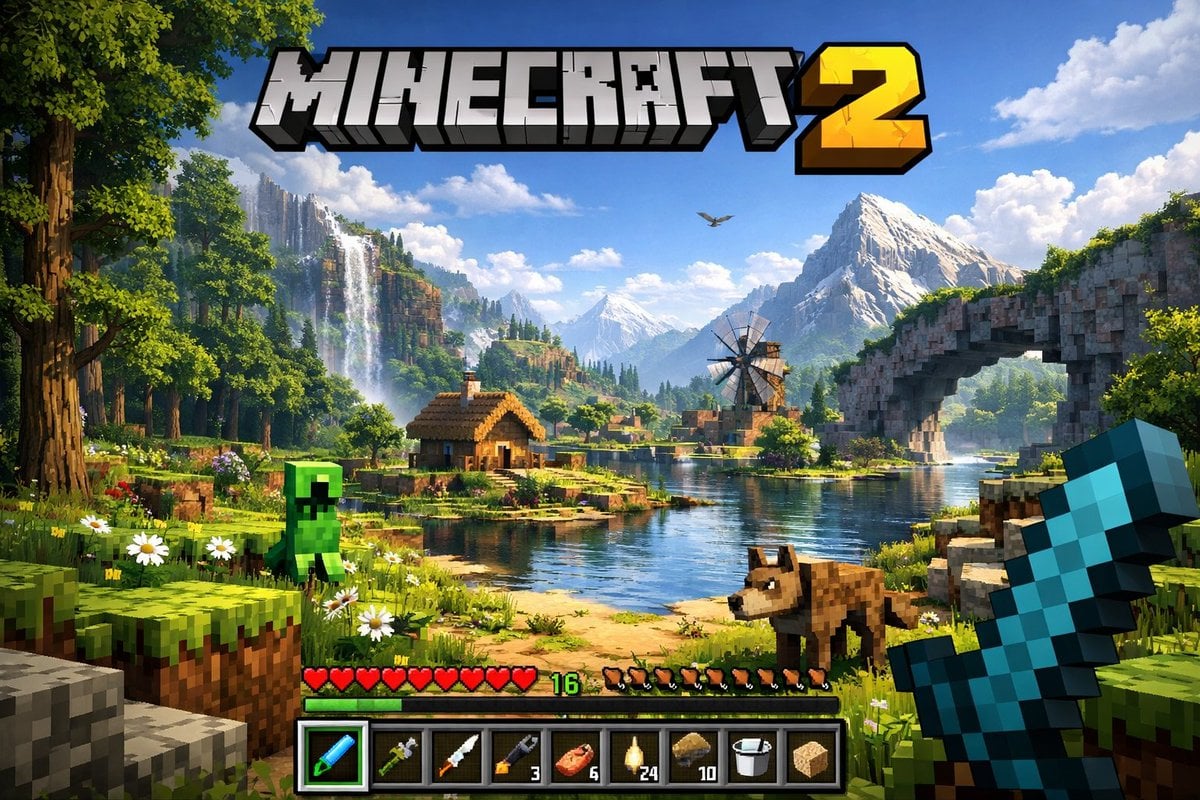
Next-Gen Voxel Game Screenshot

Hyper-Realistic Mirror Selfie with Product
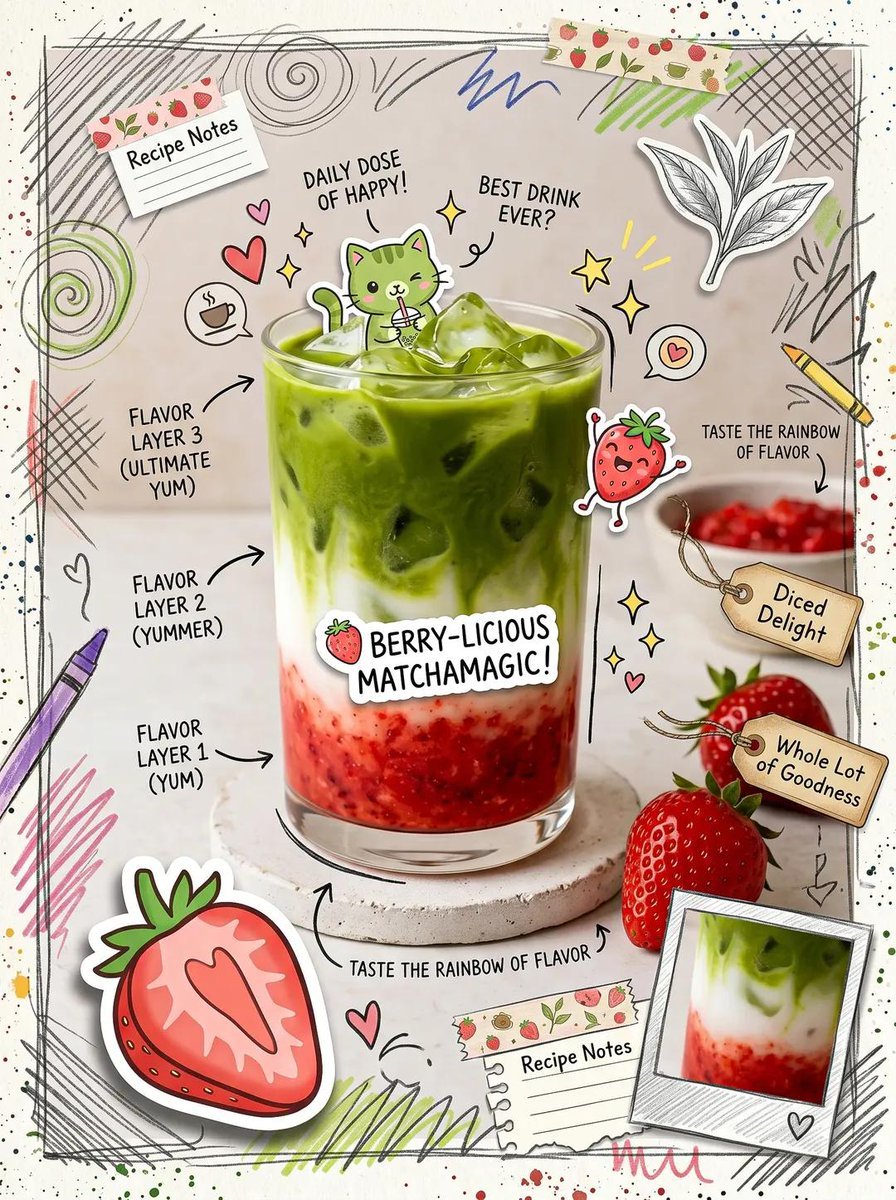
Kawaii Cafe Food Scrapbook Poster
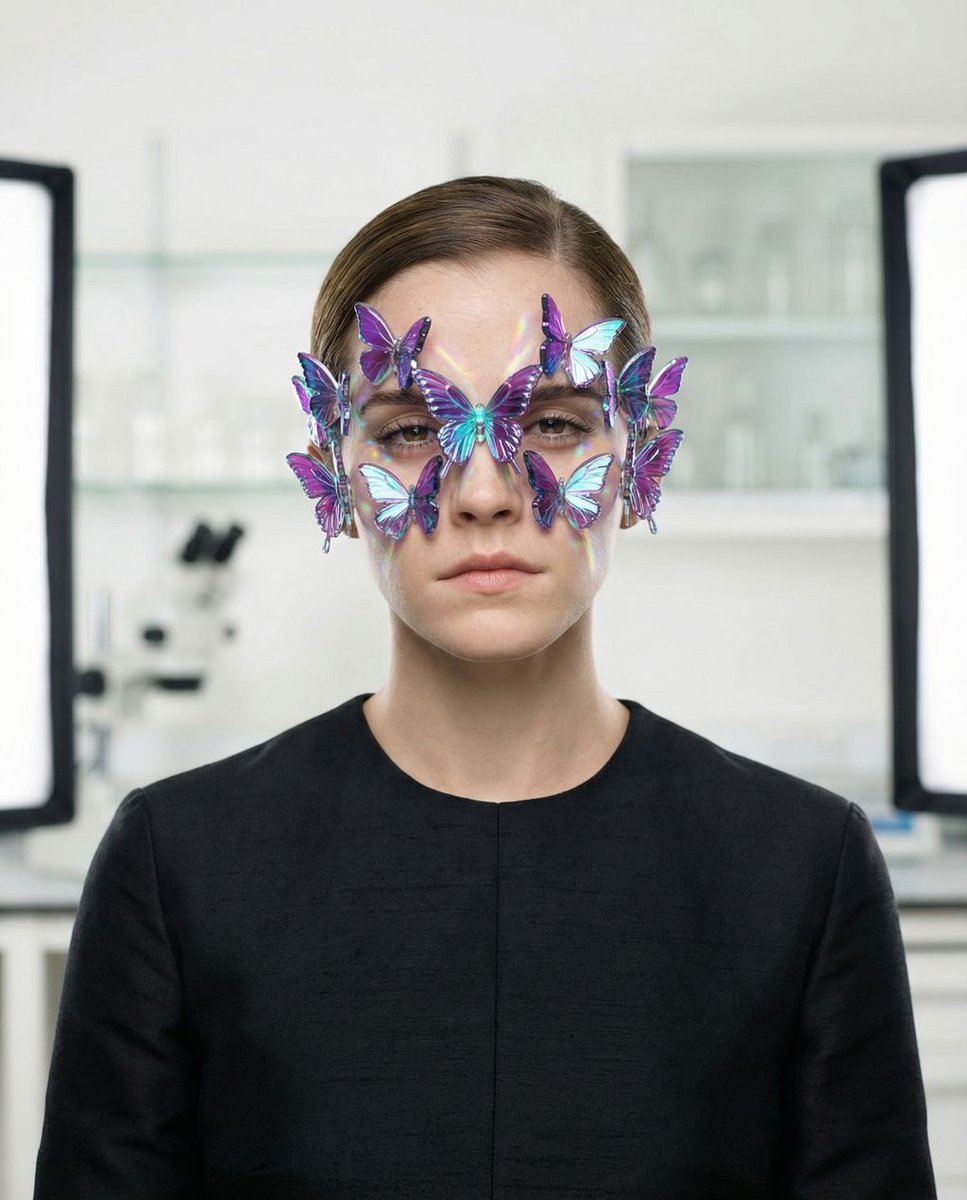
Surreal High-Fashion Portrait Prompt for Gemini Nano Banana Pro
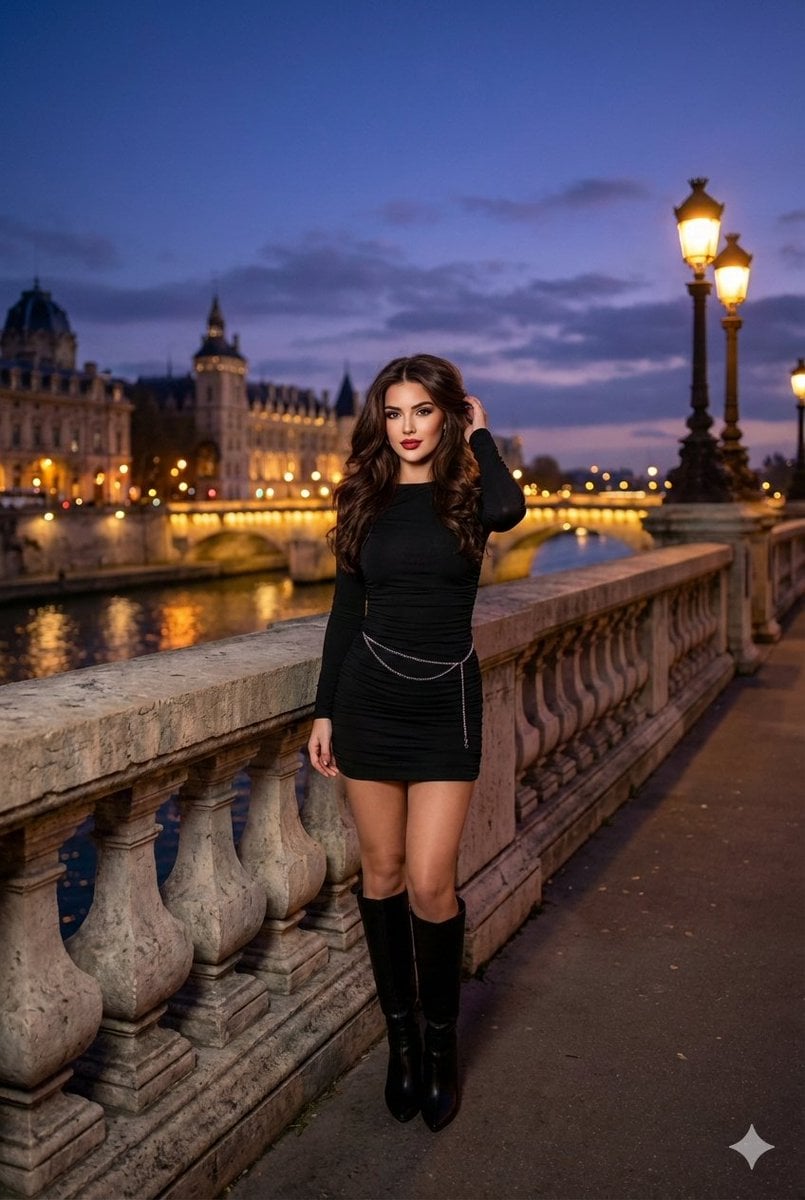
Evening cityscape bridge fashion portrait
Browse template categories
Cherry Blossom Yukata Idol Portrait questions
How do I use the Cherry Blossom Yukata Idol Portrait template?
Add your photo if the template asks for one, edit the prompt if you like — the template's model and format are already selected — and press Generate. Your version opens in PicX Studio.
Can I customize the Cherry Blossom Yukata Idol Portrait template?
Yes. You can change the subject, setting, lighting, mood, format, and available model controls before creating your image.
Is the Cherry Blossom Yukata Idol Portrait template free?
Opening and editing this template is free. Generating uses credits, shown on the Generate button when you are signed in.
Which AI model should I use?
Start with GPT Image 2, which is the model associated with this template. You can compare another compatible model for a different finish.
Looking for something else? Browse all templates.

Your photo, any look
Thousands of ready templates for every top image and video model, from one credit balance.