
Cherry Blossom Kimono Portrait Grid
This prompt generates a six-panel dreamy spring portrait collage of a woman in a kimono beneath cherry blossoms, suitable for editorial-style seasonal fashion or atmospheric AI portrait work.
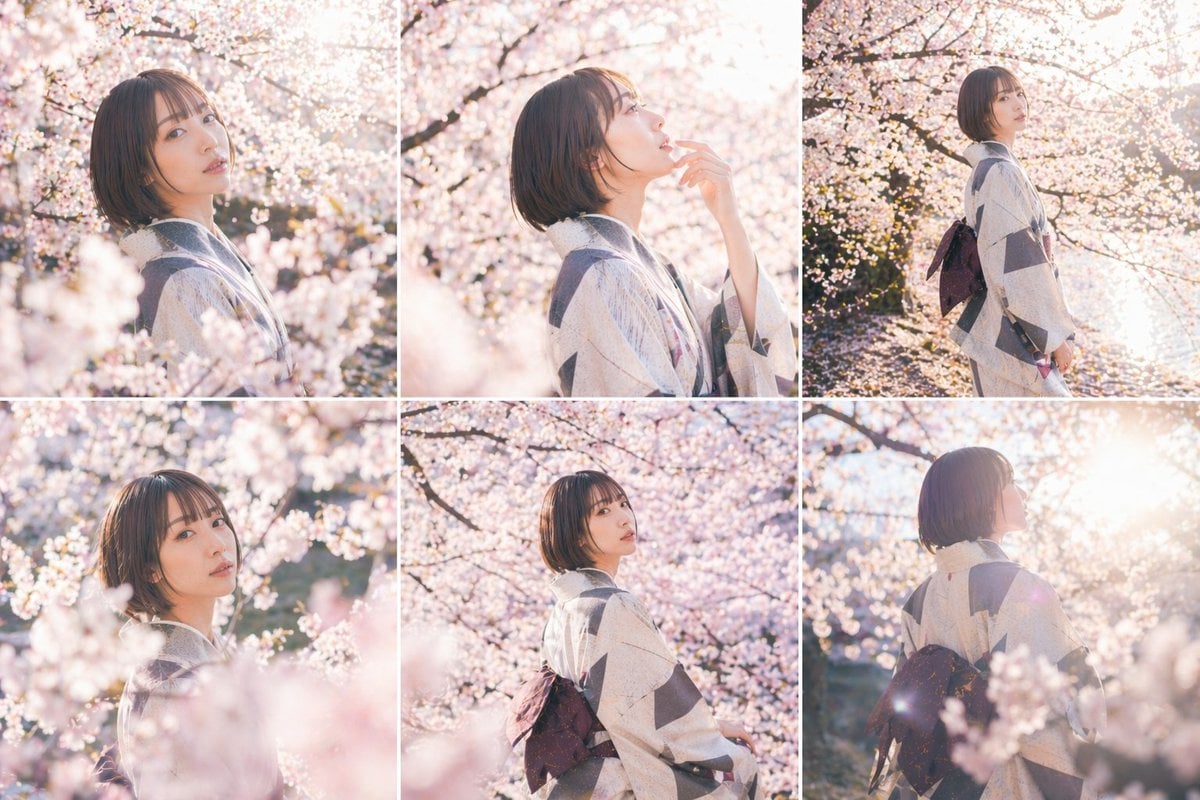
- Prompt included
- Model and format preset
- Free template
The prompt behind this image
Copy the exact prompt behind Cherry Blossom Kimono Portrait Grid, or open it in the studio and make it yours.
- Type
- editorial portrait collage
- Subject › Gender Presentation
- young woman
- Subject › Hair › Color
- dark brown
- Subject › Hair › Style
- short straight bob, chin-length, side-parted
- Subject › Wardrobe › Main Garment
- light-colored traditional kimono with large geometric gray blocks and subtle fine-line texture
- Subject › Wardrobe › Obi
- dark plum or deep brown obi tied in a bow at the back
- Subject › Pose And Mood
- calm, reflective, elegant, soft candid presence
- Scene › Location
- outdoor cherry blossom grove in full bloom
- Scene › Season
- spring
- Scene › Lighting
- strong golden-hour backlight with dreamy haze, glowing highlights, soft overexposure, sun flare
- Scene › Color Palette
- pale pink, cream, blush, warm white, soft gray, muted plum
- Scene › Depth Of Field
- very shallow depth of field with heavy foreground and background bokeh from blossoms
- Layout › Grid › Rows
- 2
- Layout › Grid › Columns
- 3
- Layout › Grid › Count
- 6
- Layout › Images › 0 › Position
- top-left
- Layout › Images › 0 › Description
- close side-profile portrait facing left, upper body framed tightly, blossoms filling foreground and background
- Layout › Images › 1 › Position
- top-center
- Layout › Images › 1 › Description
- close side-profile portrait facing right, one hand raised lightly near the lips, soft backlight through blossoms
- Layout › Images › 2 › Position
- top-right
- Layout › Images › 2 › Description
- three-quarter full-body side view standing beneath cherry trees, kimono and obi clearly visible, sunlight streaming from upper right
- Layout › Images › 3 › Position
- bottom-left
- Layout › Images › 3 › Description
- close portrait partially obscured by out-of-focus cherry blossoms in the foreground, subject turned left
- Layout › Images › 4 › Position
- bottom-center
Raw JSON
{"type":"editorial portrait collage","subject":{"gender_presentation":"young woman","hair":{"color":"dark brown","style":"short straight bob, chin-length, side-parted"},"wardrobe":{"main_garment":"light-colored traditional kimono with large geometric gray blocks and subtle fine-line texture","obi":"dark plum or deep brown obi tied in a bow at the back"},"pose_and_mood":"calm, reflective, elegant, soft candid presence"},"scene":{"location":"outdoor cherry blossom grove in full bloom","season":"spring","lighting":"strong golden-hour backlight with dreamy haze, glowing highlights, soft overexposure, sun flare","color_palette":"pale pink, cream, blush, warm white, soft gray, muted plum","depth_of_field":"very shallow depth of field with heavy foreground and background bokeh from blossoms"},"layout":{"grid":{"rows":2,"columns":3,"count":6},"images":[{"position":"top-left","description":"close side-profile portrait facing left, upper body framed tightly, blossoms filling foreground and background"},{"position":"top-center","description":"close side-profile portrait facing right, one hand raised lightly near the lips, soft backlight through blossoms"},{"position":"top-right","description":"three-quarter full-body side view standing beneath cherry trees, kimono and obi clearly visible, sunlight streaming from upper right"},{"position":"bottom-left","description":"close portrait partially obscured by out-of-focus cherry blossoms in the foreground, subject turned left"},{"position":"bottom-center","description":"mid-length back three-quarter pose with head turned slightly left, obi bow centered, dense cherry blossoms behind"},{"position":"bottom-right","description":"back three-quarter portrait looking upward toward bright sunlight, strong lens flare and glowing rim light"}]},"style":{"photography":"romantic Japanese spring portrait photography","finish":"high-key, airy, pastel, cinematic, softly diffused","composition":"intimate candid editorial shots with floral framing in every panel"},"prompt":"Create a 6-image editorial portrait collage of a {argument name=\"subject\" default=\"young woman\"} wearing a {argument name=\"kimono pattern\" default=\"light traditional kimono with large geometric gray blocks\"} and a {argument name=\"obi color\" default=\"dark plum\"} obi, photographed under {argument name=\"blossom type\" default=\"cherry blossoms\"} in full spring bloom. Use {argument name=\"lighting style\" default=\"golden-hour backlight with dreamy haze and lens flare\"}. Hair is a short dark-brown bob. Produce a 2x3 grid with exactly 6 distinct portraits: 1 close side-profile facing left, 1 close side-profile facing right with fingers near lips, 1 three-quarter full-body side view, 1 close portrait obscured by foreground blossoms, 1 mid-length back three-quarter pose showing the obi bow, and 1 back three-quarter portrait gazing toward the sun. Emphasize shallow depth of field, heavy floral bokeh, pastel pink and cream tones, airy high-key exposure, soft cinematic diffusion, romantic Japanese portrait photography."}How to use Cherry Blossom Kimono Portrait Grid in 3 steps
- 1Upload ImagePNG, JPG or paste
Add your photo
Upload the photo the template builds on. The prompt, model and format are already set.
- 2…a portrait of your subject in softgolden-hour light, 85mm…
Personalize
Edit the subject and creative details for your destination.
- 3Generate
Generate
Press Generate — your image is created in PicX Studio, so you can compare it with the original and refine one variable at a time.
More like this
Templates with the same subject, style or setup. Open one to see its prompt.
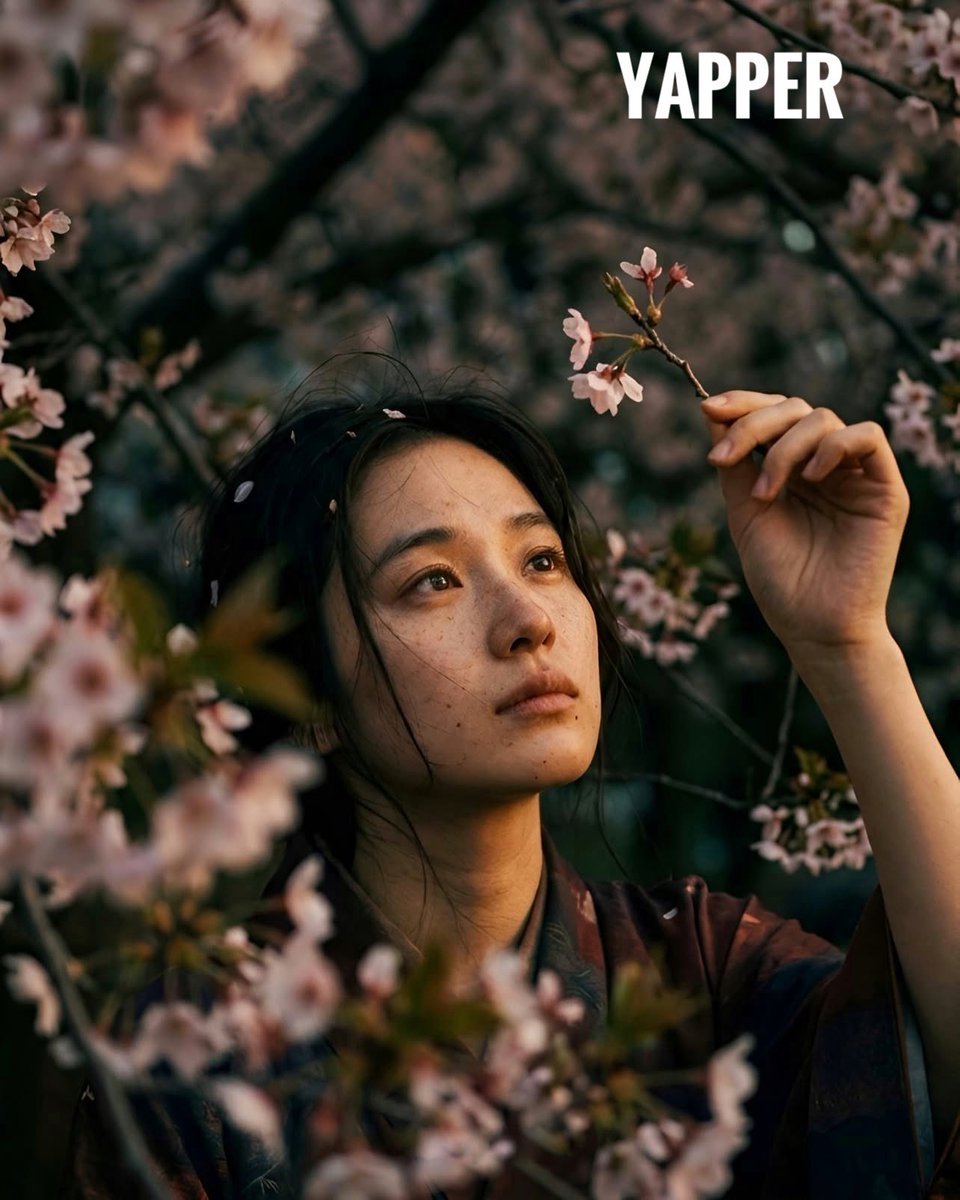
Japanese woman in vintage kimono under cherry blossoms

B&W Photobooth Expression Grid 4x4 — Nano Banana

Gen Z TikTok Viral Expression Grid 4x4 — Nano Banana
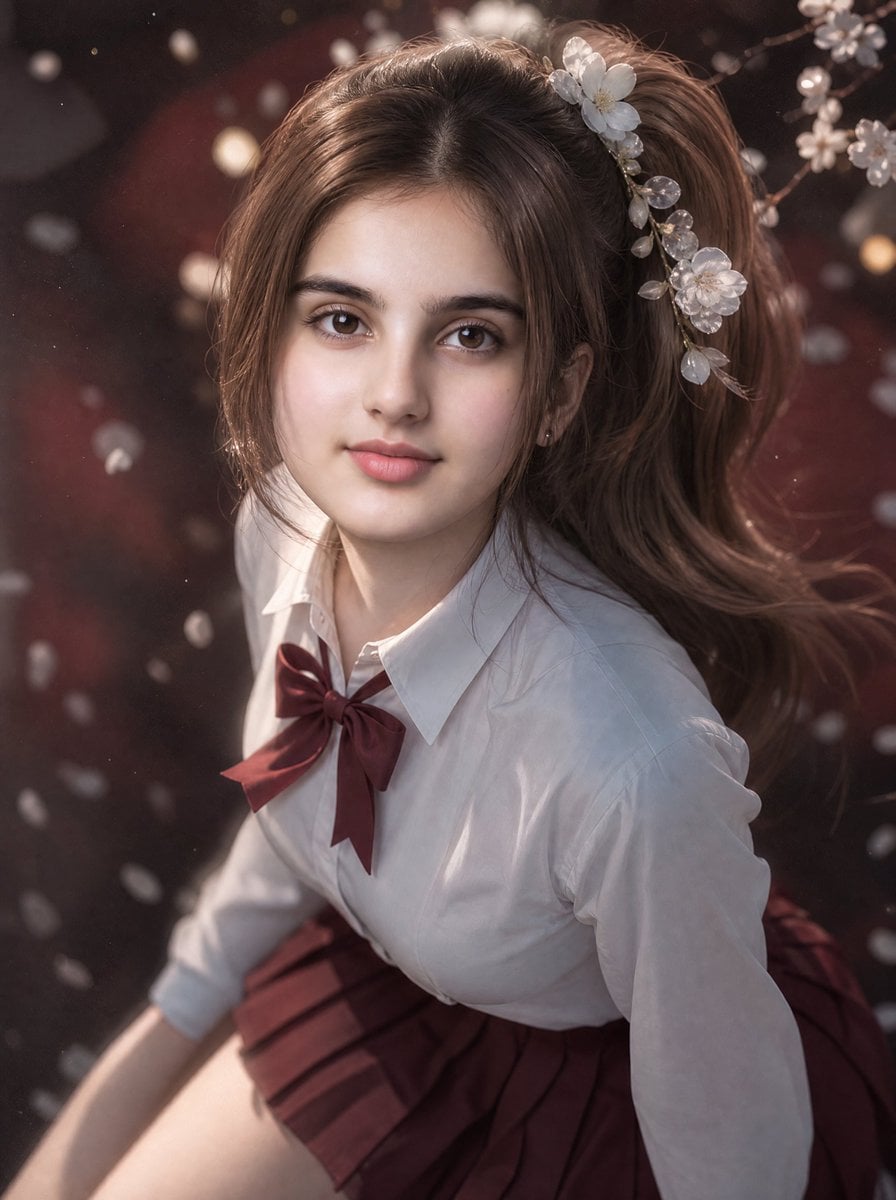
3D Guoman Cherry Blossom Schoolgirl Portrait
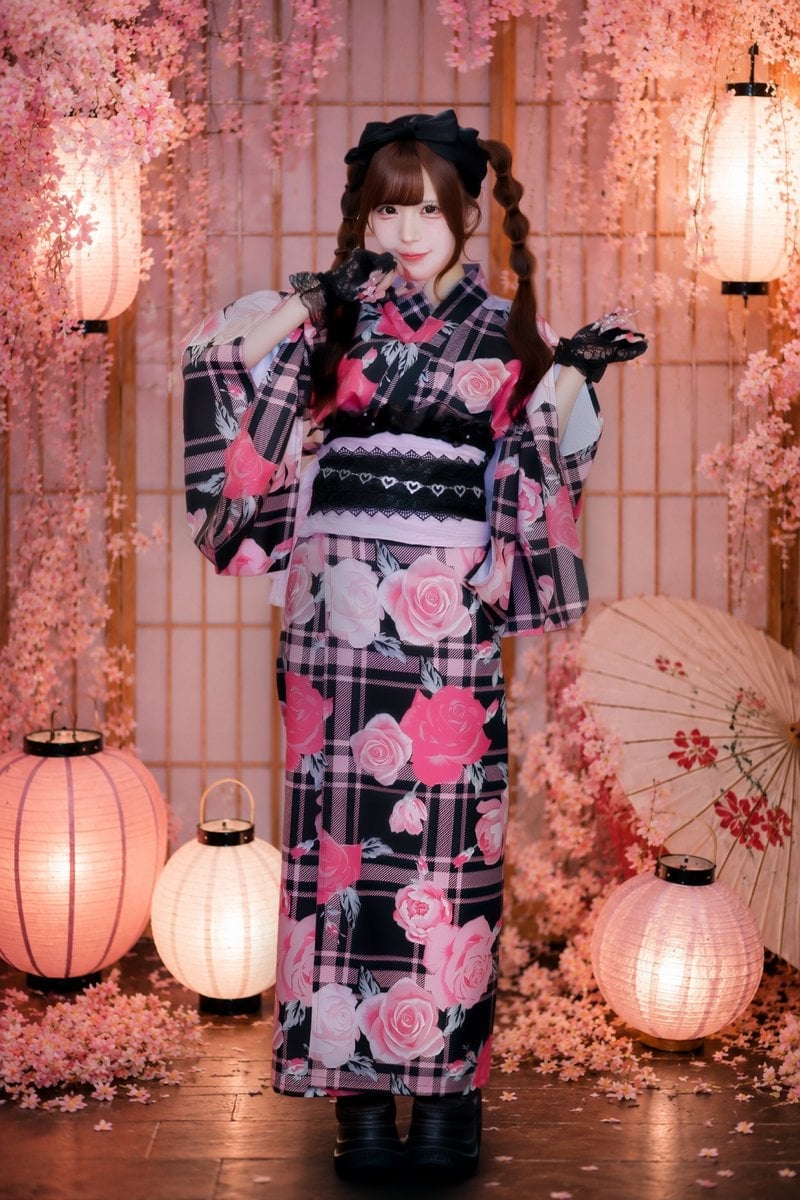
Cherry Blossom Yukata Idol Portrait
Spring Seaside Cherry Blossom Portrait
Dreamy Cherry Blossom Portrait
Cherry Blossom Garden Evening Portrait
Soft Spring Cherry Blossom POV Portrait
Cinematic Cherry Blossom Portrait
Dreamy Cinematic Portrait under Cherry Blossoms
Cherry Blossom Parking Lot Portrait Prompt
Make it yours
Cherry Blossom Kimono Portrait Grid works as-is. These are the safest ways to change it without losing the look.
Swap the setting
Keep the rest of the prompt and replace the location block. The current setting is “outdoor cherry blossom grove in full bloom”.
Swap the light
One lighting change is enough to compare takes. Current light: “strong golden-hour backlight with dreamy haze, glowing highlights, soft overexpo”.
Change one field
Copy a single group, rewrite it, and generate again so you can see what that field is doing.
| If the result… | Why | Fix |
|---|---|---|
| The result drifts from the preview | Too many fields changed at once. | Reuse Cherry Blossom Kimono Portrait Grid as-is first, then change one group — subject, light, or setting. |
| GPT Image 2 ignores part of the JSON | Some models flatten or skip nested keys. | Keep the same values and paste them as a short paragraph instead. |
More GPT Image 2 templates
Other prompts made for GPT Image 2.

Six VTuber Japanese Logo Sheet

Realistic Portrait of Woman and Deer

The Vista Modular Condo Poster

AI Model Routing Comparison Infographic

2.5D Anime Art Board

Isometric Productivity Desk Scene

New York Double Exposure Poster

Four-Panel AI Landscape Comparison

Japanese Tatami Lifestyle Magazine Cover

NESCAFÉ Coffee Map Poster
More image prompts
Fresh picks from across the catalog.
Cinematic Pink Blossom Couture Portrait
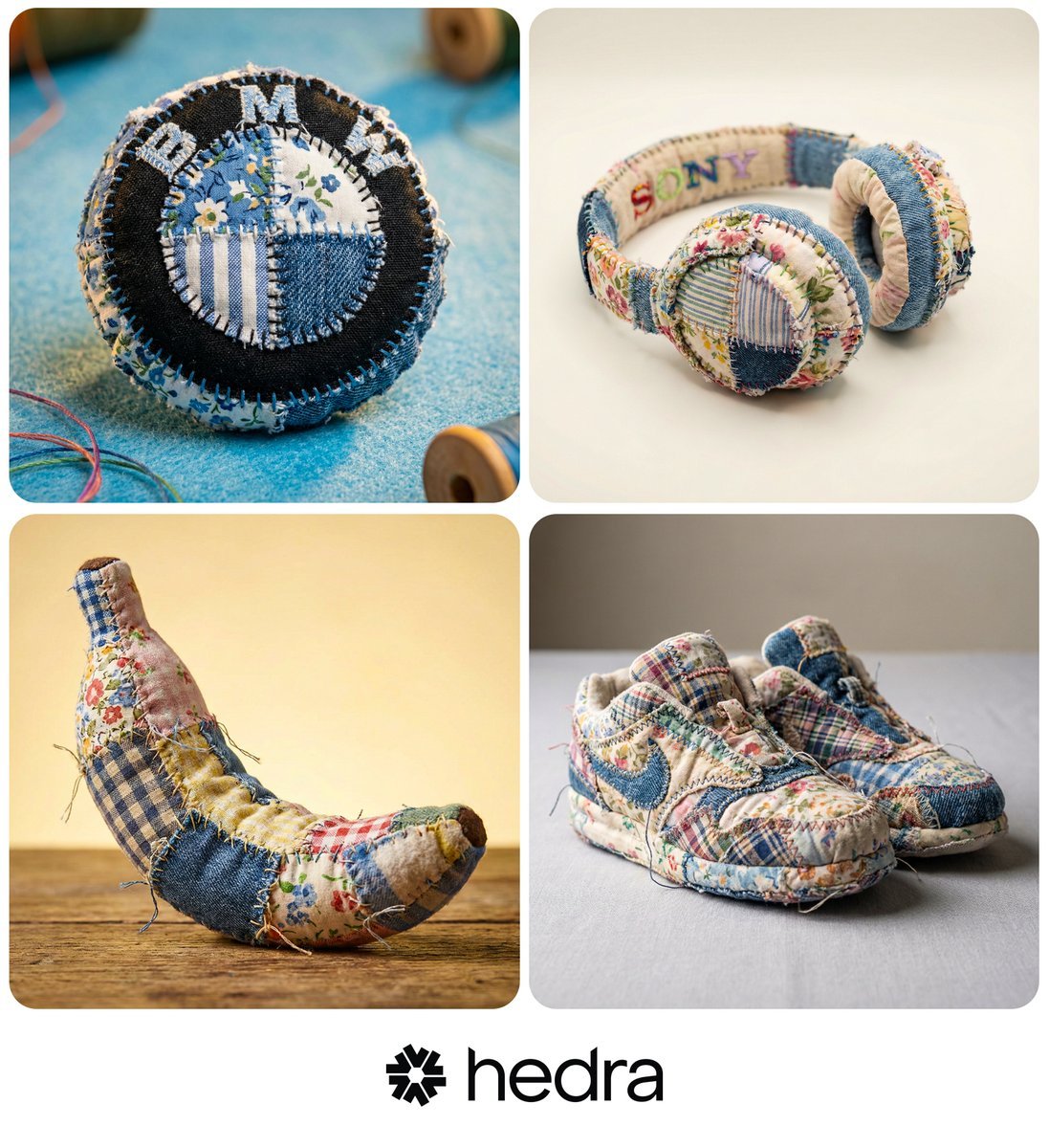
Hyper-realistic Patchwork Amigurumi Product Photo Prompt
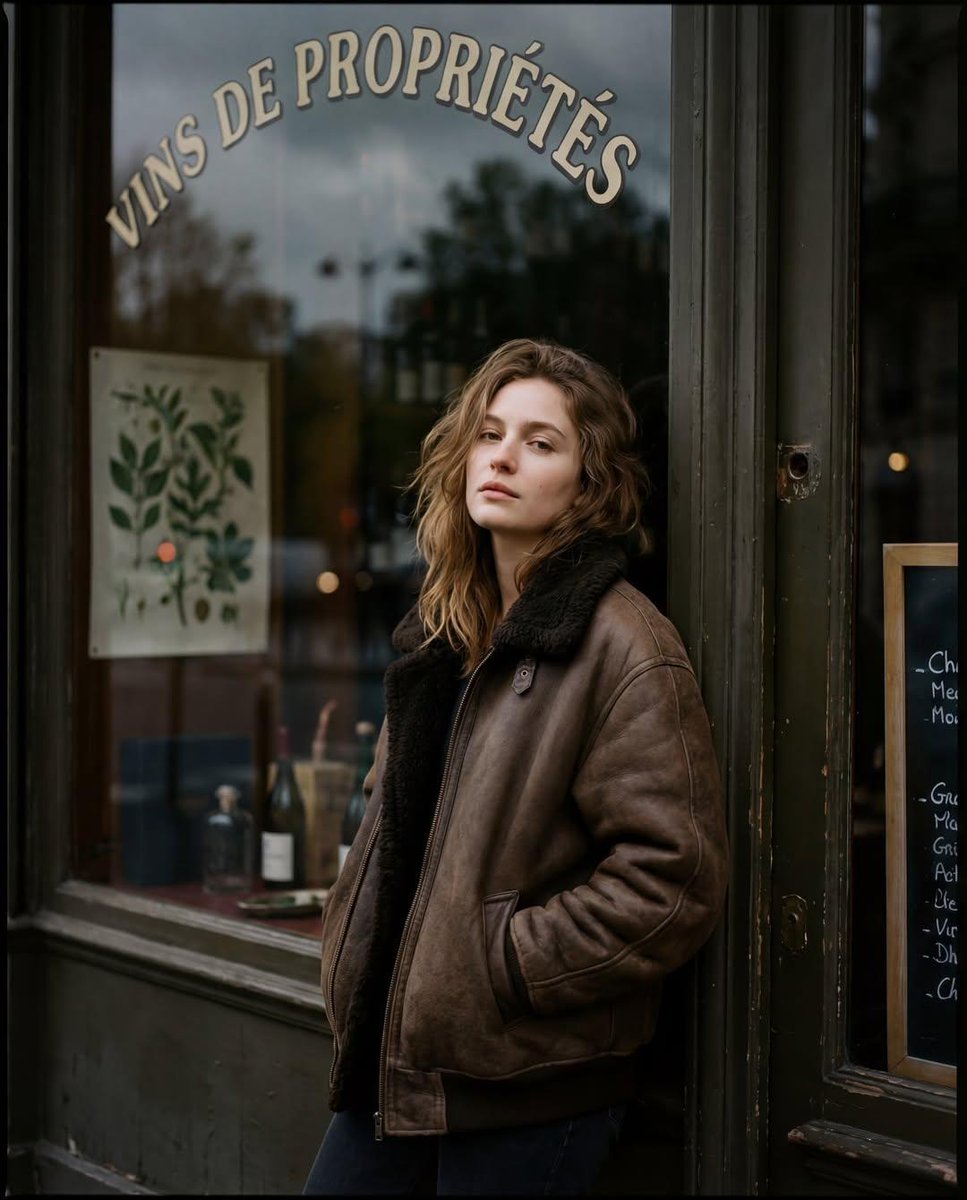
Moody Paris Street Editorial Portrait (Film Scan Aesthetic)

Cute Ball Shaped Animal Characters
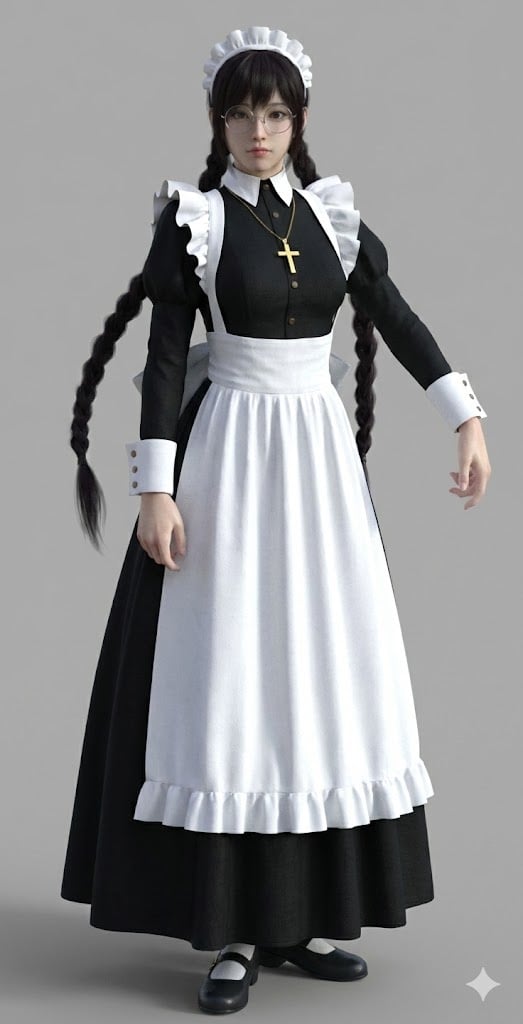
Anime Character to 3DCG Figure Prompt
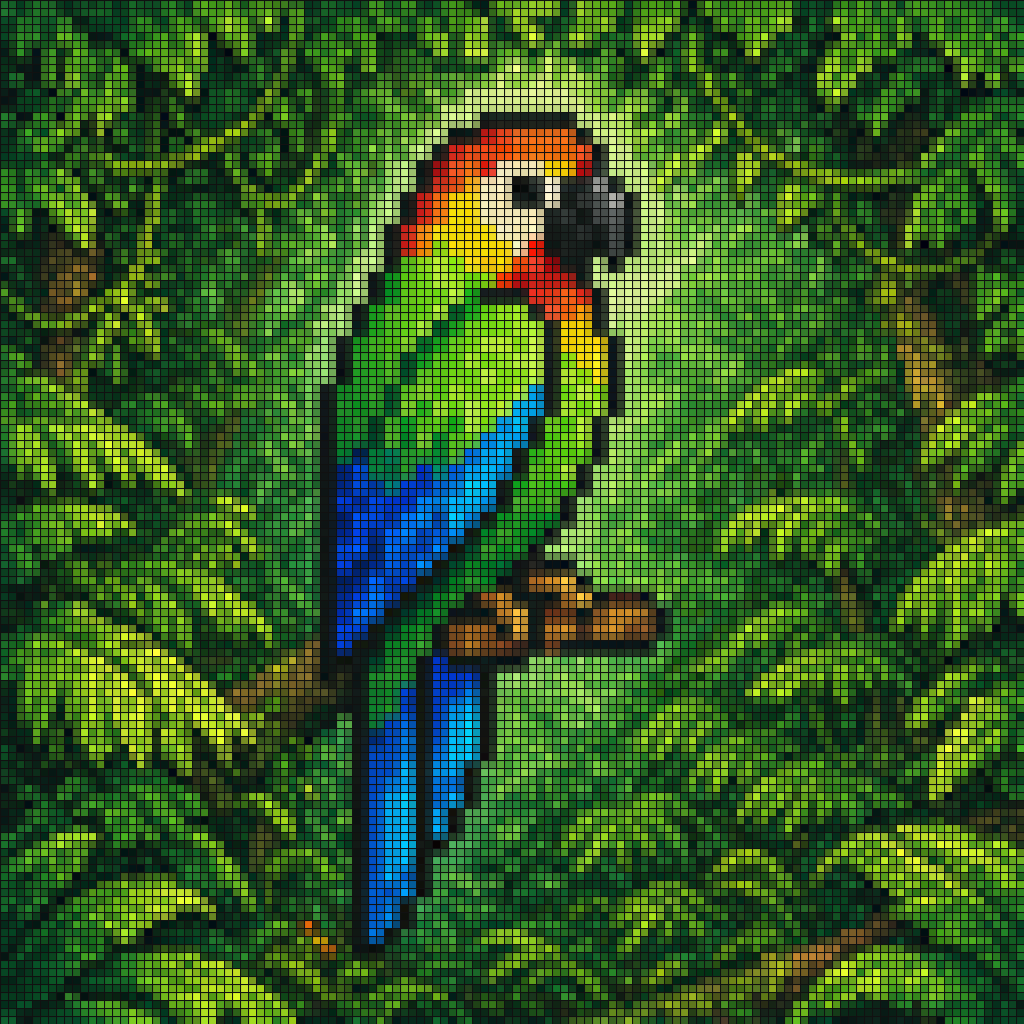
Pixel Mosaic Jungle Parrot
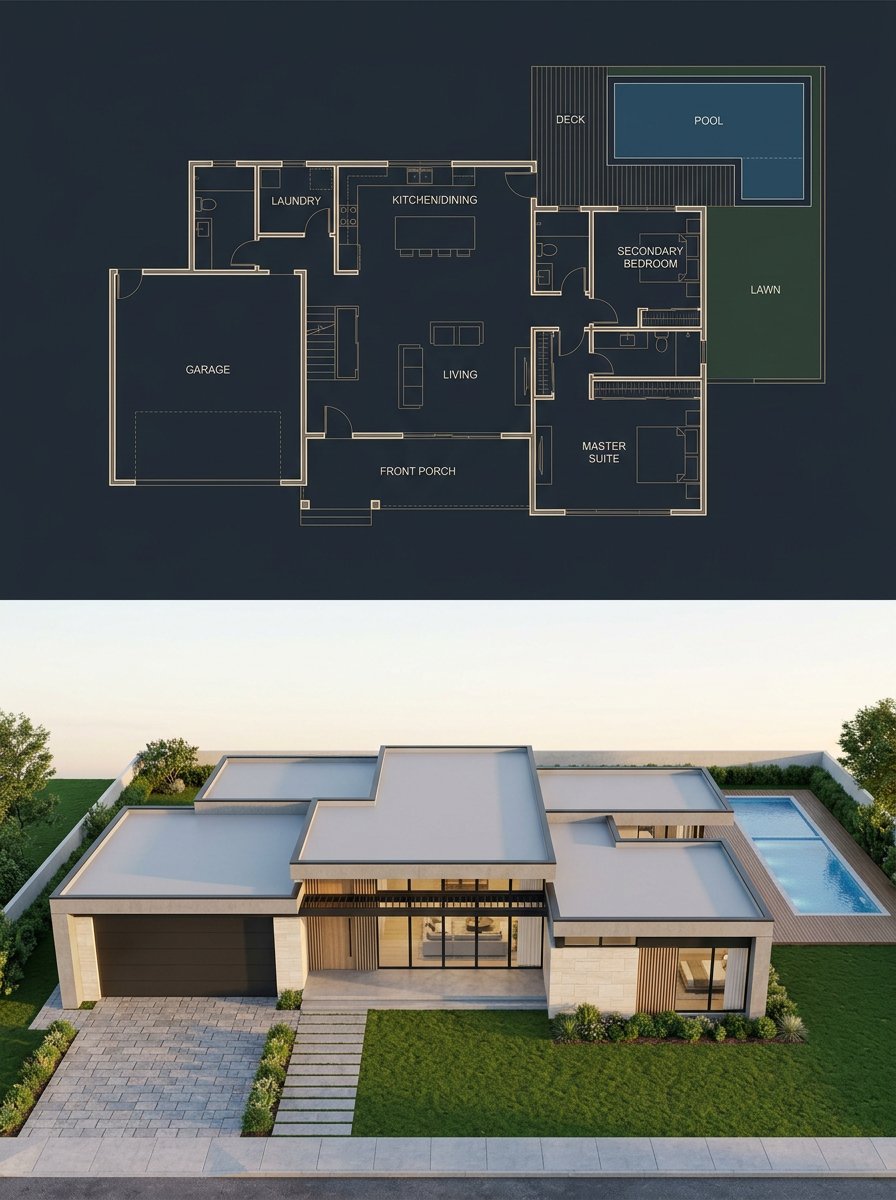
Split Blueprint and Modern House Render

Bold Studio Portrait with Red Hoodie and Dark Sunglasses
Comparing AI Art Versions with Nano Banana Pro

Luxury Sportswear Advertising Poster
Browse template categories
Cherry Blossom Kimono Portrait Grid questions
How do I use the Cherry Blossom Kimono Portrait Grid template?
Add your photo if the template asks for one, edit the prompt if you like — the template's model and format are already selected — and press Generate. Your version opens in PicX Studio.
Can I customize the Cherry Blossom Kimono Portrait Grid template?
Yes. You can change the subject, setting, lighting, mood, format, and available model controls before creating your image.
Is the Cherry Blossom Kimono Portrait Grid template free?
Opening and editing this template is free. Generating uses credits, shown on the Generate button when you are signed in.
Which AI model should I use?
Start with GPT Image 2, which is the model associated with this template. You can compare another compatible model for a different finish.
Looking for something else? Browse all templates.

Your photo, any look
Thousands of ready templates for every top image and video model, from one credit balance.