
Soft Spring Cherry Blossom POV Portrait
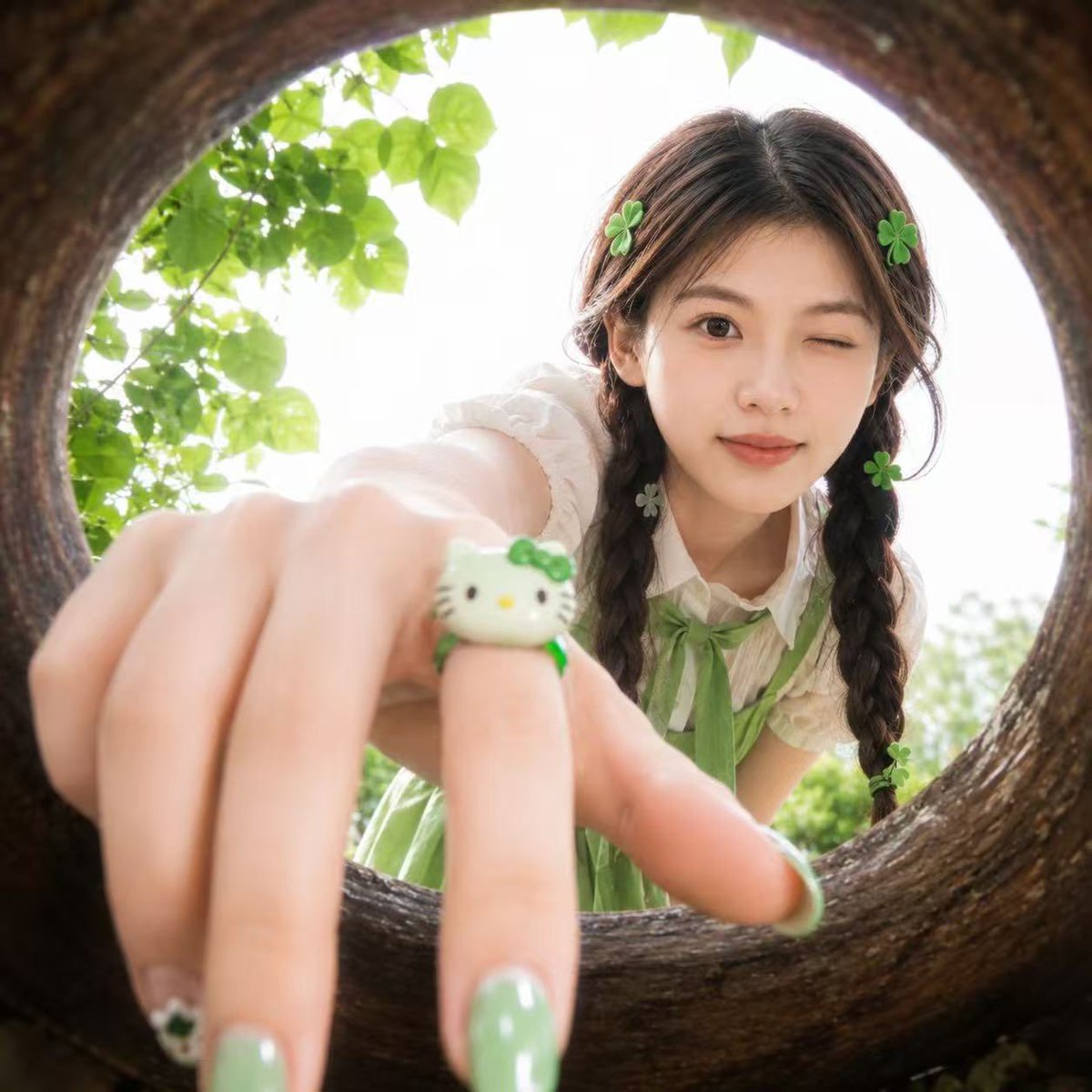
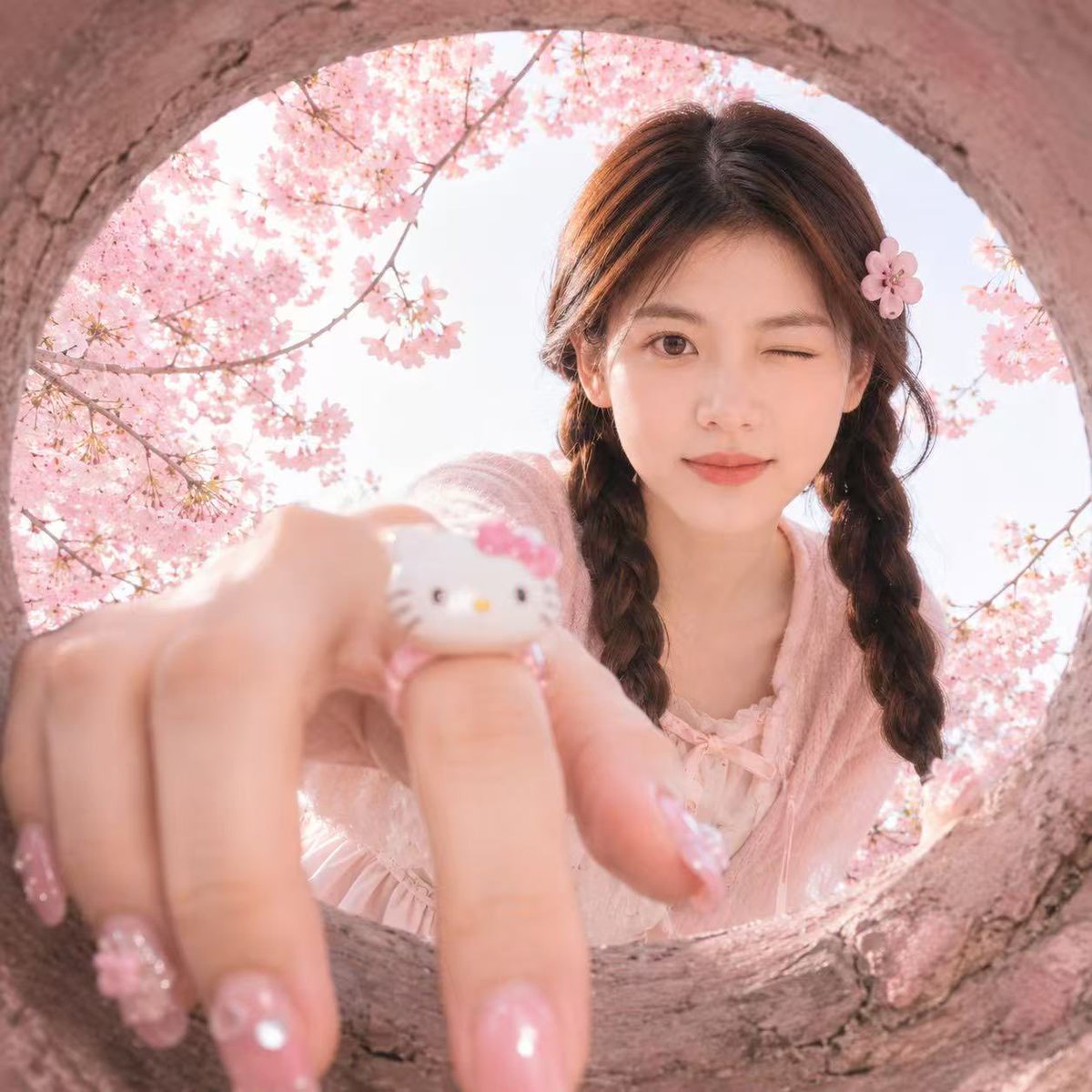
A fresh, youthful wide-angle portrait captured from inside a tree hole, featuring soft spring lighting and playful accessories while preserving a reference subject's identity.
- Prompt included
- Model and format preset
- Free template
The prompt behind this image
Copy the exact prompt behind Soft Spring Cherry Blossom POV Portrait, or open it in the studio and make it yours.
Use the {argument name="reference" default="uploaded portrait"} only as the identity reference. Preserve the person’s real facial features, face shape, skin tone, eye shape, and recognizable hairstyle. Create a realistic square close-up portrait taken from inside a {argument name="frame" default="round hollow wooden opening"}, as if the camera is placed inside a circular tree hole or natural wooden ring. The person leans toward the opening and looks into the camera with a {argument name="expression" default="playful cute expression"}, one eye gently winking, creating a fresh youthful snapshot mood. The camera uses an ultra-wide fisheye perspective, with the circular wooden frame surrounding the entire image. The person’s hand reaches toward the camera in the extreme foreground, creating strong depth and perspective distortion. Focus on the hand and face balance: the hand should look close but natural, with realistic finger proportions. Add glossy green manicured nails with subtle cute details, and a small green-and-white cute cartoon cat-style ring on one finger. Add small green clover-shaped hair accessories around the hair for a playful lucky charm feeling. Choose a flattering outfit that best suits the uploaded person’s appearance and hairstyle, using a fresh green-and-white color palette, youthful fashion styling, and clean fabric texture. Do not copy any specific outfit. The outfit should feel cute, fresh, and naturally coordinated with the green accessories. Outdoor garden atmosphere, soft daylight, bright overexposed sky behind the person, fresh green leaves around the circular frame, natural shallow depth of field, slightly dreamy soft focus, realistic skin texture, natural hair strands, authentic smartphone snapshot feeling, cute Japanese/Korean youth fashion mood, high realism, soft colors, playful composition, no text, no logo, no watermark.
Reference images included
Soft Spring Cherry Blossom POV Portrait needs input media to work. They load alongside the prompt when you open it in the studio.
How to use Soft Spring Cherry Blossom POV Portrait in 3 steps
- 1Upload ImagePNG, JPG or paste
Add your photo
Upload the photo the template builds on. The prompt, model and format are already set.
- 2…a portrait of your subject in softgolden-hour light, 85mm…
Personalize
Edit the subject and creative details for your destination.
- 3Generate
Generate
Press Generate — your image is created in PicX Studio, so you can compare it with the original and refine one variable at a time.
More like this
Templates with the same subject, style or setup. Open one to see its prompt.

Hyper-Realistic Minecraft POV Portrait
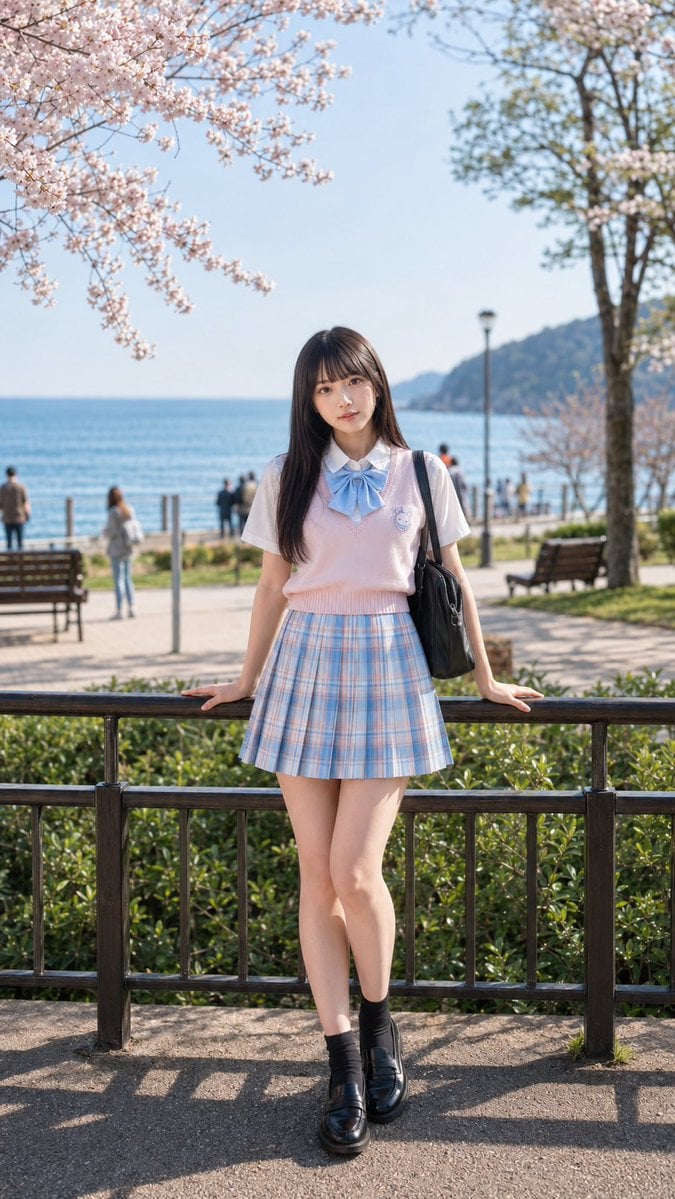
Spring Seaside Cherry Blossom Portrait
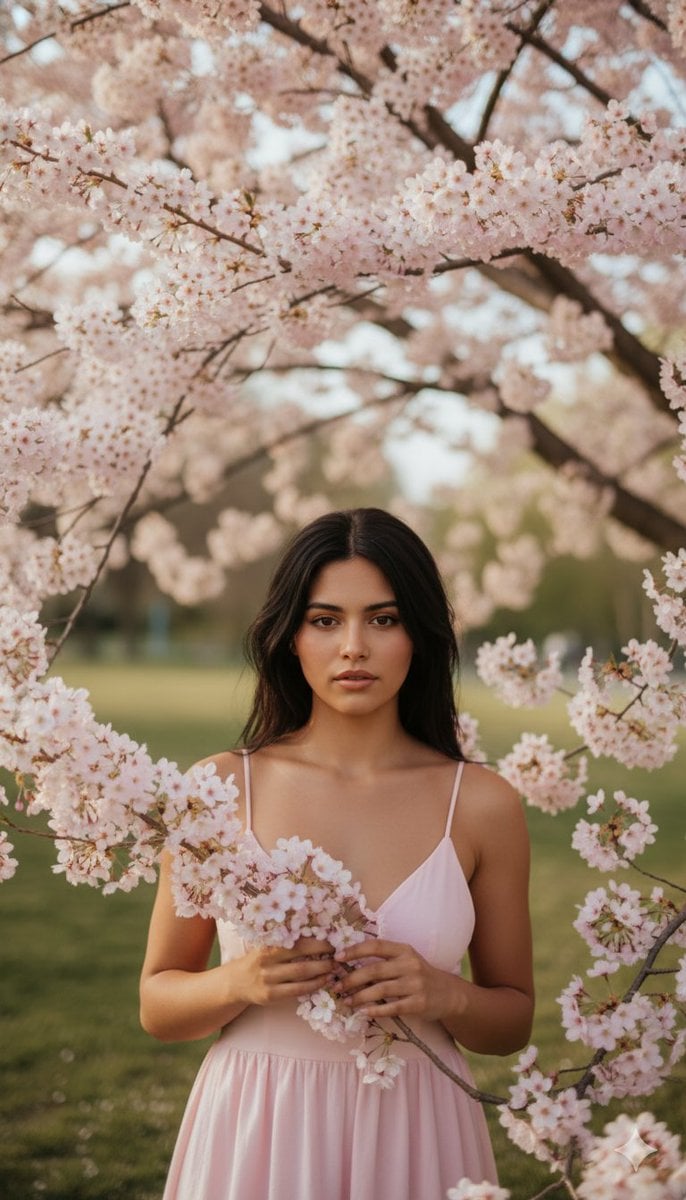
Springtime Cherry Blossom Portrait Recreation Prompt
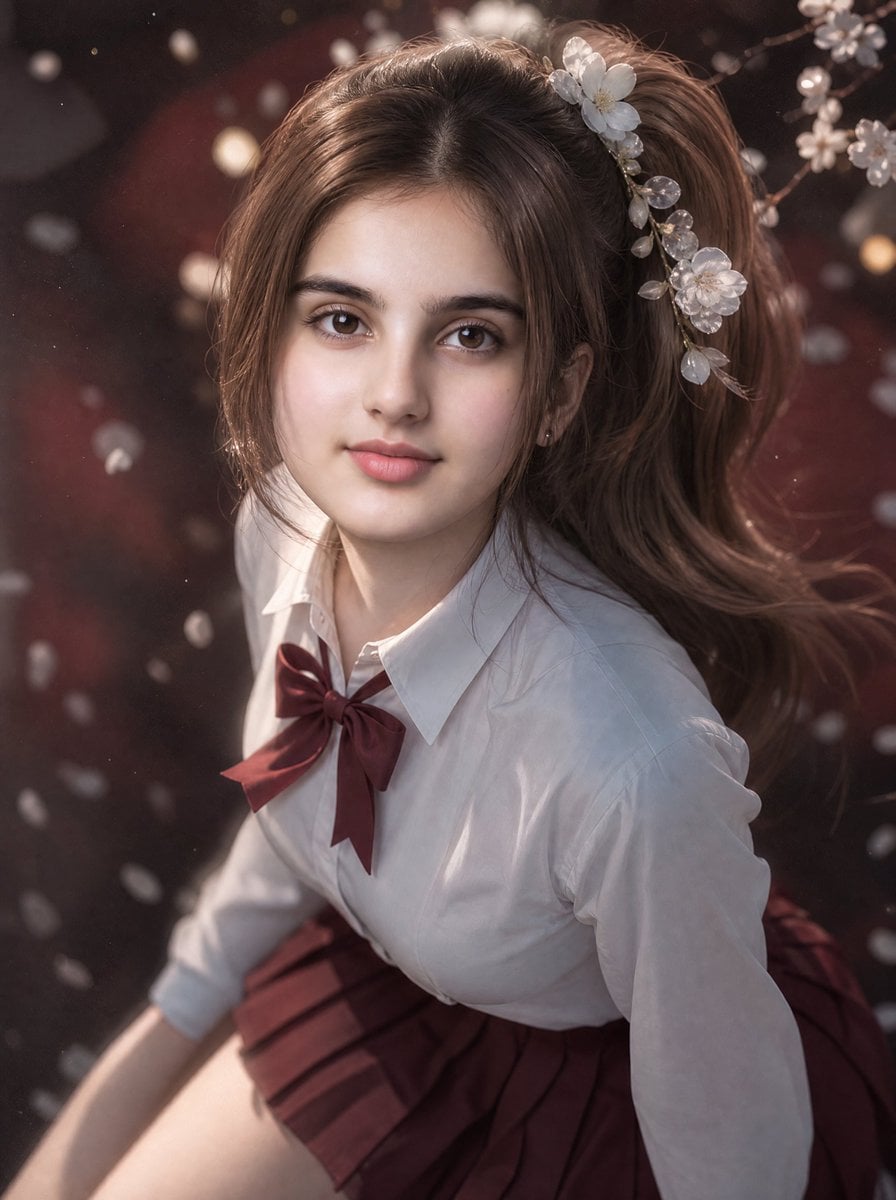
3D Guoman Cherry Blossom Schoolgirl Portrait
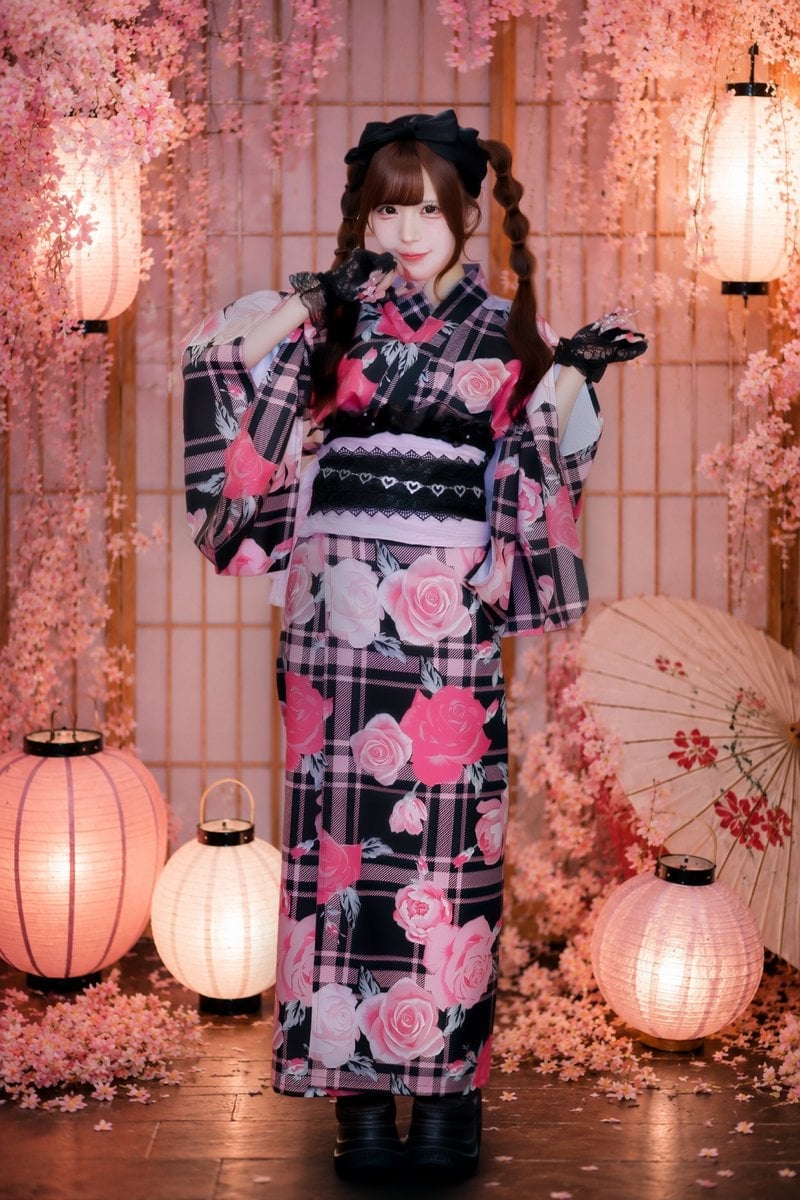
Cherry Blossom Yukata Idol Portrait

Artistic Patchwork Fashion Portrait Spring Festival
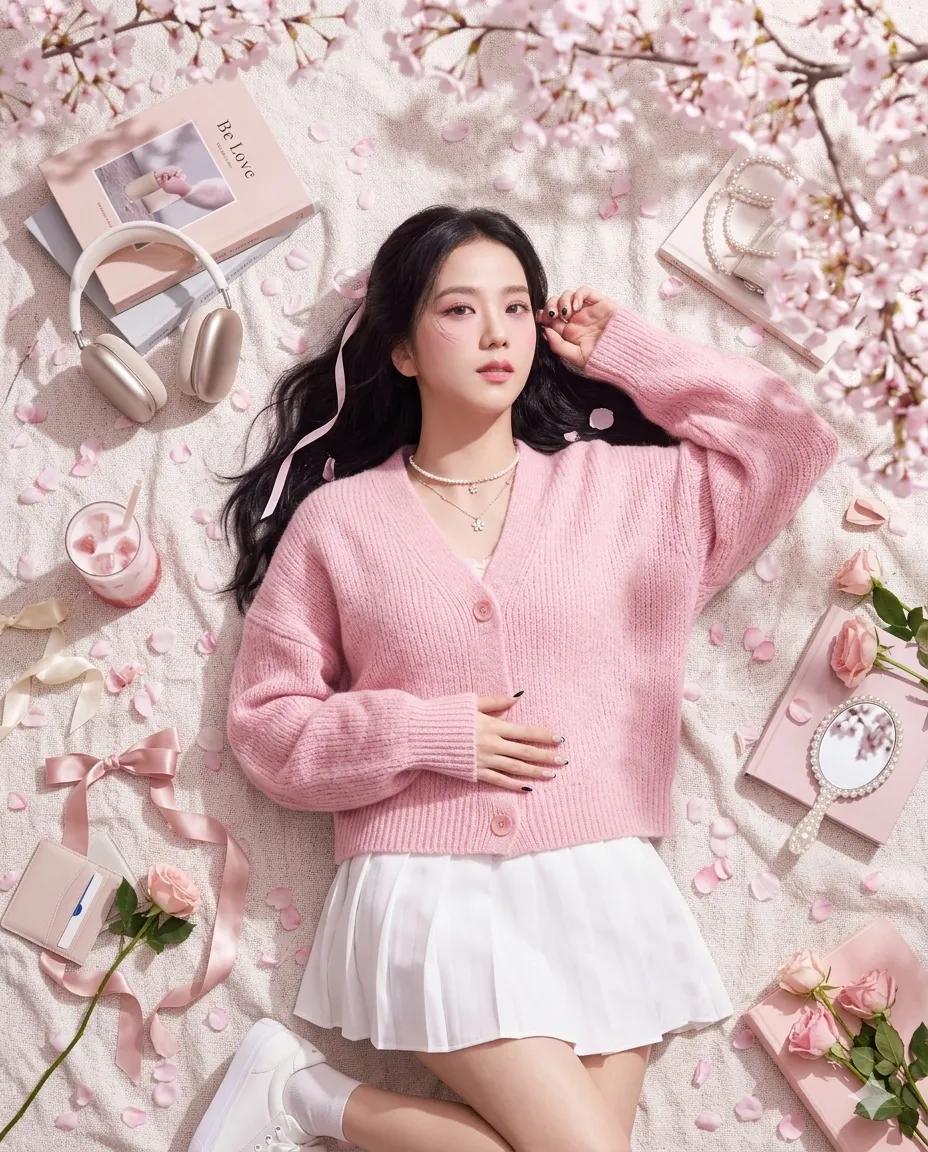
Dreamy Cherry Blossom Portrait
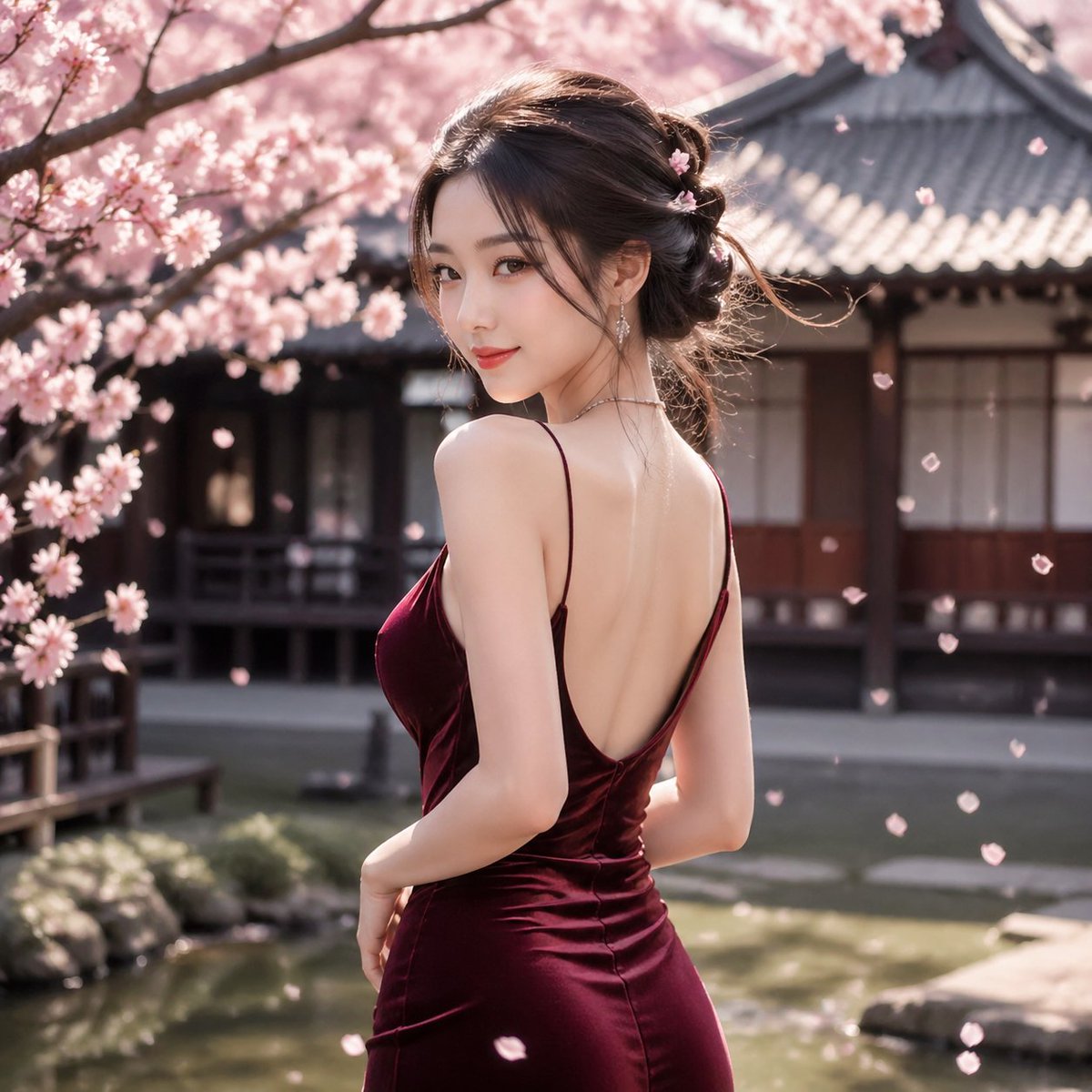
Cherry Blossom Garden Evening Portrait
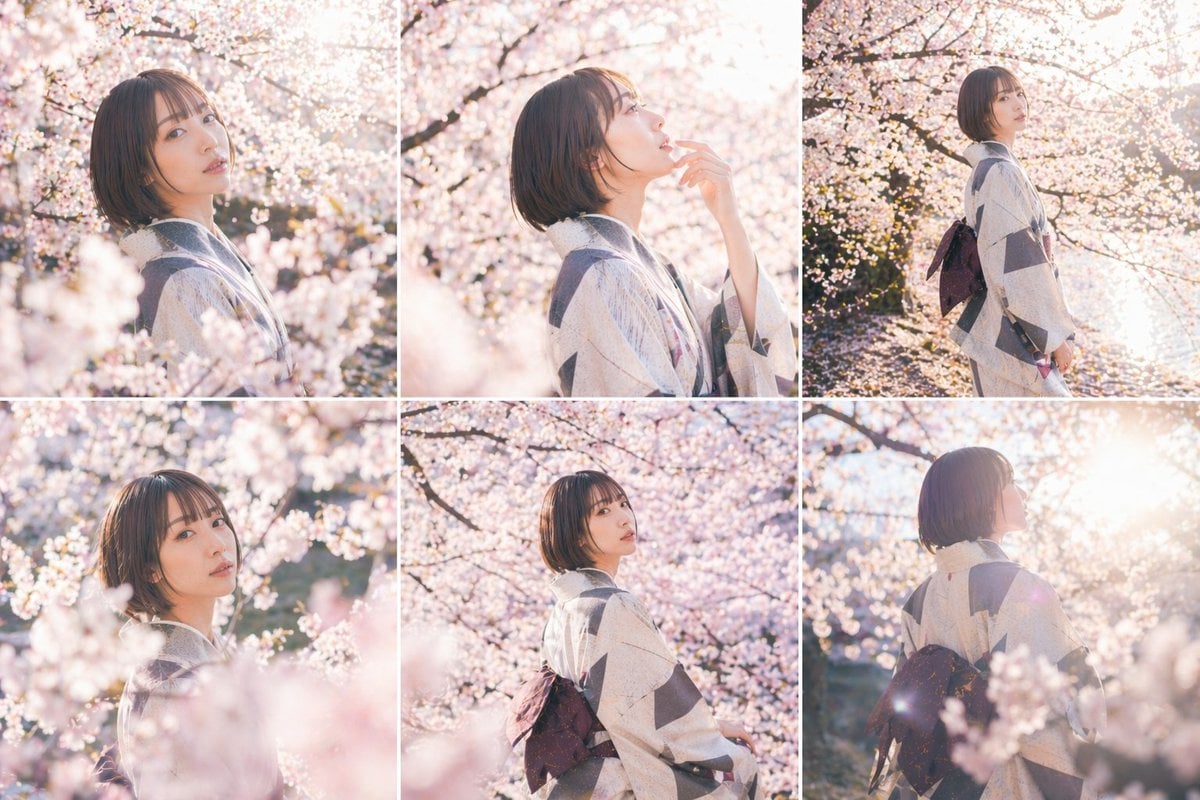
Cherry Blossom Kimono Portrait Grid
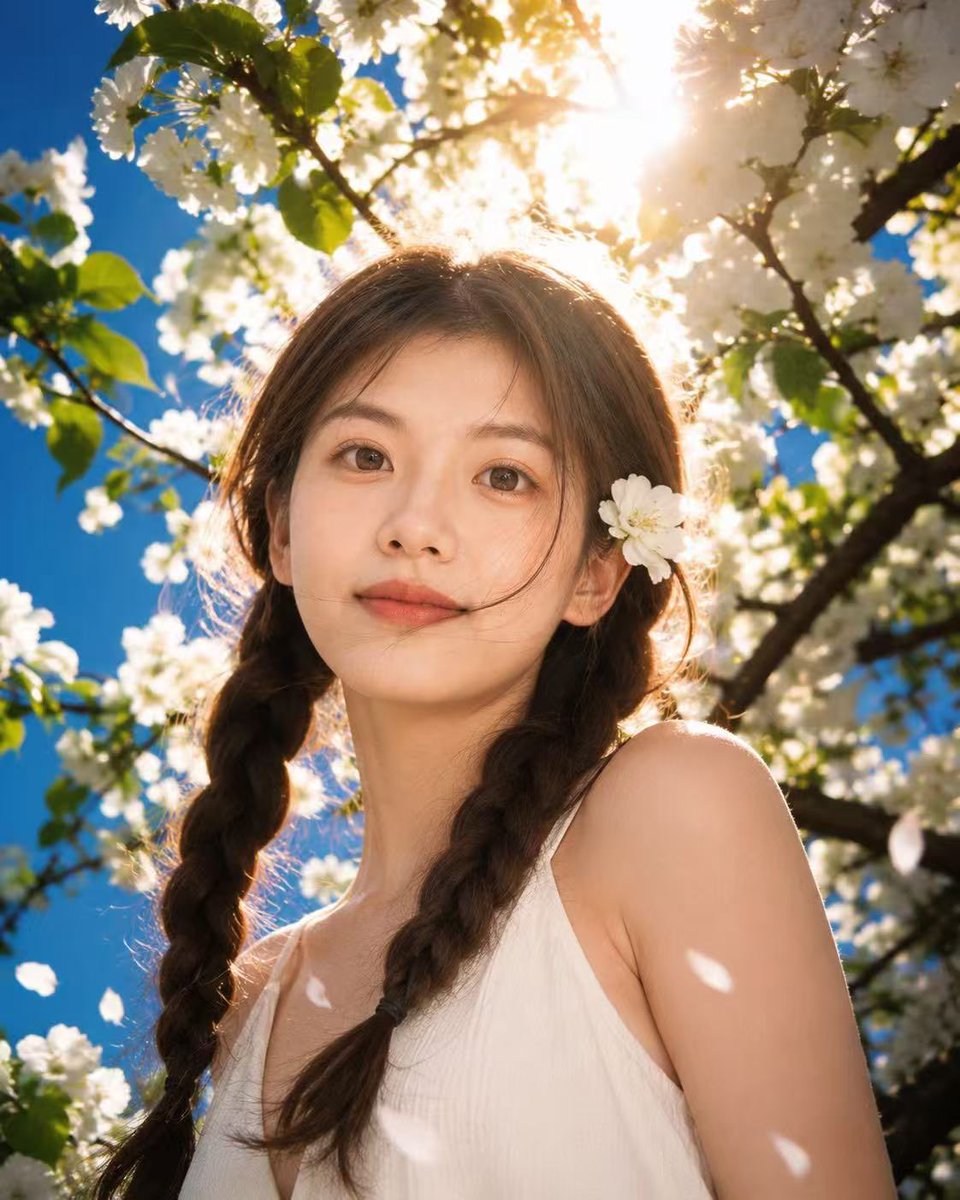
Sunlit Spring Blossom Portrait
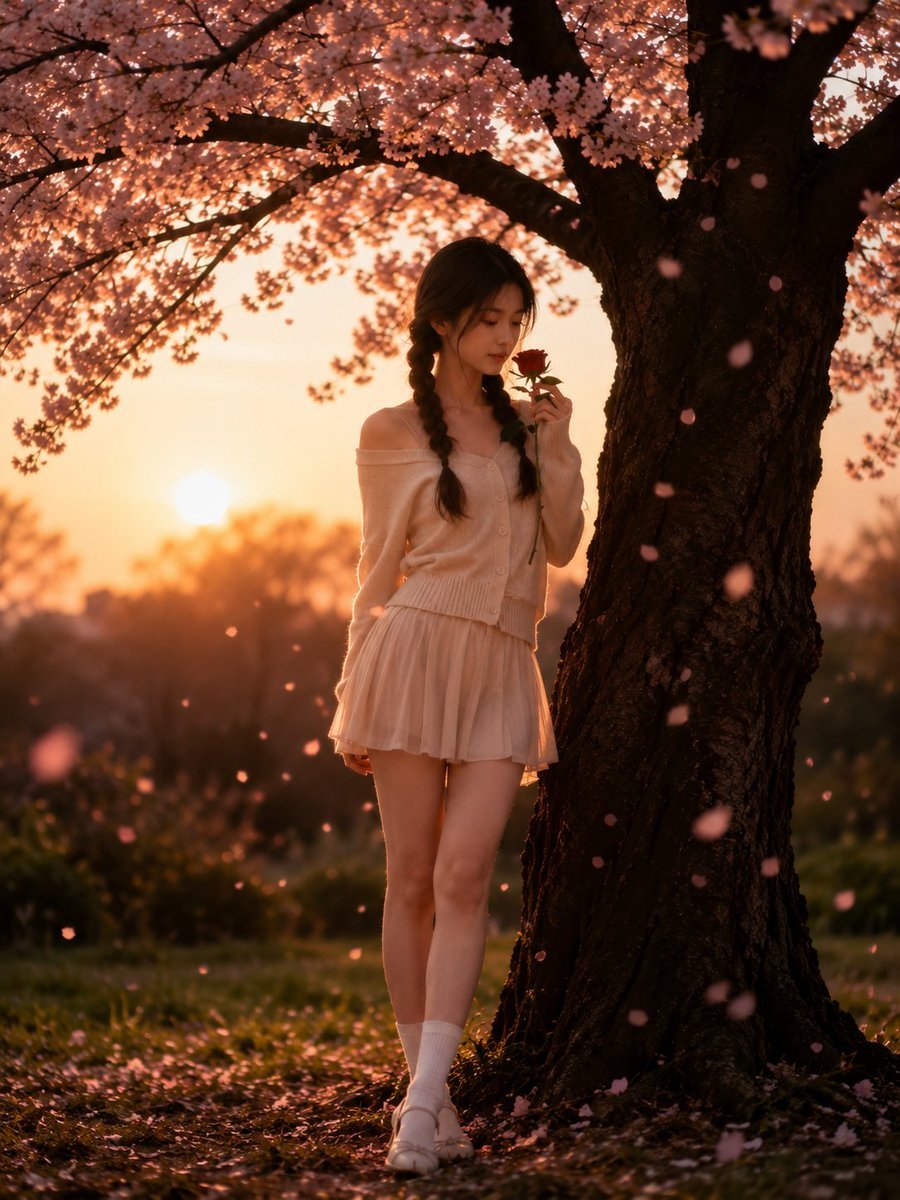
Cinematic Cherry Blossom Portrait
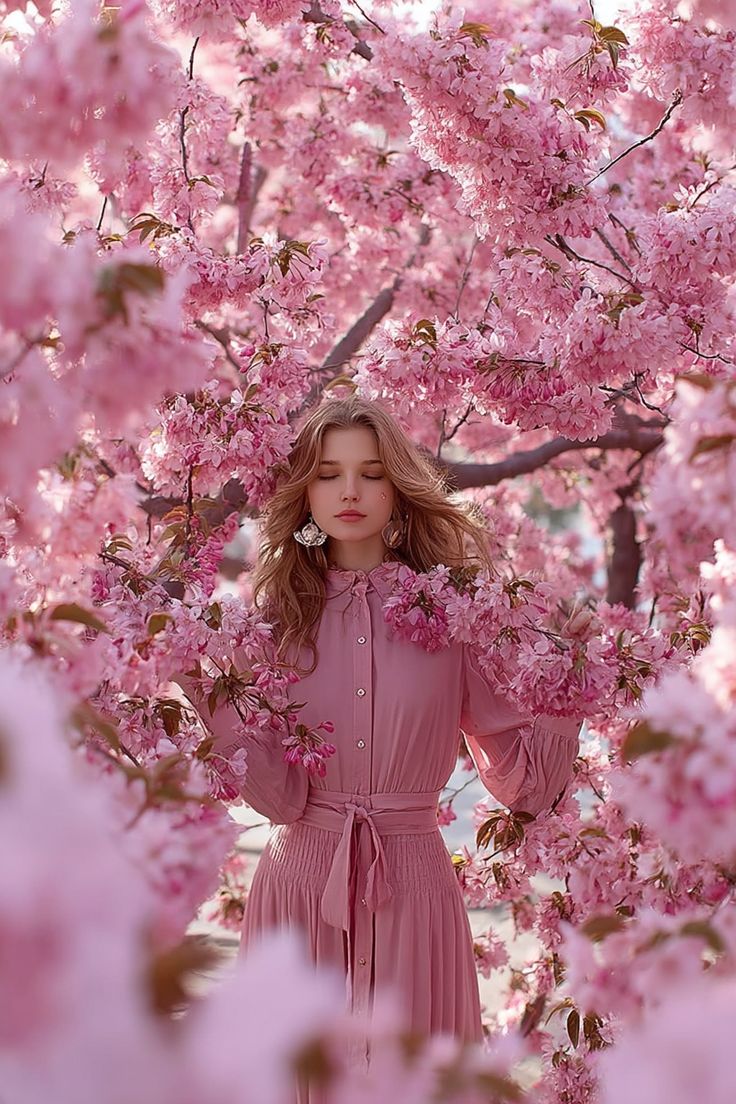
Dreamy Cinematic Portrait under Cherry Blossoms
Make it yours
Soft Spring Cherry Blossom POV Portrait works as-is. These are the safest ways to change it without losing the look.
Change one field
Copy a single group, rewrite it, and generate again so you can see what that field is doing.
Keep the frame, change the subject
Hold the composition and light of Soft Spring Cherry Blossom POV Portrait, then swap wardrobe, props or the person for a new take.
| If the result… | Why | Fix |
|---|---|---|
| The result drifts from the preview | Too many fields changed at once. | Reuse Soft Spring Cherry Blossom POV Portrait as-is first, then change one group — subject, light, or setting. |
| The model over-stylizes the scene | The prose prompt leaves finish and camera underspecified. | Add one camera or lighting sentence and stay on GPT Image 2. |
More GPT Image 2 templates
Other prompts made for GPT Image 2.

Six VTuber Japanese Logo Sheet

Realistic Portrait of Woman and Deer

The Vista Modular Condo Poster

AI Model Routing Comparison Infographic

2.5D Anime Art Board

Isometric Productivity Desk Scene

New York Double Exposure Poster

Four-Panel AI Landscape Comparison

Japanese Tatami Lifestyle Magazine Cover

NESCAFÉ Coffee Map Poster
More image prompts
Fresh picks from across the catalog.
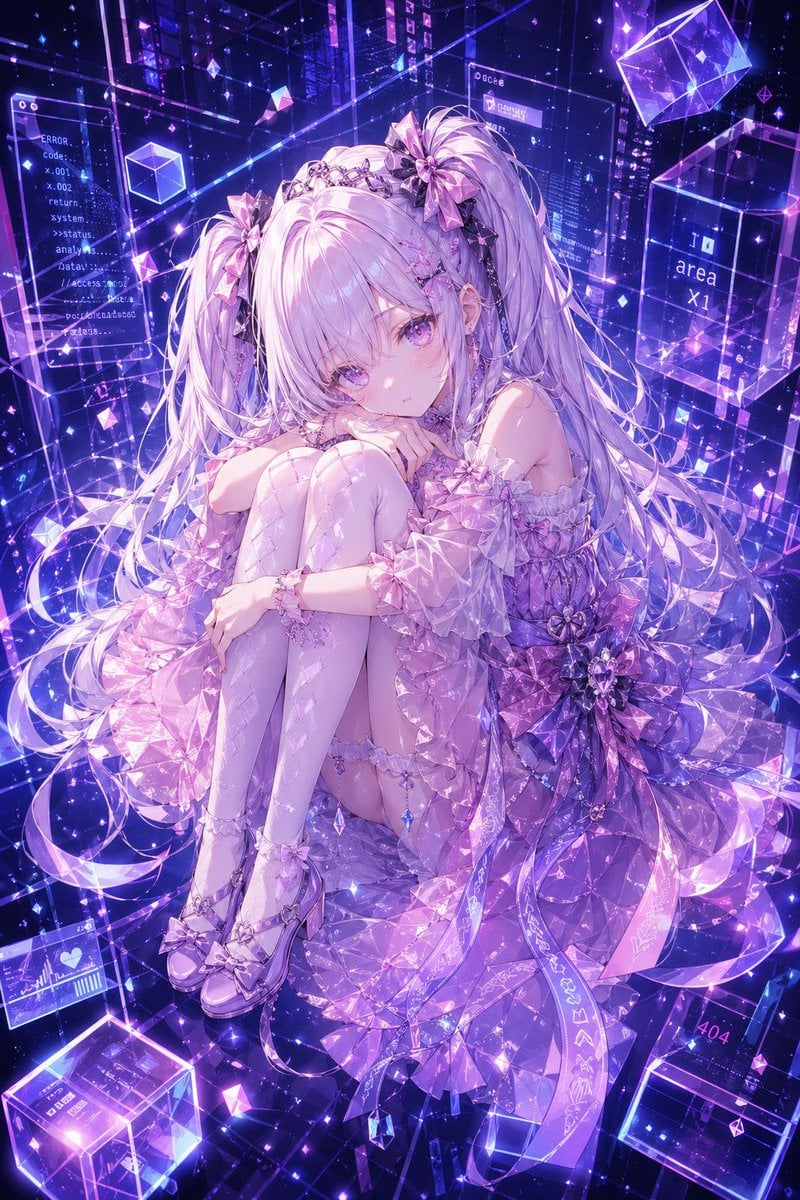
Gpt2 Profile Avatar Cyber Crystal Anime Girl Portrait
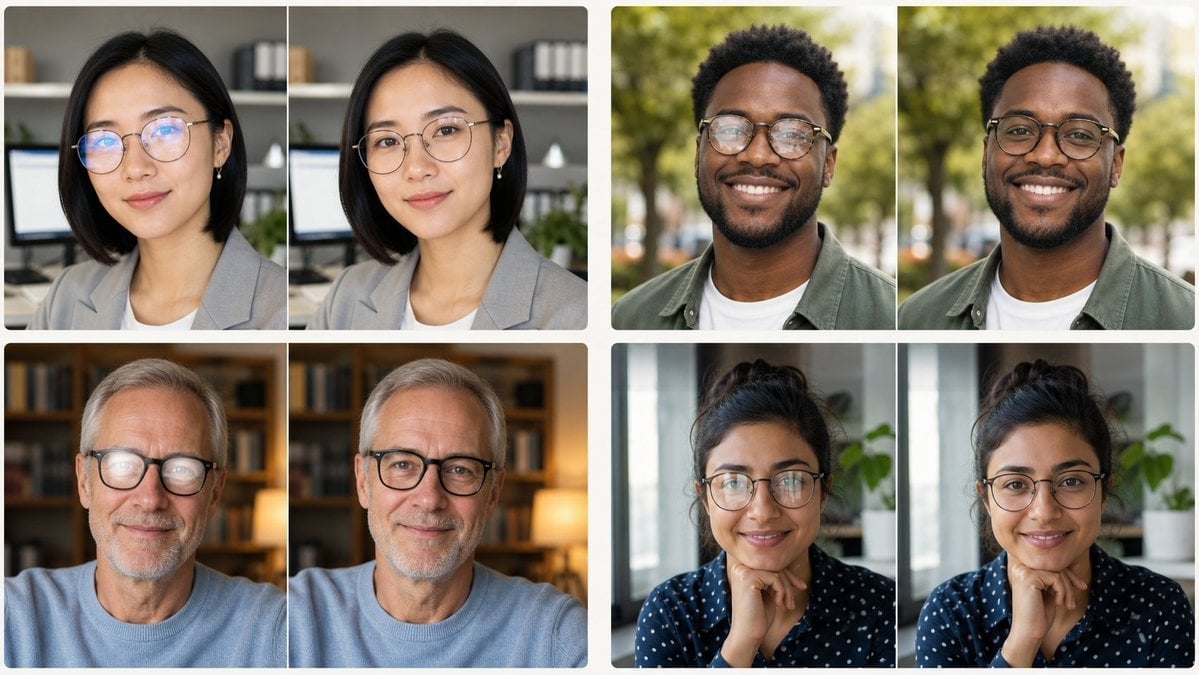
Glasses Glare Removal Portrait Collage
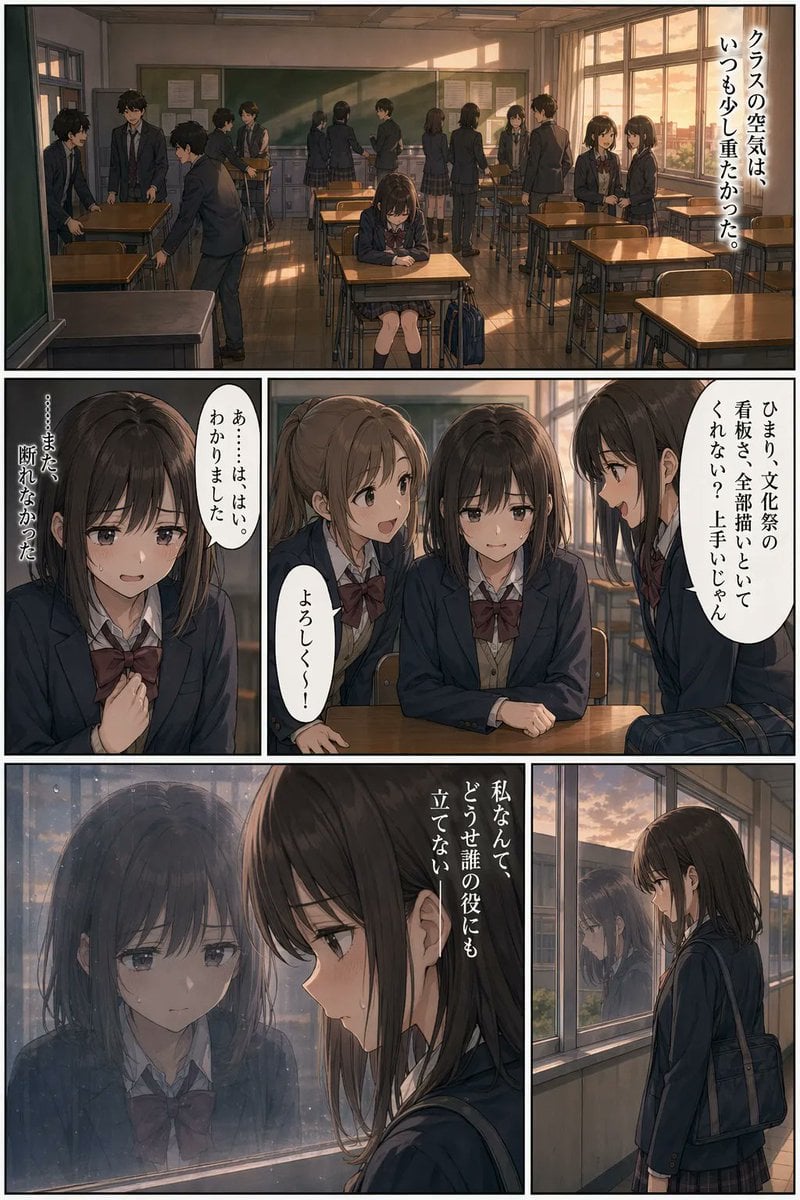
Sunset Classroom Drama Manga Page
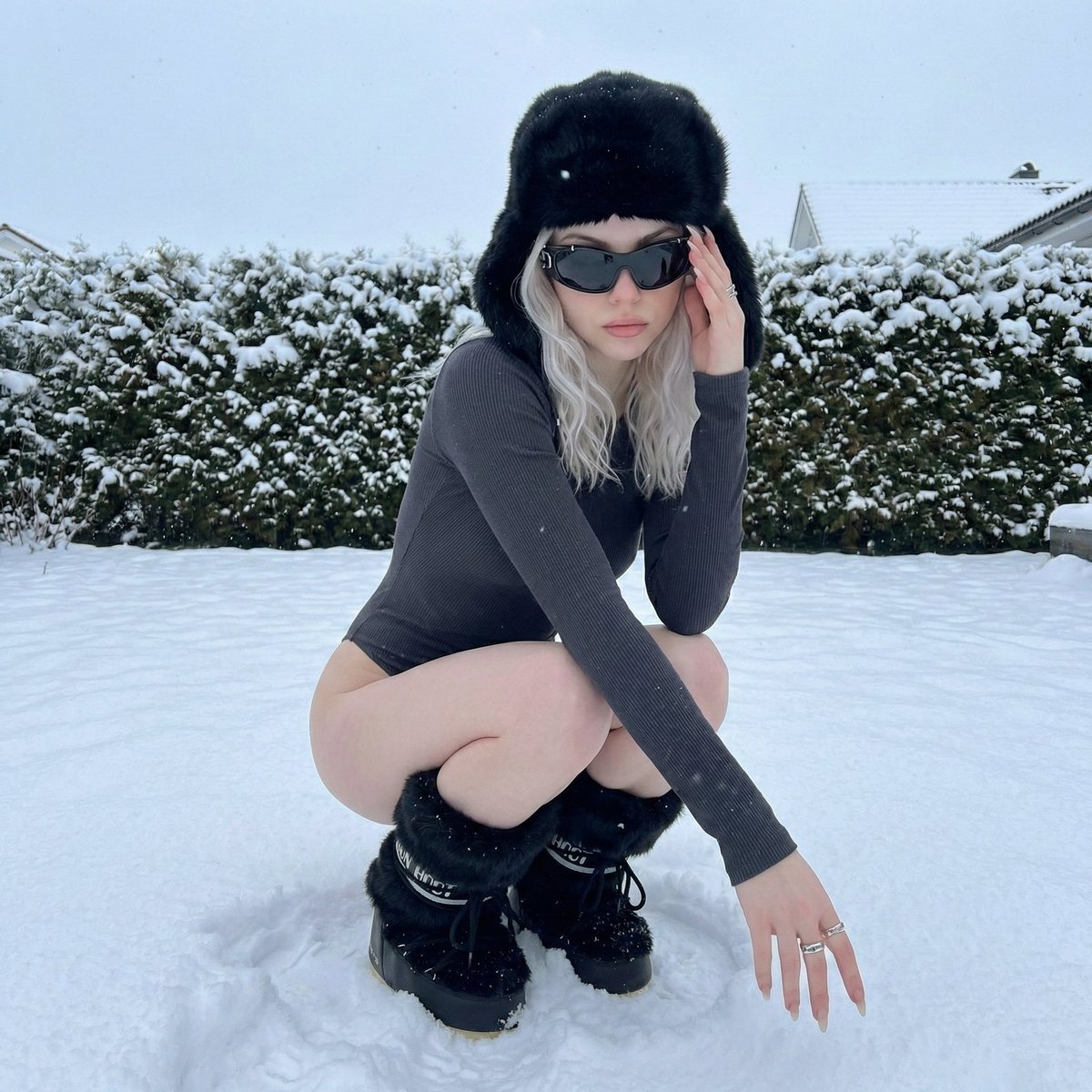
Winter Editorial Low-Angle Squat Pose Prompt (iPhone Style)
Minimalist Design Scene
Middle schooler doodles on history textbook pages
Customizable Valentine's Day Magazine Spread
Detailed JSON Prompt for Lifestyle Portrait Photography
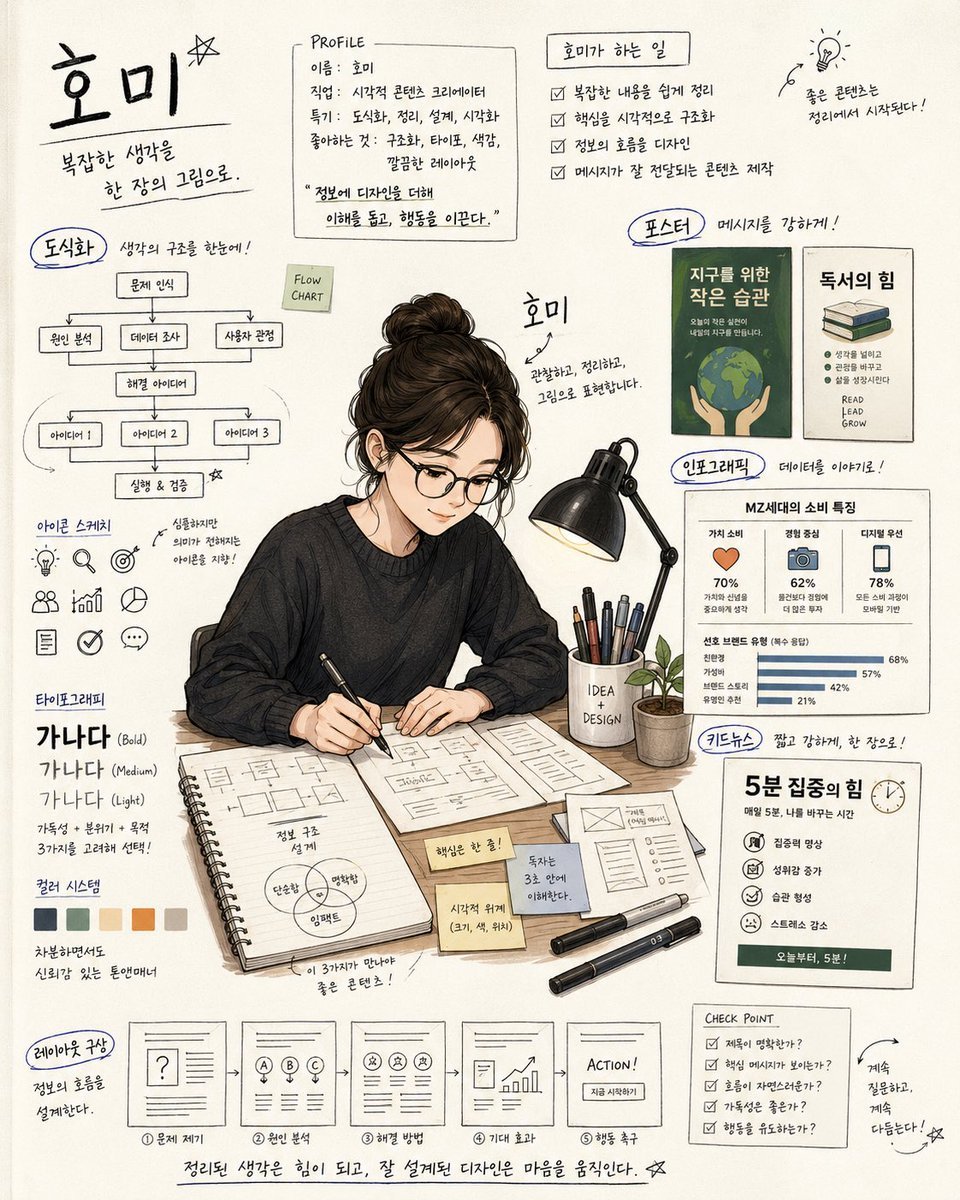
Handwritten Note Style Illustration
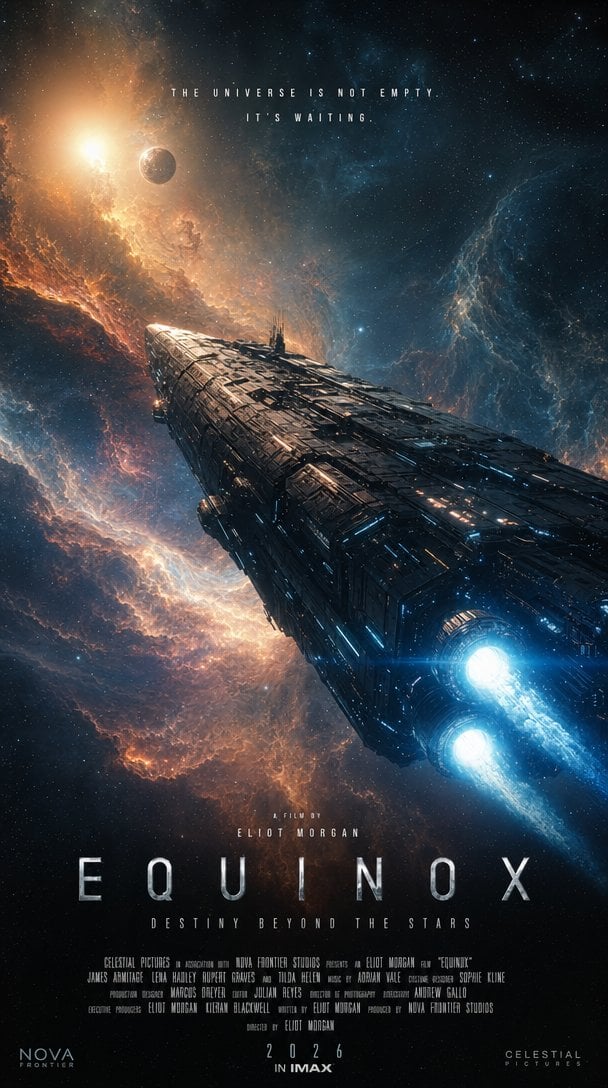
IMAX Sci-Fi Movie Poster
Browse template categories
Soft Spring Cherry Blossom POV Portrait questions
How do I use the Soft Spring Cherry Blossom POV Portrait template?
Add your photo if the template asks for one, edit the prompt if you like — the template's model and format are already selected — and press Generate. Your version opens in PicX Studio.
Can I customize the Soft Spring Cherry Blossom POV Portrait template?
Yes. You can change the subject, setting, lighting, mood, format, and available model controls before creating your image.
Is the Soft Spring Cherry Blossom POV Portrait template free?
Opening and editing this template is free. Generating uses credits, shown on the Generate button when you are signed in.
Which AI model should I use?
Start with GPT Image 2, which is the model associated with this template. You can compare another compatible model for a different finish.
Looking for something else? Browse all templates.

Your photo, any look
Thousands of ready templates for every top image and video model, from one credit balance.