
Spring Seaside Cherry Blossom Portrait
A detailed prompt for creating a high-resolution, ethereal portrait of a young Japanese woman in a coastal park filled with blooming cherry blossoms.
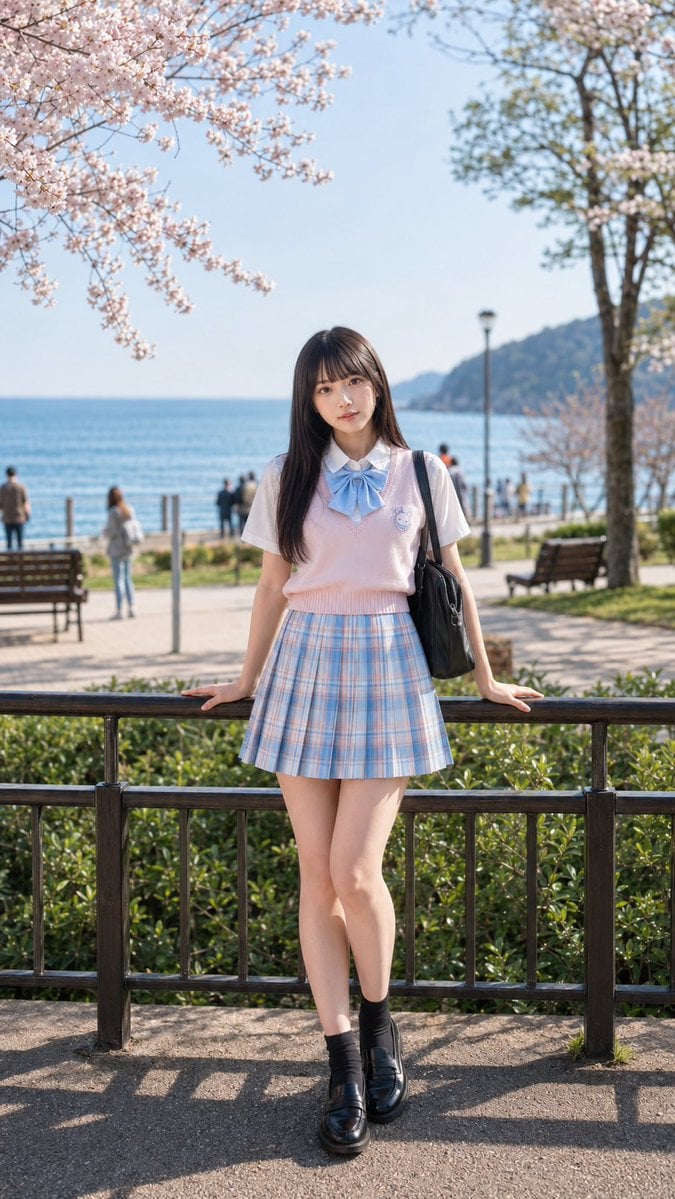
- Prompt included
- Model and format preset
- Free template
The prompt behind this image
Copy the exact prompt behind Spring Seaside Cherry Blossom Portrait, or open it in the studio and make it yours.
主題:{argument name="テーマ" default="桜と海風に包まれる春のポートレート"} 人物・表情:{argument name="人物" default="20代前半の日本人女性"}、長い黒髪と薄めの前髪、透明感のある肌、日系らしいナチュラルメイク、やわらかく上品な雰囲気、穏やかで少し儚げな表情、自然なカメラ目線 服装・ポーズ:{argument name="服装" default="白い半袖シャツ、淡いピンクのニットベスト"}、淡いブルーの大きなリボン、パステルブルーのチェック柄プリーツスカート、黒の短めソックス、黒いローファー、黒いショルダーバッグ、両手を後ろの手すりに添えて軽く脚を交差して立つ 背景・光:海が見える日本の海辺公園、満開の桜の枝、遊歩道、ベンチ、街灯、低めの植え込み、遠景に少しだけ人影、晴れた春の日差し、やわらかな自然光、澄んだ空気感 構図・カメラ:縦長構図、全身ポートレート、中央配置、人物にしっかりピントを合わせる、背景は自然にやわらかくぼかす、85mm portrait lens、f2.0前後、浅めの被写界深度、奥行きのある写真表現、背景人物は控えめに配置 質感・スタイル:高精細、リアルなAI写真、自然な肌質、繊細な髪のディテール、春らしい淡いパステルカラー、日系青春ポートレート、透明感のあるやさしい色調、上品で清潔感のある写真表現 ネガティブ:低画質、不自然な手、崩れた顔、余分な指、体の歪み、過度な美肌加工、過剰な露出、文字、ロゴ、透かし、背景の情報過多、衣装崩れ、不自然な小物
How to use Spring Seaside Cherry Blossom Portrait in 3 steps
- 1
Open
The prompt is already in the box next to the preview, with the template's model and format selected.
- 2…a portrait of your subject in softgolden-hour light, 85mm…
Personalize
Edit the subject and creative details for your destination.
- 3Generate
Generate
Press Generate — your image is created in PicX Studio, so you can compare it with the original and refine one variable at a time.
More like this
Templates with the same subject, style or setup. Open one to see its prompt.
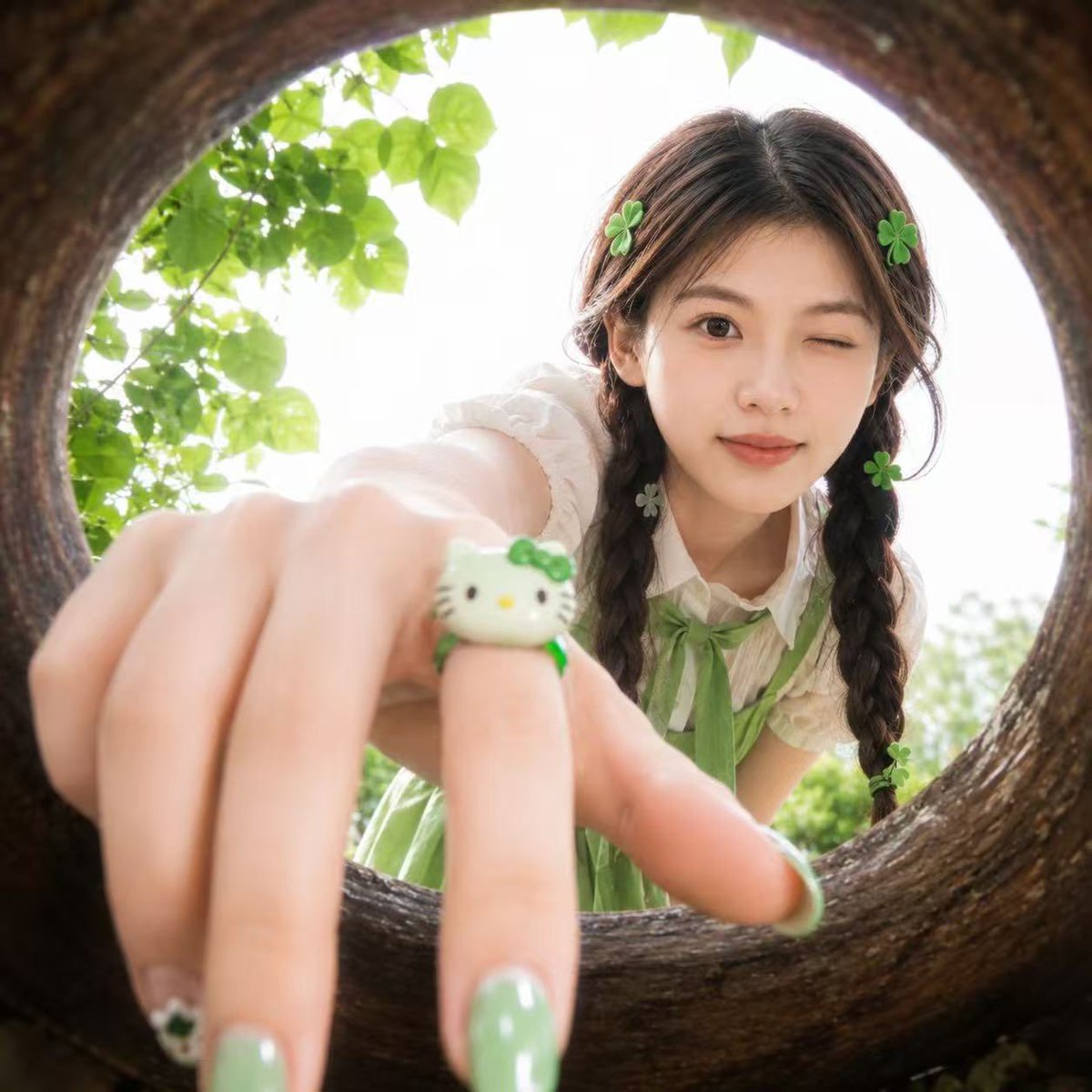
Soft Spring Cherry Blossom POV Portrait
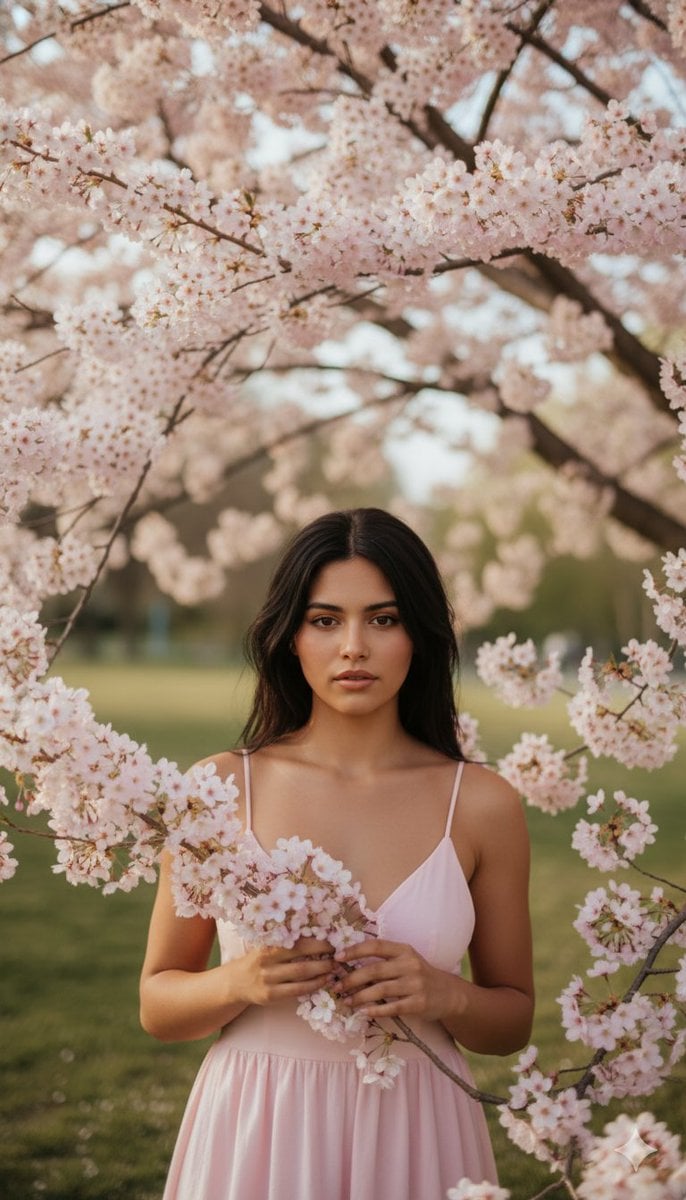
Springtime Cherry Blossom Portrait Recreation Prompt
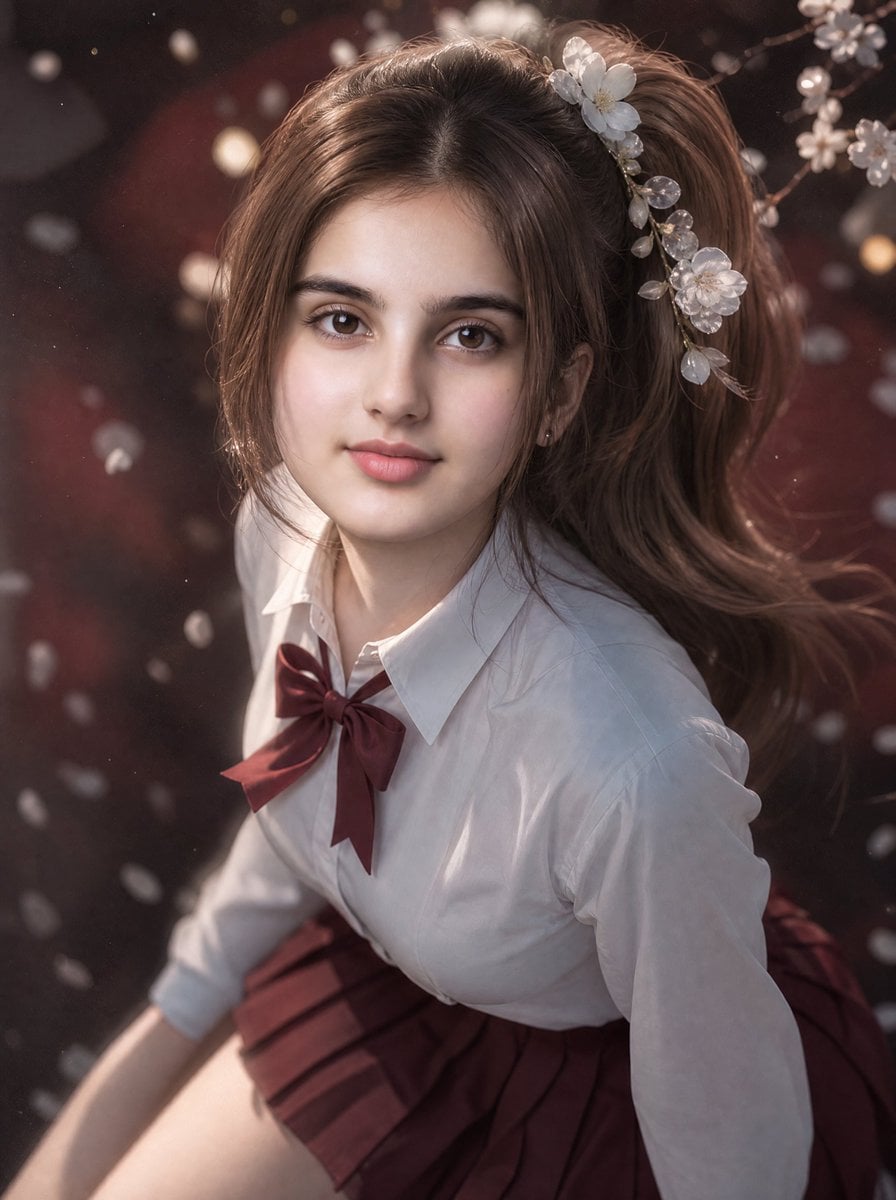
3D Guoman Cherry Blossom Schoolgirl Portrait
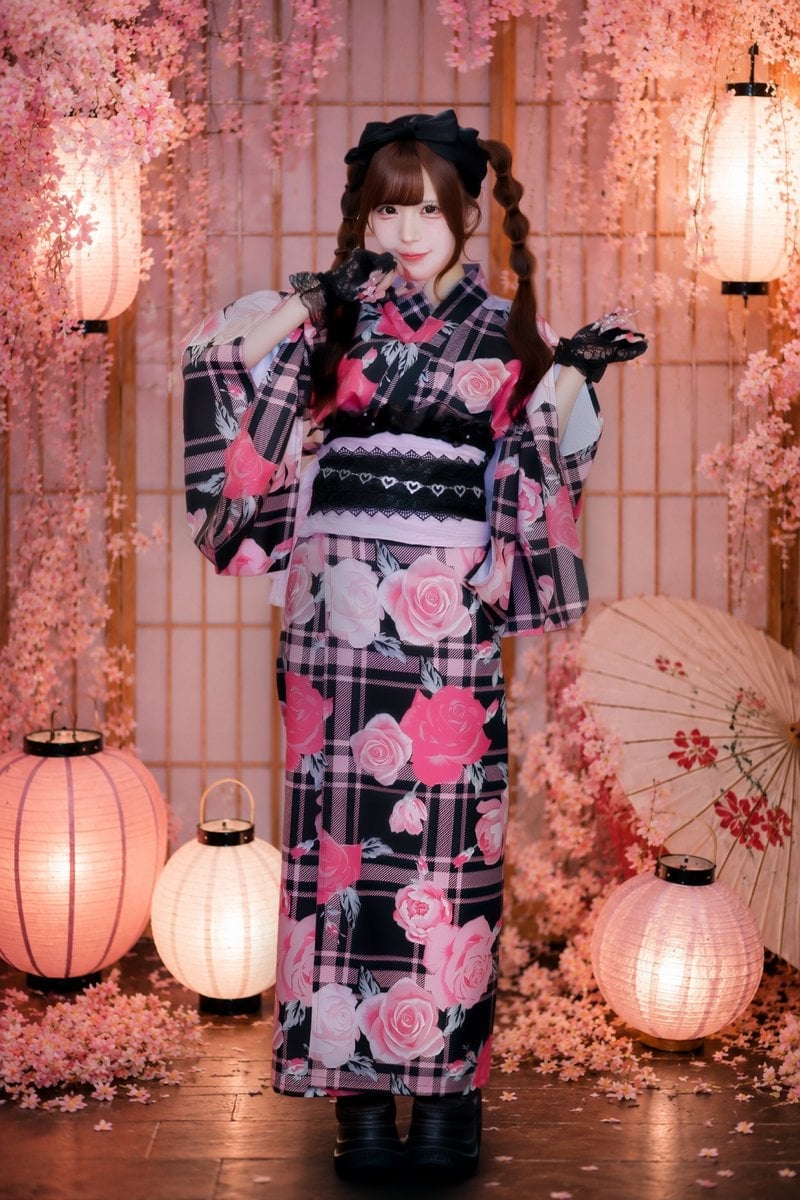
Cherry Blossom Yukata Idol Portrait
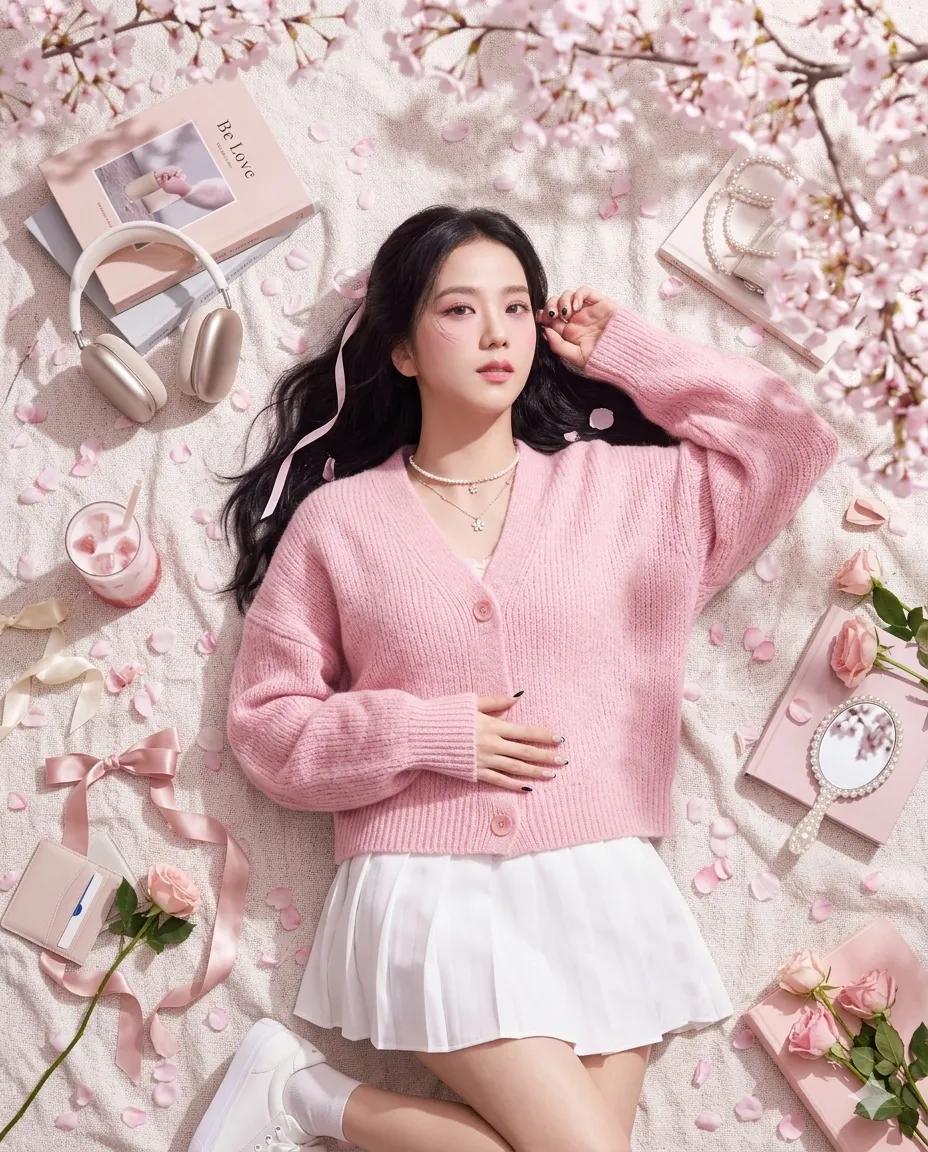
Dreamy Cherry Blossom Portrait
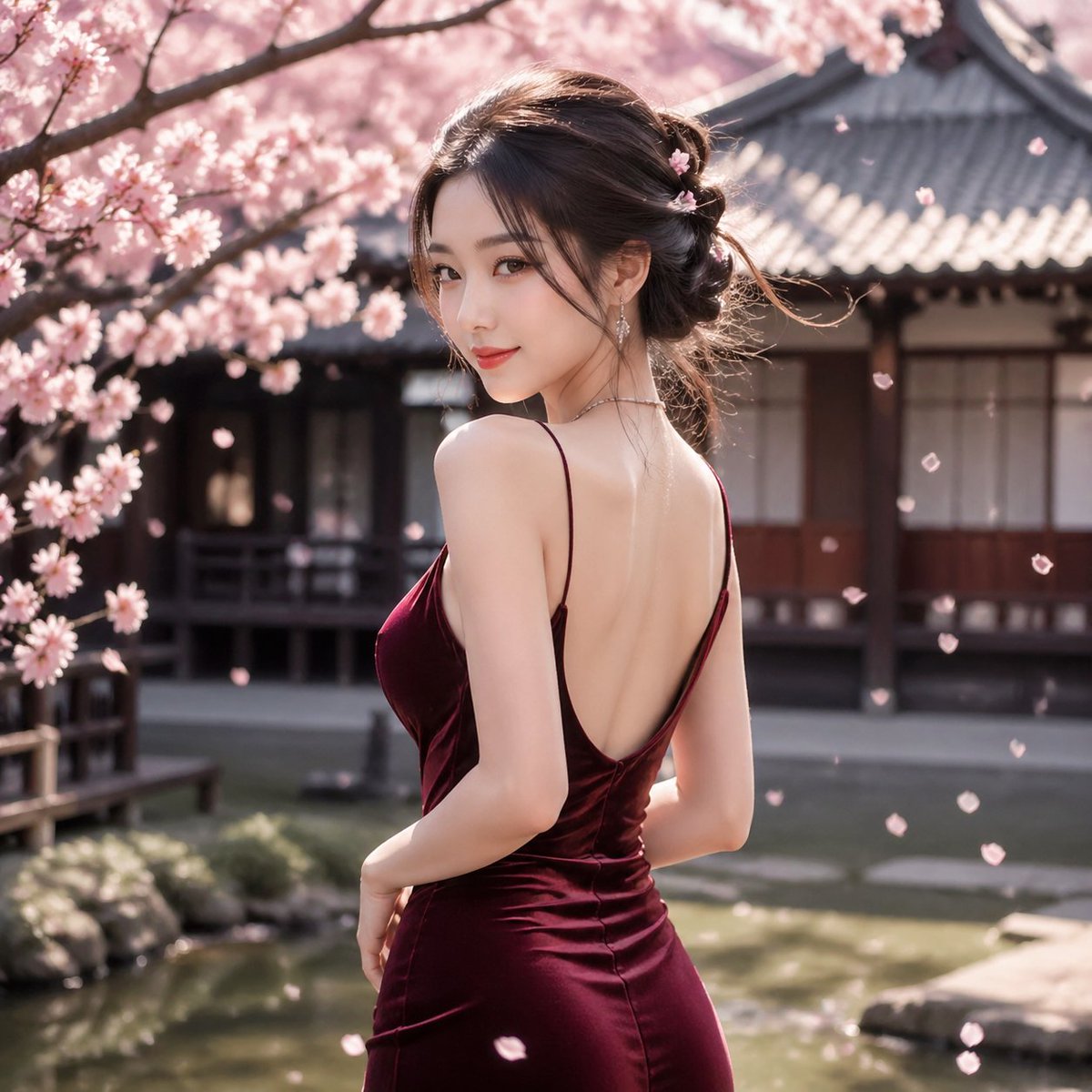
Cherry Blossom Garden Evening Portrait
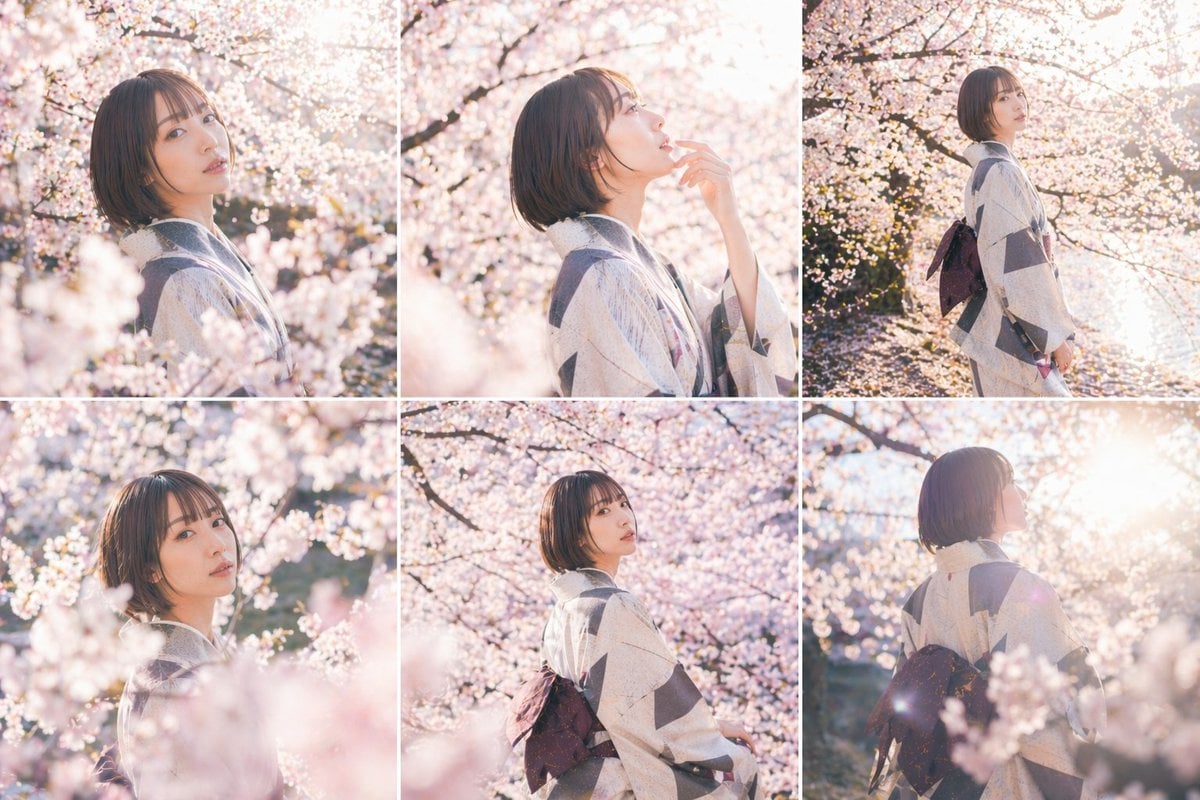
Cherry Blossom Kimono Portrait Grid
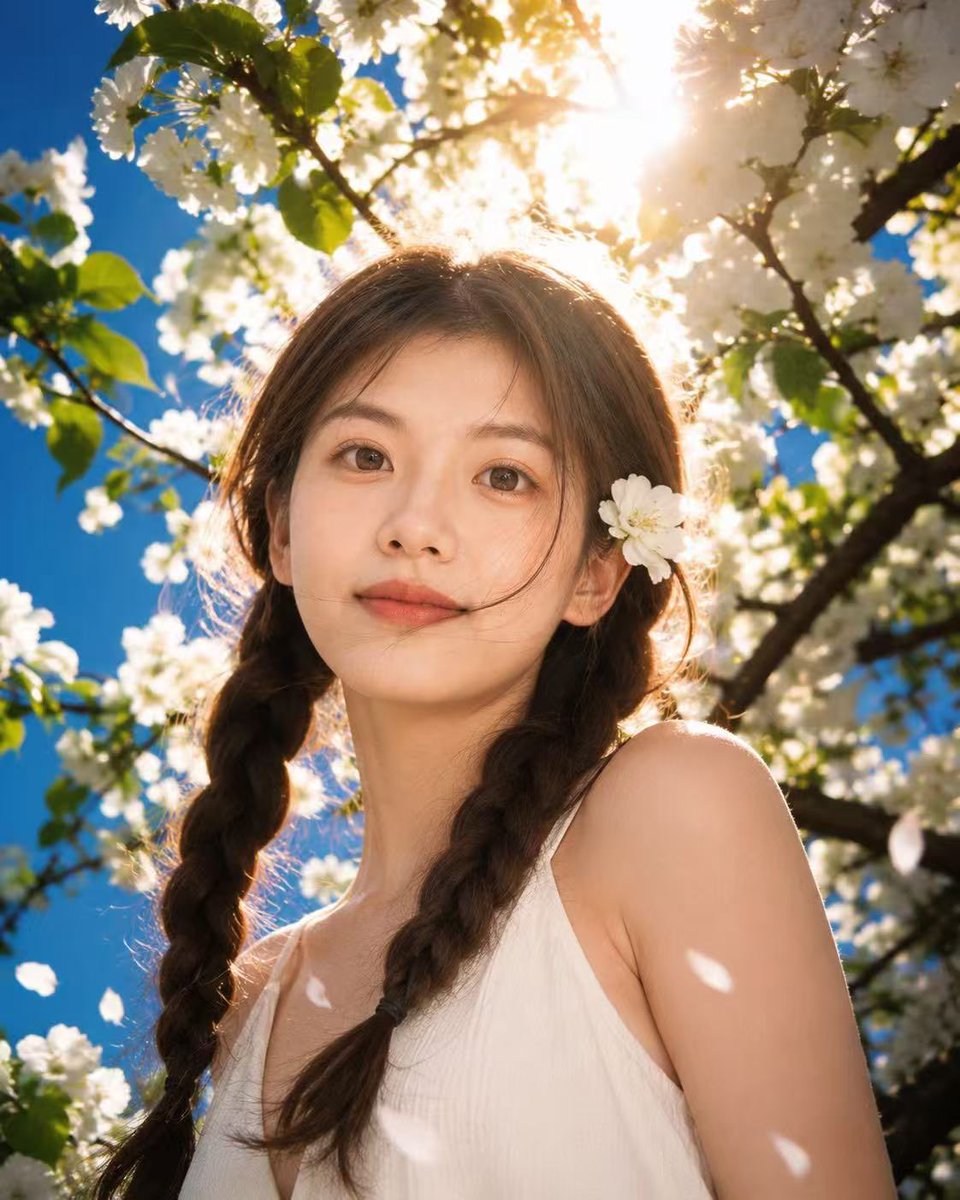
Sunlit Spring Blossom Portrait
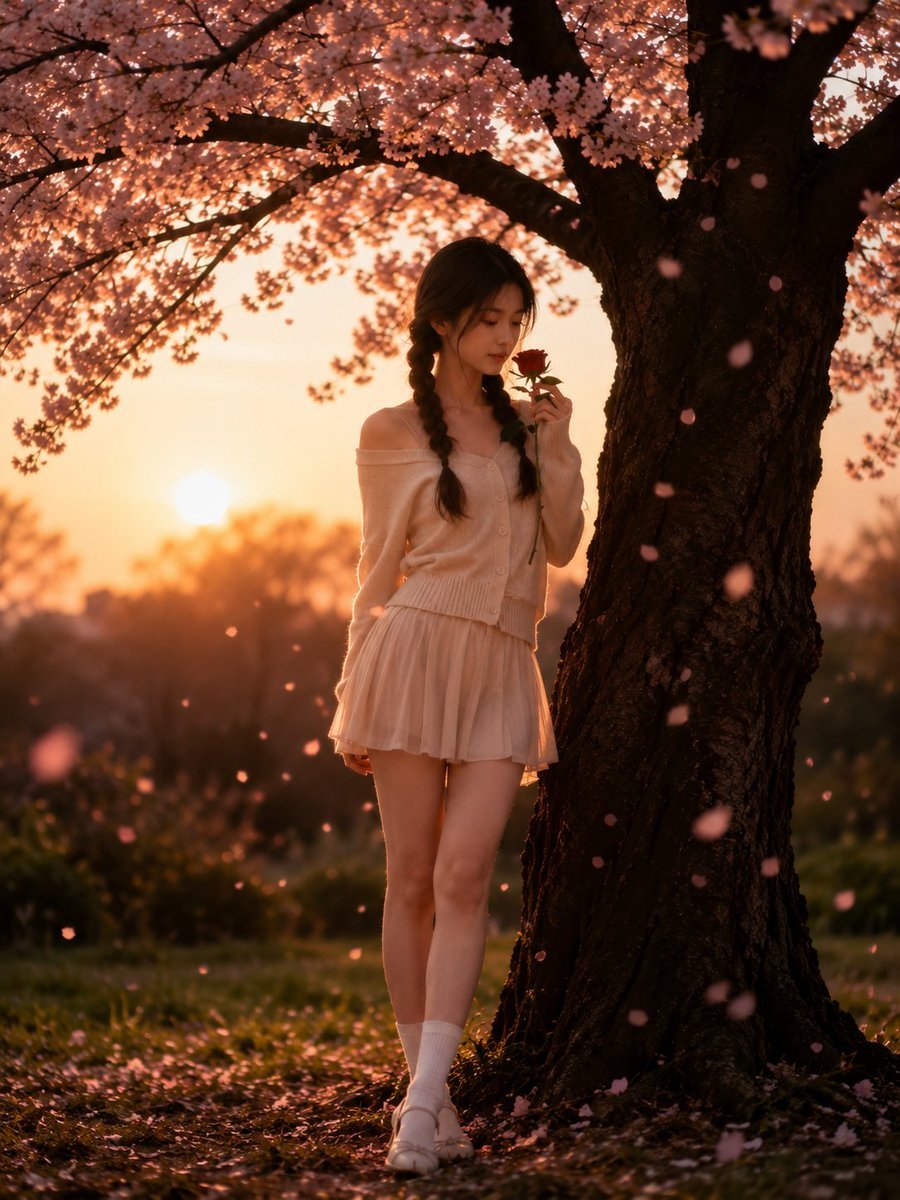
Cinematic Cherry Blossom Portrait
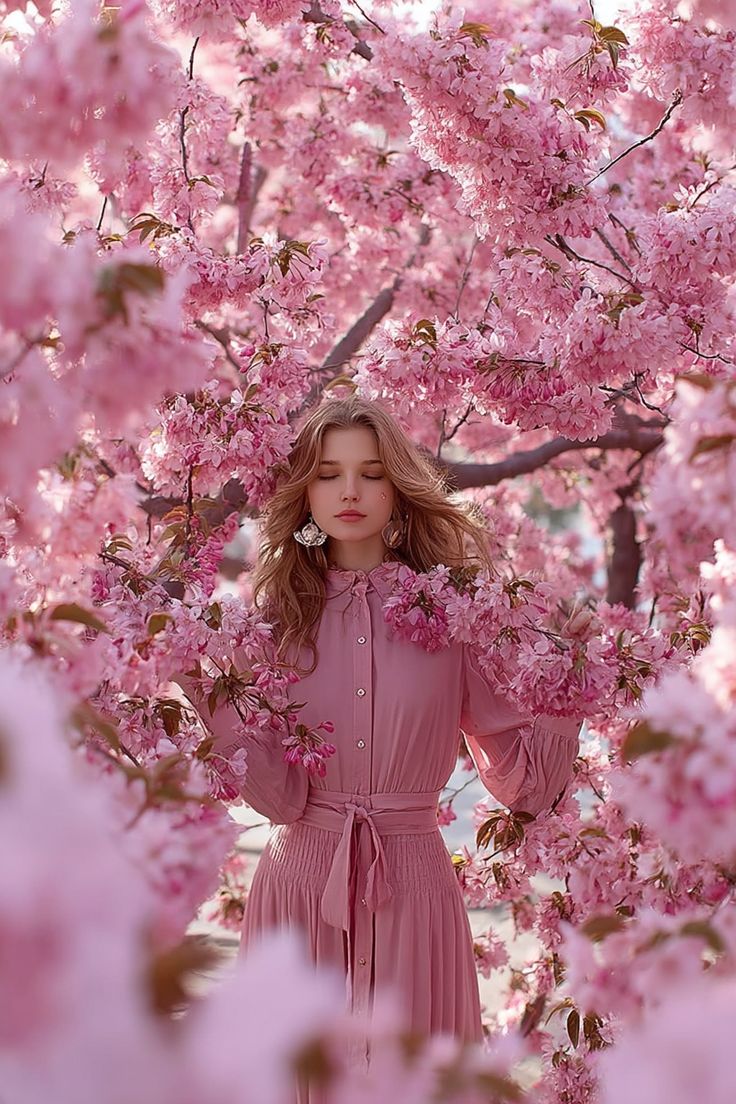
Dreamy Cinematic Portrait under Cherry Blossoms
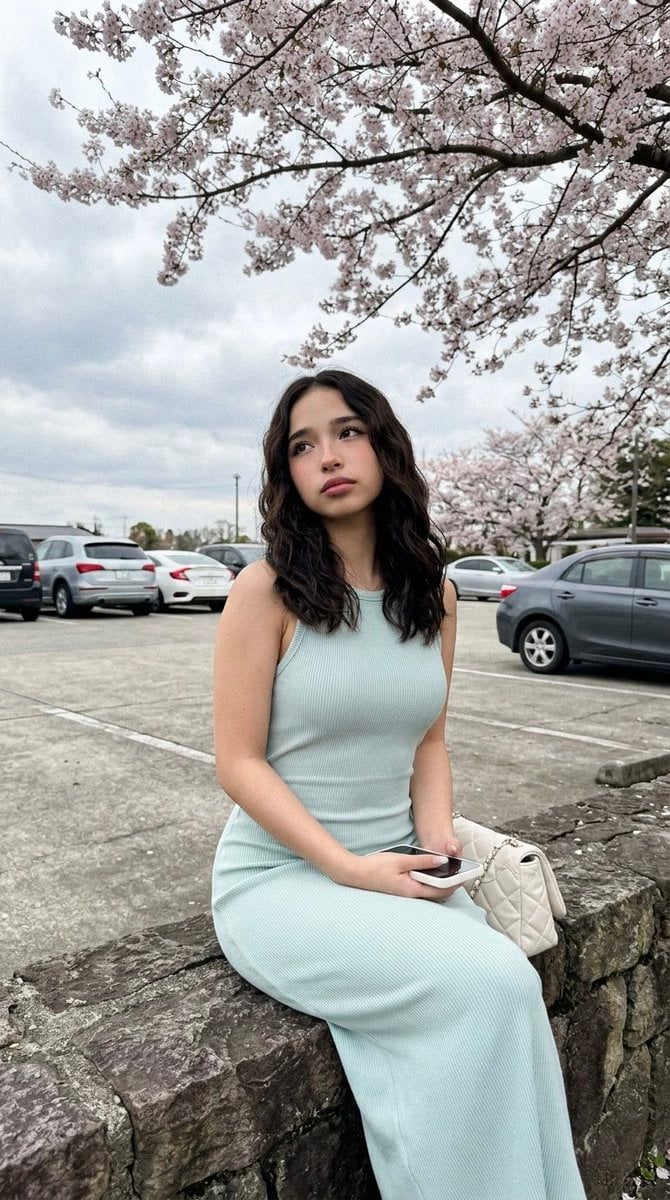
Cherry Blossom Parking Lot Portrait Prompt

Found Photograph: Us, 1970
Make it yours
Spring Seaside Cherry Blossom Portrait works as-is. These are the safest ways to change it without losing the look.
Change one field
Copy a single group, rewrite it, and generate again so you can see what that field is doing.
Keep the frame, change the subject
Hold the composition and light of Spring Seaside Cherry Blossom Portrait, then swap wardrobe, props or the person for a new take.
| If the result… | Why | Fix |
|---|---|---|
| The result drifts from the preview | Too many fields changed at once. | Reuse Spring Seaside Cherry Blossom Portrait as-is first, then change one group — subject, light, or setting. |
| The model over-stylizes the scene | The prose prompt leaves finish and camera underspecified. | Add one camera or lighting sentence and stay on GPT Image 2. |
More GPT Image 2 templates
Other prompts made for GPT Image 2.

Six VTuber Japanese Logo Sheet

Realistic Portrait of Woman and Deer

The Vista Modular Condo Poster

AI Model Routing Comparison Infographic

2.5D Anime Art Board

Isometric Productivity Desk Scene

New York Double Exposure Poster

Four-Panel AI Landscape Comparison

Japanese Tatami Lifestyle Magazine Cover

NESCAFÉ Coffee Map Poster
More image prompts
Fresh picks from across the catalog.
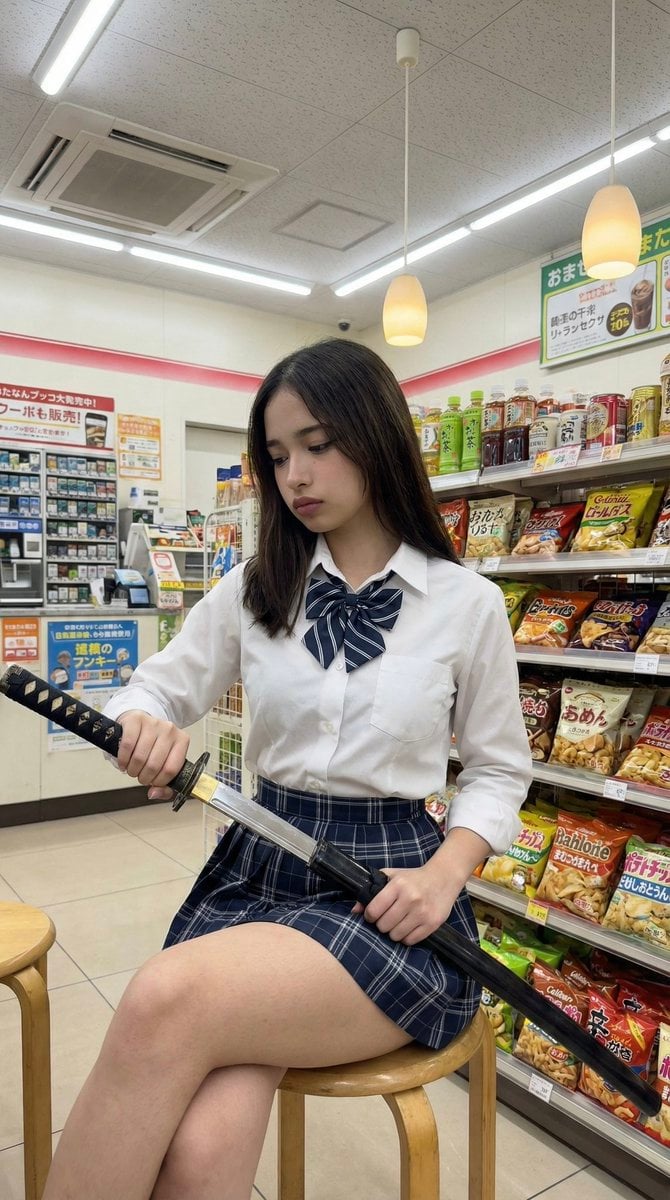
Japanese Konbini Portrait with Katana
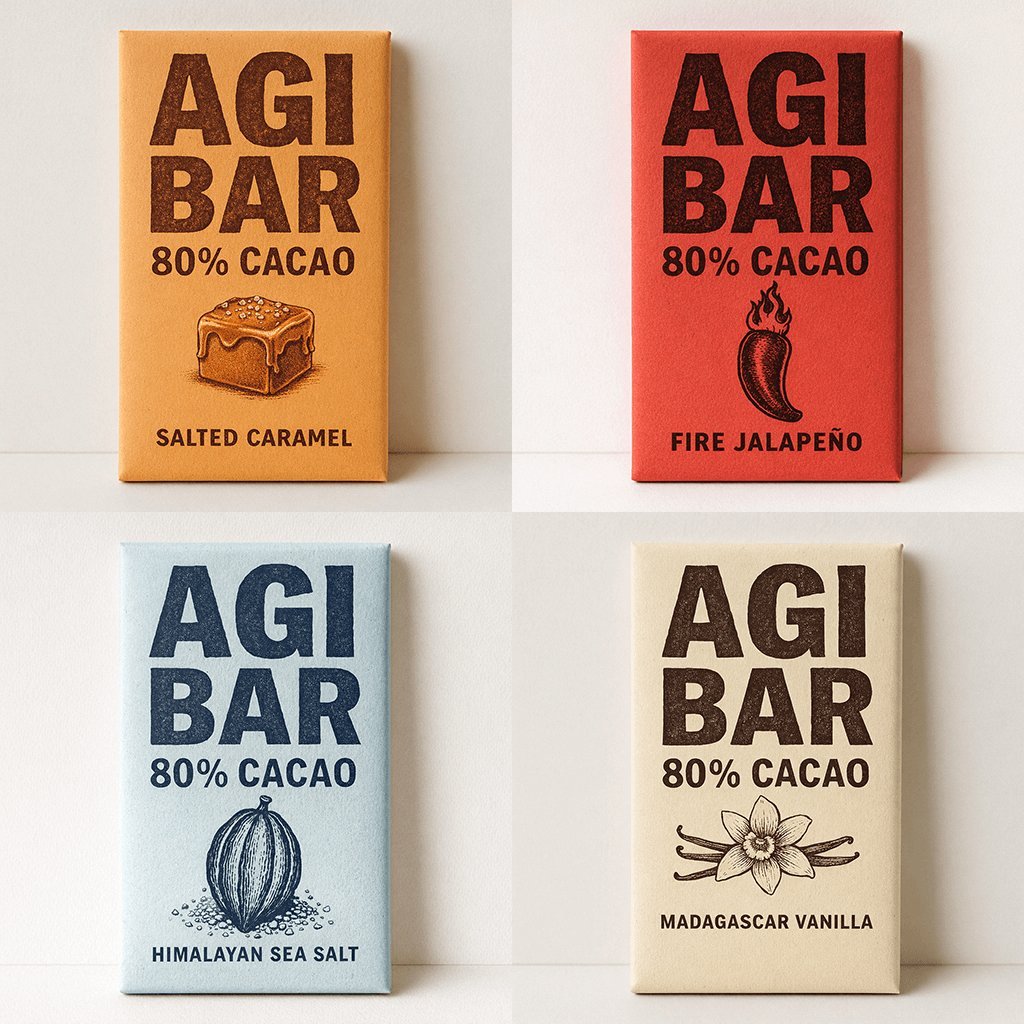
Minimalist Chocolate Packaging Grid for New Flavors
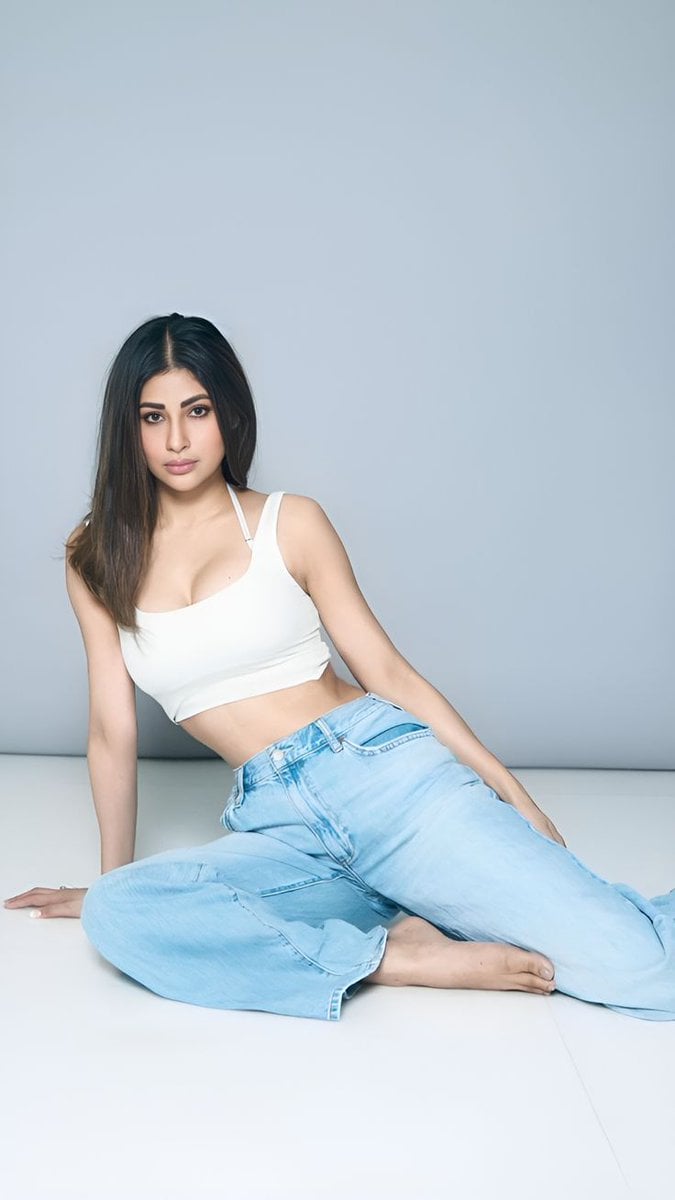
Quiet Luxury Travel Photography on the Amalfi Coast

Bad MS Paint Redraw
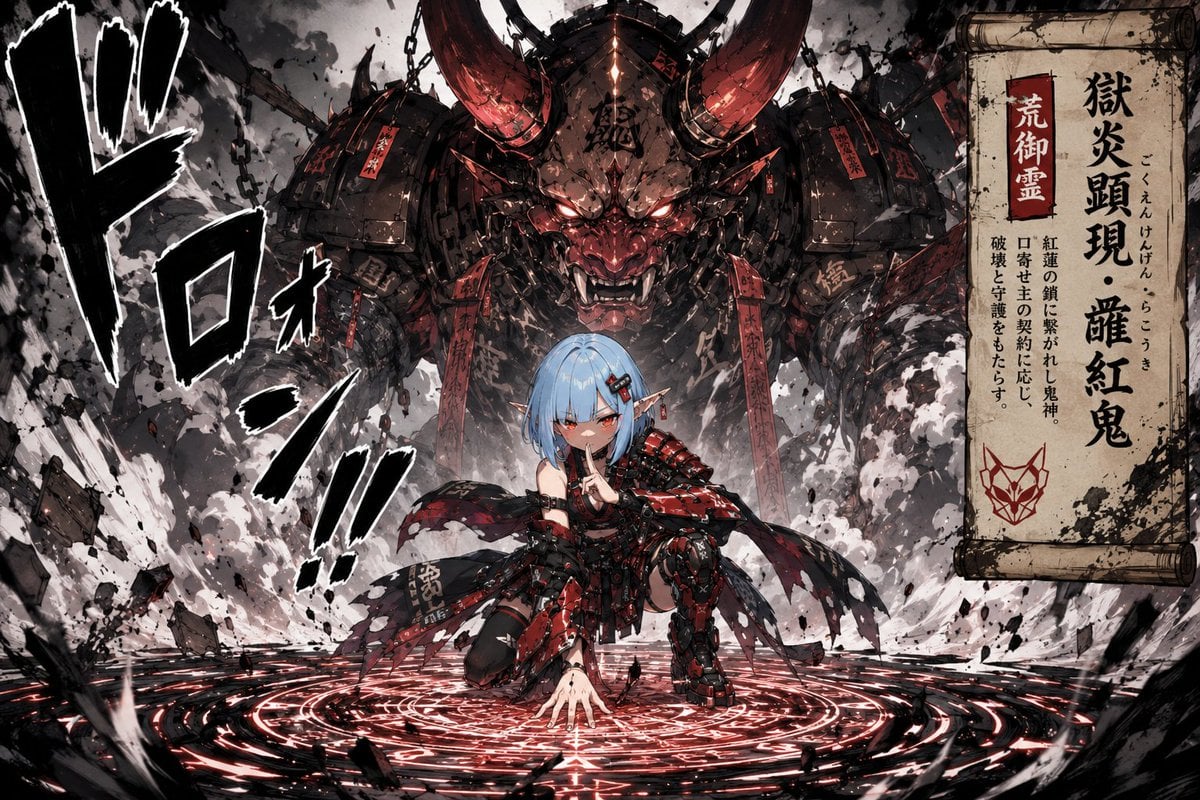
Summoning Jutsu i2i Manga Prompt

Dinosaur Park Gift Shop Merchandise Display

Photorealistic Bathroom Mirror Selfie with Money Piece Highlights
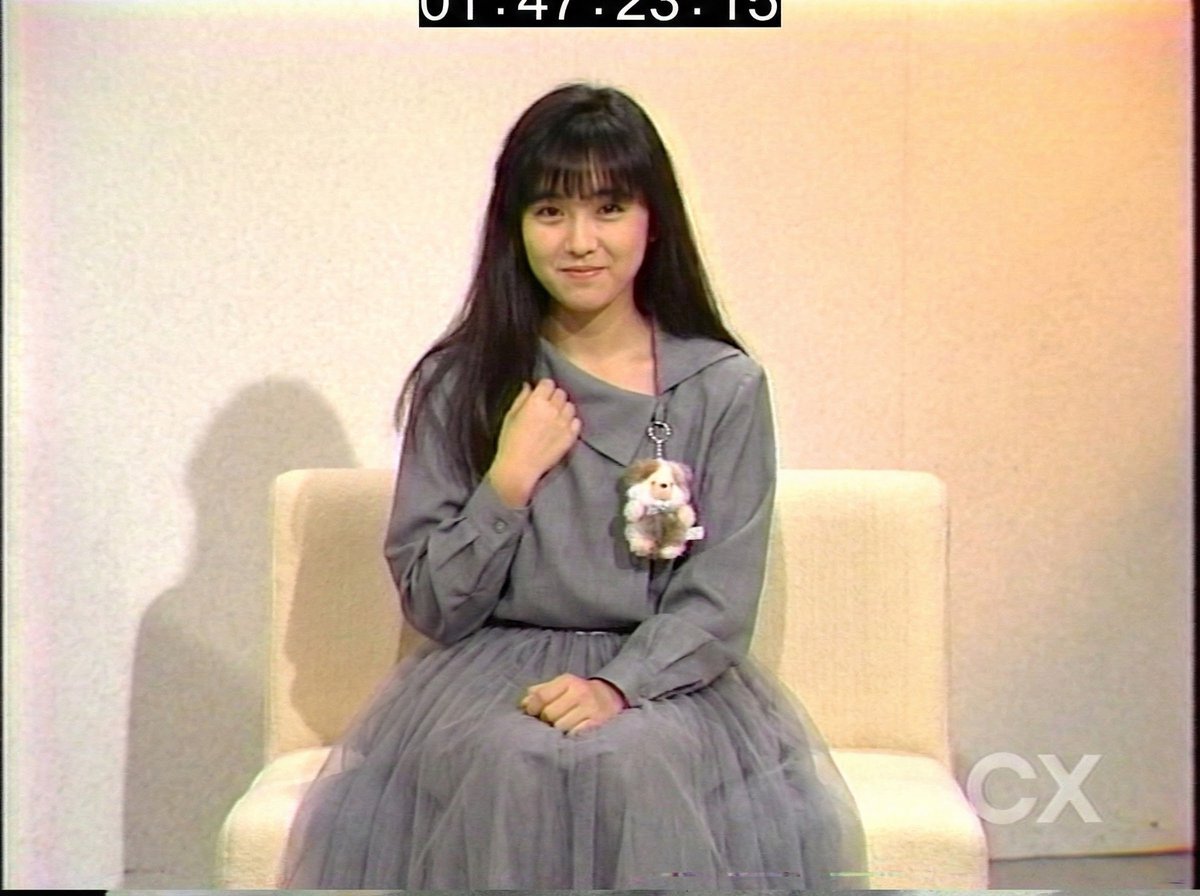
System Prompt for 80s VHS Aesthetic Image Generation (REWIND)
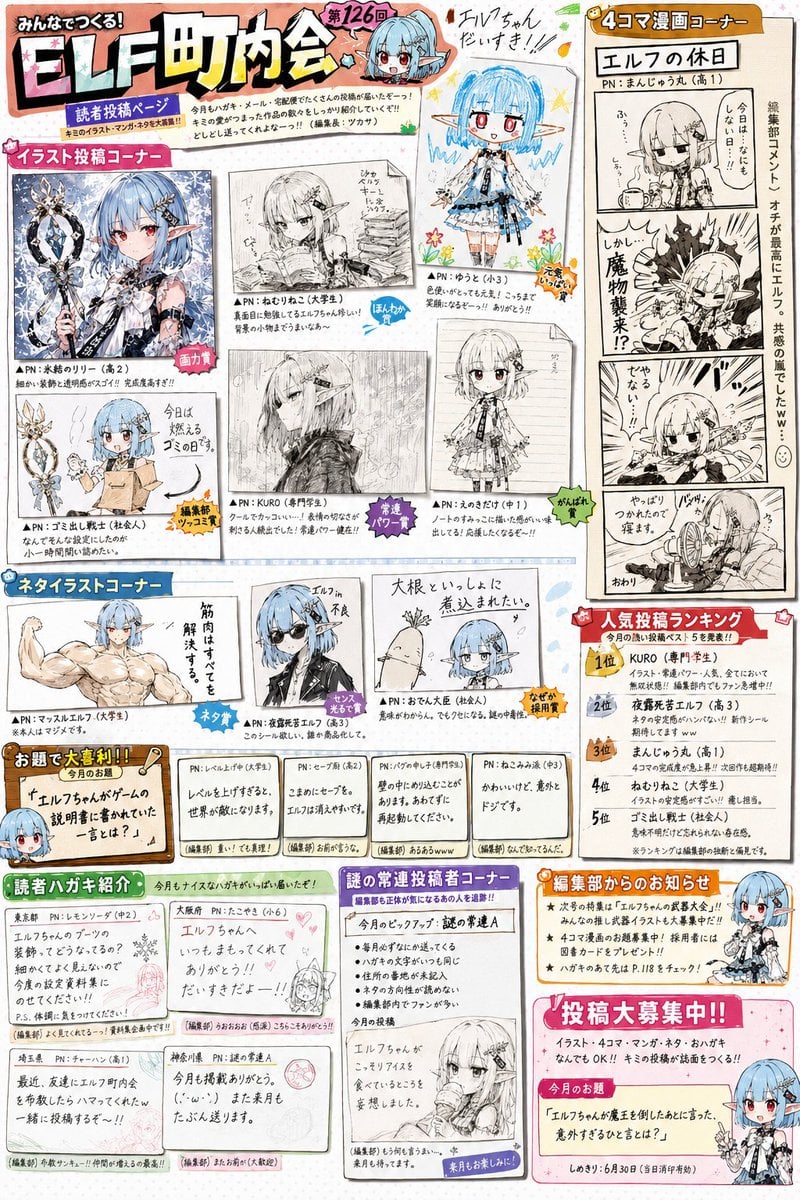
Retro Magazine Reader Submission Page
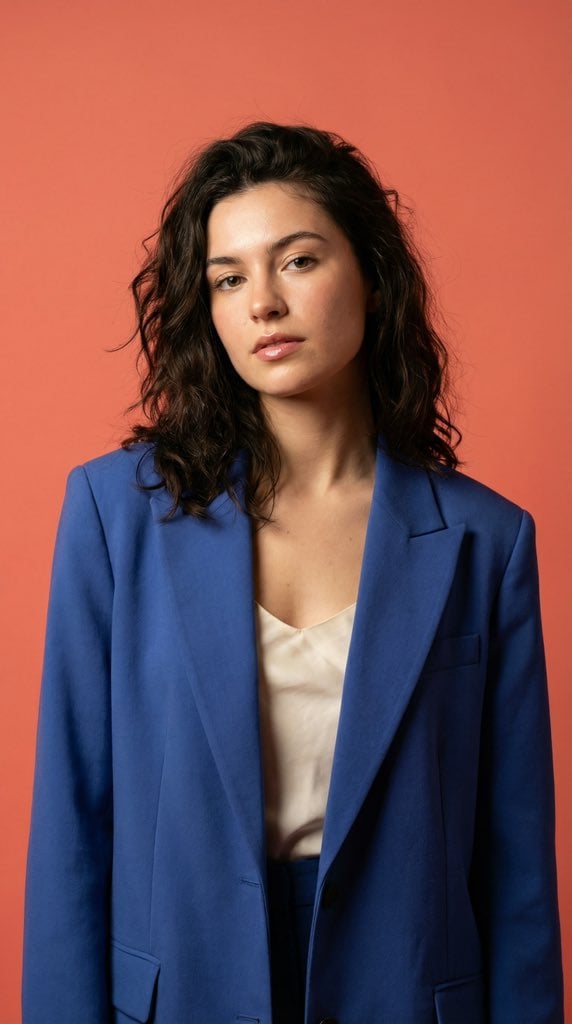
Ultra-Realistic Fashion Model Studio Photoshoot
Browse template categories
Spring Seaside Cherry Blossom Portrait questions
How do I use the Spring Seaside Cherry Blossom Portrait template?
Add your photo if the template asks for one, edit the prompt if you like — the template's model and format are already selected — and press Generate. Your version opens in PicX Studio.
Can I customize the Spring Seaside Cherry Blossom Portrait template?
Yes. You can change the subject, setting, lighting, mood, format, and available model controls before creating your image.
Is the Spring Seaside Cherry Blossom Portrait template free?
Opening and editing this template is free. Generating uses credits, shown on the Generate button when you are signed in.
Which AI model should I use?
Start with GPT Image 2, which is the model associated with this template. You can compare another compatible model for a different finish.
Looking for something else? Browse all templates.

Your photo, any look
Thousands of ready templates for every top image and video model, from one credit balance.