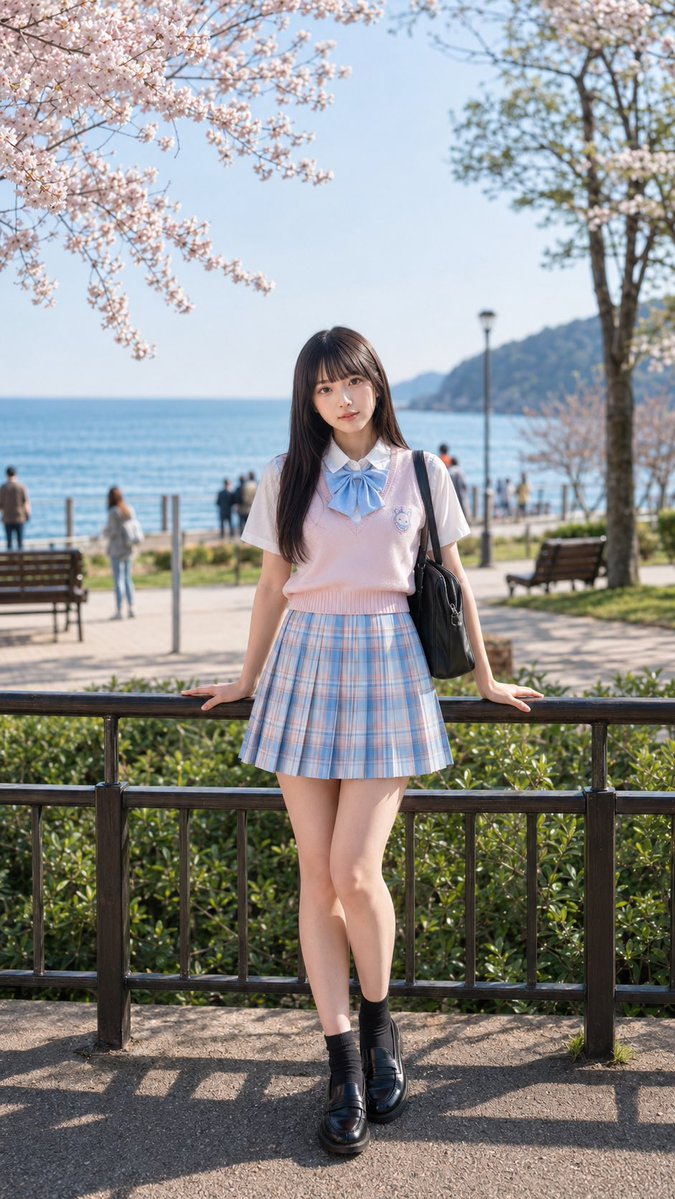
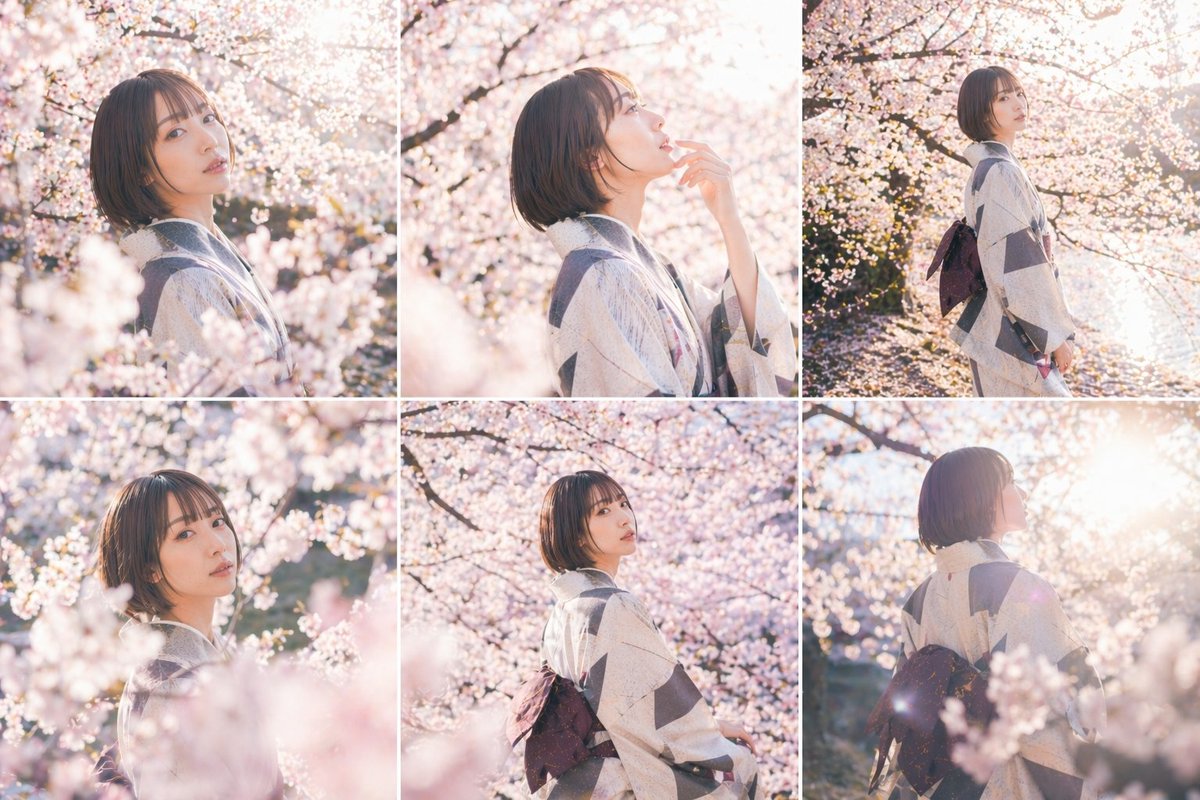
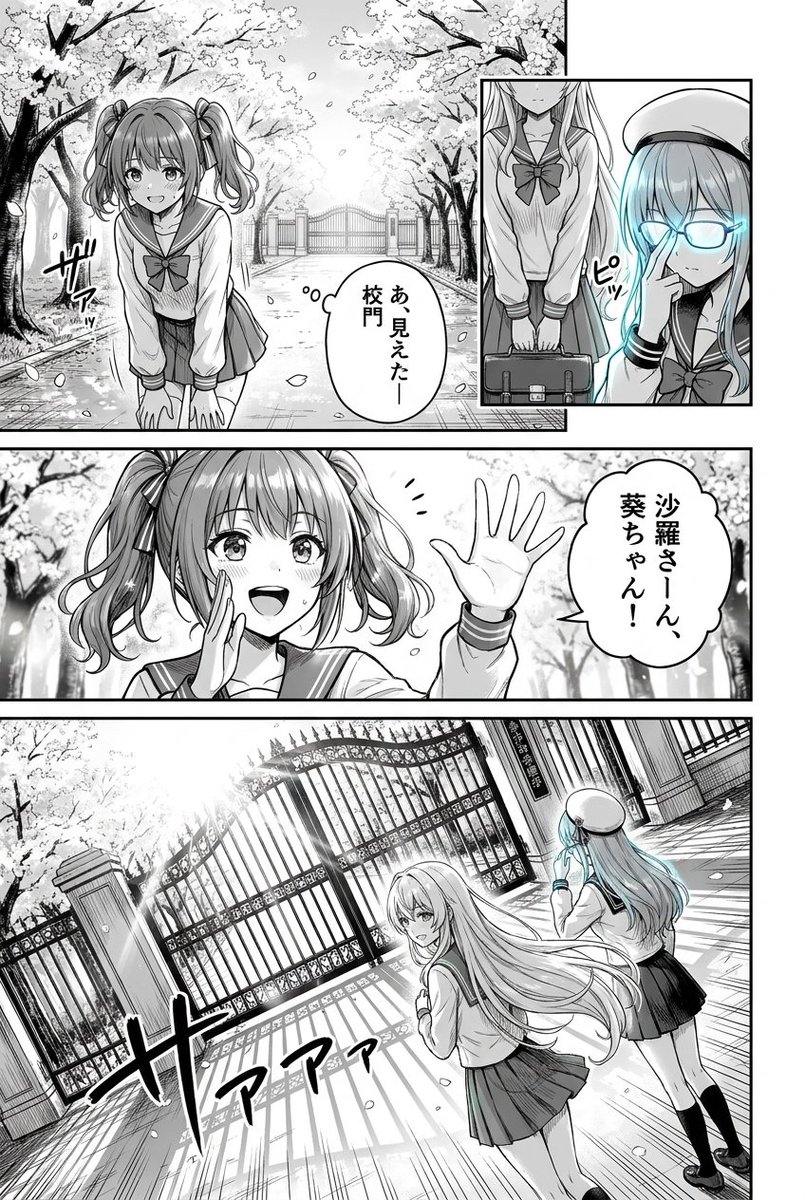
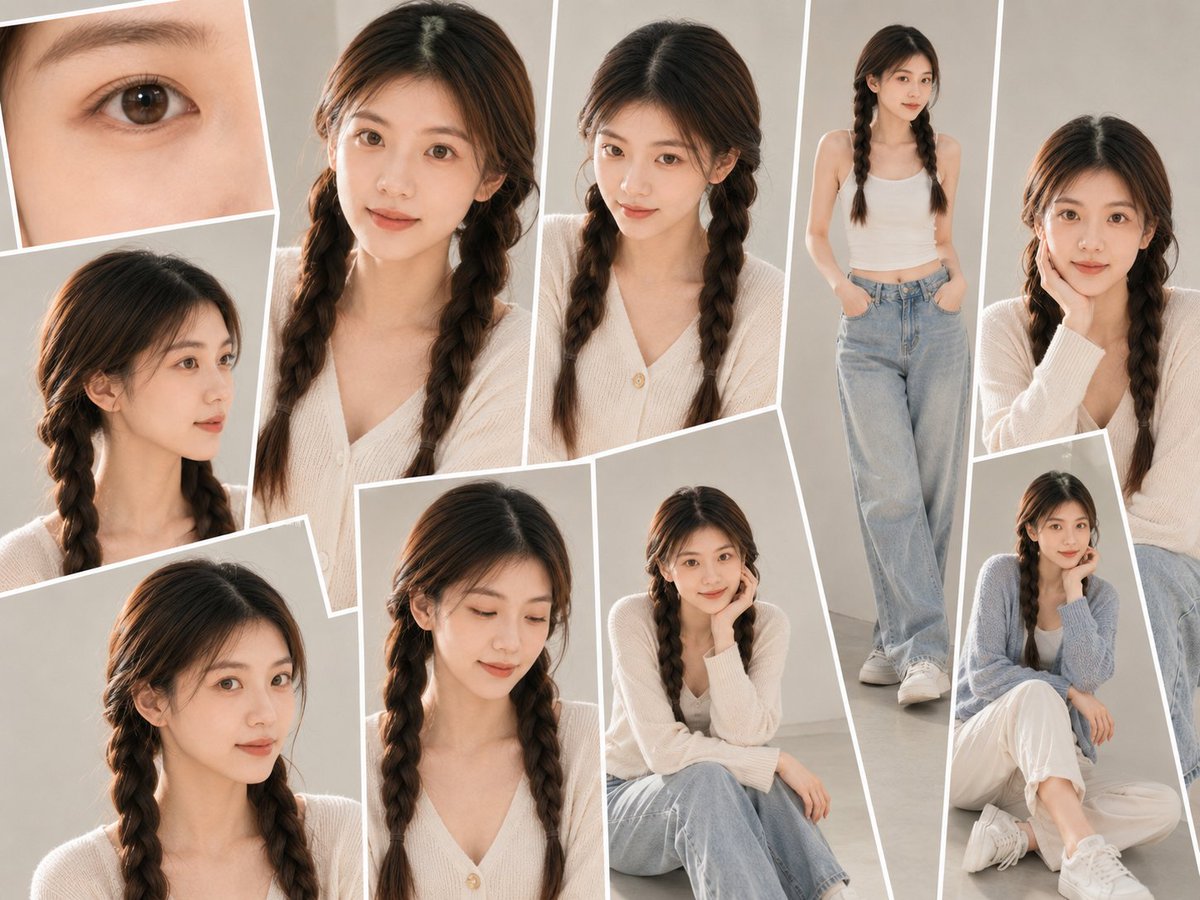
How do I use the 3D Guoman Cherry Blossom Schoolgirl Portrait template?
Choose the primary action to open PicX Studio with the available template settings. Review the model and format, personalize the creative direction, and generate when ready.
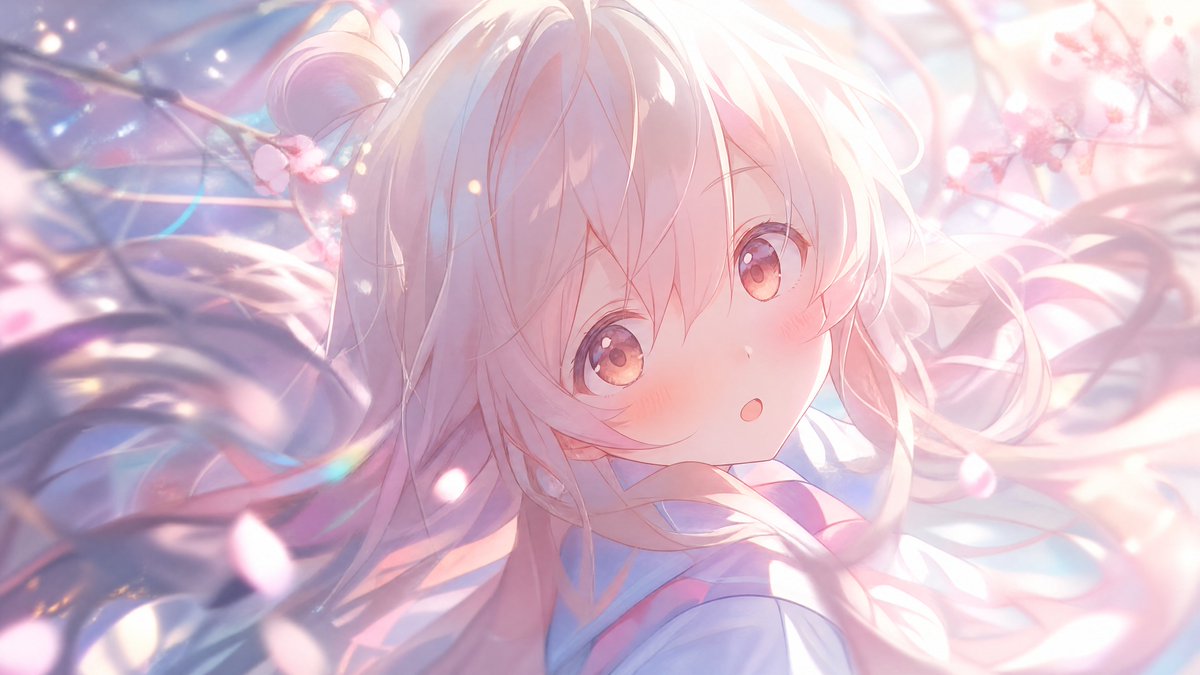
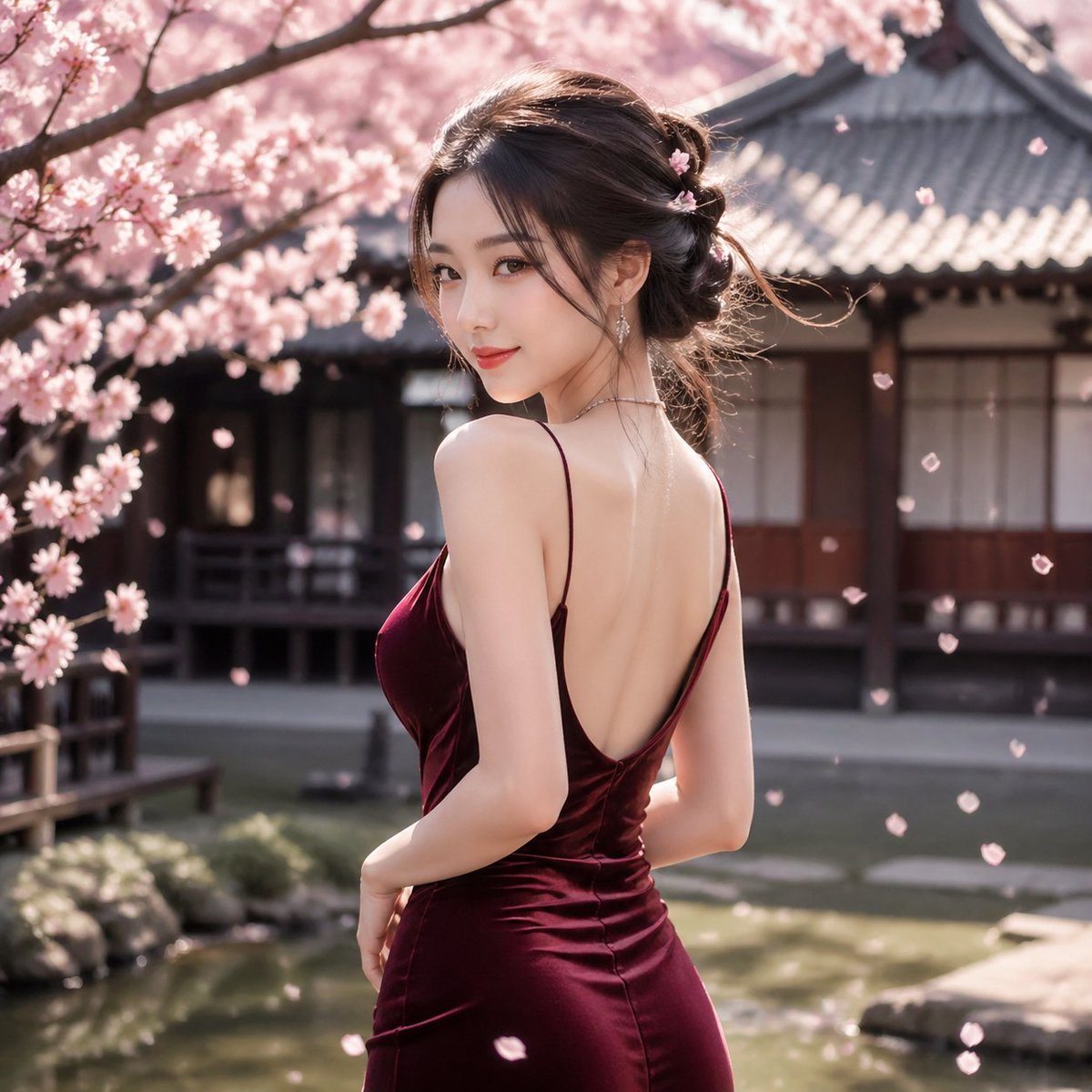
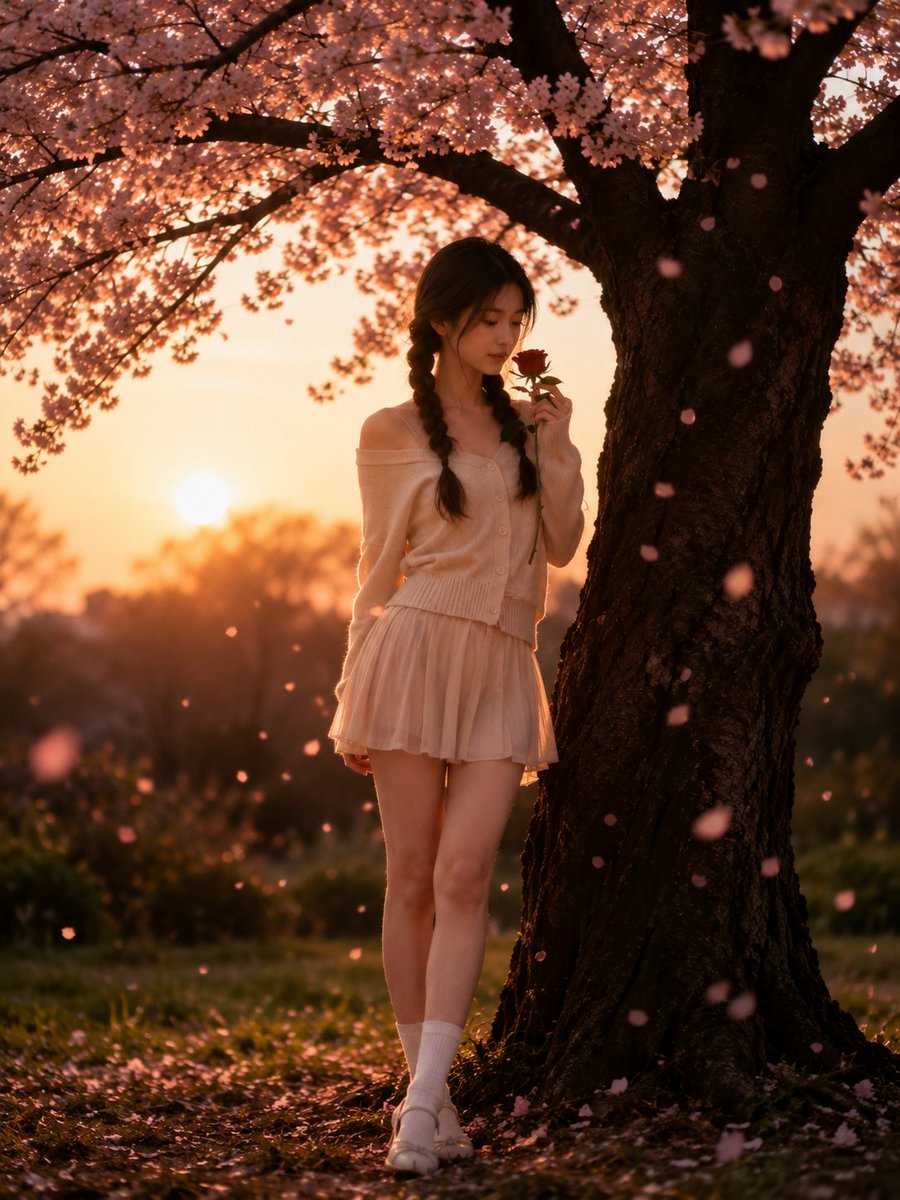
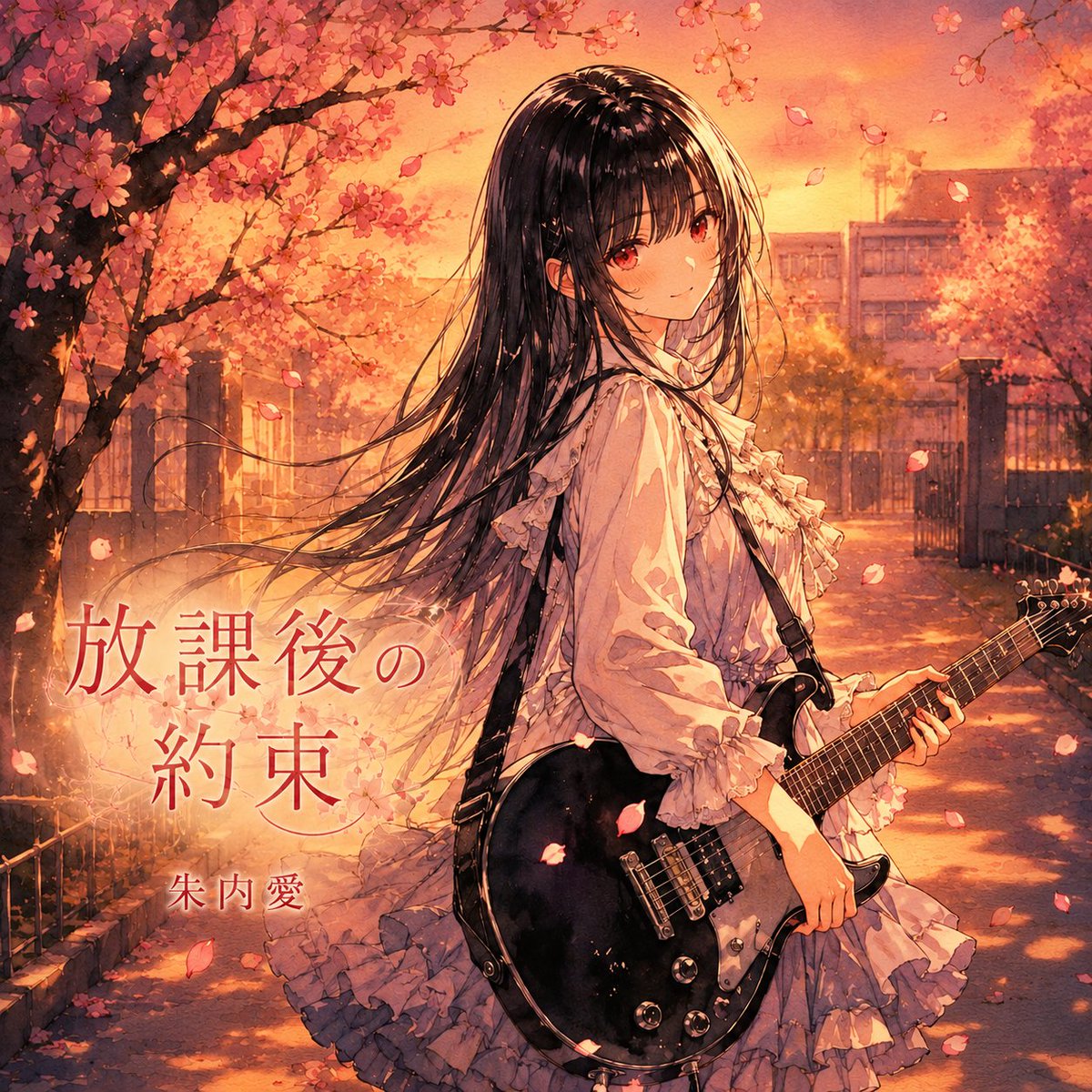
Generates a cinematic 3D Guoman-style portrait of a young woman in a school uniform surrounded by cherry blossoms and drifting petals.
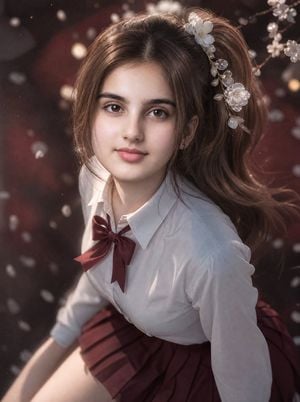
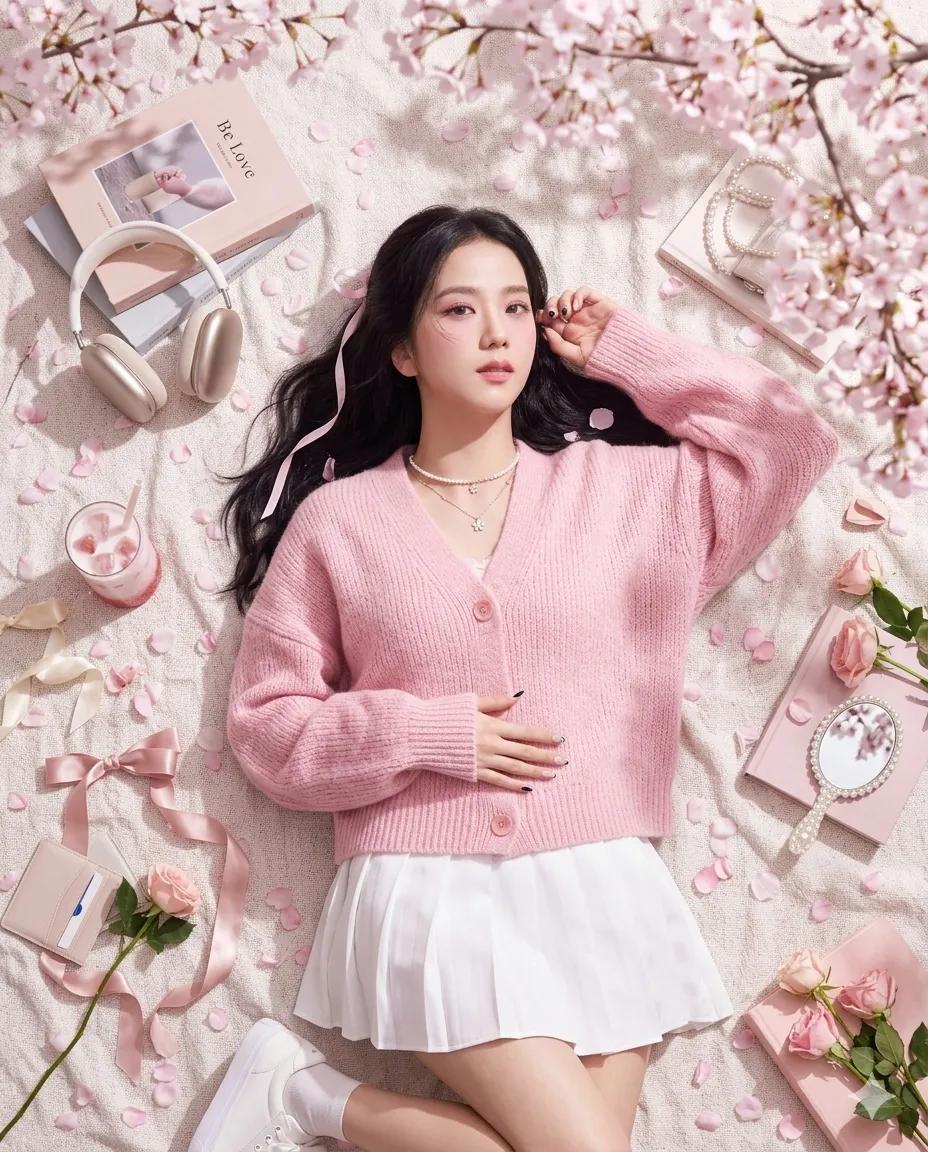
Create a breathtaking vertical 3D Guoman-style portrait of {argument name="character name" default="a young woman"} in a romantic cherry-blossom atmosphere, preserving a realistic yet idealized facial identity with soft natural features, warm brown eyes, delicate eyebrows, a small straight nose, full pink lips, fair skin, and a calm gentle expression looking directly at the viewer. She has long {argument name="hair color" default="warm chestnut-brown"} hair gathered into a high flowing ponytail with loose face-framing strands, decorated on the right side with translucent white flower hair ornaments and crystal-like beads. Dress her in a crisp white collared school blouse with sleeves rolled slightly, a deep burgundy ribbon bow at the neck, and a matching burgundy pleated skirt. Pose her seated or leaning forward in a dynamic three-quarter view from slightly above, shoulders angled, one arm extending downward out of frame, with the skirt fanning softly across the lower image. The background is a dark dreamy burgundy and charcoal bokeh scene with branches of pale cherry blossoms in the upper right and many drifting white petals throughout the air. Use cinematic soft lighting, luminous skin shading, shallow depth of field, gentle rim light on hair, realistic fabric folds, glossy anime-realism eyes, high-detail 3D rendering, elegant Guoman fantasy aesthetic, warm romantic color grading, and no text, watermark, or extra characters.
Choose the primary action to open PicX Studio with the available template settings. Review the model and format, personalize the creative direction, and generate when ready.
Yes. You can change the subject, setting, lighting, mood, format, and available model controls before creating your image.
This template is free to open and customize. Generation usage is shown in PicX Studio before you create.
Start with GPT Image 2, which is the model associated with this template. You can compare another compatible model for a different finish.
Follow a topic to a crawlable collection of related PicX Studio templates.