
Magical Girl Transformation Storyboard
This prompt generates a professional Japanese anime storyboard sheet with 10 labeled transformation panels, useful for previsualization, directing, and motion or scene planning.
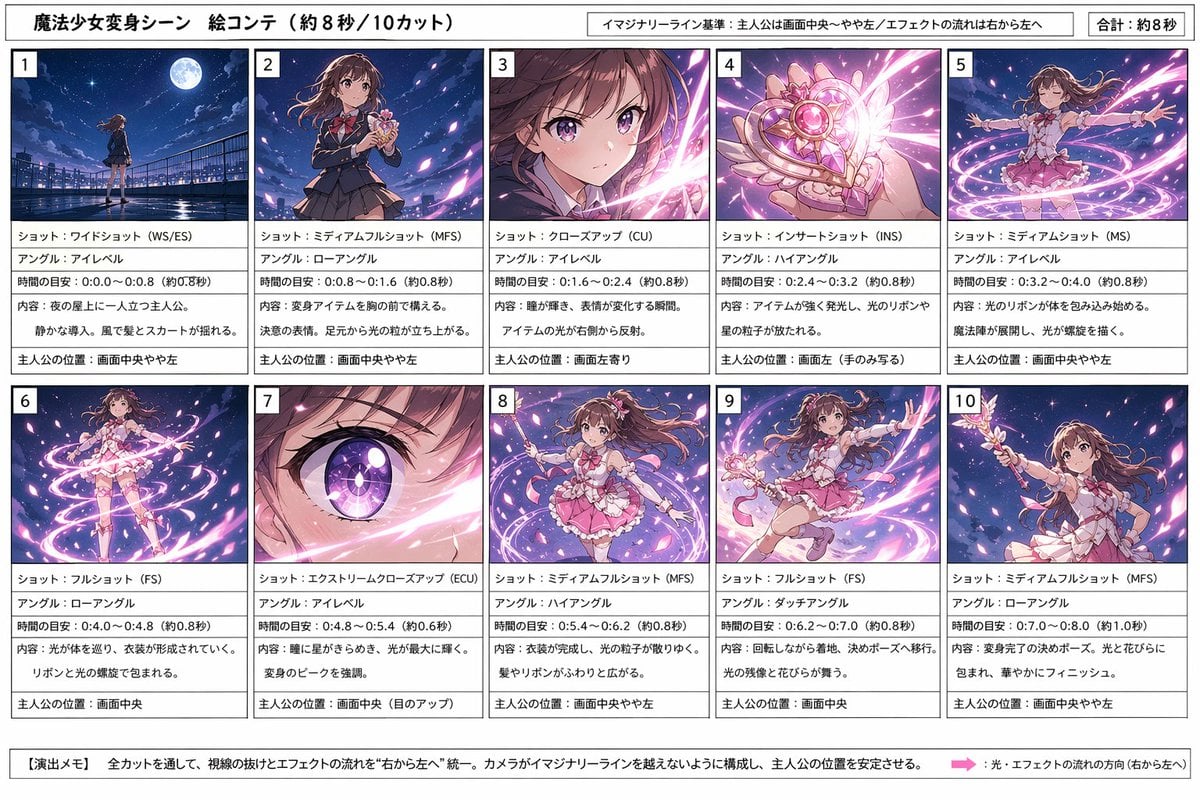
- Prompt included
- Model and format preset
- Free template
The prompt behind this image
Copy the exact prompt behind Magical Girl Transformation Storyboard, or open it in the studio and make it yours.
- Type
- anime transformation storyboard sheet
- Subject
- magical girl transformation sequence
- Style
- clean professional storyboard for image generation planning, polished anime illustration thumbnails, vibrant night-sky fantasy effects, manga production sheet aesthetic
- Canvas › Orientation
- landscape
- Canvas › Aspect Ratio
- 16:9
- Header › Title
- 魔法少女変身シーン 絵コンテ(約8秒/10カット)
- Header › Notes
- イマジナリーライン基準:主人公は画面中央〜やや左/エフェクトの流れは右から左へ, 合計:約8秒
- Character › Name
- {argument name="character name" default="主人公"}
- Character › Appearance
- teen magical girl with long wavy {argument name="hair color" default="brown"} hair, large expressive eyes, school-uniform-to-magical-girl transformation, pink frilly costume with ribbons, short layered skirt, bow details, white gloves, wand-like transformation item with heart and wing motifs
- Layout › Grid › Columns
- 5
- Layout › Grid › Rows
- 2
- Layout › Grid › Count
- 10
- Layout › Sections › 0 › Title
- 1
- Layout › Sections › 0 › Position
- top-left
- Layout › Sections › 0 › Count
- 1
- Layout › Sections › 0 › Labels
- ショット:ワイドショット(WS/ES), アングル:アイレベル, 時間の目安:0.0〜0.8(約0.8秒), 内容:夜の屋上に一人立つ主人公。静かな導入、風で髪とスカートが揺れる。, 主人公の位置:画面中央やや左
- Layout › Sections › 1 › Title
- 2
- Layout › Sections › 1 › Position
- top row second
- Layout › Sections › 1 › Count
- 1
- Layout › Sections › 1 › Labels
- ショット:ミディアムフルショット(MFS), アングル:ローアングル, 時間の目安:0.8〜1.6(約0.8秒), 内容:変身アイテムを胸の前で構える。決意の表情。足元から光の粒が立ち上がる。, 主人公の位置:画面中央やや左
- Layout › Sections › 2 › Title
- 3
- Layout › Sections › 2 › Position
- top row third
- Layout › Sections › 2 › Count
- 1
- Layout › Sections › 2 › Labels
- ショット:クローズアップ(CU), アングル:アイレベル, 時間の目安:1.6〜2.4(約0.8秒), 内容:瞳が輝き、表情が変化する瞬間。アイテムの光が右から反射。, 主人公の位置:画面左寄り
Raw JSON
{"type":"anime transformation storyboard sheet","subject":"magical girl transformation sequence","style":"clean professional storyboard for image generation planning, polished anime illustration thumbnails, vibrant night-sky fantasy effects, manga production sheet aesthetic","canvas":{"orientation":"landscape","aspect_ratio":"16:9"},"header":{"title":"魔法少女変身シーン 絵コンテ(約8秒/10カット)","notes":["イマジナリーライン基準:主人公は画面中央〜やや左/エフェクトの流れは右から左へ","合計:約8秒"]},"character":{"name":"{argument name=\"character name\" default=\"主人公\"}","appearance":"teen magical girl with long wavy {argument name=\"hair color\" default=\"brown\"} hair, large expressive eyes, school-uniform-to-magical-girl transformation, pink frilly costume with ribbons, short layered skirt, bow details, white gloves, wand-like transformation item with heart and wing motifs"},"layout":{"grid":{"columns":5,"rows":2,"count":10},"sections":[{"title":"1","position":"top-left","count":1,"labels":["ショット:ワイドショット(WS/ES)","アングル:アイレベル","時間の目安:0.0〜0.8(約0.8秒)","内容:夜の屋上に一人立つ主人公。静かな導入、風で髪とスカートが揺れる。","主人公の位置:画面中央やや左"]},{"title":"2","position":"top row second","count":1,"labels":["ショット:ミディアムフルショット(MFS)","アングル:ローアングル","時間の目安:0.8〜1.6(約0.8秒)","内容:変身アイテムを胸の前で構える。決意の表情。足元から光の粒が立ち上がる。","主人公の位置:画面中央やや左"]},{"title":"3","position":"top row third","count":1,"labels":["ショット:クローズアップ(CU)","アングル:アイレベル","時間の目安:1.6〜2.4(約0.8秒)","内容:瞳が輝き、表情が変化する瞬間。アイテムの光が右から反射。","主人公の位置:画面左寄り"]},{"title":"4","position":"top row fourth","count":1,"labels":["ショット:インサートショット(INS)","アングル:ハイアングル","時間の目安:2.4〜3.2(約0.8秒)","内容:アイテムが強く発光し、光のリボンや星の粒子が放たれる。","主人公の位置:画面左(手のみ写る)"]},{"title":"5","position":"top-right","count":1,"labels":["ショット:ミディアムショット(MS)","アングル:アイレベル","時間の目安:3.2〜4.0(約0.8秒)","内容:光のリボンが体を包み込み始める。魔法陣が展開し、光が螺旋を描く。","主人公の位置:画面中央やや左"]},{"title":"6","position":"bottom-left","count":1,"labels":["ショット:フルショット(FS)","アングル:ローアングル","時間の目安:4.0〜4.8(約0.8秒)","内容:光が体を巡り、衣装が形成されていく。リボンと光の螺旋で包まれる。","主人公の位置:画面中央"]},{"title":"7","position":"bottom row second","count":1,"labels":["ショット:エクストリームクローズアップ(ECU)","アングル:アイレベル","時間の目安:4.8〜5.4(約0.6秒)","内容:瞳に星がきらめき、光が最大に輝く。変身のピークを強調。","主人公の位置:画面中央(目のアップ)"]},{"title":"8","position":"bottom row third","count":1,"labels":["ショット:ミディアムフルショット(MFS)","アングル:ハイアングル","時間の目安:5.4〜6.2(約0.8秒)","内容:衣装が完成し、光の粒子がゆっくり収まる。髪やリボンがふわりと広がる。","主人公の位置:画面中央やや左"]},{"title":"9","position":"bottom row fourth","count":1,"labels":["ショット:フルショット(FS)","アングル:ダッチアングル","時間の目安:6.2〜7.0(約0.8秒)","内容:回転しながら着地。決めポーズへ移行。光の残像と花びらが舞う。","主人公の位置:画面中央"]},{"title":"10","position":"bottom-right","count":1,"labels":["ショット:ミディアムフルショット(MFS)","アングル:ローアングル","時間の目安:7.0〜8.0(約1.0秒)","内容:変身完了の決めポーズ。光と花びらに包まれ、華やかにフィニッシュ。","主人公の位置:画面中央やや左"]}],"footer":{"title":"【演出メモ】","count":2,"labels":["全カットを通して、視線の抜けとエフェクトの流れを“右から左へ”統一。カメラがイマジナリーラインを越えないように構成し、主人公の位置を安定させる。","光・エフェクトの流れの方向(右から左へ)"]}},"visuals":{"panel_style":"each of the 10 panels contains a fully rendered anime thumbnail image on top and a text description box below, with a bold panel number in the upper-left corner","background":"white storyboard sheet with black borders and thin dividers","thumbnail_consistency":"same girl across all 10 panels, rooftop at night under a bright moon, deep blue-purple sky, pink and white magical light ribbons, sparkling petals, dynamic transformation energy","text_language":"Japanese","color_palette":["deep navy blue","violet","pink","white","soft magenta"]},"quality":"high-resolution editorial layout, sharp legible Japanese text, balanced margins, print-ready storyboard design"}How to use Magical Girl Transformation Storyboard in 3 steps
- 1Upload ImagePNG, JPG or paste
Add your photo
Upload the photo the template builds on. The prompt, model and format are already set.
- 2…a portrait of your subject in softgolden-hour light, 85mm…
Personalize
Edit the subject and creative details for your destination.
- 3Generate
Generate
Press Generate — your image is created in PicX Studio, so you can compare it with the original and refine one variable at a time.
More like this
Templates with the same subject, style or setup. Open one to see its prompt.
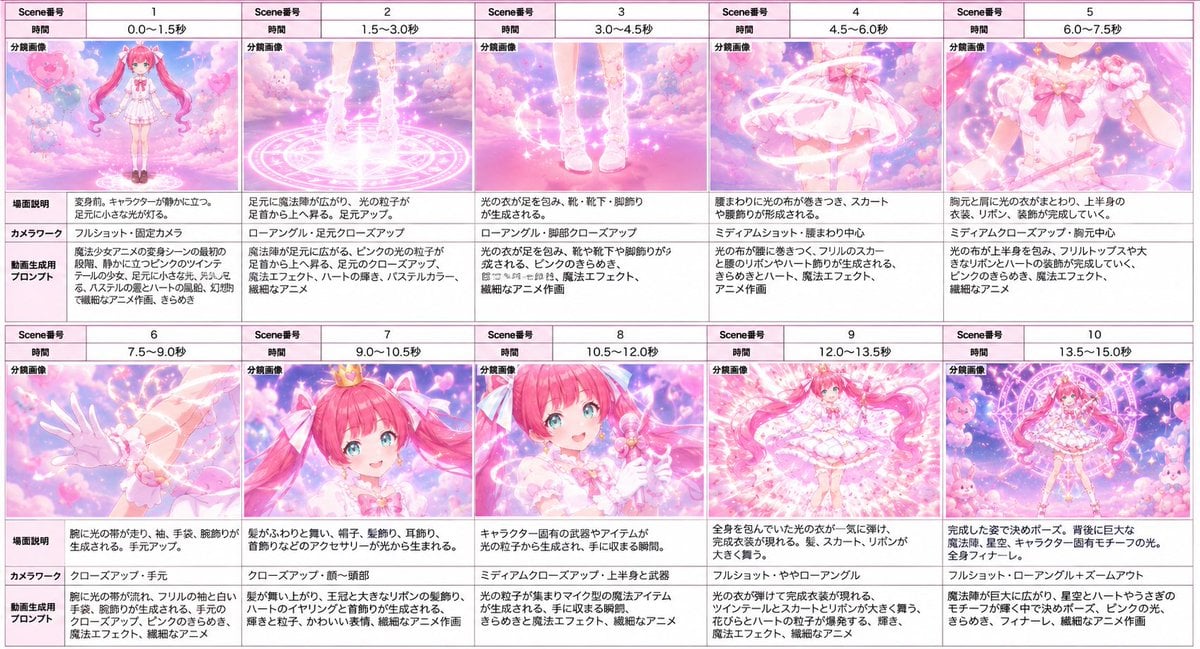
Magical Girl Transformation Storyboard

Teen Girl Alpine Lake Mountain View
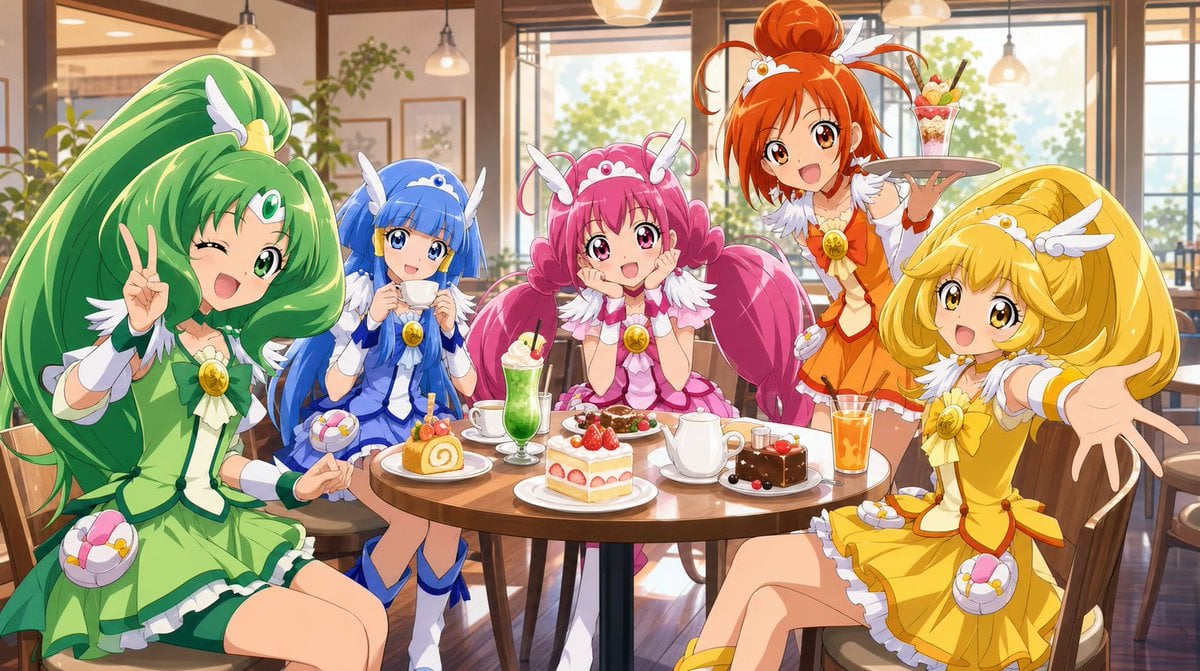
Magical Girls Dessert Café Scene

Pixar-Style Chibi Café Morning Scene

Pastel Fantasy Pagoda Mountain Landscape

Headphones Lifestyle Nine Panel Grid
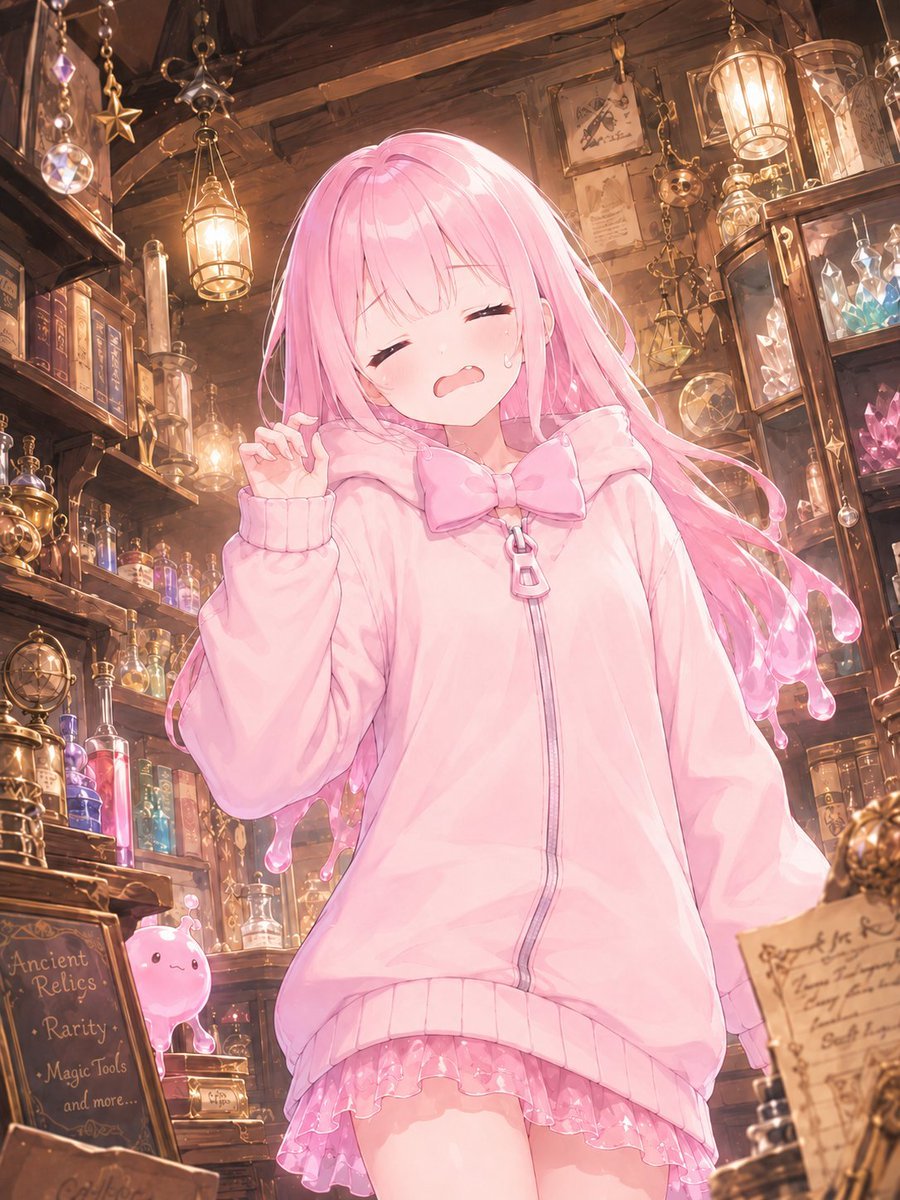
Pink Magical Girl in Antique Magic Shop
Magical Girl Starstorm on Bubble
Magical Glowing Ribbon Style Transformation
Magical Girl AI Music Thumbnail
Golden Magical Girl Action Key Visual
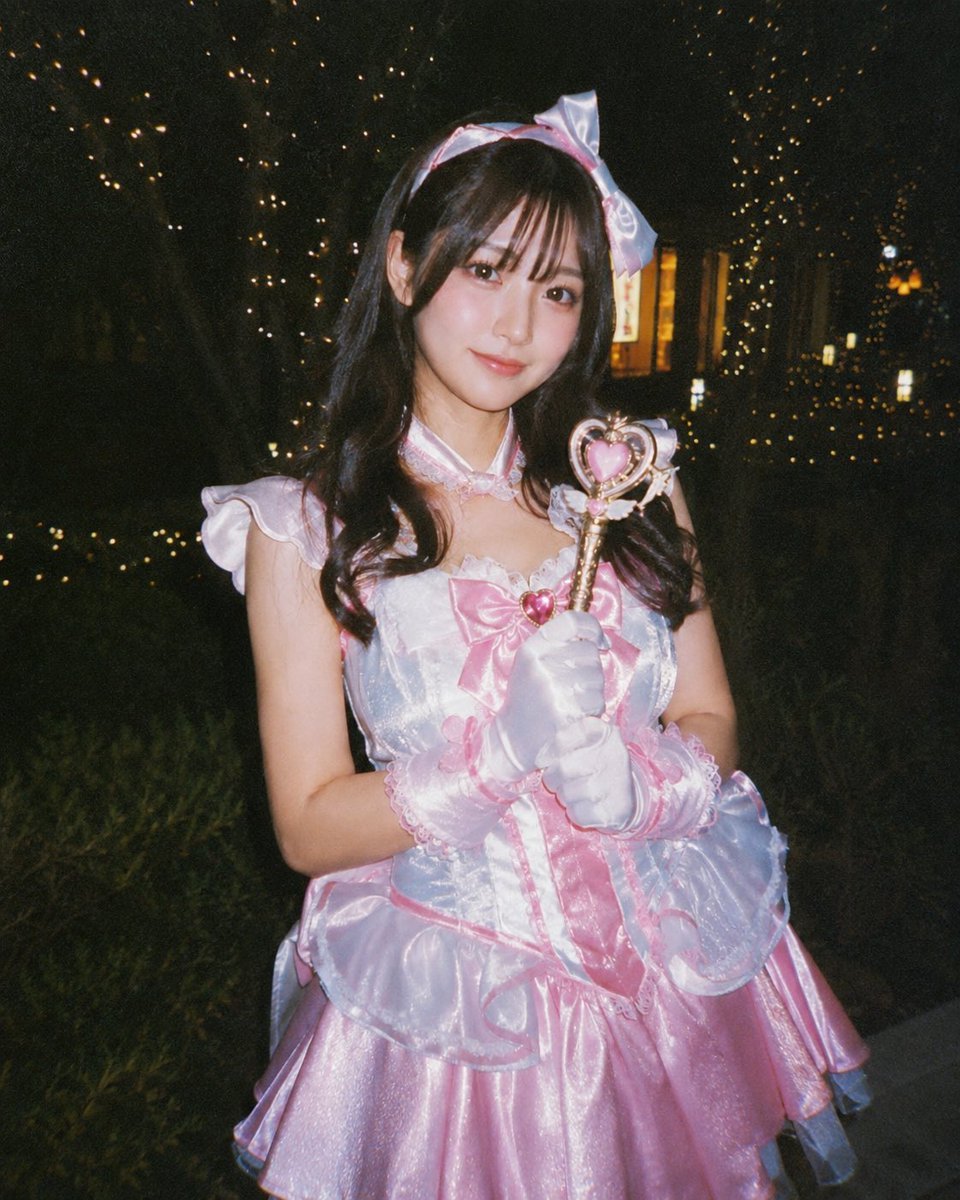
Disposable Camera Magical Girl Cosplay
Make it yours
Magical Girl Transformation Storyboard works as-is. These are the safest ways to change it without losing the look.
Swap the setting
Keep the rest of the prompt and replace the location block. The current setting is “white storyboard sheet with black borders and thin dividers”.
Change one field
Copy a single group, rewrite it, and generate again so you can see what that field is doing.
Keep the frame, change the subject
Hold the composition and light of Magical Girl Transformation Storyboard, then swap wardrobe, props or the person for a new take.
| If the result… | Why | Fix |
|---|---|---|
| The result drifts from the preview | Too many fields changed at once. | Reuse Magical Girl Transformation Storyboard as-is first, then change one group — subject, light, or setting. |
| GPT Image 2 ignores part of the JSON | Some models flatten or skip nested keys. | Keep the same values and paste them as a short paragraph instead. |
More GPT Image 2 templates
Other prompts made for GPT Image 2.

Six VTuber Japanese Logo Sheet

Realistic Portrait of Woman and Deer

The Vista Modular Condo Poster

AI Model Routing Comparison Infographic

2.5D Anime Art Board

Isometric Productivity Desk Scene

New York Double Exposure Poster

Four-Panel AI Landscape Comparison

Japanese Tatami Lifestyle Magazine Cover

NESCAFÉ Coffee Map Poster
More image prompts
Fresh picks from across the catalog.
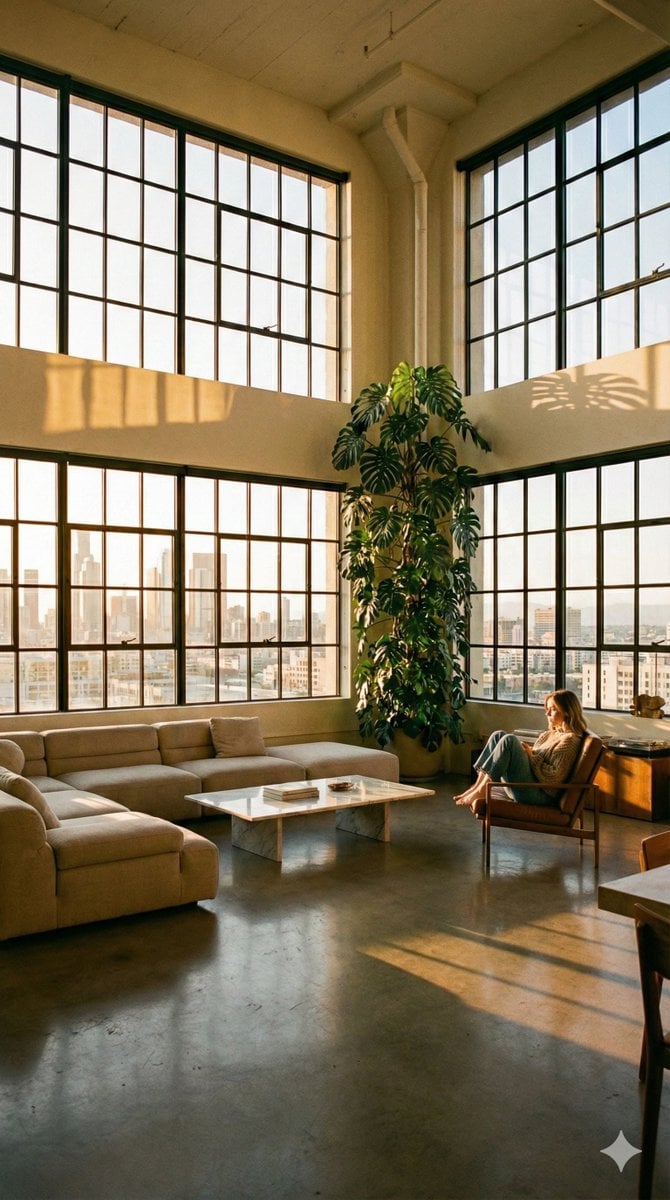
Modern Minimalist Loft Architecture Photography

Cinematic Neon Studio Portrait
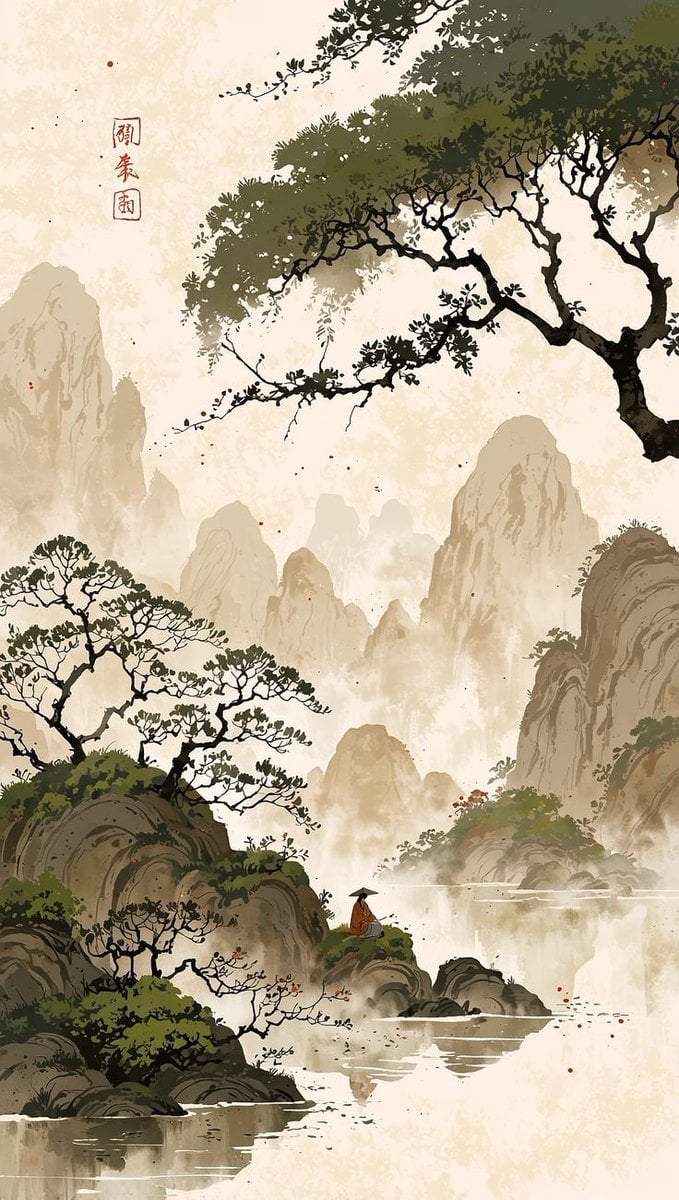
Cinematic Chinese Ink Landscape
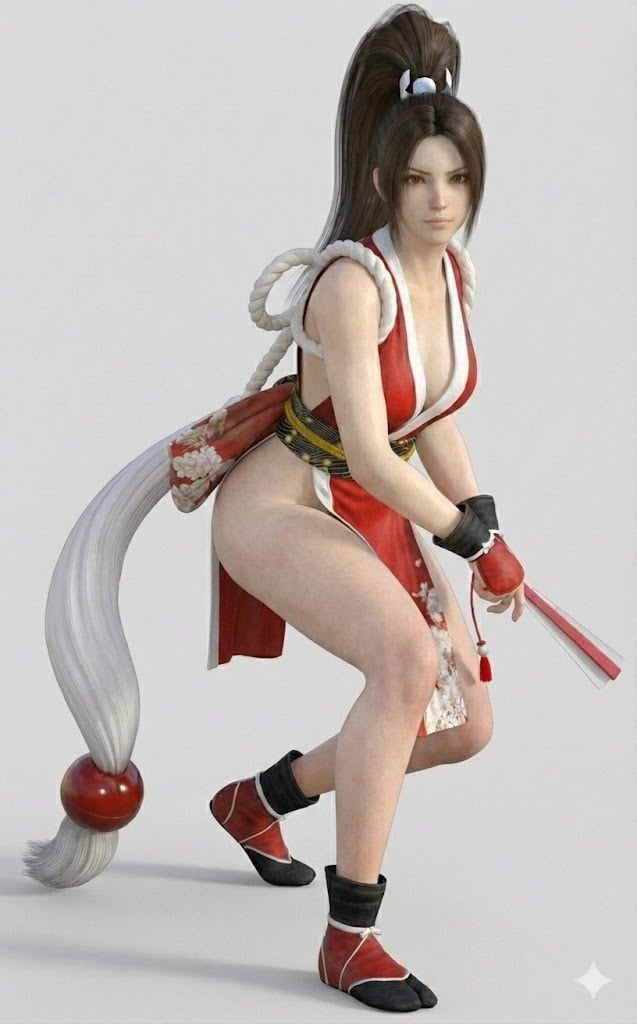
Bypassing Identity Restrictions with 3DCG Claim
Kawaii Café and Travel Illustration
Floral Cottage Café Kakigori
Cyberpunk Zero Second Promo Banner
Master Prompt for Caricature Art of Music Legends
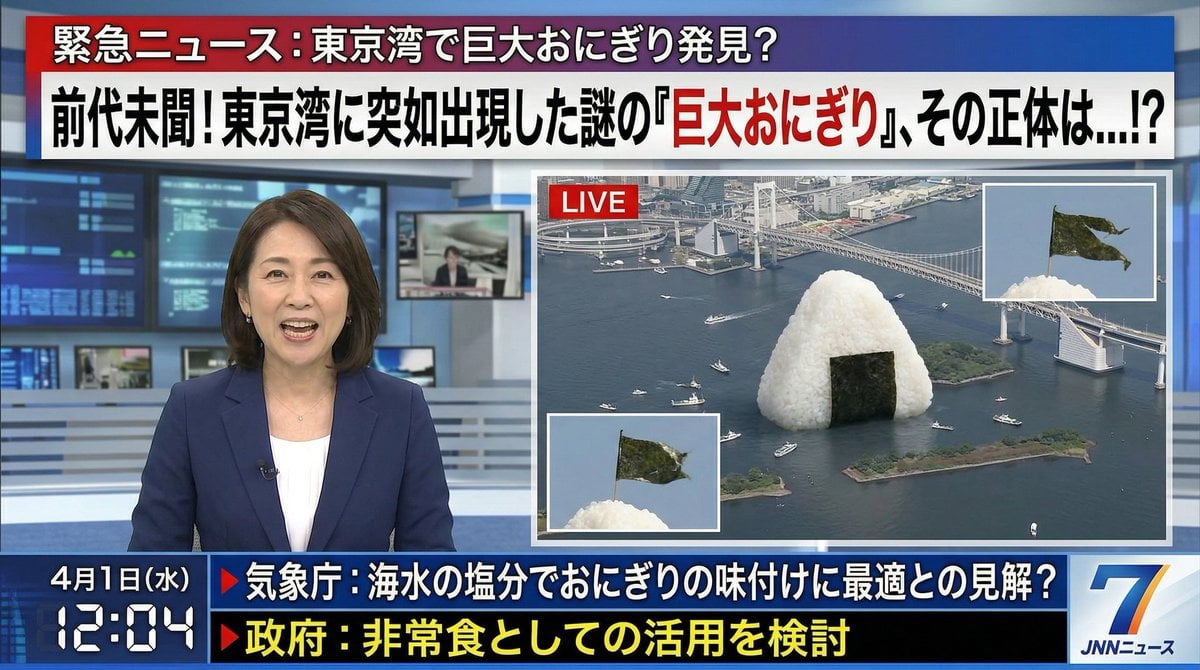
April Fool's Fake News Image Generation Prompt

Ultra-Premium Cinematic 3D Brand Advertisement Prompt for Nano Banana Pro
Browse template categories
Magical Girl Transformation Storyboard questions
How do I use the Magical Girl Transformation Storyboard template?
Add your photo if the template asks for one, edit the prompt if you like — the template's model and format are already selected — and press Generate. Your version opens in PicX Studio.
Can I customize the Magical Girl Transformation Storyboard template?
Yes. You can change the subject, setting, lighting, mood, format, and available model controls before creating your image.
Is the Magical Girl Transformation Storyboard template free?
Opening and editing this template is free. Generating uses credits, shown on the Generate button when you are signed in.
Which AI model should I use?
Start with GPT Image 2, which is the model associated with this template. You can compare another compatible model for a different finish.
Looking for something else? Browse all templates.

Your photo, any look
Thousands of ready templates for every top image and video model, from one credit balance.