
Cyberpunk Zero Second Promo Banner
Generates a neon cyberpunk promotional hero banner for a music, AI video, or dance-performance campaign with glass UI panels and a dramatic crouching performer.
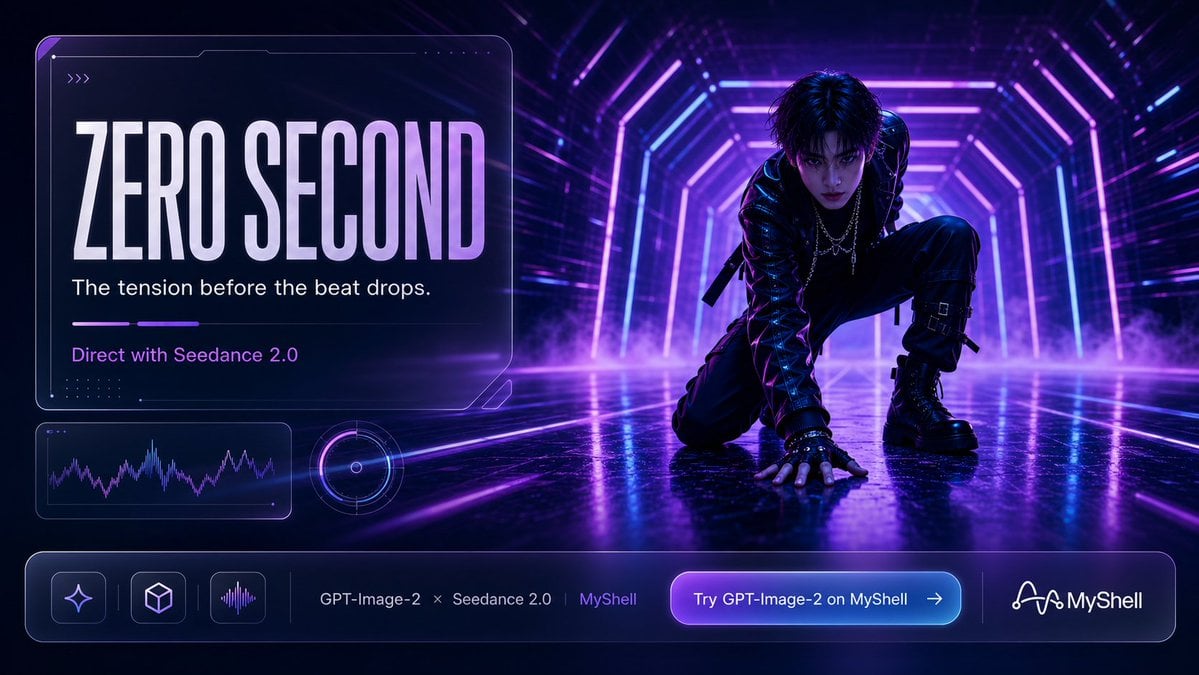
- Prompt included
- Model and format preset
- Free template
The prompt behind this image
Copy the exact prompt behind Cyberpunk Zero Second Promo Banner, or open it in the studio and make it yours.
- Type
- cinematic cyberpunk promotional banner with futuristic UI overlay
- Format
- wide 16:9 social media hero image
- Visual Style
- high-contrast neon cyberpunk, glossy 3D realism, dramatic concert-poster lighting, purple and electric-blue color grading, volumetric fog, reflective wet floor, sharp rim light, motion-energy atmosphere
- Scene › Setting
- a dark futuristic tunnel or stage corridor made of glowing rectangular neon frames receding into depth
- Scene › Background
- deep navy-black environment with magenta, violet, and cyan light strips, subtle speed-line streaks, haze and smoke pooling near the floor
- Scene › Floor
- mirror-like wet black surface reflecting the neon tunnel and the character
- Main Subject › Description
- androgynous cyberpunk performer crouching low on the right side, one hand planted on the reflective floor, one knee raised, body angled forward like the instant before a dance drop
- Main Subject › Face
- intentionally obscured by a soft dark square blur, anonymous identity
- Main Subject › Hair
- messy shoulder-length black hair with blue-purple highlights
- Main Subject › Outfit
- black glossy leather jacket, layered silver chain necklaces, fingerless gloves, strapped black pants with buckles, chunky black combat boots, subtle cyber-goth accessories
- Main Subject › Pose
- dynamic kneeling crouch, tense and ready to move, silhouette emphasized by neon rim lighting
- Layout › Composition
- left-heavy information card balanced against the crouching performer on the right; strong depth perspective pulls the eye toward the neon tunnel center
- Layout › Sections › 0 › Title
- main headline card
- Layout › Sections › 0 › Position
- upper left
- Layout › Sections › 0 › Count
- 4
- Layout › Sections › 0 › Labels
- {argument name="headline text" default="ZERO SECOND"}, {argument name="tagline" default="The tension before the beat drops."}, {argument name="direction line" default="Direct with Seedance 2.0"}, small decorative chevrons and micro-dot interface marks
- Layout › Sections › 1 › Title
- analytics module
- Layout › Sections › 1 › Position
- lower left beneath headline card
- Layout › Sections › 1 › Count
- 2
- Layout › Sections › 1 › Labels
- purple audio waveform graph inside rounded rectangle, circular radar or disc meter with glowing ring
- Layout › Sections › 2 › Title
- bottom navigation bar
- Layout › Sections › 2 › Position
- full width along bottom
- Layout › Sections › 2 › Count
- 7
- Layout › Sections › 2 › Labels
- sparkle icon button, cube icon button, audio waveform icon button, GPT-Image-2 text, Seedance 2.0 text, MyShell text, glowing call-to-action button reading {argument name="button text" default="Try GPT-Image-2 on MyShell"} with right arrow
Raw JSON
{"type":"cinematic cyberpunk promotional banner with futuristic UI overlay","format":"wide 16:9 social media hero image","visual_style":"high-contrast neon cyberpunk, glossy 3D realism, dramatic concert-poster lighting, purple and electric-blue color grading, volumetric fog, reflective wet floor, sharp rim light, motion-energy atmosphere","scene":{"setting":"a dark futuristic tunnel or stage corridor made of glowing rectangular neon frames receding into depth","background":"deep navy-black environment with magenta, violet, and cyan light strips, subtle speed-line streaks, haze and smoke pooling near the floor","floor":"mirror-like wet black surface reflecting the neon tunnel and the character"},"main_subject":{"description":"androgynous cyberpunk performer crouching low on the right side, one hand planted on the reflective floor, one knee raised, body angled forward like the instant before a dance drop","face":"intentionally obscured by a soft dark square blur, anonymous identity","hair":"messy shoulder-length black hair with blue-purple highlights","outfit":"black glossy leather jacket, layered silver chain necklaces, fingerless gloves, strapped black pants with buckles, chunky black combat boots, subtle cyber-goth accessories","pose":"dynamic kneeling crouch, tense and ready to move, silhouette emphasized by neon rim lighting"},"layout":{"composition":"left-heavy information card balanced against the crouching performer on the right; strong depth perspective pulls the eye toward the neon tunnel center","sections":[{"title":"main headline card","position":"upper left","count":4,"labels":["{argument name=\"headline text\" default=\"ZERO SECOND\"}","{argument name=\"tagline\" default=\"The tension before the beat drops.\"}","{argument name=\"direction line\" default=\"Direct with Seedance 2.0\"}","small decorative chevrons and micro-dot interface marks"]},{"title":"analytics module","position":"lower left beneath headline card","count":2,"labels":["purple audio waveform graph inside rounded rectangle","circular radar or disc meter with glowing ring"]},{"title":"bottom navigation bar","position":"full width along bottom","count":7,"labels":["sparkle icon button","cube icon button","audio waveform icon button","GPT-Image-2 text","Seedance 2.0 text","MyShell text","glowing call-to-action button reading {argument name=\"button text\" default=\"Try GPT-Image-2 on MyShell\"} with right arrow"]},{"title":"brand mark","position":"bottom right inside navigation bar","count":1,"labels":["MyShell logo and wordmark"]}]},"typography":{"headline":"very large condensed uppercase sans-serif, tall block letters, white-to-lavender gradient, subtle glow","body":"clean modern sans-serif in white and lavender","button":"rounded pill with purple-to-cyan gradient glow and crisp white text"},"ui_details":"transparent glassmorphism panels with thin lavender outlines, rounded corners, faint circuit-like corner cuts, soft inner glow, subtle grid dots, luminous divider lines, premium tech startup advertising aesthetic","color_palette":{"primary":"black and deep navy","neon":"violet, magenta, electric blue, cyan","text":"white and pale lavender"},"lighting":"bright neon backlight from the tunnel, purple-blue reflections on leather and floor, high drama with soft fog diffusion","mood":"anticipation, music-video energy, futuristic dance performance, the frozen zero-second moment before impact","customization":"Keep the overall composition, cyberpunk dancer, left glass UI card, bottom MyShell-style CTA bar, and neon purple-blue tunnel aesthetic while allowing the headline, tagline, direction line, and button text to be customized."}How to use Cyberpunk Zero Second Promo Banner in 3 steps
- 1Upload ImagePNG, JPG or paste
Add your photo
Upload the photo the template builds on. The prompt, model and format are already set.
- 2…a portrait of your subject in softgolden-hour light, 85mm…
Personalize
Edit the subject and creative details for your destination.
- 3Generate
Generate
Press Generate — your image is created in PicX Studio, so you can compare it with the original and refine one variable at a time.
More like this
Templates with the same subject, style or setup. Open one to see its prompt.

Excel VBA Community Promo Banner

Rainy Night Android Cyberpunk Portrait

Korean Idol Partial Shadow Editorial Portrait

Cinematic Sci-Fi Interface Side Profile

Cyberpunk Neon Profile Fashion Portrait

Cinematic Neon Light Strip Studio Portrait

Futuristic Studio Neon Ring Minimalist Portrait

Neon Violet Streetwear Fashion Portrait

Neon Night Crosswalk Candid Portrait

Red Futuristic Sport Motorcycle POV
Rainy Night Android Cyberpunk Portrait
Cinematic Sci-Fi Commander Side Profile Portrait
Make it yours
Cyberpunk Zero Second Promo Banner works as-is. These are the safest ways to change it without losing the look.
Swap the setting
Keep the rest of the prompt and replace the location block. The current setting is “a dark futuristic tunnel or stage corridor made of glowing rectangular neon fram”.
Swap the light
One lighting change is enough to compare takes. Current light: “bright neon backlight from the tunnel, purple-blue reflections on leather and fl”.
Change one field
Copy a single group, rewrite it, and generate again so you can see what that field is doing.
| If the result… | Why | Fix |
|---|---|---|
| The result drifts from the preview | Too many fields changed at once. | Reuse Cyberpunk Zero Second Promo Banner as-is first, then change one group — subject, light, or setting. |
| GPT Image 2 ignores part of the JSON | Some models flatten or skip nested keys. | Keep the same values and paste them as a short paragraph instead. |
More GPT Image 2 templates
Other prompts made for GPT Image 2.

Six VTuber Japanese Logo Sheet

Realistic Portrait of Woman and Deer

The Vista Modular Condo Poster

AI Model Routing Comparison Infographic

2.5D Anime Art Board

Isometric Productivity Desk Scene

New York Double Exposure Poster

Four-Panel AI Landscape Comparison

Japanese Tatami Lifestyle Magazine Cover

NESCAFÉ Coffee Map Poster
More image prompts
Fresh picks from across the catalog.
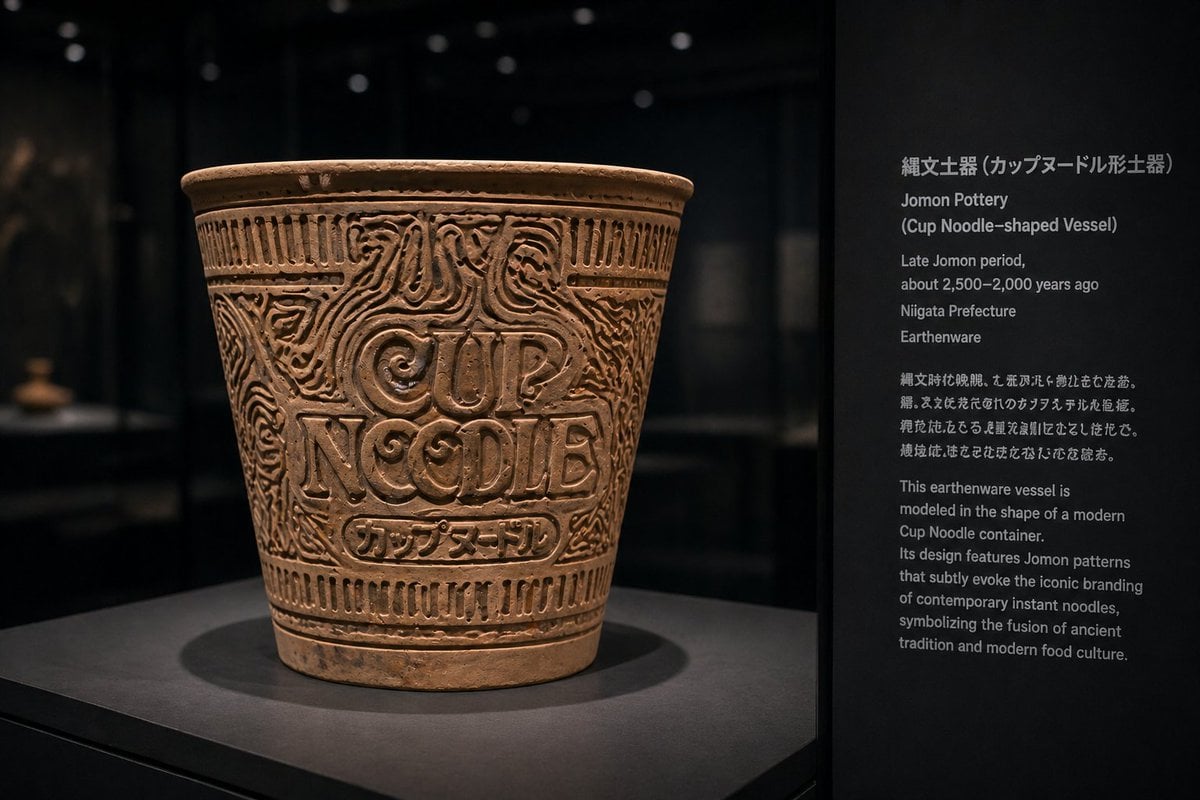
Jomon Pottery Museum Exhibit Mashup

Gpt2 Infographic Edu Visual Ethnographic Plate for Tibetan Ceremonial Hat
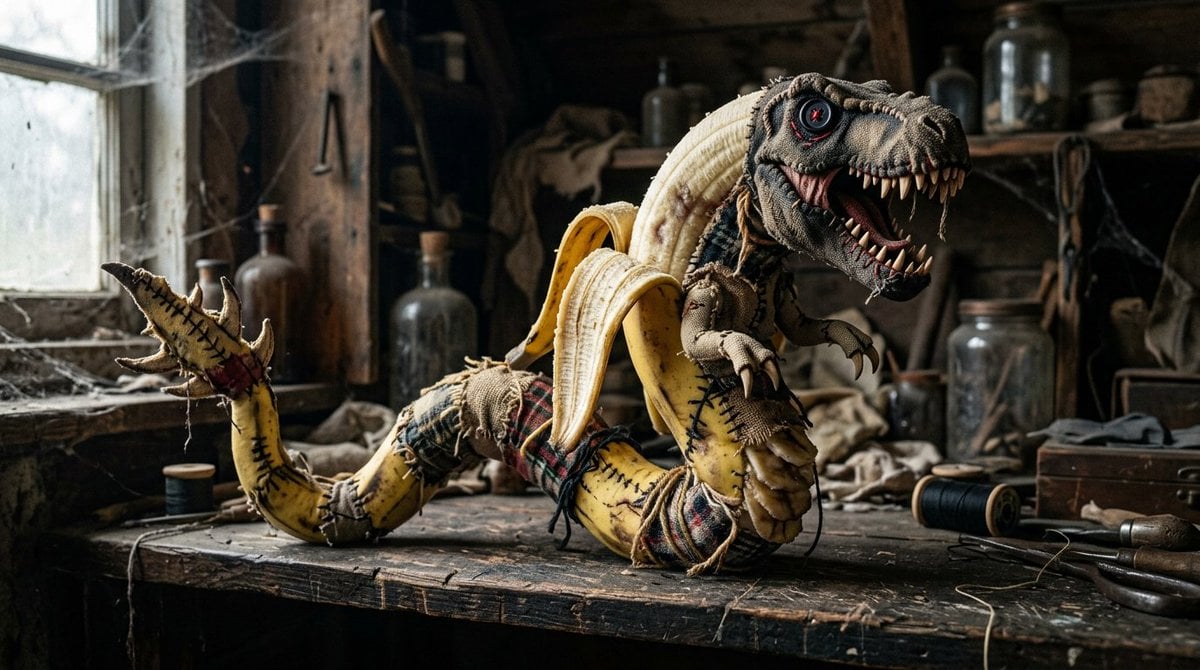
Rag Doll Banana T-Rex Monster
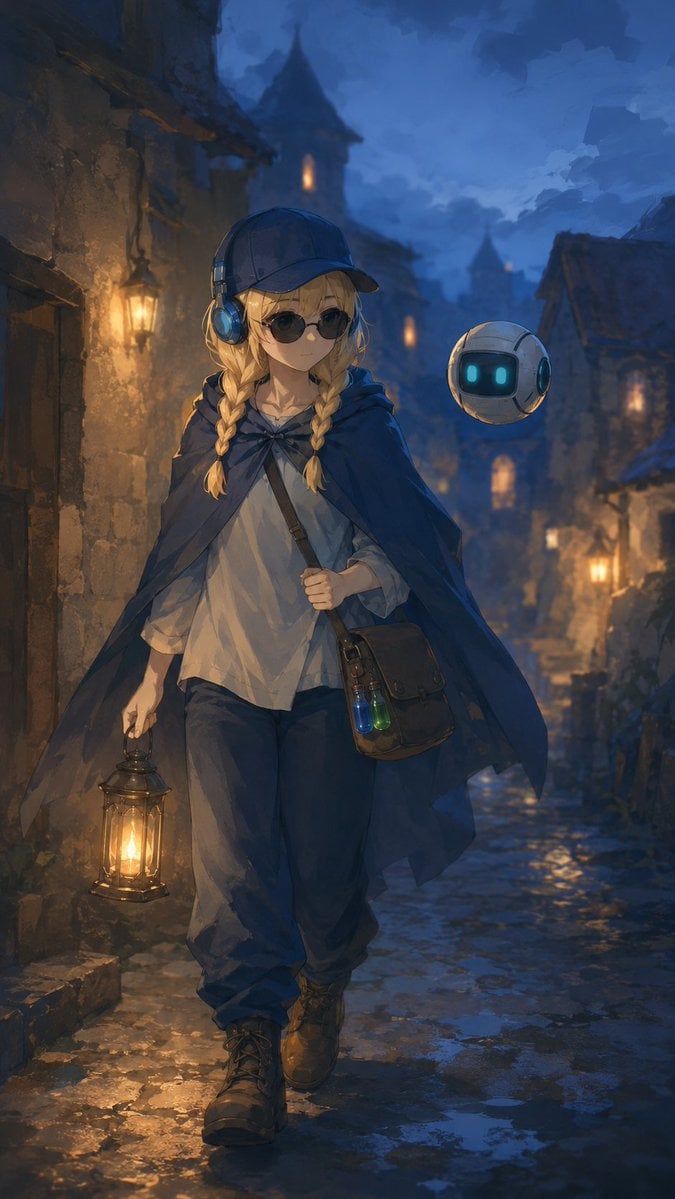
Traveling Alchemist in Rainy Fantasy Alley
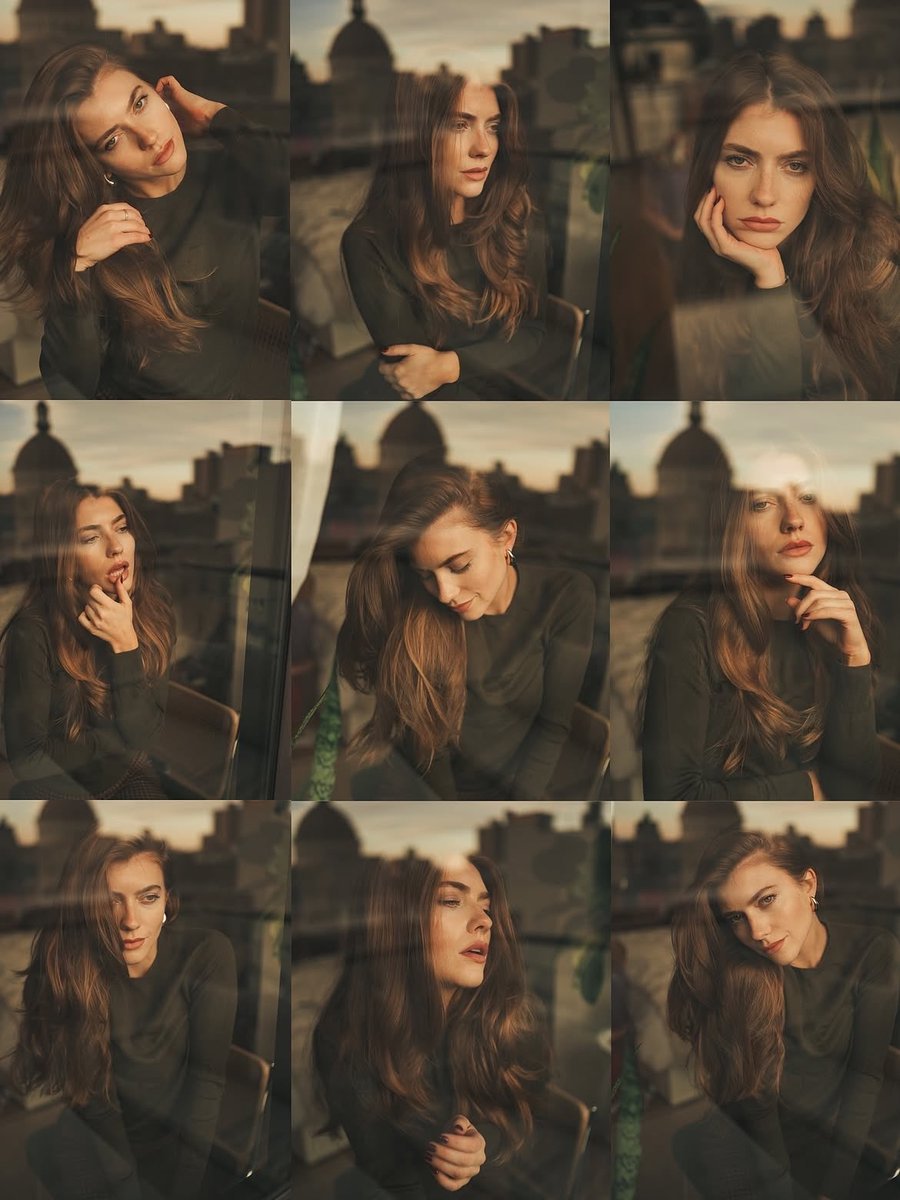
Cinematic Portrait Series by Window at Golden Hour
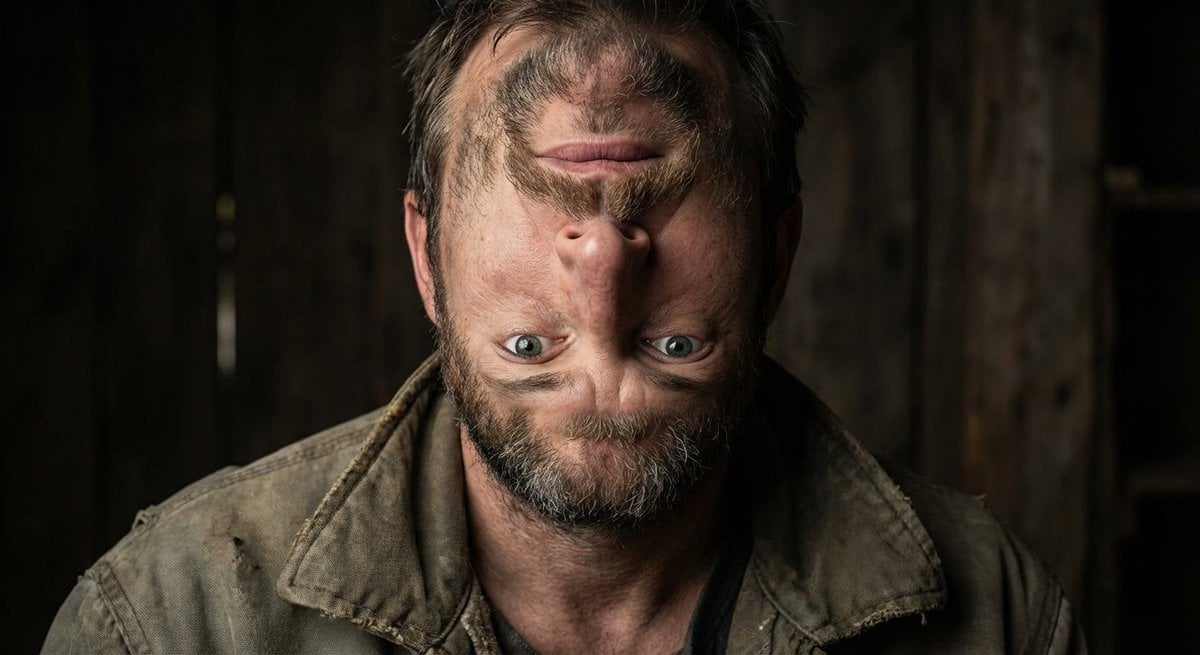
Surreal upside-down face portrait
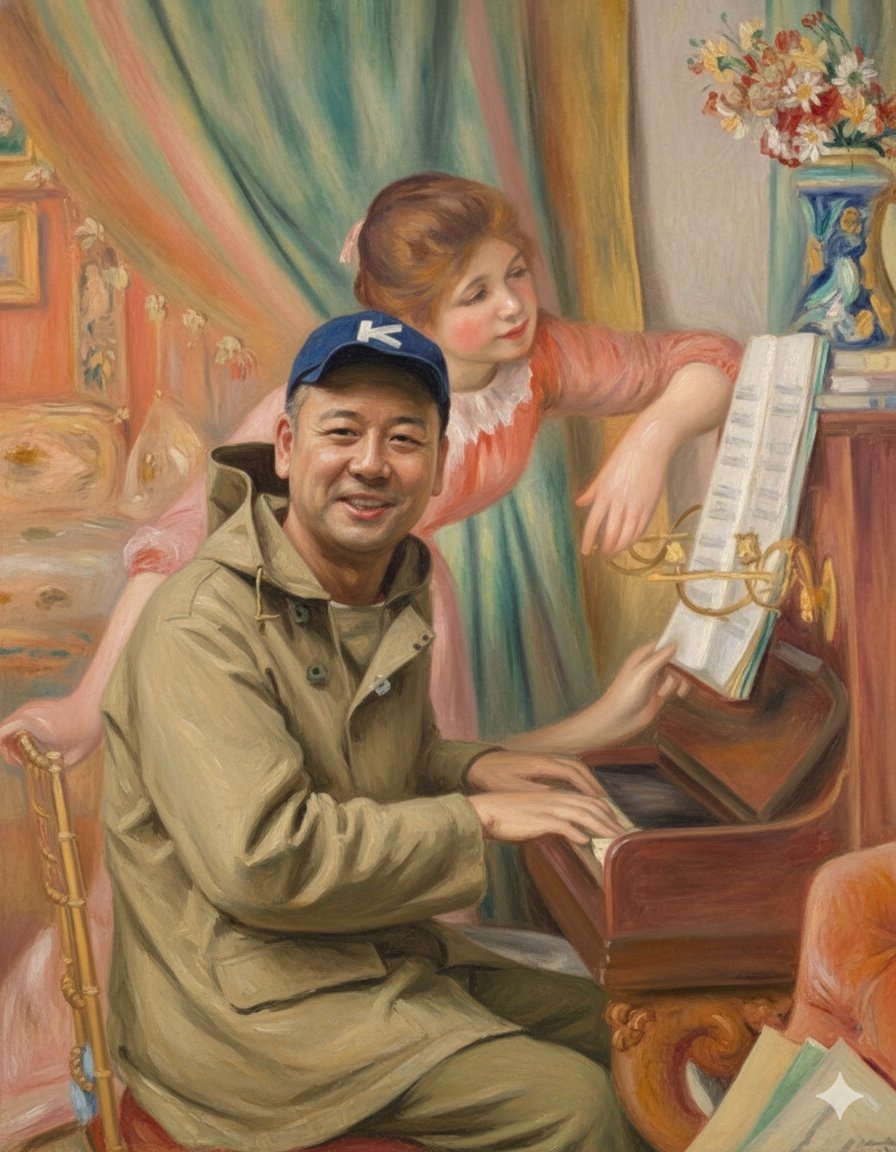
Style Transfer: Renoir's Piano Playing Girls
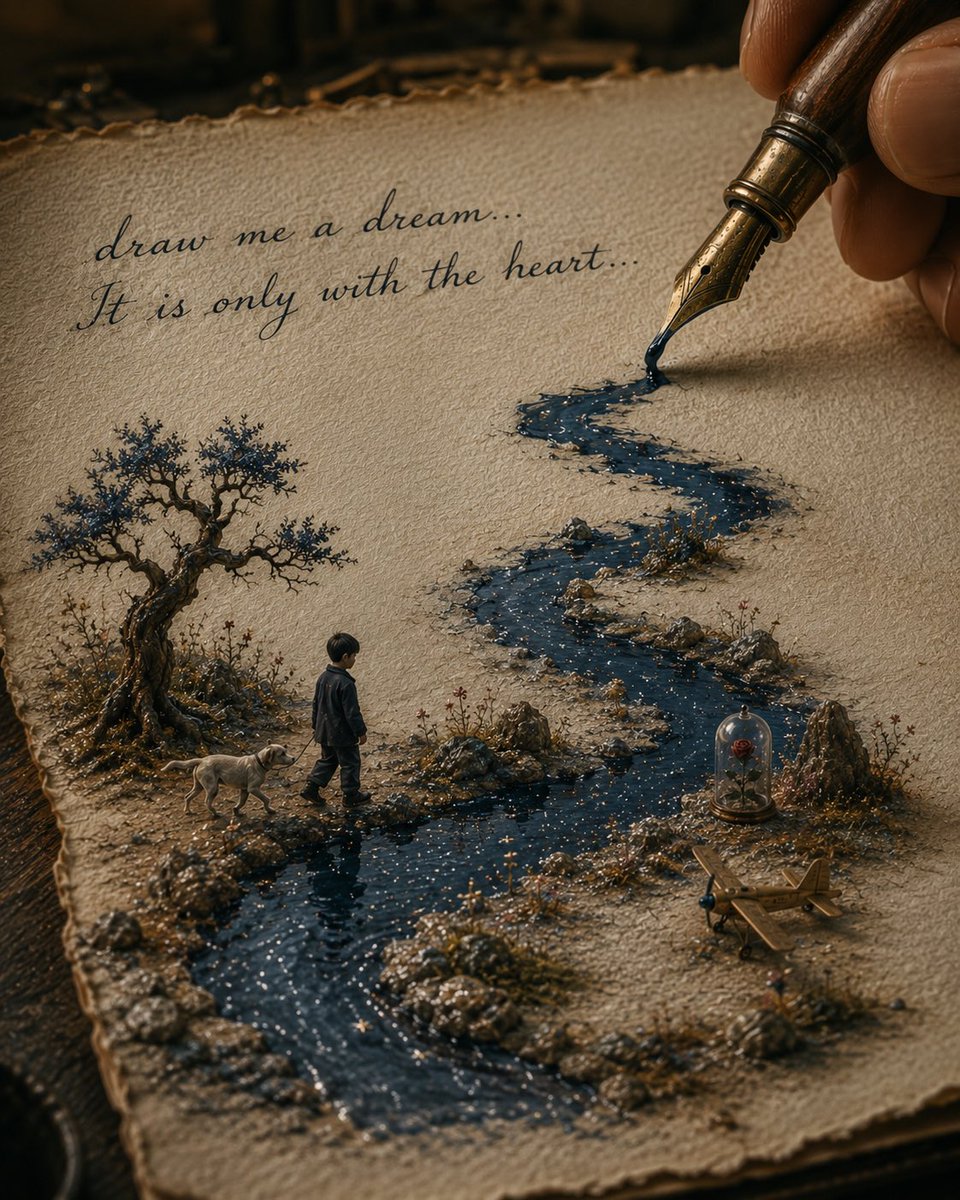
Ink River Fairy Tale Diorama
Porcelain Gugu Sculpture with Amber Light
Sweet Japanese-style girl at subway door
Browse template categories
Cyberpunk Zero Second Promo Banner questions
How do I use the Cyberpunk Zero Second Promo Banner template?
Add your photo if the template asks for one, edit the prompt if you like — the template's model and format are already selected — and press Generate. Your version opens in PicX Studio.
Can I customize the Cyberpunk Zero Second Promo Banner template?
Yes. You can change the subject, setting, lighting, mood, format, and available model controls before creating your image.
Is the Cyberpunk Zero Second Promo Banner template free?
Opening and editing this template is free. Generating uses credits, shown on the Generate button when you are signed in.
Which AI model should I use?
Start with GPT Image 2, which is the model associated with this template. You can compare another compatible model for a different finish.
Looking for something else? Browse all templates.

Your photo, any look
Thousands of ready templates for every top image and video model, from one credit balance.