How do I use the Anime Character to 3DCG Figure Prompt template?
Choose the primary action to open PicX Studio with the available template settings. Review the model and format, personalize the creative direction, and generate when ready.
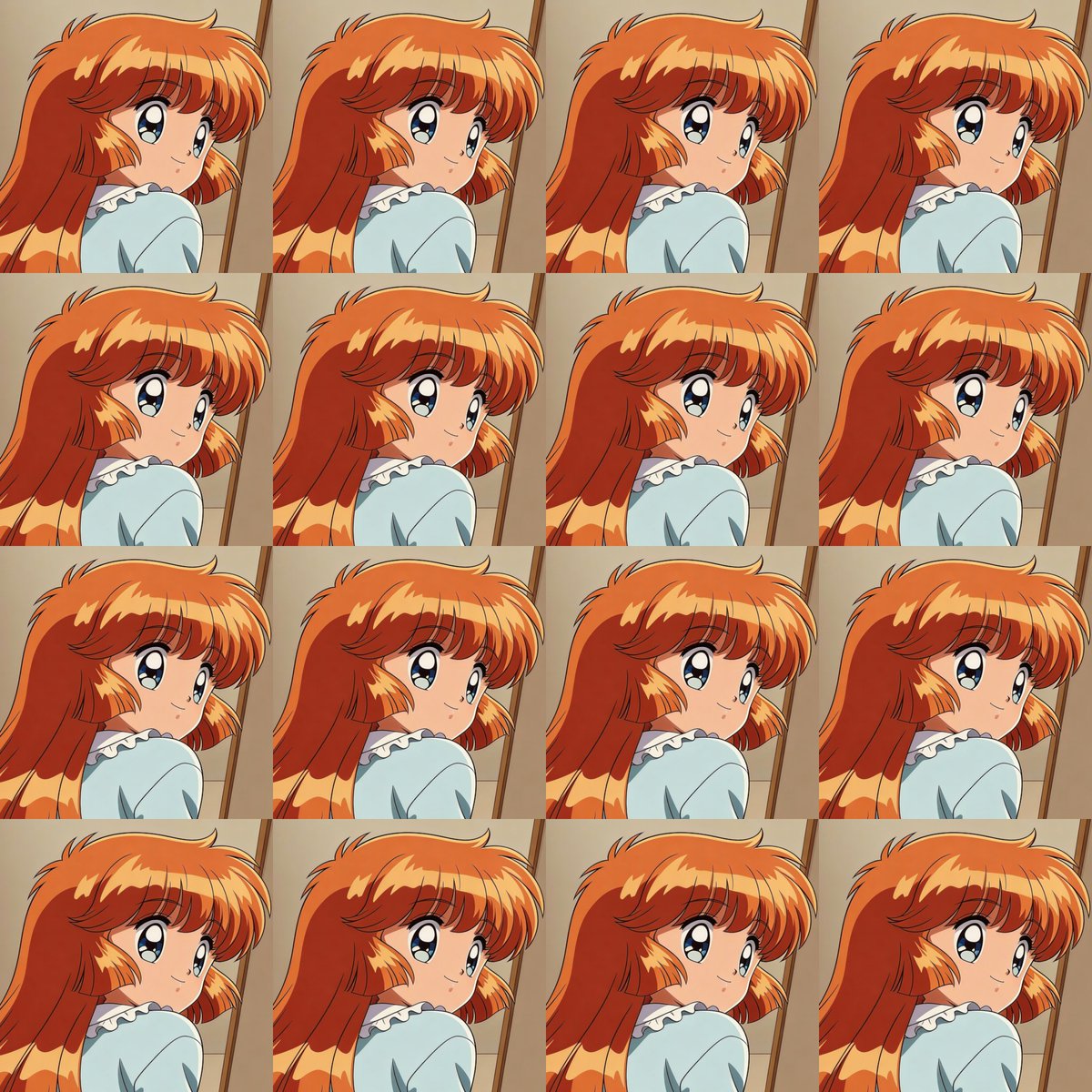
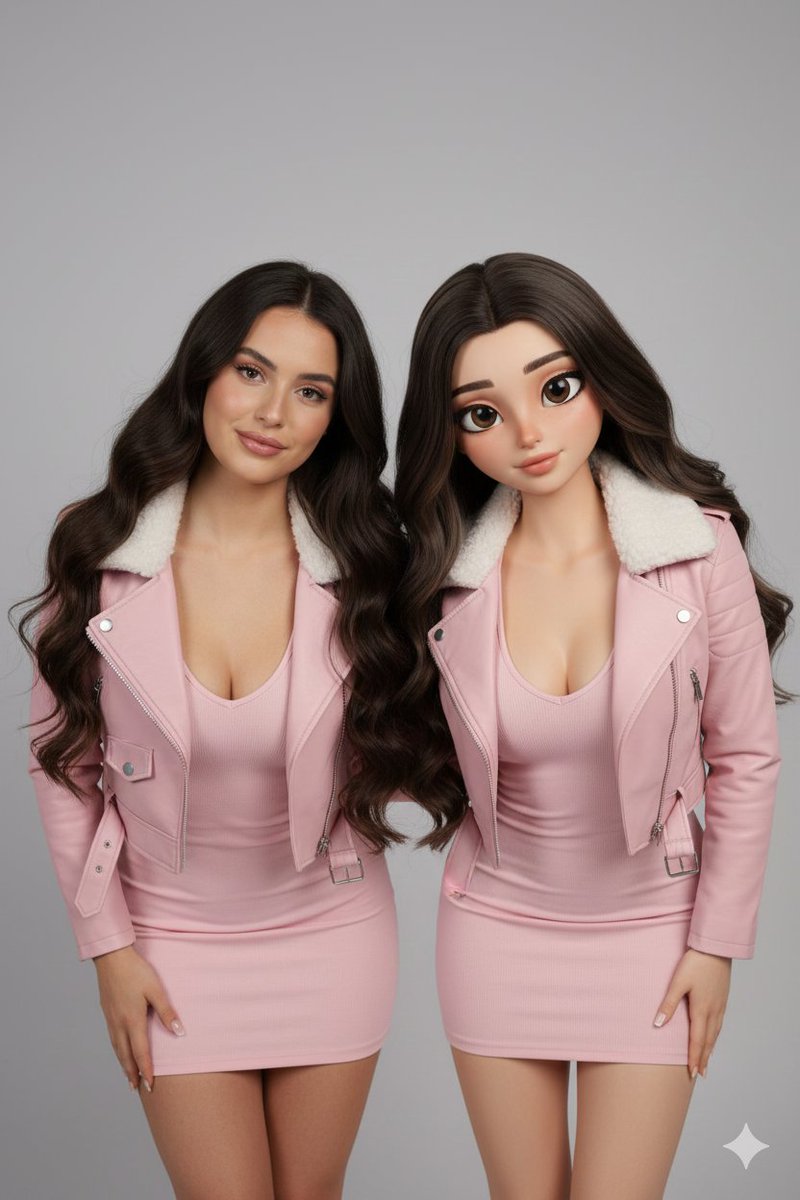
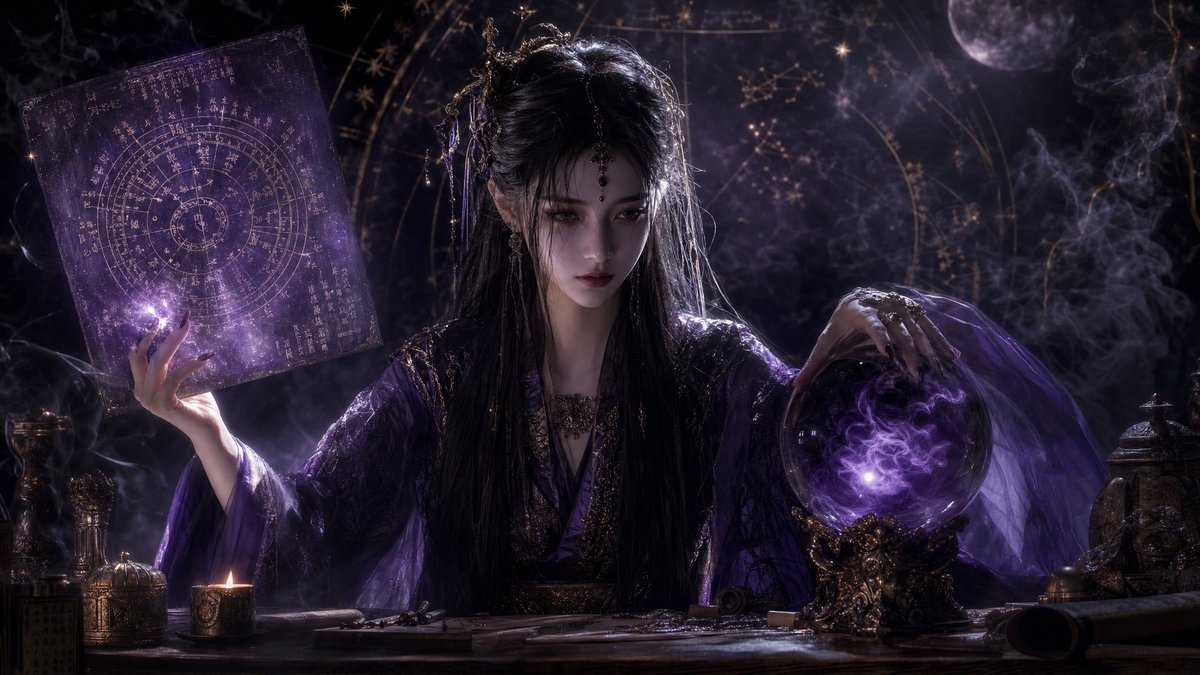
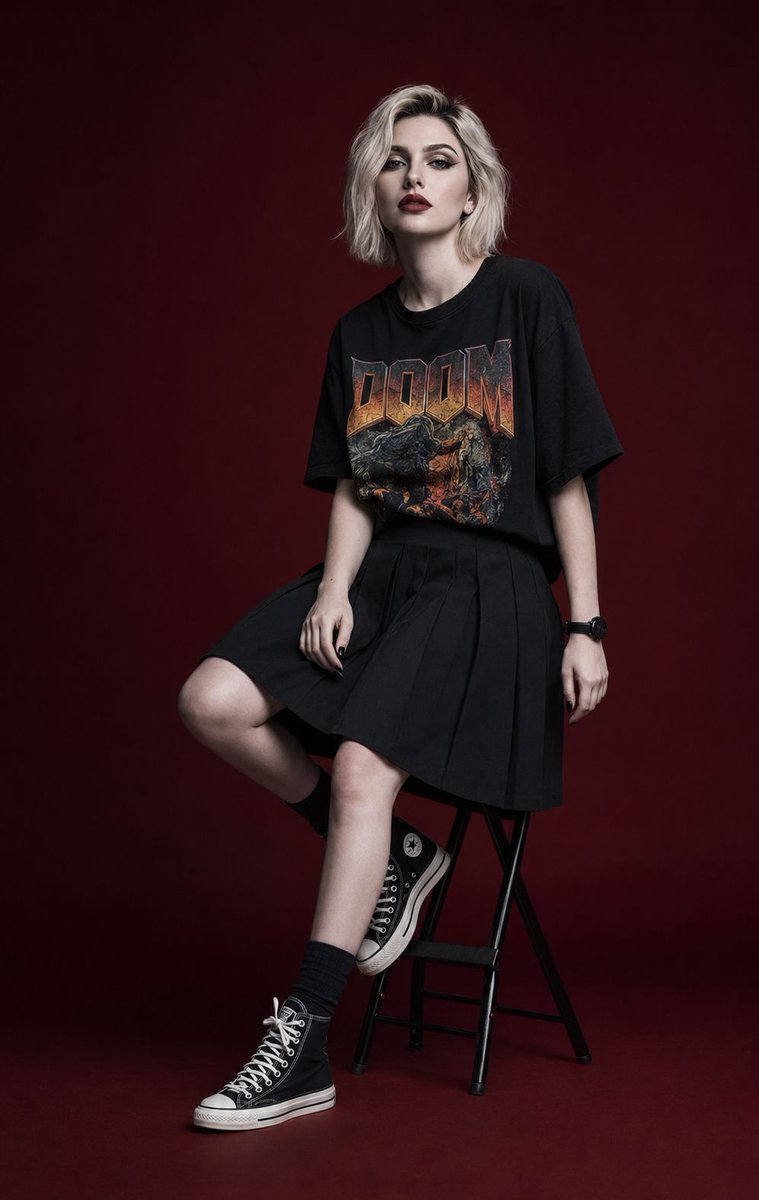
A prompt instructing Nano Banana Pro to take an anime character image and generate a 3DCG female figure wearing the character's hair and clothes.

アニメの公式サイトからキャラの画像を持ってきて、Nano banana Proにわたす。 「3DCGの女性にアニメの絵の髪と服を着せたものを画像生成して」と指示。
Choose the primary action to open PicX Studio with the available template settings. Review the model and format, personalize the creative direction, and generate when ready.
Yes. You can change the subject, setting, lighting, mood, format, and available model controls before creating your image.
This template is free to open and customize. Generation usage is shown in PicX Studio before you create.
Start with Nano Banana 2, which is the model associated with this template. You can compare another compatible model for a different finish.
© 2026 PicX Studio. All rights reserved.

Follow a topic to a crawlable collection of related PicX Studio templates.