
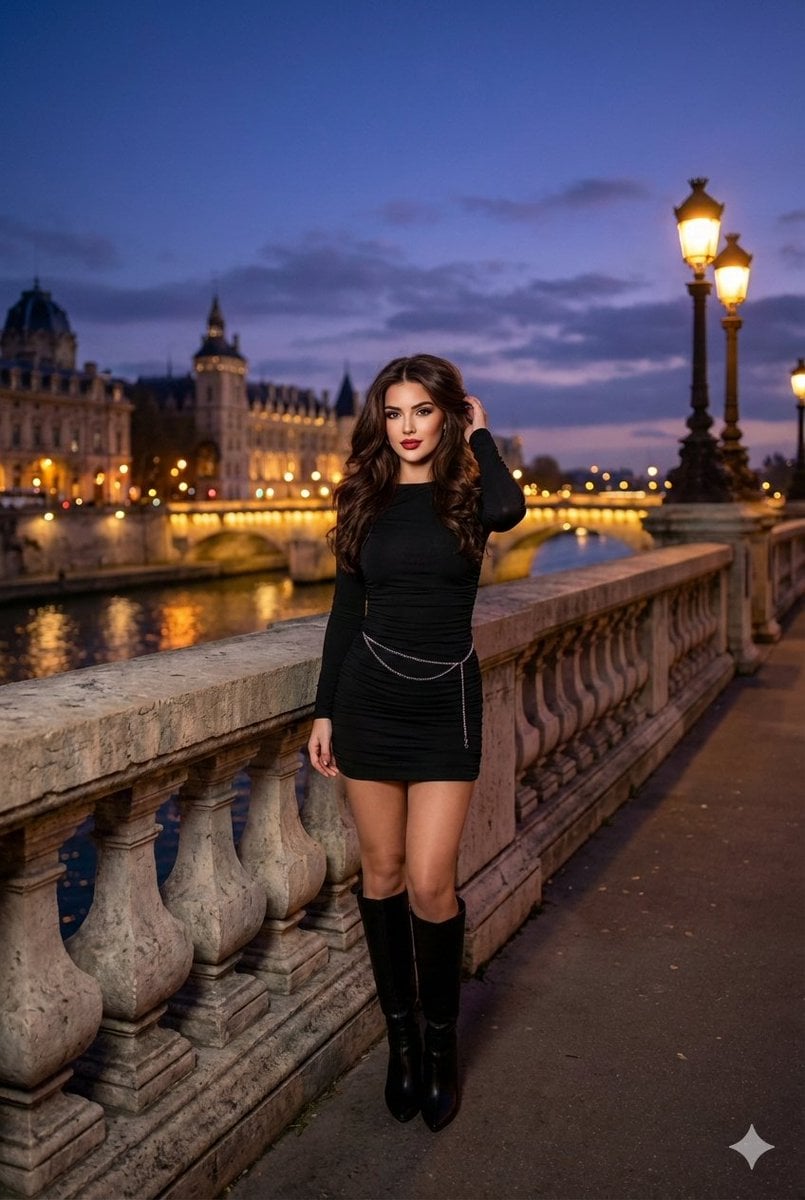
Evening cityscape bridge fashion portrait
A JSON-structured prompt for an ultra-photorealistic dusk portrait of a glamorous woman on a European bridge, including negative prompts and camera, lighting, and pose parameters.
- Prompt included
- Model and format preset
- Premium template
The prompt behind this image
Copy the exact prompt behind Evening cityscape bridge fashion portrait, or open it in the studio and make it yours.
{ "title": "Evening Cityscape Portrait on a Bridge", "prompt_text": "A full-body portrait of a young adult female model standing on an ornate stone bridge railing at dusk. She has wavy, shoulder-length dark brown hair, styled with volume. Her makeup is glamorous with bold red lipstick and defined eyes. She is wearing a short, form-fitting black mini-dress with a slight ruching effect, and knee-high black boots. A delicate silver body chain is visible around her waist. The background features a European city at twilight, with a river reflecting the city lights, and elegantly lit historical buildings and bridges in the distance. The sky is a dramatic mix of deep blues, purples, and grays with visible clouds. Ultra-photorealistic, cinematic, high detail, atmospheric lighting.", "negative_prompt": "blurry, low quality, deformed, disfigured, bad anatomy, cartoon, illustration, drawing, over-saturated, dull lighting, poor composition, watermark, signature, modern structures", "model_tags": [ "Dusk Photography", "Cityscape Portrait", "Glamour Shot", "Street Photography (styled)" ], "camera_and_composition": { "shot_type": "Full Body Shot", "angle": "Eye-level perspective with a slight upward tilt to capture the sky and background architecture.", "framing": "Vertical orientation, subject positioned slightly to the left, following the rule of thirds, with the background cityscape filling the right side and upper half of the frame.", "focal_length_mm": 35, "depth_of_field": "Moderate, ensuring both the subject and the immediate background (bridge, close city lights) are in focus, with a slight softness on the most distant elements.", "implied_aperture": "f/4.0 - f/5.6" }, "lighting_and_atmosphere": { "lighting_type": "Natural ambient light (dusk) mixed with artificial city lights.", "light_source_position": "Ambient twilight light from above and behind; warm artificial lights from the city architecture and bridge provide highlights.", "shadow_detail": "Soft, diffused shadows appropriate for dusk, with brighter highlights on the subject's face and shoulders from ambient light and reflections.", "color_grading": "Cool tones in the sky and water, warm golden tones from the city lights, creating a balanced and rich twilight palette." }, "pose_and_expression": { "pose_key_points": "One hand gently touching her hair on the right side of her head; the other arm relaxed, resting on the bridge railing. Body slightly turned towards the camera, leaning against the railing.", "expression": "Soft, direct gaze at the camera with a subtle, confident expression; slightly parted lips.", "body_language": "Relaxed and elegant, showcasing the outfit and the scenic backdrop." }
How to use Evening cityscape bridge fashion portrait in 3 steps
- 1
Open
The prompt is already in the box next to the preview, with the template's model and format selected.
- 2…a portrait of your subject in softgolden-hour light, 85mm…
Personalize
Edit the subject and creative details for your destination.
- 3Generate
Generate
Press Generate — your image is created in PicX Studio, so you can compare it with the original and refine one variable at a time.
More like this
Templates with the same subject, style or setup. Open one to see its prompt.

Elegant Green Evening Gown Studio Fashion Portrait
Elegant Green Evening Gown Studio Fashion Portrait

Night City Bridge Triptych Portrait Session

Floating Woman Above Cityscape with Notifications

Nano Banana 2 High Fashion Sports Campai

Couture Fashion Editorial Woman and Drag

Ive Yujin Fashion Portrait in Blue

Nano Banana 2 Editorial Fashion Portrait

Caution Tape Fashion — Industrial Editorial
Evening Urban Fashion Portrait
Night City Bridge Triptych Portrait Session
Black Evening Dress Bombshell Studio Portrait
Make it yours
Evening cityscape bridge fashion portrait works as-is. These are the safest ways to change it without losing the look.
Change one field
Copy a single group, rewrite it, and generate again so you can see what that field is doing.
Keep the frame, change the subject
Hold the composition and light of Evening cityscape bridge fashion portrait, then swap wardrobe, props or the person for a new take.
| If the result… | Why | Fix |
|---|---|---|
| The result drifts from the preview | Too many fields changed at once. | Reuse Evening cityscape bridge fashion portrait as-is first, then change one group — subject, light, or setting. |
| The model over-stylizes the scene | The prose prompt leaves finish and camera underspecified. | Add one camera or lighting sentence and stay on Nano Banana 2. |
More Nano Banana 2 templates
Other prompts made for Nano Banana 2.

Photorealistic Leaf Shaped Like a Dragon

K-Pop Idol Portrait Grid for Rapid Selection

Poetic Rain Forest Portrait During Golden Hour

Urban Street Portrait with Cartoon Inner Self Duo

Candid Nighttime Photo with Cat Prompt

High-Concept 3D Diorama Generation Prompt

Cinematic Futuristic Studio Portrait Template

Skincare Editorial Photography Collage Prompt

Hyper-Realistic Commercial Product Photography (Splash Effect)

Hyper-Realistic Nightclub Portrait Prompt
More image prompts
Fresh picks from across the catalog.
Ultra-Realistic Cinematic Scene of Floating in Mid-Air
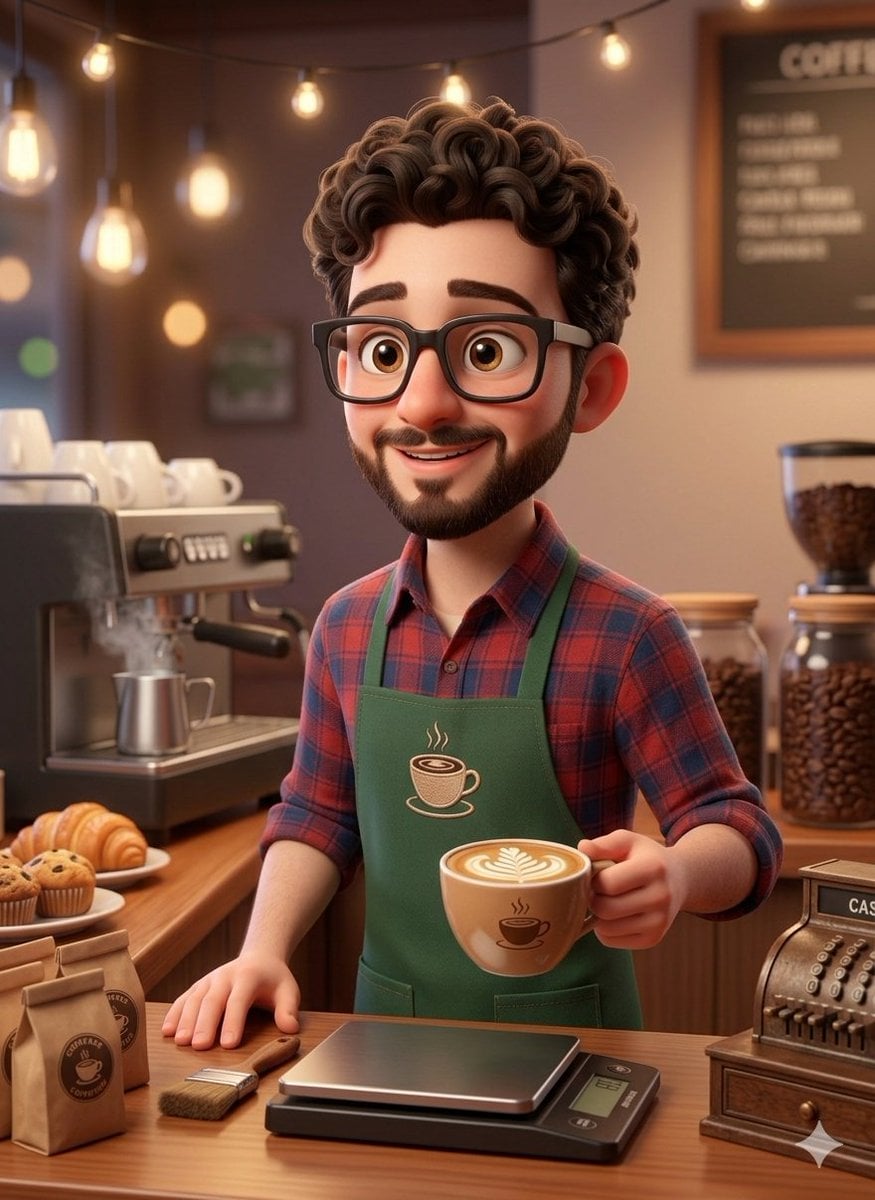
3D Rendered Barista Character in Pixar Style

3D Caricature Meme Portrait
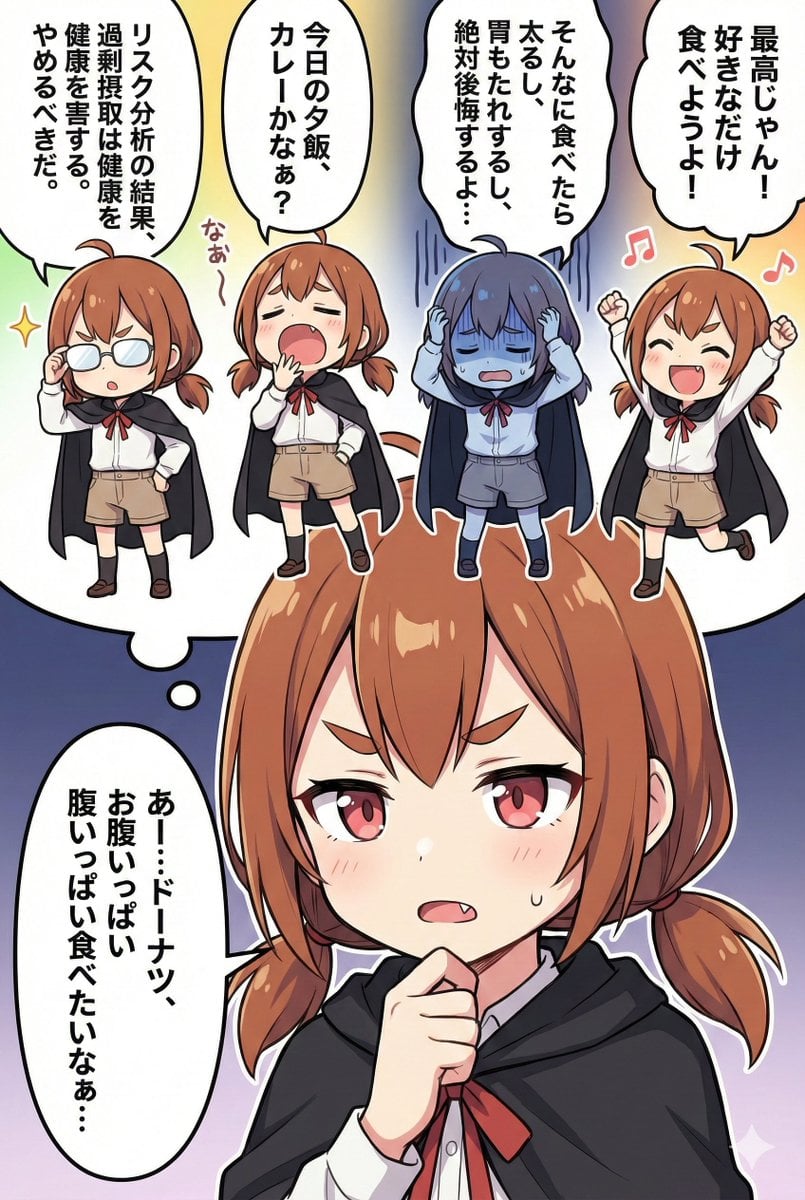
Character Inner Monologue Comic Prompt (Japanese)
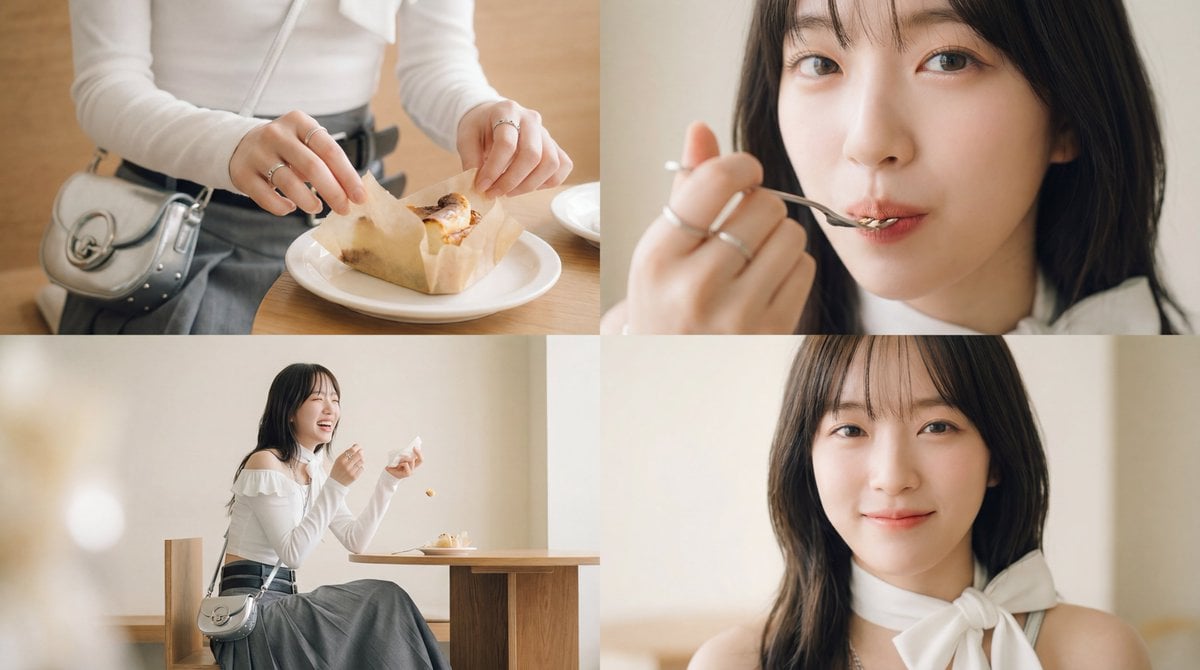
Cinematic short film prompt for image and video generation
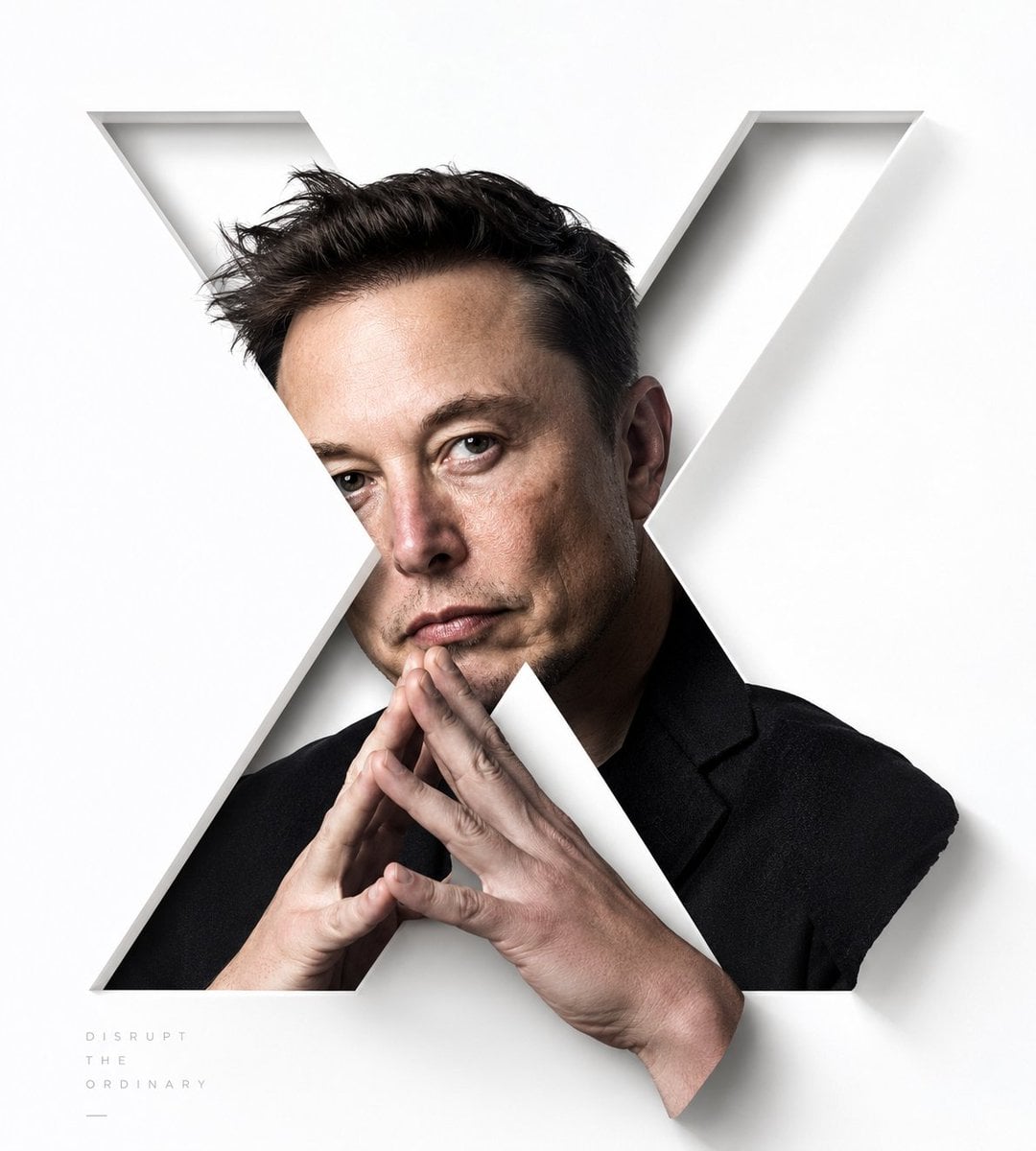
Stylized X-Frame Portrait Design
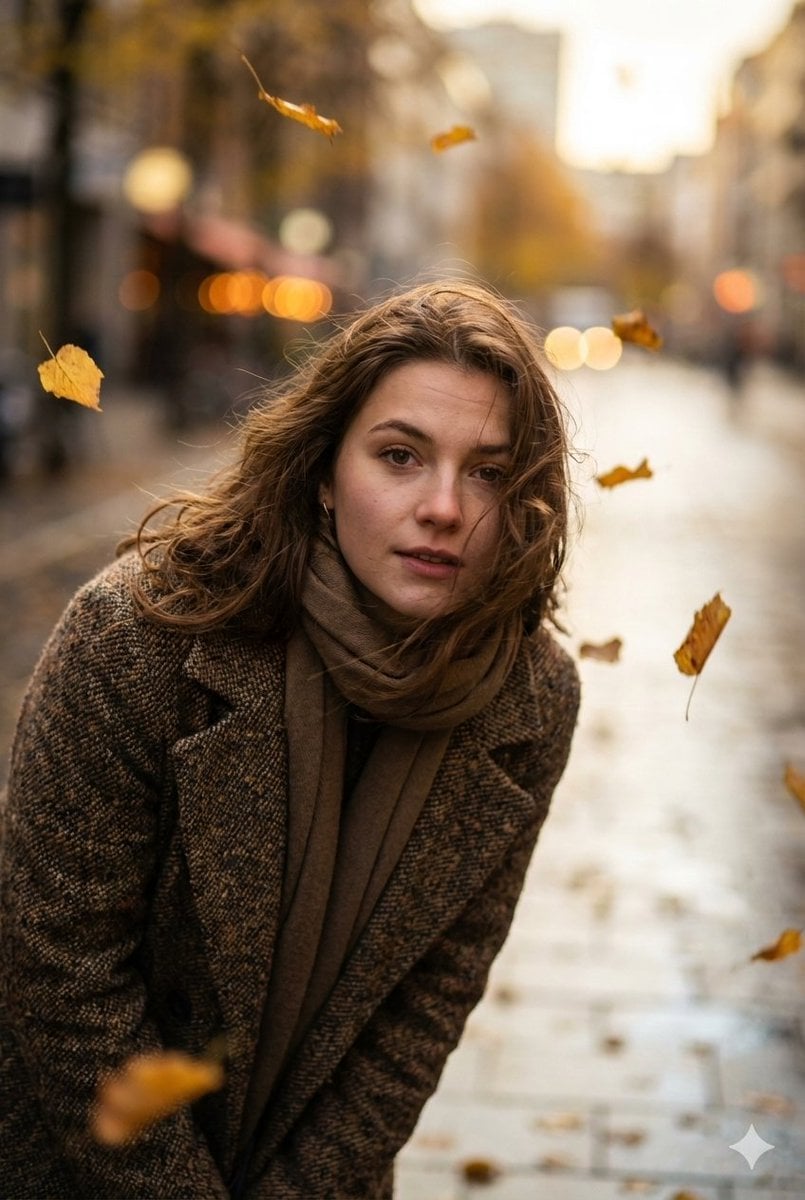
Cinematic Low-Angle Street Portrait Prompt
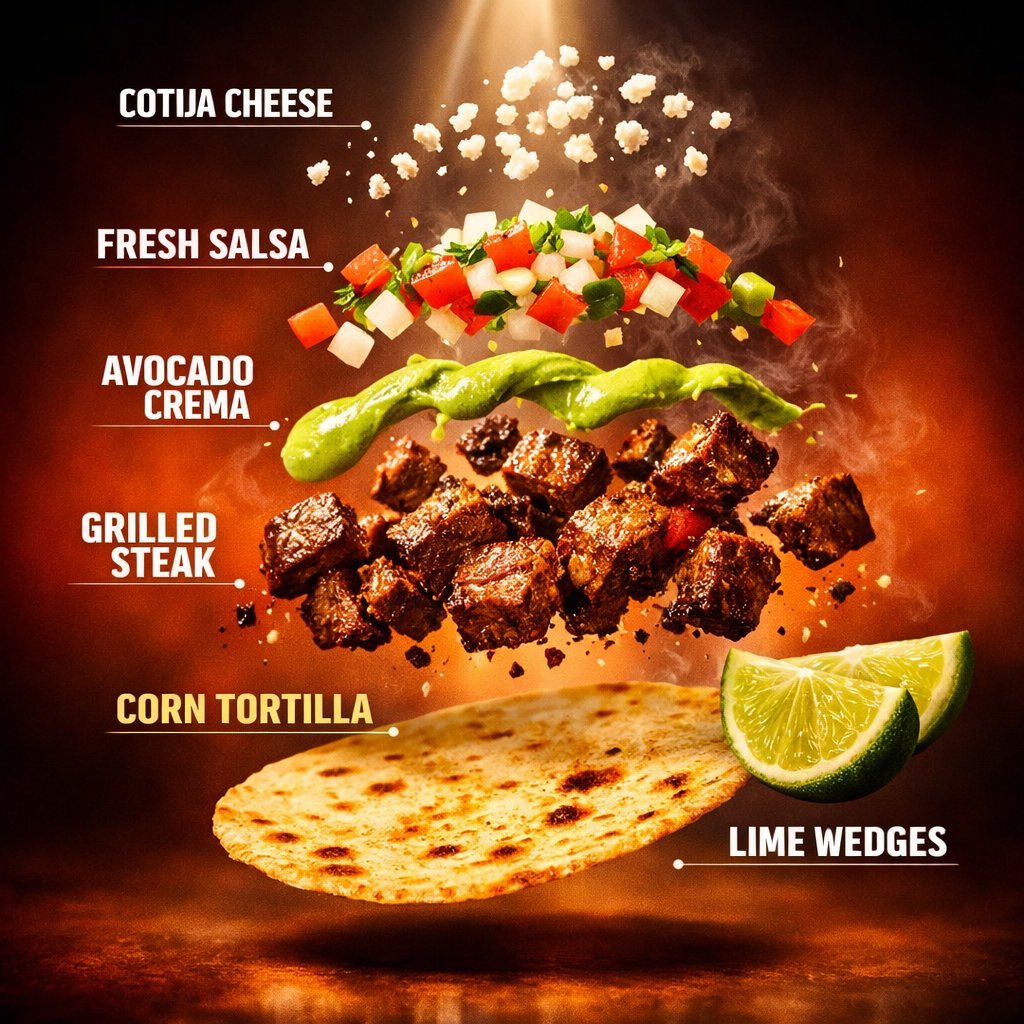
Exploded Tacos Commercial Visualization
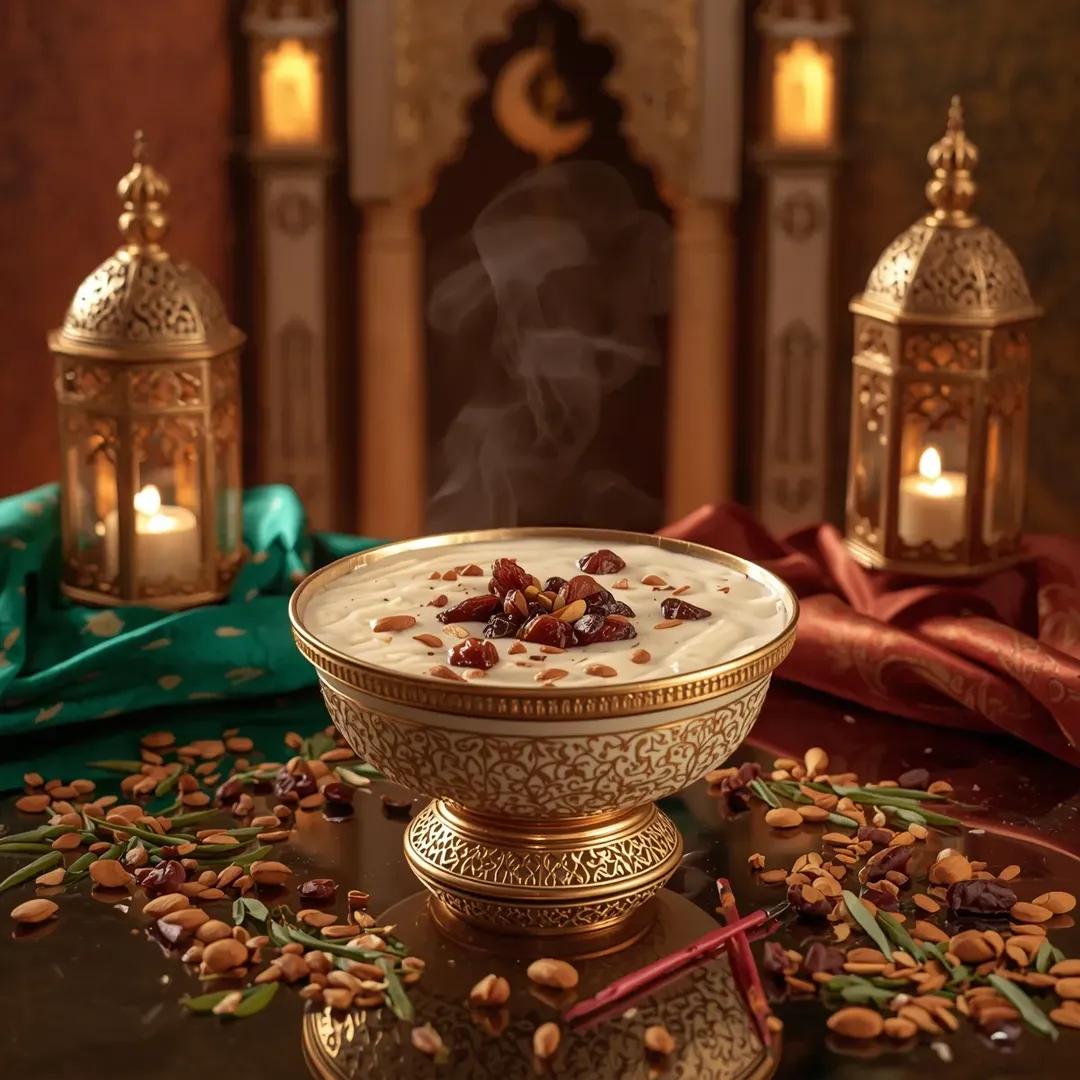
Ultra-Realistic Luxury Sheer Khurma Food Photography
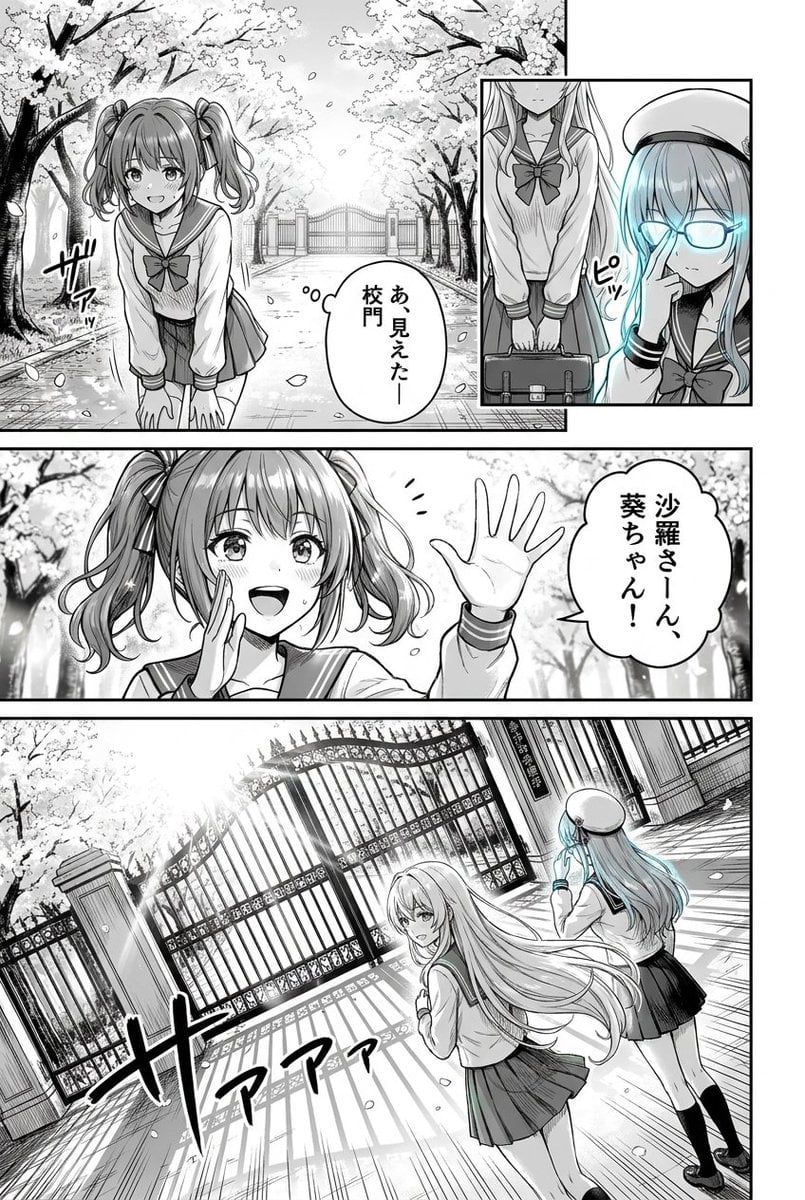
Cherry Blossom School Gate Manga Page
Browse template categories
Evening cityscape bridge fashion portrait questions
How do I use the Evening cityscape bridge fashion portrait template?
Add your photo if the template asks for one, edit the prompt if you like — the template's model and format are already selected — and press Generate. Your version opens in PicX Studio.
Can I customize the Evening cityscape bridge fashion portrait template?
Yes. You can change the subject, setting, lighting, mood, format, and available model controls before creating your image.
Is the Evening cityscape bridge fashion portrait template free?
Opening and editing this template is free. Generating uses credits, shown on the Generate button when you are signed in.
Which AI model should I use?
Start with Nano Banana 2, which is the model associated with this template. You can compare another compatible model for a different finish.
Looking for something else? Browse all templates.

Your photo, any look
Thousands of ready templates for every top image and video model, from one credit balance.