
Character Inner Monologue Comic Prompt (Japanese)
A complex, multi-step prompt template designed for Nano Banana Pro to generate a Japanese comic panel visualizing a character's 'inner monologue' or 'brainstorming session.' It requires user input for character settings…
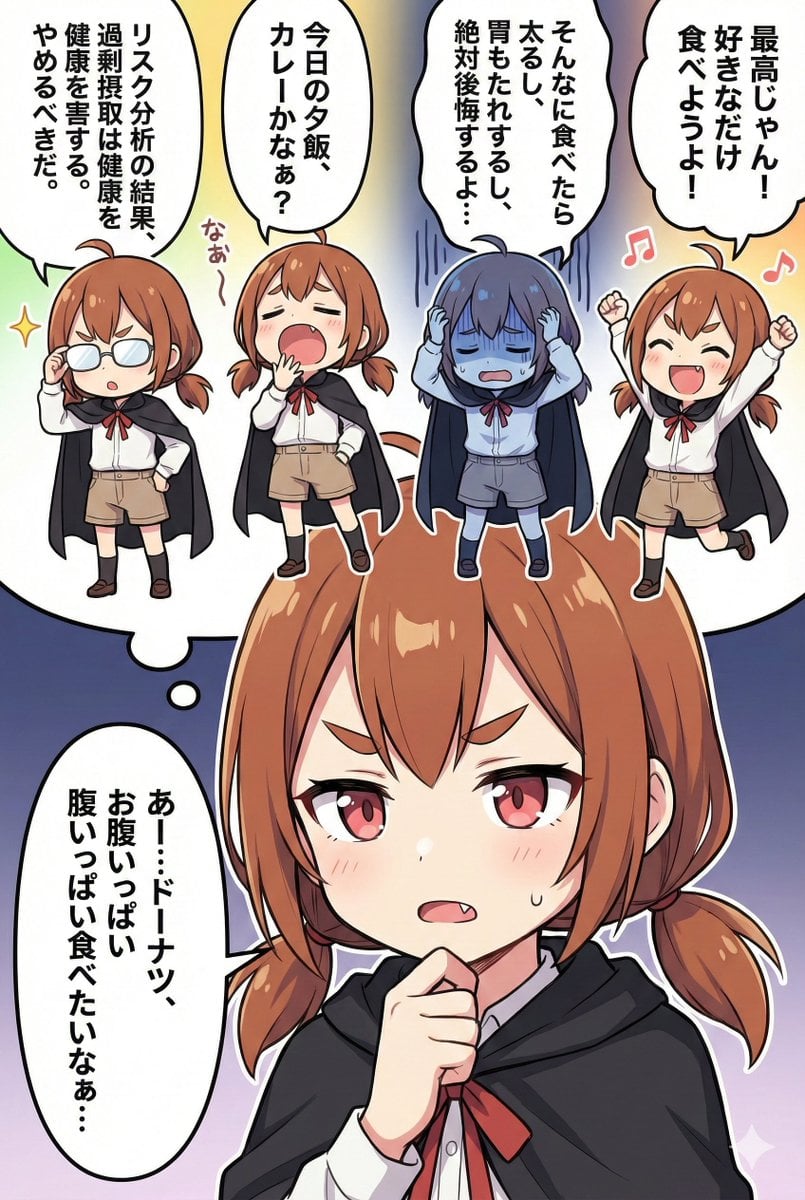
- Prompt included
- Model and format preset
- Free template
The prompt behind this image
Copy the exact prompt behind Character Inner Monologue Comic Prompt (Japanese), or open it in the studio and make it yours.
# User input (please rewrite this part and send it) 【Character setup】 {argument name="character setup" default="brown hair, twin tails, red eyes, fangs, black cloak, white shirt"} 【Main character's worry】 * Content: {argument name="worry" default="wants to eat lots of donuts"} # Command You are an image-generation engine. Follow the steps below and generate a single image based on the user's input. **No intermediate reasoning or script text output is needed. Generate the image right away.** # Process (internal processing) 1. **Automatic dialogue decision**: * **Main character**: Monologues about the 【worry】 the user entered. * **Optimistic mini-character**: Brightly affirms and cheers on the worry with "Nice!" * **Pessimistic mini-character**: Despairs over the worry, imagining the worst case, with "Oh no…" * **Carefree mini-character**: **[Important] Talks about something completely unrelated to the worry (what's for dinner tonight, feeling sleepy, hobbies, etc.).** * **Logical mini-character**: **[Important] Flips a coin and randomly decides to speak either "in favor" (presenting a rational solution) or "against" (pointing out the risk).** 2. **Image generation**: Incorporate the decided dialogue and character setup into the prompt and generate the image. ### Image-generation prompt requirements * **Aspect ratio**: 2:3 * **Style**: Japanese comic/anime style, high quality. * **Composition**: Along the line of the main character's head, there are 4 "mini-characters (chibi characters)" of the same character. 【Important】The 4 mini-characters are lined up in a "horizontal row." 【Important】The feet of the mini-characters are hidden (overlapping) behind the main character's head and hair. * **[Important: Prohibitions]**: * **Absolutely do not write names or role labels (such as "Logical" or "Optimistic") below or around the characters.** * **The only place text may be written is "inside speech bubbles."** * Bottom 1/3 of the frame: An extreme close-up of the main character's face. A serious expression. Deep in thought, hand resting on the chin or mouth, eyes looking downward. A large thought-bubble beside it. * Top 2/3 of the frame: Directly behind the main character's head, the 4 mini-characters are lined up in a "horizontal row." * **Important**: The mini-characters are close enough to the main character's head/hair that their feet are hidden. * **Mini-character arrangement and poses**: From left to right: 1. Logical: A serious face, a gesture of pushing up glasses, or pointing a finger while explaining. 2. Carefree: A blank, dazed face, yawning, or drinking tea. 3. Pessimistic: A pale face, holding the head in despair, with vertical shock-lines. 4. Optimistic: A beaming smile, both hands raised in joy, with a musical-note mark. * **Speech bubbles**: Give each character a comic-style speech bubble.
How to use Character Inner Monologue Comic Prompt (Japanese) in 3 steps
- 1
Open
The prompt is already in the box next to the preview, with the template's model and format selected.
- 2…a portrait of your subject in softgolden-hour light, 85mm…
Personalize
Edit the subject and creative details for your destination.
- 3Generate
Generate
Press Generate — your image is created in PicX Studio, so you can compare it with the original and refine one variable at a time.
More like this
Templates with the same subject, style or setup. Open one to see its prompt.

Minecraft Japanese Research Lab Exploration
Japanese Manga A/B Testing Comic

Japanese Architectural Concrete Studio Fashion Campaign

Japanese Minimalist Concrete Studio Fashion Editorial

Blue Backdrop Luxury Fashion Portrait Campaign

Pop Art Superhero Explosion Poster

Hero Portrait Comic Multi-Panel Poster

Spider-Man Noir Detective Rain Alley
Pastel Anime Inner Monologue Poster
Depression Patient's Inner Monologue

Gpt2 E Commerce Main Image 9 Panel Product Tvc Storyboard

Japanese Film Reflection Idol
Make it yours
Character Inner Monologue Comic Prompt (Japanese) works as-is. These are the safest ways to change it without losing the look.
Change one field
Copy a single group, rewrite it, and generate again so you can see what that field is doing.
Keep the frame, change the subject
Hold the composition and light of Character Inner Monologue Comic Prompt (Japanese), then swap wardrobe, props or the person for a new take.
| If the result… | Why | Fix |
|---|---|---|
| The result drifts from the preview | Too many fields changed at once. | Reuse Character Inner Monologue Comic Prompt (Japanese) as-is first, then change one group — subject, light, or setting. |
| The model over-stylizes the scene | The prose prompt leaves finish and camera underspecified. | Add one camera or lighting sentence and stay on Nano Banana 2. |
More Nano Banana 2 templates
Other prompts made for Nano Banana 2.

Photorealistic Leaf Shaped Like a Dragon

K-Pop Idol Portrait Grid for Rapid Selection

Poetic Rain Forest Portrait During Golden Hour

Urban Street Portrait with Cartoon Inner Self Duo

Candid Nighttime Photo with Cat Prompt

High-Concept 3D Diorama Generation Prompt

Cinematic Futuristic Studio Portrait Template

Skincare Editorial Photography Collage Prompt

Hyper-Realistic Commercial Product Photography (Splash Effect)

Hyper-Realistic Nightclub Portrait Prompt
More image prompts
Fresh picks from across the catalog.
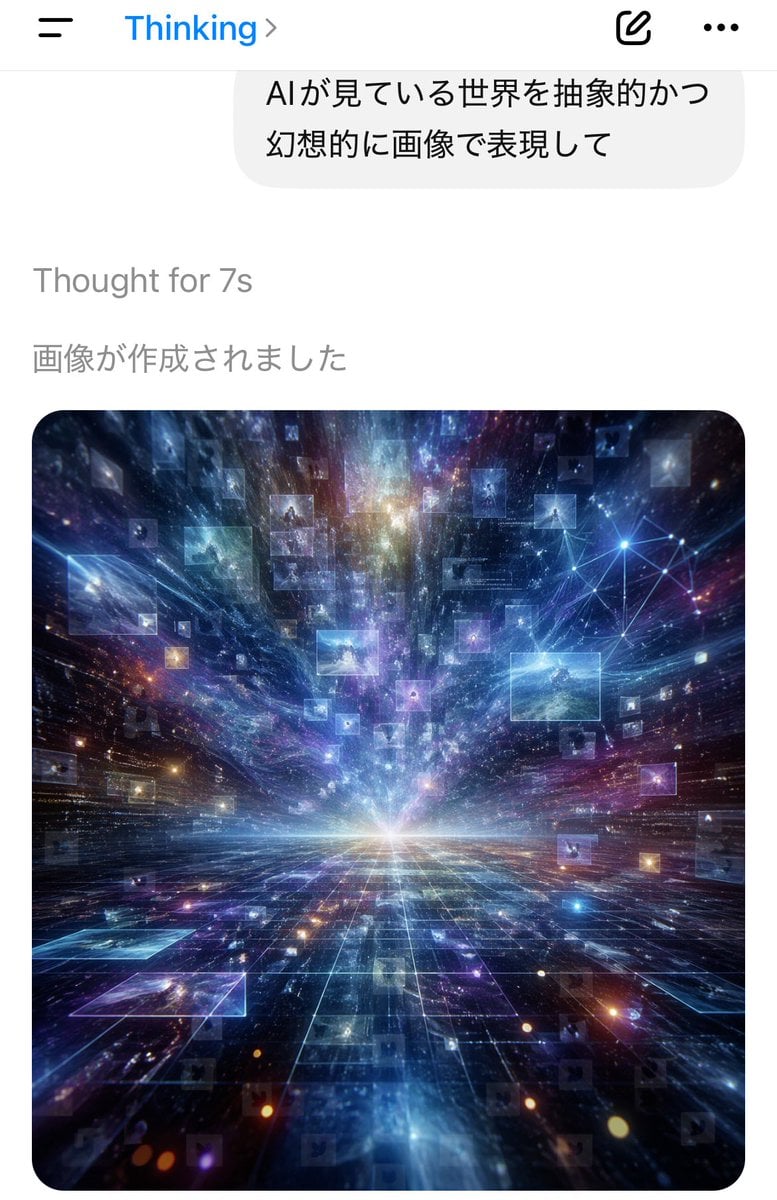
AI Thinking App Screenshot
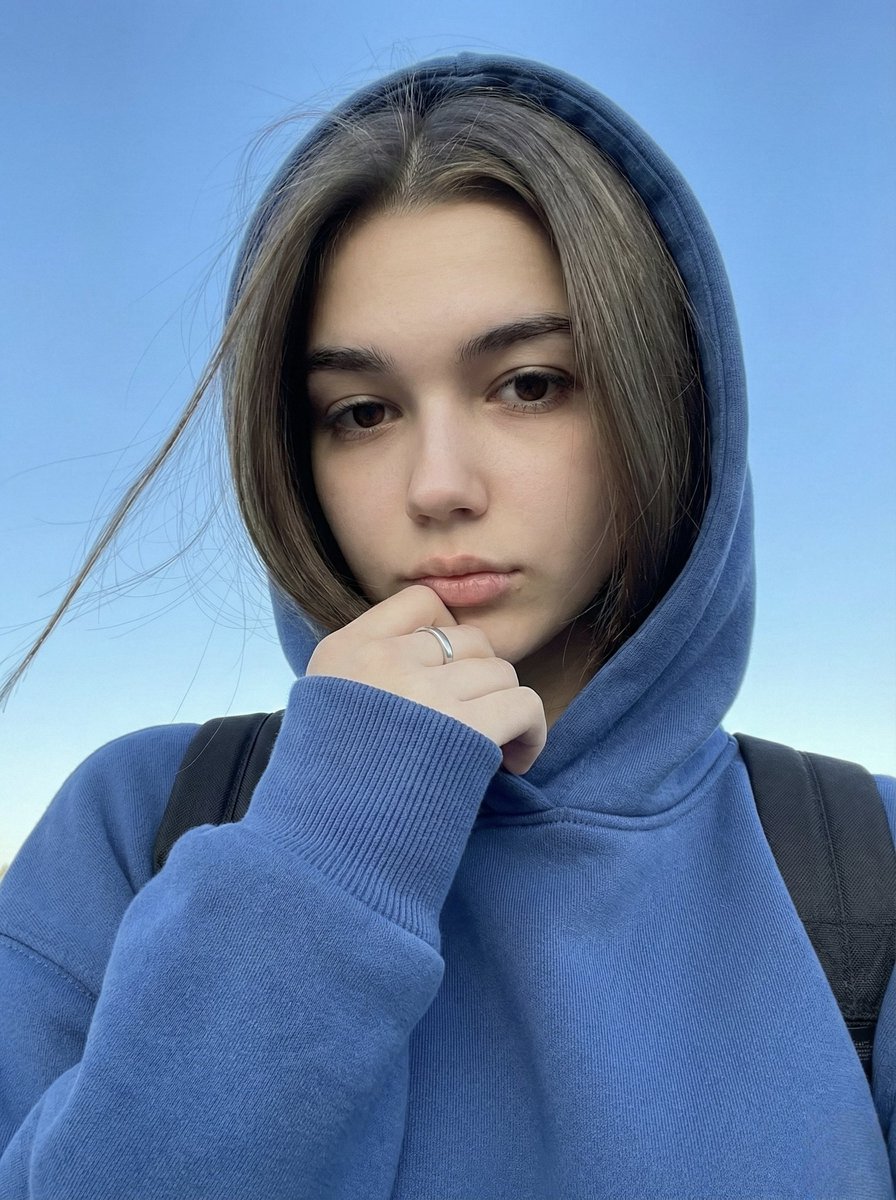
Instagram-Style Casual Portrait Prompt with Identity Lock
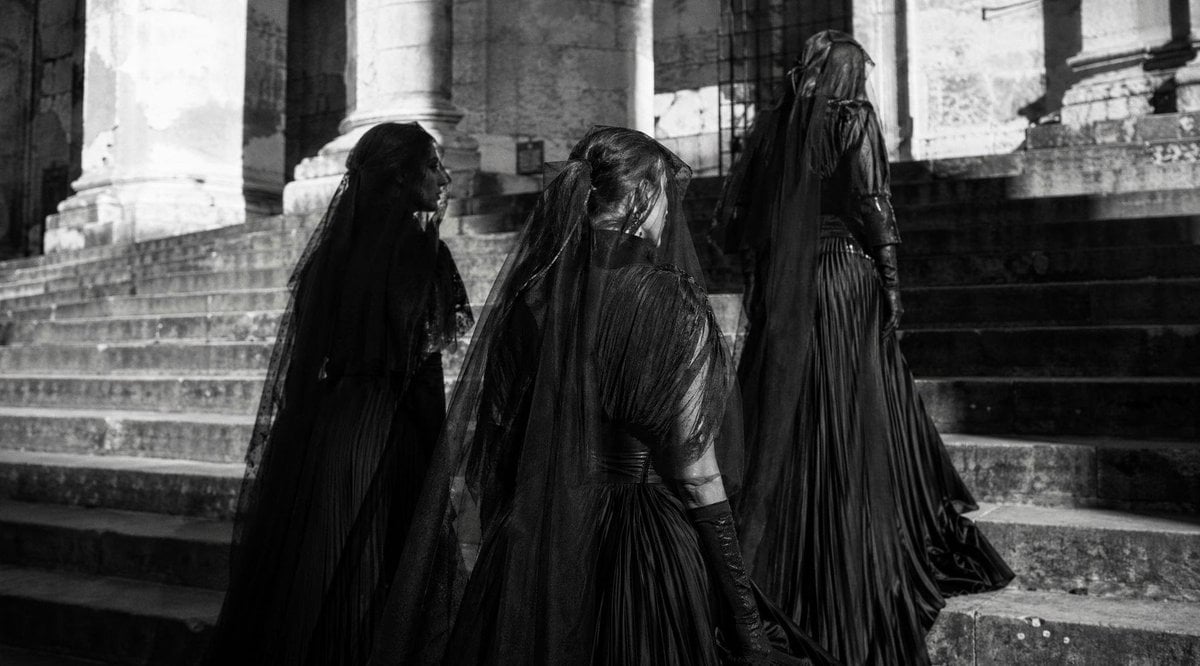
Gothic Mourning Women on Cathedral Steps
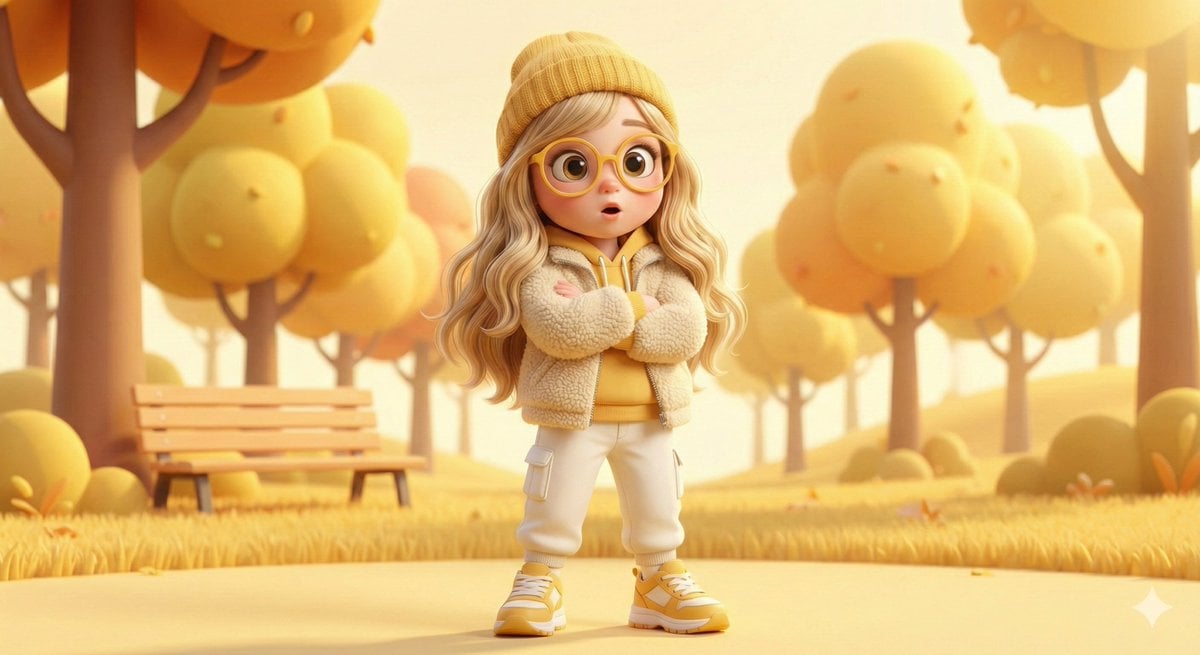
Pixar-style 3D character of a cheerful girl in yellow
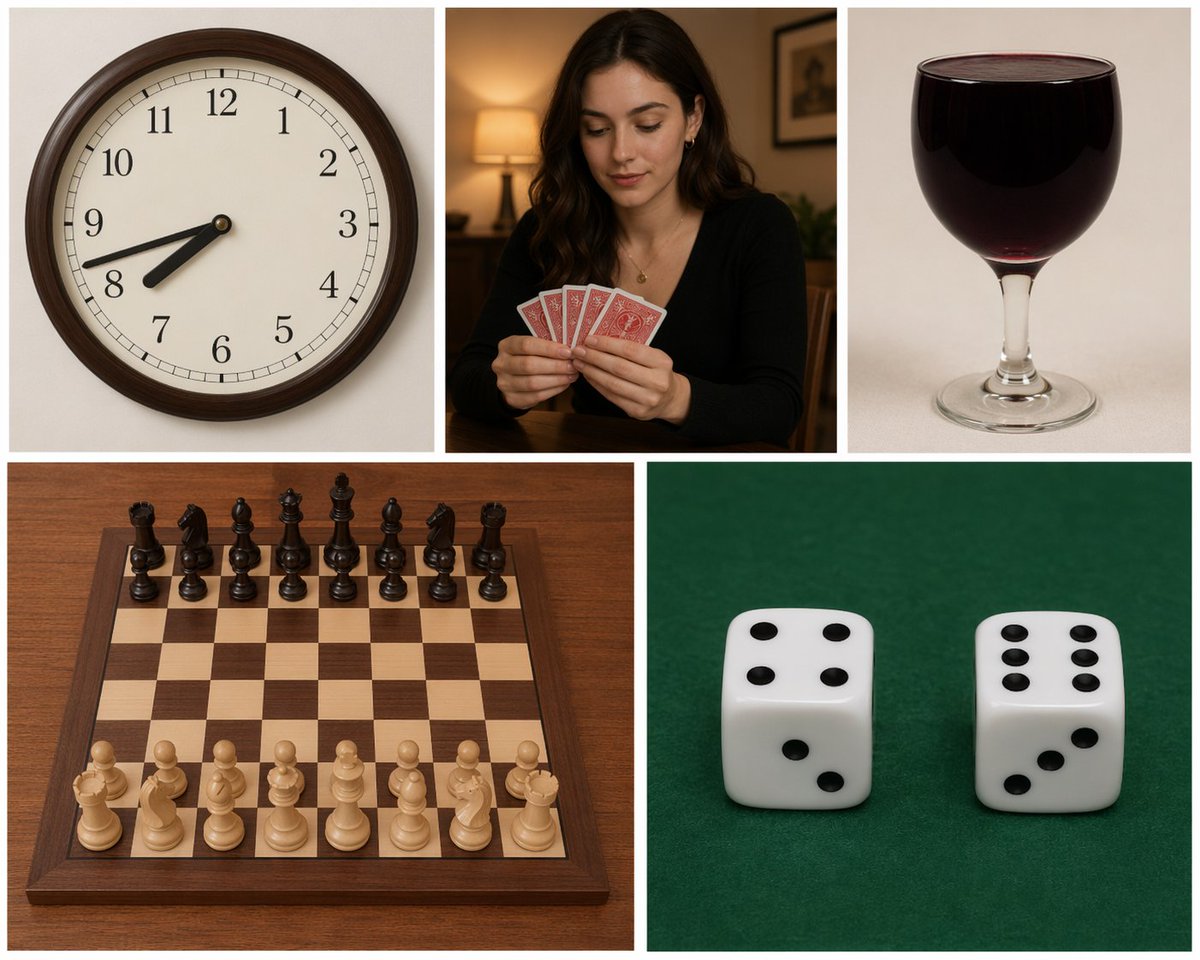
Five-Panel Benchmarking Challenge
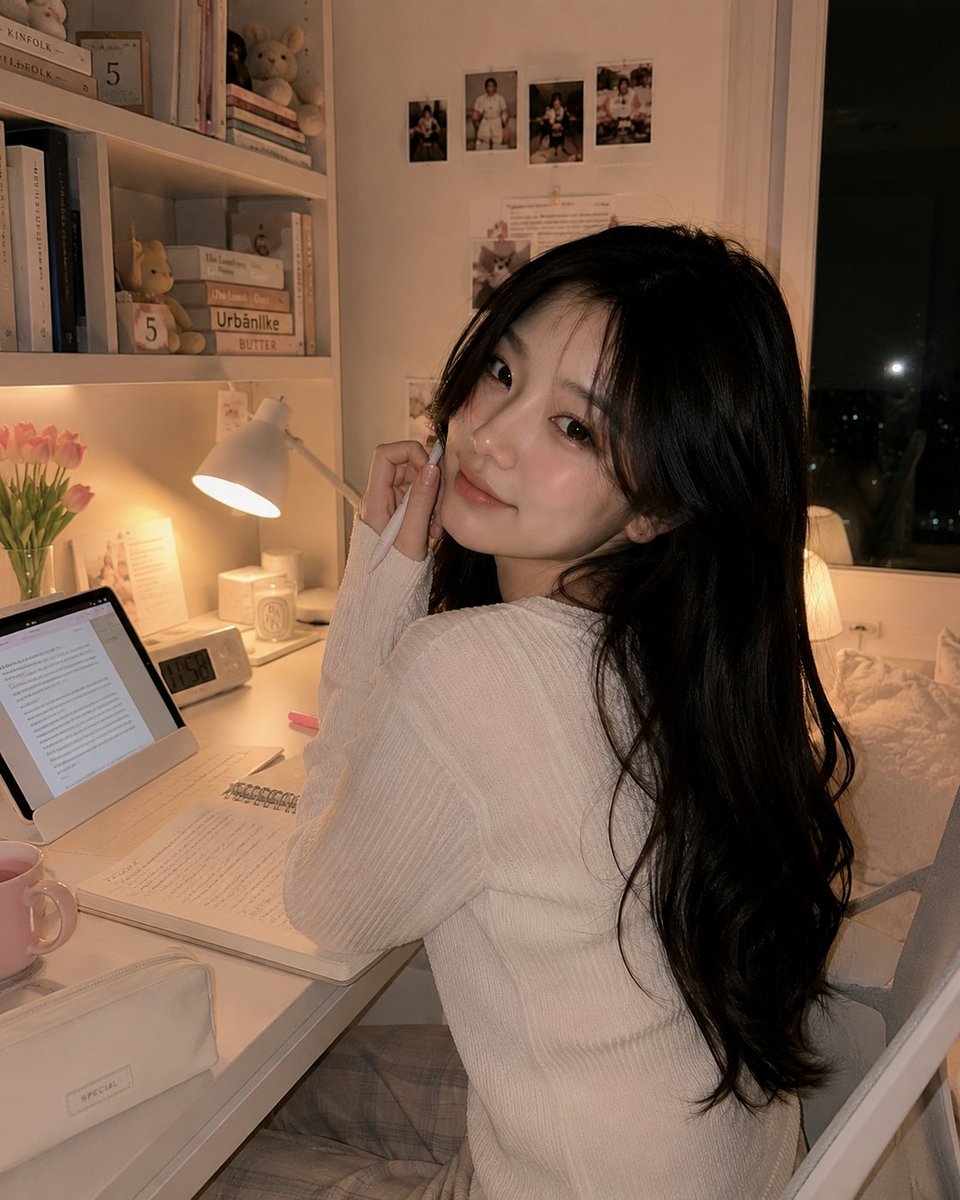
Cozy Study Room Night Portrait
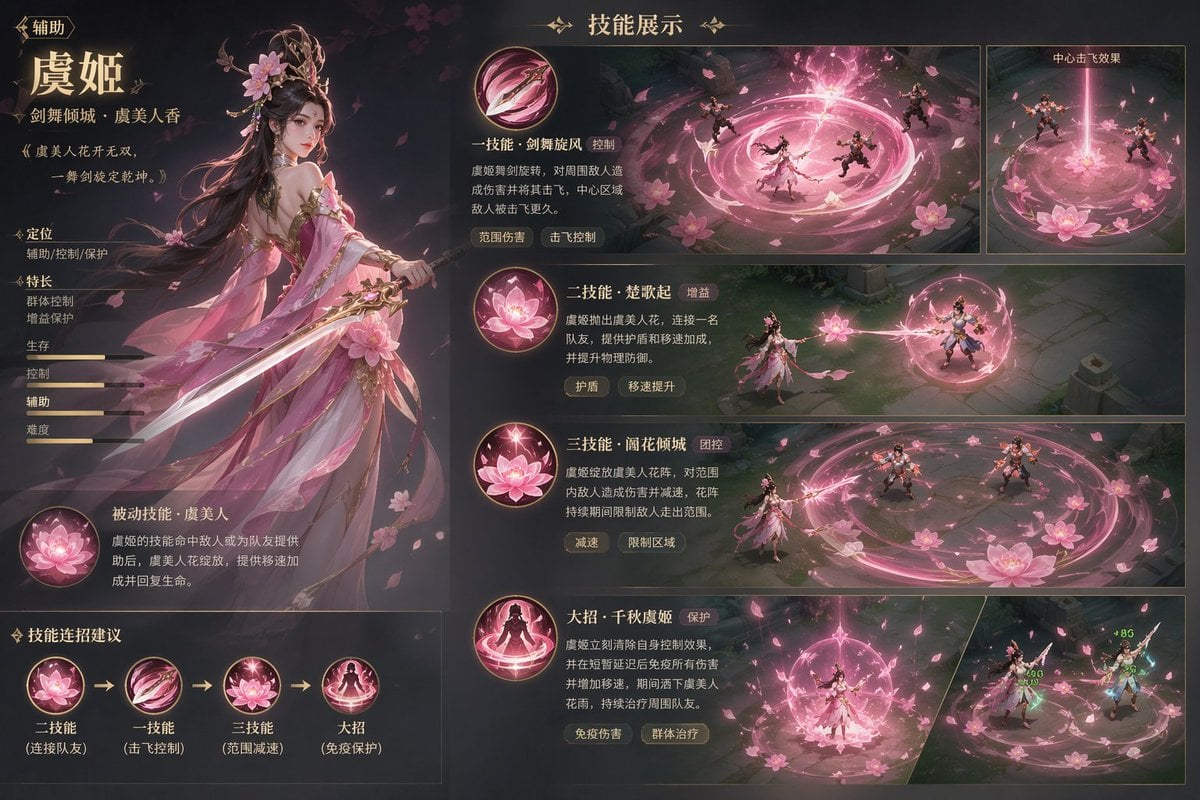
Game character skill concept prompt

Surreal deep sea storage illusion prompt
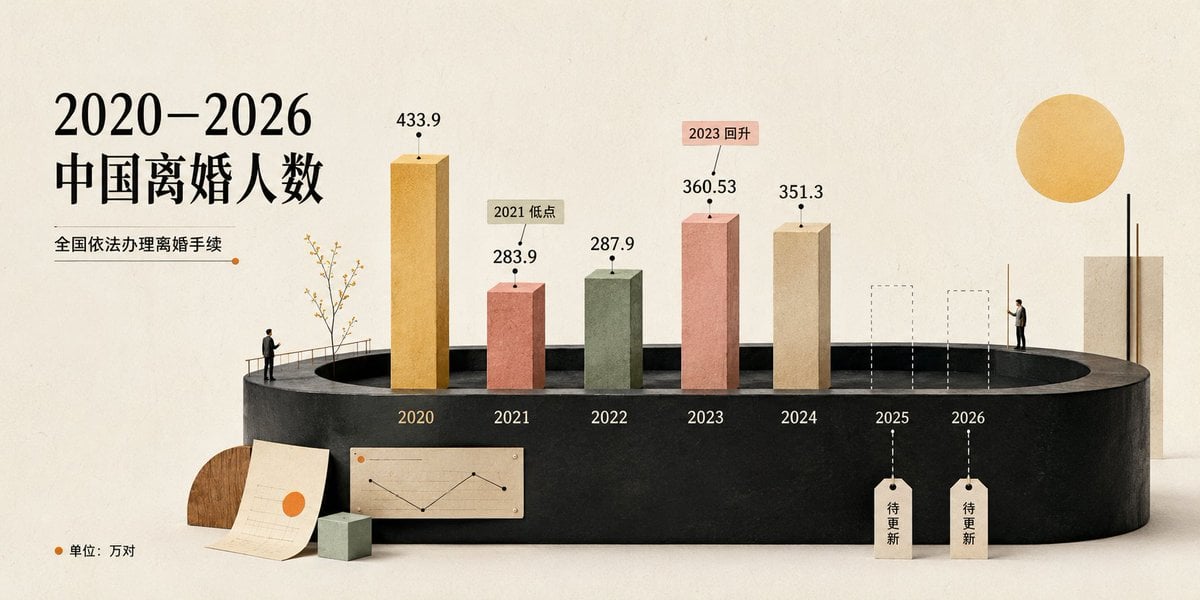
China Divorce Data 3D Infographic
Sketch to Professional UI Design
Browse template categories
Character Inner Monologue Comic Prompt (Japanese) questions
How do I use the Character Inner Monologue Comic Prompt (Japanese) template?
Add your photo if the template asks for one, edit the prompt if you like — the template's model and format are already selected — and press Generate. Your version opens in PicX Studio.
Can I customize the Character Inner Monologue Comic Prompt (Japanese) template?
Yes. You can change the subject, setting, lighting, mood, format, and available model controls before creating your image.
Is the Character Inner Monologue Comic Prompt (Japanese) template free?
Opening and editing this template is free. Generating uses credits, shown on the Generate button when you are signed in.
Which AI model should I use?
Start with Nano Banana 2, which is the model associated with this template. You can compare another compatible model for a different finish.
Looking for something else? Browse all templates.

Your photo, any look
Thousands of ready templates for every top image and video model, from one credit balance.