
Black Evening Dress Bombshell Studio Portrait
Black Evening Dress Bombshell Studio Portrait is a ready photo look.
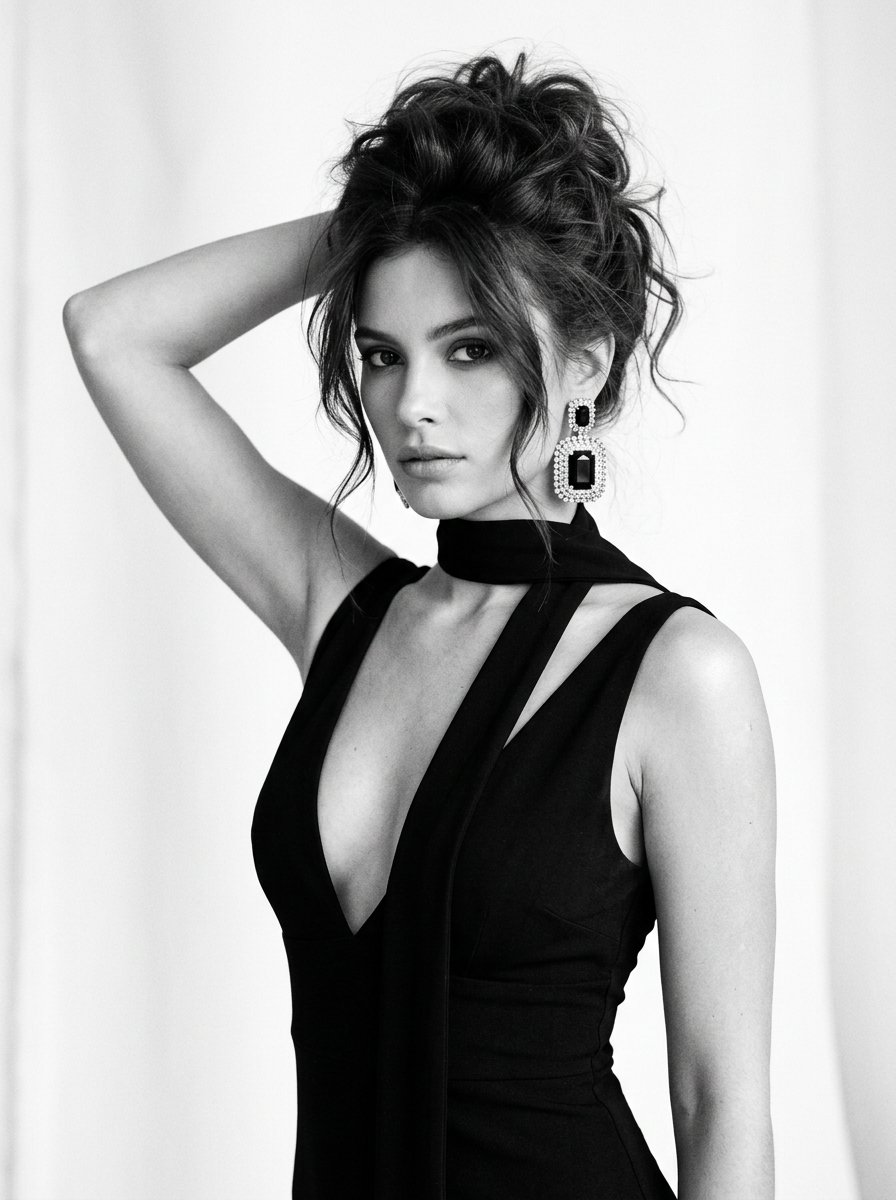
- Prompt included
- Model and format preset
- Premium template
The prompt behind this image
Copy the exact prompt behind Black Evening Dress Bombshell Studio Portrait, or open it in the studio and make it yours.
Nano banana 2 on @ImagineArt_X @imagineart_creo Prompt 👇 Girl in an elegant evening look, large vertical portrait from waist up: black evening dress with a very deep V-neckline, wide straps extending to shoulders, a wide strip of fabric wraps around the neck like a soft choker and hangs down between the breasts, creating a vertical accent; on the visible ear, a large sparkling rectangular earring encrusted with stones and featuring a large black crystal in the center; hairstyle — messy voluminous 90s-style bombshell updo with strong root volume and loose strands framing the face; white studio background; black and white photography, soft directional light casting a slight sheen on the right shoulder and collarbone, highlighting the lines of the dress and the volume of the hairstyle; glamorous atmosphere, slightly cinematic, with a focus on an elegant silhouette and evening style; large vertical shot from a camera height slightly lower than the shoulder, figure occupies the center and the right side of the frame, chest-level portrait, one hand raised with the palm behind the head, direct confident gaze into the camera, powerful Vogue 1995 mood; do not change facial features.
How to use Black Evening Dress Bombshell Studio Portrait in 3 steps
- 1
Open
The prompt is already in the box next to the preview, with the template's model and format selected.
- 2…a portrait of your subject in softgolden-hour light, 85mm…
Personalize
Edit the subject and creative details for your destination.
- 3Generate
Generate
Press Generate — your image is created in PicX Studio, so you can compare it with the original and refine one variable at a time.
More like this
Templates with the same subject, style or setup. Open one to see its prompt.

Studio Quality Portrait Generation Using

80s Couple Studio Portrait

80s Bollywood Star

80s Golden Hour Cinema

1985 Studio Portrait

Toddler Version of a Person in 3d Pixar

Ultra Detailed 3d Plush Cartoon Characte

Nano Banana 2

Gemini Nano Banana 2 Logo in Wet Sand Be

Nano Banana 2 Gourmet Ice Cream Commerci

Hyper-Realistic Minecraft POV Portrait

Rainy Café Window Moody Portrait
Make it yours
Black Evening Dress Bombshell Studio Portrait works as-is. These are the safest ways to change it without losing the look.
Change one field
Copy a single group, rewrite it, and generate again so you can see what that field is doing.
Keep the frame, change the subject
Hold the composition and light of Black Evening Dress Bombshell Studio Portrait, then swap wardrobe, props or the person for a new take.
| If the result… | Why | Fix |
|---|---|---|
| The result drifts from the preview | Too many fields changed at once. | Reuse Black Evening Dress Bombshell Studio Portrait as-is first, then change one group — subject, light, or setting. |
| The model over-stylizes the scene | The prose prompt leaves finish and camera underspecified. | Add one camera or lighting sentence and stay on PicX Studio. |
More image prompts
Fresh picks from across the catalog.
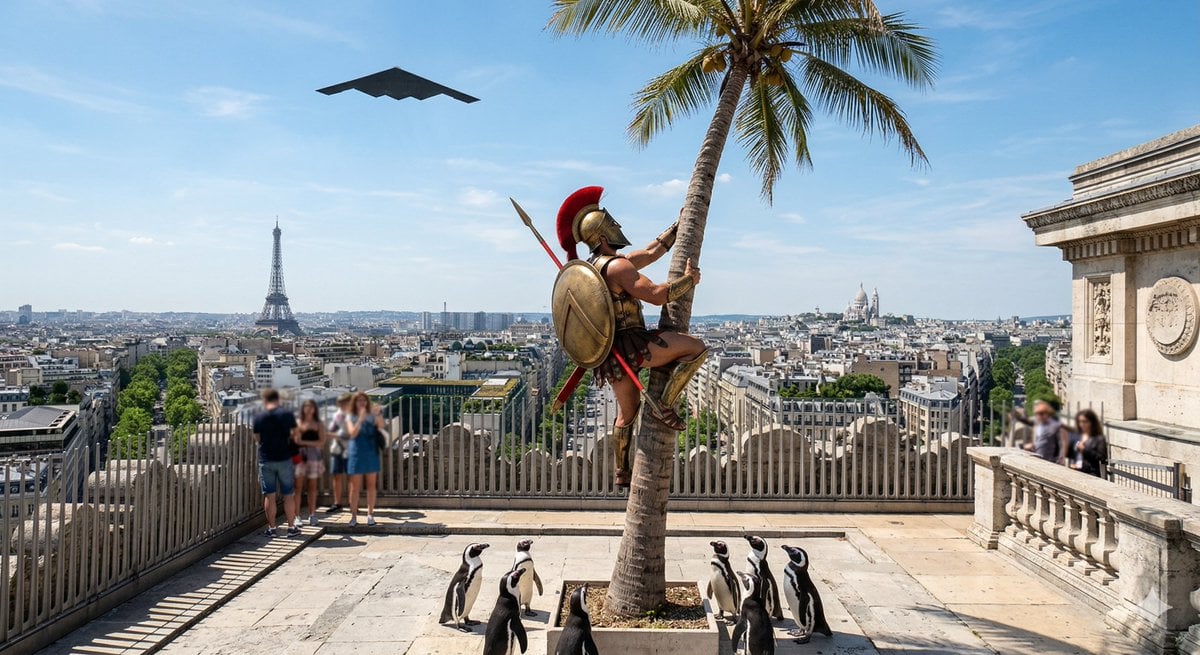
Penguins vs Coconut Tree Battle
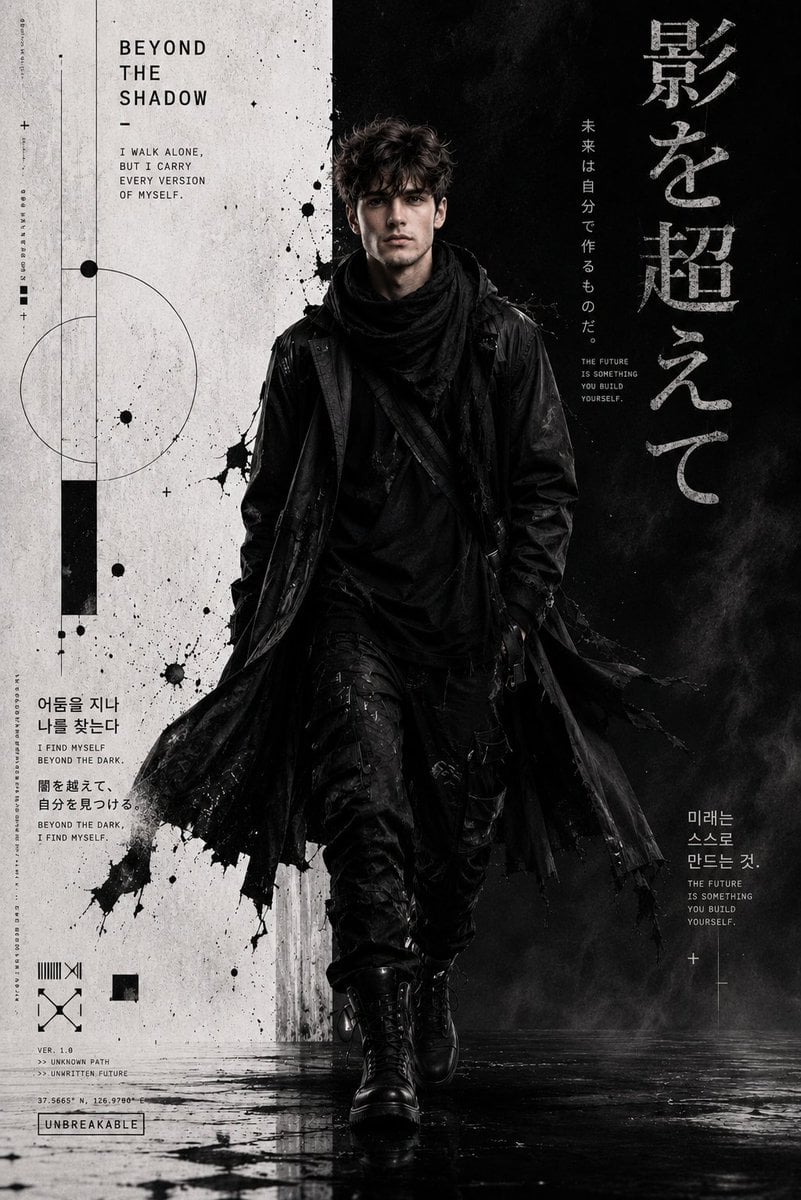
Cyber-Grunge Techwear Fashion Poster
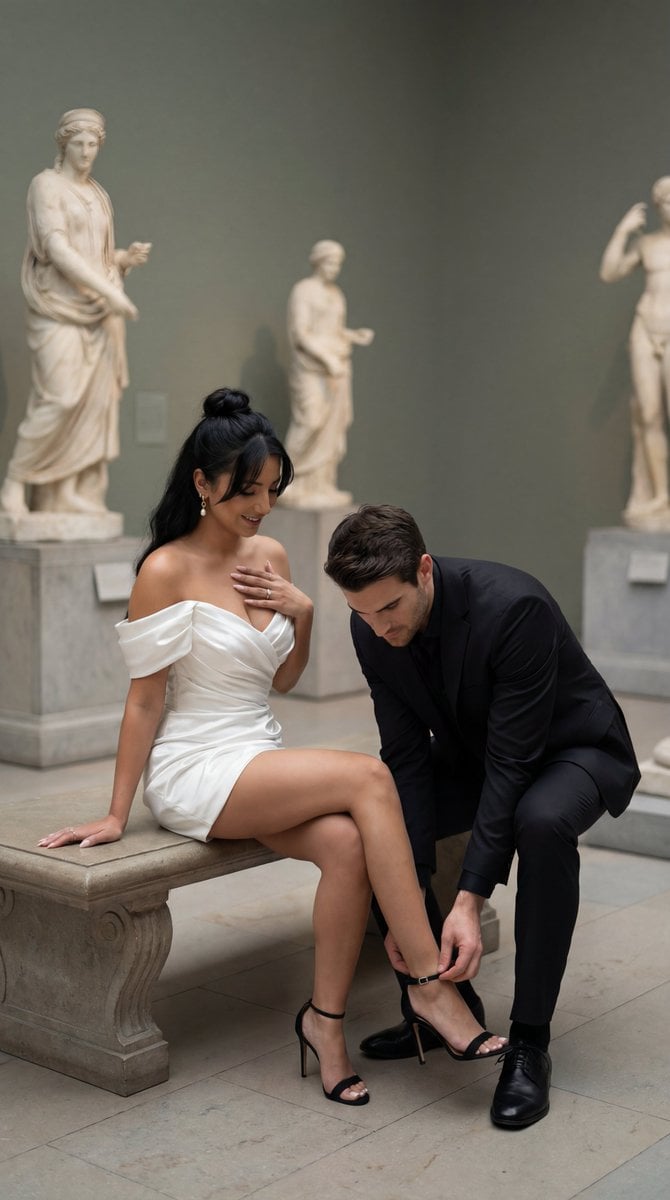
High-Fashion Editorial Couple in Museum Prompt

High-Fashion Cinematic Shot: Suit vs. Farmwear

Sculptor's Awakening Cinematic Scene Prompt
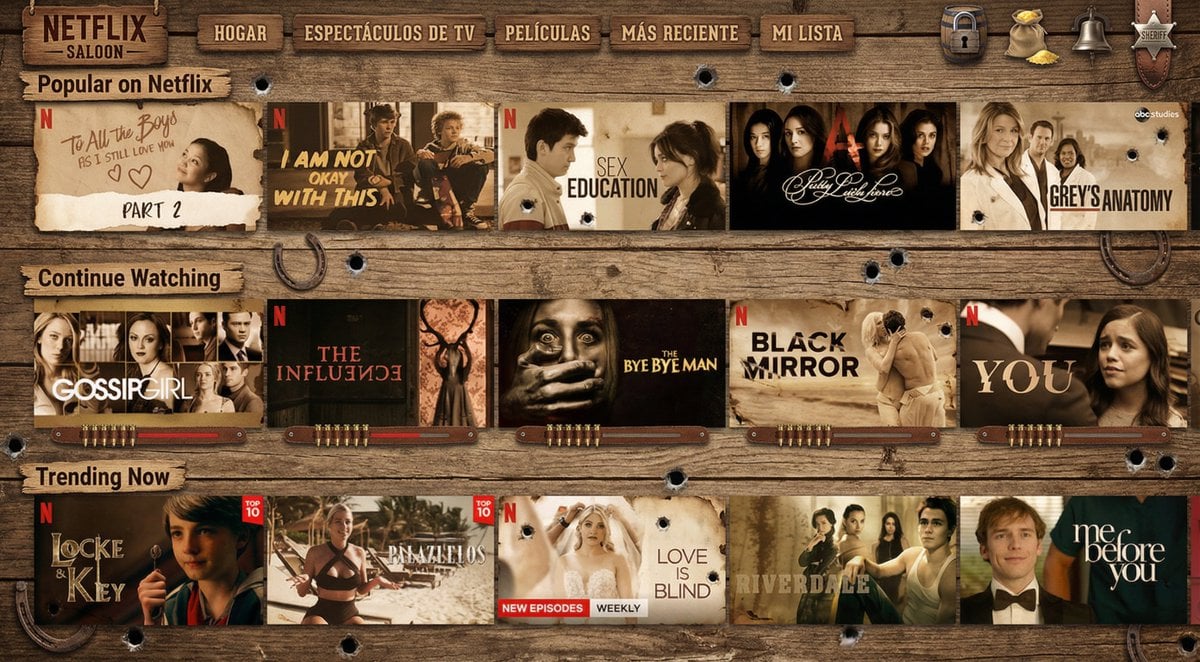
Turn Netflix screen into a western version
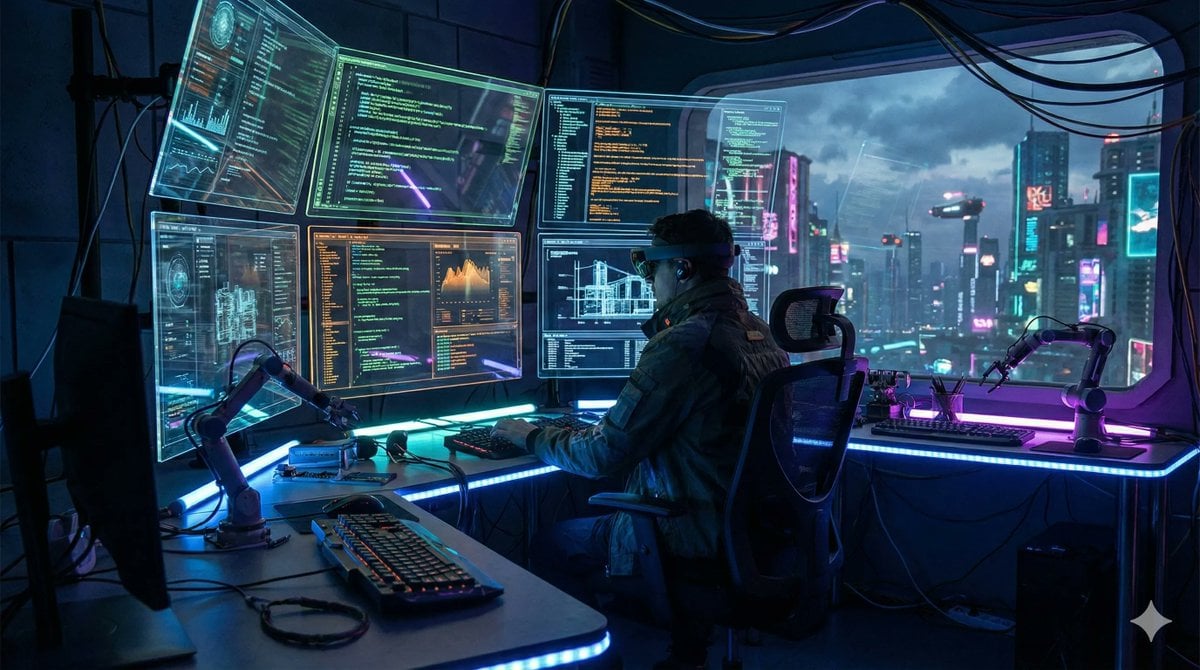
Template Prompt for High-Resolution AI Art

Cute Ball Shaped Animal Characters
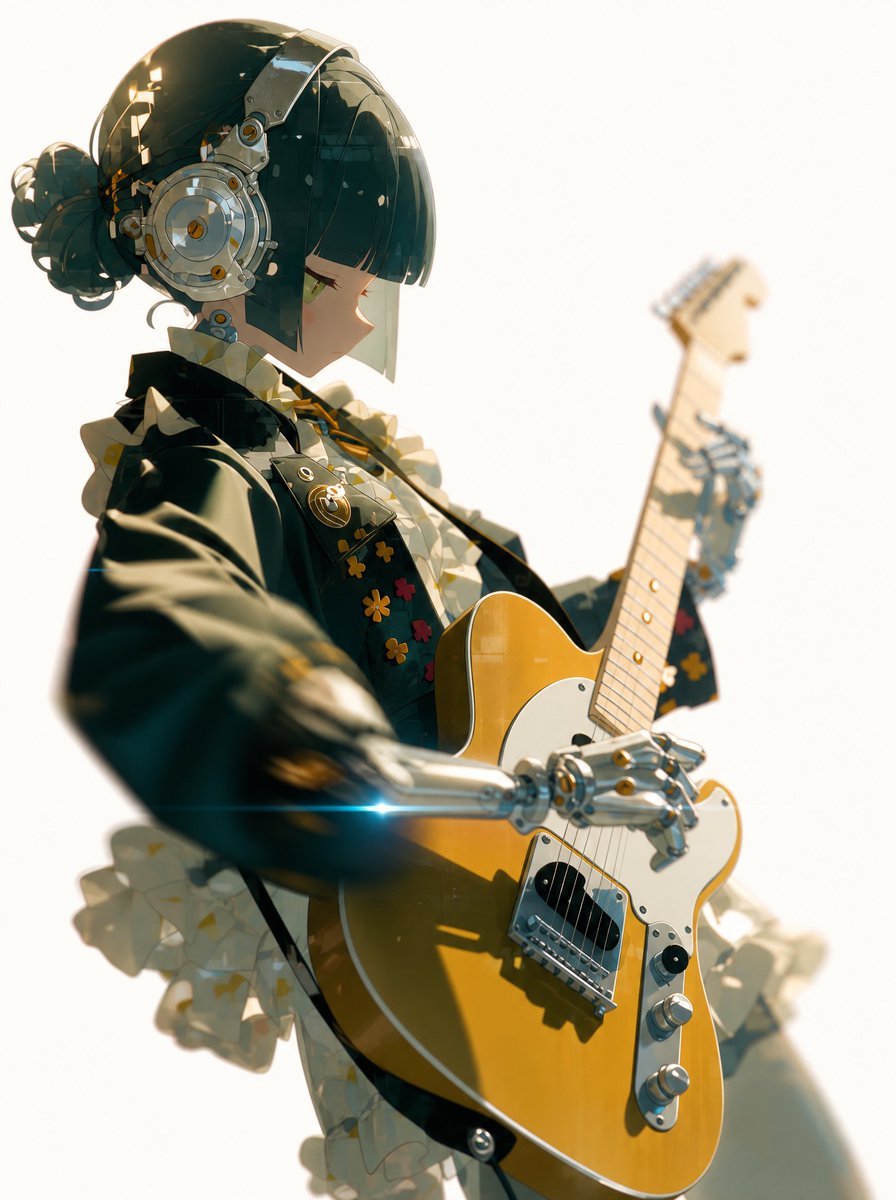
Cyber Idol Guitarist Live Moment

24 The Getty Center — California Series
Browse template categories
Black Evening Dress Bombshell Studio Portrait questions
How do I use the Black Evening Dress Bombshell Studio Portrait template?
Add your photo if the template asks for one, edit the prompt if you like — the template's model and format are already selected — and press Generate. Your version opens in PicX Studio.
Can I customize the Black Evening Dress Bombshell Studio Portrait template?
Yes. You can change the subject, setting, lighting, mood, format, and available model controls before creating your image.
Is the Black Evening Dress Bombshell Studio Portrait template free?
Opening and editing this template is free. Generating uses credits, shown on the Generate button when you are signed in.
Which AI model should I use?
Choose a compatible model in PicX Studio based on the style, speed, and output controls your project needs.
Looking for something else? Browse all templates.

Your photo, any look
Thousands of ready templates for every top image and video model, from one credit balance.