
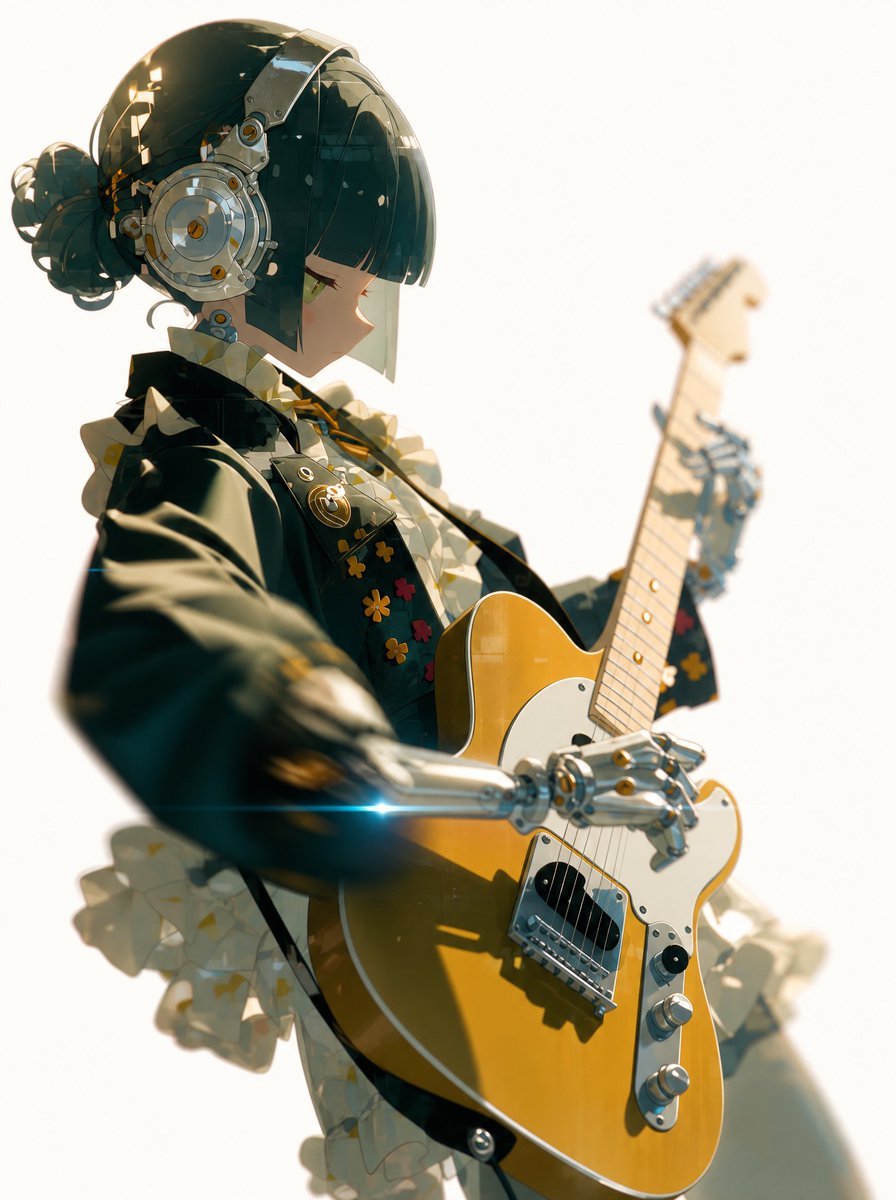
Cyber Idol Guitarist Live Moment
A cinematic anime prompt for creating a futuristic idol guitarist performing live with cybernetic arms and glossy concert lighting.
- Prompt included
- Model and format preset
- Free template
The prompt behind this image
Copy the exact prompt behind Cyber Idol Guitarist Live Moment, or open it in the studio and make it yours.
Create a cinematic vertical anime illustration of {argument name="character name" default="Rinne Tao"}, a futuristic idol guitarist captured mid-live performance from a dramatic low angle. The character is shown in left-facing side profile with a short glossy {argument name="hair color" default="dark teal-black"} bob, straight bangs, a small messy bun at the back, pale skin, and a calm focused expression with one visible green eye. She wears oversized circular silver mechanical headphones integrated with metallic headgear, plus shiny robotic prosthetic arms and hands with chrome joints and small warm gold accents. Her outfit is a black stage jacket over a frilly cream-and-white blouse and ruffled skirt, with decorative flower patches and small pins on the chest, mixing gothic idol fashion with cybernetic hardware. She is playing a {argument name="guitar color" default="mustard yellow"} Telecaster-style electric guitar with a white pickguard, chrome bridge, black pickup, two silver control knobs, and a pale maple neck rising diagonally upward to the right; one robotic hand strums near the pickguard while the other holds the neck. Use bright backlit concert lighting against an almost pure white background, warm golden highlights, shallow depth of field, soft motion blur on the extended arm and guitar neck, subtle floating dust or confetti specks, glossy reflections on metal surfaces, and a small blue lens flare near the lower robotic forearm. The composition should feel like a candid live-show moment processed into polished high-end anime key art, suitable as a T-shirt original artwork. Keep the image text-free, with no logo, no watermark, and no extra characters.
How to use Cyber Idol Guitarist Live Moment in 3 steps
- 1Upload ImagePNG, JPG or paste
Add your photo
Upload the photo the template builds on. The prompt, model and format are already set.
- 2…a portrait of your subject in softgolden-hour light, 85mm…
Personalize
Edit the subject and creative details for your destination.
- 3Generate
Generate
Press Generate — your image is created in PicX Studio, so you can compare it with the original and refine one variable at a time.
More like this
Templates with the same subject, style or setup. Open one to see its prompt.
Cyber Vocaloid Concert Idol
Cyber Anime Idol Music Cover
Cyberpunk Future Idol Concert
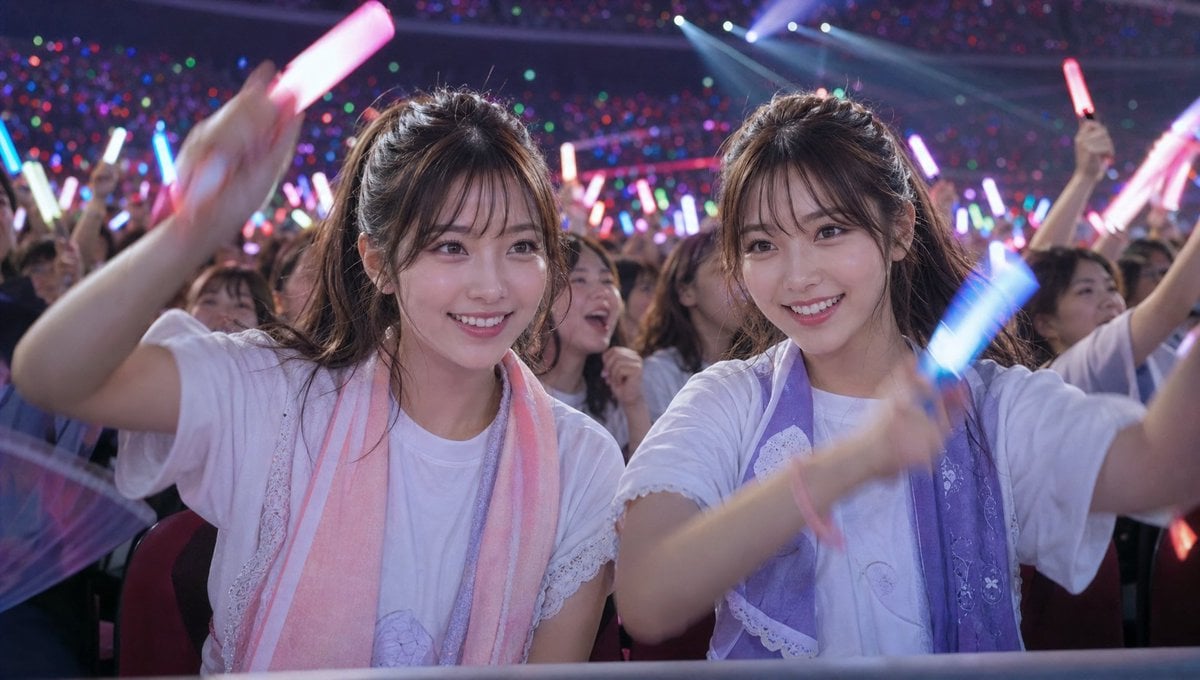
Crowd Energy at Idol Live Concert
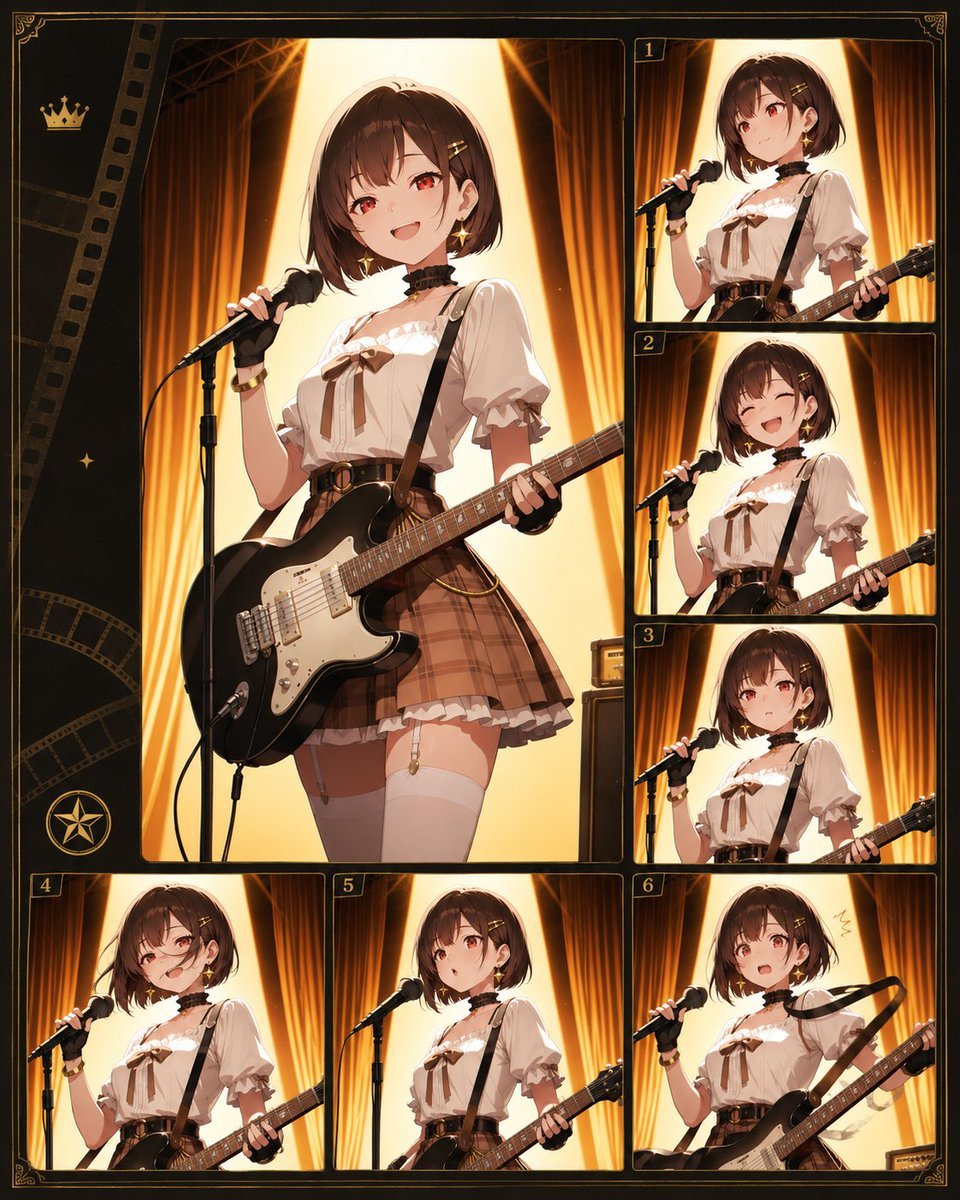
Anime Idol Guitarist Contact Sheet
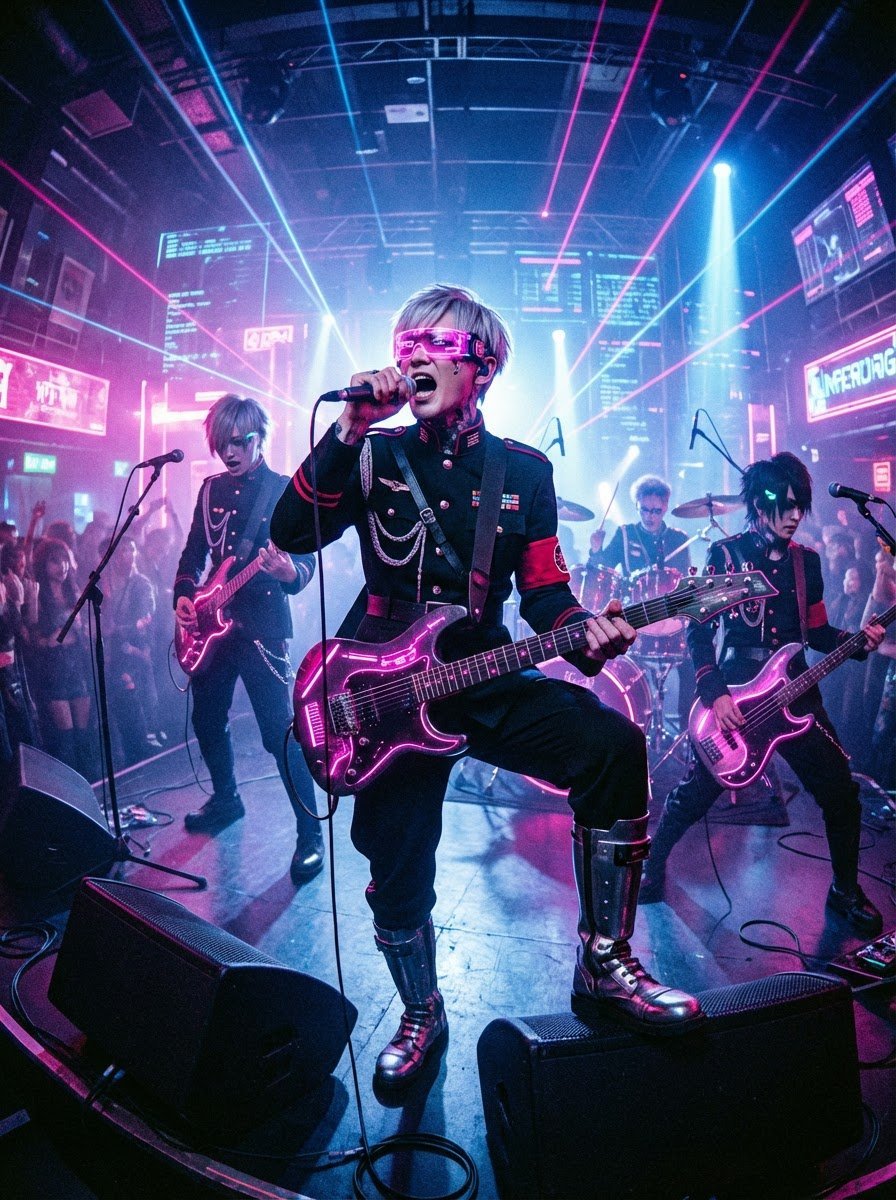
Cyberpunk Japanese Band Live Performance

Japanese Film Reflection Idol
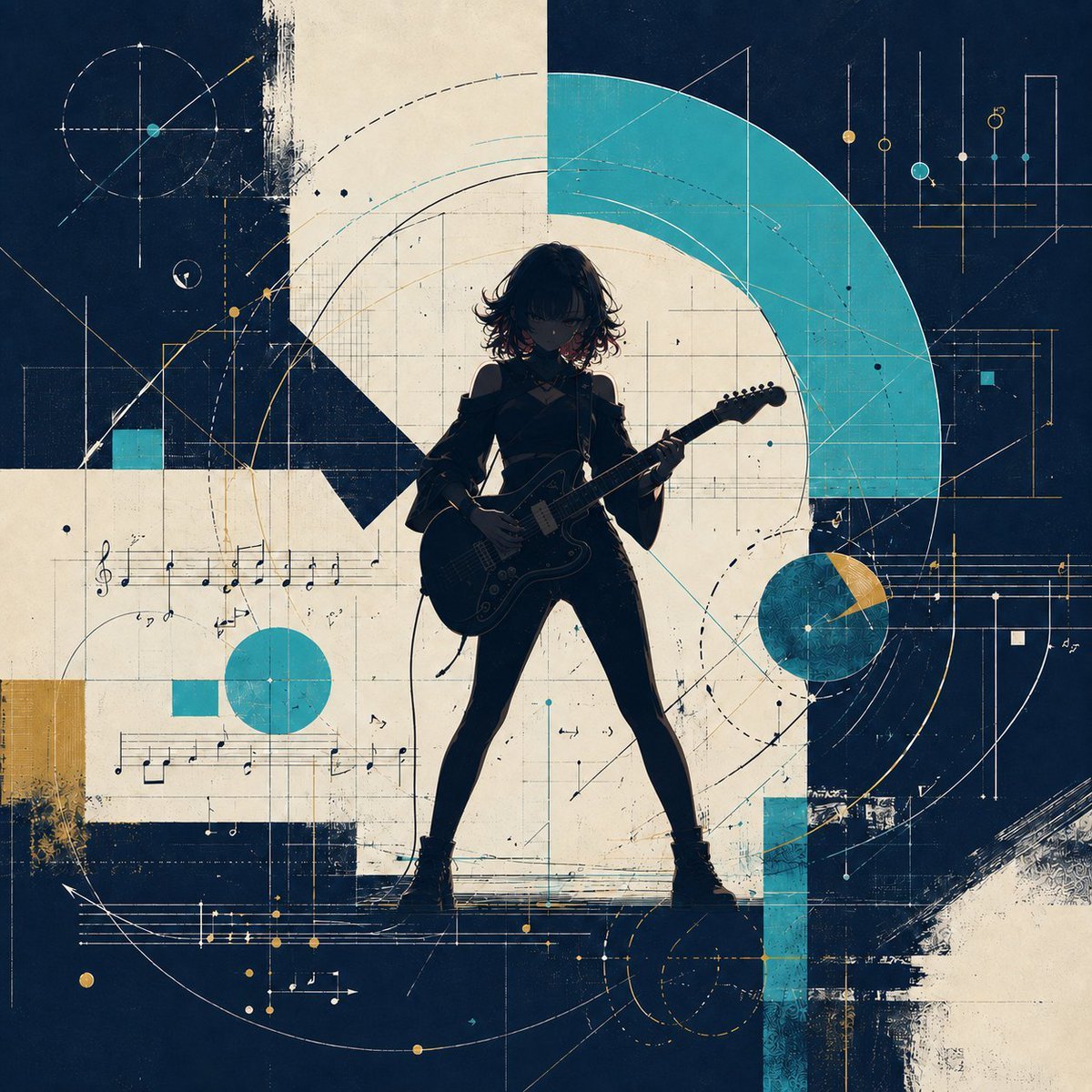
Abstract Rock Guitarist Album Art
Idol Stage Performance Portrait

Summer Beach Guitarist Portrait
Romantic Rainy City Moment
Alpine Lake Candid — Mountain Air Moment
Make it yours
Cyber Idol Guitarist Live Moment works as-is. These are the safest ways to change it without losing the look.
Change one field
Copy a single group, rewrite it, and generate again so you can see what that field is doing.
Keep the frame, change the subject
Hold the composition and light of Cyber Idol Guitarist Live Moment, then swap wardrobe, props or the person for a new take.
| If the result… | Why | Fix |
|---|---|---|
| The result drifts from the preview | Too many fields changed at once. | Reuse Cyber Idol Guitarist Live Moment as-is first, then change one group — subject, light, or setting. |
| The model over-stylizes the scene | The prose prompt leaves finish and camera underspecified. | Add one camera or lighting sentence and stay on GPT Image 2. |
More GPT Image 2 templates
Other prompts made for GPT Image 2.

Six VTuber Japanese Logo Sheet

Realistic Portrait of Woman and Deer

The Vista Modular Condo Poster

AI Model Routing Comparison Infographic

2.5D Anime Art Board

Isometric Productivity Desk Scene

New York Double Exposure Poster

Four-Panel AI Landscape Comparison

Japanese Tatami Lifestyle Magazine Cover

NESCAFÉ Coffee Map Poster
More image prompts
Fresh picks from across the catalog.
Fashion Editorial Portrait on Modern Sofa Prompt
Infographic Prompt Template for Objects
Identity-Based Rose Garden Portrait

Catgirl Maid Free Wallpaper Banner

Soft UI Style Illustration Generator

Corporate Cash Private Jet Satire
Tonkotsu Ramen Blueprint Poster

Cinematic Street Photography Prompt (Isolation)
Polychrome Carved Wooden Sculpture Portrait
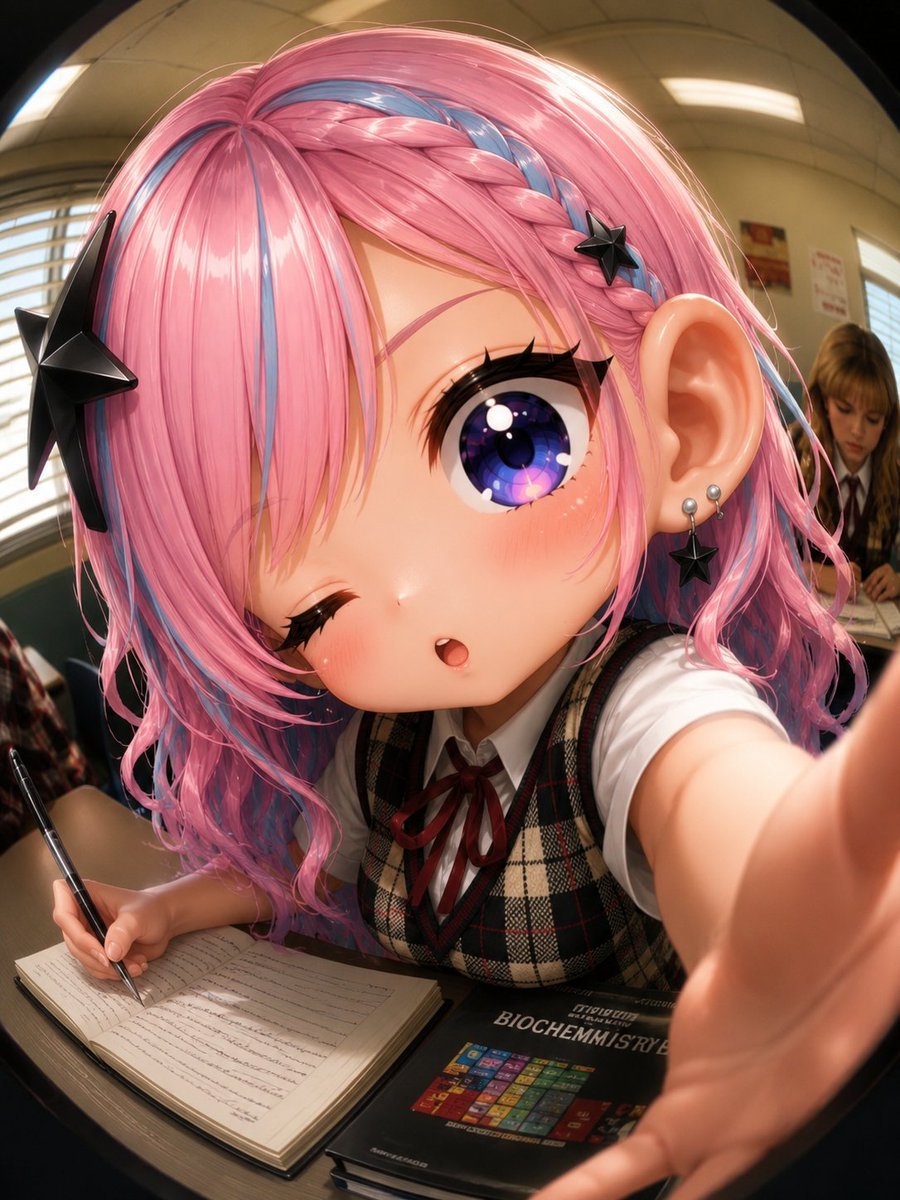
Fisheye Anime Schoolgirl Selfie
Browse template categories
Cyber Idol Guitarist Live Moment questions
How do I use the Cyber Idol Guitarist Live Moment template?
Add your photo if the template asks for one, edit the prompt if you like — the template's model and format are already selected — and press Generate. Your version opens in PicX Studio.
Can I customize the Cyber Idol Guitarist Live Moment template?
Yes. You can change the subject, setting, lighting, mood, format, and available model controls before creating your image.
Is the Cyber Idol Guitarist Live Moment template free?
Opening and editing this template is free. Generating uses credits, shown on the Generate button when you are signed in.
Which AI model should I use?
Start with GPT Image 2, which is the model associated with this template. You can compare another compatible model for a different finish.
Looking for something else? Browse all templates.

Your photo, any look
Thousands of ready templates for every top image and video model, from one credit balance.