
Corporate Cash Private Jet Satire
A photorealistic satirical editorial image of tech executives celebrating beside a branded private jet and carts full of cash, ideal for commentary on corporate wealth and AI industry power.

- Prompt included
- Model and format preset
- Free template
The prompt behind this image
Copy the exact prompt behind Corporate Cash Private Jet Satire, or open it in the studio and make it yours.
A photorealistic satirical airport tarmac scene in daylight, shot vertically, showing a sleek white private jet parked with its door open and stairs visible on the left. On the side of the jet, large clean corporate lettering reads “Google | ANTHROPIC”. In the foreground, 2 adult male executives in dark navy business suits embrace in a celebratory hug, centered slightly left. The man facing camera-left has curly dark hair and wears a charcoal suit; the other man, with short dark hair and a white dress shirt under a navy suit, holds a thick fan of U.S. $100 bills in one hand while hugging. Their expressions should feel triumphant and conspiratorial. In the midground and right side, 2 additional adult men in dark suits push 2 metal airport luggage carts overflowing with tightly bundled stacks of cash. The left cart has a black front panel labeled “Google” in multicolor corporate-style lettering, and the right cart has a black front panel labeled “Deep Pockets Division” in white sans-serif text. Count exactly 2 carts and show both piled high with money bricks wrapped in bank bands. The private jet extends across most of the background, with oval windows, a visible rear engine on the right, and a partly cloudy blue sky above. The ground is wet and reflective, adding glossy reflections under the people and carts. Editorial photojournalism style, ultra-realistic lighting, sharp focus, subtle depth of field, luxury wealth satire, corporate power imagery, high-detail textures on suits, aircraft metal, and cash bundles.
How to use Corporate Cash Private Jet Satire in 3 steps
- 1Upload ImagePNG, JPG or paste
Add your photo
Upload the photo the template builds on. The prompt, model and format are already set.
- 2…a portrait of your subject in softgolden-hour light, 85mm…
Personalize
Edit the subject and creative details for your destination.
- 3Generate
Generate
Press Generate — your image is created in PicX Studio, so you can compare it with the original and refine one variable at a time.
More like this
Templates with the same subject, style or setup. Open one to see its prompt.
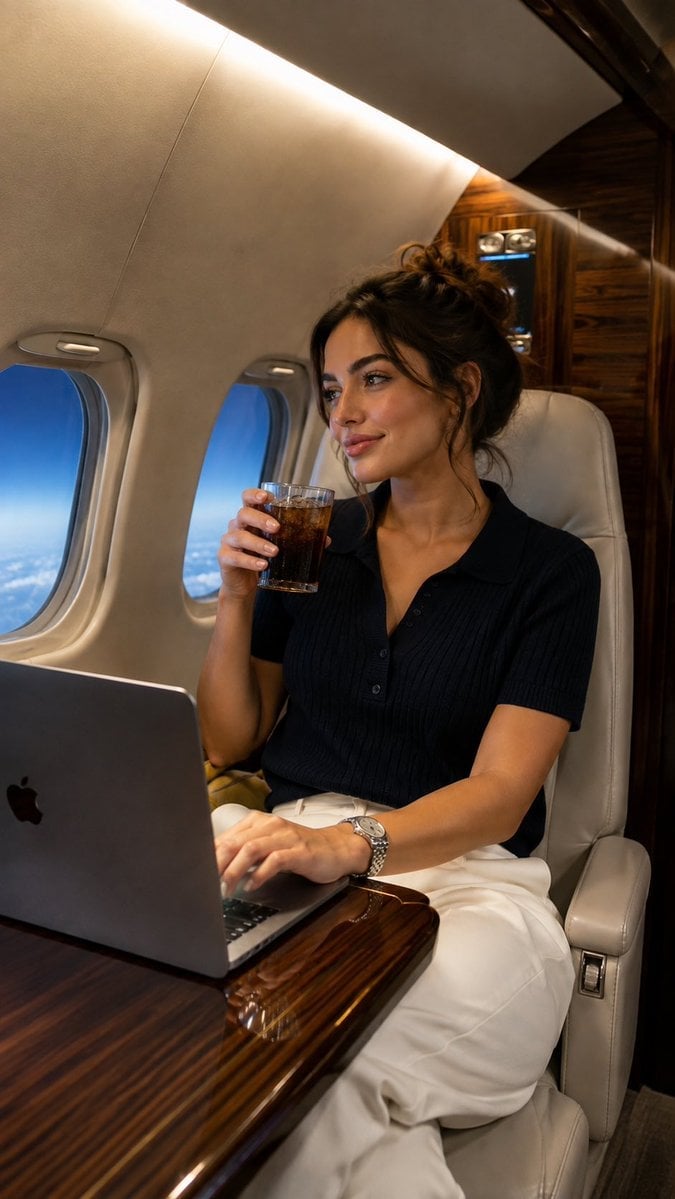
Private Jet Lifestyle Photography
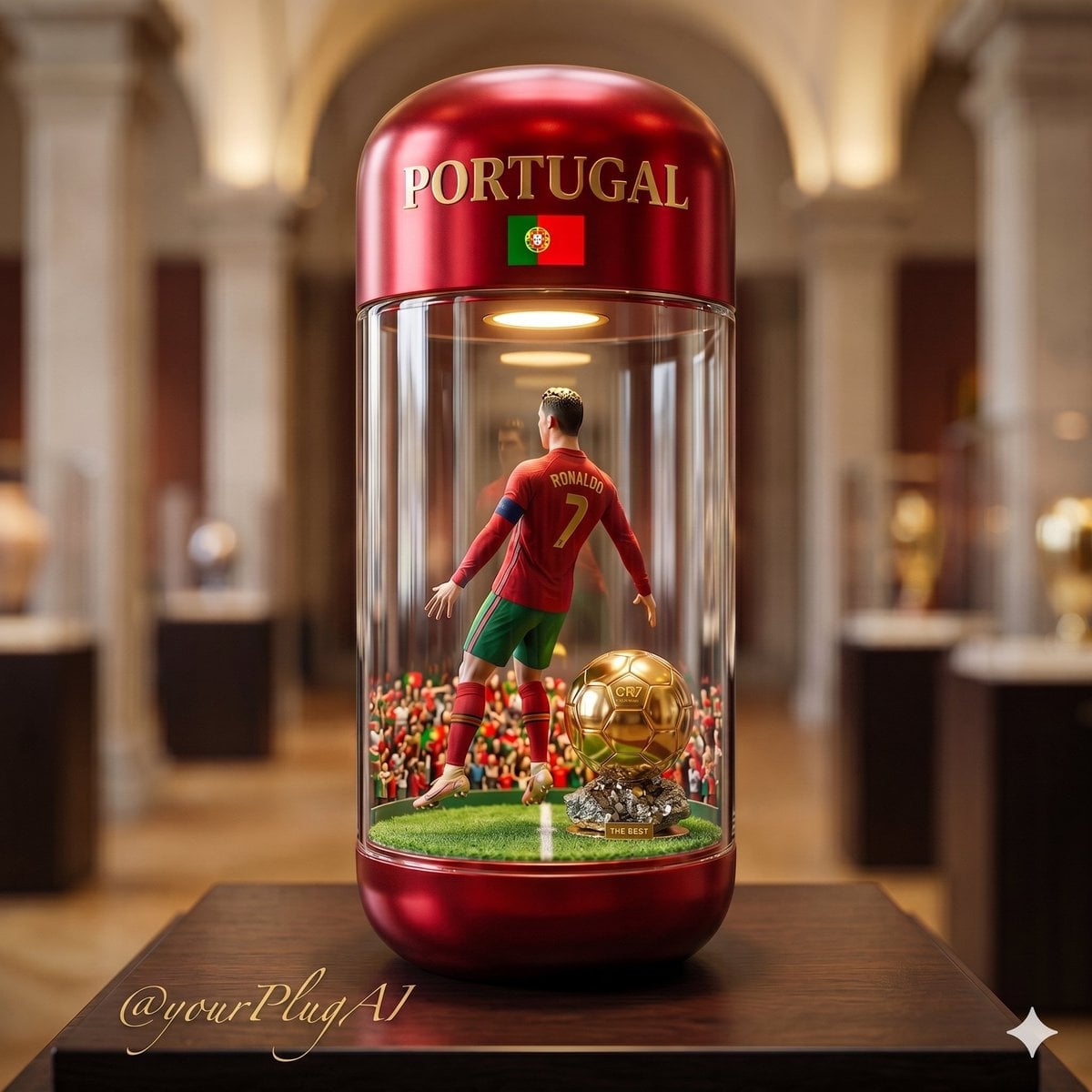
Private Jet Cabin Wealth
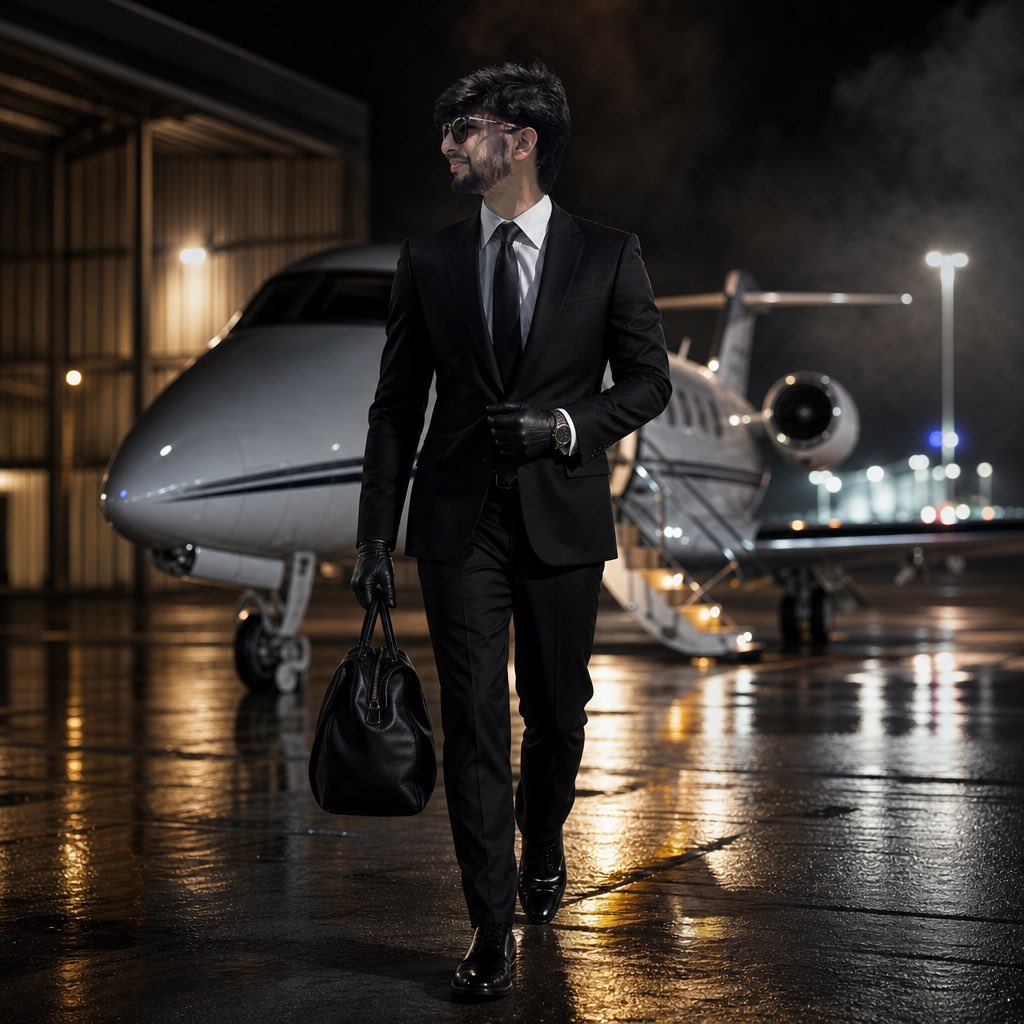
Cinematic Private Jet Hangar Portrait

Unfiltered Paparazzi-Style Portrait in a Private Jet
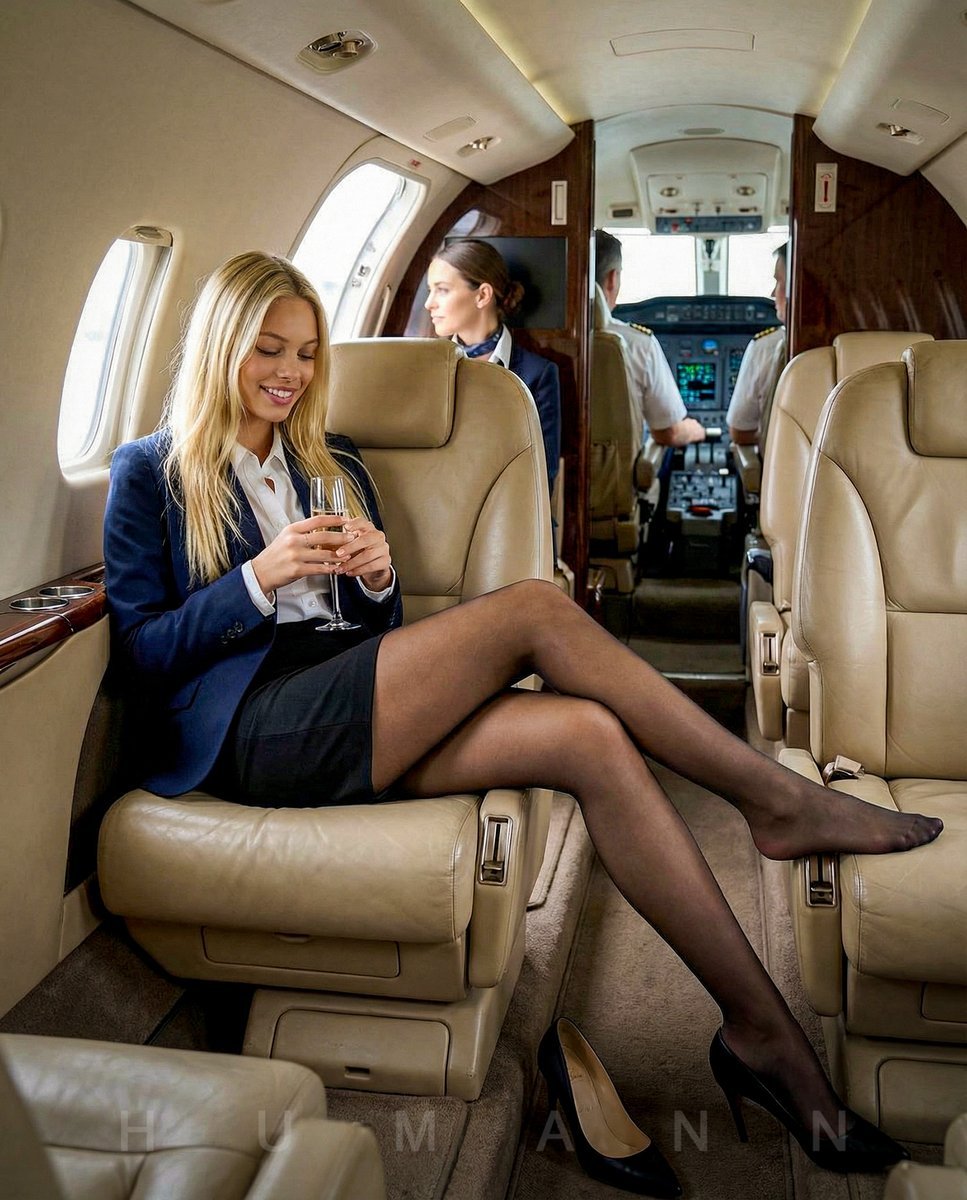
Editorial Portrait on a Private Jet
Ultra-Realistic Influencer Mirror Selfie in Private Jet Lavatory
Luxury Private Jet Photoshoot Prompt for Stylish Young Woman
Vintage British Caricature Satire
Japanese Corporate Price Index Slide
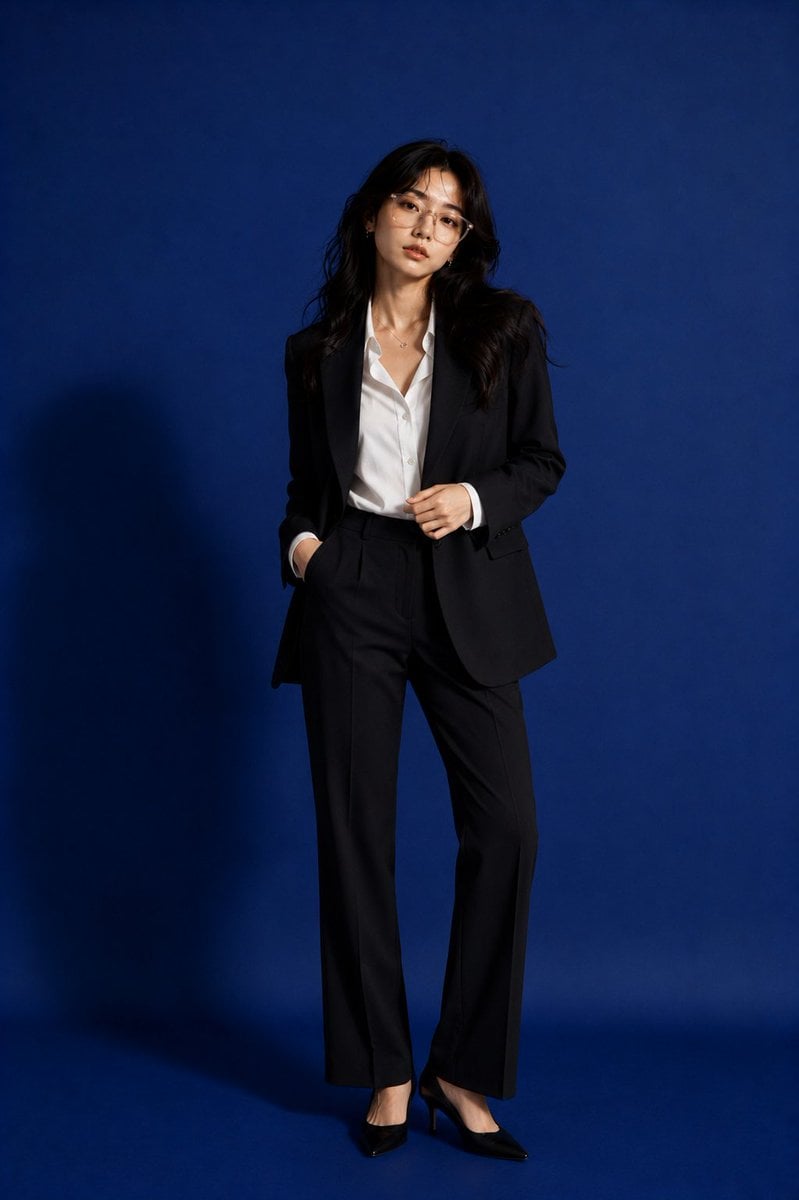
Premium Corporate Fashion Studio Portrait
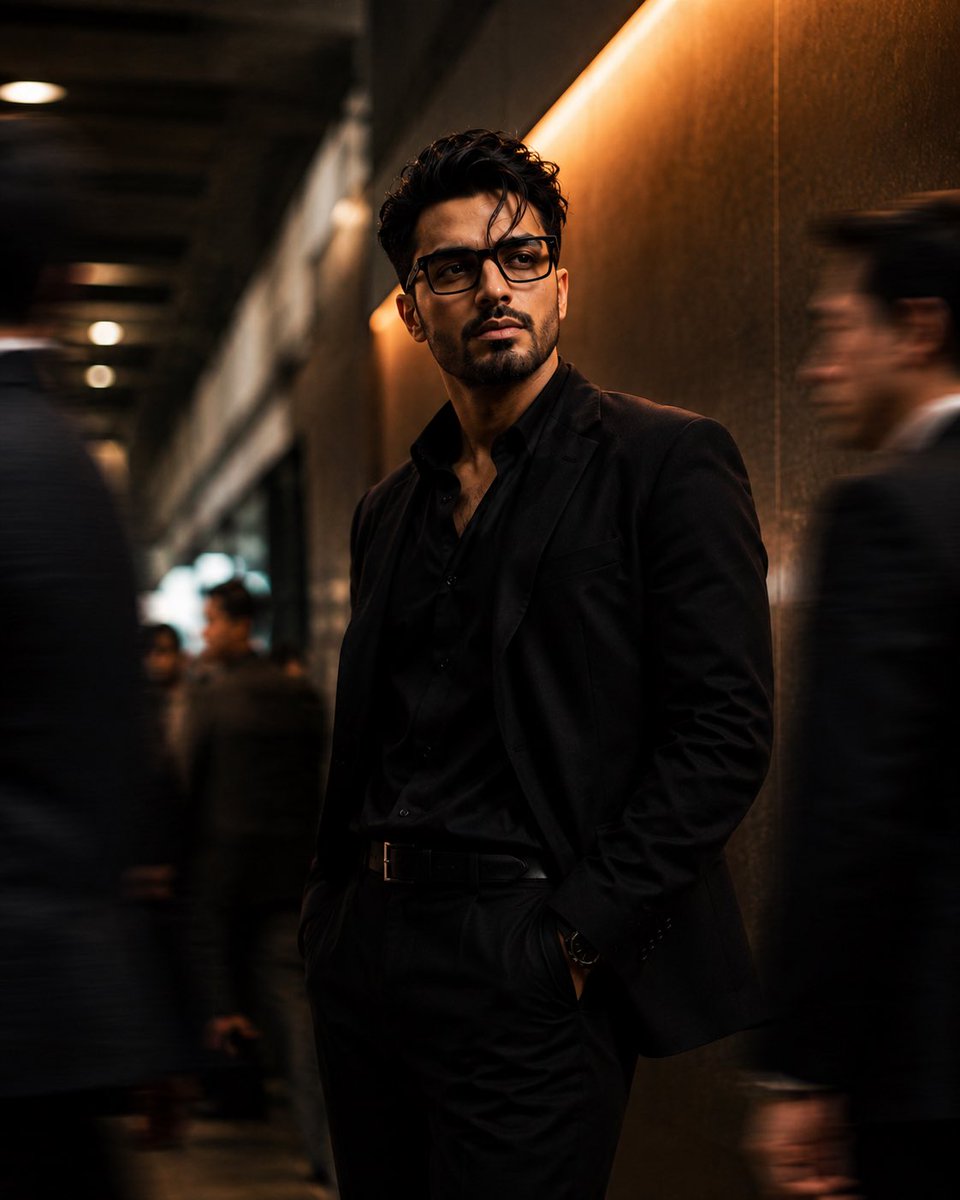
Cinematic Corporate Editorial Portrait
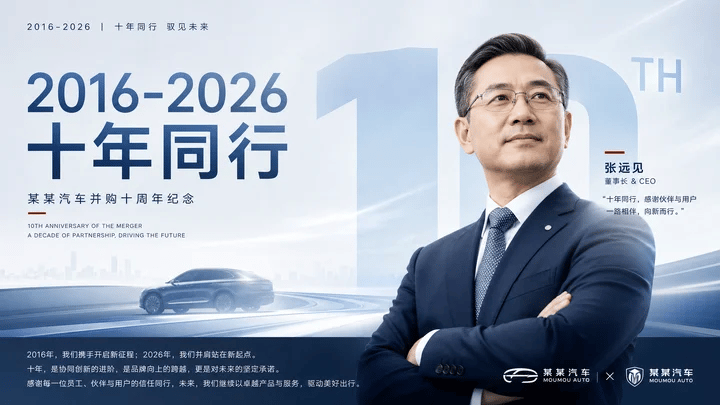
Corporate Anniversary CEO Poster
Make it yours
Corporate Cash Private Jet Satire works as-is. These are the safest ways to change it without losing the look.
Change one field
Copy a single group, rewrite it, and generate again so you can see what that field is doing.
Keep the frame, change the subject
Hold the composition and light of Corporate Cash Private Jet Satire, then swap wardrobe, props or the person for a new take.
| If the result… | Why | Fix |
|---|---|---|
| The result drifts from the preview | Too many fields changed at once. | Reuse Corporate Cash Private Jet Satire as-is first, then change one group — subject, light, or setting. |
| The model over-stylizes the scene | The prose prompt leaves finish and camera underspecified. | Add one camera or lighting sentence and stay on GPT Image 2. |
More GPT Image 2 templates
Other prompts made for GPT Image 2.

Six VTuber Japanese Logo Sheet

Realistic Portrait of Woman and Deer

The Vista Modular Condo Poster

AI Model Routing Comparison Infographic

2.5D Anime Art Board

Isometric Productivity Desk Scene

New York Double Exposure Poster

Four-Panel AI Landscape Comparison

Japanese Tatami Lifestyle Magazine Cover

NESCAFÉ Coffee Map Poster
More image prompts
Fresh picks from across the catalog.

Pastel Sketch Animation Illustration
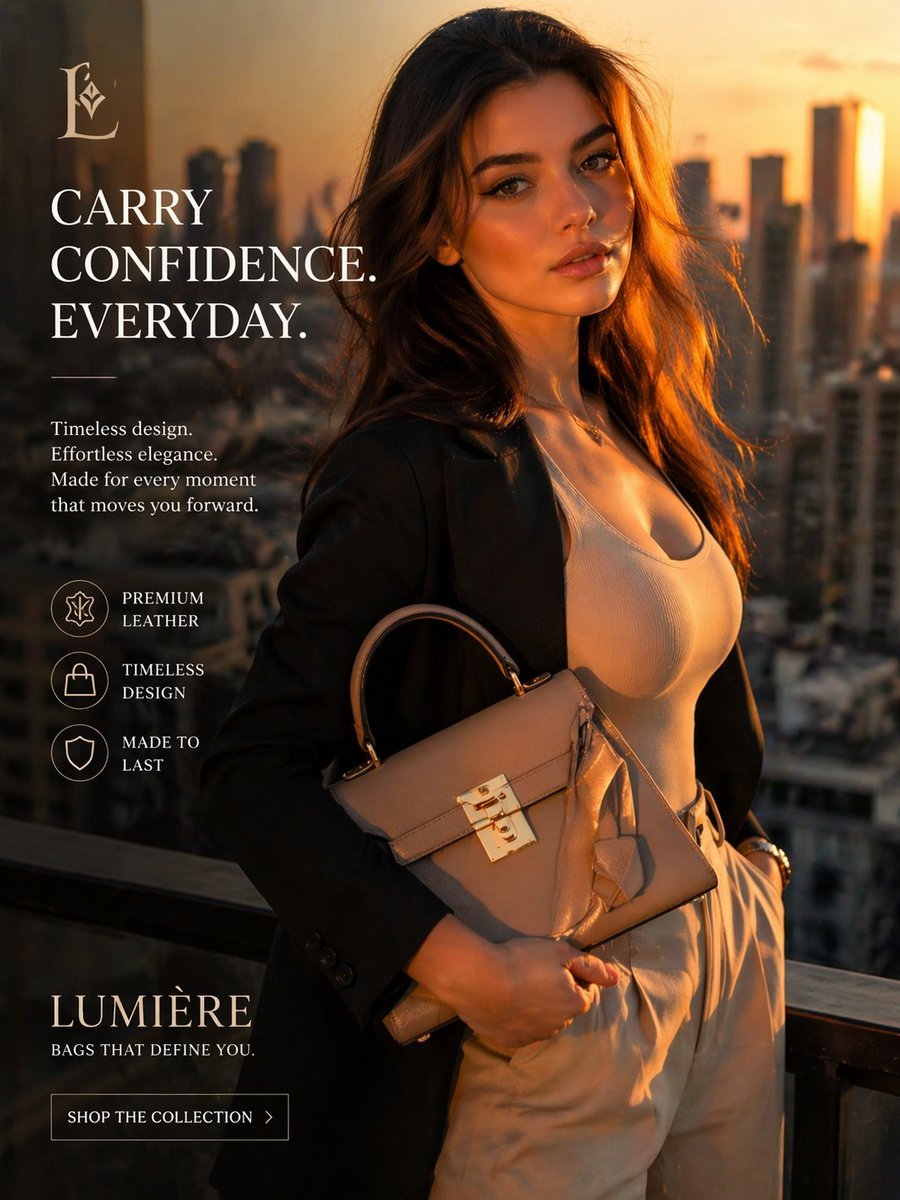
Luxury Handbag Sunset Ad
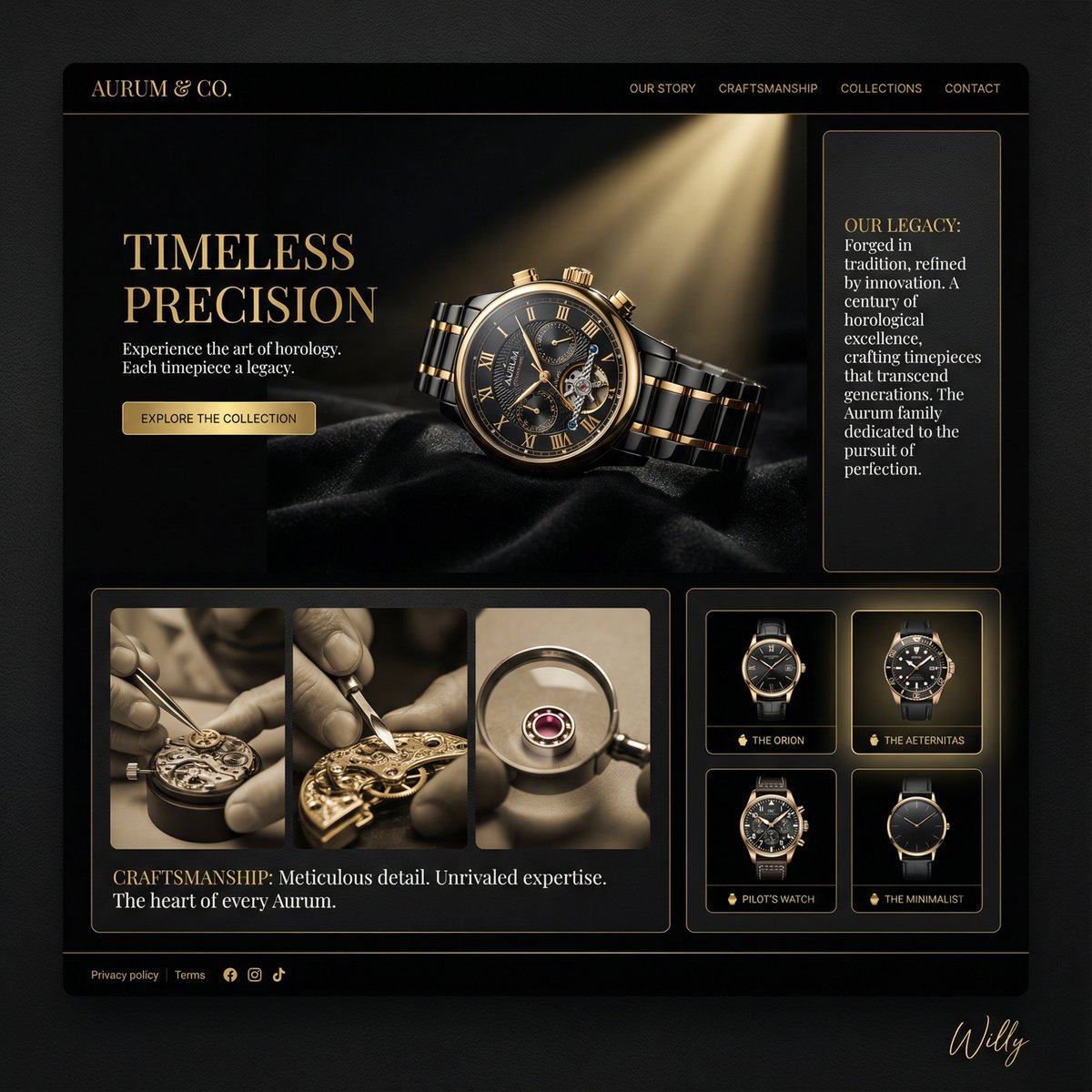
Luxury Watch Brand Landing Page Design Prompt
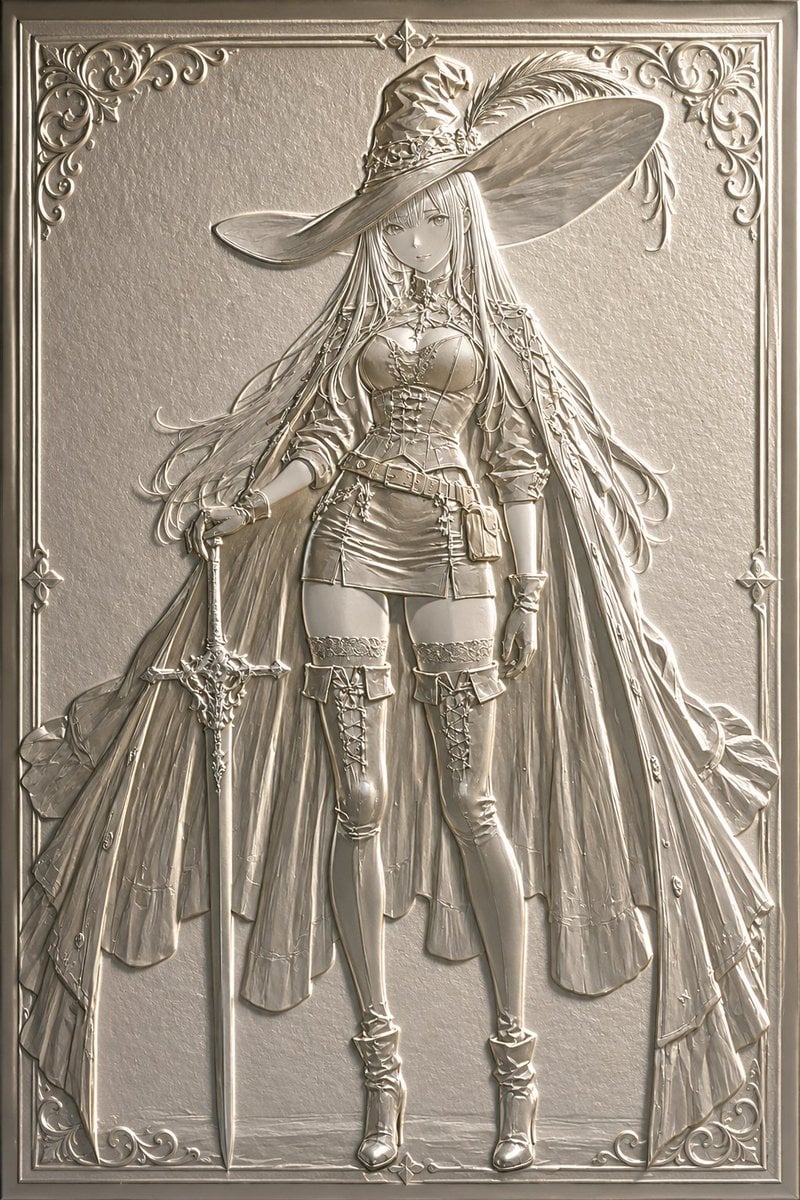
Embossed Luxury Card Relief Prompt
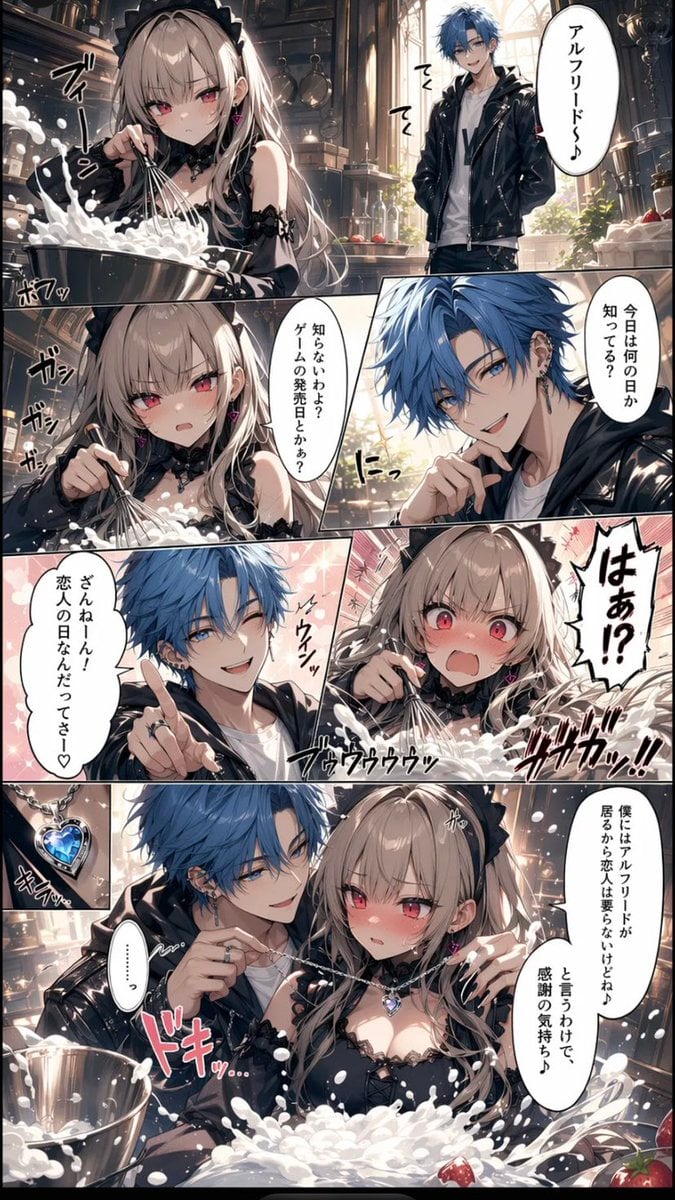
Romance Manga Kitchen Pendant Scene
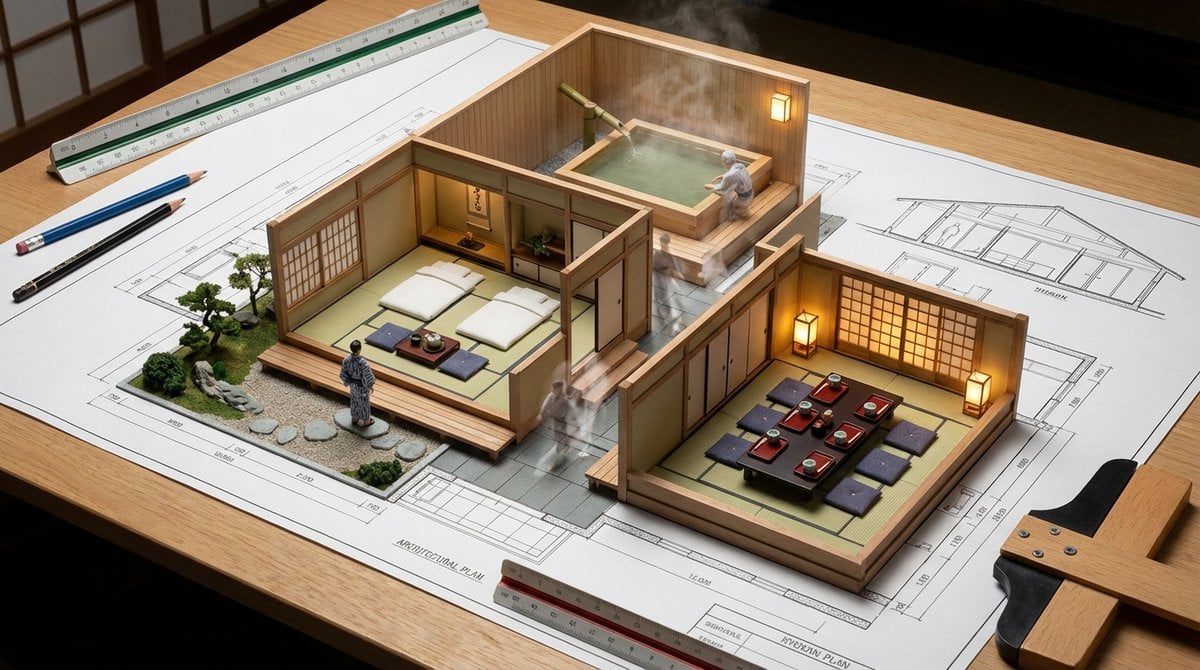
Architectural Blueprint to Miniature Japanese Inn Scene

Mystical Kitsune Shrine Portrait
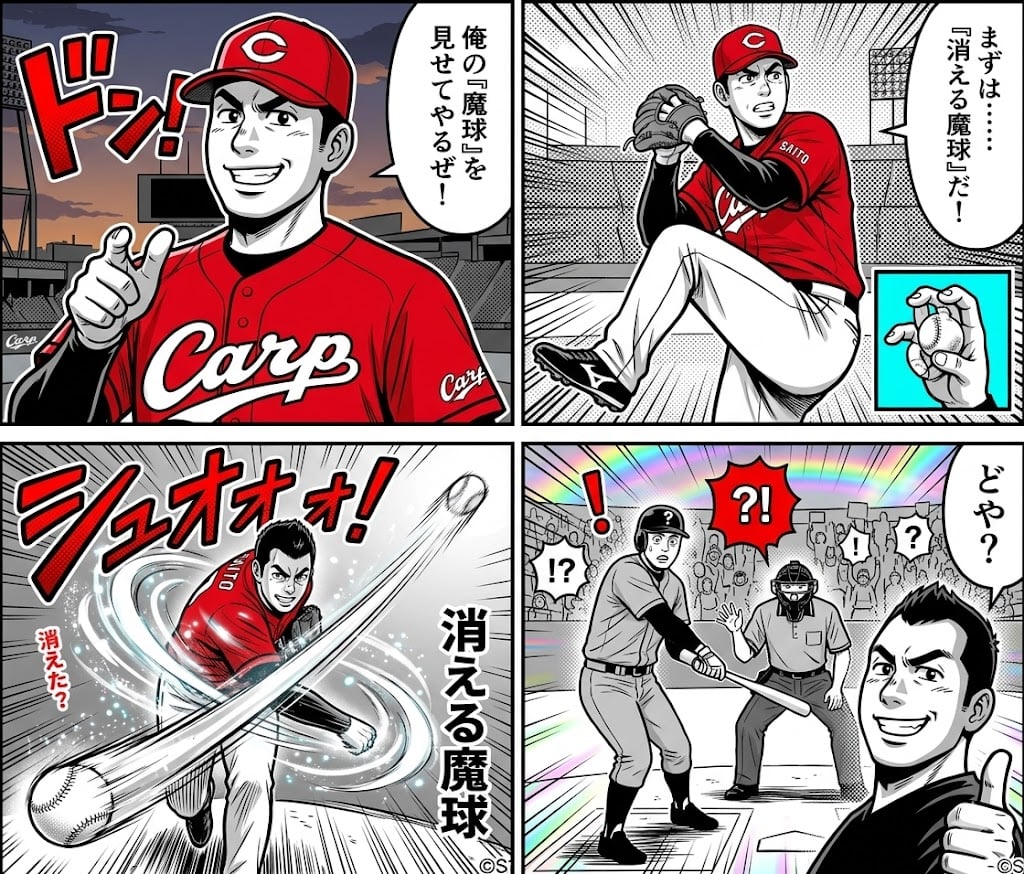
AI-generated 4-panel manga: The Vanishing Magic Ball
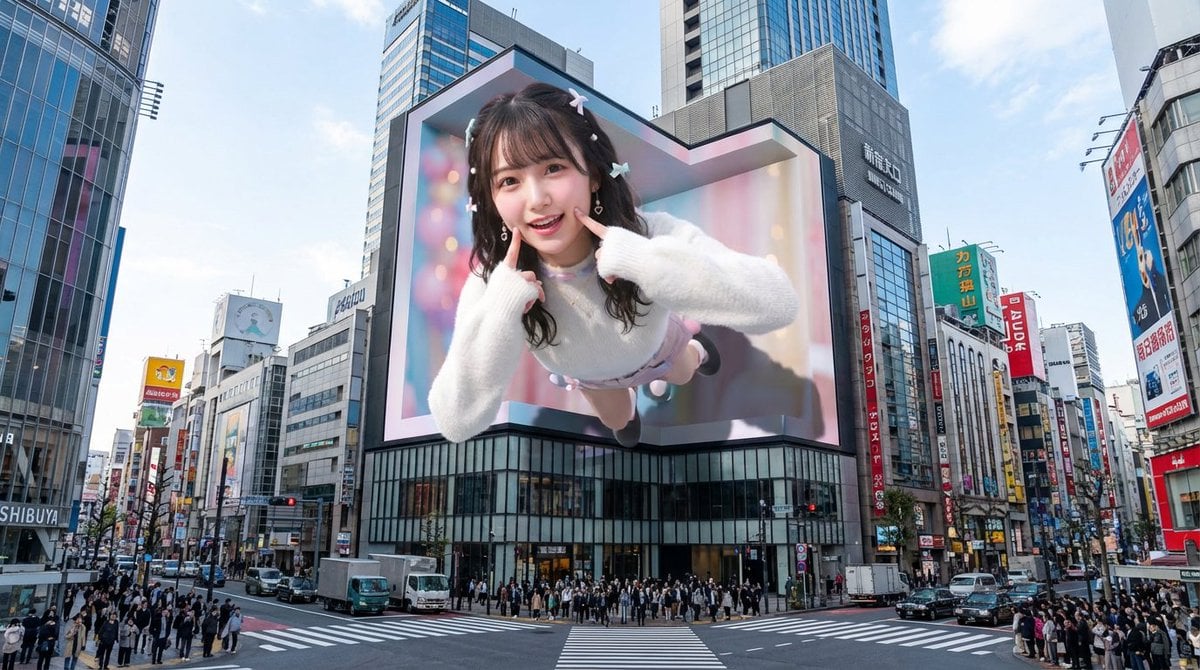
Nano Banana Pro 3D Digital Signage Prompt (Shinjuku)
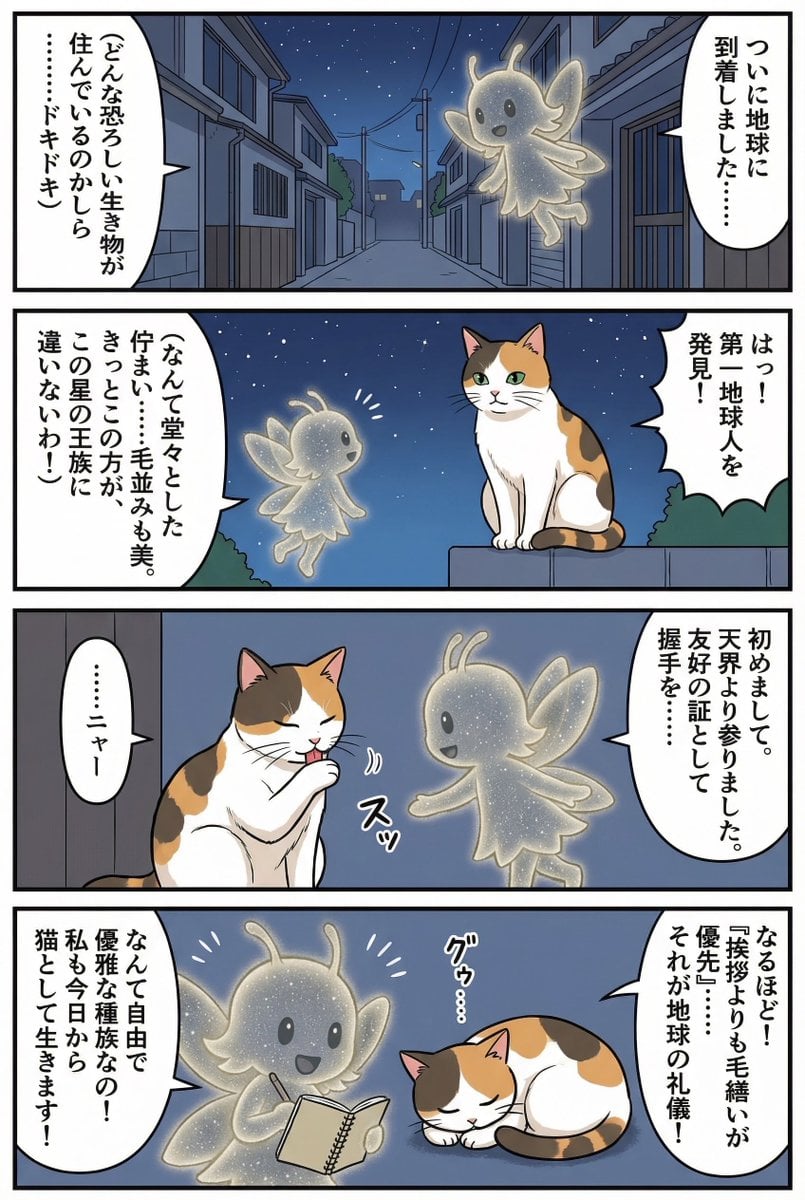
Four-panel manga of a fairy who thinks Earth is a cat planet
Browse template categories
Corporate Cash Private Jet Satire questions
How do I use the Corporate Cash Private Jet Satire template?
Add your photo if the template asks for one, edit the prompt if you like — the template's model and format are already selected — and press Generate. Your version opens in PicX Studio.
Can I customize the Corporate Cash Private Jet Satire template?
Yes. You can change the subject, setting, lighting, mood, format, and available model controls before creating your image.
Is the Corporate Cash Private Jet Satire template free?
Opening and editing this template is free. Generating uses credits, shown on the Generate button when you are signed in.
Which AI model should I use?
Start with GPT Image 2, which is the model associated with this template. You can compare another compatible model for a different finish.
Looking for something else? Browse all templates.

Your photo, any look
Thousands of ready templates for every top image and video model, from one credit balance.