
Cinematic Corporate Editorial Portrait
A sophisticated corporate portrait prompt designed for luxury business environments, featuring motion-blurred pedestrians and high-end cinematic lighting.
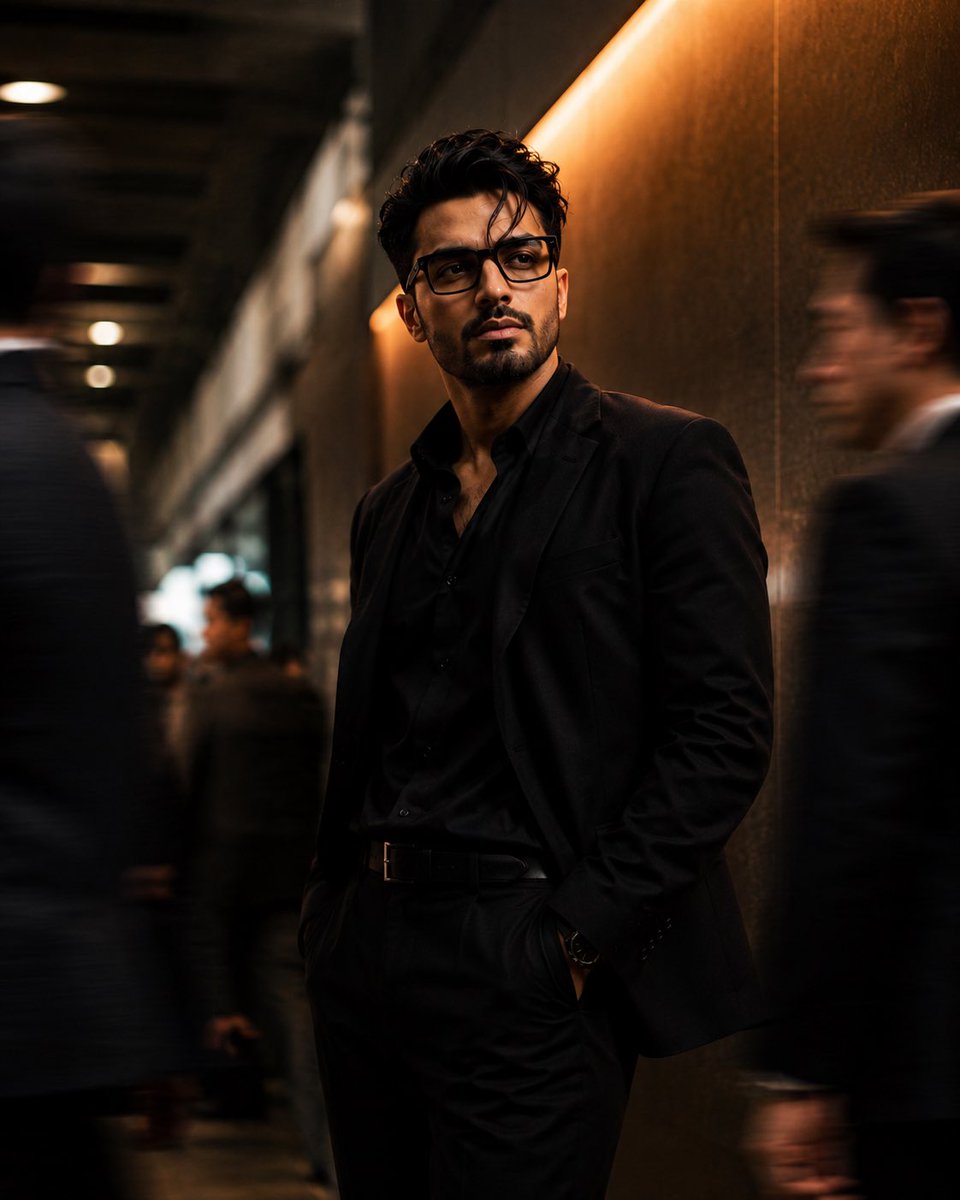
- Prompt included
- Model and format preset
- Premium template
The prompt behind this image
Copy the exact prompt behind Cinematic Corporate Editorial Portrait, or open it in the studio and make it yours.
Use my uploaded face image as the primary facial identity reference with the highest identity weight. Preserve my exact facial identity with absolute accuracy. My face must remain instantly recognizable, including my face shape, hairstyle, hairline, eyebrows, eyes, nose, lips, beard, skin tone, ears, jawline, facial proportions, and every unique facial feature. Do not beautify, stylize, age, de-age, feminize, masculinize, or replace my identity. Maintain perfect facial consistency. Create an ultra-realistic cinematic editorial portrait of me standing confidently inside a modern luxury corporate lobby or high-end business district corridor. I am wearing a perfectly tailored {argument name="suit" default="matte black suit"}, black dress shirt with the top button open (no tie), slim black trousers, black leather belt with a minimal metallic buckle, and premium black rectangular acetate eyeglasses. I stand completely still with a relaxed but confident posture, one hand casually inside my trouser pocket while the other rests naturally by my side. My body is angled approximately 30° away from the camera, while my head turns slightly to the left, gazing at something off-frame with a calm, observant, intelligent, and mysterious expression. No smile. The environment is filled with people walking quickly around me, creating dramatic motion blur that emphasizes my stillness. The blurred pedestrians occupy both the foreground and background, partially crossing the frame, producing a dynamic cinematic effect while I remain perfectly sharp. The location features elegant modern architecture with dark stone walls, brushed metal panels, warm amber accent lighting, and subtle reflections on polished surfaces. A large warm illuminated wall occupies one side of the frame, casting soft golden highlights across my face and clothing. Lighting should be cinematic: •Warm amber key light from the right side •Soft neutral fill light from the front •Gentle rim light separating my hair and shoulders •Natural skin tones with realistic shadows •Soft reflections on eyeglass lenses without hiding the eyes Camera settings: •Full-frame professional cinema camera •85mm prime lens •f/1.8 aperture •ISO 200 •1/20 sec shutter speed to create realistic motion blur in surrounding people •Subject remains tack sharp •Eye-level perspective •Medium-full portrait (mid-thigh to head) •Vertical composition (4:5) •Extremely shallow depth of field •Smooth creamy background bokeh Color grading: •Rich blacks •Warm amber and bronze highlights •Deep charcoal shadows •Slight teal in darker areas •High dynamic range •Premium luxury editorial color palette •Soft filmic contrast •Kodak Portra + cinematic digital look Textures should be hyper-realistic: •Natural skin pores •Individual beard hairs •Detailed hair strands •Crisp fabric texture of the suit •Matte black clothing •Realistic eyeglass reflections •Clean cinematic lighting transitions Mood: Powerful, sophisticated, mysterious
How to use Cinematic Corporate Editorial Portrait in 3 steps
- 1Upload ImagePNG, JPG or paste
Add your photo
Upload the photo the template builds on. The prompt, model and format are already set.
- 2…a portrait of your subject in softgolden-hour light, 85mm…
Personalize
Edit the subject and creative details for your destination.
- 3Generate
Generate
Press Generate — your image is created in PicX Studio, so you can compare it with the original and refine one variable at a time.
More like this
Templates with the same subject, style or setup. Open one to see its prompt.
untitled

Caution Tape Fashion — Industrial Editorial

Couture Fashion Editorial Woman and Drag

Nano Banana 2 Editorial Fashion Portrait

Found Photograph: Us, 1970

80s Couple Studio Portrait

80s Bollywood Star

80s Golden Hour Cinema

Me in 1985

1985 Studio Portrait

Hyper-Realistic Minecraft POV Portrait

Rooftop Fisheye — Cat-Ear Balaclava at Golden Hour
Make it yours
Cinematic Corporate Editorial Portrait works as-is. These are the safest ways to change it without losing the look.
Change one field
Copy a single group, rewrite it, and generate again so you can see what that field is doing.
Keep the frame, change the subject
Hold the composition and light of Cinematic Corporate Editorial Portrait, then swap wardrobe, props or the person for a new take.
| If the result… | Why | Fix |
|---|---|---|
| The result drifts from the preview | Too many fields changed at once. | Reuse Cinematic Corporate Editorial Portrait as-is first, then change one group — subject, light, or setting. |
| The model over-stylizes the scene | The prose prompt leaves finish and camera underspecified. | Add one camera or lighting sentence and stay on GPT Image 2. |
More GPT Image 2 templates
Other prompts made for GPT Image 2.

Six VTuber Japanese Logo Sheet

Realistic Portrait of Woman and Deer

The Vista Modular Condo Poster

AI Model Routing Comparison Infographic

2.5D Anime Art Board

Isometric Productivity Desk Scene

New York Double Exposure Poster

Four-Panel AI Landscape Comparison

Japanese Tatami Lifestyle Magazine Cover

NESCAFÉ Coffee Map Poster
More image prompts
Fresh picks from across the catalog.

Gpt2 Profile Avatar Cozy Catgirl Pajama Night Portrait
Cyberpunk Geisha Macro Portrait
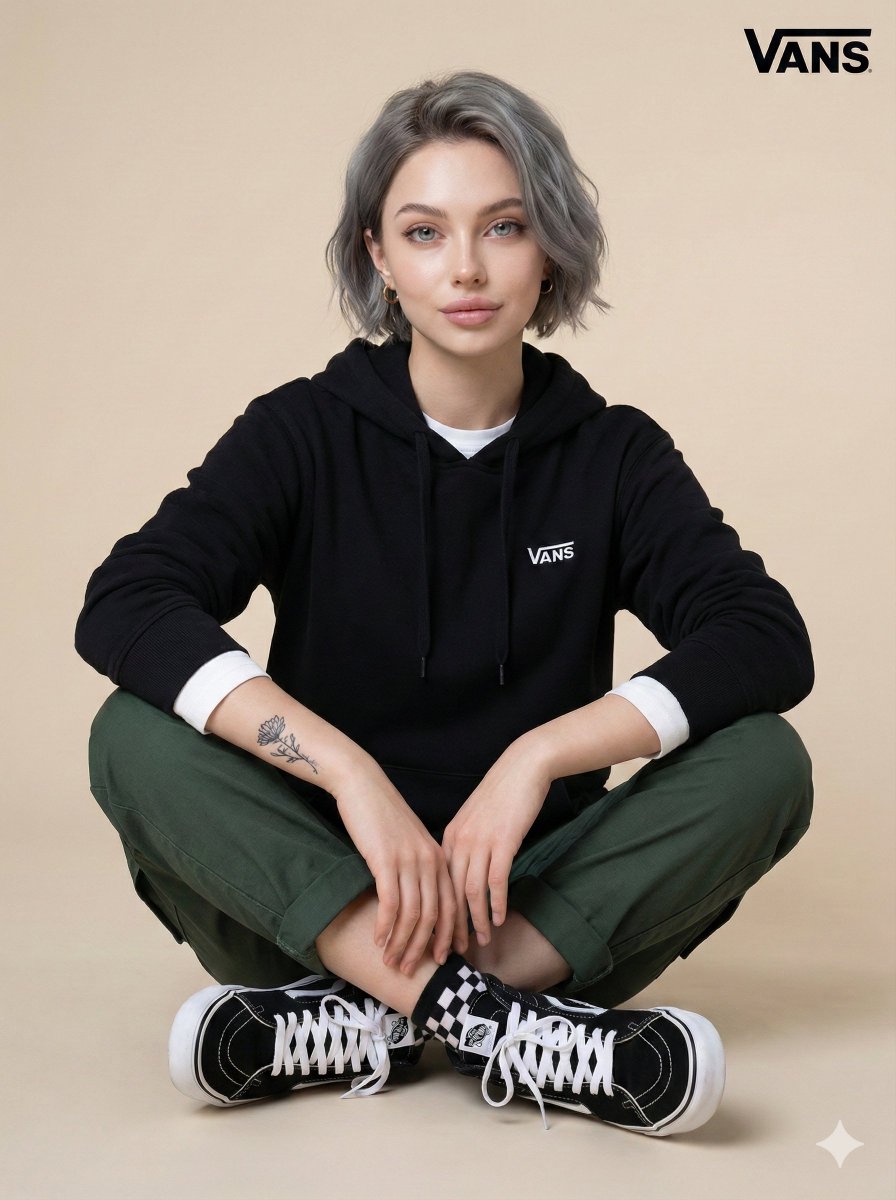
Casual Studio Portrait with Identity Preservation Prompt
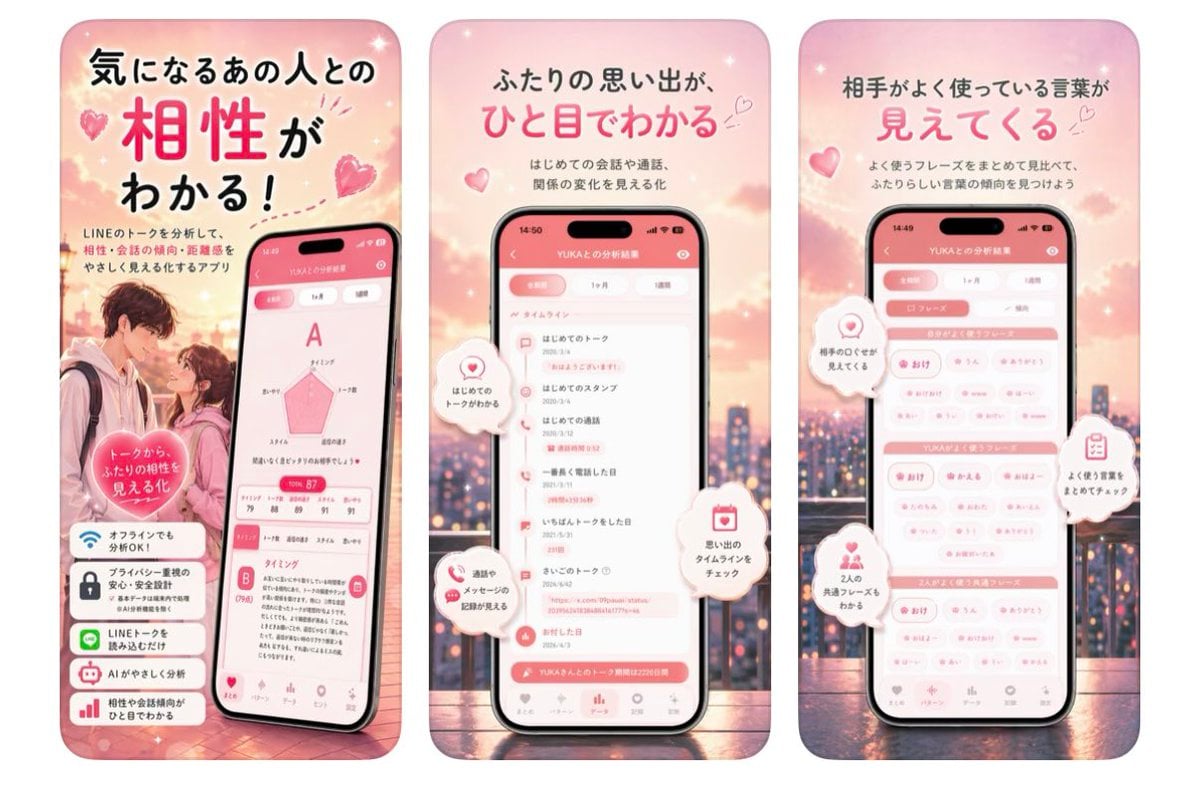
Japanese Romance App Ad Panels
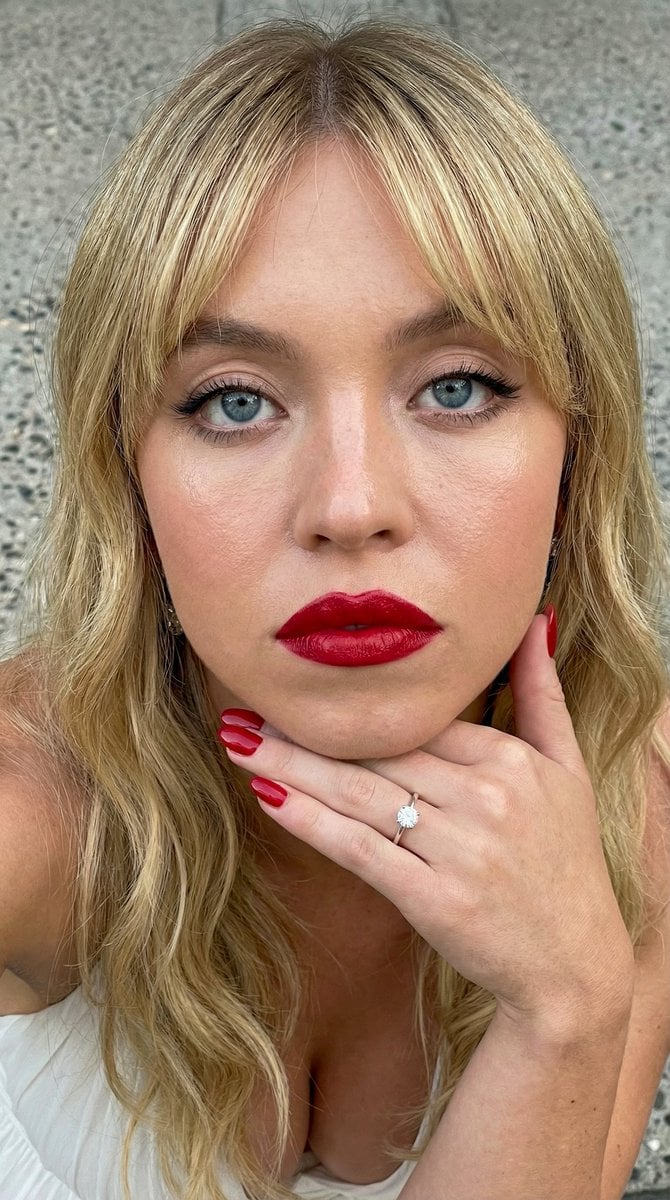
Close-up Portrait Prompt with Downward Gaze
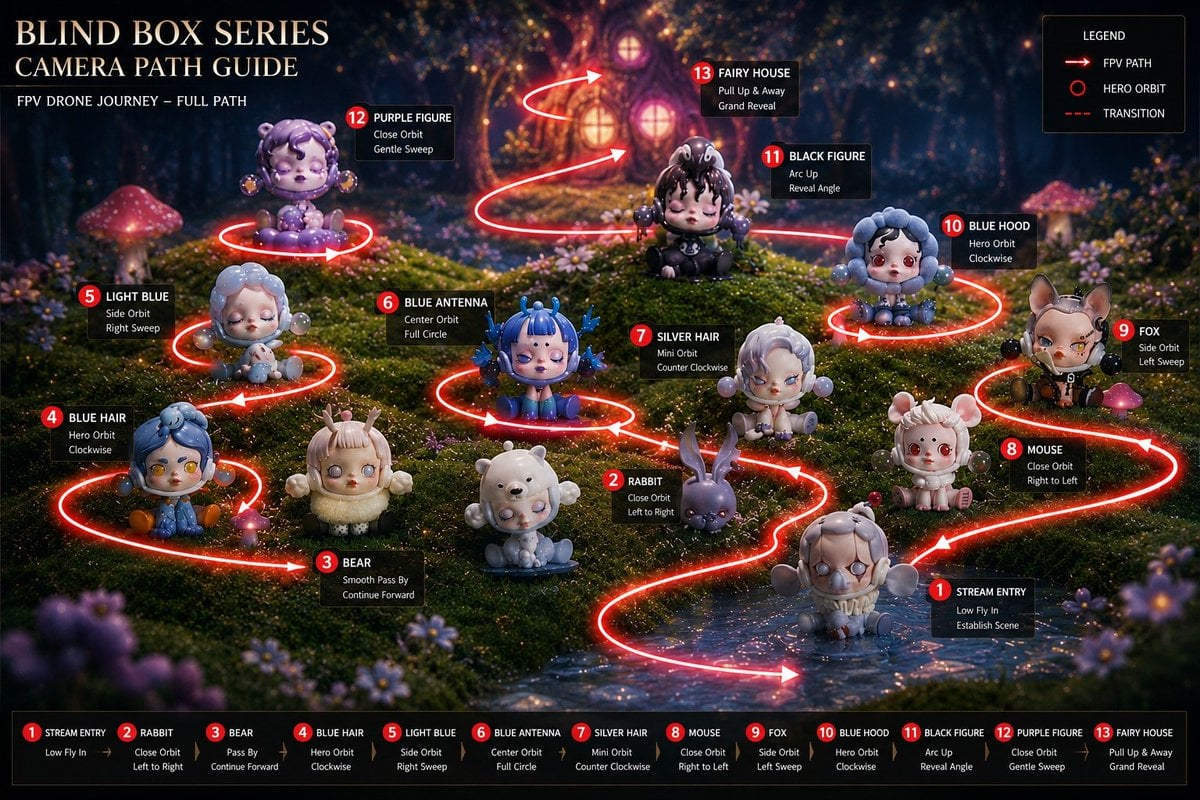
Blind Box Camera Path Guide
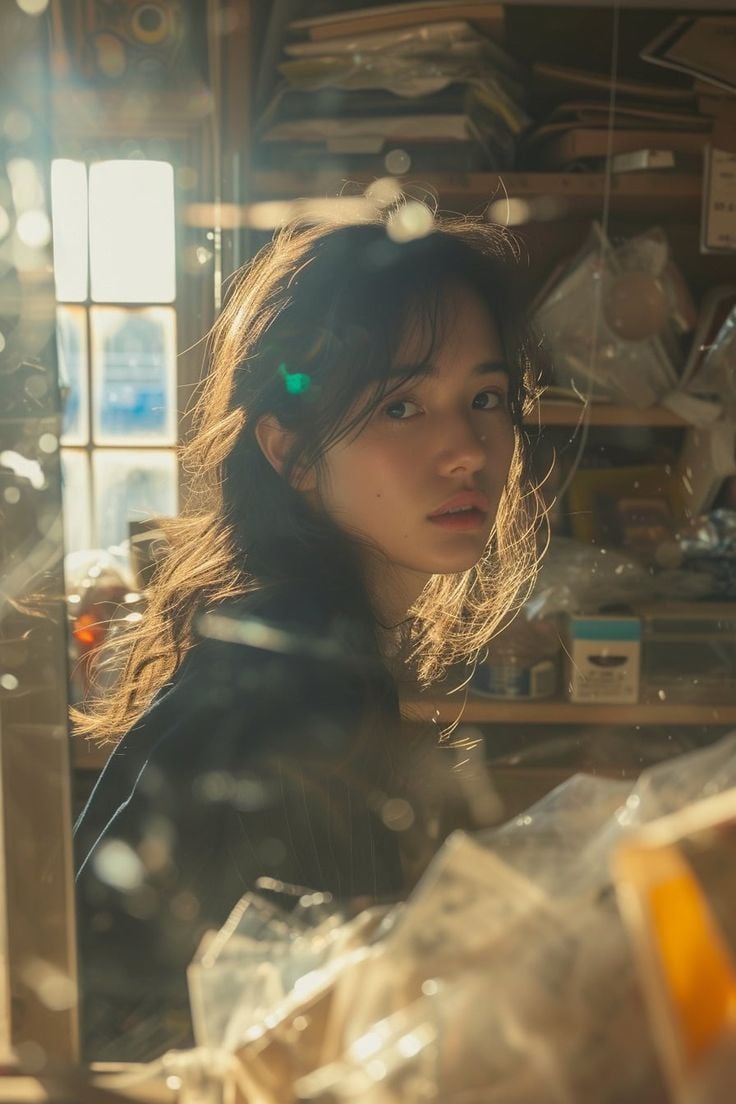
Cinematic Portrait with Backlighting and Clutter
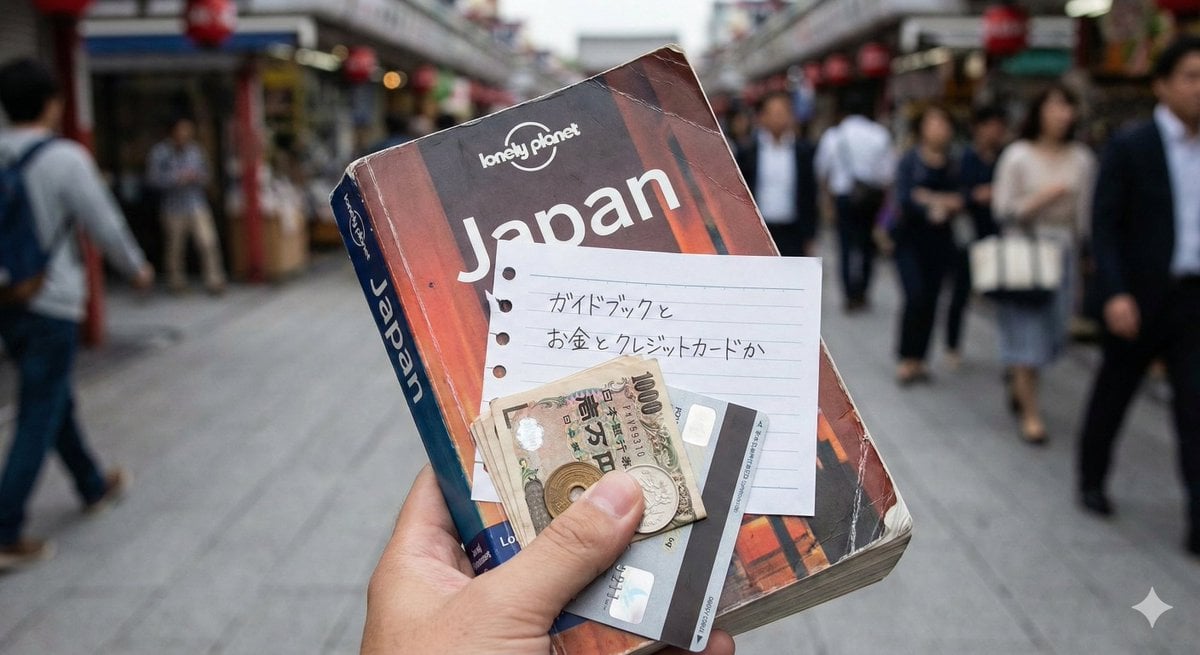
Japanese Text Generation Test Prompt
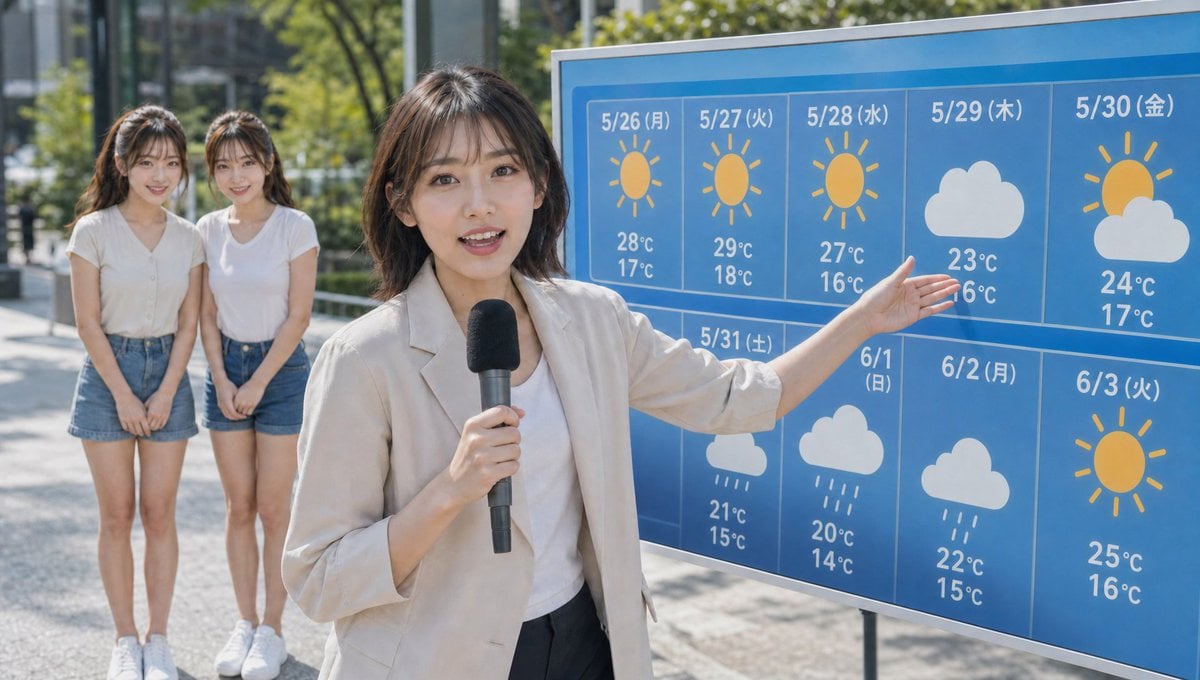
Live TV Weather Forecast Broadcast Scene

Small Angel Figure with Text Overlay
Browse template categories
Cinematic Corporate Editorial Portrait questions
How do I use the Cinematic Corporate Editorial Portrait template?
Add your photo if the template asks for one, edit the prompt if you like — the template's model and format are already selected — and press Generate. Your version opens in PicX Studio.
Can I customize the Cinematic Corporate Editorial Portrait template?
Yes. You can change the subject, setting, lighting, mood, format, and available model controls before creating your image.
Is the Cinematic Corporate Editorial Portrait template free?
Opening and editing this template is free. Generating uses credits, shown on the Generate button when you are signed in.
Which AI model should I use?
Start with GPT Image 2, which is the model associated with this template. You can compare another compatible model for a different finish.
Looking for something else? Browse all templates.

Your photo, any look
Thousands of ready templates for every top image and video model, from one credit balance.