
Japanese Romance App Ad Panels
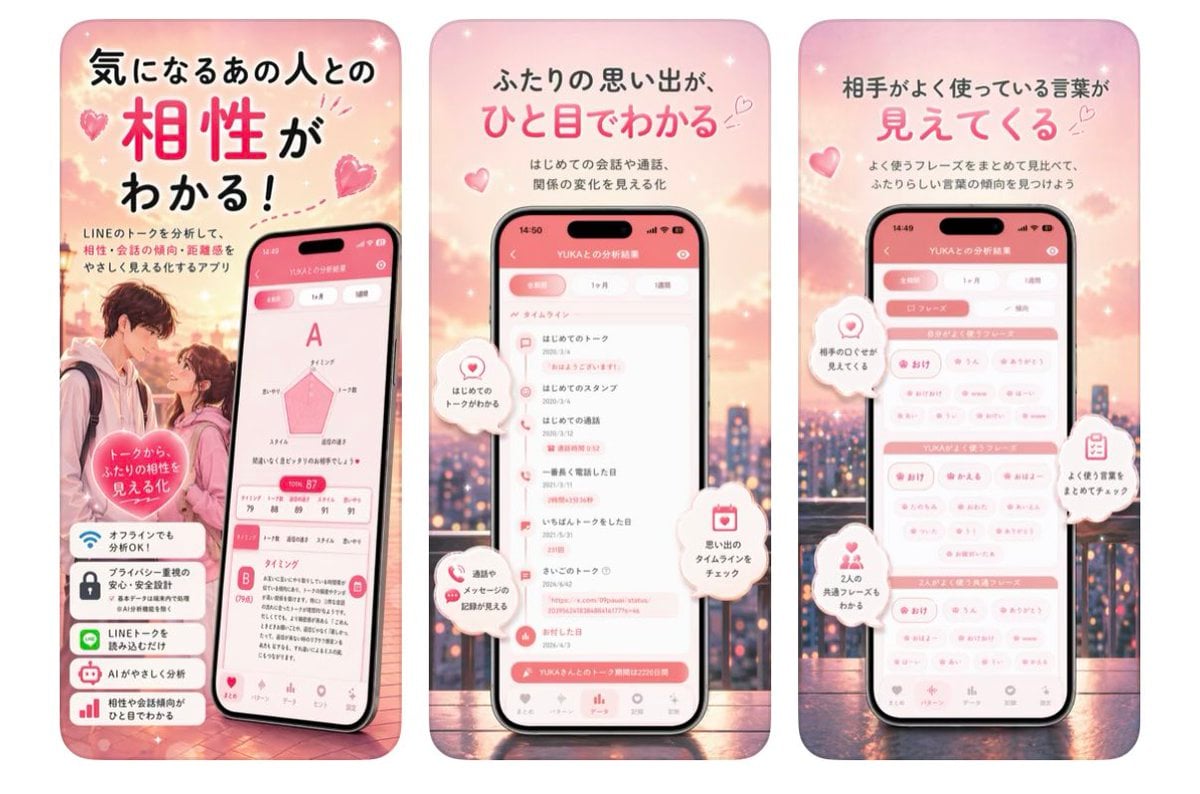
A three-panel pink Japanese mobile app advertisement showcasing relationship compatibility, timeline memories, and frequently used words.
- Prompt included
- Model and format preset
- Free template
The prompt behind this image
Copy the exact prompt behind Japanese Romance App Ad Panels, or open it in the studio and make it yours.
Goal: Create a three-panel vertical Japanese app promotion graphic for a romantic LINE-chat analysis app, using a soft pink dating aesthetic. Canvas: Wide horizontal composition containing exactly 3 tall rounded-rectangle poster panels side by side, each like a smartphone ad card. Use a dreamy sunset cityscape background with pink clouds, bokeh lights, sparkles, floating hearts, and a warm romantic glow. Overall palette is blush pink, coral, white, and soft peach. Panel 1: Left panel introduces compatibility analysis. Large Japanese headline at top: 「気になるあの人との 相性が わかる!」 with 「相性」 oversized in bright pink. Smaller copy below: 「LINEのトークを分析して、相性・会話の傾向・距離感をやさしく見える化するアプリ」. Show a blurred-face young couple standing close at lower left, and a tilted smartphone at lower right displaying a compatibility result screen with a large grade “A”, a pink radar chart, a score around 87, and detailed analysis cards. Add a pink heart badge over the couple reading 「トークから ふたりの相性を 見える化」. Add exactly 4 stacked feature cards at the bottom-left with icons and Japanese text: 1) Wi-Fi icon 「オフラインでも分析OK!」, 2) lock icon 「プライバシー重視の安心・安全設計」, 3) LINE chat icon 「LINEトークを読み込むだけ」, 4) robot icon 「AIがやさしく分析」. Panel 2: Center panel focuses on relationship timeline. Large Japanese headline: 「ふたりの思い出が、ひと目でわかる」 with 「ひと目でわかる」 in bright pink. Smaller copy: 「はじめての会話や通話、関係の変化を見る化」. Center a front-facing smartphone showing an app screen titled like 「YUKAとの分析結果」 with a pink header and a vertical timeline list. Include exactly 4 floating white speech-bubble callouts with pink icons: 1) heart icon 「はじめてのトークがわかる」, 2) chat/phone icon 「通話やメッセージの記録が見える」, 3) calendar icon 「思い出のタイムラインをチェック」, 4) small heart/spark icon near the screen indicating memories. Keep the phone UI legible but stylized, with bottom navigation icons. Panel 3: Right panel focuses on frequently used words. Large Japanese headline: 「相手がよく使っている言葉が 見えてくる」 with 「見えてくる」 in bright pink. Smaller copy: 「よく使うフレーズをまとめて見比べて、ふたりらしい言葉の傾向を見つけよう」. Center a front-facing smartphone showing a pink-and-white keyword dashboard with grouped pill tags and section bars for the user and partner. Add exactly 4 floating white callout bubbles with pink icons: 1) heart icon 「相手のことが見えてくる」, 2) clipboard icon 「よく使う言葉をまとめてチェック」, 3) two-person icon 「2人の共通フレーズもわかる」, 4) small heart bubble as decorative accent. Visual style: Polished Japanese mobile app advertisement, cute romantic UI design, glossy smartphone mockups, rounded corners, soft shadows, subtle sparkles, hearts, and bokeh. Use a clean rounded Japanese sans-serif font; emphasize key headline words in hot pink while other text is dark charcoal. Faces in the couple photo should be intentionally blurred for privacy. Constraints: Use exactly 3 poster panels, exactly 3 smartphones, exactly 4 feature cards in the first panel, and exactly 4 floating callouts in each of the second and third panels. Do not add extra panels, watermarks, QR codes, or brand logos beyond the LINE mention in the Japanese copy.
How to use Japanese Romance App Ad Panels in 3 steps
- 1Upload ImagePNG, JPG or paste
Add your photo
Upload the photo the template builds on. The prompt, model and format are already set.
- 2…a portrait of your subject in softgolden-hour light, 85mm…
Personalize
Edit the subject and creative details for your destination.
- 3Generate
Generate
Press Generate — your image is created in PicX Studio, so you can compare it with the original and refine one variable at a time.
More like this
Templates with the same subject, style or setup. Open one to see its prompt.










Make it yours
Japanese Romance App Ad Panels works as-is. These are the safest ways to change it without losing the look.
Change one field
Copy a single group, rewrite it, and generate again so you can see what that field is doing.
Keep the frame, change the subject
Hold the composition and light of Japanese Romance App Ad Panels, then swap wardrobe, props or the person for a new take.
| If the result… | Why | Fix |
|---|---|---|
| The result drifts from the preview | Too many fields changed at once. | Reuse Japanese Romance App Ad Panels as-is first, then change one group — subject, light, or setting. |
| The model over-stylizes the scene | The prose prompt leaves finish and camera underspecified. | Add one camera or lighting sentence and stay on GPT Image 2. |
More GPT Image 2 templates
Other prompts made for GPT Image 2.

Six VTuber Japanese Logo Sheet

Realistic Portrait of Woman and Deer

The Vista Modular Condo Poster

AI Model Routing Comparison Infographic

2.5D Anime Art Board

Isometric Productivity Desk Scene

New York Double Exposure Poster

Four-Panel AI Landscape Comparison

Japanese Tatami Lifestyle Magazine Cover

NESCAFÉ Coffee Map Poster
More image prompts
Fresh picks from across the catalog.
Editorial 3x3 Photo Grid of Intimate Portraits
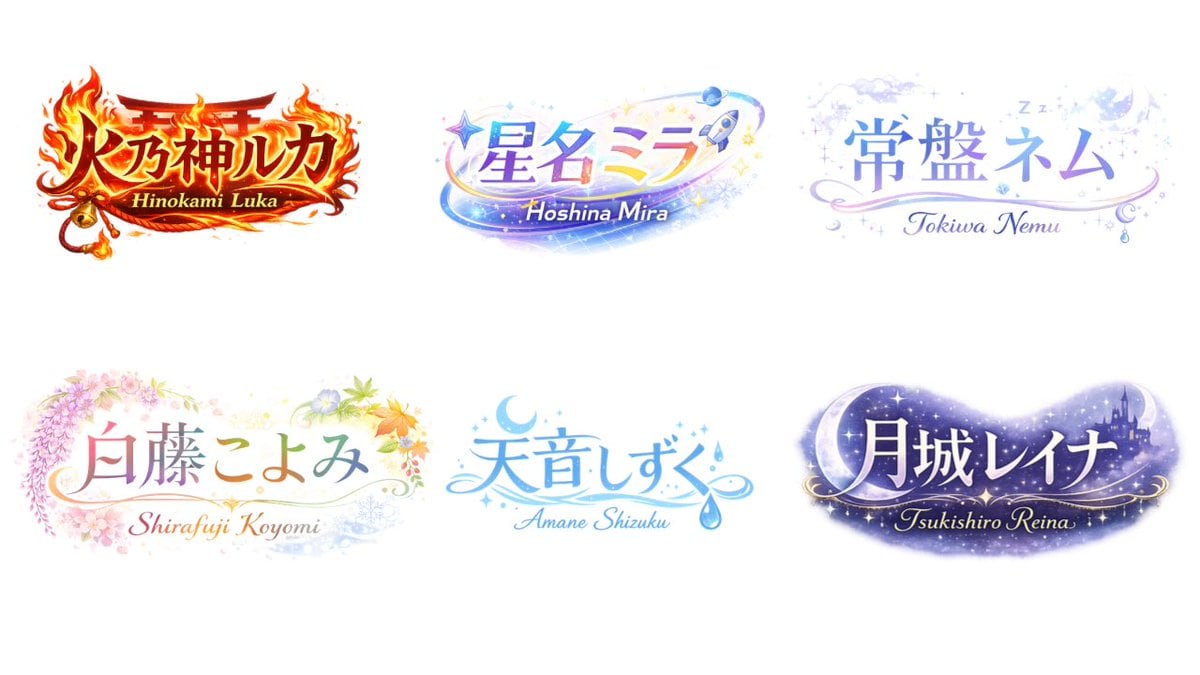
VTuber Logo Concept Grid
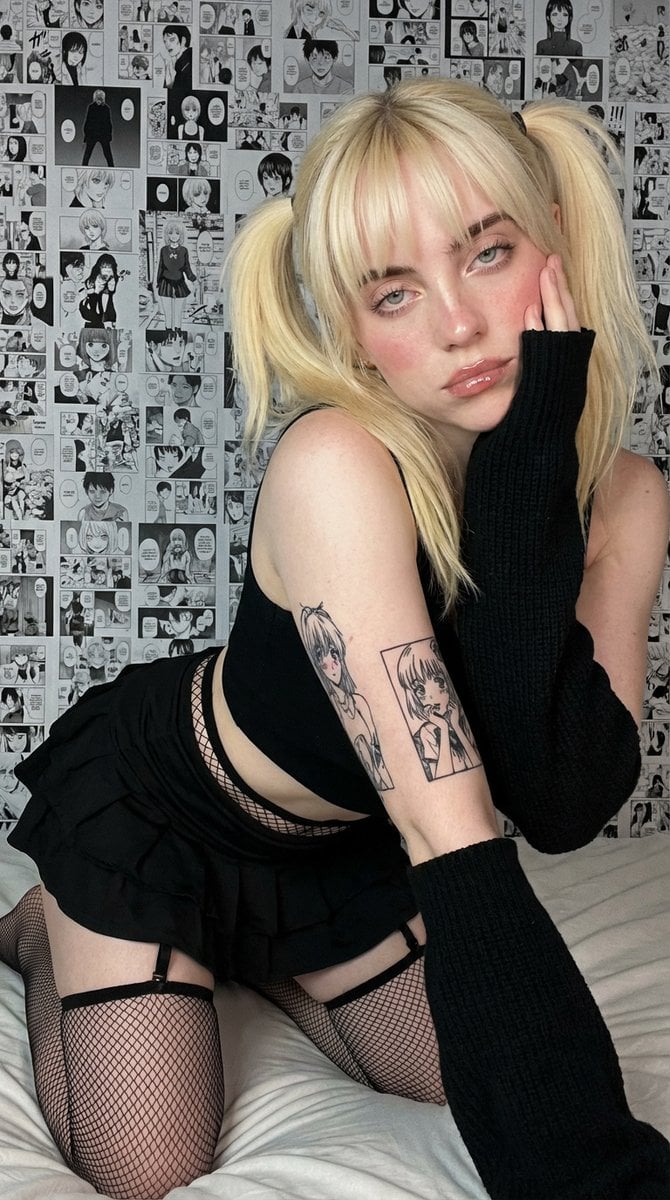
Anime-Inspired Manga Wall Portrait

Cinematic Raining Money Portrait

Candid Night-Time Street Style Photo with Roses
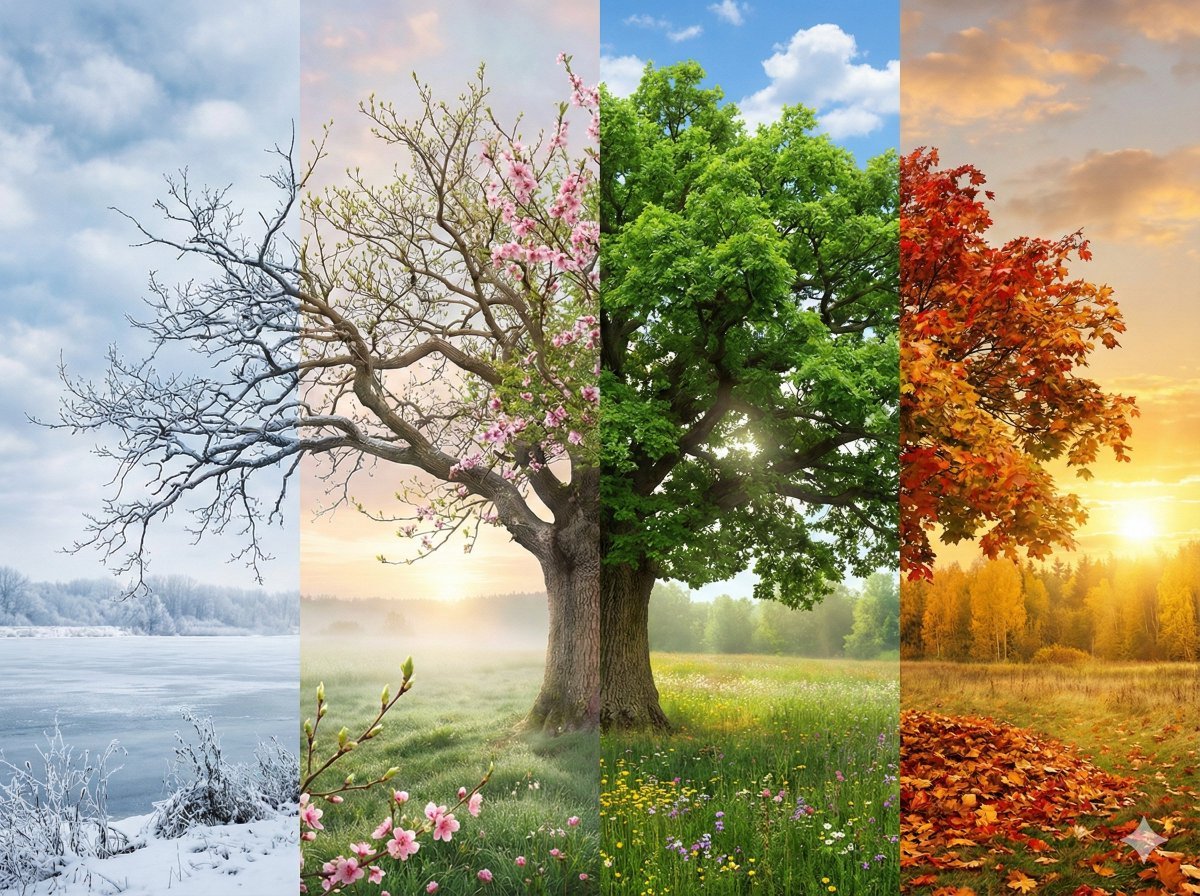
Seamless Four Seasons Panorama of Shanghai Bund

8K 3D Illustration of Anthropomorphic Bees (Gym and Relaxing)

Clean Minimal Studio Portrait with Playful Wink
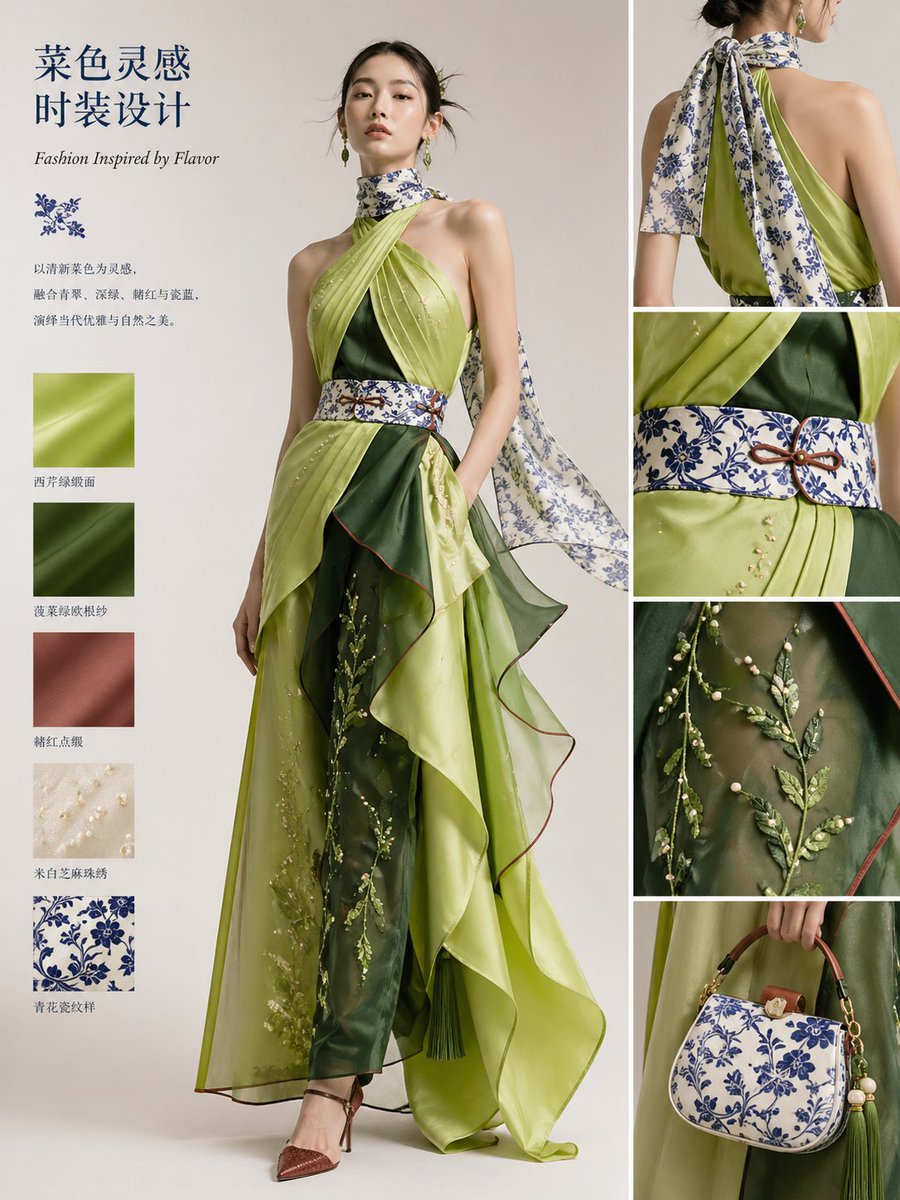
Dish-to-Couture Fashion Board
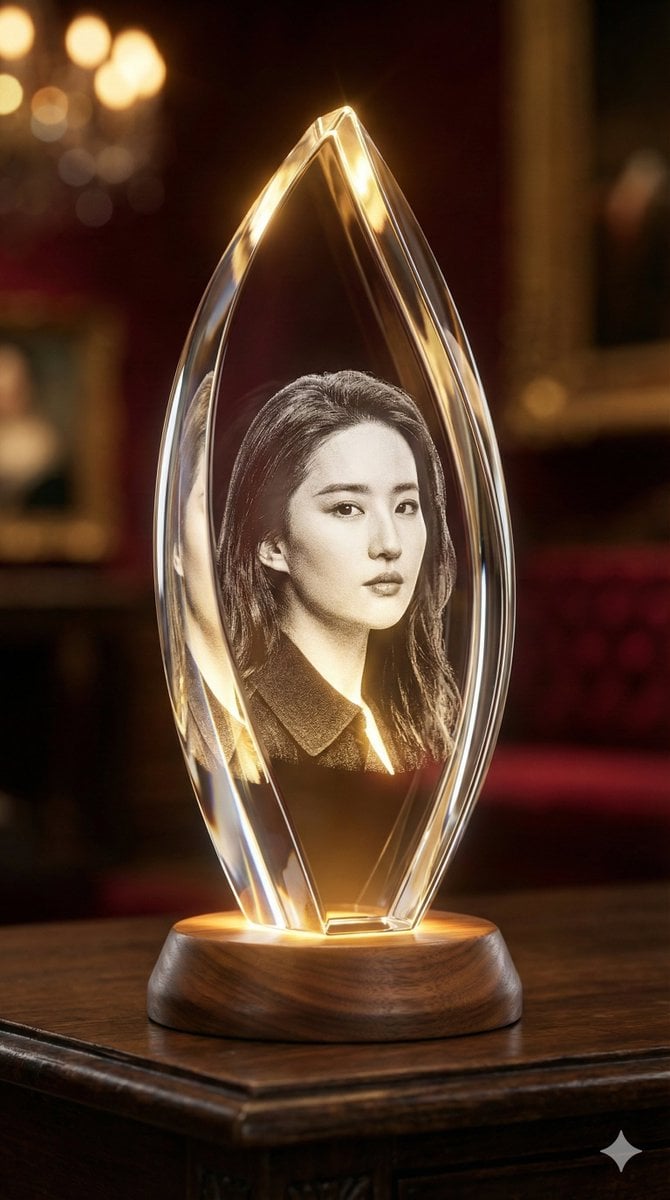
3D Laser-Engraved Crystal Ornament Generator
Browse template categories
Japanese Romance App Ad Panels questions
How do I use the Japanese Romance App Ad Panels template?
Add your photo if the template asks for one, edit the prompt if you like — the template's model and format are already selected — and press Generate. Your version opens in PicX Studio.
Can I customize the Japanese Romance App Ad Panels template?
Yes. You can change the subject, setting, lighting, mood, format, and available model controls before creating your image.
Is the Japanese Romance App Ad Panels template free?
Opening and editing this template is free. Generating uses credits, shown on the Generate button when you are signed in.
Which AI model should I use?
Start with GPT Image 2, which is the model associated with this template. You can compare another compatible model for a different finish.
Looking for something else? Browse all templates.

Your photo, any look
Thousands of ready templates for every top image and video model, from one credit balance.