
3D Laser-Engraved Crystal Ornament Generator
A comprehensive, structured prompt defining an AI role as an expert product photographer and art director.
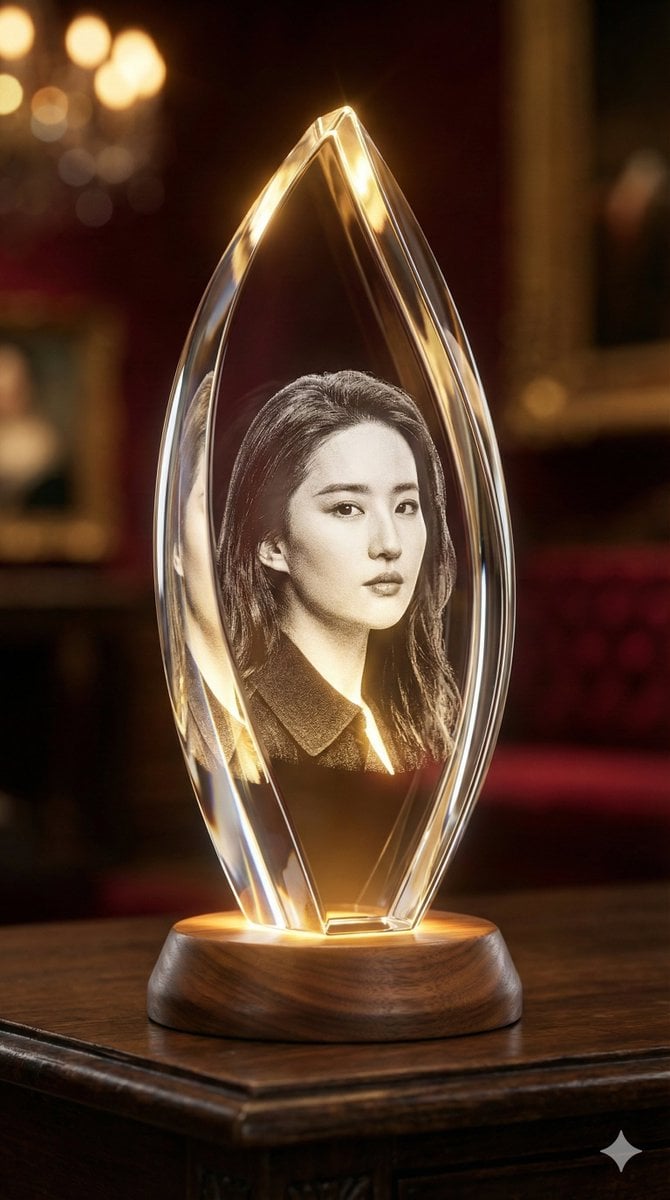
- Prompt included
- Model and format preset
- Premium template
The prompt behind this image
Copy the exact prompt behind 3D Laser-Engraved Crystal Ornament Generator, or open it in the studio and make it yours.
My Subject: {argument name="subject name" default="主题名称"} 图片比例:9:16 # Role Definition: You are an expert product photographer and creative art director specializing in high-end luxury goods. Your sole task is to generate a photorealistic image of a custom 3D subsurface laser-engraved crystal ornament based on a simple subject provided by the user. # Core Directive: The user will provide only the [Subject]. You must autonomously analyze this subject to determine the most aesthetically appropriate and enhancing configuration for the entire scene. You must decide on the crystal's shape, the base material, the surrounding environment, and the lighting mood to best complement the vibe of the user's subject. # Creative Analysis Logic (Art Director Instructions): Analyze the Vibe: Is the subject elegant (e.g., ballerina, swan), cozy (e.g., sleeping cat, family photo), powerful (e.g., lion, sports car), or architectural? Determine Crystal Shape: Elegant/Tall Subjects -> Use a tall, multi-faceted prism or diamond shape to enhance verticality. Solid/Cozy Subjects -> Use a hefty, thick rectangular block or cube to convey weight and warmth. Dynamic Subjects -> Use complex geometric shapes with many bevels to refract light dramatically. Determine Environment & Lighting: Elegant Vibe: Place it in a luxurious, dark, moody environment (art gallery, velvet study). Use dramatic, cool ambient light contrasting with warmth from the base. Cozy/Warm Vibe: Place it in a homey, soft environment (wooden desk, near a fireplace). Use warm, soft, golden-hour lighting with cozy bokeh. Modern/Tech Vibe: Place it on a sleek, minimalist surface (polished concrete, dark glass). Use clean, neutral lighting. # Image Generation Template (Mandatory Technical Specs): Whatever artistic choices you make based on the logic above, the final image MUST adhere to these technical specifications to ensure a realistic "3D Laser Engraving" look: Engraving Style: The subject inside must NOT look like a solid 3D print. It MUST be described as a "volumetric white point-cloud engraving," having a "frosty, granular, subsurface texture" made of millions of micro-cracks inside the glass. Lighting Interaction: The engraving must "glow brilliantly from within," illuminated entirely by warm, golden LED light originating from the base beneath it. Material: The crystal must be heavy, clear, flawless K9 optical glass with beveled edges that catch and split the light. Photography Style: Cinematic product photograph, macro lens, extremely shallow depth of field (bokeh), 8k resolution, hyper-detailed. # Input Process: I will now provide the subject. You will instantly apply the creative logic and generate the final image.
How to use 3D Laser-Engraved Crystal Ornament Generator in 3 steps
- 1
Open
The prompt is already in the box next to the preview, with the template's model and format selected.
- 2…a portrait of your subject in softgolden-hour light, 85mm…
Personalize
Edit the subject and creative details for your destination.
- 3Generate
Generate
Press Generate — your image is created in PicX Studio, so you can compare it with the original and refine one variable at a time.
More like this
Templates with the same subject, style or setup. Open one to see its prompt.
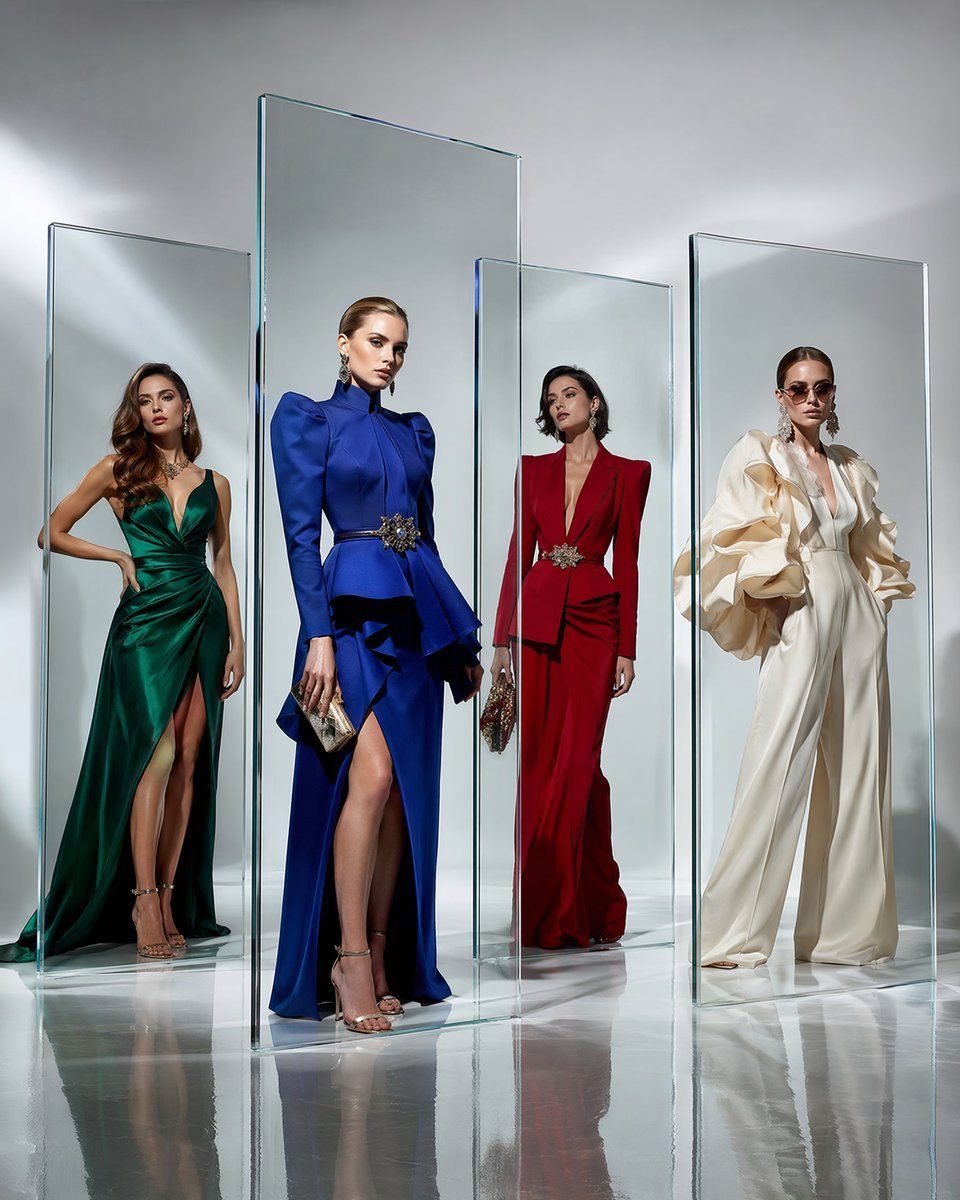
Crystal Panel European Couture Fashion Composite
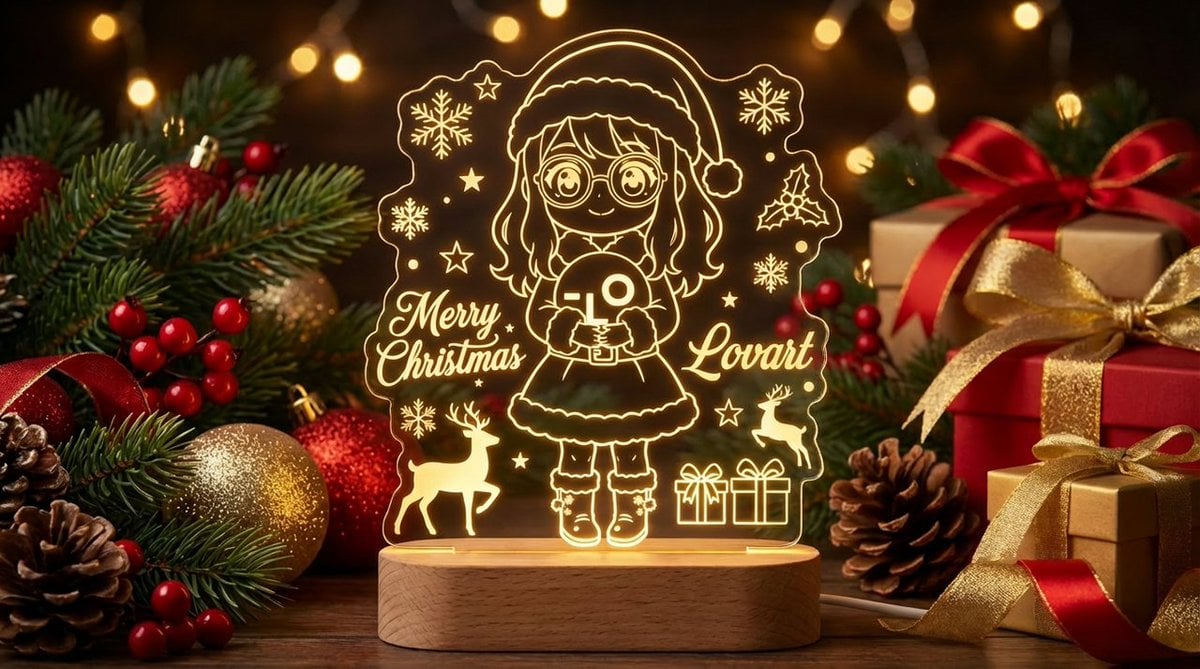
Laser Engraved Acrylic LED Stand Product Photography Prompt

Christmas Ornament Portrait Glossy Glass Resin Finish with Hand Painted Details Holiday Lighting
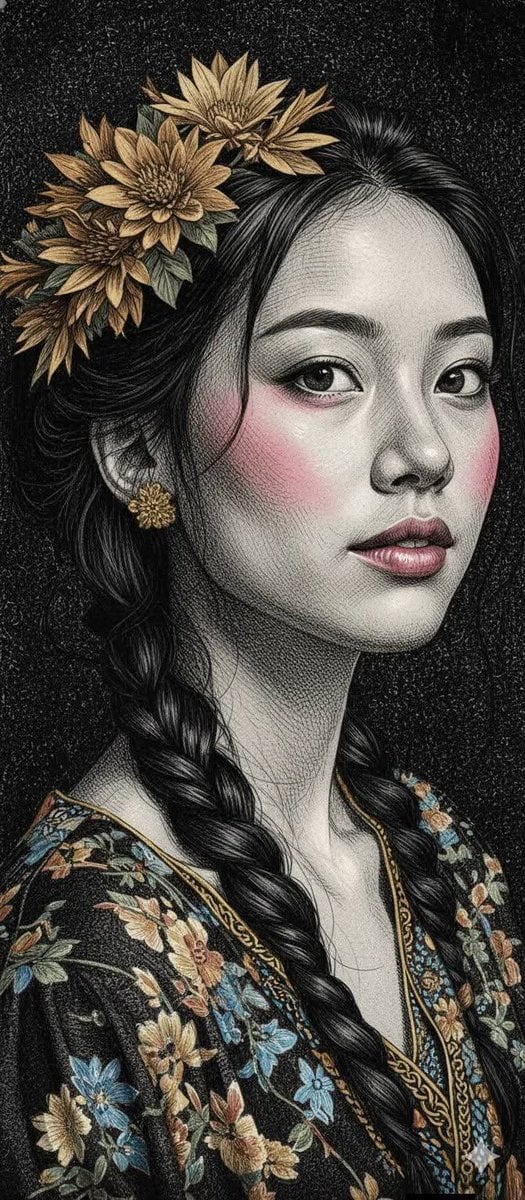
Engraved Surreal Illustration Portrait
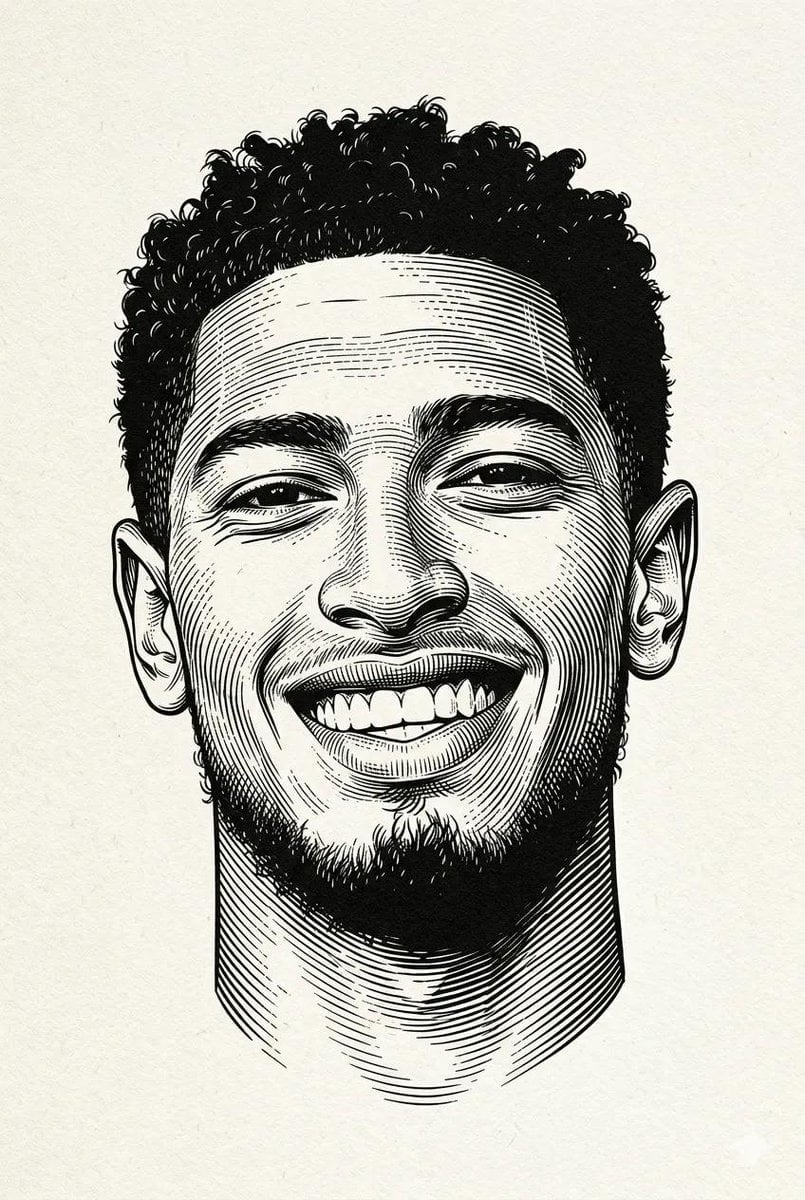
Black and white engraved portrait illustration of a person
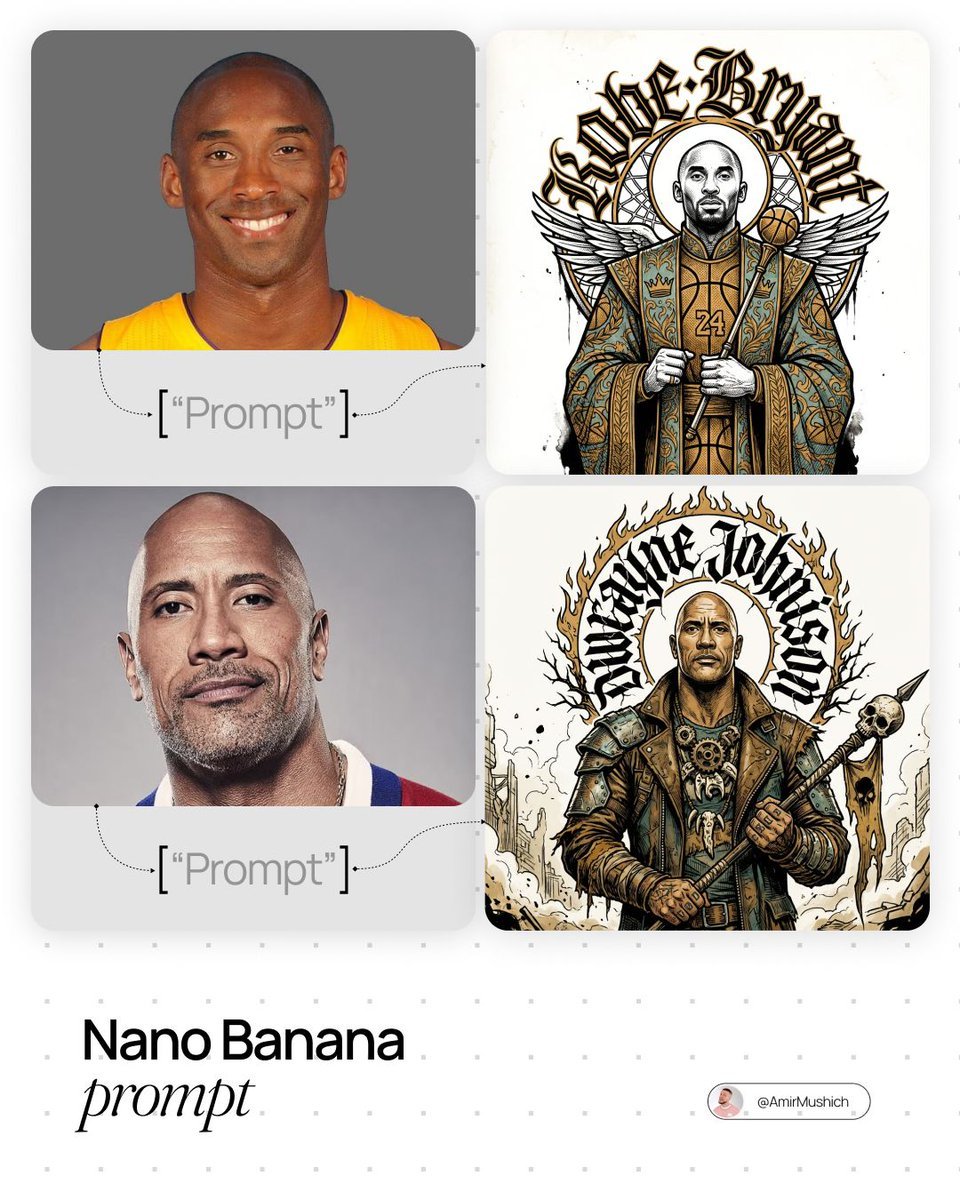
In stiff, ornamental ceremonial attire
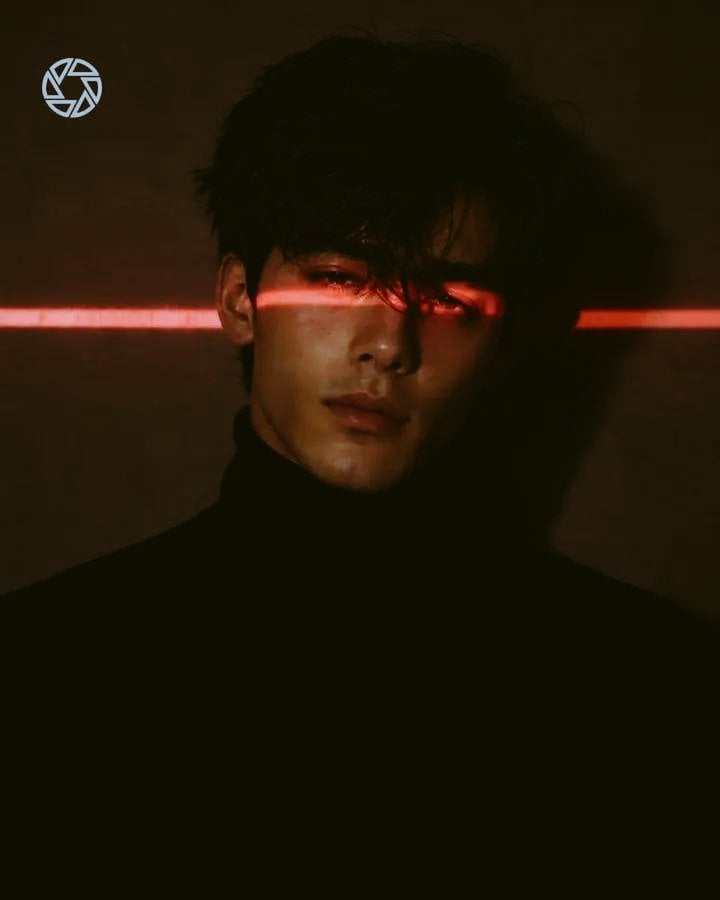
Cyberpunk Laser Eye Editorial Portrait
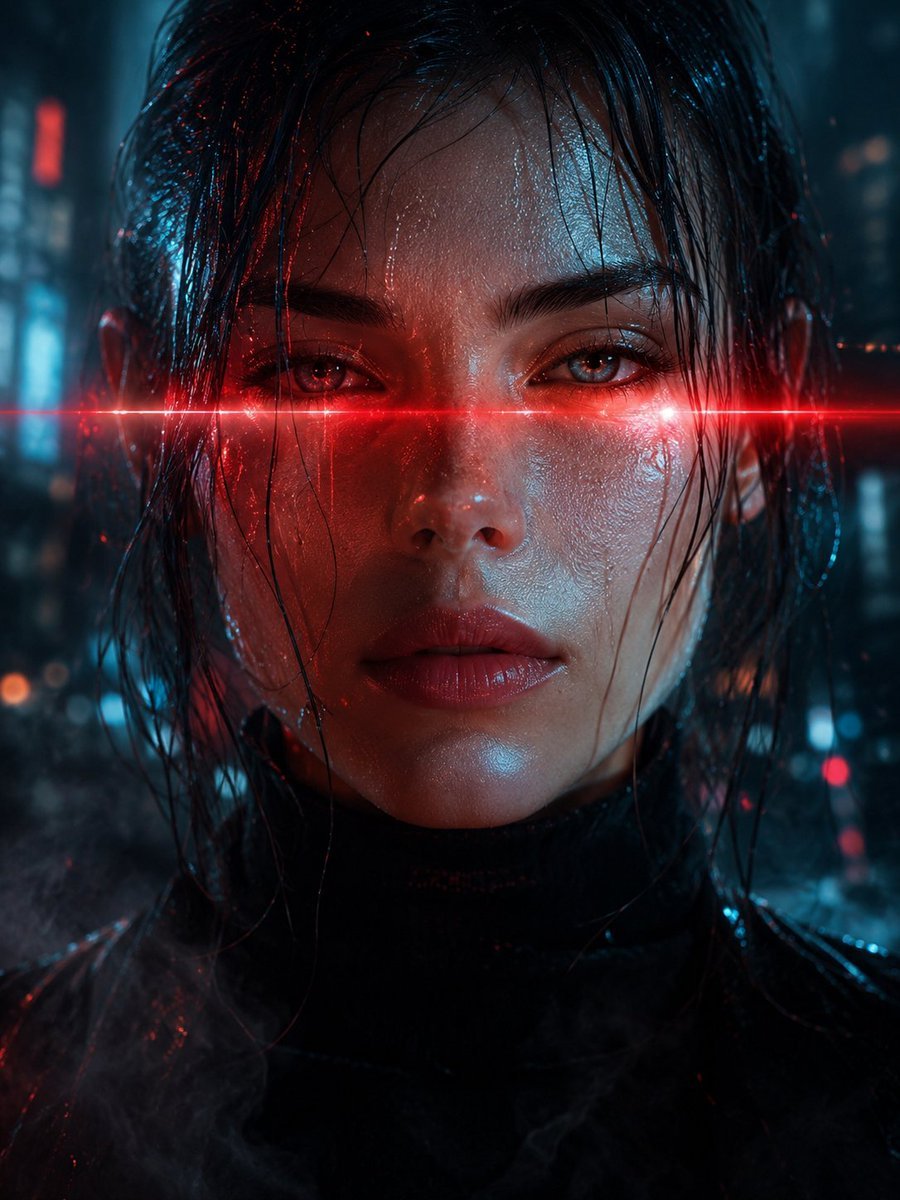
Cyberpunk Laser Eye Portrait
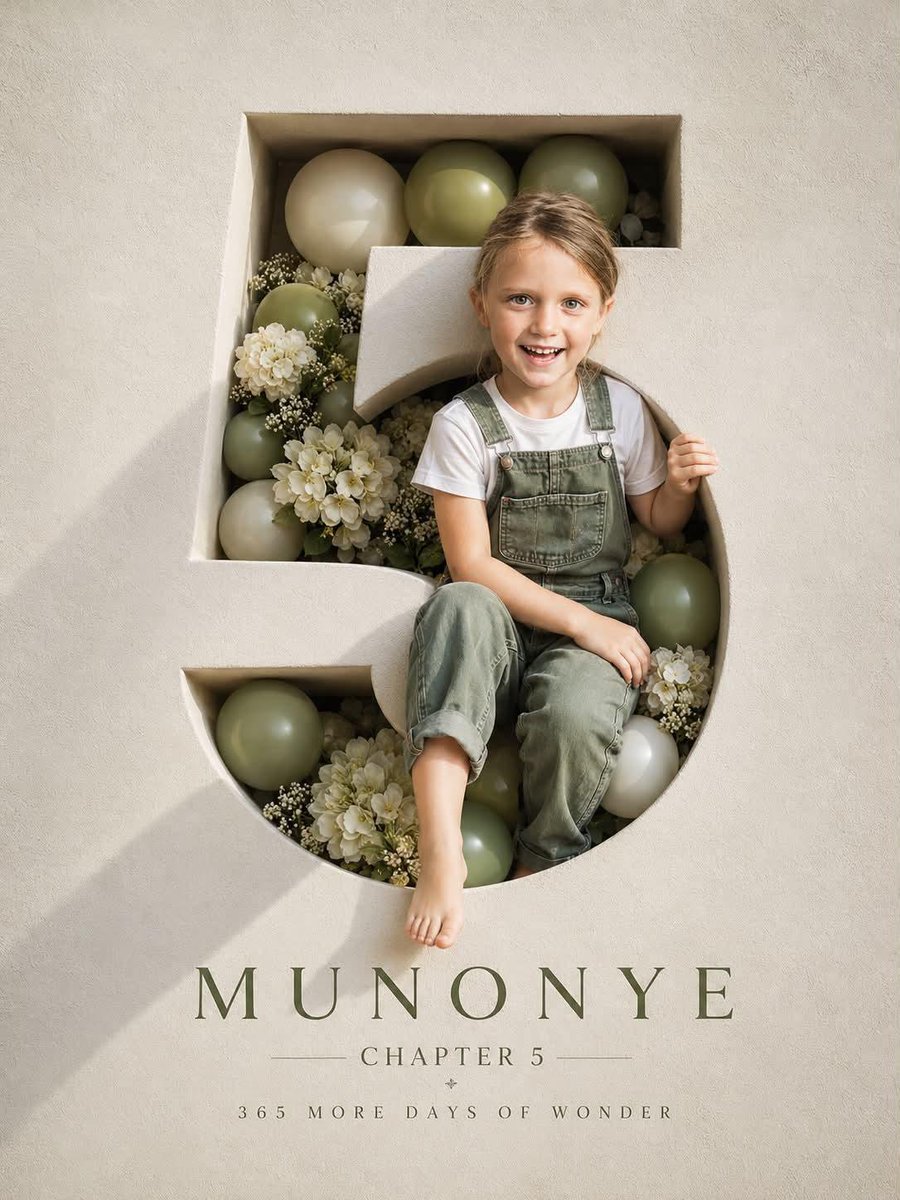
Luxury 3D Engraved Birthday Poster
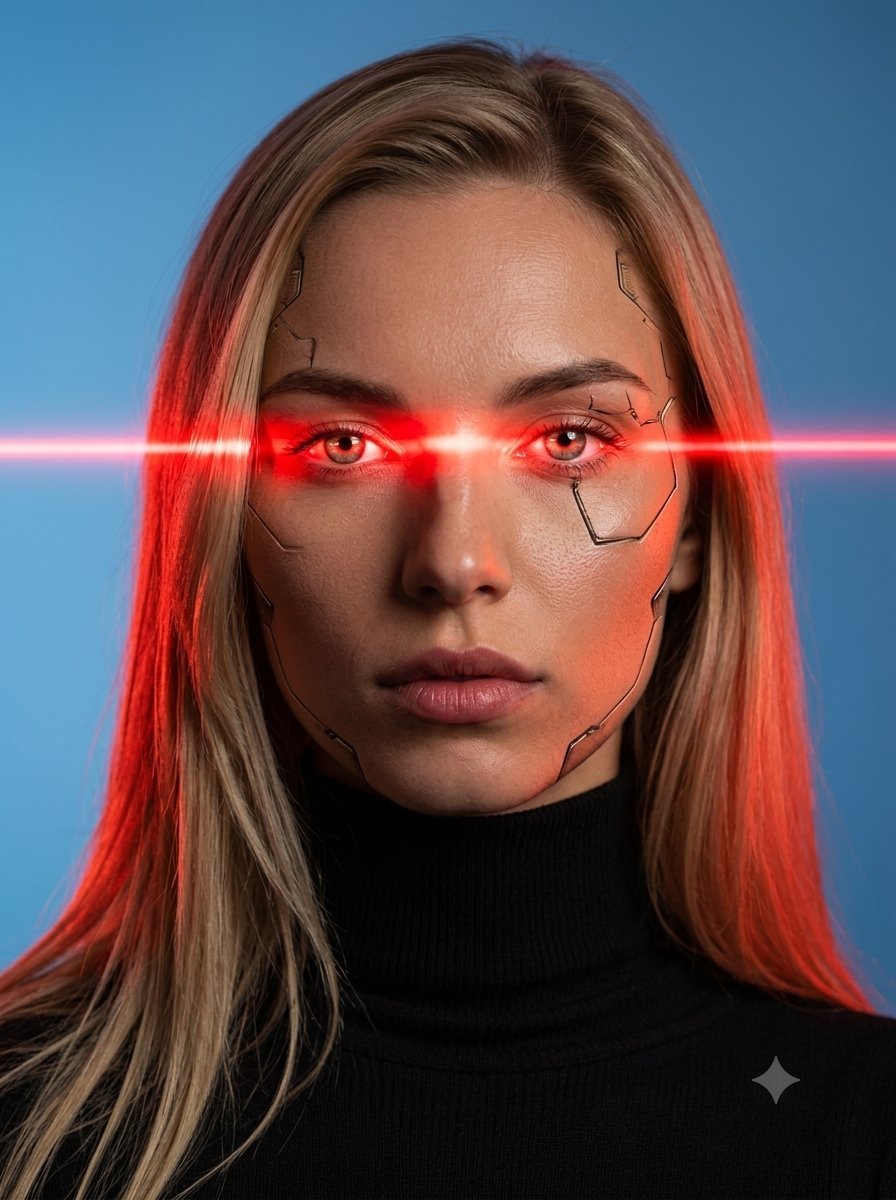
Female Android Studio Portrait with Laser Eyes
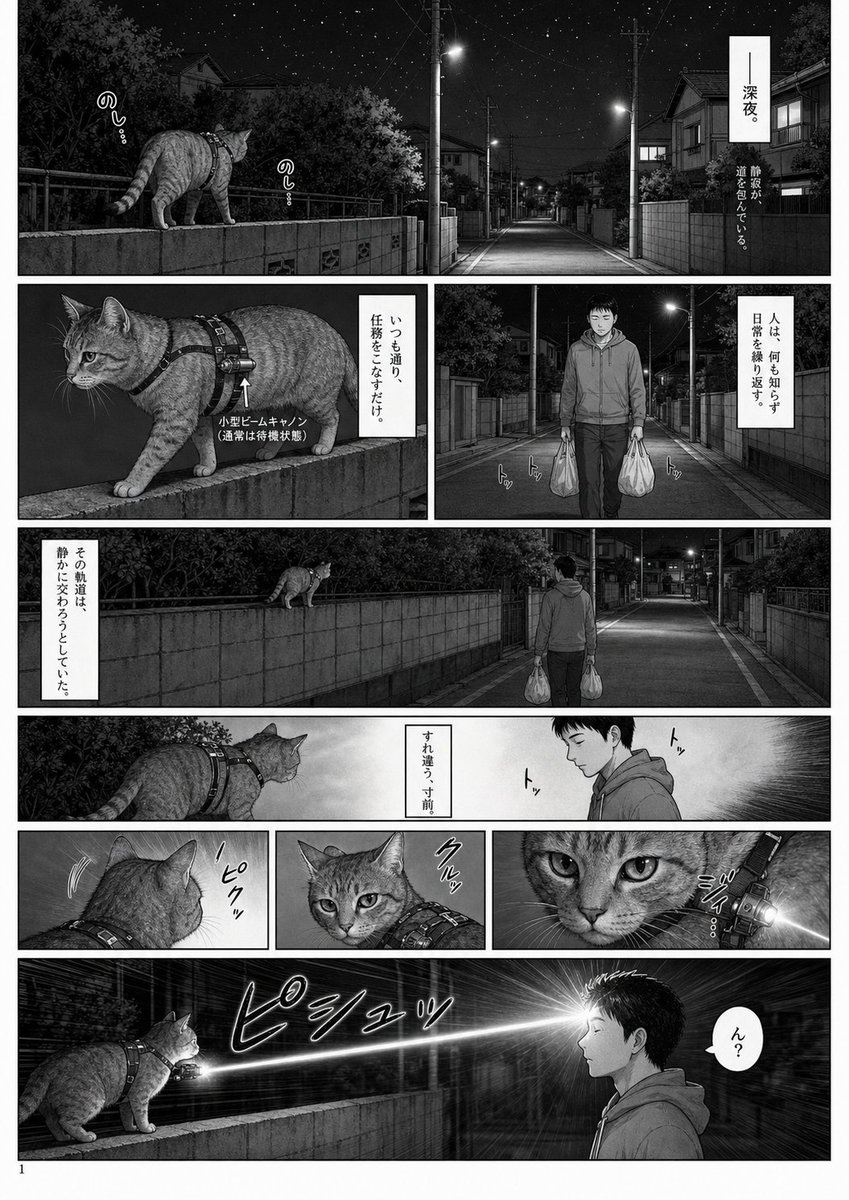
Midnight Laser Cat Manga Page
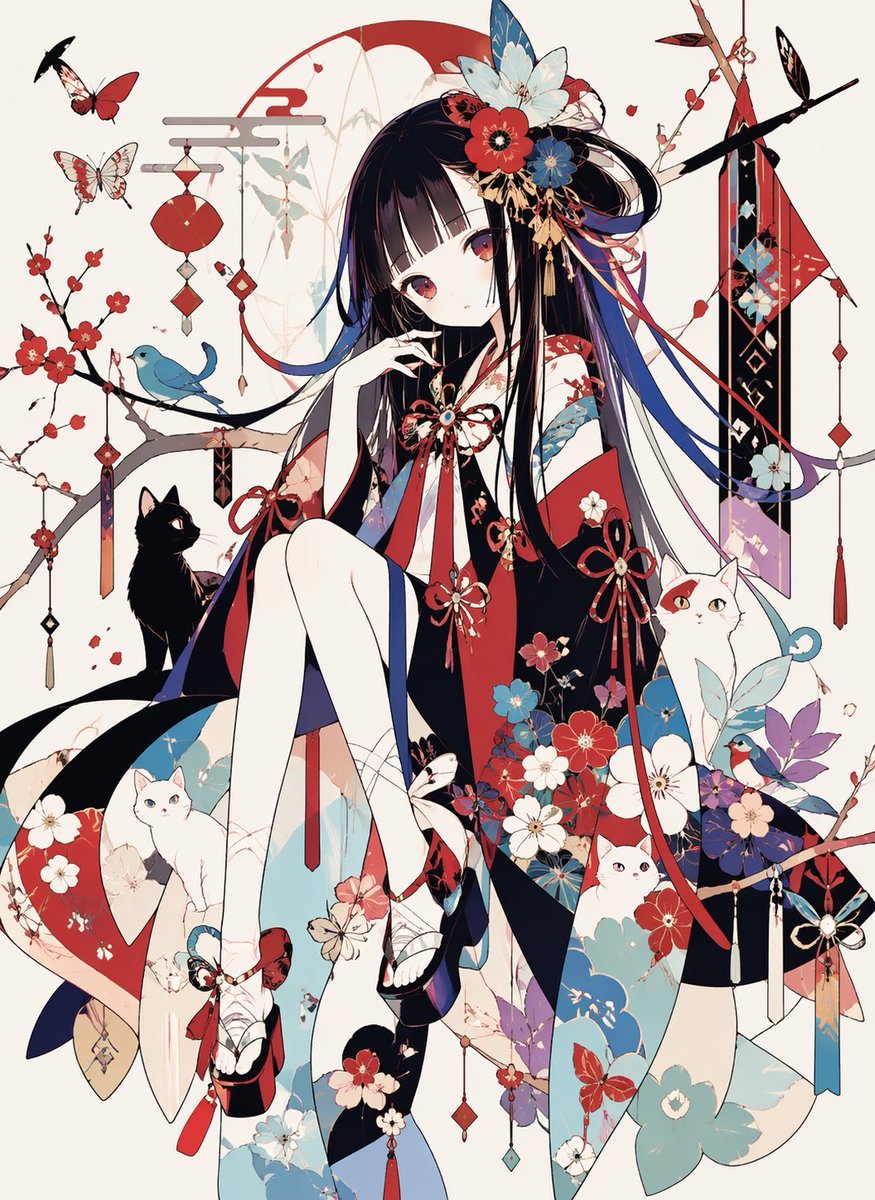
Ornamental Kimono Girl with Cats
Make it yours
3D Laser-Engraved Crystal Ornament Generator works as-is. These are the safest ways to change it without losing the look.
Change one field
Copy a single group, rewrite it, and generate again so you can see what that field is doing.
Keep the frame, change the subject
Hold the composition and light of 3D Laser-Engraved Crystal Ornament Generator, then swap wardrobe, props or the person for a new take.
| If the result… | Why | Fix |
|---|---|---|
| The result drifts from the preview | Too many fields changed at once. | Reuse 3D Laser-Engraved Crystal Ornament Generator as-is first, then change one group — subject, light, or setting. |
| The model over-stylizes the scene | The prose prompt leaves finish and camera underspecified. | Add one camera or lighting sentence and stay on Nano Banana 2. |
More Nano Banana 2 templates
Other prompts made for Nano Banana 2.

Photorealistic Leaf Shaped Like a Dragon

K-Pop Idol Portrait Grid for Rapid Selection

Poetic Rain Forest Portrait During Golden Hour

Urban Street Portrait with Cartoon Inner Self Duo

Candid Nighttime Photo with Cat Prompt

High-Concept 3D Diorama Generation Prompt

Cinematic Futuristic Studio Portrait Template

Skincare Editorial Photography Collage Prompt

Hyper-Realistic Commercial Product Photography (Splash Effect)

Hyper-Realistic Nightclub Portrait Prompt
More image prompts
Fresh picks from across the catalog.
Commercial Product Photography: Soda Splash Series
90s Anime Style Elf Warrior
Master Model Maker Concept Template
Cute Plush Animal Trio
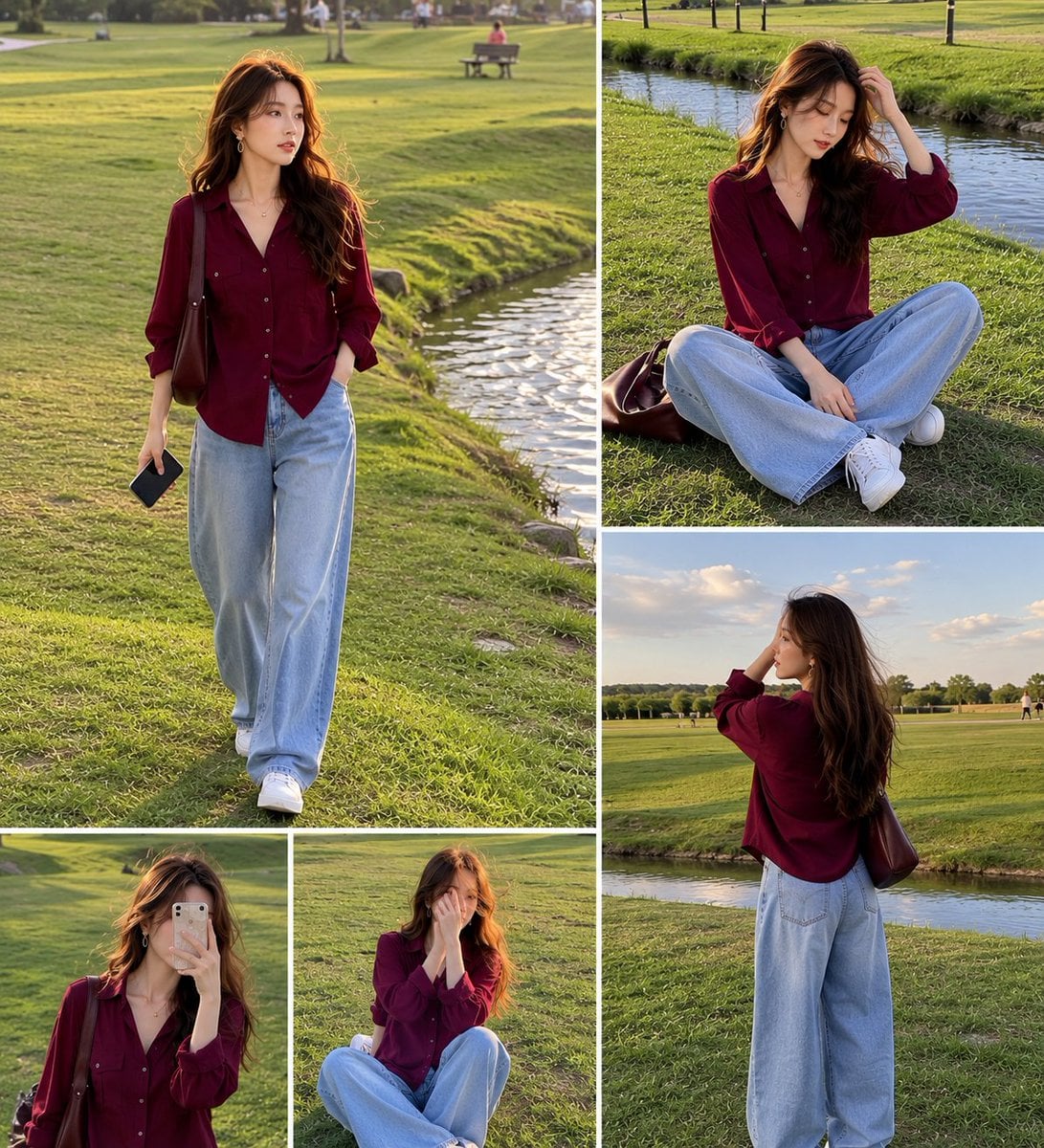
Lifestyle Fashion Collage of a Young Woman
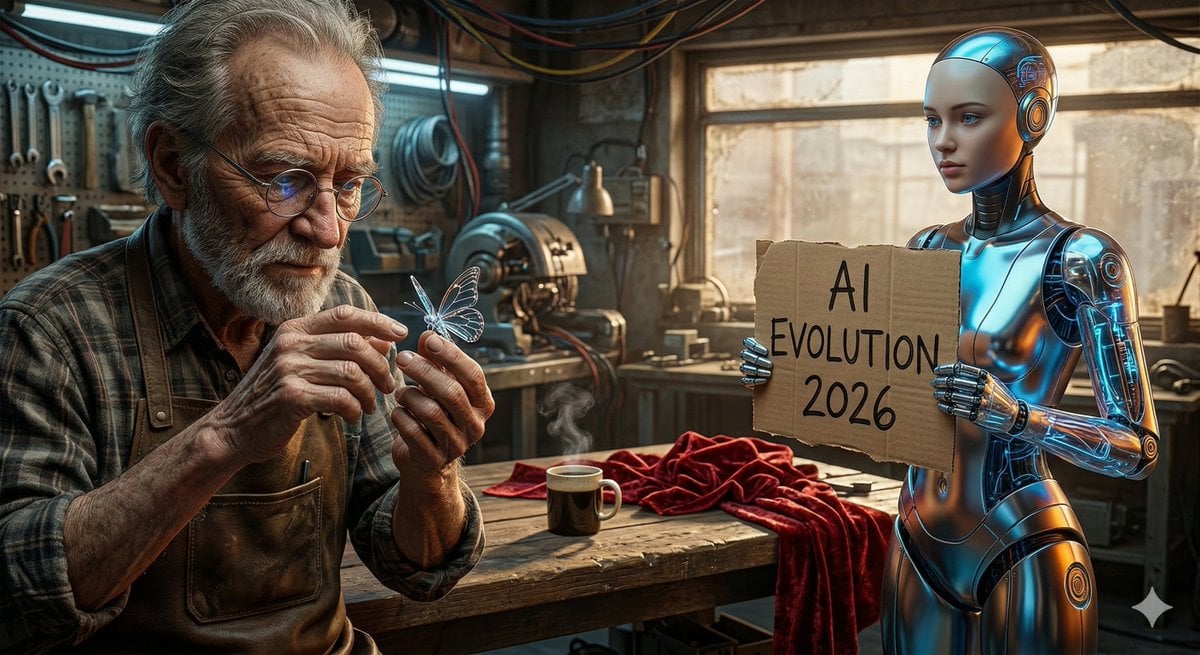
Benchmark Prompt for Nano Banana/Gemini Image Generation
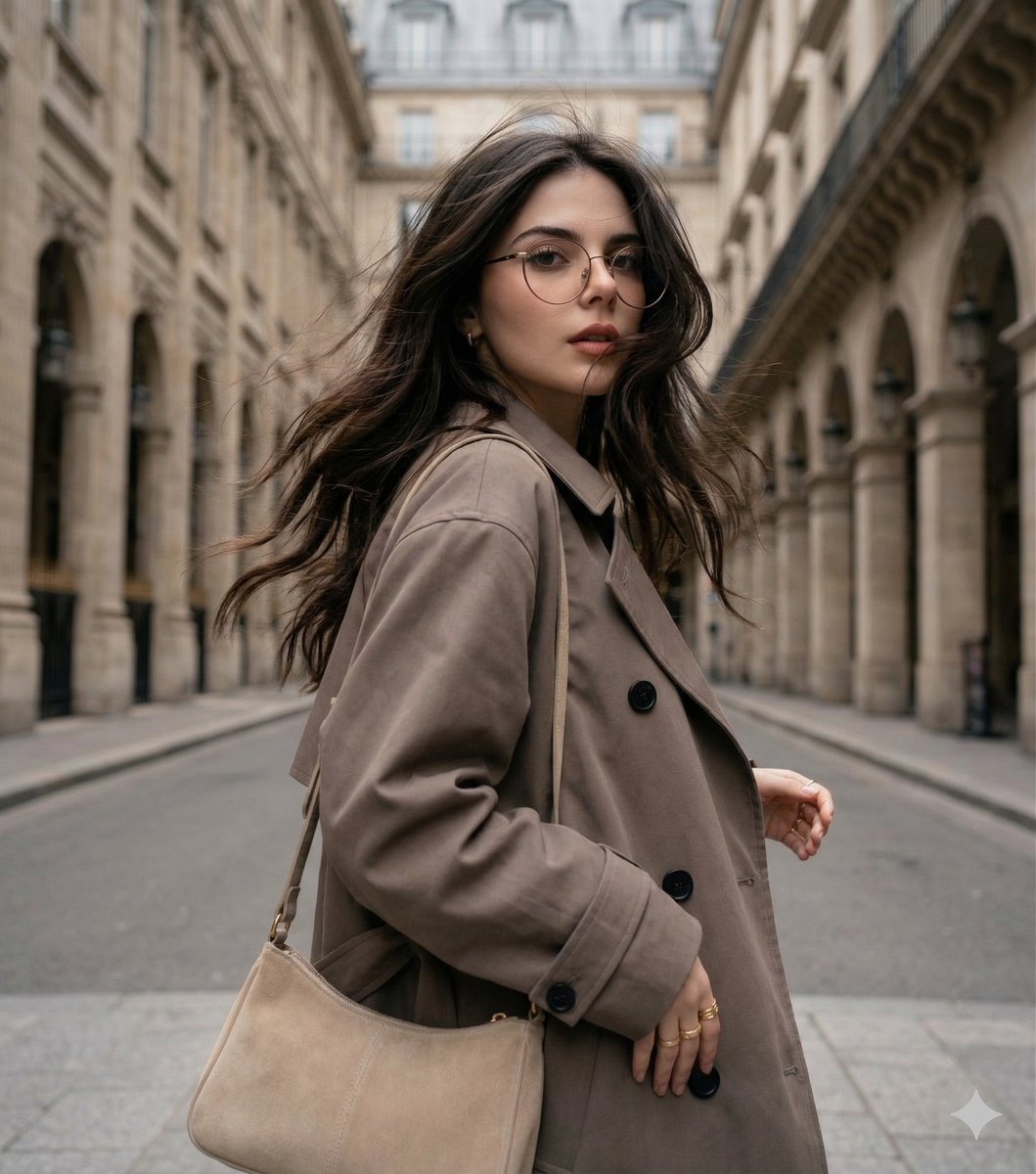
Windswept woman in a trench coat in a European street
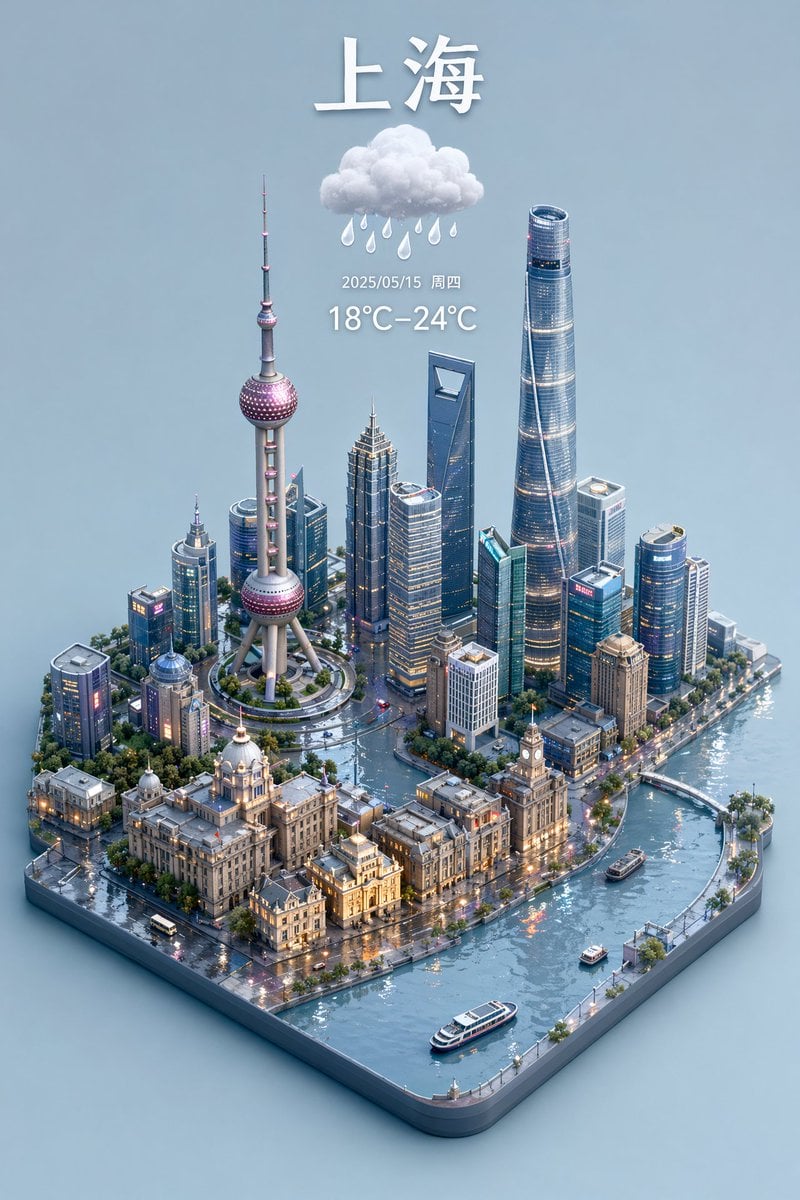
3D Isometric Miniature City Weather Map
Neon Anime Idol Fan Poster
Japanese Cosmetic Ad Truck
Browse template categories
3D Laser-Engraved Crystal Ornament Generator questions
How do I use the 3D Laser-Engraved Crystal Ornament Generator template?
Add your photo if the template asks for one, edit the prompt if you like — the template's model and format are already selected — and press Generate. Your version opens in PicX Studio.
Can I customize the 3D Laser-Engraved Crystal Ornament Generator template?
Yes. You can change the subject, setting, lighting, mood, format, and available model controls before creating your image.
Is the 3D Laser-Engraved Crystal Ornament Generator template free?
Opening and editing this template is free. Generating uses credits, shown on the Generate button when you are signed in.
Which AI model should I use?
Start with Nano Banana 2, which is the model associated with this template. You can compare another compatible model for a different finish.
Looking for something else? Browse all templates.

Your photo, any look
Thousands of ready templates for every top image and video model, from one credit balance.