
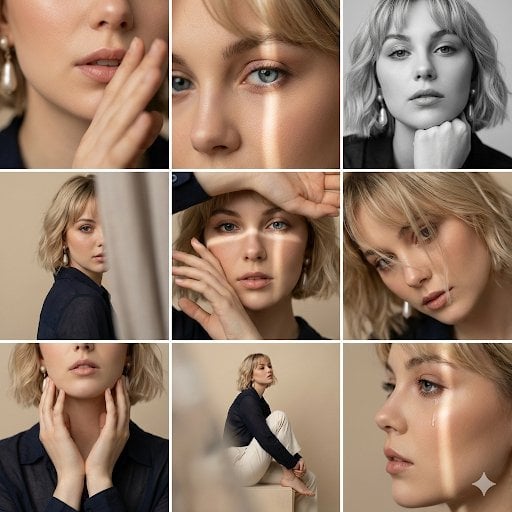
Editorial 3x3 Photo Grid of Intimate Portraits
A highly detailed prompt for generating a 3x3 photo grid of intimate, introspective editorial portraits in a soft beige studio, specifying nine different close-up compositions, camera angles, lens settings, and lighting…
- Prompt included
- Model and format preset
- Free template
The prompt behind this image
Copy the exact prompt behind Editorial 3x3 Photo Grid of Intimate Portraits, or open it in the studio and make it yours.
Editorial 3x3 photo grid in a clean soft beige studio. Character (matches reference 100%) wearing lightweight dark navy shirt, ivory trousers, barefoot for raw simplicity. Lighting: large diffused key light directly front-right, silver reflector left, subtle rim from top. Shots to include: 1. extreme close-up of lips + cheekbone with blurred hand partially covering (85mm, f/1.8, razor-thin DOF); 2. tight crop on eyes looking into lens with reflection of light strip visible (85mm, f/2.0); 3. black & white close portrait resting chin on fist, face filling frame (50mm, f/2.2); 4. over-shoulder shot, blurred foreground fabric curtain framing half face (85mm, f/2.0); 5. very close frontal with hands overlapping face, light streak across eyes (50mm, f/2.5); 6. tight angled portrait showing hair falling into eyes, soft-focus background (85mm, f/2.2); 7. crop of hands touching jawline, eyes cropped out (50mm, f/3.2, detail-focused); 8. half-body seated sideways on low cube, head turned sharply away, blurred foreground (35mm, f/ 4.5); 9. intense close-up of profile with single tear-like water droplet, cinematic light slice across (85mm, f/ 1.9). Angles: mostly tight headshots with slight high/low tilts, maintaining variation. Capture RAW, professional muted grade, smooth tonal contrast, subtle cinematic grain. Mood: intimate, introspective, character-led editorial minimalism with delicate use of fabric as prop.
How to use Editorial 3x3 Photo Grid of Intimate Portraits in 3 steps
- 1
Open
The prompt is already in the box next to the preview, with the template's model and format selected.
- 2…a portrait of your subject in softgolden-hour light, 85mm…
Personalize
Edit the subject and creative details for your destination.
- 3Generate
Generate
Press Generate — your image is created in PicX Studio, so you can compare it with the original and refine one variable at a time.
More like this
Templates with the same subject, style or setup. Open one to see its prompt.

Korean Luxury Fashion Editorial 2x2 Grid Series
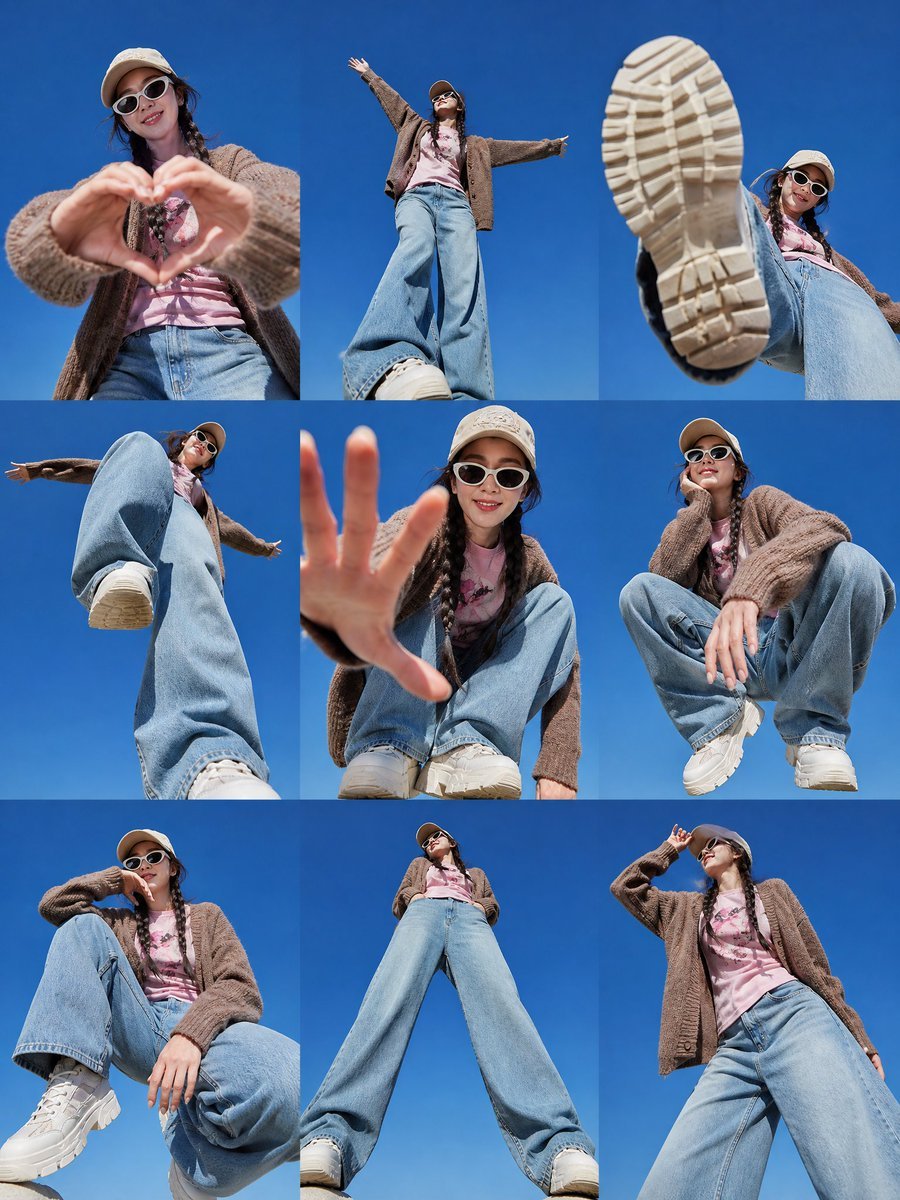
Korean Fashion 3x3 Editorial Sheet

A 3x3 grid storyboard contact sheet comprised of nine candid, cinematic
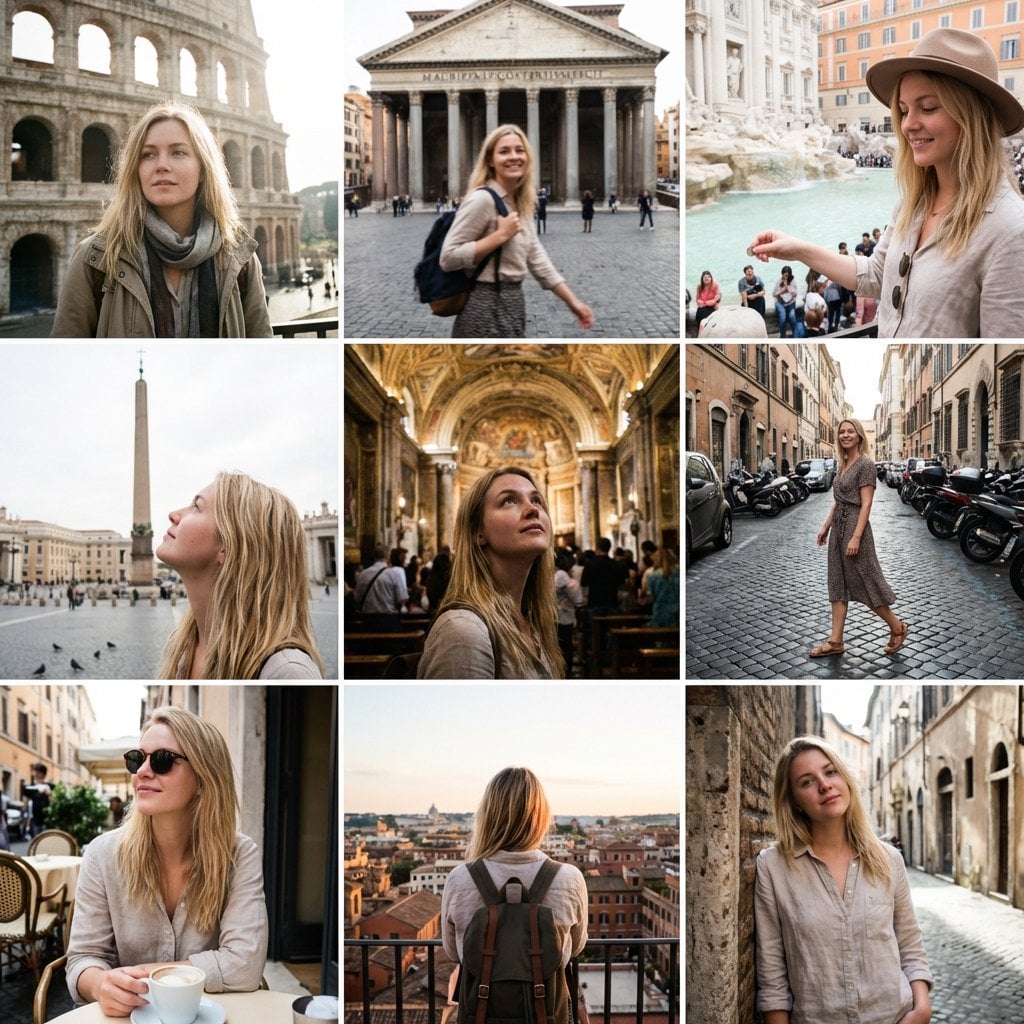
3x3 Instagram-style grid of low-quality smartphone photos featuring
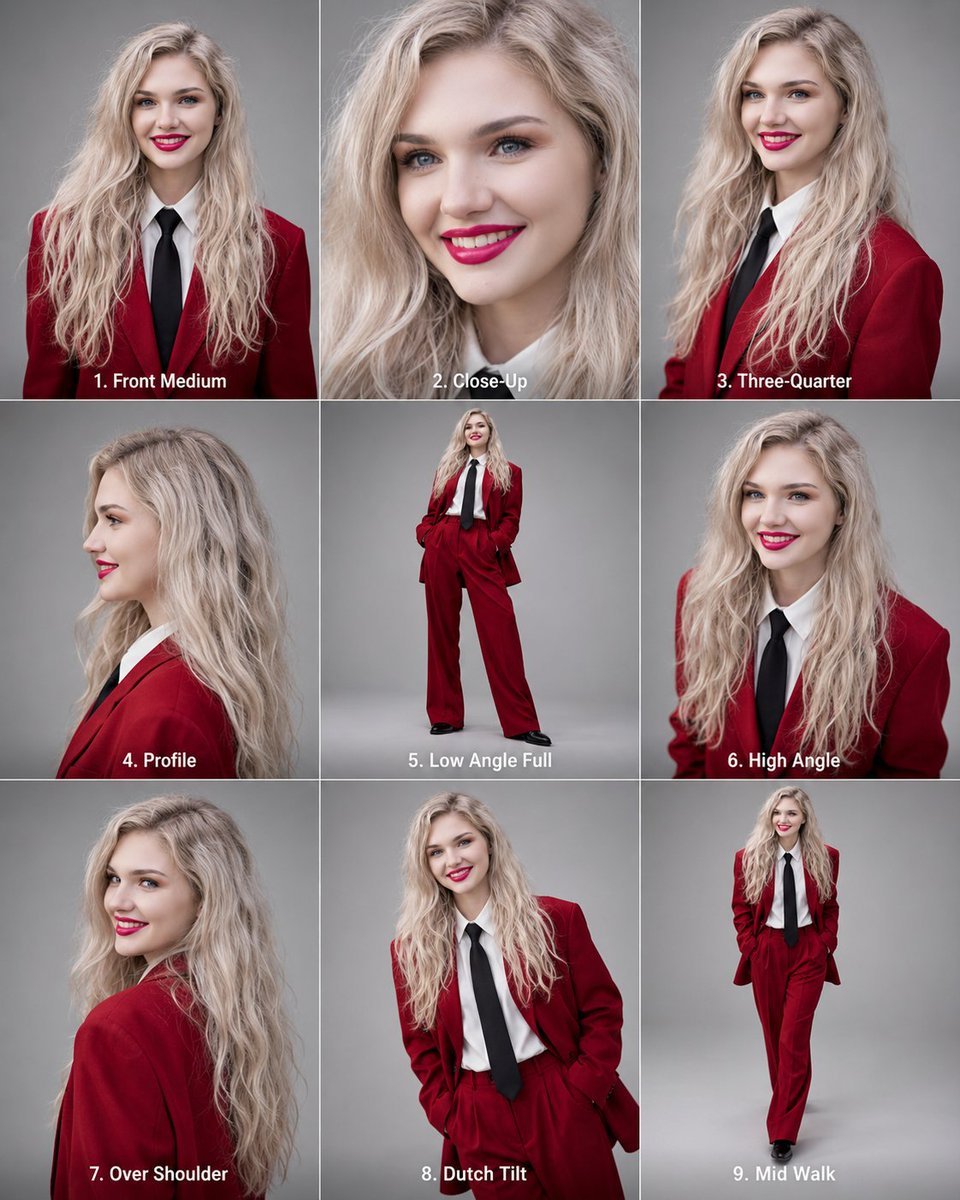
Editorial 3x3 Angle Reference Sheet
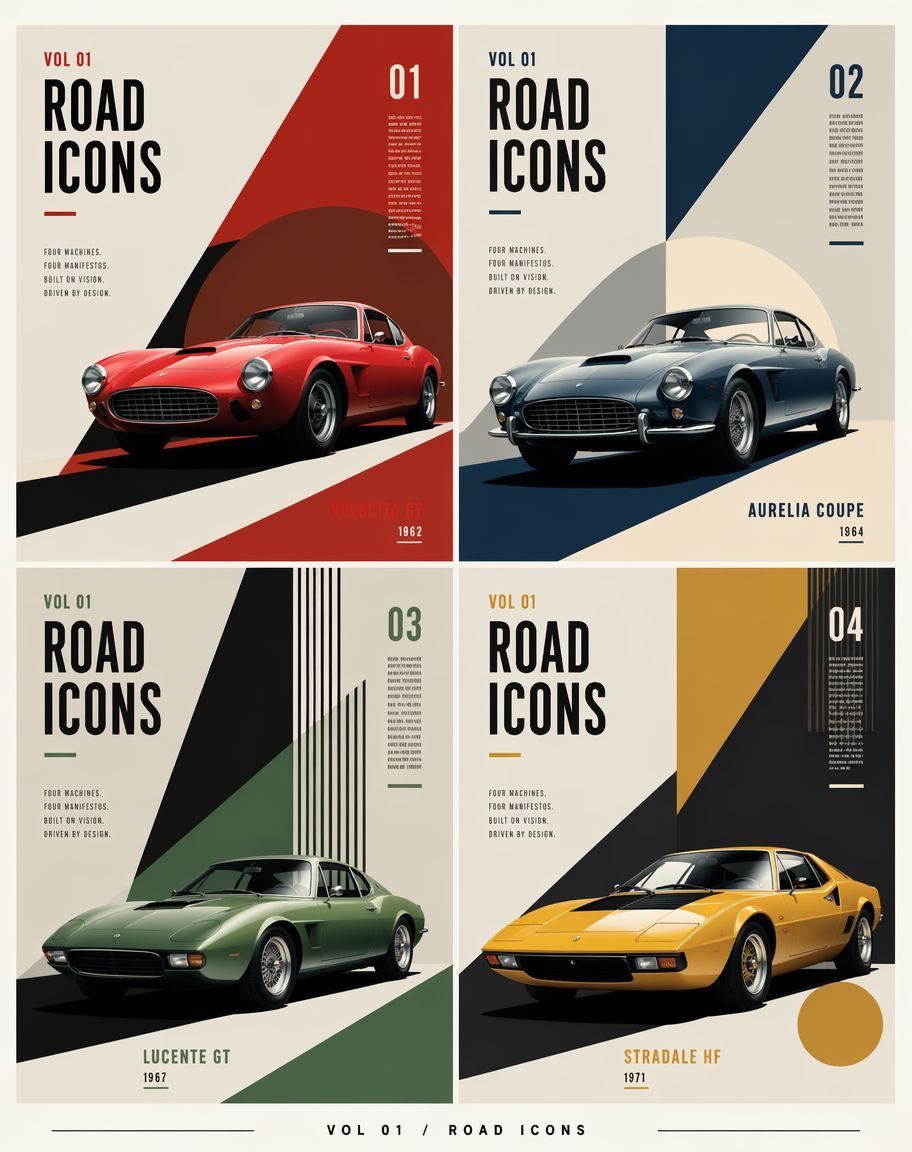
Constructivist Classic Car Editorial Grid
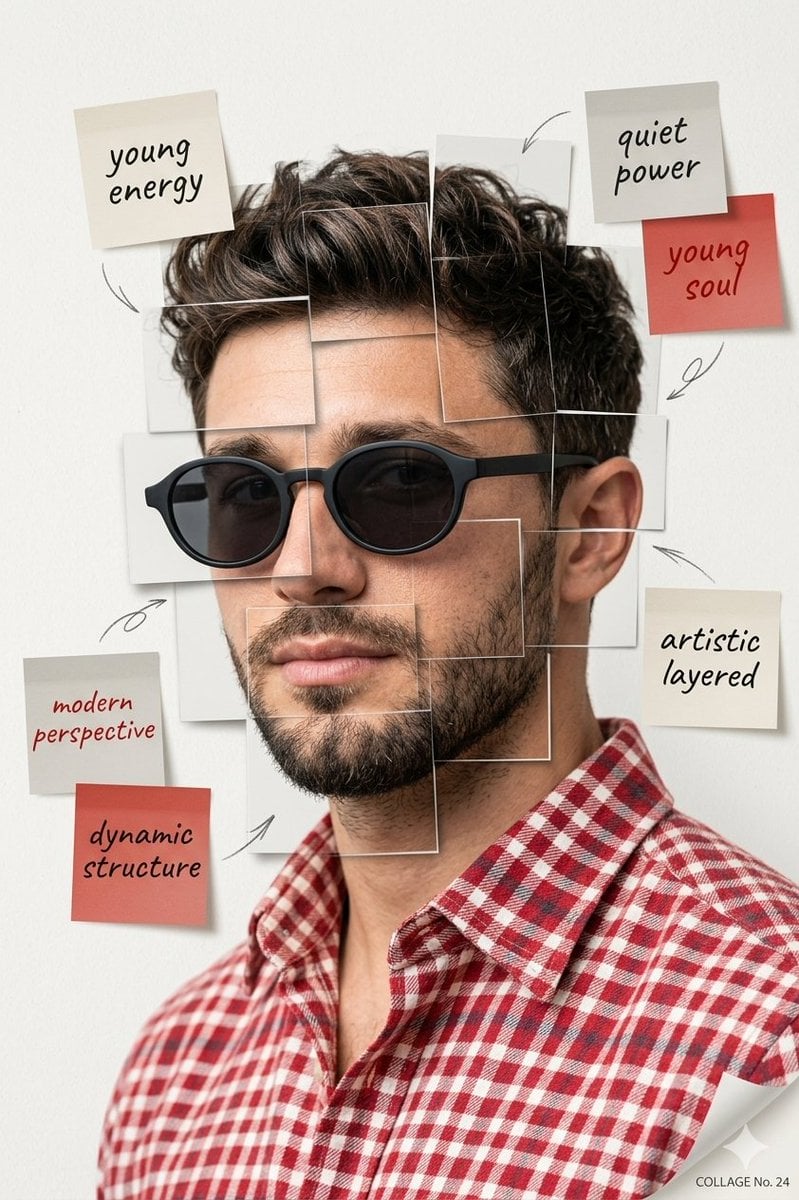
Deconstructed Grid Editorial Portrait

Urban Fashion Editorial Collage Streetwear Poster

Monochrome Hypebeast Street Fashion Editorial Motion

Elegant Green Evening Gown Studio Fashion Portrait

Artistic Patchwork Fashion Portrait Spring Festival

Japanese Architectural Concrete Studio Fashion Campaign
Make it yours
Editorial 3x3 Photo Grid of Intimate Portraits works as-is. These are the safest ways to change it without losing the look.
Change one field
Copy a single group, rewrite it, and generate again so you can see what that field is doing.
Keep the frame, change the subject
Hold the composition and light of Editorial 3x3 Photo Grid of Intimate Portraits, then swap wardrobe, props or the person for a new take.
| If the result… | Why | Fix |
|---|---|---|
| The result drifts from the preview | Too many fields changed at once. | Reuse Editorial 3x3 Photo Grid of Intimate Portraits as-is first, then change one group — subject, light, or setting. |
| The model over-stylizes the scene | The prose prompt leaves finish and camera underspecified. | Add one camera or lighting sentence and stay on Nano Banana 2. |
More Nano Banana 2 templates
Other prompts made for Nano Banana 2.

Photorealistic Leaf Shaped Like a Dragon

K-Pop Idol Portrait Grid for Rapid Selection

Poetic Rain Forest Portrait During Golden Hour

Urban Street Portrait with Cartoon Inner Self Duo

Candid Nighttime Photo with Cat Prompt

High-Concept 3D Diorama Generation Prompt

Cinematic Futuristic Studio Portrait Template

Skincare Editorial Photography Collage Prompt

Hyper-Realistic Commercial Product Photography (Splash Effect)

Hyper-Realistic Nightclub Portrait Prompt
More image prompts
Fresh picks from across the catalog.
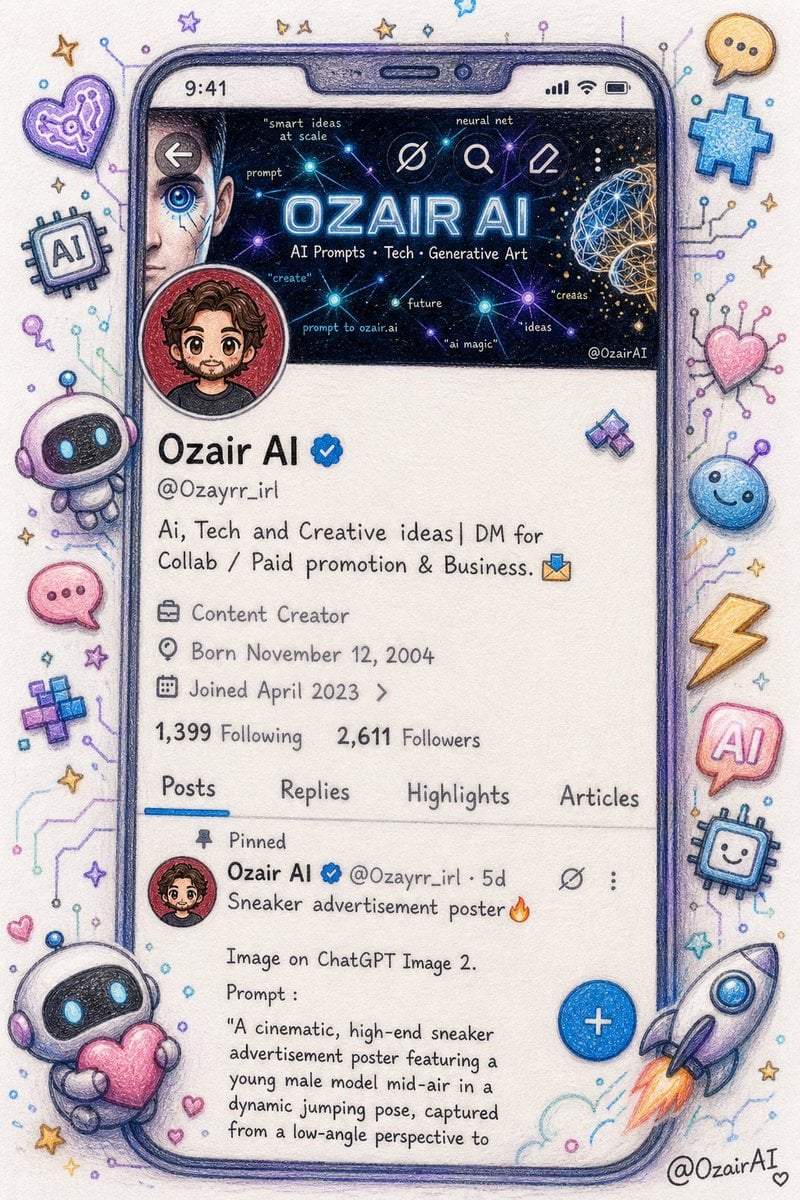
Twitter Profile Doodle Art Transformation
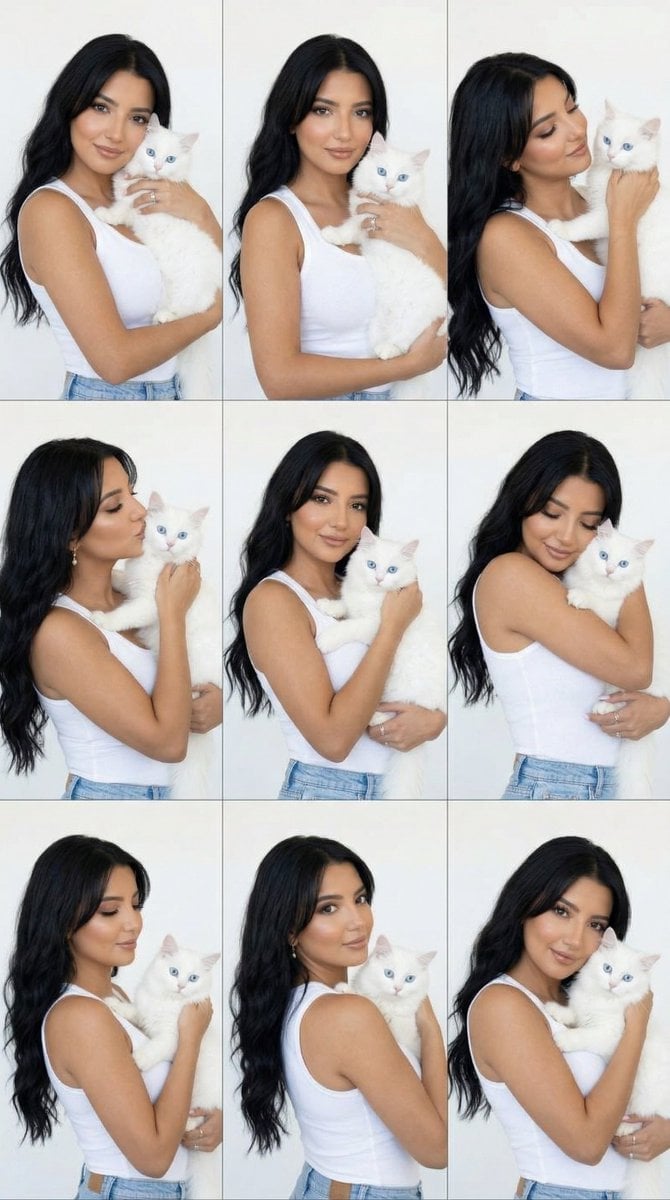
Panel Editorial Grid Portrait with Cat for Nano Banana Pro
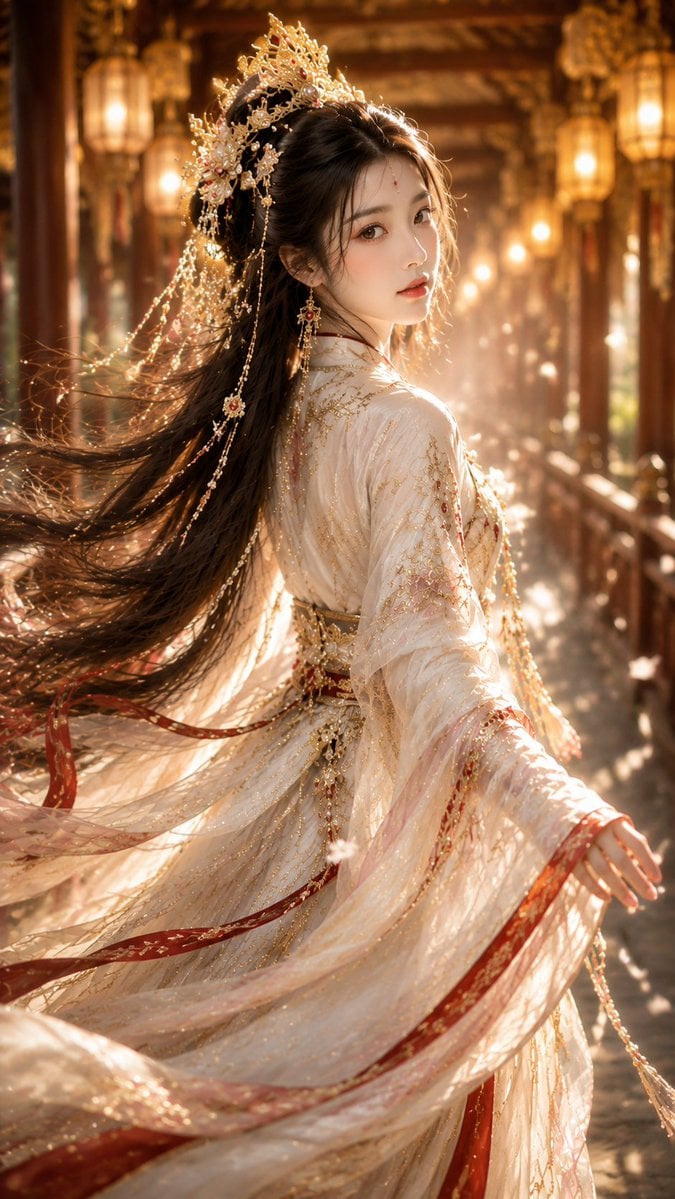
Ancient Chinese Fantasy Female Portrait
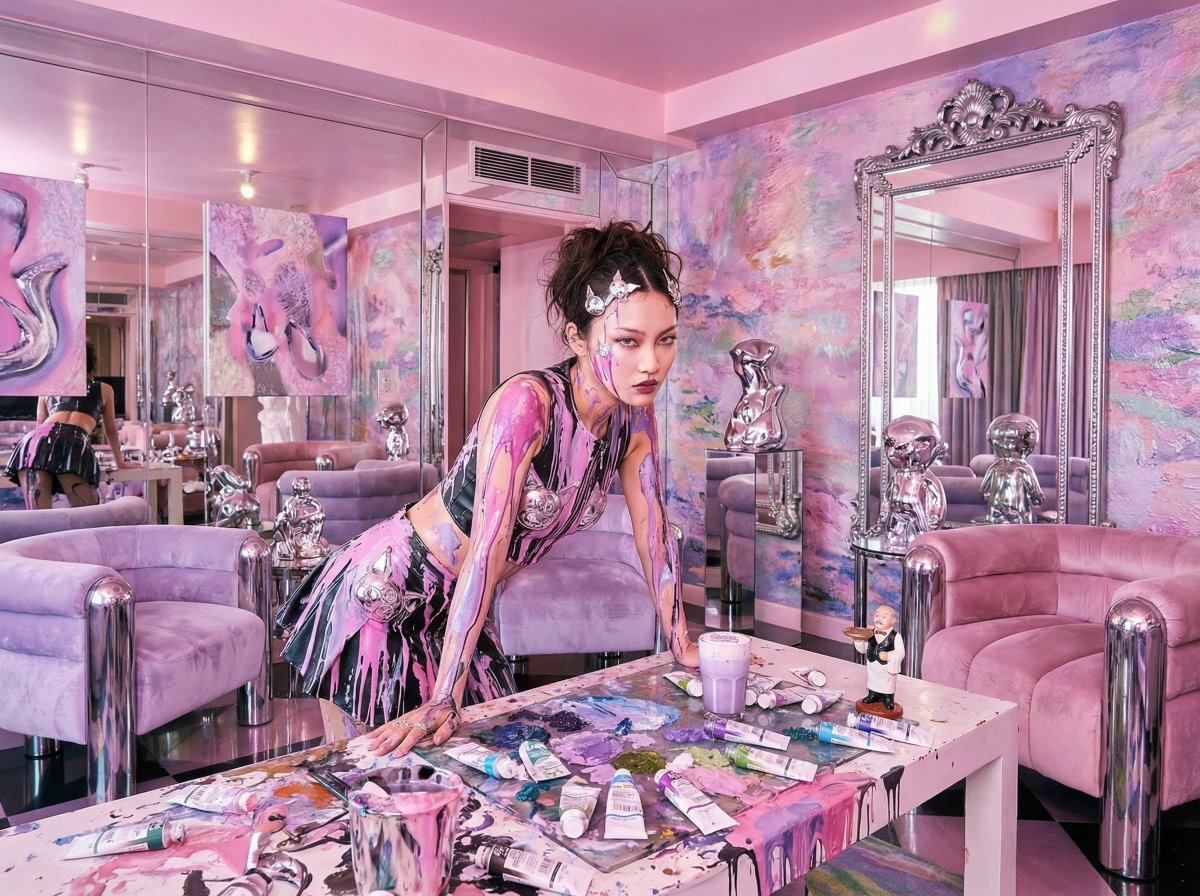
Psychedelic Y2K Maximalist Hotel Suite Prompt

Twitter Header Image Resizer
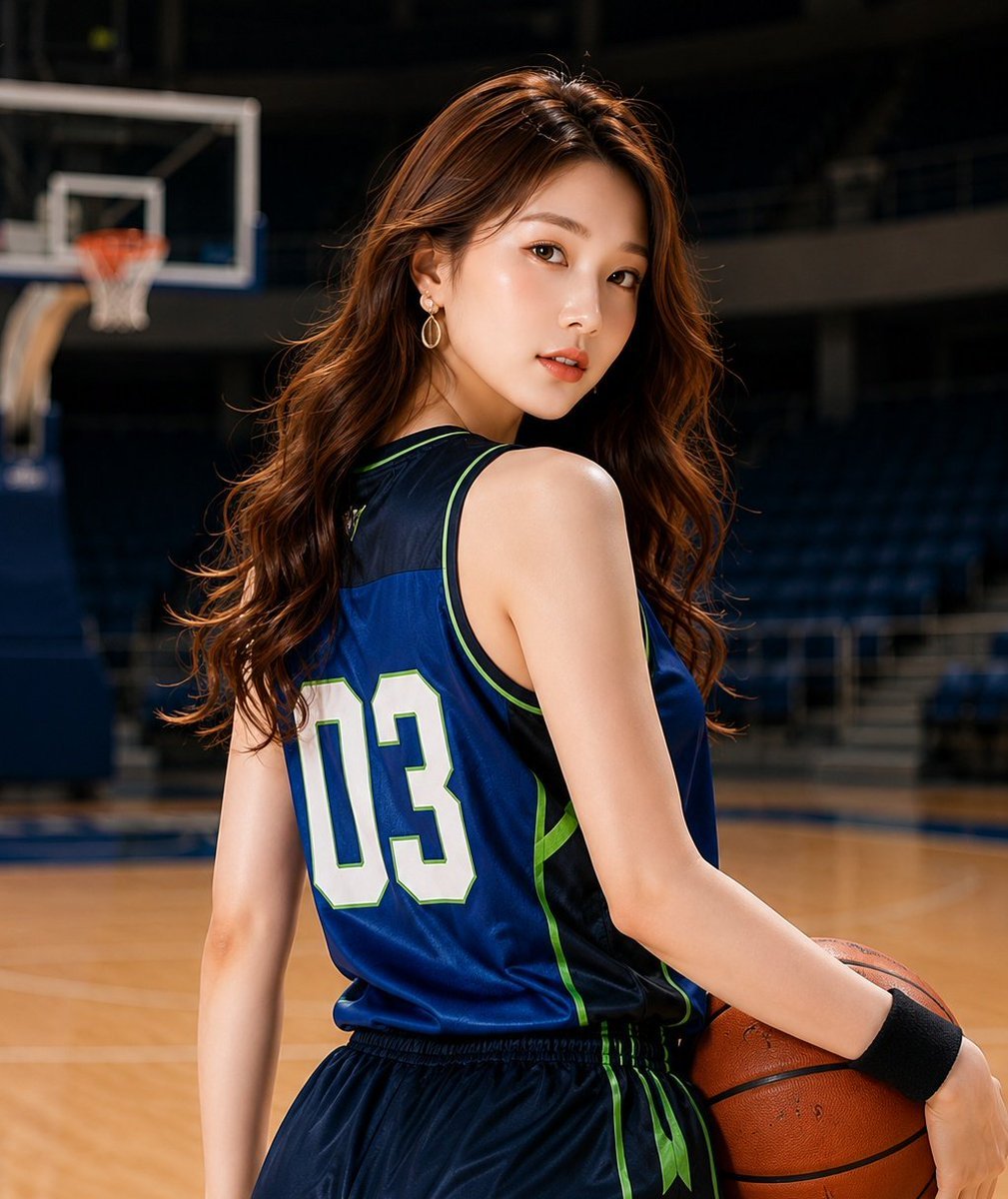
Realistic Basketball Player Sports Portrait
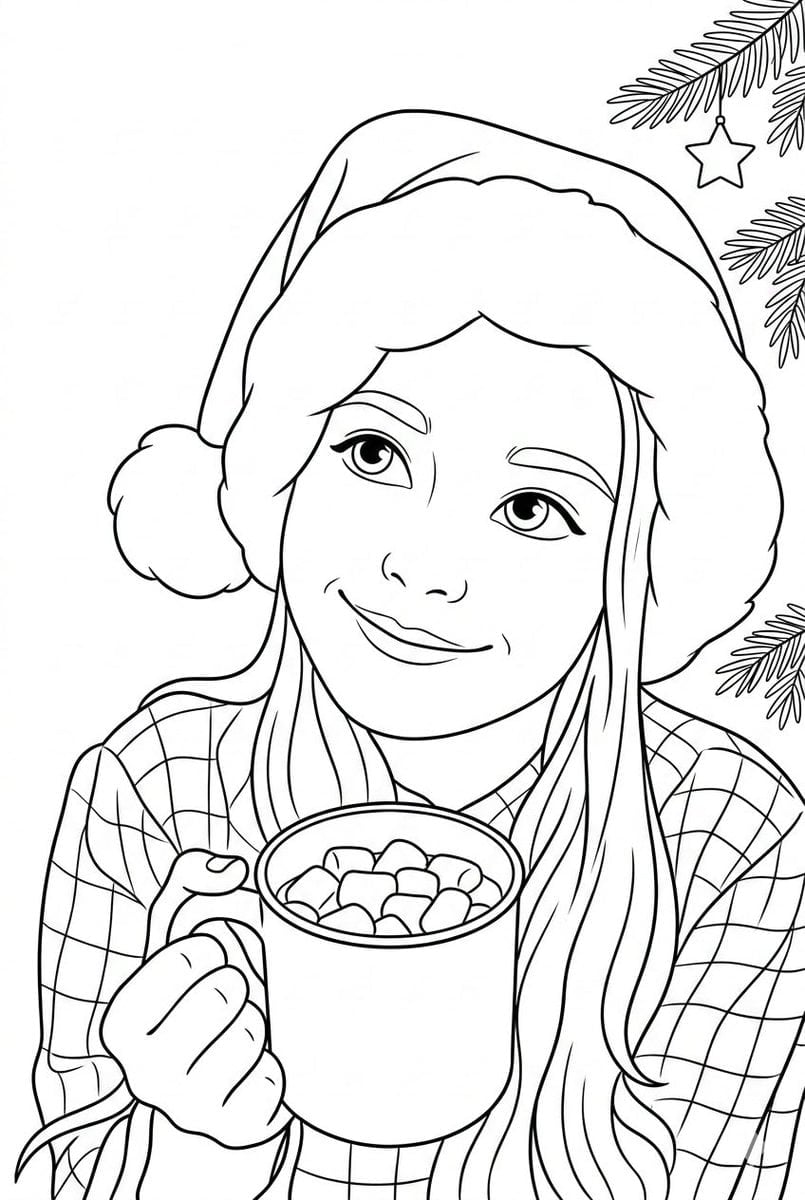
Convert Photo to Black and White Coloring Page
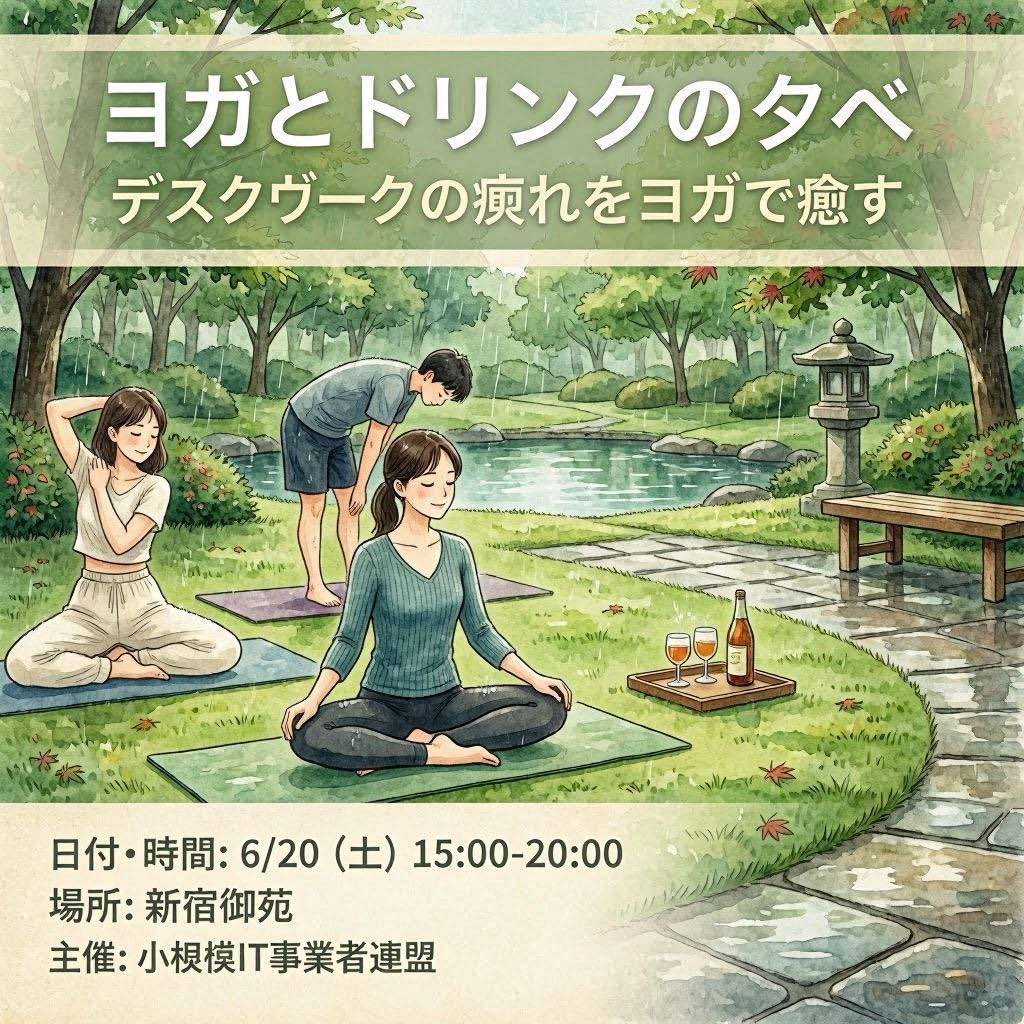
Japanese Yoga and Drinks Event Flyer

Zootopia Style Snowman Building Scene
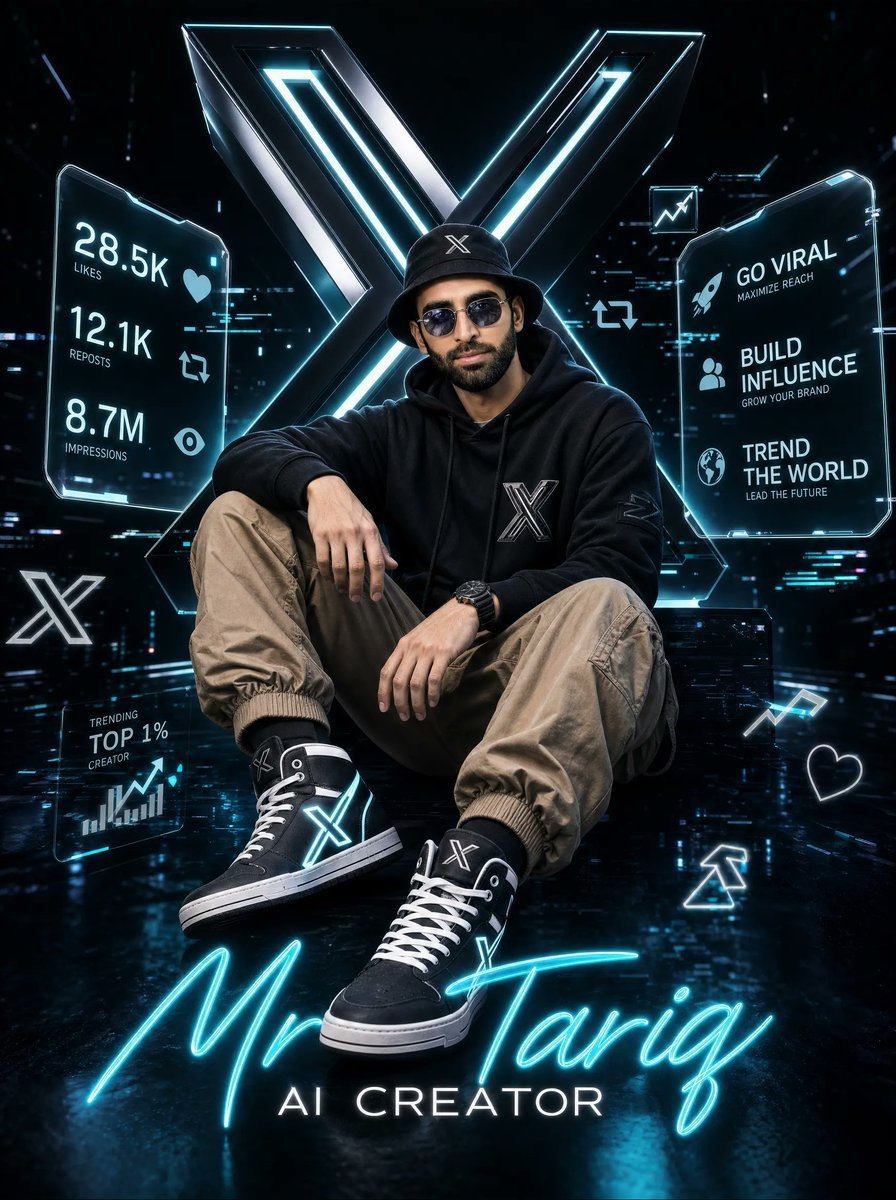
Futuristic AI Creator Poster
Browse template categories
Editorial 3x3 Photo Grid of Intimate Portraits questions
How do I use the Editorial 3x3 Photo Grid of Intimate Portraits template?
Add your photo if the template asks for one, edit the prompt if you like — the template's model and format are already selected — and press Generate. Your version opens in PicX Studio.
Can I customize the Editorial 3x3 Photo Grid of Intimate Portraits template?
Yes. You can change the subject, setting, lighting, mood, format, and available model controls before creating your image.
Is the Editorial 3x3 Photo Grid of Intimate Portraits template free?
Opening and editing this template is free. Generating uses credits, shown on the Generate button when you are signed in.
Which AI model should I use?
Start with Nano Banana 2, which is the model associated with this template. You can compare another compatible model for a different finish.
Looking for something else? Browse all templates.

Your photo, any look
Thousands of ready templates for every top image and video model, from one credit balance.