
Cyberpunk Geisha Macro Portrait
A highly detailed, structured JSON prompt for an extreme close-up, hyper-realistic portrait of a subject with a 'deconstructed cyberpunk geisha' aesthetic.
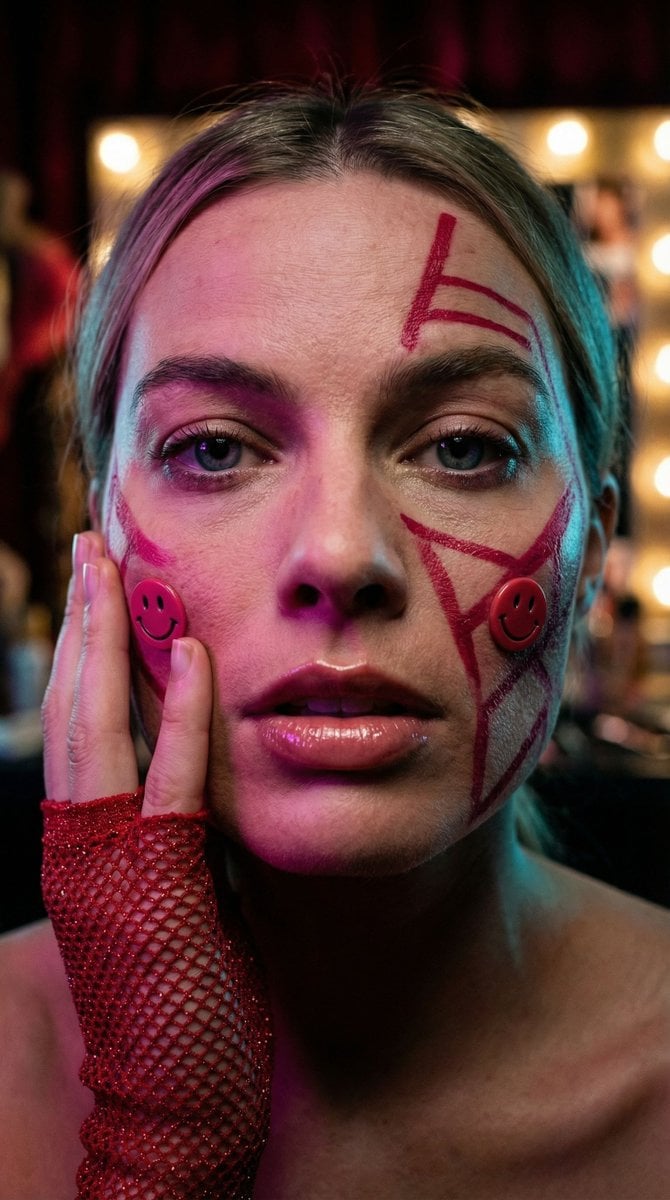
- Prompt included
- Model and format preset
- Premium template
The prompt behind this image
Copy the exact prompt behind Cyberpunk Geisha Macro Portrait, or open it in the studio and make it yours.
{ "vibe_title_en": "Synthetic Tradition Portrait", "master_prompt": "A hyper-realistic extreme close-up portrait of The Protagonist situated in a chaotic backstage dressing alcove. The subject exhibits a 'deconstructed cyberpunk geisha' aesthetic: crimson geometric paint physically textured on the skin, interspersed with tactile, raised plastic smiley-face decals on the cheeks. A hand, encased in a textured red glitter-mesh glove, presses firmly against the subject's cheekbone, creating realistic skin displacement and tension. The lighting is moody and directional, utilizing a deep magenta gel key light and a cyan rim light to sculpt the face, emphasizing the glossy wetness of the lips and the natural irregularities of the skin pores. Shot on a Hasselblad H6D-100c with a 120mm macro lens to capture the individual fibers of the glove and the moisture in the eyes. The image quality mimics Cinestill 800T film stock with visible fine grain, avoiding plastic smoothness in favor of raw, analog fidelity. Background implies blurred velvet textures and tungsten vanity bulbs.", "meta": { "intent": "Editorial Fashion / Avant-Garde", "priorities": "Texture, Color Contrast, Emotional Intensity", "device_profile": "Cinema-Grade Monitor" }, "frame": { "aspect": "4:5", "composition": "Extreme Close-Up (ECU), Centered Gaze", "layout": "Symmetrical facial framing interrupted by asymmetrical hand placement", "camera_angle": "Eye Level", "tilt_roll_degrees": "0" }, "subject": { "gender": "Female", "identity": "The Protagonist", "demographics": "Universal/Ageless", "face": "Neutral but intense expression, glossy lips, crimson geometric face paint lines, plastic decal embellishments", "hair": "Dark, structured bangs with traditional tassel elements visible on periphery", "body": "Shoulders visible, hand touching face", "expression": "Piercing, unblinking gaze directly into the lens", "pose": "Headshot, hand pressing against cheek to frame the face" }, "wardrobe_accessories": { "garments": [ { "item": "Kimono-inspired collar", "material": "Silk brocade", "color": "Patterned Blue and Red", "fit": "Structured" } ], "accessories": [ { "item": "Fingerless Glove", "color": "Metallic Red", "material": "Glitter Mesh / Sequin", "brand_style": "High-Fashion Punk" }, { "item": "Tassel Headpiece", "color": "Red", "material": "Silk Thread", "brand_style": "Traditional" } ] }, "environment": { "setting": "Backstage Dressing Alcove", "surfaces": "Mirrors, Velvet, Makeup Powder Dust", "depth": "Extremely Shallow (Bokeh Background)", "atmosphere": "Humid, Intimate, Hectic", "lens_interaction": "Macro details of skin texture and glitter particles" }, "lighting": { "key": "Soft Mage
How to use Cyberpunk Geisha Macro Portrait in 3 steps
- 1
Open
The prompt is already in the box next to the preview, with the template's model and format selected.
- 2…a portrait of your subject in softgolden-hour light, 85mm…
Personalize
Edit the subject and creative details for your destination.
- 3Generate
Generate
Press Generate — your image is created in PicX Studio, so you can compare it with the original and refine one variable at a time.
More like this
Templates with the same subject, style or setup. Open one to see its prompt.
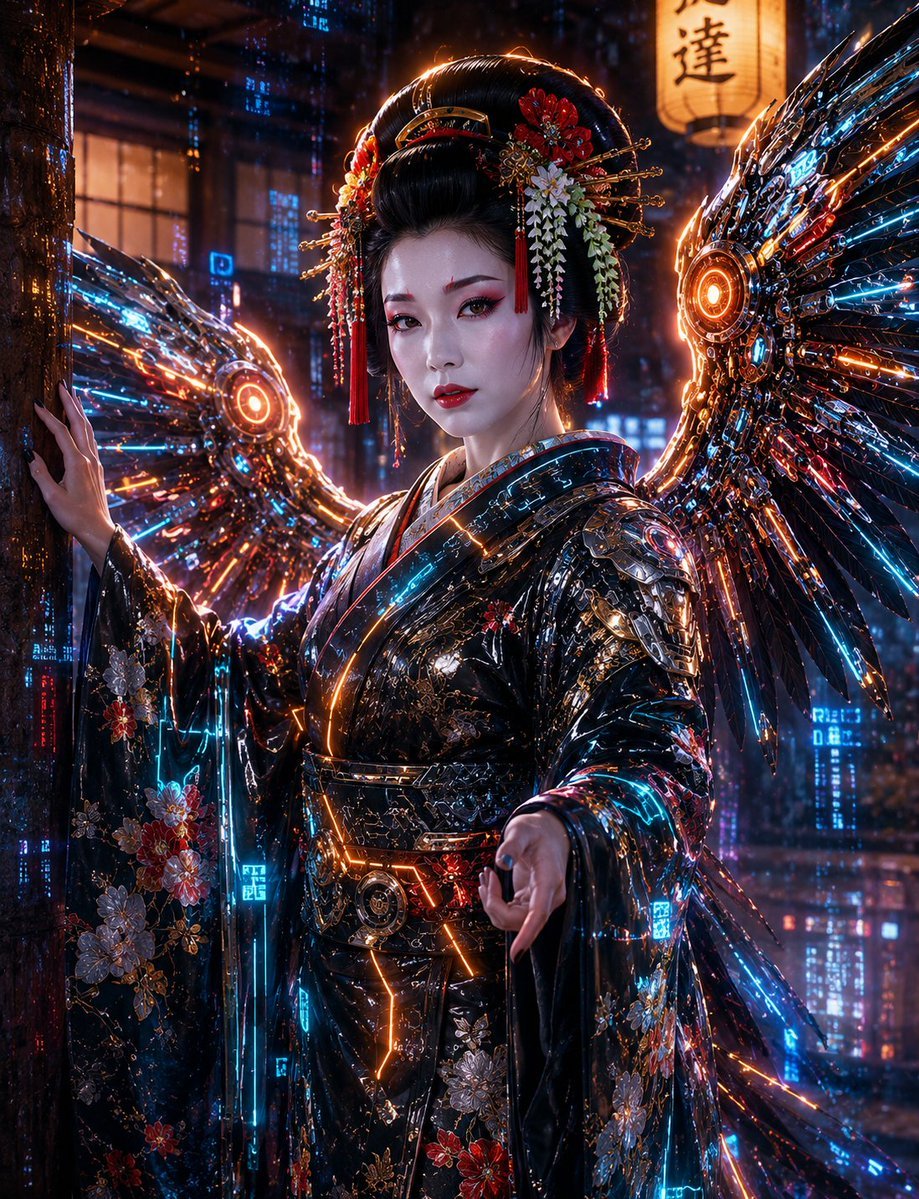
Cyberpunk Geisha Angel Portrait

Found Photograph: Us, 1970

80s Couple Studio Portrait

80s Bollywood Star

80s Golden Hour Cinema

Me in 1985

1985 Studio Portrait

Hyper-Realistic Minecraft POV Portrait

Rooftop Fisheye — Cat-Ear Balaclava at Golden Hour

Rainy Café Window Moody Portrait

Spider-Man 2099 Cyberpunk Neon Future City

untitled
Make it yours
Cyberpunk Geisha Macro Portrait works as-is. These are the safest ways to change it without losing the look.
Change one field
Copy a single group, rewrite it, and generate again so you can see what that field is doing.
Keep the frame, change the subject
Hold the composition and light of Cyberpunk Geisha Macro Portrait, then swap wardrobe, props or the person for a new take.
| If the result… | Why | Fix |
|---|---|---|
| The result drifts from the preview | Too many fields changed at once. | Reuse Cyberpunk Geisha Macro Portrait as-is first, then change one group — subject, light, or setting. |
| The model over-stylizes the scene | The prose prompt leaves finish and camera underspecified. | Add one camera or lighting sentence and stay on Nano Banana 2. |
More Nano Banana 2 templates
Other prompts made for Nano Banana 2.

Photorealistic Leaf Shaped Like a Dragon

K-Pop Idol Portrait Grid for Rapid Selection

Poetic Rain Forest Portrait During Golden Hour

Urban Street Portrait with Cartoon Inner Self Duo

Candid Nighttime Photo with Cat Prompt

High-Concept 3D Diorama Generation Prompt

Cinematic Futuristic Studio Portrait Template

Skincare Editorial Photography Collage Prompt

Hyper-Realistic Commercial Product Photography (Splash Effect)

Hyper-Realistic Nightclub Portrait Prompt
More image prompts
Fresh picks from across the catalog.
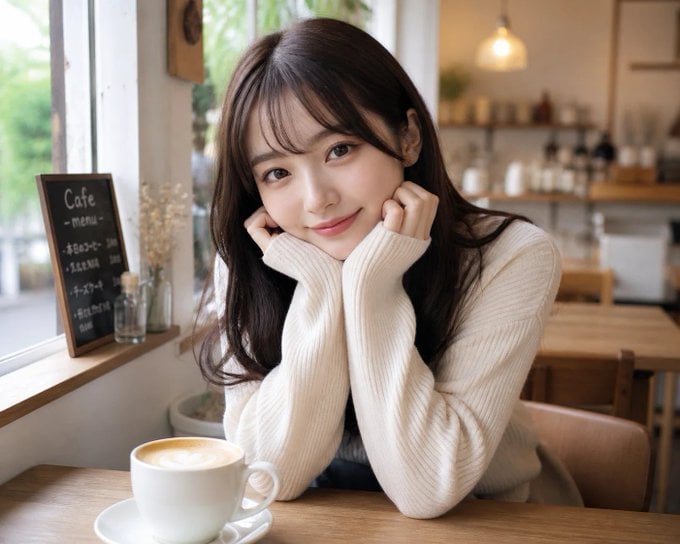
Japanese Woman in Cafe
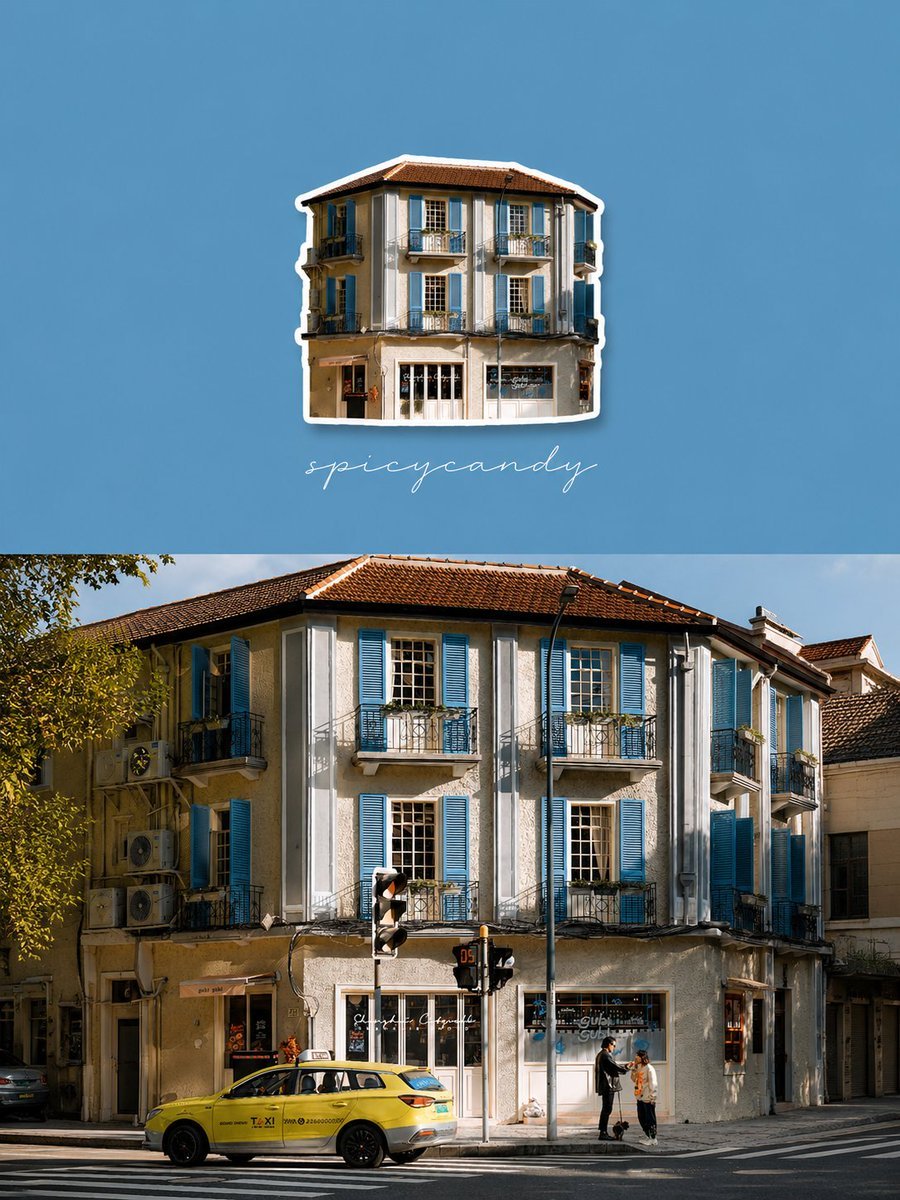
Travel Diary Fridge Magnet Poster

Human Organ Health Infographic
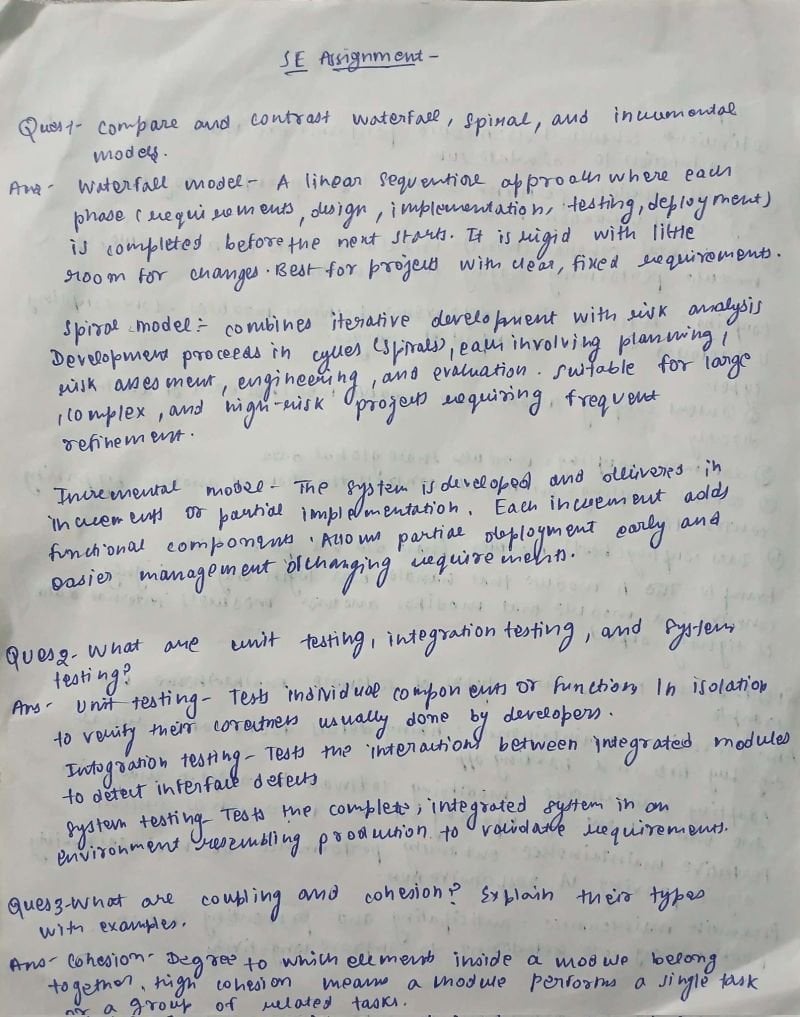
AI Solves Assignment from Handwriting and Blank Paper
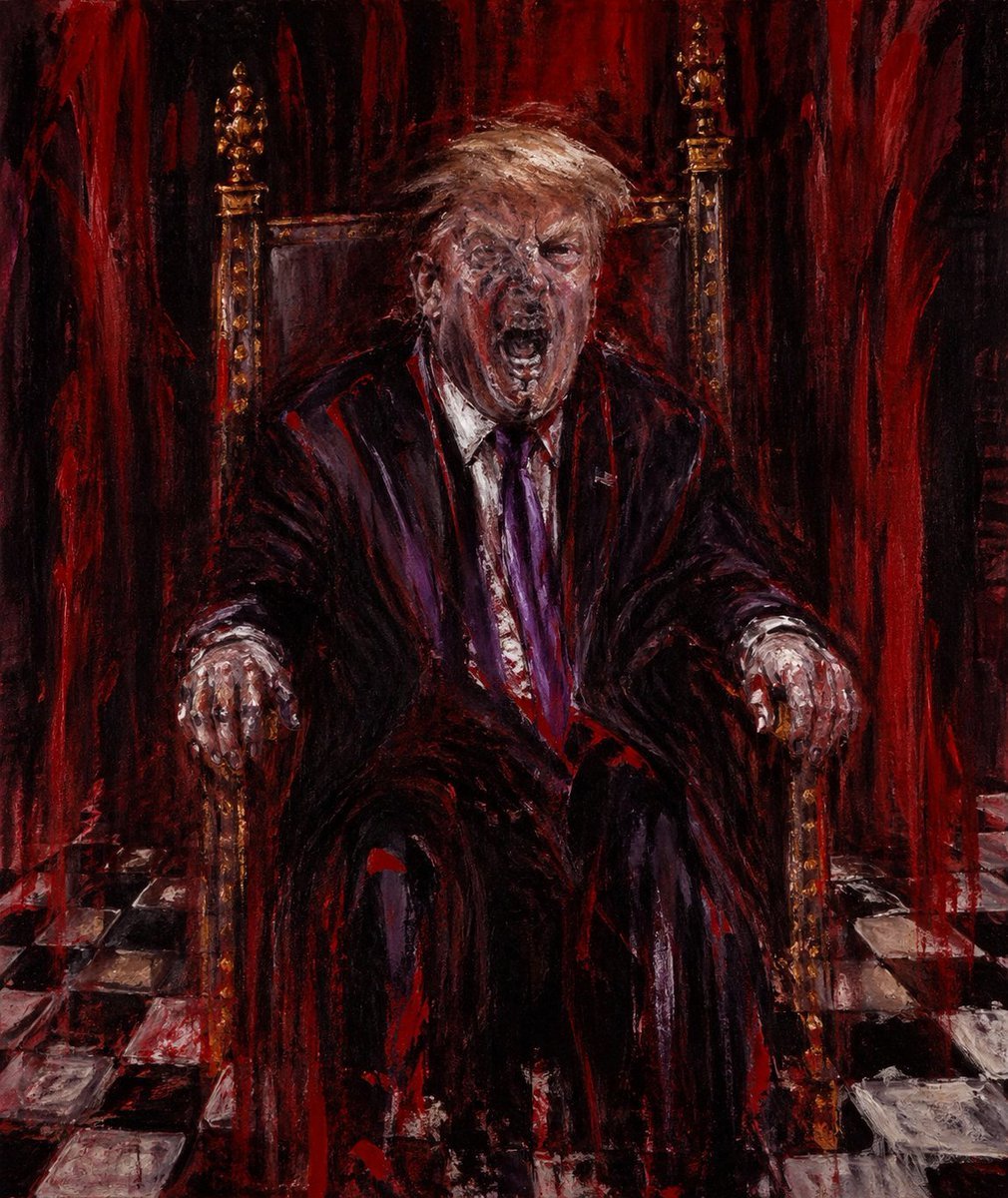
Censored Man on Crimson Throne
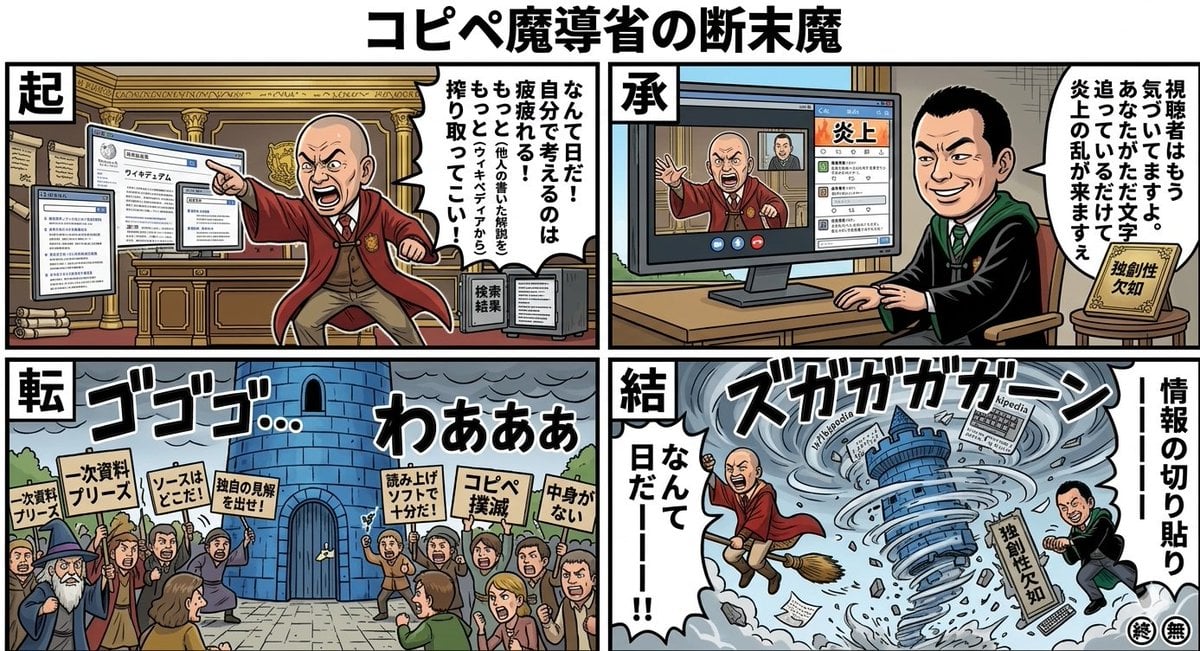
Black Comedy Manga Prompt: Ministry of Magic
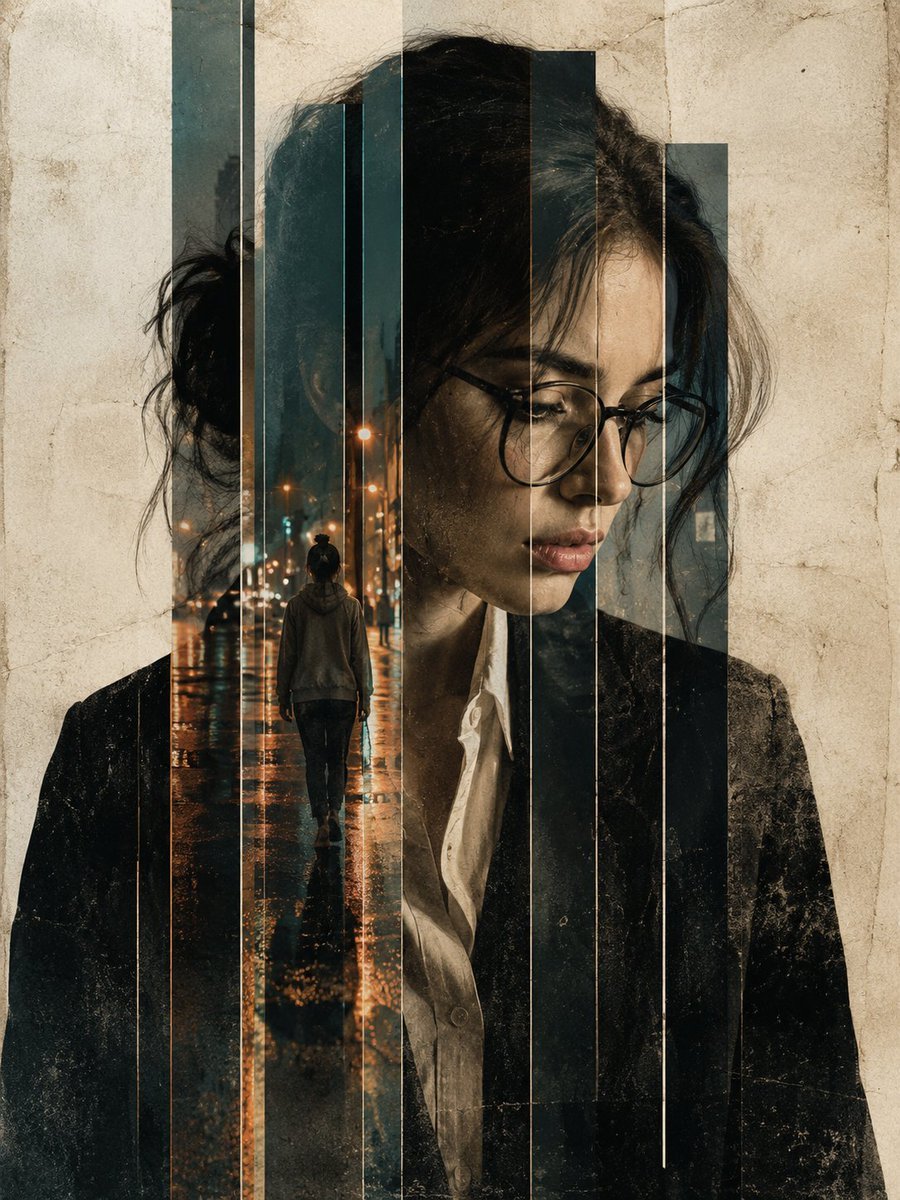
Double Exposure Editorial Portrait
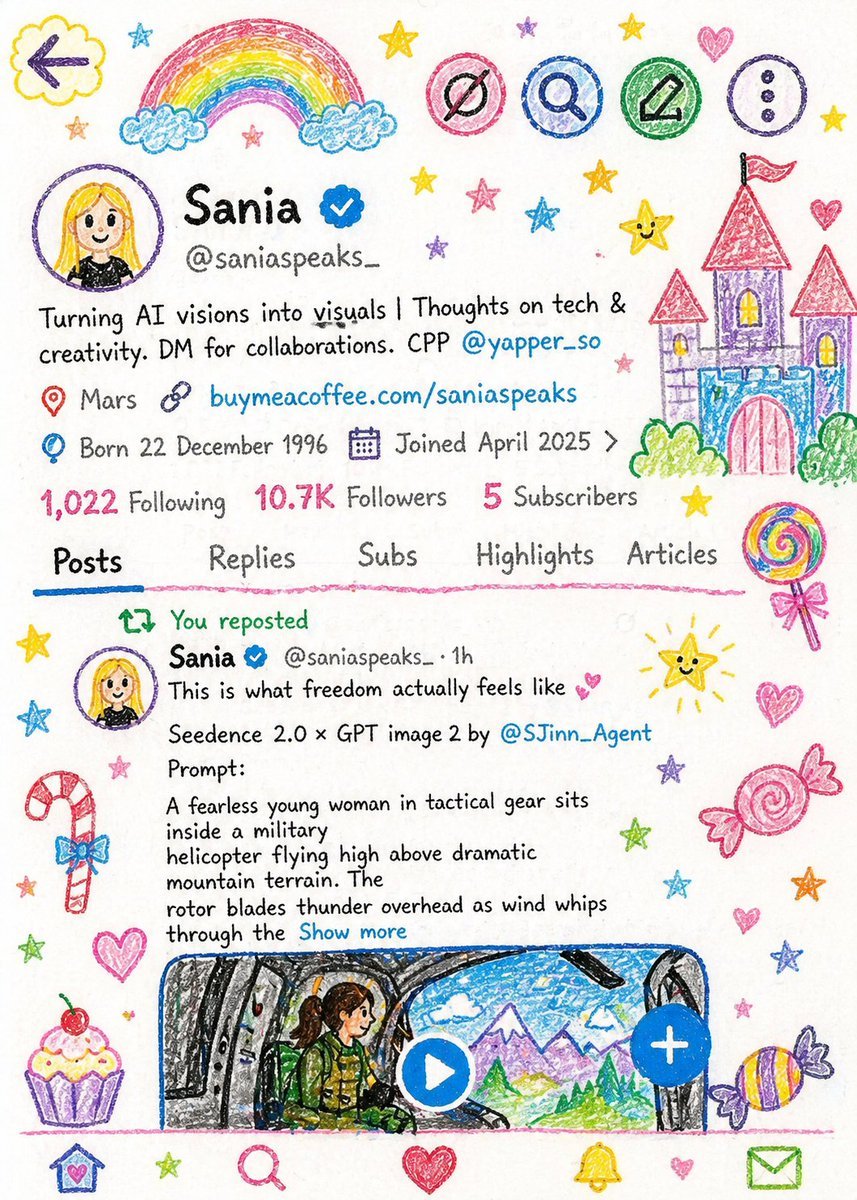
Crayon Style Child Illustration
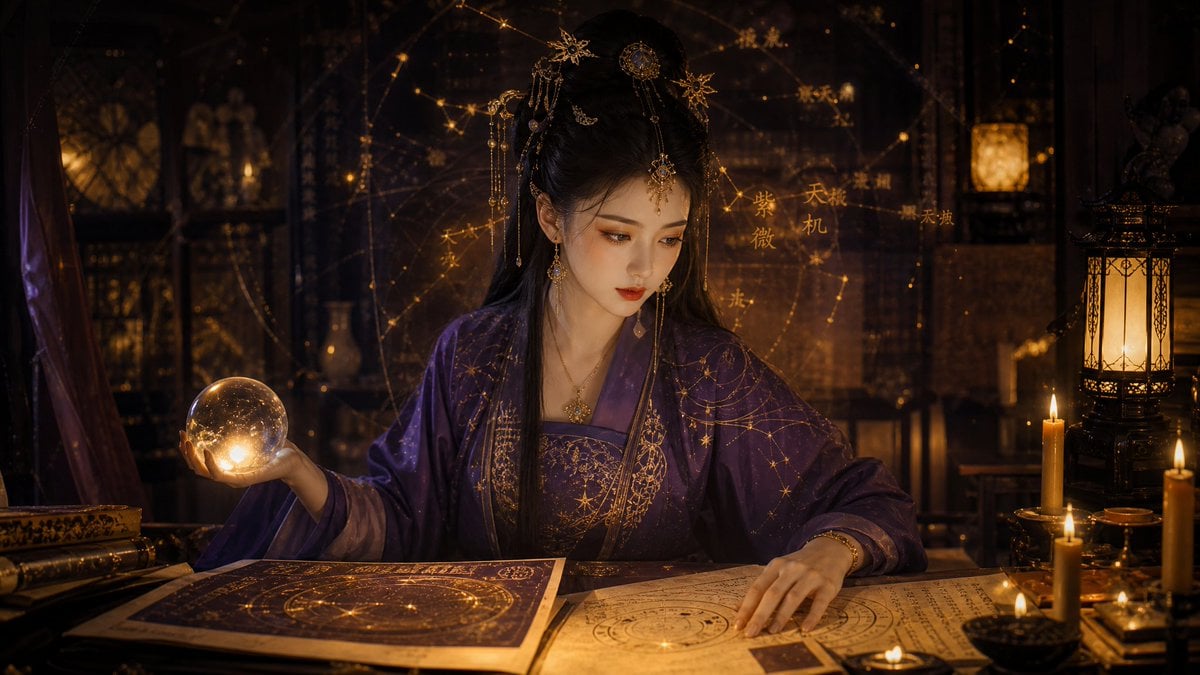
Classical Candlelight Hanfu Diviner
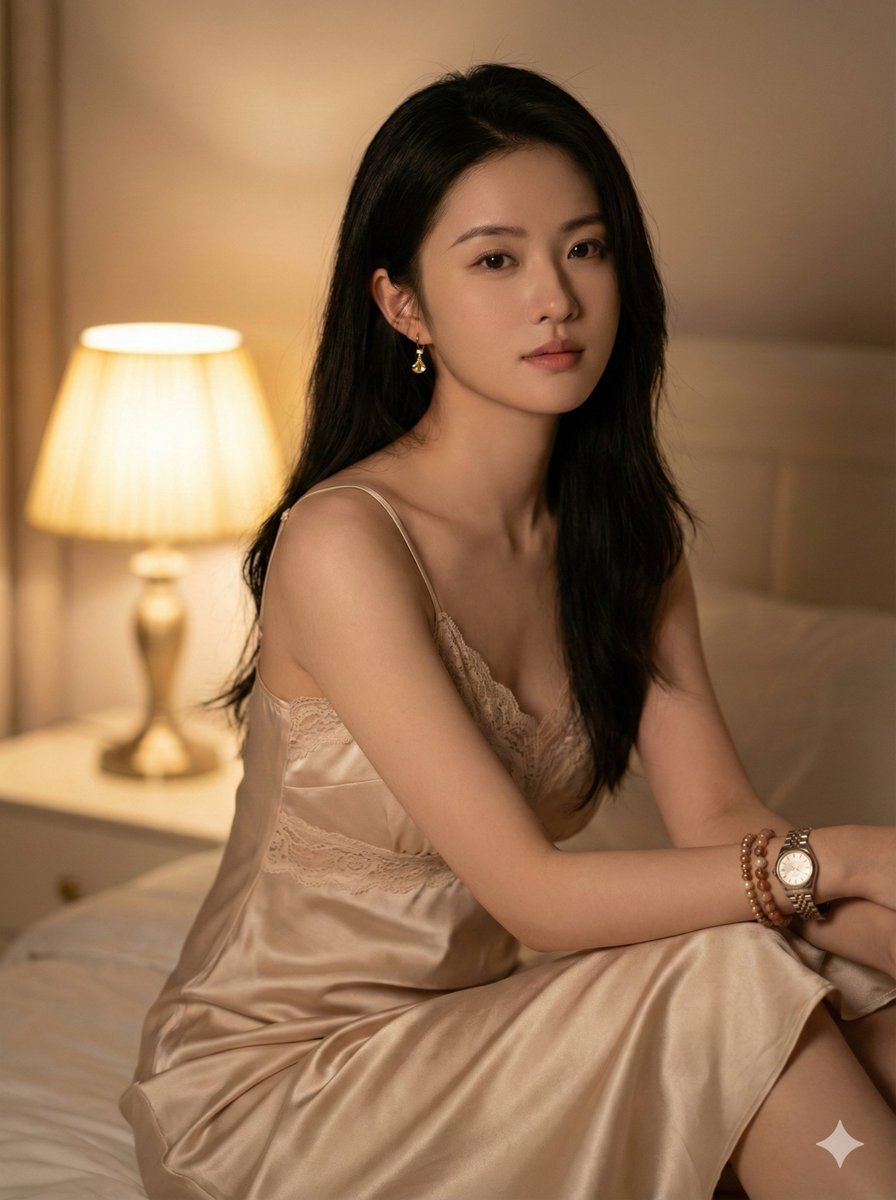
Photorealistic Indoor Portrait with Warm Cinematic Lighting
Browse template categories
Cyberpunk Geisha Macro Portrait questions
How do I use the Cyberpunk Geisha Macro Portrait template?
Add your photo if the template asks for one, edit the prompt if you like — the template's model and format are already selected — and press Generate. Your version opens in PicX Studio.
Can I customize the Cyberpunk Geisha Macro Portrait template?
Yes. You can change the subject, setting, lighting, mood, format, and available model controls before creating your image.
Is the Cyberpunk Geisha Macro Portrait template free?
Opening and editing this template is free. Generating uses credits, shown on the Generate button when you are signed in.
Which AI model should I use?
Start with Nano Banana 2, which is the model associated with this template. You can compare another compatible model for a different finish.
Looking for something else? Browse all templates.

Your photo, any look
Thousands of ready templates for every top image and video model, from one credit balance.