
Classical Candlelight Hanfu Diviner
A traditional and elegant Chinese diviner scene illuminated by warm candlelight, featuring classic Hanfu and jewelry.
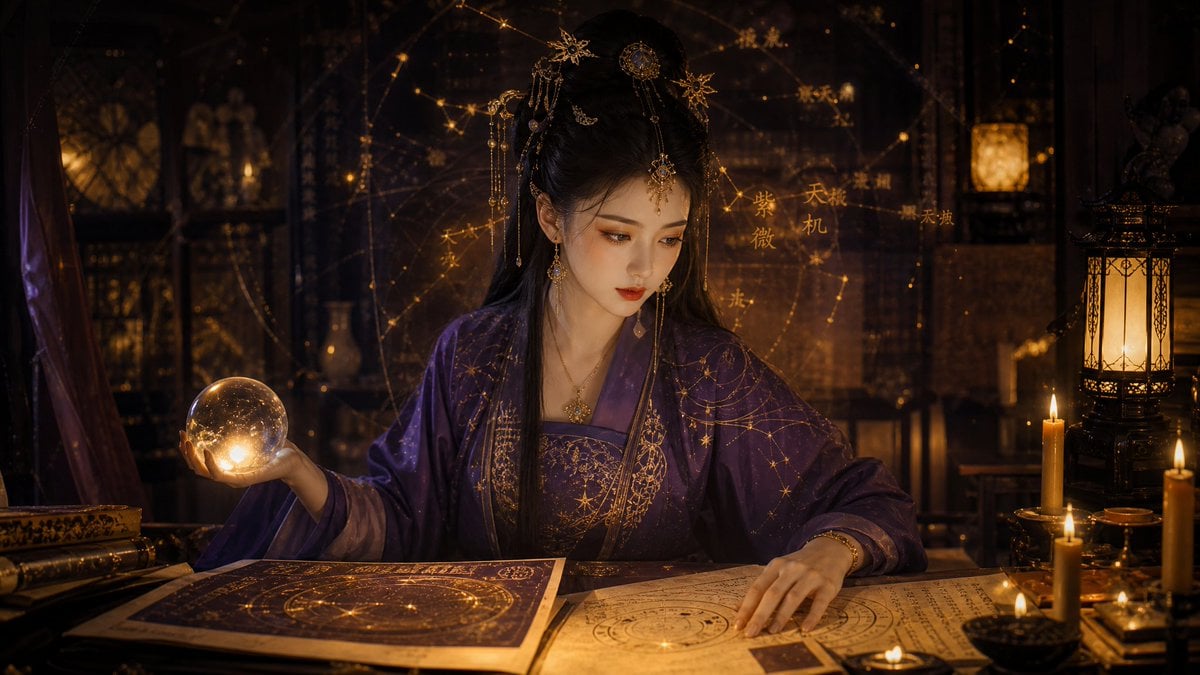
- Prompt included
- Model and format preset
- Free template
The prompt behind this image
Copy the exact prompt behind Classical Candlelight Hanfu Diviner, or open it in the studio and make it yours.
一位极美东方神秘占卜师,{argument name="年龄" default="25岁"},古典优雅气质,长直黑发盘成精致发髻,配金色步摇和珠钗,穿着传统{argument name="服装颜色" default="深紫色"}汉服绣金丝星辰纹路。优雅坐在古木桌前,柔和烛光照亮脸庞。左手持微微发光的水晶球,右手翻阅古籍紫微命盘。背景昏黄烛光、古灯、漂浮淡金色星图,温暖电影级光影,超 surrealism,8K,Cinematic,神秘高级氛围 --ar {argument name="比例" default="16:9"} --stylize 180
How to use Classical Candlelight Hanfu Diviner in 3 steps
- 1
Open
The prompt is already in the box next to the preview, with the template's model and format selected.
- 2…a portrait of your subject in softgolden-hour light, 85mm…
Personalize
Edit the subject and creative details for your destination.
- 3Generate
Generate
Press Generate — your image is created in PicX Studio, so you can compare it with the original and refine one variable at a time.
More like this
Templates with the same subject, style or setup. Open one to see its prompt.
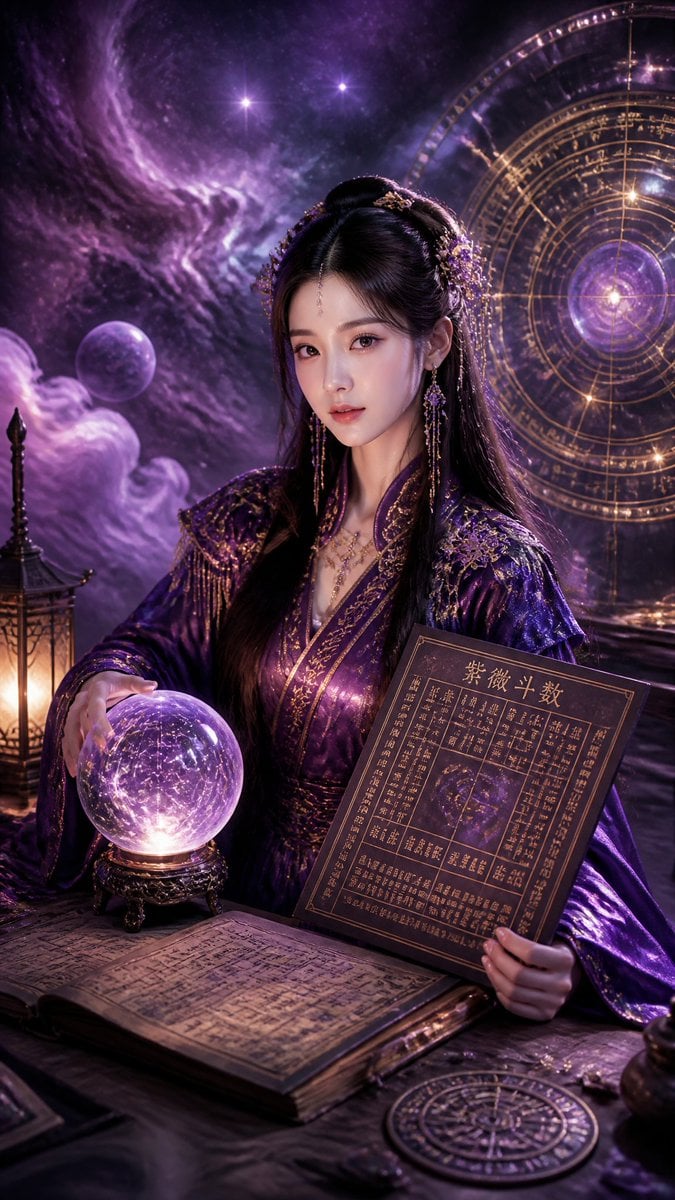
Cyberpunk Hanfu Mystic Diviner
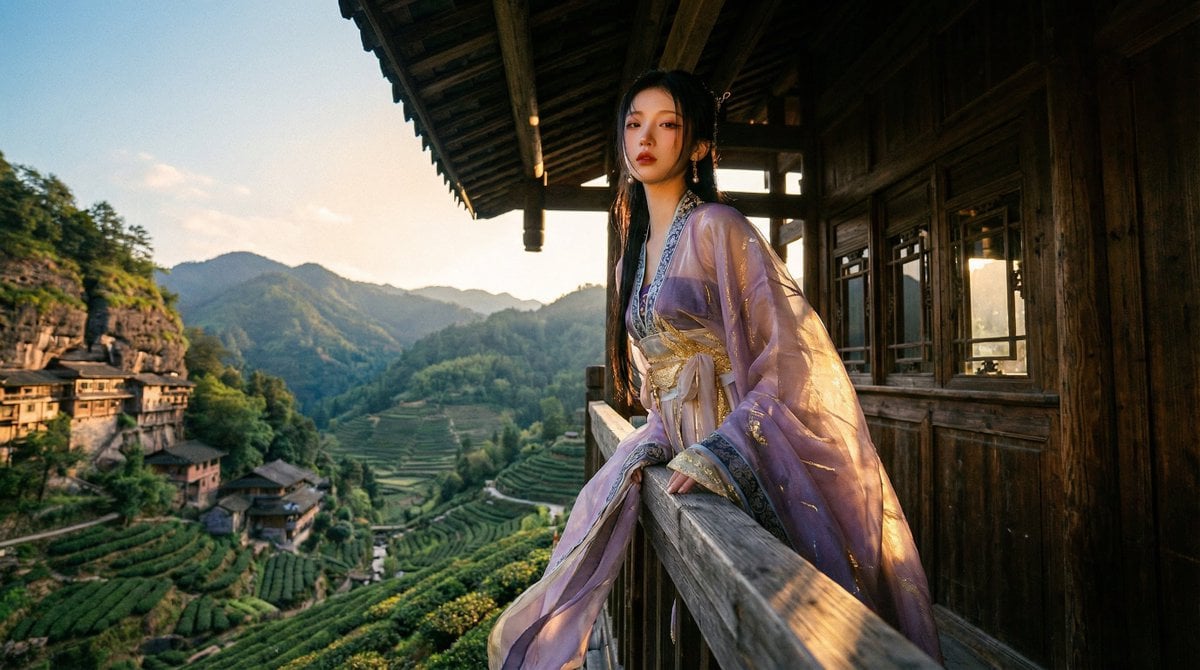
Classical Chinese Romance Landscape with Hanfu

博物馆图鉴式汉服拆解图 — GPT-image-2
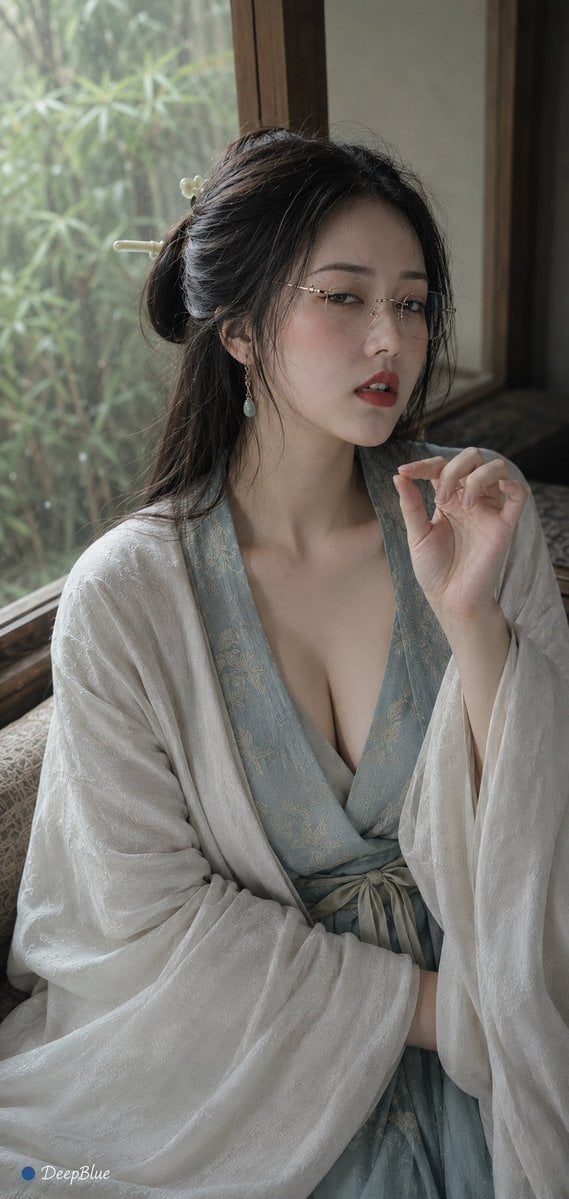
Hanfu Intellectual Portrait with Glasses
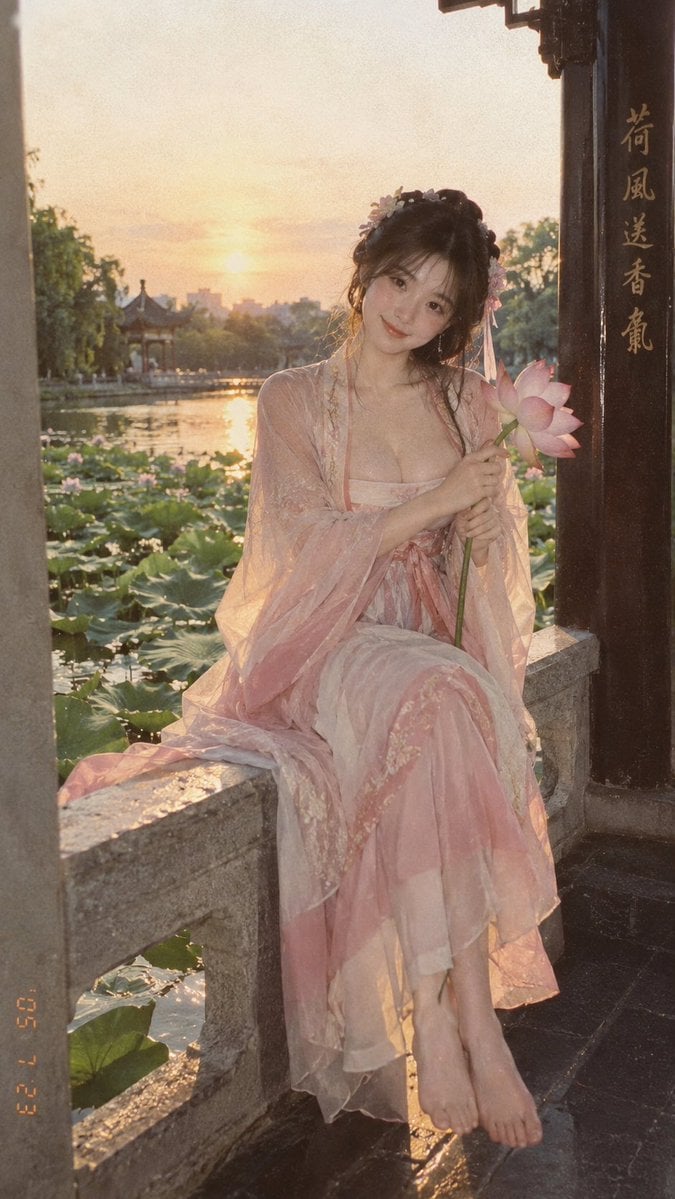
Lotus Pond Hanfu Sunset Portrait
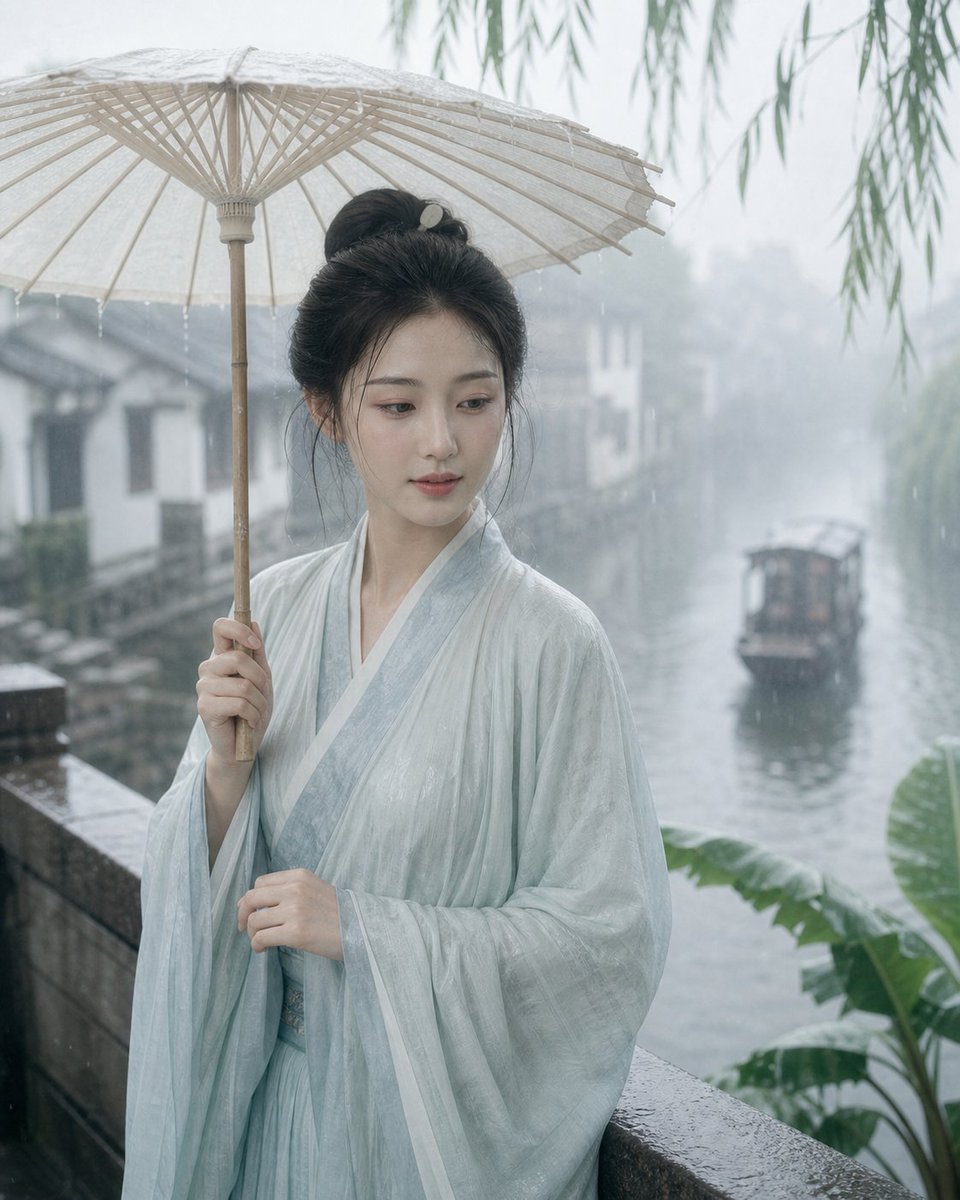
Misty Jiangnan Classical Portrait
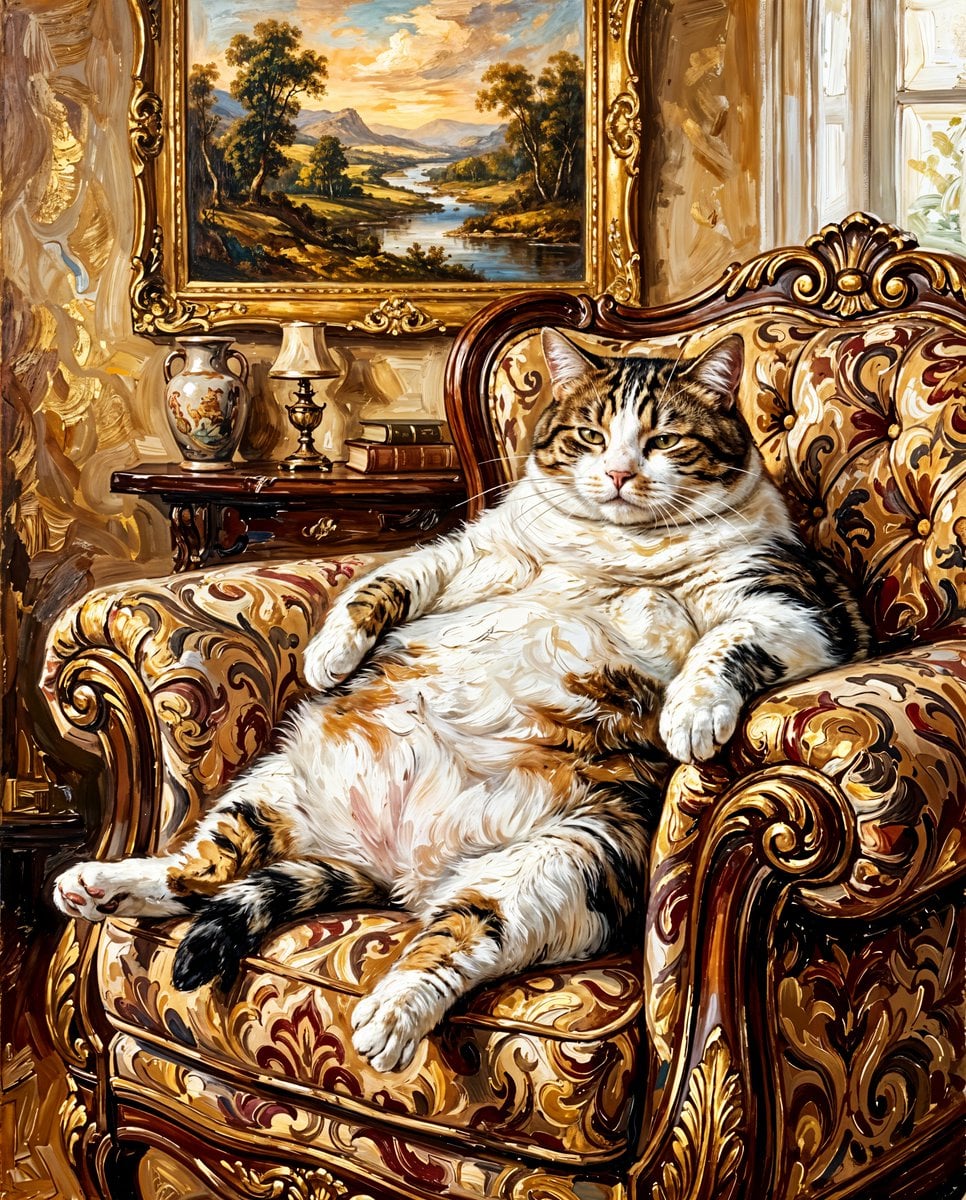
Classical Fat Cat Painting
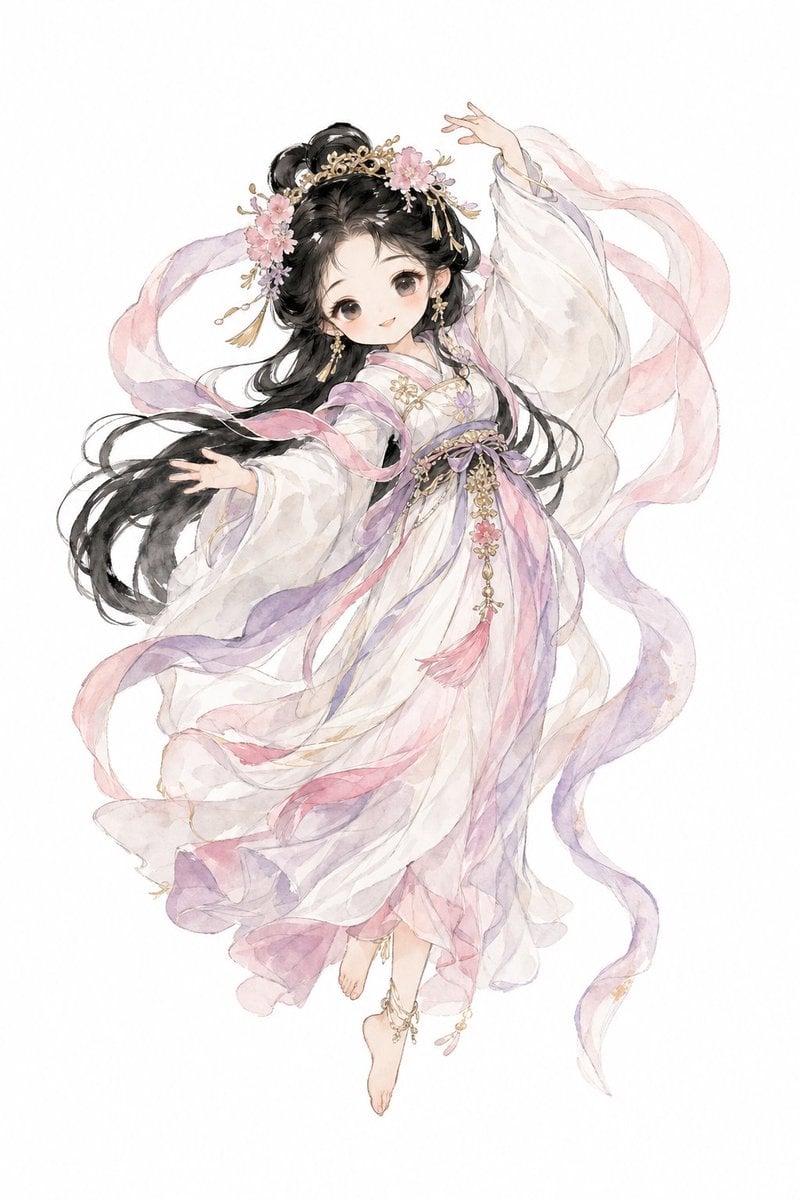
Watercolor Hanfu Celestial Princess
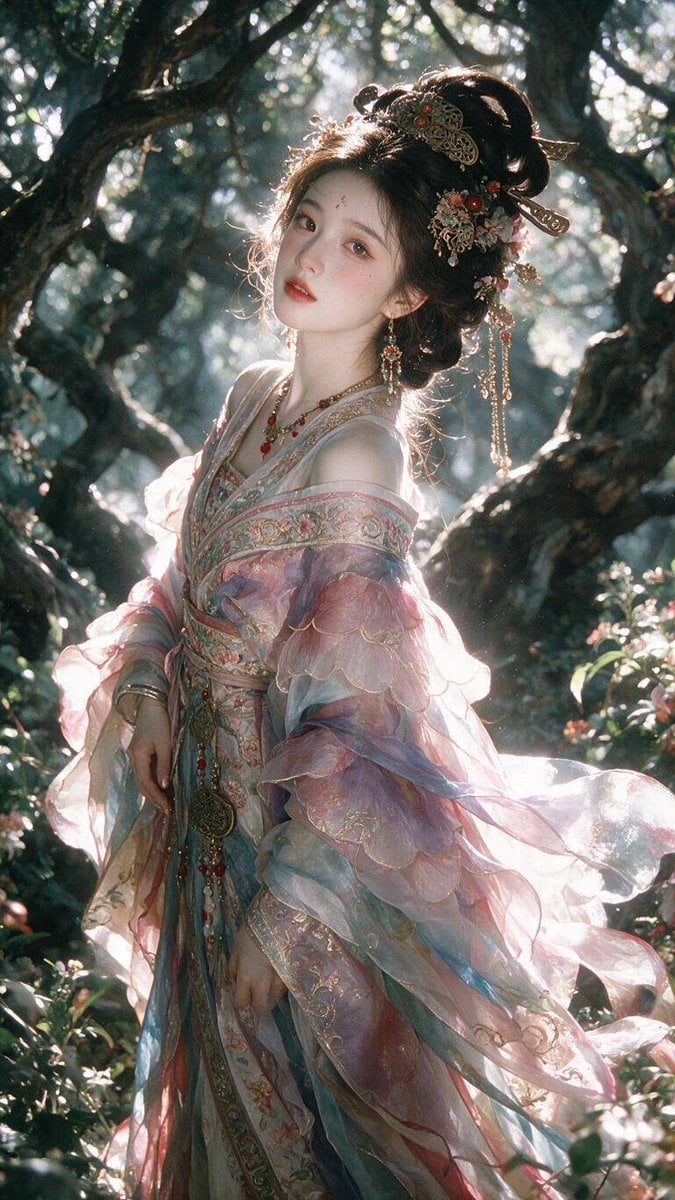
Enchanted Hanfu Forest Goddess
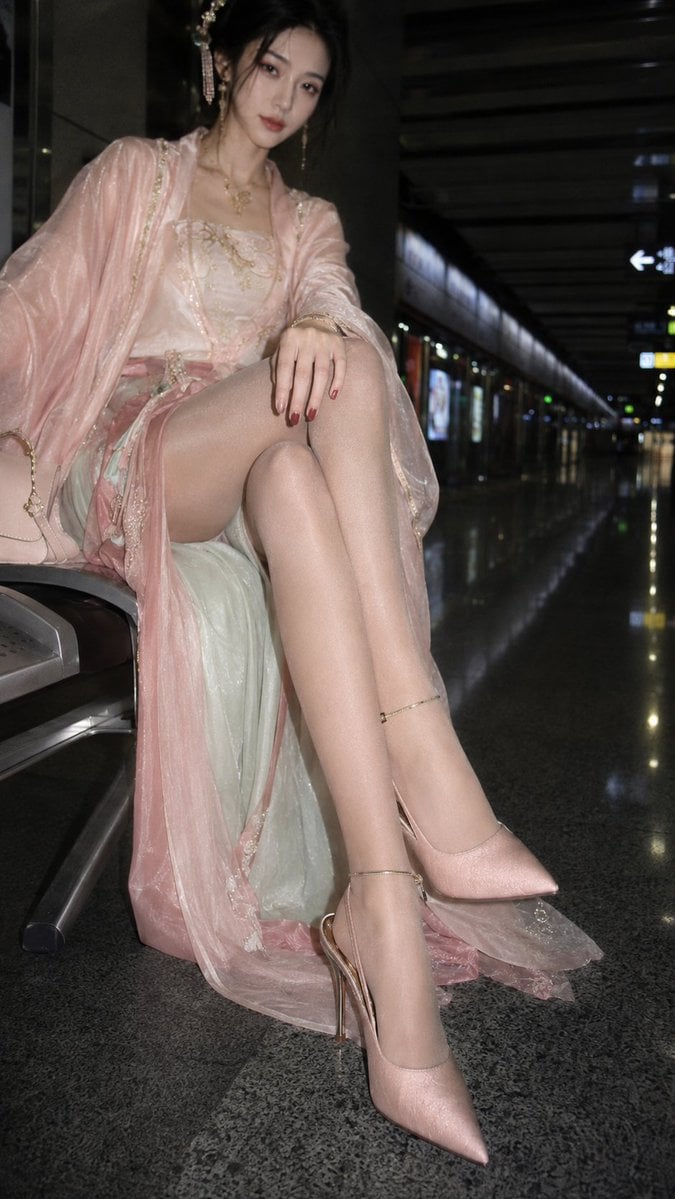
Hanfu Fashion Portrait in Subway
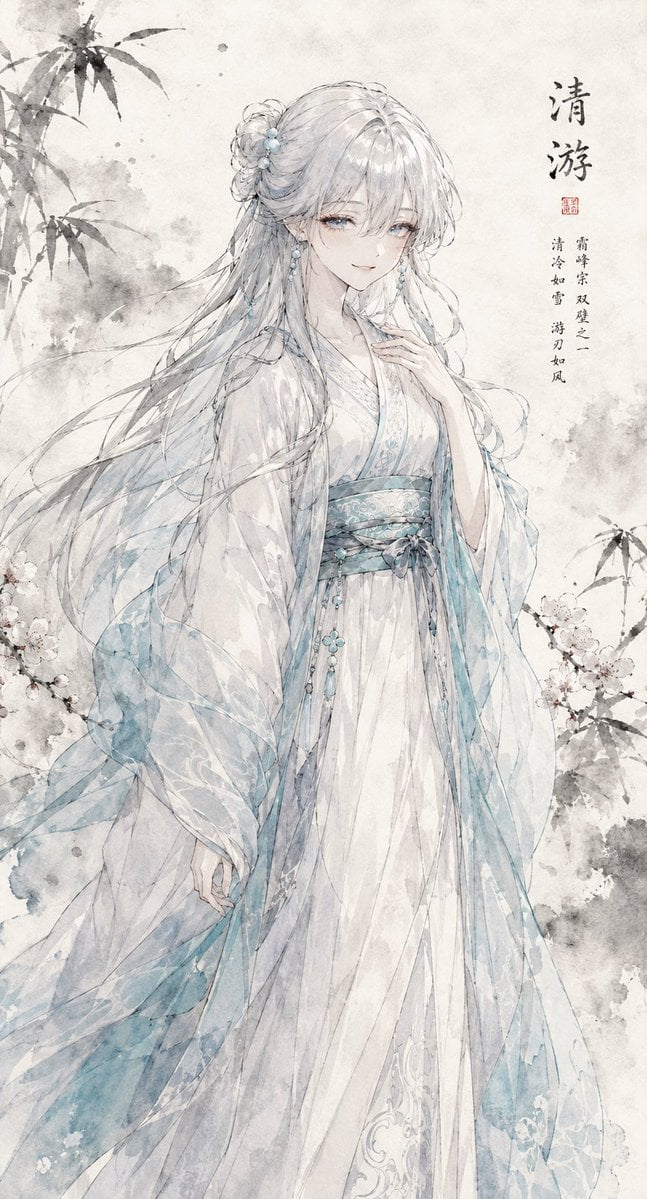
Ink Wash Hanfu Character Portrait
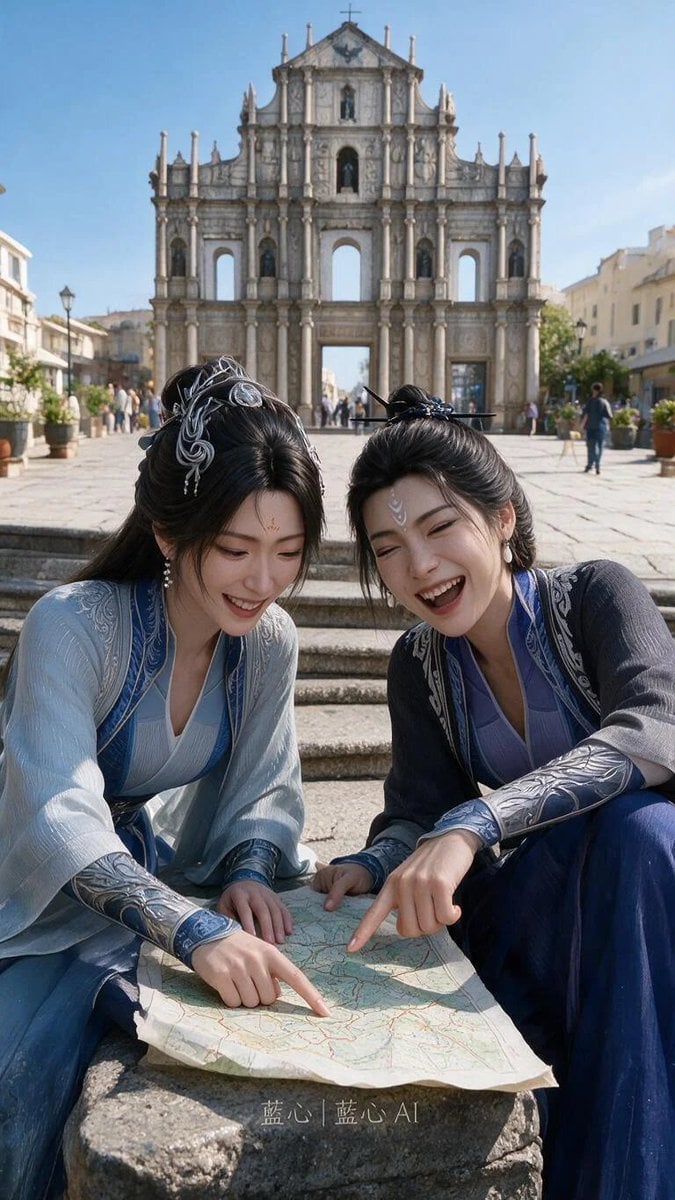
Fantasy Hanfu Travelers at Historic Church
Make it yours
Classical Candlelight Hanfu Diviner works as-is. These are the safest ways to change it without losing the look.
Change one field
Copy a single group, rewrite it, and generate again so you can see what that field is doing.
Keep the frame, change the subject
Hold the composition and light of Classical Candlelight Hanfu Diviner, then swap wardrobe, props or the person for a new take.
| If the result… | Why | Fix |
|---|---|---|
| The result drifts from the preview | Too many fields changed at once. | Reuse Classical Candlelight Hanfu Diviner as-is first, then change one group — subject, light, or setting. |
| The model over-stylizes the scene | The prose prompt leaves finish and camera underspecified. | Add one camera or lighting sentence and stay on GPT Image 2. |
More GPT Image 2 templates
Other prompts made for GPT Image 2.

Six VTuber Japanese Logo Sheet

Realistic Portrait of Woman and Deer

The Vista Modular Condo Poster

AI Model Routing Comparison Infographic

2.5D Anime Art Board

Isometric Productivity Desk Scene

New York Double Exposure Poster

Four-Panel AI Landscape Comparison

Japanese Tatami Lifestyle Magazine Cover

NESCAFÉ Coffee Map Poster
More image prompts
Fresh picks from across the catalog.

Cinematic AR Visualization in Indian Street Market
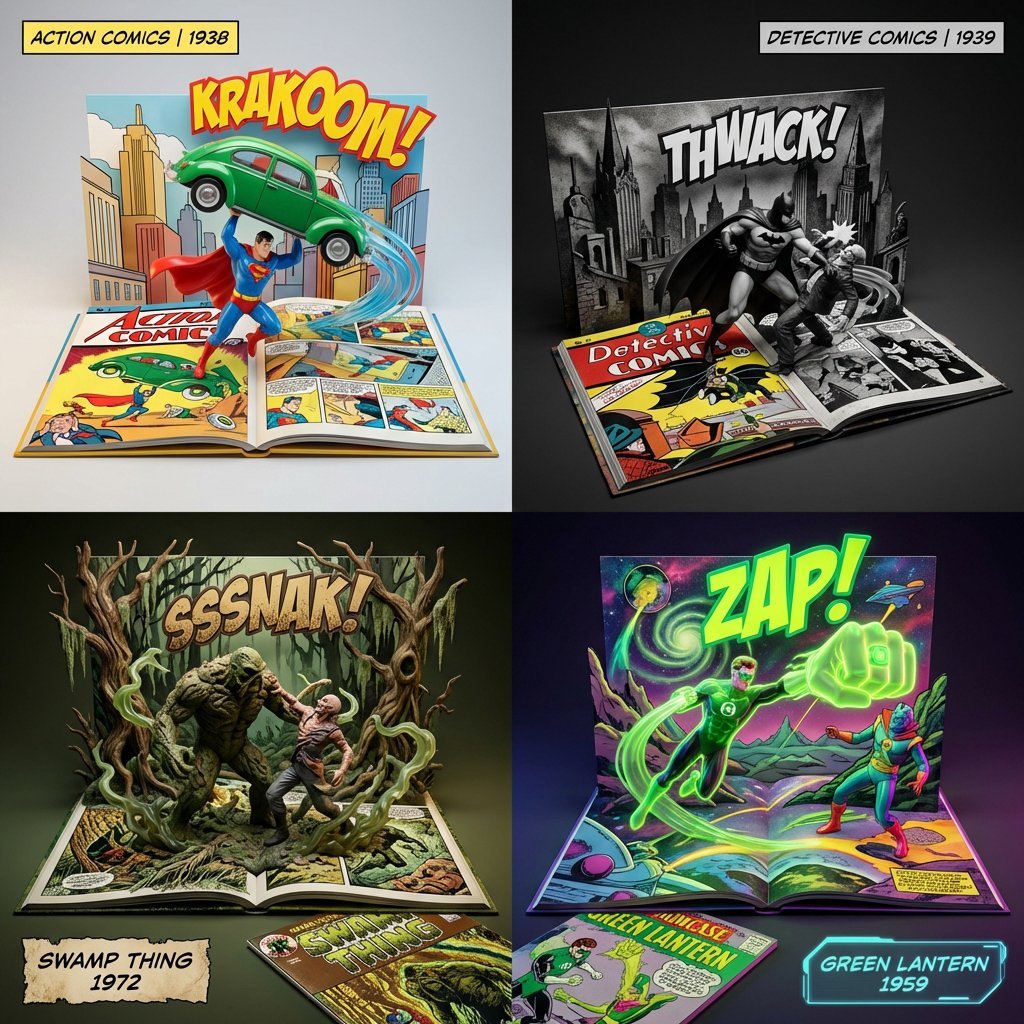
3D Diorama of Comic Book Covers and Toys
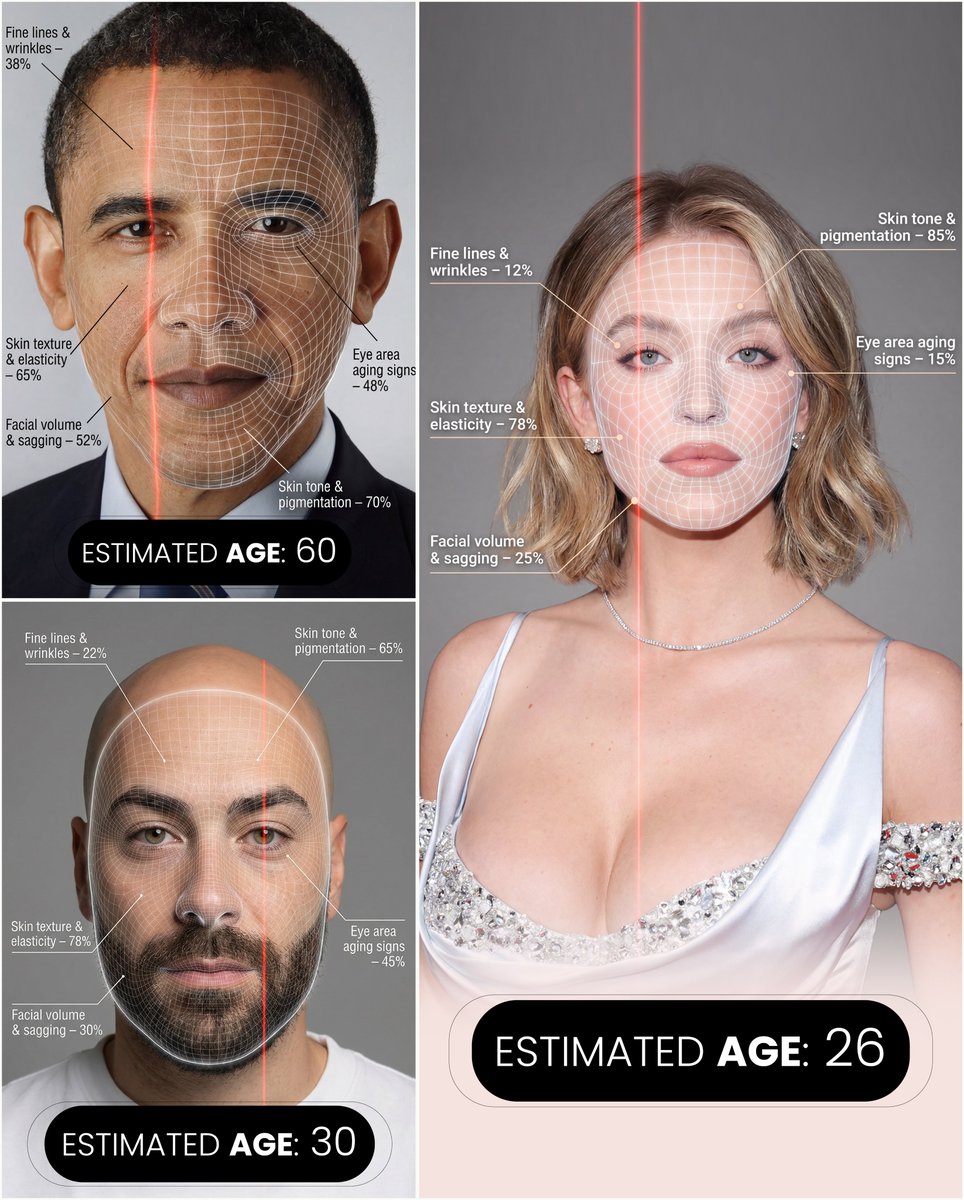
Futuristic facial age-checker infographic portrait
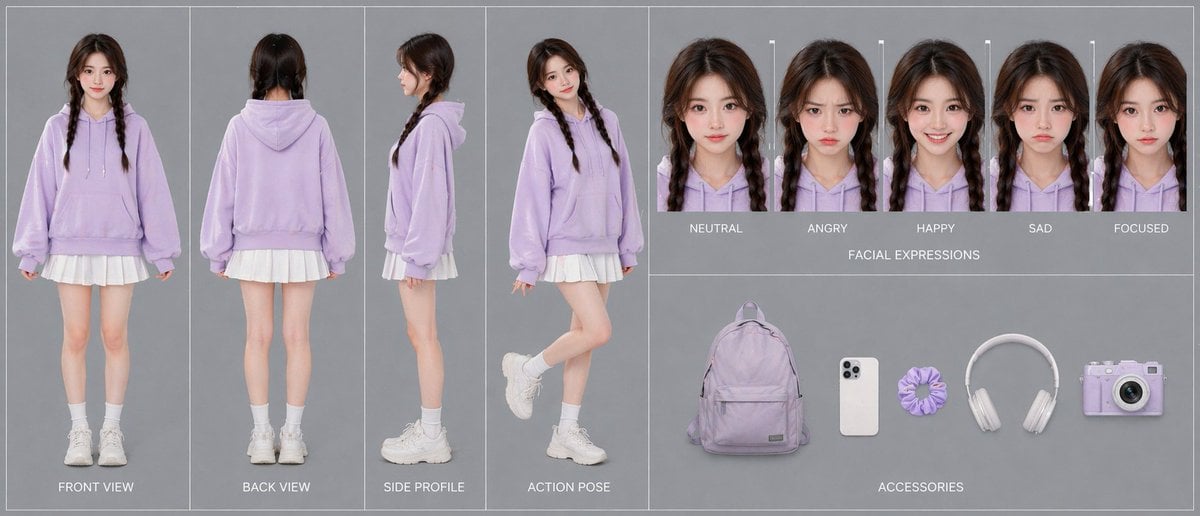
Lavender Hoodie Character Reference Sheet
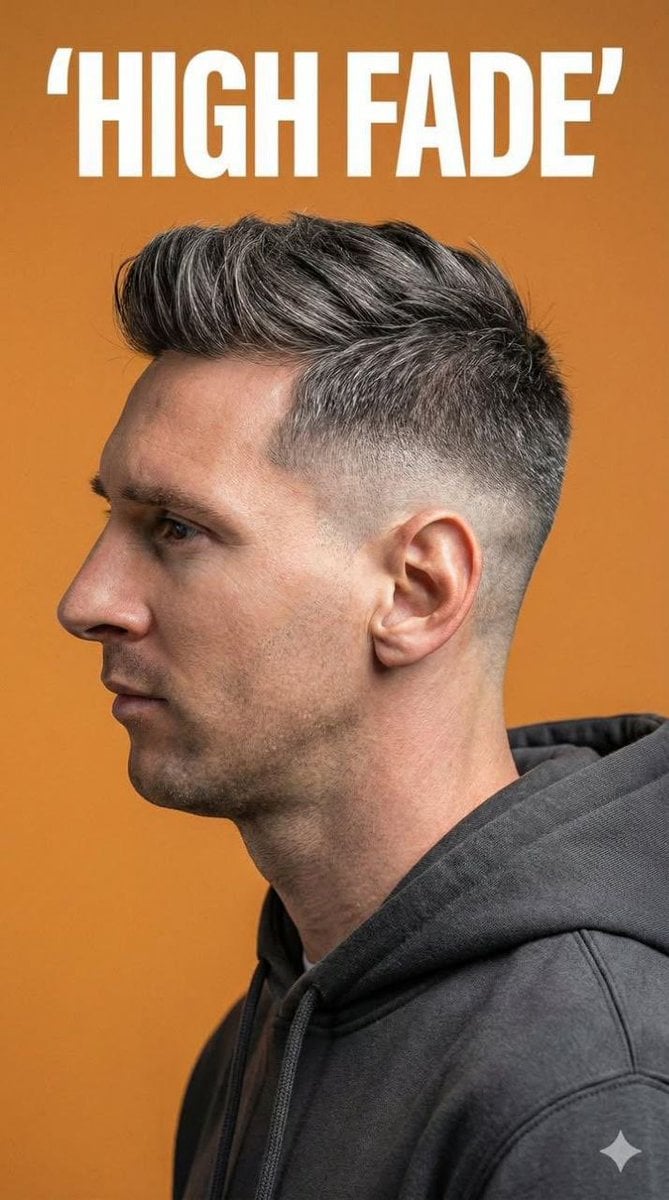
Ultra-Realistic Studio Portrait for Men's Hairstyles
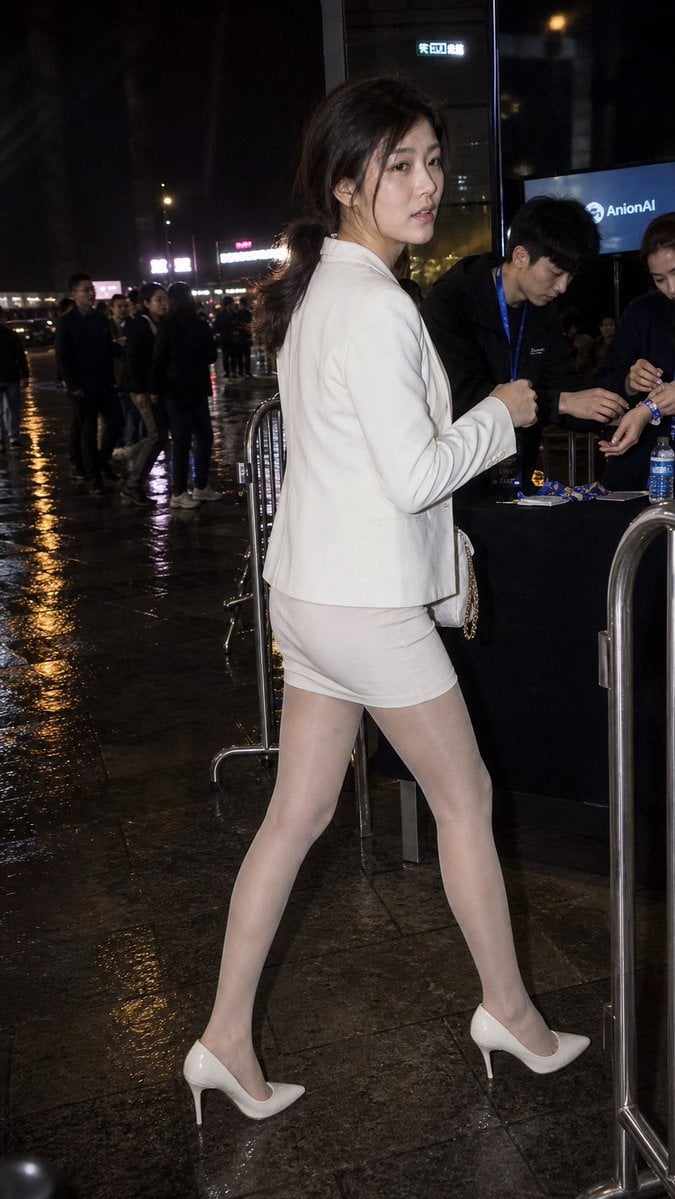
Rainy Night Event Street Fashion
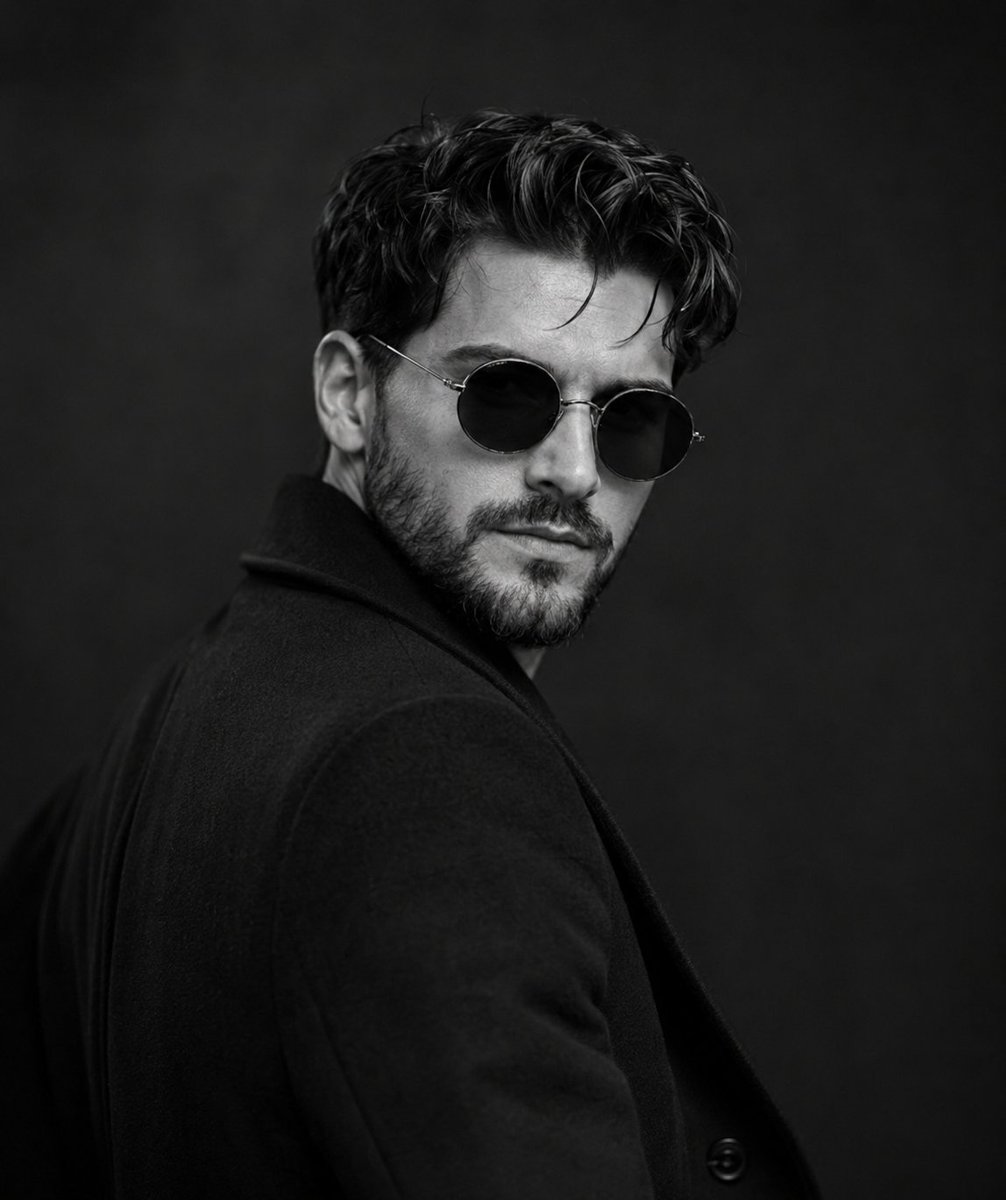
Monochrome Noir Fashion Portrait
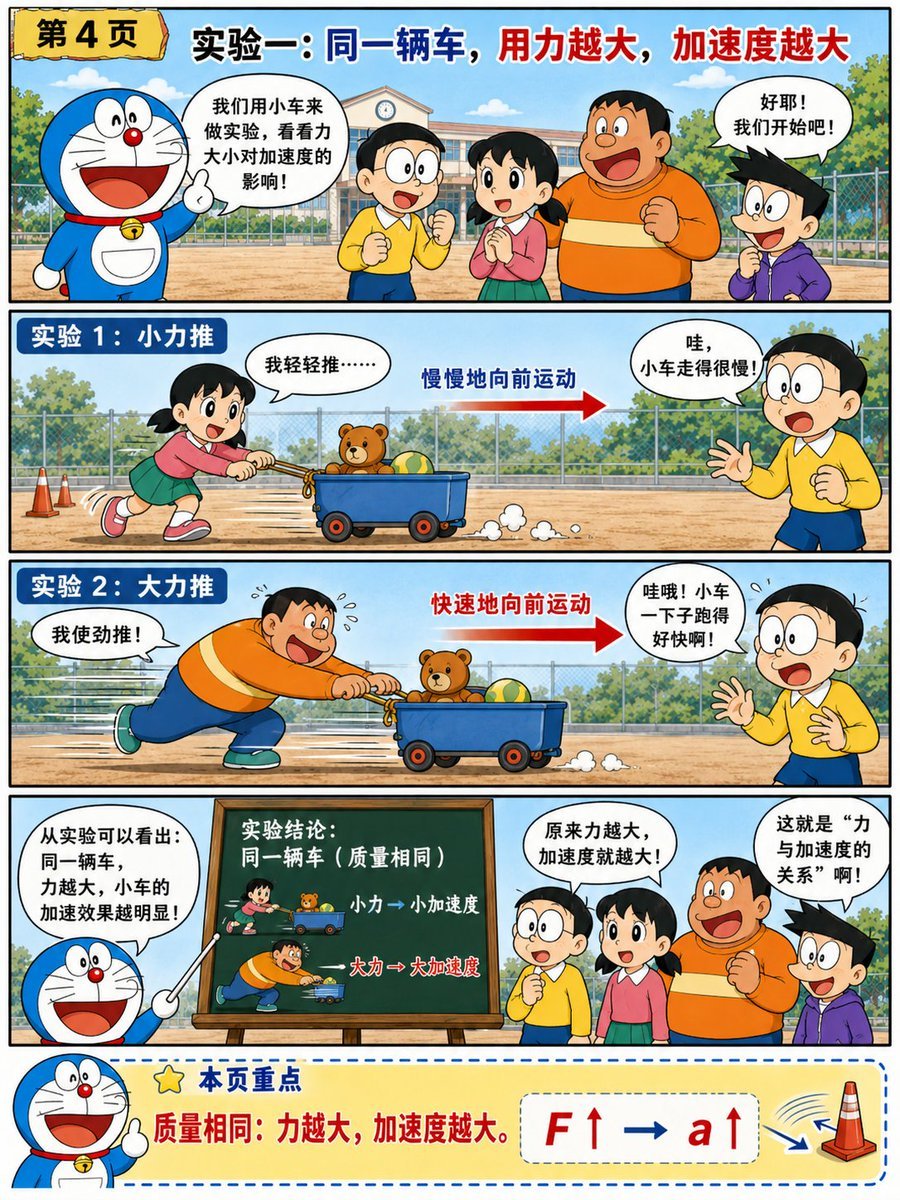
Doraemon-Style Newton’s Second Law Comic
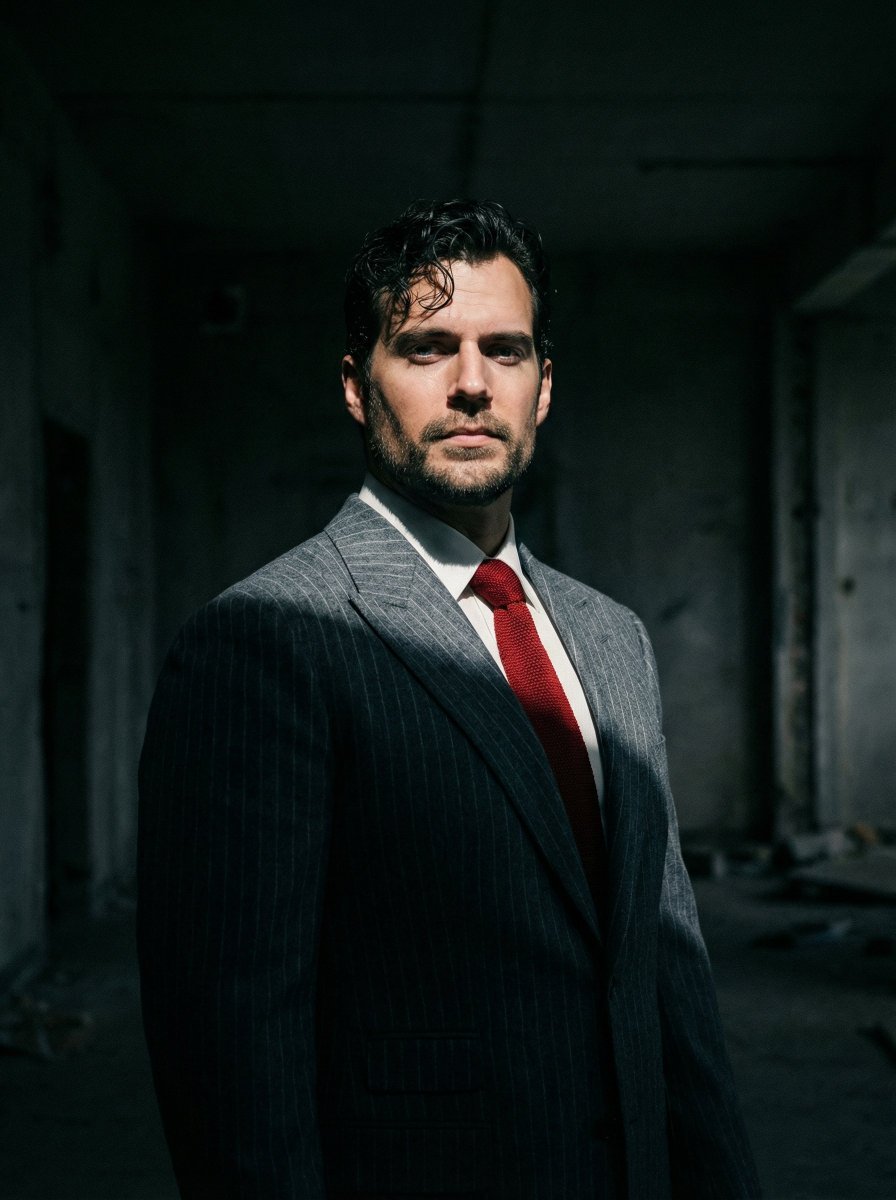
Dramatic Cinematic Low-Angle Portrait Prompt (Reference Image Required)
Glitch Aesthetic Anime Illustration
Browse template categories
Classical Candlelight Hanfu Diviner questions
How do I use the Classical Candlelight Hanfu Diviner template?
Add your photo if the template asks for one, edit the prompt if you like — the template's model and format are already selected — and press Generate. Your version opens in PicX Studio.
Can I customize the Classical Candlelight Hanfu Diviner template?
Yes. You can change the subject, setting, lighting, mood, format, and available model controls before creating your image.
Is the Classical Candlelight Hanfu Diviner template free?
Opening and editing this template is free. Generating uses credits, shown on the Generate button when you are signed in.
Which AI model should I use?
Start with GPT Image 2, which is the model associated with this template. You can compare another compatible model for a different finish.
Looking for something else? Browse all templates.

Your photo, any look
Thousands of ready templates for every top image and video model, from one credit balance.