
Hanfu Intellectual Portrait with Glasses
A realistic portrait of an East Asian woman in traditional Hanfu paired with modern rimless glasses, set in a tranquil, classic Chinese interior.
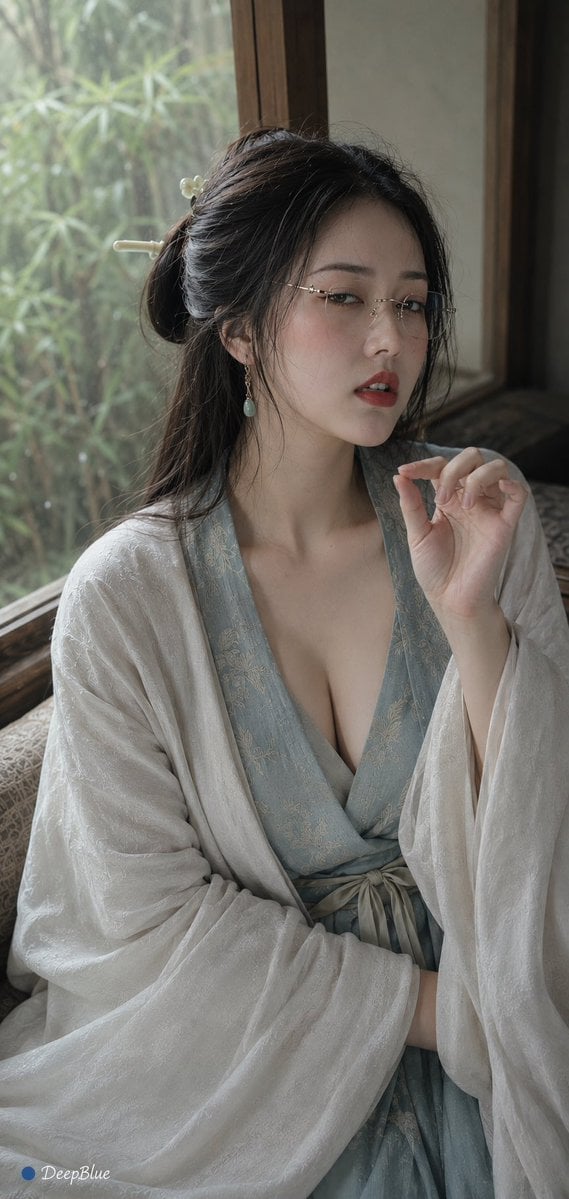
- Prompt included
- Model and format preset
- Free template
The prompt behind this image
Copy the exact prompt behind Hanfu Intellectual Portrait with Glasses, or open it in the studio and make it yours.
写实人像摄影,竖幅;成年东亚女性,白皙细腻真实皮肤;长发,宋制低髻,几缕碎发自然落在脸侧;{argument name="眼镜" default="无框细金属边眼镜"};精致古典妆容,细长眼线,长睫毛,淡粉腮红,朱红唇色。 身穿{argument name="服饰颜色" default="烟青色"}宋制汉服,上襦采用细腻暗纹织物,浅米色褙子外搭,宽袖自然垂落,腰间细窄系带,搭配简约玉石耳饰与素色发簪,整体雅致克制。 人物 sits {argument name="场景" default="临窗木榻边"},窗外竹影朦胧,手指轻搭衣袖,身体自然向镜头倾斜,姿态安静。 半垂眼直视镜头,眉眼微蹙,眼神冷淡而嫌弃,带一点不屑,嫌弃和审视感;嘴唇自然微张,露出少量上排牙齿, 烟青、米白、木色构成低饱和东方色调,真实布料纹理、发丝与皮肤细节,柔和自然,没有影楼感。
How to use Hanfu Intellectual Portrait with Glasses in 3 steps
- 1
Open
The prompt is already in the box next to the preview, with the template's model and format selected.
- 2…a portrait of your subject in softgolden-hour light, 85mm…
Personalize
Edit the subject and creative details for your destination.
- 3Generate
Generate
Press Generate — your image is created in PicX Studio, so you can compare it with the original and refine one variable at a time.
More like this
Templates with the same subject, style or setup. Open one to see its prompt.

Found Photograph: Us, 1970

80s Couple Studio Portrait

80s Bollywood Star

80s Golden Hour Cinema

Me in 1985

1985 Studio Portrait

Hyper-Realistic Minecraft POV Portrait

Rooftop Fisheye — Cat-Ear Balaclava at Golden Hour

Rainy Café Window Moody Portrait

untitled
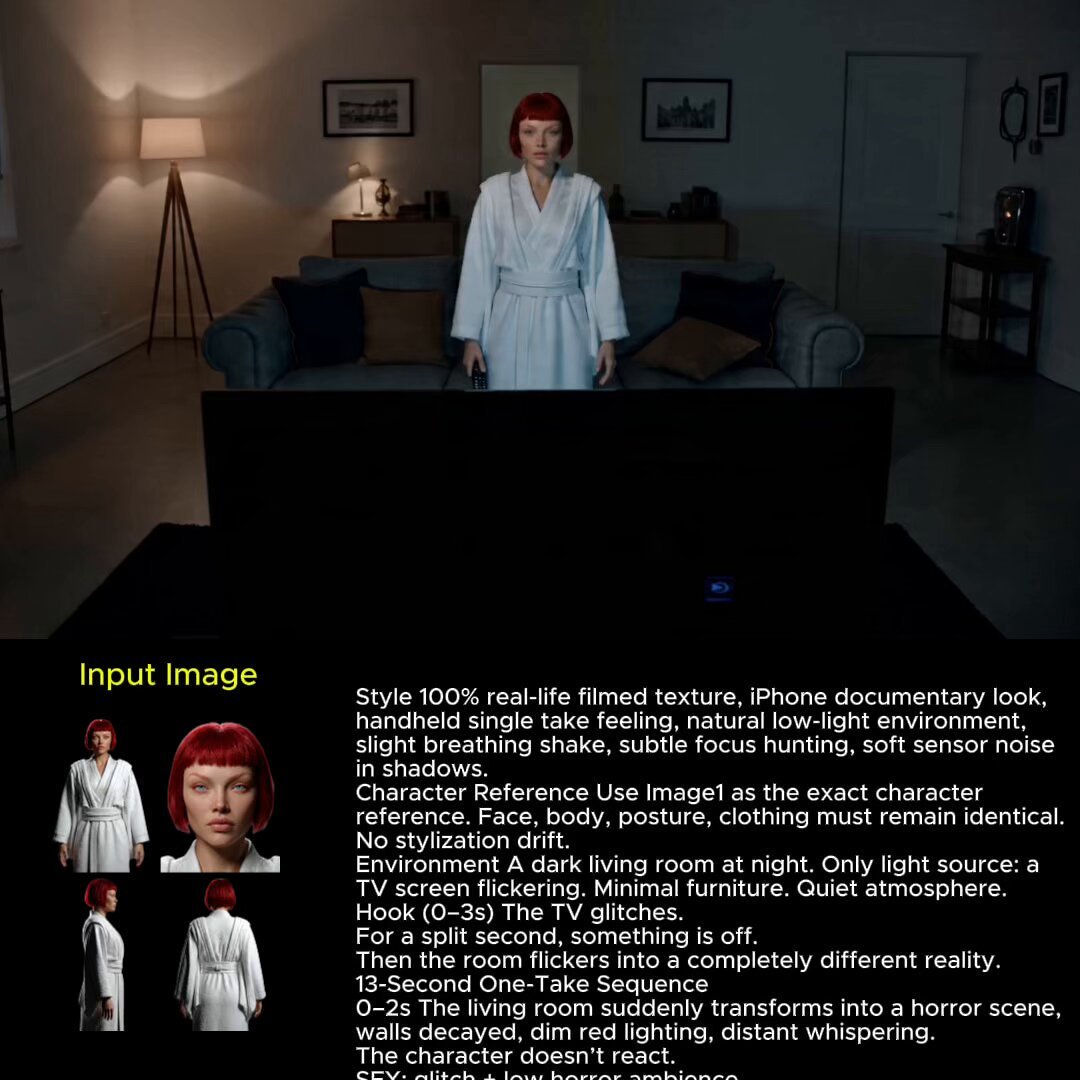
2025 Aesthetic Photography
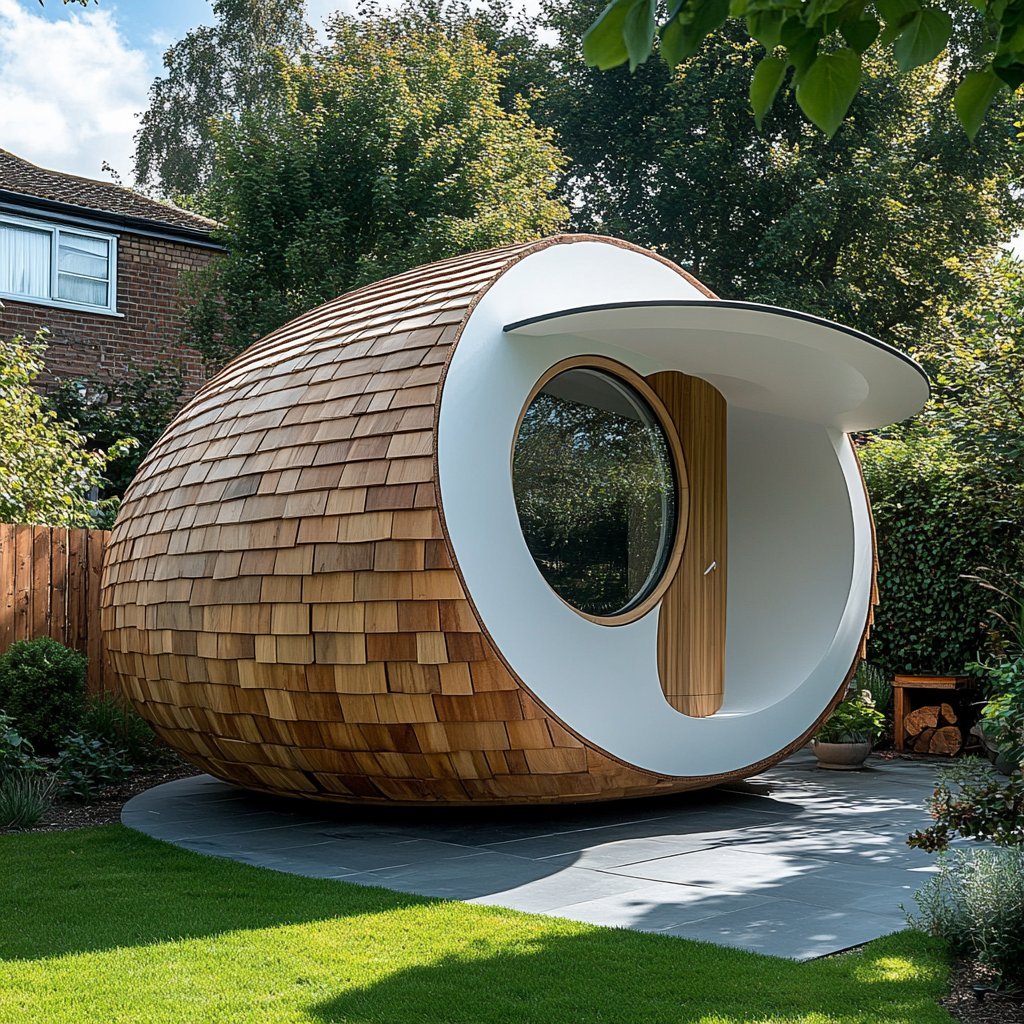
Nano Banana Is So Addictive
Make it yours
Hanfu Intellectual Portrait with Glasses works as-is. These are the safest ways to change it without losing the look.
Change one field
Copy a single group, rewrite it, and generate again so you can see what that field is doing.
Keep the frame, change the subject
Hold the composition and light of Hanfu Intellectual Portrait with Glasses, then swap wardrobe, props or the person for a new take.
| If the result… | Why | Fix |
|---|---|---|
| The result drifts from the preview | Too many fields changed at once. | Reuse Hanfu Intellectual Portrait with Glasses as-is first, then change one group — subject, light, or setting. |
| The model over-stylizes the scene | The prose prompt leaves finish and camera underspecified. | Add one camera or lighting sentence and stay on GPT Image 2. |
More GPT Image 2 templates
Other prompts made for GPT Image 2.

Six VTuber Japanese Logo Sheet

Realistic Portrait of Woman and Deer

The Vista Modular Condo Poster

AI Model Routing Comparison Infographic

2.5D Anime Art Board

Isometric Productivity Desk Scene

New York Double Exposure Poster

Four-Panel AI Landscape Comparison

Japanese Tatami Lifestyle Magazine Cover

NESCAFÉ Coffee Map Poster
More image prompts
Fresh picks from across the catalog.
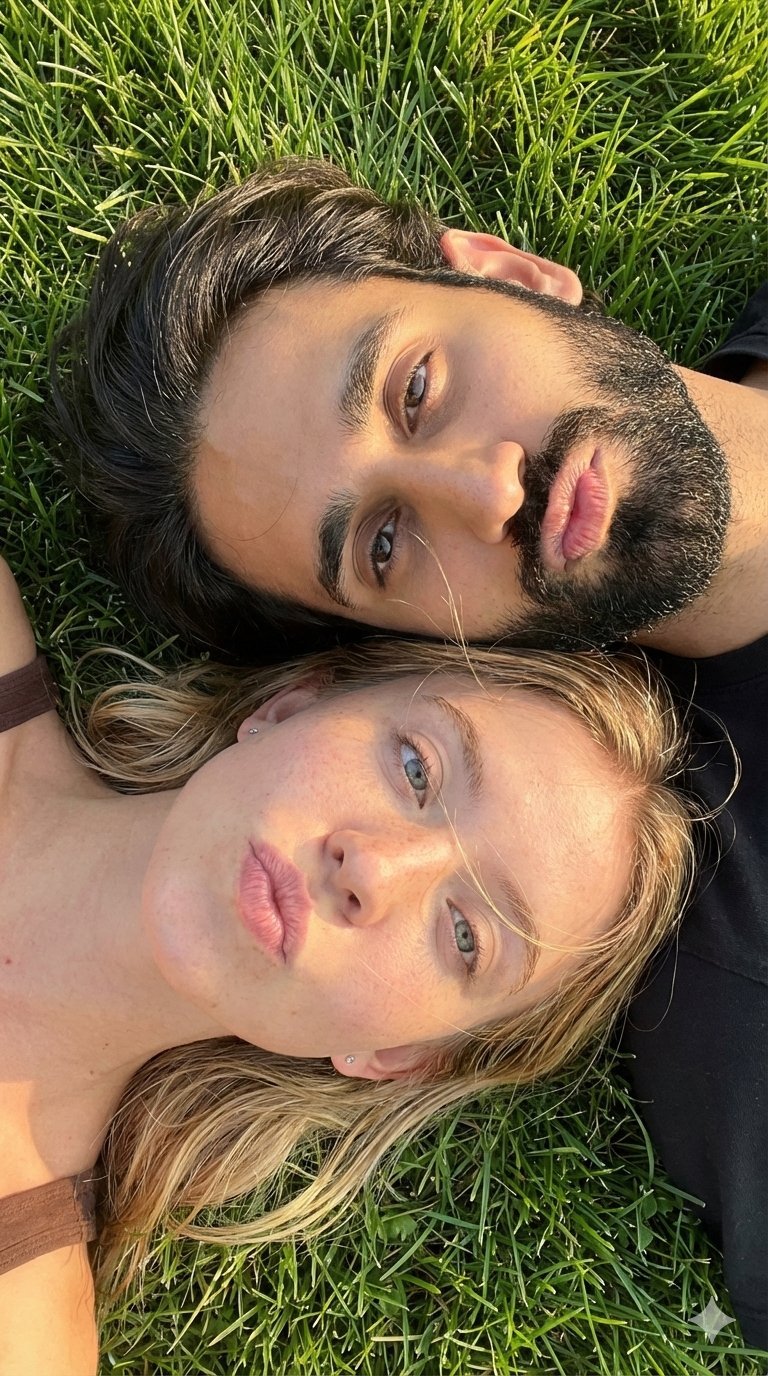
9 Grid Travel Profile Photo Series
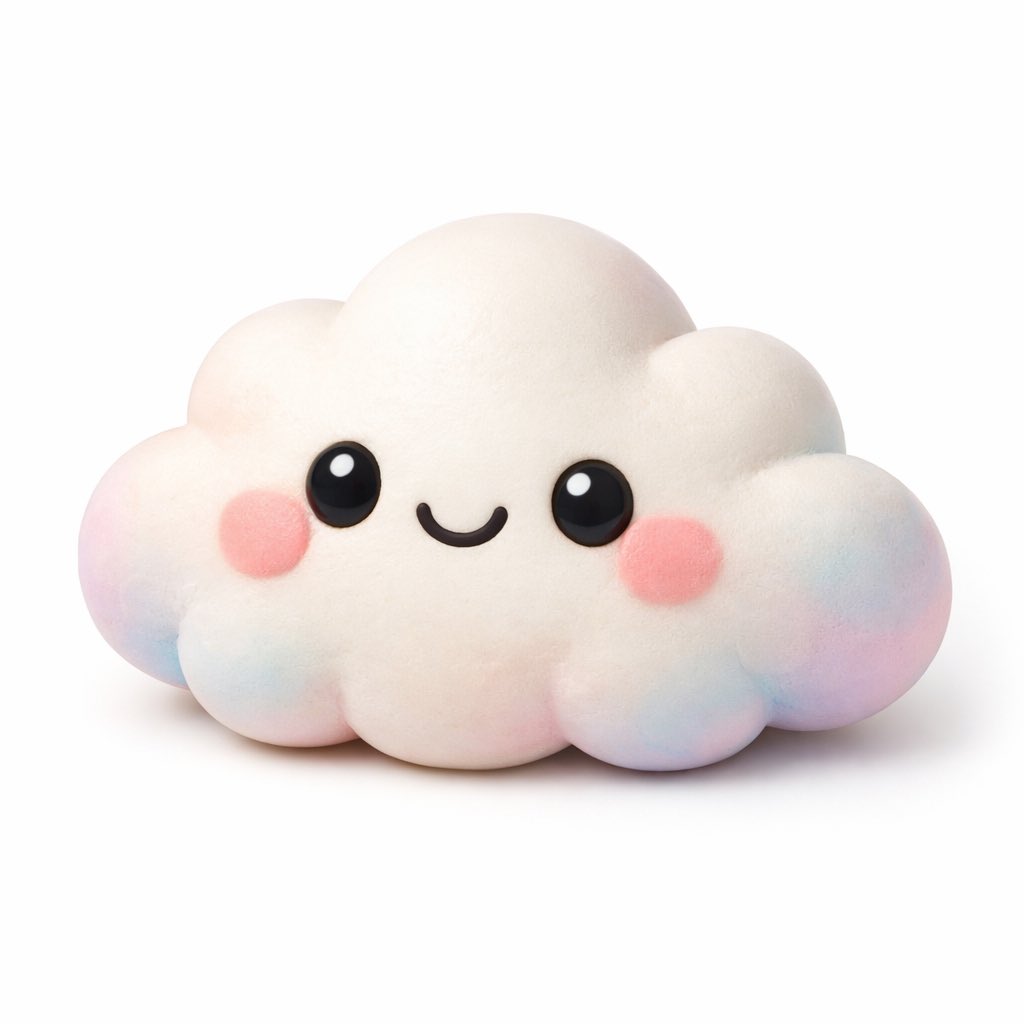
Kawaii 3D Character Icon
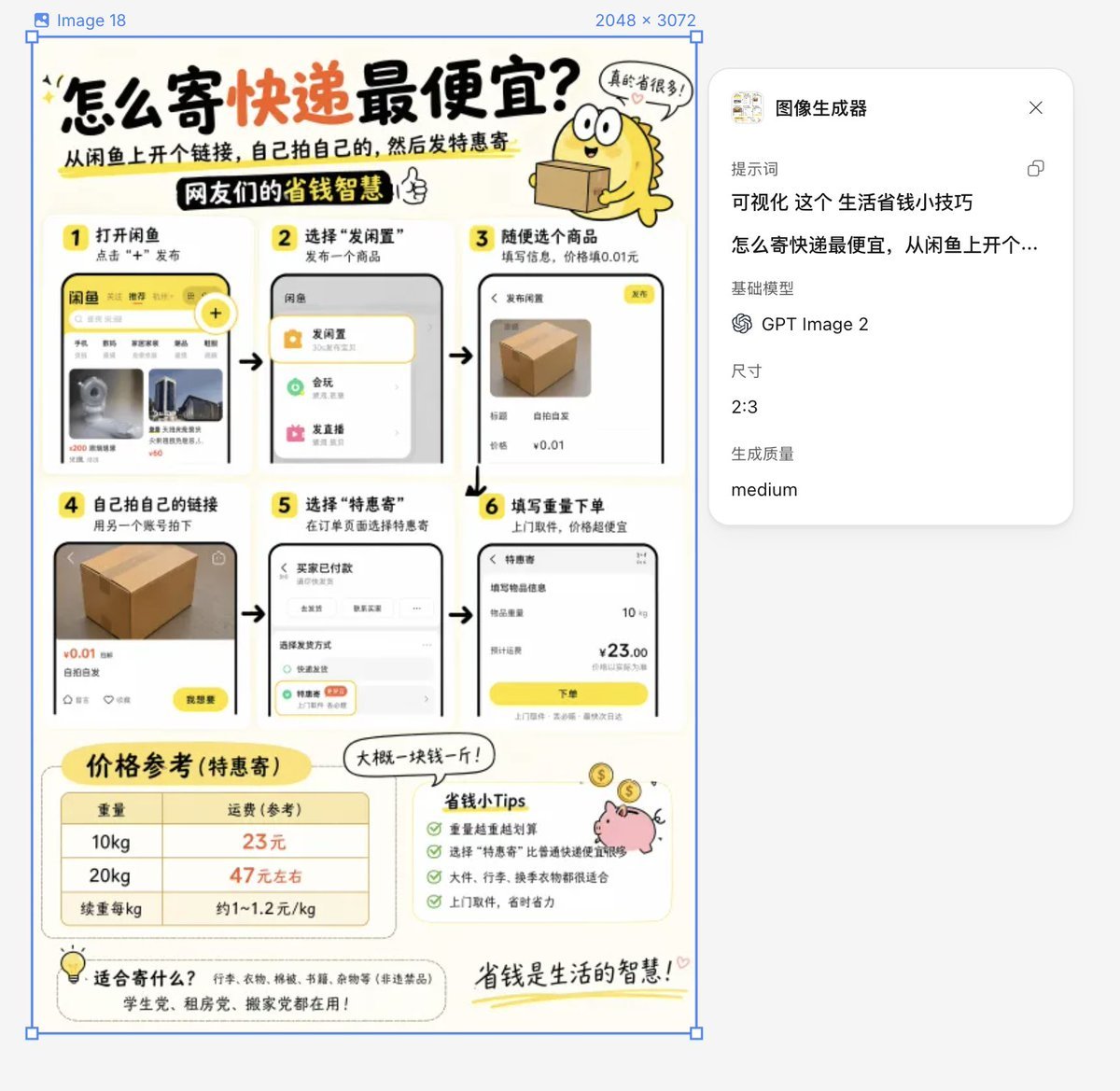
Life Hack Visualization
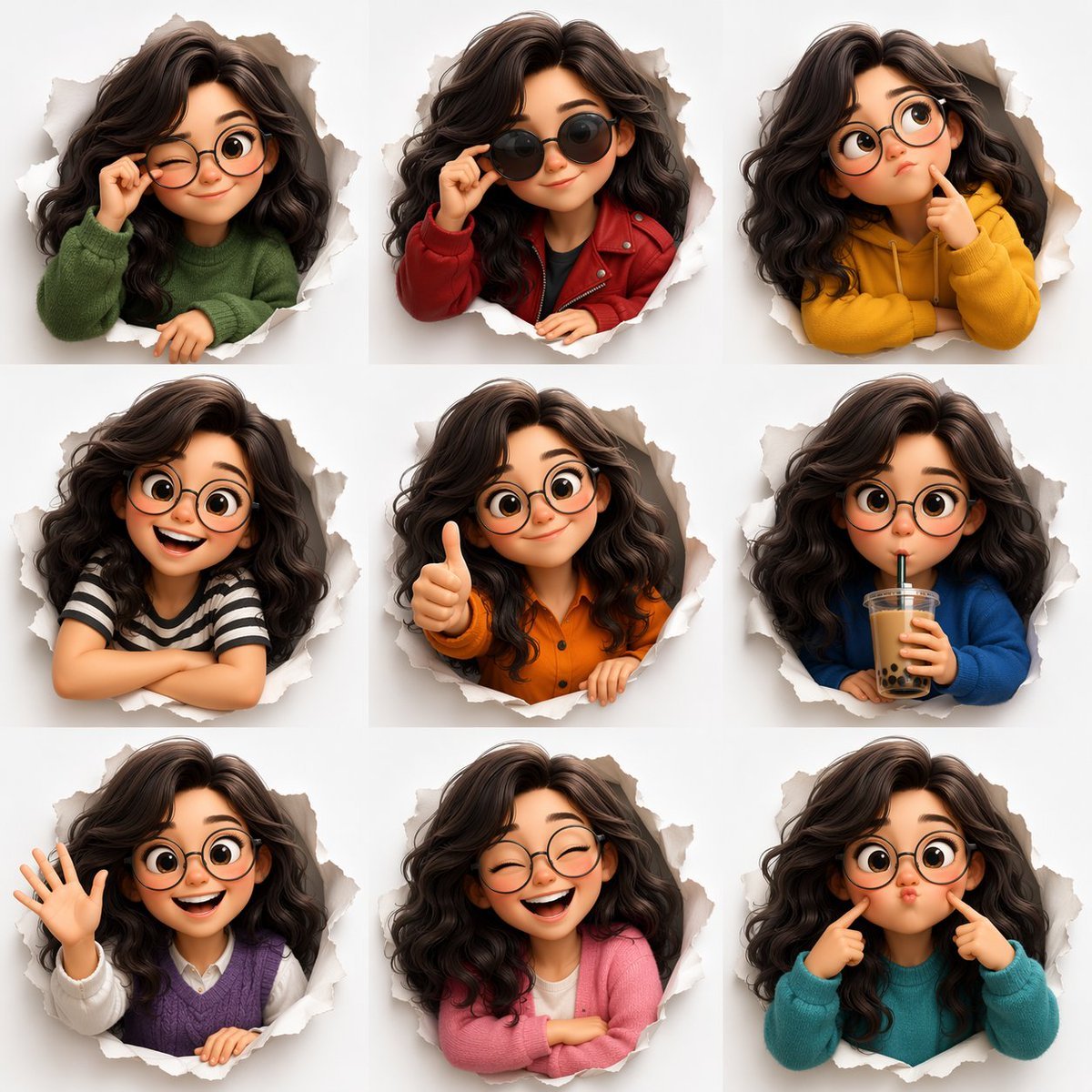
3D Animated Character Expression Grid
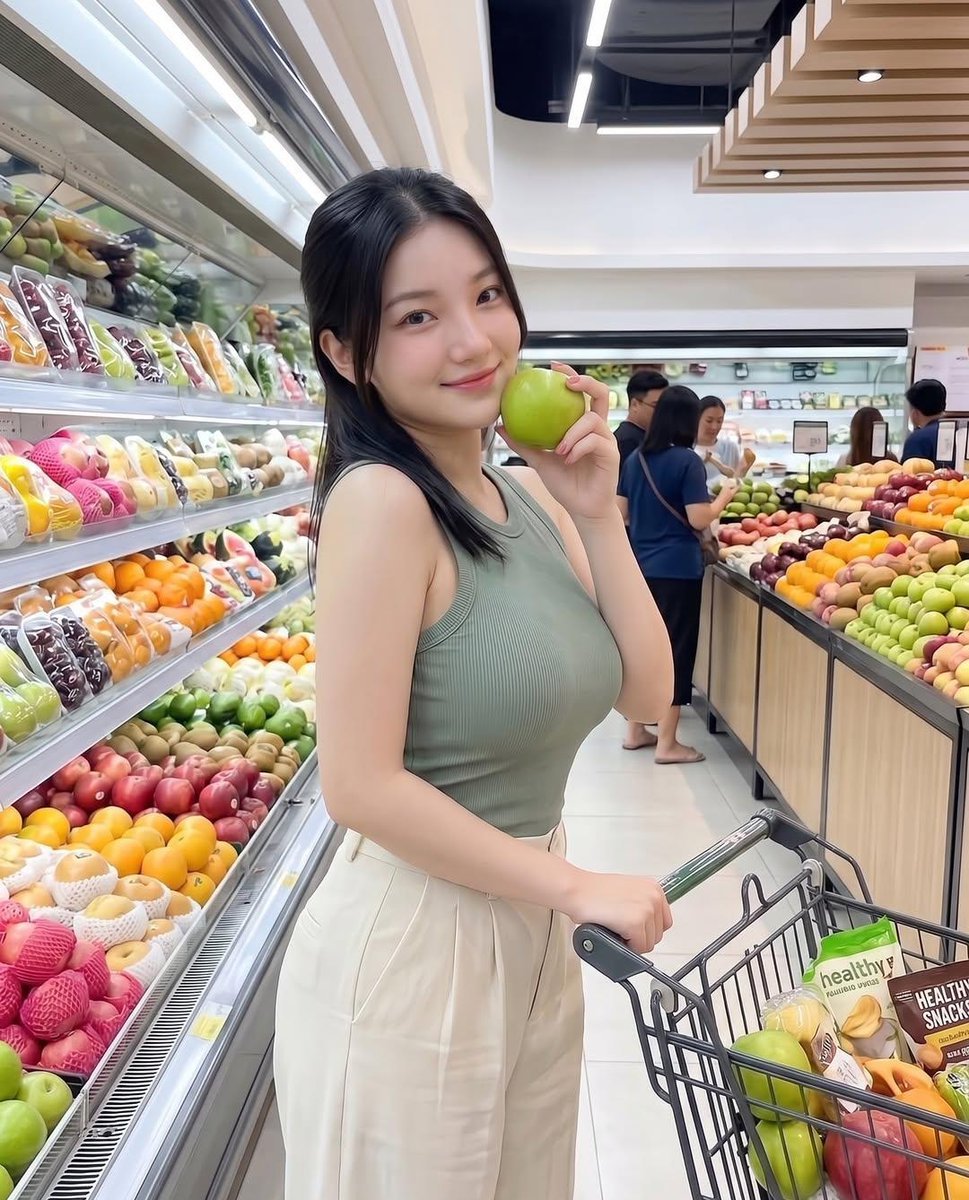
Modern Grocery Store Lifestyle Portrait
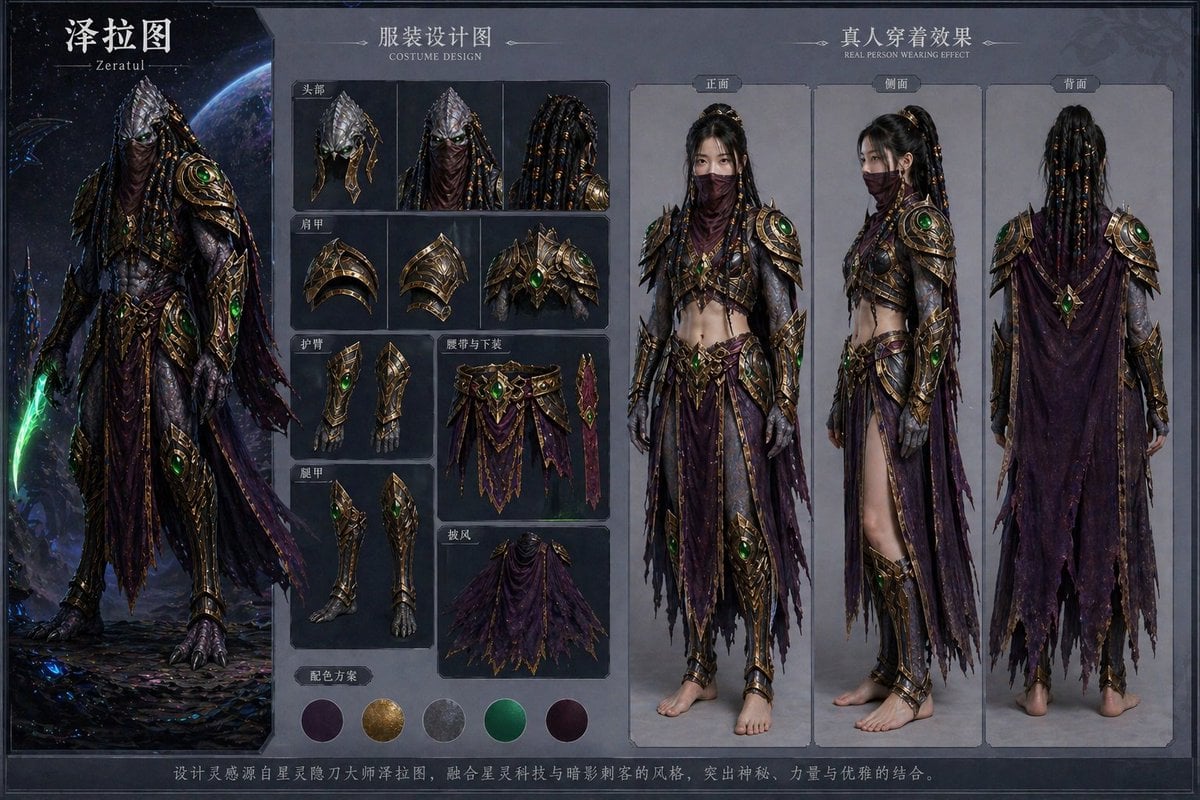
Character Costume Design Transfer
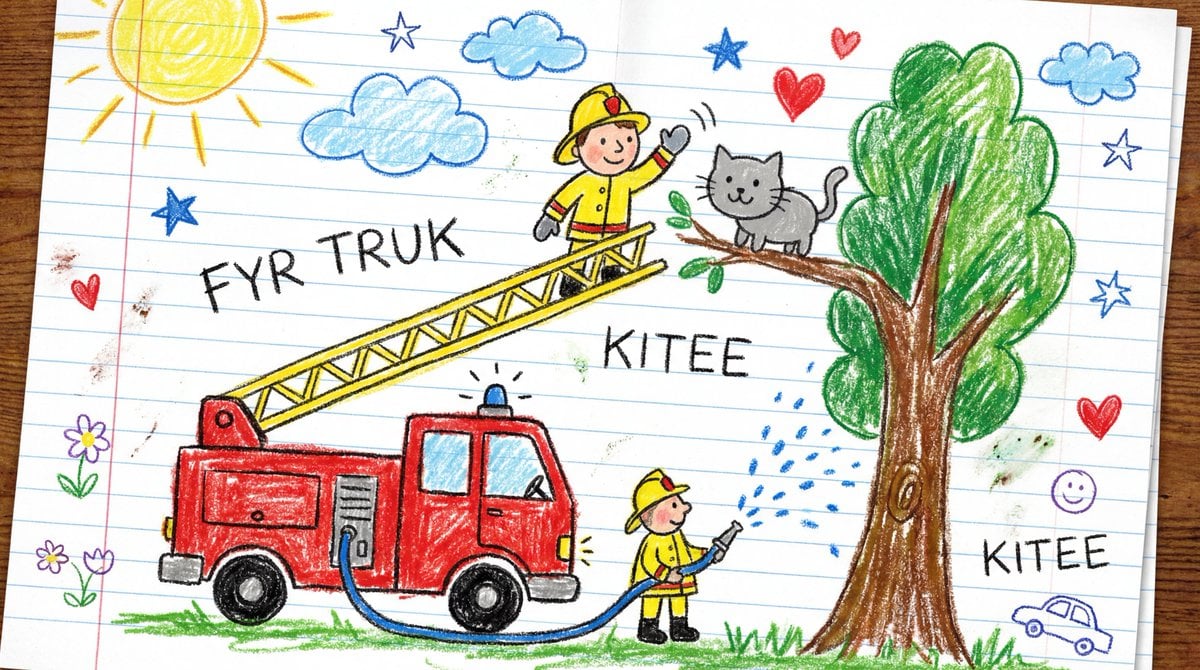
Child's Crayon Drawing Style Generator
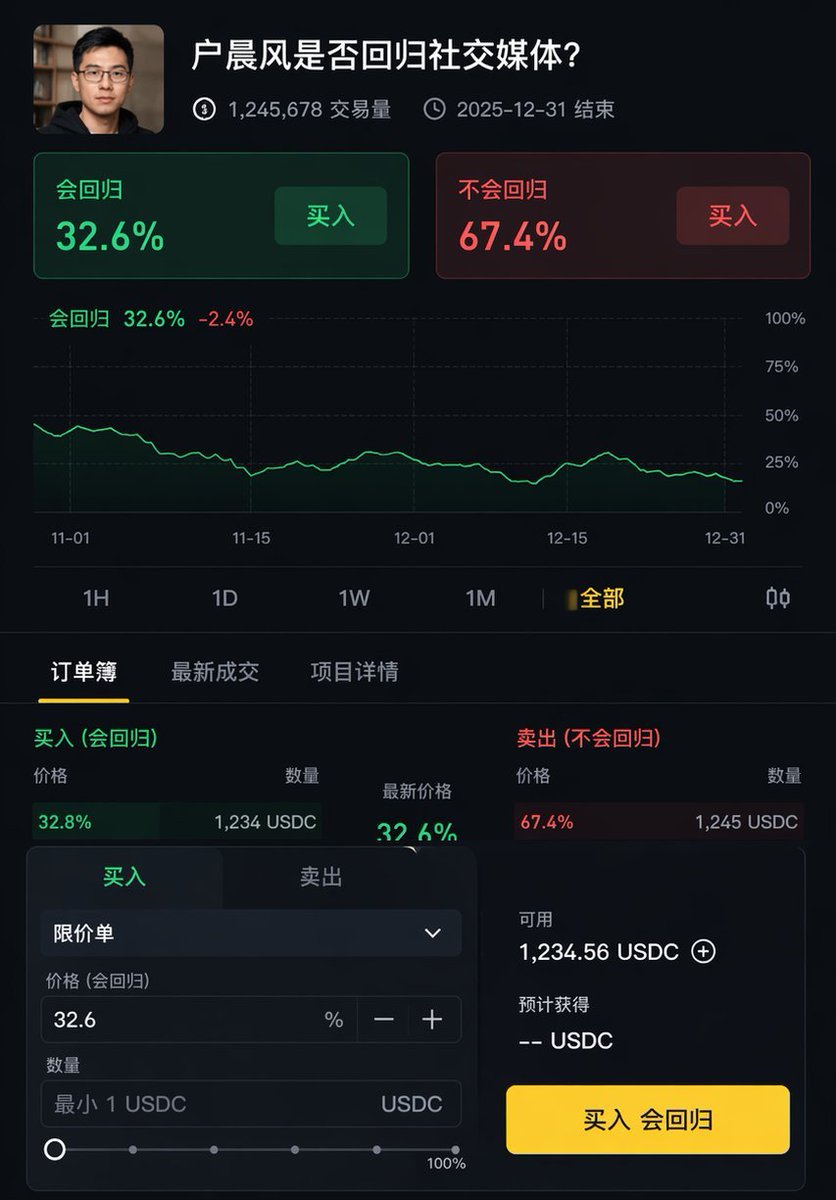
Professional UI Design Prompt

Studio Quality Portrait Generation Using

High-Quality Photo of Man Flying Above Clouds
Browse template categories
Hanfu Intellectual Portrait with Glasses questions
How do I use the Hanfu Intellectual Portrait with Glasses template?
Add your photo if the template asks for one, edit the prompt if you like — the template's model and format are already selected — and press Generate. Your version opens in PicX Studio.
Can I customize the Hanfu Intellectual Portrait with Glasses template?
Yes. You can change the subject, setting, lighting, mood, format, and available model controls before creating your image.
Is the Hanfu Intellectual Portrait with Glasses template free?
Opening and editing this template is free. Generating uses credits, shown on the Generate button when you are signed in.
Which AI model should I use?
Start with GPT Image 2, which is the model associated with this template. You can compare another compatible model for a different finish.
Looking for something else? Browse all templates.

Your photo, any look
Thousands of ready templates for every top image and video model, from one credit balance.