How do I use the Enchanted Hanfu Forest Goddess template?
Edit the prompt in the box under the preview — the template's model and format are already selected — and press Generate. Your version appears right on this page.
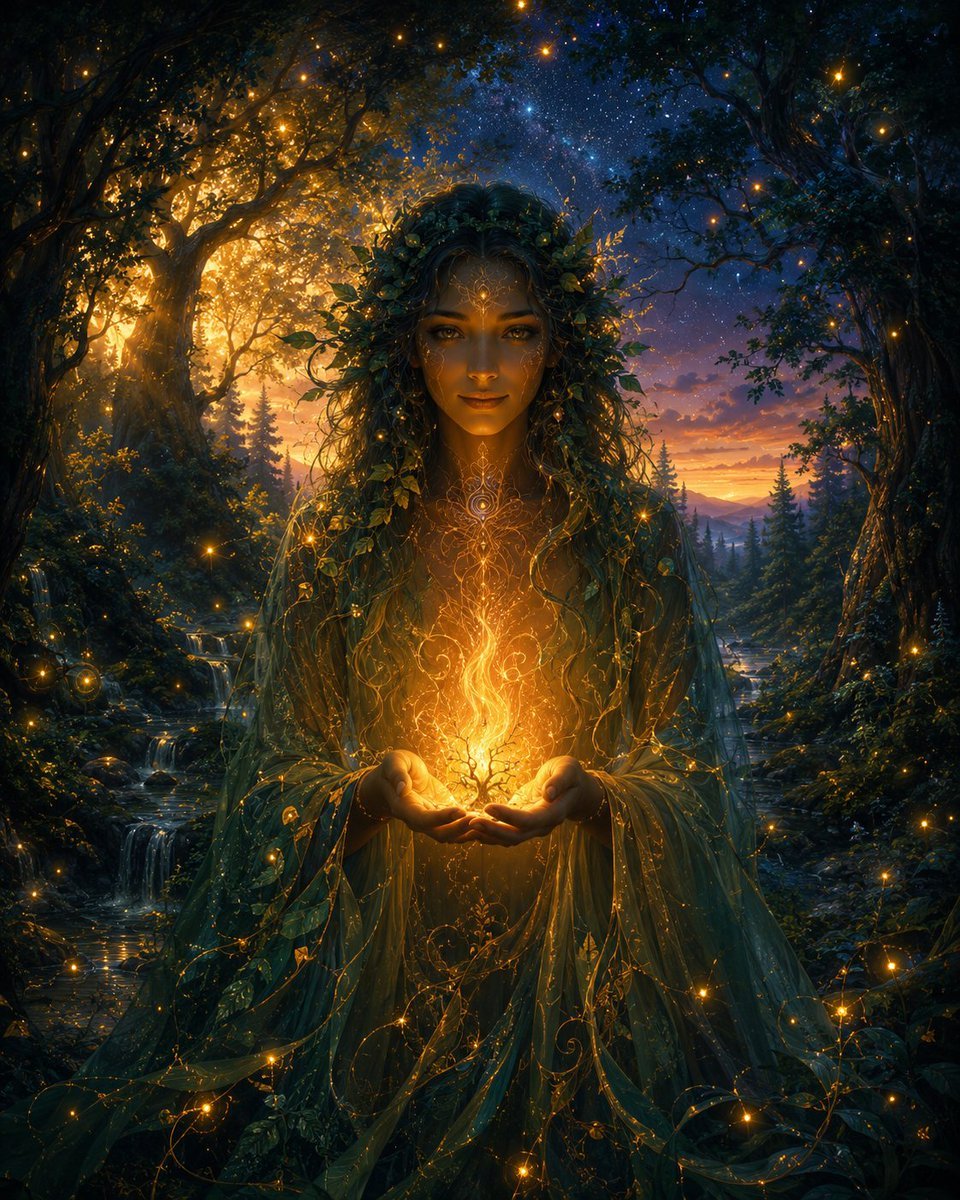
A cinematic vertical fantasy portrait prompt for creating an ethereal Chinese-style goddess in ornate hanfu within a sunlit ancient forest.

This template uses your photo — add one with the + button.
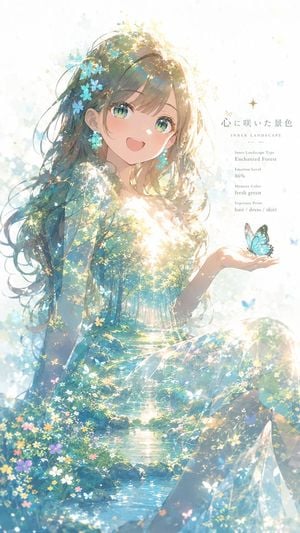
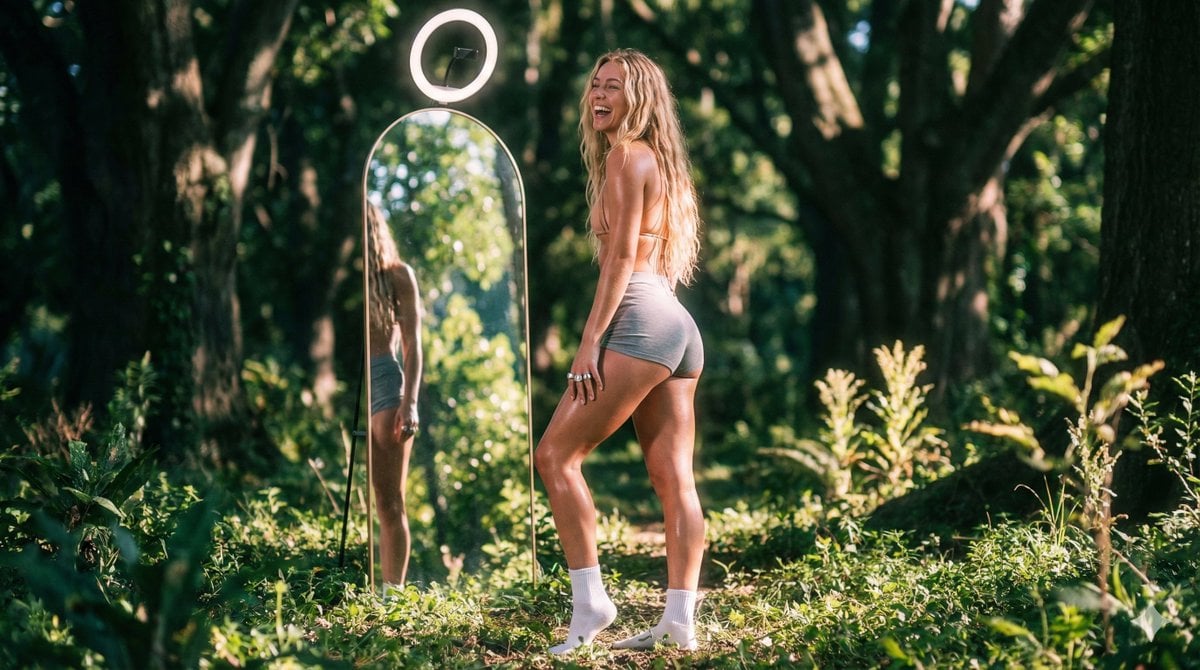
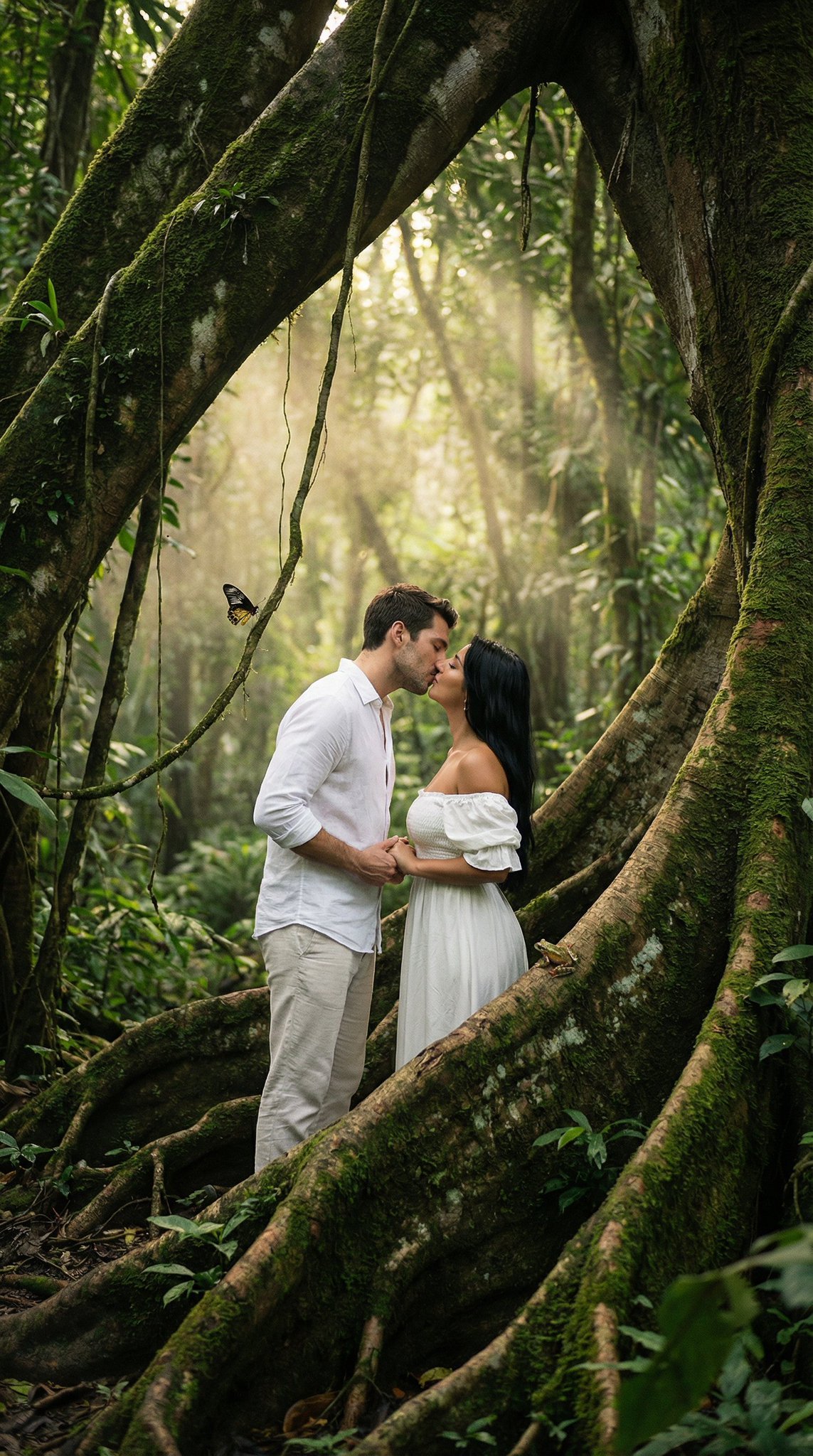
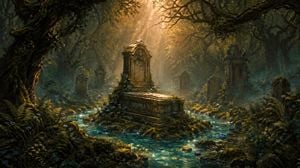
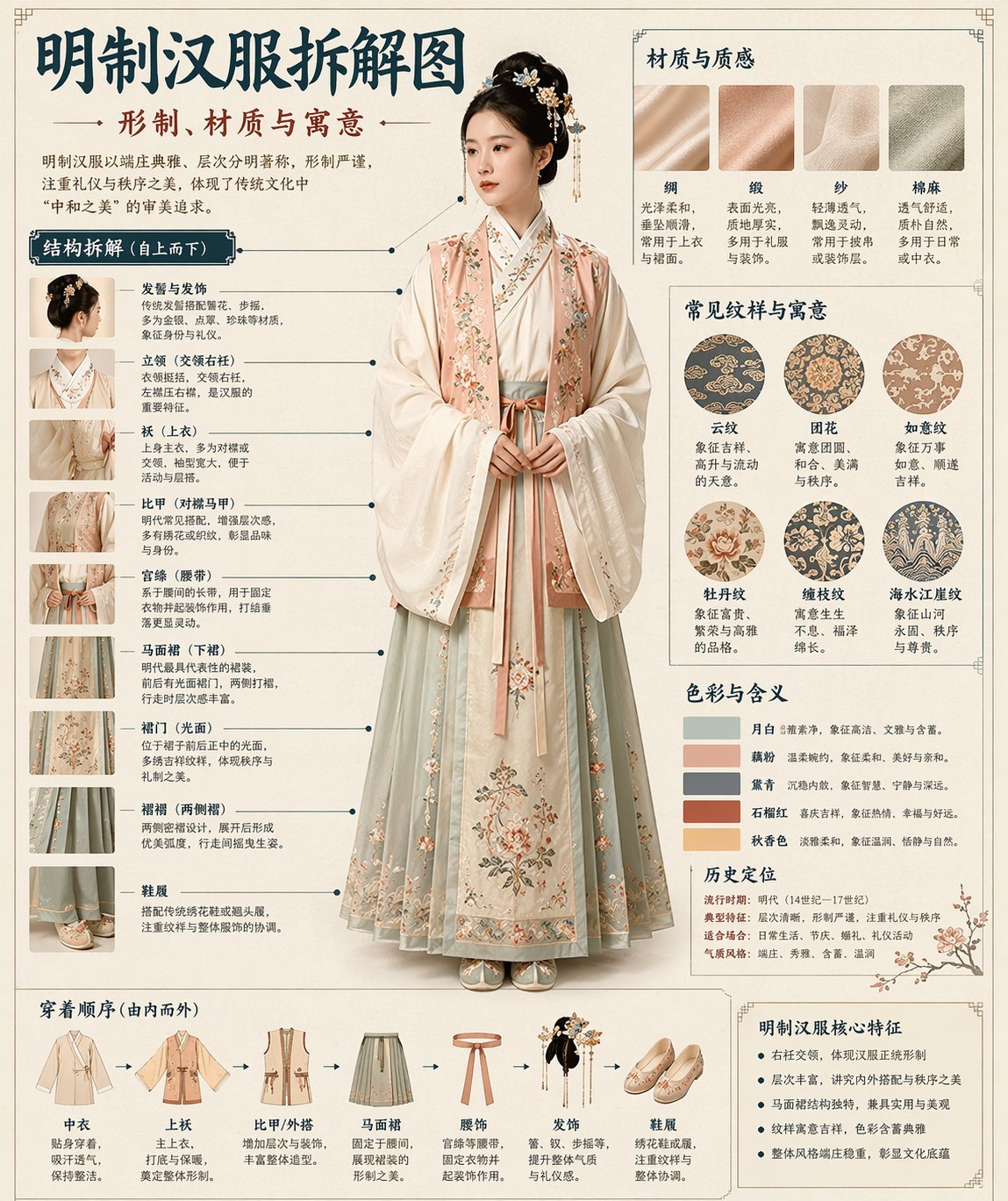
Create a vertical cinematic fantasy portrait of {argument name="character name" default="a beautiful ancient Chinese forest goddess"} standing among twisted dark tree branches in a sun-dappled woodland. She is a young ethereal woman with porcelain skin, soft red lips, delicate makeup, a small forehead ornament, and a calm slightly wistful gaze looking toward the camera with her head gently tilted. Her {argument name="hair color" default="dark brown-black"} hair is styled in an elaborate high Tang/Song-inspired updo with ornate gold filigree hairpins, red beads, floral ornaments, dangling chains, and long jeweled earrings. Dress her in an opulent translucent hanfu in {argument name="robe colors" default="pale pink, misty blue, lavender, and warm cream"}, with layered sheer gauze sleeves, embroidered floral borders, gold thread patterns, beaded tassels, and a flowing sash; the fabric should glow where backlit and ripple softly as if caught by a light breeze. Place her three-quarter length in the center, body angled slightly left, one hand relaxed near her waist and the other lowered along the robe. The forest should feel enchanted and ancient: gnarled black-brown branches framing her like an arch, small leaves and blossoms, deep green shadows, bright white sunlight streaming from behind her head and shoulders, sparkling bokeh, volumetric haze, rim light around her hair and sleeves, and a dreamy film-photography texture. Use shallow depth of field, realistic skin detail, high-fashion editorial composition, soft bloom, subtle grain, natural lens flare, delicate pastel highlights, and rich shadow contrast. No text, no watermark, no modern objects, no extra people.
Create a vertical cinematic fantasy portrait of {argument name="character name" default="a beautiful ancient Chinese forest goddess"} standing among twisted dark tree branches in a sun-dappled woodland. She is a young ethereal woman with porcelain skin, soft red lips, delicate makeup, a small forehead ornament, and a calm slightly wistful gaze looking toward the camera with her head gently tilted. Her {argument name="hair color" default="dark brown-black"} hair is styled in an elaborate high Tang/Song-inspired updo with ornate gold filigree hairpins, red beads, floral ornaments, dangling chains, and long jeweled earrings. Dress her in an opulent translucent hanfu in {argument name="robe colors" default="pale pink, misty blue, lavender, and warm cream"}, with layered sheer gauze sleeves, embroidered floral borders, gold thread patterns, beaded tassels, and a flowing sash; the fabric should glow where backlit and ripple softly as if caught by a light breeze. Place her three-quarter length in the center, body angled slightly left, one hand relaxed near her waist and the other lowered along the robe. The forest should feel enchanted and ancient: gnarled black-brown branches framing her like an arch, small leaves and blossoms, deep green shadows, bright white sunlight streaming from behind her head and shoulders, sparkling bokeh, volumetric haze, rim light around her hair and sleeves, and a dreamy film-photography texture. Use shallow depth of field, realistic skin detail, high-fashion editorial composition, soft bloom, subtle grain, natural lens flare, delicate pastel highlights, and rich shadow contrast. No text, no watermark, no modern objects, no extra people.
Edit the prompt in the box under the preview — the template's model and format are already selected — and press Generate. Your version appears right on this page.
Yes. You can change the subject, setting, lighting, mood, format, and available model controls before creating your image.
Opening and editing this template is free. Generating uses credits, shown on the Generate button when you are signed in.
Start with GPT Image 2, which is the model associated with this template. You can compare another compatible model for a different finish.
Follow a topic to a crawlable collection of related PicX Studio templates.