
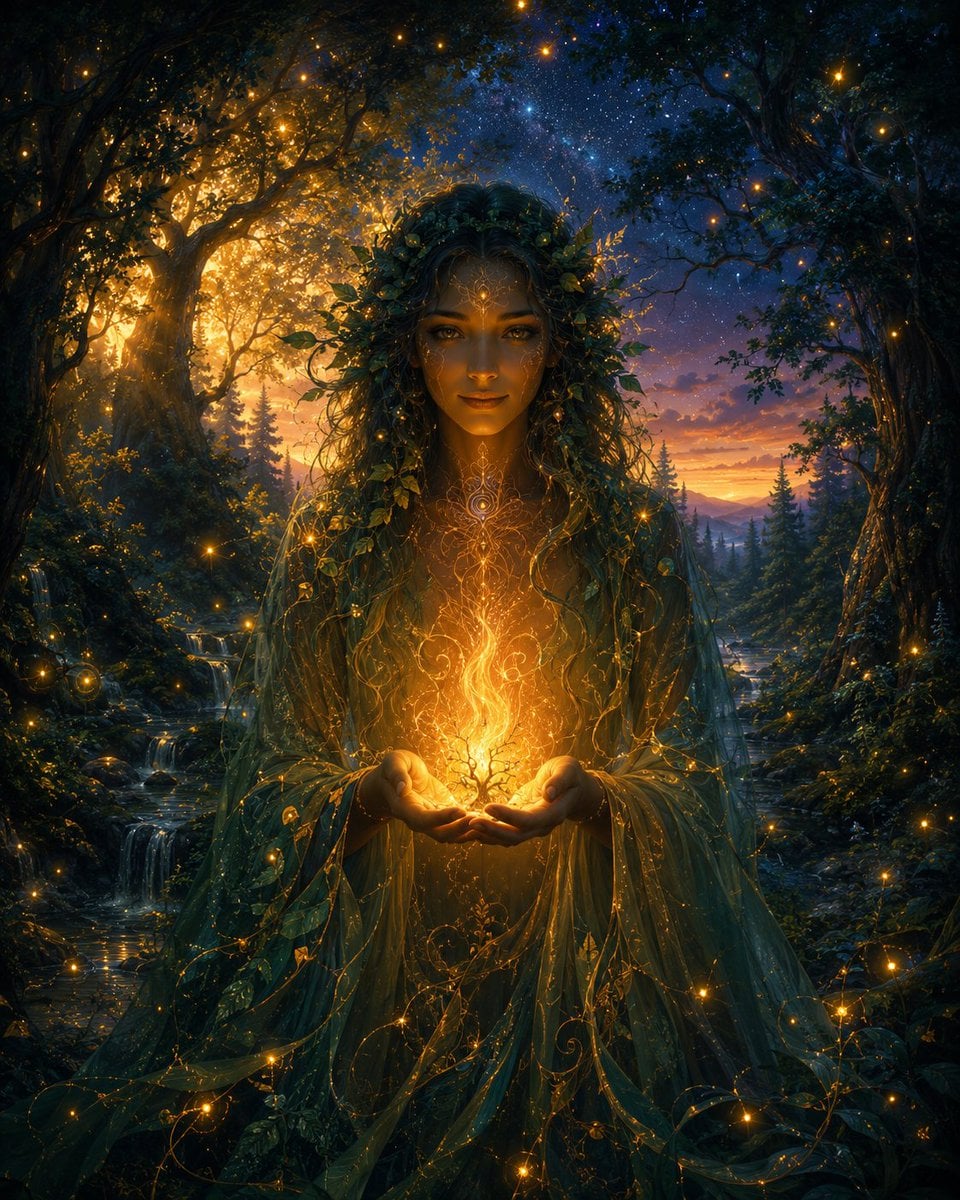
Enchanted Forest Spirit Holding a Glowing Tree
A cinematic fantasy portrait prompt for creating an ethereal woodland spirit surrounded by fireflies, twilight forest light, and magical golden energy.
- Prompt included
- Model and format preset
- Free template
The prompt behind this image
Copy the exact prompt behind Enchanted Forest Spirit Holding a Glowing Tree, or open it in the studio and make it yours.
Create a cinematic fantasy portrait of a mysterious forest spirit standing centered in an enchanted ancient woodland at twilight, holding a tiny glowing tree of life made of golden fire in cupped hands. The figure is tall and robed in translucent deep emerald and teal veils, covered with tangled vines, leaves, moss, and delicate golden filigree patterns; their face is intentionally obscured by a dark shadowed veil/blank square of darkness, making them anonymous and divine. Around their head is a dense crown of foliage and small golden fruits or lights. The forest forms a natural arch of huge dark trees on both sides, with a warm sunset glow breaking through the left trees, a starry blue night sky overhead, and purple-orange mountains in the distance. Include a small stream with miniature waterfalls on the left, evergreen trees in the background, lush undergrowth, and many firefly-like golden light orbs scattered throughout the scene. The spirit’s hands illuminate the center with intense amber light, sending curling sparks, luminous roots, and magical tendrils through the robe. Use ultra-detailed digital fantasy art, rich contrast between cool blue shadows and warm gold light, volumetric lighting, intricate textures, ethereal atmosphere, symmetrical composition, painterly realism, high detail, no text, no watermark.
How to use Enchanted Forest Spirit Holding a Glowing Tree in 3 steps
- 1Upload ImagePNG, JPG or paste
Add your photo
Upload the photo the template builds on. The prompt, model and format are already set.
- 2…a portrait of your subject in softgolden-hour light, 85mm…
Personalize
Edit the subject and creative details for your destination.
- 3Generate
Generate
Press Generate — your image is created in PicX Studio, so you can compare it with the original and refine one variable at a time.
More like this
Templates with the same subject, style or setup. Open one to see its prompt.
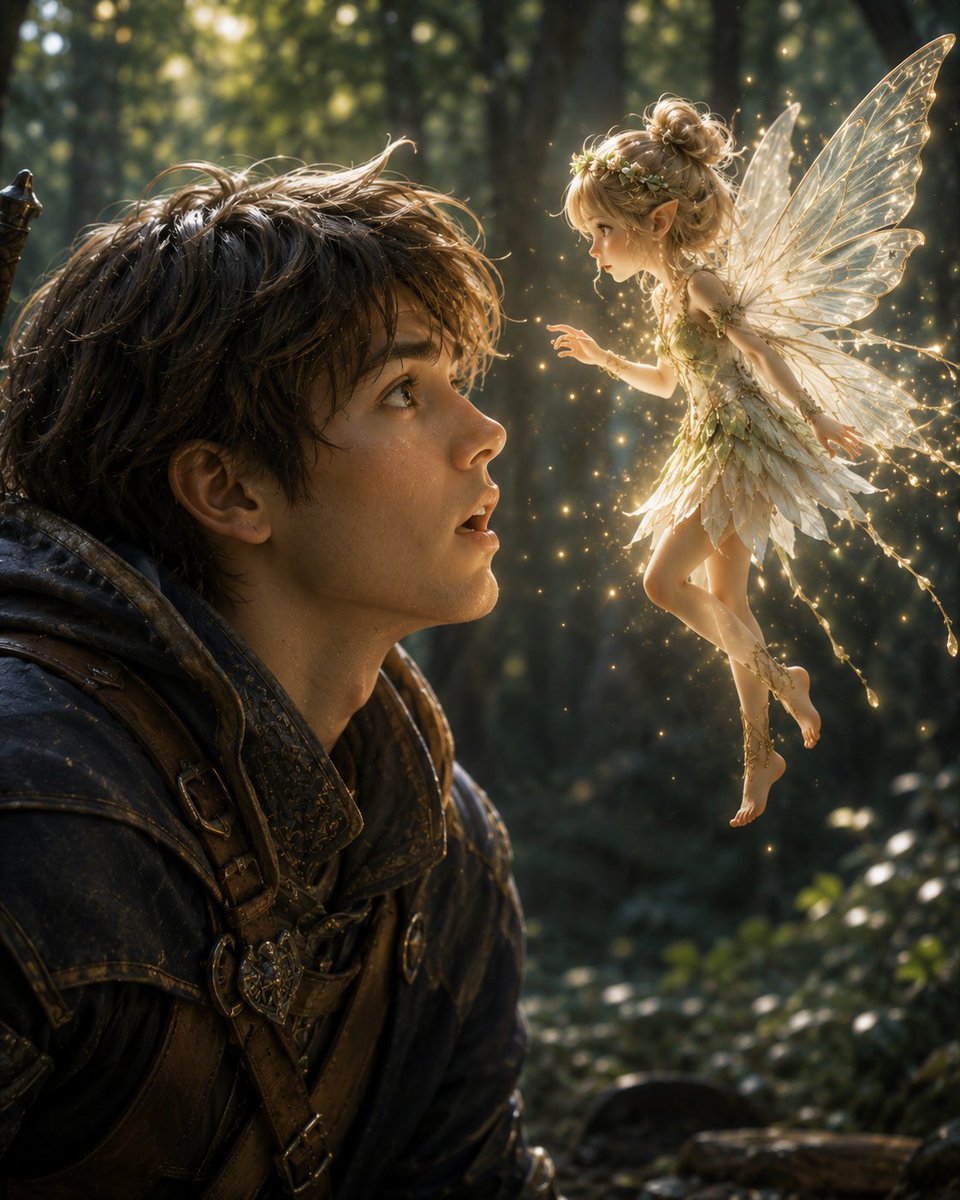
Boy Meets a Glowing Forest Fairy
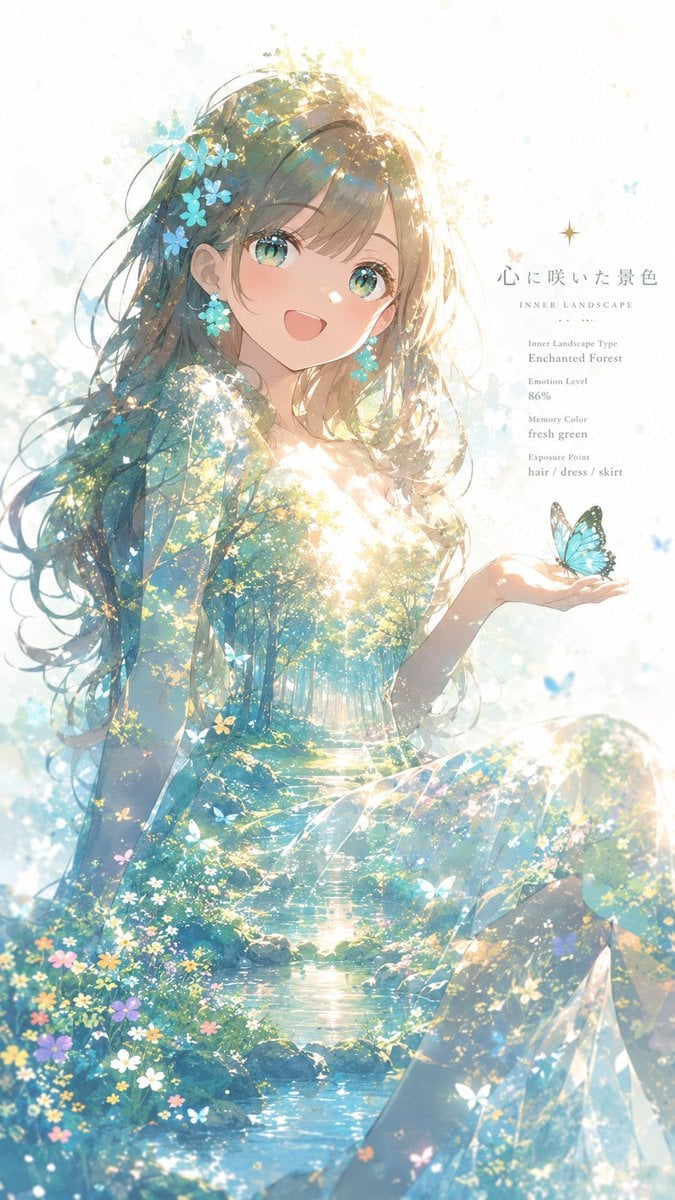
Enchanted Forest Inner Landscape
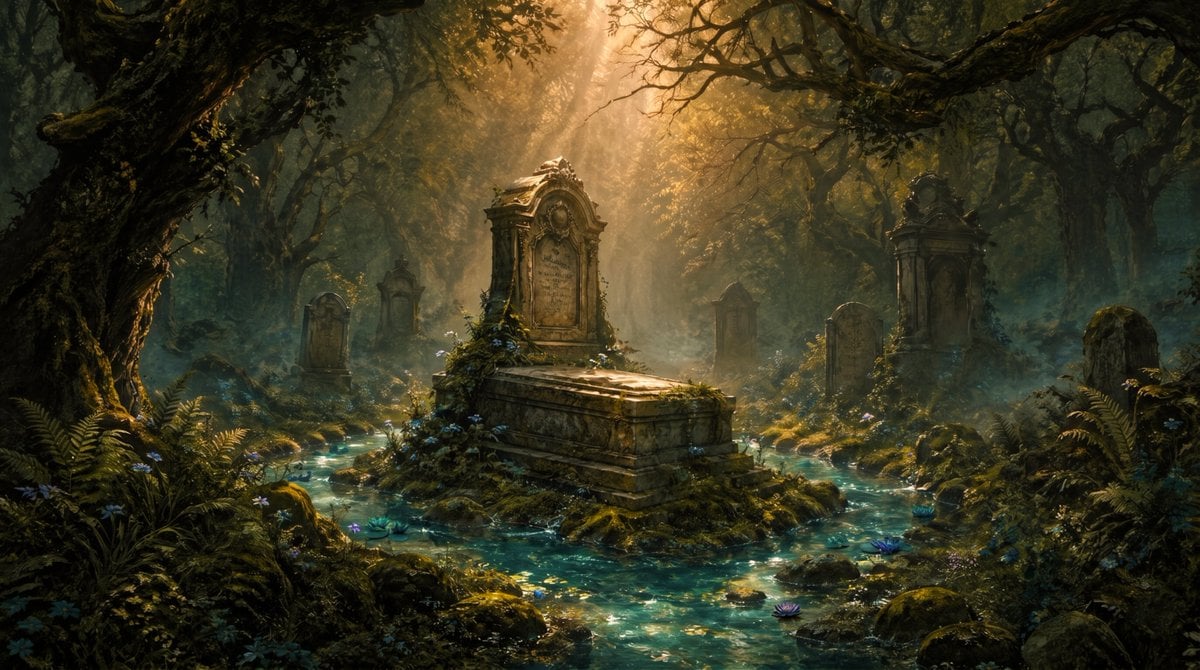
Enchanted Forest Grave Spring
Girl Running Through Enchanted Forest
Enchanted Hanfu Forest Goddess

Layered Paper Cut Forest Diorama
Enchanted Anime Forest Nymph Portrait
Snow Forest Tree Girl

Floating Woman Above Cityscape with Notifications
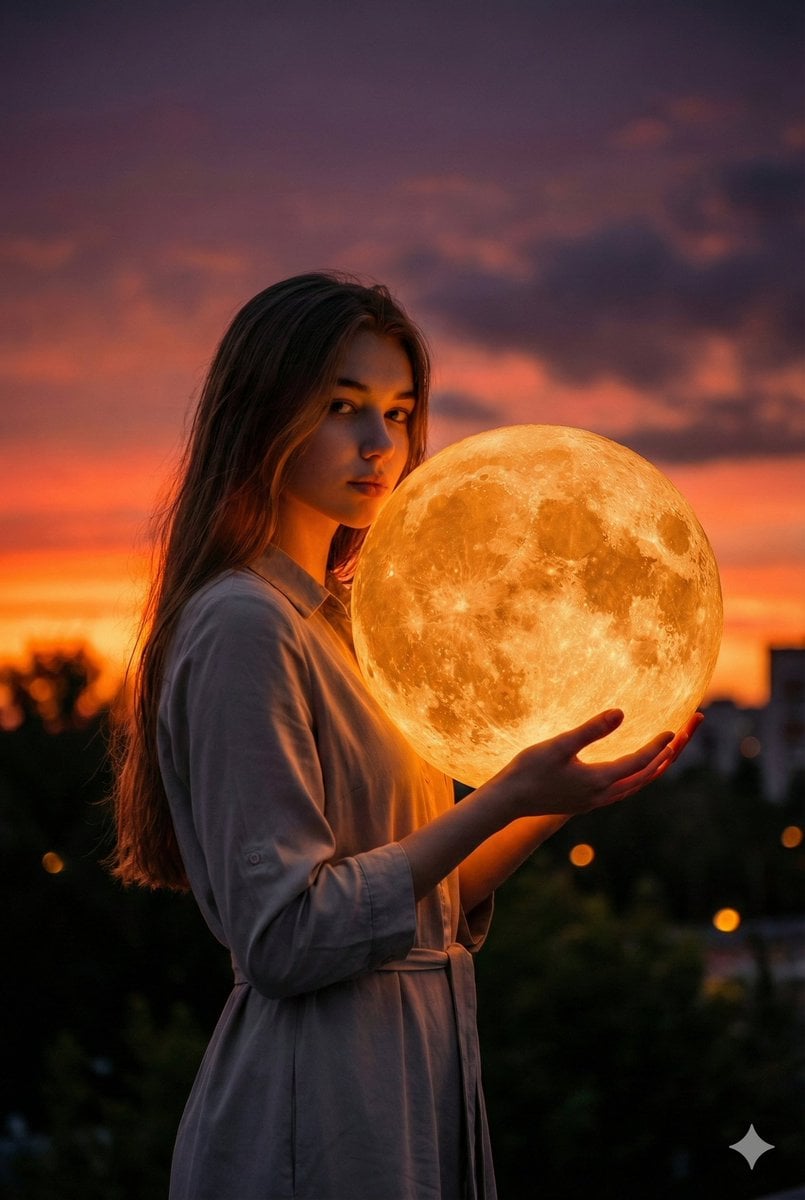
Cinematic Photorealistic Portrait Holding a Giant Glowing Moon
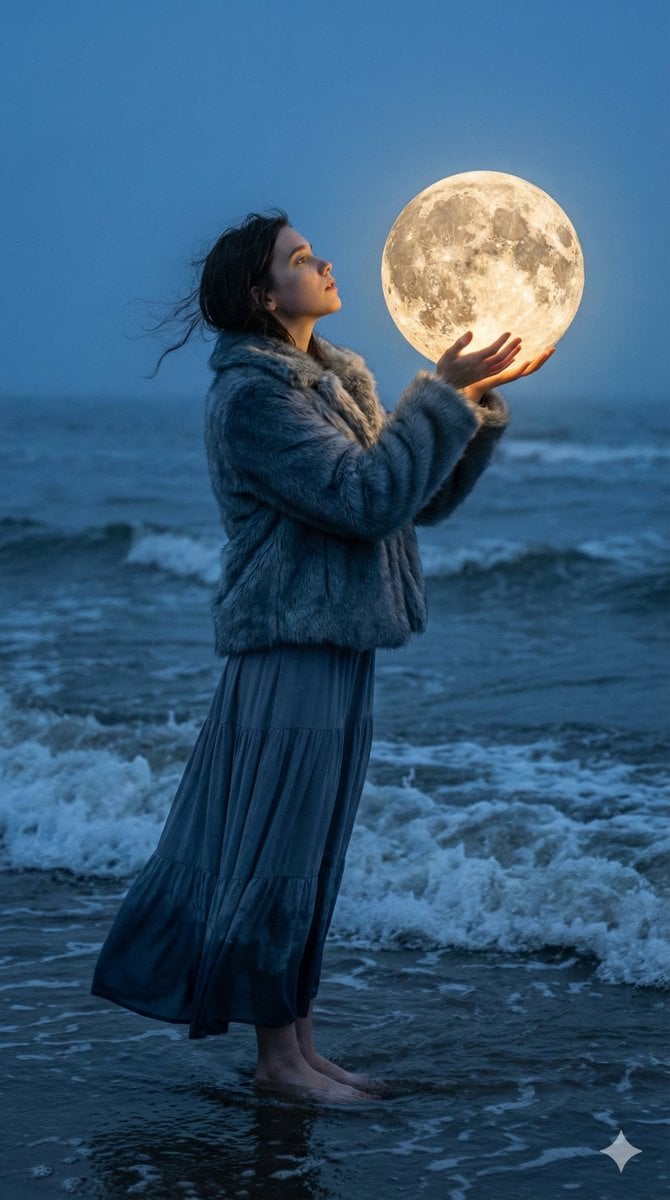
Magical Realism Portrait: Woman Holding a Glowing Moon Orb at Twilight
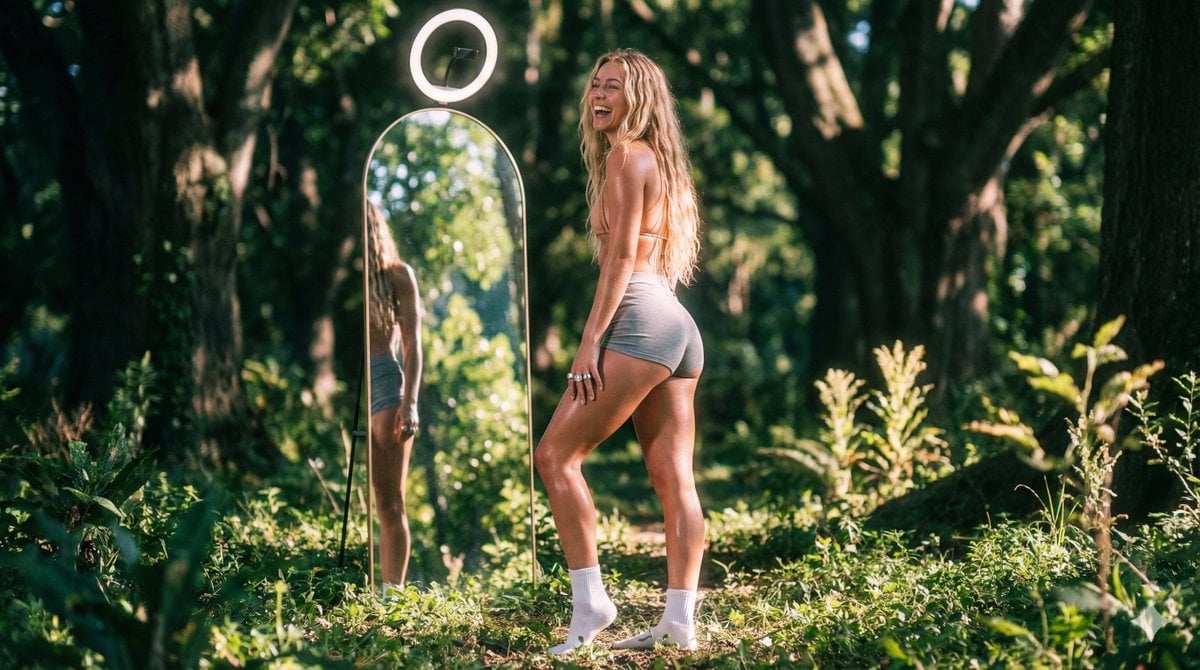
Vaporwave Fitness Shoot in Enchanted Forest
Make it yours
Enchanted Forest Spirit Holding a Glowing Tree works as-is. These are the safest ways to change it without losing the look.
Change one field
Copy a single group, rewrite it, and generate again so you can see what that field is doing.
Keep the frame, change the subject
Hold the composition and light of Enchanted Forest Spirit Holding a Glowing Tree, then swap wardrobe, props or the person for a new take.
| If the result… | Why | Fix |
|---|---|---|
| The result drifts from the preview | Too many fields changed at once. | Reuse Enchanted Forest Spirit Holding a Glowing Tree as-is first, then change one group — subject, light, or setting. |
| The model over-stylizes the scene | The prose prompt leaves finish and camera underspecified. | Add one camera or lighting sentence and stay on GPT Image 2. |
More GPT Image 2 templates
Other prompts made for GPT Image 2.

Six VTuber Japanese Logo Sheet

Realistic Portrait of Woman and Deer

The Vista Modular Condo Poster

AI Model Routing Comparison Infographic

2.5D Anime Art Board

Isometric Productivity Desk Scene

New York Double Exposure Poster

Four-Panel AI Landscape Comparison

Japanese Tatami Lifestyle Magazine Cover

NESCAFÉ Coffee Map Poster
More image prompts
Fresh picks from across the catalog.
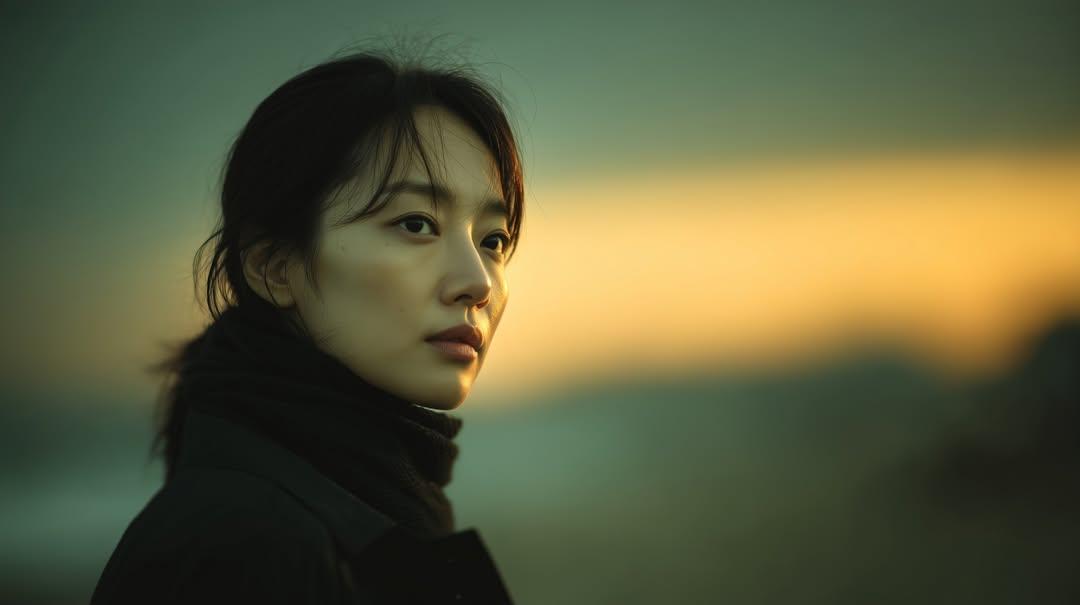
Cinematic Sunset Portrait of East Asian Woman
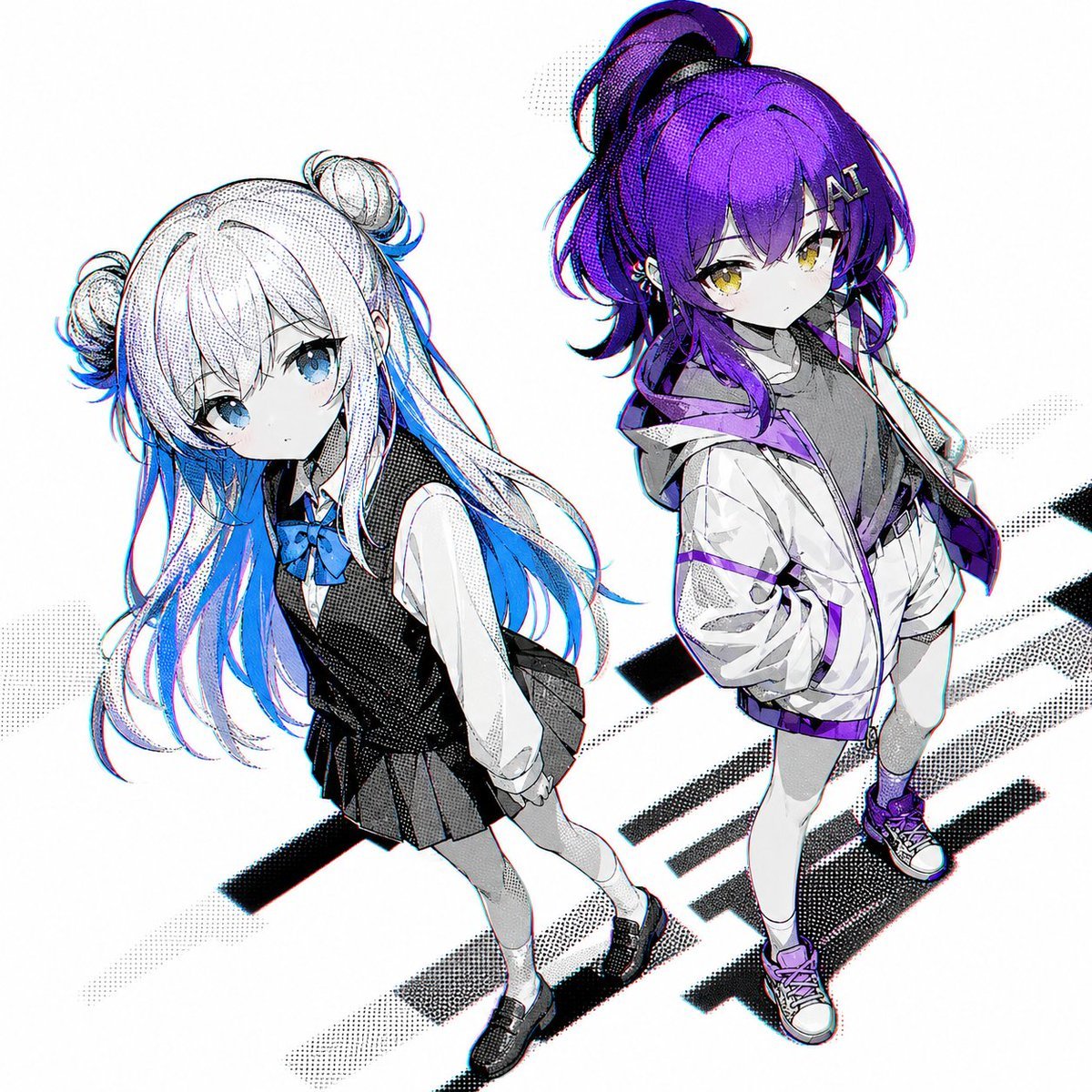
Two Anime Girls with Flashy Hair
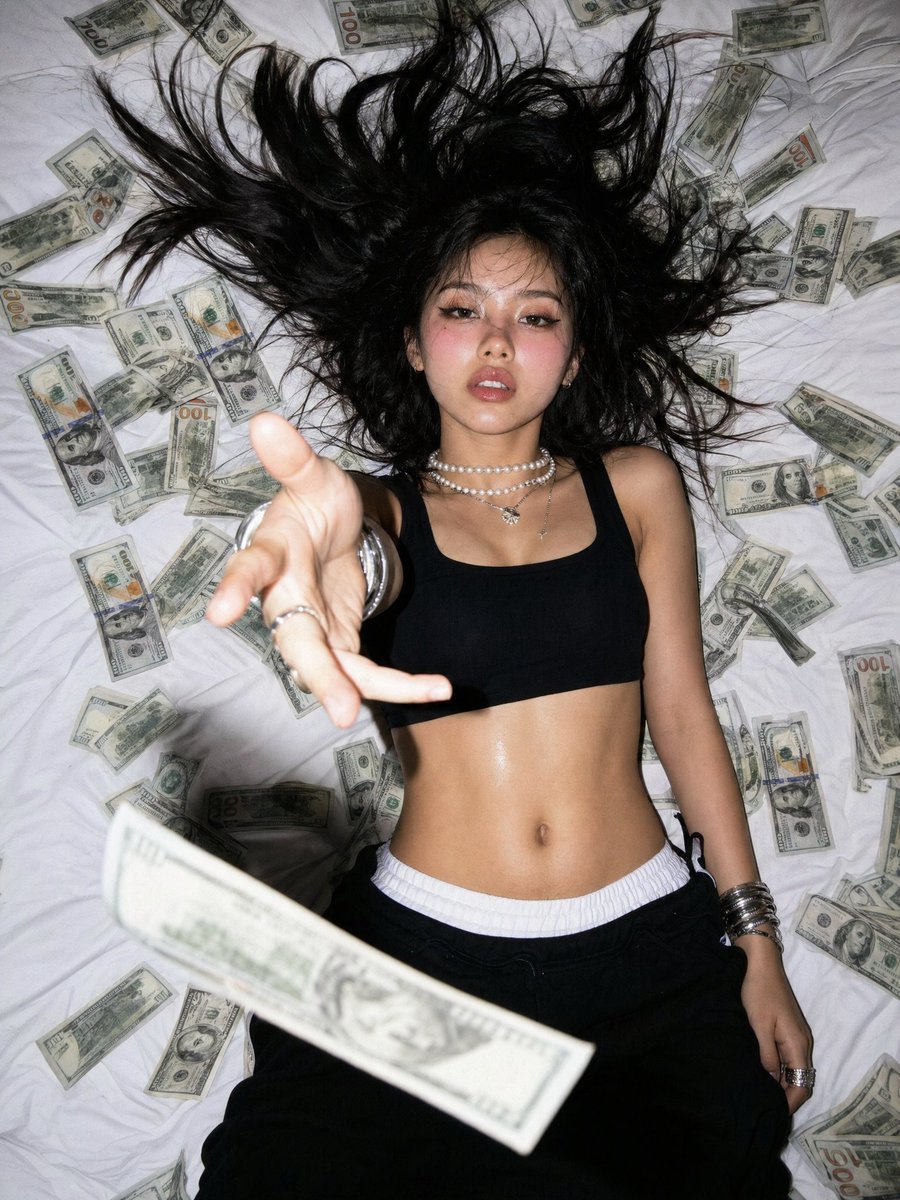
Overhead Flash Money Bed Editorial

Ultra-Realistic Black and White Cinematic Portrait
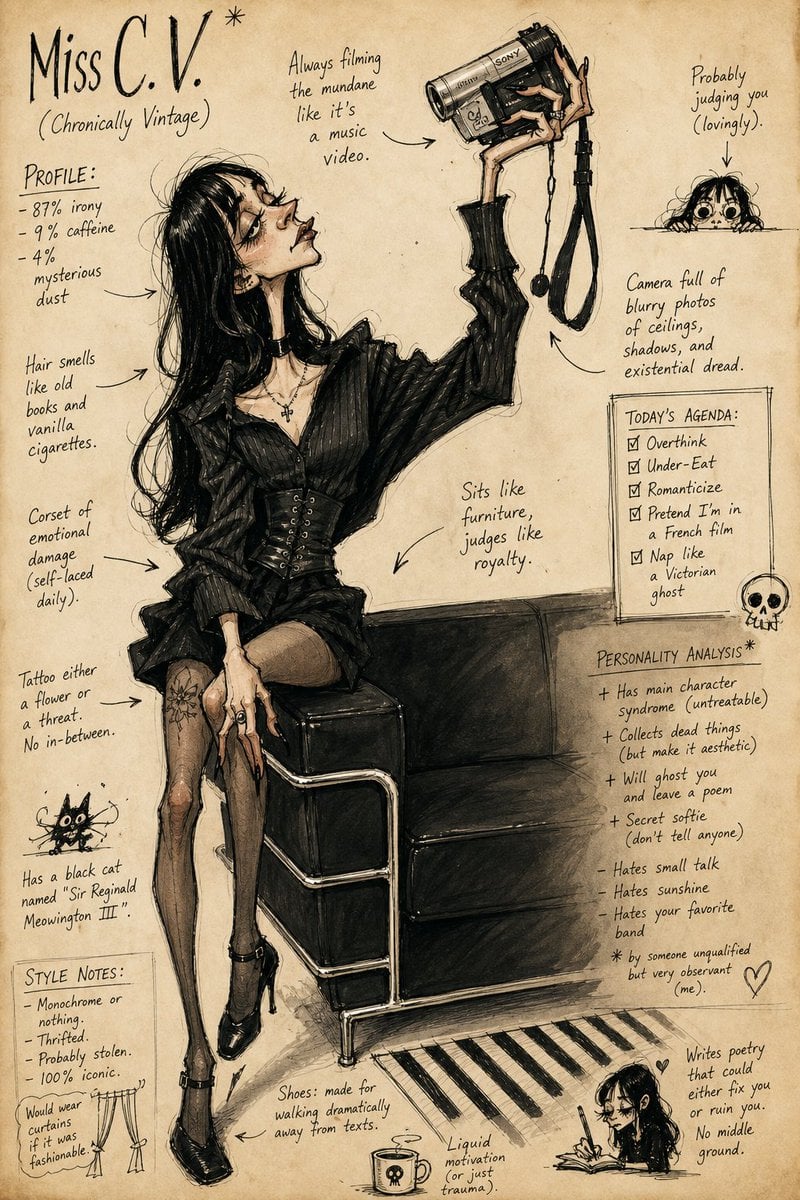
Grotesque Fashion Caricature Sketch
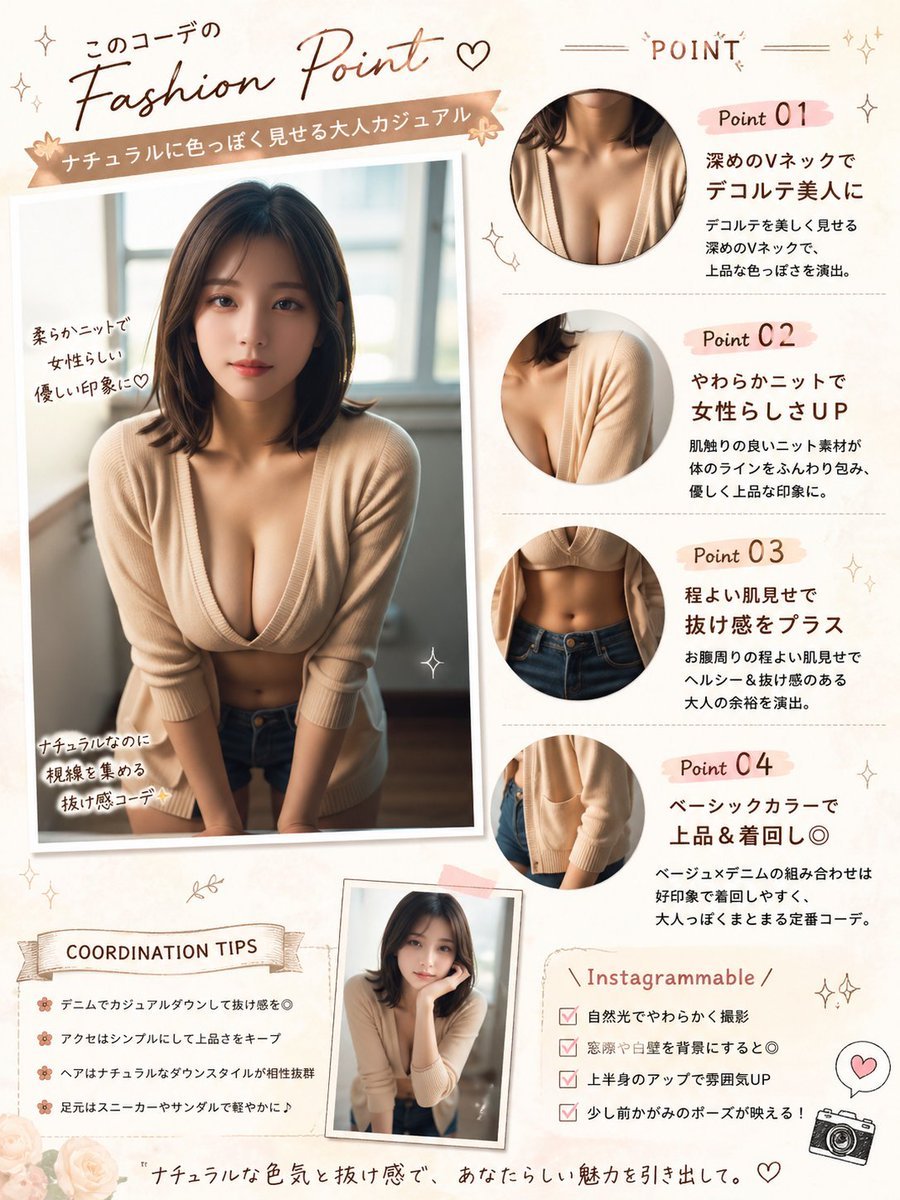
Japanese Fashion Point Poster Edit

Monochrome Fine Art Portrait with Low-Key Lighting
Classic Animation Light Table Prompt
Premium Sports Infographic
Dark Silhouette & Fog Style Transfer
Browse template categories
Enchanted Forest Spirit Holding a Glowing Tree questions
How do I use the Enchanted Forest Spirit Holding a Glowing Tree template?
Add your photo if the template asks for one, edit the prompt if you like — the template's model and format are already selected — and press Generate. Your version opens in PicX Studio.
Can I customize the Enchanted Forest Spirit Holding a Glowing Tree template?
Yes. You can change the subject, setting, lighting, mood, format, and available model controls before creating your image.
Is the Enchanted Forest Spirit Holding a Glowing Tree template free?
Opening and editing this template is free. Generating uses credits, shown on the Generate button when you are signed in.
Which AI model should I use?
Start with GPT Image 2, which is the model associated with this template. You can compare another compatible model for a different finish.
Looking for something else? Browse all templates.

Your photo, any look
Thousands of ready templates for every top image and video model, from one credit balance.