
Girl Running Through Enchanted Forest
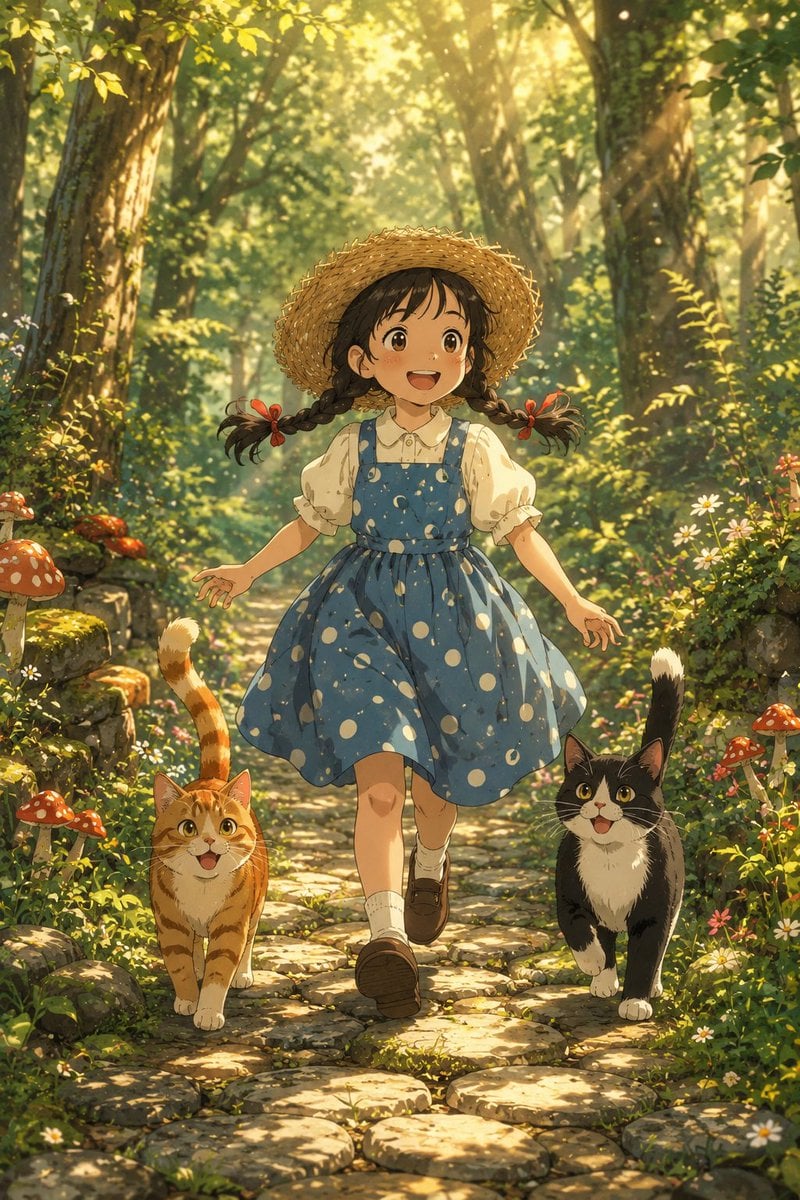
A whimsical anime forest scene of a joyful little girl running down a sunlit cobblestone path with two cats, ideal for cozy fantasy illustration.
- Prompt included
- Model and format preset
- Free template
The prompt behind this image
Copy the exact prompt behind Girl Running Through Enchanted Forest, or open it in the studio and make it yours.
Create a warm cinematic anime-style forest scene in a vertical 2:3 composition. A cheerful young girl, about 7 years old, runs toward the viewer along a winding cobblestone path through a lush enchanted woodland. She has {argument name="hair color" default="dark brown"} hair in two braided pigtails tied with small red ribbons, bright expressive brown eyes, rosy cheeks, and a wide joyful smile. She wears a large woven straw sunhat, a cream short-sleeve blouse with a rounded collar, a {argument name="dress color and pattern" default="blue pinafore dress with large white polka dots"}, white socks, and brown Mary Jane shoes. Exactly two cats run beside her: one orange tabby cat on the left with a raised striped tail and happy open mouth, and one black-and-white tuxedo cat on the right with a white chest, white paws, raised tail, and bright eyes. The forest is dense and magical, filled with tall trees, leafy green undergrowth, mossy stones, wild daisies, tiny pink flowers, and clusters of red mushrooms with white spots along both sides of the path. Golden morning sunlight streams diagonally through the canopy, creating visible sunbeams, glowing dust motes, soft haze, and dappled light across the stones and characters. Use detailed Studio Ghibli-inspired hand-painted animation aesthetics, soft painterly textures, rich greens and warm yellows, charming character design, dynamic forward motion, low eye-level camera angle, shallow depth of field in the background, and a wholesome fairytale atmosphere. No text, no watermark, no modern objects, no extra people, and exactly two cats.
How to use Girl Running Through Enchanted Forest in 3 steps
- 1Upload ImagePNG, JPG or paste
Add your photo
Upload the photo the template builds on. The prompt, model and format are already set.
- 2…a portrait of your subject in softgolden-hour light, 85mm…
Personalize
Edit the subject and creative details for your destination.
- 3Generate
Generate
Press Generate — your image is created in PicX Studio, so you can compare it with the original and refine one variable at a time.
More like this
Templates with the same subject, style or setup. Open one to see its prompt.
Mischievous Forest Faun Girl
Enchanted Forest Inner Landscape

Teen Girl Alpine Lake Mountain View
Enchanted Forest Grave Spring
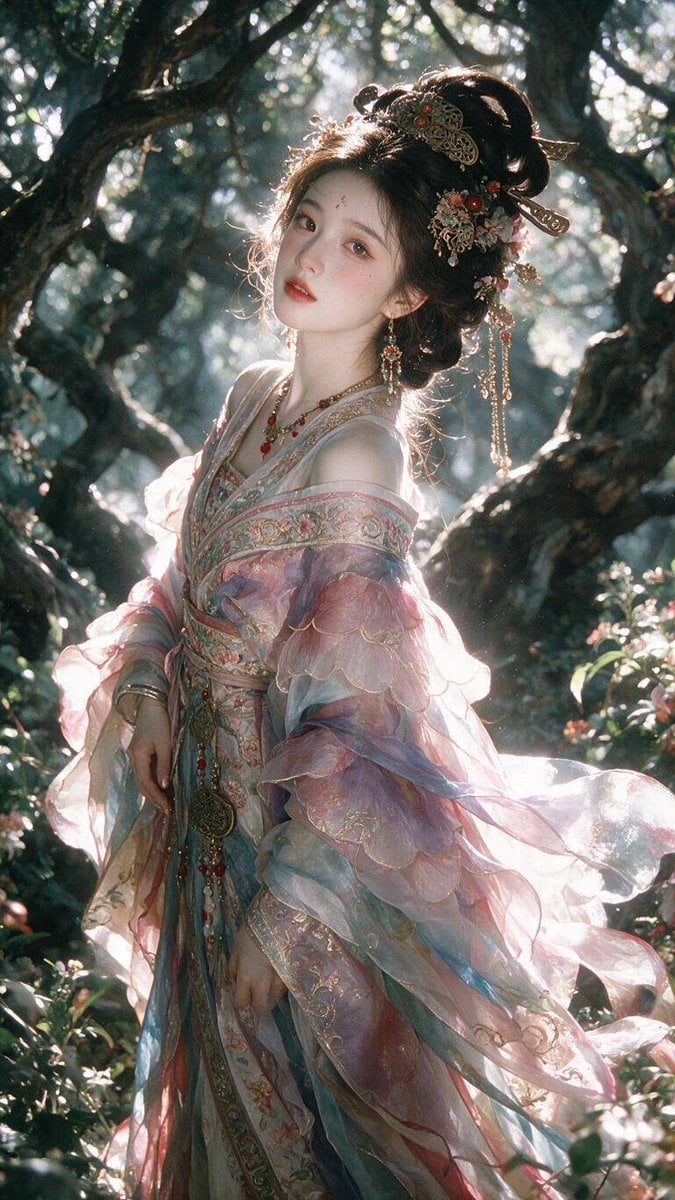
Enchanted Hanfu Forest Goddess

Layered Paper Cut Forest Diorama
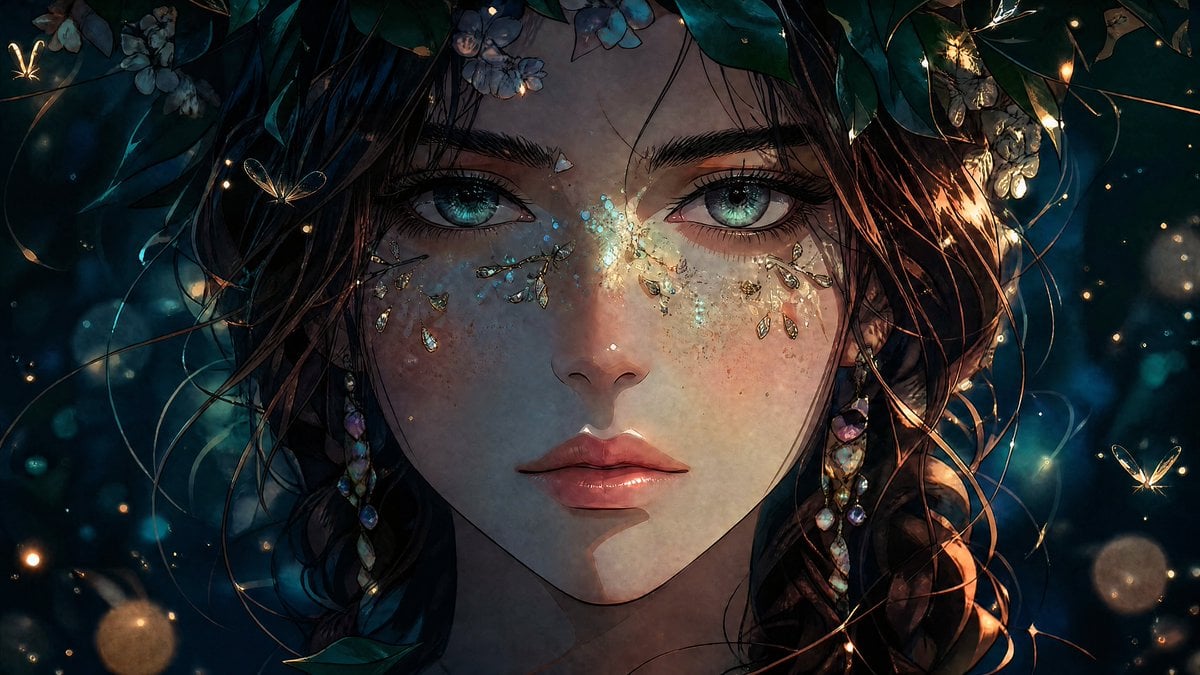
Enchanted Anime Forest Nymph Portrait
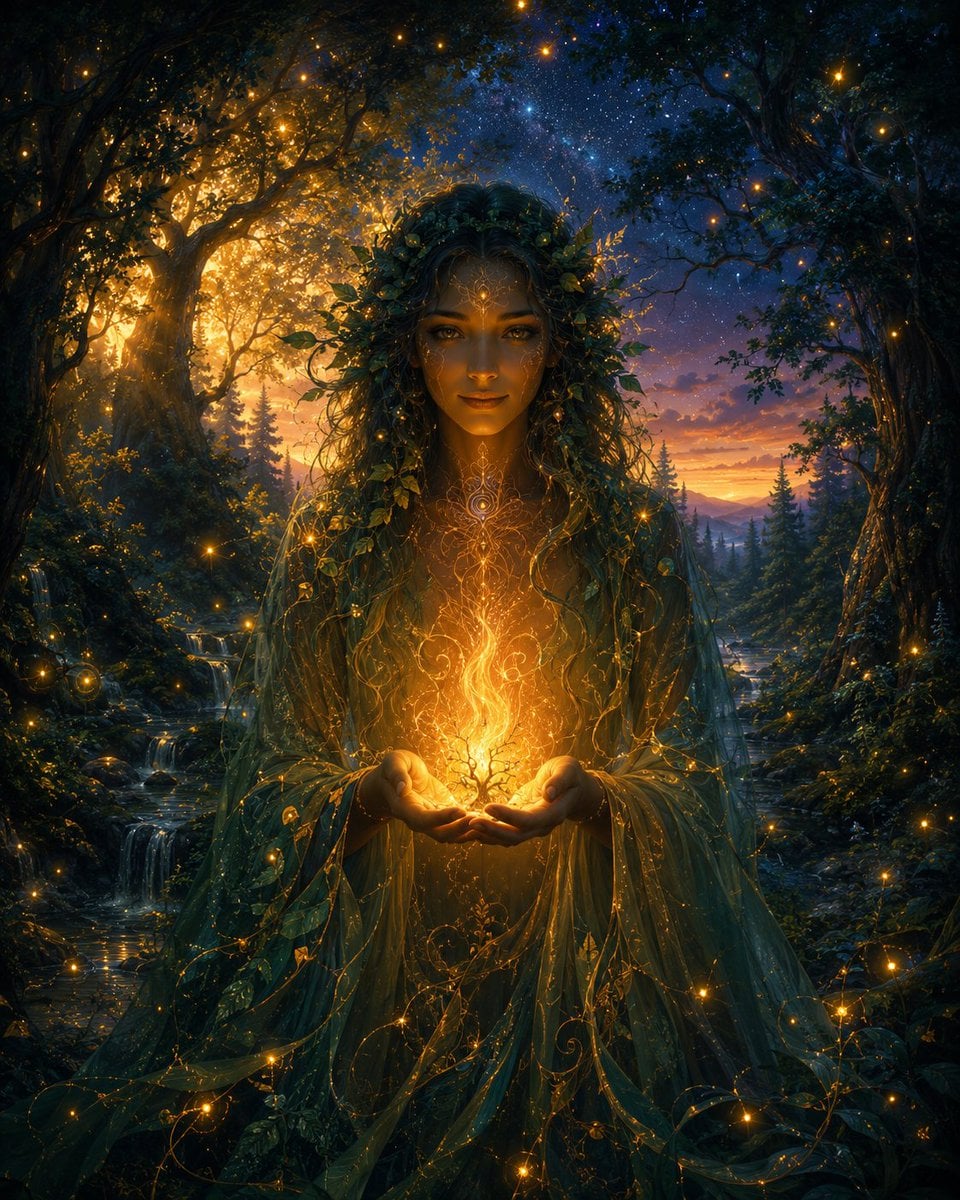
Enchanted Forest Spirit Holding a Glowing Tree
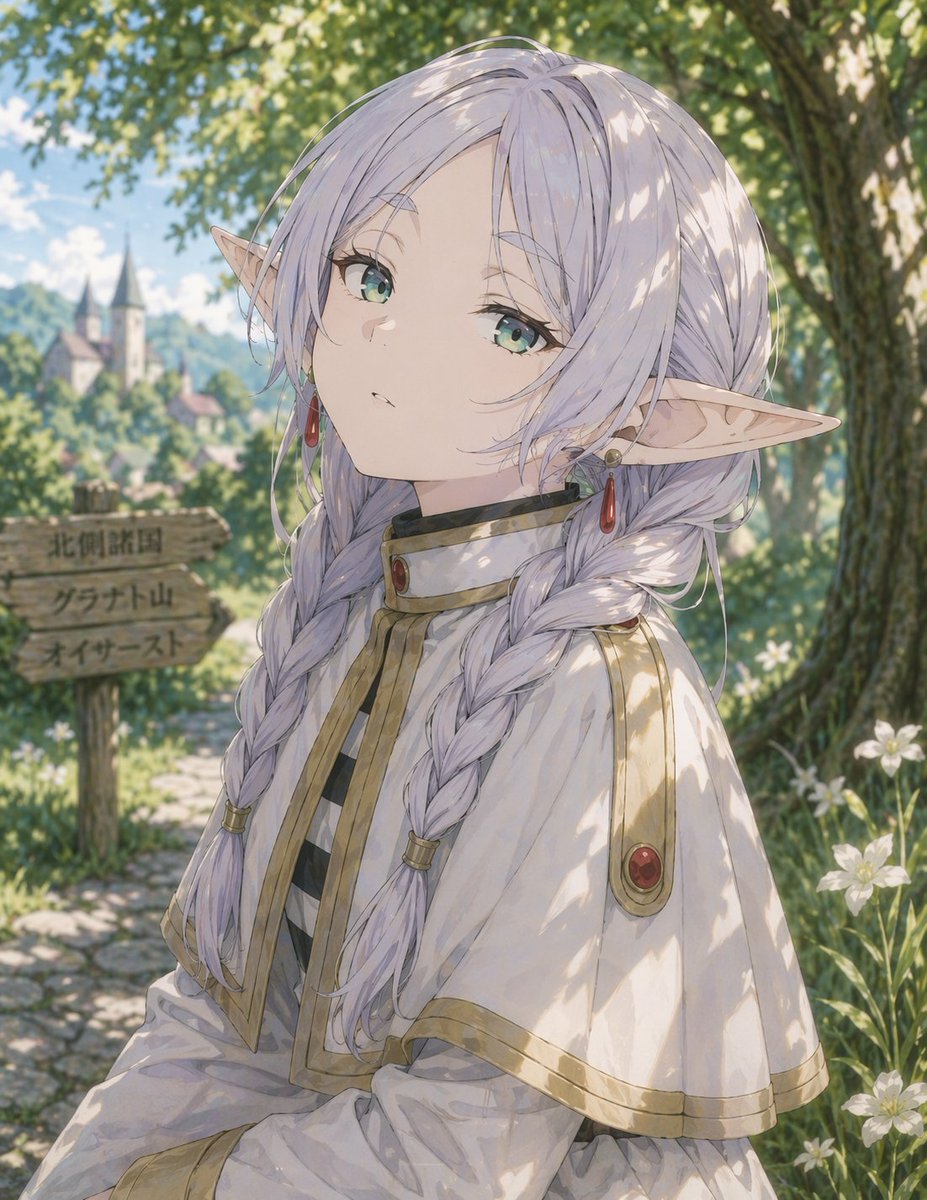
Anime Elf Girl on Forest Path
Enchanted Anime Style Meadow Girl
Vaporwave Fitness Shoot in Enchanted Forest
Watercolor Illustration of Enchanted Forest Clearing at Dawn
Make it yours
Girl Running Through Enchanted Forest works as-is. These are the safest ways to change it without losing the look.
Change one field
Copy a single group, rewrite it, and generate again so you can see what that field is doing.
Keep the frame, change the subject
Hold the composition and light of Girl Running Through Enchanted Forest, then swap wardrobe, props or the person for a new take.
| If the result… | Why | Fix |
|---|---|---|
| The result drifts from the preview | Too many fields changed at once. | Reuse Girl Running Through Enchanted Forest as-is first, then change one group — subject, light, or setting. |
| The model over-stylizes the scene | The prose prompt leaves finish and camera underspecified. | Add one camera or lighting sentence and stay on GPT Image 2. |
More GPT Image 2 templates
Other prompts made for GPT Image 2.

Six VTuber Japanese Logo Sheet

Realistic Portrait of Woman and Deer

The Vista Modular Condo Poster

AI Model Routing Comparison Infographic

2.5D Anime Art Board

Isometric Productivity Desk Scene

New York Double Exposure Poster

Four-Panel AI Landscape Comparison

Japanese Tatami Lifestyle Magazine Cover

NESCAFÉ Coffee Map Poster
More image prompts
Fresh picks from across the catalog.
Gym Mirror Selfie Portrait

Handwritten New Year's Greeting Sign Prompt

Jon Jones vs Poatan Care Bears Style
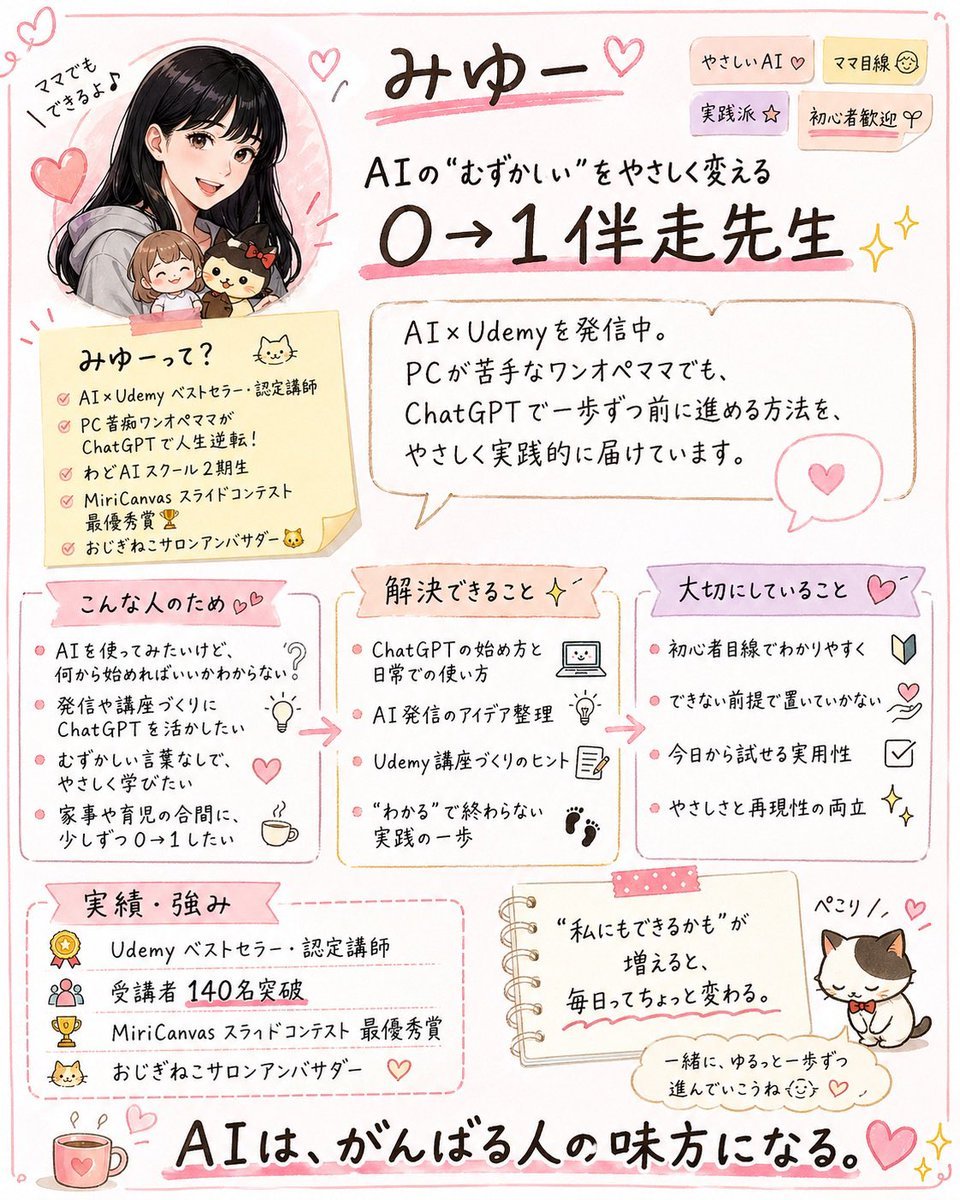
Cute handwritten profile summary poster
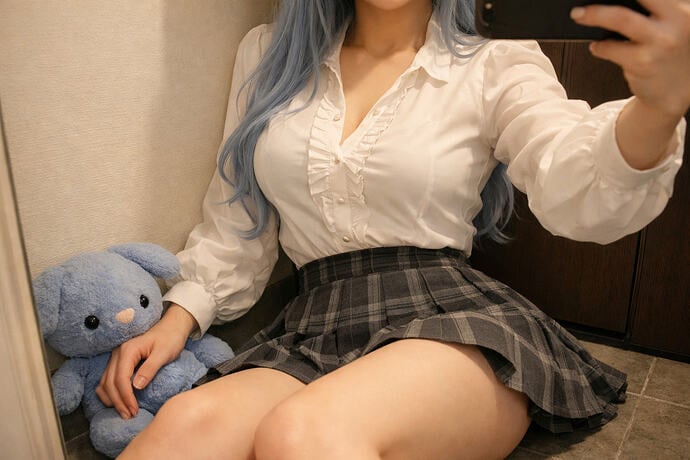
Interior Selfie Perspective Layout
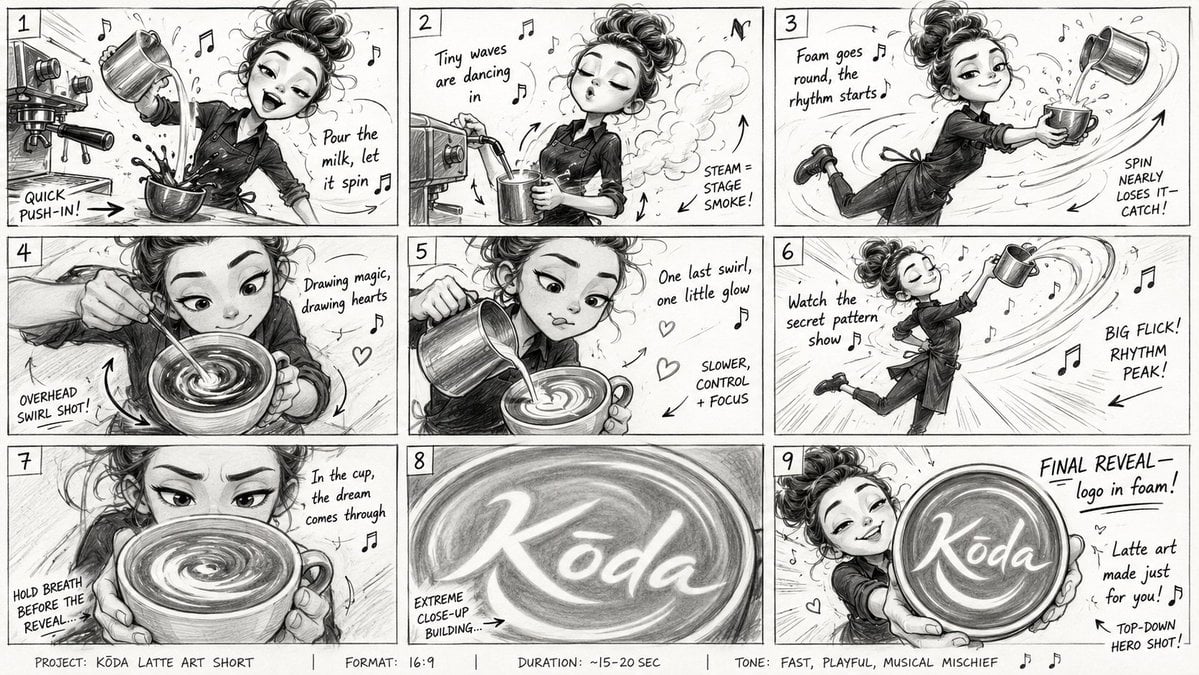
Latte Art Musical Storyboard
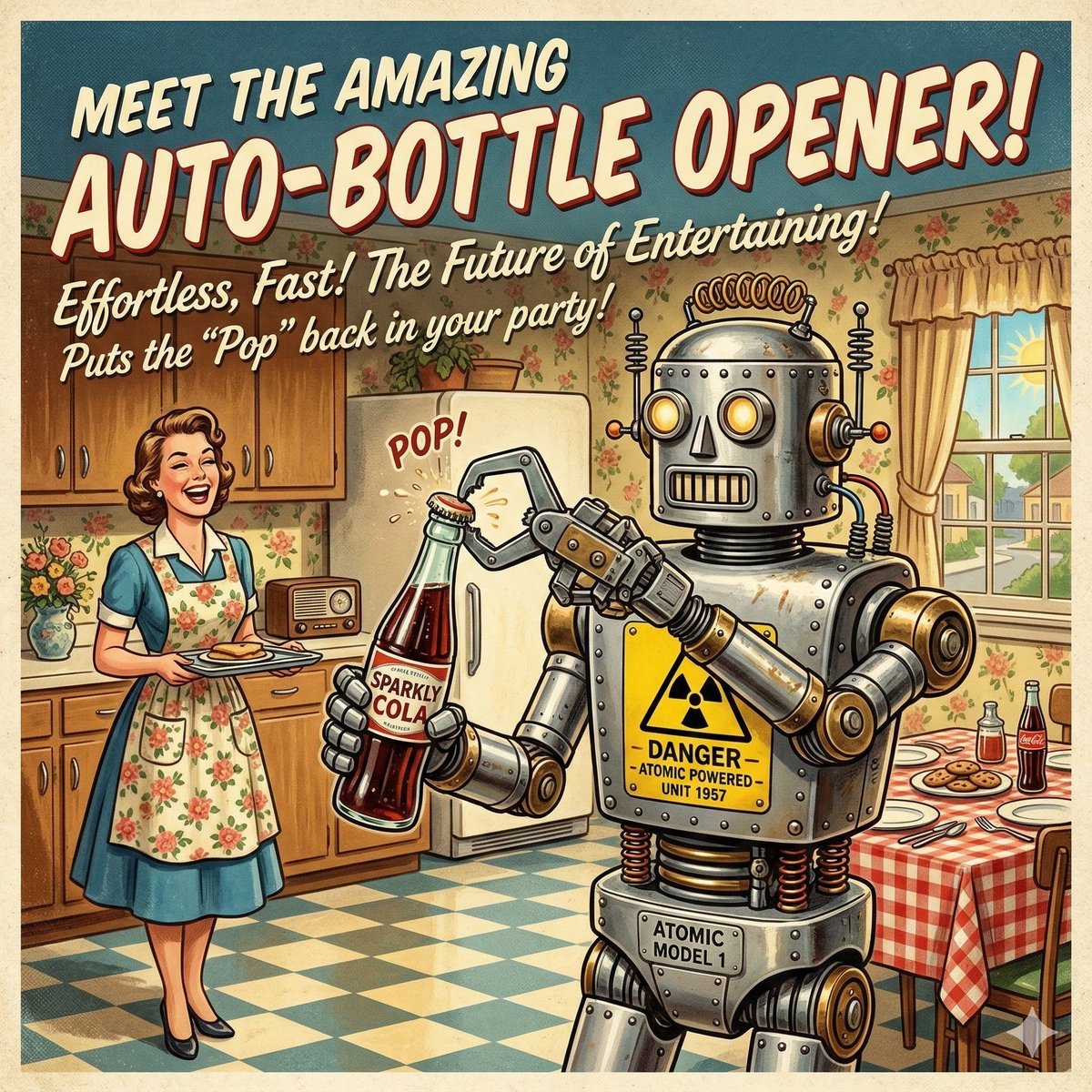
Retro Futurism Auto-Bottle Opener
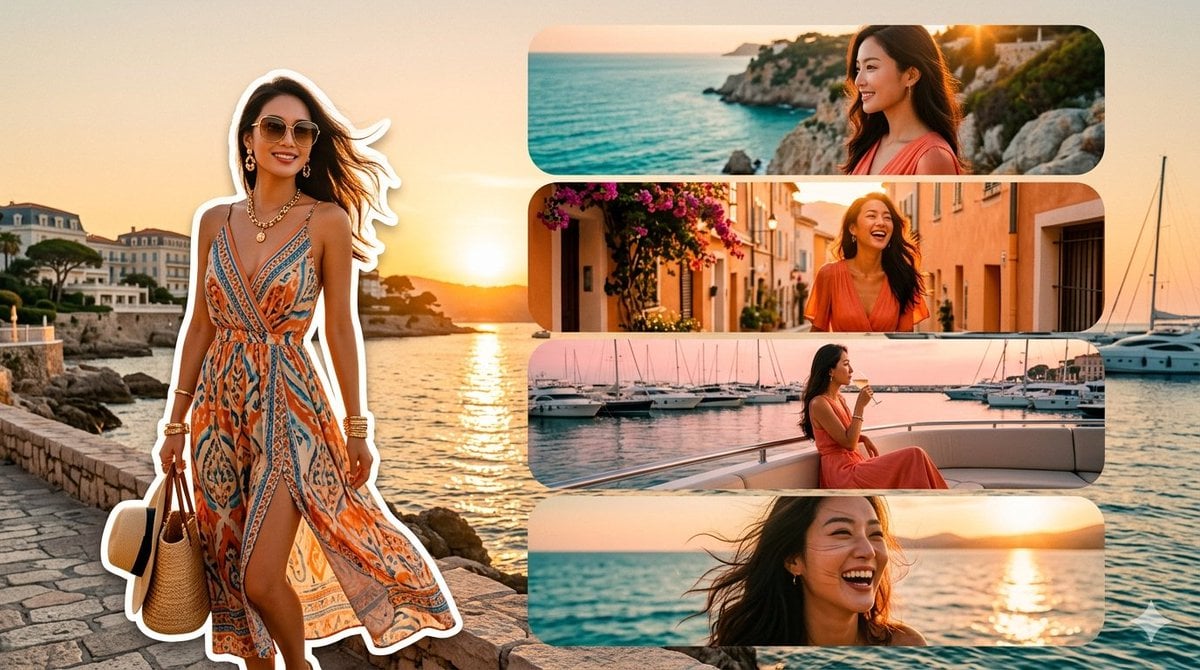
Mediterranean Fashion Travel Collage
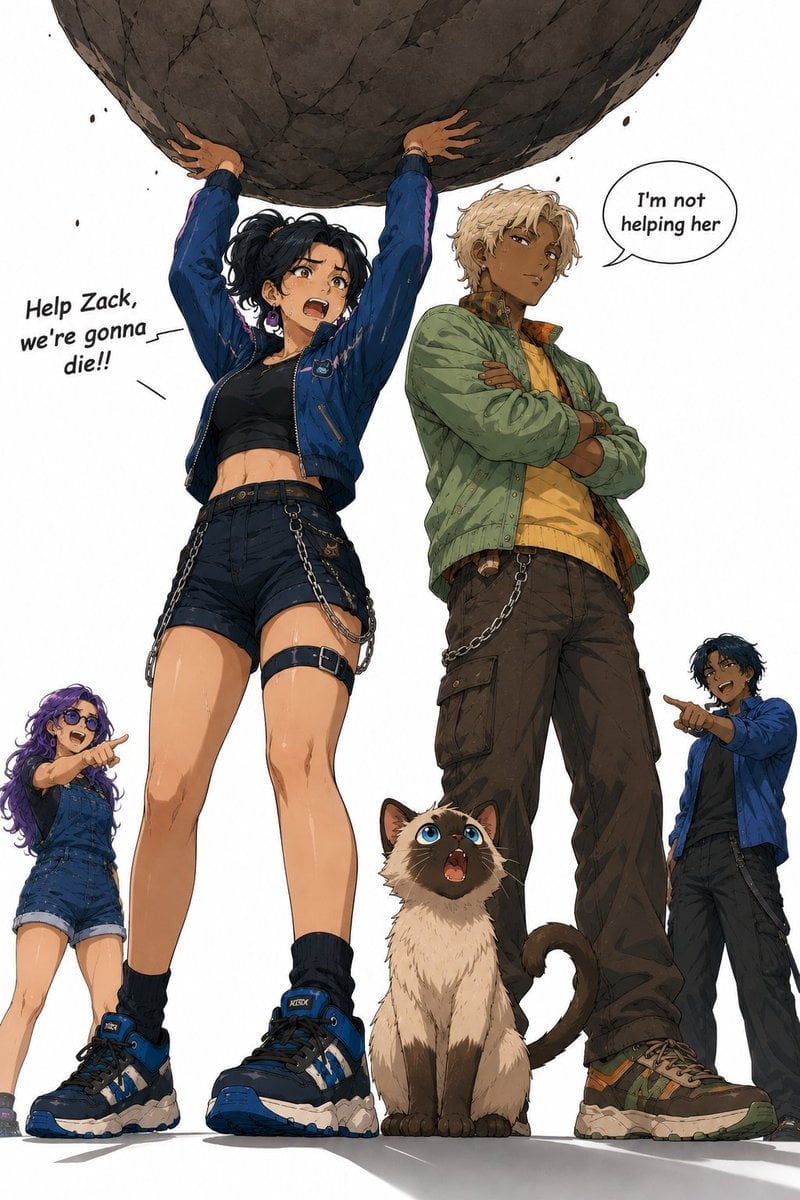
Anime Boulder Rescue Comedy Scene

Fun Commercial Photography Prompt
Browse template categories
Girl Running Through Enchanted Forest questions
How do I use the Girl Running Through Enchanted Forest template?
Add your photo if the template asks for one, edit the prompt if you like — the template's model and format are already selected — and press Generate. Your version opens in PicX Studio.
Can I customize the Girl Running Through Enchanted Forest template?
Yes. You can change the subject, setting, lighting, mood, format, and available model controls before creating your image.
Is the Girl Running Through Enchanted Forest template free?
Opening and editing this template is free. Generating uses credits, shown on the Generate button when you are signed in.
Which AI model should I use?
Start with GPT Image 2, which is the model associated with this template. You can compare another compatible model for a different finish.
Looking for something else? Browse all templates.

Your photo, any look
Thousands of ready templates for every top image and video model, from one credit balance.