
Enchanted Forest Inner Landscape
Generates a luminous anime double-exposure portrait showing a girl's inner world as a glowing enchanted forest.
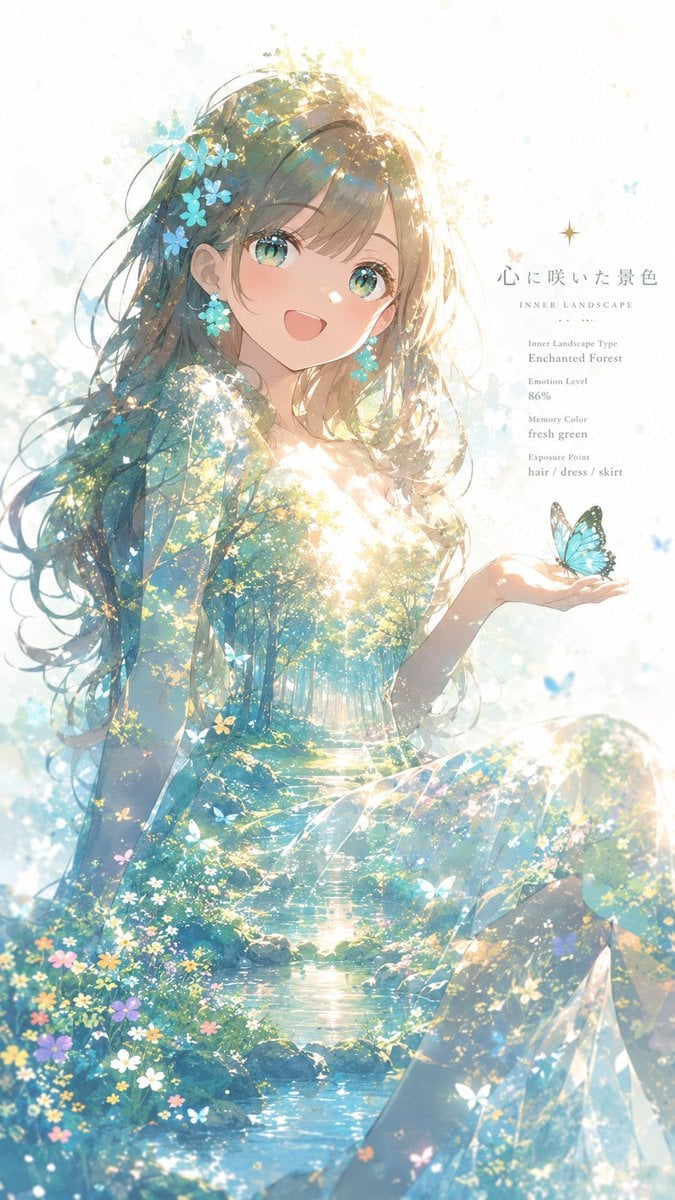
- Prompt included
- Model and format preset
- Free template
The prompt behind this image
Copy the exact prompt behind Enchanted Forest Inner Landscape, or open it in the studio and make it yours.
Create a luminous vertical anime illustration visualizing a girl's “inner landscape” through double exposure. Canvas: tall portrait 9:16, soft white background with airy watercolor splashes and glowing particles. Subject: one smiling anime girl, half-body seated pose, turned slightly toward the viewer, long flowing {argument name="hair color" default="fresh green"} hair, sparkling green eyes, delicate face, open happy expression, wearing a translucent pale blue-green dress. Her hair and dress are blended with an enchanted forest double exposure: sunlit trees, a clear stream, mossy rocks, wildflowers, blue-green leaves, tiny white and yellow blossoms, and shafts of golden sunlight, as if the forest exists inside her silhouette. Add exactly one turquoise butterfly resting on her open right palm. Add blue flower ornaments in her hair and small matching floral earrings. Lighting: high-key backlight from the upper right, warm golden glow around the crown of her head, glittering bokeh, soft rim light, ethereal and dreamlike. Composition: the girl fills the left and center of the frame, her open palm extends to the right, the forest stream flows vertically through the lower half of her dress, with flowers concentrated near the bottom edge. Text overlay on the upper-right in elegant thin serif typography: main Japanese title {argument name="headline text" default="心に咲いた景色"}, small subtitle “INNER LANDSCAPE”, then four compact profile lines reading “Inner Landscape Type / Enchanted Forest”, “Emotion Level / 86%”, “Memory Color / fresh green”, and “Exposure Point / hair / dress / skirt”. Include exactly 1 character, 1 butterfly, 1 main Japanese headline, 1 English subtitle, and 4 profile text items. Visual style: delicate modern anime key visual, transparent watercolor, soft pastel cyan, mint, teal, white and gold palette, detailed eyes, luminous double exposure, no harsh outlines, no watermark, no extra characters.
How to use Enchanted Forest Inner Landscape in 3 steps
- 1Upload ImagePNG, JPG or paste
Add your photo
Upload the photo the template builds on. The prompt, model and format are already set.
- 2…a portrait of your subject in softgolden-hour light, 85mm…
Personalize
Edit the subject and creative details for your destination.
- 3Generate
Generate
Press Generate — your image is created in PicX Studio, so you can compare it with the original and refine one variable at a time.
More like this
Templates with the same subject, style or setup. Open one to see its prompt.

Teen Girl Alpine Lake Mountain View
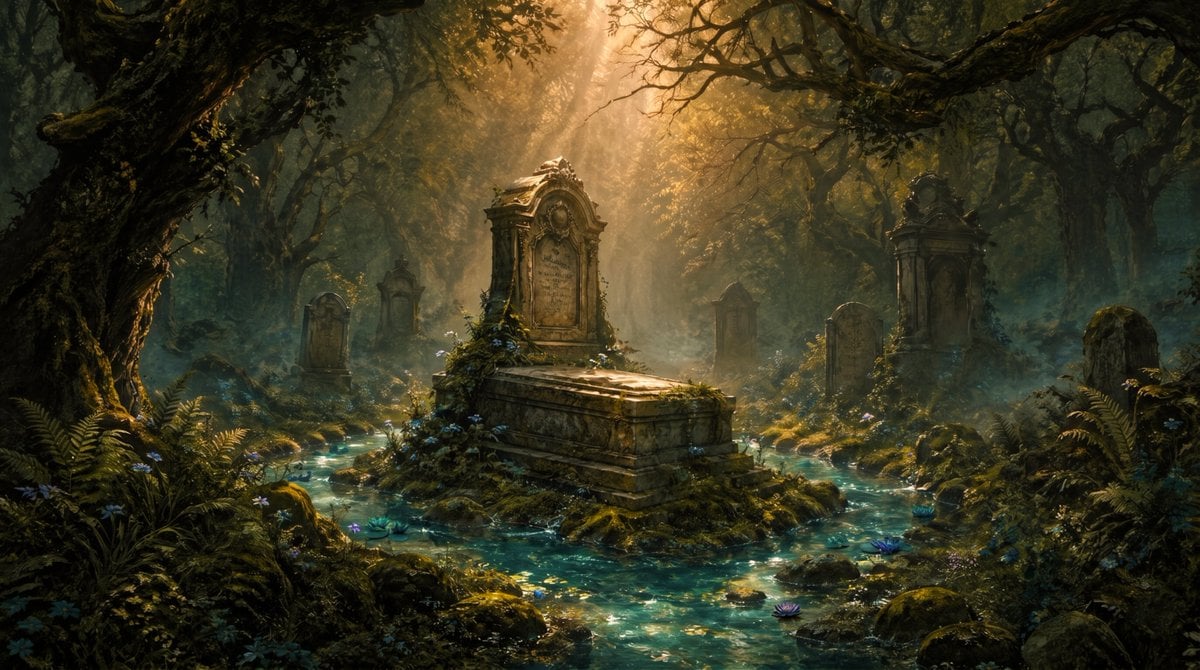
Enchanted Forest Grave Spring
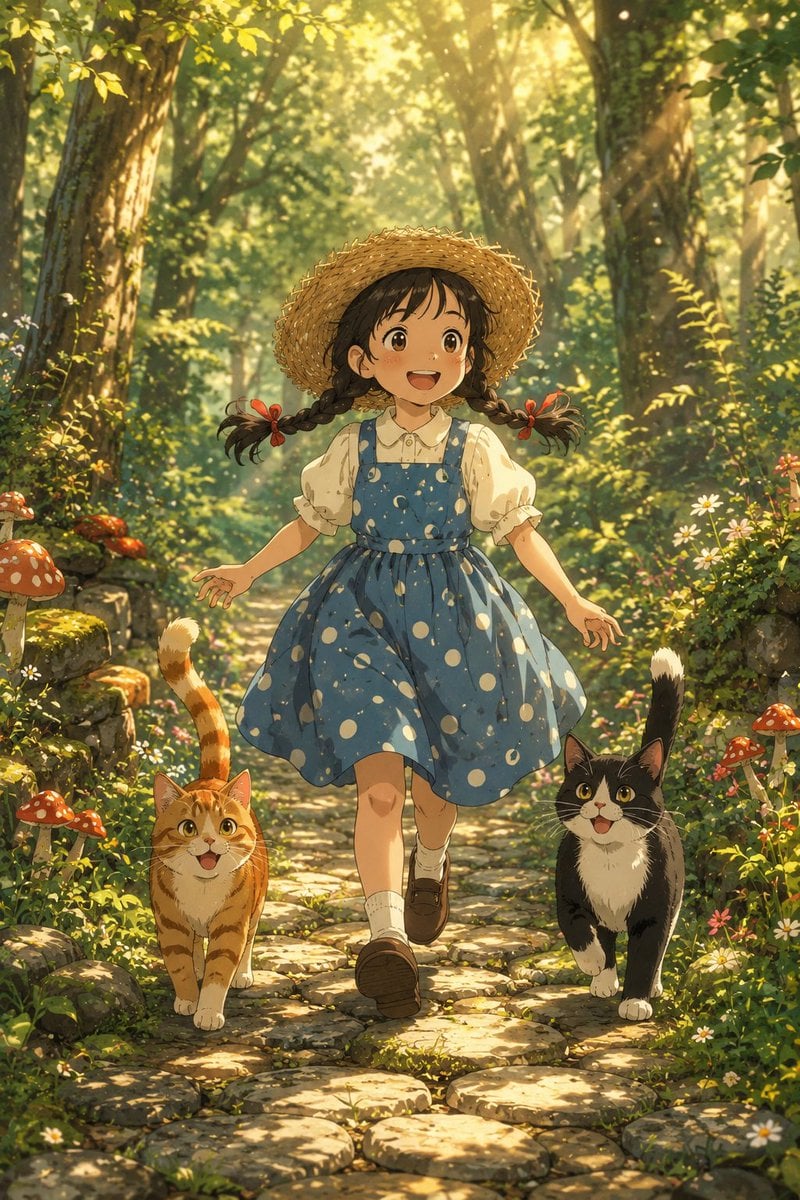
Girl Running Through Enchanted Forest
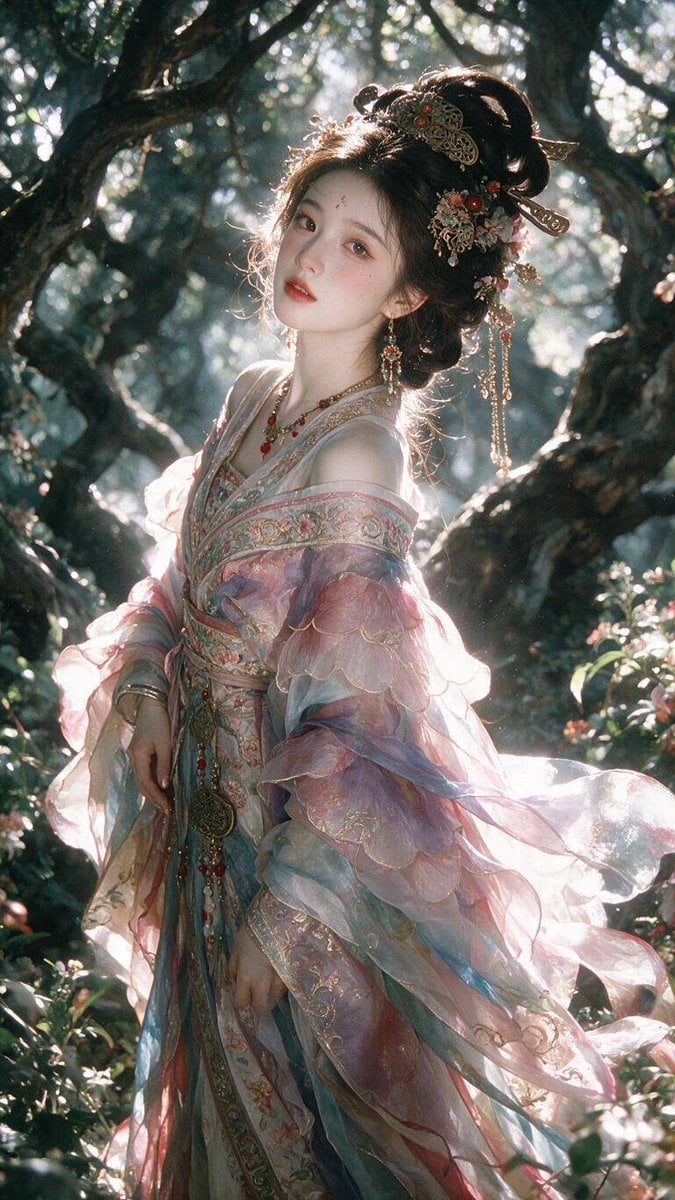
Enchanted Hanfu Forest Goddess

Layered Paper Cut Forest Diorama

Mountain Lake Sunset Landscape

Ghibli Final Takeoff Field

Ghibli Rainy Tram Interior

Ghibli Star Observatory

Ghibli Tiny House On Back

Ghibli Lantern River Festival

Ghibli Whale Bone Beach
Make it yours
Enchanted Forest Inner Landscape works as-is. These are the safest ways to change it without losing the look.
Change one field
Copy a single group, rewrite it, and generate again so you can see what that field is doing.
Keep the frame, change the subject
Hold the composition and light of Enchanted Forest Inner Landscape, then swap wardrobe, props or the person for a new take.
| If the result… | Why | Fix |
|---|---|---|
| The result drifts from the preview | Too many fields changed at once. | Reuse Enchanted Forest Inner Landscape as-is first, then change one group — subject, light, or setting. |
| The model over-stylizes the scene | The prose prompt leaves finish and camera underspecified. | Add one camera or lighting sentence and stay on GPT Image 2. |
More GPT Image 2 templates
Other prompts made for GPT Image 2.

Six VTuber Japanese Logo Sheet

Realistic Portrait of Woman and Deer

The Vista Modular Condo Poster

AI Model Routing Comparison Infographic

2.5D Anime Art Board

Isometric Productivity Desk Scene

New York Double Exposure Poster

Four-Panel AI Landscape Comparison

Japanese Tatami Lifestyle Magazine Cover

NESCAFÉ Coffee Map Poster
More image prompts
Fresh picks from across the catalog.
Dramatic Wide Angle Dynamic Pose

Realistic Group Selfie with Smartphone Flash Effect

Hyper-realistic close-up of a woman's face being 'maintained' by miniature aesthetic doctors
Fisheye Shibuya Yokai Selfie
Transformer Robot to Tank Transition Prompt
Nighttime Automotive Portrait Prompt
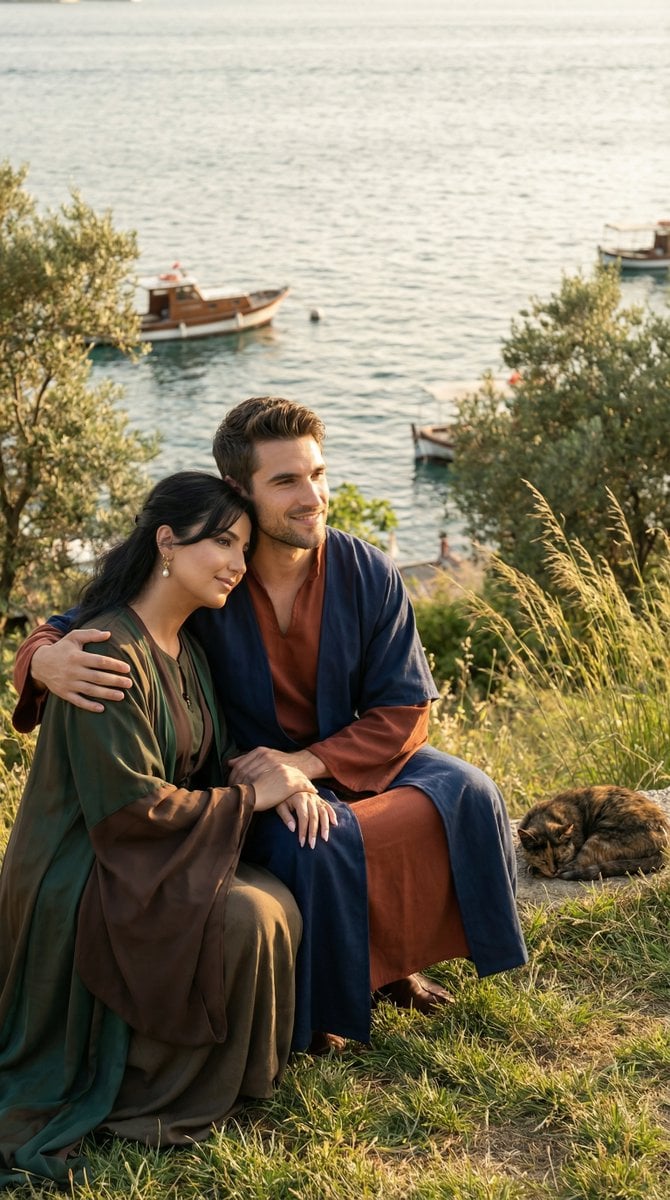
Cinematic Historical Romance: Ottoman Couple by the Bosphorus

Black Outfit Portrait in Snowy Mountains
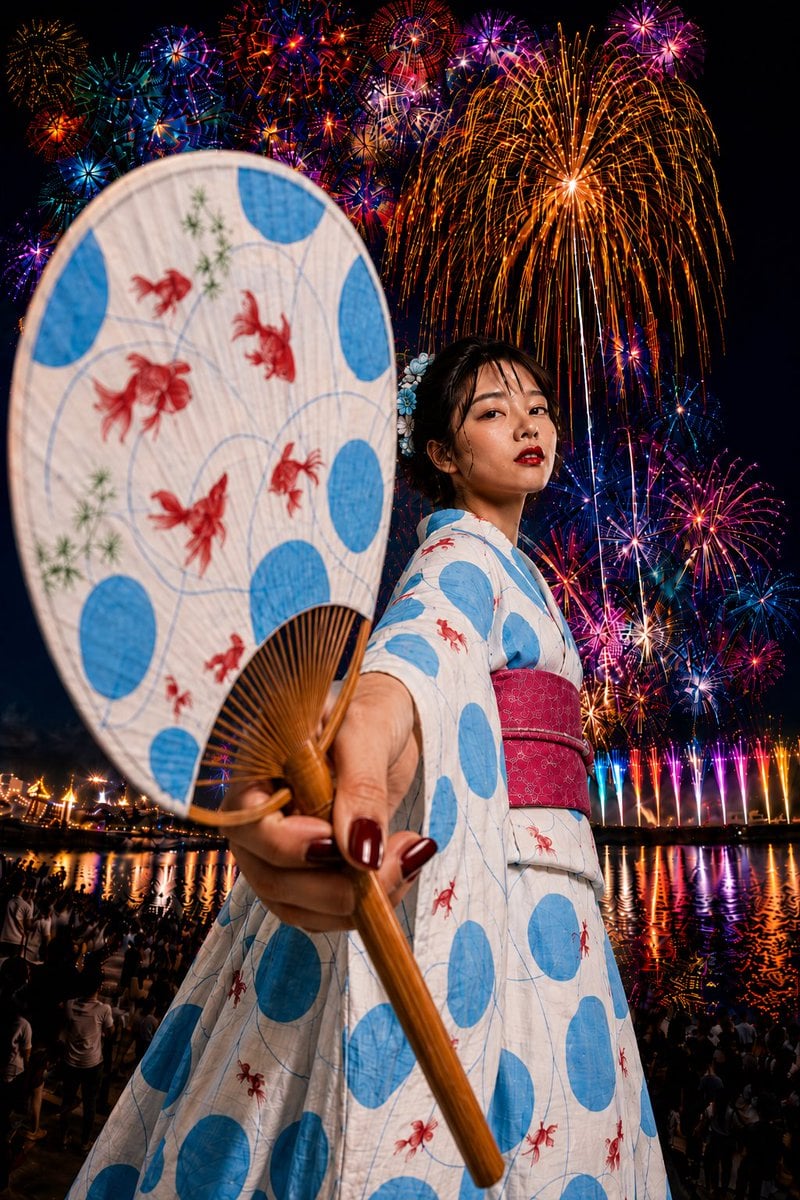
Goldfish Yukata Fireworks Festival Portrait
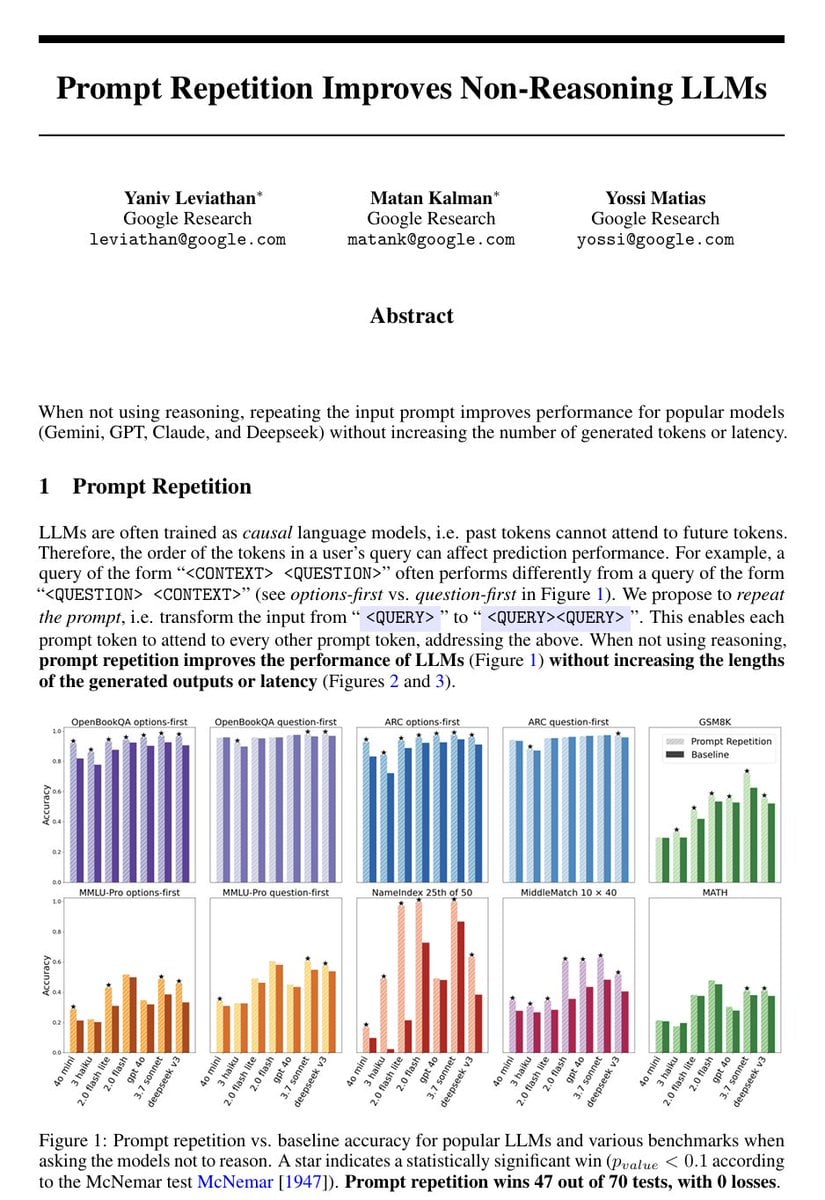
Repetitive Prompting Instruction
Browse template categories
Enchanted Forest Inner Landscape questions
How do I use the Enchanted Forest Inner Landscape template?
Add your photo if the template asks for one, edit the prompt if you like — the template's model and format are already selected — and press Generate. Your version opens in PicX Studio.
Can I customize the Enchanted Forest Inner Landscape template?
Yes. You can change the subject, setting, lighting, mood, format, and available model controls before creating your image.
Is the Enchanted Forest Inner Landscape template free?
Opening and editing this template is free. Generating uses credits, shown on the Generate button when you are signed in.
Which AI model should I use?
Start with GPT Image 2, which is the model associated with this template. You can compare another compatible model for a different finish.
Looking for something else? Browse all templates.

Your photo, any look
Thousands of ready templates for every top image and video model, from one credit balance.