
Goldfish Yukata Fireworks Festival Portrait
A comprehensive cinematic prompt designed for GPT Image 2 to generate high-quality portraits of a Japanese woman wearing a goldfish-patterned yukata during a summer fireworks festival, featuring meticulous details on…
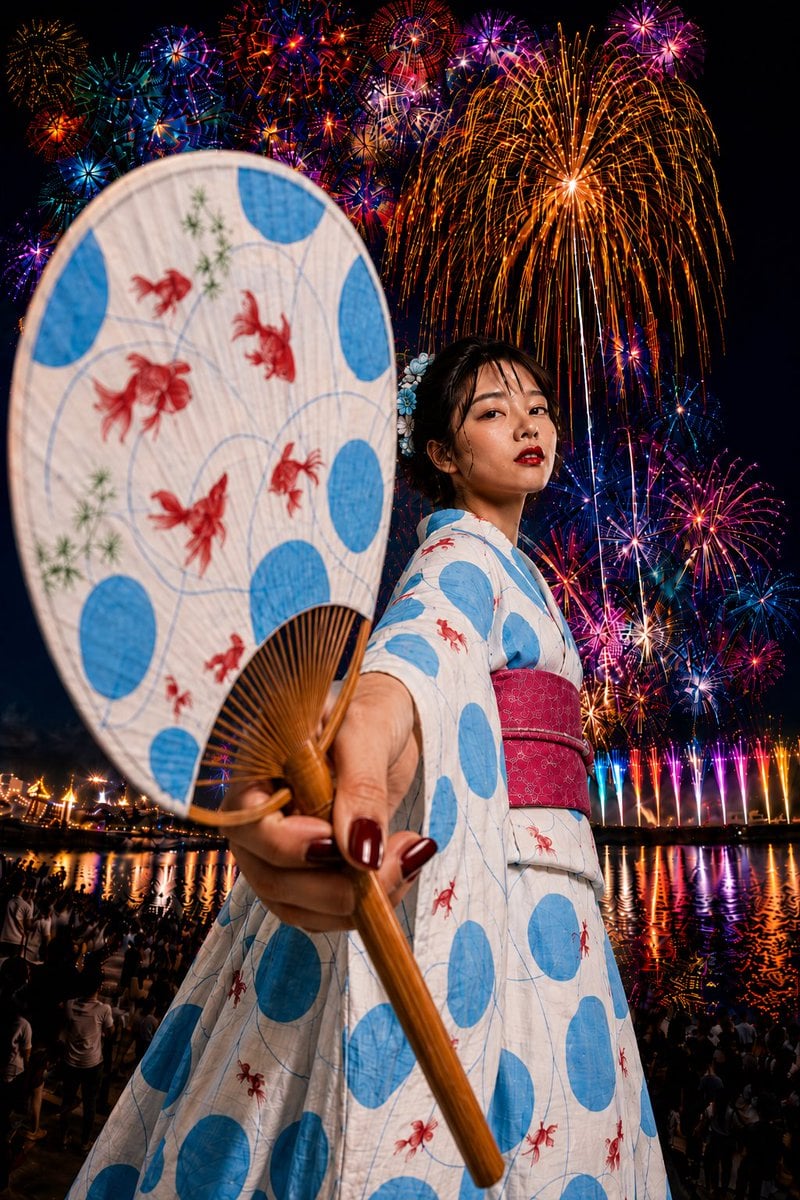
- Prompt included
- Model and format preset
- Free template
The prompt behind this image
Copy the exact prompt behind Goldfish Yukata Fireworks Festival Portrait, or open it in the studio and make it yours.
Theme: {argument name="theme" default="A summer festival with fireworks filling the night sky and a goldfish-pattern yukata"} / fireworks festival portrait Person / Expression: A young woman, natural Japanese-style hair and makeup, black hair loosely put up for the summer festival, thin loose strands framing the face, a blue flower ornament, translucent skin, elegant makeup accented with red lipstick, a calm, confident expression, naturally looking at the camera Outfit / Pose: {argument name="outfit" default="A summer yukata with a white base, large light-blue circle patterns, and red goldfish motifs"}, a deep pink obi, the yukata's sleeves naturally separated from the shoulder and bodice with a structure that clearly shows the overlap of the cuff and fabric, one hand reaching far out toward the camera, holding out a uchiwa fan with the same white base, light-blue circle pattern, and red goldfish motif as the yukata Background / Lighting: A nighttime fireworks festival along a river, a riverbank crowded with spectators, colorful fireworks reflected on the water's surface, large red, blue, purple, and gold fireworks blossoms, a large golden willow firework spreading across the right side, a lively, heated atmosphere typical of a summer festival Composition / Camera: Vertical composition, low angle, powerful perspective from a wide-angle lens, a strong foreground effect with the fan thrust toward the camera like a lipstick advertisement, the fan and hand shown large, the person's face and yukata placed further back, a cinematic composition with fireworks spreading across the entire background, shallow depth of field, high-precision focus that keeps both the hand and the face looking natural Texture / Style: {argument name="mood" default="High resolution, 4K quality, realistic skin texture where even pores and skin grain look natural, a texture showing the weave of the yukata fabric and the details of the goldfish pattern"}, the texture of the uchiwa's washi paper fibers and bamboo ribs, realistic lighting where the fireworks' light reflects off the skin and yukata, vivid, high-contrast summer-festival photography, an AI portrait with the impact of a magazine advertisement and realistic expression Negative: Low quality, unnatural face, unnatural hands, extra fingers, missing fingers, distorted fingers, strange gaze, asymmetrical eyes, distorted face, distorted body, sleeve and bodice of the yukata fused together unnaturally, unnatural cuffs, broken clothing, distorted obi, deformed fan, excessive retouching, excessive skin smoothing, excessive exposure, unnatural AI-typical texture, text, logos, watermarks
How to use Goldfish Yukata Fireworks Festival Portrait in 3 steps
- 1
Open
The prompt is already in the box next to the preview, with the template's model and format selected.
- 2…a portrait of your subject in softgolden-hour light, 85mm…
Personalize
Edit the subject and creative details for your destination.
- 3Generate
Generate
Press Generate — your image is created in PicX Studio, so you can compare it with the original and refine one variable at a time.
More like this
Templates with the same subject, style or setup. Open one to see its prompt.
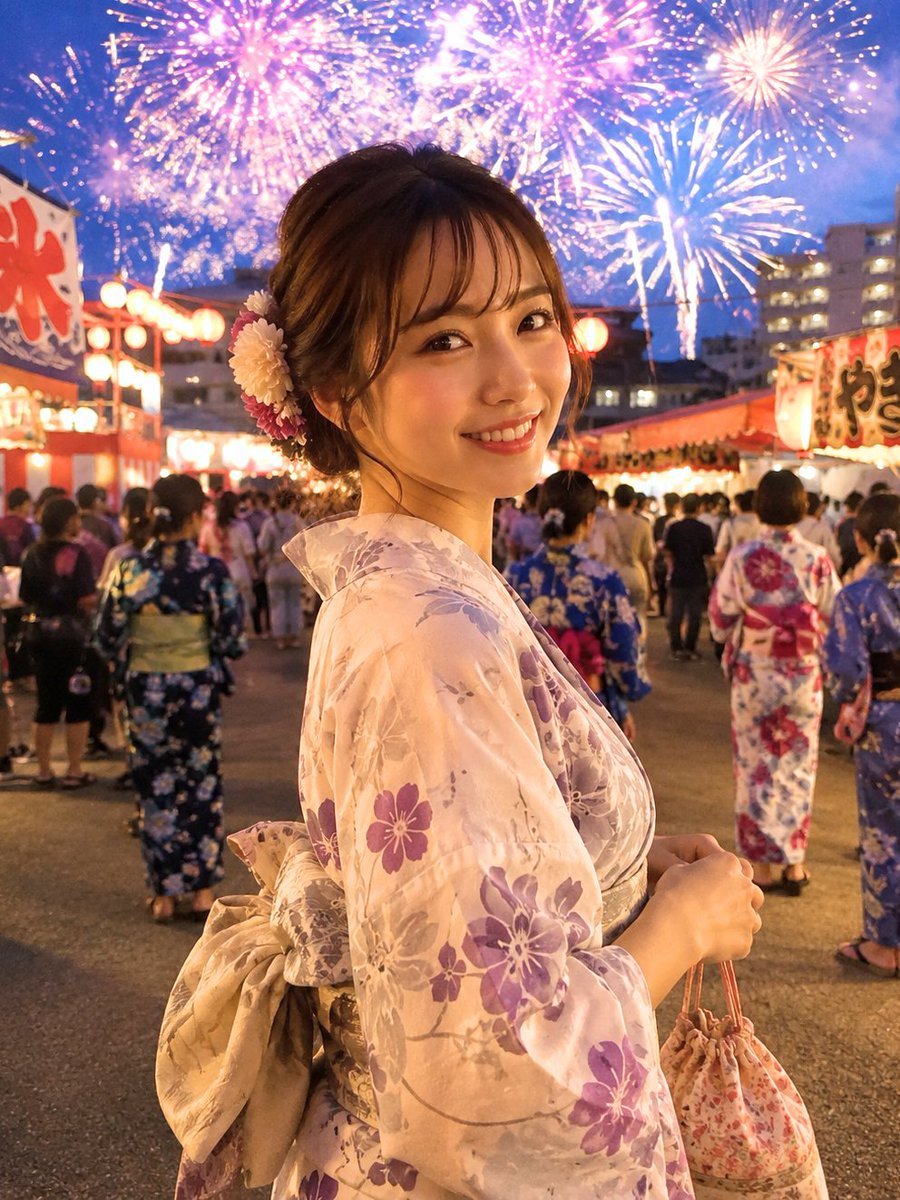
Japanese Fireworks Festival Yukata Portrait
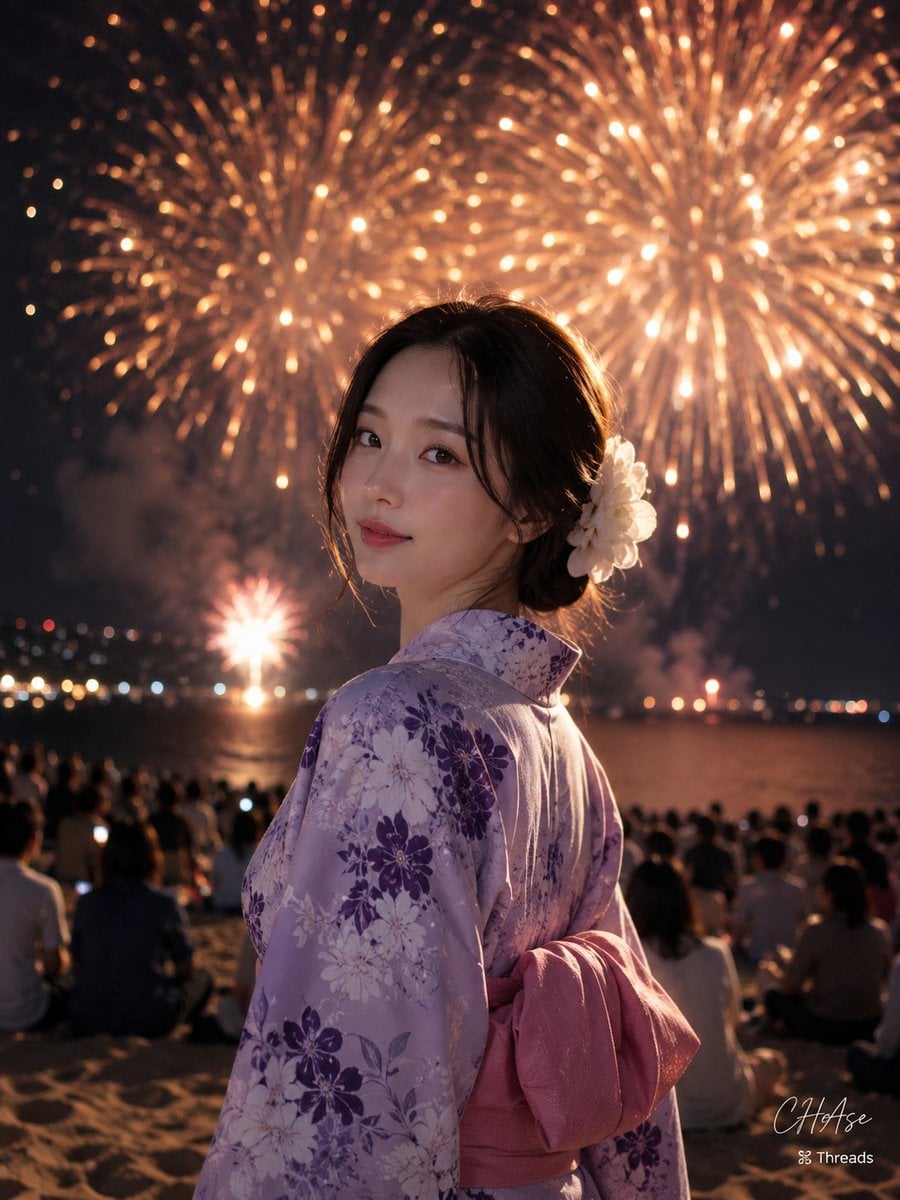
Elegant Japanese Yukata at Beach Fireworks Festival

Found Photograph: Us, 1970

80s Couple Studio Portrait

80s Bollywood Star

80s Golden Hour Cinema

Me in 1985

1985 Studio Portrait
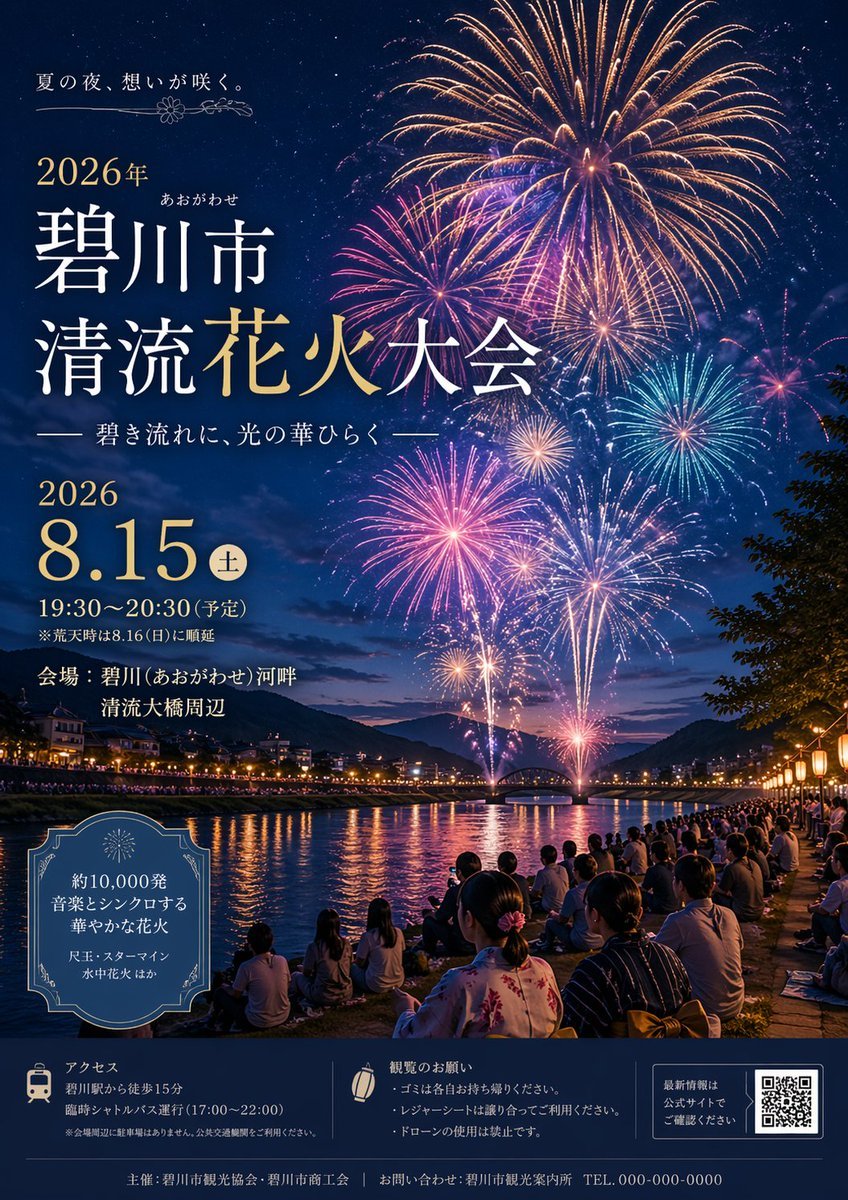
Japanese Fireworks Festival Poster
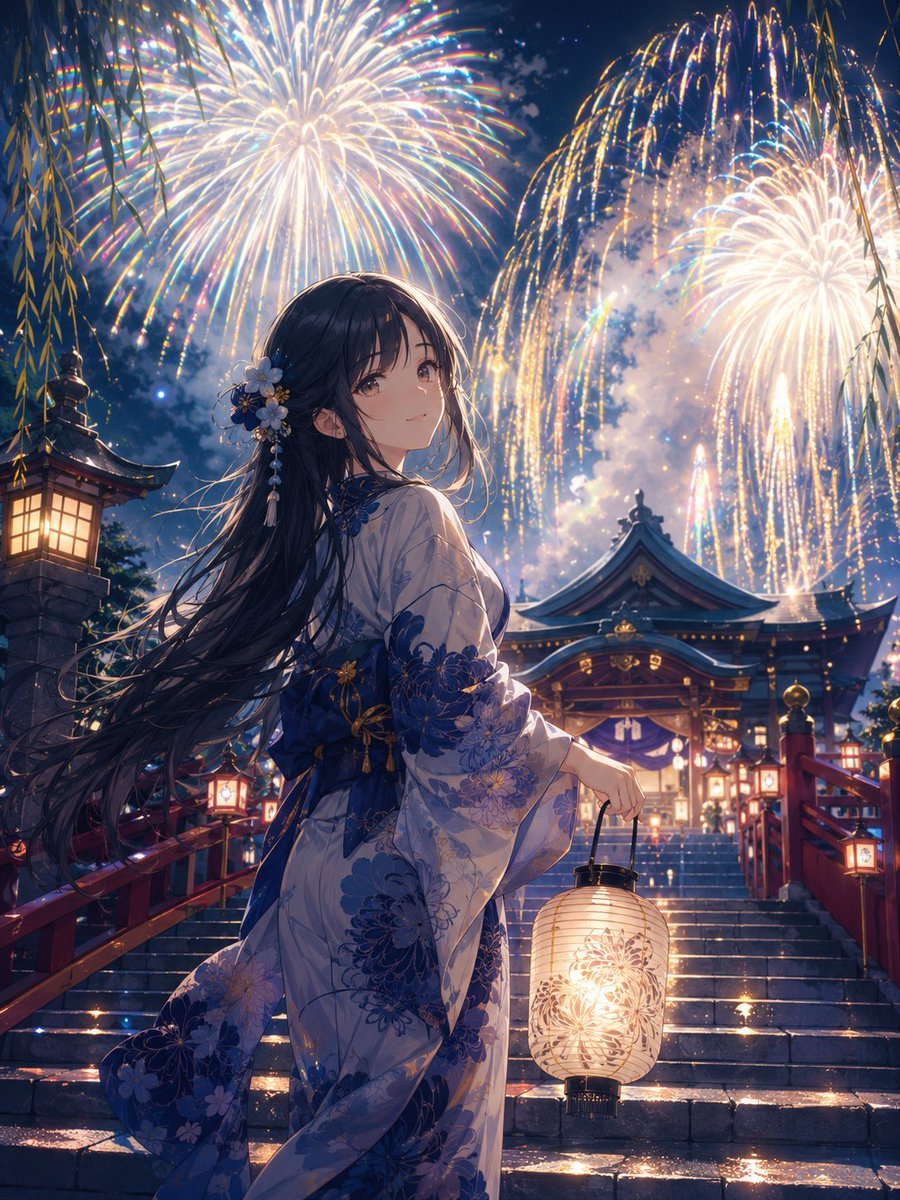
Girl in Yukata with Platinum Fireworks
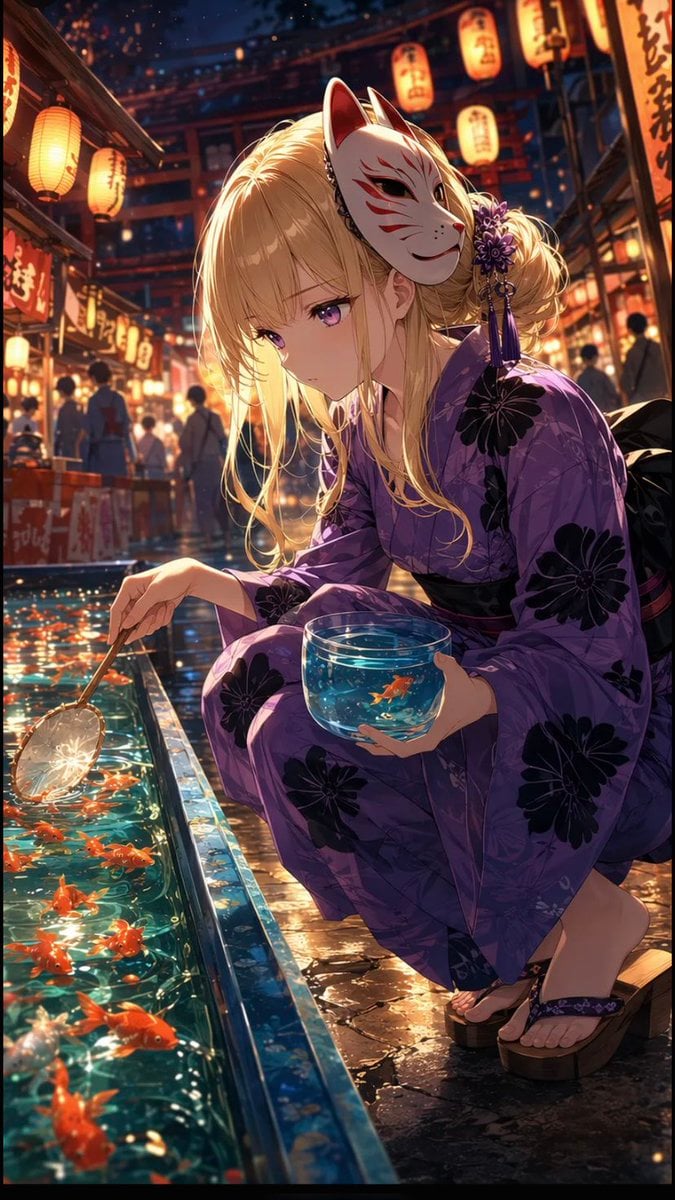
Anime Girl at Goldfish Festival Stall

Hyper-Realistic Minecraft POV Portrait
Make it yours
Goldfish Yukata Fireworks Festival Portrait works as-is. These are the safest ways to change it without losing the look.
Change one field
Copy a single group, rewrite it, and generate again so you can see what that field is doing.
Keep the frame, change the subject
Hold the composition and light of Goldfish Yukata Fireworks Festival Portrait, then swap wardrobe, props or the person for a new take.
| If the result… | Why | Fix |
|---|---|---|
| The result drifts from the preview | Too many fields changed at once. | Reuse Goldfish Yukata Fireworks Festival Portrait as-is first, then change one group — subject, light, or setting. |
| The model over-stylizes the scene | The prose prompt leaves finish and camera underspecified. | Add one camera or lighting sentence and stay on GPT Image 2. |
More GPT Image 2 templates
Other prompts made for GPT Image 2.

Six VTuber Japanese Logo Sheet

Realistic Portrait of Woman and Deer

The Vista Modular Condo Poster

AI Model Routing Comparison Infographic

2.5D Anime Art Board

Isometric Productivity Desk Scene

New York Double Exposure Poster

Four-Panel AI Landscape Comparison

Japanese Tatami Lifestyle Magazine Cover

NESCAFÉ Coffee Map Poster
More image prompts
Fresh picks from across the catalog.
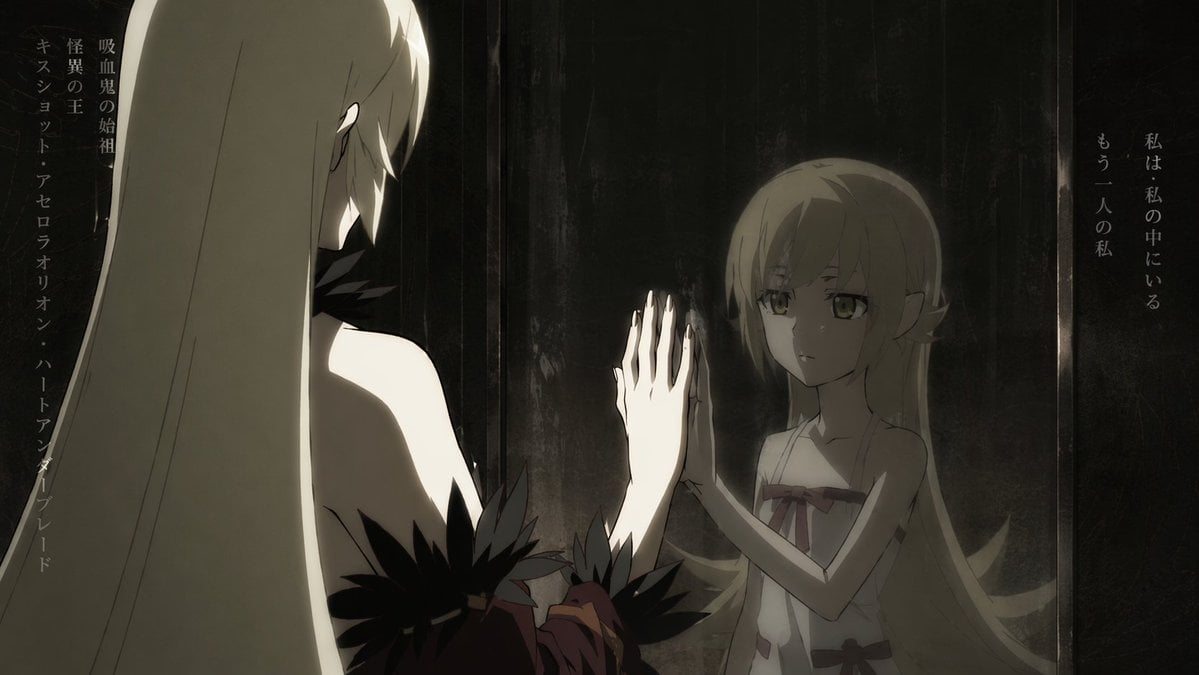
Anime Mirror Reflection of Younger Self
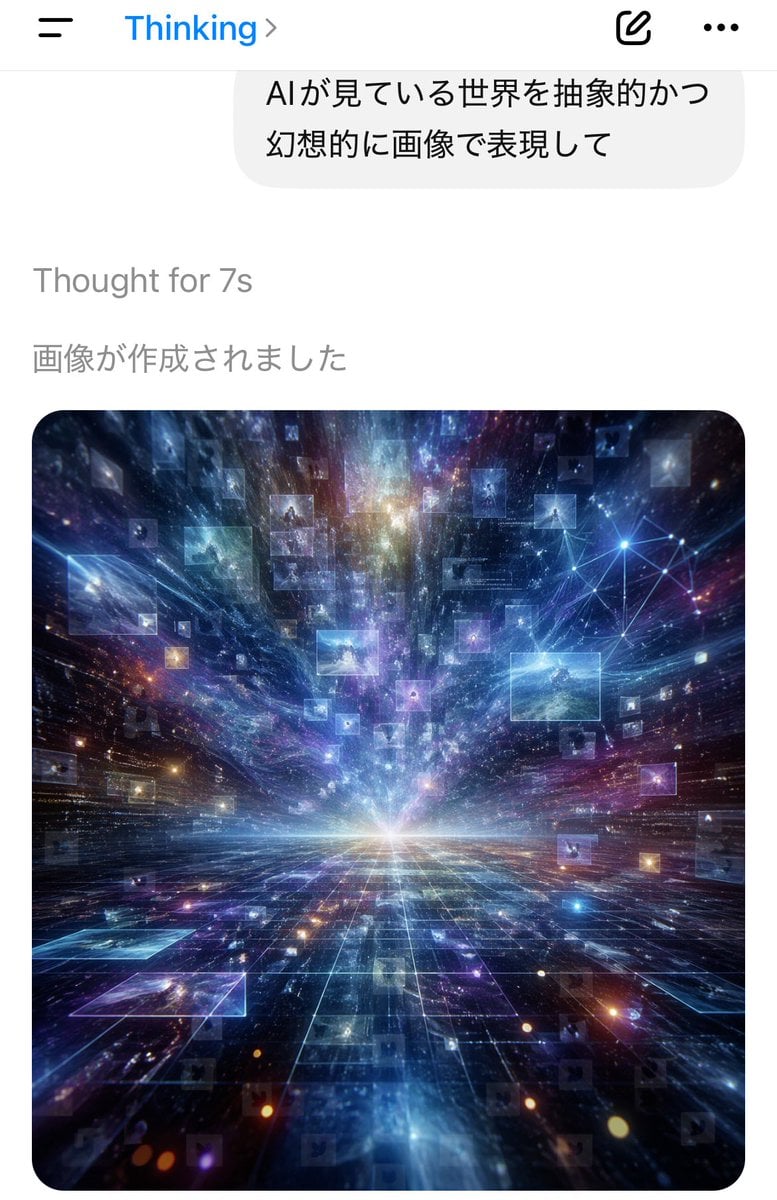
AI Thinking App Screenshot
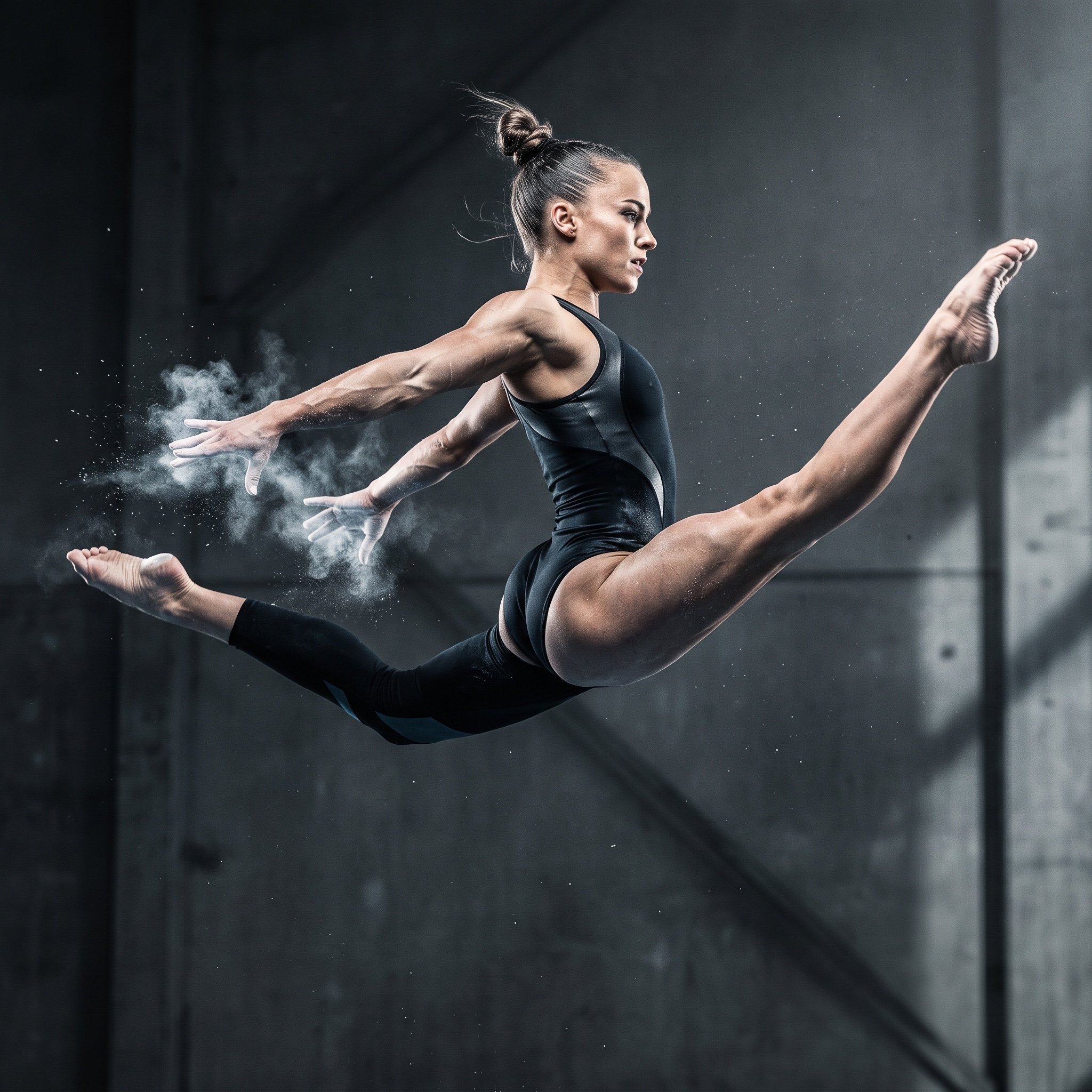
Avant-Garde Athleticism: Frozen Gymnast in Mid-Air

Candid Portrait Hugging a Poodle in a Park
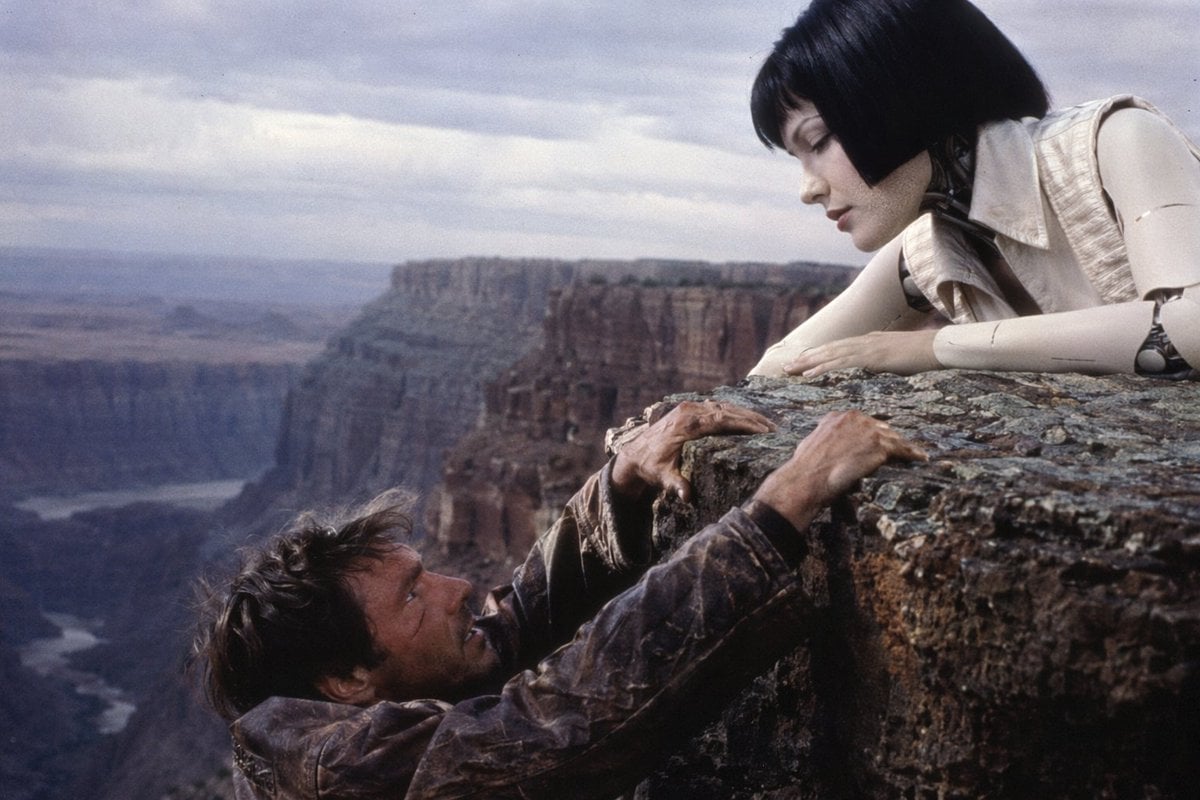
90s Sci-Fi Cliffhanger Movie Still
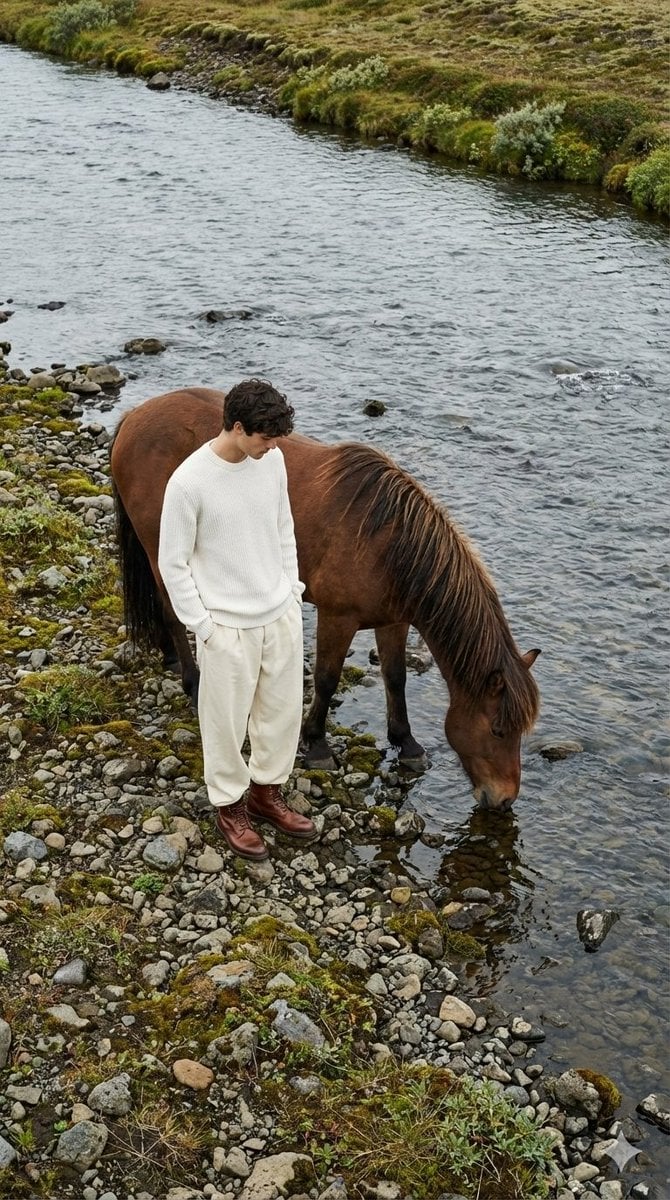
Jil Sander Aesthetic Fashion Editorial: Man and Horse
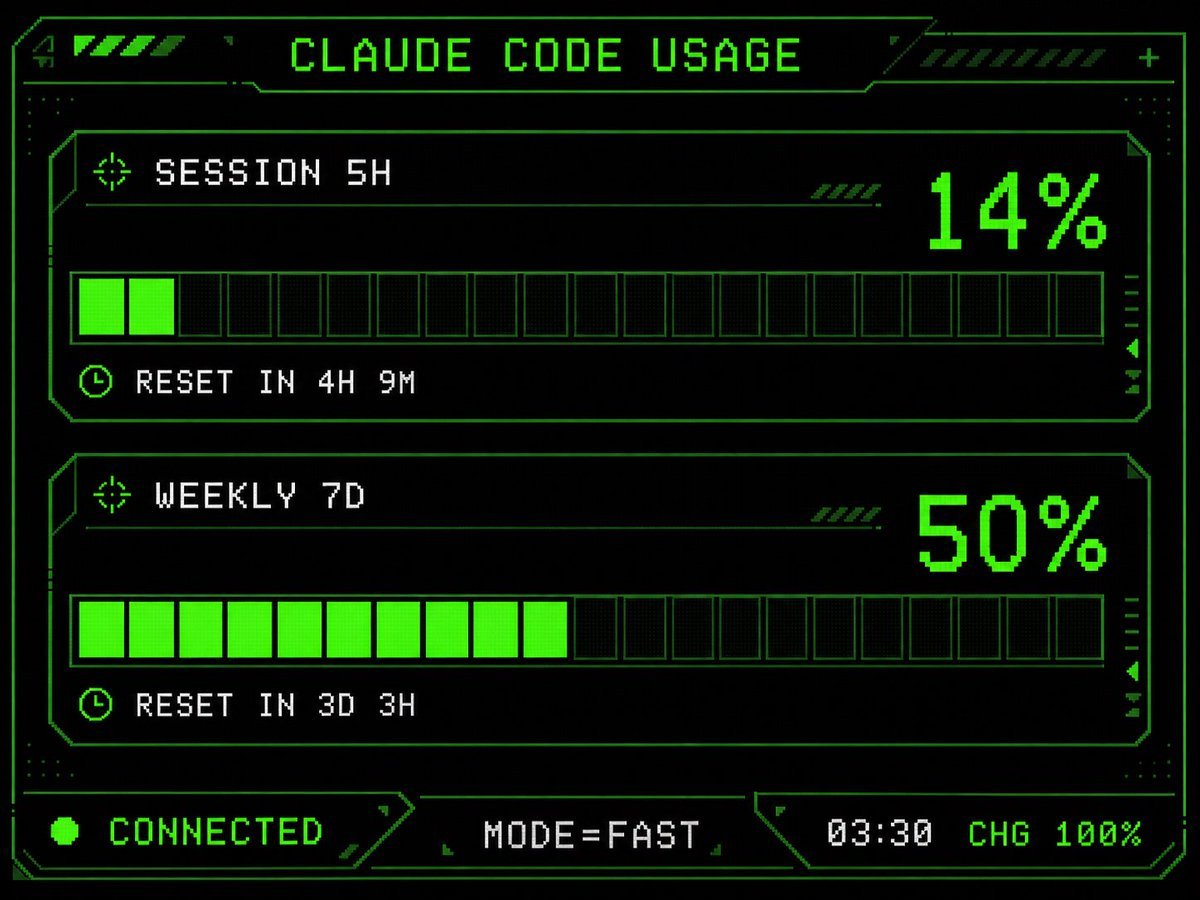
Retro HUD Claude Usage Gauge
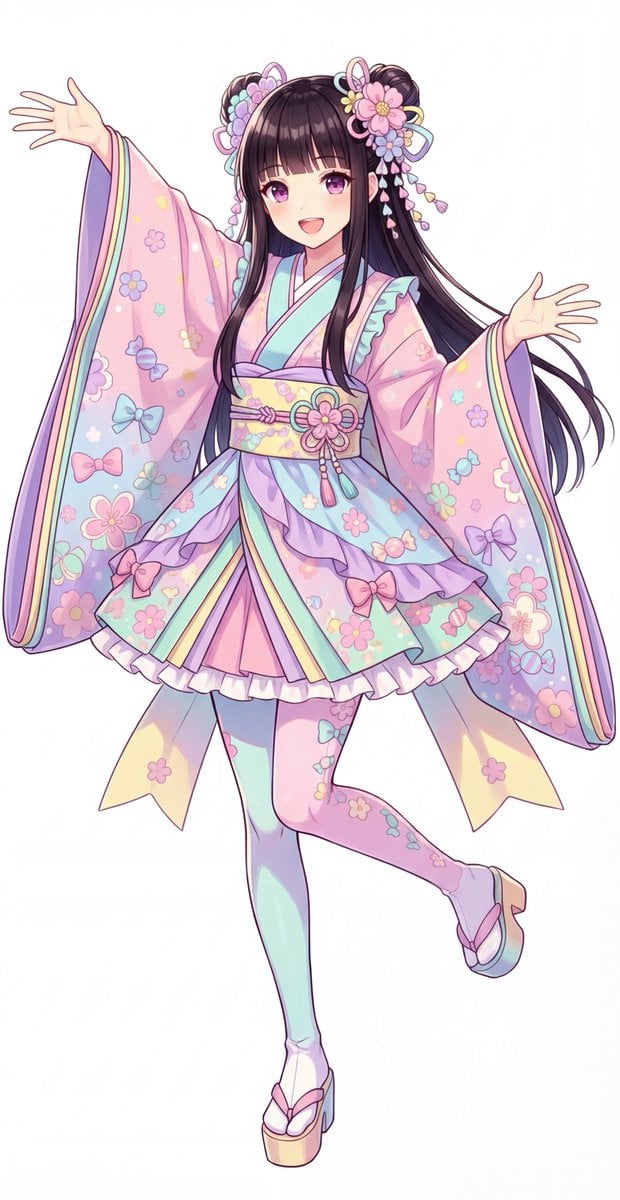
Kawaii Jūnihitoe Outfit Modification Prompt for NanoBananaPro

Winter Fashion Portrait with Face Consistency
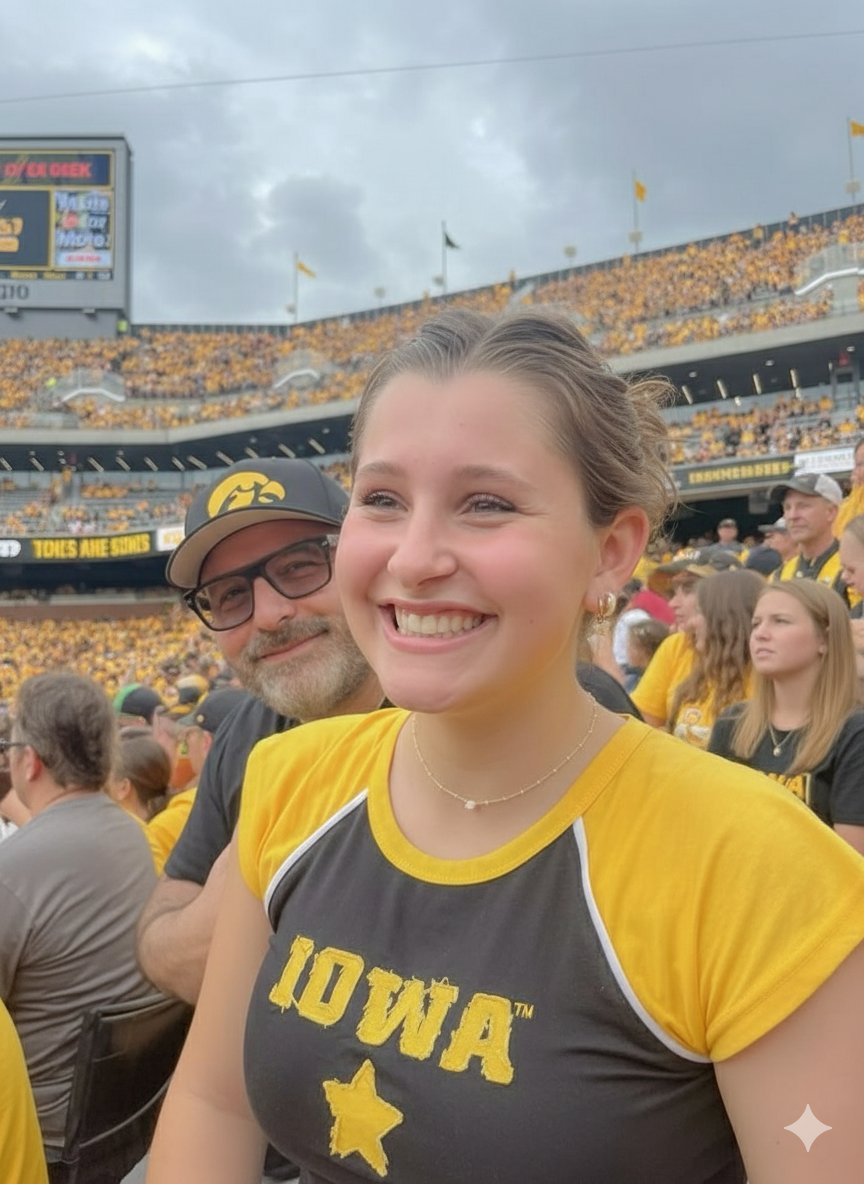
Iowa Hawkeyes Stadium Selfie Portrait
Browse template categories
Goldfish Yukata Fireworks Festival Portrait questions
How do I use the Goldfish Yukata Fireworks Festival Portrait template?
Add your photo if the template asks for one, edit the prompt if you like — the template's model and format are already selected — and press Generate. Your version opens in PicX Studio.
Can I customize the Goldfish Yukata Fireworks Festival Portrait template?
Yes. You can change the subject, setting, lighting, mood, format, and available model controls before creating your image.
Is the Goldfish Yukata Fireworks Festival Portrait template free?
Opening and editing this template is free. Generating uses credits, shown on the Generate button when you are signed in.
Which AI model should I use?
Start with GPT Image 2, which is the model associated with this template. You can compare another compatible model for a different finish.
Looking for something else? Browse all templates.

Your photo, any look
Thousands of ready templates for every top image and video model, from one credit balance.