
Anime Girl at Goldfish Festival Stall
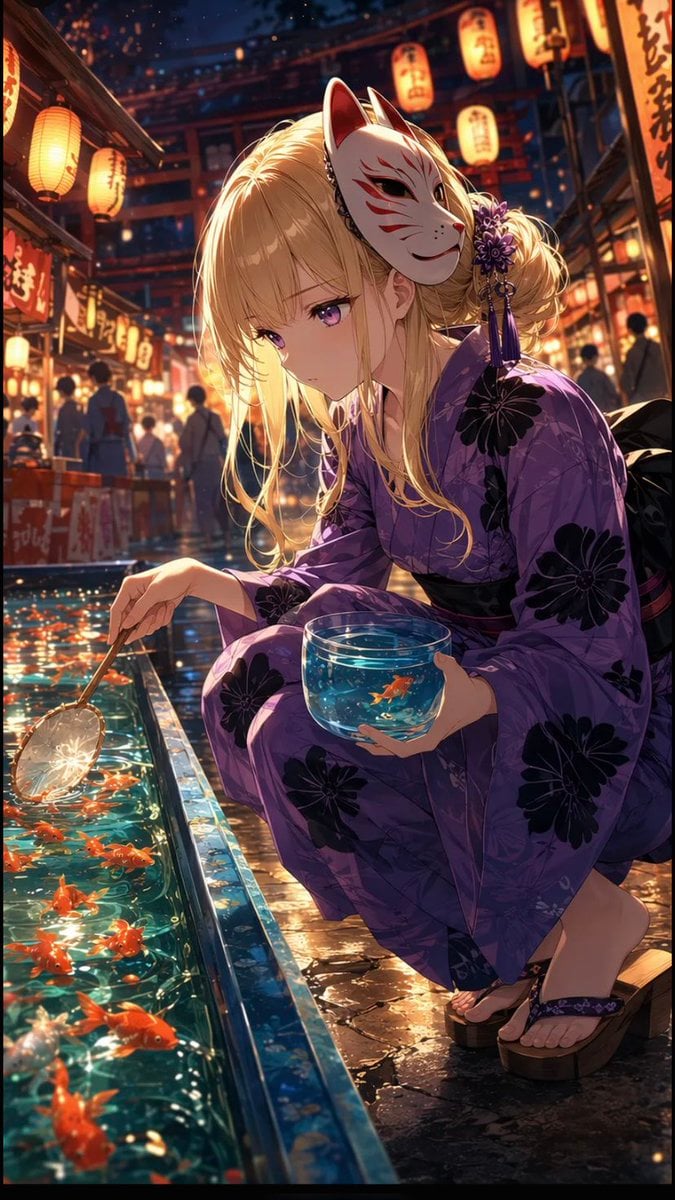
A cinematic anime key visual of a blonde girl in a purple yukata playing goldfish scooping at a lantern-lit Japanese summer festival.
- Prompt included
- Model and format preset
- Free template
The prompt behind this image
Copy the exact prompt behind Anime Girl at Goldfish Festival Stall, or open it in the studio and make it yours.
Create a highly detailed vertical anime illustration of {argument name="character name" default="Meru"} at a Japanese summer festival at night, crouching beside a goldfish scooping stall. She is a young blonde anime girl with long soft hair, side-swept bangs, loose curled strands, and purple eyes, wearing a purple yukata with large black floral patterns, a dark obi, and wooden geta sandals. A white fox mask with red markings is worn tilted on the side of her head, decorated near an elegant side bun with purple flower hair ornaments and dangling tassels. Her expression is serious and slightly bored or pensive as she looks down toward the water. In one hand she holds a shallow transparent bowl filled with blue water and exactly 1 small orange goldfish; in the other hand she delicately holds a goldfish-scooping paper net over the stall basin. The basin contains many bright orange goldfish swimming in sparkling turquoise water with strong reflections and ripples. The scene is crowded but softly blurred in the background, with festival-goers in yukata, wooden stalls, red shrine-like architecture, hanging paper lanterns with Japanese calligraphy, warm orange lighting, and drifting glowing particles. Use cinematic composition from a slightly low, close perspective, with the girl dominating the right side and the glowing fish basin leading diagonally from the lower left. Style: polished high-end anime key visual, ultra-detailed linework, luminous lighting, wet stone reflections, shallow depth of field, rich contrast between warm lantern light and cool blue water, dramatic bokeh, no speech bubbles, no captions, no watermark.
How to use Anime Girl at Goldfish Festival Stall in 3 steps
- 1Upload ImagePNG, JPG or paste
Add your photo
Upload the photo the template builds on. The prompt, model and format are already set.
- 2…a portrait of your subject in softgolden-hour light, 85mm…
Personalize
Edit the subject and creative details for your destination.
- 3Generate
Generate
Press Generate — your image is created in PicX Studio, so you can compare it with the original and refine one variable at a time.
More like this
Templates with the same subject, style or setup. Open one to see its prompt.
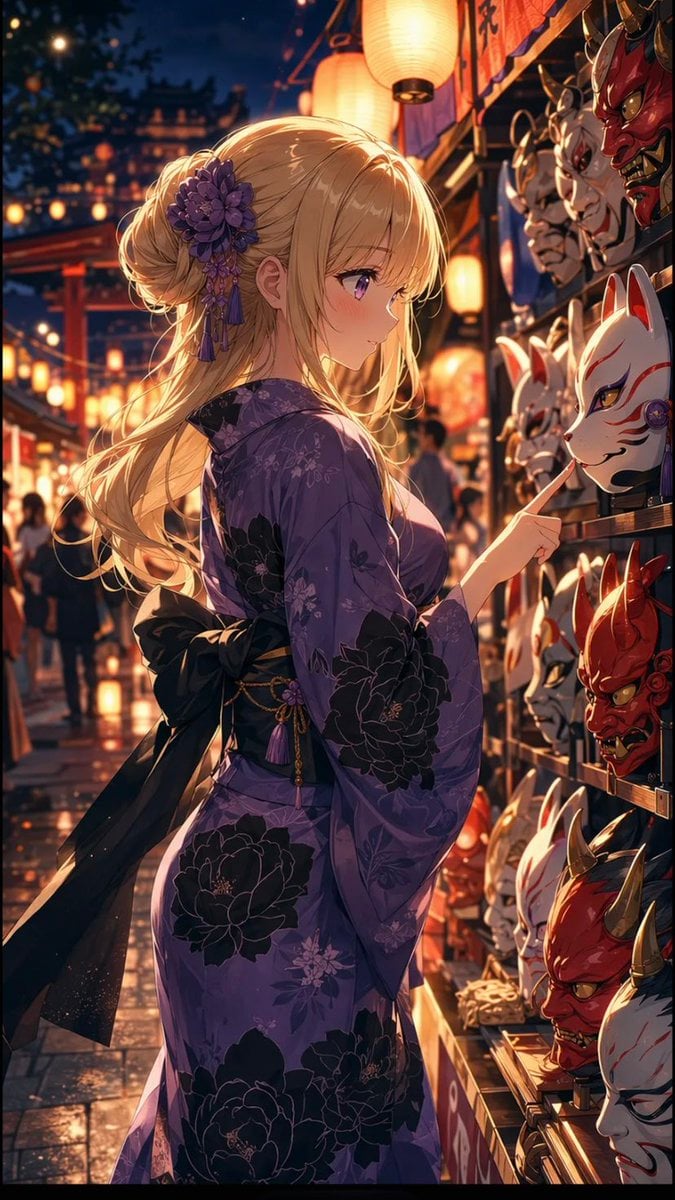
Anime Girl at Summer Festival Mask Stall

Pixar Anime Festival Mask

Teen Girl Alpine Lake Mountain View
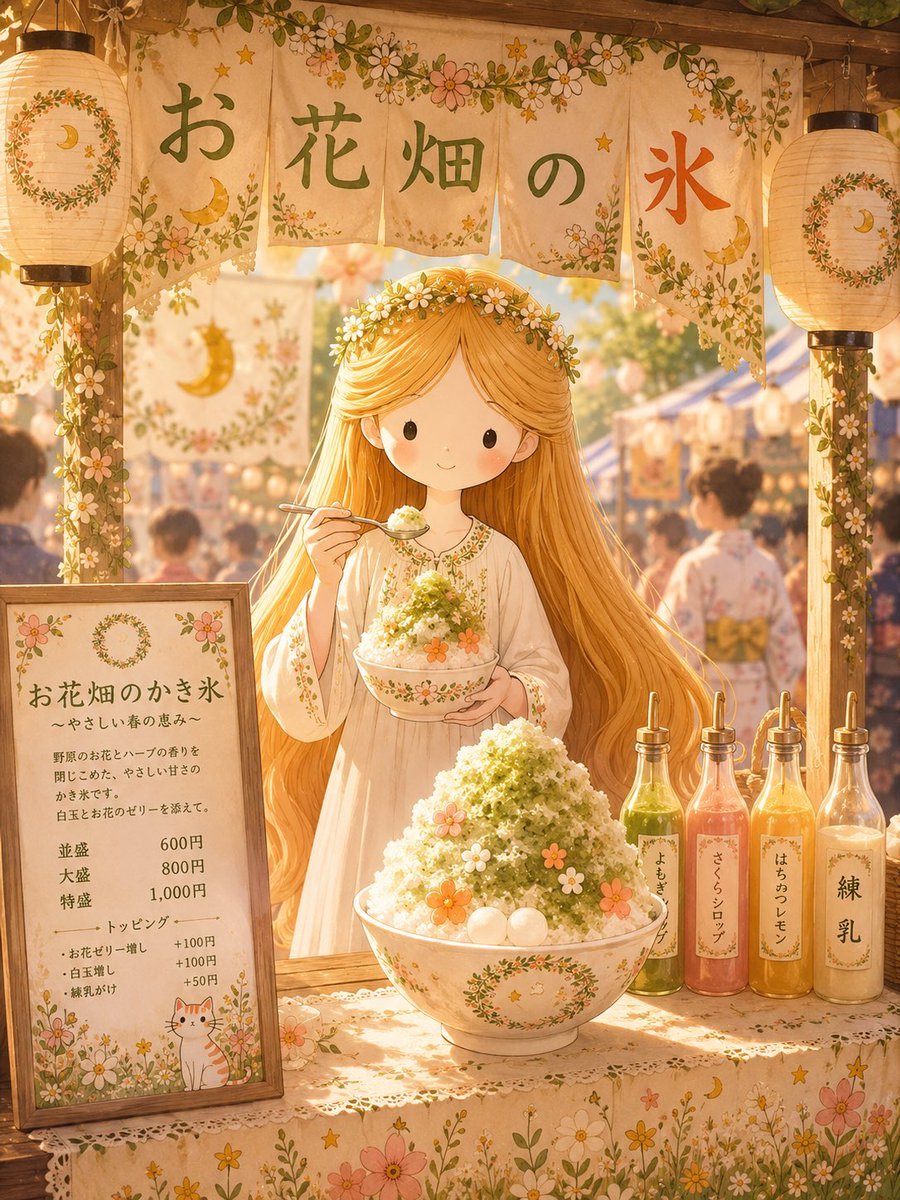
Japanese Festival Kakigori Stall
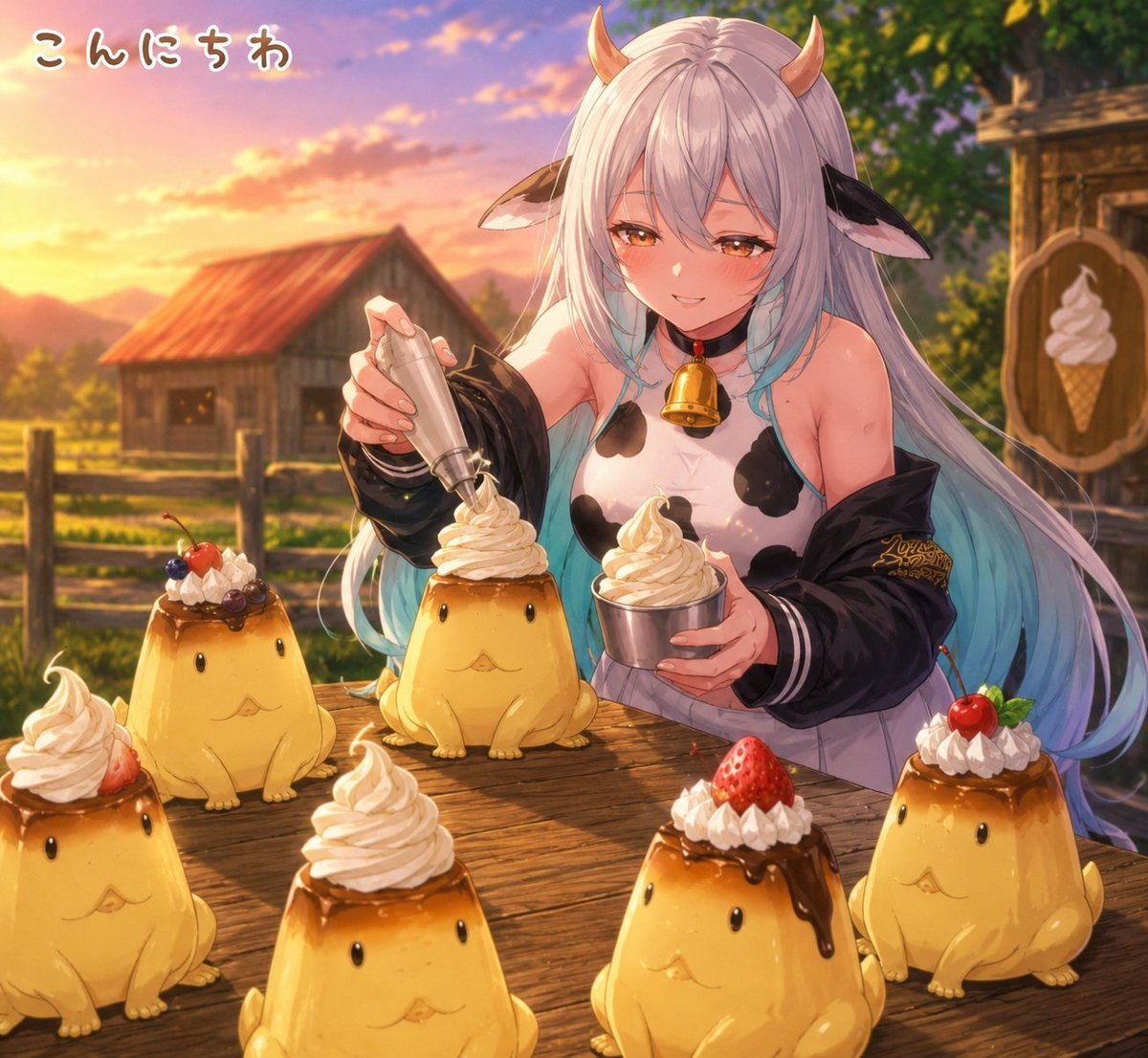
Cow Girl Pudding Dessert Stall

Cel 2D Finale Fireworks

Cel 2D Garden Maze

Cel 2D Rooftop Concert

Cel 2D Bicycle Coast

Cel 2D Castle Gate

Cel 2D Kitchen Chaos

Cel 2D Carnival Ride
Make it yours
Anime Girl at Goldfish Festival Stall works as-is. These are the safest ways to change it without losing the look.
Change one field
Copy a single group, rewrite it, and generate again so you can see what that field is doing.
Keep the frame, change the subject
Hold the composition and light of Anime Girl at Goldfish Festival Stall, then swap wardrobe, props or the person for a new take.
| If the result… | Why | Fix |
|---|---|---|
| The result drifts from the preview | Too many fields changed at once. | Reuse Anime Girl at Goldfish Festival Stall as-is first, then change one group — subject, light, or setting. |
| The model over-stylizes the scene | The prose prompt leaves finish and camera underspecified. | Add one camera or lighting sentence and stay on GPT Image 2. |
More GPT Image 2 templates
Other prompts made for GPT Image 2.

Six VTuber Japanese Logo Sheet

Realistic Portrait of Woman and Deer

The Vista Modular Condo Poster

AI Model Routing Comparison Infographic

2.5D Anime Art Board

Isometric Productivity Desk Scene

New York Double Exposure Poster

Four-Panel AI Landscape Comparison

Japanese Tatami Lifestyle Magazine Cover

NESCAFÉ Coffee Map Poster
More image prompts
Fresh picks from across the catalog.
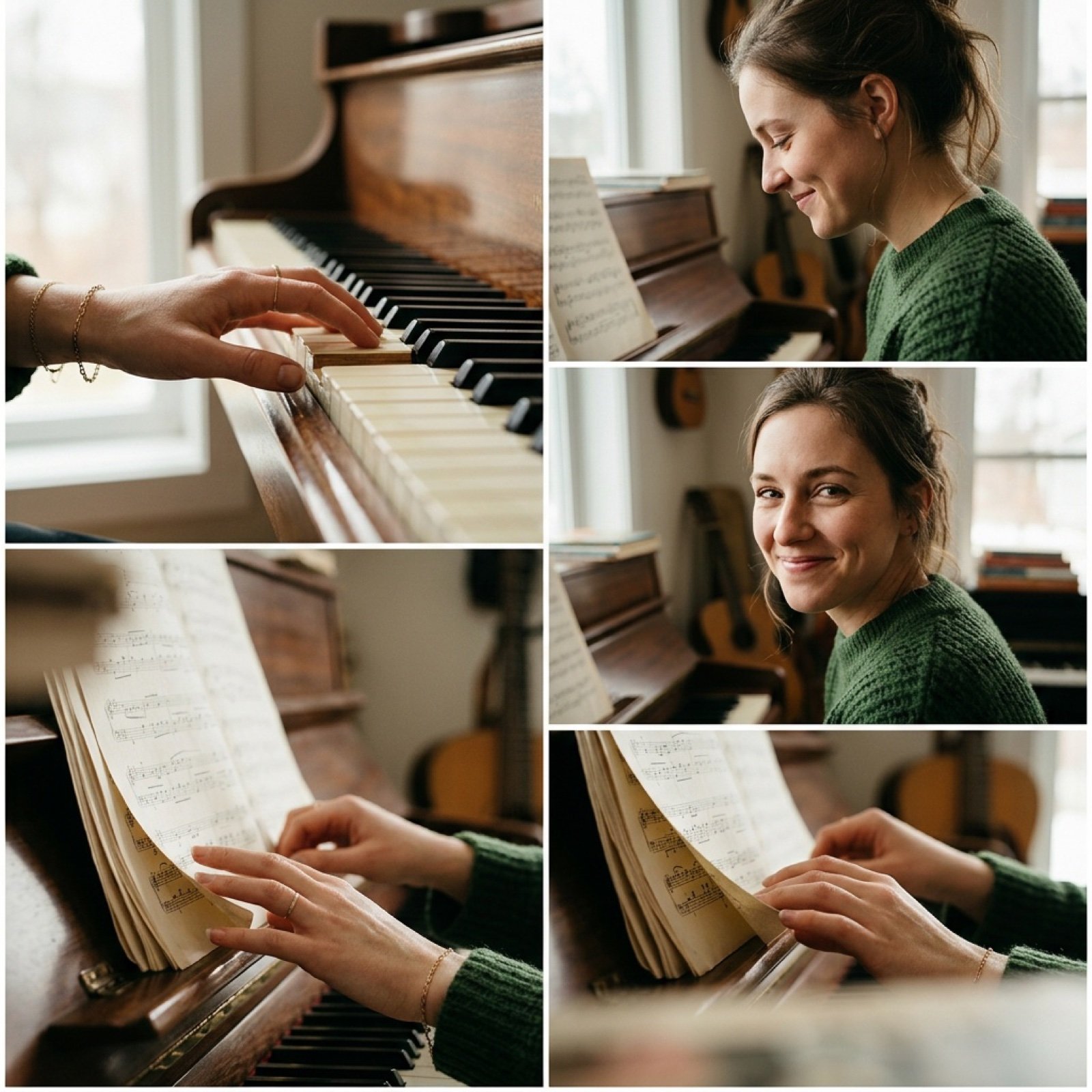
Cinematic Piano Performance Scene
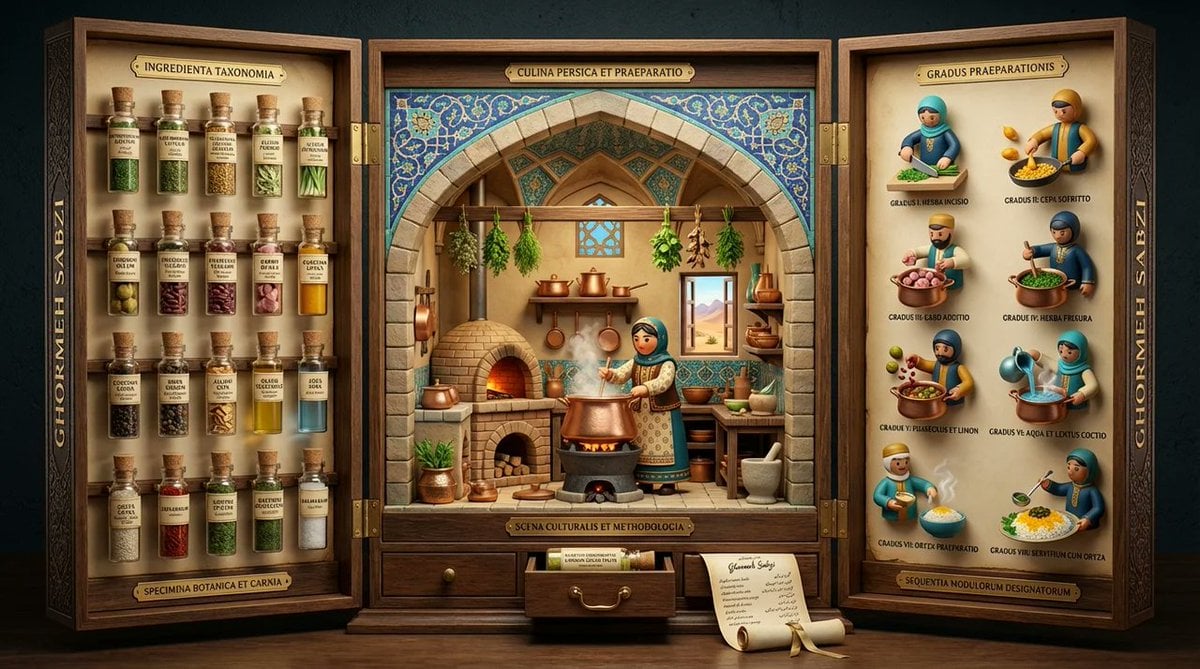
Medieval Altarpiece Display of Ghormeh Sabzi
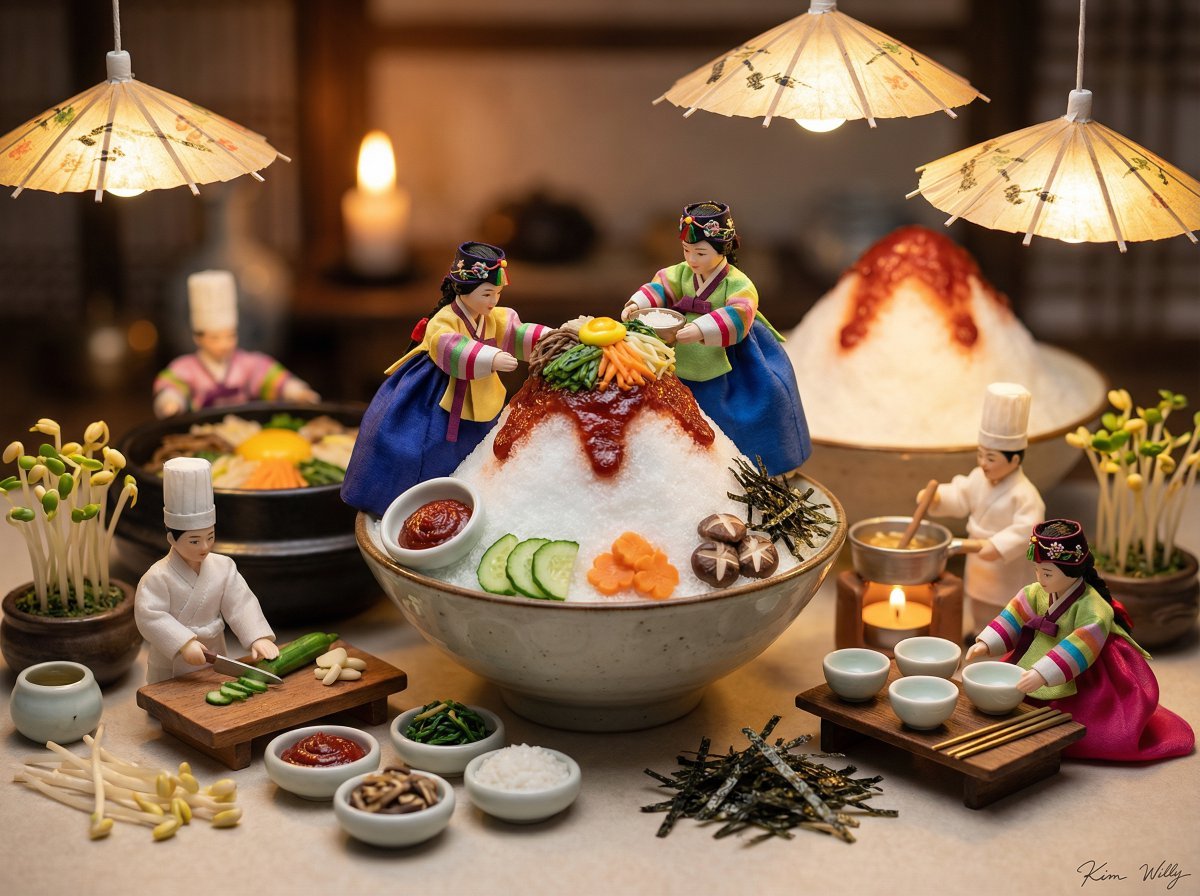
Micro Diorama of Joseon Dynasty Chefs Making Bibimbap
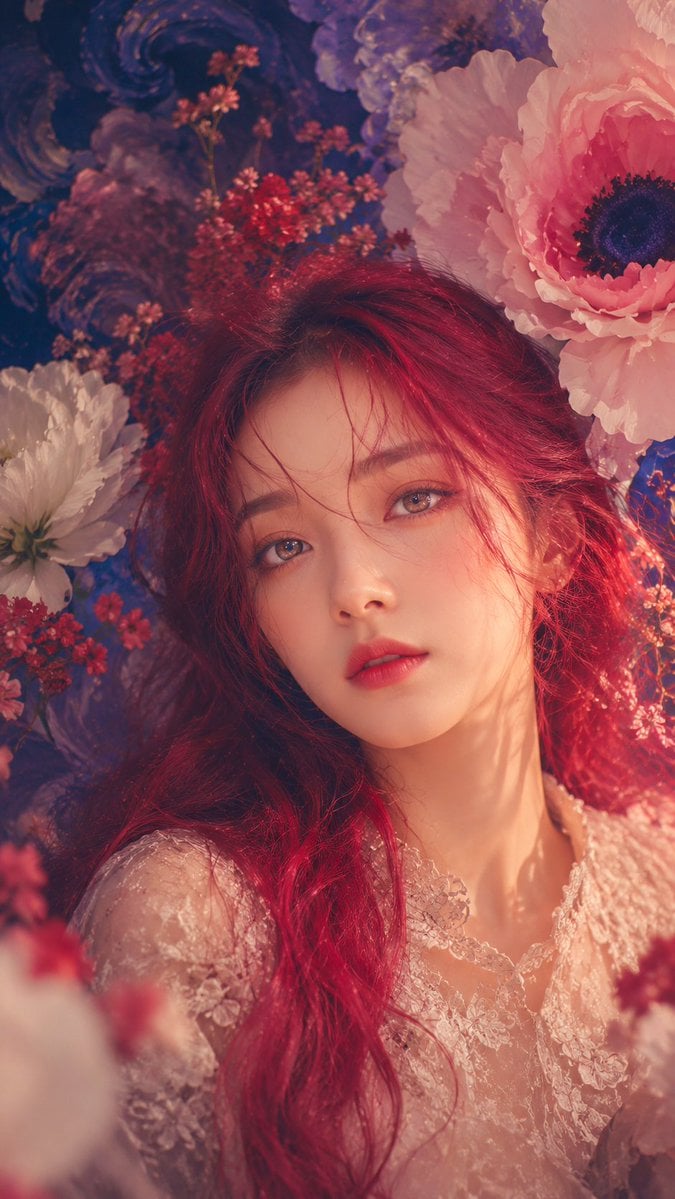
Anonymous Floral Crimson Portrait
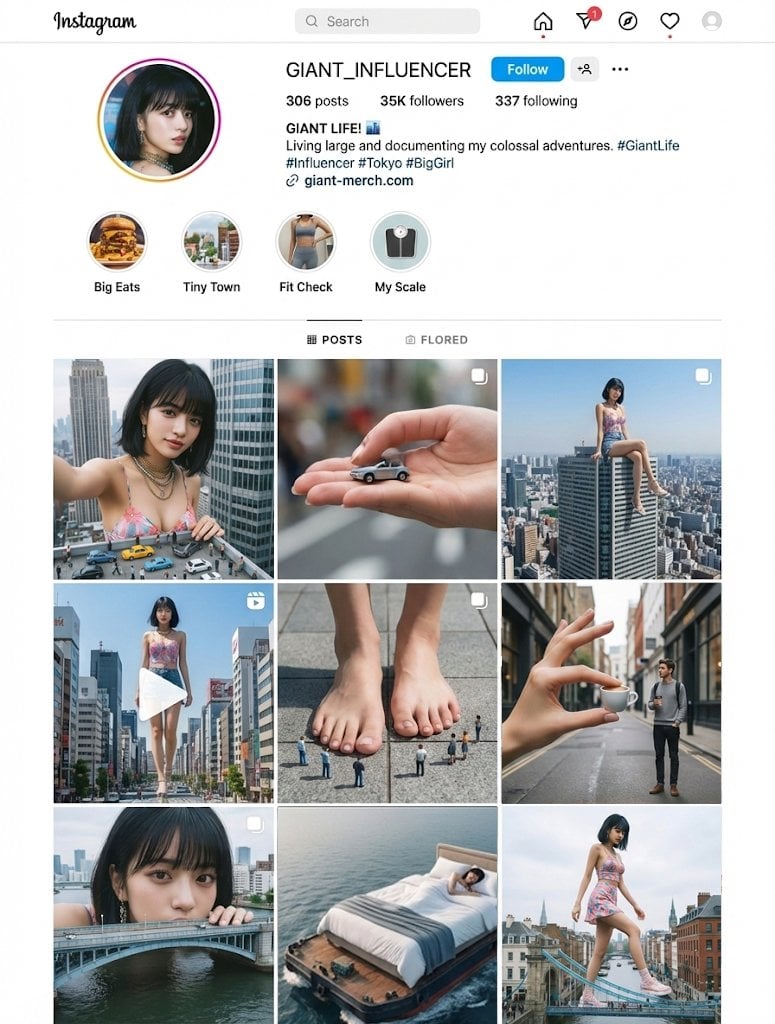
Giant's Daily Life (Unspecified Prompt)
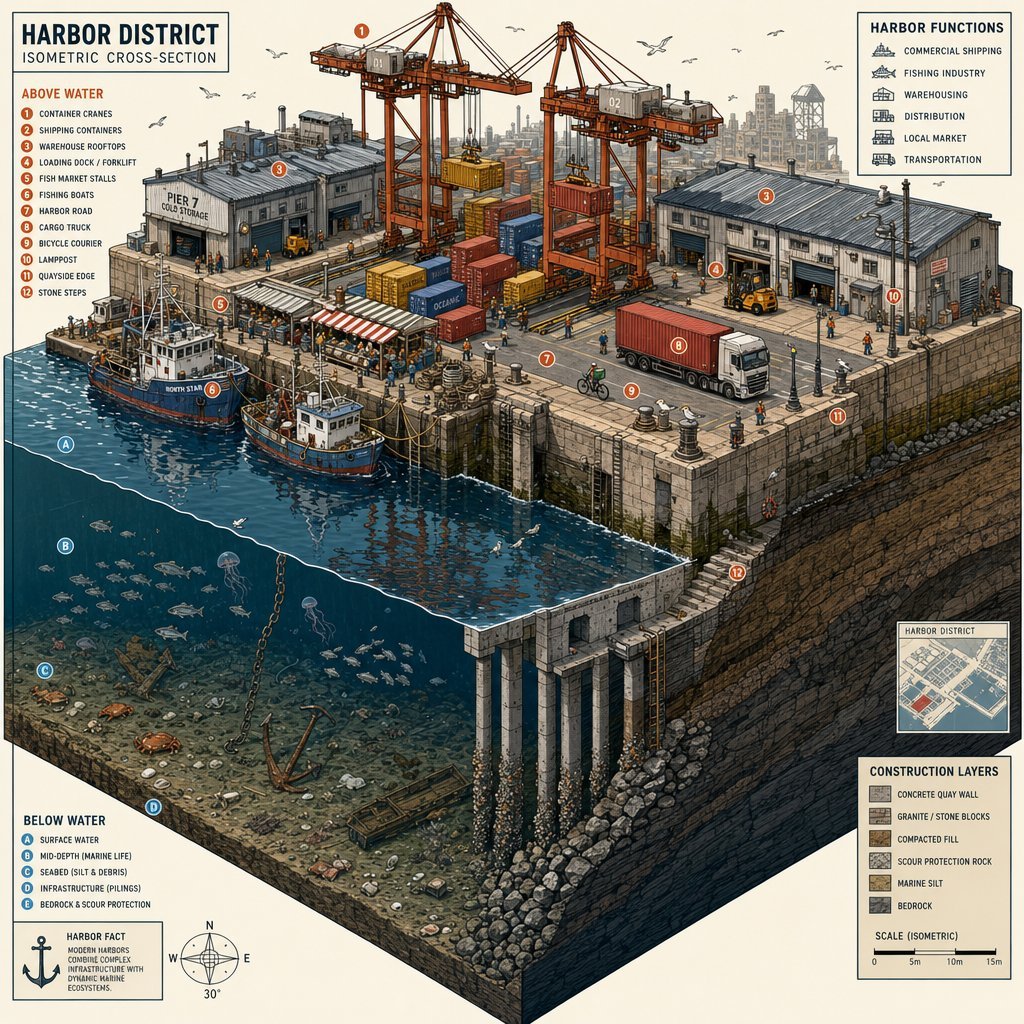
Isometric Harbor District Cross-Section
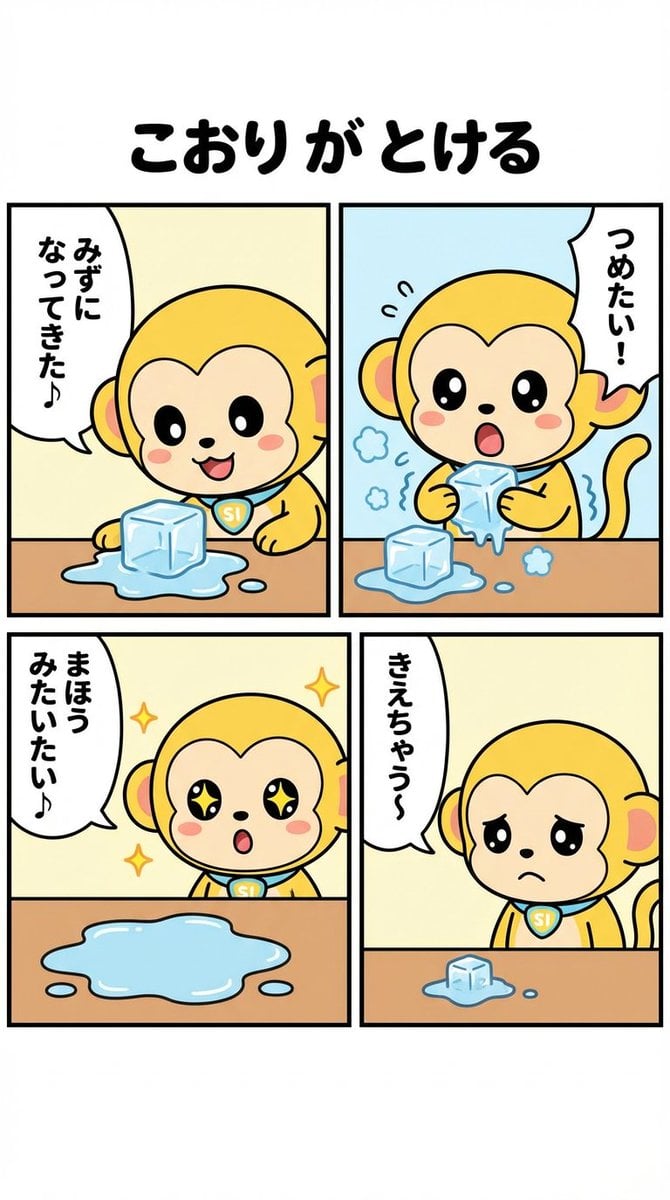
Nano-kun's Daily Life: Melting Ice Comic Strip Prompt
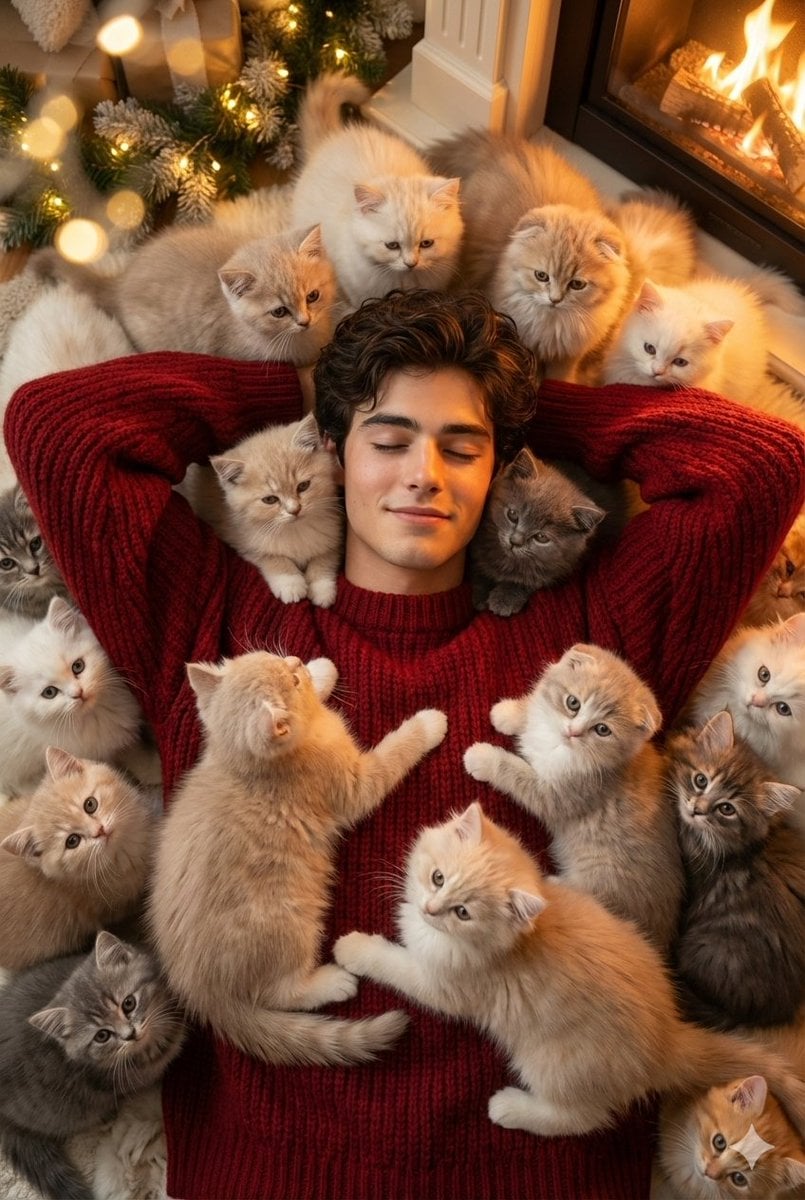
Cozy, Surreal Kitten Overload Portrait
Luxury Tokyo Hotel Bathroom Portrait Prompt
Abstract Surreal Visual Metaphor
Browse template categories
Anime Girl at Goldfish Festival Stall questions
How do I use the Anime Girl at Goldfish Festival Stall template?
Add your photo if the template asks for one, edit the prompt if you like — the template's model and format are already selected — and press Generate. Your version opens in PicX Studio.
Can I customize the Anime Girl at Goldfish Festival Stall template?
Yes. You can change the subject, setting, lighting, mood, format, and available model controls before creating your image.
Is the Anime Girl at Goldfish Festival Stall template free?
Opening and editing this template is free. Generating uses credits, shown on the Generate button when you are signed in.
Which AI model should I use?
Start with GPT Image 2, which is the model associated with this template. You can compare another compatible model for a different finish.
Looking for something else? Browse all templates.

Your photo, any look
Thousands of ready templates for every top image and video model, from one credit balance.