
Medieval Altarpiece Display of Ghormeh Sabzi
A complex, multi-panel prompt designed to visualize an international dish (Ghormeh Sabzi) as a medieval altarpiece.
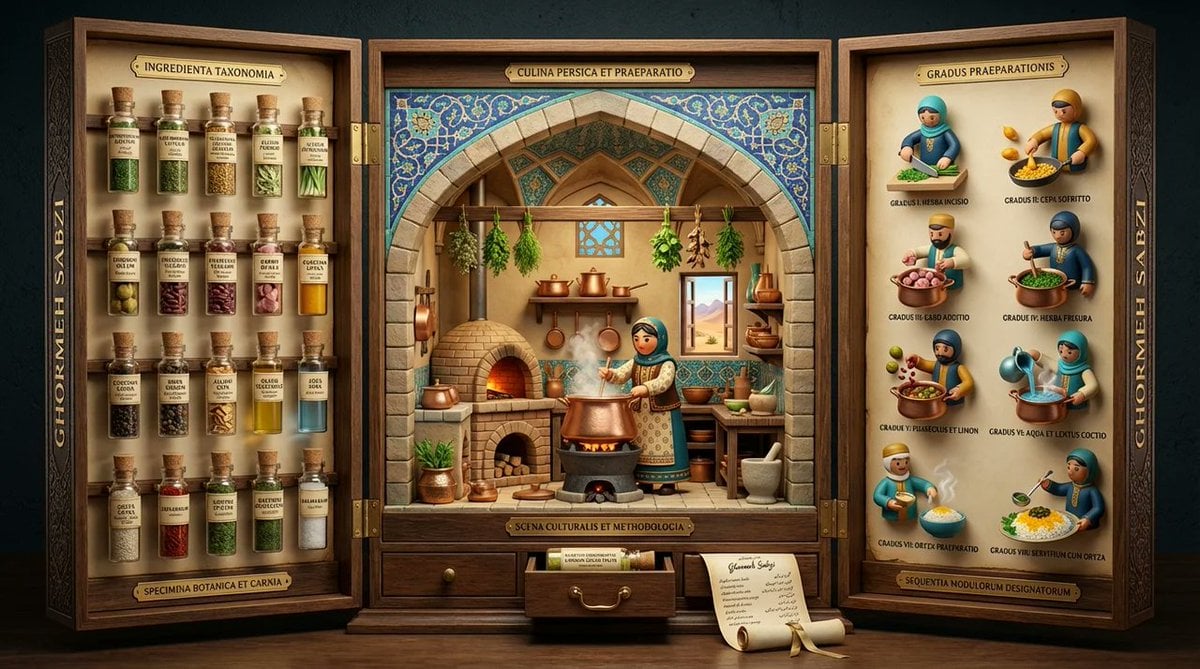
- Prompt included
- Model and format preset
- Free template
The prompt behind this image
Copy the exact prompt behind Medieval Altarpiece Display of Ghormeh Sabzi, or open it in the studio and make it yours.
<instruction> Input A is a famous dish (photo or dish name). Analyze the dish's ingredient taxonomy, preparation methodology, cultural preparation setting, and historical documentation style. Optional Input B is a style reference (3d mod designer toy luxury product packaging). Goal: Three-panel folding display (12" tall, 36" wide when open) structured like a medieval altarpiece, with each panel revealing different aspects of the dish's story through museum-quality presentation. Rules: Left panel: 15-20 ingredients mounted as specimens in tiny bottles with handwritten Latin/scientific labels Center panel: 3D pop-up kitchen diorama with cultural figure preparing dish, architectural elements from origin region Right panel: 6-8 precise preparation steps as 3D mod designer toy style Closes into protective case with magnetic closure and embossed exterior Exterior: ornate typography with dish name in gold foil Small drawer at base containing actual spice sample or "secret ingredient" Color palette drawn from traditional pottery/textiles of origin culture Include tiny rolled "scroll" with full recipe in calligraphy Output: ONE image, 16:9 showing triptych fully opened, shot straight-on, museum exhibition lighting </instruction>
How to use Medieval Altarpiece Display of Ghormeh Sabzi in 3 steps
- 1
Open
The prompt is already in the box next to the preview, with the template's model and format selected.
- 2…a portrait of your subject in softgolden-hour light, 85mm…
Personalize
Edit the subject and creative details for your destination.
- 3Generate
Generate
Press Generate — your image is created in PicX Studio, so you can compare it with the original and refine one variable at a time.
More like this
Templates with the same subject, style or setup. Open one to see its prompt.
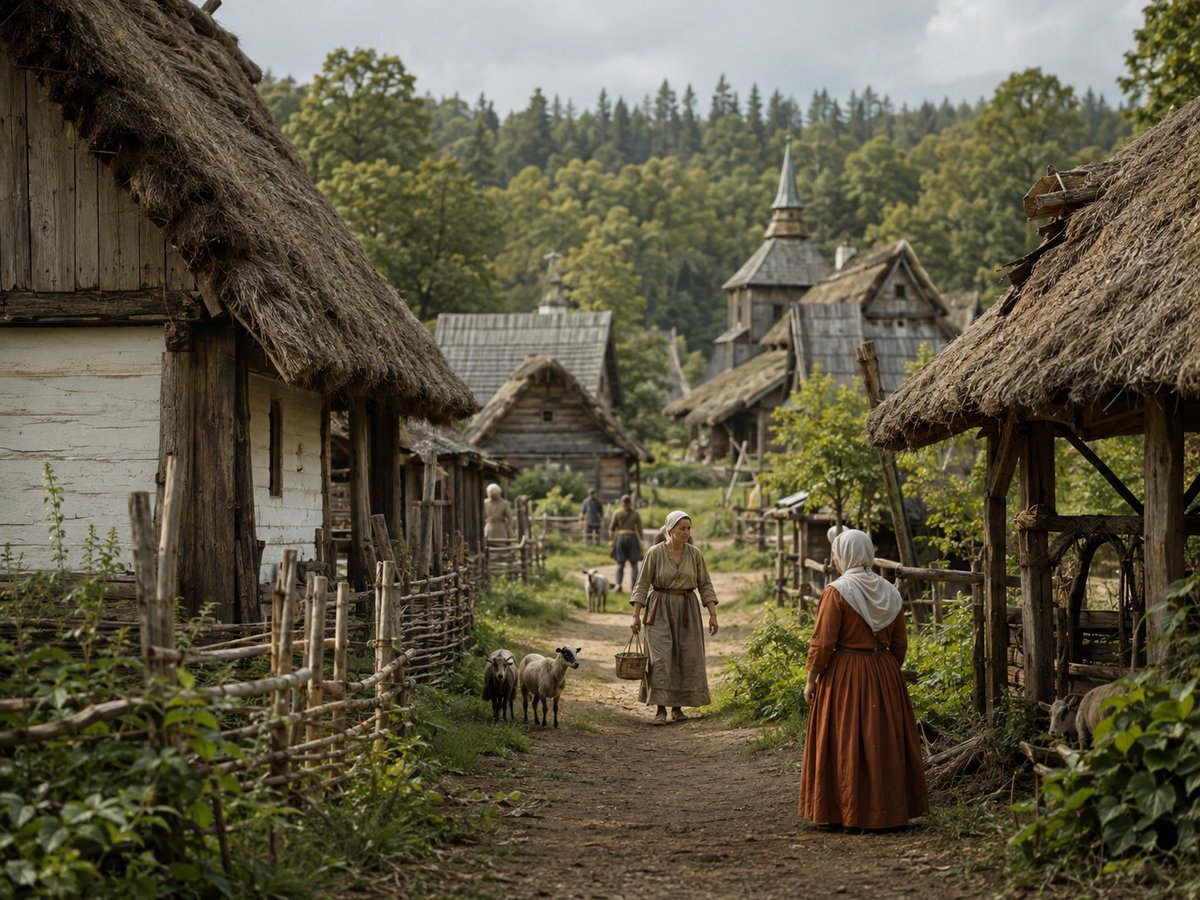
Photorealistic Medieval Village Lane
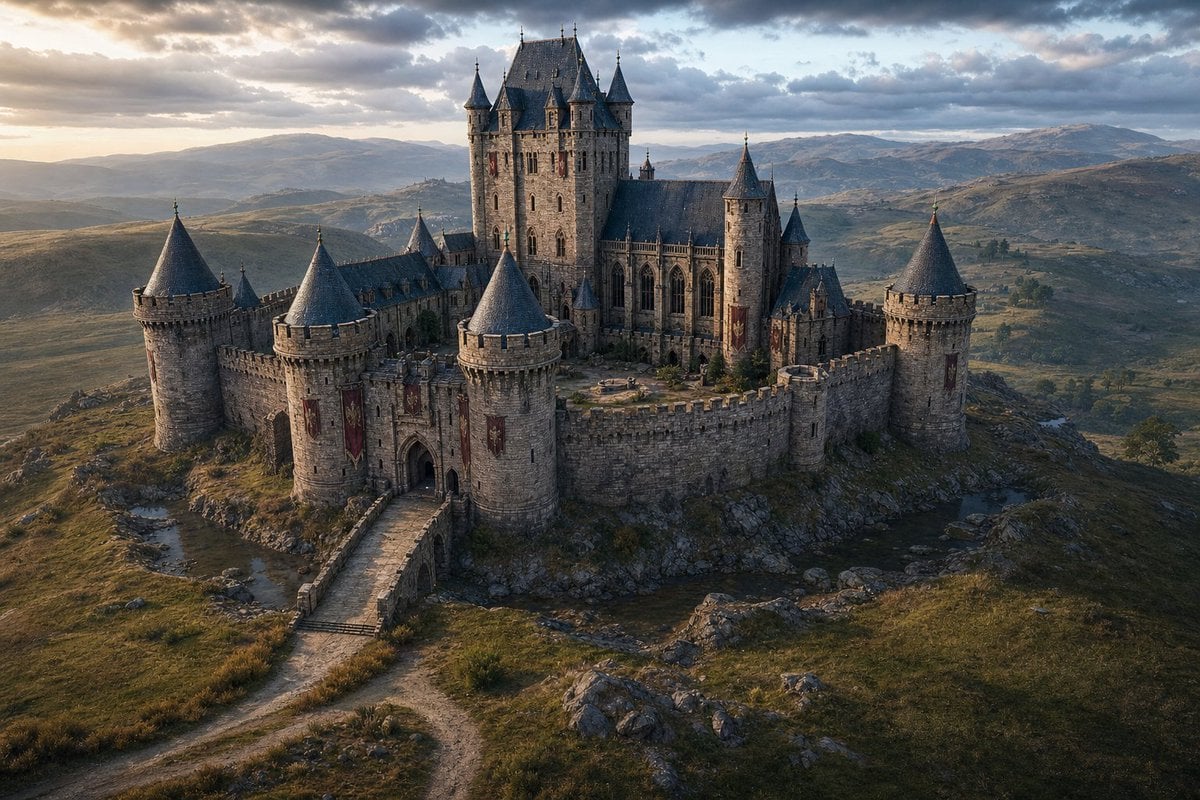
Cinematic Medieval Hilltop Castle
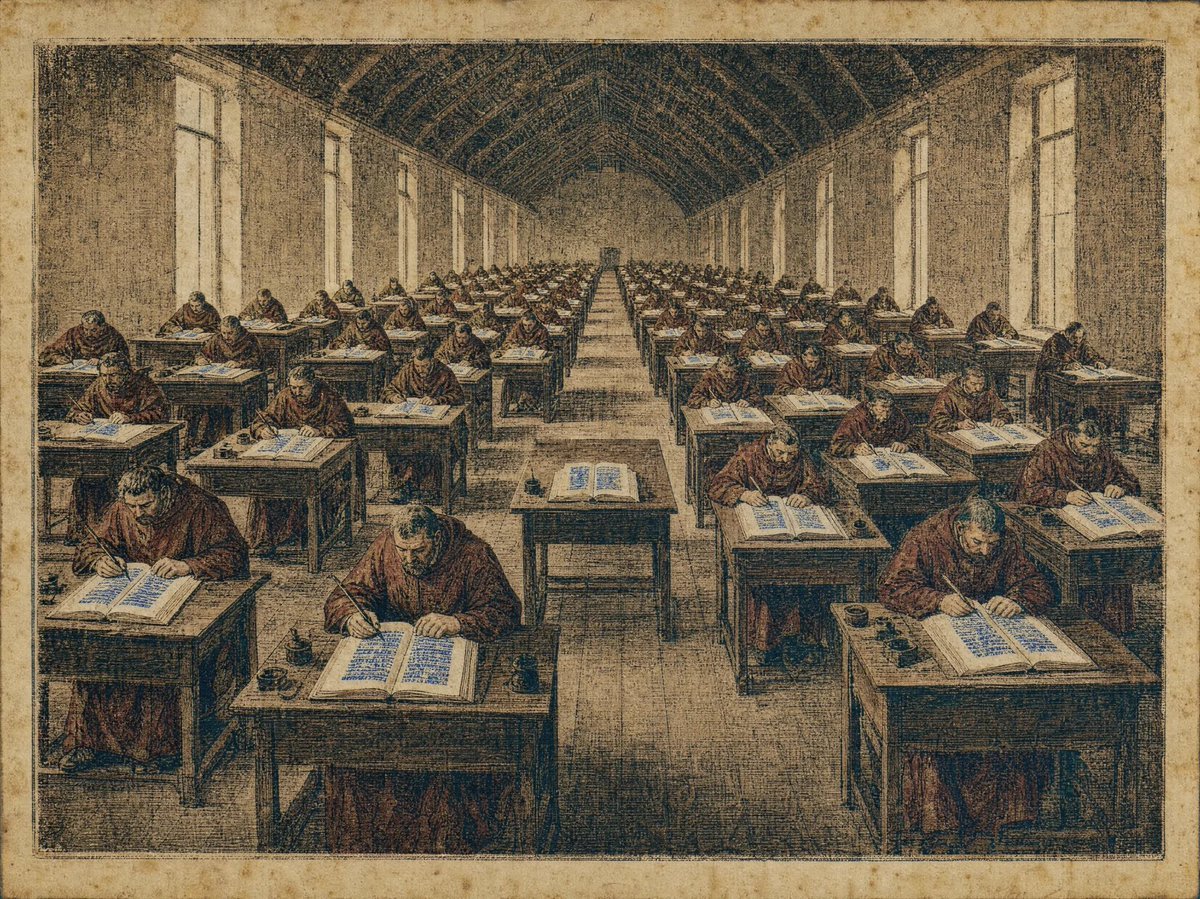
Medieval Scriptorium Hall

Satellite Map Medieval City
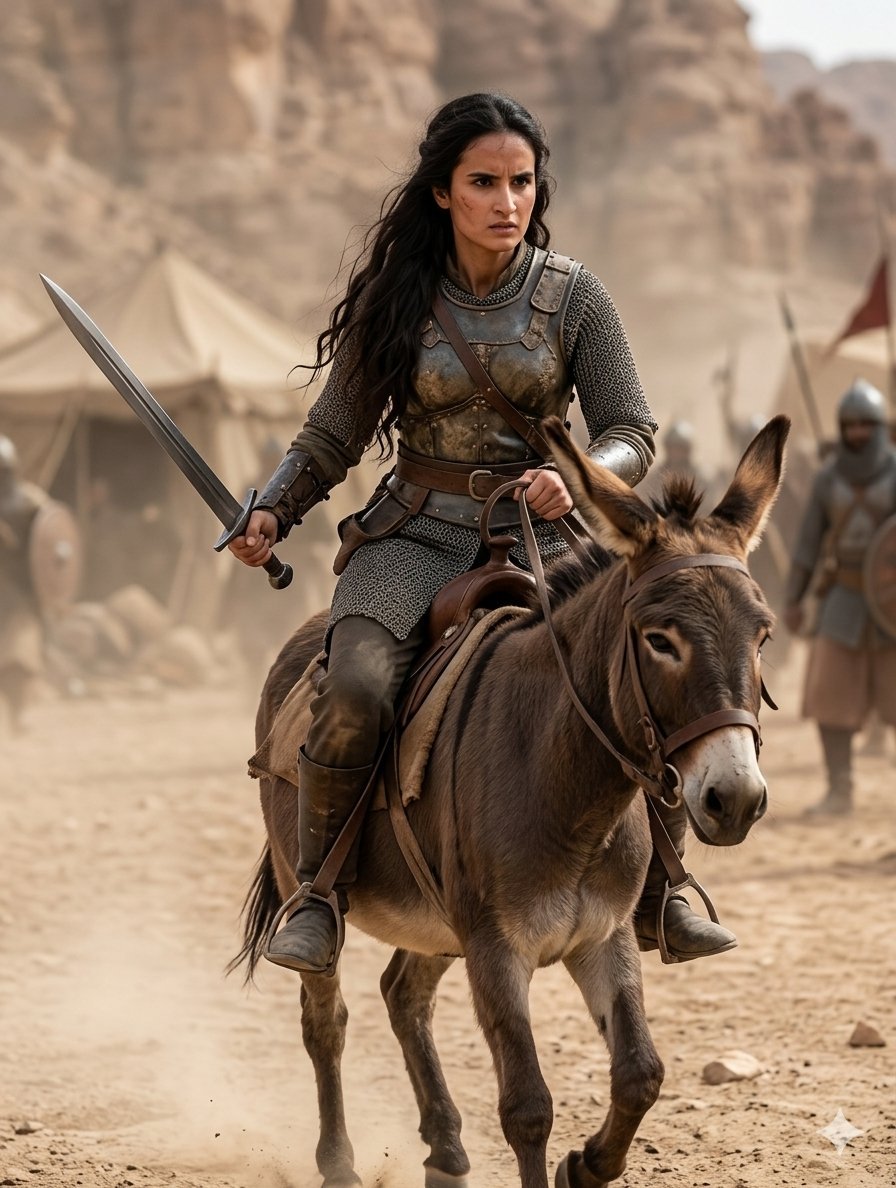
Medieval Desert Battlefield Warrior
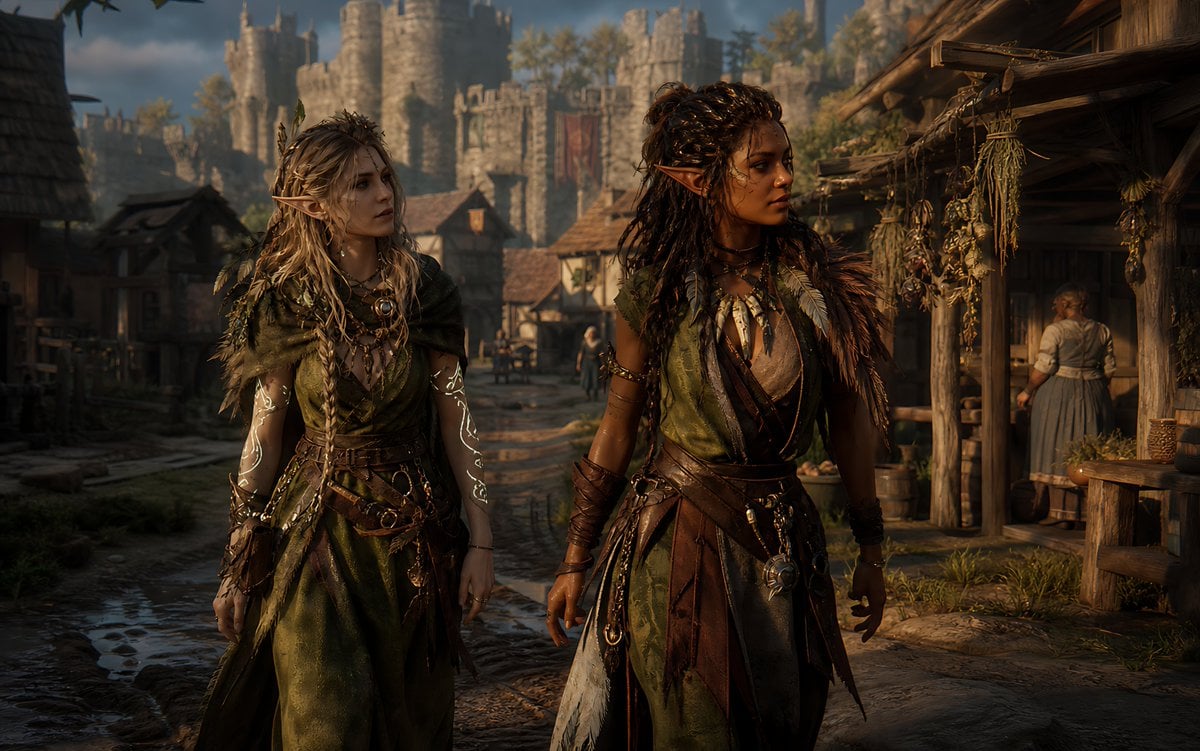
Censored Elven Adventurers in Medieval Village
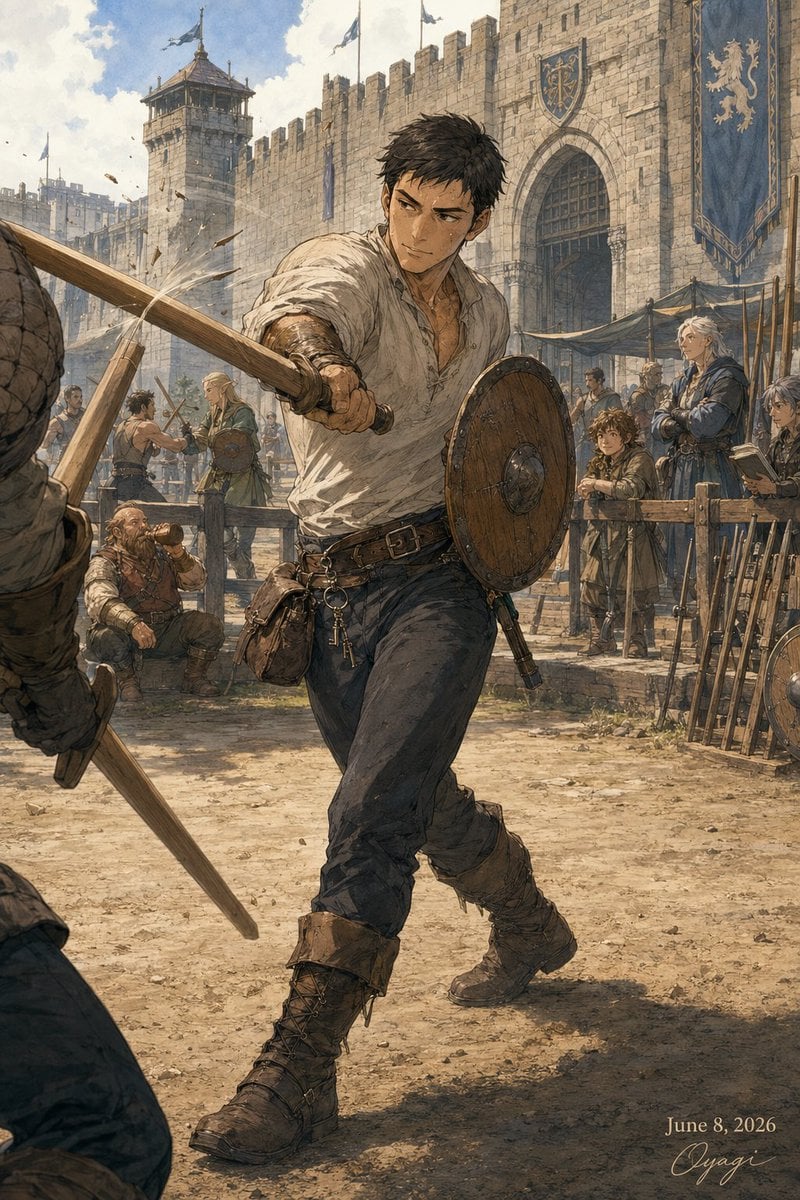
Medieval Fortress Training Yard
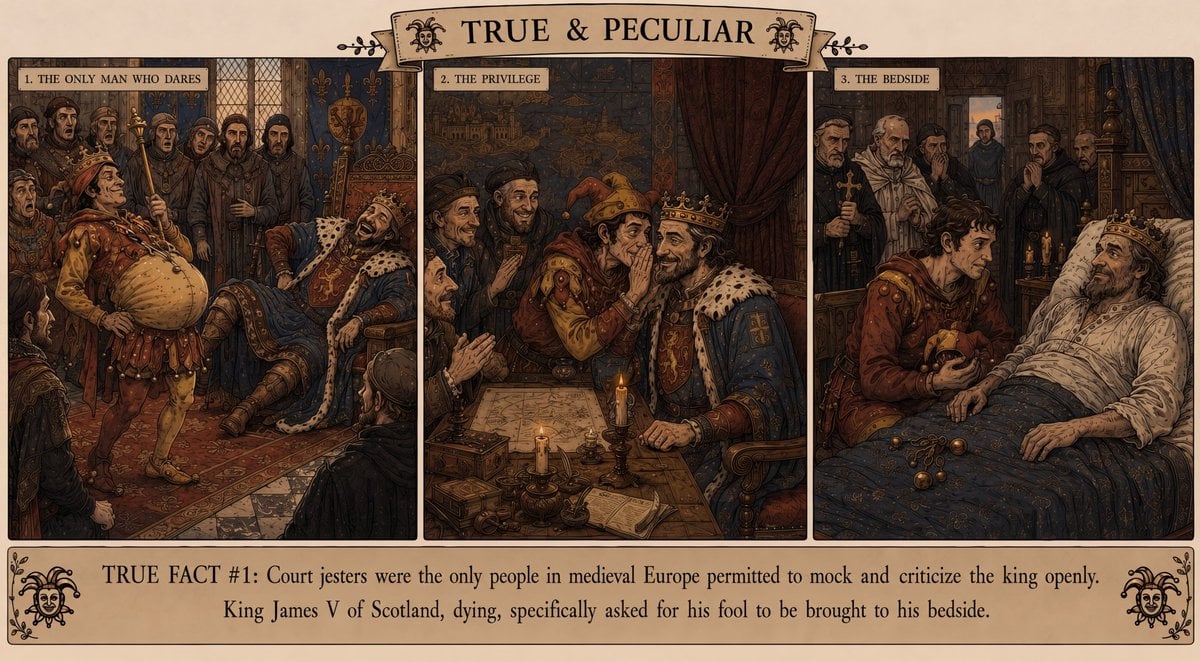
Medieval Jester Fact Triptych
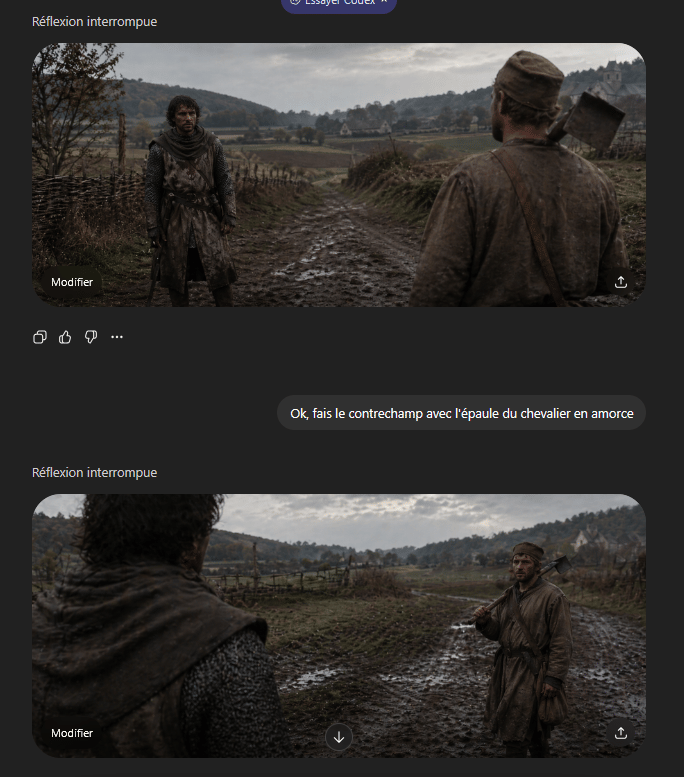
Medieval Shot Reverse Shot
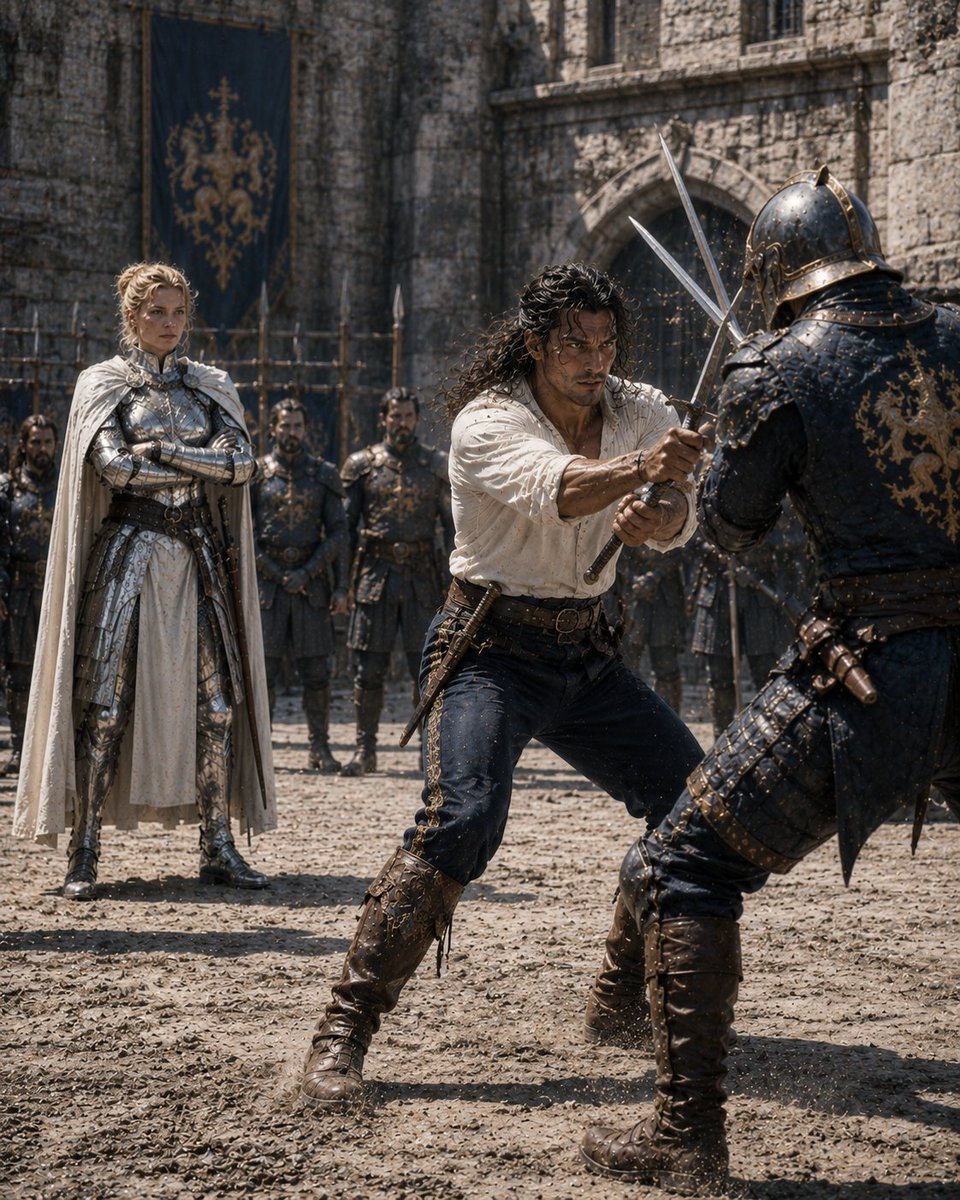
Medieval Castle Mock Duel
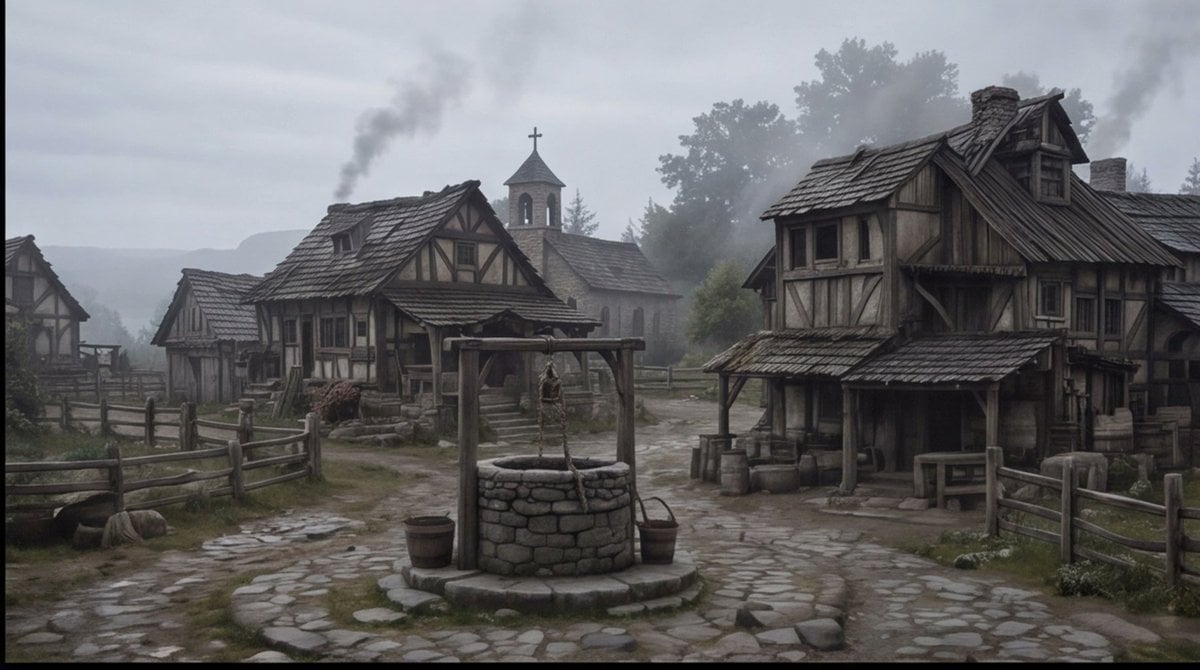
Misty Medieval Village Establishing Shot
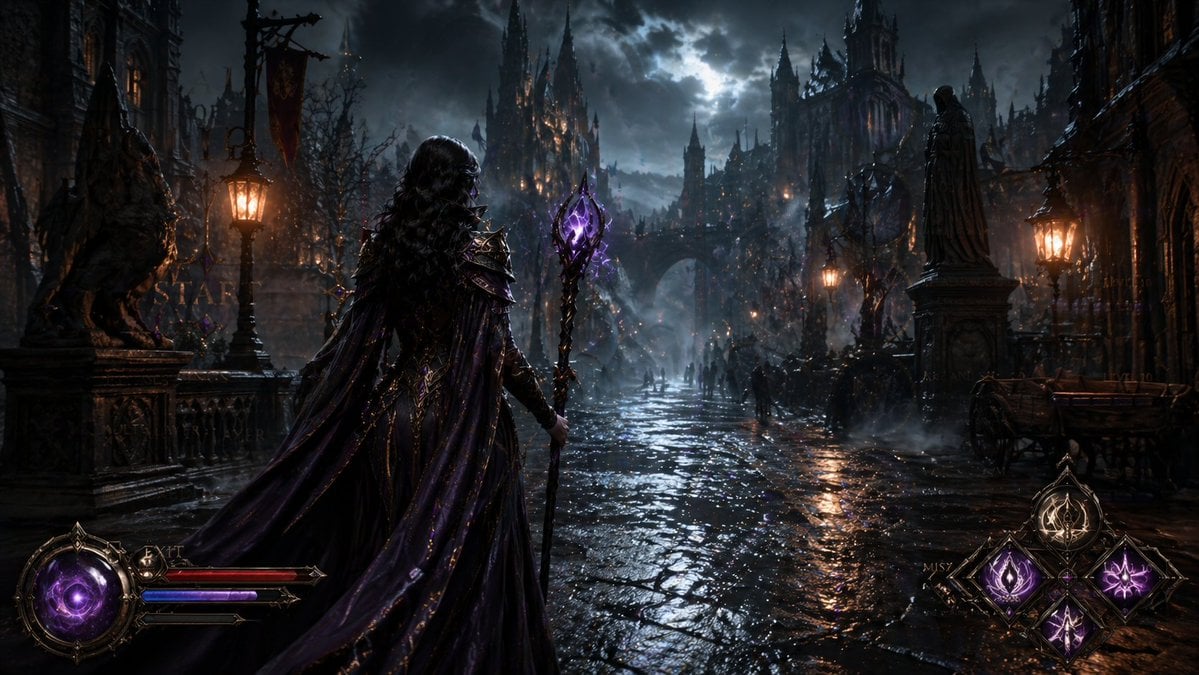
Dark Medieval Sorceress Scene
Make it yours
Medieval Altarpiece Display of Ghormeh Sabzi works as-is. These are the safest ways to change it without losing the look.
Change one field
Copy a single group, rewrite it, and generate again so you can see what that field is doing.
Keep the frame, change the subject
Hold the composition and light of Medieval Altarpiece Display of Ghormeh Sabzi, then swap wardrobe, props or the person for a new take.
| If the result… | Why | Fix |
|---|---|---|
| The result drifts from the preview | Too many fields changed at once. | Reuse Medieval Altarpiece Display of Ghormeh Sabzi as-is first, then change one group — subject, light, or setting. |
| The model over-stylizes the scene | The prose prompt leaves finish and camera underspecified. | Add one camera or lighting sentence and stay on Nano Banana 2. |
More Nano Banana 2 templates
Other prompts made for Nano Banana 2.

Photorealistic Leaf Shaped Like a Dragon

K-Pop Idol Portrait Grid for Rapid Selection

Poetic Rain Forest Portrait During Golden Hour

Urban Street Portrait with Cartoon Inner Self Duo

Candid Nighttime Photo with Cat Prompt

High-Concept 3D Diorama Generation Prompt

Cinematic Futuristic Studio Portrait Template

Skincare Editorial Photography Collage Prompt

Hyper-Realistic Commercial Product Photography (Splash Effect)

Hyper-Realistic Nightclub Portrait Prompt
More image prompts
Fresh picks from across the catalog.
Golden Hour Café Portrait
Lumina Mecha Figure Product Shot
Isometric Fantasy RPG Market Bug Scene
Meme Rewriting Prompt: Friendship Ended

X Fujimoto Hina Create with Nano Banana Pro on Gemini App
Top-Down Selfie in Empty Indoor Pool
Royal Pink Glam Mirror Selfie Prompt
UGC-Style Candid Portrait Edit Prompt
Romantic 3D CG Yuri Illustration
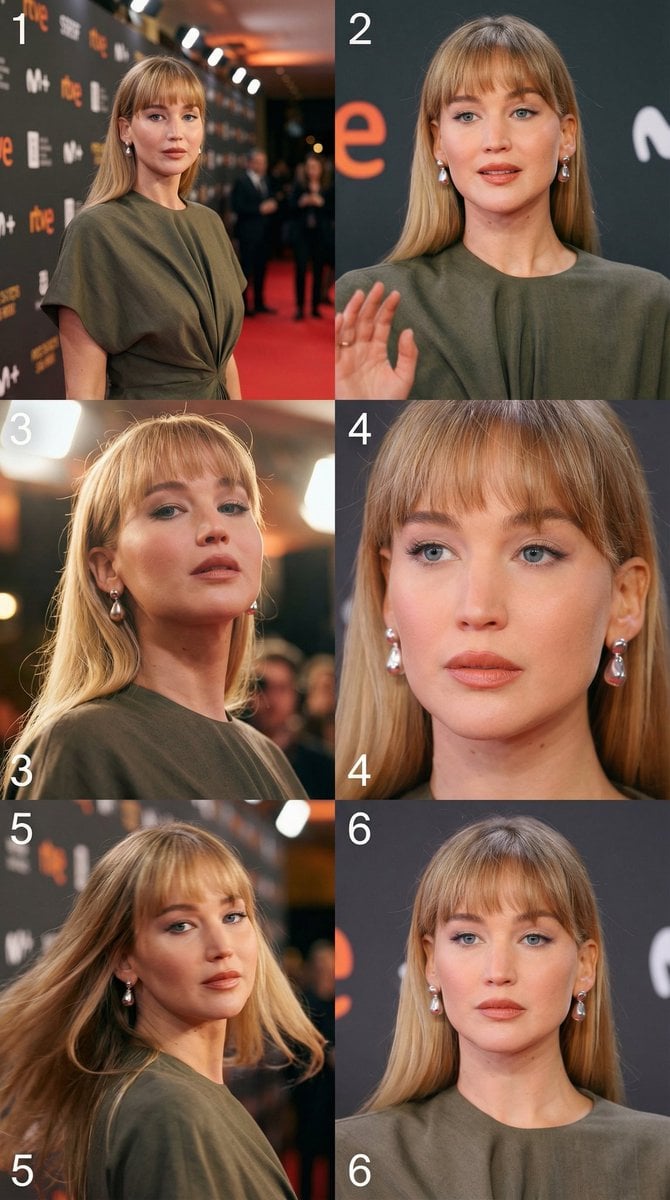
Cinematic 3x2 storyboard grid from a single image reference
Browse template categories
Medieval Altarpiece Display of Ghormeh Sabzi questions
How do I use the Medieval Altarpiece Display of Ghormeh Sabzi template?
Add your photo if the template asks for one, edit the prompt if you like — the template's model and format are already selected — and press Generate. Your version opens in PicX Studio.
Can I customize the Medieval Altarpiece Display of Ghormeh Sabzi template?
Yes. You can change the subject, setting, lighting, mood, format, and available model controls before creating your image.
Is the Medieval Altarpiece Display of Ghormeh Sabzi template free?
Opening and editing this template is free. Generating uses credits, shown on the Generate button when you are signed in.
Which AI model should I use?
Start with Nano Banana 2, which is the model associated with this template. You can compare another compatible model for a different finish.
Looking for something else? Browse all templates.

Your photo, any look
Thousands of ready templates for every top image and video model, from one credit balance.